
Vossi Bop
Vossi Bop becomes a vertical dance clip when you upload a clear photo, select the Dance scene, and ask for smooth hip-hop movement with a final pose. The generator keeps every face, hairstyle, skin tone, body, and the original number of people recognizable while placing the action in a neon-lit studio.
One clear photo: a solo shot or the two of you. Faces visible, no heavy filters
Tip: drag a photo onto its box, or click the box to pick one.
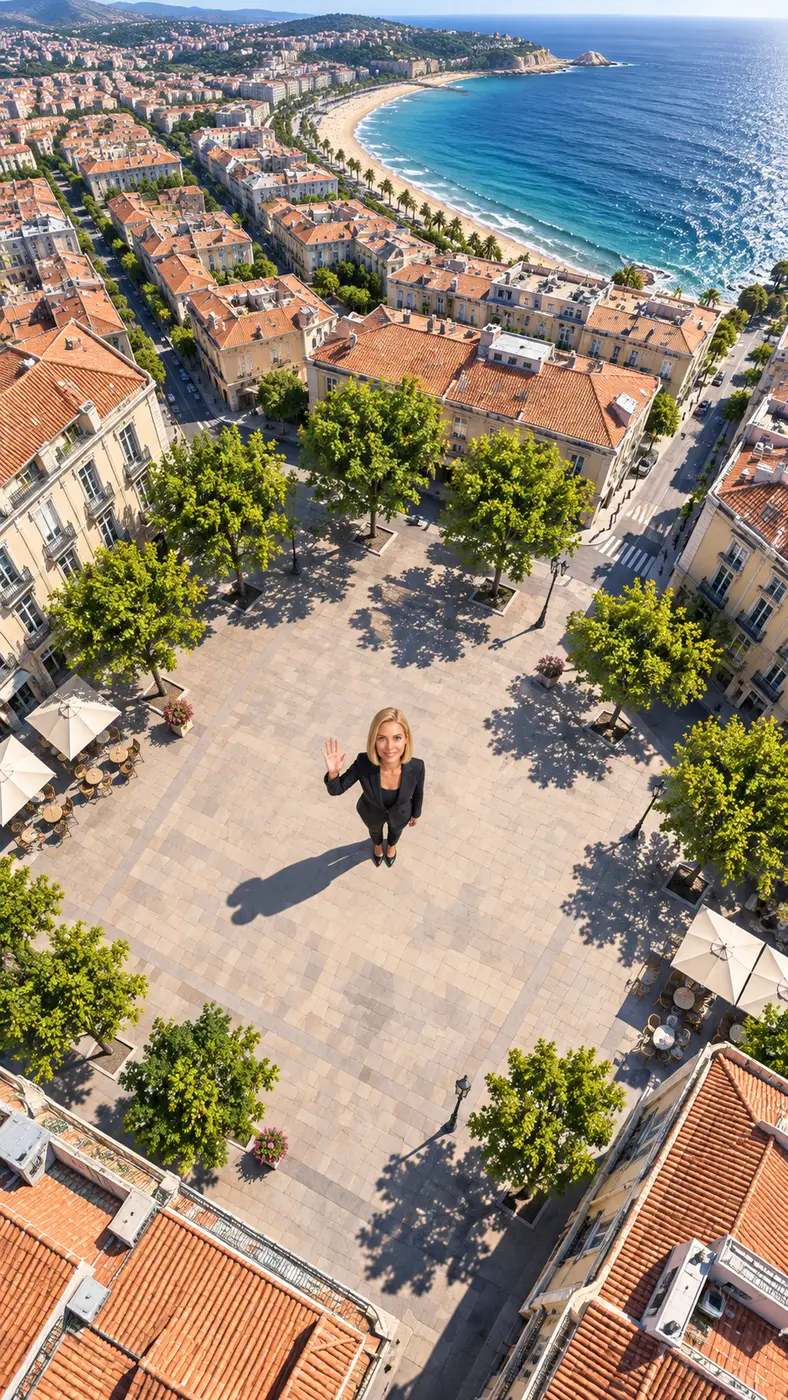
Earth zoom out · You wave from a plaza and the camera rises all the way to space.
This video: 29 credits · Credits come back if it fails
AI video effect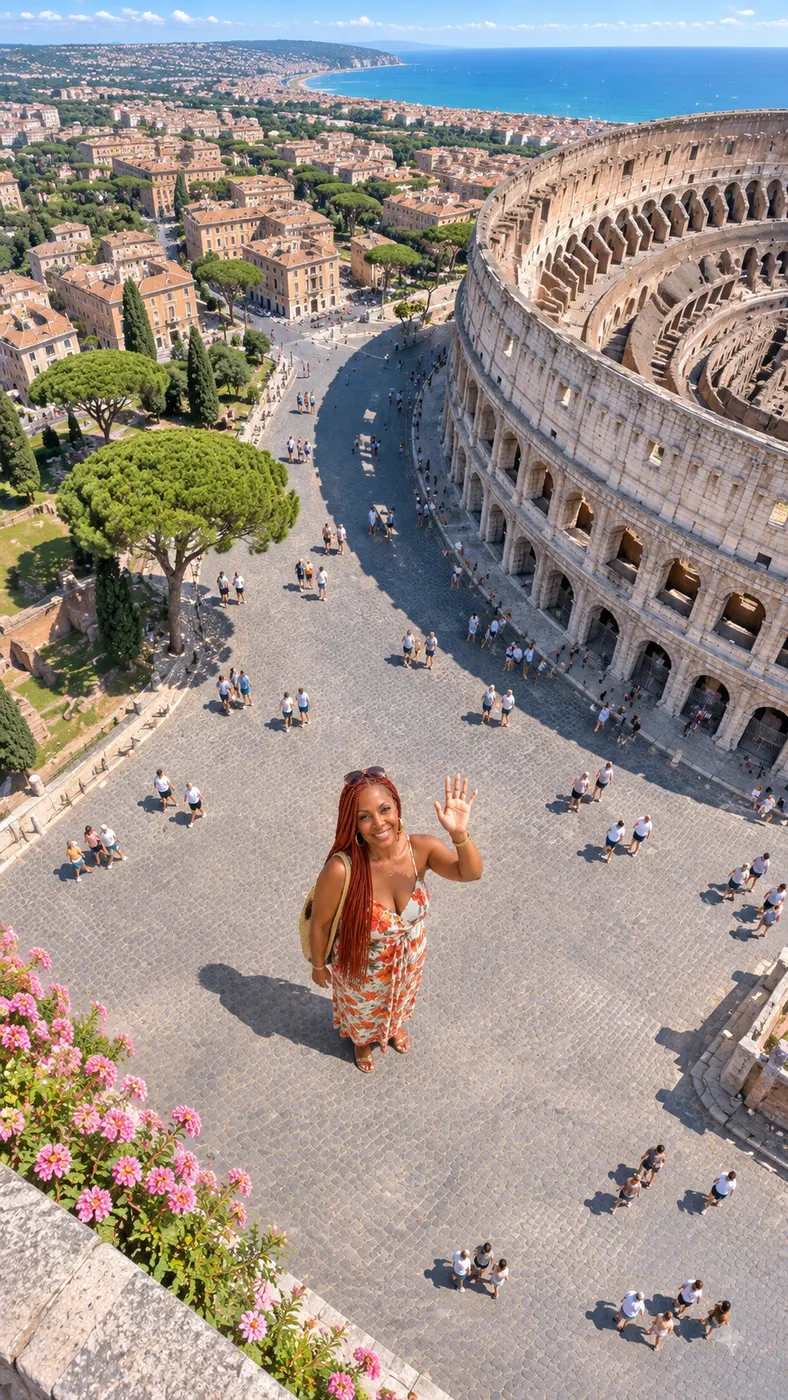
Vossi Bop Dance Video Examples
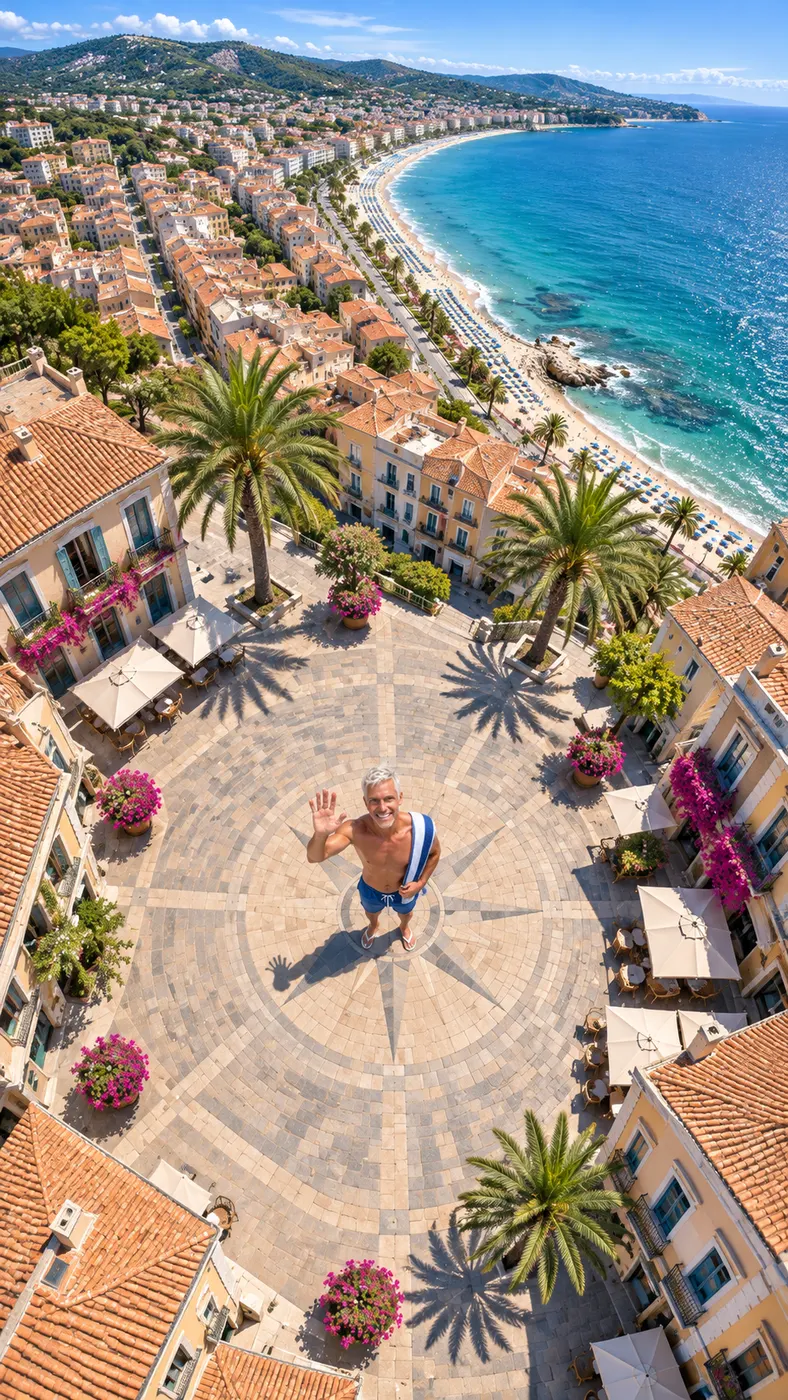
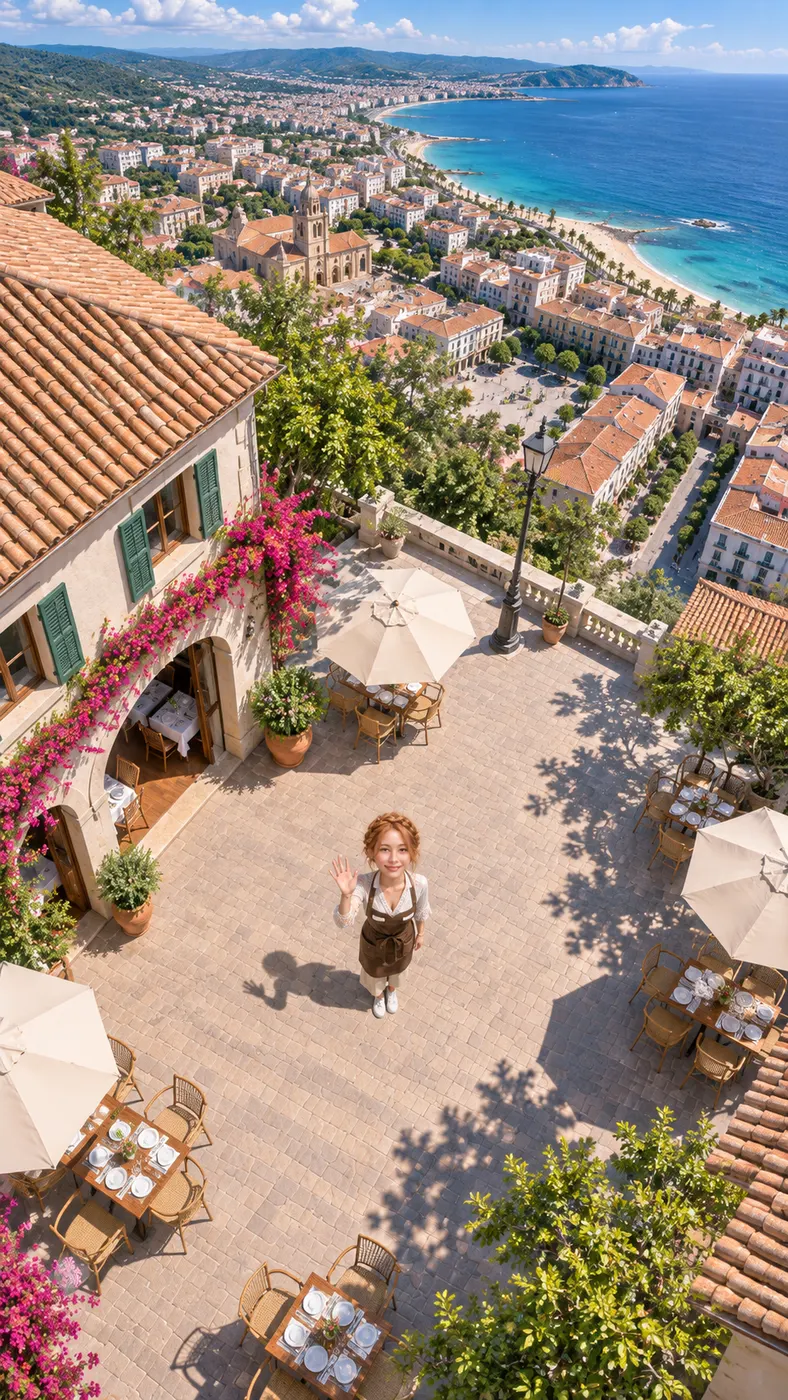
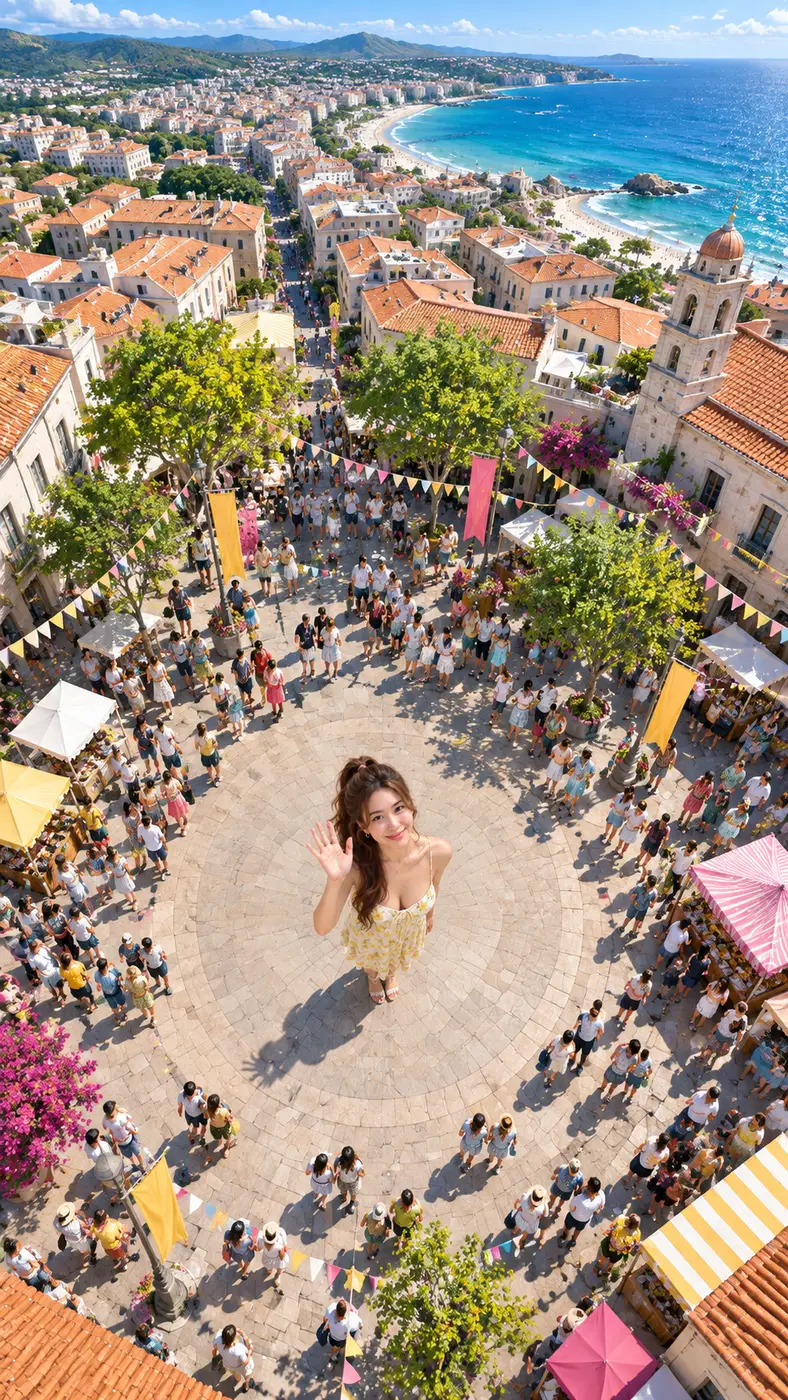
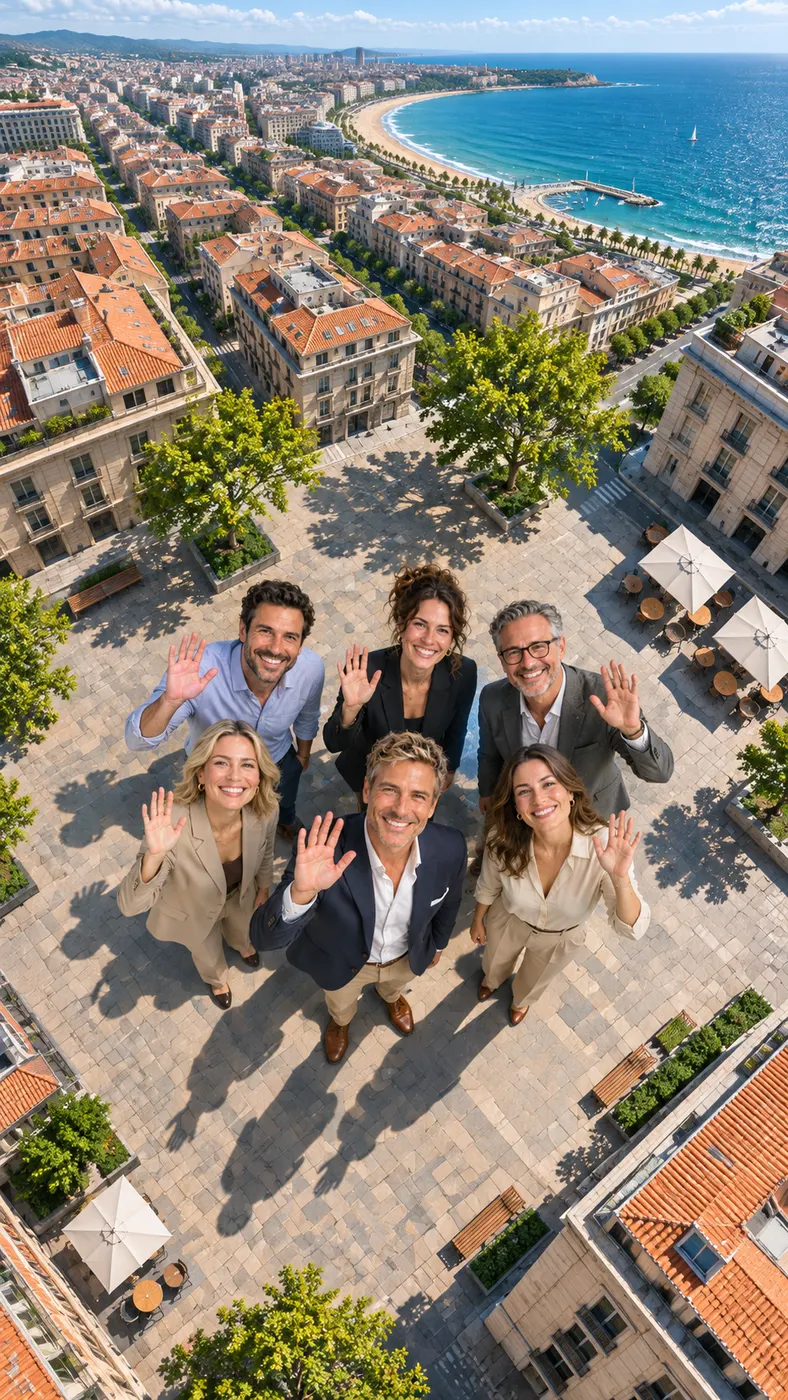
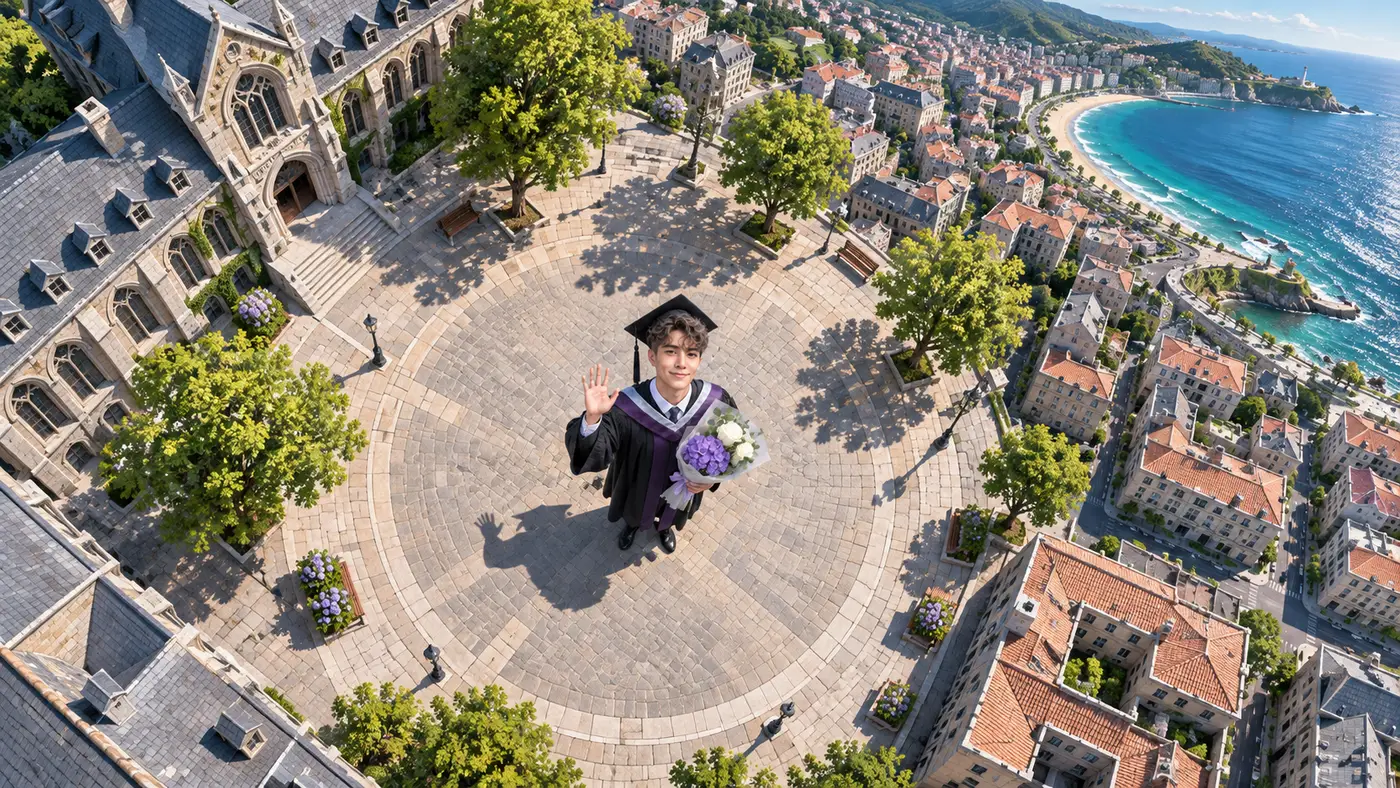
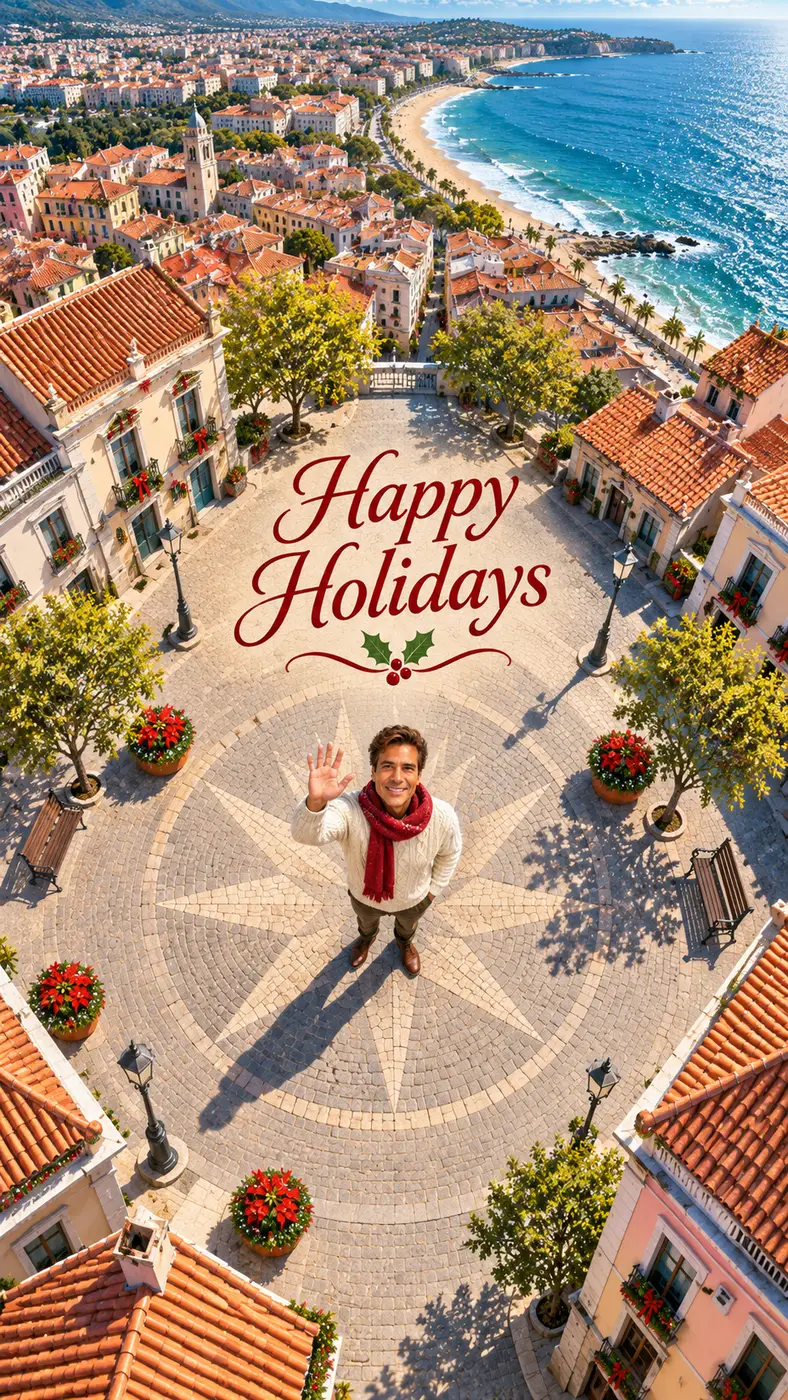
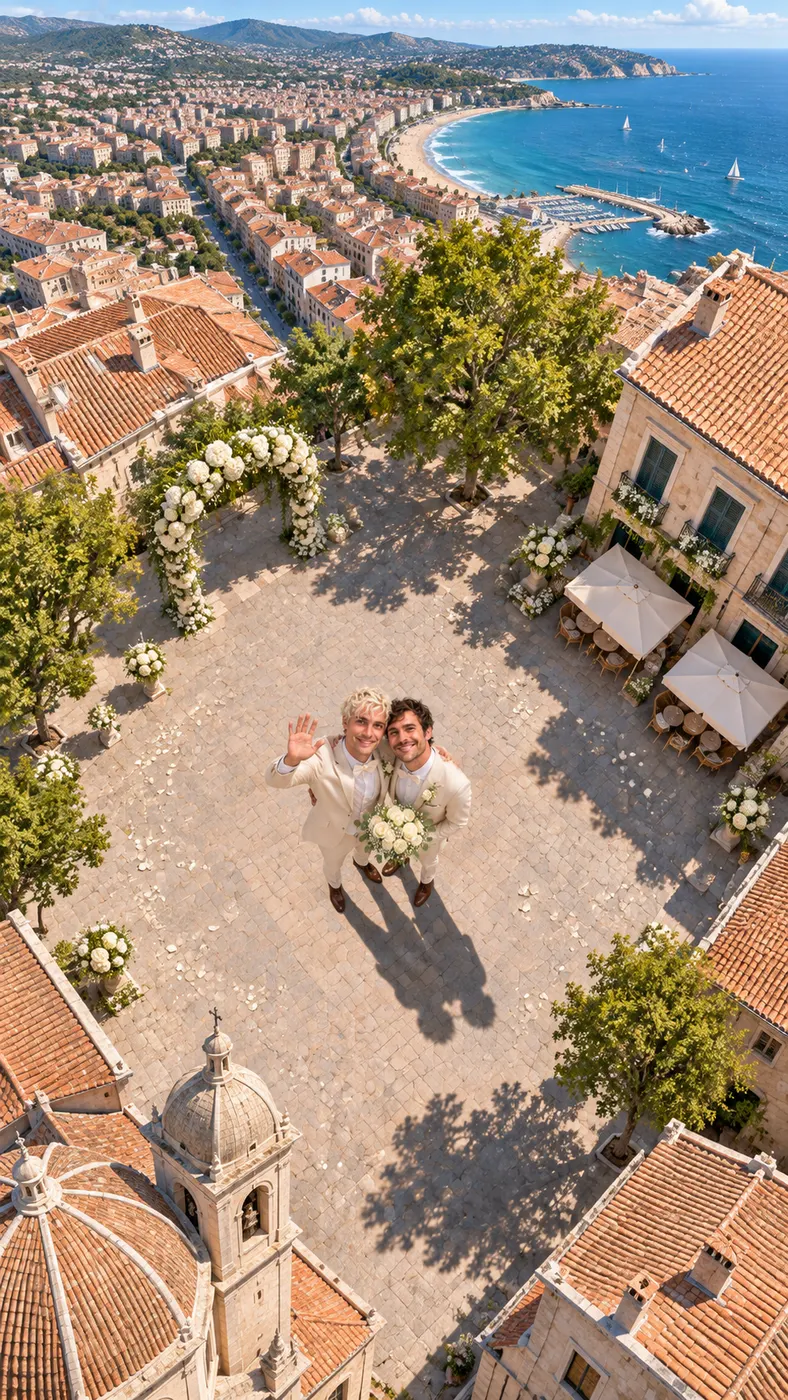
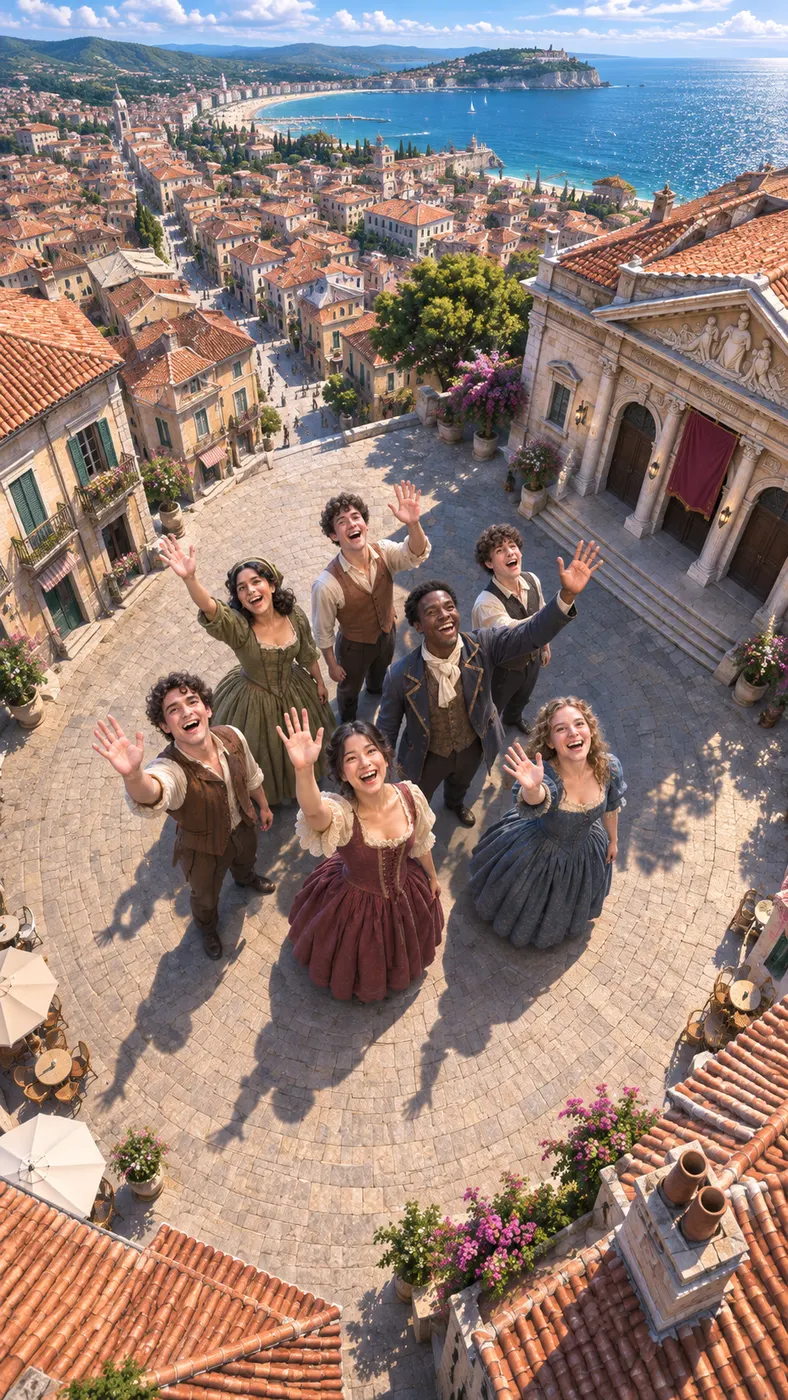
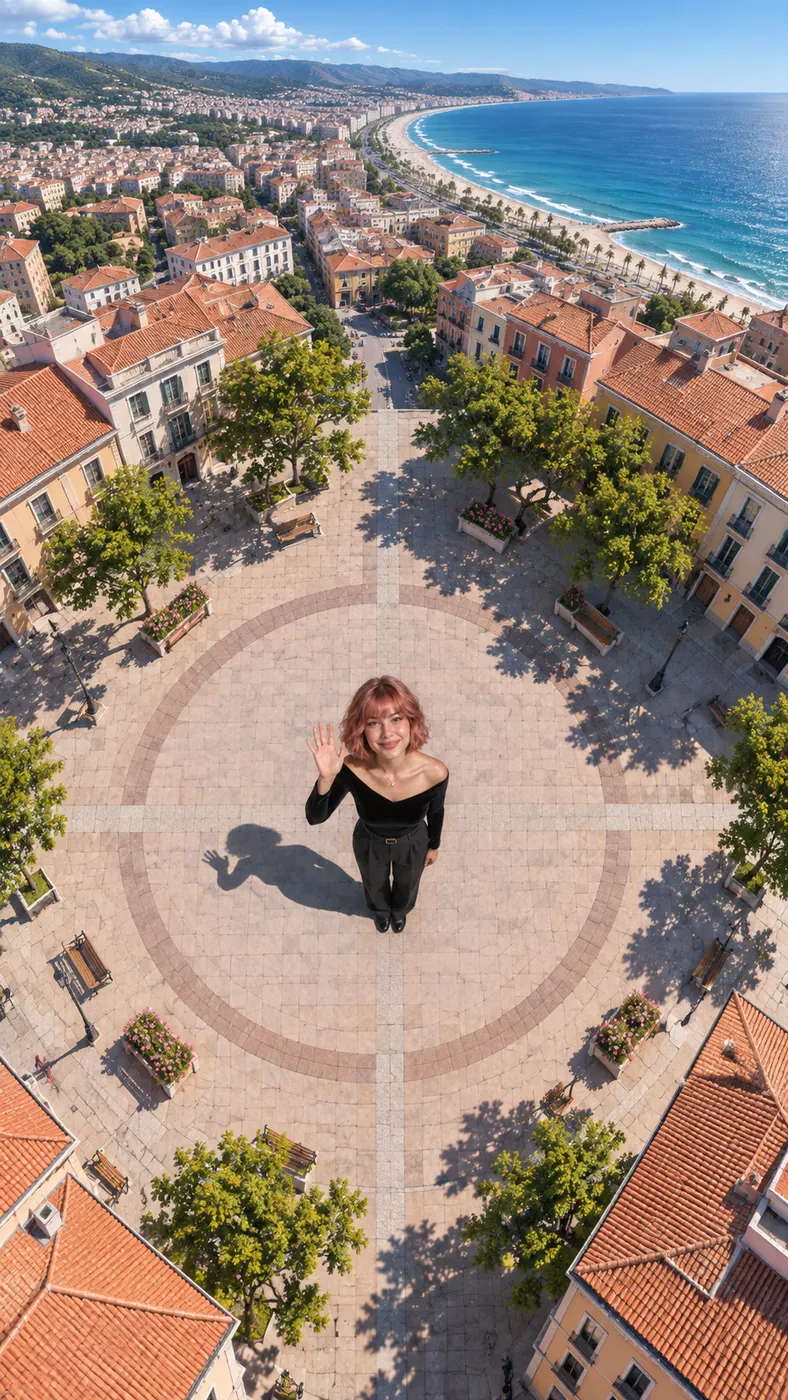
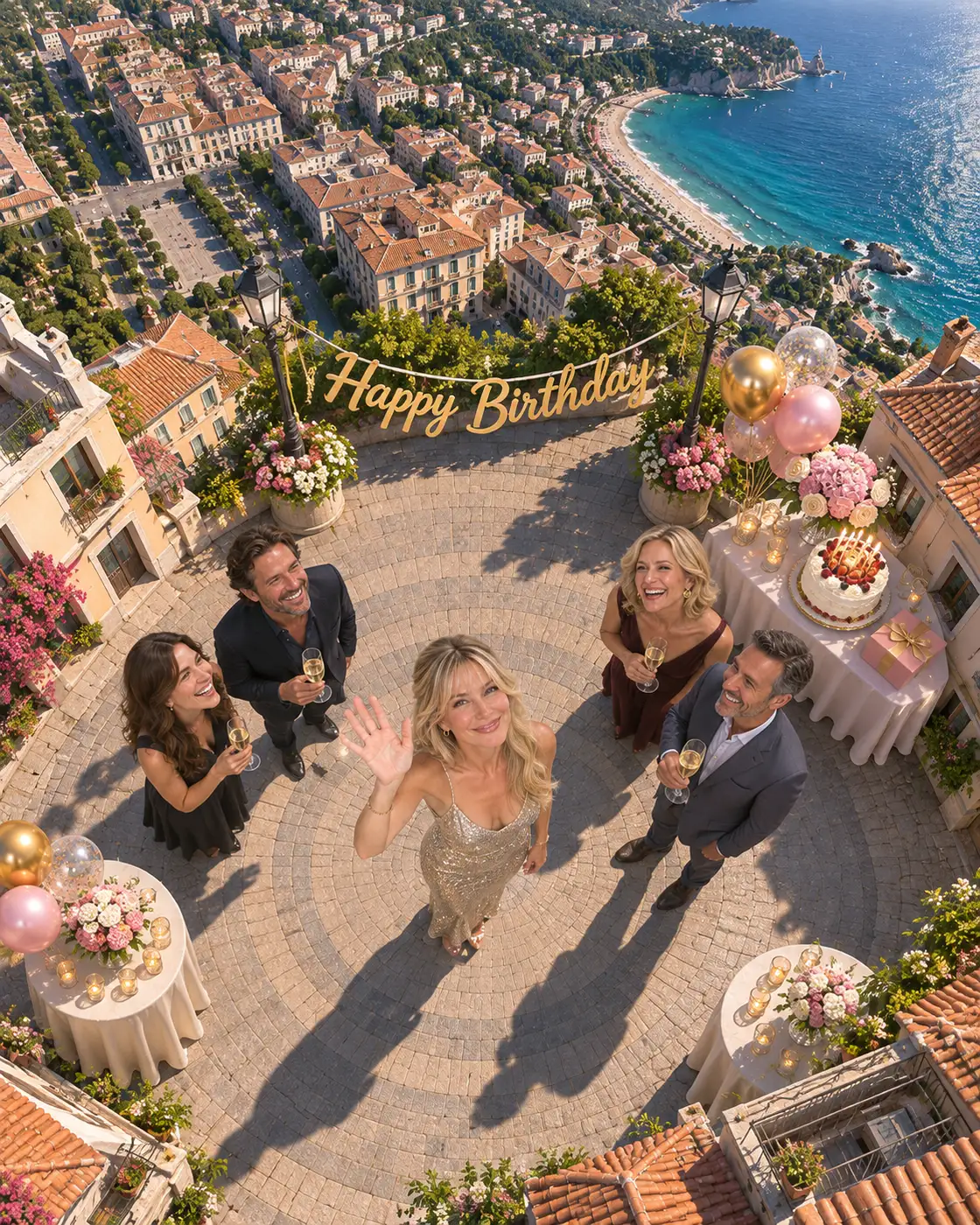
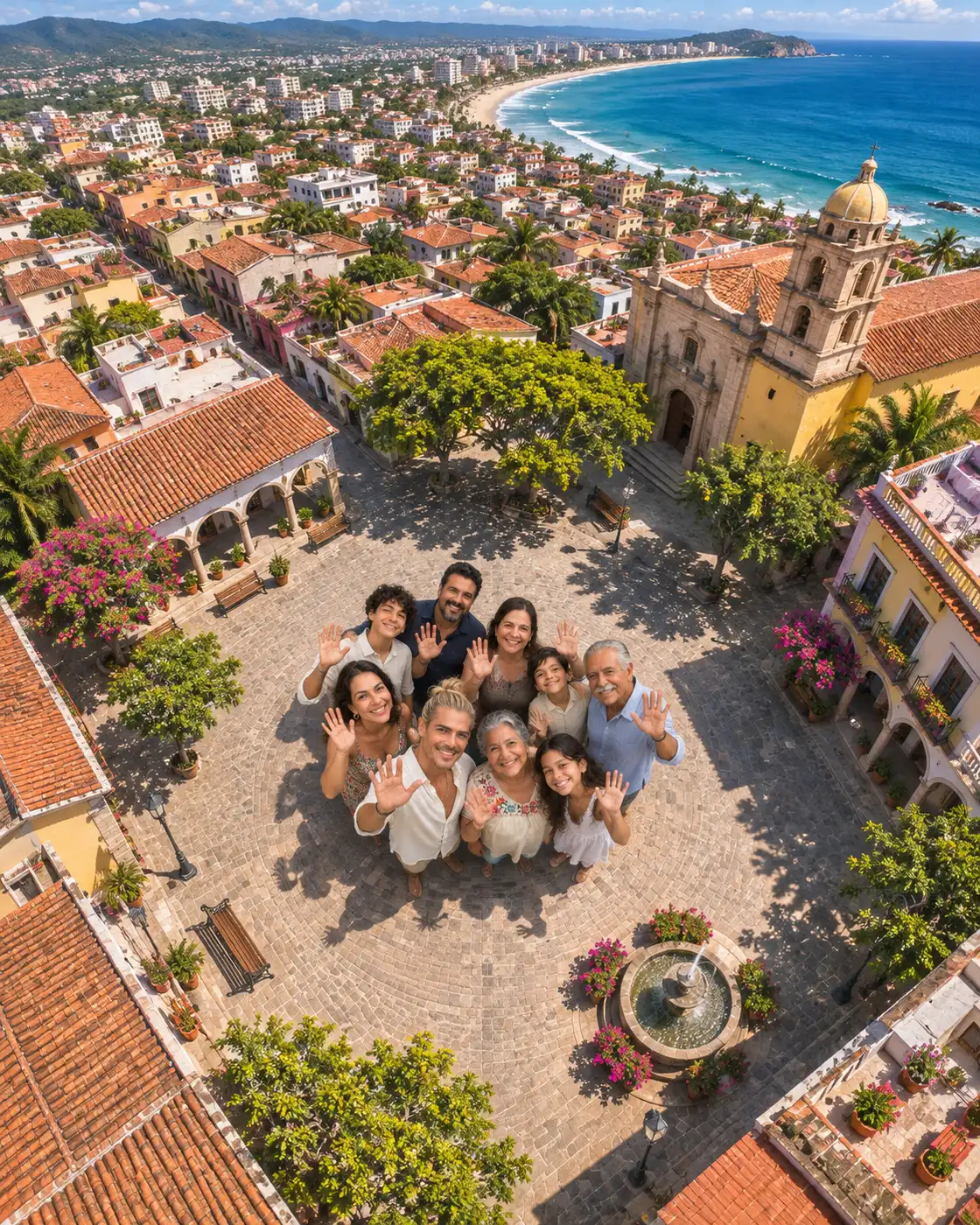
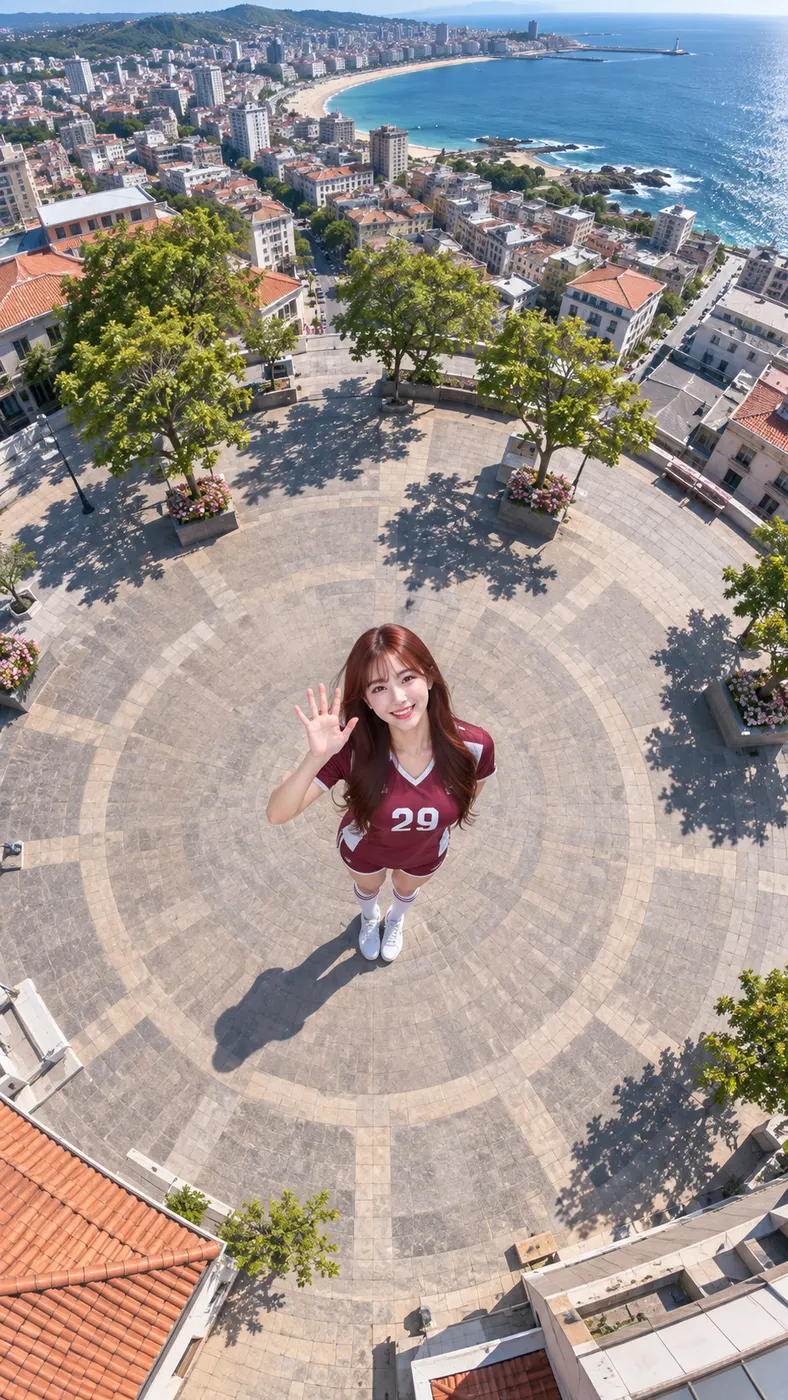
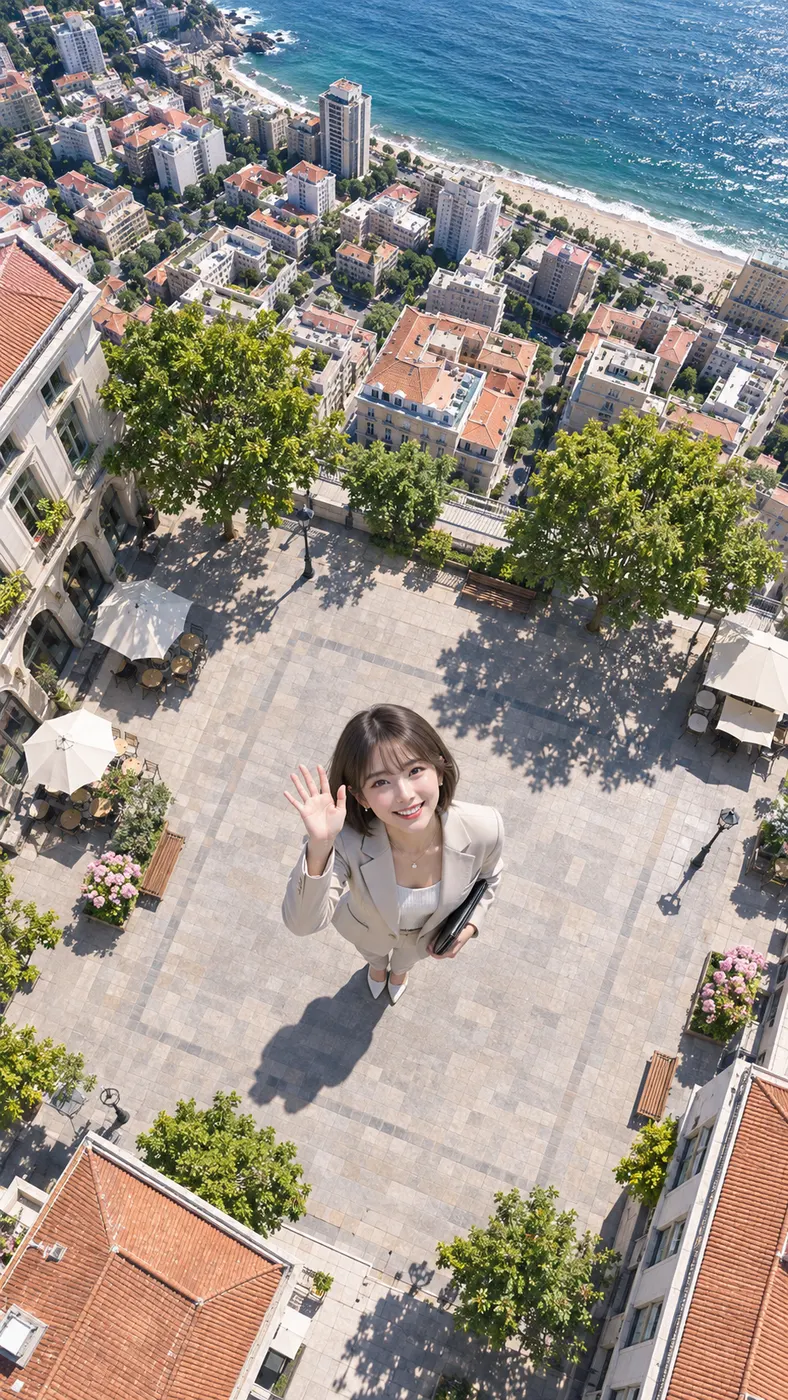
These Vossi Bop examples show the overhead city-plaza reveal used for the gallery: rooftops, blocks, coastline, and a small figure waving toward the rising camera. Turn your photo into a clip now by choosing the Dance scene and adding a short direction for the movement. The best source photo tips help you choose a clear frame, while another dance video option gives you a different starting point. For the broader workflow, follow the step-by-step guide.



How to Make a Vossi Bop Dance Clip
- 01
Upload a clear photo
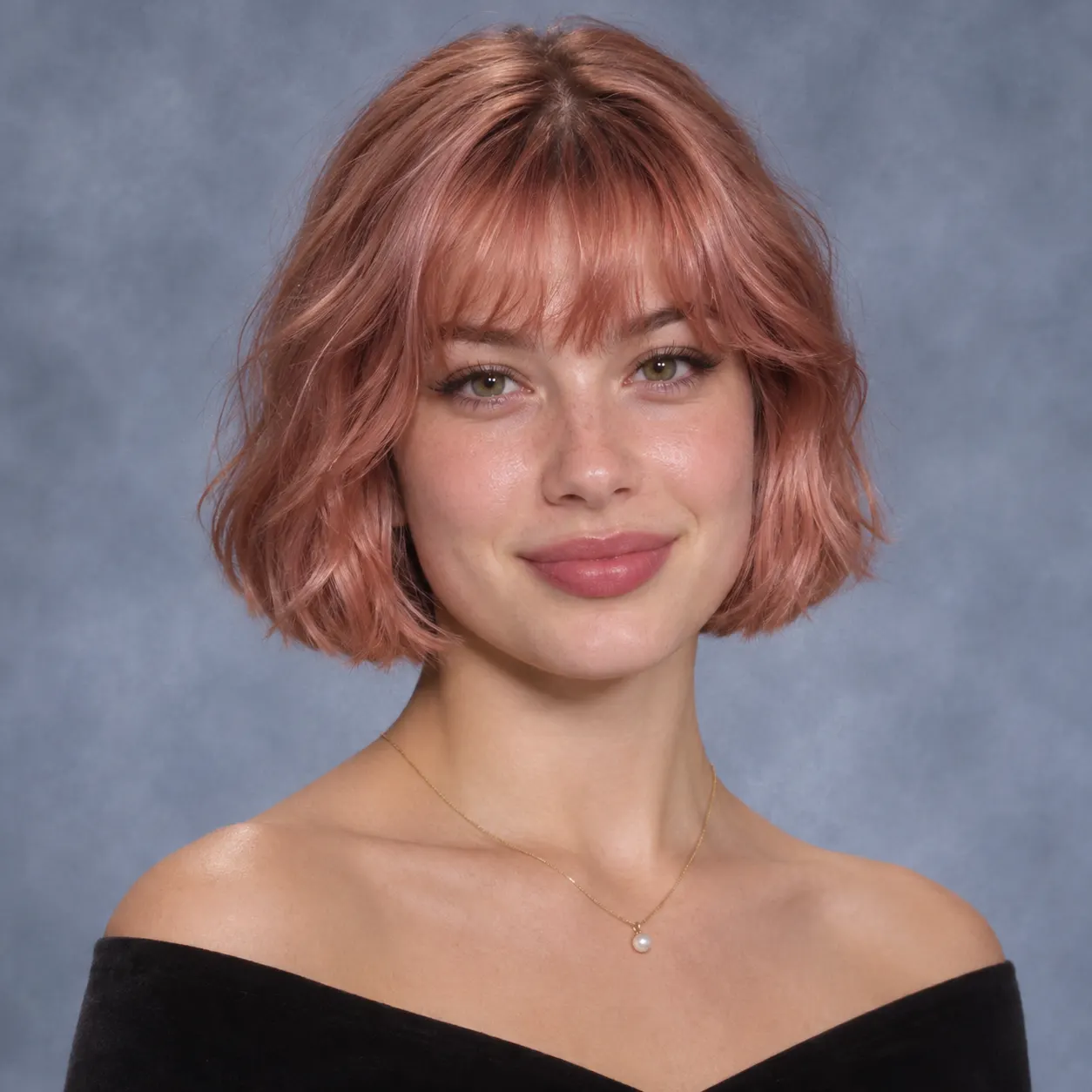
Start with the image that should anchor the clip. For a Vossi Bop result, use one clear photo with visible faces and no heavy filters; the input accepts a solo shot or a photo of two people. The generator uses the uploaded image as the subject reference, so the face, hairstyle, skin tone, body, and original number of people can remain recognizable as movement is added.
- 02
Choose Dance and add direction
Choose the Dance scene, then use the optional direction field to describe the performance. A Vossi Bop preview works best when the request names the intended energy, such as smooth hip-hop moves, a spin, and a final pose. You can also add a clothing or setting detail, but keep the instruction focused so the main subject remains easy to recognize in the neon-lit studio.
- 03
Review the preview and unlock the clip
After the generation finishes, review the preview before continuing. When the Vossi Bop clip has the movement and identity you want, unlock the complete render with the displayed credit requirement. Generation timing can vary with the current queue, so wait for the page to finish processing before judging the result or changing the optional direction.
What You Can Do With This Dance Generator
Keep the person recognizable
The uploaded image serves as the visual reference for Vossi Bop. The generator prompt preserves faces, hairstyles, skin tones, bodies, and the original number of people while adding movement, so the result remains connected to the source photo rather than introducing an unrelated subject.
Shape the neon studio performance
In the neon-lit studio, the Dance scene places Vossi Bop movement around smooth hip-hop motion, a spin, and a final pose. The optional direction field lets you add a concise instruction such as a clothing detail or another visual preference.
Start with a suitable photo
A clear photo gives the generator the information it needs for a recognizable Vossi Bop result. Upload a solo shot or a photo of two people, keep faces visible, and avoid heavy filters. The input is designed for one image, so choose the frame that best shows the person you want to see move.
Create a vertical clip for sharing
For sharing, Vossi Bop produces a vertical short video that fits the kind of format people commonly share on TikTok, Reels, or Shorts. You can use the Dance scene for the main movement and add a short direction when you want the performance to feel more personal.
See the render requirements clearly
Before you commit to the complete render, the Vossi Bop generator shows the credit requirement. The configured output is a 15-second clip at 480p, and the displayed credit amount is 29. This page is a creative interpretation, not an official source or performer endorsement.
Vossi Bop Dance Clip FAQ
What happens in the Vossi Bop dance scene?
Vossi Bop is represented here as a short, energetic dance performance built from one clear photo. Choose the Dance scene and the generator places the subject in a neon-lit studio with smooth hip-hop movement, a spin, and a final pose. Faces, hairstyles, skin tones, bodies, and the original number of people are preserved by the scene prompt.
Can I make this dance clip without paying?
No free run is promised for this page. The configured free-run value is 0, and a complete render uses 29 credits. You can review the generated result before deciding whether to unlock the full clip, with the applicable requirement shown by the generator.
How long does this clip take to generate?
A completed Vossi Bop file is 15 seconds long, while the configured preview length is 5 seconds. The time needed to generate it is not fixed because the current queue can change. Wait until the page finishes processing, then review the preview and decide whether to continue.
What photo should I upload for this dance clip?
Use one clear photo with visible faces and no heavy filters. The input accepts a solo shot or a photo of two people. A Vossi Bop result is easier to recognize when the main subject is clearly visible, because the generator uses the uploaded image to preserve the face, hairstyle, skin tone, body, and number of people.
Can I use a friend’s photo, and is this an official video?
You can use a friend’s photo when you have permission to use it. The Vossi Bop result is an AI-created interpretation of a dance style, not an official performance, endorsement, or source video. The uploaded photo remains the reference for the people shown, and the generator does not add another person to the scene.
Make Your Dance Clip
Bring your own clear photo to the generator above and make a Vossi Bop dance clip in the Dance scene. Add a focused direction, review the result, and continue when the movement feels right.