
Corpse Bride AI
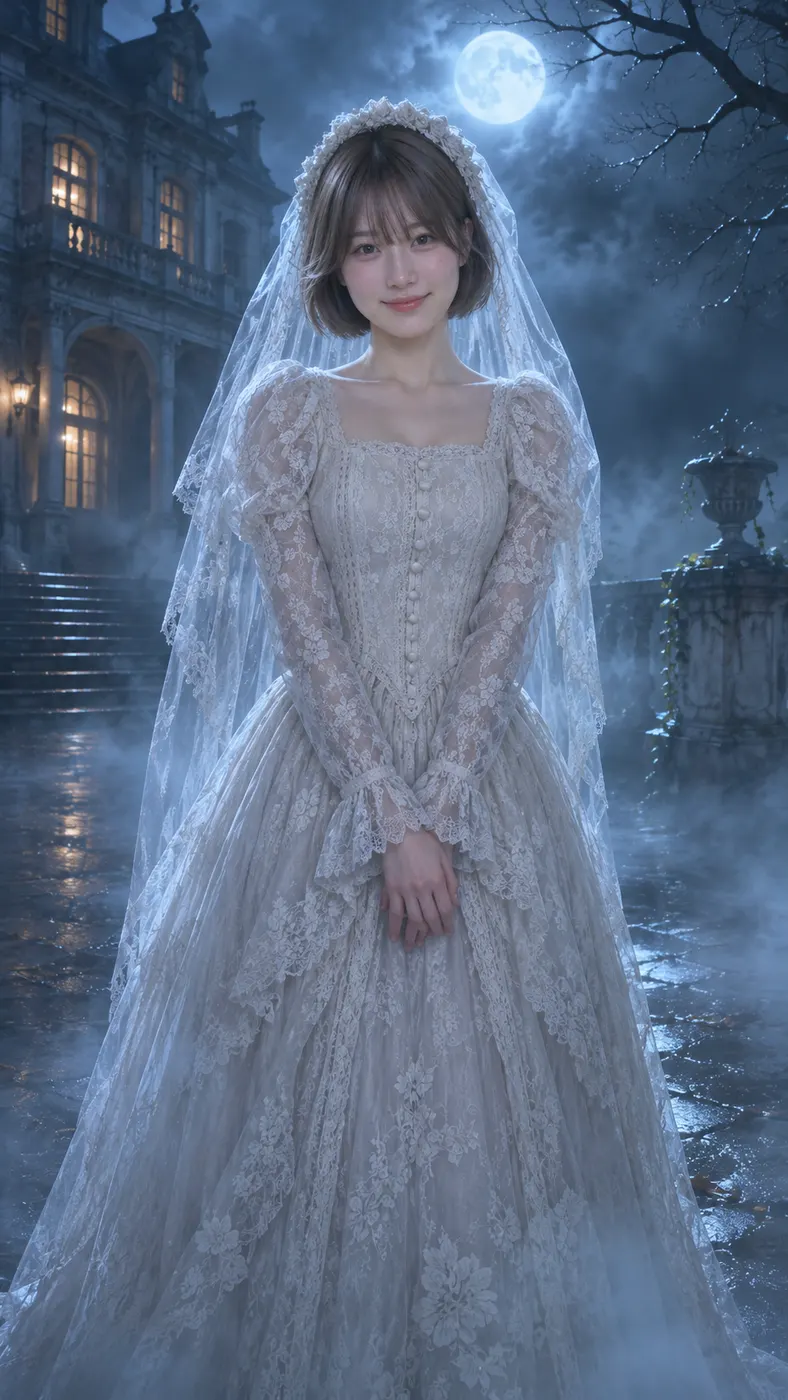
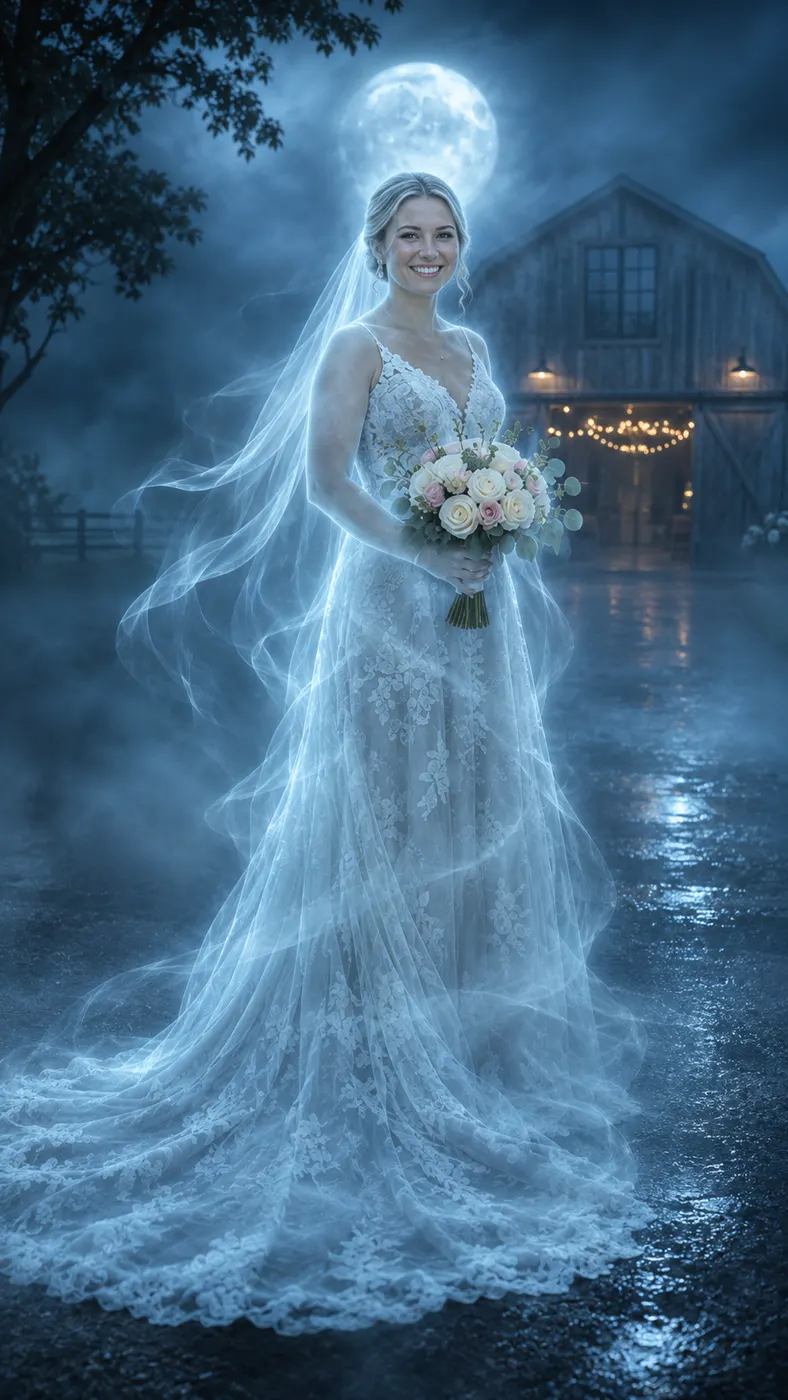
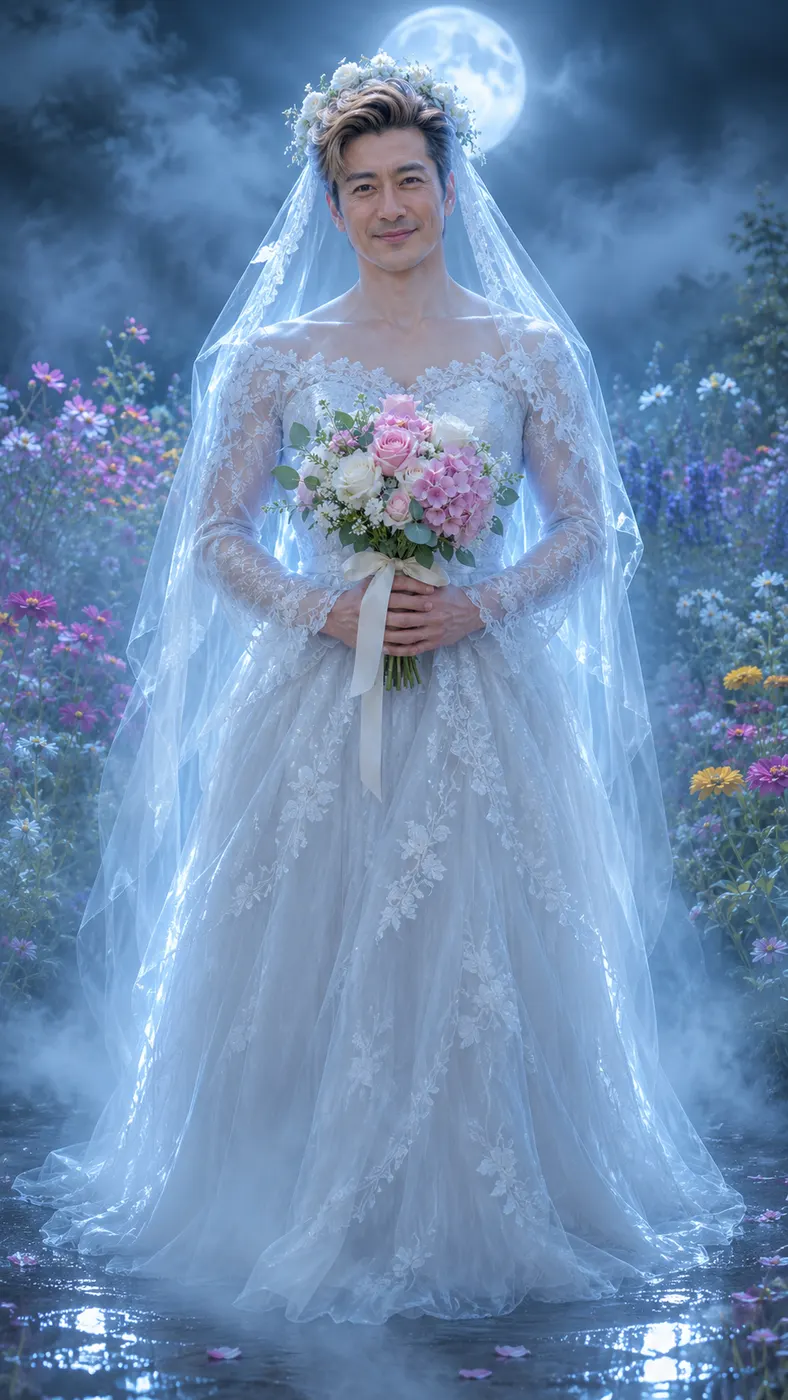
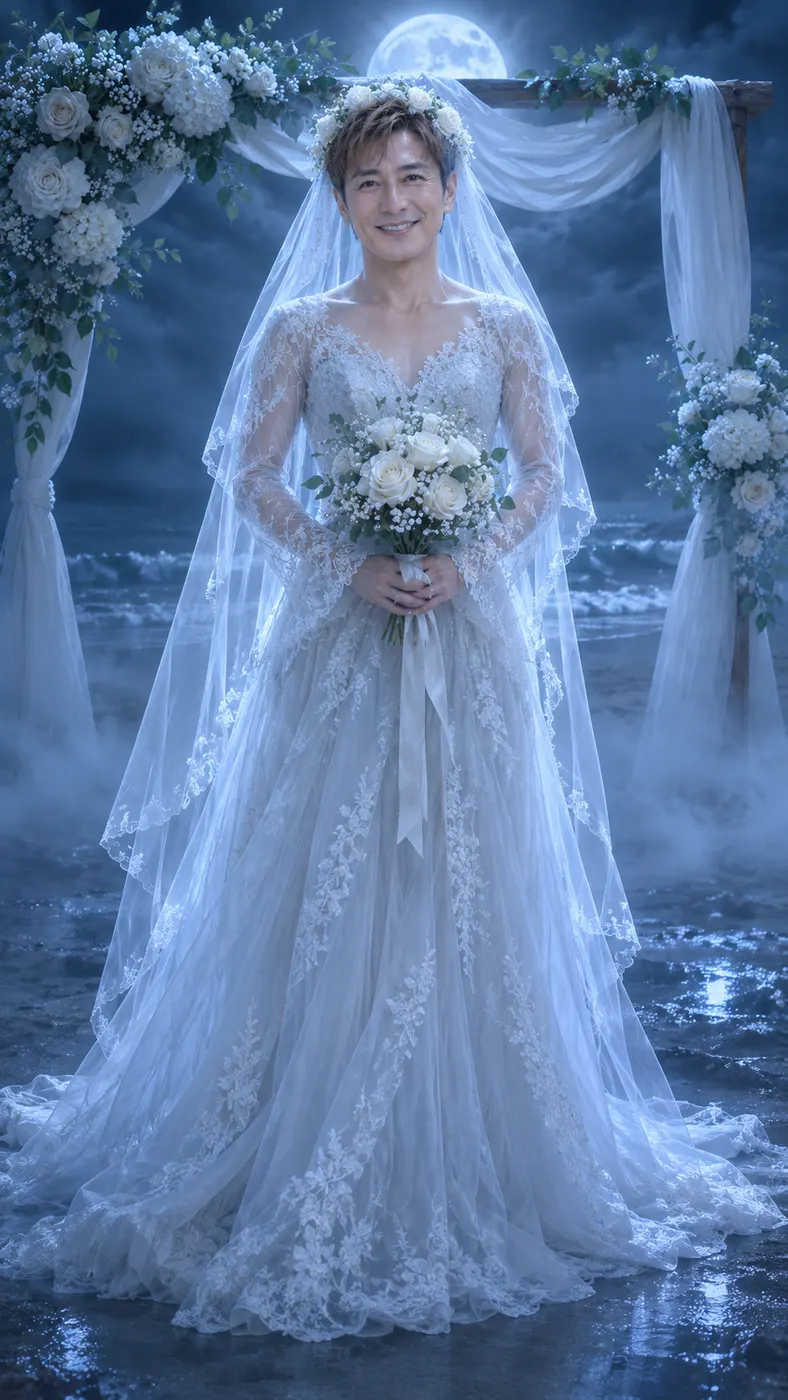
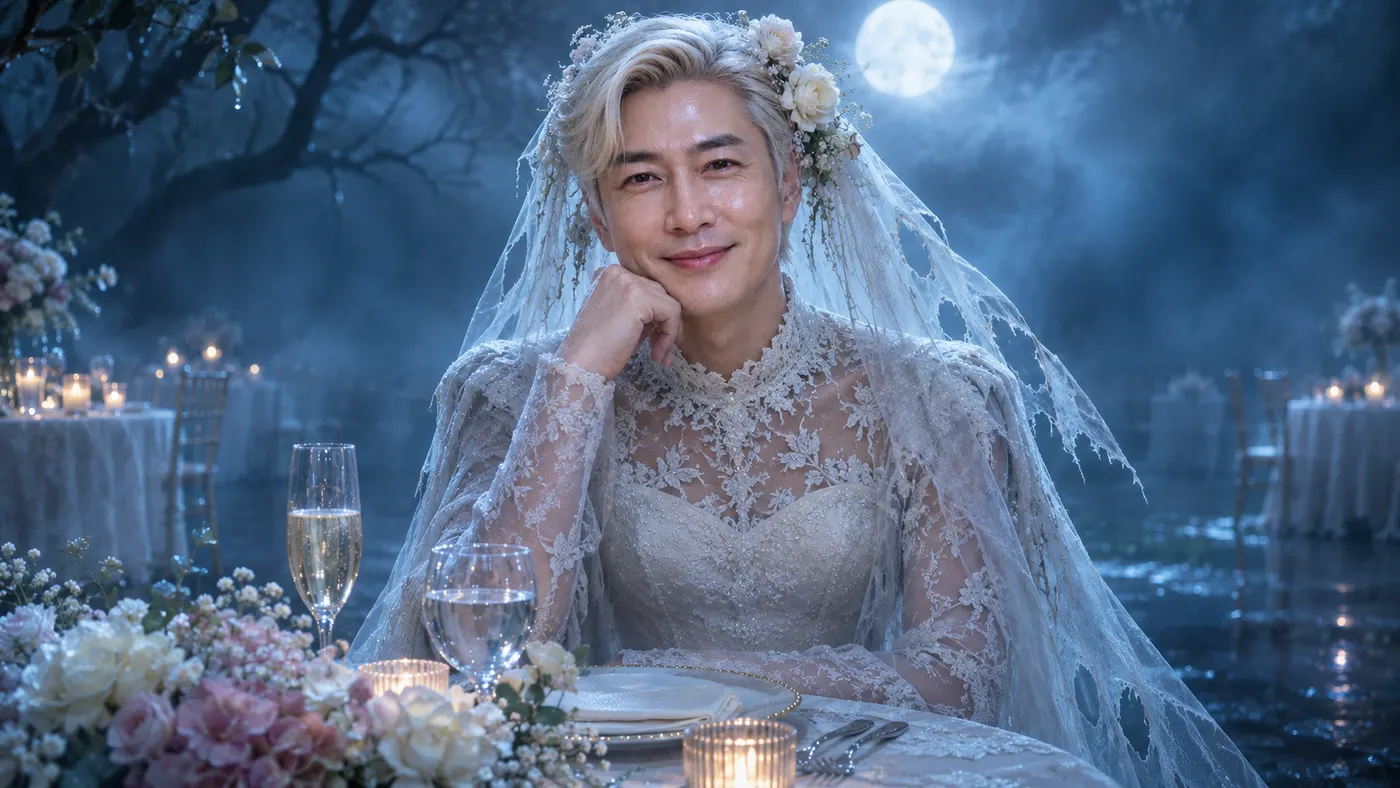
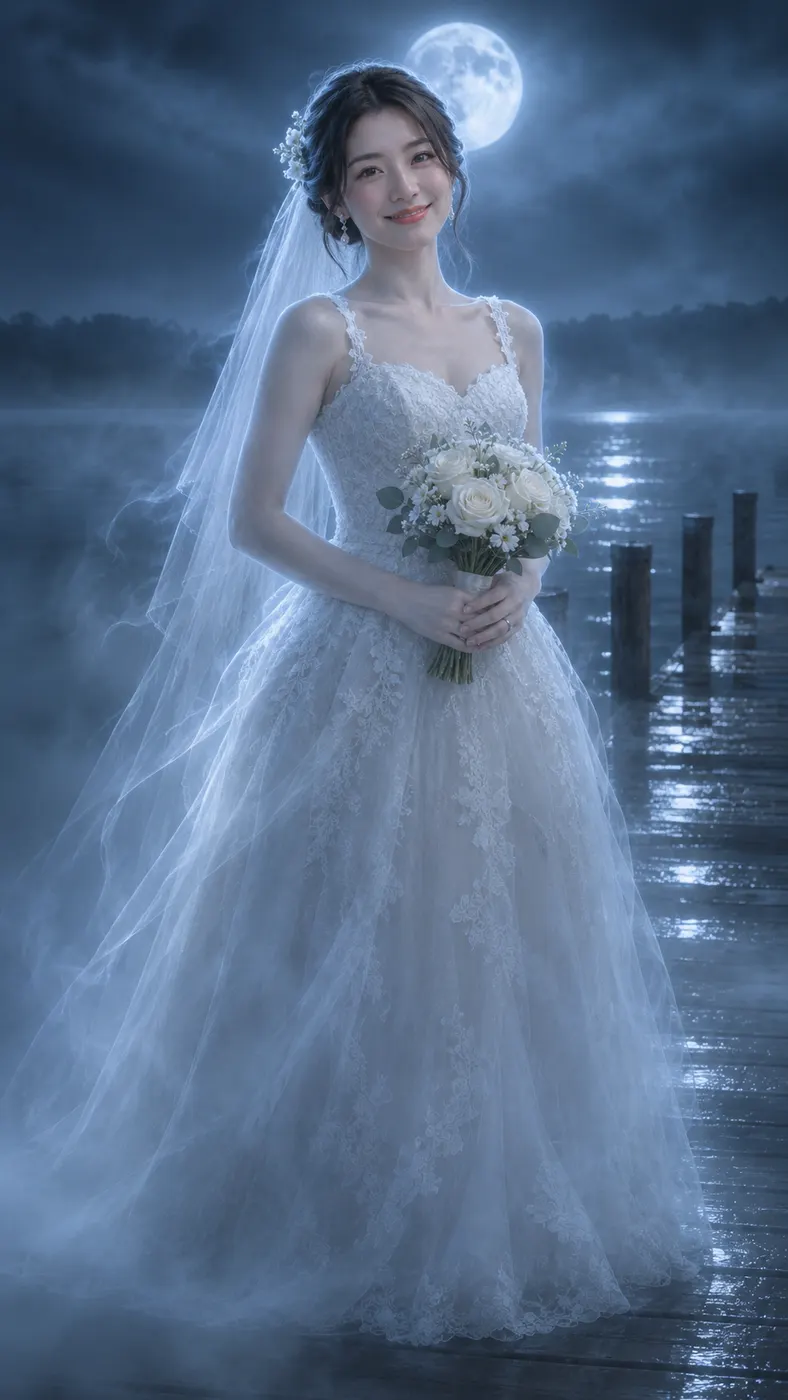
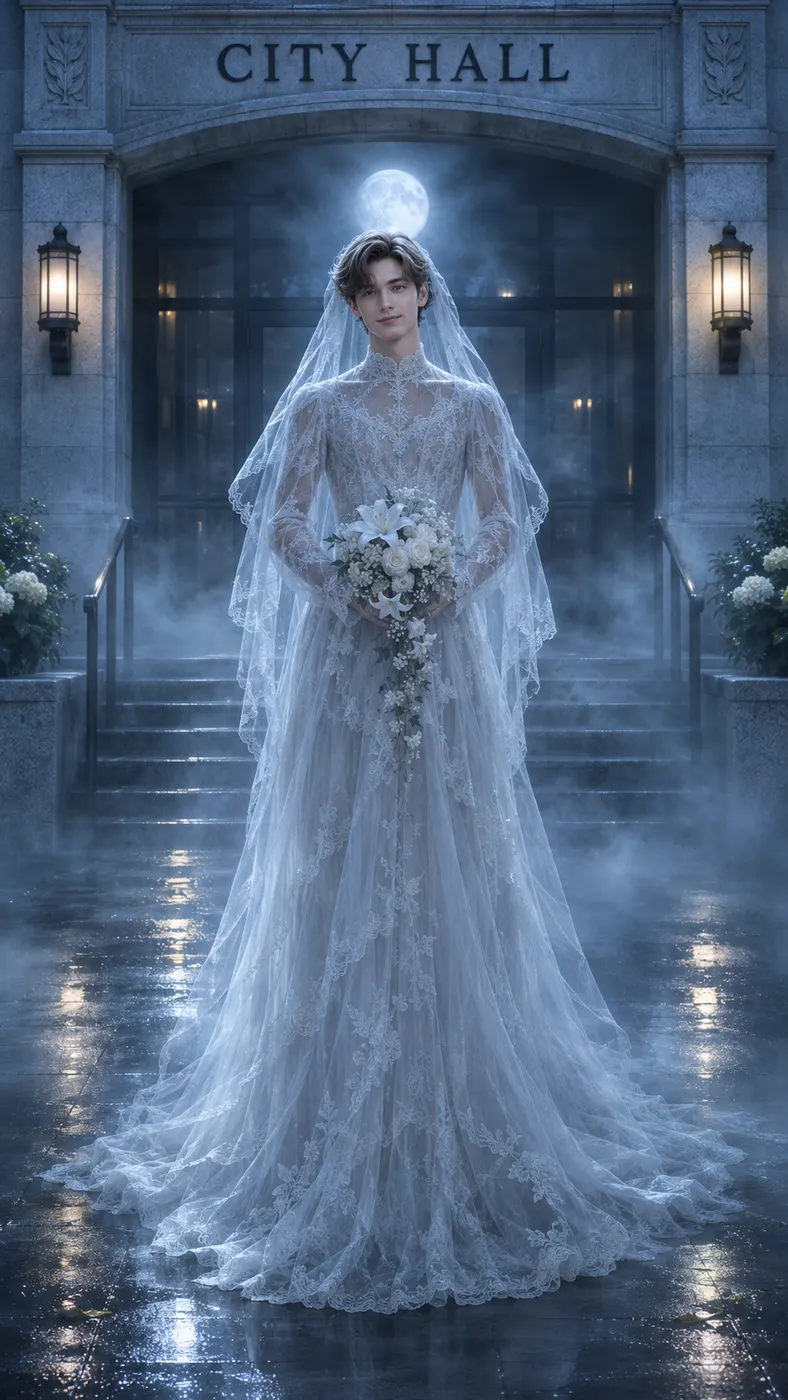
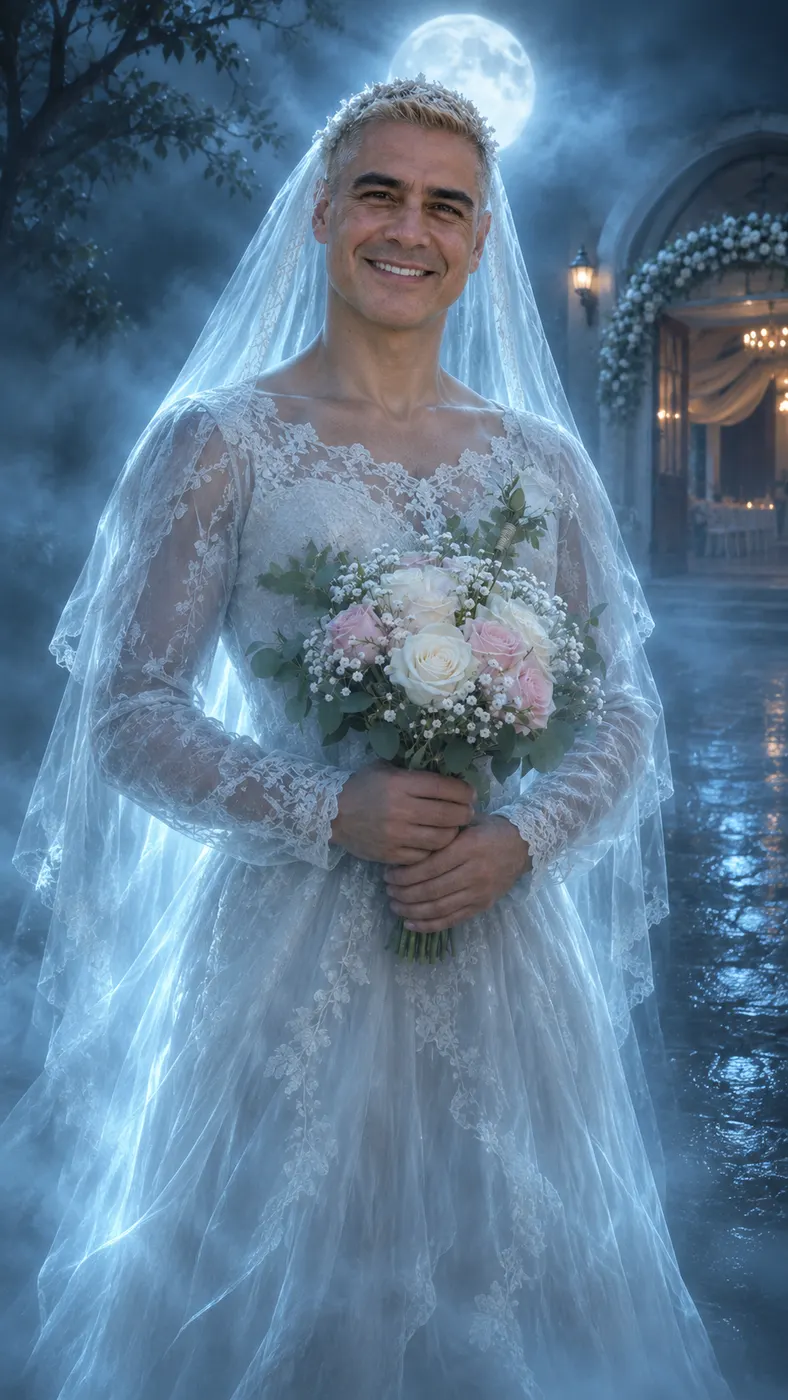
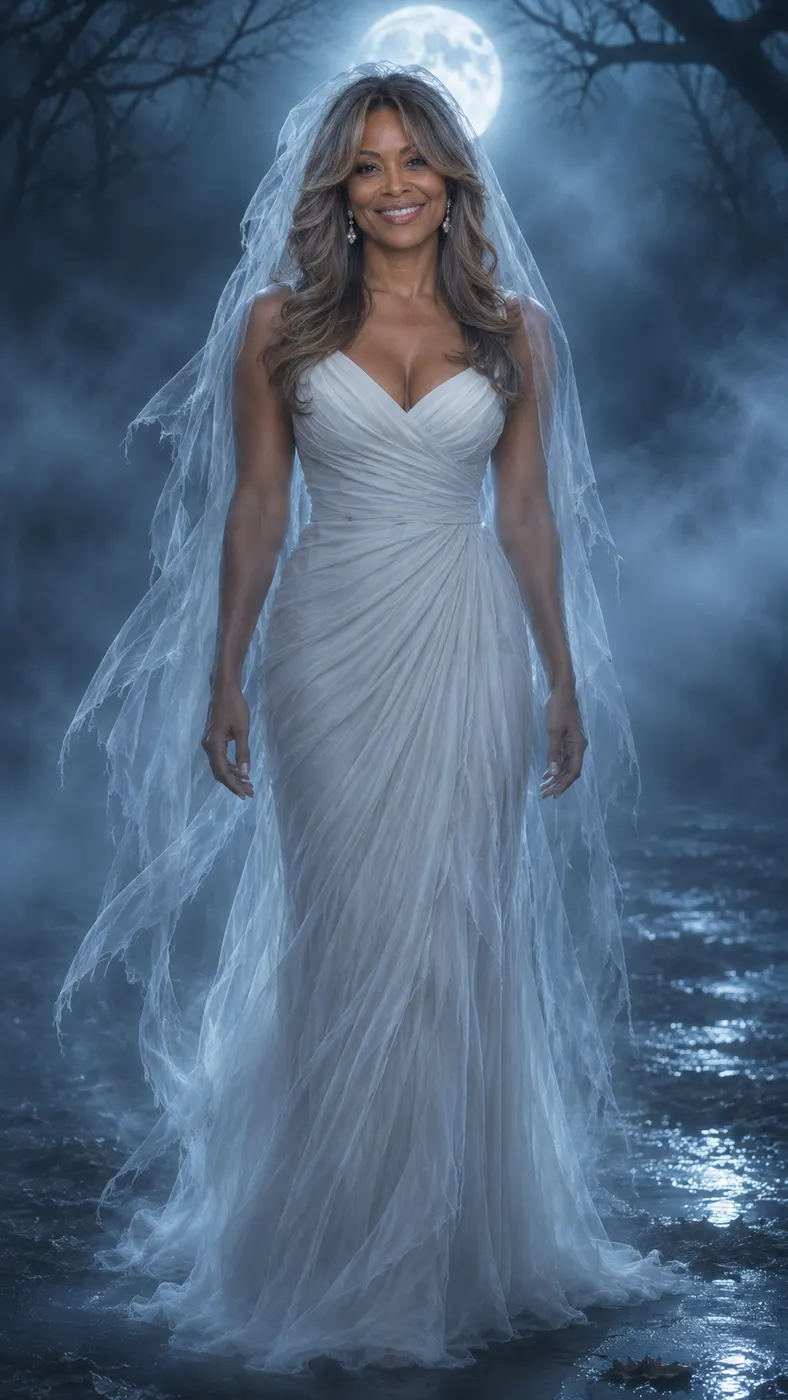
corpse bride ai puts you inside a short gothic reveal rather than leaving your idea as a still image. Upload one clear photo, and the scene keeps the subject recognizable while cold blue mist travels from the shoes up through the body to the face. The blue magic builds a misty moonlit setting, then completes a ghost bride transformation with a crown, veil, and bouquet.
One clear photo: a solo shot or the two of you. Faces visible, no heavy filters
Tip: drag a photo onto its box, or click the box to pick one.
You take the place of the person the blue mist transforms into the ghost bride.
Corpse Bride · Blue magic climbs from your shoes to your face and turns you into a gothic ghost bride with a crown, a veil and a bouquet.
This video: 45 credits · Credits come back if it fails
AI video effect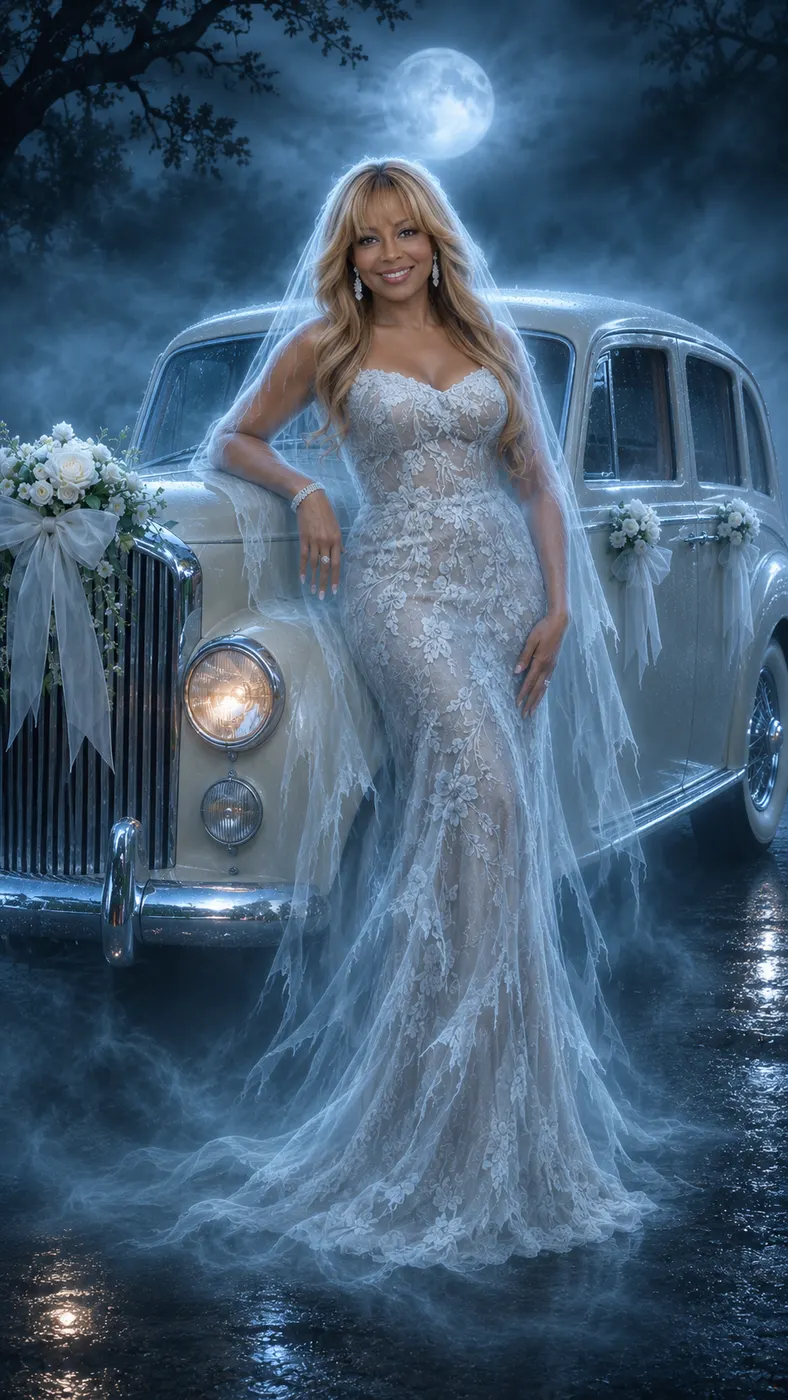
Corpse Bride AI Examples
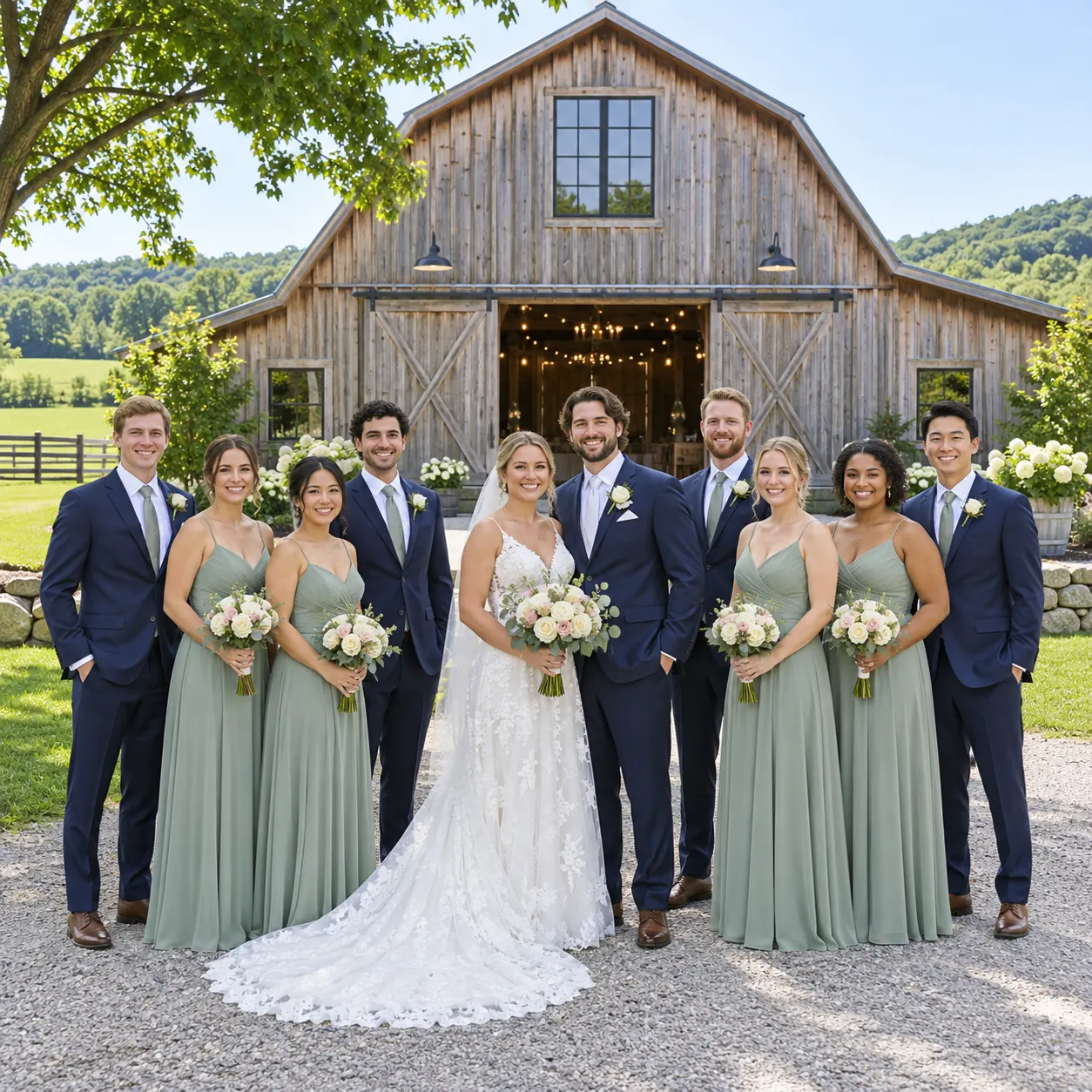
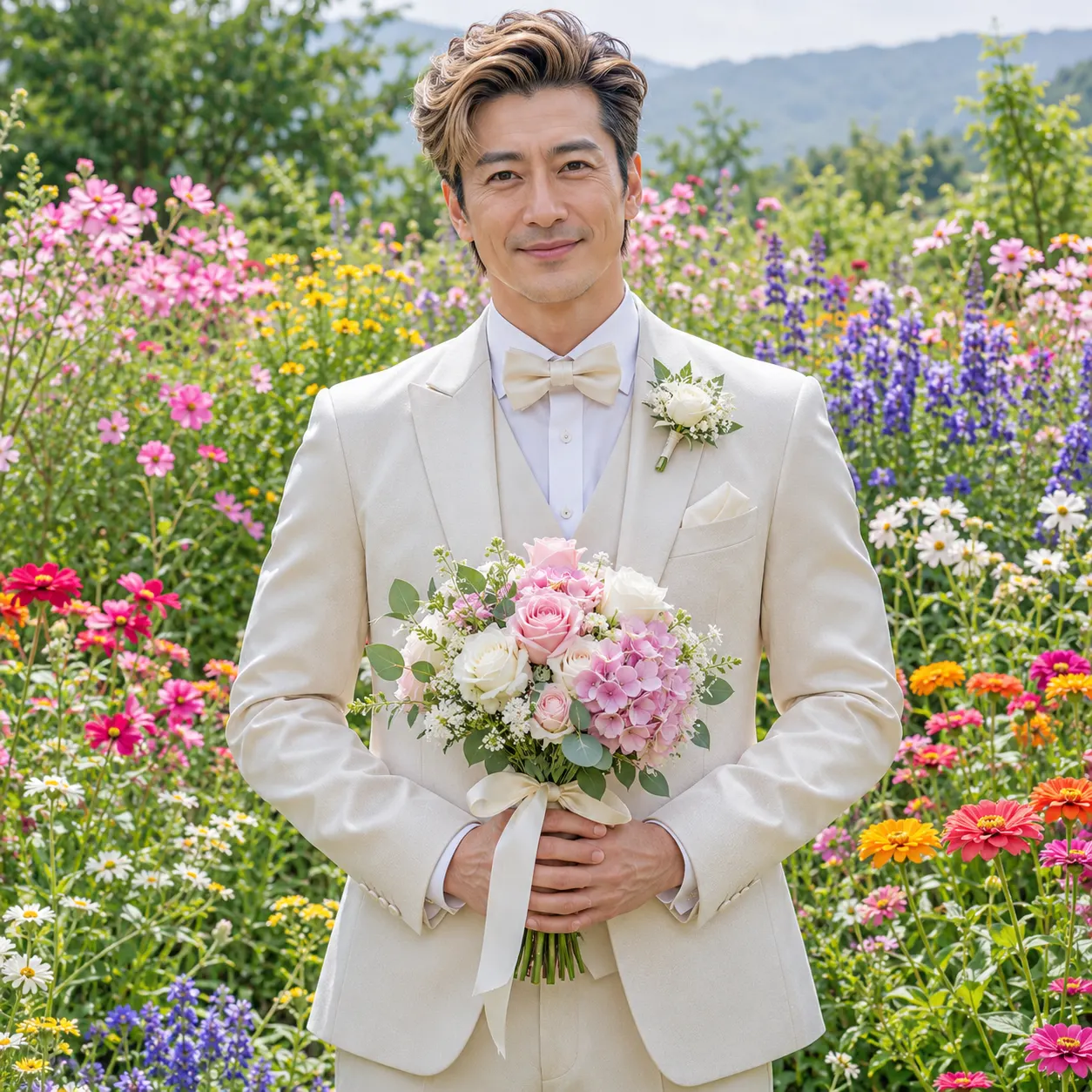
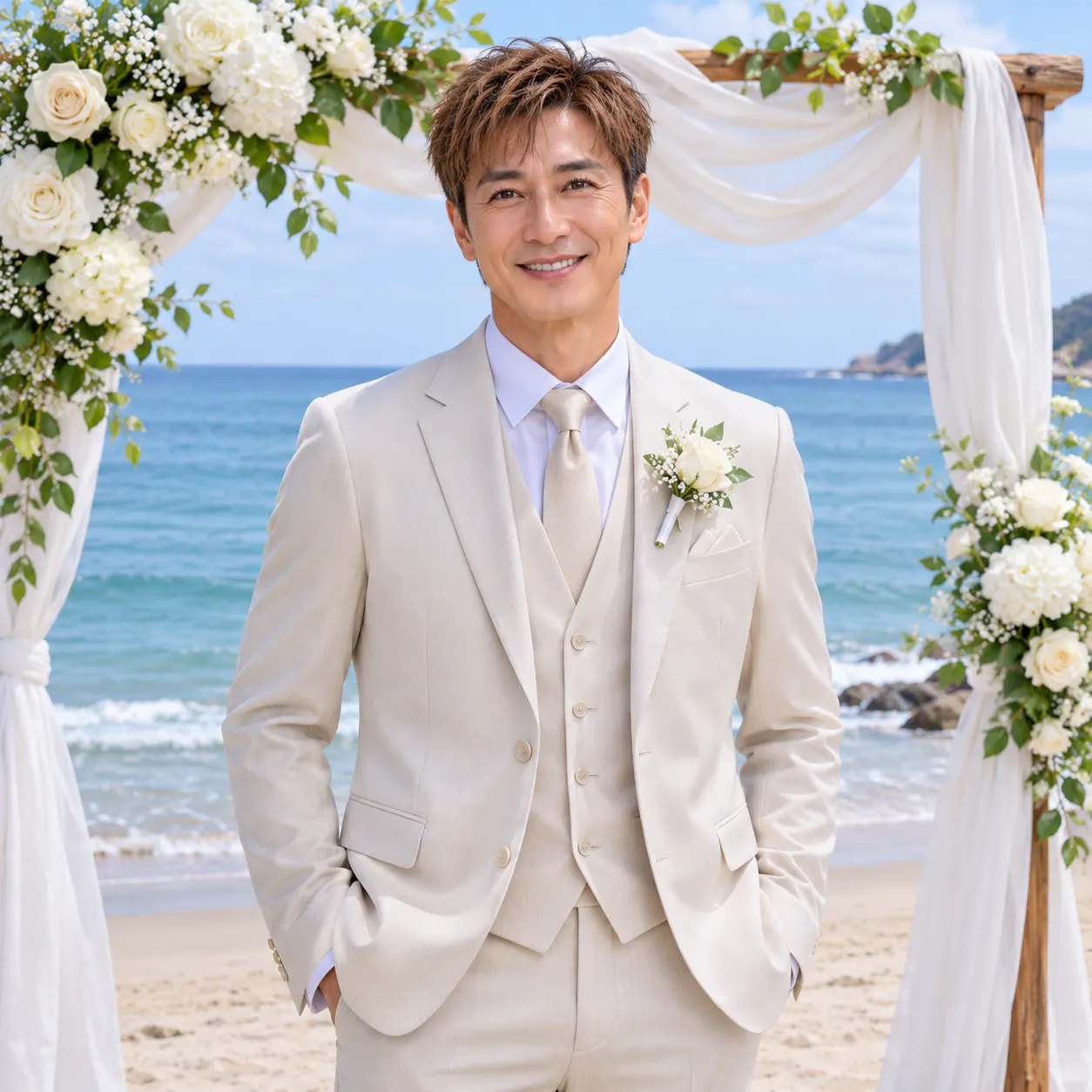
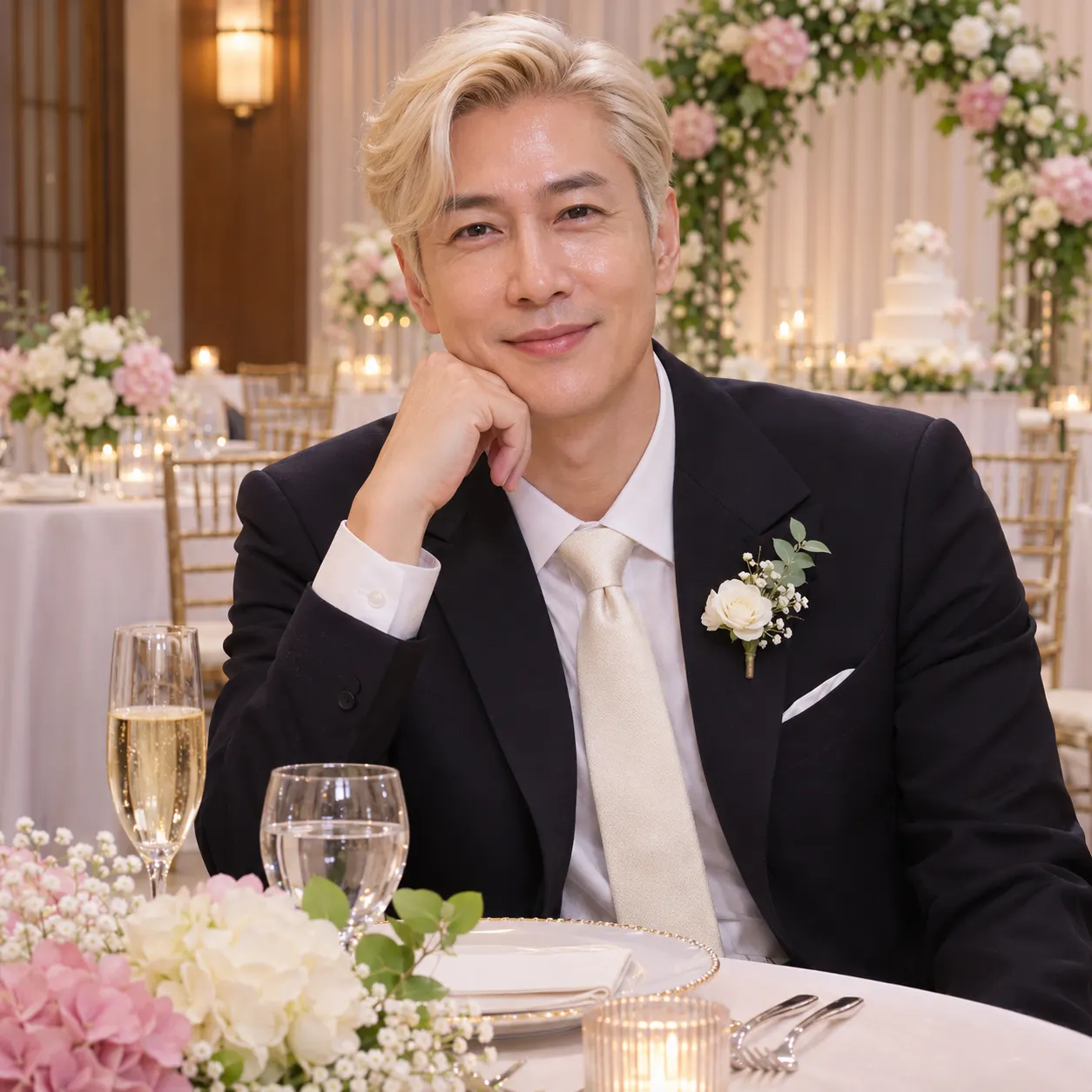
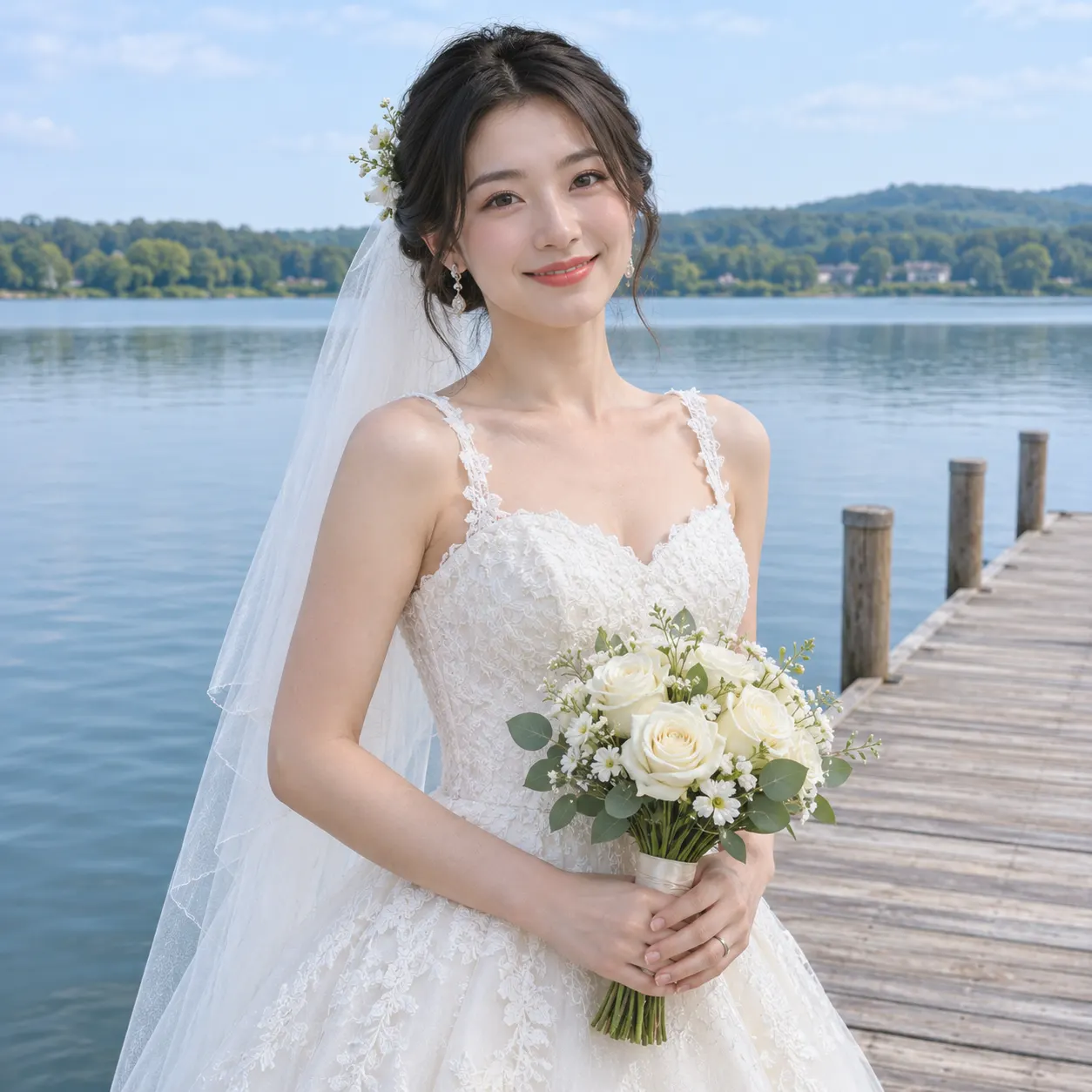
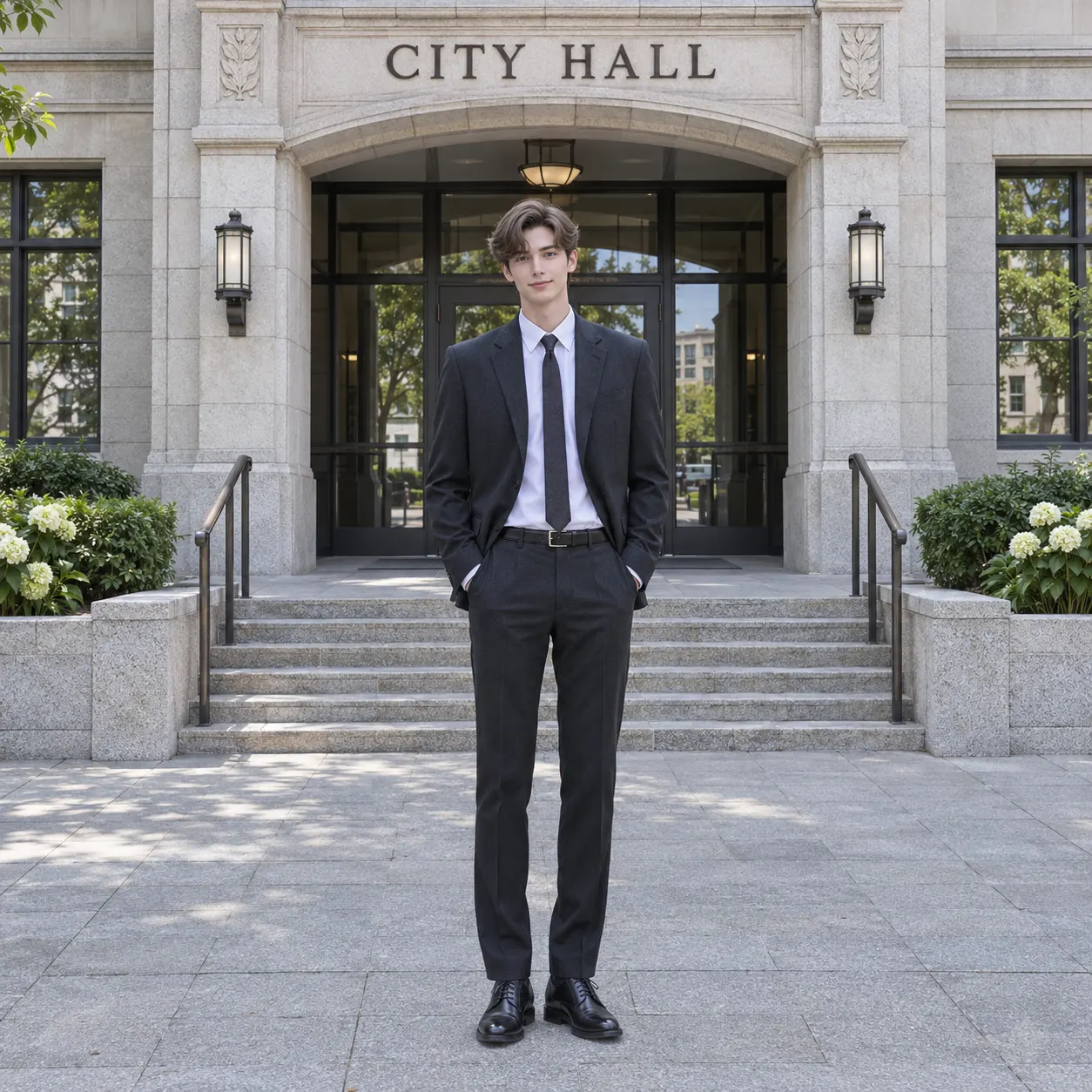
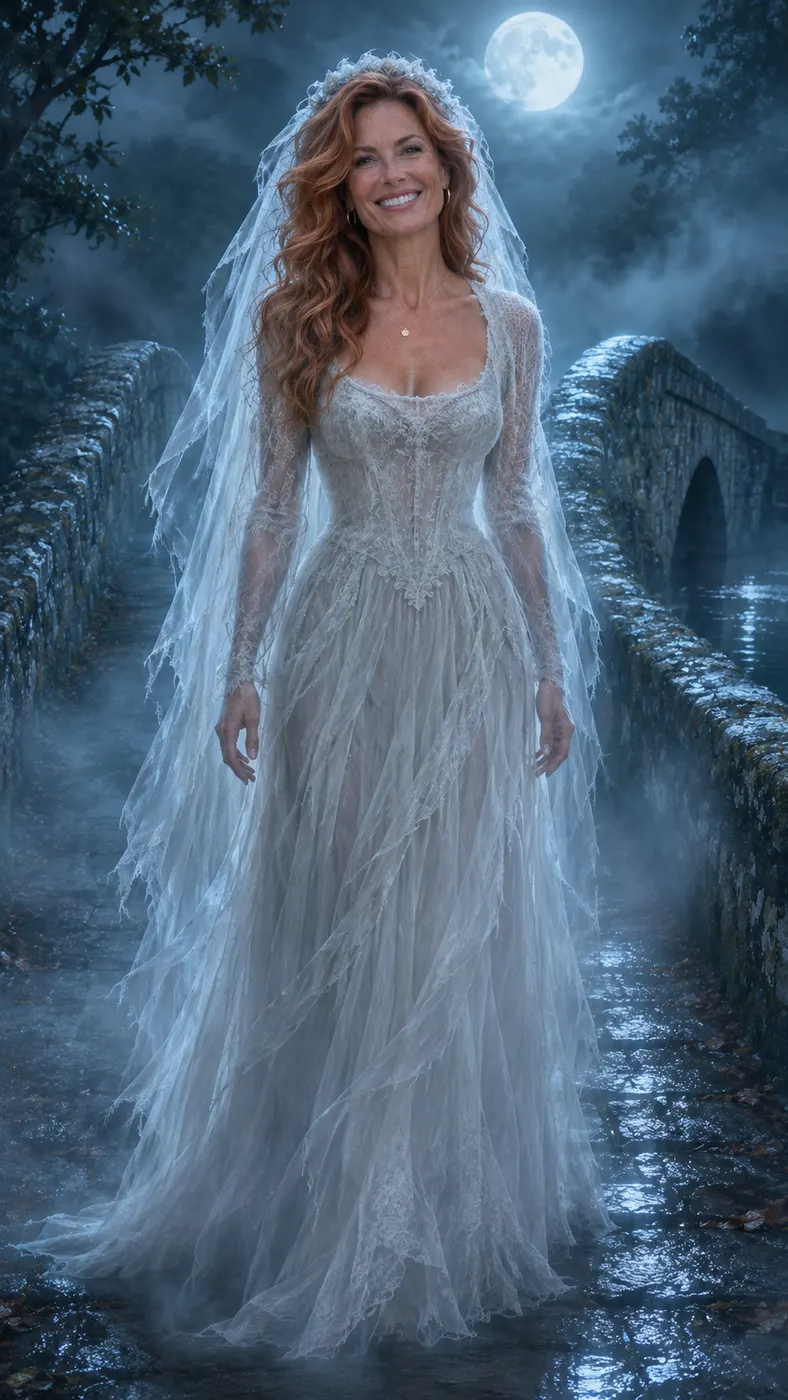
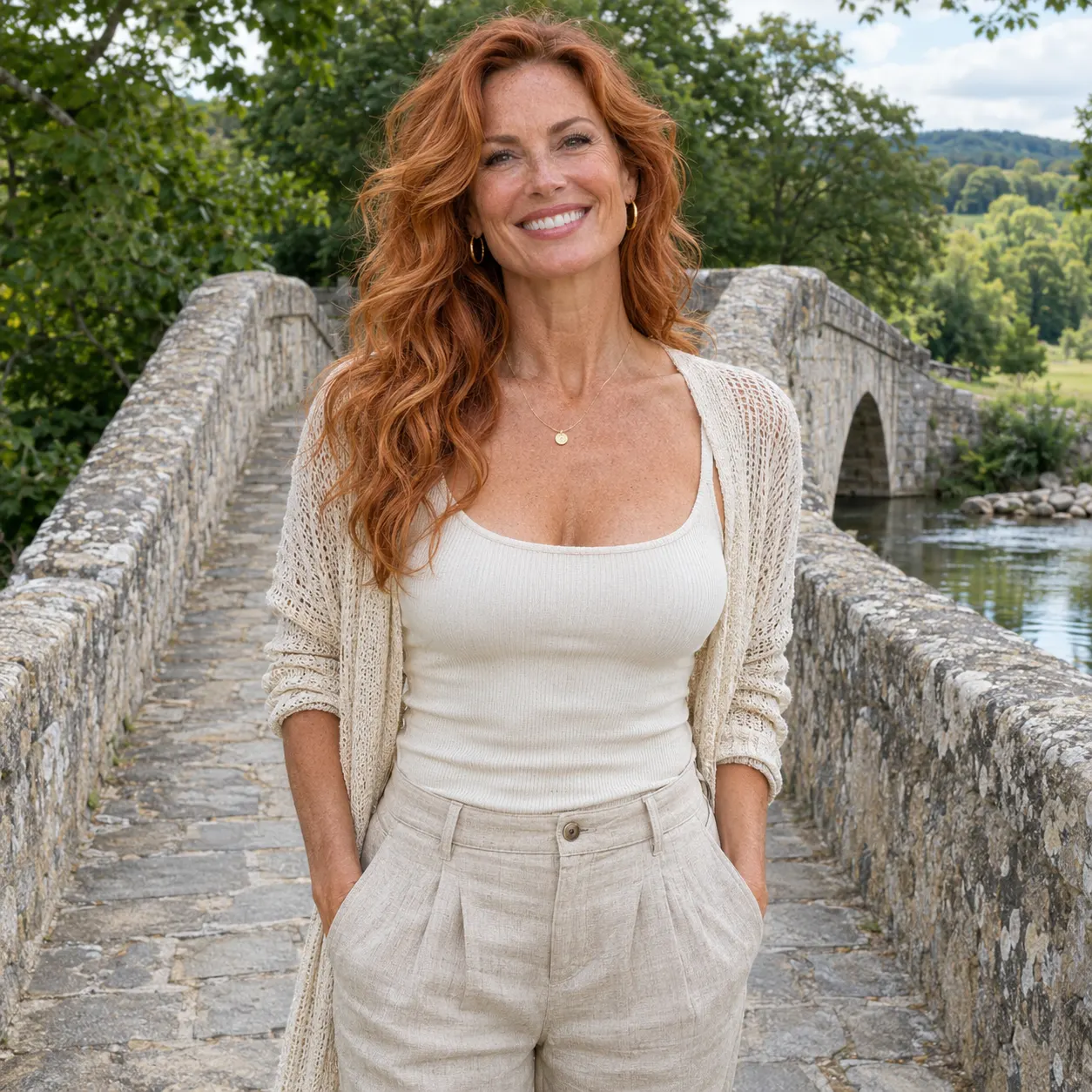
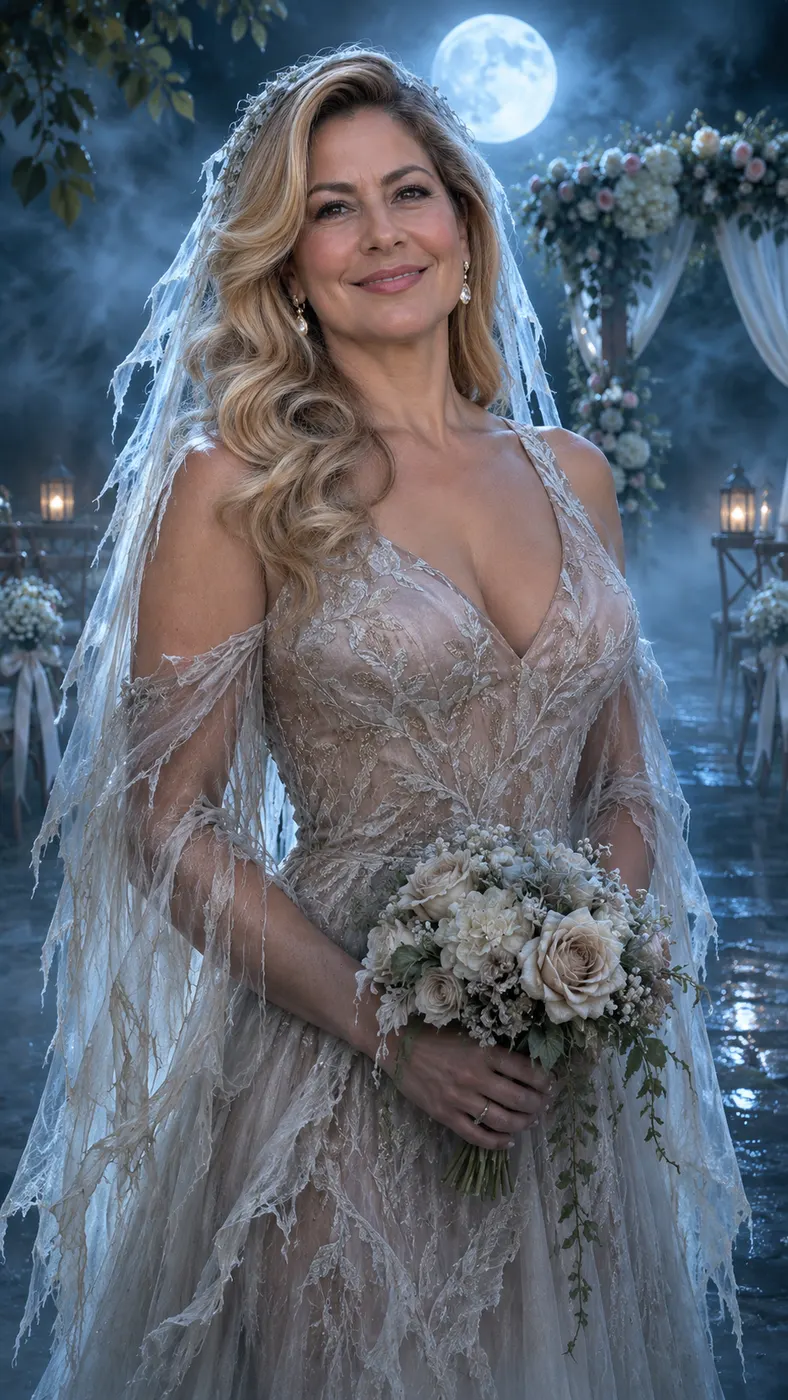
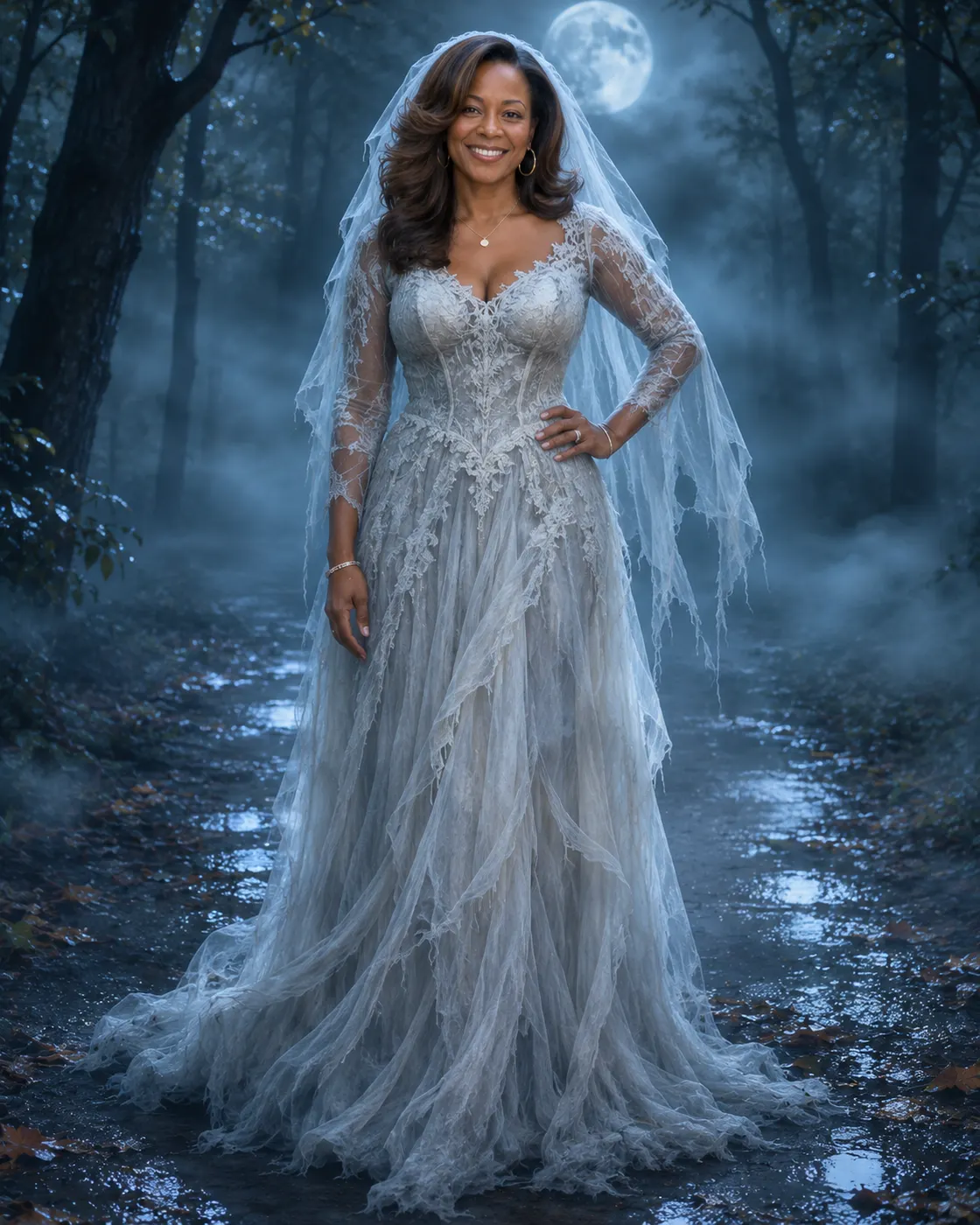
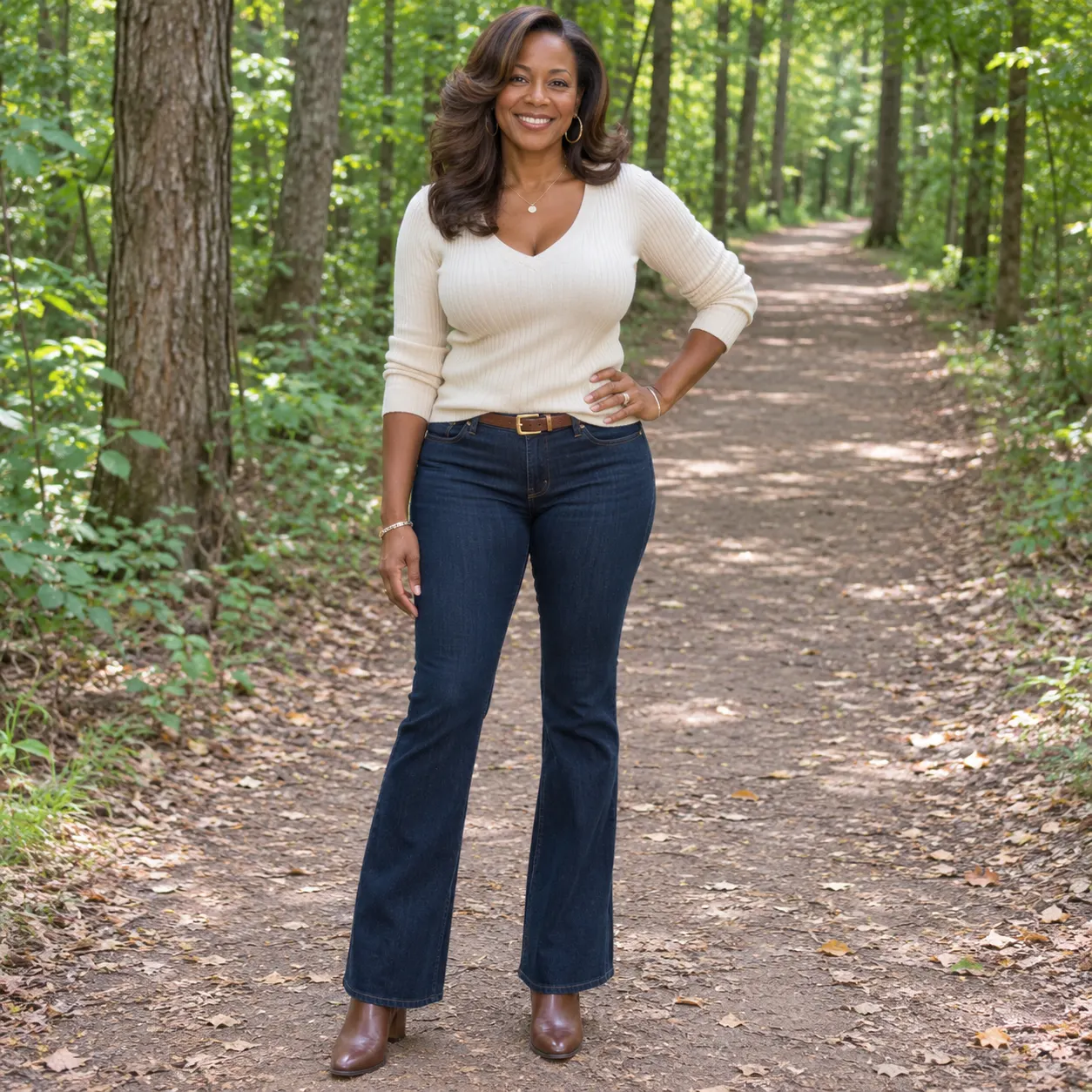
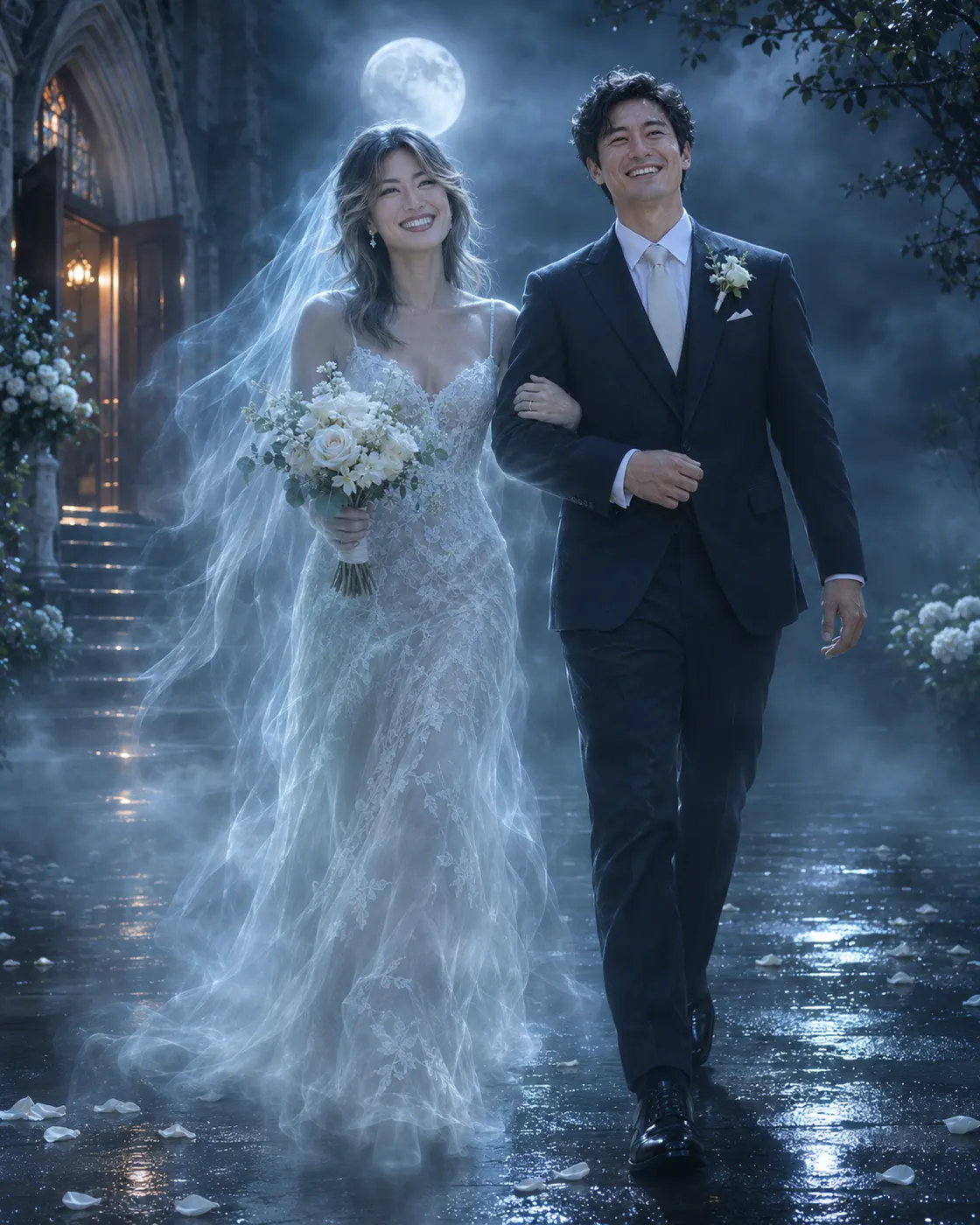
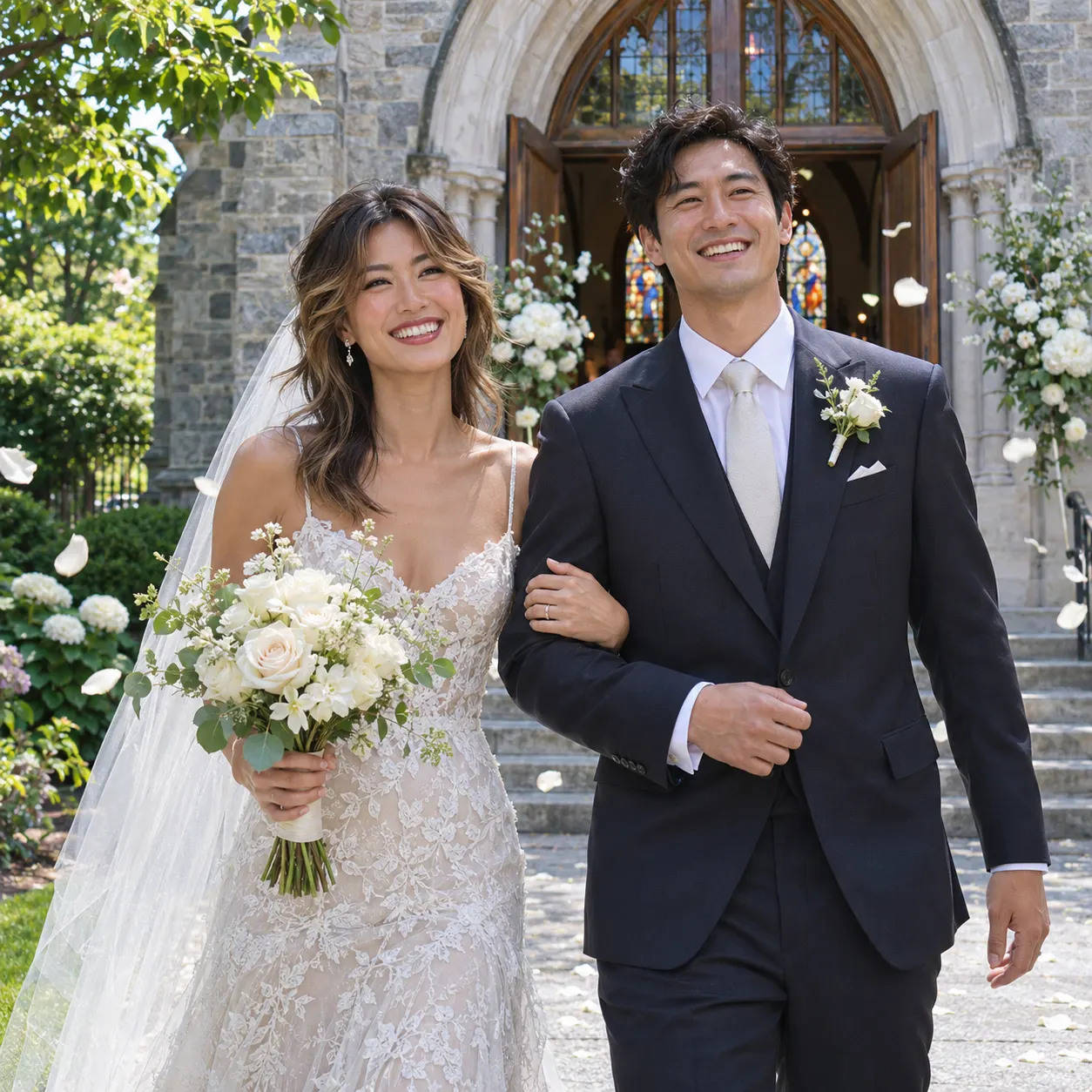
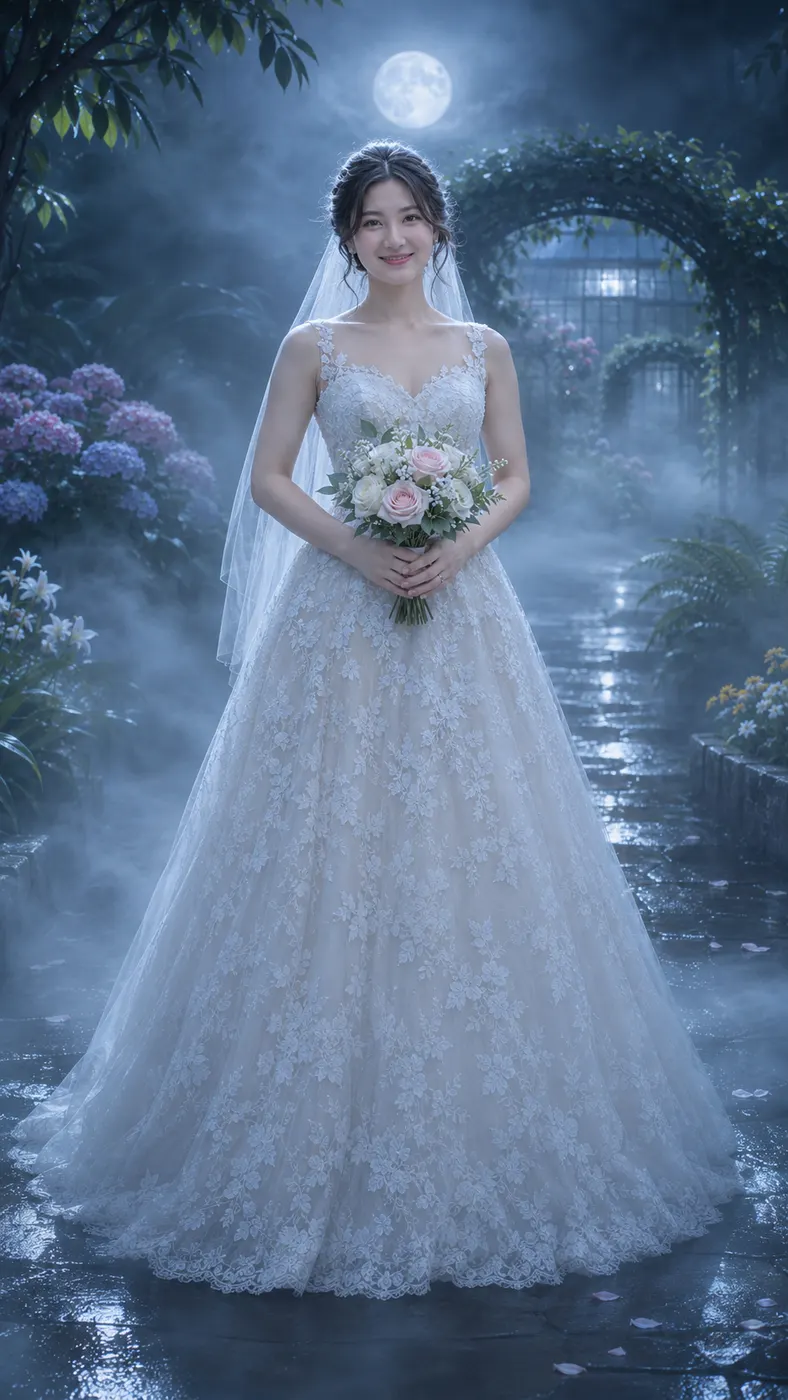
These examples show how corpse bride ai turns one photo into a cinematic ghost-bride reveal. Watch the blue mist move upward, compare different looks, and explore ready-made video templates for more scenes. You can also browse viral AI video trends or check current credit pricing before making your own clip.

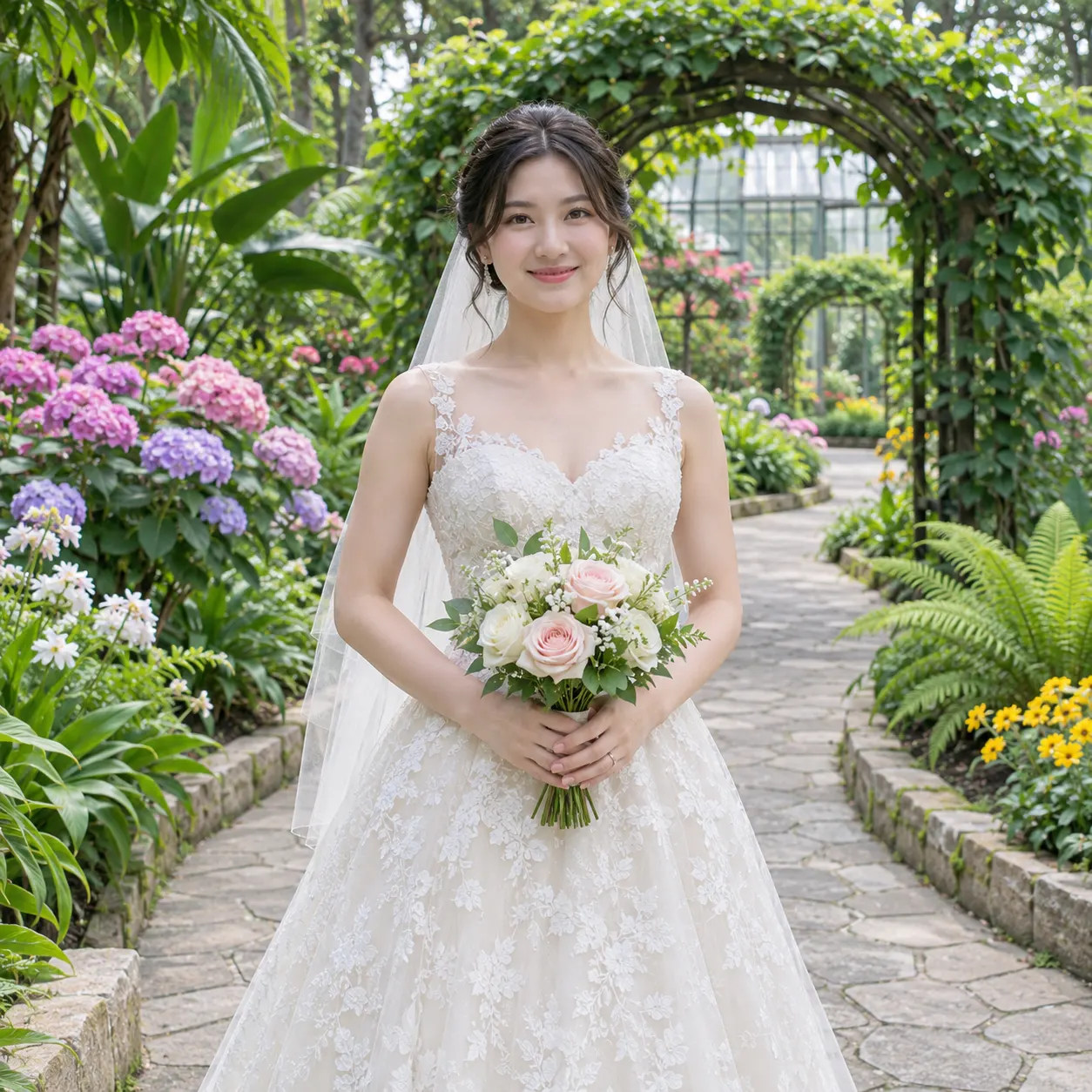


How to Make a Corpse Bride AI Transformation
- 01
Upload a clear photo
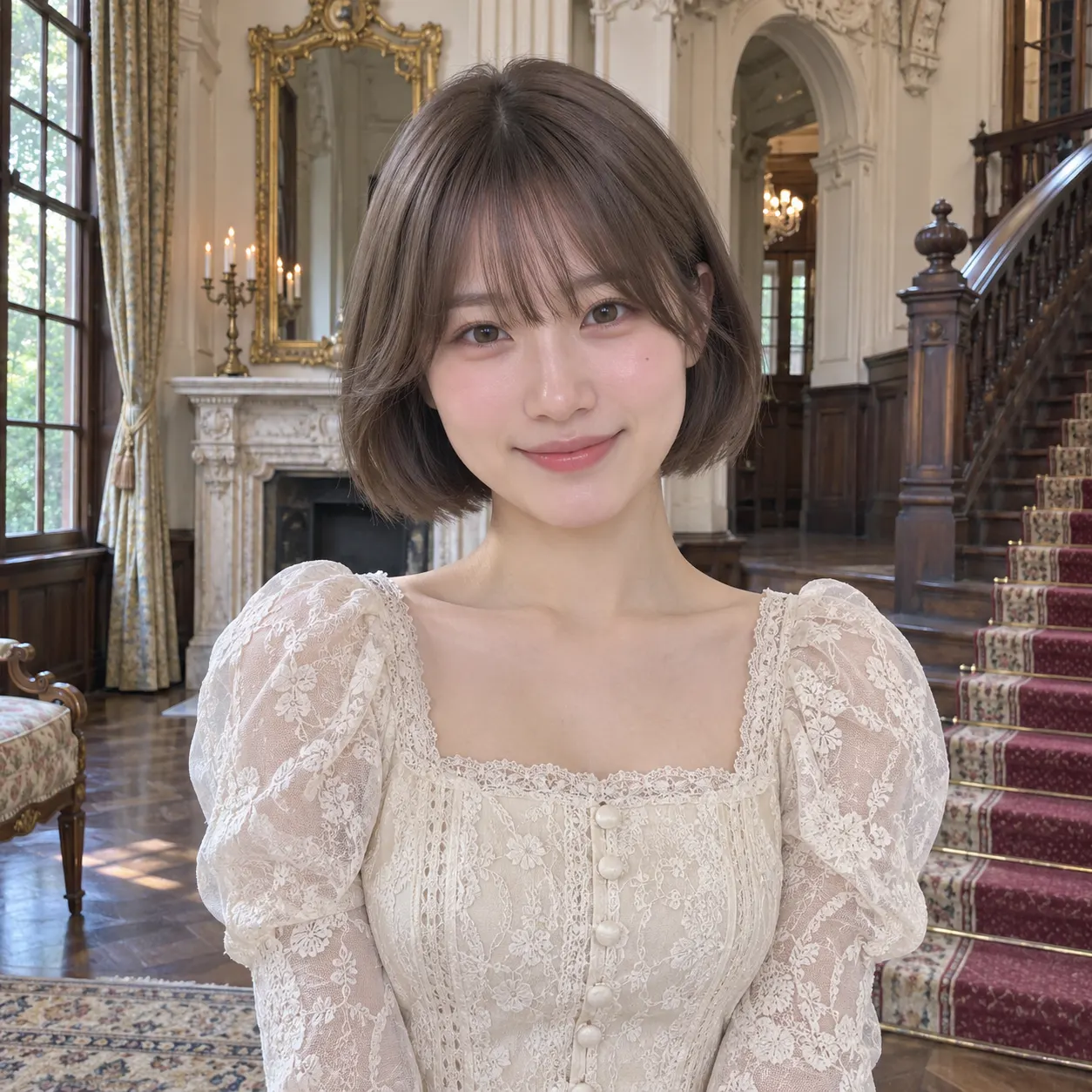
Start with corpse bride ai by choosing one clear photo where the subject is easy to see. A solo shot works well, and the tool also accepts a photo with more than one visible subject. Use an image with visible faces, natural detail, and no heavy filters so the generated clip can preserve recognizable features while building the transformation.
- 02
Generate the scene
Open the Corpse Bride scene, confirm the uploaded photo, and add an optional text prompt if you want extra details. corpse bride ai follows the selected scene: blue mist rises from the shoes, moves through the body, and reaches the face in a misty moonlit setting. The generated result is a vertical short clip with a 15-second duration.
- 03
Download the complete clip
Review the generated result, then download the complete clip when the reveal matches your idea. A completed scene includes the upward mist movement and the final crowned, veiled bride with a bouquet. Each generation uses 29 credits and costs $2.03; the output quality setting is 480p.
Make the Gothic Reveal Your Own
Show a complete transformation
corpse bride ai gives you a beginning, middle, and final reveal instead of a single changed portrait. The movement starts at the shoes, travels upward through the body, and finishes at the face, so the crown, veil, and bouquet arrive as part of one readable cinematic moment.
Keep the subject recognizable
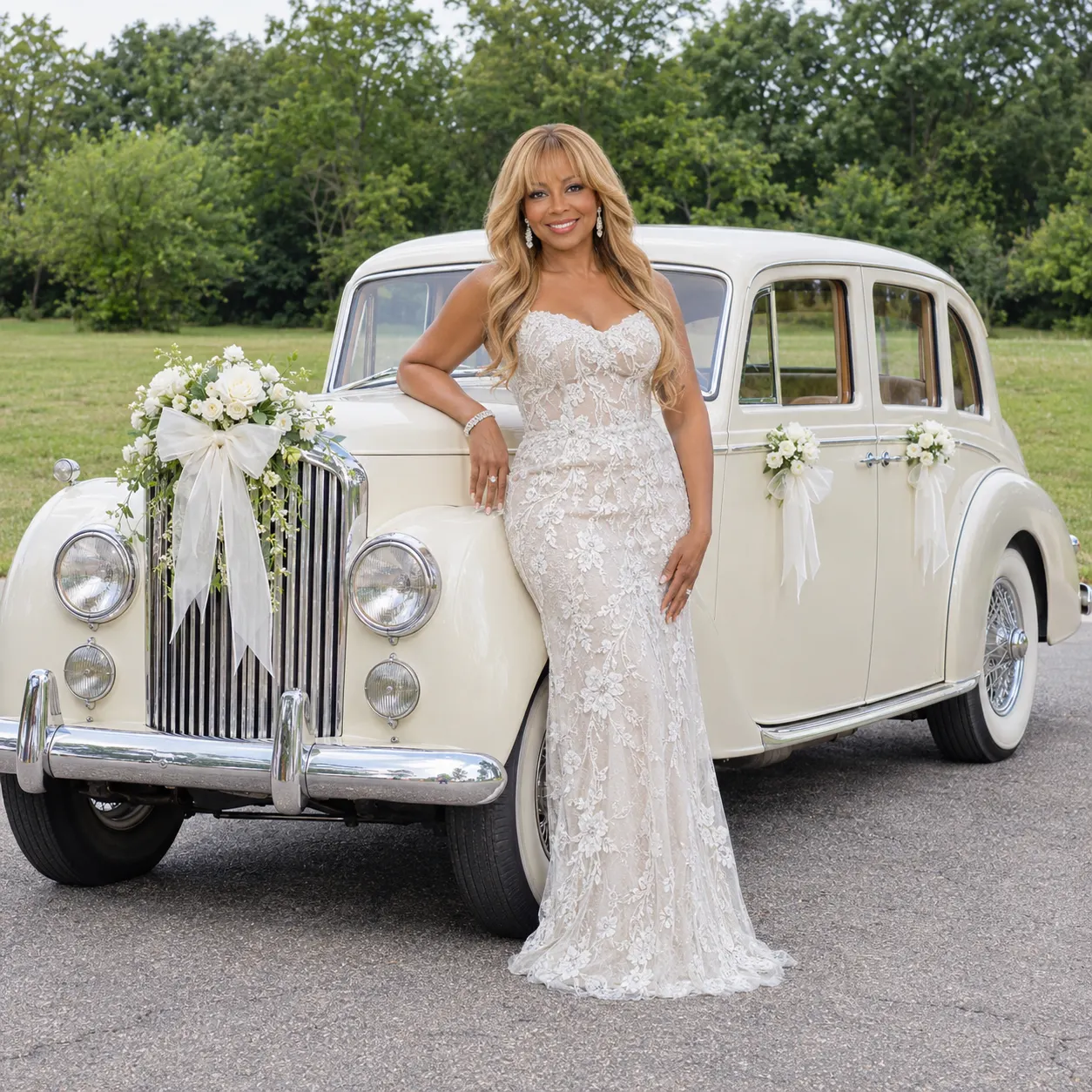
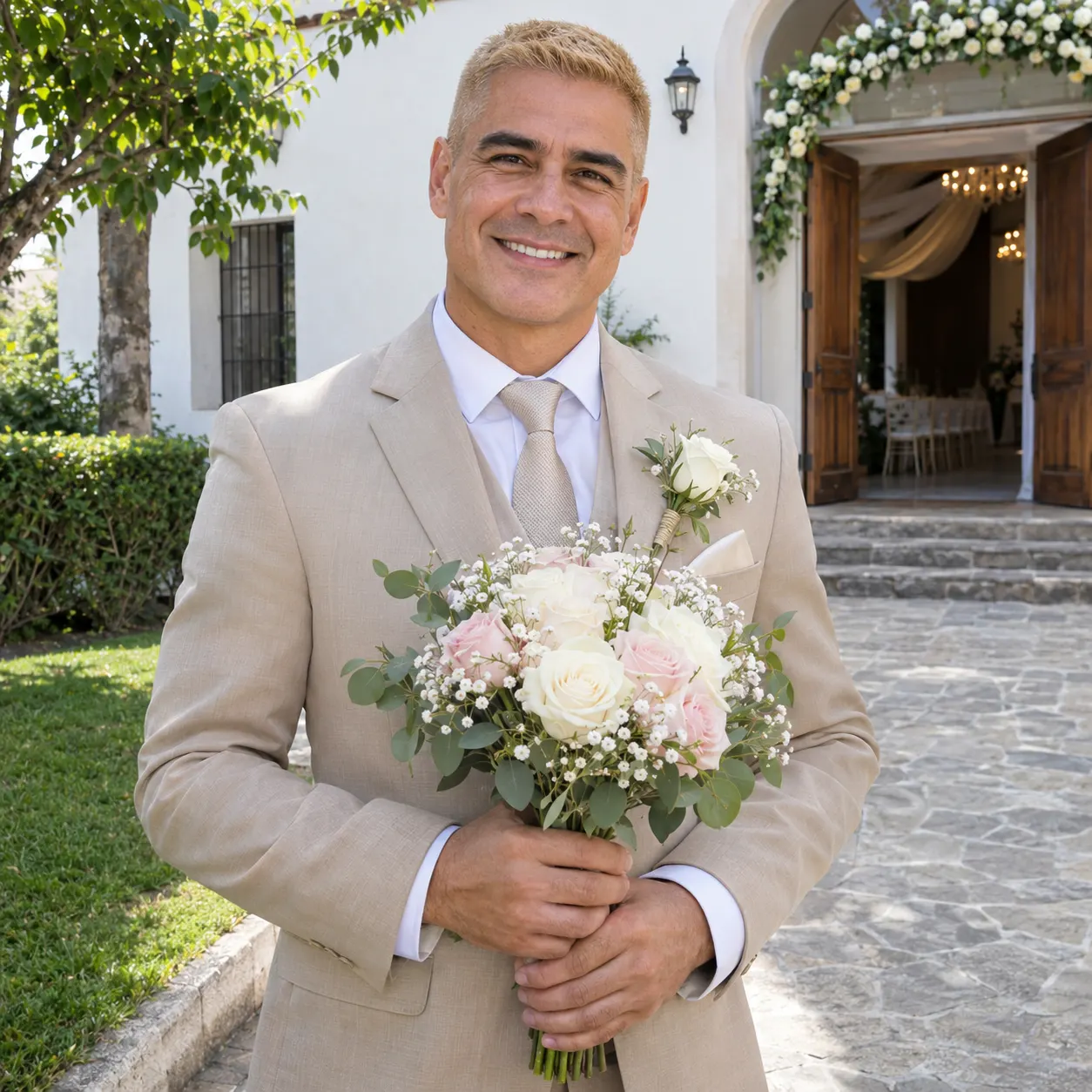
Your uploaded photo remains the foundation of the scene. The generator is designed to preserve the visible identity, hairstyle, skin tone, body, and number of subjects while changing the atmosphere and appearance into a ghost-bride reveal.
Shape the atmosphere with a prompt
You can leave the optional prompt empty for the prepared scene, or add a short detail that fits your idea. Use it to suggest an extra visual element or styling preference while the main blue-mist transformation remains the central action.
Create a shareable vertical clip
The scene is built as a vertical short AI video, making the result easy to view in a mobile-first feed. The moonlit outdoor setting, cold fog, pale moon, and upward camera movement give the final clip a clear visual progression.
Know what you are paying for
The selected scene generates a complete transformation clip at 480p resolution and 15 seconds. The displayed price is $2.03, with 29 credits used for the generation, so you can check the cost before starting.
Corpse Bride Questions Answered
What is corpse bride ai?
corpse bride ai is a scene that turns one clear photo into a short vertical gothic transformation video. Blue mist rises from the shoes to the face in a misty moonlit outdoor setting, then the subject appears as a crowned, veiled ghost bride holding a bouquet. The scene is designed to keep the uploaded subject recognizable during the reveal.
Is corpse bride ai free to use?
corpse bride ai does not include a free run on this page because the configured free-run count is 0. The displayed generation uses 29 credits and costs $2.03. Check the amount shown in the generator before you create the clip, and use the pricing page to review available credit packs.
How long does the generated transformation take?
The configured output is a short vertical clip lasting 15 seconds. Generation time can vary with service demand, so allow a few minutes for the result to process. The scene itself follows one continuous visual idea: blue mist travels upward, reaches the face, and resolves into the crowned and veiled bride reveal.
What photo should I upload for the ghost-bride scene?
Upload one clear photo with visible faces and enough detail to identify the subject. A solo shot is a straightforward choice, while the input also accepts a photo containing more than one visible subject. Avoid heavy filters and use an image where the body and face are not hidden, because the scene tracks the uploaded appearance during the transformation.
Can I use someone else’s photo for this scene?
You can use a photo of another person only when you have their permission to use it and create the result. The generator uses the uploaded image as the subject reference, so choose a clear photo and make sure the person understands that it will become a vertical ghost-bride transformation clip.
Is this an official Corpse Bride video?
No. The result is a user-created interpretation of a gothic ghost-bride transformation, not an official film clip or endorsement. The generator creates a new vertical scene from your uploaded photo, using blue mist, moonlight, a crown, a veil, and a bouquet to produce the requested visual reveal.
Create Your Ghost-Bride Reveal
Return to the generator, upload a clear photo, select the Corpse Bride scene, and build the blue-mist transformation with a crown, veil, and bouquet.