
Enchantress Filter AI
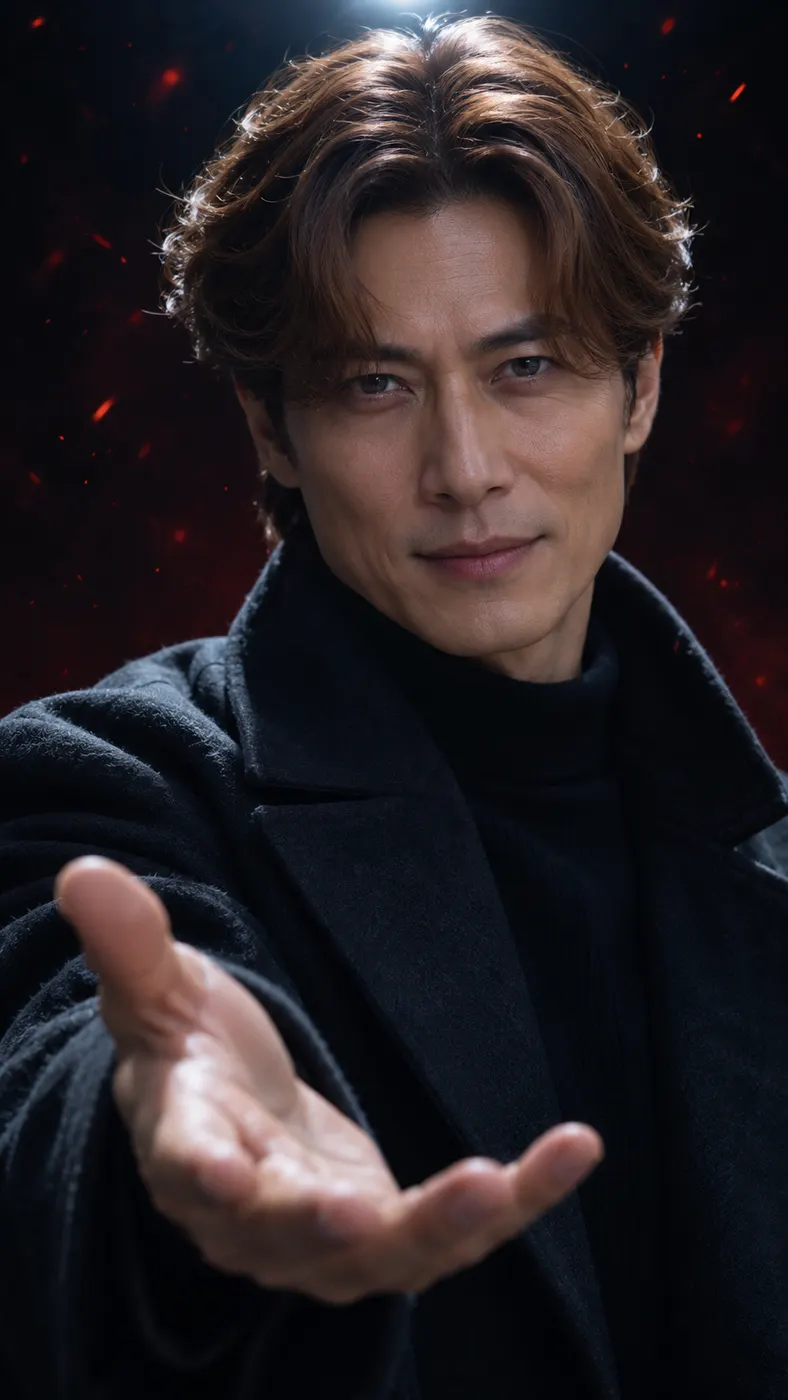
With the enchantress filter ai scene, you step into a dark room, face the camera, and hold out your hand as the transformation begins. A dark wipe and drifting red ember particles shape the reference-video moment while your face, hairstyle, and visible features remain recognizable. Upload one clear photo, then generate the vertical result in 480p.
One clear photo: a solo shot or the two of you. Faces visible, no heavy filters
Tip: drag a photo onto its box, or click the box to pick one.
You take the place of the woman who faces the camera in a dark room and holds out her hand.
Enchantress Filter · Your photo goes into a dark room with an outstretched hand, a dark wipe, and drifting red embers.
This video: 71 credits · Credits come back if it fails
AI video effect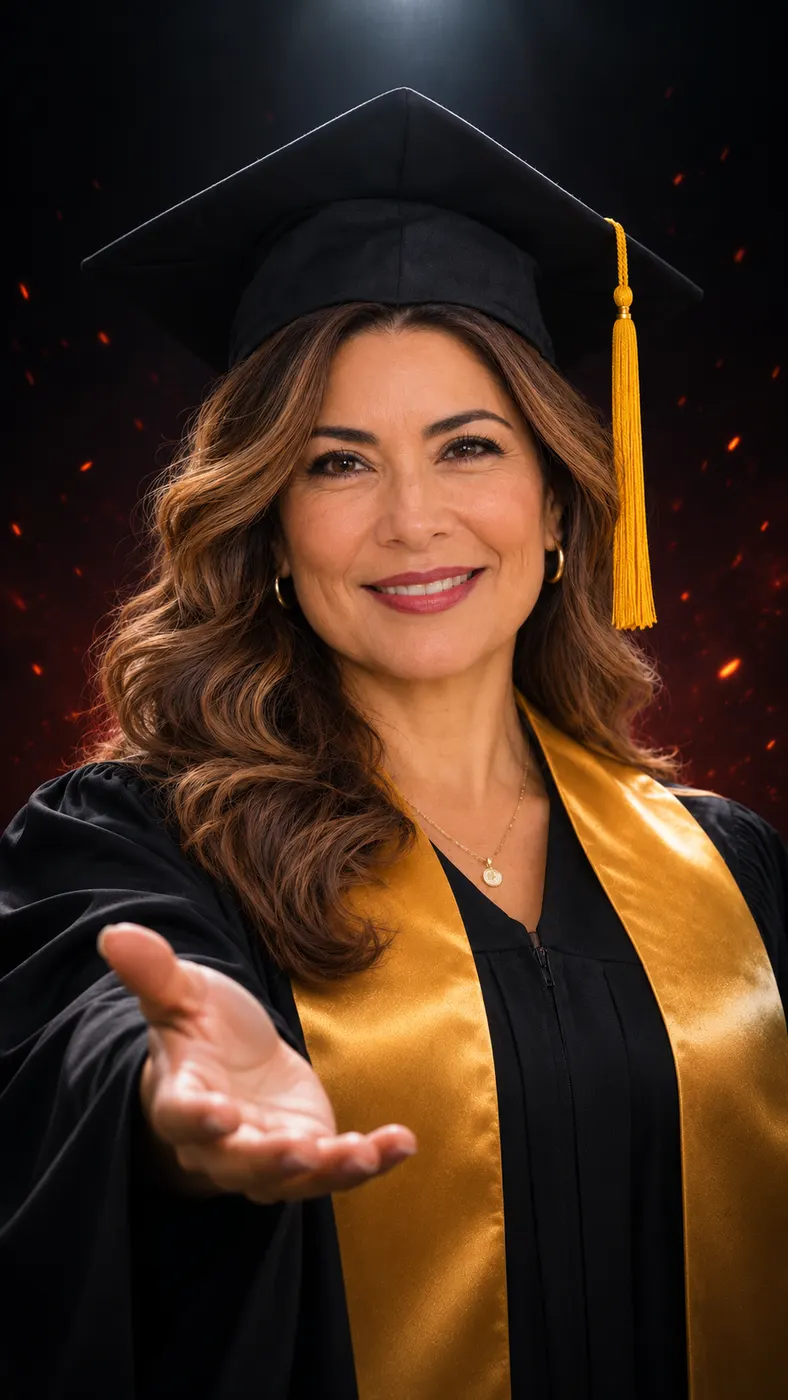
Enchantress filter ai examples
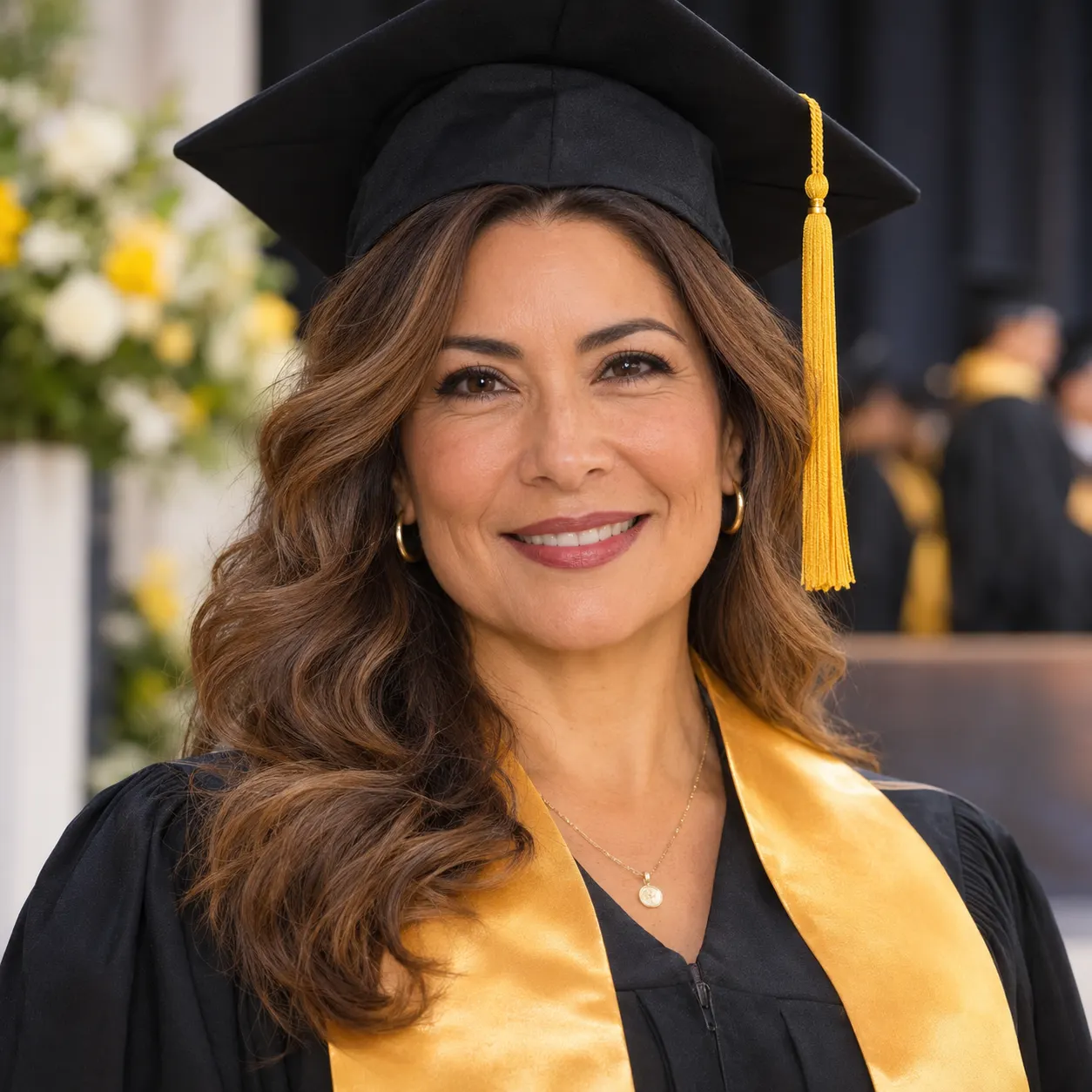
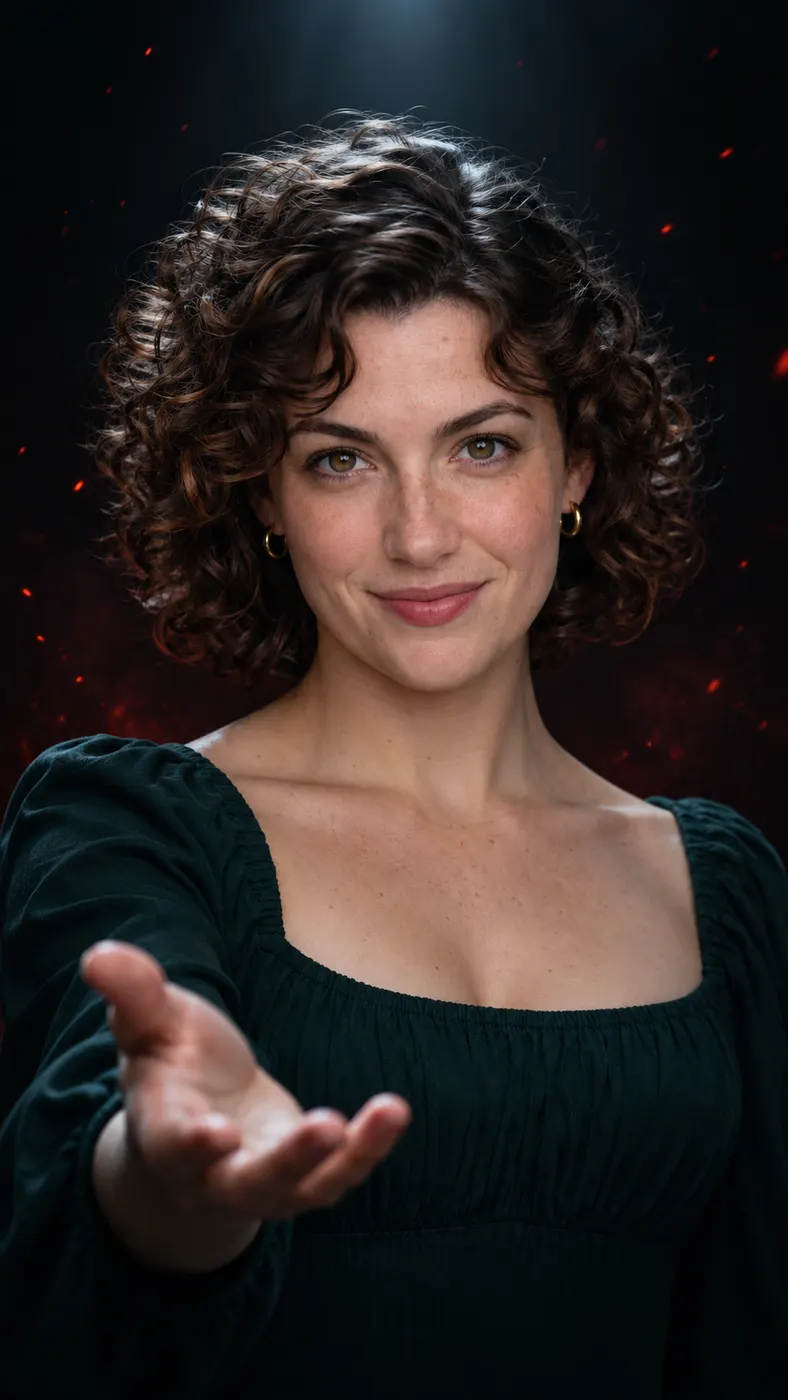
These examples show the same transformation at its key moments: a forward-facing pose, the raised-hand reveal, and the final supernatural look. The ready-made templates page has more scenes to try, while viral trends helps you find other reference-video ideas. Check Rap Blaze pricing before choosing credits for a full result. The dark-room ember scene is designed to read clearly in a vertical frame.
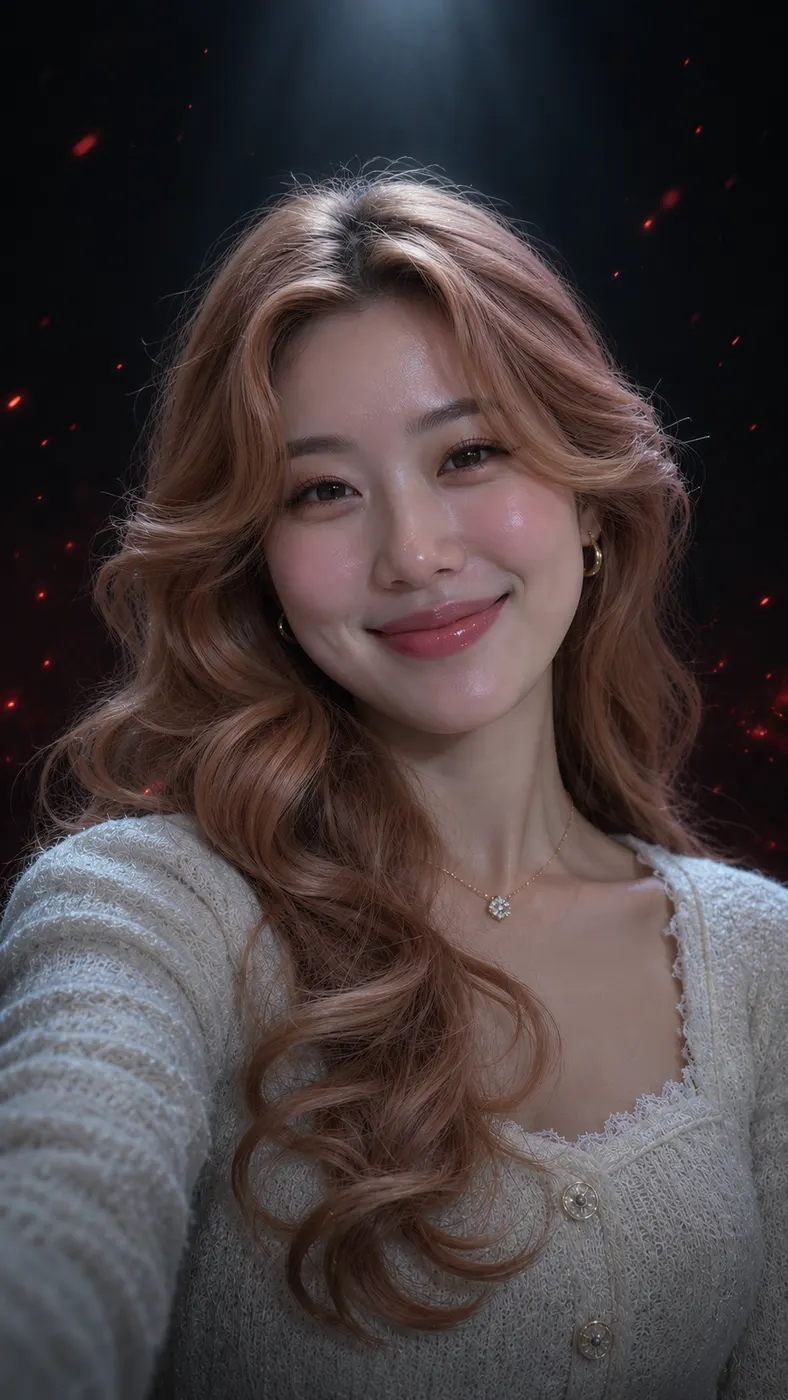
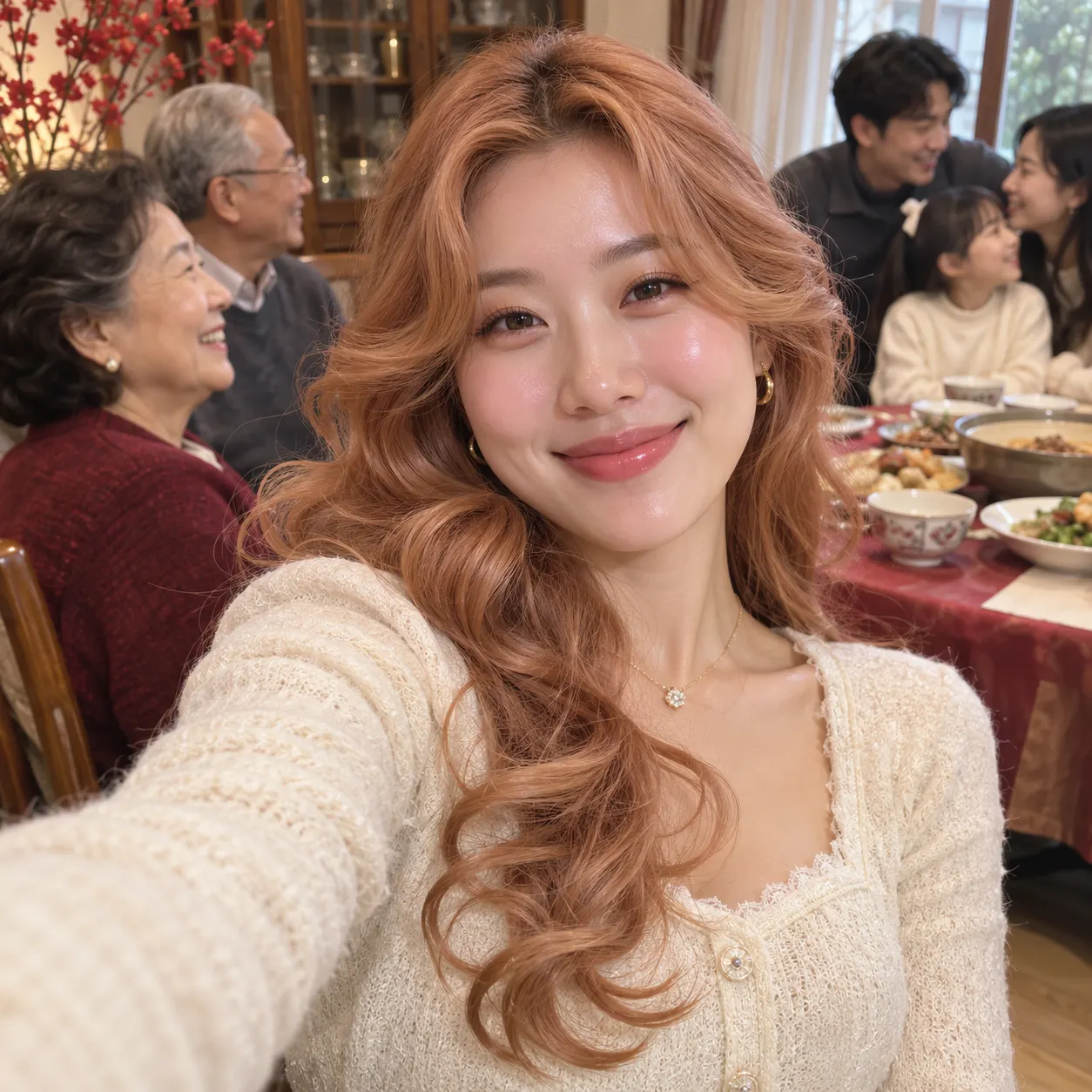
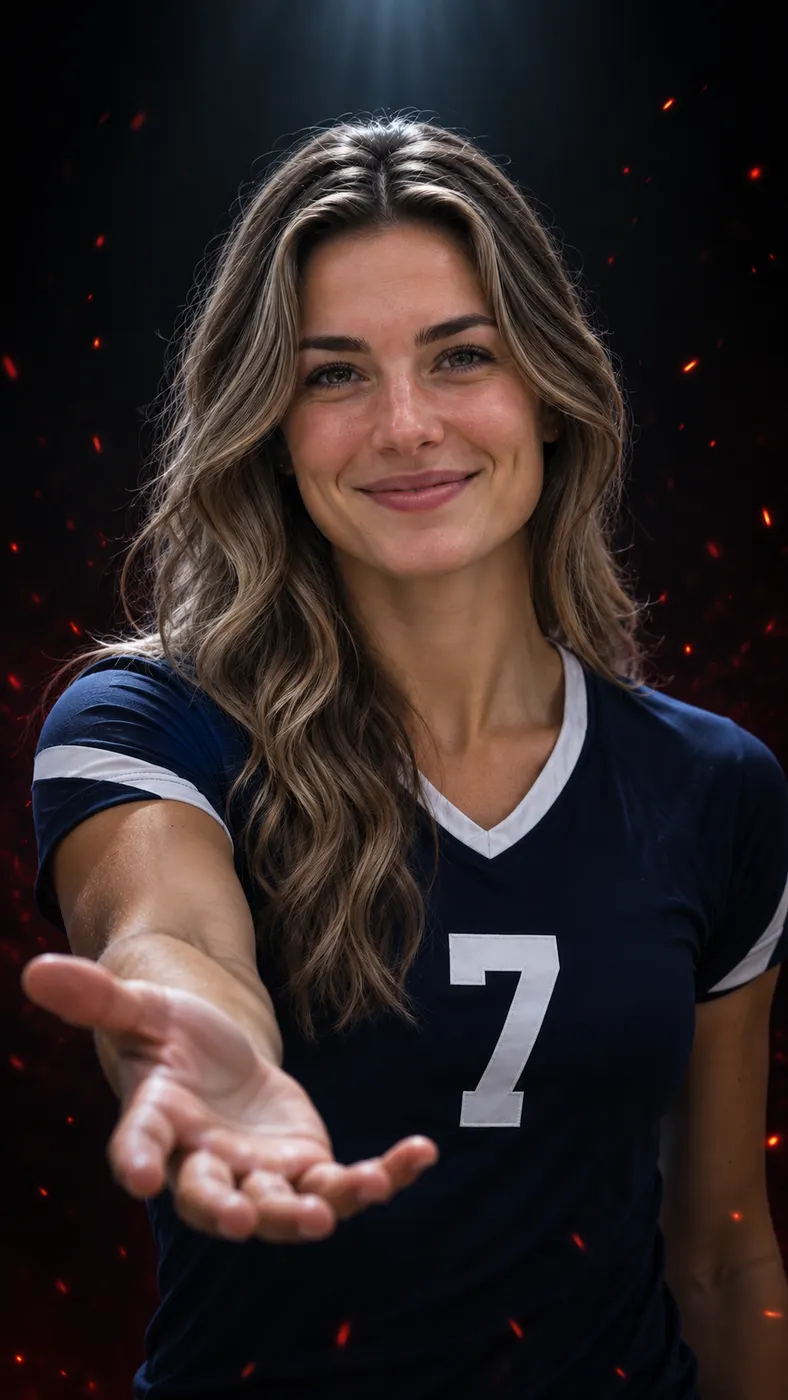

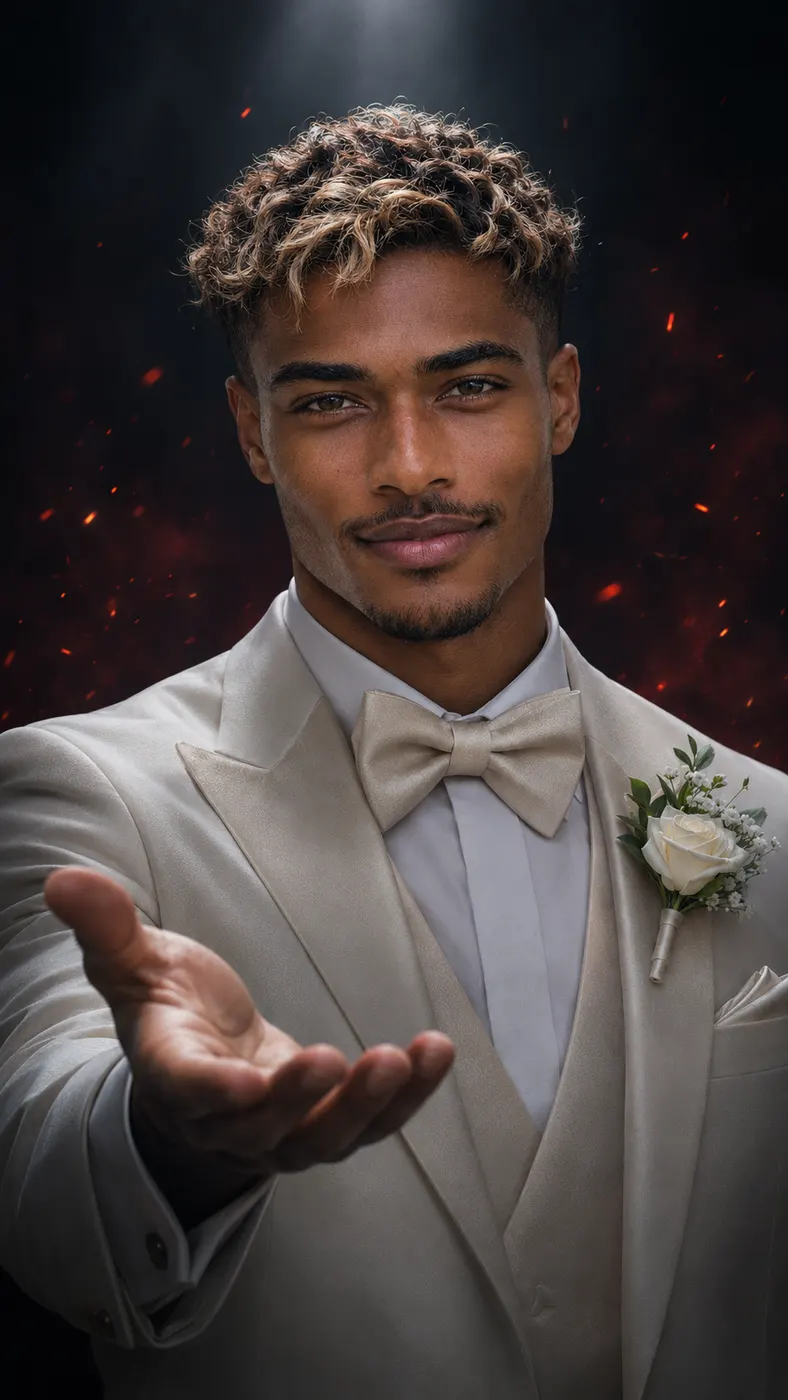
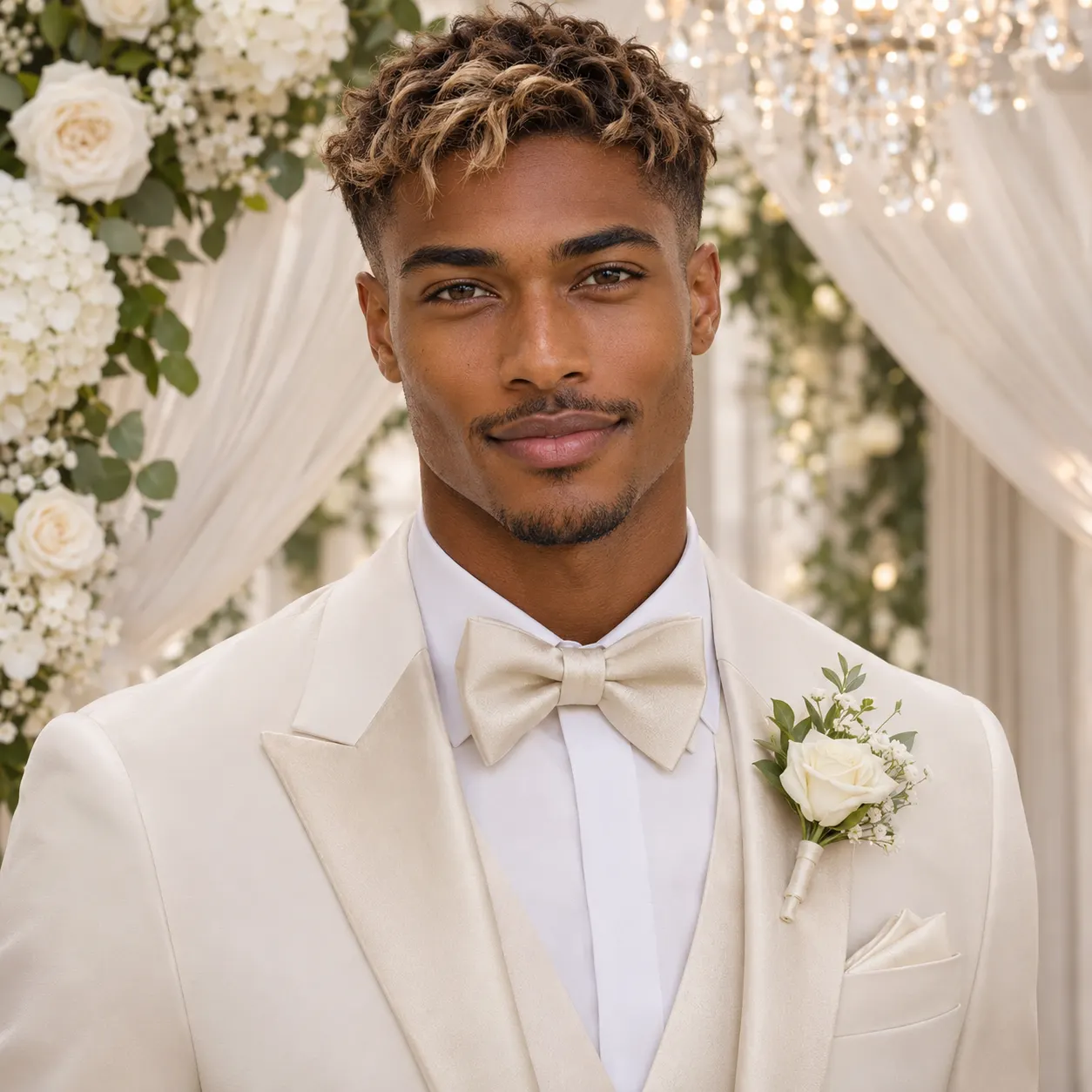
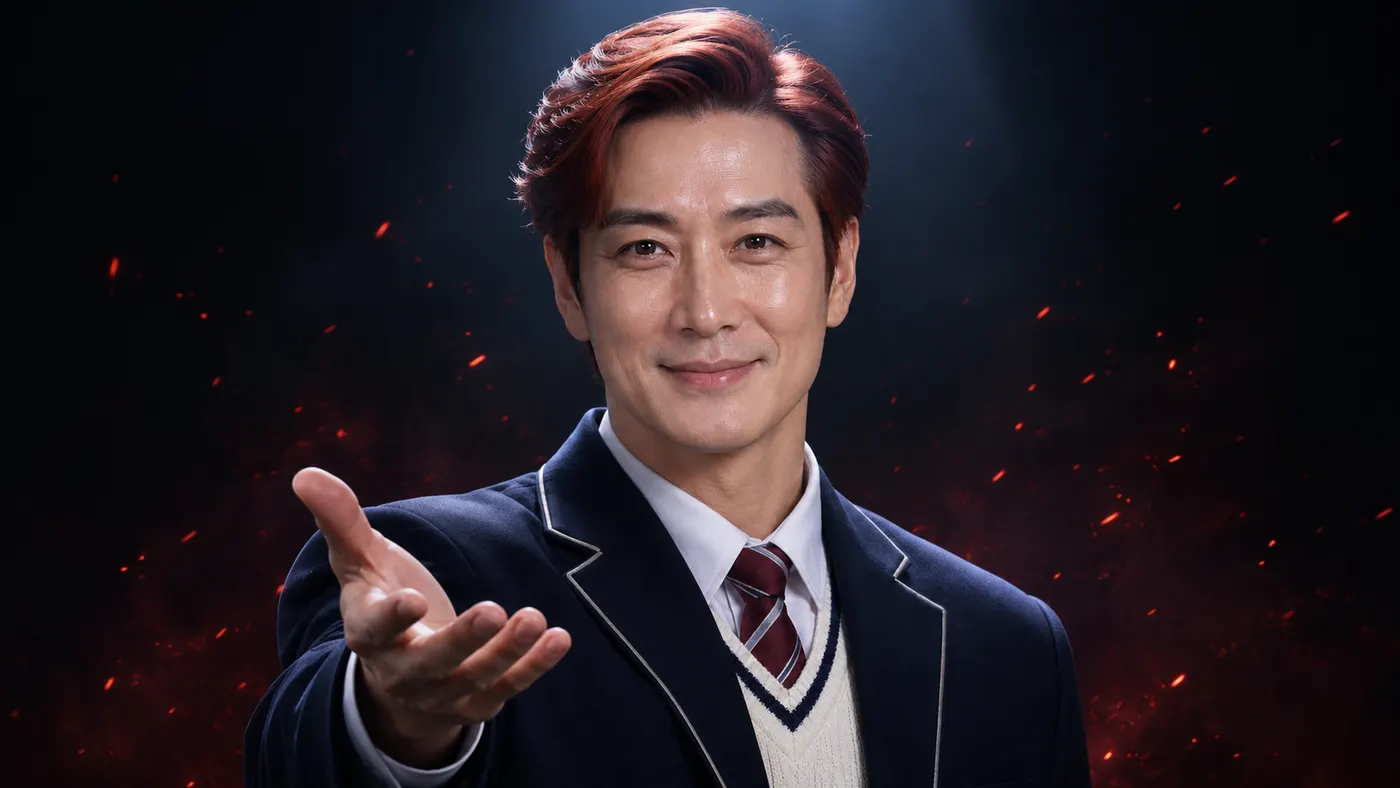



How the enchantress filter ai transformation works
- 01
Upload one clear photo
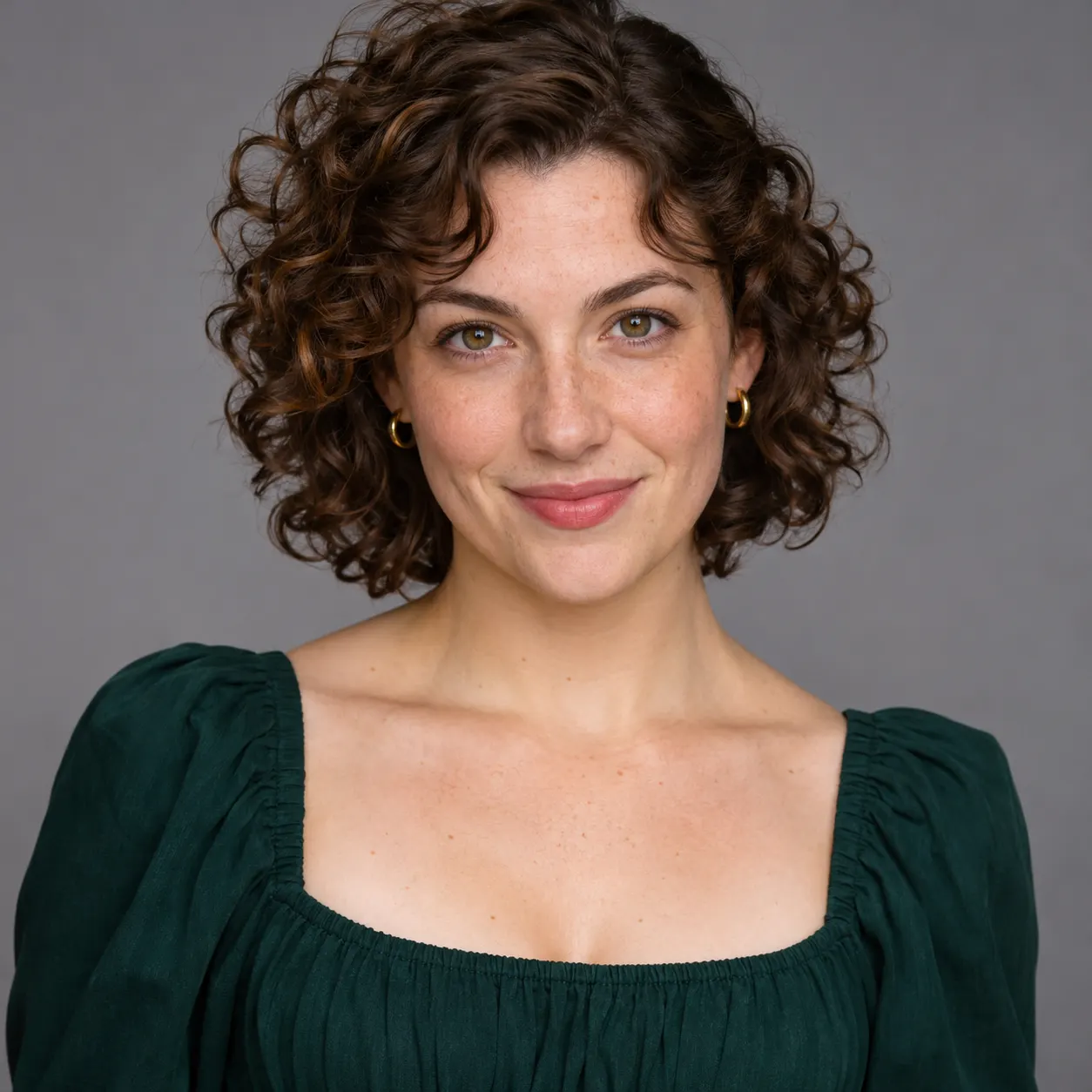
Choose one clear photo with the subject facing the camera and the face visible. A solo portrait works, and a photo with two people can also be uploaded, but the selected person must be easy to identify. Avoid heavy filters, blocked facial features, extreme blur, or a pose that hides the hand and face. The enchantress filter ai scene uses the uploaded image as the identity reference, so a sharp, front-facing source gives the transformation a more predictable starting point.
- 02
Generate the selected scene
Keep the Enchantress Filter scene selected, confirm the uploaded photo, and optionally add a short detail in the text field. The reference clip determines the dark room, forward-facing pose, hand gesture, dark wipe, and ember particles. The enchantress filter ai scene replaces the person in that reference moment with the subject from your photo. Generation time can vary with demand; allow several minutes for the request to process and for the result to appear.
- 03
Download the full result
Review the generated result, then download the complete vertical video. The finished output is a 15-second video at 480p quality and uses 29 credits at the listed rate of $2.03. Share the dark transformation where a short vertical clip works best.
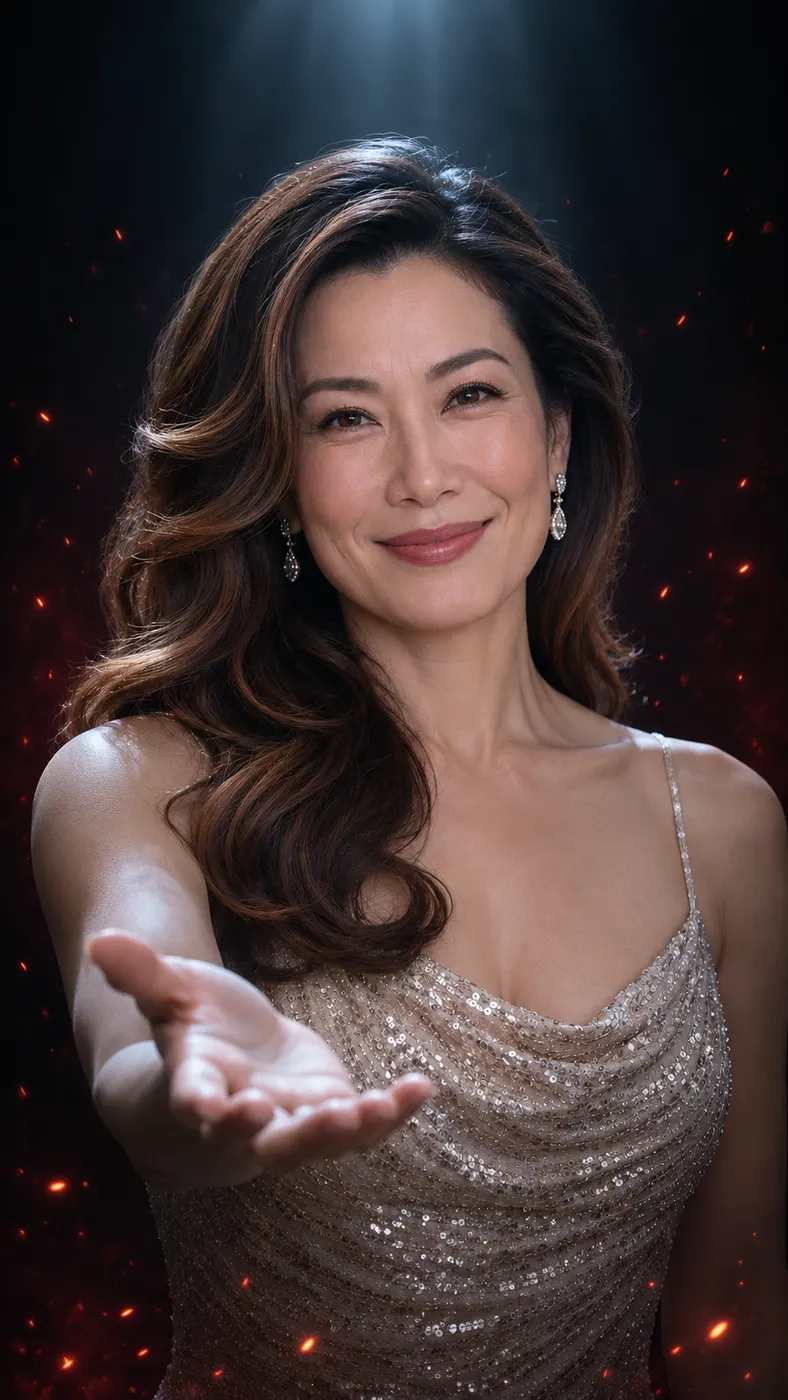
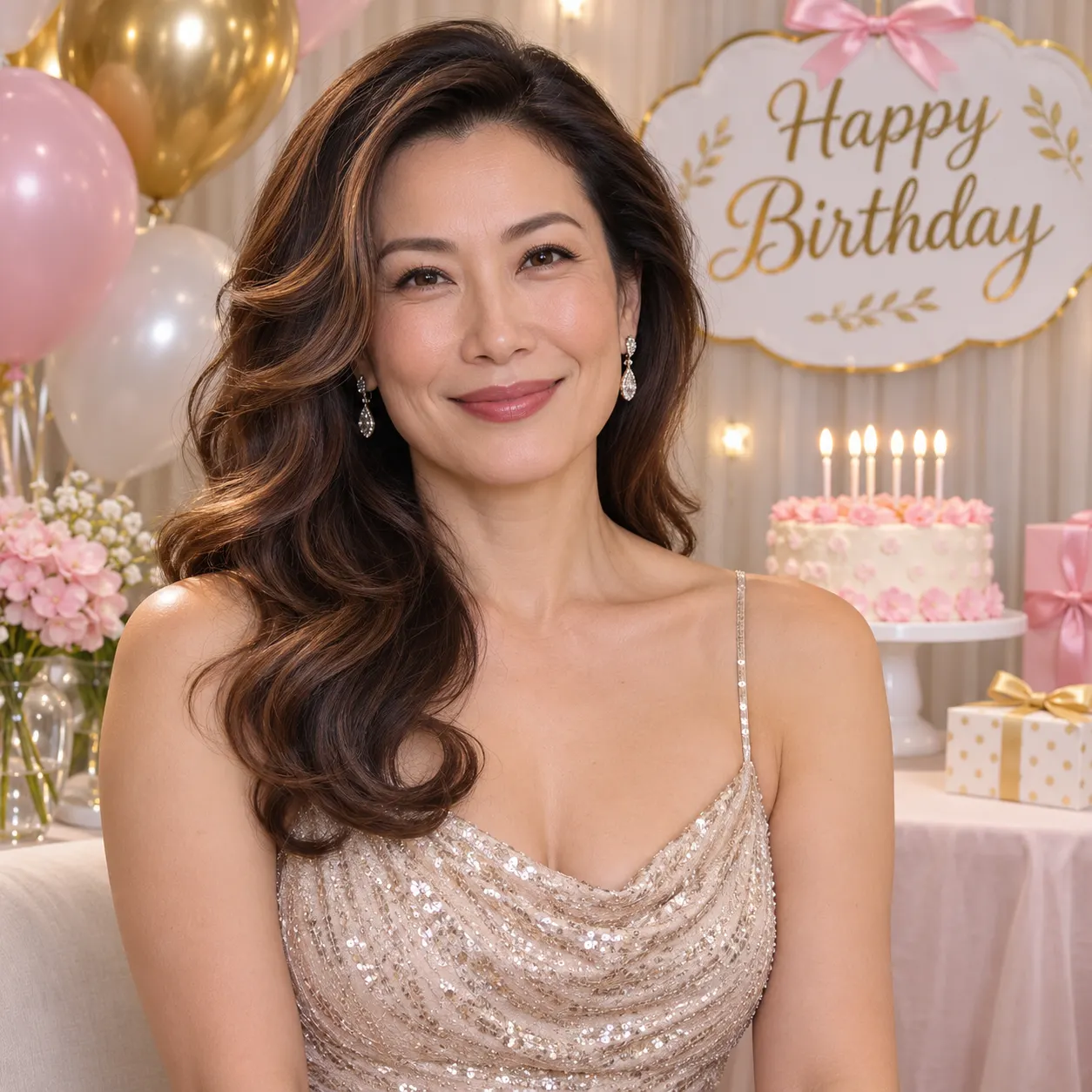
What you can do with this scene
Keep the transformation recognizable
You can start with a straightforward portrait so the face remains easy to recognize as the scene changes. The enchantress filter ai scene is built around replacing the reference performer with the person in your uploaded photo, while preserving the requested forward-facing action and dark transition. Good lighting on the original face helps the dark transition read as a transformation rather than an unrelated character.
Create a focused dark reveal
You can use the scene when you want one clear visual story instead of a general fantasy change: face the camera, extend a hand, pass through a dark wipe, then arrive in a red-ember dark room. The black background, cold top light, and red ember particles give the vertical frame a consistent mood. An optional text detail can add context, but it does not replace the dedicated reference scene.
Choose a practical source photo
You can prepare the image before generating by choosing a sharp photo with visible faces, a simple composition, and enough space around the head and upper body. A chest-up view matches the reference framing especially well. Avoid sunglasses, strong beauty filters, motion blur, or objects covering the face. The clearer the source, the easier it is for the generated video to keep the same person recognizable through the hand and dark-wipe moment.
Use the result as a short vertical post
You can share the completed clip as a compact transformation post, a reaction reveal, a themed profile update, or a dark fantasy introduction. The scene is already structured as a vertical reference-video moment, so you do not need to plan separate shots or write a long sequence. At 480p quality and 15 seconds, the result is sized for quick viewing while still showing the key hand, wipe, and ember beats.
Enchantress Filter AI questions
What is the enchantress filter ai scene?
The enchantress filter ai scene turns one uploaded photo into a short reference-video transformation. The selected person faces the camera, holds out a hand, passes through a dark wipe, and reaches a dark-room look with red ember particles. The generator uses the dedicated Enchantress Filter reference clip rather than asking you to describe every movement from scratch.
Does the enchantress filter ai scene cost money?
Yes. This scene uses credits for the full generated result. The listed rate is $2.03, and the generation uses 29 credits. The page does not promise a free run, so check the current balance and the pricing page before you submit. The displayed site values can change, while the page keeps the cost connected to the current video-effect configuration.
How long does enchantress filter ai generation take?
Allow several minutes for processing, because the request must apply the reference performance to the uploaded photo and render a complete vertical clip. The final result is 15 seconds long at 480p quality. Processing time can vary with service demand, so keep the browser page available until the result finishes and can be saved.
What photo works best for the Enchantress Filter scene?
Use one clear photo with the face visible and the person facing the camera. A solo portrait is the simplest choice, while a photo with two people can work when the intended subject is easy to distinguish. Chest-up framing, even lighting, and a sharp face are helpful because the reference moment focuses on the upper body, raised hand, dark wipe, and ember finish. Avoid heavy filters, blur, or anything covering the face.
Can I use someone else’s photo for this transformation?
You can upload a photo of another person only when you have that person’s permission to use the image and create the result. The generator uses the uploaded face and appearance as the person placed into the reference clip, so treat the image and finished video as someone else’s likeness. Do not use a private image or present the generated transformation as a real recording without the person’s agreement.
Is this an official Enchantress or movie transformation?
No. This is a user-generated AI video effect based on the dedicated Enchantress Filter reference scene. It is not an official release, endorsement, or clip from a film, character owner, or entertainment brand. The generated result applies the scene’s hand gesture, dark transition, and ember particles to the photo you provide, and the output should be understood as an AI-generated transformation.
Make the dark transformation
Return to the generator panel, upload a clear forward-facing photo, and create the dark-wipe ember reveal with the selected reference scene. Review the result, then download the full vertical video when it matches the look you want.