
Ramalama AI
With Ramalama AI, you step into a red-orange and purple witch room, take the walk toward the camera, and finish in a witch hat close-up. The room video follows the dedicated reference scene and its Ramalama beat, while your one photo supplies the face and appearance. The result is a vertical Halloween performance built around the recognizable costume walk.
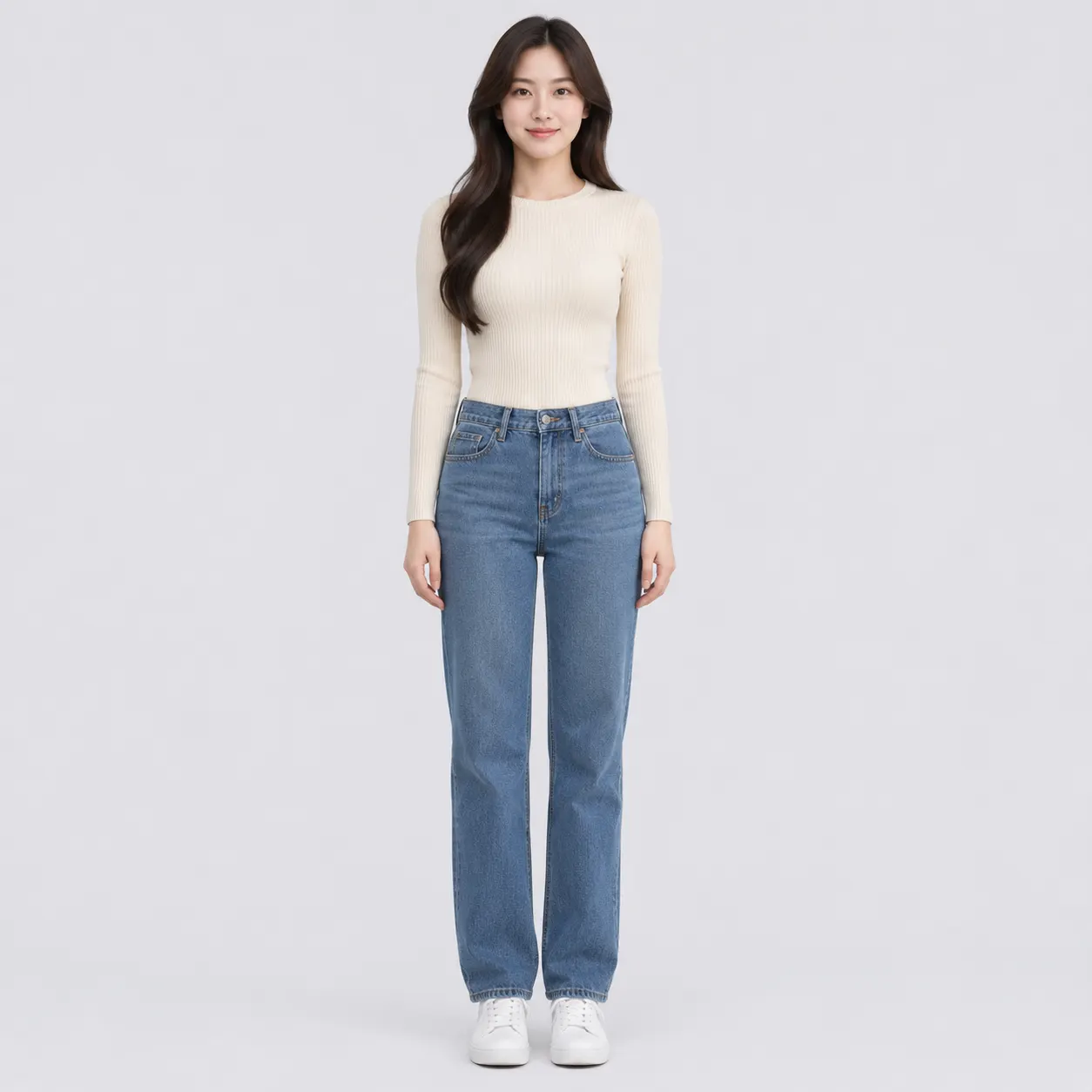
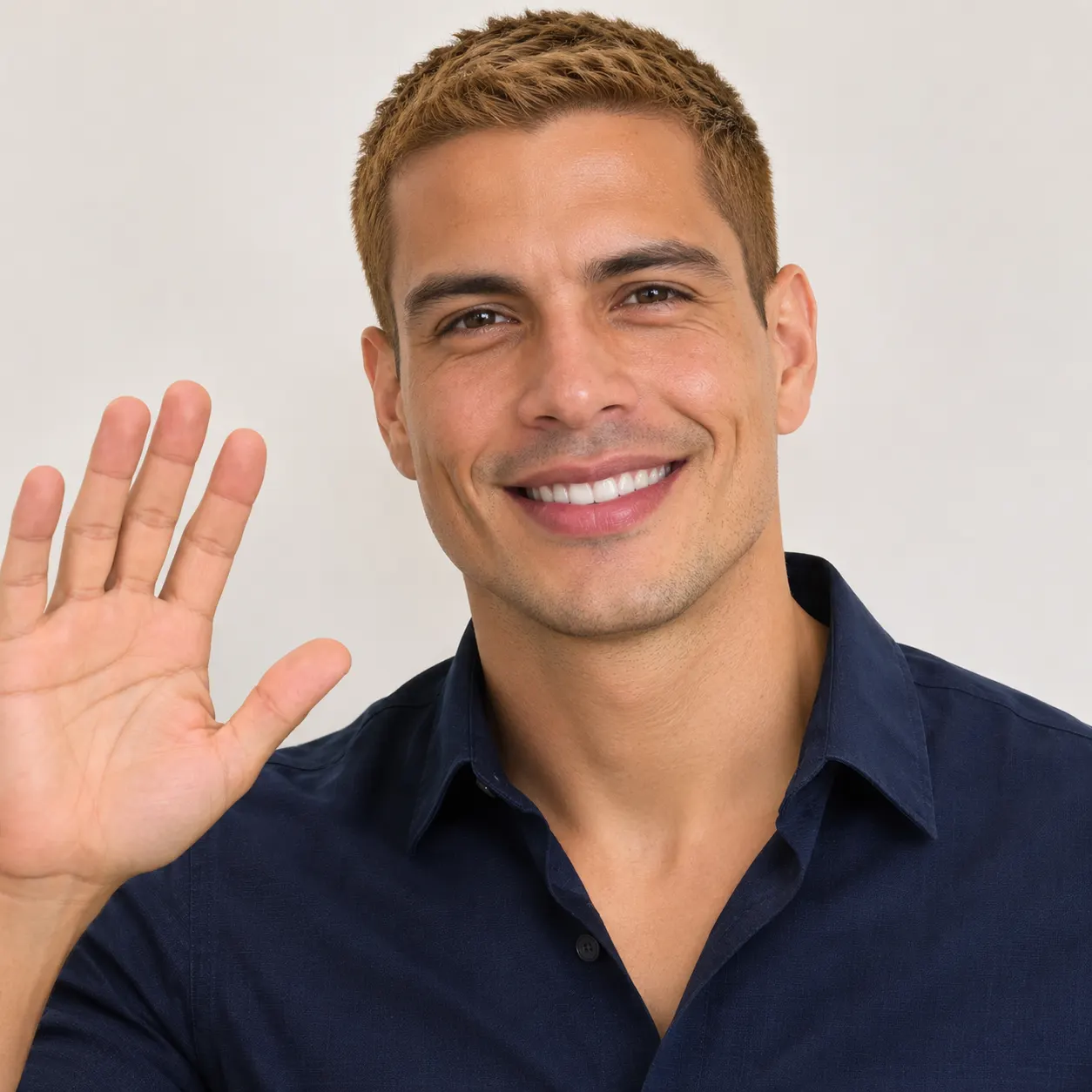
One clear photo: a solo shot or the two of you. Faces visible, no heavy filters
Tip: drag a photo onto its box, or click the box to pick one.
You take the place of the person who walks through the Halloween room in the witch outfit.
Ramalama Costume Walk · Walk through a pumpkin-lit Halloween room in a witch outfit, to the Ramalama beat.
This video: 64 credits · Credits come back if it fails
AI video effect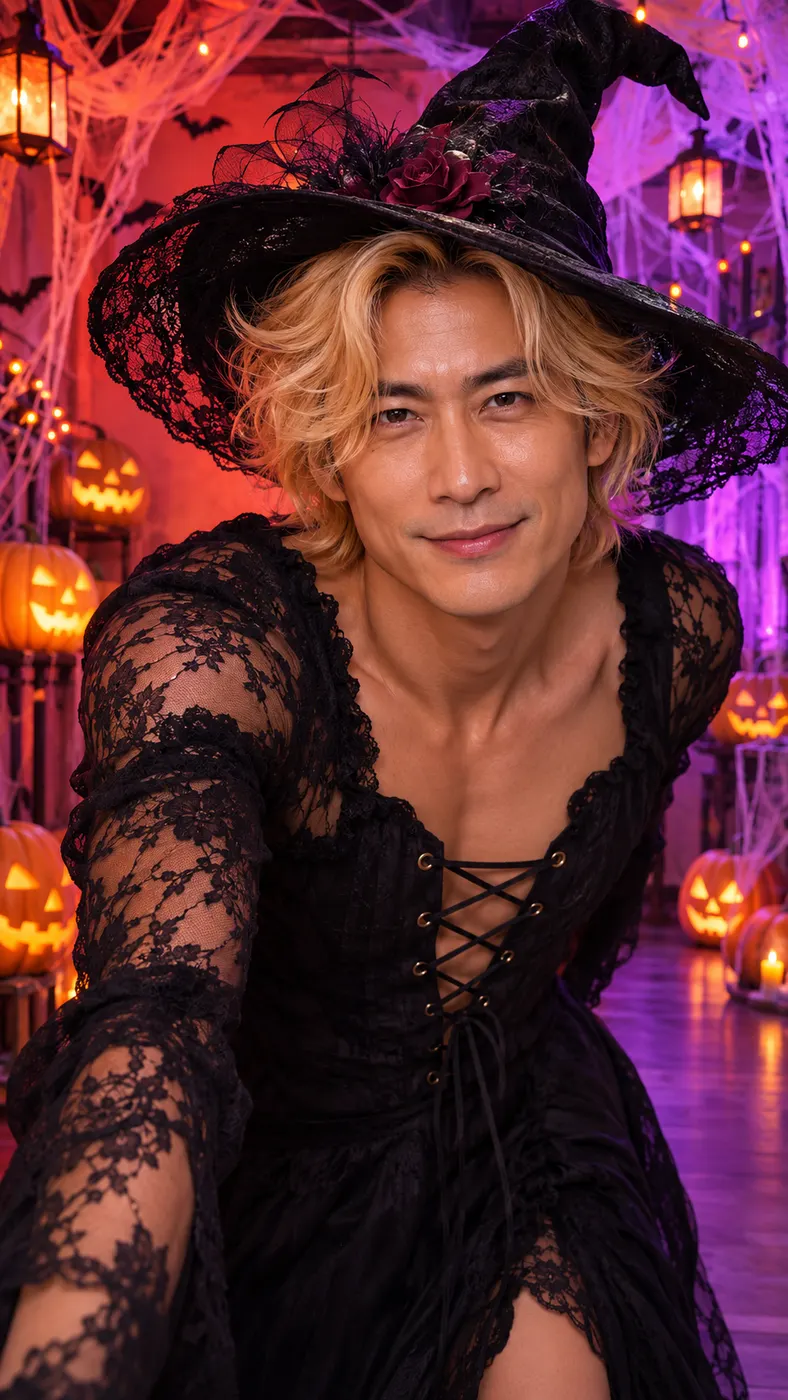
See Ramalama AI scene examples
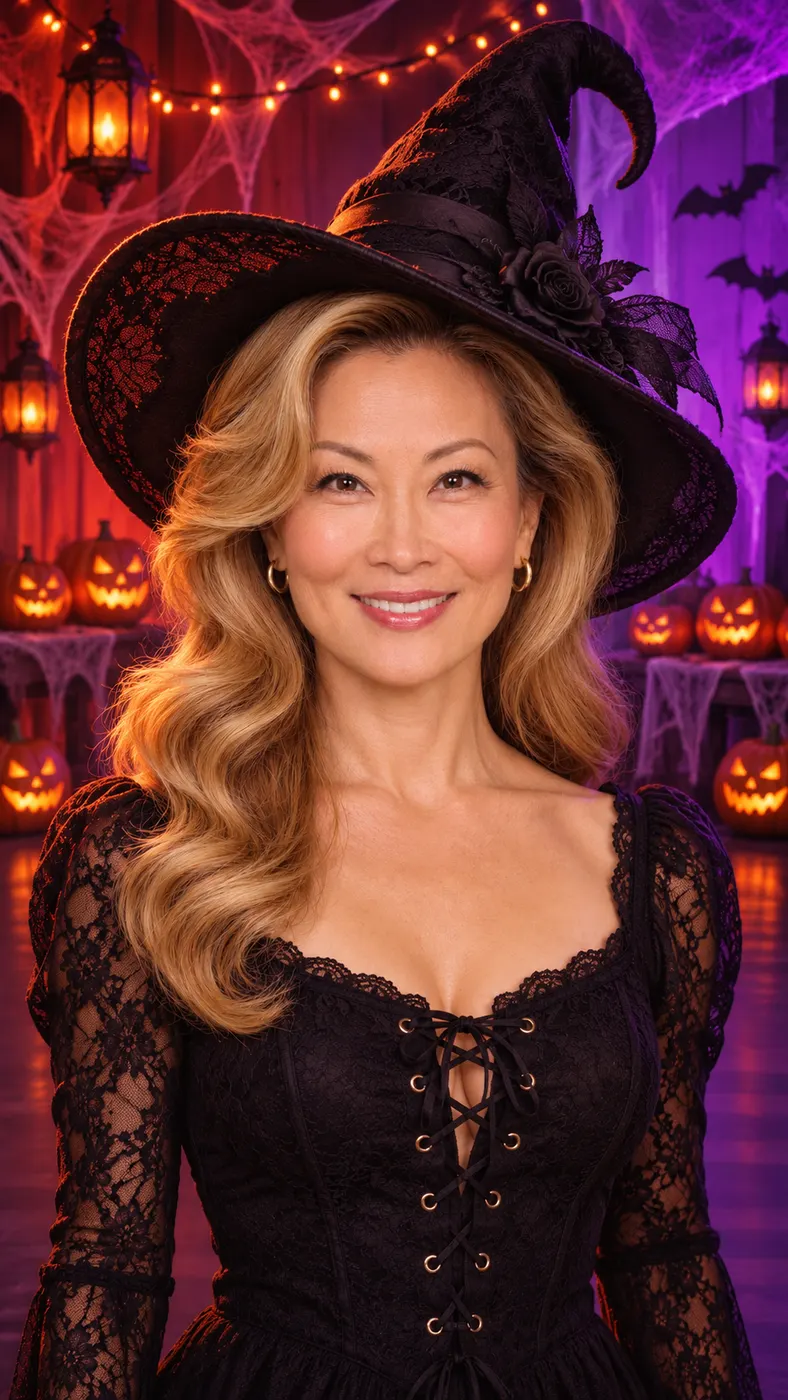
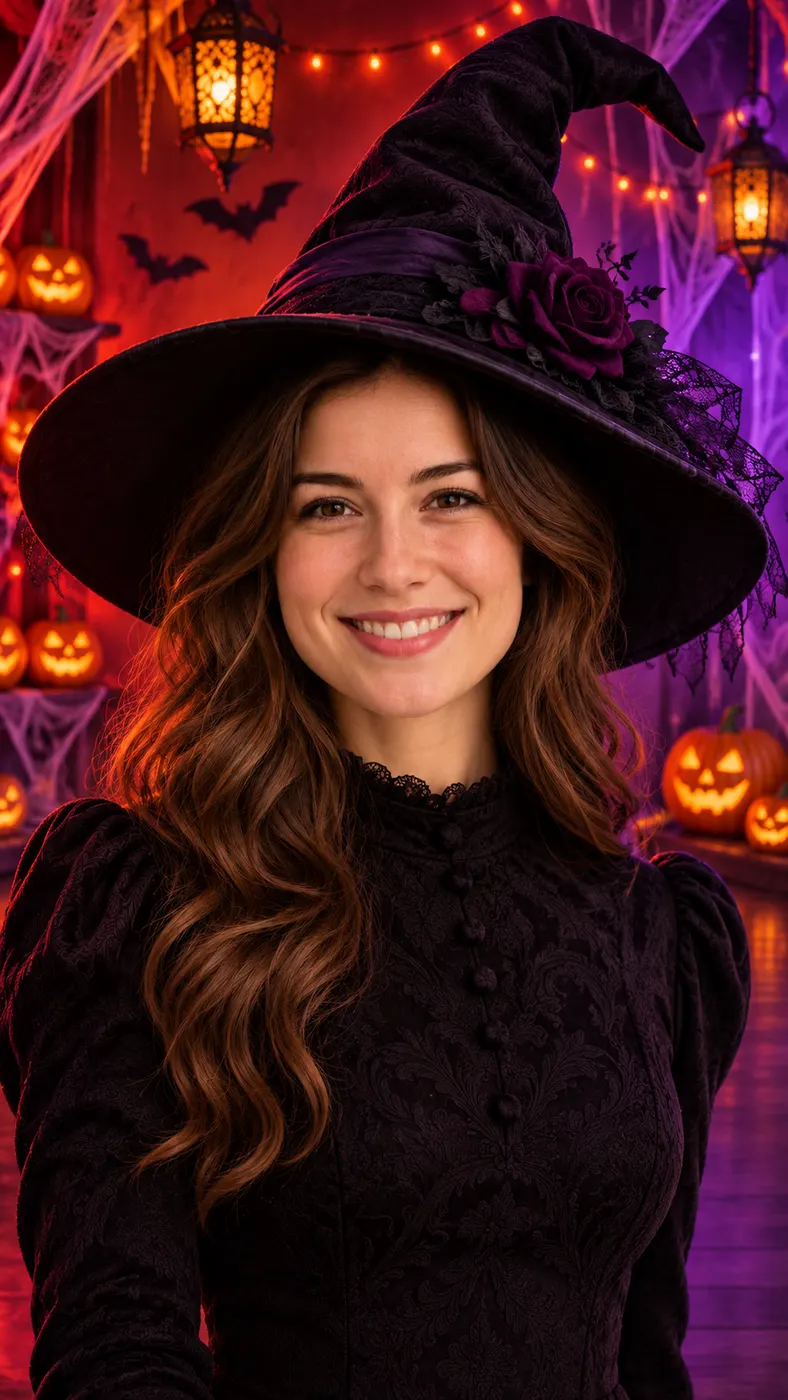
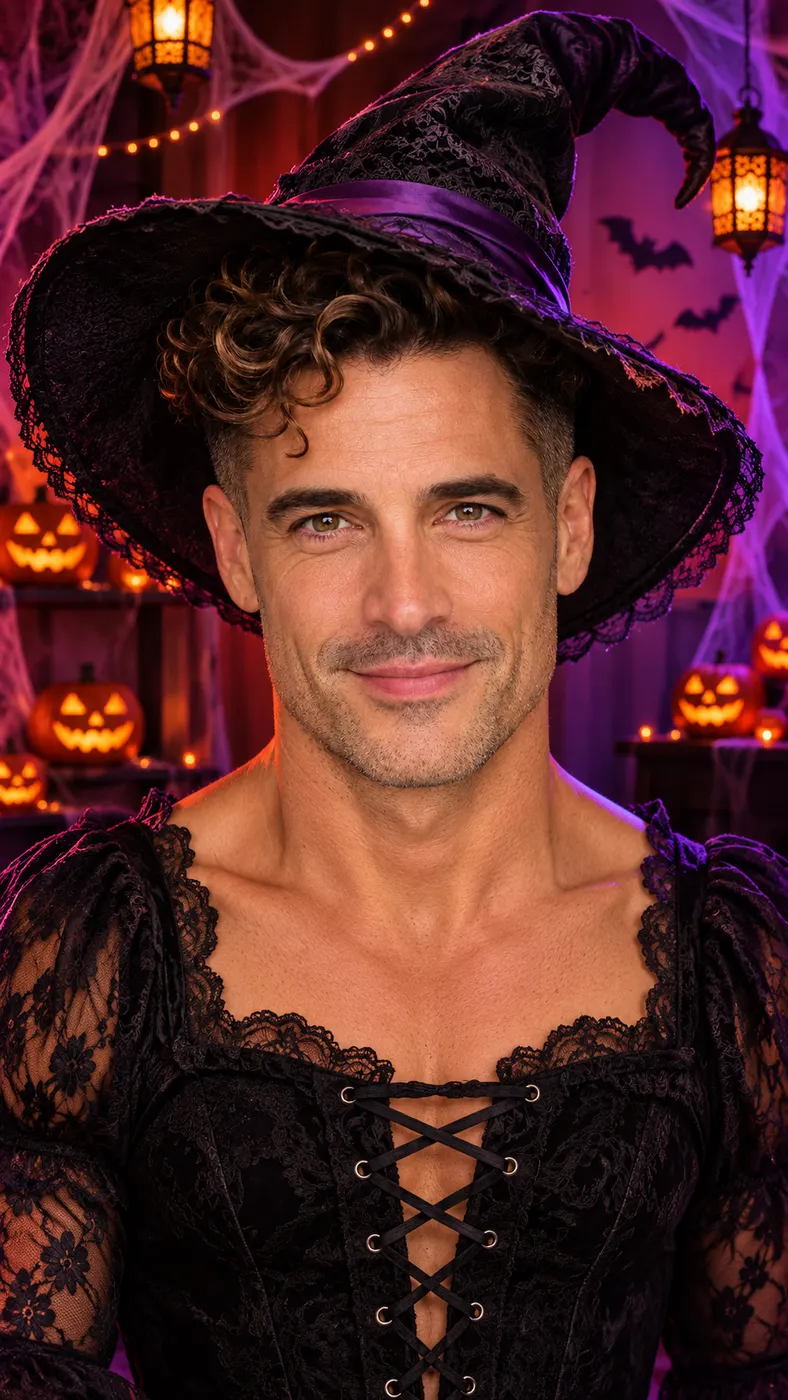
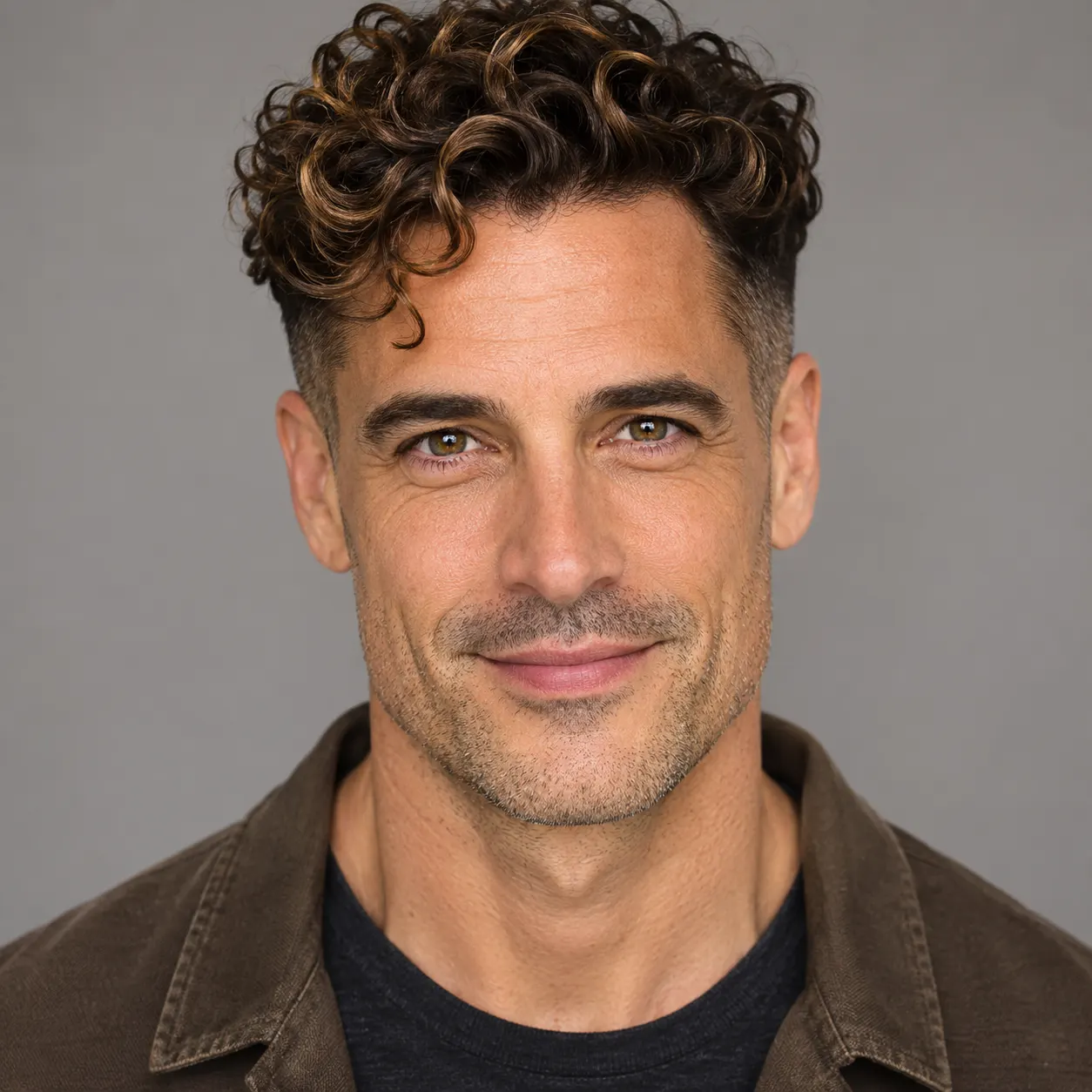
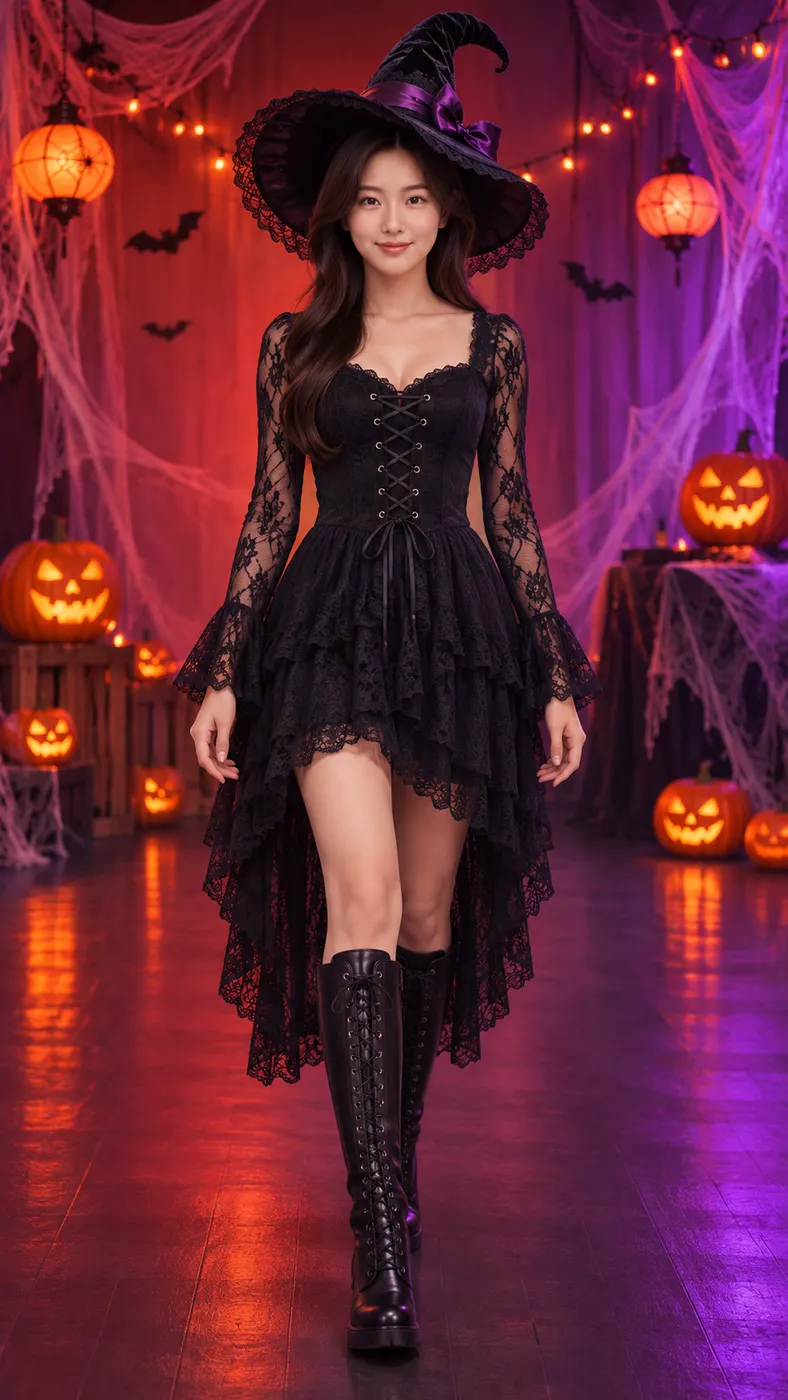
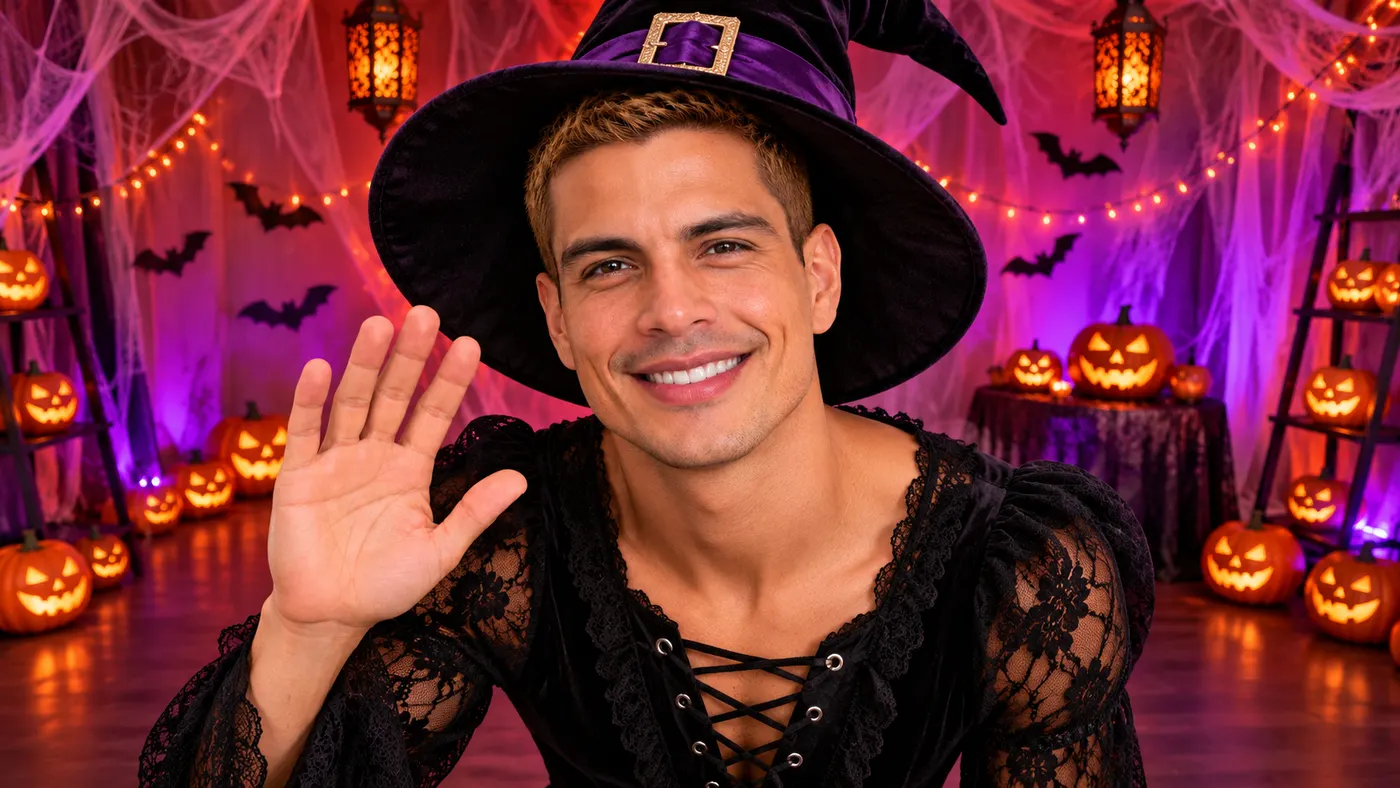
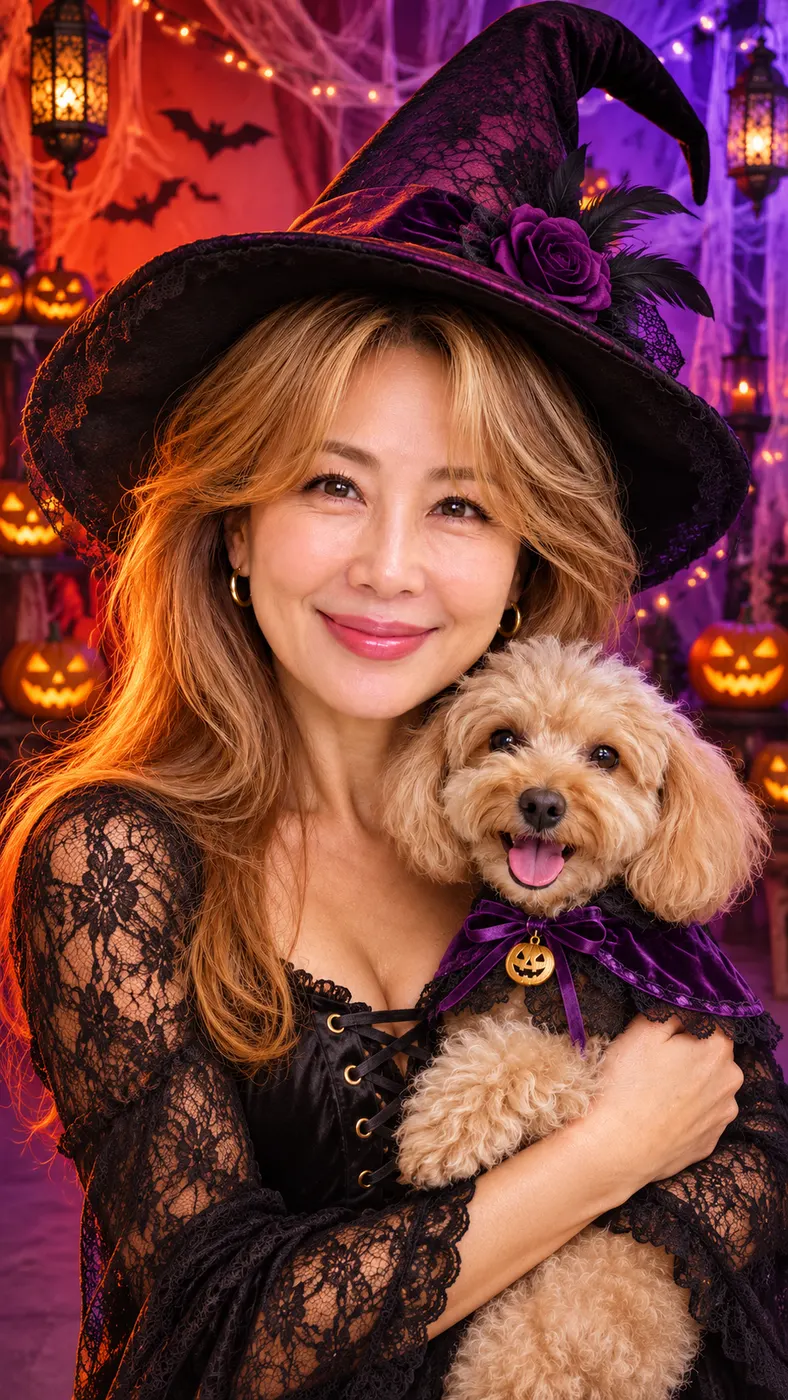
These Ramalama AI examples show the opening walk, the changing distance from the camera, and the witch-hat ending. Compare the scene moments, then use the best photo guide for upload advice or browse ready-made video scenes before choosing your own starting image. You can also review how long AI video generation takes before rendering.
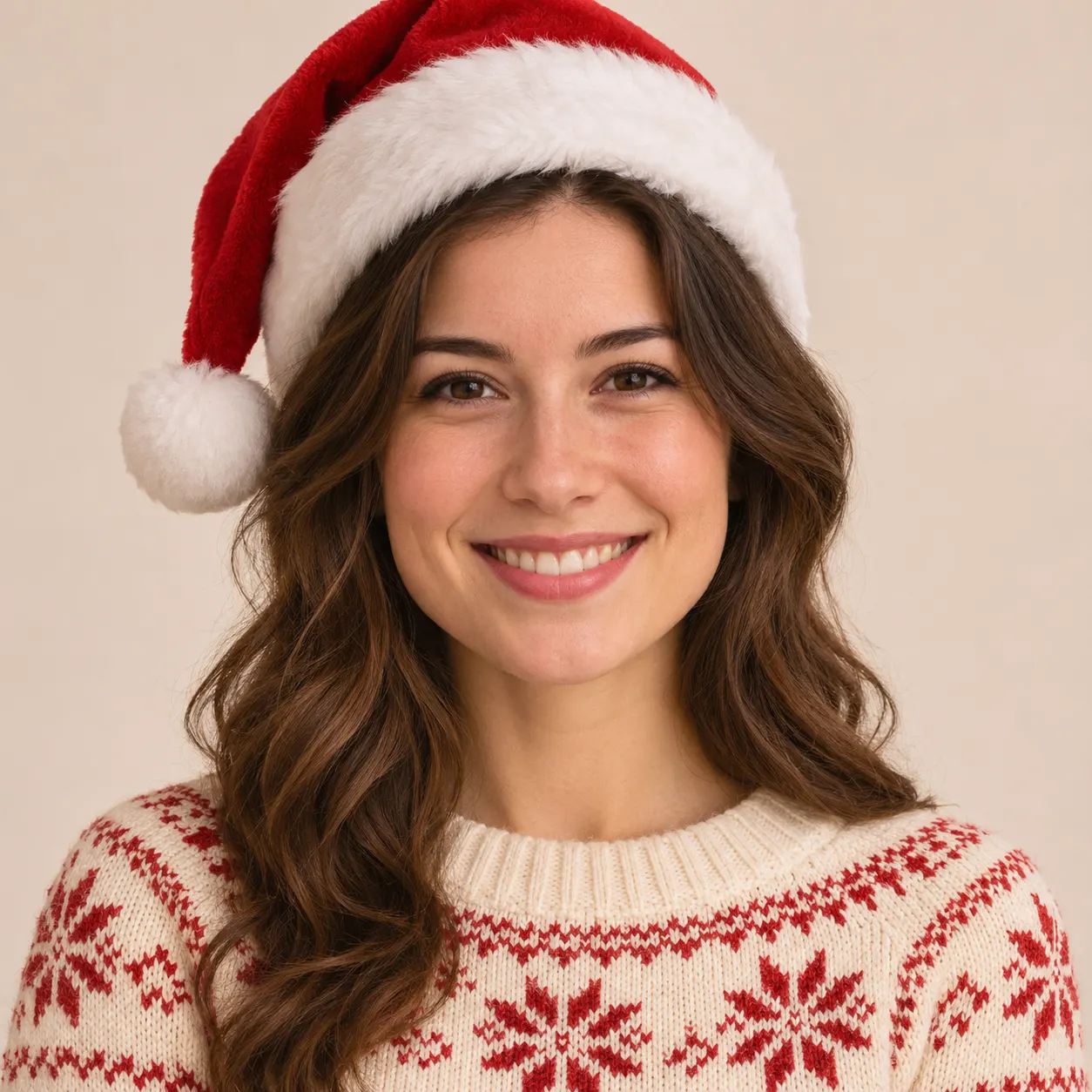


How Ramalama AI works
- 01
Upload your photo
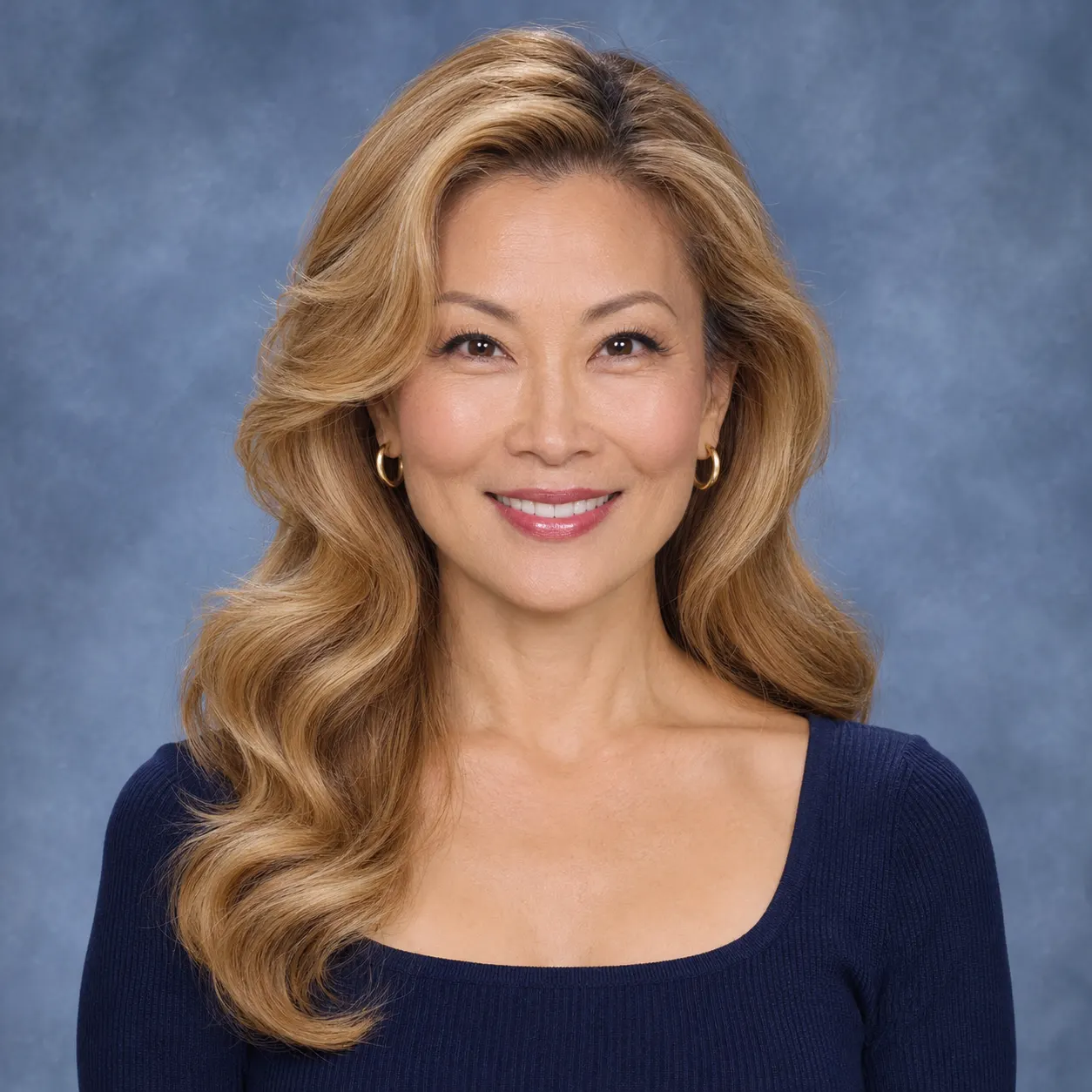
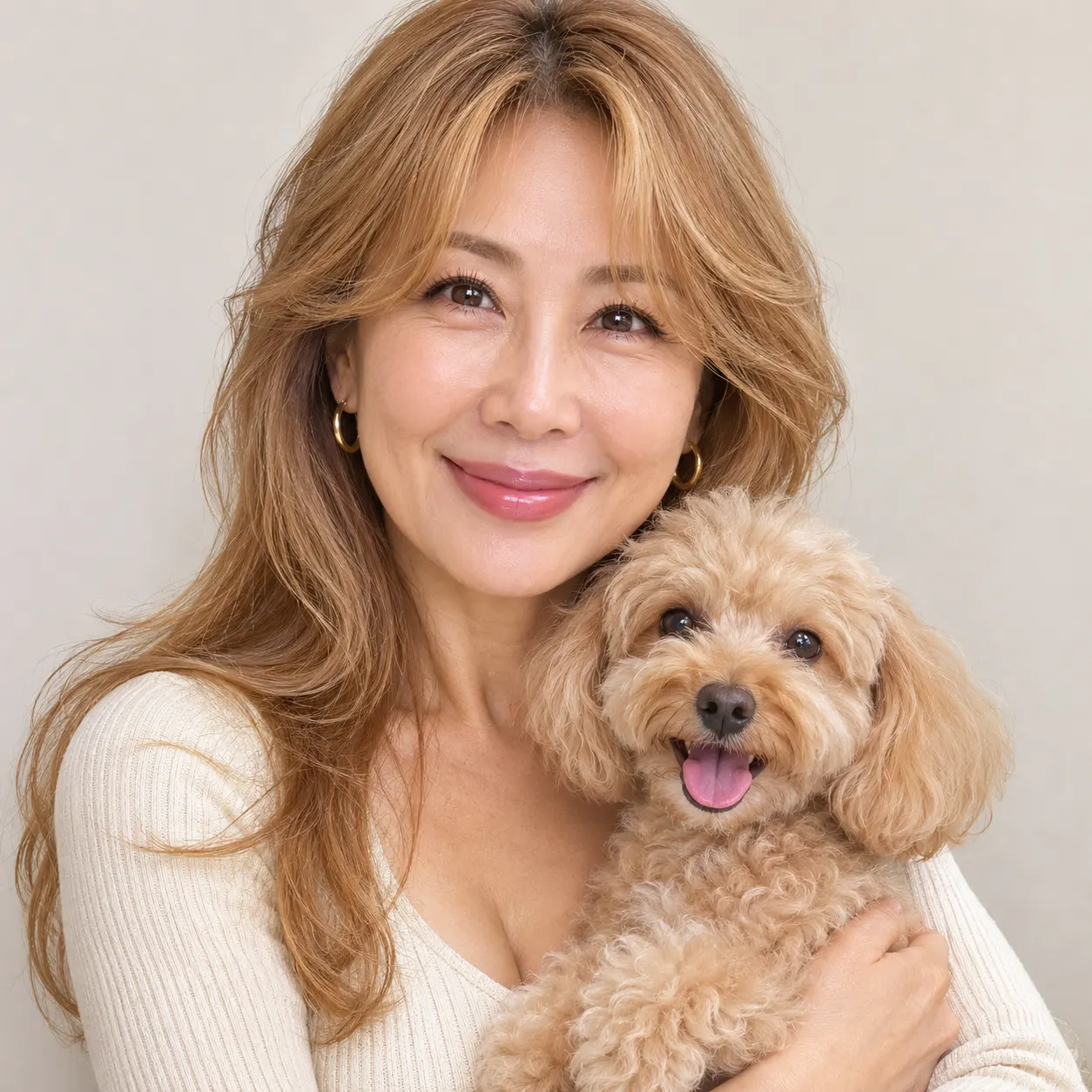
Choose one clear photo with visible faces and no heavy filters. Ramalama AI can use a solo image or a photo containing two people, and it keeps the same number of people shown in the source. A straightforward front-facing image gives the scene a clearer identity reference for the costume walk and final close-up.
- 02
Start the scene
Select the Ramalama costume walk scene, add an optional detail if you want to clarify something about the uploaded image, and start generation. The selected reference clip supplies the Halloween room, witch outfit, walking movement, and ending close-up; your optional text can add context without replacing the scene's main action.
- 03
Save the finished clip
When Ramalama AI finishes rendering, review the full vertical clip from the opening step through the witch-hat close-up, then save the result. The output follows the reference clip's length and uses the configured 480p quality. Rendering time is not promised as a fixed interval, so wait for the completed result before saving it.
What you can make
Step into the exact Halloween walk
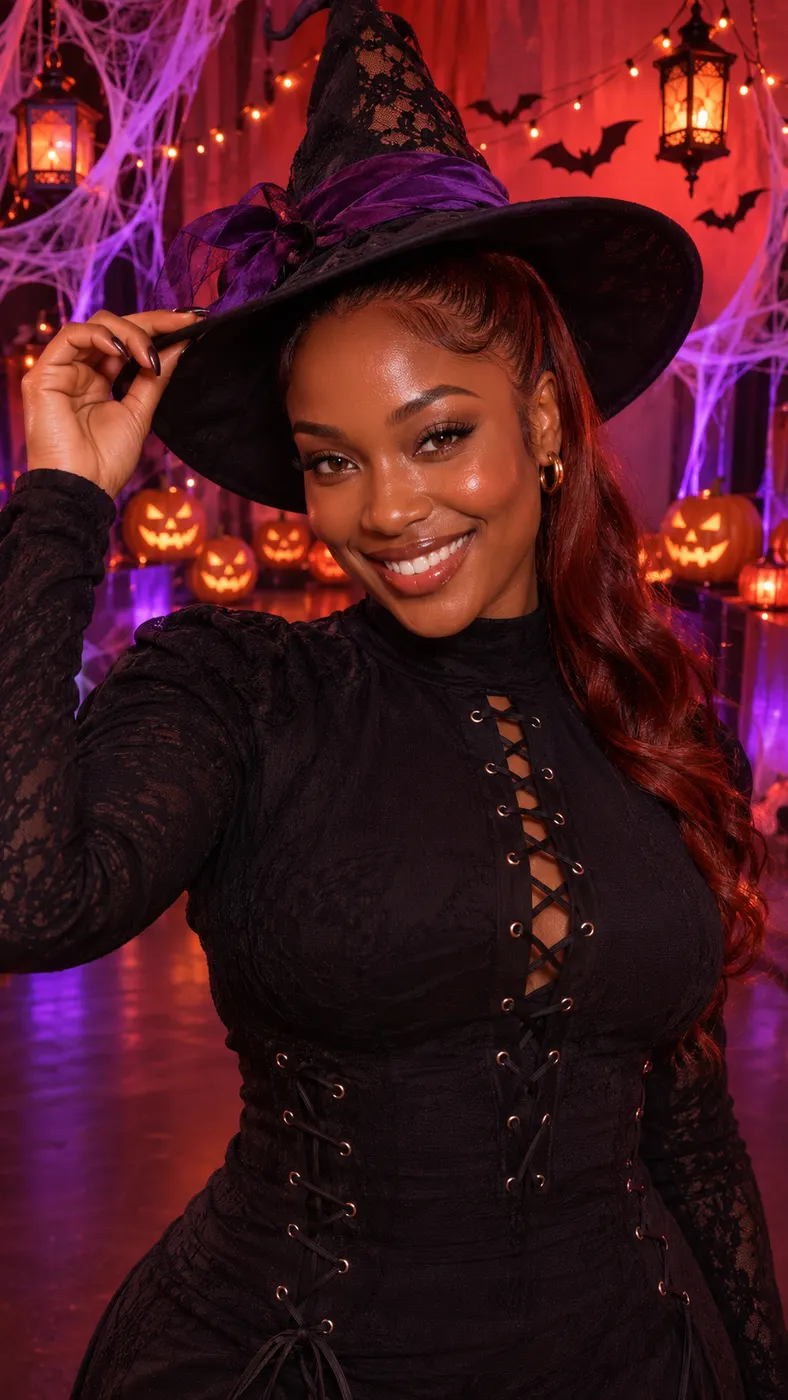
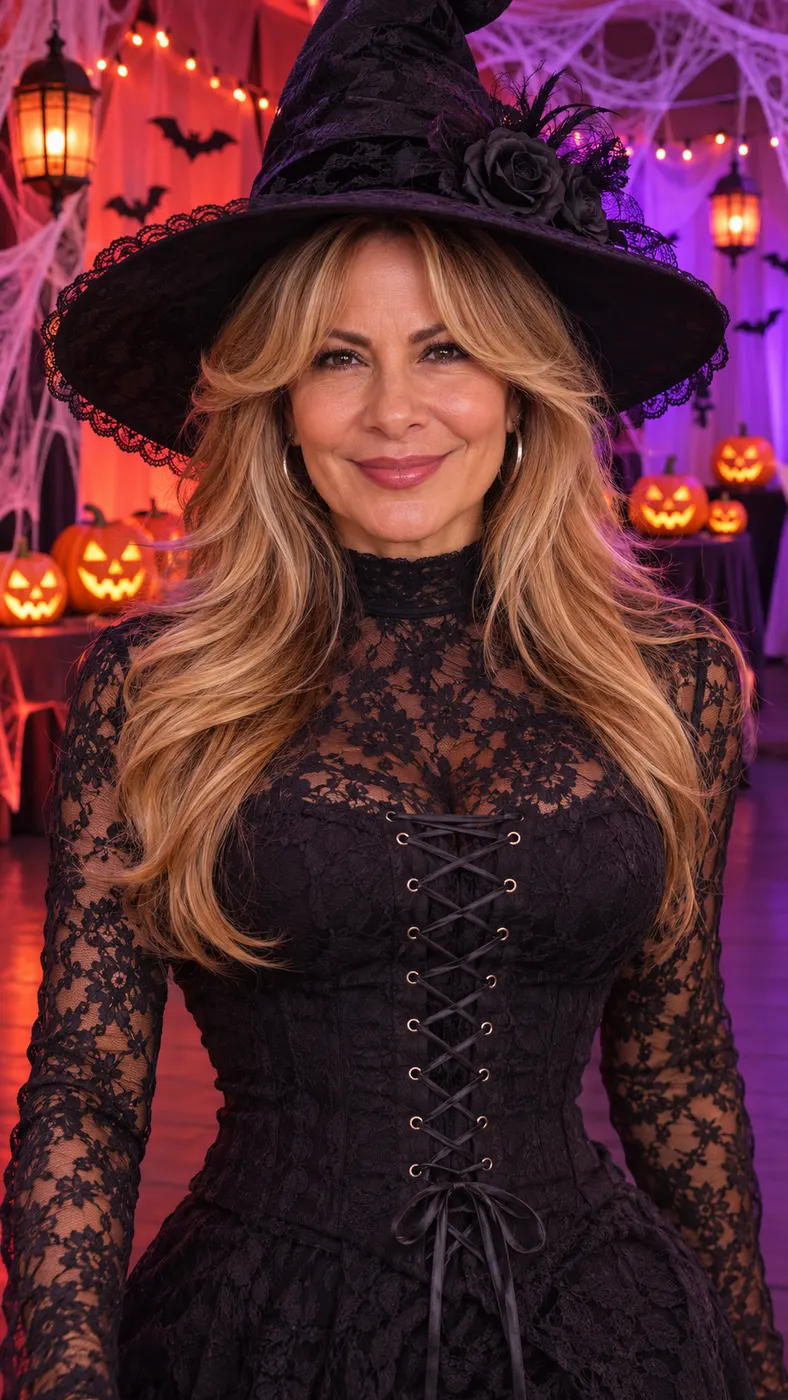
Your uploaded photo is placed in a red-orange and purple room with cobweb drapes, carved jack-o'-lanterns, paper bats, hanging lanterns, string lights, and a dark floor. Ramalama AI has you walk toward the camera in the reference outfit and finish with the witch hat close-up, giving the clip a clear beginning, middle, and ending.
Keep the focus on your identity
One clear photo is the identity reference for Ramalama AI, so your visible face, hairstyle, skin tone, and body are the starting point for the replacement. Use a well-lit image without heavy filters when preserving your appearance matters more than adding extra visual details.
Include more than one subject when needed
A photo with one or more people, pets, or characters is supported by Ramalama AI. The source image determines how many subjects remain in the scene, so a photo with two people should not be treated like a solo portrait. Choose an image where every face you want represented is visible and easy to recognize.
Add an optional instruction
An optional text field lets you add an extra detail; Ramalama AI uses it when you need to clarify something about the uploaded photo or desired presentation. The selected scene already provides the Halloween room, costume walk, witch outfit, and close-up structure.
See the configured output and cost
The finished result is a vertical clip rendered at 480p and follows the length of the reference scene. A full render uses 29 credits and is priced at $2.03. The page does not promise a free preview, so check the displayed charge before starting a complete generation.
Common questions about the scene
What does this Halloween scene create?
A vertical clip is created by Ramalama AI from one uploaded photo: the subject walks through a red-orange and purple Halloween room in a witch outfit and finishes in a witch-hat close-up. The reference scene supplies the room, movement, costume presentation, and Ramalama beat while the photo supplies the identity reference.
Is a free preview available?
This scene does not offer a free preview through Ramalama AI. A complete render uses 29 credits and costs $2.03, so review the selected photo and scene before starting generation.
How long is the finished clip?
The finished clip follows the length of the selected Ramalama reference clip rather than asking you to set a separate duration. The output is vertical and rendered at 480p. The page does not promise a fixed processing wait, so the finished result appears after rendering completes.
What kind of photo should I upload?
One clear photo with visible faces and no heavy filters gives Ramalama AI the identity reference it needs. A solo shot or a photo with two people can work, and the image may also show pets or characters. Use a frame where the identity, hairstyle, skin tone, and body are easy to read.
Can I use a photo with someone else or a pet?
One or more people, pets, or characters can appear in the uploaded image for Ramalama AI, which keeps the same number of subjects. Make sure you have permission to use another person's photo, and choose an image where each face or subject you want included is visible.
Is this an official Ramalama release?
This is a fan-made scene recreation by Ramalama AI that uses the supplied reference clip to place your uploaded subject into the Halloween costume walk. It is not presented as an official release from the artist, rights holder, or original source.
Step into the costume walk
Return to the generator, choose a clear photo, and place yourself in the pumpkin-lit Halloween room. The selected scene carries the walk and witch-hat ending so you can focus on choosing the strongest identity reference.