
Stones to Castle AI
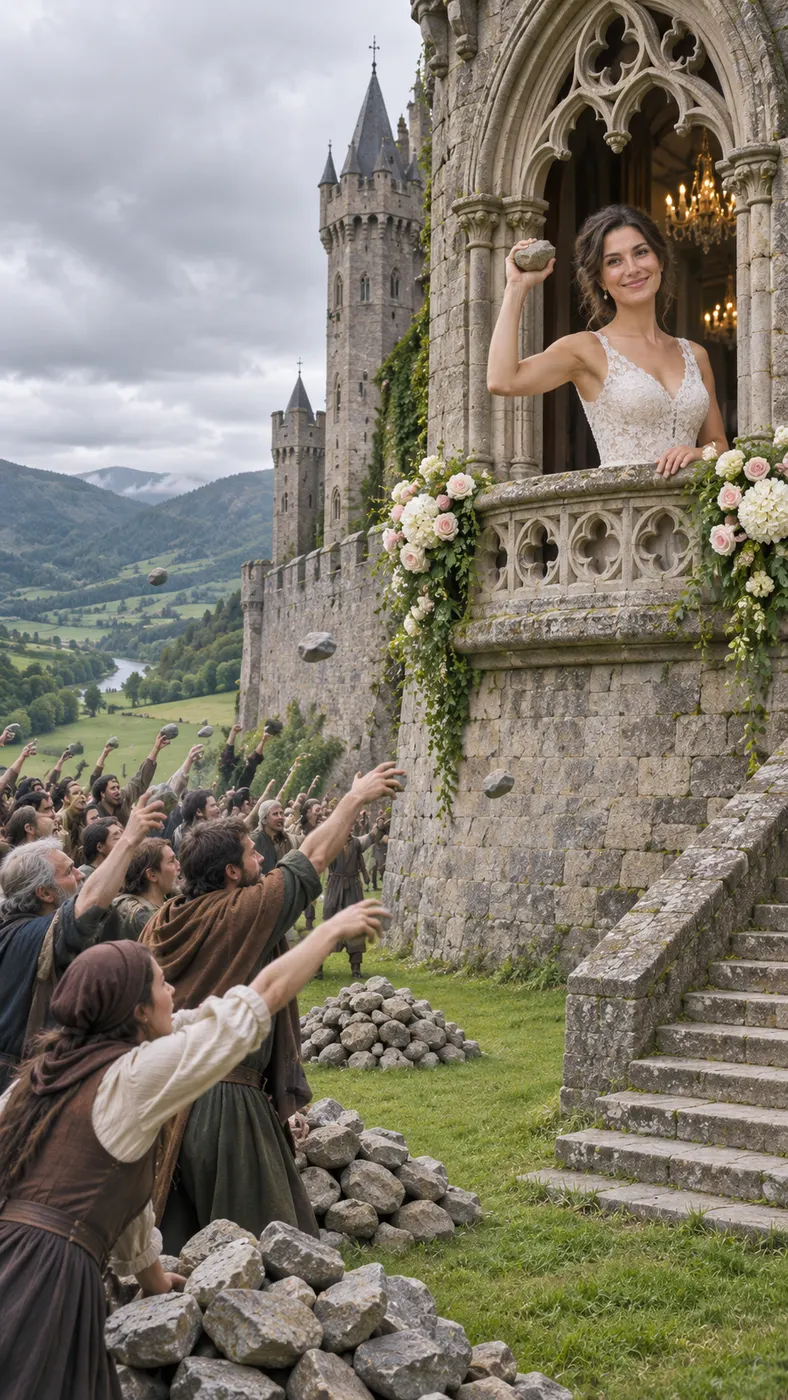
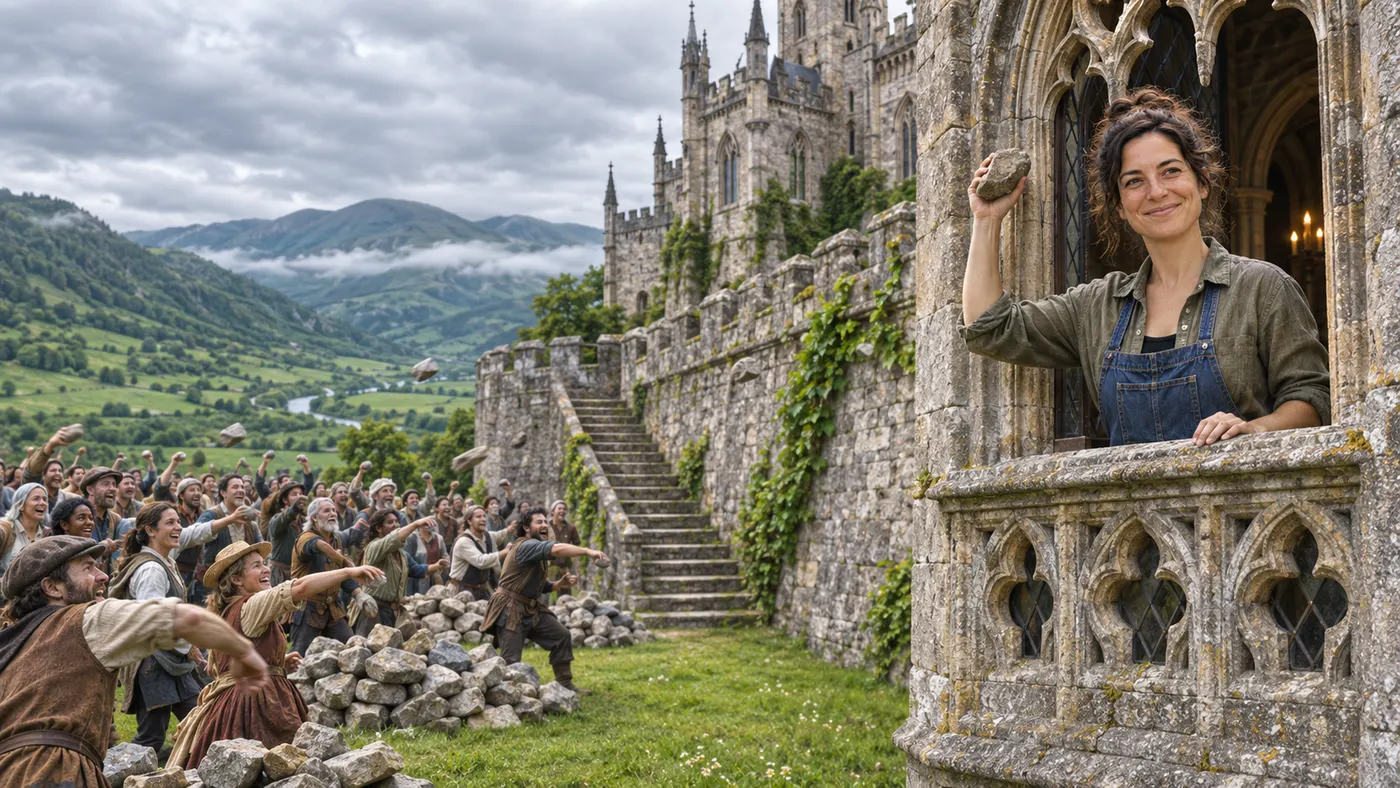
With stones to castle ai, you step into the calm person's role in the viral transformation scene. Upload one clear photo of an adult, and the reference clip places you in the green valley as the crowd throws stones, the stones rise into a wall, a Gothic castle appears, and you finish smiling from its window. The crowd stays part of the scene while your face remains the focus.
One clear photo: a solo shot or the two of you. Faces visible, no heavy filters
Tip: drag a photo onto its box, or click the box to pick one.
You take the place of the calm person who picks up the stones and builds the castle.
Stones To Castle · A crowd throws stones at you. You stay calm, pick them up, and they rise into a castle you smile down from.
This video: 96 credits · Credits come back if it fails
AI video effect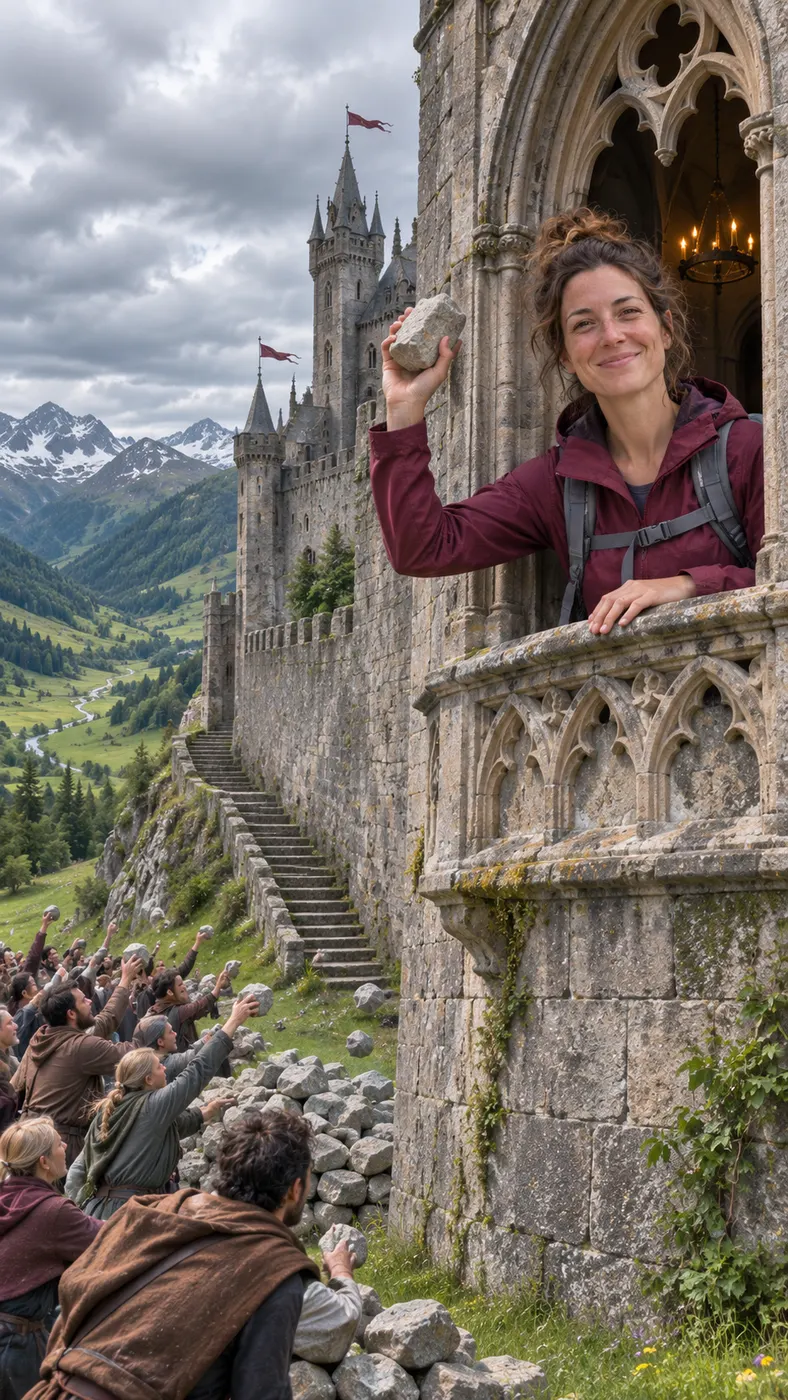
Stones to Castle AI Meme Examples
These examples follow the same scene from its key beats: an adult takes the calm role, the crowd remains in place, and the stones become a wall before the Gothic castle appears. For a stronger source image, read our photo selection guide and browse more viral AI video scenes for related ideas.
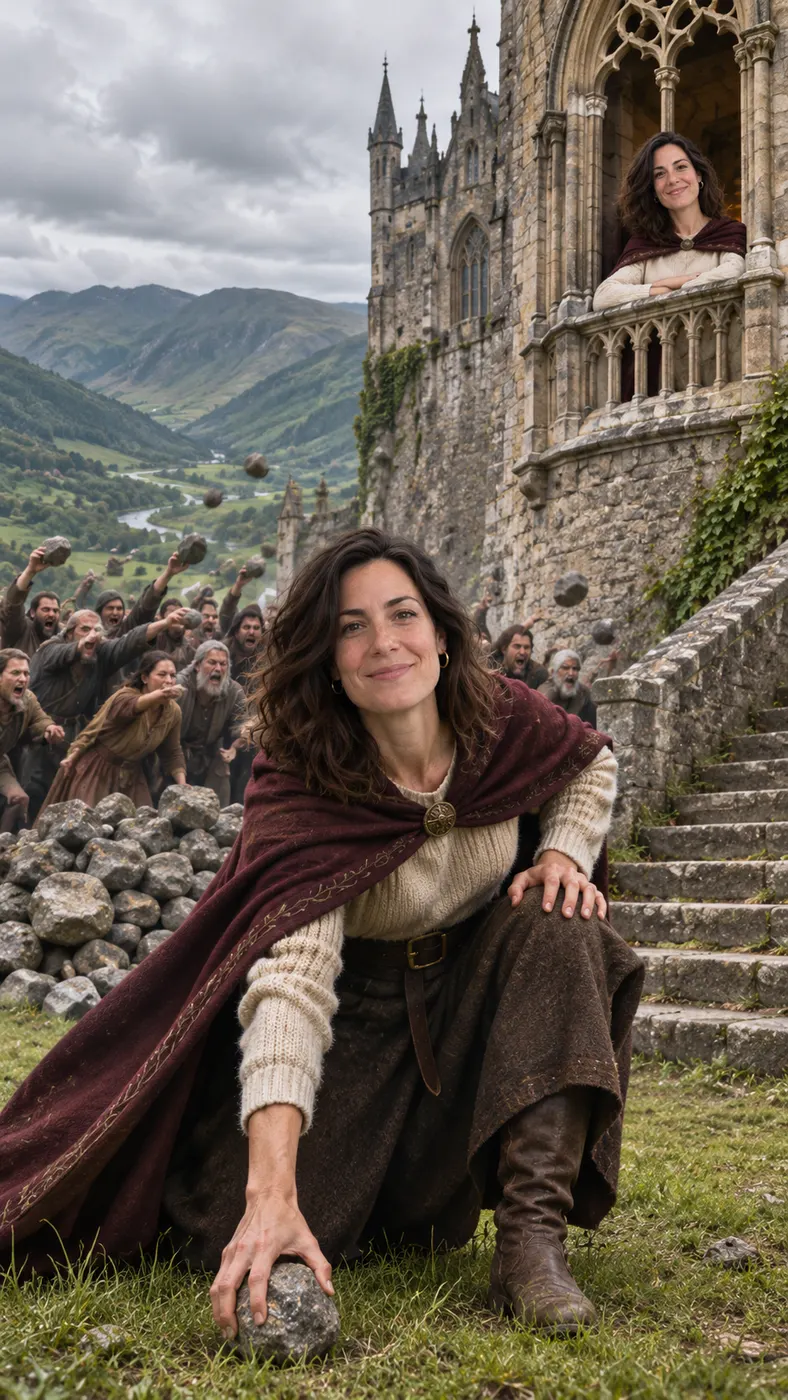

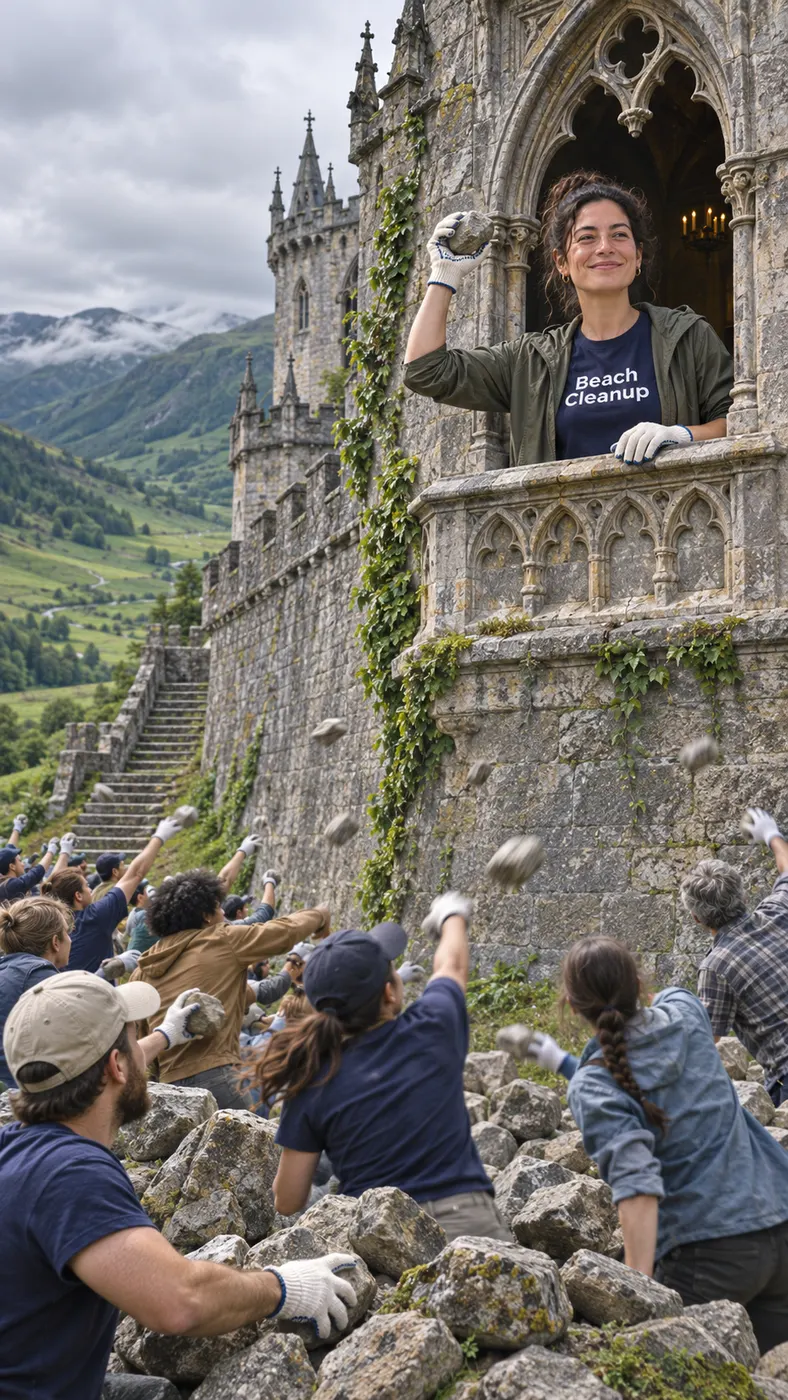

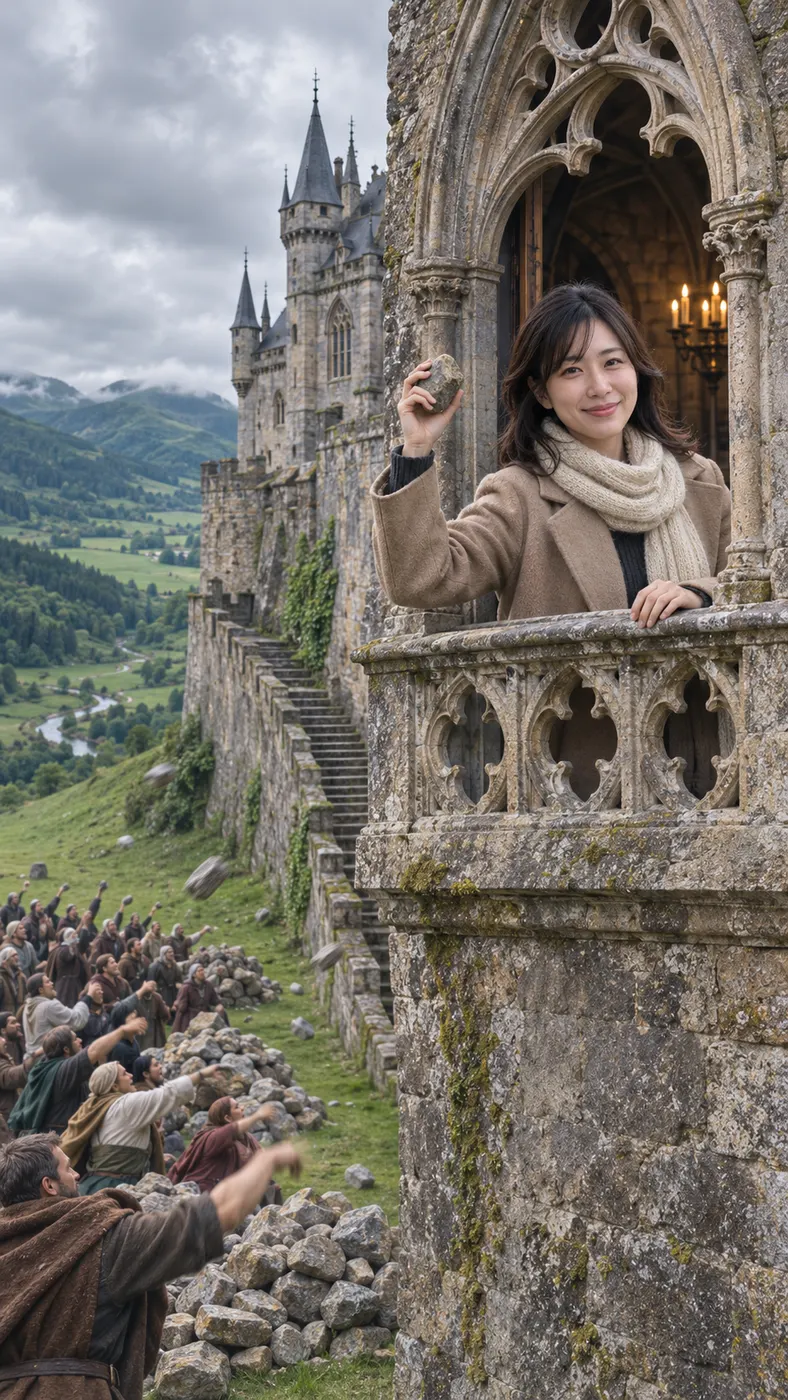


How to Make Stones to Castle AI
- 01
Upload one clear photo
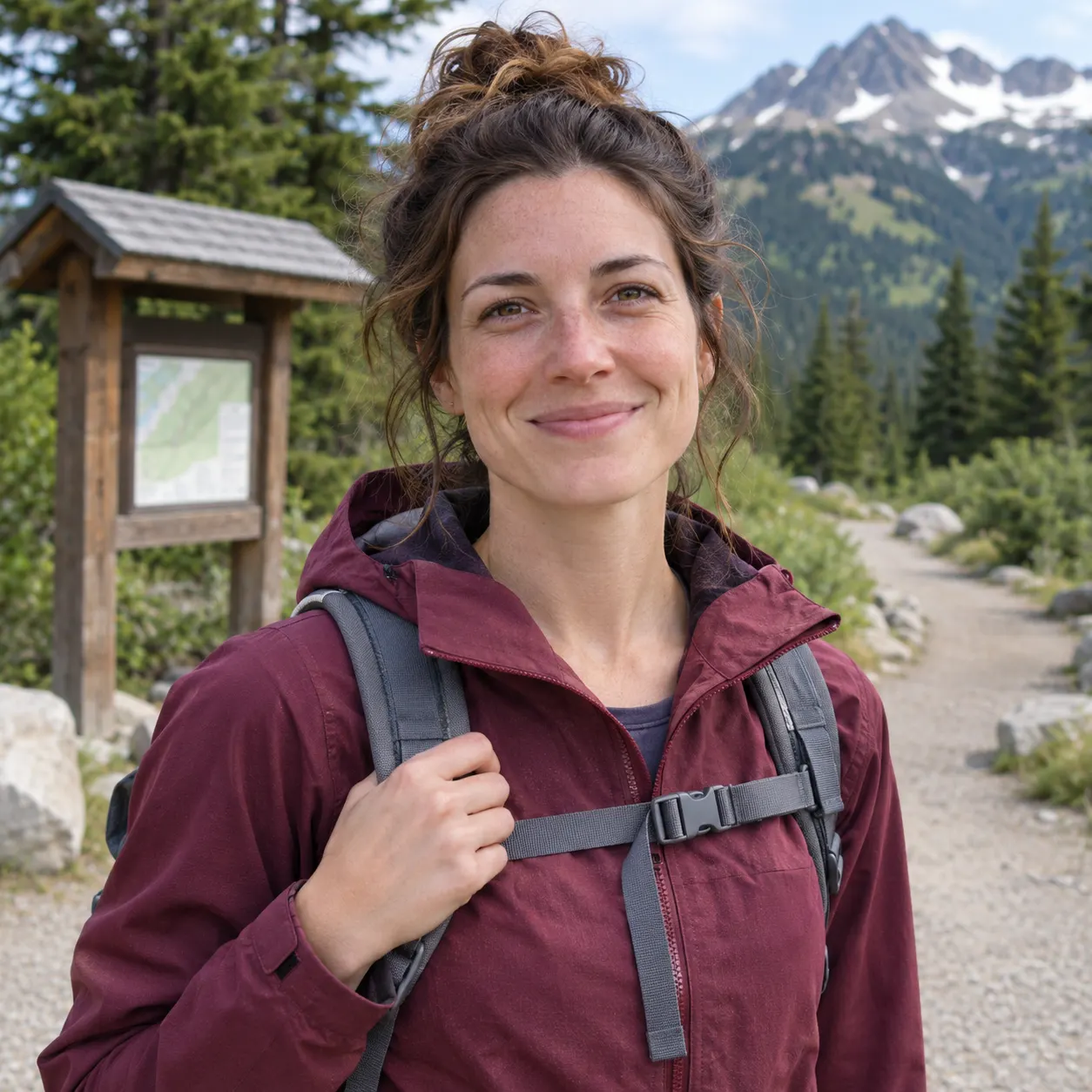
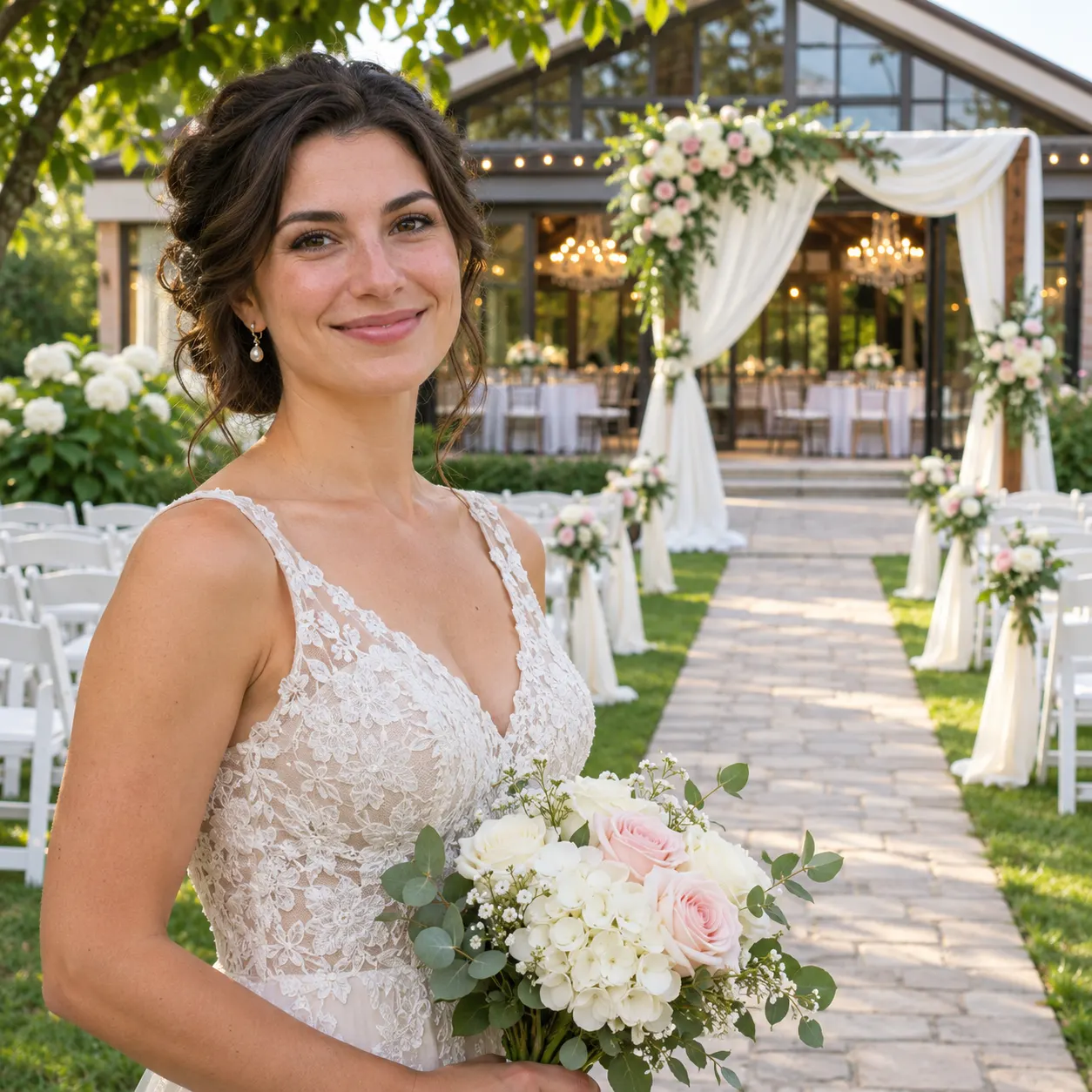
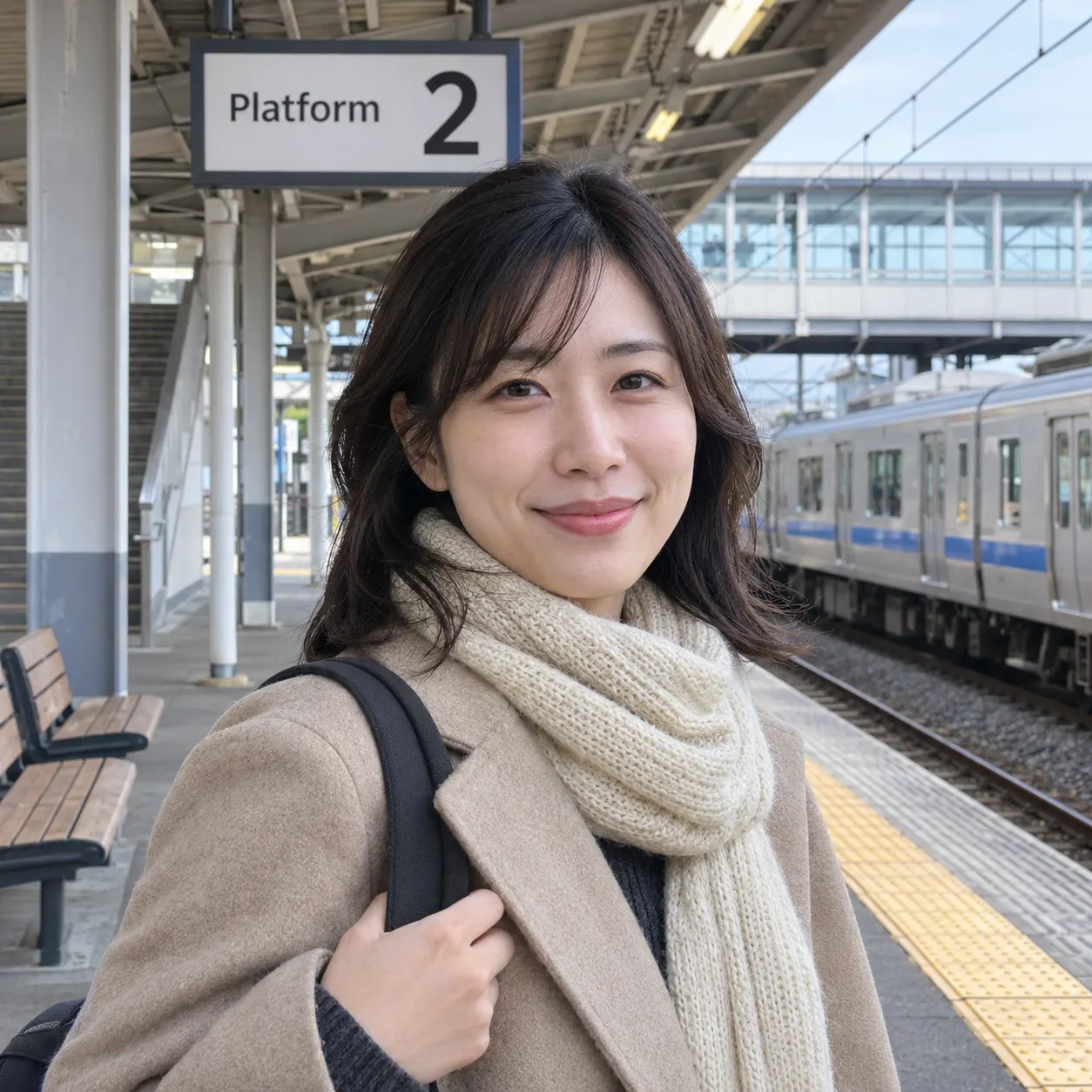
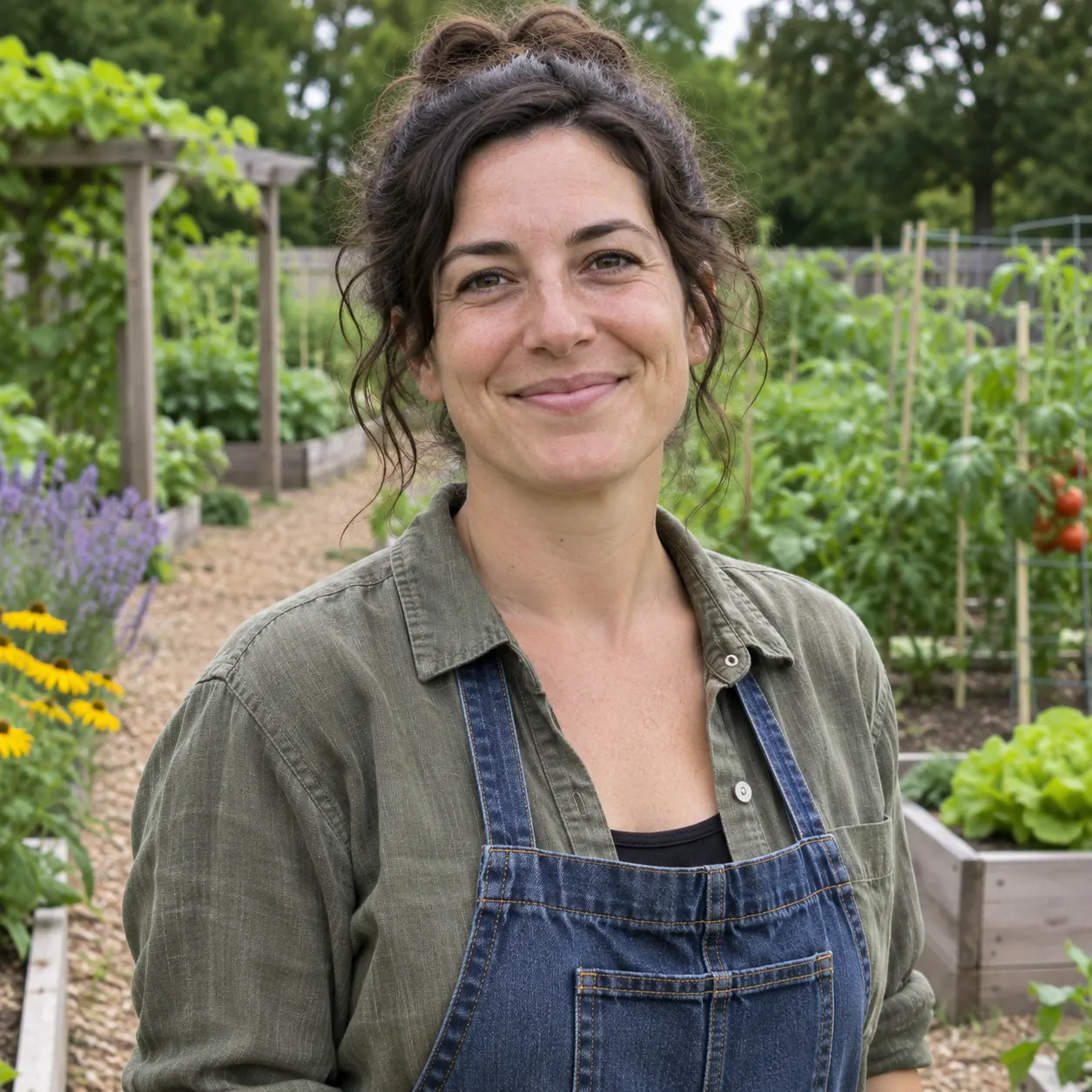
Choose one clear photo of the adult you want to place in the calm role. Keep the face visible, avoid heavy filters, and use an image where the subject is easy to recognize. The generator uses the uploaded photo as the identity reference, so a sharp, well-lit source helps preserve facial details through the movement. You do not need to film the valley scene yourself: the selected reference clip supplies the crowd, stone piles, valley, wall, castle, and final window moment.
- 02
Generate and review the result
Open the dedicated scene, confirm the uploaded image, and start generation. The stones to castle ai sequence keeps the reference crowd in the background while replacing the calm person with the adult from your photo. The result is a 15-second vertical video at 480p with generated audio. Processing is not instant, so allow a few minutes for the generation queue and review the finished sequence for a clear face and a complete transformation.
- 03
Download the complete clip
When the result matches the scene you want, download the complete generated clip at 480p; it used 29 credits. The full sequence should show the calm role, the stone pickup, the wall transformation, the Gothic castle, and the smile from the castle window. If the source face is difficult to read or heavily filtered, choose a clearer adult photo for the next attempt rather than changing the crowd or the reference setting.

What You Can Do With This Scene
Recreate the recognizable transformation
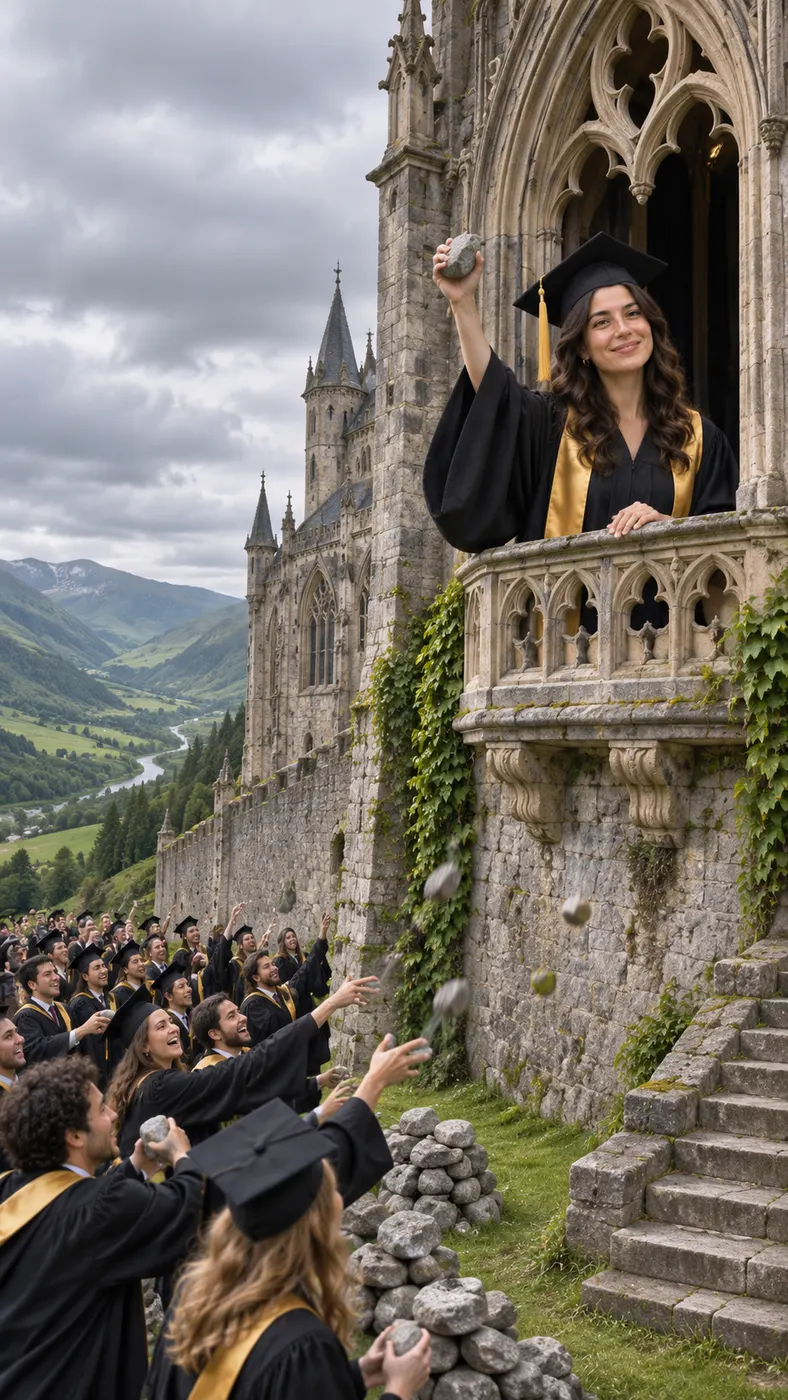
The stones to castle ai scene gives you a direct way to appear in the viral meme without filming the mountain valley yourself. Your uploaded adult photo takes the calm person's place, while the surrounding crowd, stone piles, wall change, Gothic architecture, and final window smile follow the recognizable sequence. The result works best when viewers can immediately identify both the person and the transformation.
Keep the crowd and setting intact
You can focus on replacing the calm person rather than rebuilding the whole scene. The crowd members who throw stones and shout remain unchanged from the reference clip, including their faces, hair, clothing, and movement. The green mountain valley, overcast sky, stone steps, stone piles, and castle reveal also stay tied to the selected scene, so the output remains a focused meme recreation instead of a generic fantasy clip.
Start with a photo that reads clearly
You can improve identity consistency by choosing a single adult photo with a visible face and no heavy filters. A clear solo portrait or naturally framed full-body image gives the generator useful facial and appearance details. Avoid images where sunglasses, dramatic effects, extreme shadows, motion blur, or another object covers the face. The cleaner the reference, the easier it is to recognize the person before and after the castle transformation.
Share a complete short story
You can use the finished vertical clip as a compact before-and-after story: the adult stands calmly in front of the crowd, picks up a stone, watches the material rise, and ends above the valley in the castle window. Generated audio accompanies the output, so the clip has more than a still image. It is suited to sharing as a meme scene, a reaction post, or a personalized transformation moment.
Stones to Castle Meme Questions
What is the stones to castle ai meme?
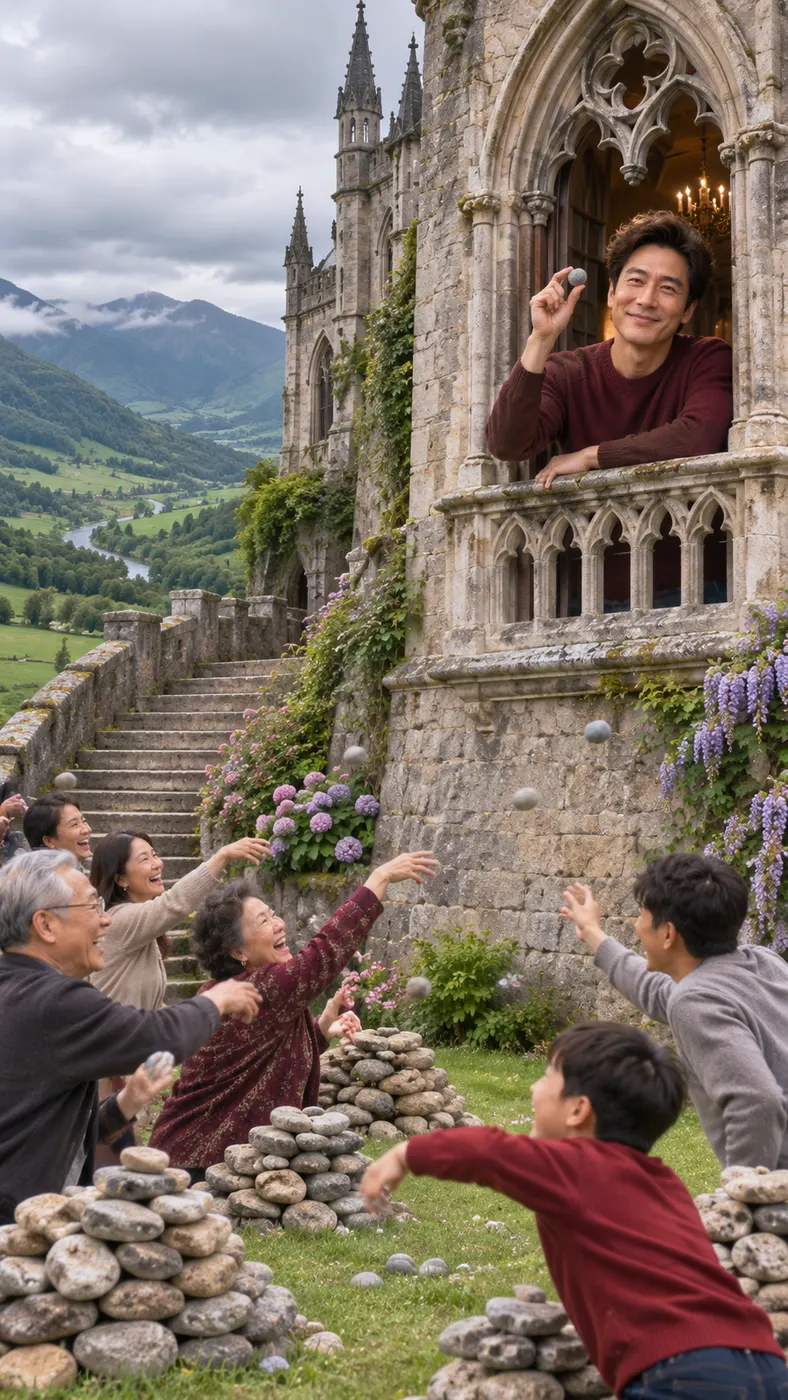
The stones to castle ai meme is a viral transformation scene in which a calm person stands before a crowd in a green mountain valley, picks up a stone, and watches the stones become a wall and then a Gothic castle. The person finishes smiling from a castle window. This page lets you place an adult from one uploaded photo into that calm role while keeping the crowd and the main transformation sequence intact.
Is stones to castle ai free?
This stones to castle ai page does not include a free preview. A complete generated result uses 29 credits and is priced at $2.03. The displayed site values are inserted through the page's credit and price settings, so check the generation panel before starting. The page is designed for the dedicated castle transformation scene rather than a general-purpose image prompt.
How long is the generated stones-to-castle clip?
The generated output is a 15-second vertical video with generated audio. The reference scene supplies the sequence from the stone pickup through the wall and Gothic castle transformation to the final smile at the window. Generation itself can take a few minutes depending on the processing queue, so wait for the result to finish before judging whether the full sequence is present.
What photo should I upload for this transformation?
Upload one clear photo of an adult with the face visible and recognizable. A sharp image without heavy filters, strong blur, or face-covering accessories gives the generator a better identity reference. Use a photo where the subject is easy to distinguish from the background. You do not need to capture the valley, crowd, stones, or castle yourself because those elements come from the selected reference scene.
Can I use another adult's photo?
Yes, you can use another adult's photo when you have that person's permission. Tell the person that the image will be used to create a personalized transformation clip, and choose a clear source with a visible face. The generated scene replaces only the calm role; the reference crowd remains part of the sequence. Do not use an image of someone who has not agreed to this use.
Is this an official stones-to-castle clip?
No. This is a fan-made personalized recreation built from the dedicated reference scene and the adult in your uploaded photo. It is not presented as an official release, endorsement, or original cast appearance. The purpose is to recreate the recognizable crowd-to-wall-to-Gothic-castle transformation in a short shareable format while keeping the reference scene's main action.
Put Yourself in the Castle Scene
Upload a clear adult photo, select the dedicated stones-to-castle scene, and create your personalized transformation from the crowd's valley moment to the smiling castle window.