
Hotel Lobby AI Video Generator: Put Two People in the Clip
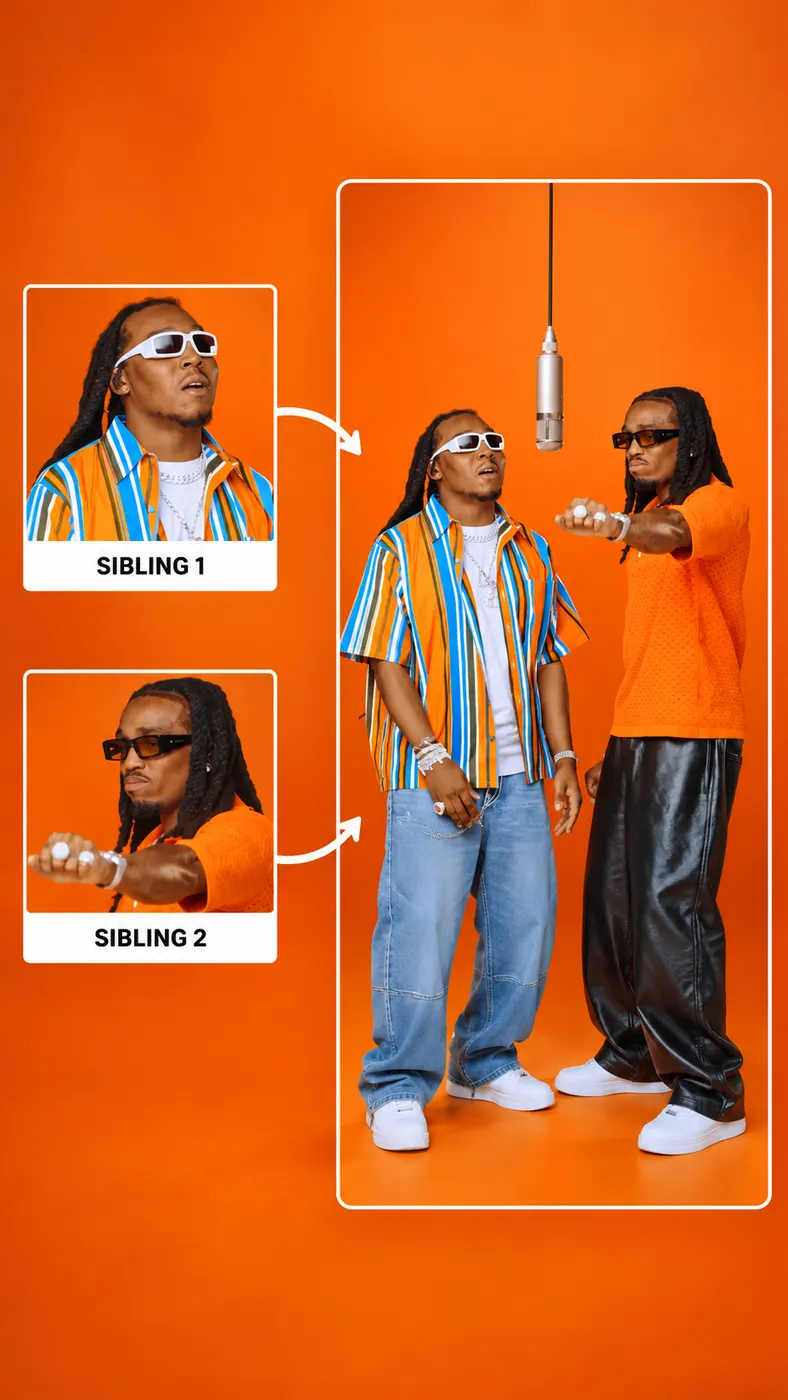
Hotel Lobby AI puts two people into the original Hotel Lobby performance using two separate photos. Photo 1 takes the left position and Photo 2 takes the right position while the orange studio, hanging microphone, camera cuts, movement, and original song stay in place. Pay before generation, then download the complete MP4 when processing finishes.
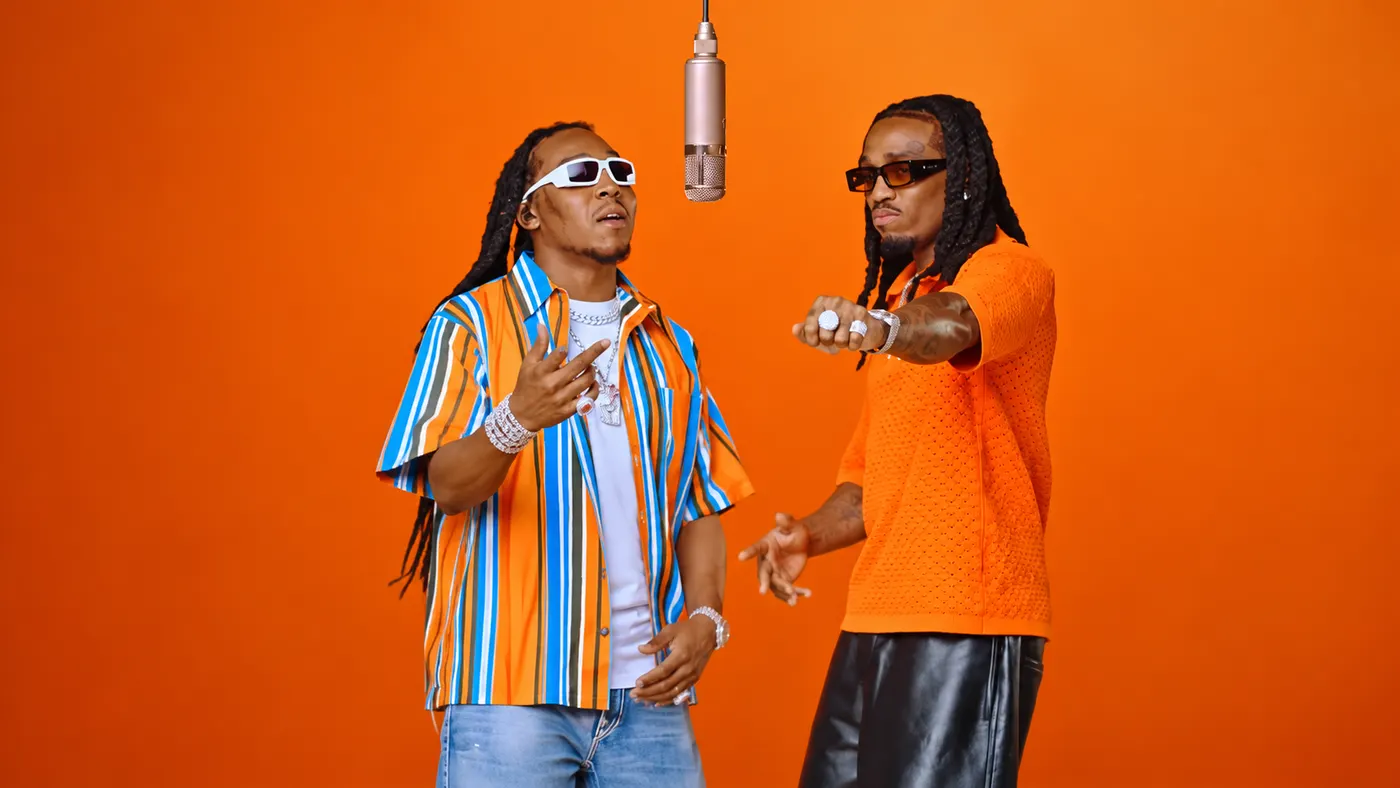
Photo 1 takes the left spot. One person, front-facing, face clearly visible, no sunglasses
Photo 2 takes the right spot. A separate photo of one person, face clearly visible
Tip: drag a photo onto its box, or click the box to pick one.
Your two photos take the places of the two rappers, left and right
This video: 10 credits · $6.99 · Credits come back if it fails
Hotel Lobby rap videoSee the Two-Person Results
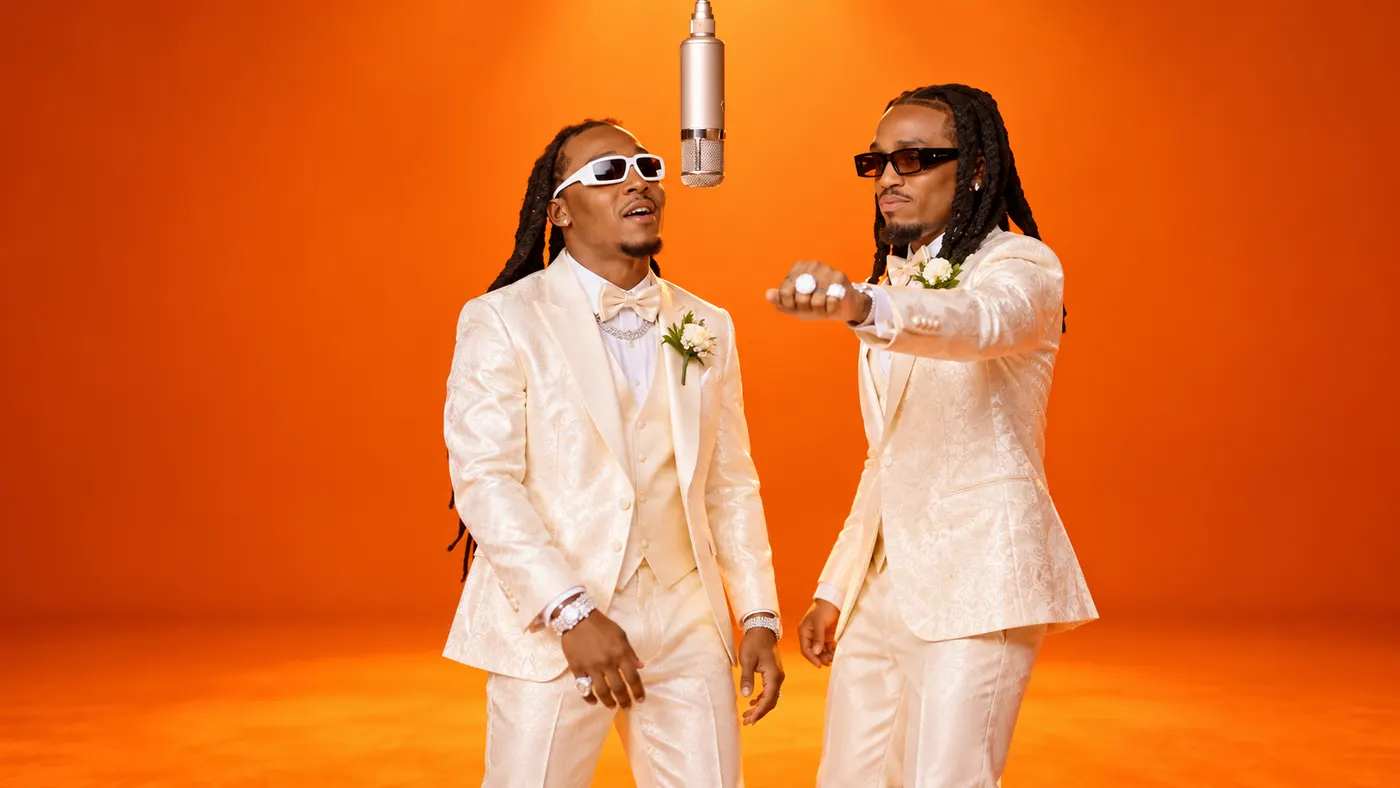
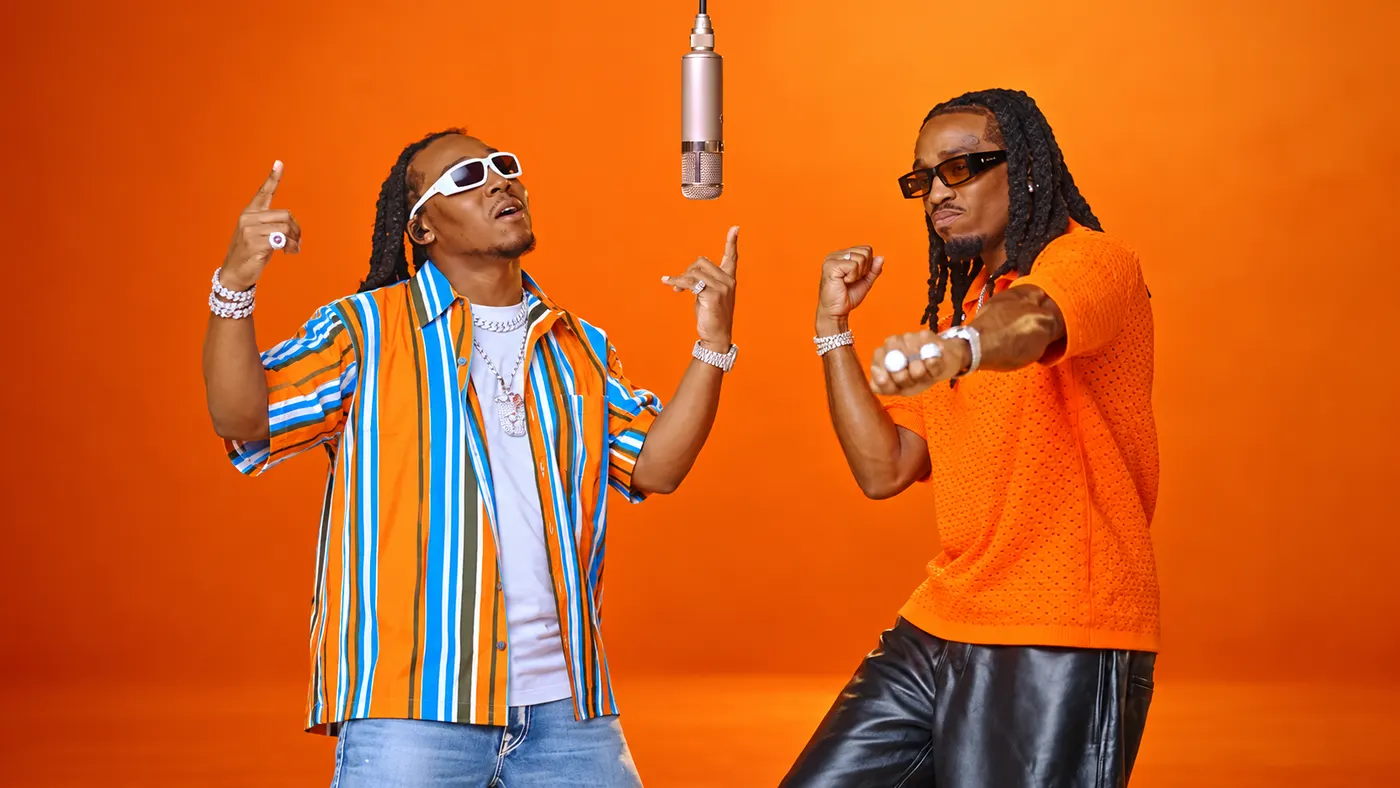
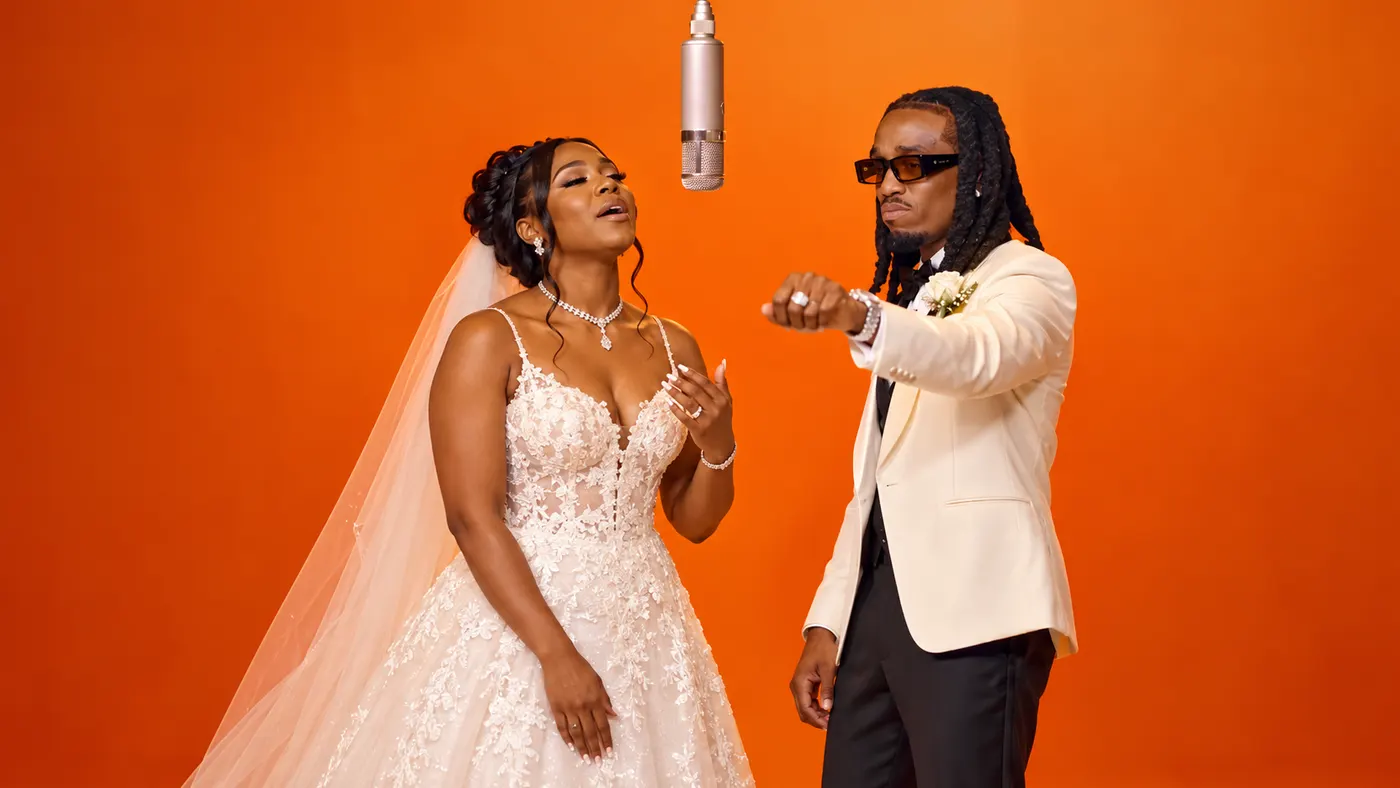
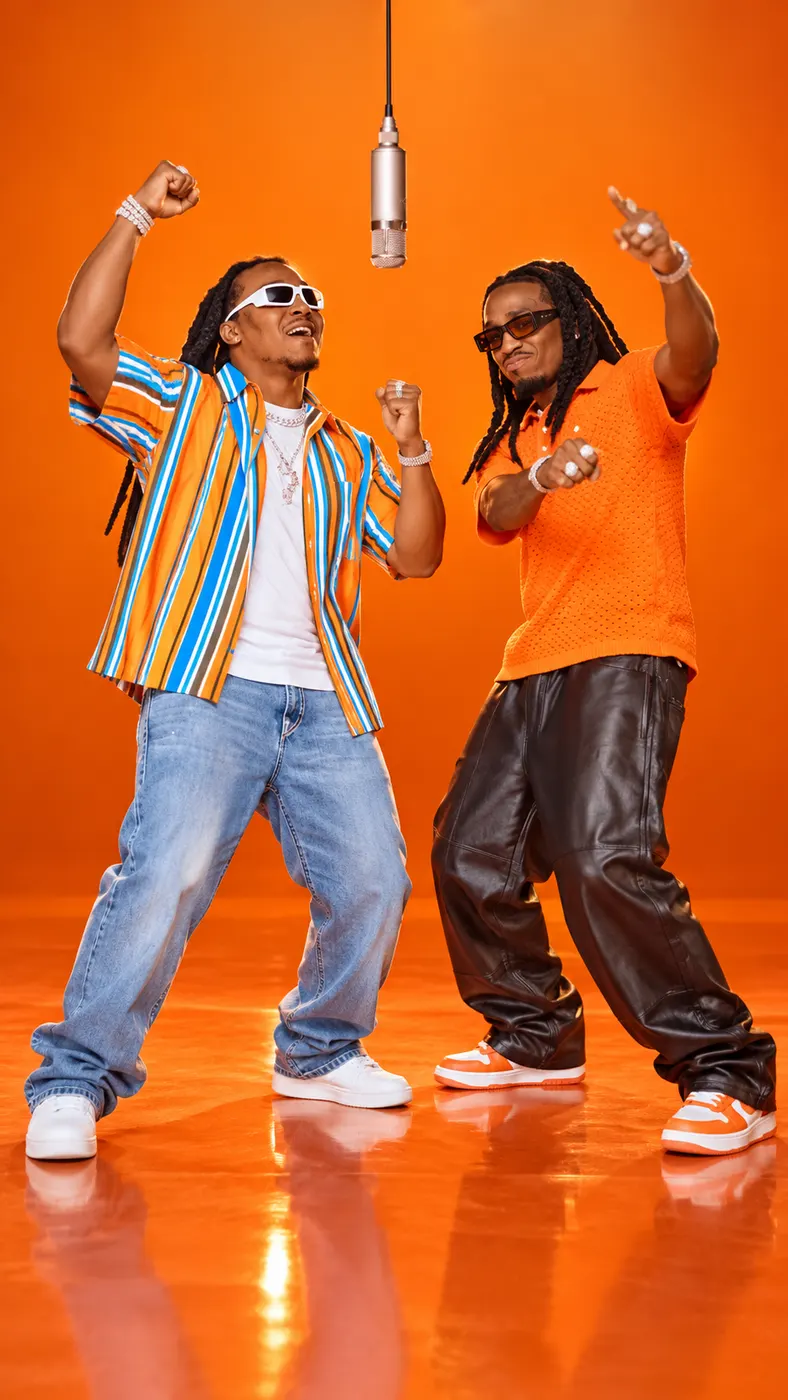
Compare the original COLORS performance with finished clips that place different pairs into the fixed left and right positions. The examples show the orange studio, hanging microphone, horizontal framing, and original song that define this template.
How to Make Your Clip
- 01
Upload the two photos
Choose one clear, front-facing portrait for each person. Hotel Lobby AI uses Photo 1 for the person on the left and Photo 2 for the person on the right, so upload two separate images instead of one group photo. Each image should show one person with a clearly visible face and no sunglasses. JPG, PNG, WEBP, and HEIC files are accepted up to 20MB, with a short edge of at least 300px.
- 02
Generate the fixed template
After both required uploads are ready, Hotel Lobby AI applies the two people to the locked reference clip. This hotel lobby rap video has no prompt box, duration control, or aspect-ratio control: the scene, positions, camera cuts, movement, and original song come from the selected template. Payment is required before generation, and the usual processing wait is a few minutes.
- 03
Download the finished video
When processing is complete, Hotel Lobby AI provides the full result for download rather than a separate short trial. The output is an MP4 with the original audio, the same horizontal 16:9 framing as the reference, and a displayed duration and resolution shown as 15 and 768p. One generation uses 10 credits and costs $6.99.
What This Template Keeps Fixed
The original performance stays recognizable
Hotel Lobby AI places the uploaded people into the selected reference performance instead of inventing a new studio scene. The pure orange room, hanging microphone, side-by-side arrangement, wide and closer camera views, movement, and original song remain part of the finished clip.
The upload order fixes each position
The two roles are determined by upload order. Photo 1 replaces the performer on the left, and Photo 2 replaces the performer on the right. You do not need to describe positions in a prompt, and this template does not include a prompt field for changing the arrangement.
The output has defined video specifications
The finished file is an MP4 in the same 16:9 horizontal format as the reference, with its displayed duration and resolution represented by 15 and 768p. Hotel Lobby AI delivers the original audio with the video instead of returning a silent image or generating a new song.
Payment happens before generation
This hotel lobby trend ai template requires payment before processing begins. One result uses 10 credits and costs $6.99; the available three-result and ten-result options show $14.99 and $39.99. Stripe handles payment, and credits are automatically returned if a generation fails.
Use permitted photos only
Upload only your own photos or images from people who have given permission, and do not upload minors. Hotel Lobby AI is not affiliated with Quavo, Takeoff, Migos, COLORS, or TikTok. The page presents a fan-oriented template experience, not an official release or endorsement.
Hotel Lobby AI Questions Answered
What is the Hotel Lobby trend?
The Hotel Lobby trend comes from a COLORS performance in which Quavo and Takeoff perform “Hotel Lobby” in a pure orange studio. Hotel Lobby AI uses a fixed section of that performance, with both performers visible in the horizontal frame, and lets two uploaded people take the left and right positions.
Where does the original clip come from?
The original clip comes from the COLORS program and features Quavo and Takeoff performing “Hotel Lobby” beneath one hanging microphone. Hotel Lobby AI keeps the reference scene, wide and closer camera views, original movement, and original song rather than creating a separate recording.
How does the two-person replacement work?
Two individual photos are required. Hotel Lobby AI assigns Photo 1 to the performer on the left and Photo 2 to the performer on the right, so the upload order determines the roles. The scene and camera direction are fixed by the selected reference clip.
Do I need a group photo?
No. Hotel Lobby AI is designed for two separate single-person portraits, not one group image. Upload one clear person for the left role and another clear person for the right role, with each face visible and free from sunglasses or heavy obstruction.
What photos can I upload?
Use JPG, PNG, WEBP, or HEIC files no larger than 20MB, with a short edge of at least 300px. Hotel Lobby AI works best with clear, front-facing photos showing one person, because an image containing multiple people does not identify which person should take the assigned position.
Does the finished result keep the original song?
Yes. Hotel Lobby AI keeps the original song from the selected Hotel Lobby reference along with the orange studio, camera cuts, movement, and two-person arrangement. It does not create a new rap, new recording, or unrelated soundtrack around the uploaded portraits.
Is there a preview before I pay?
No separate preview or free trial is provided. Hotel Lobby AI requires payment before generation, then produces the complete downloadable video after processing. The usual wait is a few minutes, although the exact processing time can vary.
How much does one result cost?
One Hotel Lobby AI generation uses 10 credits and costs $6.99. The page also displays three-result and ten-result options at $14.99 and $39.99. Stripe processes the payment, and failed generations automatically return the credits.
How long is the finished video?
The output duration is shown as 15. Hotel Lobby AI uses the selected reference section rather than a user-controlled duration, so there is no duration setting to adjust before generation. The final file downloads as an MP4 in horizontal 16:9 format.
Can I use someone else’s photo?
You may use another person’s photo only when you have that person’s permission. Hotel Lobby AI should be used with your own images or permitted images, and minors must not be uploaded. The page is not affiliated with the performers, Migos, COLORS, or TikTok.
Is this an official tool from the performers or COLORS?
No. Hotel Lobby AI is not affiliated with Quavo, Takeoff, Migos, COLORS, or TikTok. It is a fan-oriented template that places permitted uploaded photos into a reference performance, so it should not be presented as an official release, partnership, or endorsement.
Put Your Photos in the Clip
Return to the Hotel Lobby AI panel, upload one permitted photo for each position, pay the displayed amount, and download the complete MP4 when generation finishes.