
Outstanding AI Trend AI Rap Duo Video Maker
Turn the outstanding ai trend into a personal scene: upload your photo and a friend’s or pet’s photo, pick a setting, add an optional rap topic, and step into a vertical performance with alternating original English verses and distinct voices. Your first preview is free and five seconds long.
Photo 1: you. One face, front-facing, well lit, no sunglasses
Photo 2: your friend or your pet, a separate photo. The two don't need to be taken together
Tip: drag a photo onto its box, or click the box to pick one.
Free 5-second 480P preview (small watermark) · Full video: 50 credits
rap duo video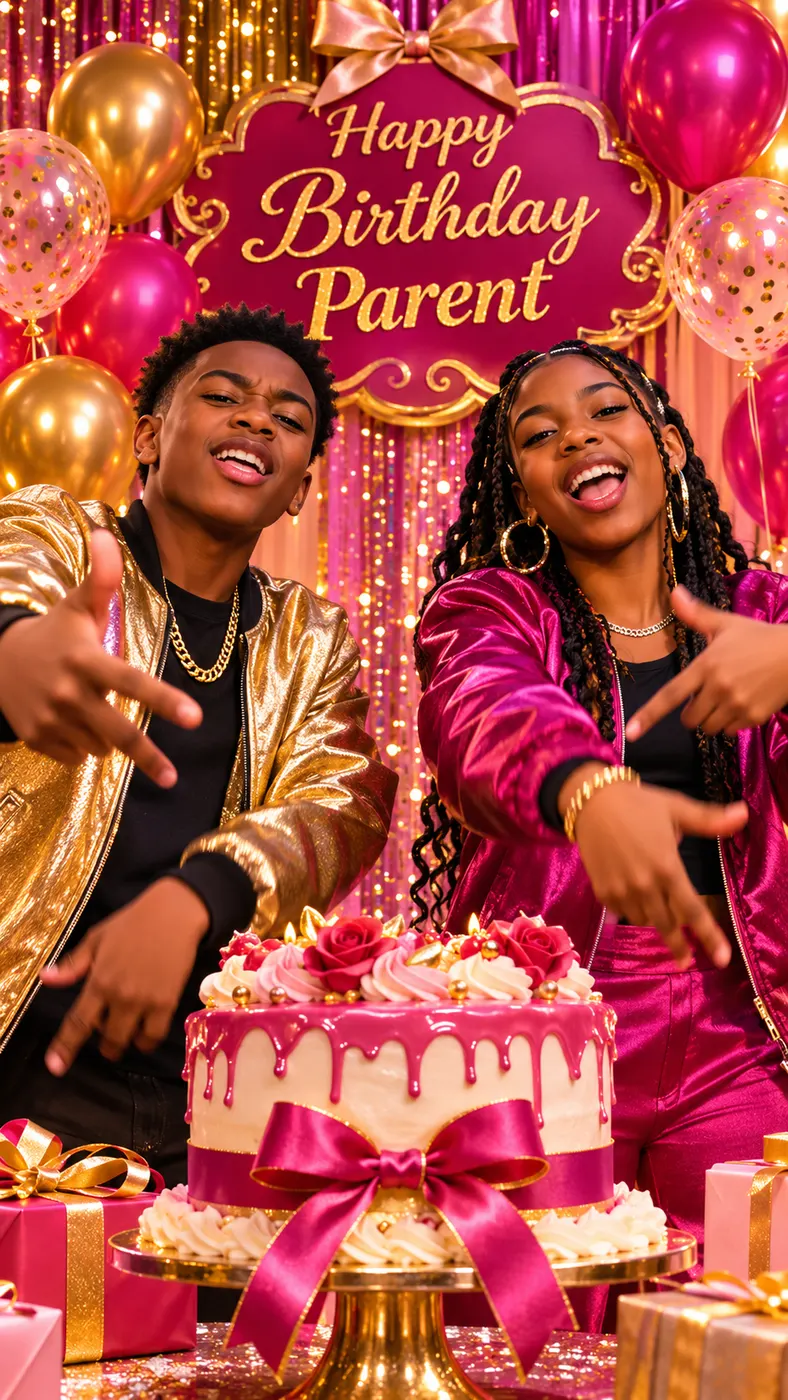
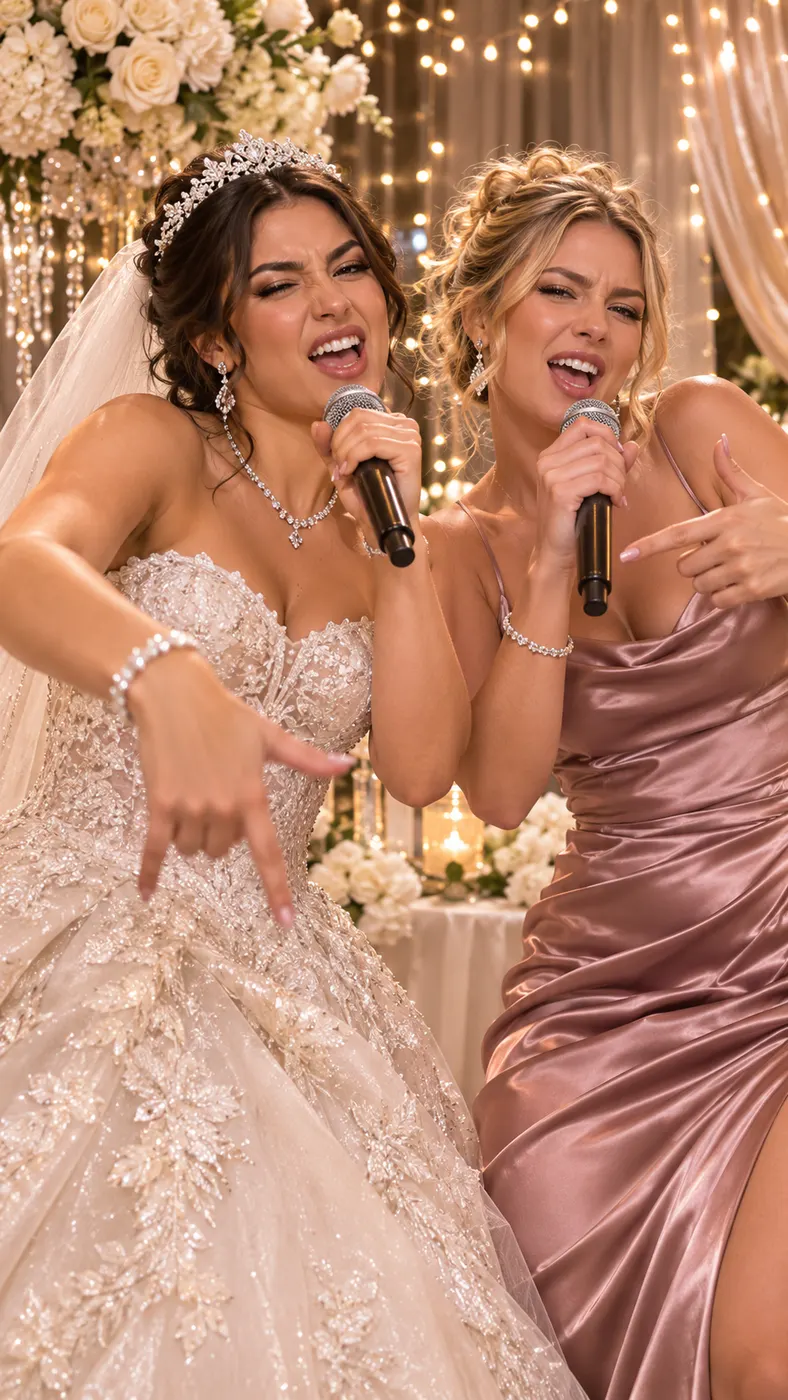
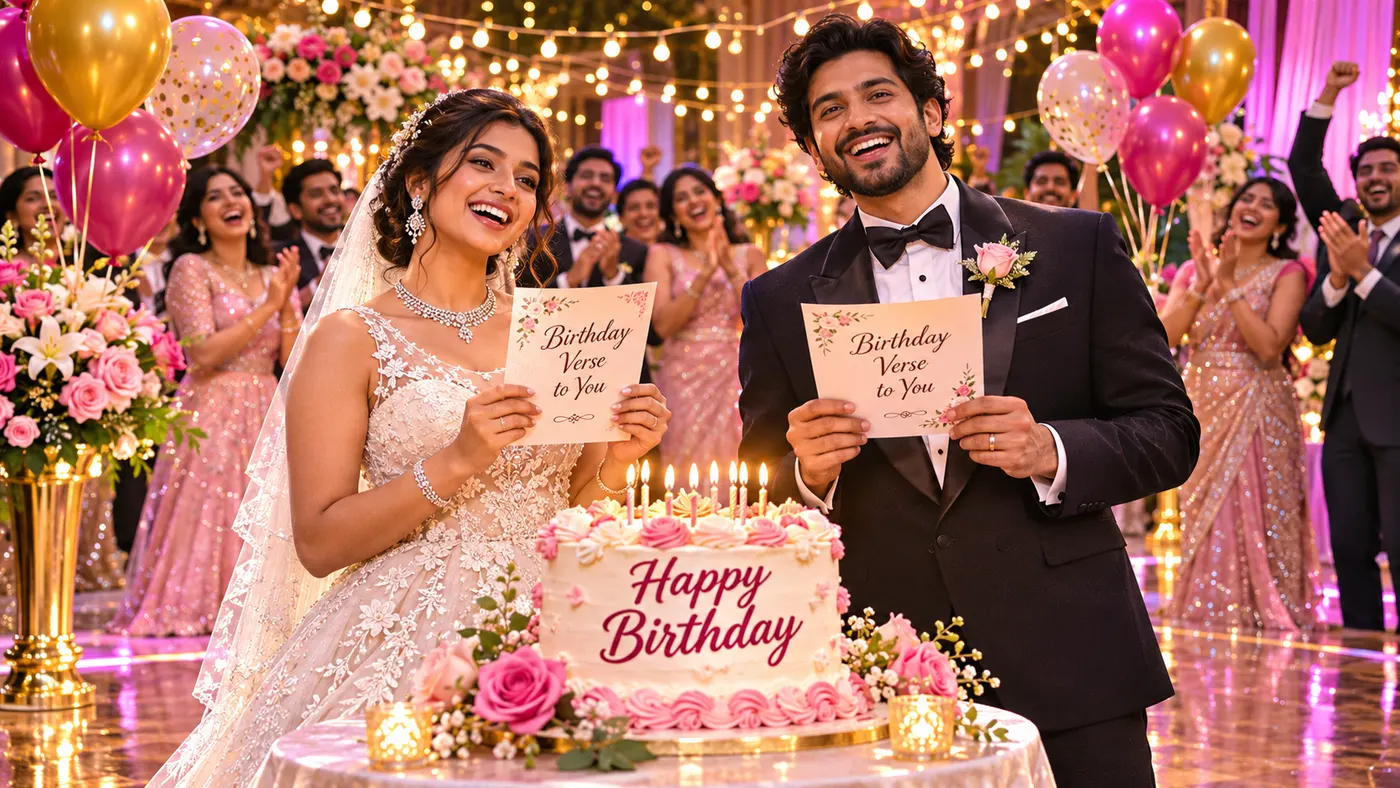
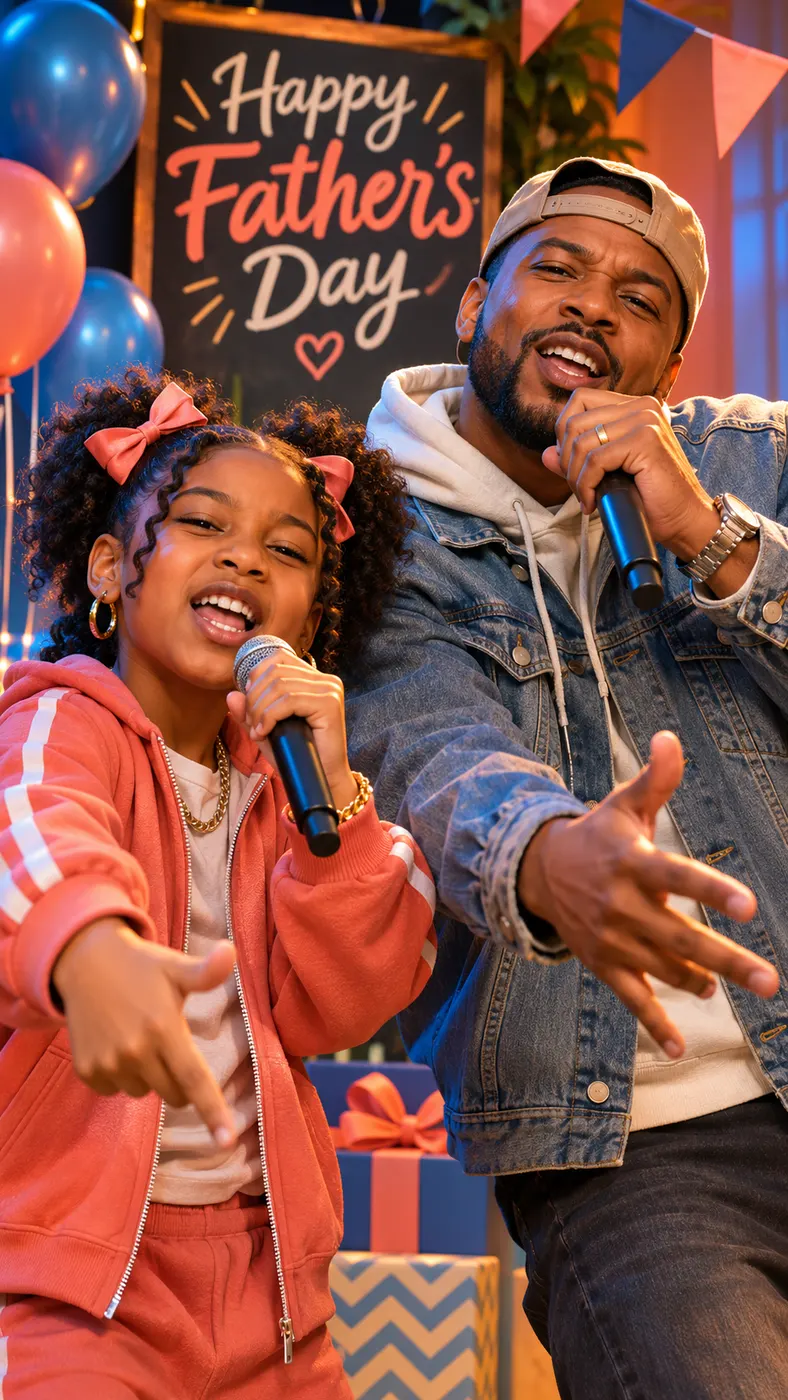
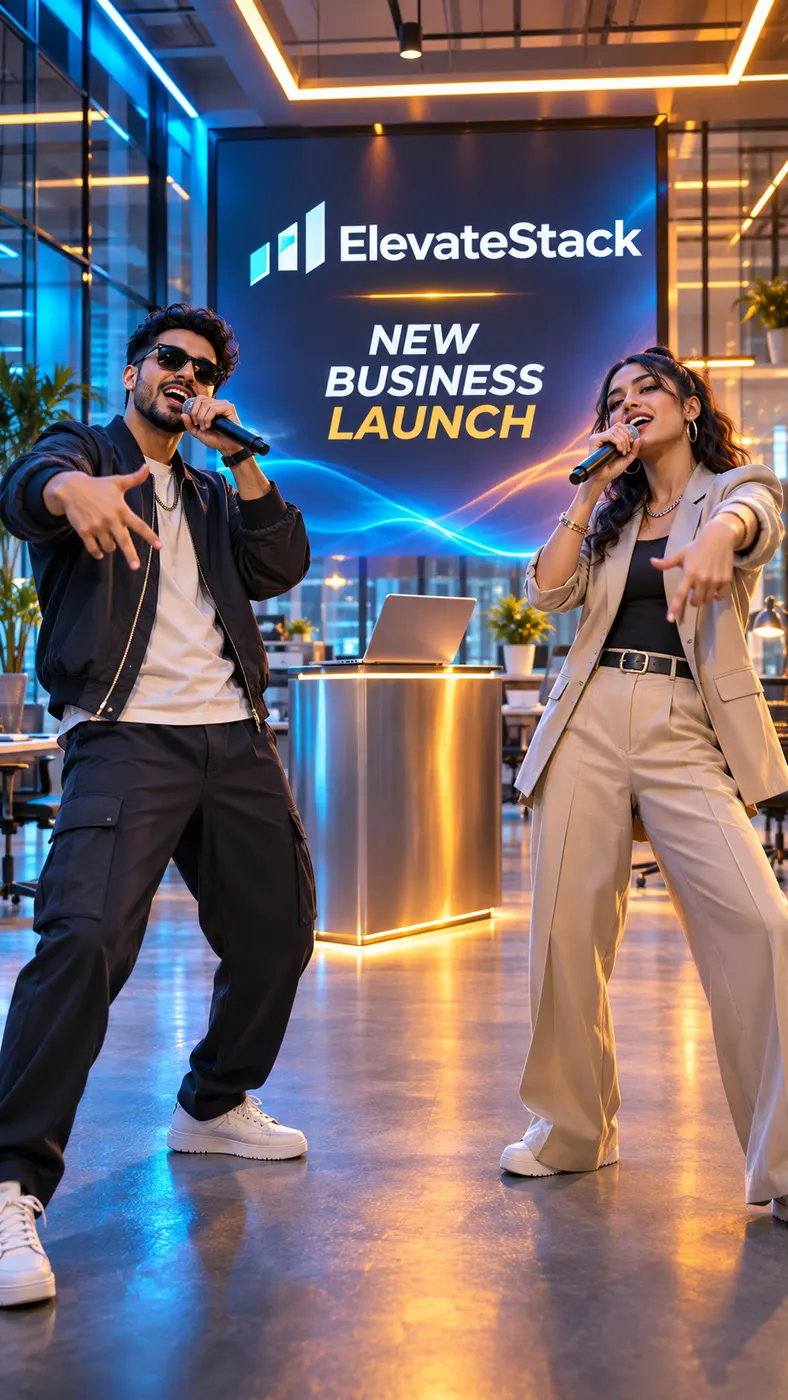
See the Duo in Different Scenes
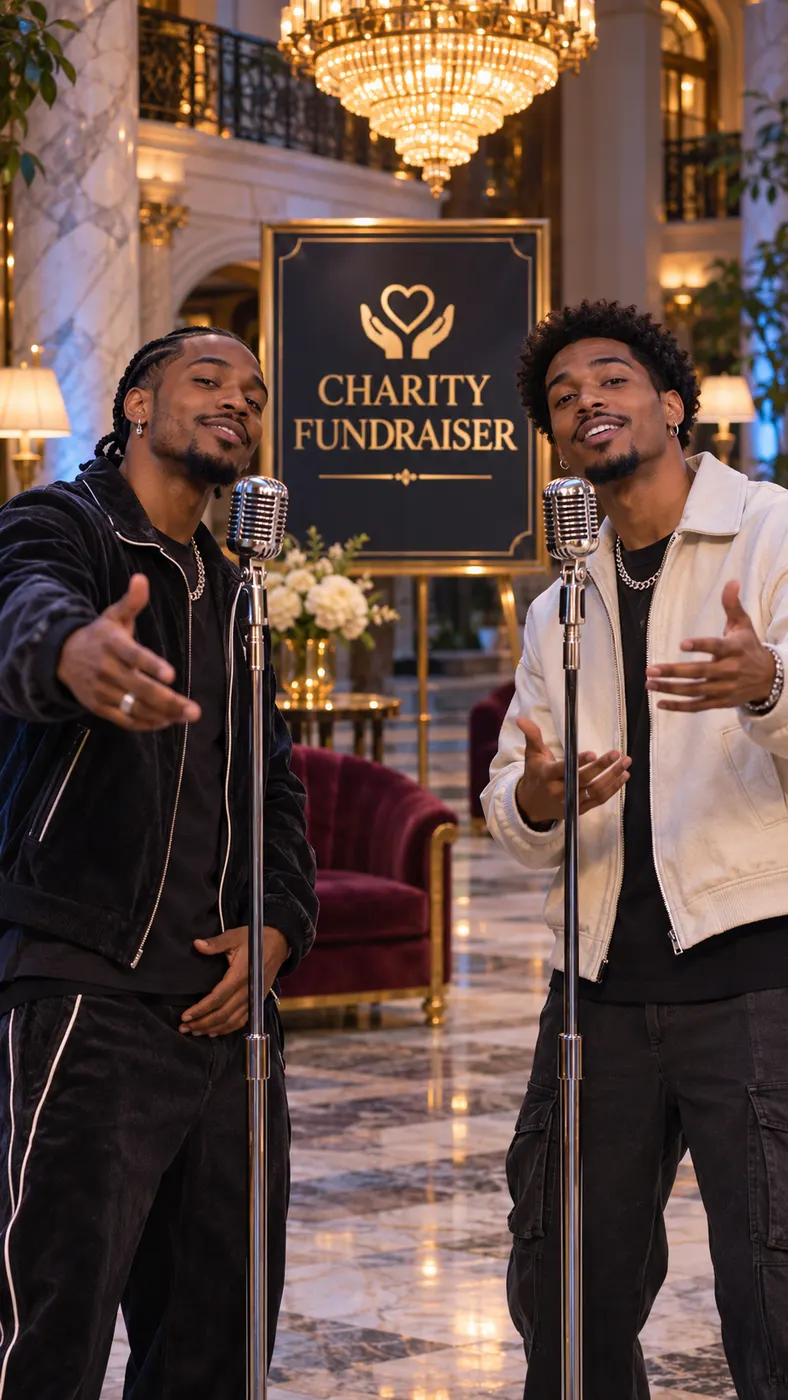
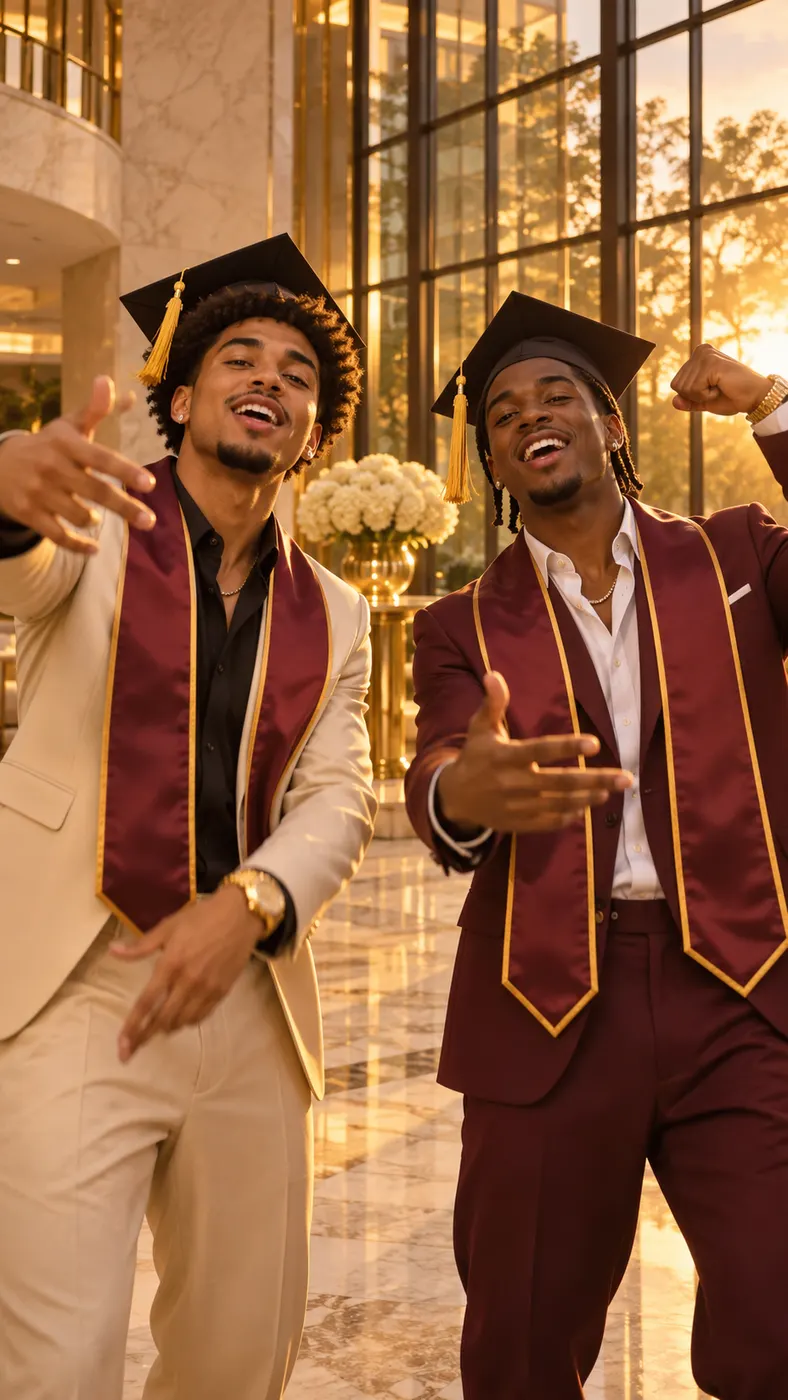
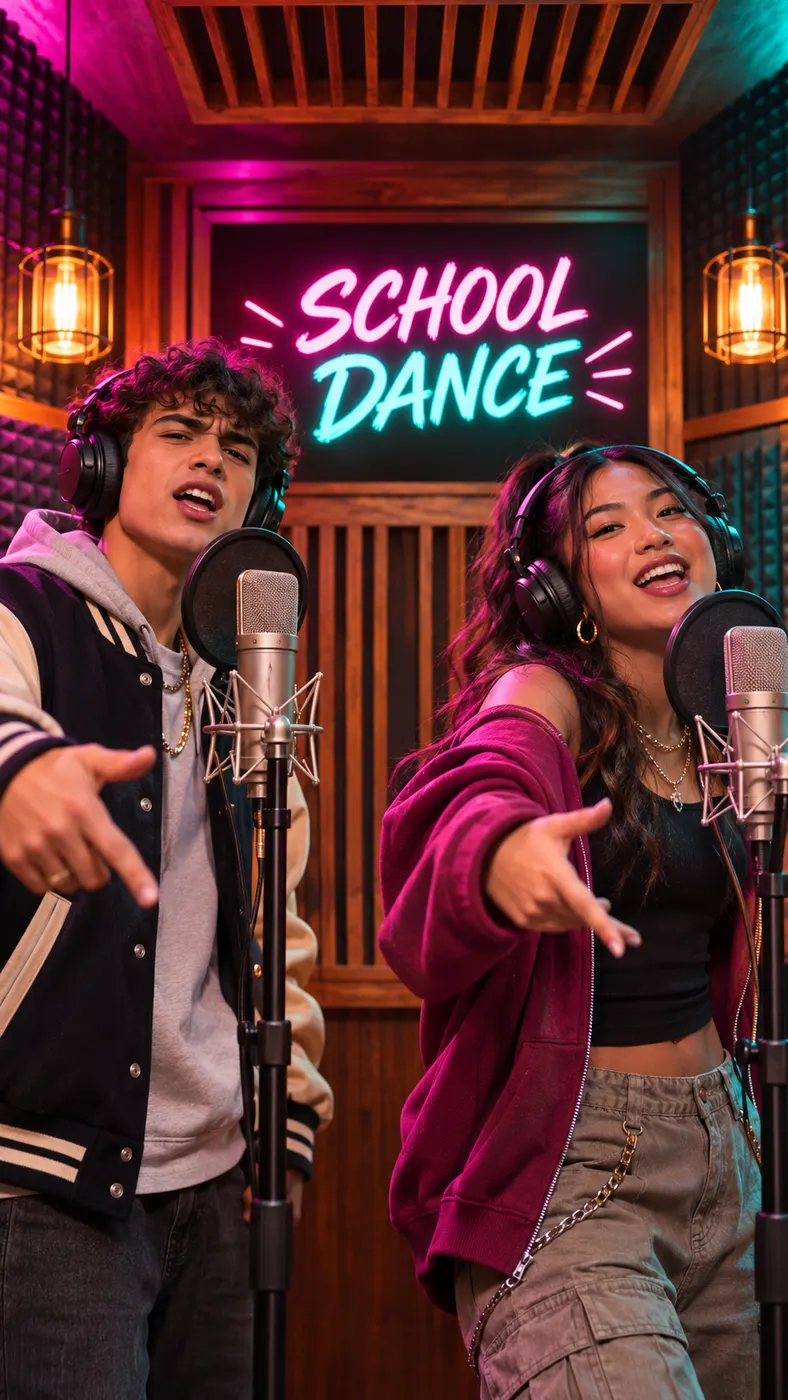
These outstanding ai trend examples show how the same two-photo idea changes when friends, pets, birthdays, studios, and street cyphers take the spotlight.
Make Your Two-Photo Video in Three Steps
- 01
Upload two separate photos
Add one image for Person A and a separate image for Person B to start the outstanding ai trend video. Person A should be a single front-facing face with good lighting and no sunglasses. Person B can be your friend or your pet, and the two photos do not need to have been taken together. Clear, unobstructed images give the generator a better reference for each performer’s face, hairstyle, skin tone, fur, hair color, or markings.
- 02
Choose a scene and topic
Select a scene such as Hotel Lobby, Studio booth, Street cypher, Birthday party, Viking hall, or Pets to shape the outstanding ai trend around the mood you want. Add a short topic if you want the original English verses to focus on a birthday, friendship, or another idea. The topic is optional, so you can also let the duo perform without supplying a subject.
- 03
Preview, then unlock the full download
Allow a few minutes for the request to process, then generate the outstanding ai trend preview. The preview model creates a five-second vertical 9:16 video with audio at 720p, so you can check the pairing, scene, voices, and reactions before deciding whether to unlock the full video download. Review the result on your phone first, then use the purchase option if the performance is ready to share.
What You Can Do With the Generator
Put two real references in one performance
Two required image inputs let the outstanding ai trend generator use separate references rather than asking you to stage a joint photo first. You supply Person A and Person B separately, and the prompt keeps each subject tied to that subject’s own reference. That makes the format practical for a friend who lives elsewhere, or for a person-and-pet pairing that would be difficult to film together.
Pick a scene that fits the joke
You can move the outstanding ai trend from a minimal Hotel Lobby or Studio booth to a Street cypher, Green booth, Rap battle, Office concert, Birthday party, Christmas tree, Viking hall, Pets, or Sung duet scene. Each option changes the setting and performance direction while preserving the two-performer setup. Choose the scene before generating so the visual mood supports your topic.
Create a short vertical clip for social sharing
For social sharing, the outstanding ai trend preview is designed as a vertical 9:16 video, which suits short-form viewing on a phone. The preview model produces five seconds with generated audio at 720p. Both performers stay in the frame in a steady medium shot for most scenes, with slow push-ins or scene-specific movement, so the result reads quickly when someone watches without context.
Give the verses a topic and two voices
With an optional rap topic, the outstanding ai trend supports original English lyrics and two distinct rap voices taking turns. The performers can trade verses, lip-sync their own lines, nod to the beat, gesture, and react to one another. Because the topic field is optional, you can request a focused birthday or friendship idea, or leave it empty for a more open performance.
Use the free preview before paying
You receive a free five-second preview before choosing whether to unlock the full download. The preview lets you inspect whether both uploaded subjects look right, whether the chosen scene fits, and whether the alternating performance feels usable. Pricing for the full version is shown through the pricing option, so check the current amount there rather than assuming a fixed total.
Outstanding AI Trend Questions, Answered
What is the Outstanding AI Trend video generator?
The outstanding ai trend generator turns two separate photos into a vertical rap duo video. One image supplies Person A and the other supplies Person B, who can be a friend or a pet. The selected scene places them together, gives them alternating original English lines, and creates audio with two distinct voices. You do not need to film a joint performance or edit the verses yourself.
Is the Outstanding AI Trend preview free?
Yes. The outstanding ai trend page includes a free five-second preview generated at 720p with audio. You can use that preview to check the two subjects, selected scene, and basic performance before deciding whether to unlock the full download. The free preview is not a promise that every possible full-version option is free; use the pricing path to see the current full-video cost.
How long does the video take to generate?
Allow a few minutes for generation rather than expecting an instant result. The exact wait can vary with demand and processing, while the preview itself is five seconds long. The outstanding ai trend workflow is meant to let you submit the two photos, wait for the generated preview, and review the result without assembling a soundtrack, lip-sync sequence, or scene edit manually.
What photos should I upload?
Upload two separate, well-lit photos with one subject per image. Person A should face the camera and should not wear sunglasses. Person B can be a friend or a pet, and the photos do not have to come from the same moment or location. For the outstanding ai trend, avoid images where the face, fur, hair, or markings are hidden, heavily obstructed, or mixed with another person.
Can I use someone else’s photo or a pet photo?
You can use a separate photo of your friend or your pet for Person B, as long as you have permission to use that image and the upload follows applicable rights and safety requirements. The outstanding ai trend prompt is built for two distinct subjects, so do not combine both people into one reference image. A pet option is available for a person-and-pet performance.
Is this an official music video or an existing song?
No. The outstanding ai trend result is an AI-generated video made from your uploaded references and selected scene. The generator specifies original English lyrics and an original hip-hop beat rather than an existing song, and it is not presented as an official release by an artist, label, or trend owner. Treat the result as a creative short-form video for your own sharing choices.
Make Your Own Two-Photo Rap Duo
Return to the generator, upload your two references, choose a scene, and make the outstanding ai trend with a free five-second preview before deciding on the full download.