
Popstar AI
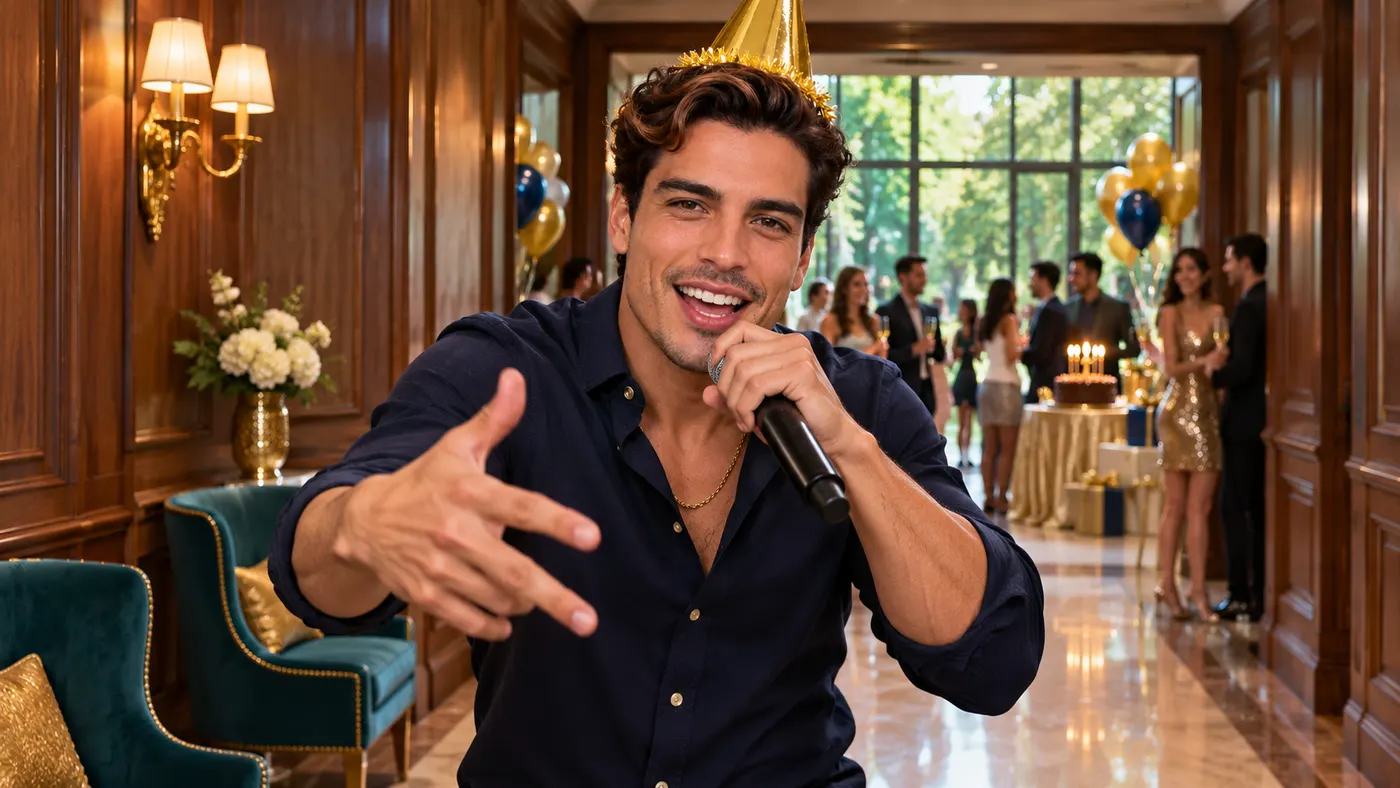
Popstar AI lets you step into the lead of a mansion hallway performance from one clear photo. You walk toward the camera with your arms swinging wide and rap directly into the lens while the bald person in the dark suit stays behind you. The result follows the reference scene as a vertical clip, giving you a camera-facing moment that feels ready to share. Credit packs start at $6.99 once, with no subscription, and original raps have a free 5-second preview.
One clear photo: a solo shot or the two of you. Faces visible, no heavy filters
Tip: drag a photo onto its box, or click the box to pick one.
You take the place of the person walking toward the camera and rapping.
Popstar · Walk down a mansion hallway toward the camera, arms swinging wide, and rap straight into the lens.
This video: 64 credits · Credits come back if it fails
AI video effect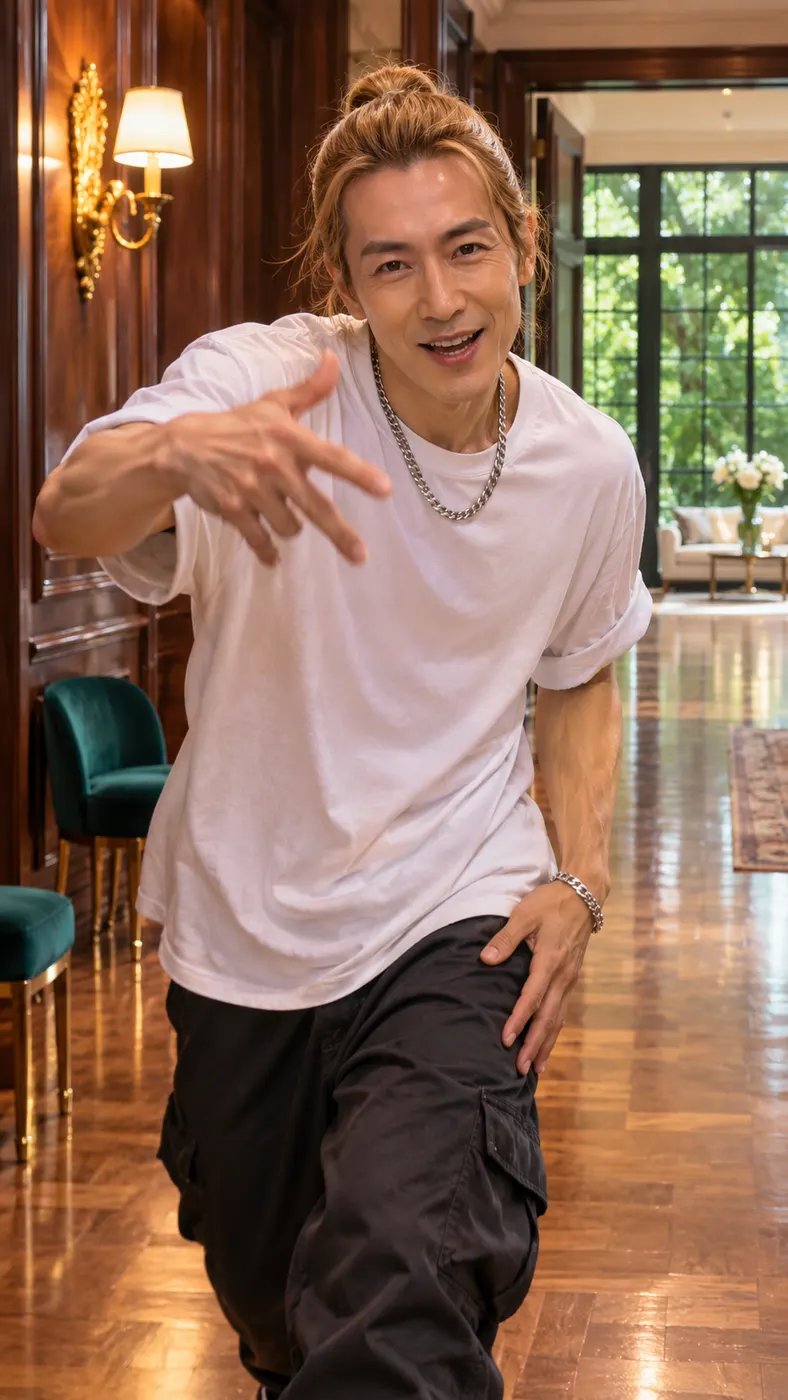
Popstar AI scene examples
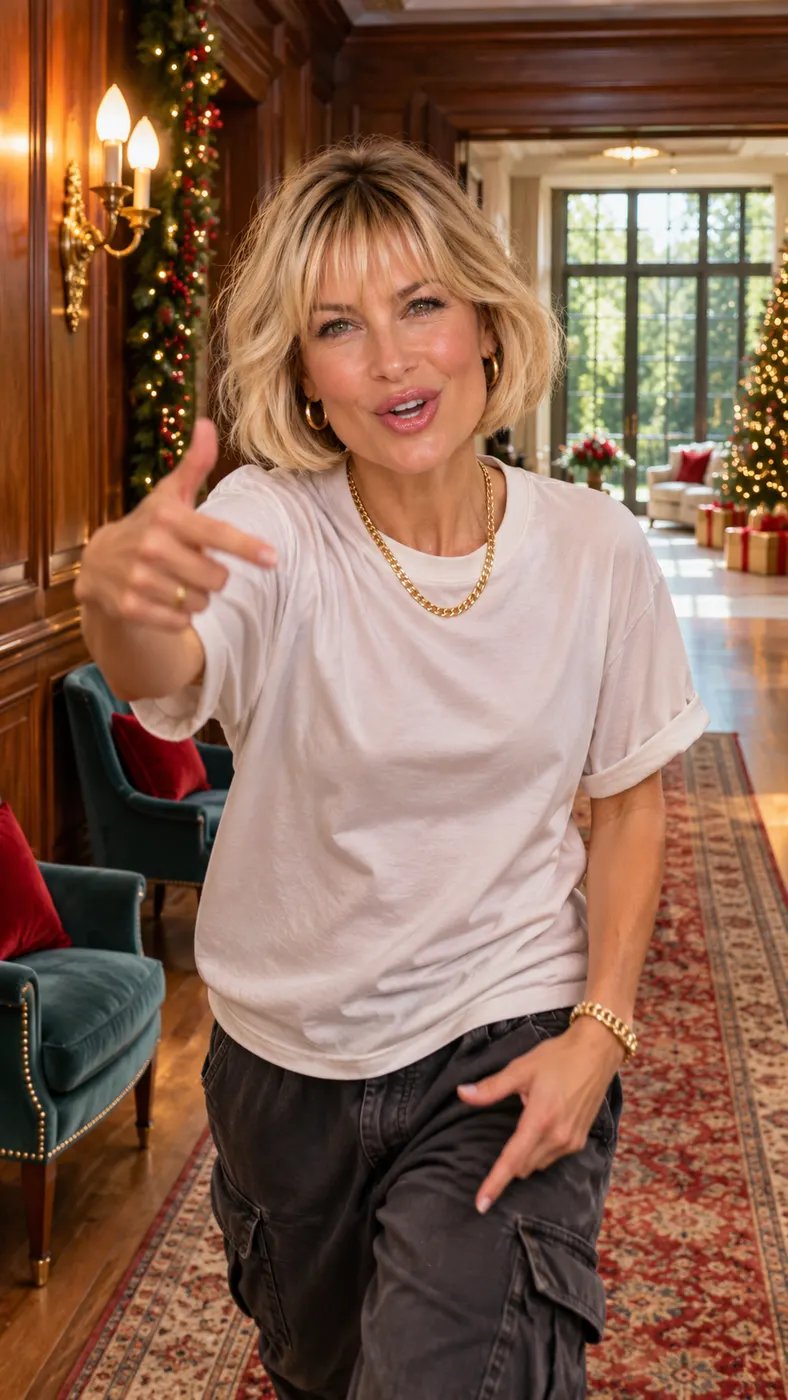
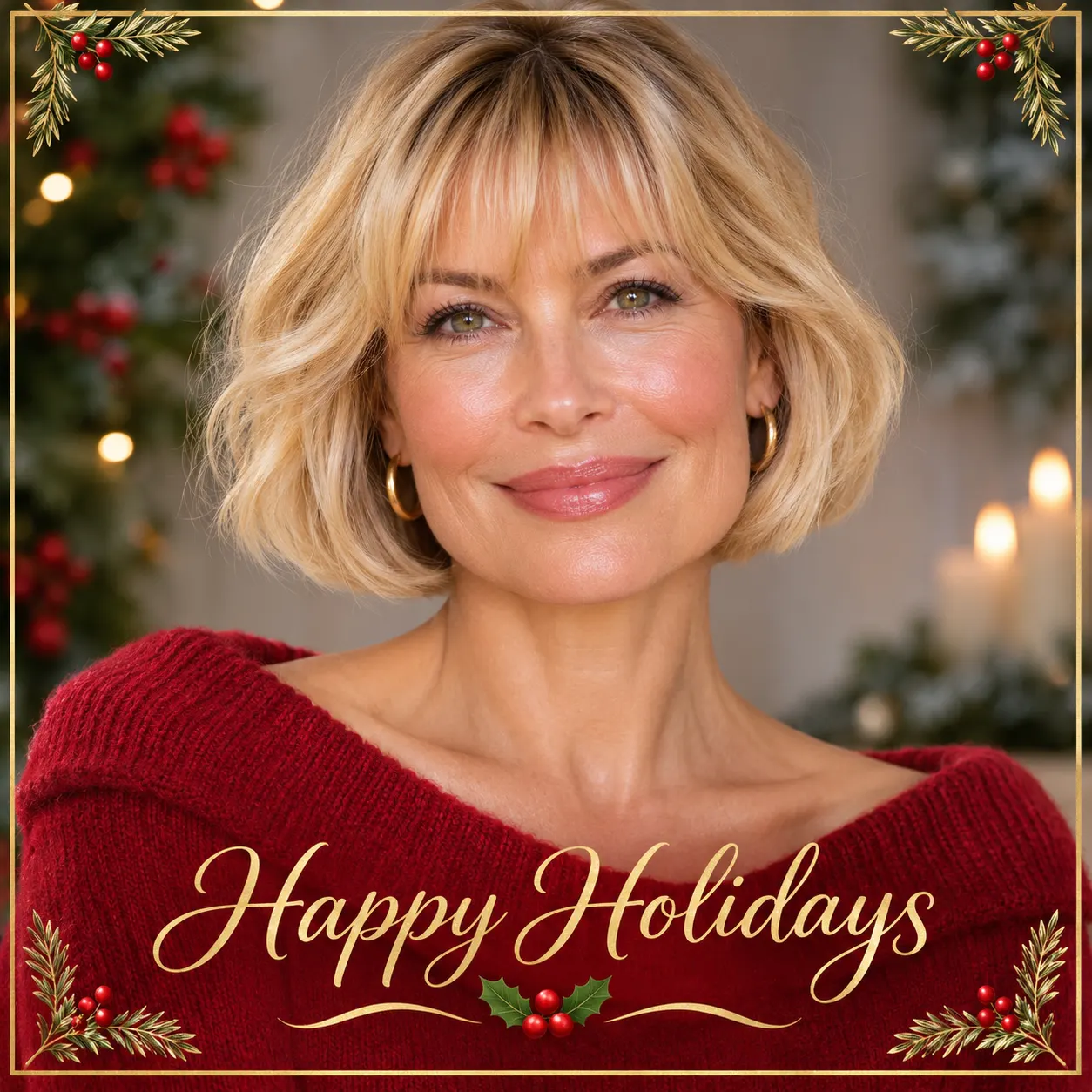
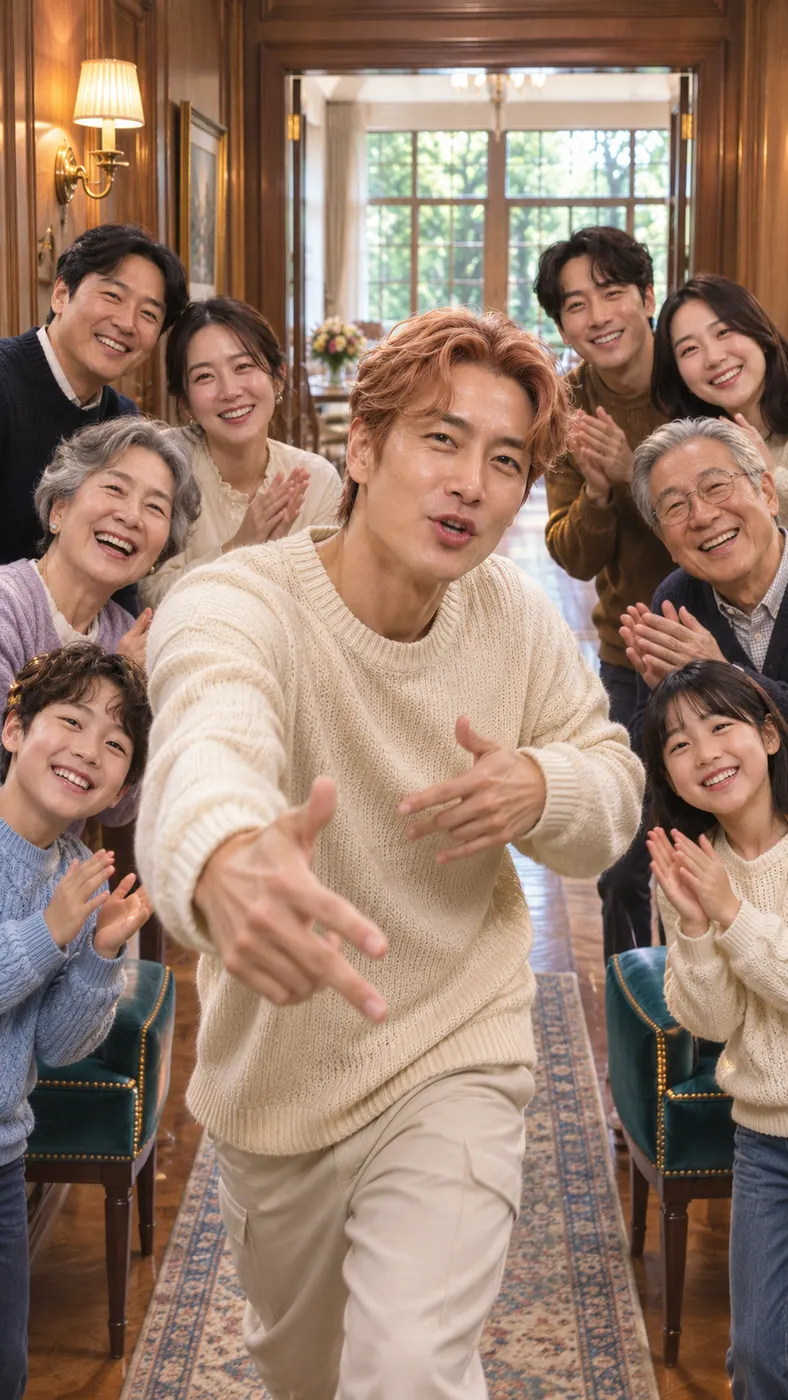
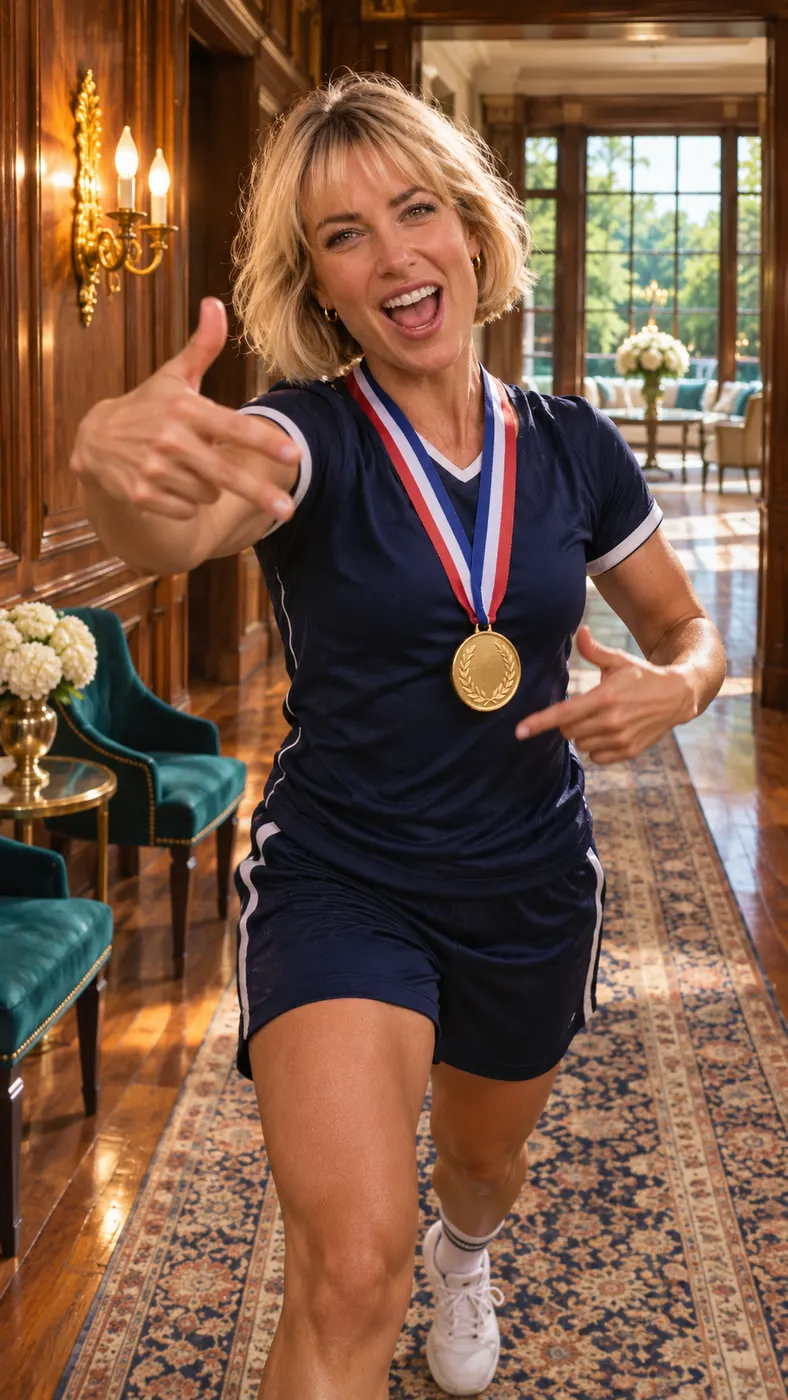
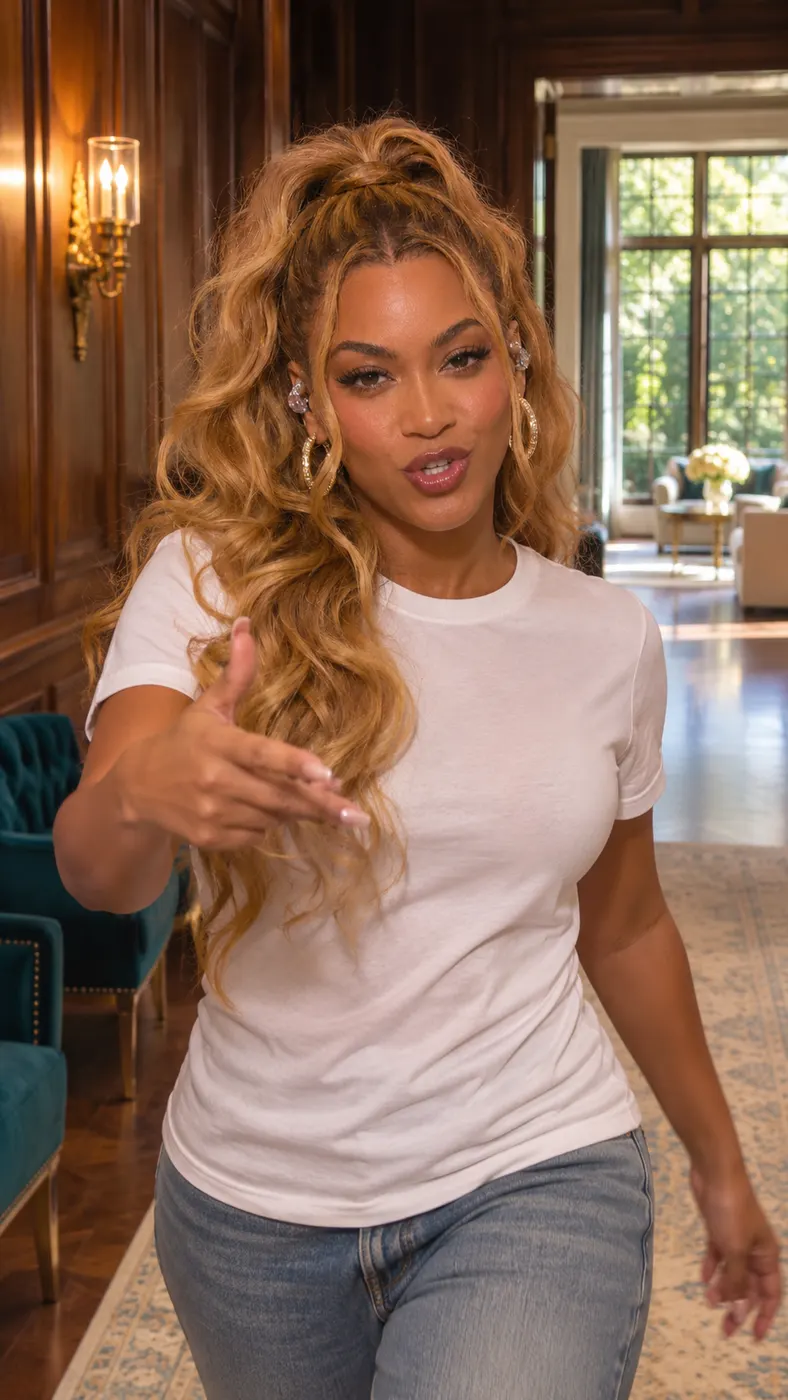
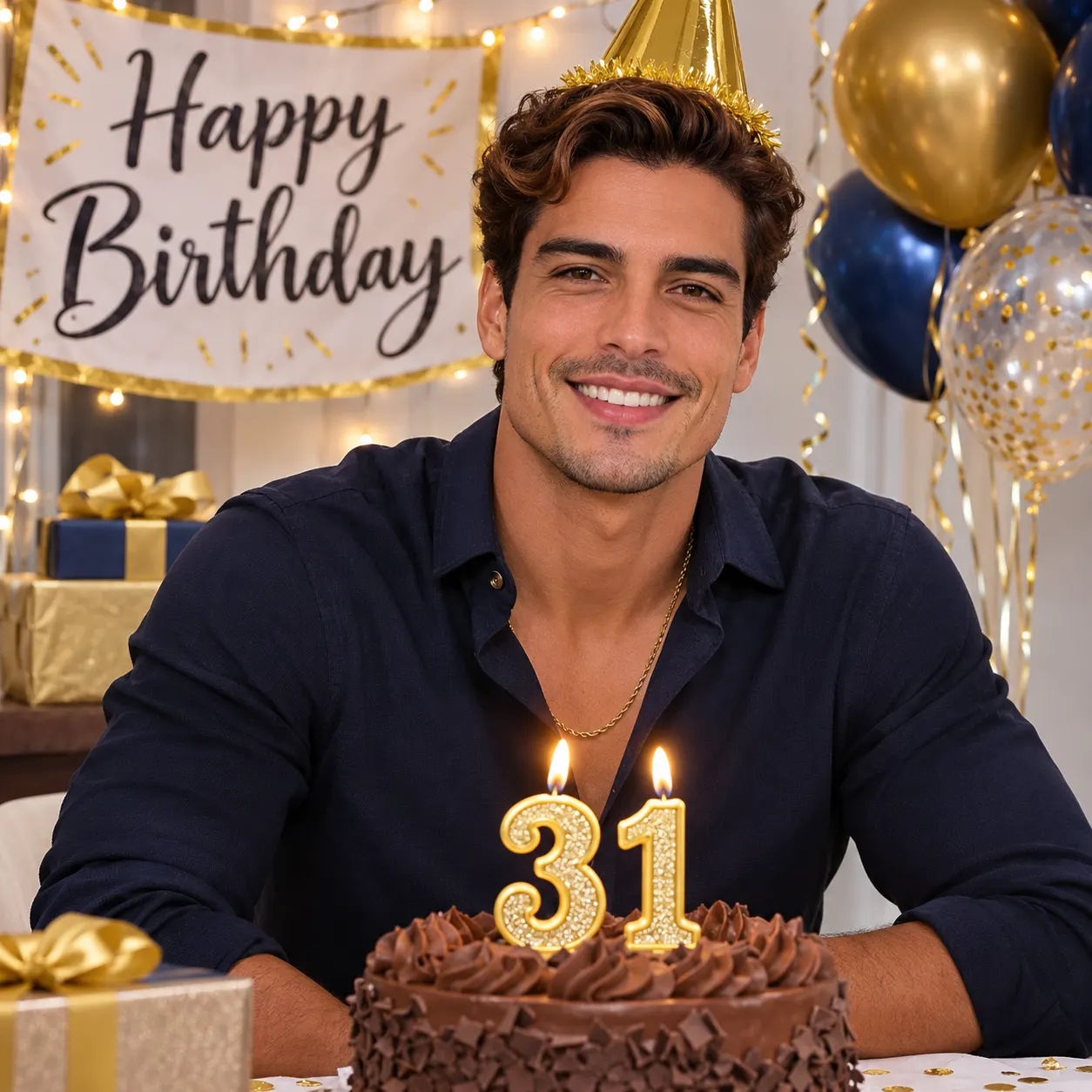
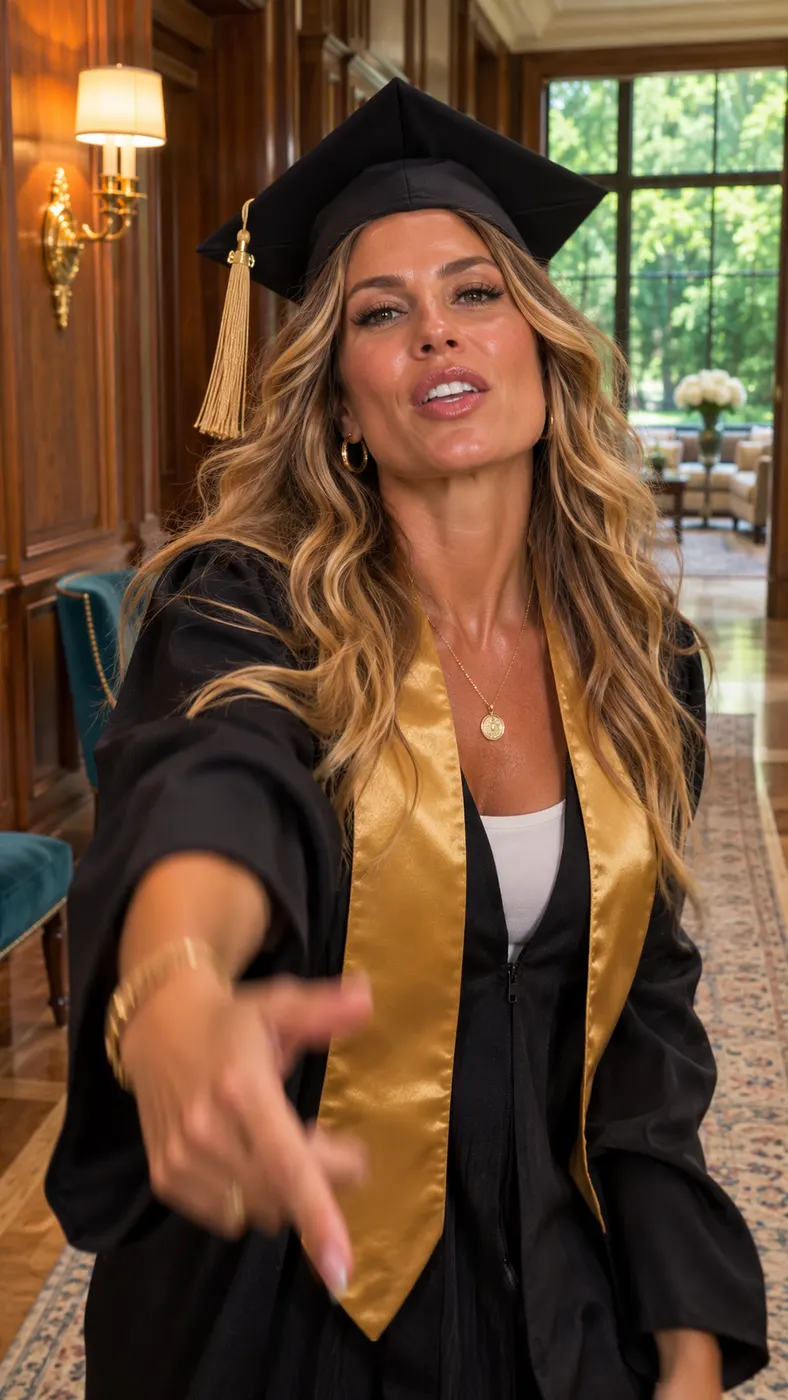
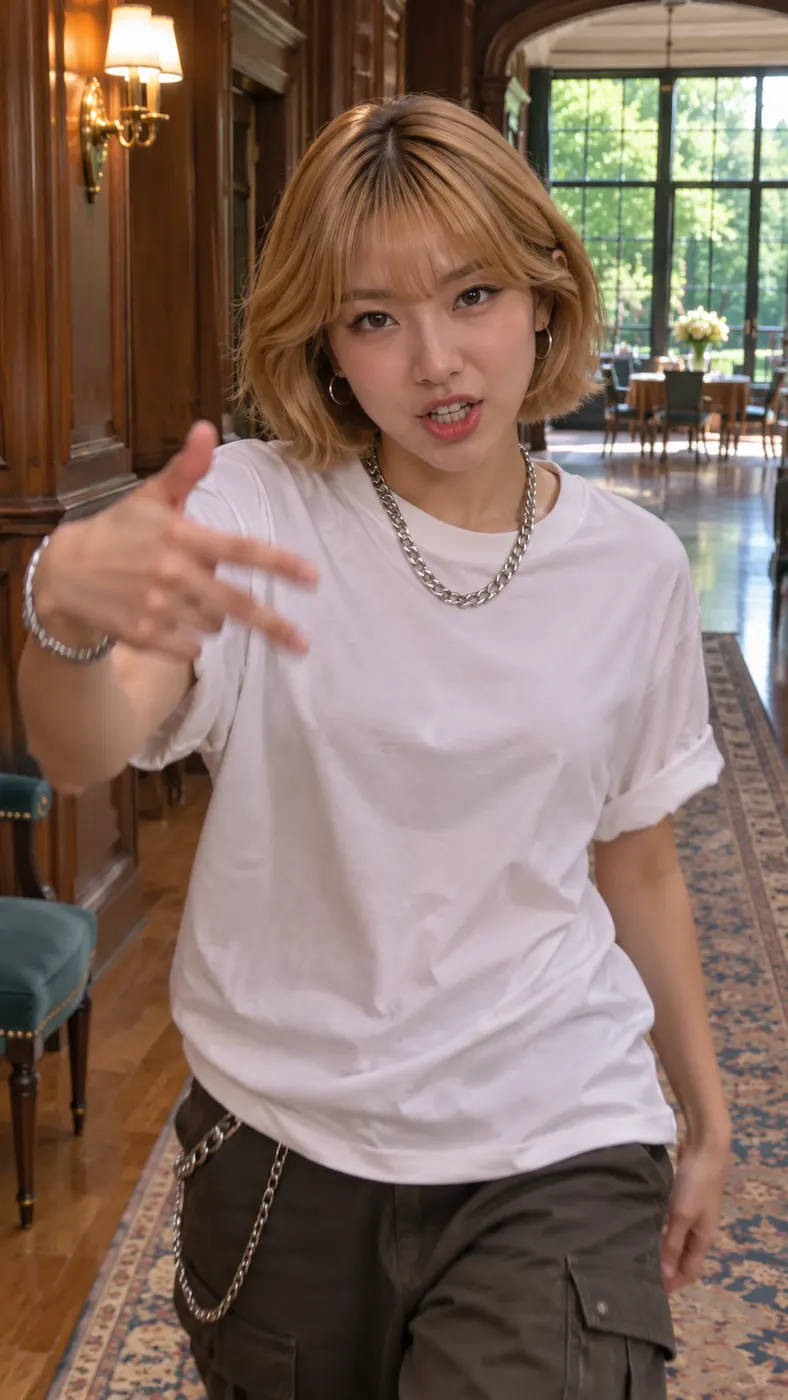
These Popstar AI examples show the same mansion hallway scene with different people in the lead role. Each result keeps the forward walk, direct eye line, warm wood-panelled setting, teal chairs, gold wall light, and bright room beyond the hallway. Before choosing an input, read the best photo guide for an AI rap video, compare expected waits in the AI rap video timing guide, or see Rap Blaze pricing.



How Popstar AI works
- 01
Upload one clear photo
Start with a solo photo or a photo of two people where the faces are visible and the image has no heavy filters. Popstar AI uses the selected photo to replace the lead person in the reference scene, so choose the person who should walk forward and rap. A front-facing, well-lit image gives the generator useful facial and clothing details to follow.
- 02
Generate the scene
Choose the Popstar scene, submit the photo, and let the reference performance guide the movement. Popstar AI keeps the mansion hallway action: the lead walks toward the camera, swings their arms wide, and raps into the lens while the background person stays in place. The result is the full vertical clip, so you can check whether it fits your post.
- 03
Download the complete clip
When the result looks right, download the complete scene. Popstar AI produces a vertical clip at the configured quality, with the scene priced at $2.03 and using 29 credits. Allow roughly 2–8 minutes for rendering after submission; busy periods can take longer, so keep the page open until the result is ready.
What you can make
A camera-facing rap entrance
With Popstar AI, you get a focused performance rather than a static portrait. Your selected person becomes the lead who advances through the mansion hallway, keeps their attention on the lens, and performs with broad arm movement. That makes the result easy to understand in a fast social feed: the person in the photo now appears to front the scene.
A vertical clip for social posts
For TikTok, Reels, and Shorts, Popstar AI creates a vertical composition suited to social posts. The hallway, warm indoor light, teal chairs, and bright windows remain readable around the performer, while the forward motion gives the opening seconds a clear visual hook. You can share the finished clip as a playful transformation built from one personal photo.
A simple photo requirement
One clear photo is enough for Popstar AI, either a solo shot or an image of two people. Faces should be visible, and heavy filters should be avoided. Select a photo with enough detail for the lead performer to remain recognizable. If another person appears in the source image, make sure you have permission to use that person’s likeness.
A defined generation cost
The configured scene uses Popstar AI with 29 credits and lists the generation price as $2.03. The output quality is set to 480p, and the configured clip length is 15 seconds. You can review the current credit options before creating the complete result rather than guessing what the scene will cost.
Questions about the scene
What happens in this mansion hallway scene?
The person in your photo takes the lead in this scene, while Popstar AI replaces the original performer. The lead walks down a wood-panelled mansion hallway toward the camera, swings their arms wide, and raps into the lens. A bald person in a dark suit remains behind the lead and keeps their own appearance and movement.
Can I try the scene before creating the complete clip?
Popstar AI has no separate preview: the generation creates the complete clip, so a poor source photo is the main thing to catch early. Check that the face is clear and the framing fits before you start. If the result is not a good fit, choose a clearer photo with visible facial details and try again.
How long does the generation take?
Rendering is not instant with Popstar AI. A practical expectation is about 2–8 minutes after you submit the photo, although traffic and processing conditions can extend the wait. The page displays progress while the vertical scene is being rendered, and you should wait for the completed result rather than closing the page immediately.
What kind of photo should I use?
Use one clear photo with visible faces and no heavy filters for this scene. Popstar AI needs a solo portrait when one person should become the lead; a photo of two people is also supported when the composition calls for both. Use an image with enough light and facial detail for the selected person to remain recognizable during the walk toward the camera.
Can I use someone else’s photo?
You can use another person’s photo with Popstar AI when you have that person’s permission and the image is appropriate to use. Tell the person what the generated clip will show before submitting it. Do not present the result as a real recording of that person or use someone’s likeness to mislead viewers.
Is this an official performance or endorsement?
The Popstar AI result is a fan-style transformation from your uploaded photo and the provided reference scene. It is not an official performance, music release, or endorsement by the performer who inspired the scene. Treat the result as an AI-generated social clip, and label it clearly when your audience could mistake the performance for real footage.
Step into the scene
Return to the generator at #generator, choose a clear photo, and make your own hallway performance. Keep permission in place for every person shown, then review the result before sharing it.