
Coldplay Kiss Cam
Coldplay kiss cam turns one clear photo into a playful concert-style video concept. Upload a solo photo or a photo of two people with visible faces, then add optional details describing the romantic atmosphere, outfits, setting, or playful reaction you want to explore. The result is a vertical short video designed for sharing, while the people in the source image remain recognizable throughout the generated motion.
One clear photo: a solo shot or the two of you. Faces visible, no heavy filters
Tip: drag a photo onto its box, or click the box to pick one.
Live concert · You on an arena stage, thousands of phone lights waving.
This video: 29 credits · Credits come back if it fails
AI video effect
Coldplay Kiss Cam Video Examples
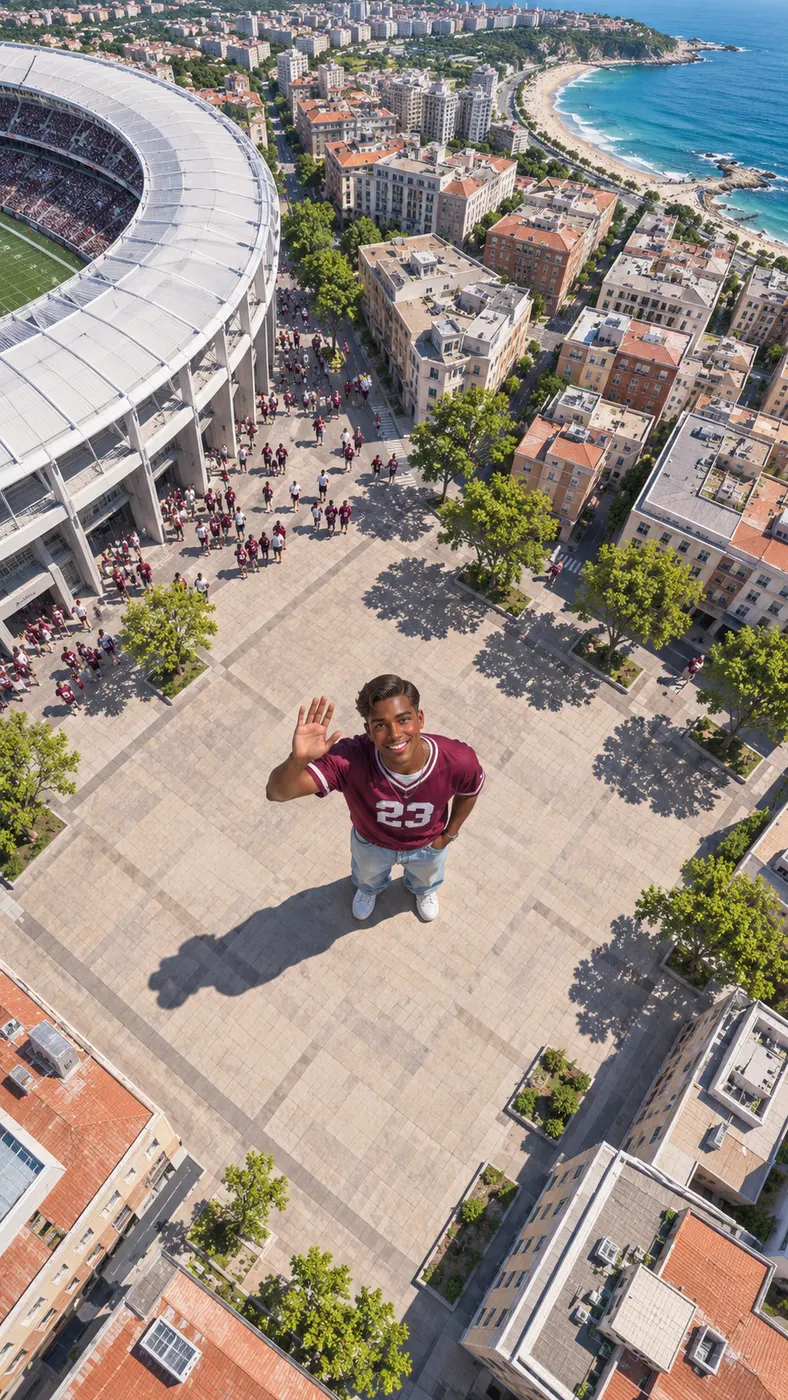
These examples show the kind of motion-led result you can create from a still image. Each clip begins with a clear subject and expands the scene into a vertical moment that feels ready for social sharing. For another camera-pullback format, compare the Earth Zoom Out video guide, or browse viral video trends for more ideas. If you want to test a different performance setting, the AI Dance Video Generator offers another route from a personal photo to a short clip.




How to Make a Coldplay Kiss Cam Video
- 01
Upload a clear photo
Start with one sharp photo showing a solo subject or two people. Faces should be visible, and heavy filters should be avoided so the generator has useful facial, hair, skin-tone, clothing, and body details to follow. A front-facing or naturally framed image gives the result a stronger starting point. For a couple, choose a frame where both people are visible rather than relying on a cropped face or a distant group shot. The coldplay kiss cam concept works best when the uploaded image already communicates a friendly, affectionate connection.
- 02
Add the scene details
Enter optional details about the mood you want to suggest, such as a playful romantic concert atmosphere, bright crowd energy, coordinated colors, or a reaction that feels natural for the people in the photo. Keep the request concise and describe only details that should be added to the starting image. The coldplay kiss cam setup is intended for a vertical short video, so think in terms of one readable moment rather than a long sequence of separate actions. The generator uses the selected photo and your extra text to shape the result.
- 03
Review and unlock the clip
Check the rendered preview before choosing the full output. The configured result is a 15-second vertical video at 480p, so review the framing, facial consistency, and overall motion at the size you plan to share. There are 0 free runs included. A full run costs $2.03 and uses 29 credits, after which you can download the completed clip. Keep the original photo available if you want to try a revised prompt with a different mood or setting.

What You Can Do With This Romantic Video Format
Create a concert-style moment from a still
An ordinary personal photo can become a playful concert-style moment instead of requiring you to film a live event. The coldplay kiss cam idea lets you add a short description of the mood you want, then use the generated vertical result as a playful way to present a couple or a solo subject in a more energetic setting. The source image remains the visual reference, which helps the finished clip feel connected to the people you uploaded rather than like a generic stock scene.
Keep faces and appearances recognizable
One clear photo with visible faces gives the generator its main reference. It is instructed to preserve each face, hairstyle, skin tone, body, and the number of people in the source image. That makes a well-lit, uncluttered upload especially important for a coldplay kiss cam result. Avoid sunglasses, extreme filters, motion blur, or faces hidden behind other people when recognition matters more than a dramatic starting pose.
Prepare a vertical clip for sharing
A short vertical video makes this format practical for social feeds, messages, and quick posts. Before you generate, decide whether the first frame should show both people clearly or establish the wider setting first. A concise optional prompt can describe colors, clothing, atmosphere, or a lighthearted reaction without overwhelming the main request. The configured coldplay kiss cam output is 15 seconds at 480p.
Use a solo photo or a couple photo
You can begin with one person or two people as long as the visible faces are clear. A solo upload can suggest a playful fan moment, while a couple photo gives the result a naturally romantic focus. Do not add extra people in the prompt if they are not in the source image; the configured instructions preserve the same number of people. Choose an image with enough space around the subjects for the generated movement to remain readable.
Make a clearly unofficial fan concept
This page creates a fan-made visual concept and is not an official Coldplay production, broadcast, or endorsement. Use the coldplay kiss cam concept for personal creative posts, private jokes, invitations, or social experiments, and make sure you have permission to use any person’s photo. Avoid presenting the generated clip as footage from a real concert or as a statement from the artist. The tool supplies a short AI-generated video based on the image and details you provide.

Coldplay Kiss Cam Questions Answered
What is this romantic video concept?
The coldplay kiss cam concept is a fan-made way to turn a personal photo into a short, concert-inspired vertical video. You provide one clear photo of a solo subject or two people, then add optional details about the atmosphere or reaction you want to suggest. It is a generated visual idea, not footage from a real venue and not an official artist feature.
Is a free run included?
No. The configured tool includes 0 free runs. A full generation costs $2.03 and uses 29 credits. Review the available preview before committing to the completed output, and keep your source image ready if you want to revise the optional details for another attempt.
How long is the generated video?
A completed coldplay kiss cam result is configured as a 15-second vertical video at 480p. It is intended to be a concise shareable clip rather than a long performance. The preview helps you check whether the opening frame, movement, and subject placement work for the way you plan to post or send it.
What photo should I upload?
Use one clear photo with a solo subject or two people and visible faces. Choose even lighting, recognizable facial detail, and a composition that is not heavily filtered or blurred. Avoid a crowded group shot when only two people should appear. A photo with both faces unobstructed gives the generator a better reference for preserving hairstyle, skin tone, clothing, body shape, and the number of people.
Can I use someone else’s photo?
Only use another person’s photo when you have permission and the intended use is appropriate. Tell the person that the image will be used to create a generated vertical video, especially if you plan to share the result publicly. Do not use a private or sensitive image to create a misleading impression, and do not present the output as authentic concert footage.
Is this an official Coldplay feature?
No. Coldplay kiss cam is an unofficial fan-made concept created from your uploaded photo and optional text. It is not produced, sponsored, or endorsed by Coldplay, and the generated clip should not be described as a real concert recording. Use accurate wording when sharing it so viewers understand that it is an AI-generated visual.
Create Your Own Romantic Clip
Use a clear photo, add the atmosphere you want to suggest, and review the preview before unlocking the completed vertical video. Keep the result clearly labeled as an unofficial AI-generated fan concept when you share it.