
Billie Jean Dance AI
With billie jean dance ai, you take the place of the dancer in a warmly lit living room, keeping your recognizable face and appearance as you follow the famous routine. Upload one clear photo, choose the dedicated scene, and create a vertical 480p video built around the original performance. The result is designed for a quick, shareable reveal without filming the choreography yourself.
One clear photo: a solo shot or the two of you. Faces visible, no heavy filters
Tip: drag a photo onto its box, or click the box to pick one.
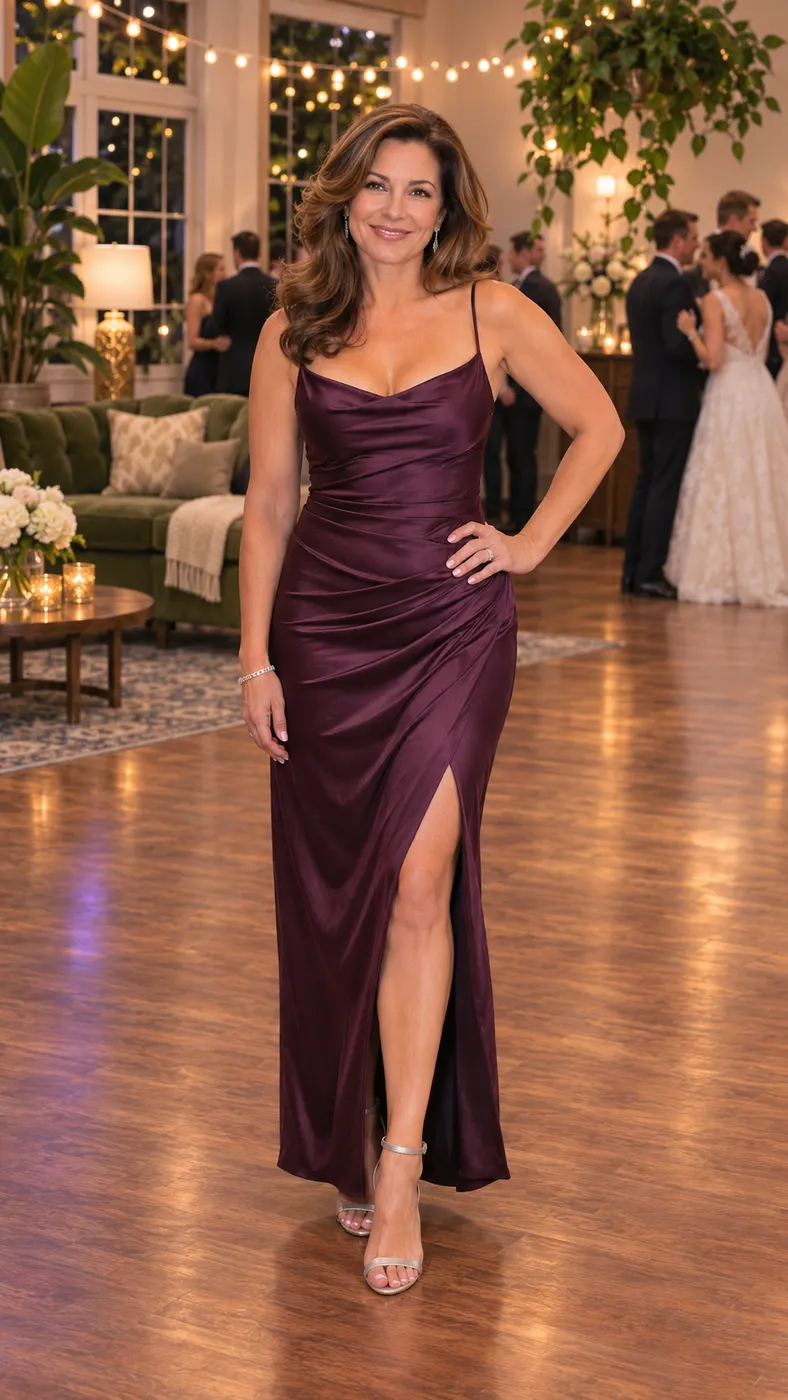
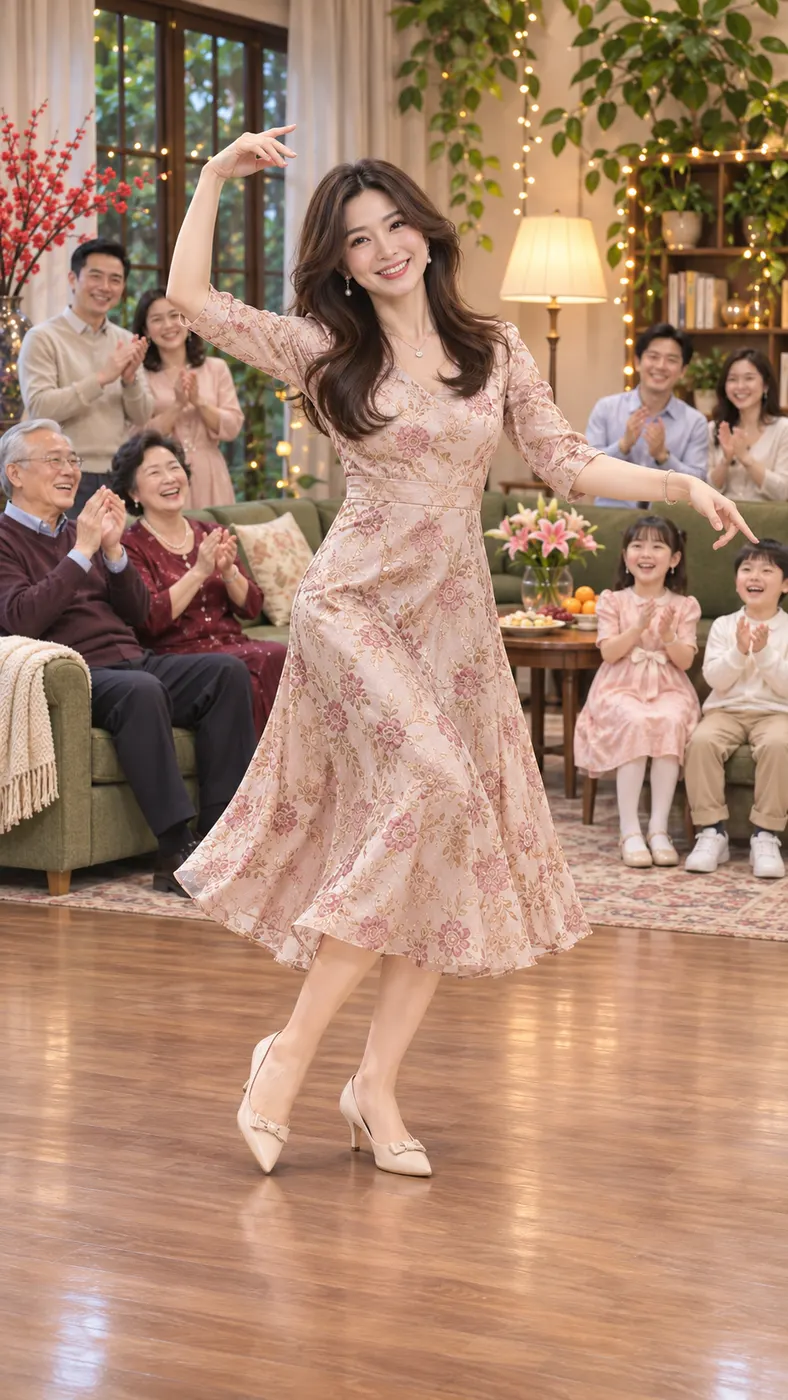
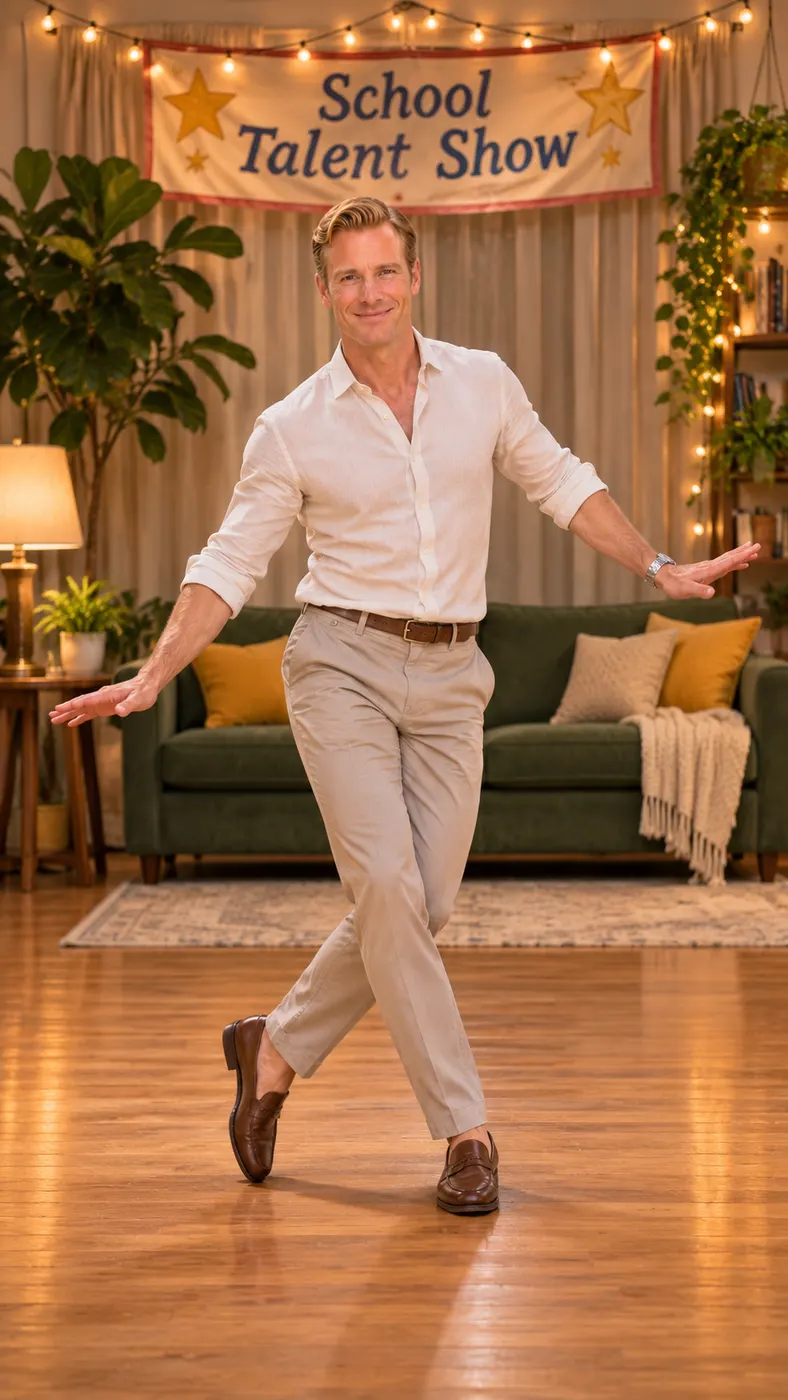
You take the place of the woman who does the Billie Jean dance in the living room.
Billie Jean Dance · Your photo does the famous Billie Jean moves in a cozy living room.
This video: 96 credits · Credits come back if it fails
AI video effect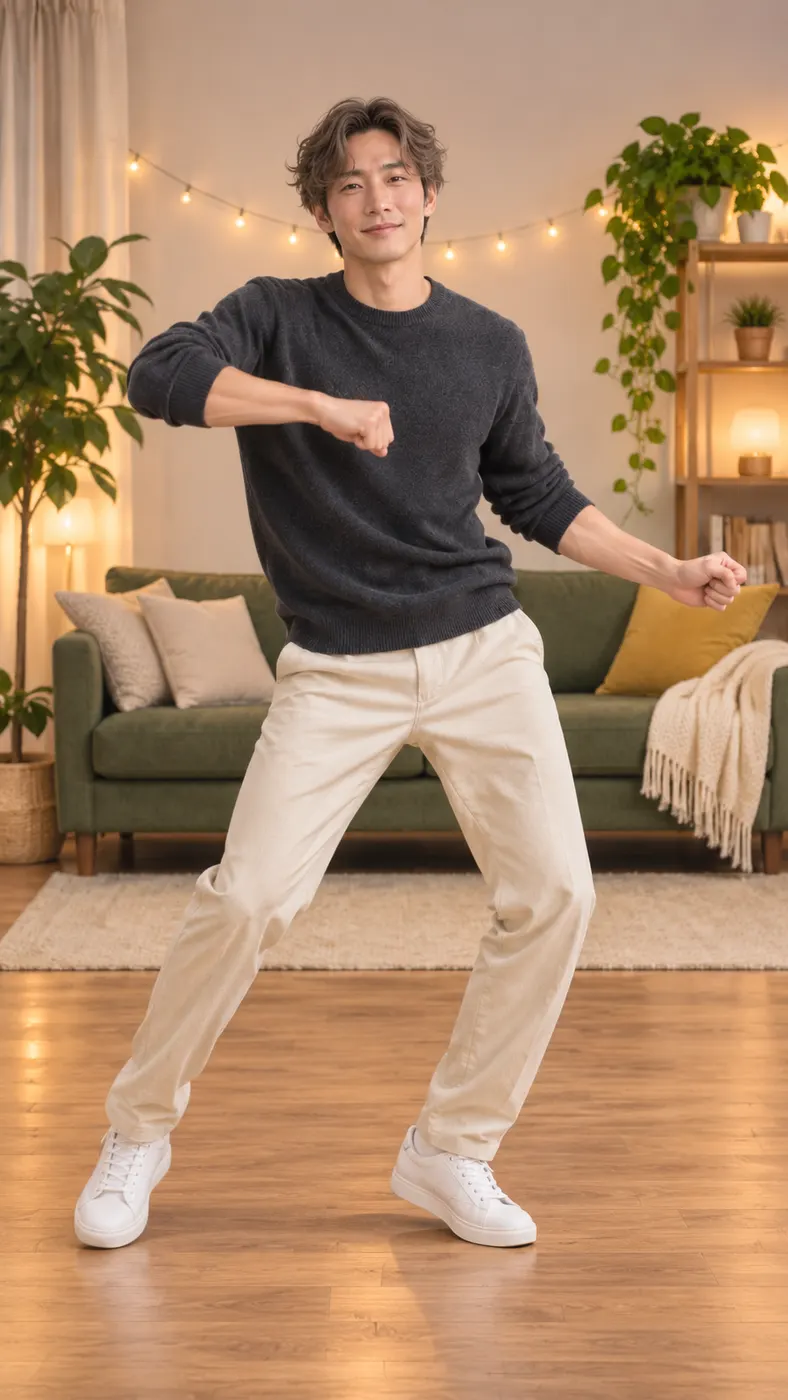
Billie Jean Dance AI Examples
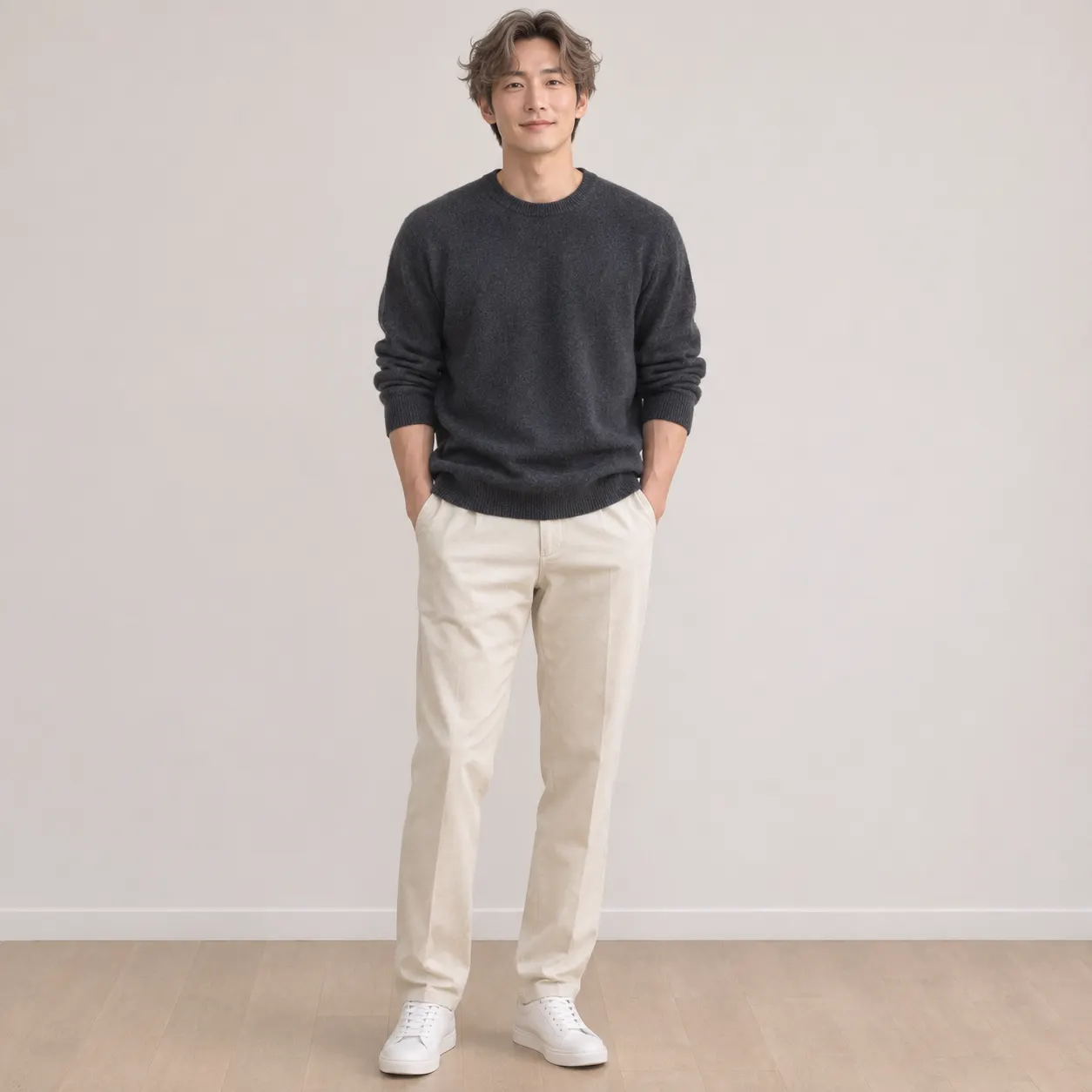
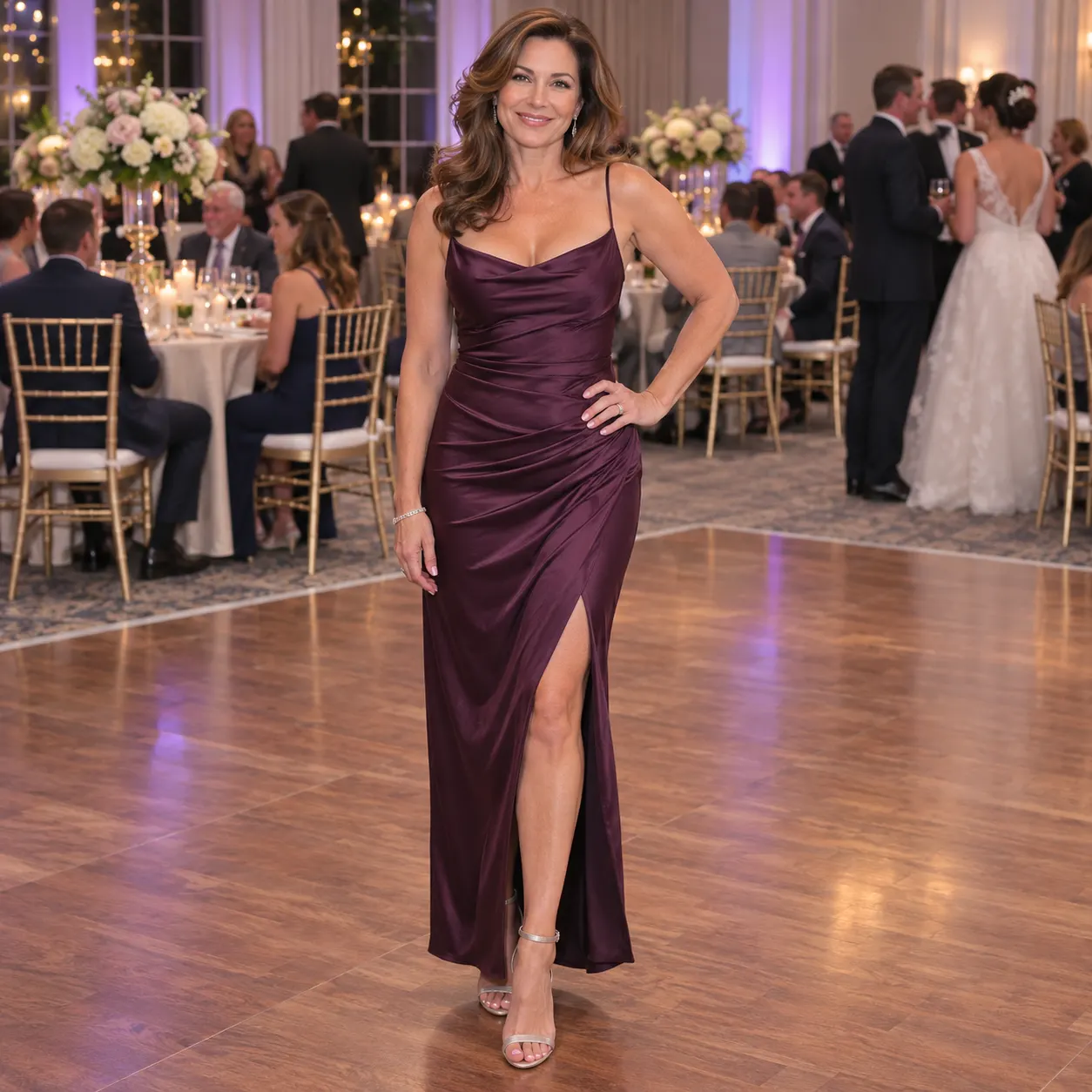
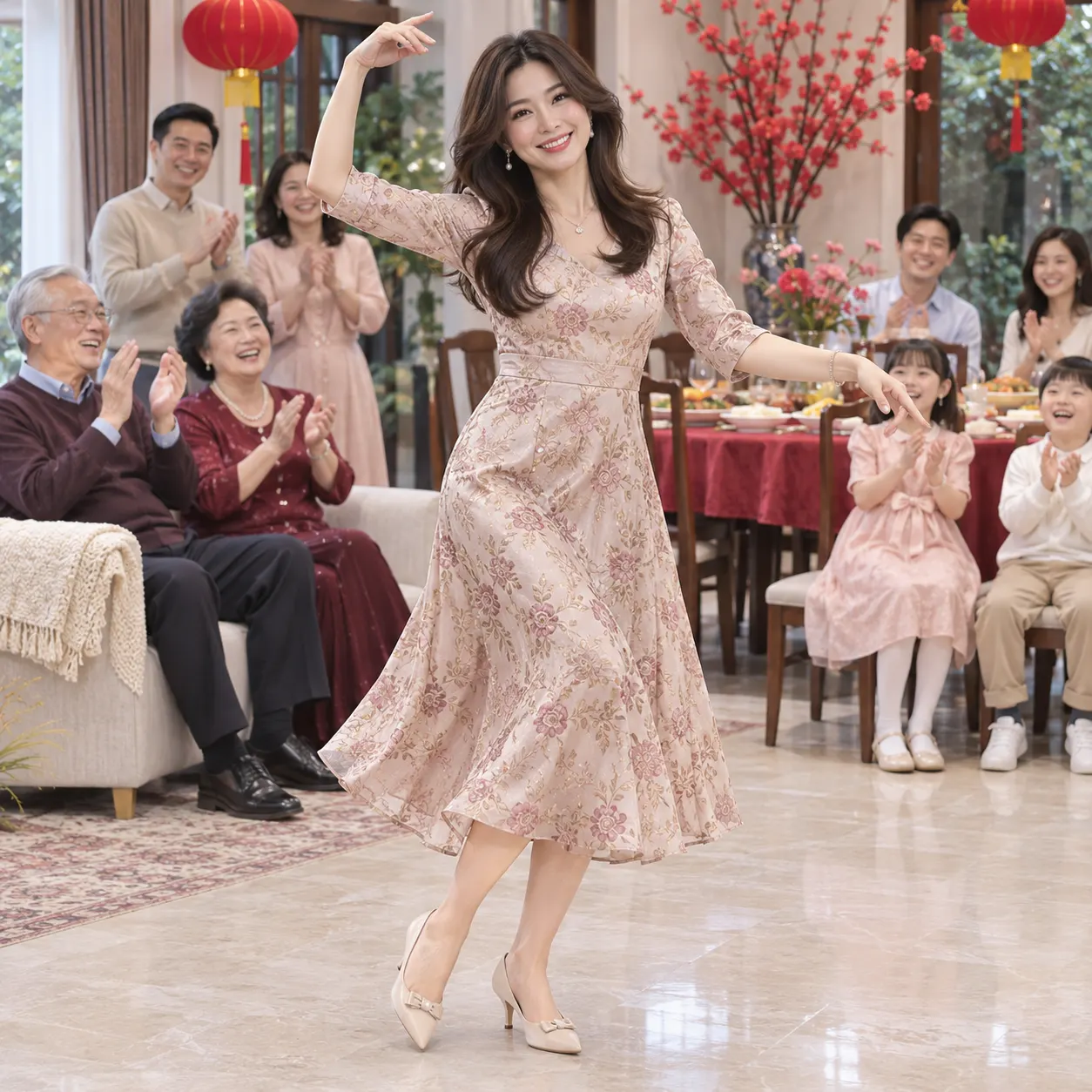
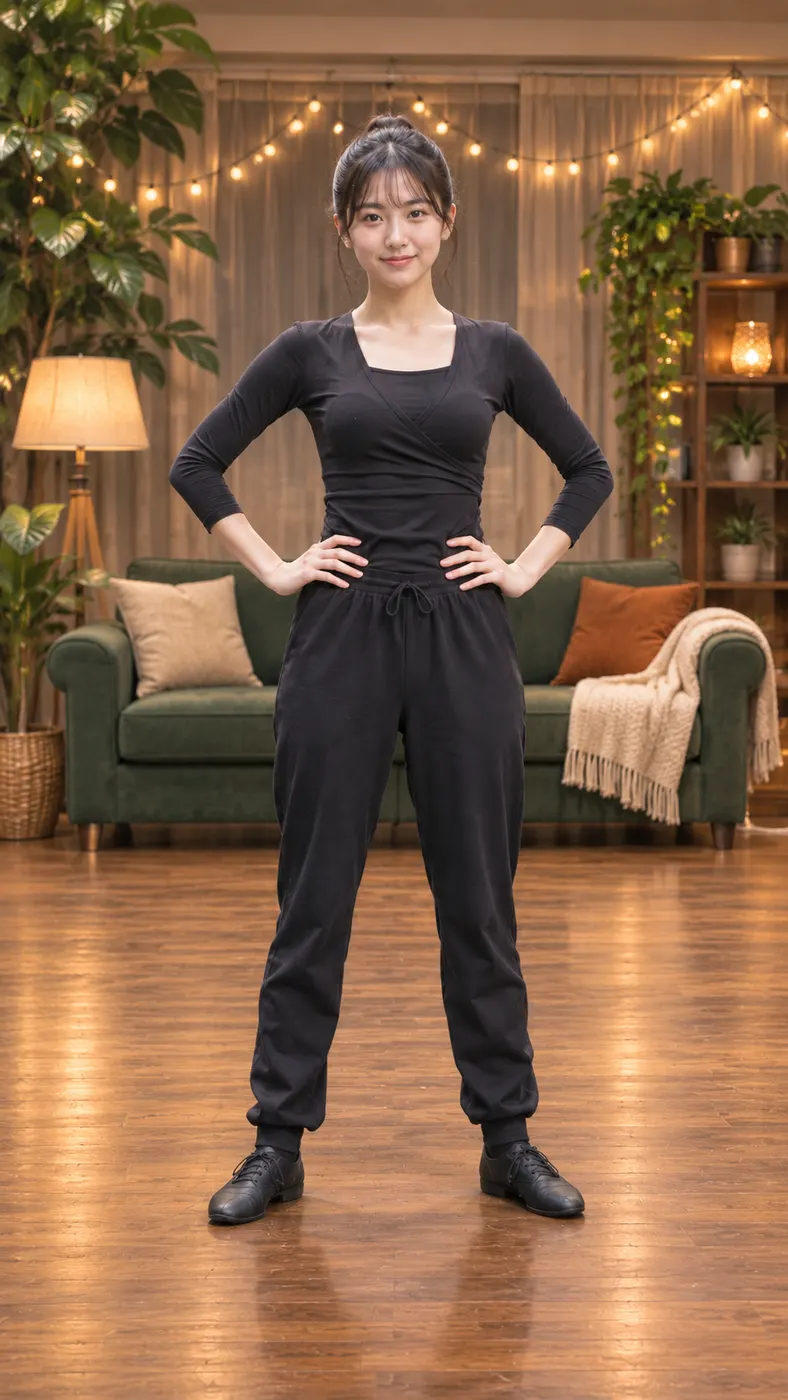
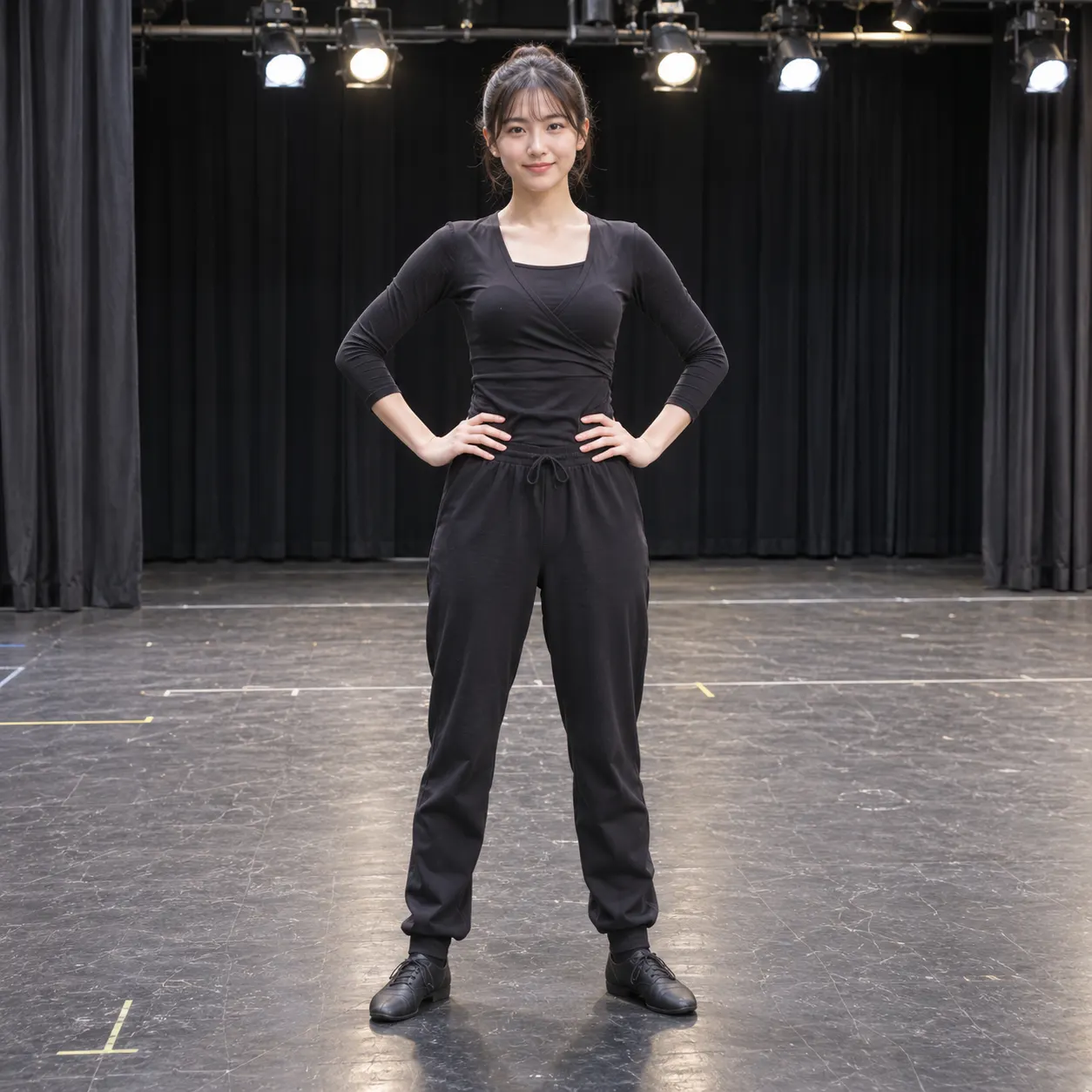
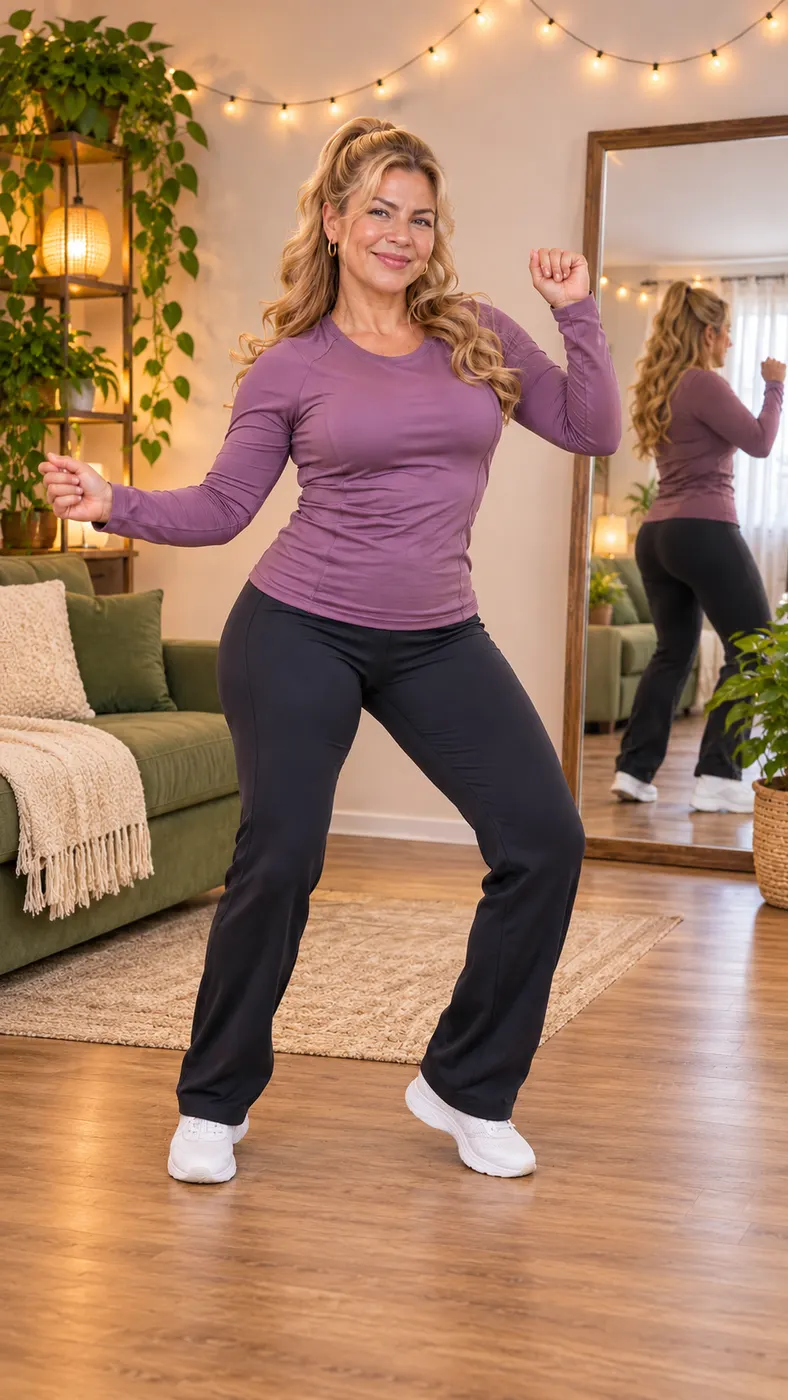
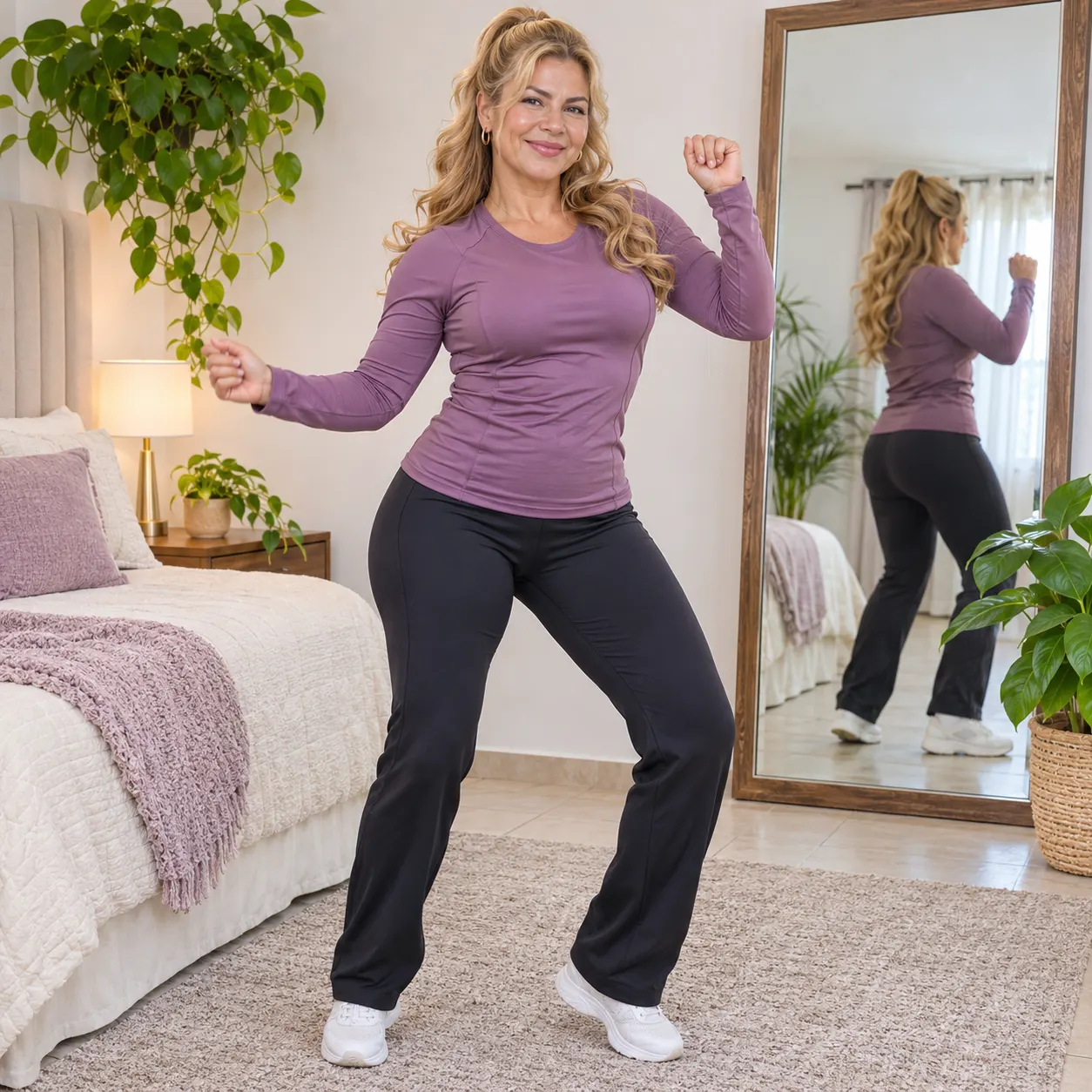
These examples show the same living-room performance with the featured dancer replaced by a different photo subject. Each vertical clip keeps the wooden floor, green sofa, plants, string lights, and full-body framing that make the scene recognizable. Before you start, see what makes a strong upload and how long generation can take so your source photo is ready.


How Billie Jean Dance AI Works
- 01
Upload your photo
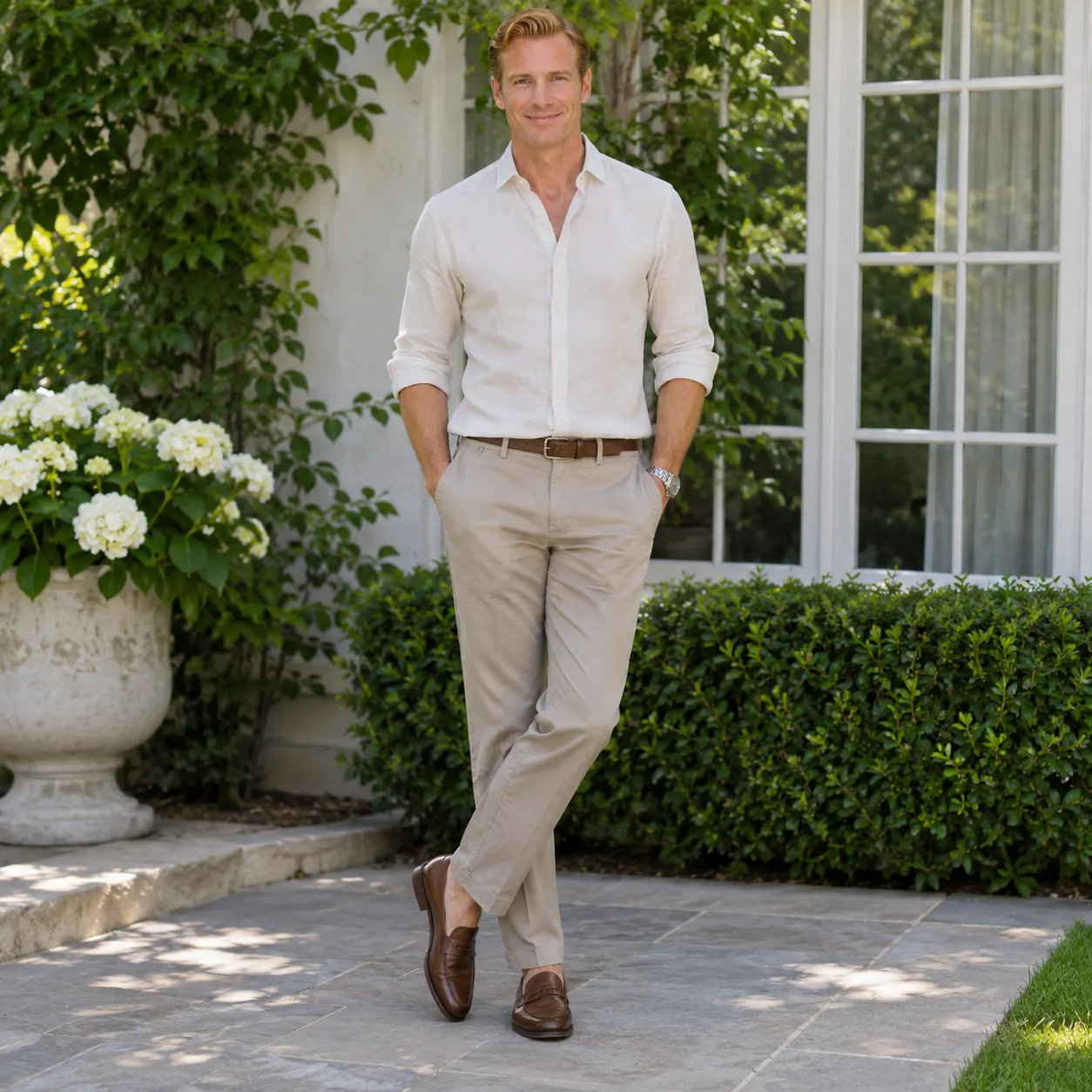
Choose one clear photo showing the person you want to place in the scene. Keep the face visible and avoid heavy filters, extreme blur, or a crop that hides most of the body. A straightforward source image gives the replacement process more usable information for preserving the subject across the dance.
- 02
Create the clip
Select the Billie Jean Dance scene, check the uploaded photo, and start the generation. Billie Jean Dance AI uses the selected living-room reference performance to guide the movement and framing while keeping the person from your image recognizable. Generation time varies with the queue and reference clip length, so allow several minutes rather than expecting an instant result.
- 03
Download the complete clip
Review the finished result for identity, framing, and movement continuity, then download it. The finished output follows the reference performance as a vertical video, so check that the subject stays visible from the opening movement through the final pose before sharing it.
What You Can Do With This Scene
Turn one photo into a dance reveal
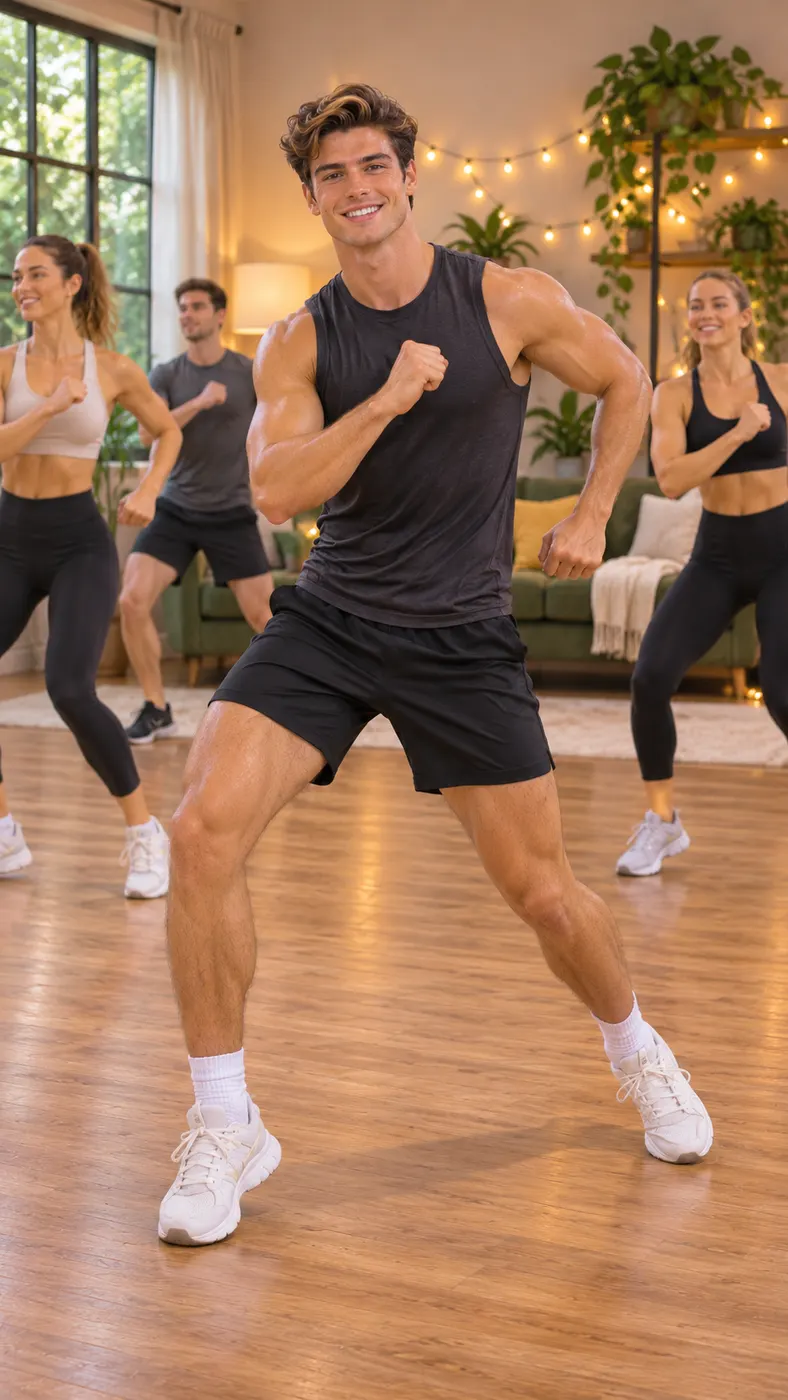
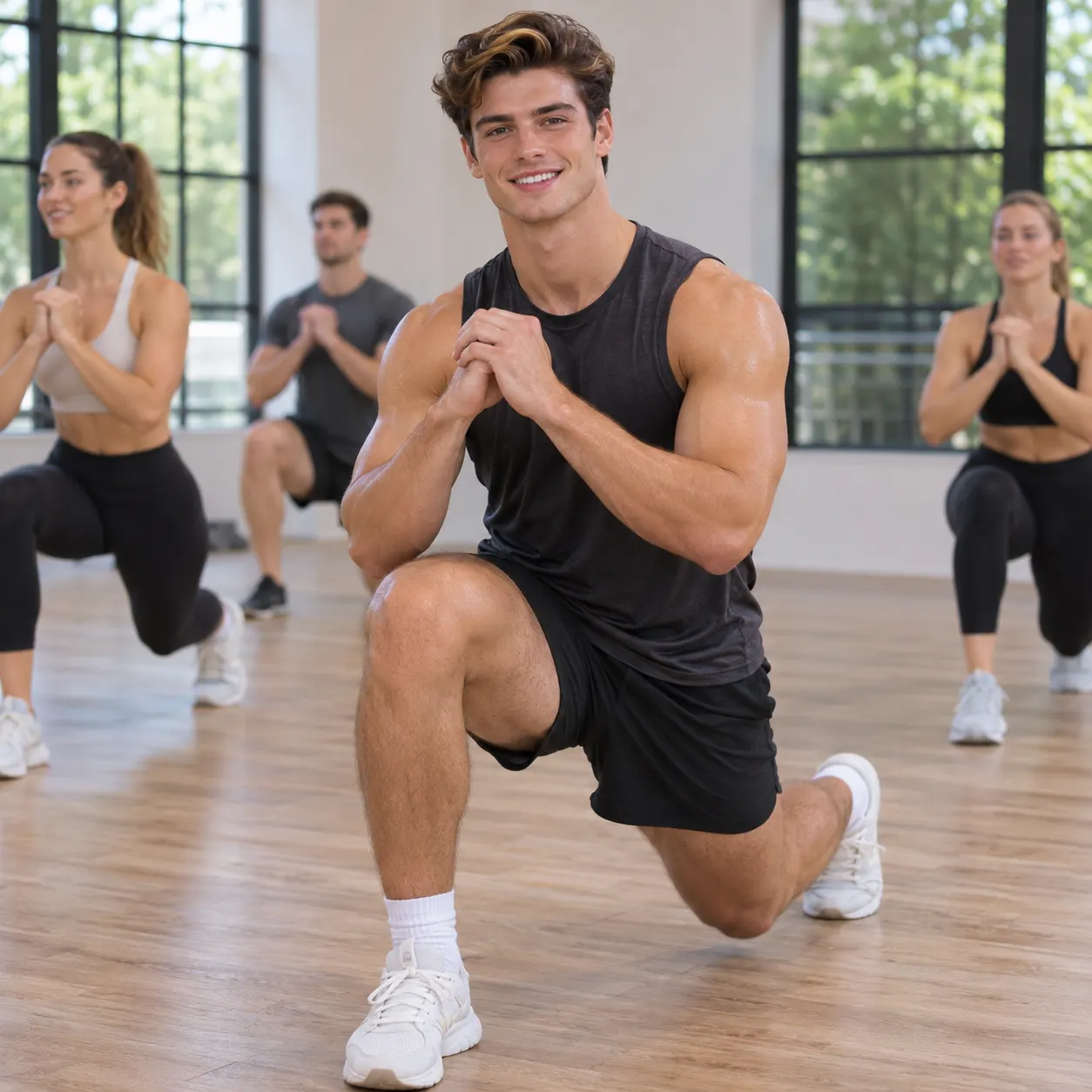
With Billie Jean Dance AI, you can place yourself in the famous living-room routine without recording yourself performing every move. The scene supplies the setting and choreography, while your uploaded image provides the person viewers recognize. It works well as a playful reveal for social posts, messages, or a reaction from friends who know the original clip.
Start with a practical source photo
Use a clear image with a visible face, natural lighting, and enough of the person shown for the replacement to read cleanly. The upload panel accepts a solo photo or a photo with two people, but a simple composition makes it easier to identify the intended subject. Avoid sunglasses, strong filters, motion blur, or a face hidden behind another object.
Create a vertical shareable result
The scene produces a vertical video that fits the short-form format used by many social feeds and phone screens. You can focus on the recognizable living-room setting, the dancer's movements, and the moment your subject appears in the routine. Review the whole clip before sharing so the face, hair, clothing, and body remain consistent.
Know the credit cost before creating
A completed render uses 29 credits and is listed at $2.03 for this configured output. The generation panel shows the applicable option before you proceed. The scene is a fan-made transformation of a reference clip, not an official release or endorsement from the performer, rights holder, or original production.
Billie Jean Dance Scene FAQ
What does this page create?
Billie Jean Dance AI creates a vertical video that places the person from your uploaded photo into the dedicated living-room dance scene. The reference performance supplies the setting and movement, while the generated result is intended to keep the subject recognizable throughout the clip.
Is there a free version of this scene?
The free-run allowance is 0, so this page does not promise a free render. Billie Jean Dance AI uses the configured credit option for a completed result, and the current charge is shown as $2.03 before you create it.
How long does generation take?
Generation time depends on the processing queue and the length of the reference performance. Allow several minutes and wait for the progress state to finish before judging the result. The page does not guarantee an instant turnaround.
What kind of photo should I upload?
Upload one clear photo with the intended person's face visible and enough of the body shown to make the replacement practical. A solo shot is the simplest choice. Avoid heavy filters, strong blur, blocked facial features, and extreme crops that remove important parts of the subject.
Can I use someone else's photo?
You can use another person's photo only when you have their permission and the right to submit it. Tell the person what the generated clip does, and do not use an image to mislead, impersonate, harass, or embarrass someone. Keep the source photo appropriate for the intended audience.
Is this an official Billie Jean clip?
No. This is a fan-made AI transformation using a dedicated reference scene. It is not an official release, does not represent the original performer or rights holder, and should not be presented as their own new performance.
Put Yourself in the Scene
Return to the generator at the top of this page, upload a clear photo, and choose the living-room dance scene. Check the subject and framing before you create the clip, then review the result for a recognizable face and consistent movement.