
Bad Times AI
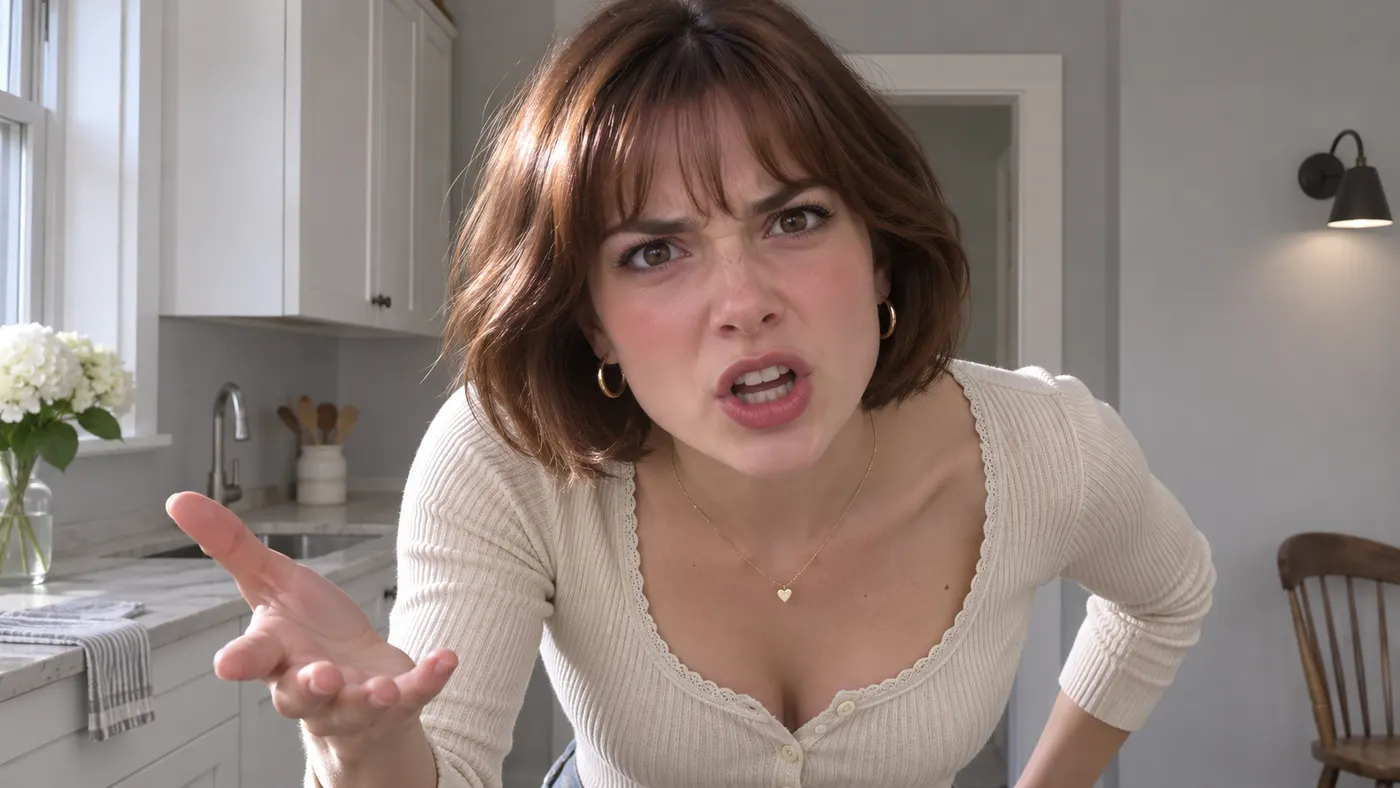
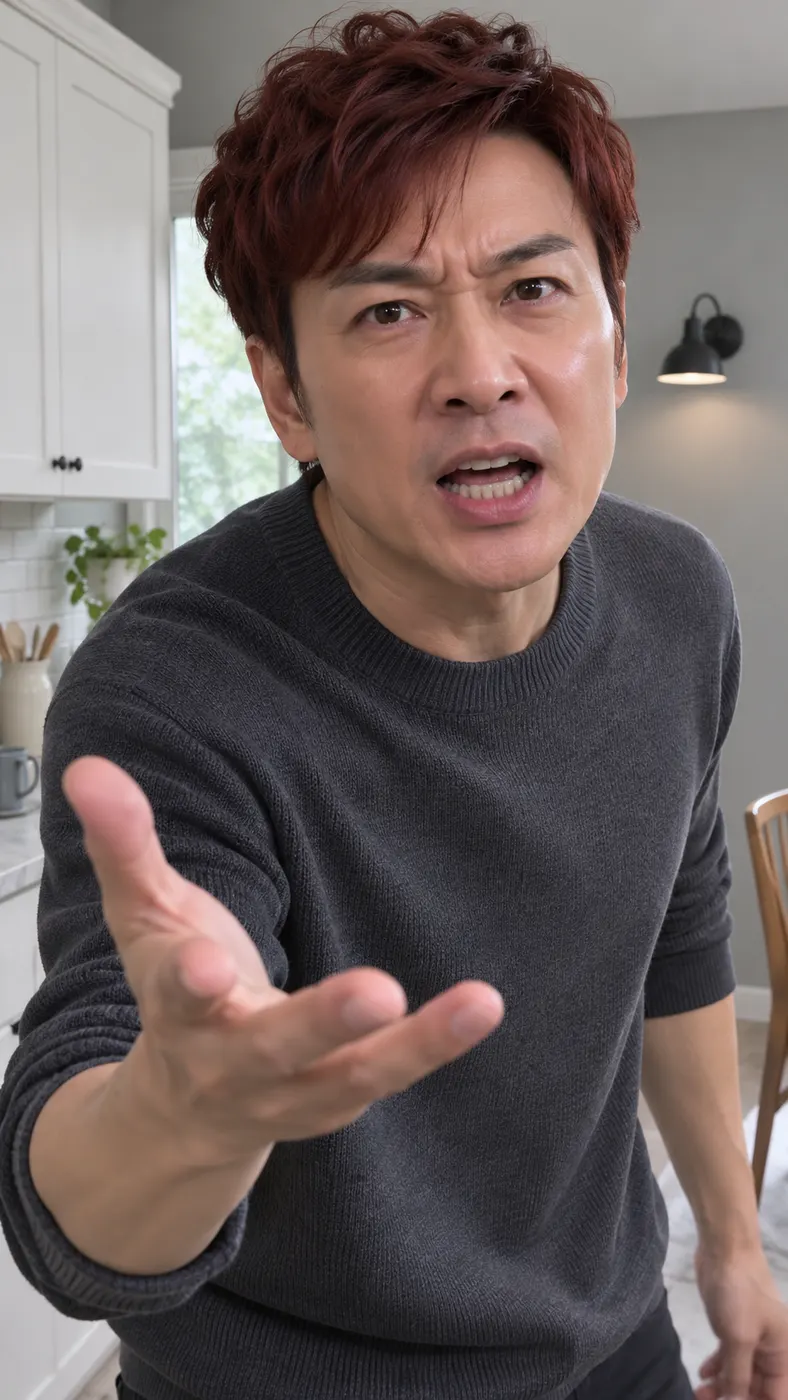
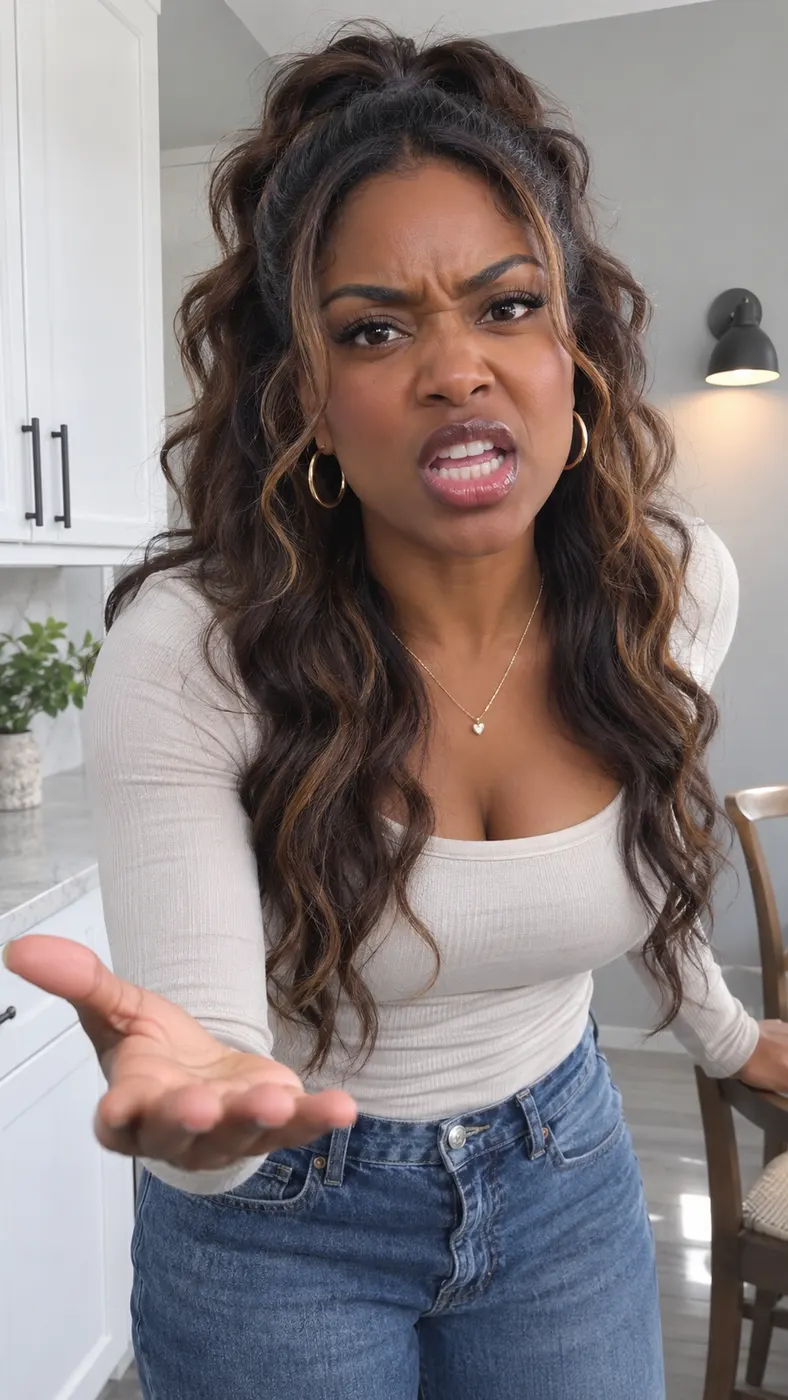
Bad Times AI turns one clear adult photo into the recognizable kitchen confrontation meme clip. You take the place of the person in the grey-and-white home kitchen, walk toward the camera, point at it, push a flat palm toward the lens, shout, and finish with a direct stare. The selected scene uses the reference clip, generated audio, vertical framing, and adaptive duration.
One clear photo: a solo shot or the two of you. Faces visible, no heavy filters
Tip: drag a photo onto its box, or click the box to pick one.
You take the place of the person arguing with the camera in the kitchen.
Bad Times · Argue with the camera: point, push a flat palm at the lens, shout, then stare it down.
This video: 96 credits · Credits come back if it fails
AI video effect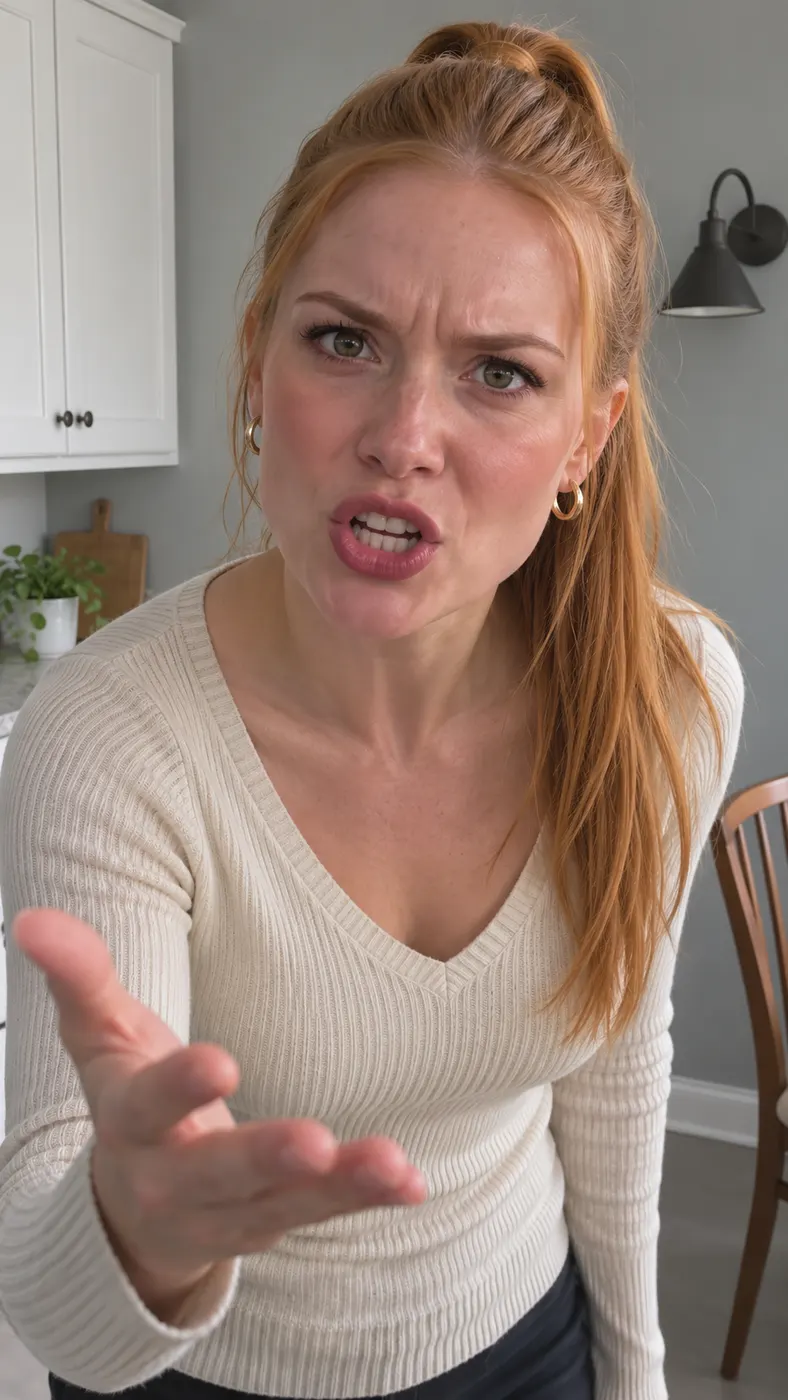
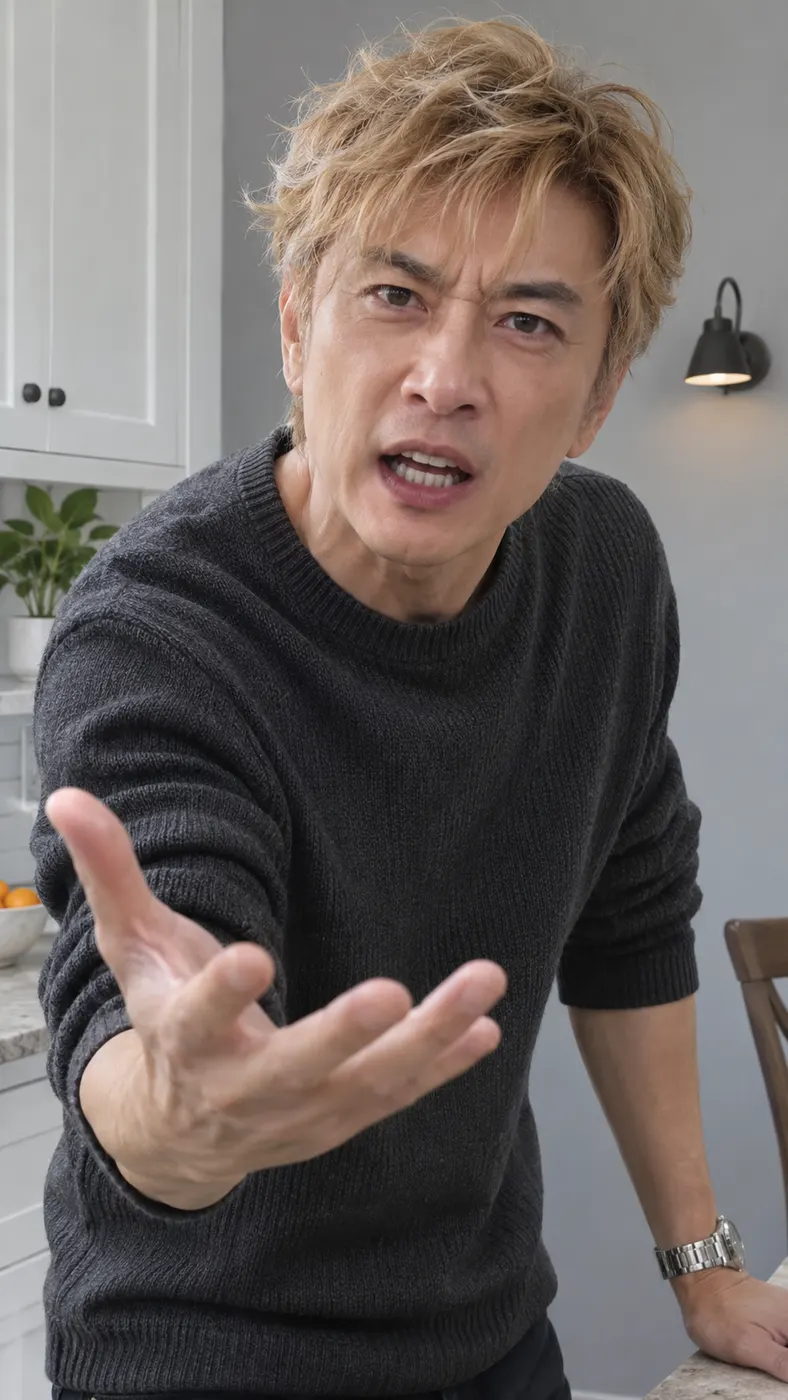
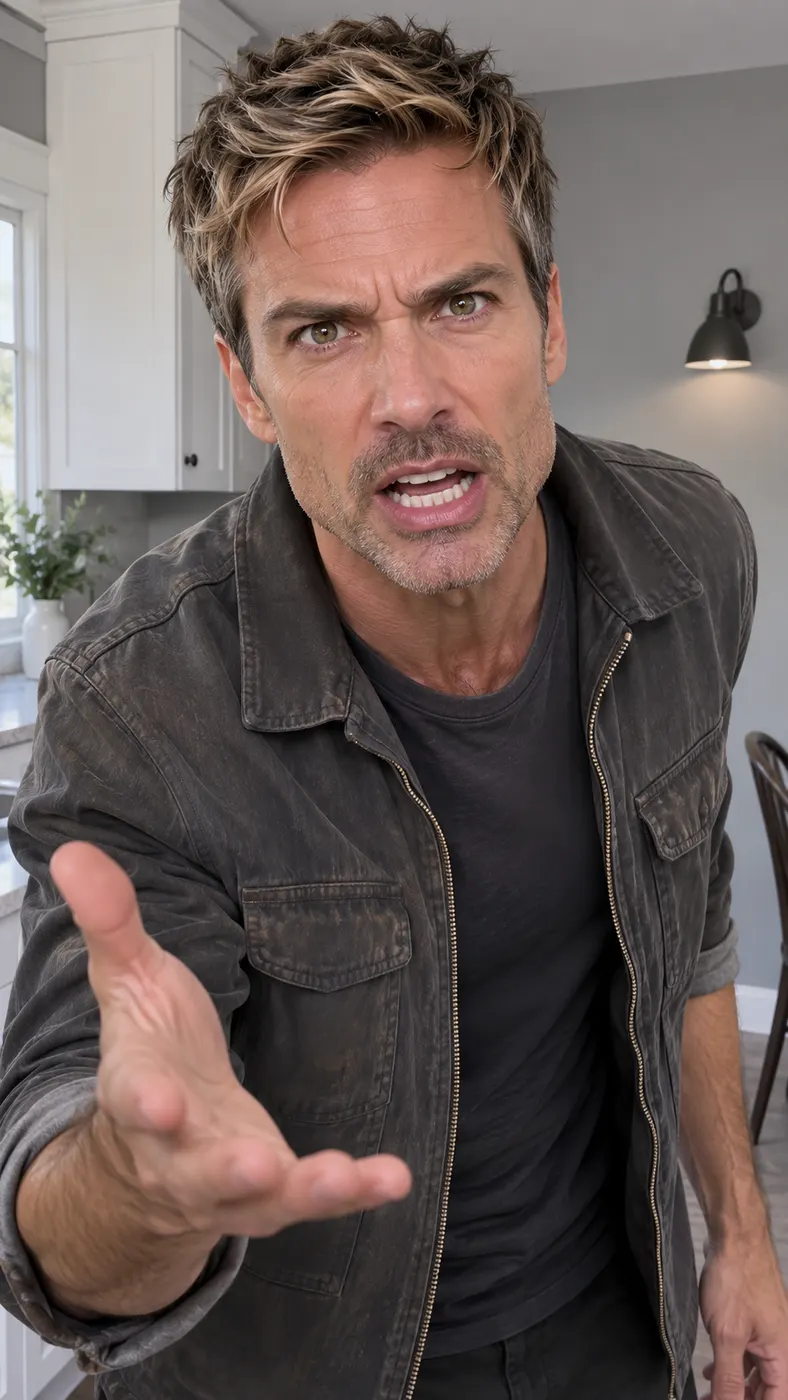
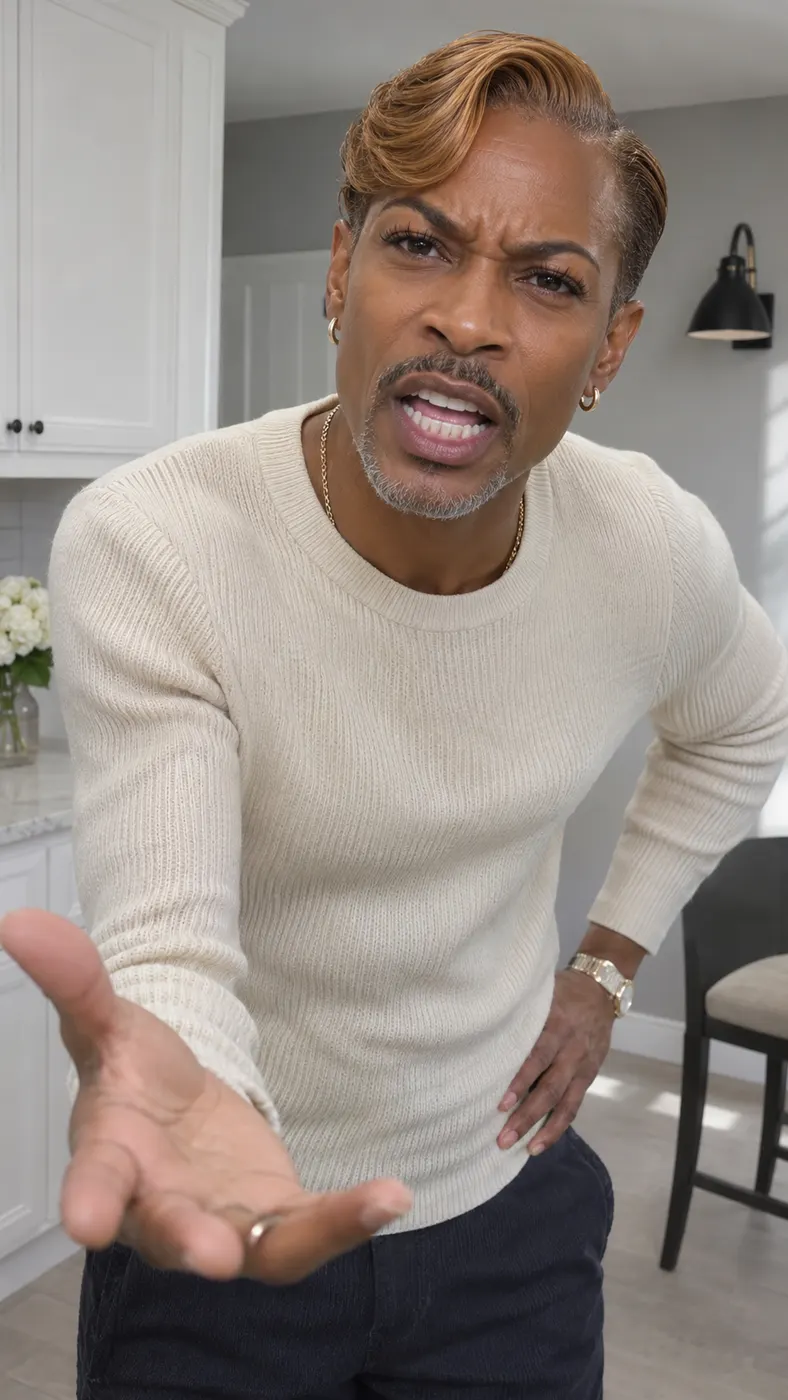
Bad Times AI Examples
These examples show how the same kitchen confrontation can feature different adults while preserving each person’s visible appearance. For better results, use the photo checklist before starting, then review the generation timing guide to understand the wait for a reference-based render.

How to Make a Bad Times AI Clip
- 01
Upload one clear photo
Choose one clear photo showing an adult with the face visible and the appearance you want to preserve. A solo portrait is the simplest choice for this scene. Avoid heavy filters, blocked facial features, or a blurry subject. The photo is the required input; the selected Bad Times scene supplies the kitchen setting, camera-facing movement, and replacement action.
- 02
Generate the scene
Open the scene card, confirm your photo, and optionally add a short text prompt with extra appearance details. Then start generation. Bad Times AI follows the reference sequence rather than asking you to film each gesture yourself: the person walks up, points, pushes a flat palm forward, shouts, and looks into the lens. Keep the generation panel open while the reference-based render completes; the exact wait depends on the current queue.
- 03
Download the complete clip
When the render finishes, check the result and download the complete vertical clip; the credits shown in the generator are used when you start. The output uses 480p quality, generated audio, and duration matched to the reference scene. The final result is designed for sharing as a short meme-style video, with the adult in your photo replacing the kitchen character throughout the recognizable sequence.
What You Can Do With This Scene
Recreate the full confrontation
You can make a kitchen confrontation that includes the complete recognizable progression instead of a single still pose. The scene carries the person from the walk-up into the point, flat-palm gesture, shout, and final stare. That sequence gives the finished clip the rhythm people expect from the meme while keeping your selected adult as the central subject.
Use a photo instead of a filming setup
You only need one clear photo with visible facial features to place an adult into the reference scene. Bad Times AI handles the movement and camera-facing performance from that image, so you do not need to recreate the home kitchen, record the gestures, or coordinate the timing yourself. A clean source photo gives the replacement the best chance of staying recognizable.
Add a small creative detail
You can leave the optional text prompt empty or add a concise detail such as clothing or another appearance note. The Bad Times AI scene remains the selected kitchen confrontation, while the optional prompt gives you a place to describe an extra detail you want considered. Keep the request short and consistent with the person shown in the uploaded photo.
Know the output and credit terms
A completed scene uses 29 credits and the displayed price is $2.03. The result is a vertical 480p video with generated audio and adaptive duration matching the reference clip. The page does not include a free preview for this meme scene, so check the displayed credit requirement before you begin the full generation.
Bad Times Questions Answered
What is the Bad Times meme clip?
It is a short confrontation scene set in a plain grey-and-white home kitchen. The person walks toward the camera, points, pushes a flat palm at the lens, shouts, and ends by staring it down. Bad Times AI recreates that sequence with an adult from your photo taking the place of the kitchen character.
Is a free preview available for this scene?
No free preview is included for this scene. You should check the displayed requirement before starting: the completed video uses 29 credits and the listed price is $2.03. The credit amount and price are shown by the generator so you can confirm the current charge before generating.
How long does the completed video take to generate?
The exact processing wait is not fixed by the scene card because it depends on the current generation queue. Allow a short processing wait after submitting the photo and prompt, and keep the generation panel open until the result is ready. The video’s playback length is adaptive and follows the Bad Times reference clip rather than a manually chosen duration.
What kind of photo should I upload?
Use one clear photo of an adult with the face visible and no heavy filter covering the features. A solo image is the most straightforward input for the one-person kitchen replacement. Choose a photo with enough of the person visible for the scene, because the generator uses that image to preserve the person’s face, hairstyle, skin tone, and body appearance.
Can I use a photo of another adult?
You can use another adult’s photo only when you have that person’s permission and the right to use the image. Tell the person what you are creating and avoid presenting the result as a real recording. The generator places the photographed adult into a recognizable meme scene, so consent and clear labeling matter when you share the finished clip.
Is this an official Bad Times video?
No. This is a user-generated recreation using the Bad Times reference clip and the adult photo you provide. It is not an official release or endorsement from the people who made the original meme. The selected scene supplies the kitchen action, while the generated result replaces the reference character with the person in your image.
Put Your Photo in the Scene
Return to the scene card, upload a clear adult photo, and let the reference sequence carry the kitchen walk-up, gesture, shout, and final stare. Check the displayed credit requirement before you start the complete render.