
Fergie Baby AI
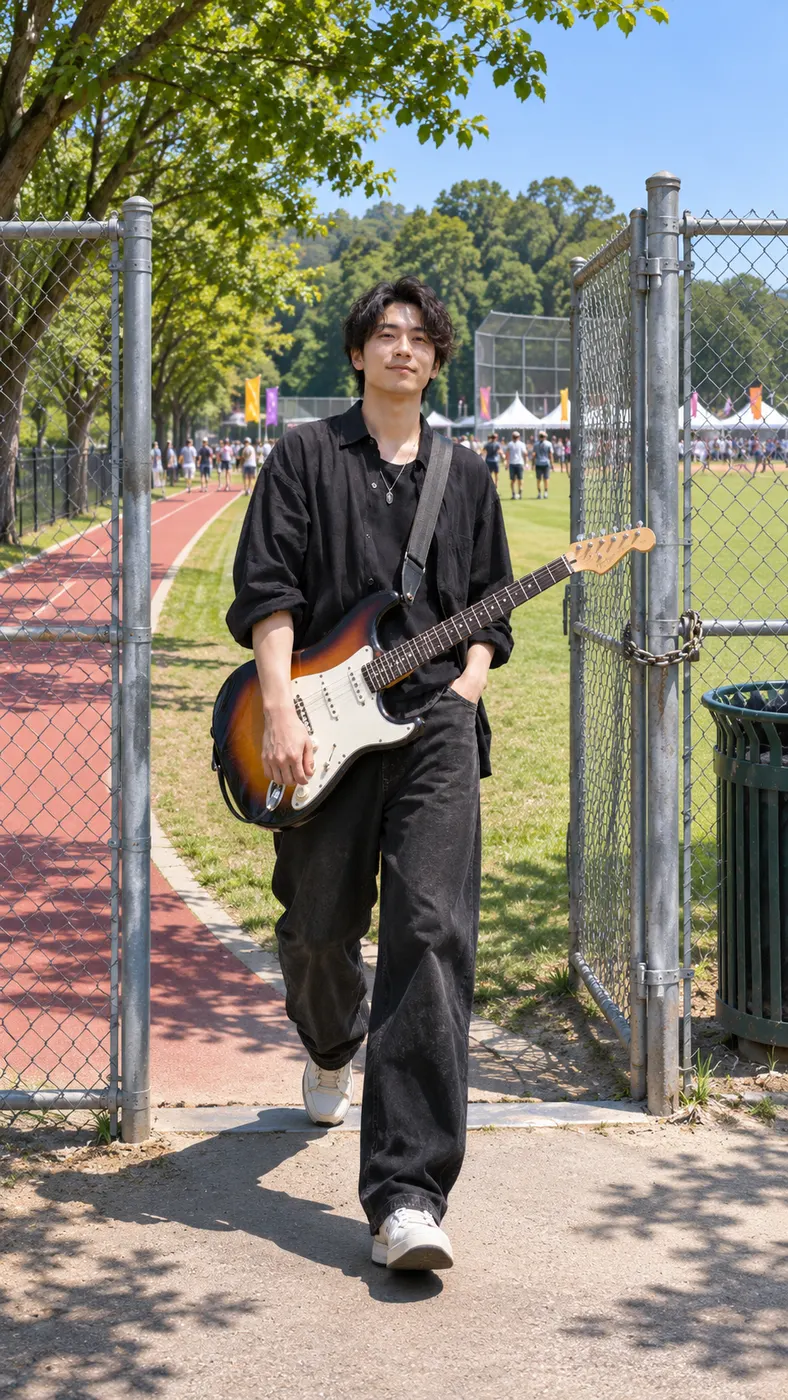
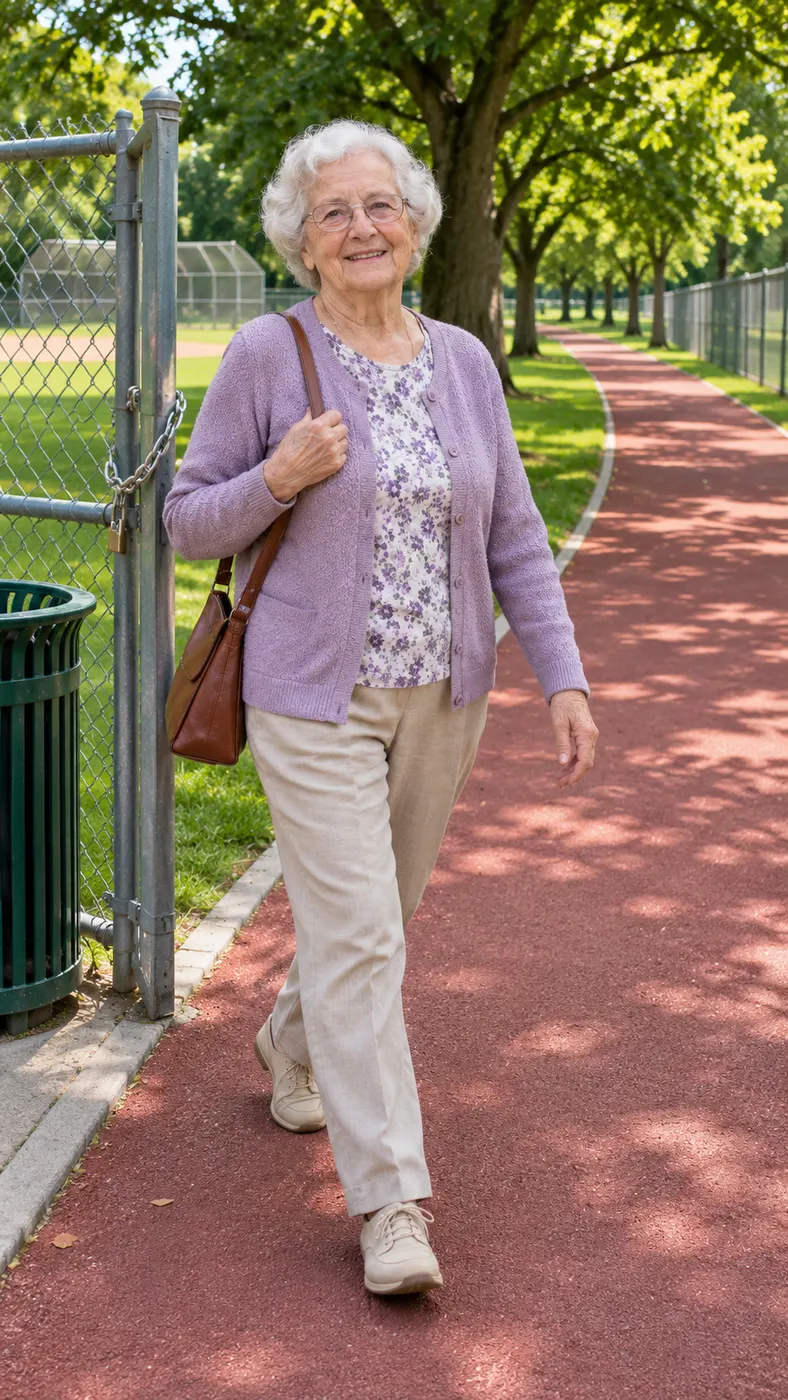
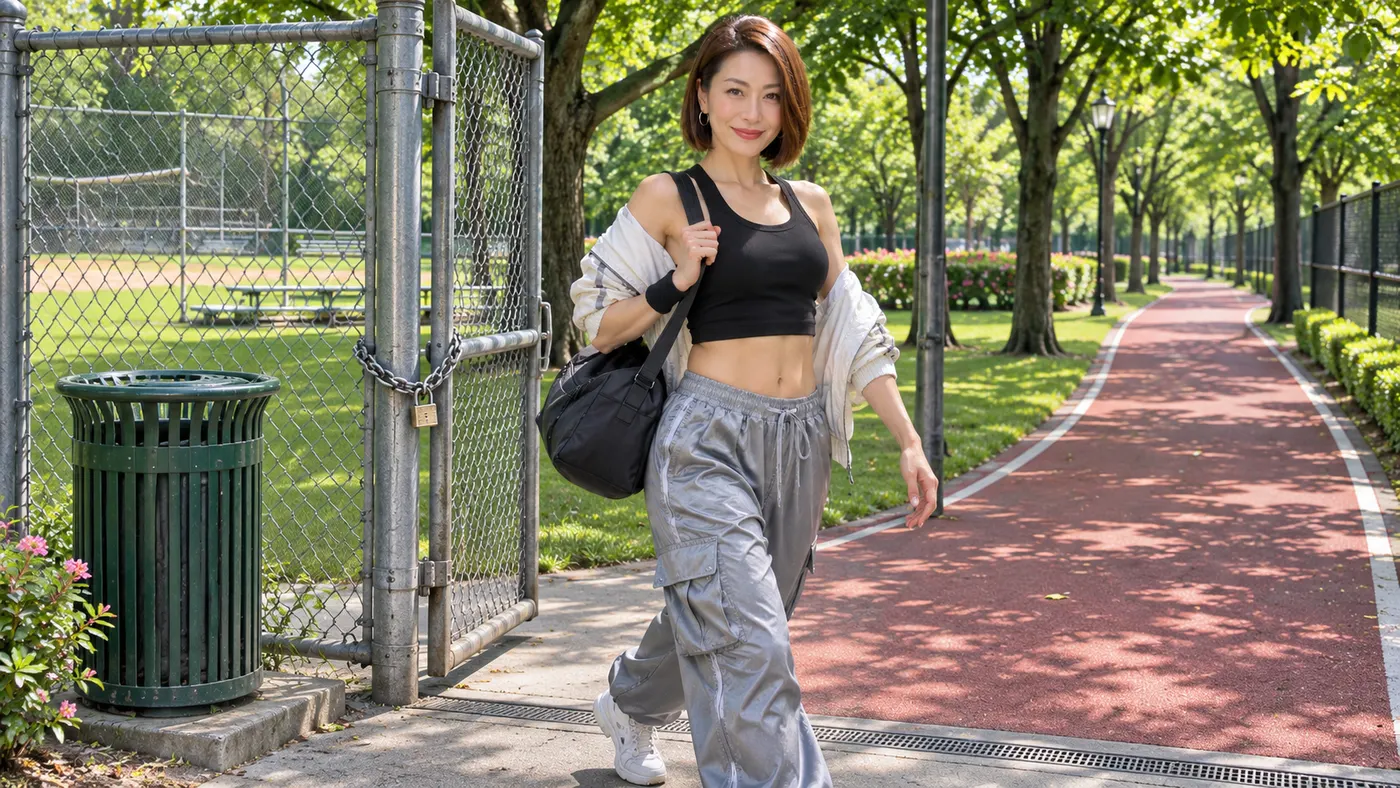
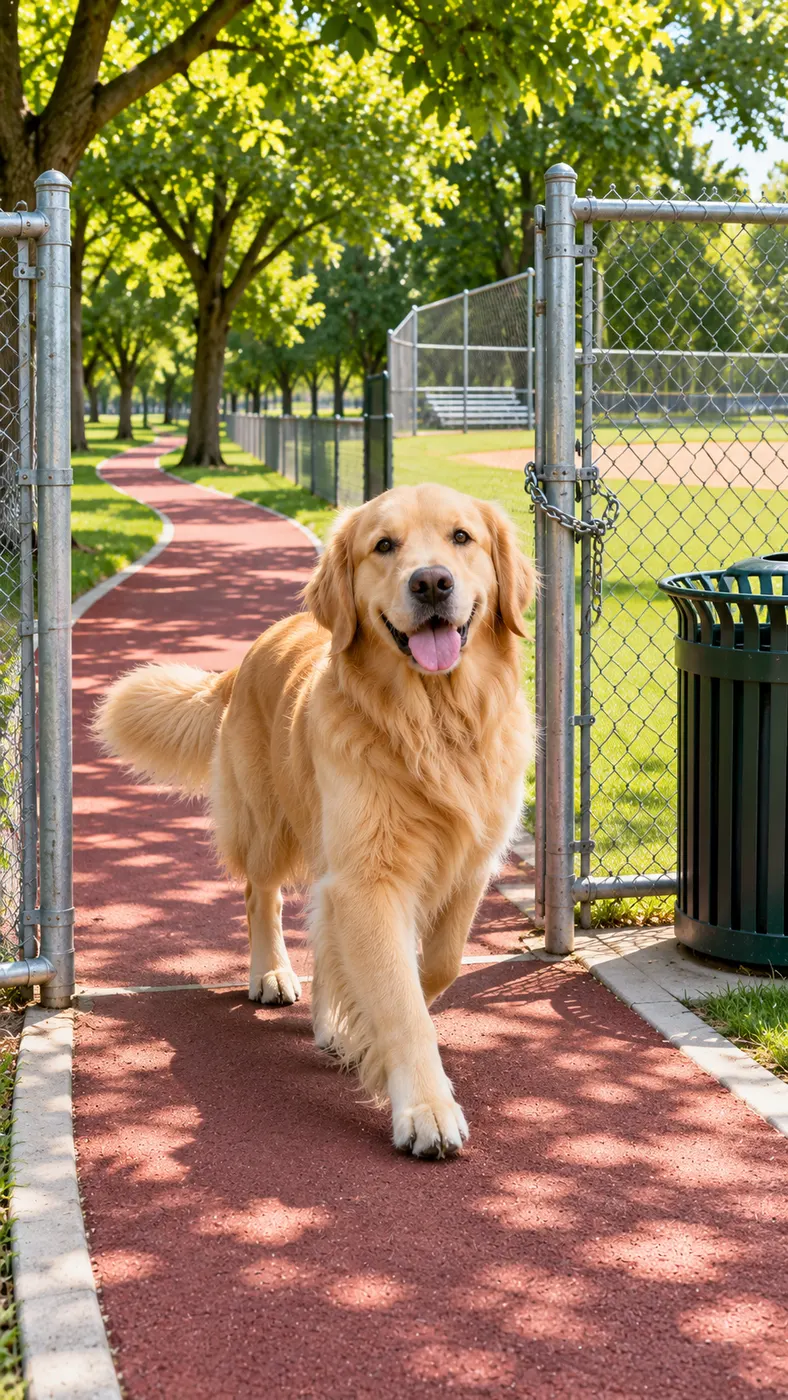
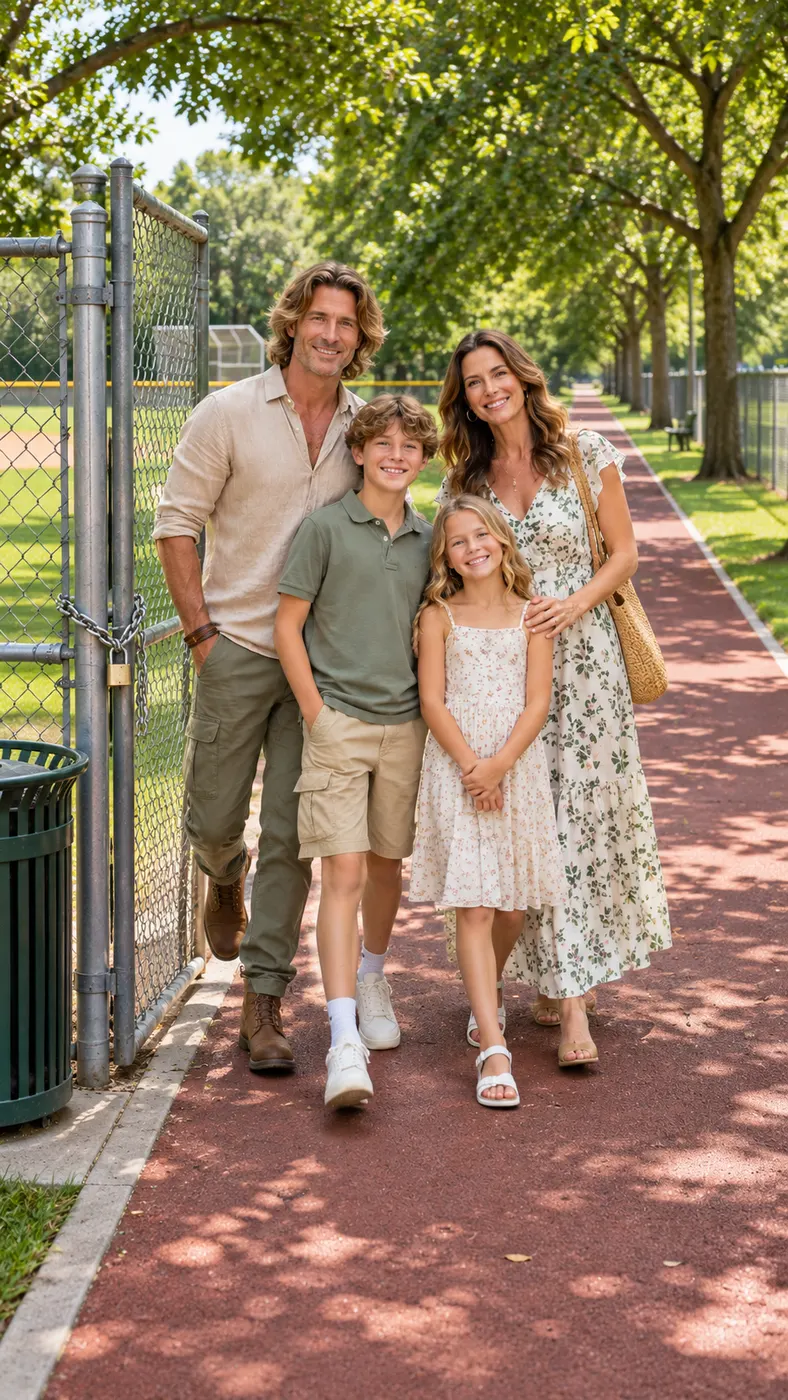
Fergie Baby AI puts you in the recognizable park-gate swagger walk: upload one clear photo, and the selected scene replaces the walker coming through the chain-link gate with the person in your image. The sunny park, red running path, trees, fences, chain and trash can stay part of the setting, while the performance keeps its bouncy rap-strut feel in a vertical clip.
One clear photo: a solo shot or the two of you. Faces visible, no heavy filters
Tip: drag a photo onto its box, or click the box to pick one.
You take the place of the walker coming out of the park gate.
Fergie Baby · Step out of the park gate and swagger-walk down the path with a bouncy rap strut.
This video: 96 credits · Credits come back if it fails
AI video effect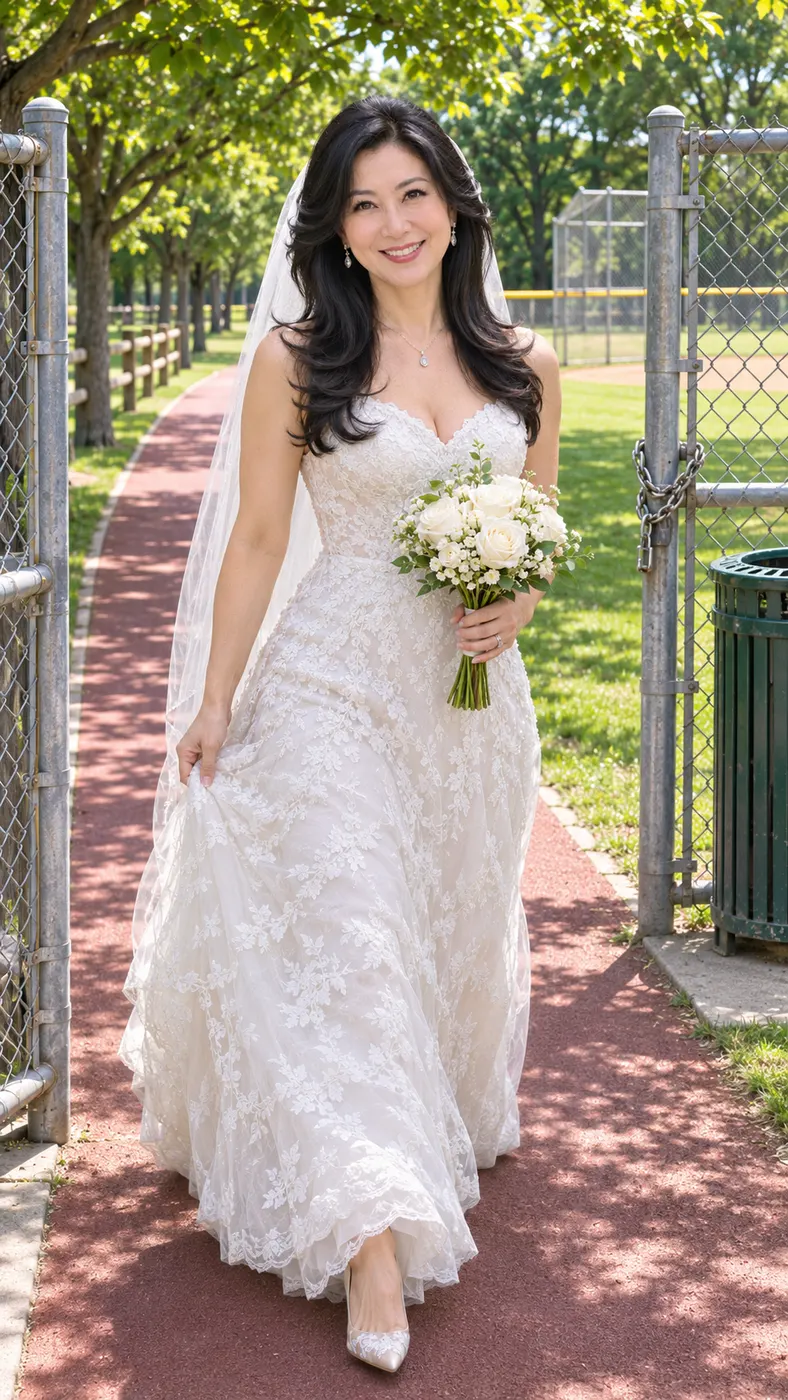
Fergie Baby AI Scene Examples
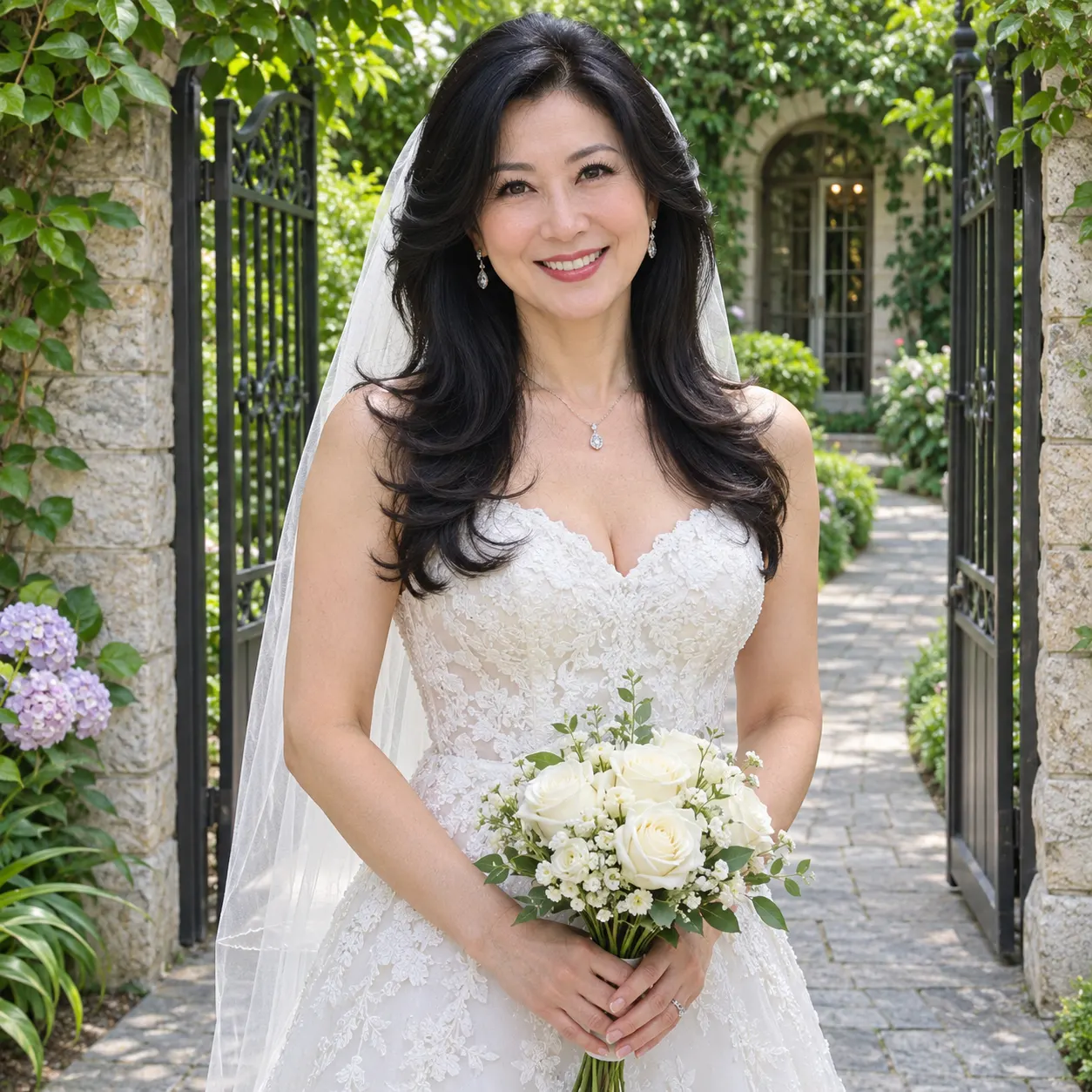
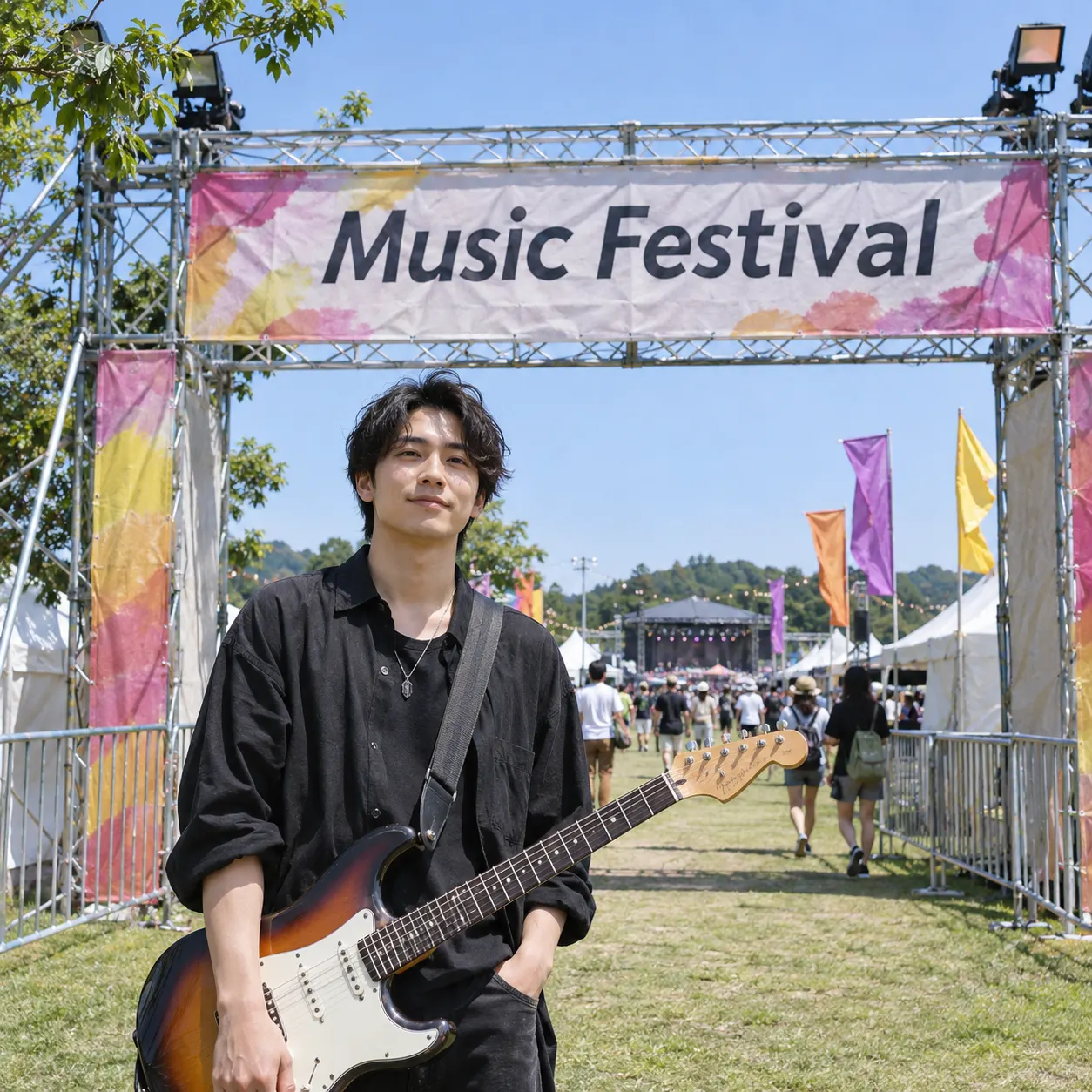
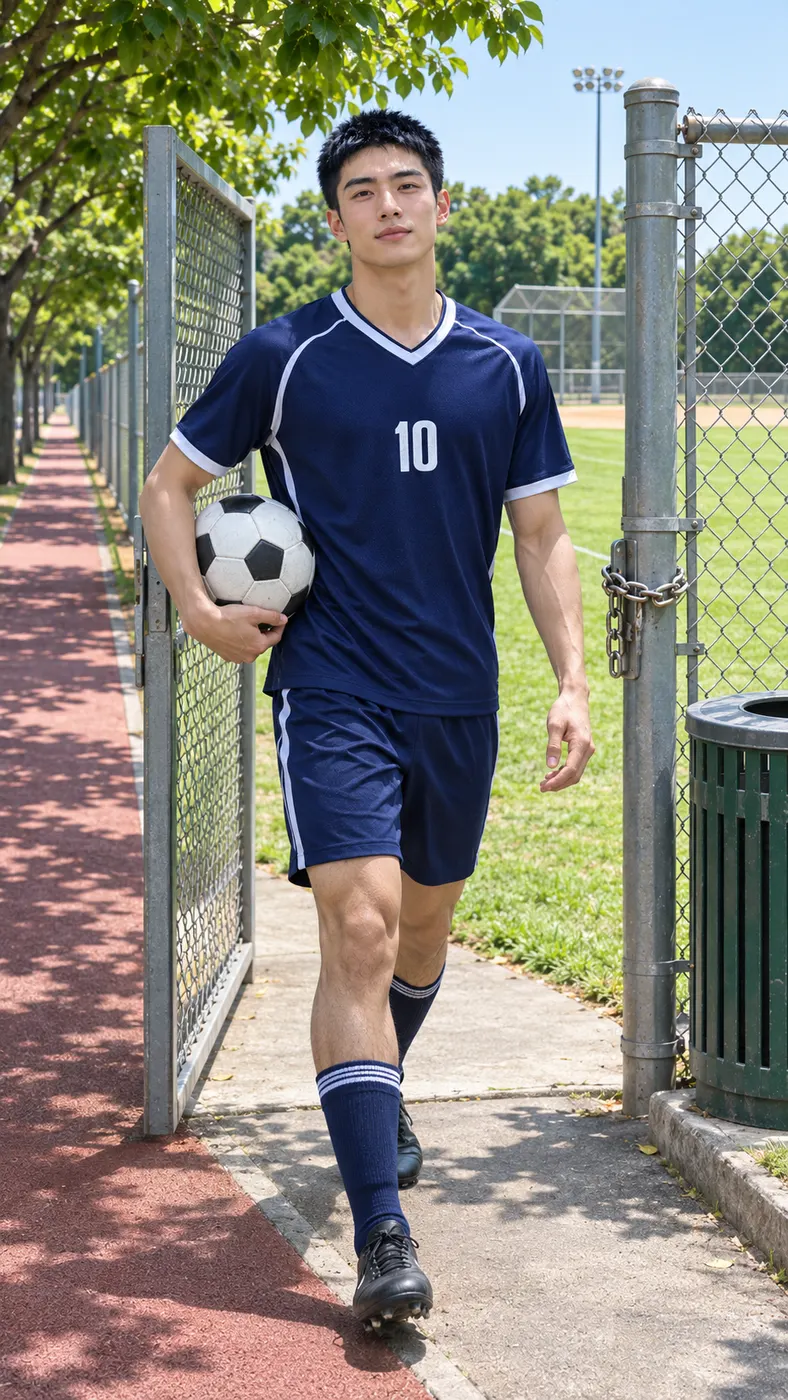
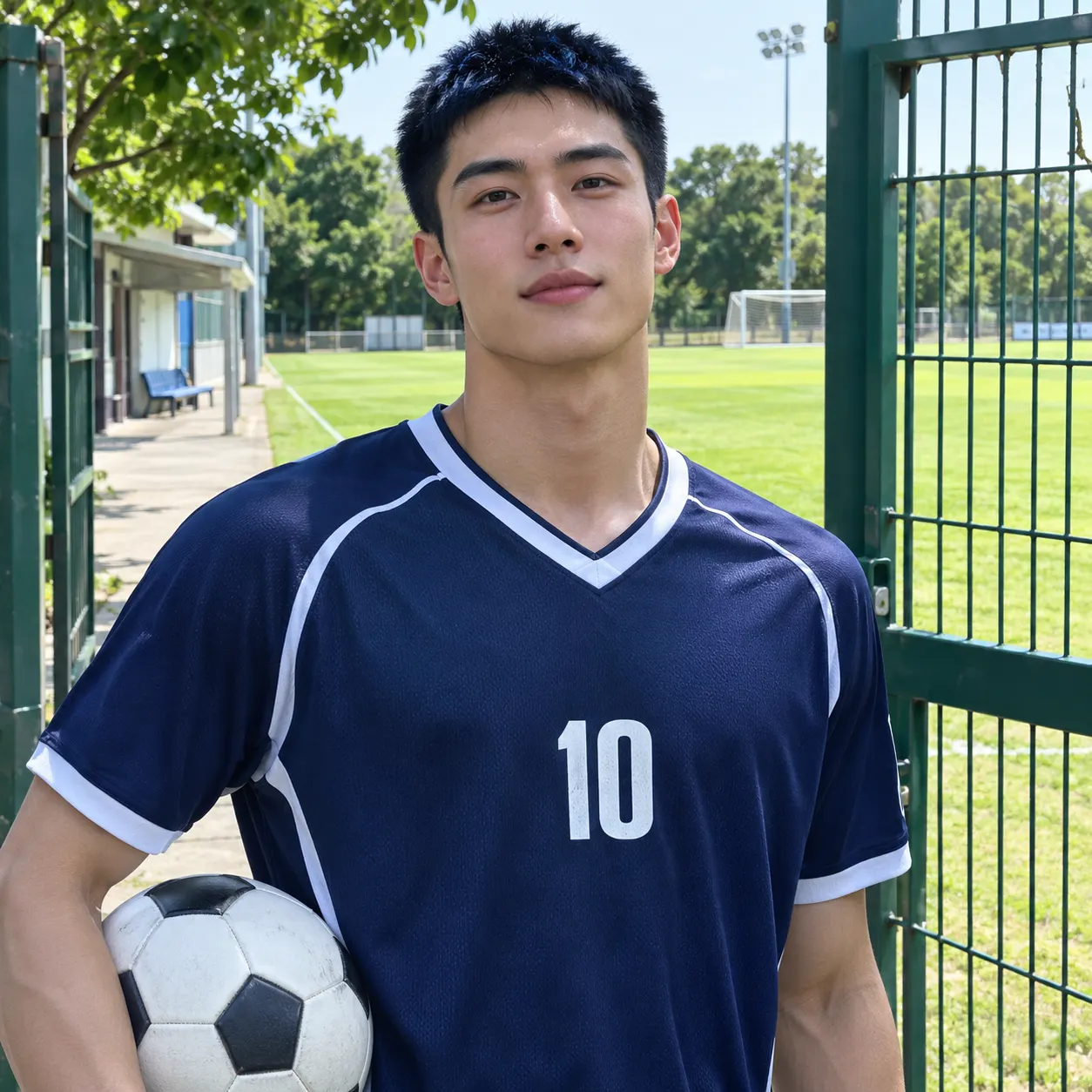
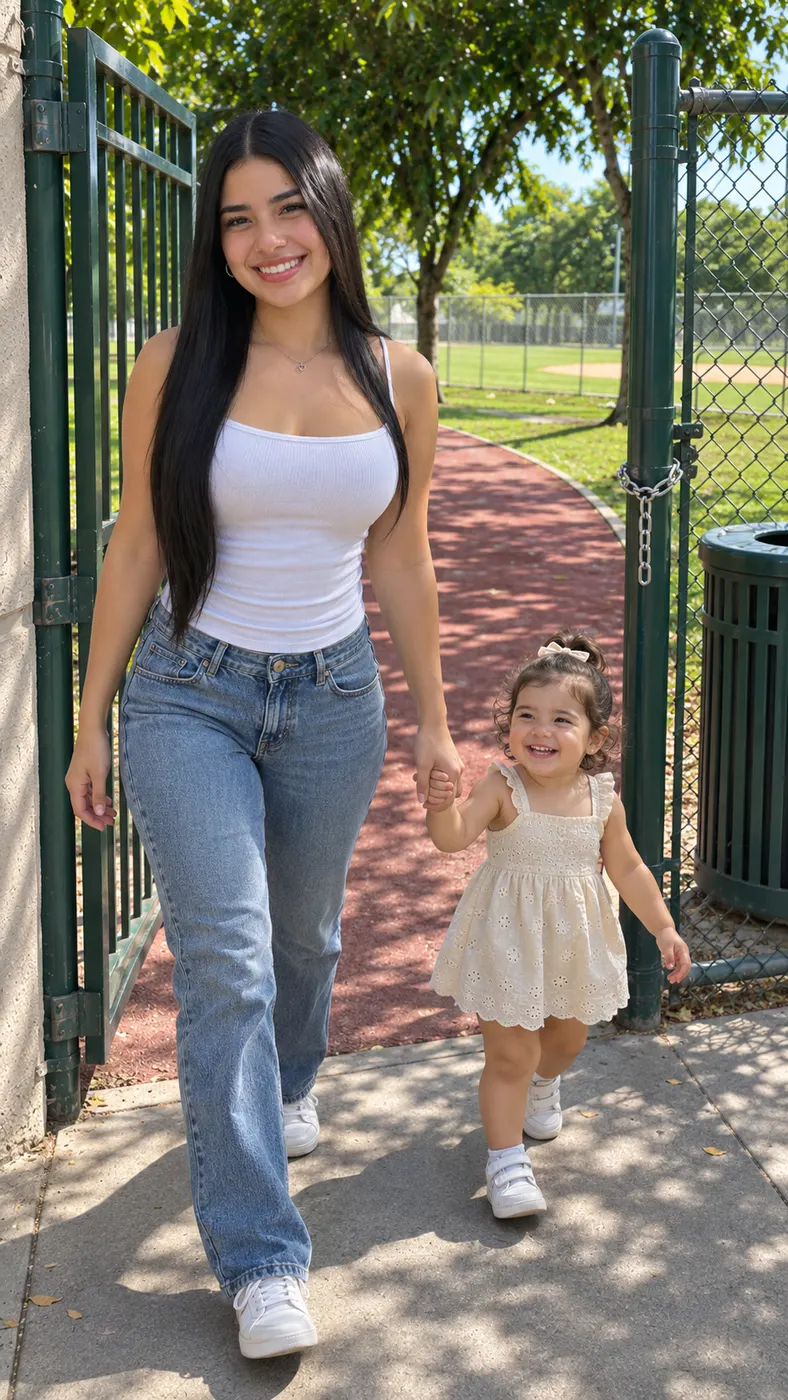
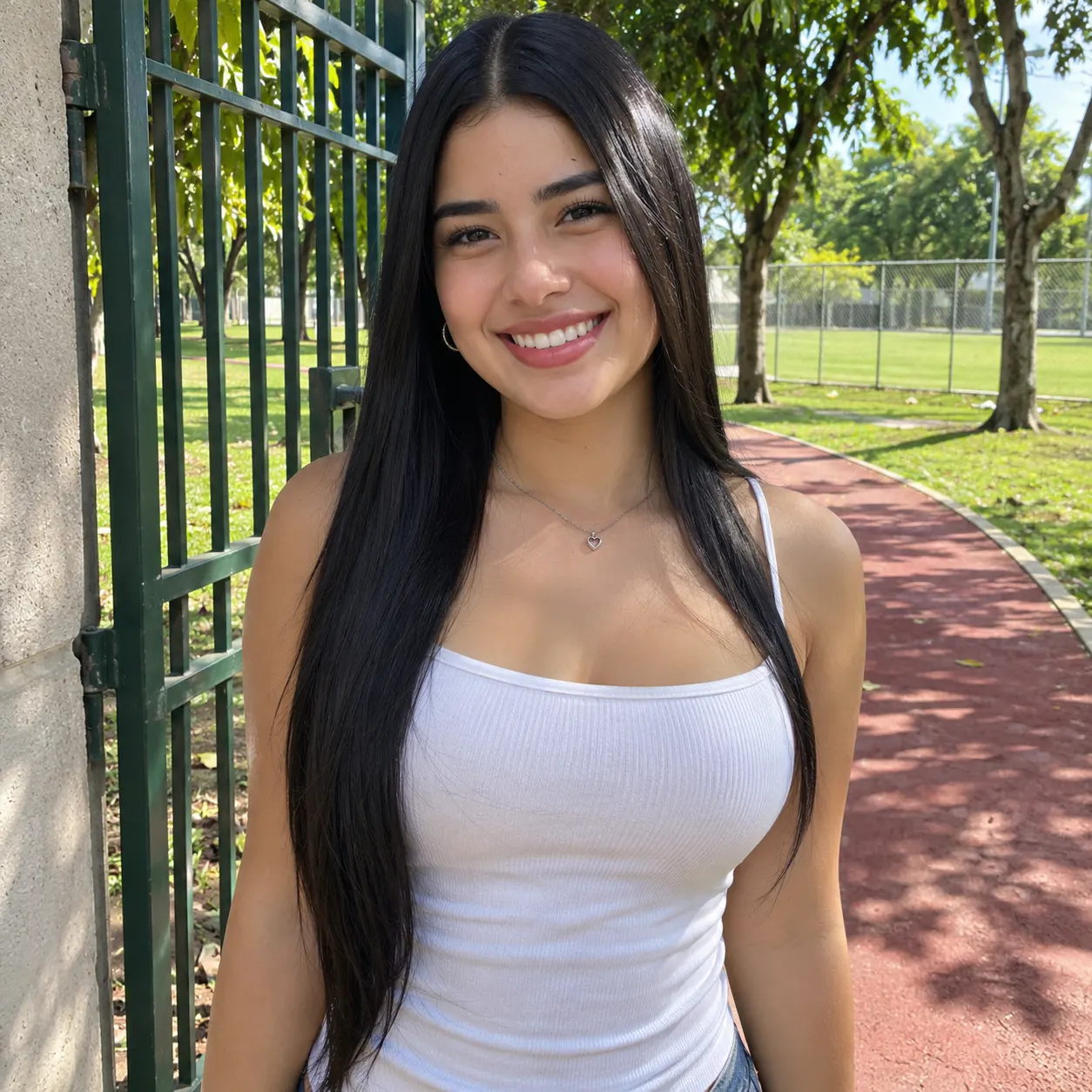
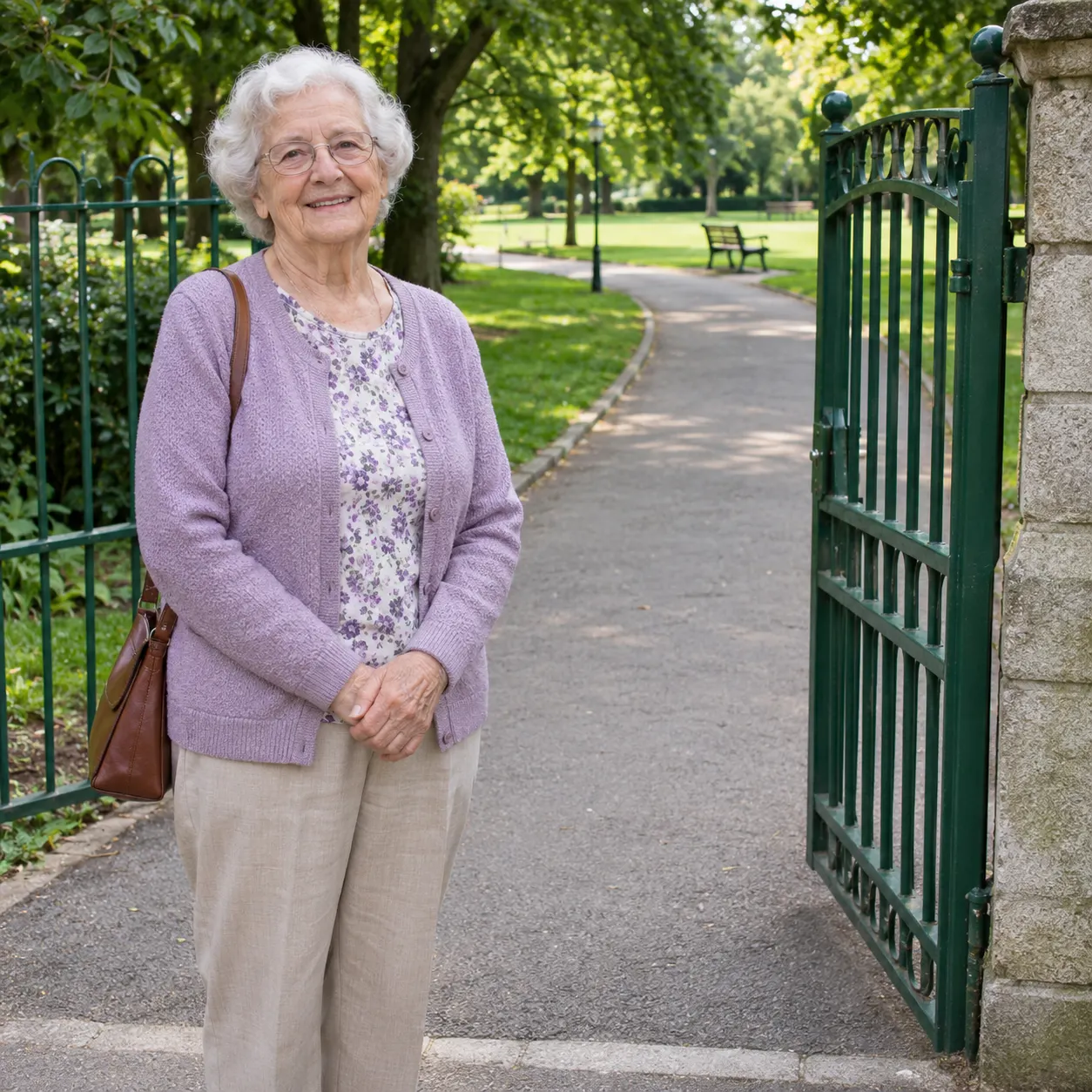
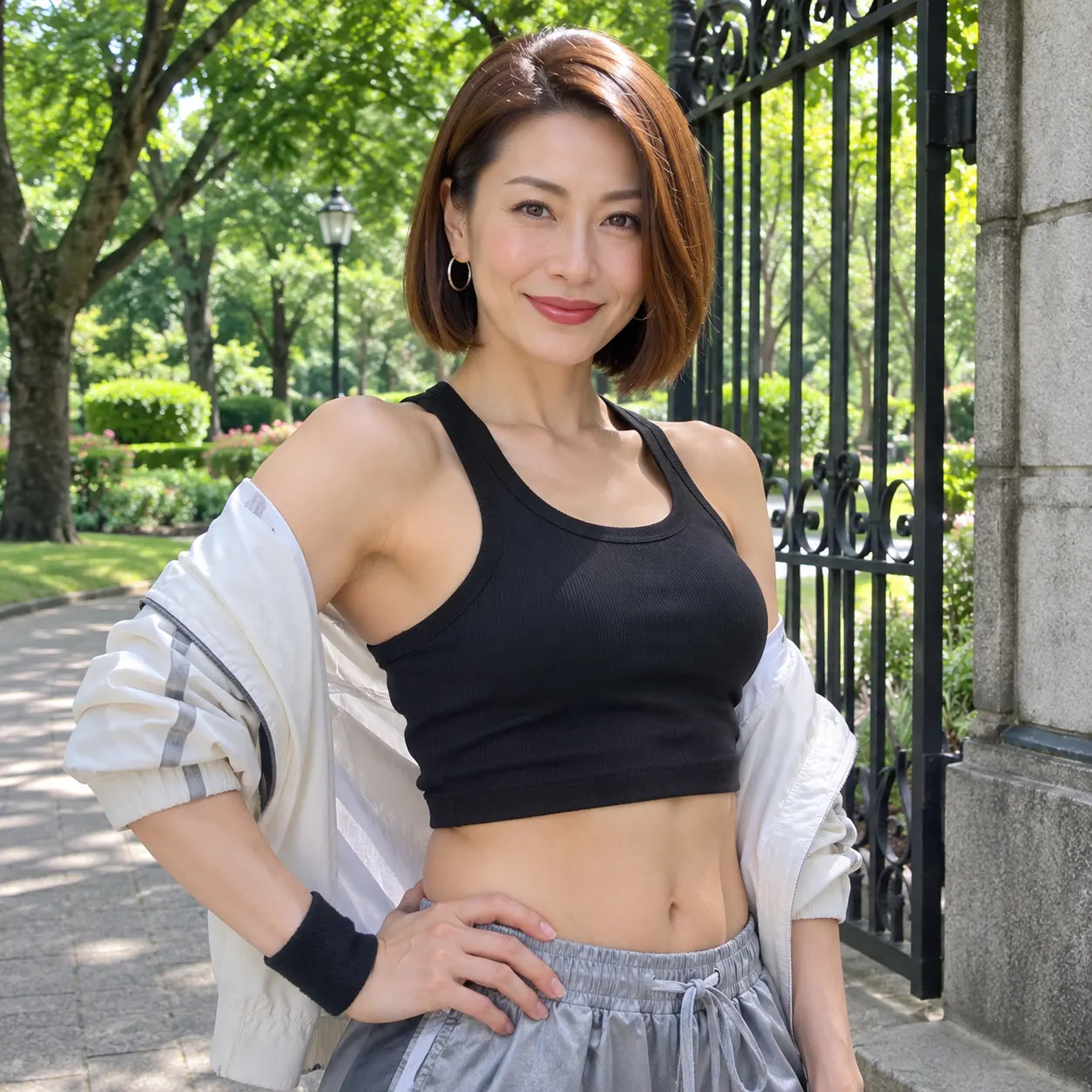
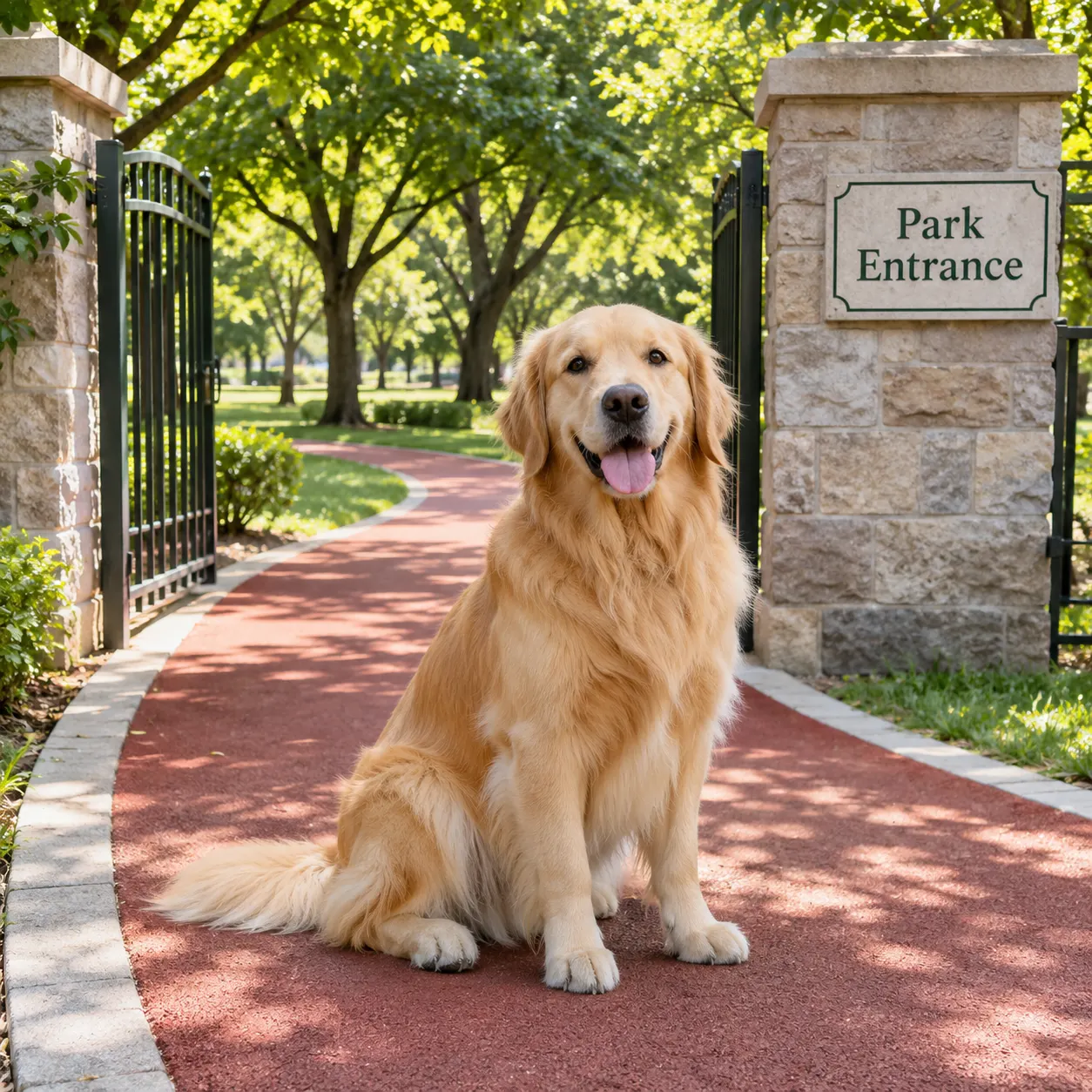
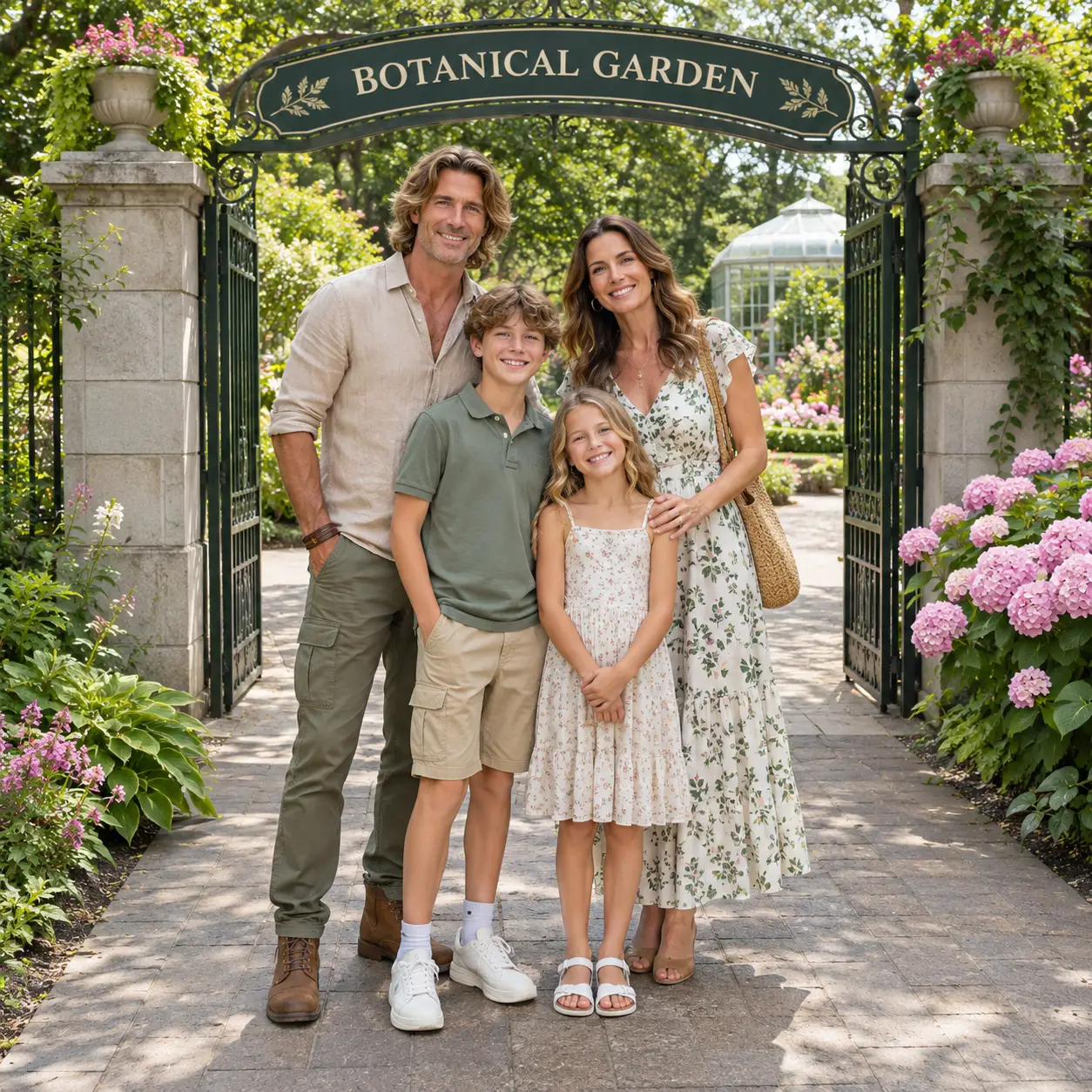
These Fergie Baby AI examples show the same park-gate moment with different people in the lead, from the first step through the gate to the confident walk along the red path. If you are choosing an upload, compare the advice in the best photo guide, then see how long an AI rap video takes before you start. Each card keeps the scene easy to recognize.


How Fergie Baby AI Works
- 01
Upload a clear photo
Fergie Baby AI starts with one clear photo: use a solo portrait or a picture of two people with visible faces and no heavy filters. Choose an image where the face, hair, skin tone and body are easy to see. The scene uses the uploaded subject to replace the walker, so a sharp, well-lit image gives the generator a better reference for the park-gate entrance and the walk that follows.
- 02
Generate the scene
The generator opens with the Fergie Baby scene selected, so the reference action is already defined: the walker comes through a chain-link park gate and continues along the red path. Add an optional detail only if it helps your idea, then generate and review the result. Fergie Baby AI keeps the sunny park composition while placing the person from your photo into the lead performance.
- 03
Download the full clip
When the result looks right, download it. The finished clip is 15 seconds at 480p, uses 29 credits and costs $2.03. Plan for several minutes for the render to finish, and allow longer if the queue is busy. Once it is ready, save the vertical scene and share it as a short social post.
Make the Park-Gate Clip Yours
Keep the recognizable walk
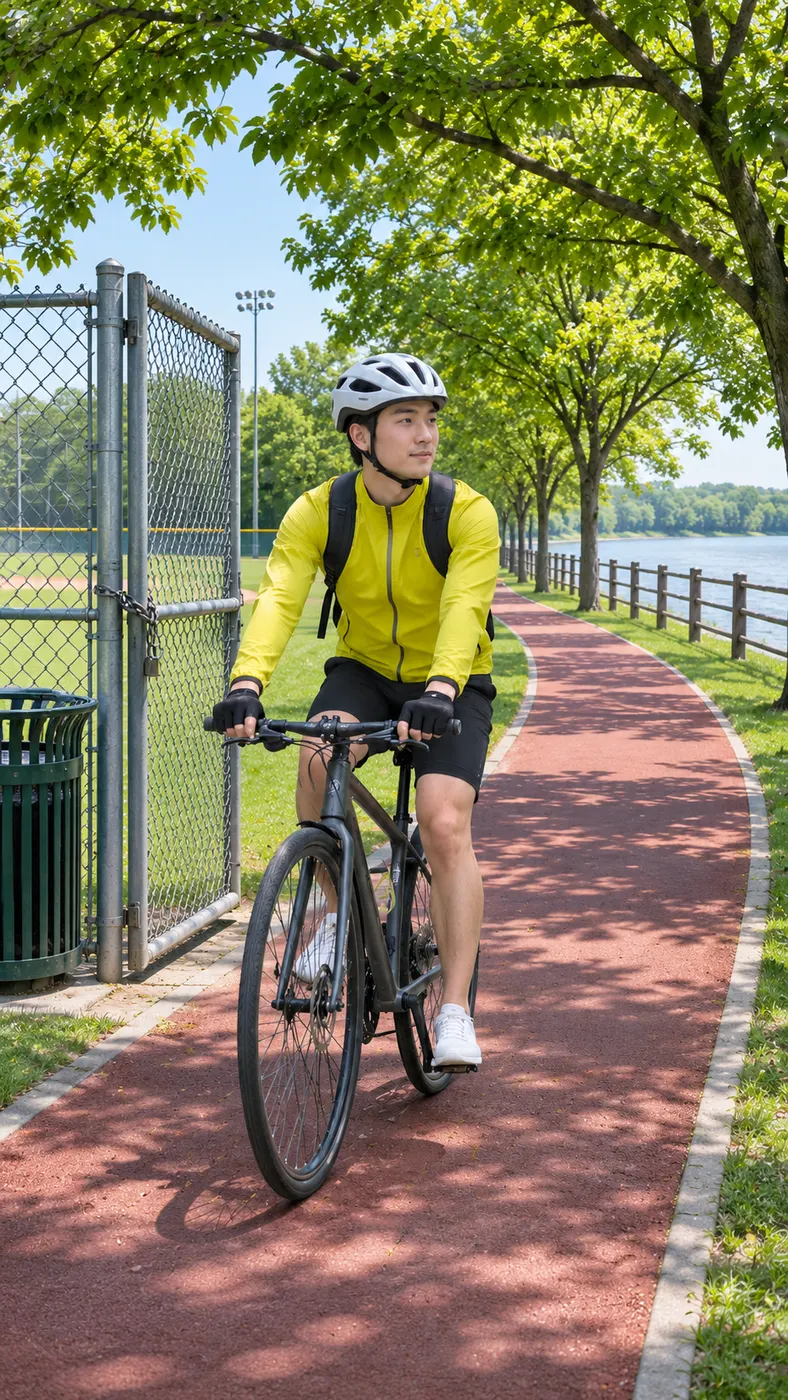
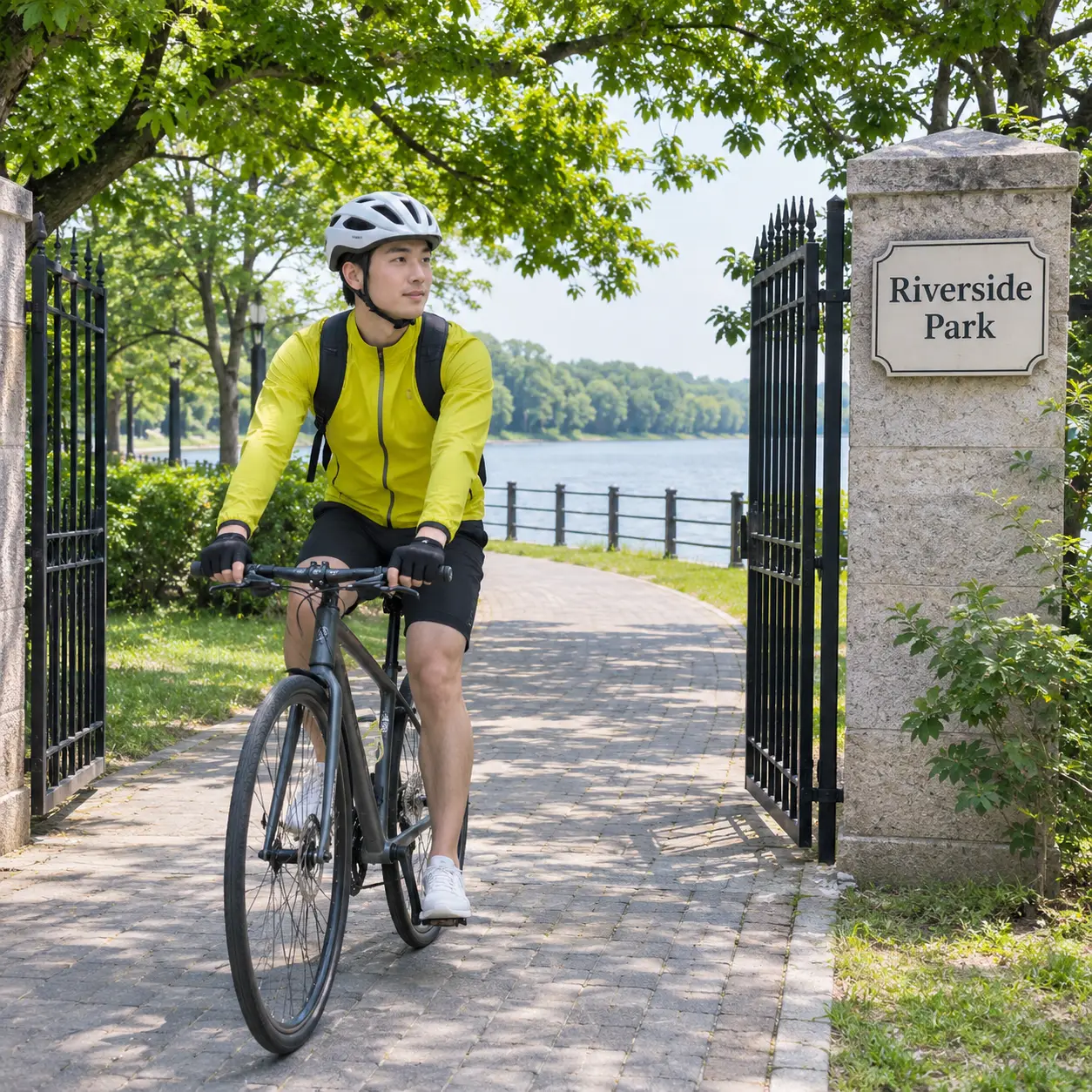
With Fergie Baby AI, you can turn a familiar park-gate entrance into a personal clip without filming the performance yourself. Your subject takes the walker’s place as the action moves from the chain-link gate to the red path, so the scene remains easy to identify while the person in your photo becomes the focus.
Start with the right photo
Fergie Baby AI works best when the uploaded photo shows visible faces clearly and avoids heavy filters. A solo image is straightforward, while a photo of two people can keep both visible subjects together. Use a picture with enough detail around the face and body so the replacement stays convincing as the subject walks toward the camera.
Share a vertical moment
The result is designed as a vertical short clip, making the park-gate entrance easy to post in a social feed or send to friends. The red running path, sunny grass, trees, fences and gate give the scene a clear visual beginning, while the bouncy rap-strut movement gives the finished video a recognizable payoff.
Know the full-version cost
The full version is priced at $2.03 and uses 29 credits. It produces a 15-second clip at 480p. There is no separate preview, so check your photo and the scene before you start the render. The displayed site price and credit amount are the figures to use when you are ready to continue.
Fergie Baby Questions
What is the Fergie Baby AI scene?
Fergie Baby AI is a reference-video scene that puts the person from your uploaded photo into a sunny park-gate walk. The subject replaces the walker who comes through a chain-link ballfield gate, then continues along a red running path lined with trees and fences with a bouncy rap-strut performance.
Is Fergie Baby AI free to use?
Fergie Baby AI does not list a free run for this scene. There is no free preview either: the complete 15-second clip costs $2.03 and uses 29 credits.
How long does Fergie Baby AI take?
Fergie Baby AI produces a 15-second vertical clip at 480p. The render itself can take several minutes, and a busy queue can make the wait longer, so start with enough time before you need to share the finished scene.
What kind of photo should I upload?
Use one clear photo with visible faces and no heavy filters. A solo shot or a photo of two people can work, but the faces and bodies should be easy to see. Avoid images where glare, blur, cropping or strong effects hide the subject’s features.
Can I use someone else’s photo?
You can use another person’s photo only when you have their permission. Tell the people shown that the image will be used to create a personalized vertical scene, and avoid uploading a picture when you do not have the right to use it.
Is this an official Fergie video?
No. This is a user-generated scene made by placing an uploaded subject into the supplied park-gate reference action. It is not an official performance, endorsement or original release from the artist, and the generated clip should be shared with that distinction clear.
Step Into the Scene
Return to the generator, choose a clear photo and make the park-gate walk your own. Generate the clip, then download it when the entrance and swagger look right.