
Nicole Kidman Dance AI
With nicole kidman dance ai, you step into a narrow night alley and perform the night alley dance video effect from one clear photo. Your face, hair, skin tone, and body stay recognizable while the reference routine guides the chest gesture, hip sway, raised arms, turn, and hair flip. The result is a vertical short video with generated audio, ready to save and share.
One clear photo: a solo shot or the two of you. Faces visible, no heavy filters
Tip: drag a photo onto its box, or click the box to pick one.
You take the place of the dancer in the night alley.
Nicole Kidman Dance · Upload one photo and you dance this viral routine in a night alley: hand to chest, hips swaying, both arms raised, a turn and a hair flip.
This video: 83 credits · Credits come back if it fails
AI video effect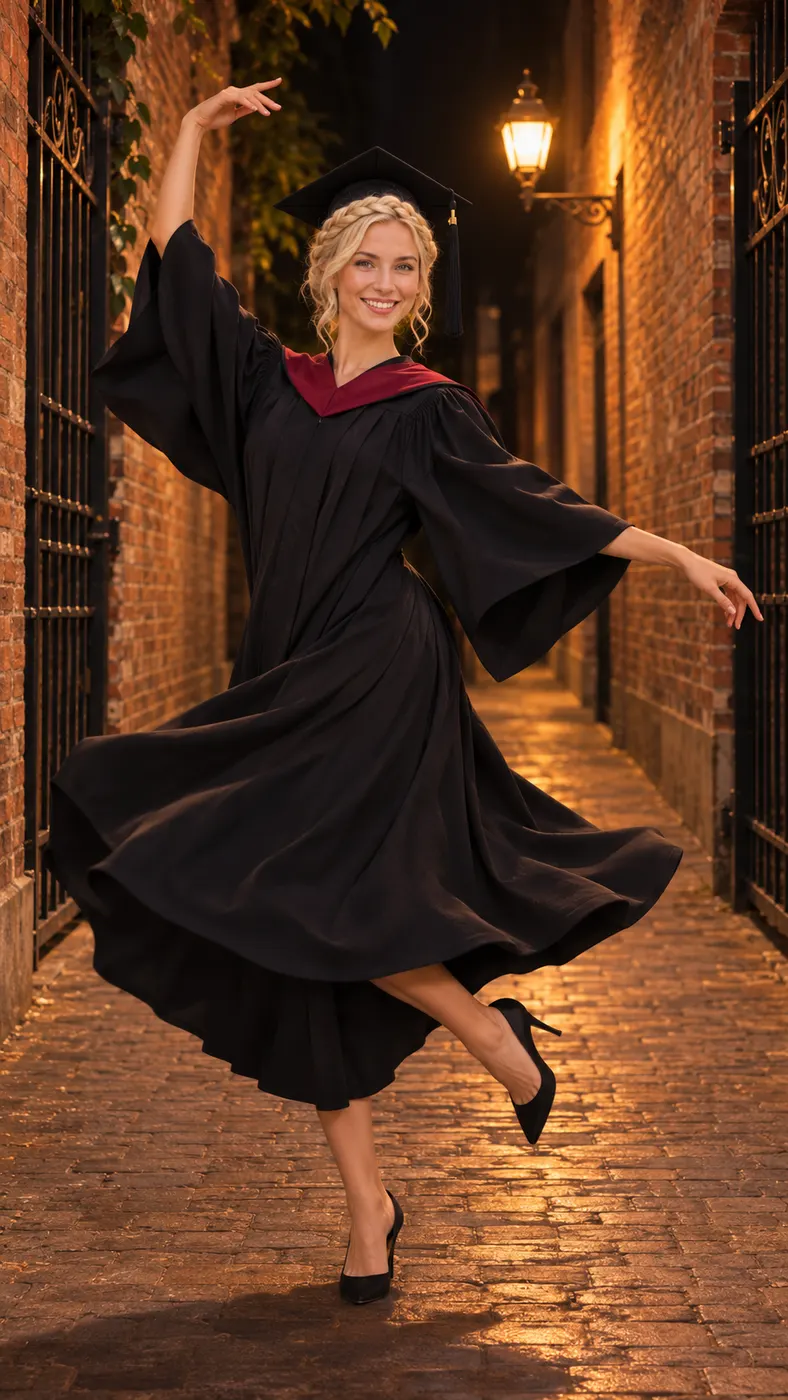
Nicole Kidman Dance AI Examples
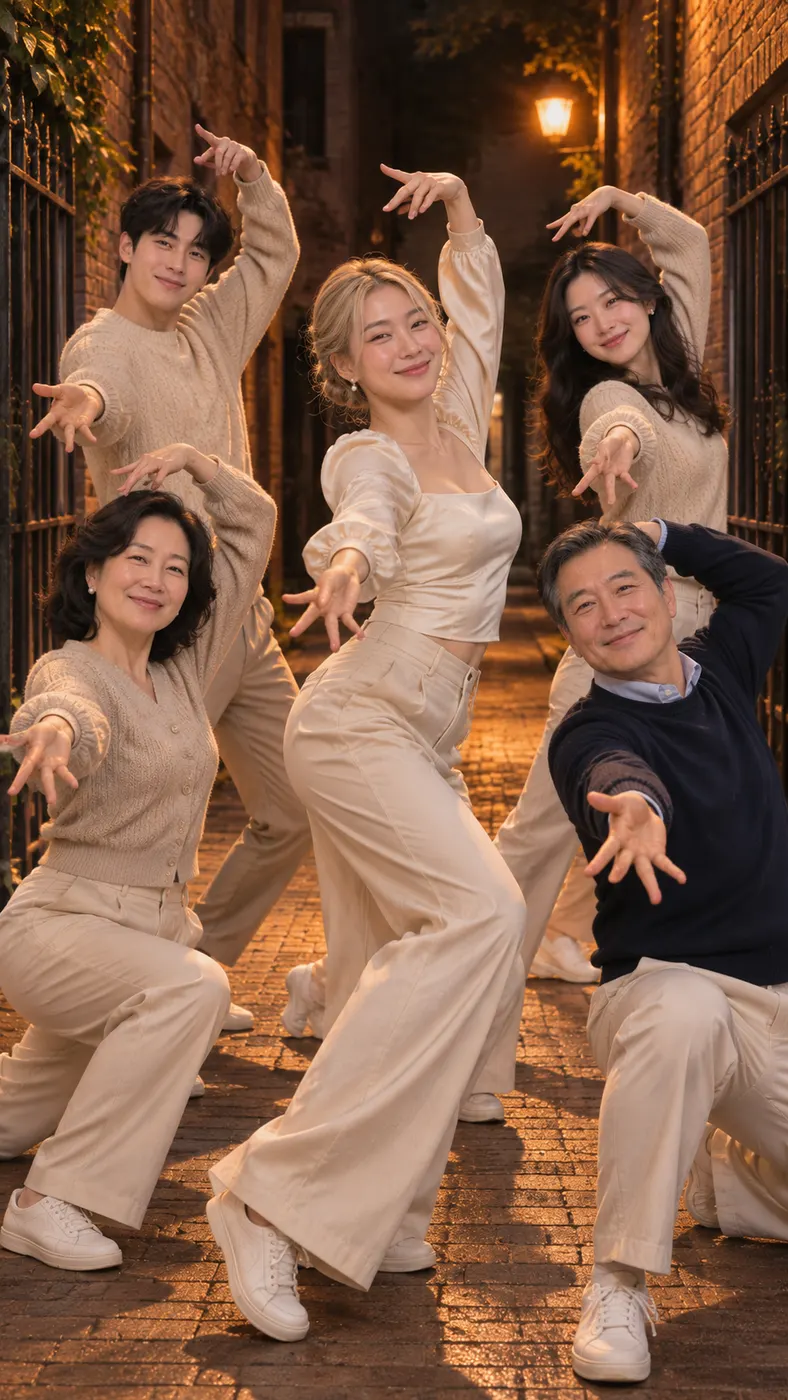
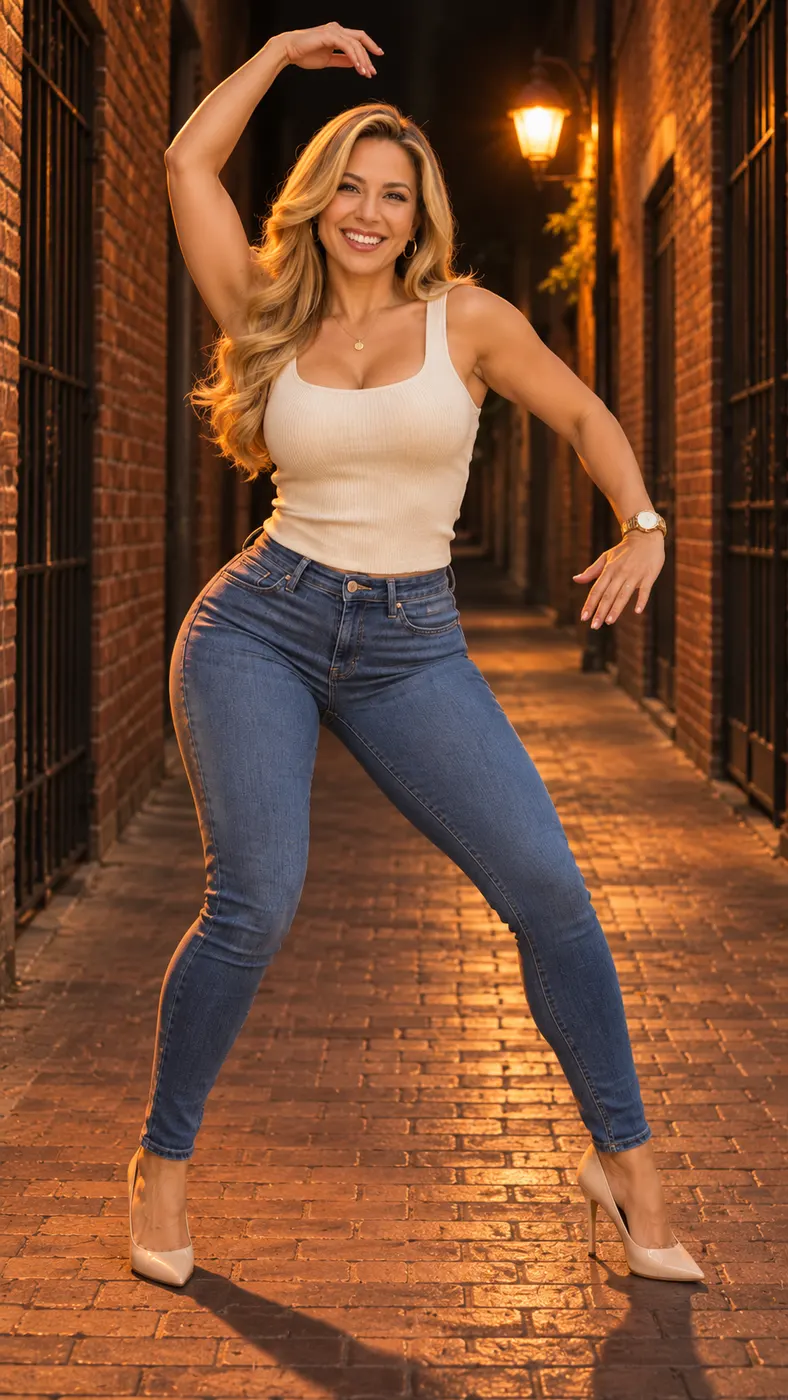
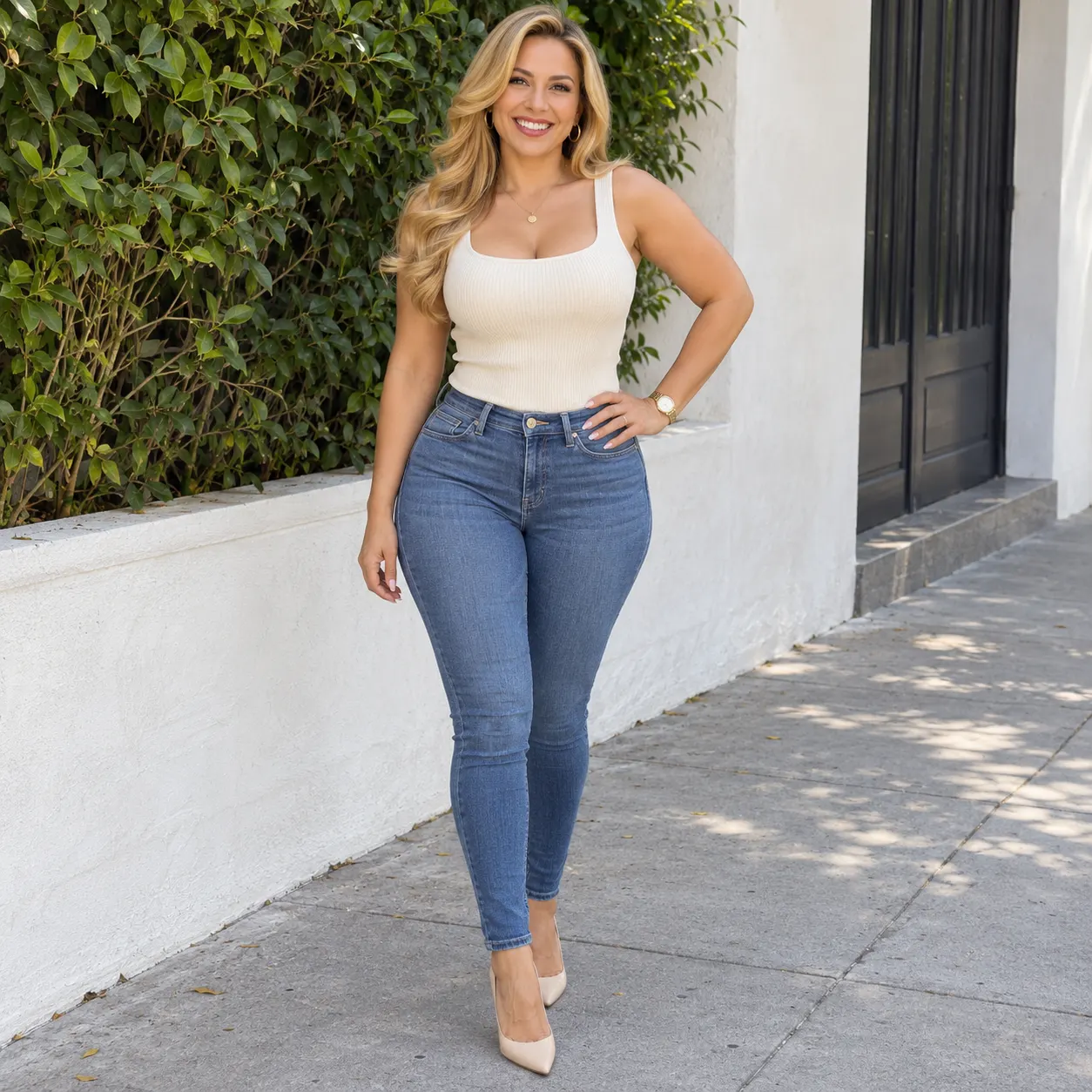
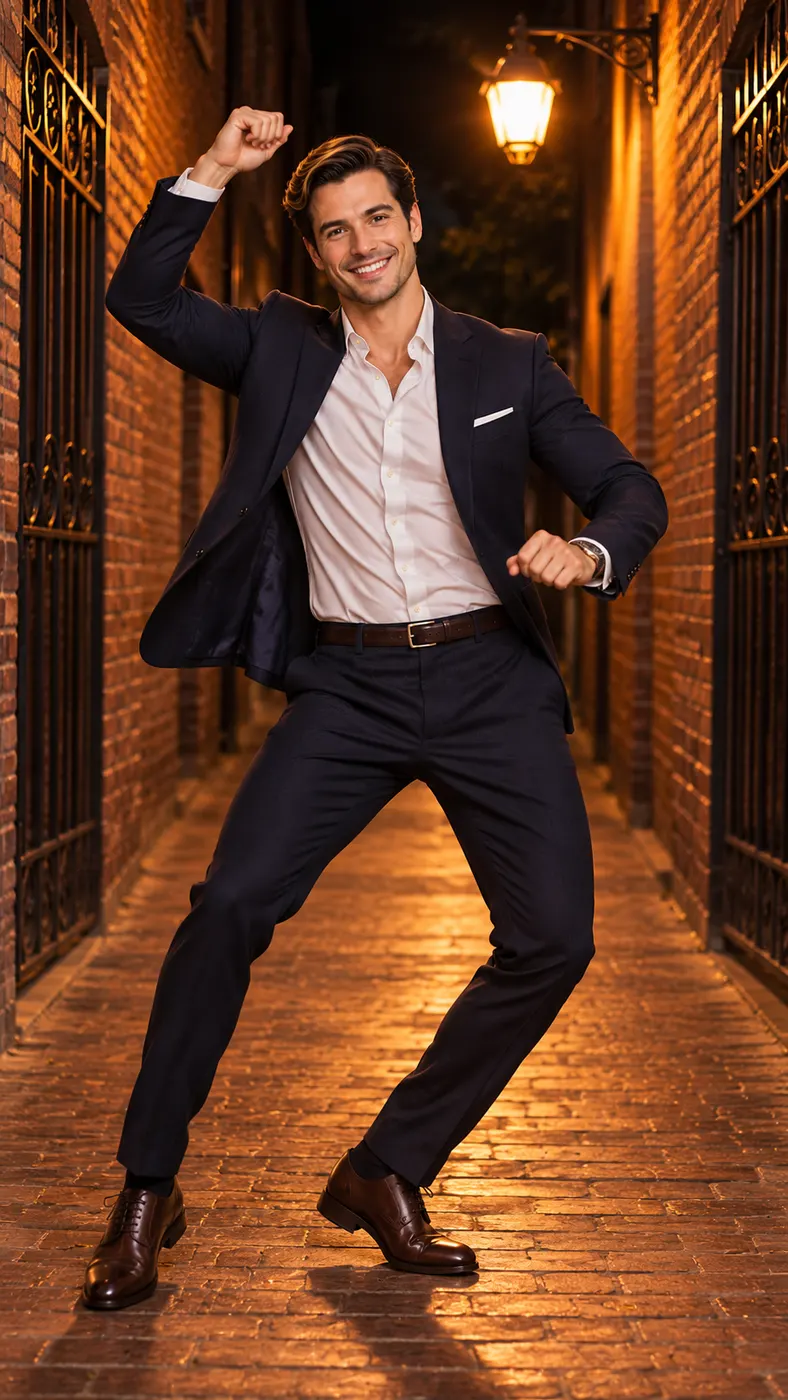
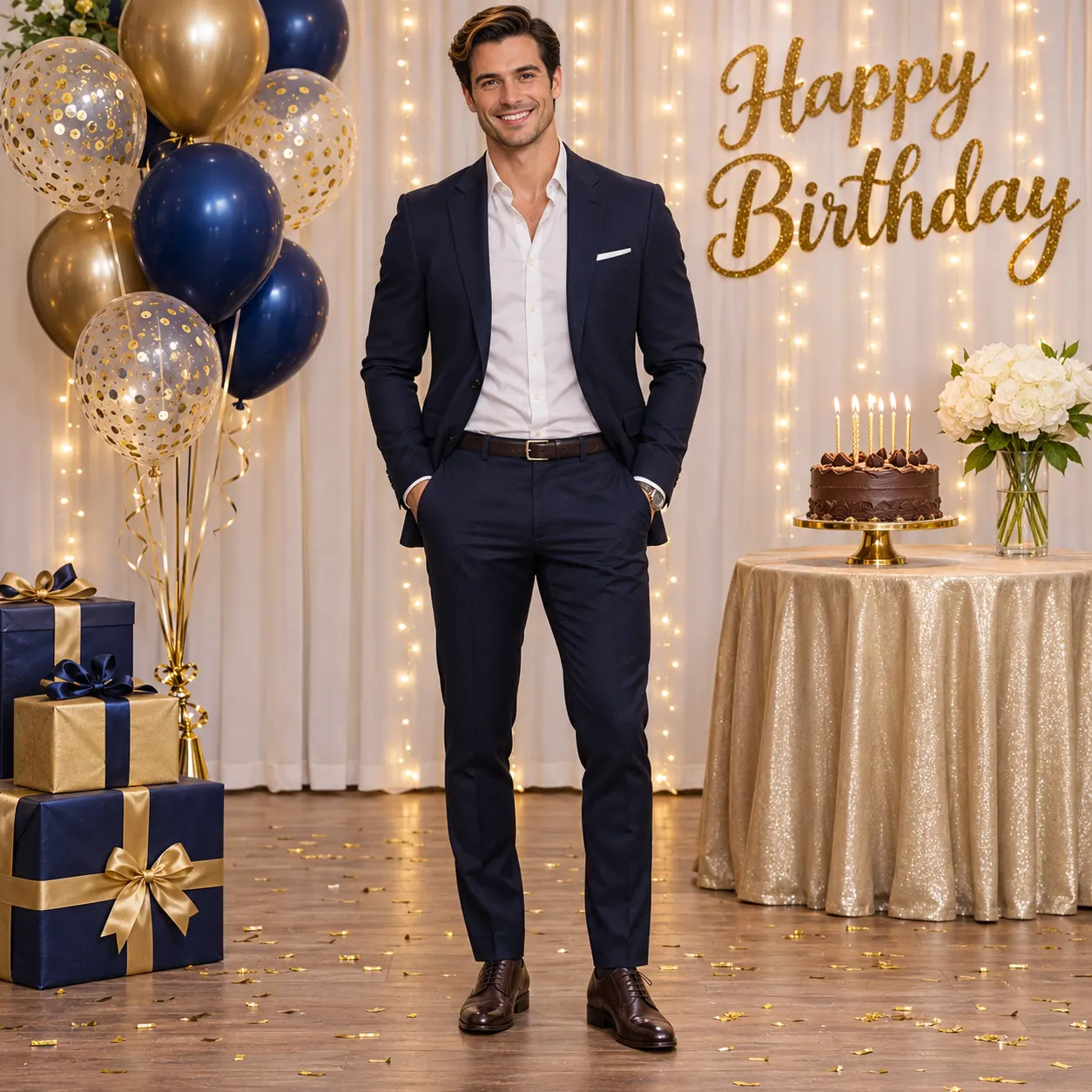
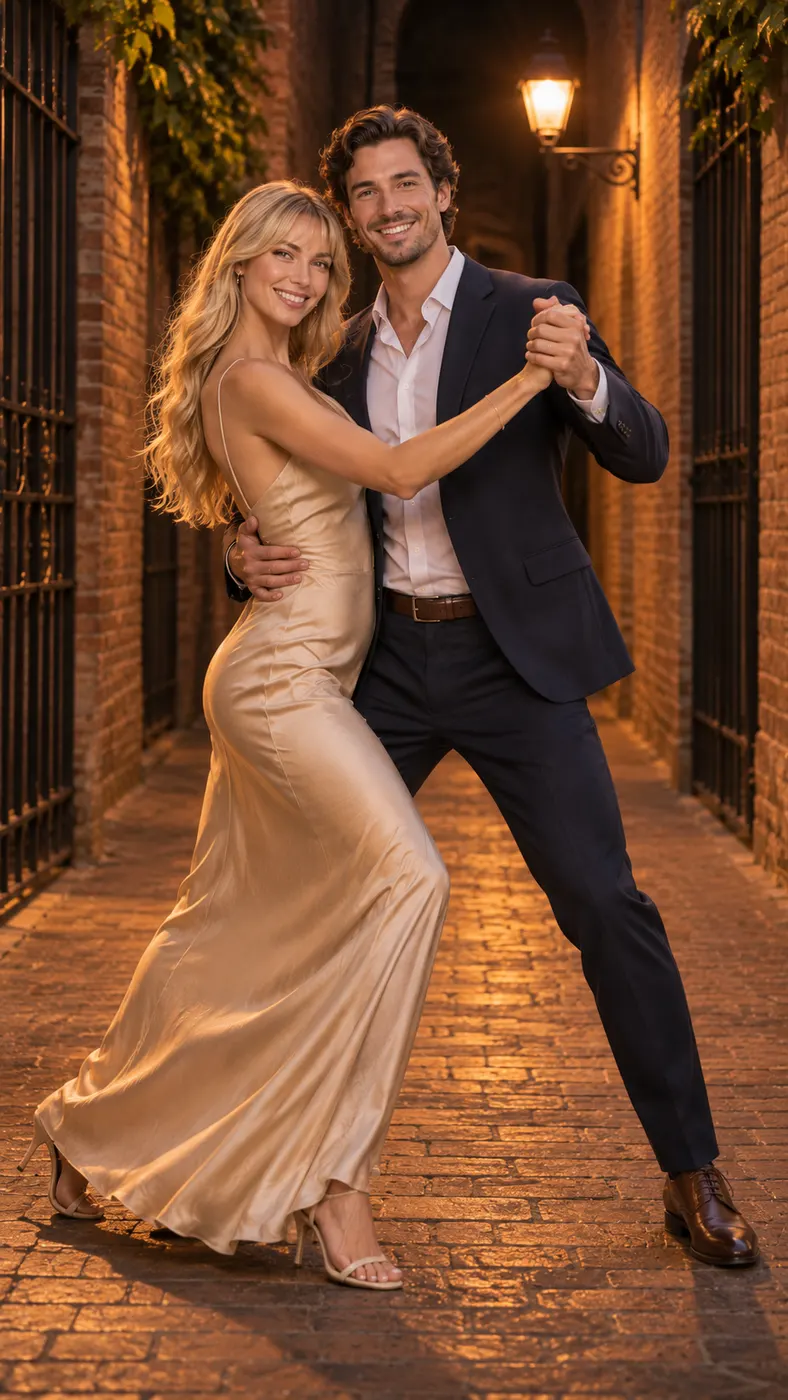
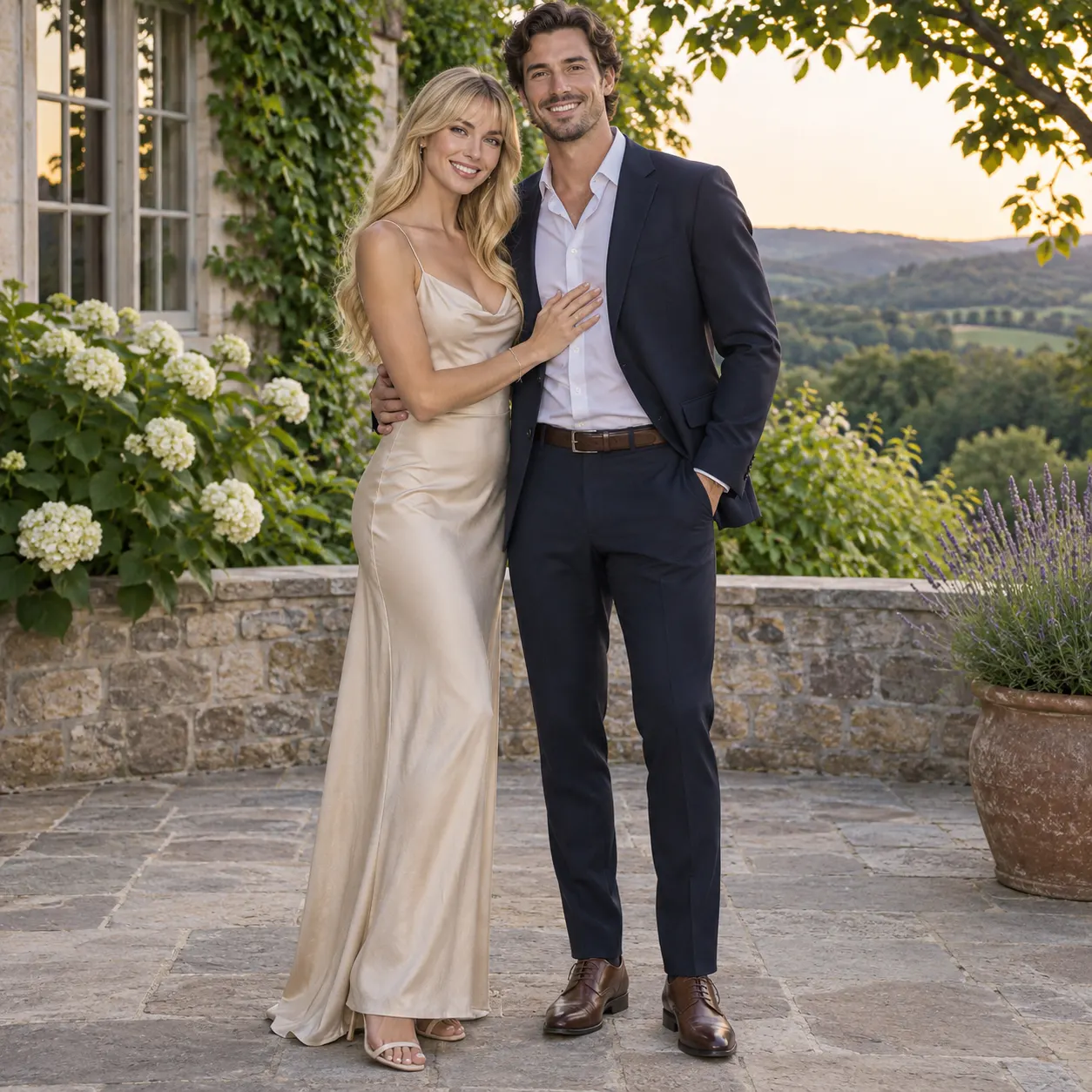
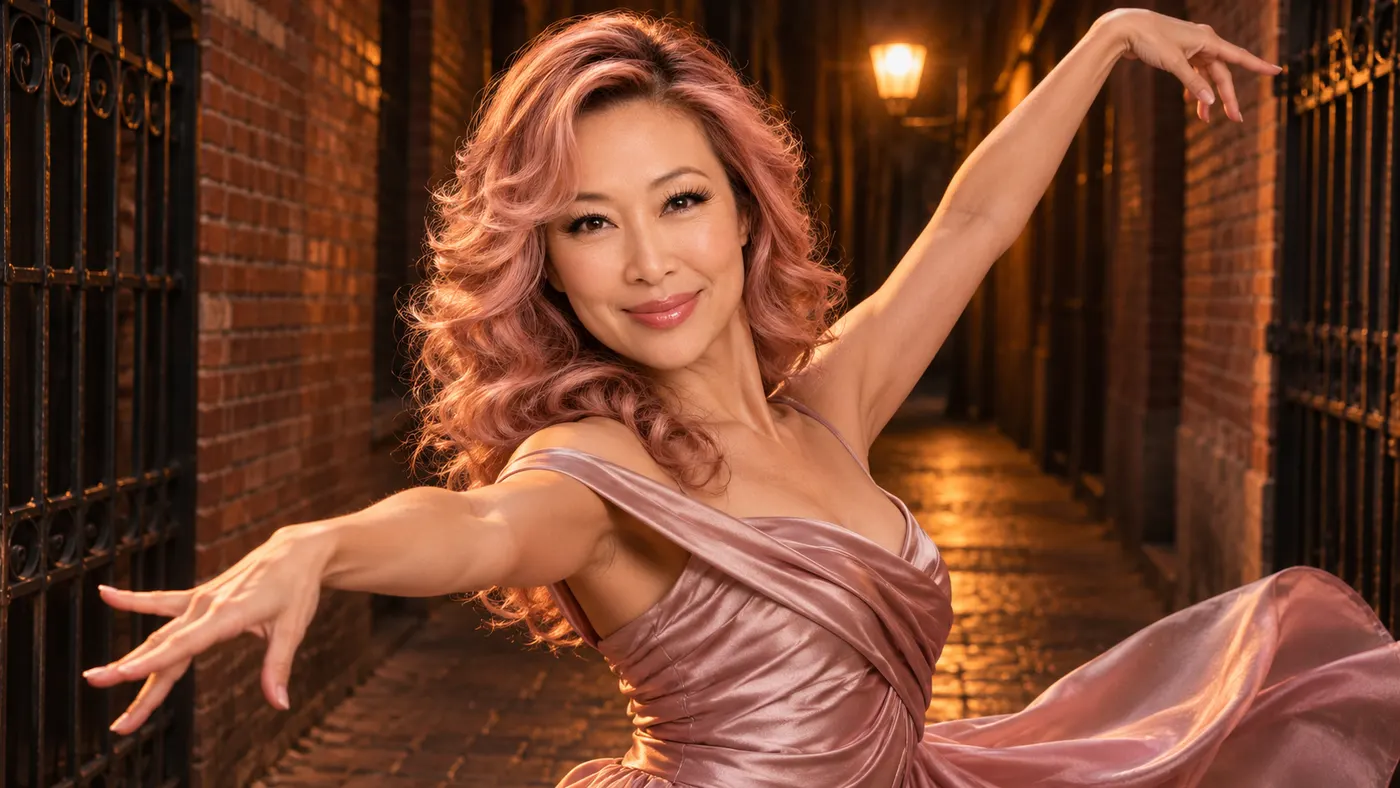
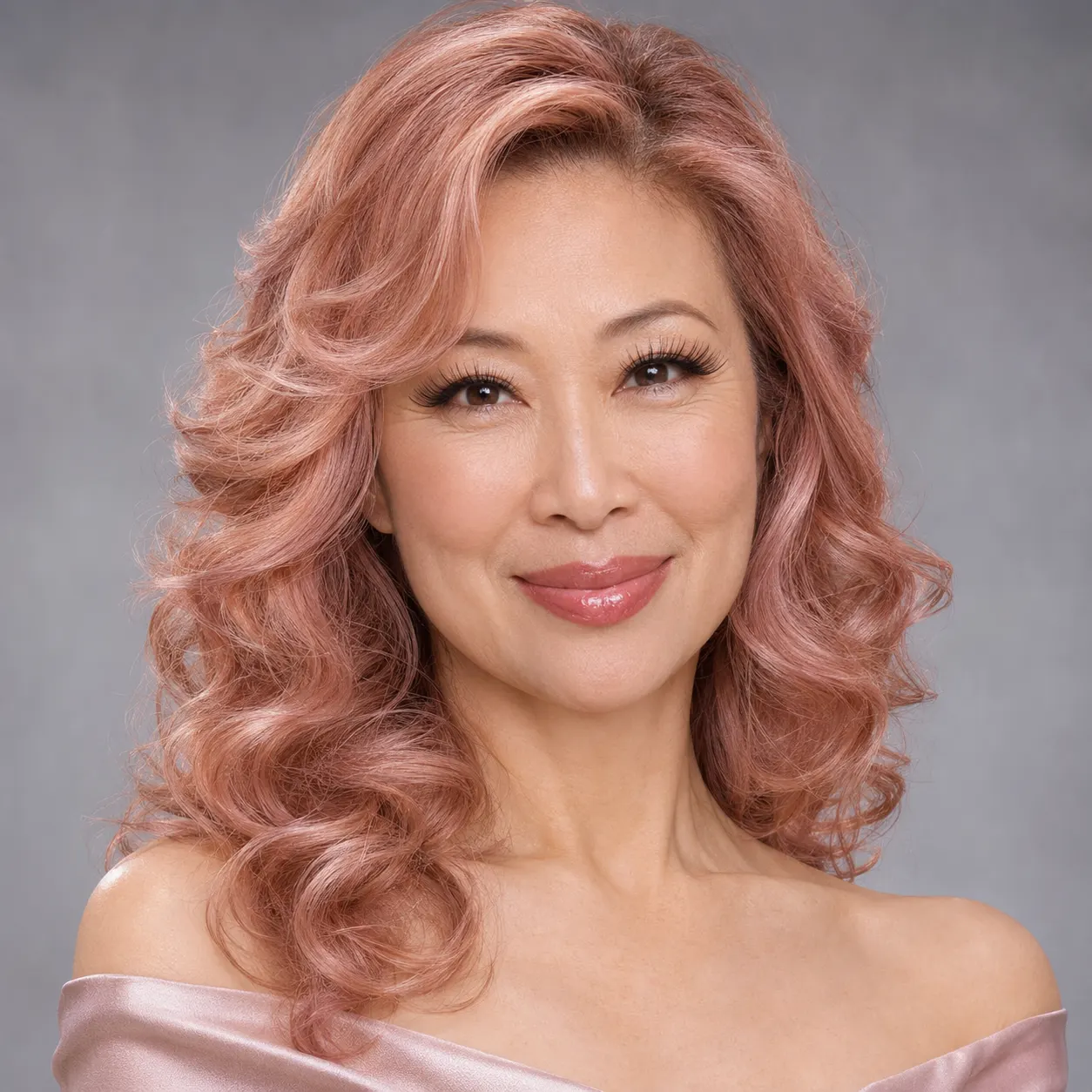
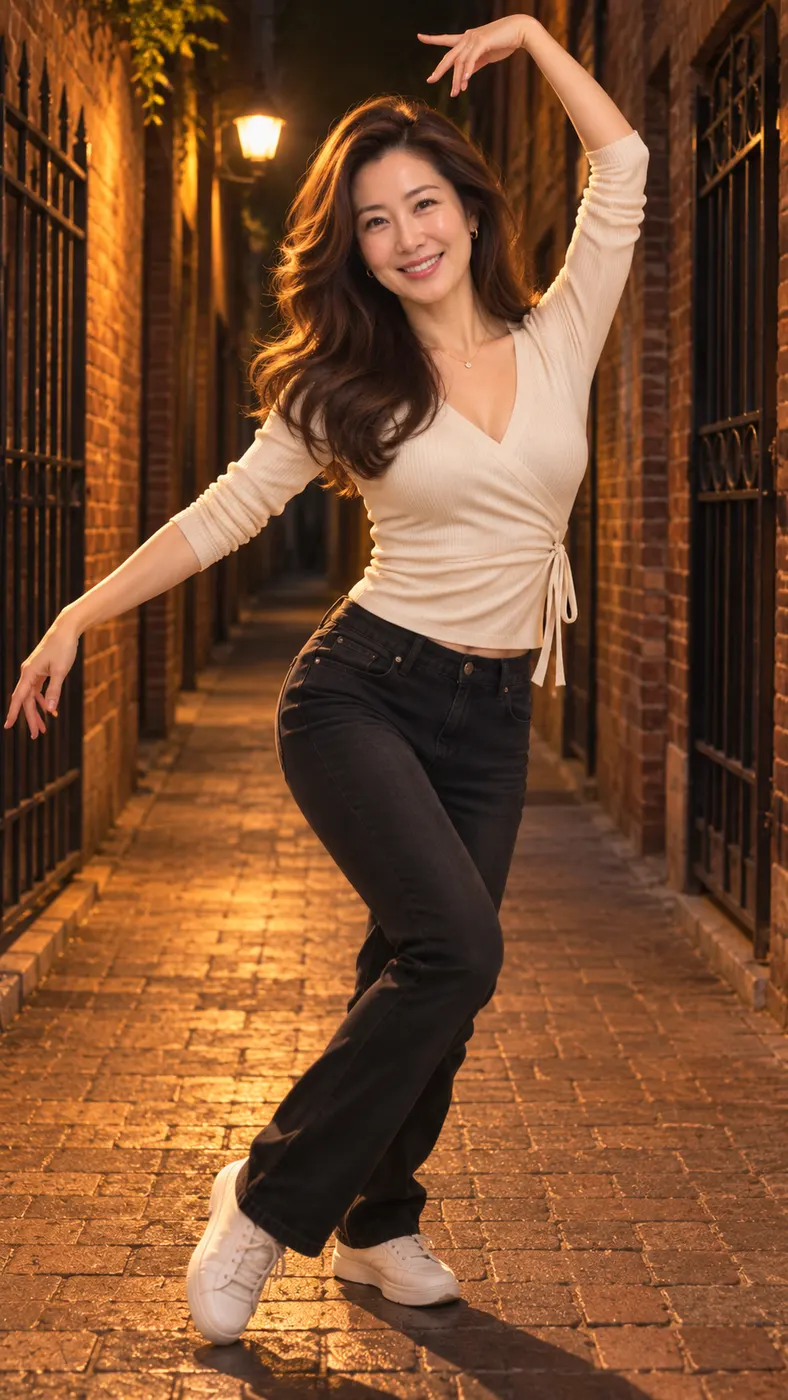
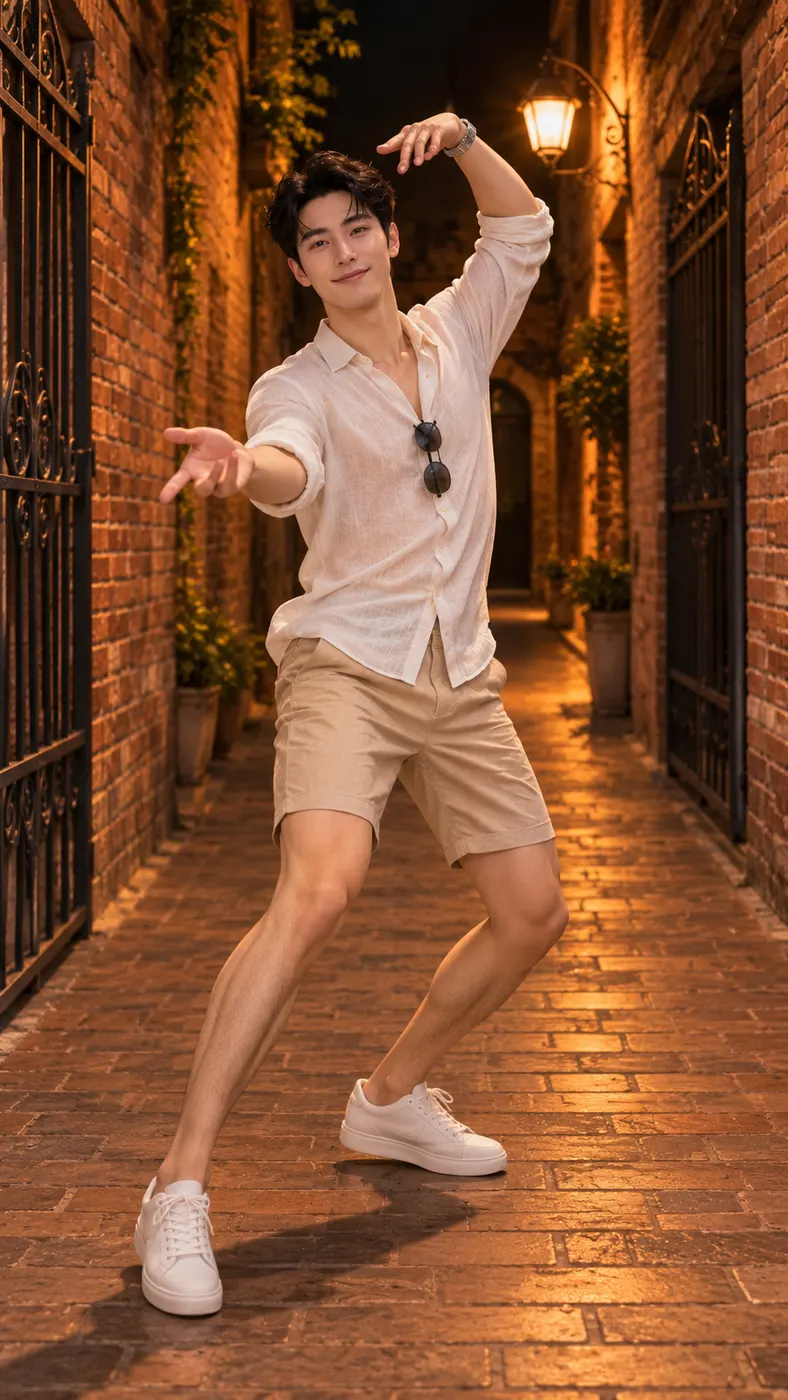
These examples show the key beats of the alley routine: a chest gesture, a controlled hip sway, raised arms, a turn, and a final hair flip beneath warm street lighting. Review the movement and framing before you start, then prepare a clear image using this photo preparation guide and check the available options on the pricing page.


How to Use Nicole Kidman Dance AI
- 01
Choose a clear photo
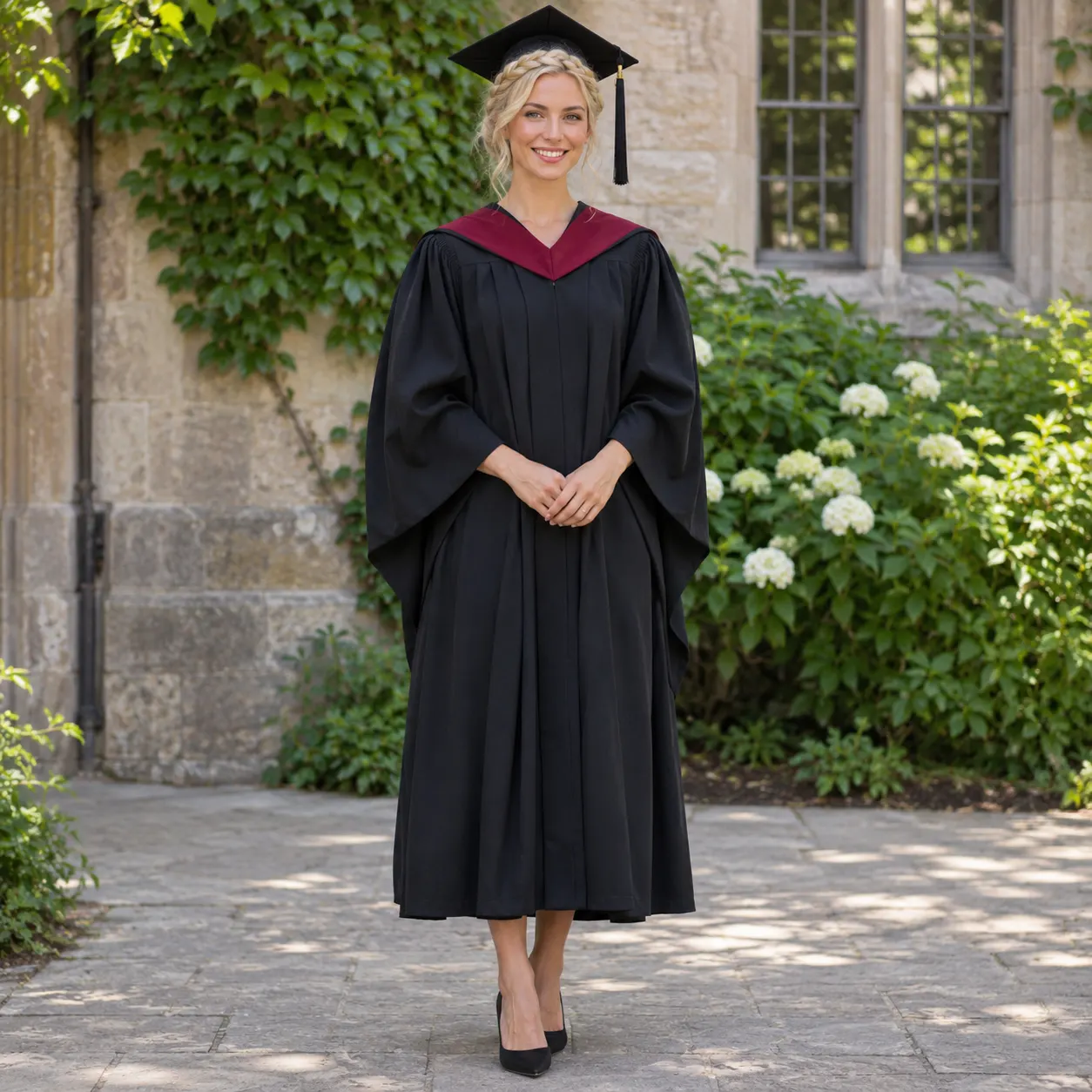
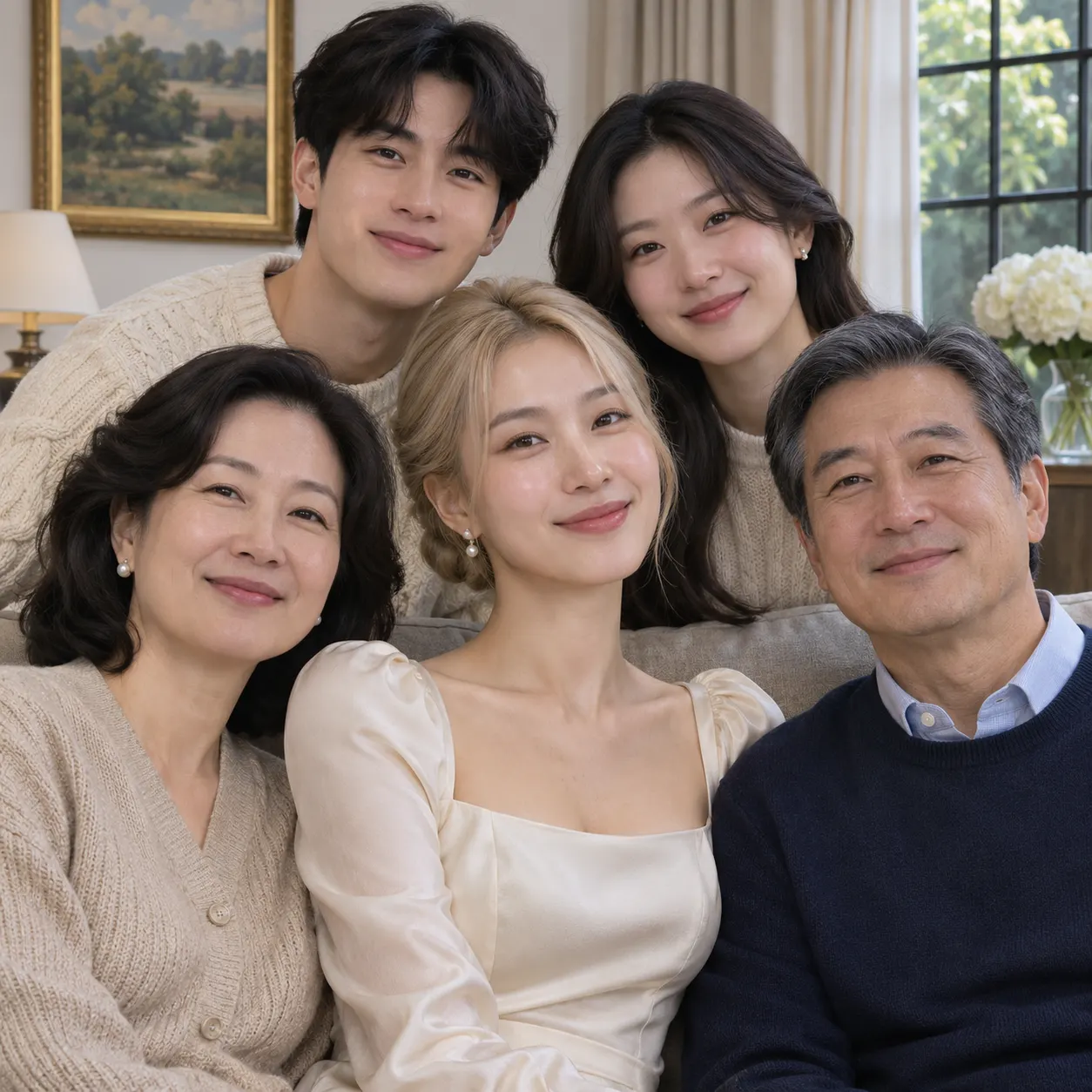
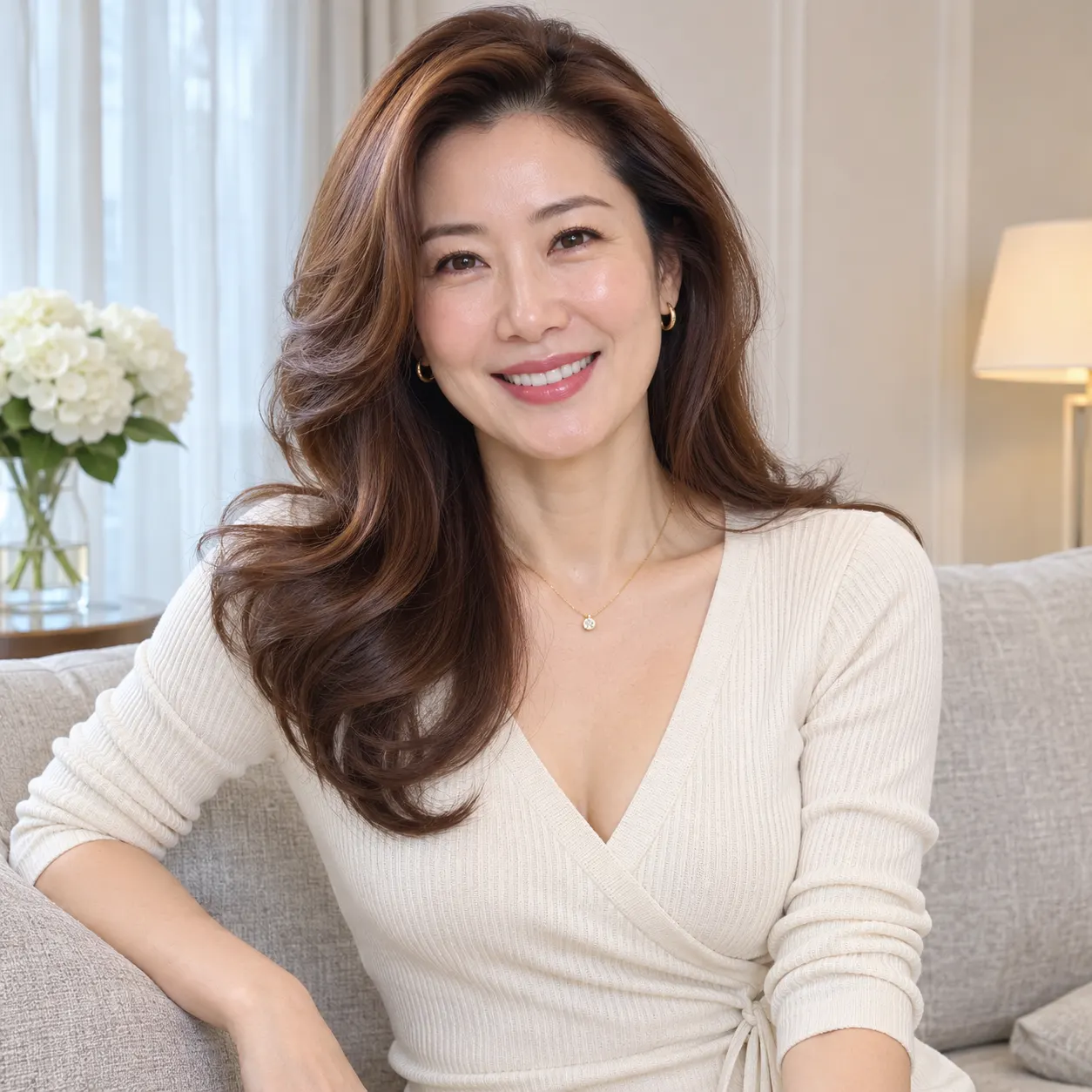
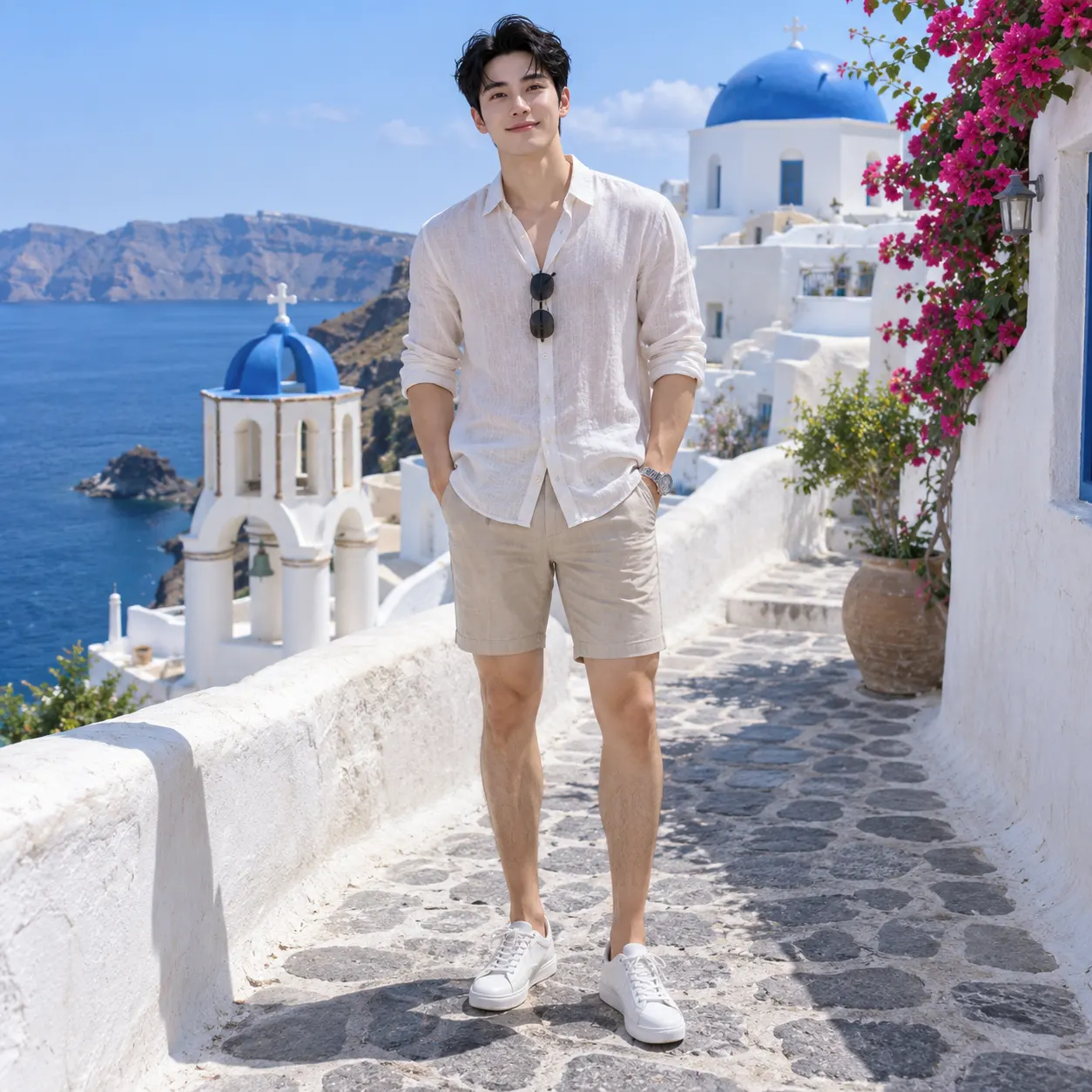
Upload one clear photo with the face or faces visible. A solo shot gives the replacement workflow the simplest subject to follow, while the configured input also accepts a photo containing two people. Avoid heavy filters, strong blur, blocked faces, or a crop that hides the person’s body. The generator uses your uploaded image as the subject reference, so a well-lit image with an easy-to-read face gives the routine a stronger starting point.
- 02
Start the selected scene
Open the page and keep the Nicole Kidman Dance scene selected. With nicole kidman dance ai, the reference clip supplies the night-alley setting and movement sequence while your uploaded subject takes the dancer’s place. The routine moves through the hand-to-chest gesture, hip sway, raised arms, turn, and hair flip. You can add an optional instruction if you want to provide extra context, but the scene itself already defines the central action.
- 03
Download the full result
Review the generated result, then download the complete video. The configured output is a vertical 15-second video at 480p with generated audio, and the current generation cost is 29 credits or about $2.03. Processing time depends on the active generation queue, so allow a short wait rather than expecting the finished result instantly. Once complete, save the video and share it in the format your social feed supports.
What You Can Do With This Scene
Put your own face in the routine
You can turn one suitable portrait into a complete dance scene instead of filming yourself in a matching location. Nicole Kidman Dance AI uses the uploaded image as the replacement subject, keeping the person’s recognizable face, hairstyle, skin tone, and body while the reference clip supplies the performance. This makes the result feel personal even though the alley, camera framing, and movement come from the selected scene.
Follow the full movement sequence
You can cover the recognizable beats people look for in this routine: the hand moving to the chest, the relaxed hip sway, both arms lifting, the turn, and the closing hair flip. Because the scene is based on a reference clip, you do not need to describe every movement yourself. Choose a photo with enough of the person visible for the generated video to follow the dance cleanly.
Make a vertical clip for sharing
You receive a short vertical video rather than a still image. The configured scene includes generated audio and uses 480p output, so the result is suited to a quick social post, a private message, or a before-and-after comparison with the reference routine. Check the complete result before sharing so you can confirm that the face remains recognizable throughout the turn and final hair movement.
Understand the credit cost first
The page does not include a free preview in the current setup. A full generation uses 29 credits and is listed at $2.03, with the lowest listed option at $1.93. You can review the credit packs before starting, then decide whether this scene fits your budget. The output setting is 480p, and the generated audio is part of the configured result.
Questions About This Dance Scene
What is this viral dance page for?
Nicole Kidman Dance AI is a photo-to-video replacement workflow for placing the person from one uploaded photo into a night-alley dance reference clip. The generated subject follows the reference dancer’s sequence, including the chest gesture, hip sway, raised arms, turn, and hair flip, while the alley setting and vertical framing remain part of the scene.
Is Nicole Kidman Dance AI free to use?
Nicole Kidman Dance AI does not have a free preview in the current setup. The page lists 0 free runs, and a complete generation uses 29 credits at about $2.03. Check the available credit packs before you submit the photo, especially if you want to make more than one version.
How long is the generated video?
The configured video effect is 15-second long and uses 480p output with generated audio. The actual processing wait can vary with the generation queue. The page follows the selected reference routine, so the final result is a short vertical clip rather than a long-form performance.
What photo should I upload?
Upload one clear photo with visible face details and no heavy filters. A solo image is the easiest starting point, with the person reasonably visible and not hidden by another object. The input is also configured to accept a photo with two people, but the image should still make every visible face easy to identify. Good lighting and a straightforward pose give the replacement workflow clearer visual information.
Can I use another person’s photo?
Only use another person’s photo when you have their permission. The generator accepts the image you provide, but permission still matters before you create or share a recognizable video of someone else. For the most predictable result, use a clear image where the visible face and body are not blocked, and tell the other person what scene you plan to make.
Is this an official Nicole Kidman video or release?
No. This is a Rap Blaze creative page built around a reference dance scene, not an official Nicole Kidman release or endorsement. The generated result places your uploaded subject into the selected night-alley routine; it does not turn the result into an official performance or original studio publication.
Make the Dance Scene Yours
Return to the generator above, upload a clear photo, and create your version of the night-alley routine. Check the credit requirement first, then save the finished vertical video when the result is ready.