What makes the best photo for AI rap video clips
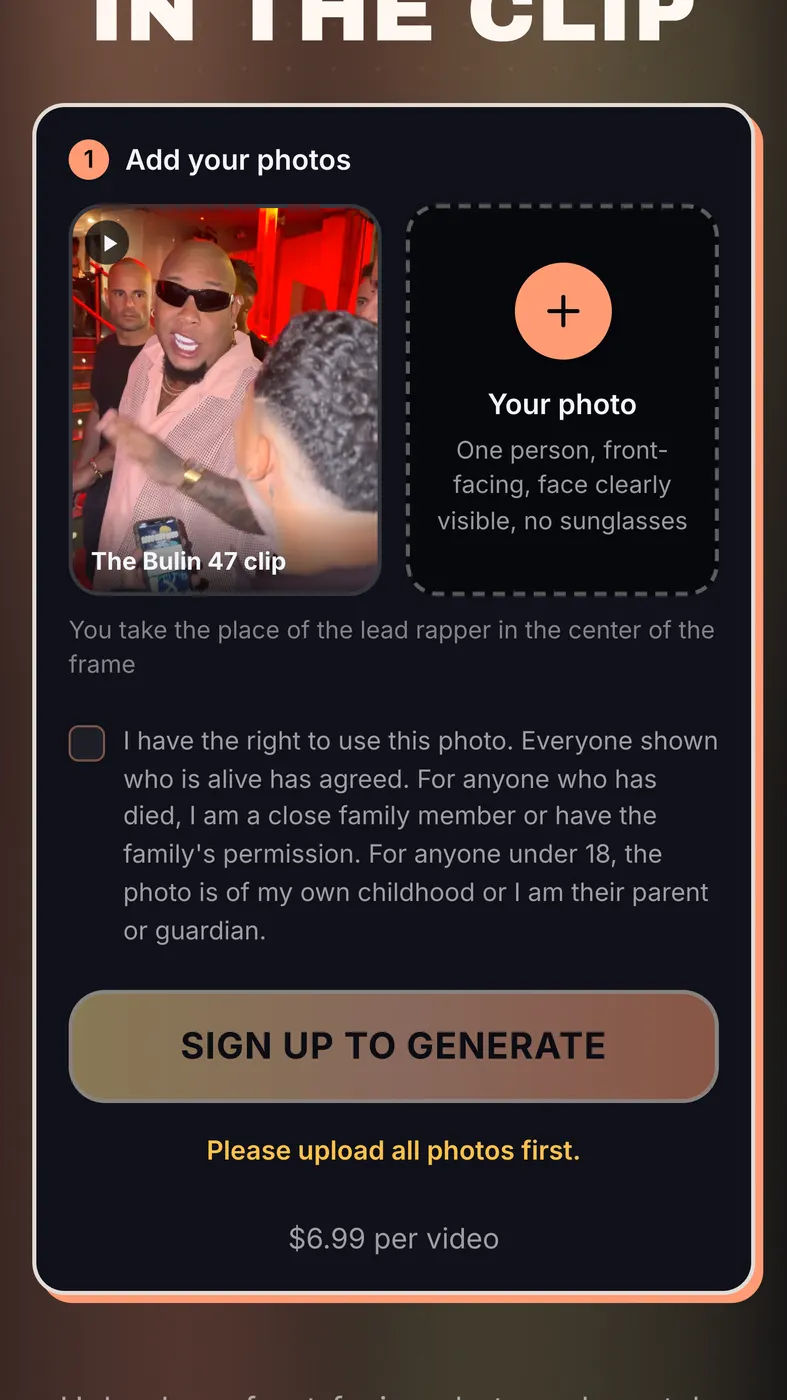
A rap trend template keeps everything from the original clip except the person in the lead. The scene, the camera moves and the track stay the same. The only new information the video gets is your face, and it gets all of it from one picture.
That is why the photo matters so much. A face the system can read clearly comes out recognisable. A face that is half in shadow, turned away or hidden behind sunglasses leaves gaps, and the video fills those gaps with guesses. Guesses are where a result starts to look like a stranger.
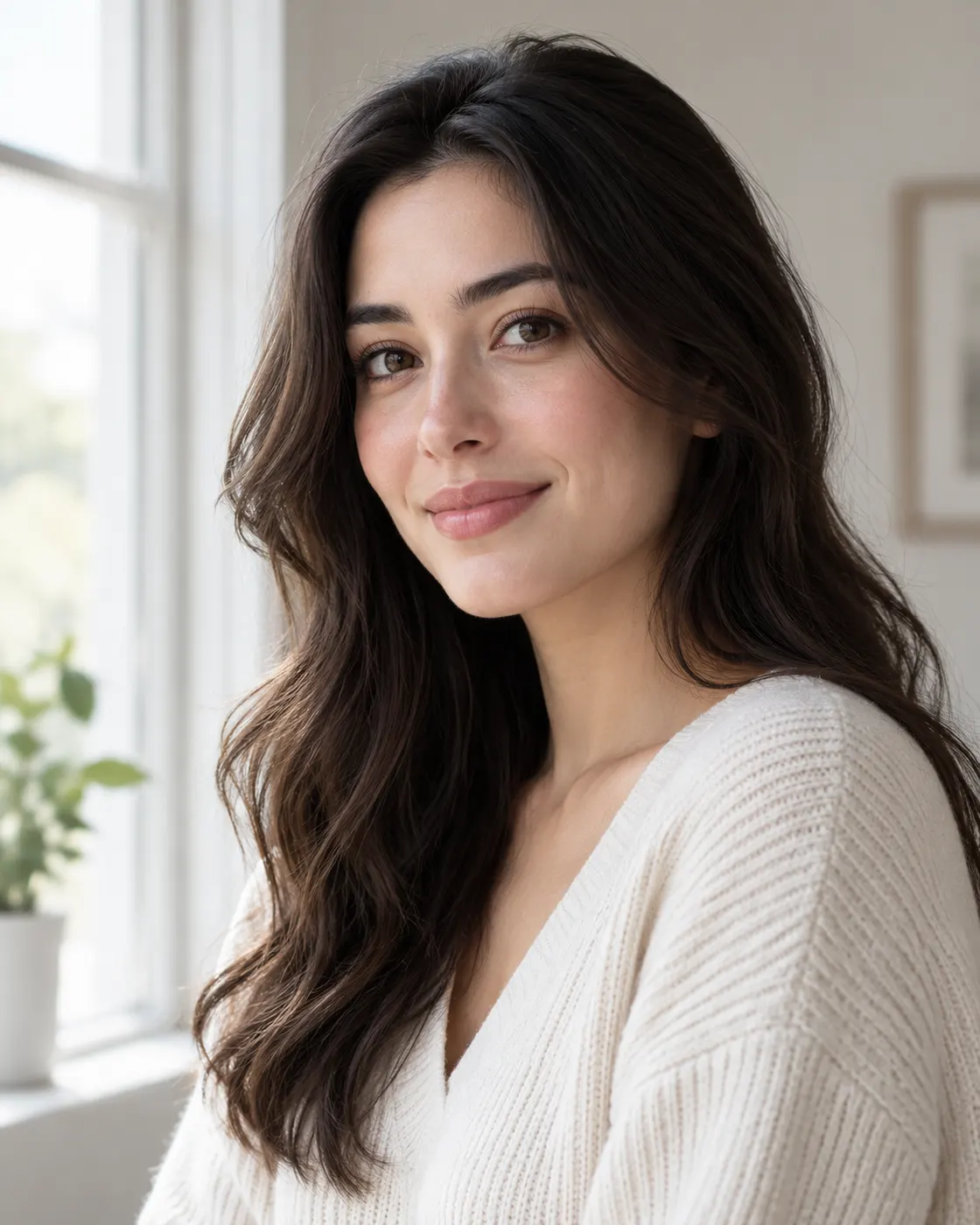
So the best photo for AI rap video results is not the most flattering one on your phone. It is the clearest one. This guide covers what to upload, which photos fail and how to fix them. If you have not made a clip before, start with how to make an AI rap video and come back here when you reach the upload step.
The upload rules your photo has to pass
Before anything else, the file itself has to be accepted. The upload checks these rules:
- file type: JPG, PNG, WEBP or HEIC (iPhone photos work as they are)
- file size: up to 20 MB
- resolution: at least 300 pixels on the short side
- shape: the long side can be at most 2.5 times the short side, so very tall or very wide crops are refused
What the face in the photo needs
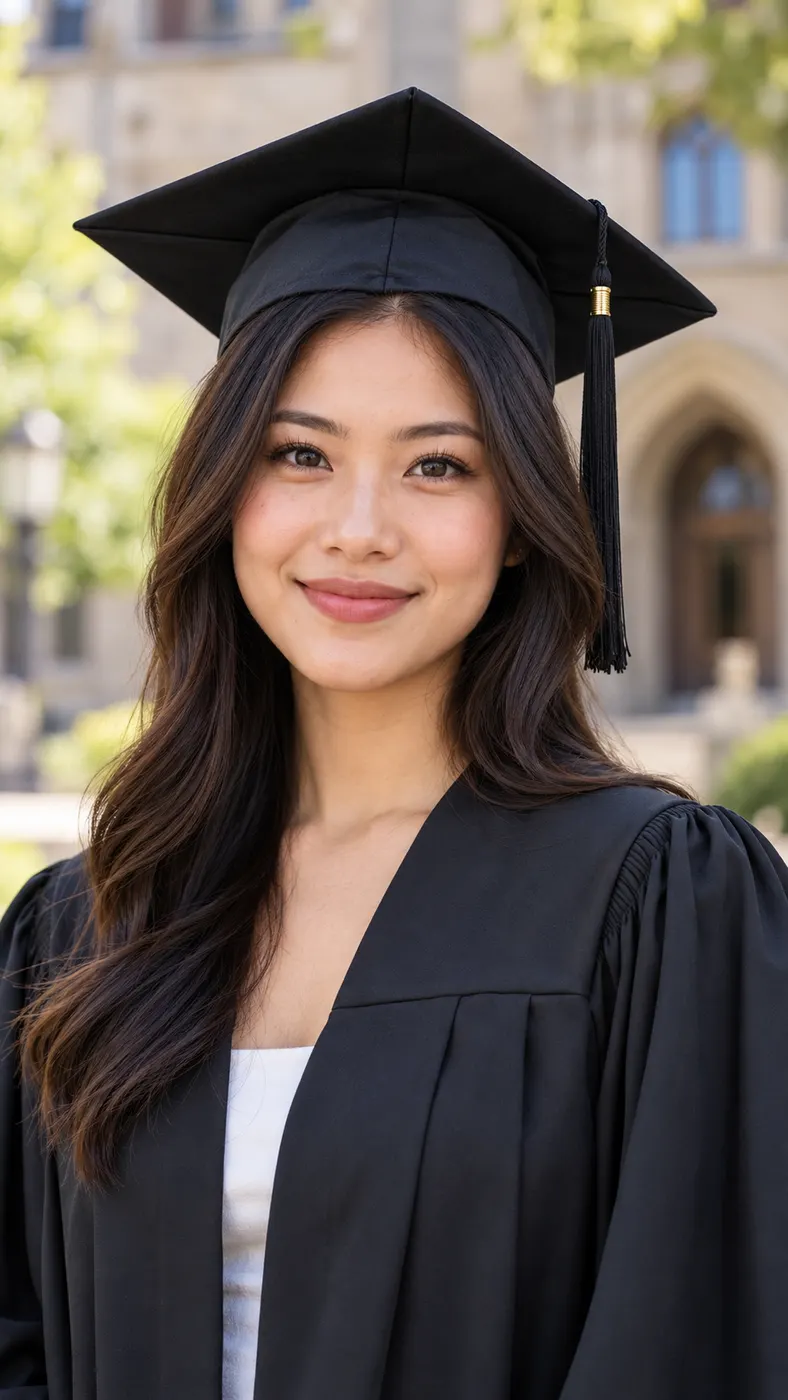
Passing the file check only means the photo uploads. For the clip to look like you, the face needs four things:
- facing the camera, not turned to the side
- both eyes visible
- no sunglasses
- only one person in the picture
Is a selfie the best photo for AI rap video use?
Often, yes. A selfie taken at arm's length, looking straight into the front camera, already meets most of the rules: one person, facing forward, both eyes in view. That makes it the easiest way to get the best selfie for AI video without any setup.
Two habits spoil selfies. Shooting from far below the chin distorts the face, and shooting with a window behind you puts the face in shadow. Hold the phone at eye level and face the light instead of having it behind you.
Why screenshots and old photos come out blurry
Every time a photo is shared through a chat app or saved as a screenshot, it gets compressed. Fine detail around the eyes, mouth and hairline is the first thing lost, and the video cannot put back detail that is no longer in the file.
If the only copy you have is a screenshot of a social post, take a new photo instead. A plain new photo usually beats a better-looking old one that has been compressed several times.
The red-lit scene does not need a red-lit photo
In the Bulin 47 AI video, the original clip was filmed in a crowd at a red-lit venue entrance, with a staircase behind the lead. You do not need to copy that in your photo. The scene, the lights and the crowd come from the original clip. Your photo only needs to show your face clearly, so daylight or a bright room is the better choice.
Get the photo right before you pay
You pay before the video is generated, so the photo is the one thing to get right first. That is why picking the best photo for AI rap video use matters more than any setting. If a generation fails, the credits go back automatically; a clip that renders but does not look like you almost always comes down to the photo. For the current packs, see pricing.
Only your photo, or one you have permission to use
Upload a photo of yourself, or of an adult who has agreed to appear in the video. Never upload a photo of a child. Rap Blaze is an independent tool and is not affiliated with Bulin 47, the original artist, the creator of the original clip or TikTok.