
Toosie Slide AI
Toosie Slide AI lets you put the person from your photo into the recognizable one-take meme scene: you dance alone down a narrow white hotel hallway, lifting the right foot and sliding the left while a locked-off phone camera holds the shot. The result is a vertical video built around the hallway dance scene, so you can make the clip without filming yourself or practicing the sequence first.
One clear photo: a solo shot or the two of you. Faces visible, no heavy filters
Tip: drag a photo onto its box, or click the box to pick one.
You take the place of the dancer in the hallway.
Toosie Slide · Do the Toosie Slide in one take down a hotel hallway: right foot up, left foot slide.
This video: 90 credits · Credits come back if it fails
AI video effect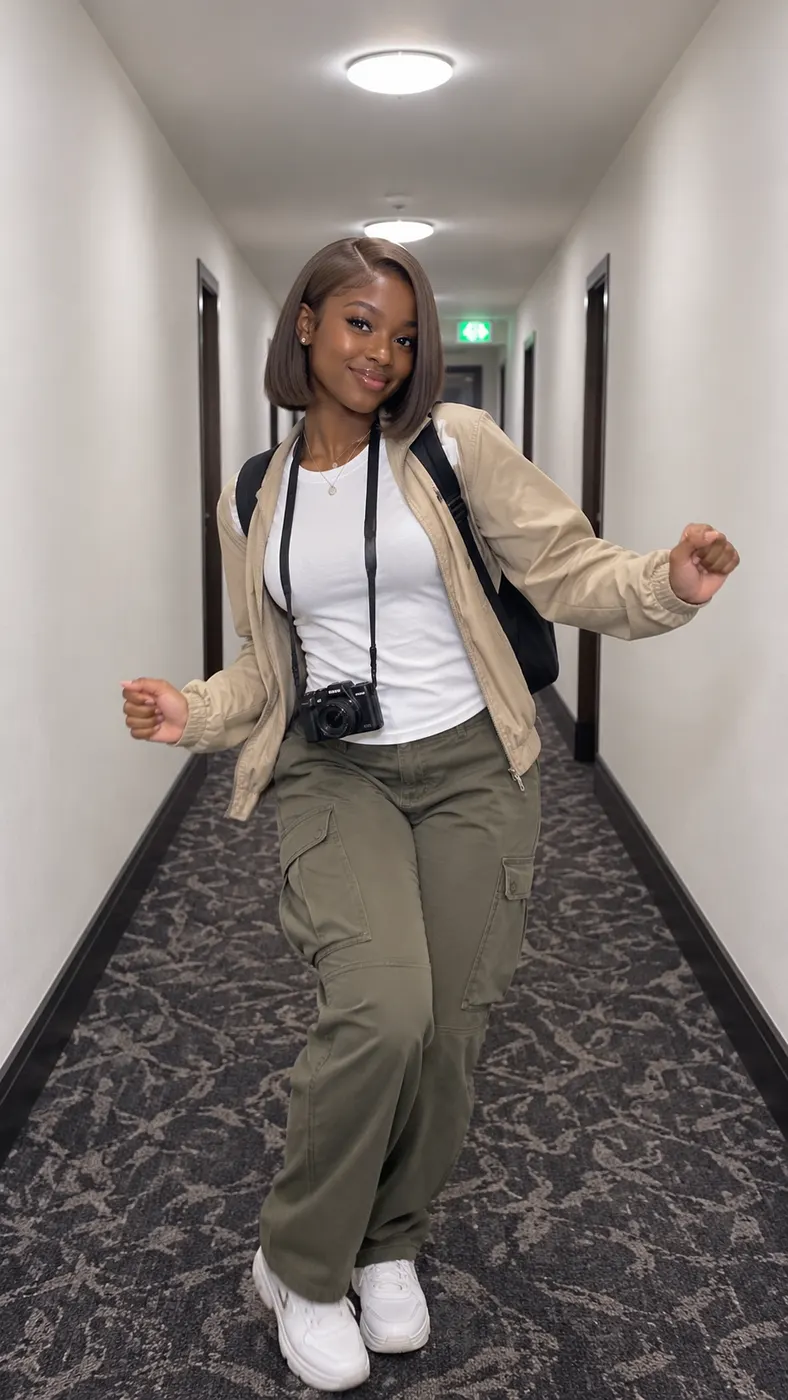
Toosie Slide AI Hotel Hallway Examples
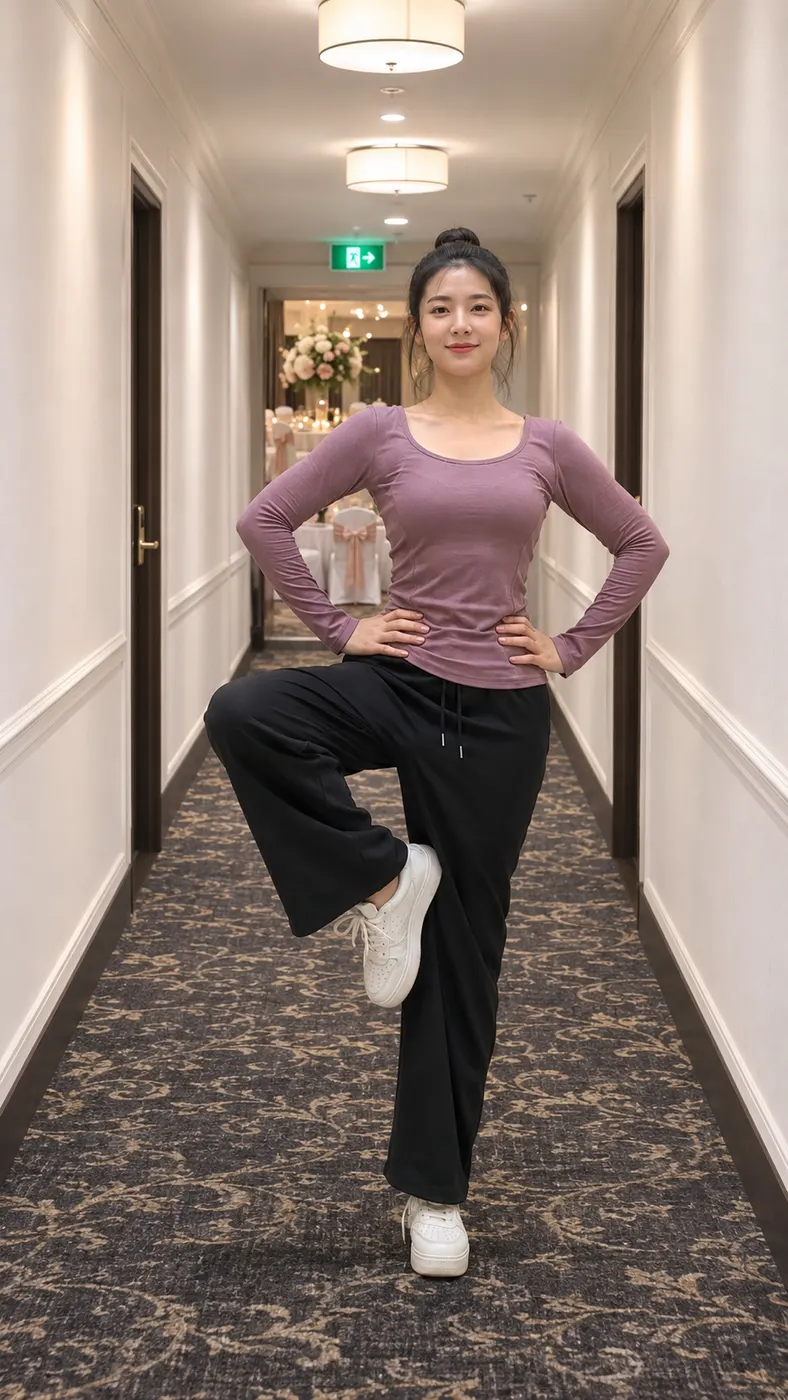
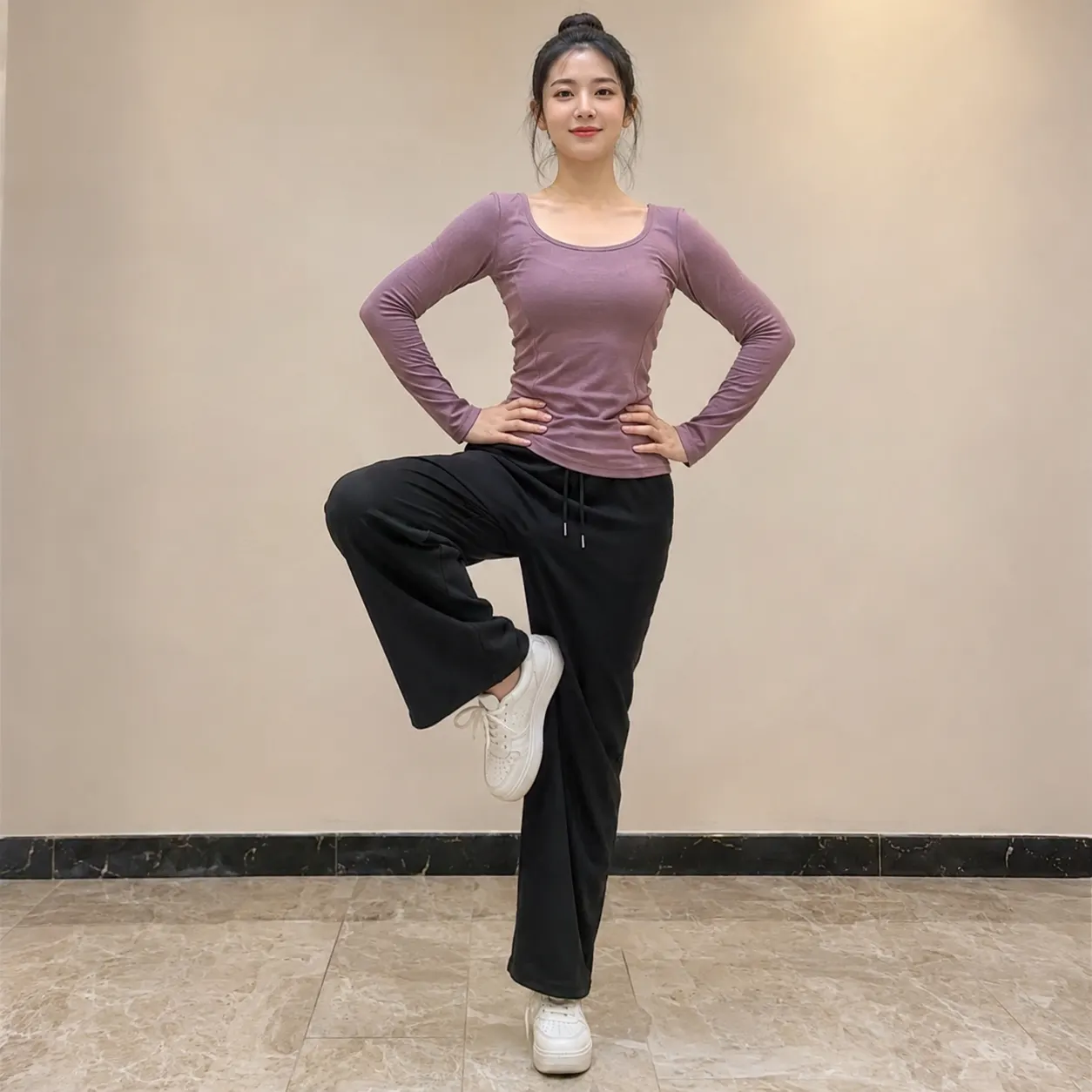
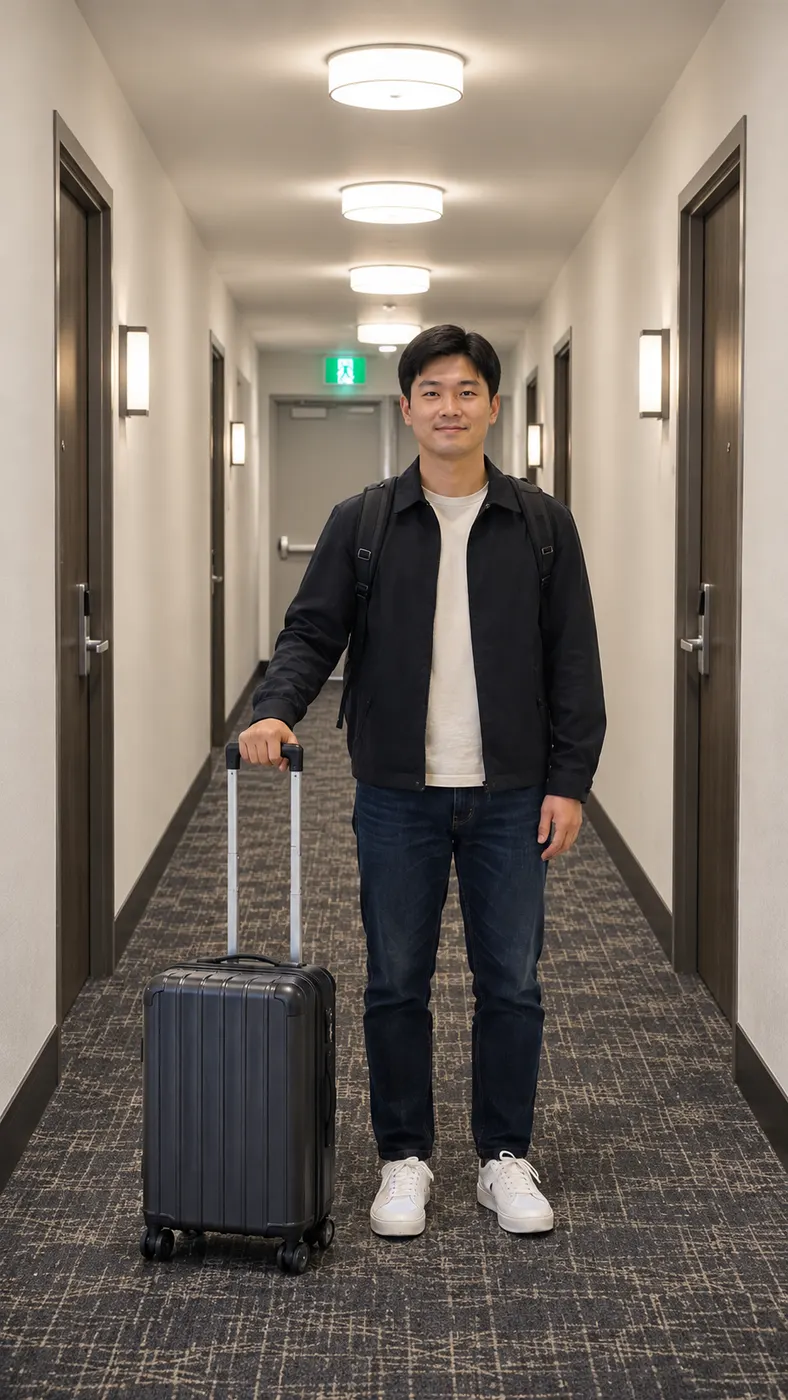
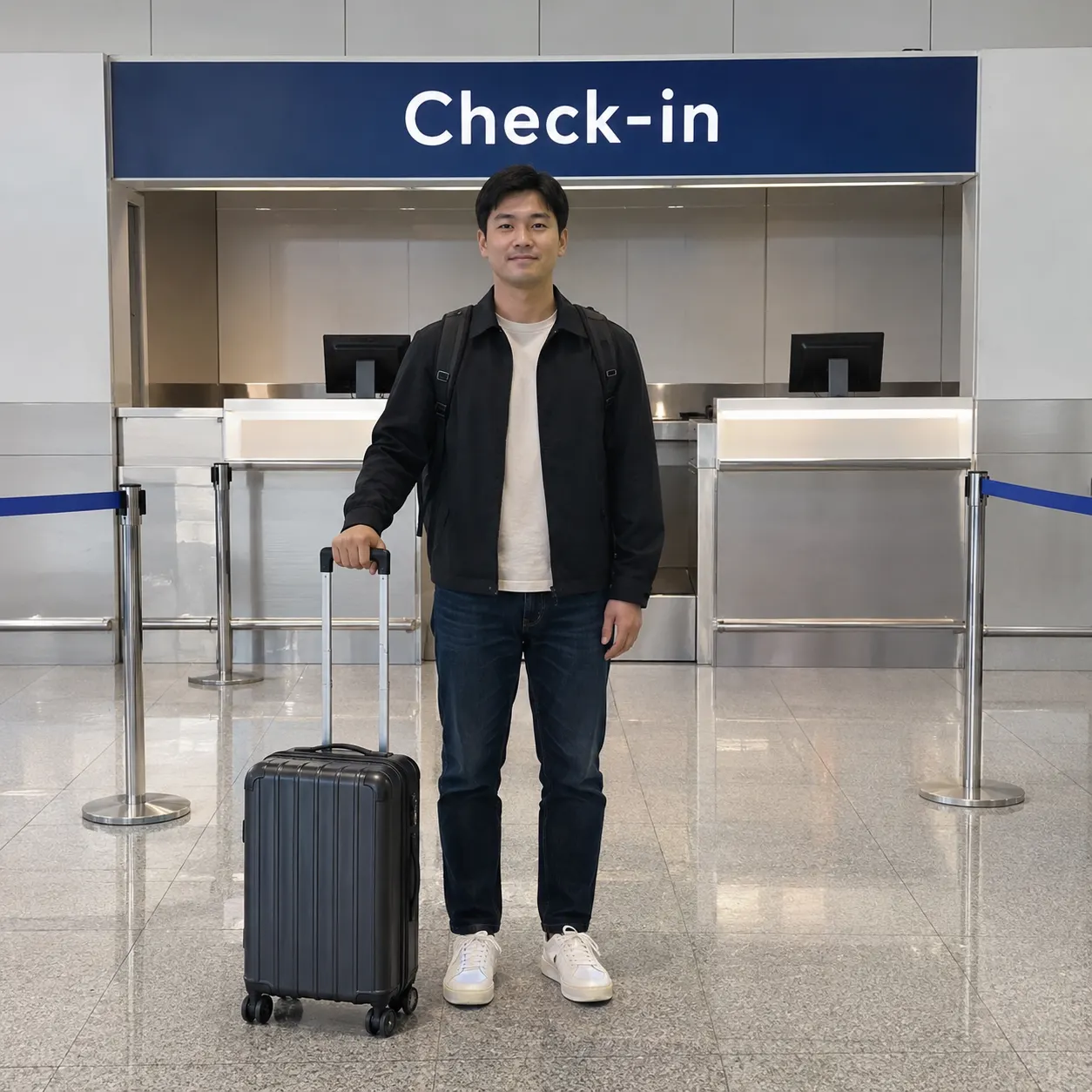
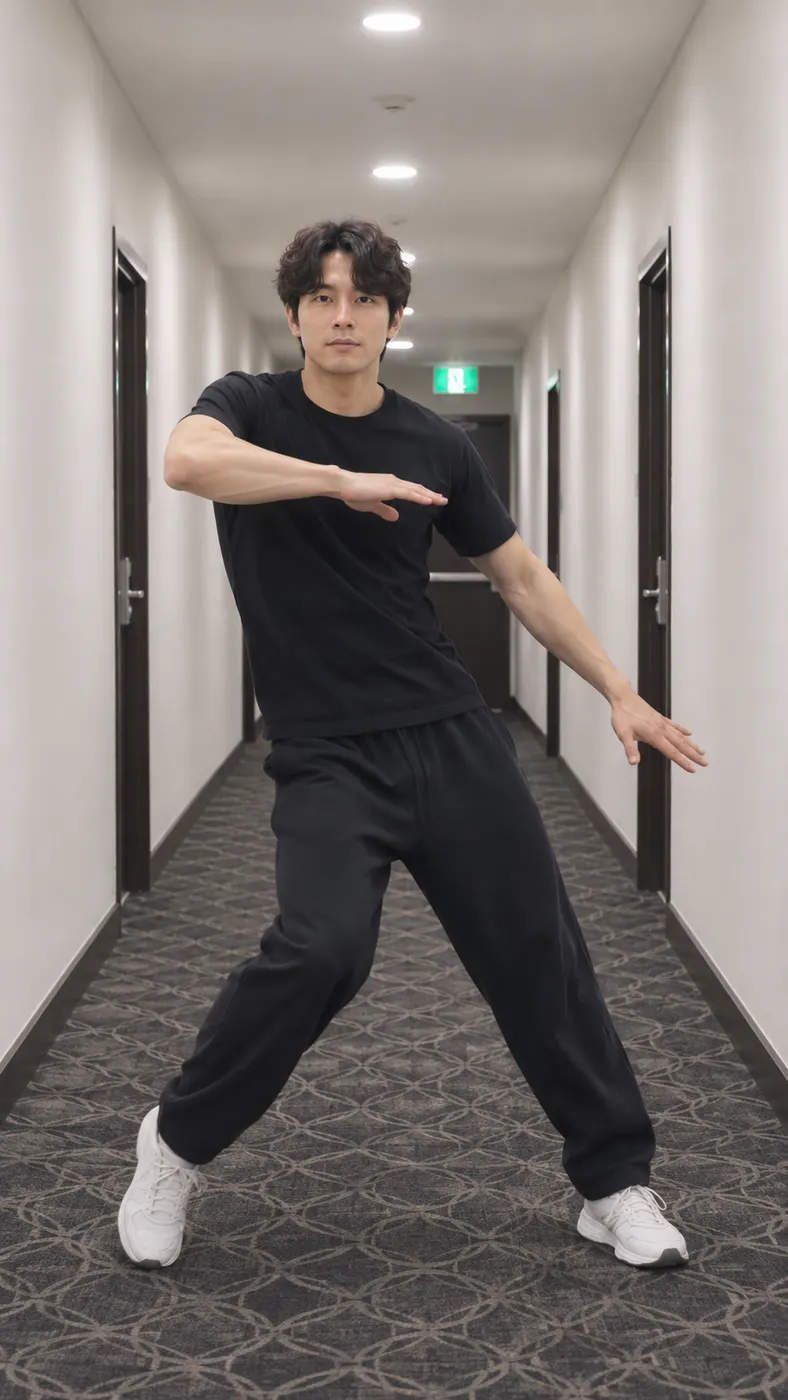
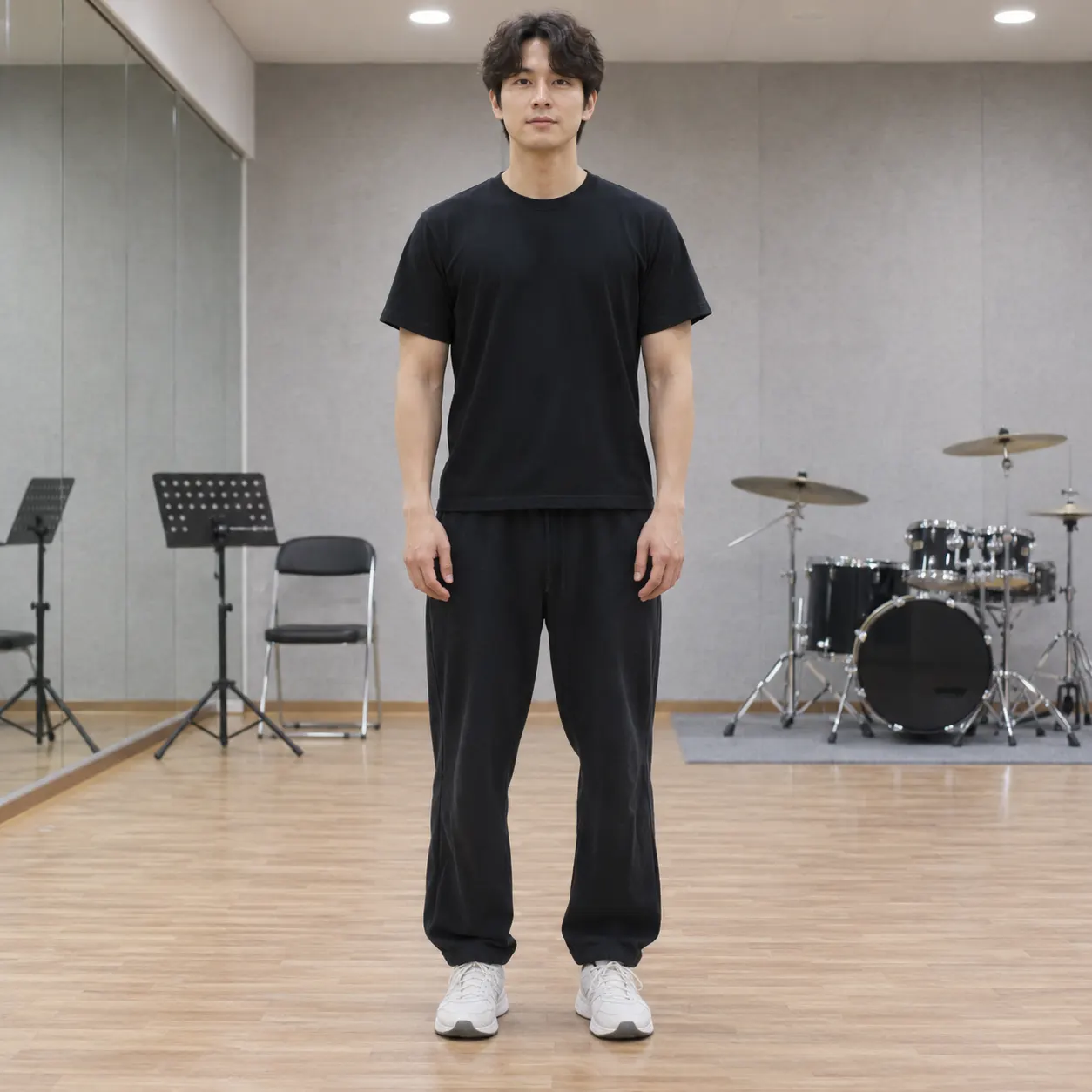
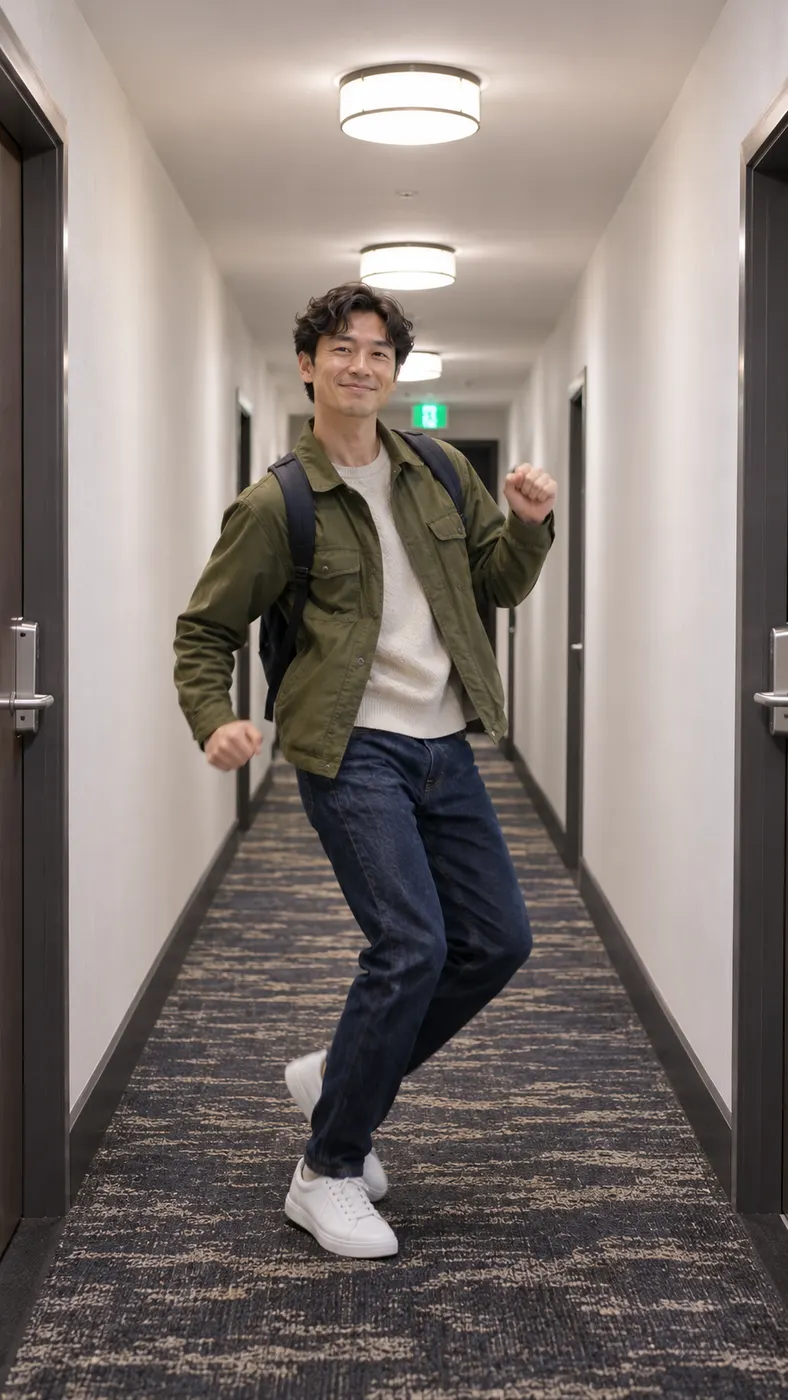
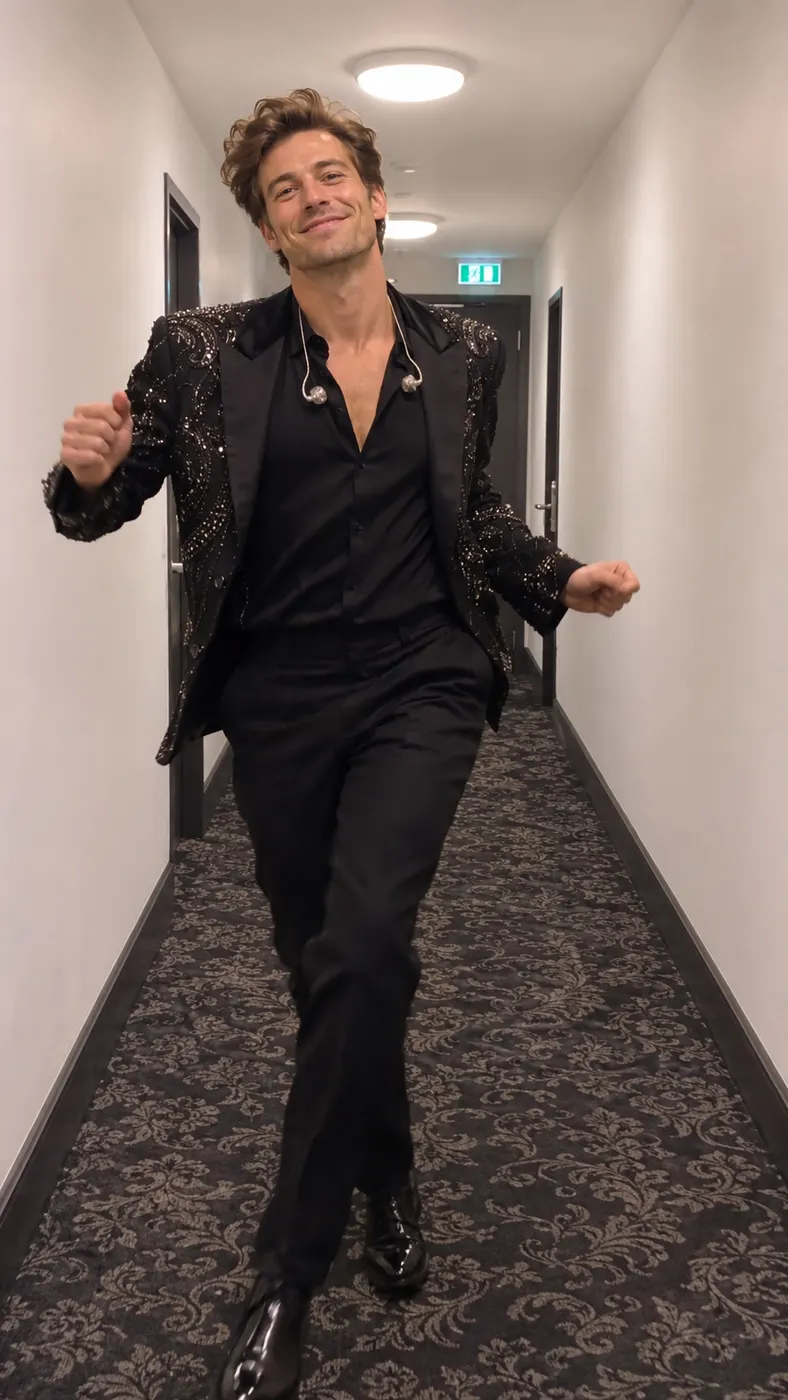
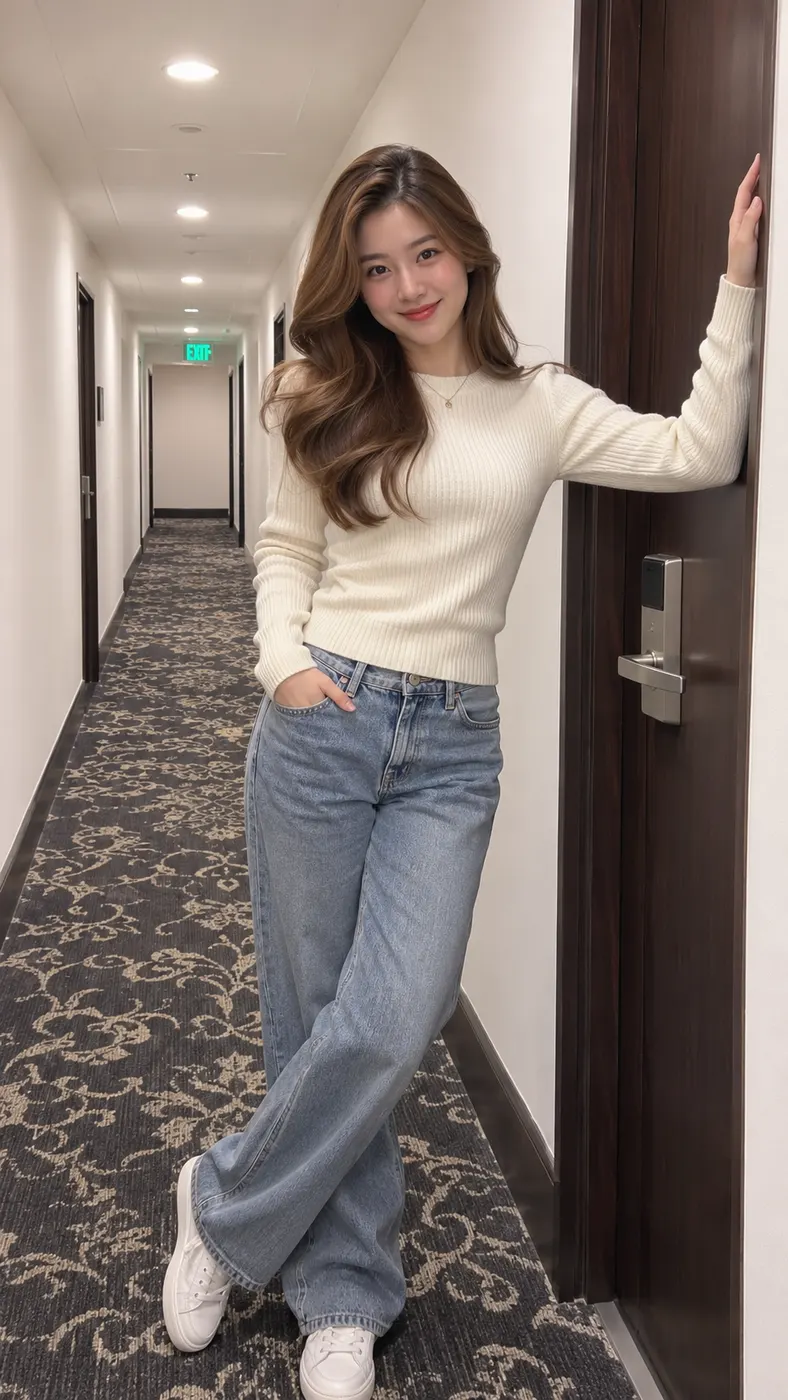
These Toosie Slide AI examples show the actual scene: adults take the place of the solo dancer and move through the white hotel hallway in one continuous take. Start with a strong source image using this photo selection guide; then check the available credit and price details before generating. Each card keeps the recognizable hallway dance scene while giving the main subject a different look from the uploaded photo.
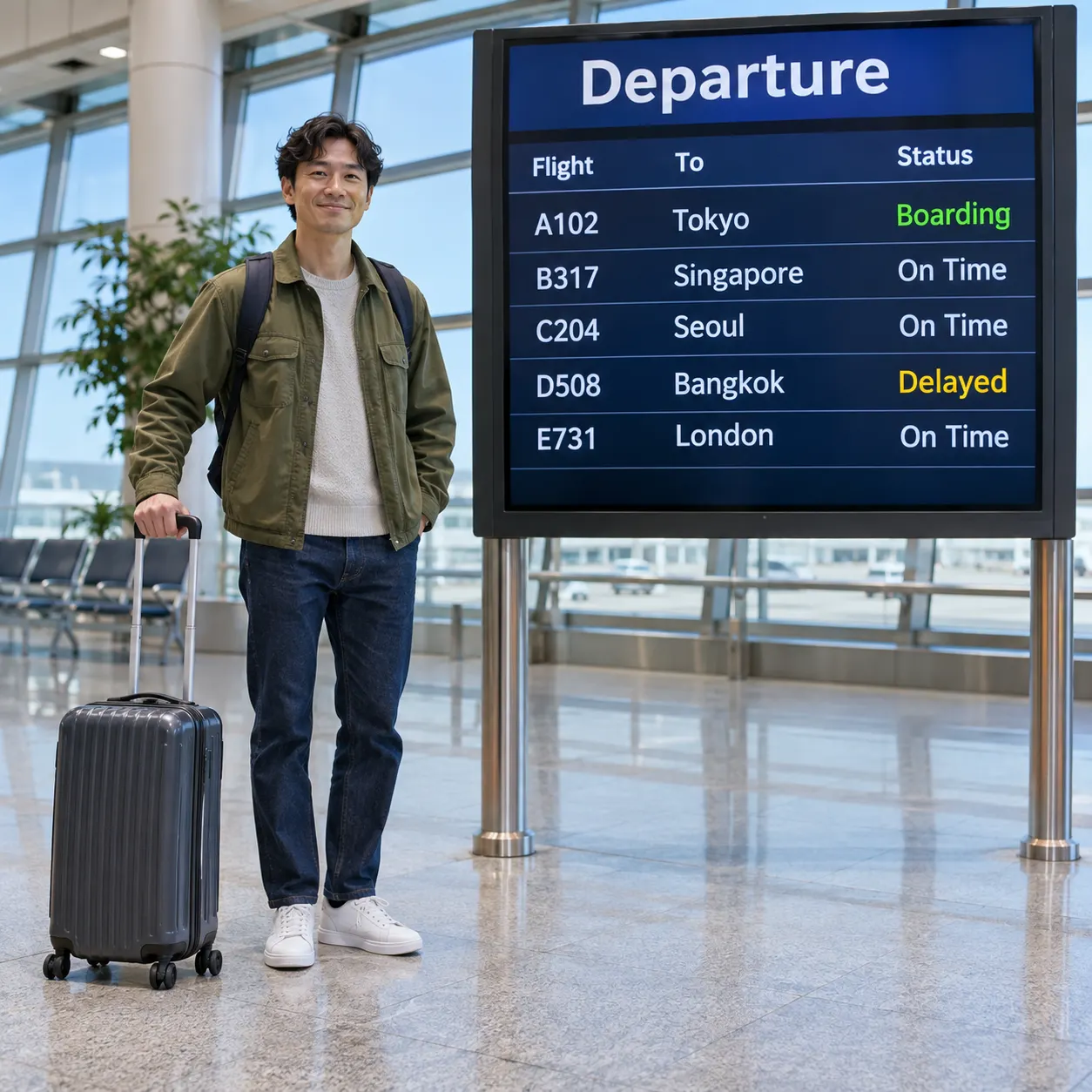
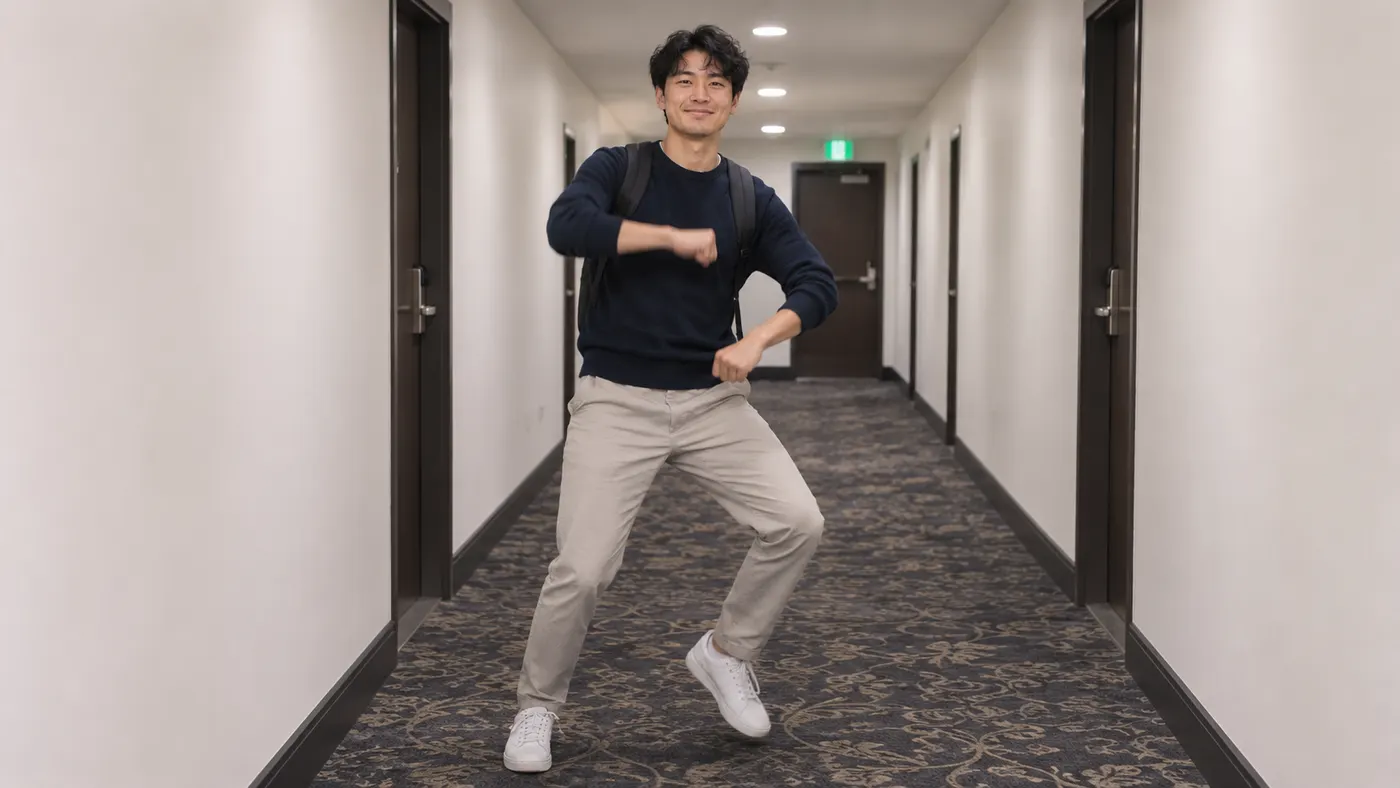
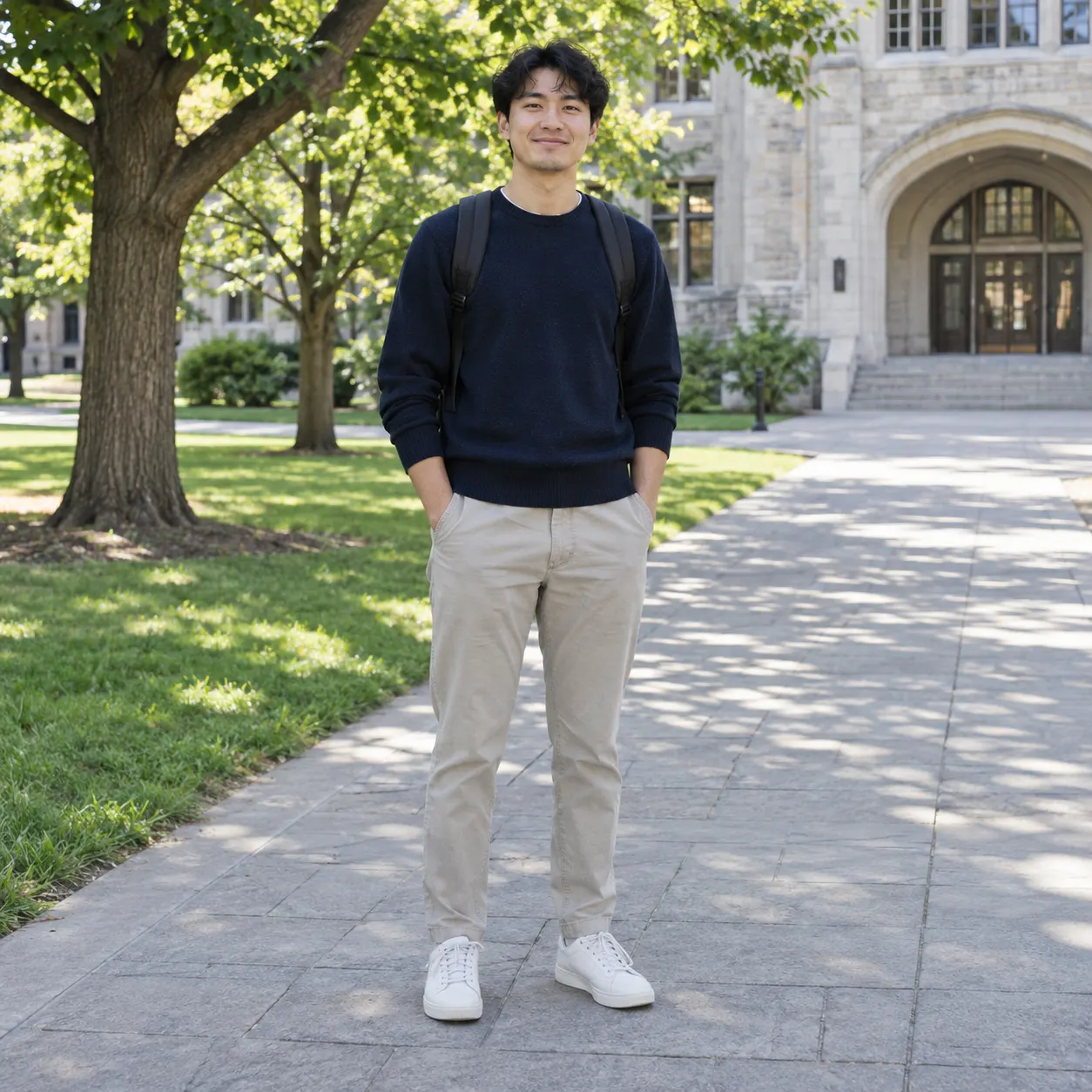
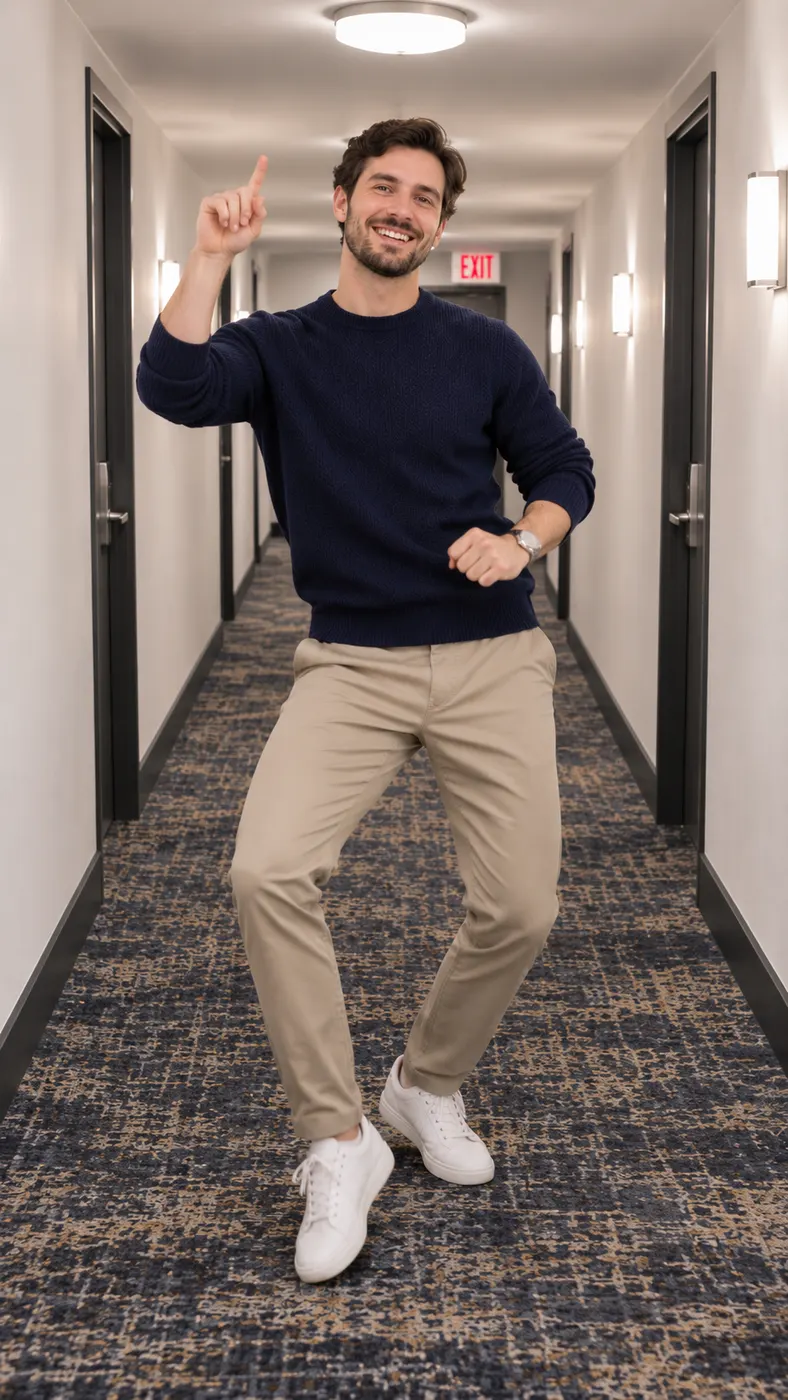


Make a Toosie Slide AI Clip in Three Steps
- 01
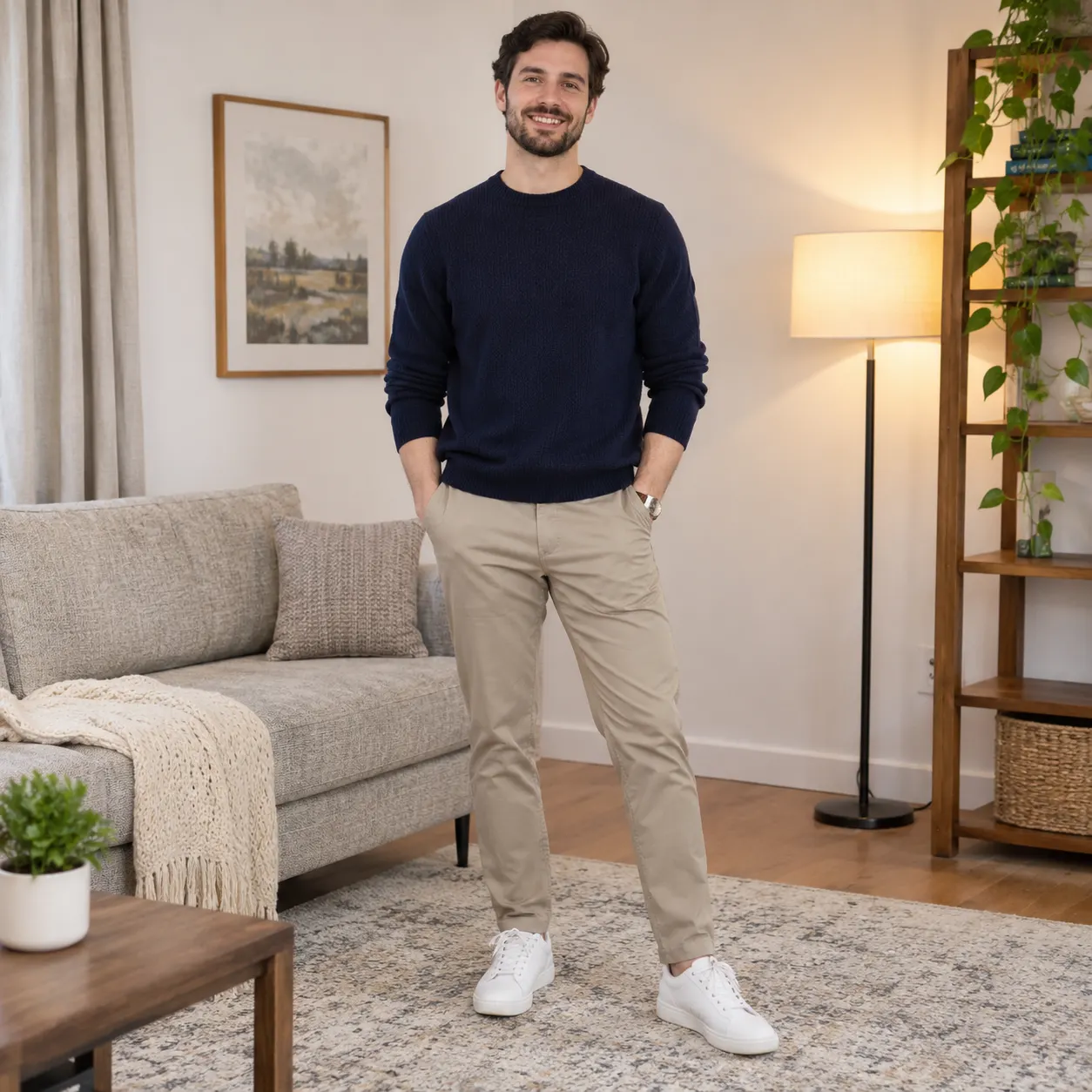
Upload one clear photo
Choose one clear photo of the adult you want to place in the scene. The tool accepts a solo shot or a photo of two people, but the selected scene is centered on one hallway dancer. Keep the intended face visible and avoid heavy filters, severe blur, or an image where the subject is hidden behind another person. A straightforward portrait or full-body photo gives the generator a better reference for the face, hairstyle, skin tone, clothing, and body shape.
- 02
Generate the hallway scene
Toosie Slide AI uses the selected Toosie Slide scene to replace the reference dancer with the subject from your uploaded photo. The generated video keeps the narrow white hotel hallway, dark patterned carpet, dark baseboards, bright ceiling lights, distant exit sign, locked-off phone viewpoint, and one continuous take. You can add an optional detail such as a clothing color or another small visual request, but the core action remains the solo hallway dance with the right foot raised and the left foot sliding.
- 03
Review and keep the result
Generation produces a vertical clip at 480p resolution and uses the displayed 29 credits. The scene output is designed around 15 seconds, while the actual wait can vary with the current generation queue. Review the face, body continuity, foot movement, hallway composition, and timing before sharing. If the result needs another attempt, check the source image and optional instruction, then use the available generation controls again.
Why Use This Hallway Scene
Put yourself in the meme moment
A Toosie Slide AI clip gives you the recognizable hotel hallway setup without asking you to record a performance. Your uploaded photo supplies the main subject, while the scene supplies the solo movement, steady phone framing, bright corridor, carpet, and exit sign. That makes the finished video immediately understandable to viewers who know the meme and still visually clear to people seeing it for the first time.
Start with a practical source photo
You do not need a staged hallway portrait. Use a clear image where the intended face is visible and the subject is not hidden by a filter, object, or crowded foreground. A photo with a readable face and enough of the body for movement gives the generator useful visual information. The page is built for a photo-led workflow, so the source image matters more than trying to describe every dance position in the optional text field.
Keep the recognizable one-take setting
The scene works because the camera does not jump between unrelated locations. The dancer moves alone down a narrow white hotel hallway while the dark carpet, baseboards, bright ceiling lights, and exit sign establish the setting. You can add a small personal detail through the optional prompt, but the strongest result usually keeps the hallway and the continuous dance action easy to identify.
Use the output for short-form sharing
The vertical format suits a quick social post, a message to a friend, or a reaction to the original meme. The clip is focused on one person and one visual joke, so viewers can understand the setup quickly. Before posting, watch the complete result once and confirm that the face remains consistent, the movement looks intentional, and the hallway action reads clearly from beginning to end.
Know what the generation includes
The page creates a short generated video from one uploaded image and the selected scene. It does not turn the page into a dance tutorial, a music-streaming destination, or a hotel reservation service. The useful choice is simple: select the hallway scene, provide a clear photo, optionally add a small detail, and judge the resulting clip on its visual continuity and resemblance to the intended meme moment.
Toosie Slide Scene Questions Answered
What is the Toosie Slide AI scene on this page?
Toosie Slide AI is a photo-to-video scene that places the subject from one uploaded photo into a solo dance down a narrow white hotel hallway. The camera stays locked off for one continuous take, while the recognizable sequence includes the right foot lifting and the left foot sliding. This page focuses on recreating that visual meme clip, not on streaming a song or teaching a full dance routine.
Is this scene free to use?
The page currently lists 0 free runs, so do not expect a free generation allowance. The displayed charge is $2.03, and a run uses 29 credits. Check the current pricing information before you submit the image, especially if you want to make more than one attempt or compare different source photos.
How long does a Toosie Slide AI generation take and how long is the result?
A Toosie Slide AI result is designed as a short 15-second video at 480p resolution. The waiting time is not fixed because it depends on the active generation queue and the service response. Uploading a clear image and keeping the optional instruction focused can make the request easier to review, but the page does not promise a specific completion time.
What photo should I upload for the hallway dance?
Use one clear photo with the intended face visible and without a heavy filter. A solo shot is the simplest reference, and the input also describes support for a photo of two people. Choose an image where the main subject is not blocked, cropped too tightly, or blended into a busy group. The better the face and body are readable, the easier it is to judge whether the generated movement stays consistent.
Can I use a friend’s photo for this scene?
You can use a photo of another adult only when you have that person’s permission. Tell the person what the generated clip will show, where you may share it, and that the image will be used as a reference for a hallway dance video. Do not upload a private or sensitive image without consent, and avoid presenting the generated result as footage of something that actually happened.
Is Toosie Slide AI an official Drake or music-label tool?
Toosie Slide AI on this page is a Rap Blaze scene for creating a visual meme-style clip from a photo; it is not presented as an official Drake, label, or music-platform tool. The page does not provide song streaming, music licensing, or hotel services. Use the scene for the visual hallway performance and describe the result honestly when you share it.
Step Into the Hallway Scene
Ready to turn one clear photo into the recognizable hallway dance clip? Return to the first-screen generator panel at #generator, select the Toosie Slide scene, upload the subject’s photo, and generate the result. Watch the full clip before sharing it, and use a photo you have permission to use.