
Ice Ice Baby Dance
You can make a vertical Ice Ice Baby dance clip from one clear photo of yourself or a friend. You can create a dance clip that keeps the people recognizable while adding smooth hip-hop moves, a spin, a final pose, and an upbeat dance track with no speech. The scene places the performance in a neon-lit dance studio, giving the result a clear setting for short-form sharing.
One clear photo: a solo shot or the two of you. Faces visible, no heavy filters
Tip: drag a photo onto its box, or click the box to pick one.
Dance · You dance in a neon studio, with a spin and a final pose.
This video: 29 credits · Credits come back if it fails
AI video effect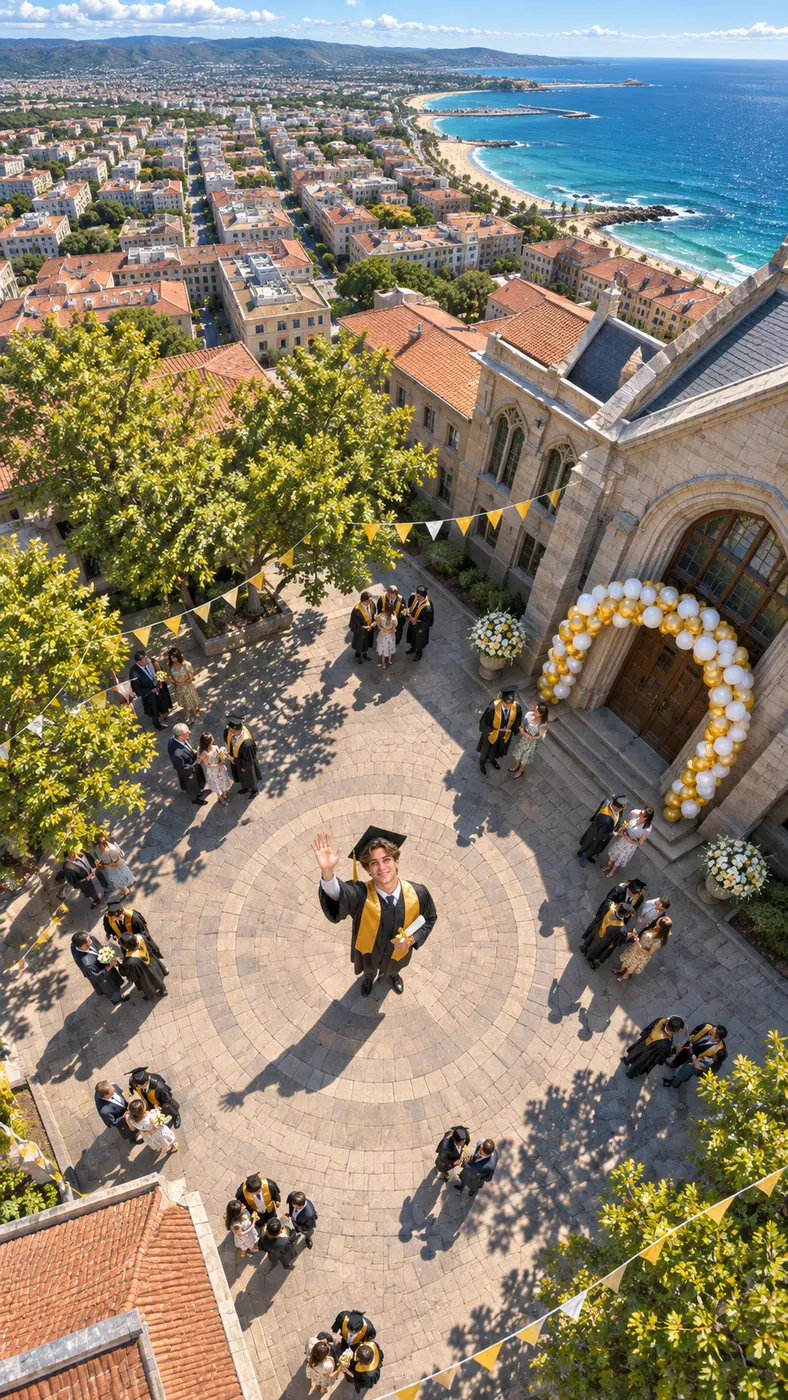
Ice Ice Baby Dance Examples
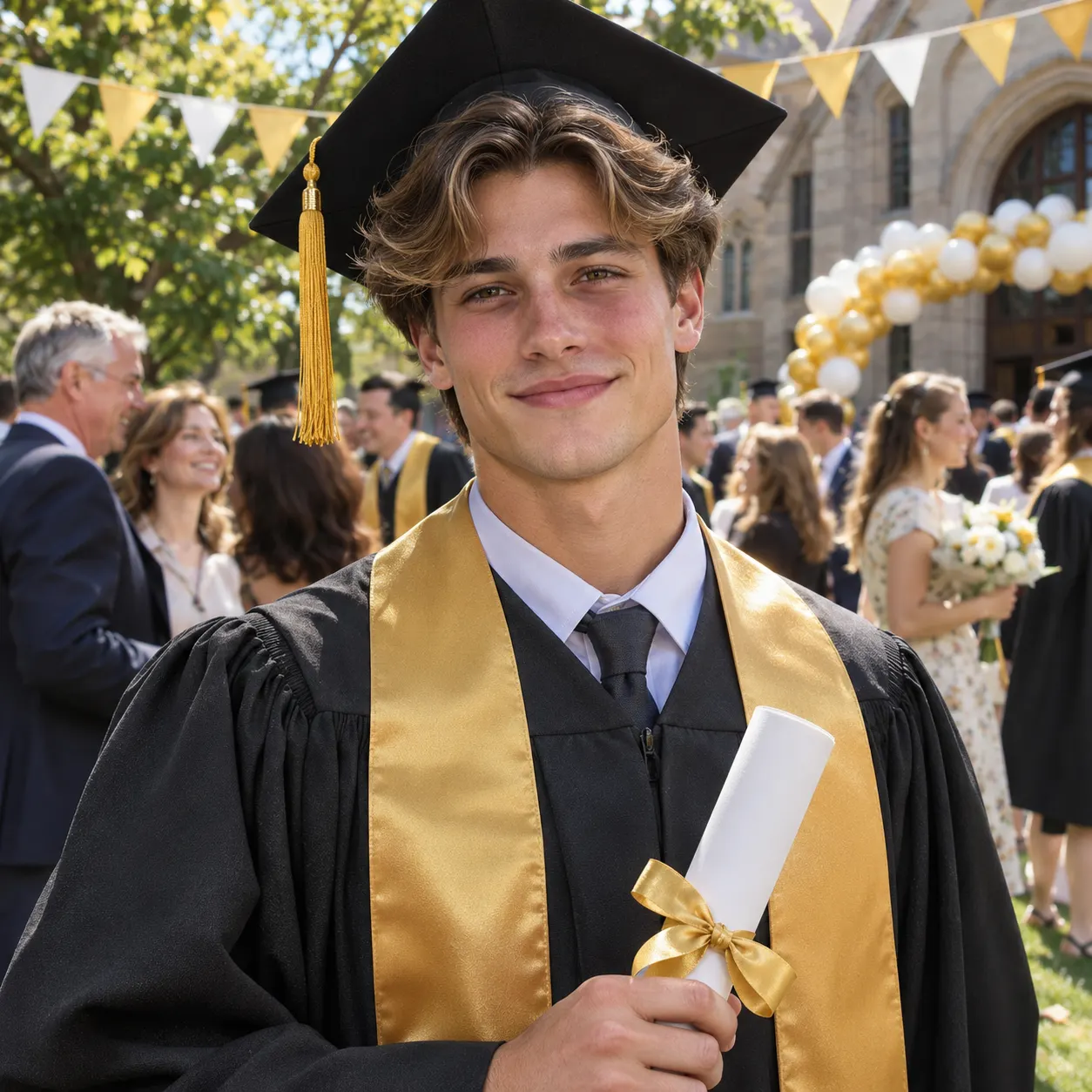
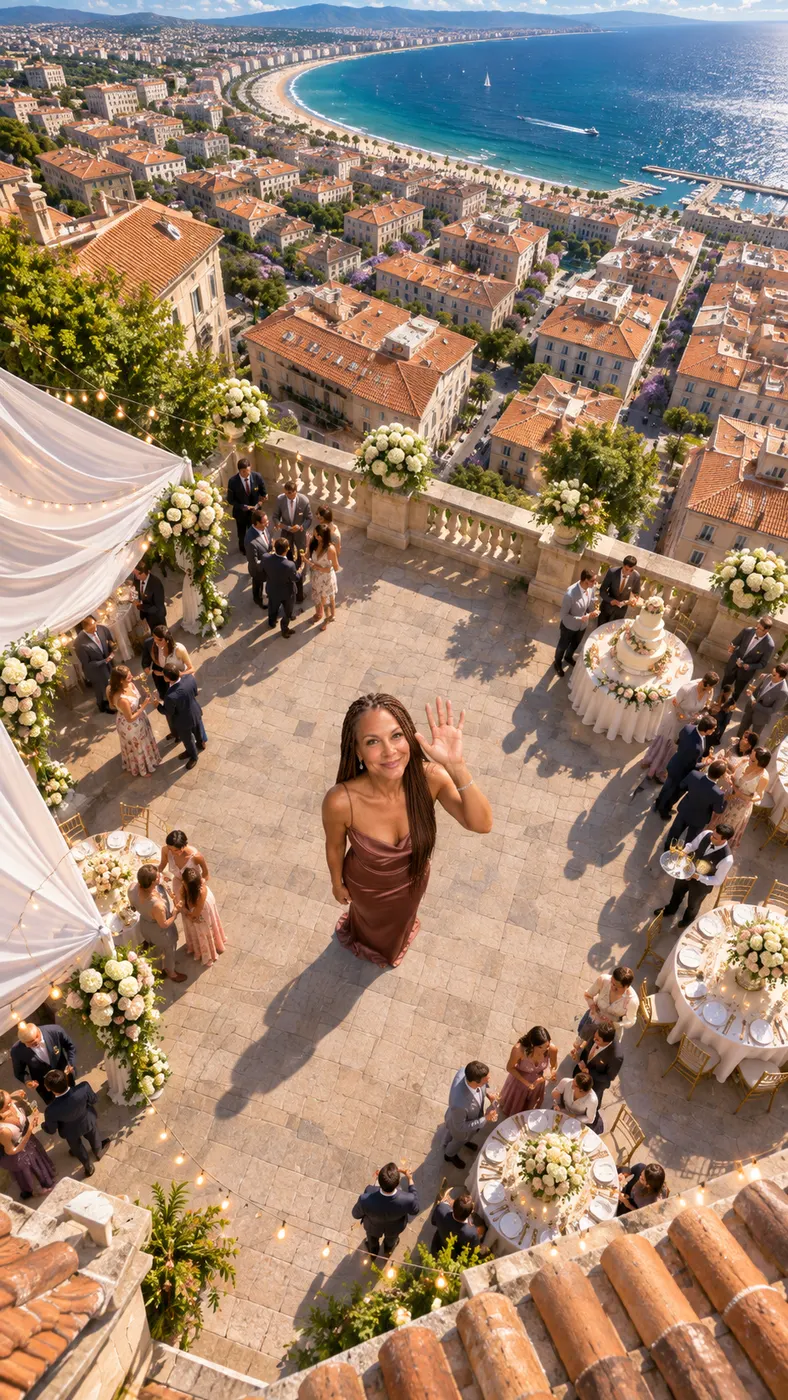
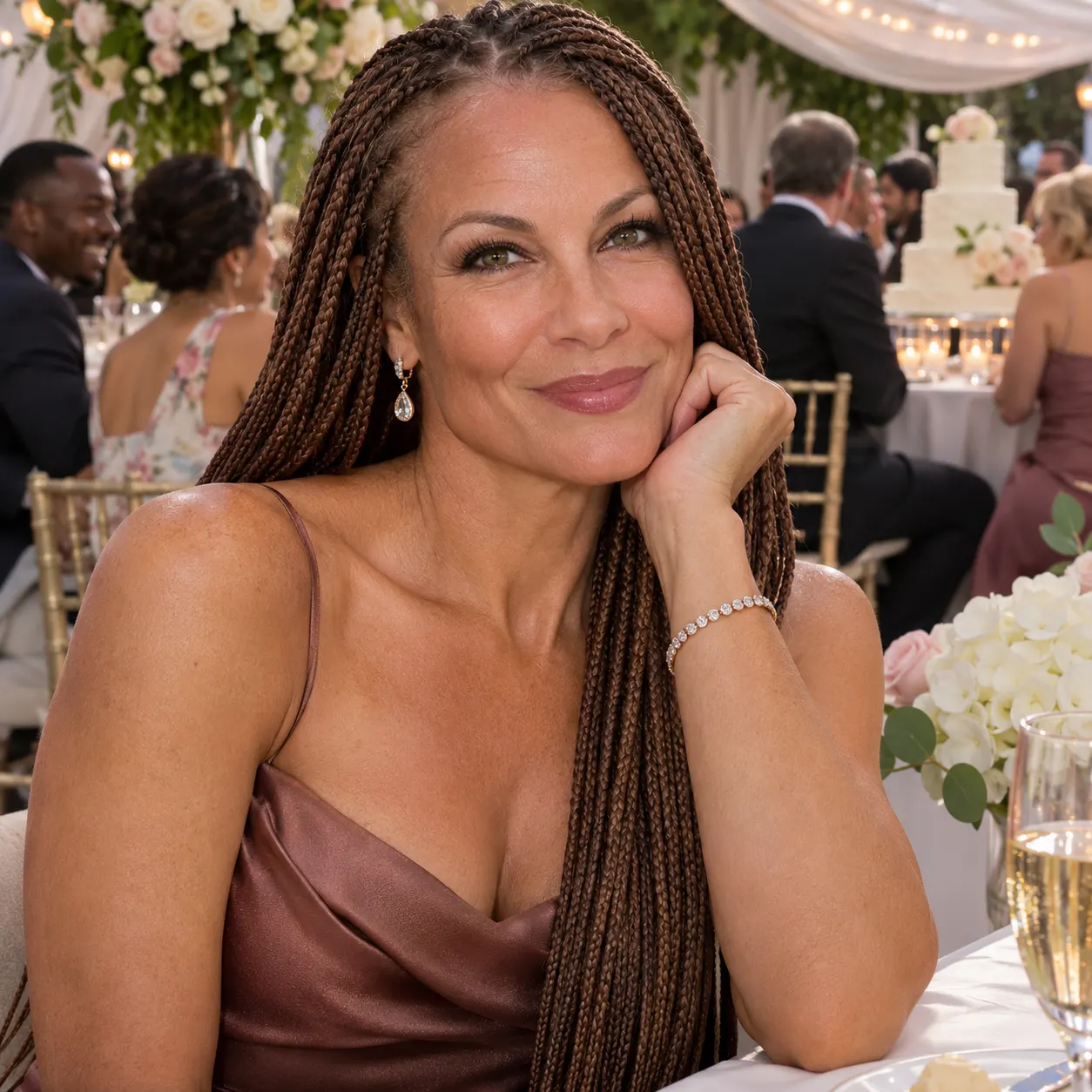
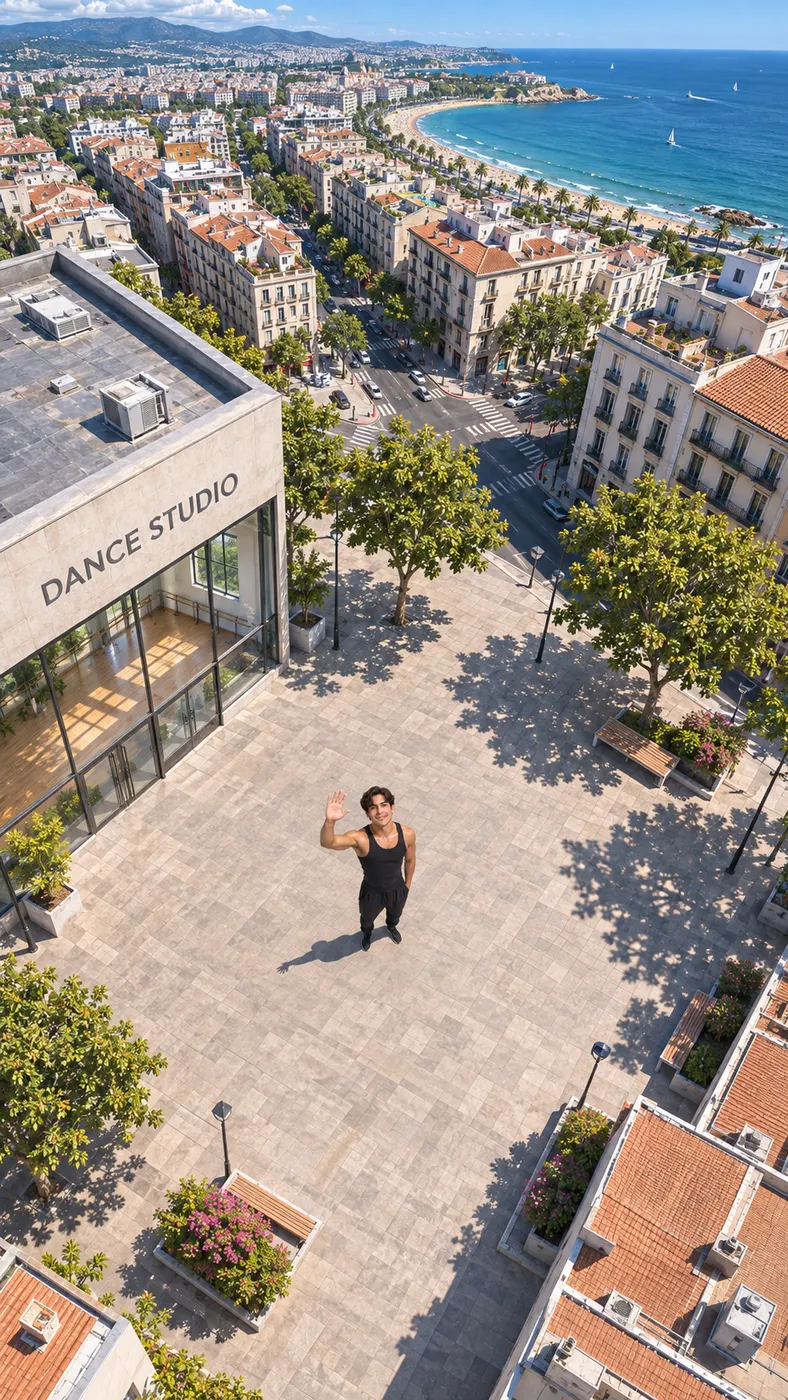
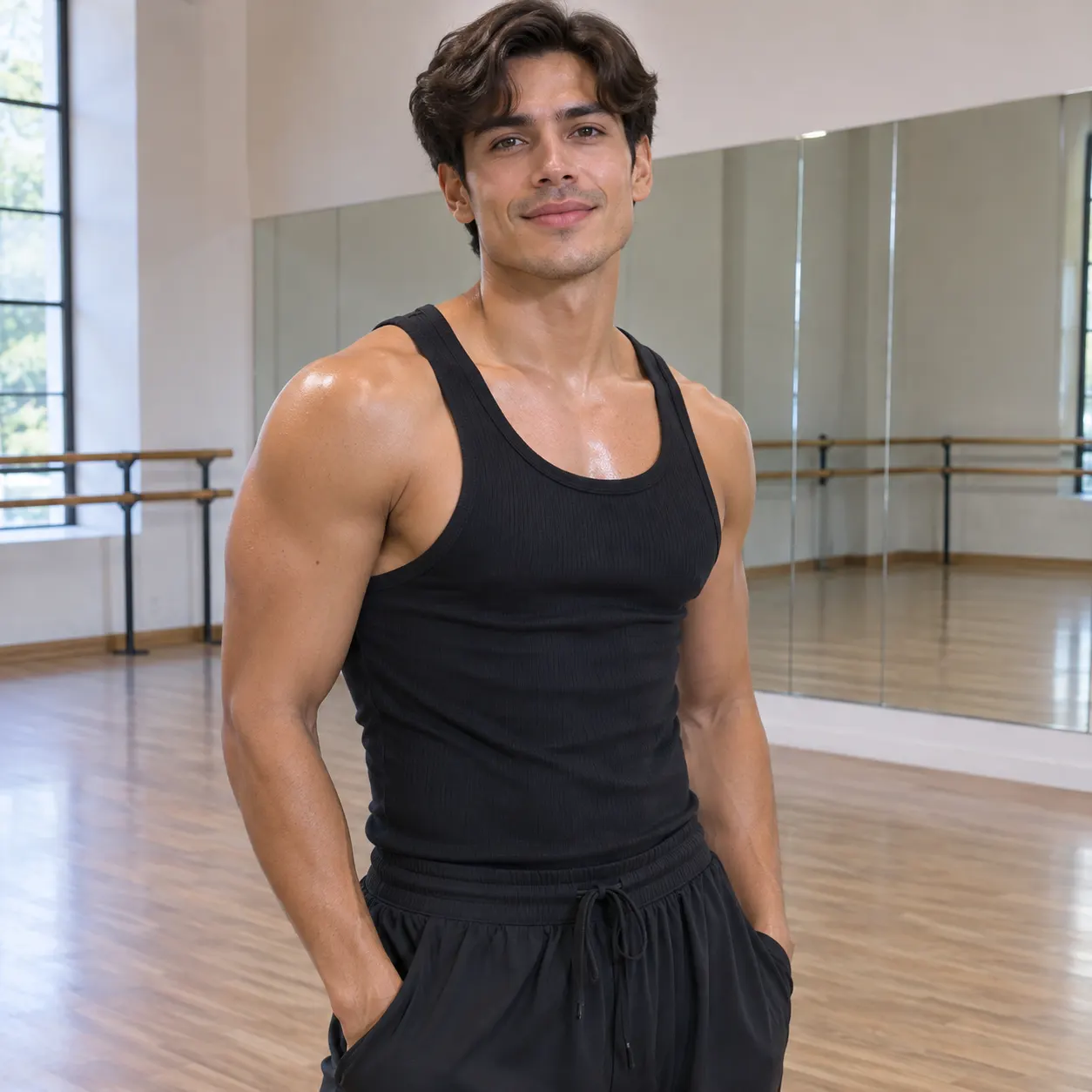
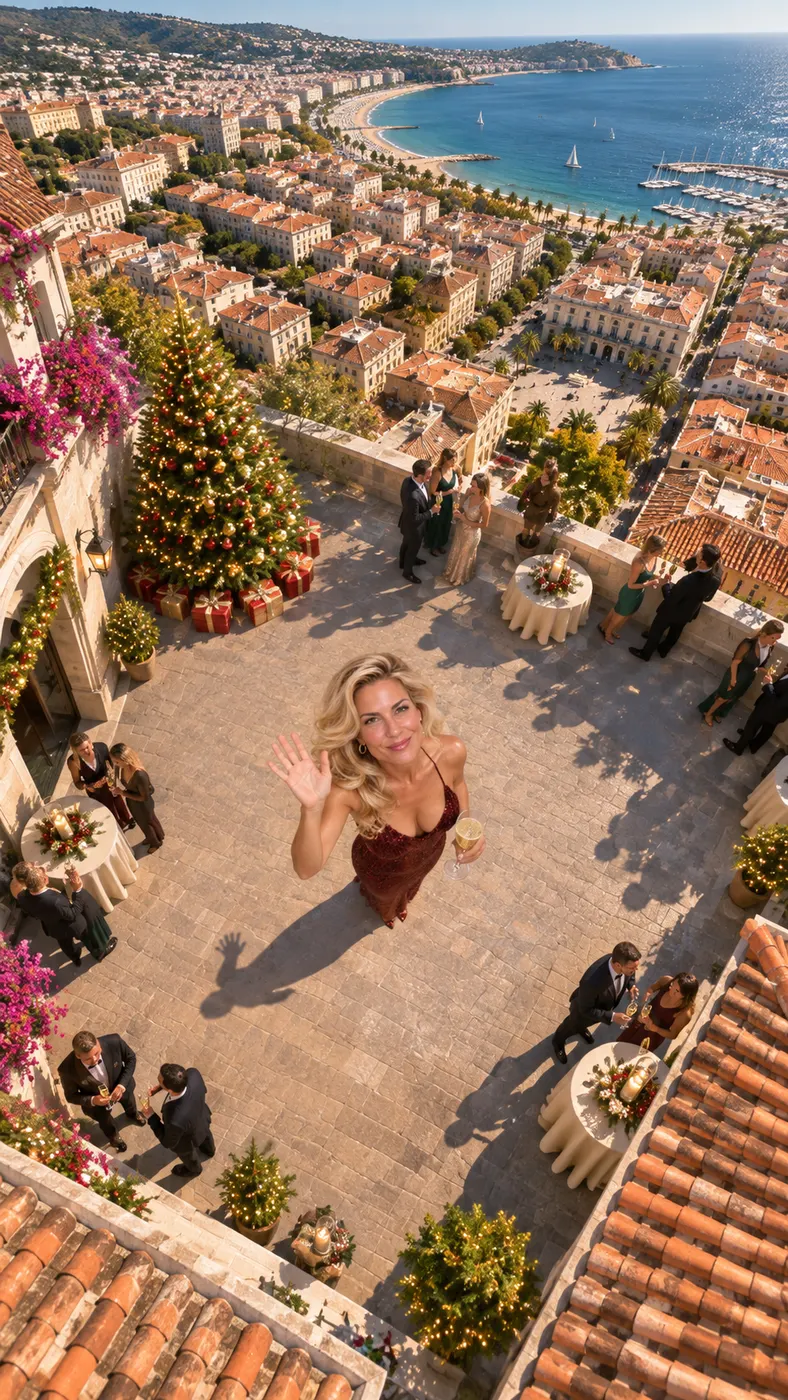
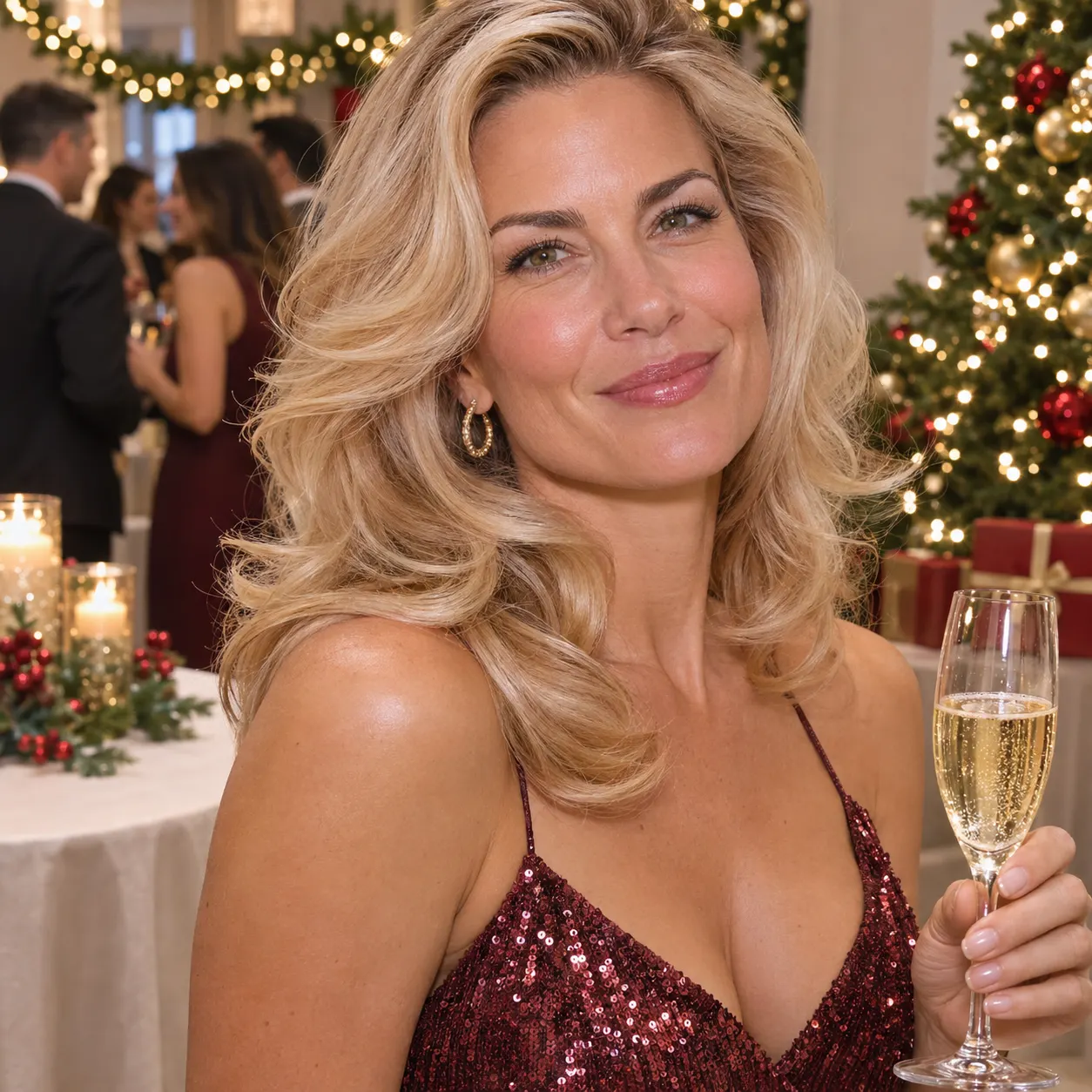
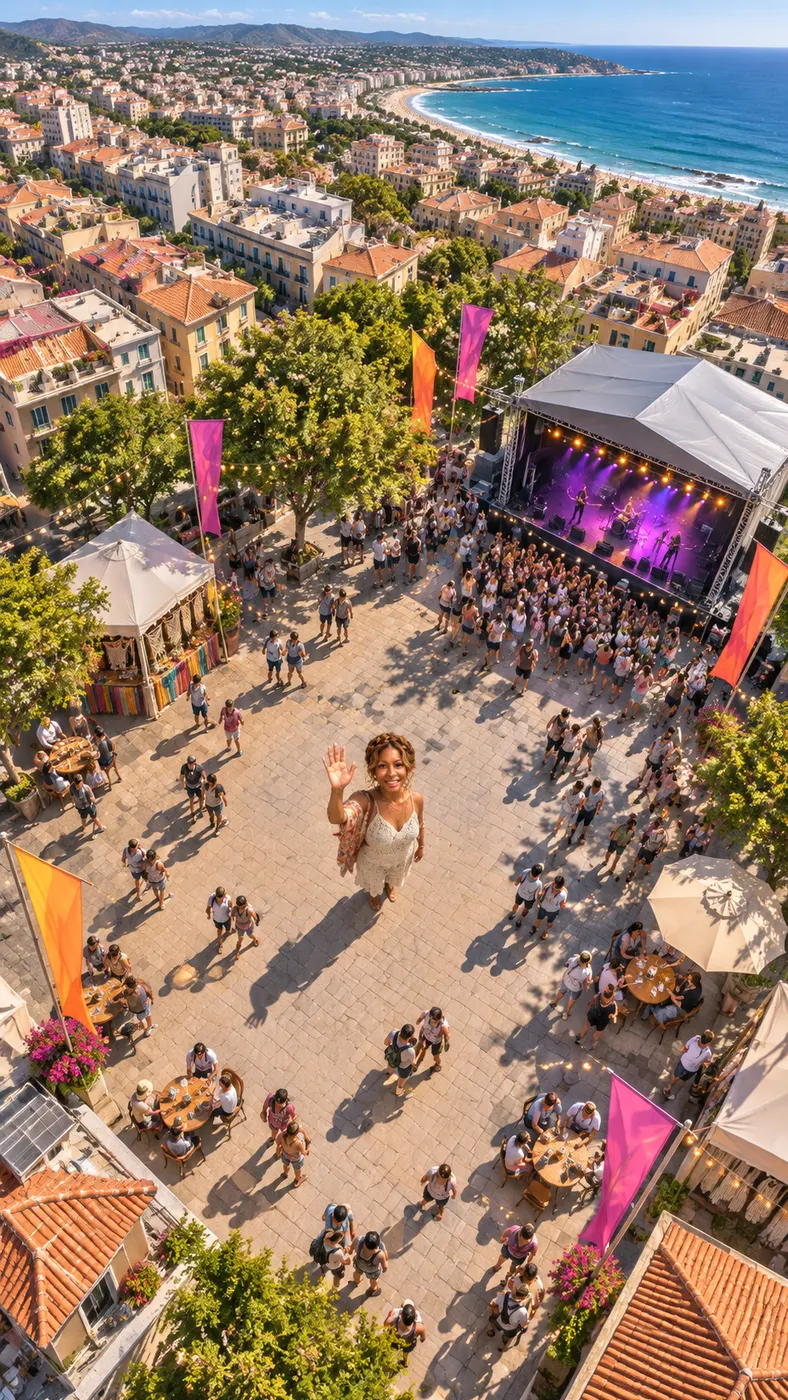
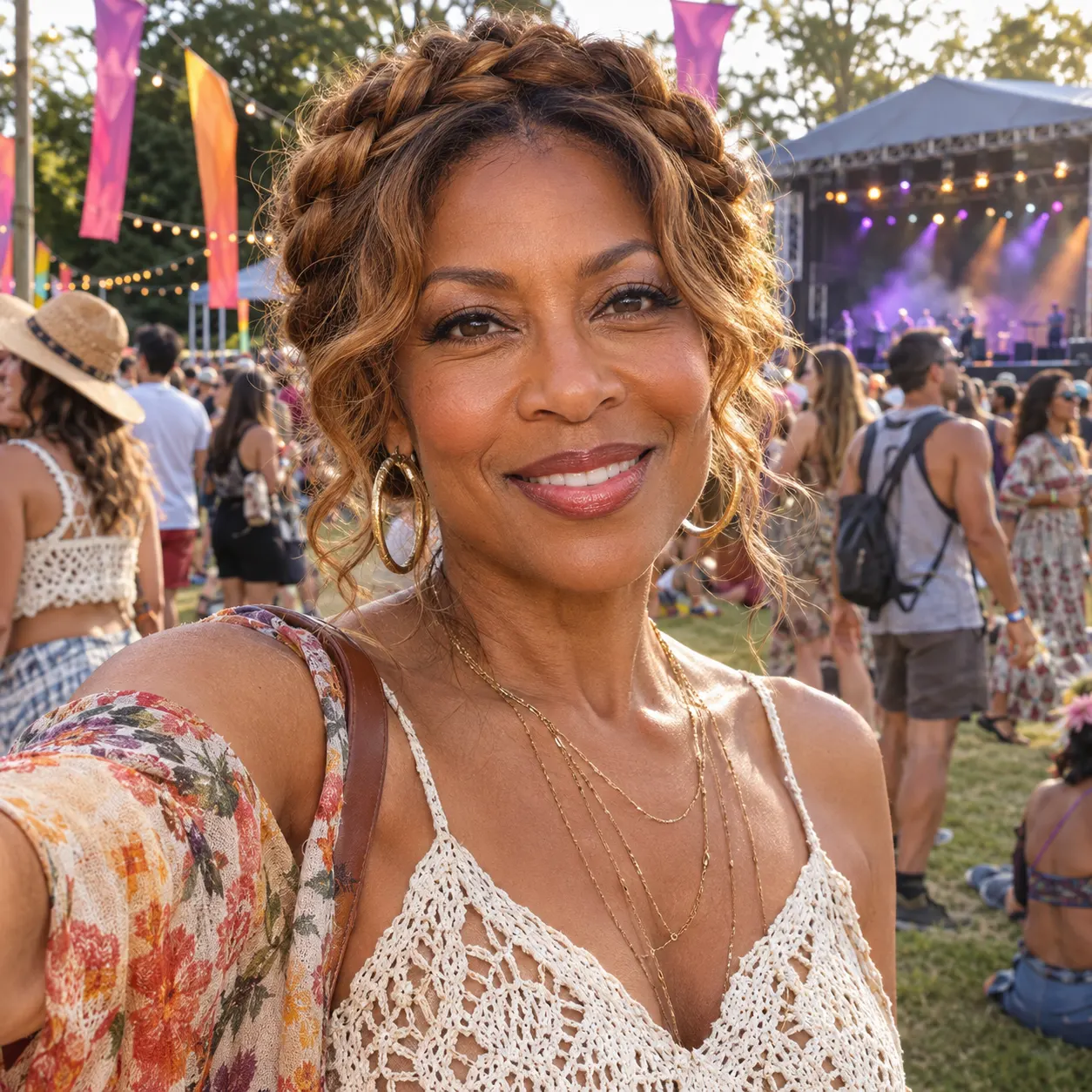
These examples show how a single visual moment can become a polished vertical clip. The Dance scene is designed for energetic movement, while the optional prompt lets you add suitable outfit, setting, or performance details. Each result keeps the uploaded subject at the center instead of asking you to film a routine from scratch. The movement includes a smooth sequence, a spin, and a final pose, so the clip has a visible beginning, middle, and ending. For more options, explore more dance scenes or review this photo checklist before uploading.


How to Make an Ice Ice Baby Dance Clip
- 01
Upload a clear photo
Start with one clear photo showing a solo subject or two people with visible faces. Avoid heavy filters so the generator has a clean reference for facial features, hairstyle, skin tone, clothing, and body shape. Choose a frame where the intended subject is easy to identify and not hidden behind another person or a large object. A straightforward, well-lit image gives the scene a better starting point for keeping the same people throughout the movement.
- 02
Choose the dance scene
Select the Dance scene and add an optional prompt if you want to suggest an outfit, setting, or performance detail. The generator turns the uploaded reference into an Ice Ice Baby dance clip with smooth hip-hop movement, a spin, and a final pose. You can leave the prompt empty when the default neon-lit studio direction is enough. If you do add text, keep it focused on details such as clothing, lighting, or location rather than asking for a completely different action sequence.
- 03
Review the render
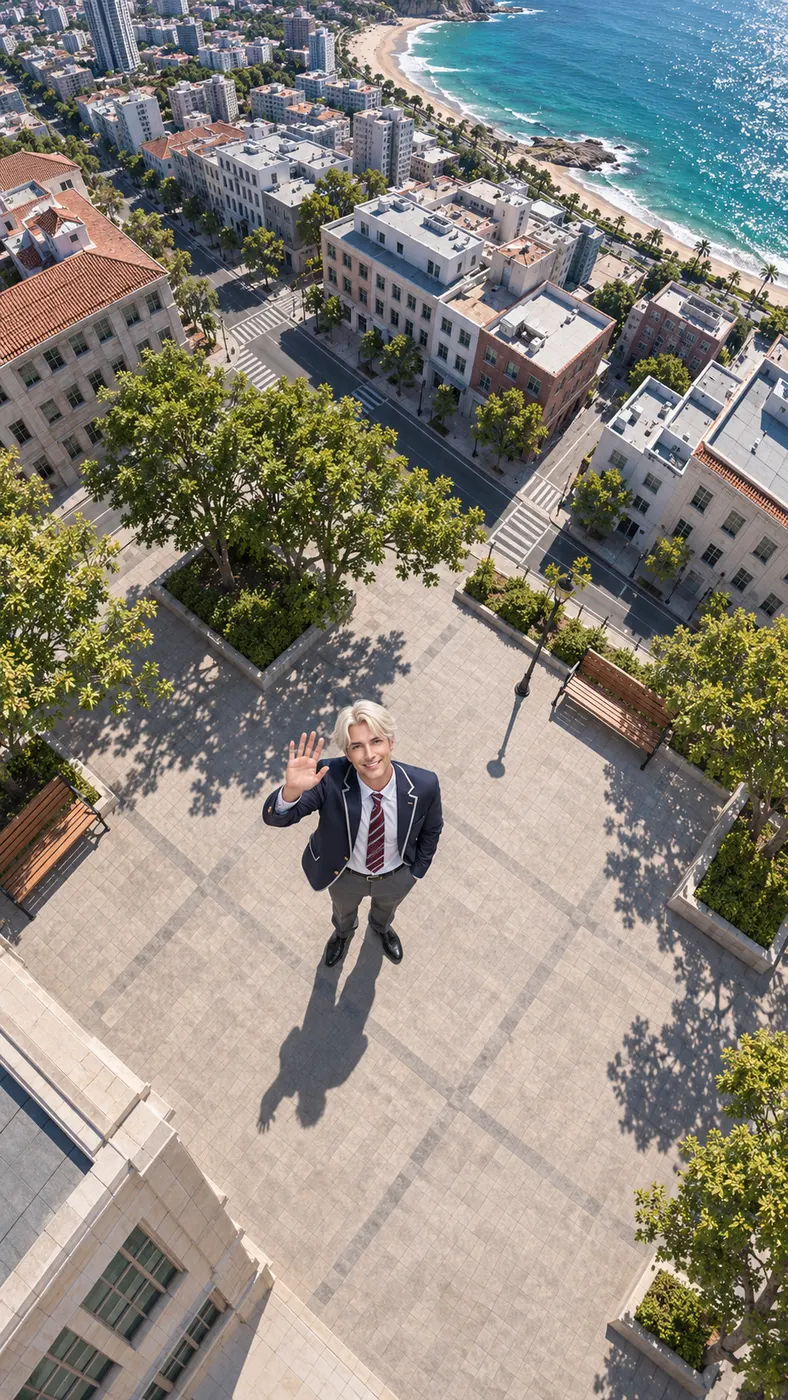
The result is a vertical 15-second clip with an upbeat dance track and no speech. Allow a short rendering wait rather than expecting an instant result, then check that the face remains recognizable, the movement stays coherent, and the final pose is visible before sharing the finished clip. Review the full sequence from the opening move through the spin so you can confirm that the subject remains consistent and that the vertical framing keeps the action in view.
What You Can Do With This Dance Clip
Turn one photo into movement
You can start with a still image and receive a vertical short instead of filming the routine yourself. The generator uses the person or people in the uploaded photo as the performers, preserving the recognizable subject while adding a complete Ice Ice Baby dance movement sequence with a spin and a closing pose. This makes a single portrait useful for a short performance concept, even when you do not have recorded dance footage.
Create a recognizable dance feel
You can use the Dance scene to create an Ice Ice Baby dance clip with smooth hip-hop movement and an upbeat track. The result is inspired by a recognizable dance format, but the tool does not promise to reproduce a specific existing song or an exact original performance. That distinction lets you aim for the visual energy of the idea while keeping the generated audio as the scene's own upbeat track.
Add your own visual direction
You can use the optional prompt to suggest details such as a red jacket, a sunset setting, or another suitable performance idea. Keep the request focused on the outfit, setting, or presentation you want to add; the selected Dance scene supplies the core movement and audio direction. A short, concrete prompt is easier to match with the uploaded photo than a long list of unrelated instructions.
Prepare a vertical social post
You can create a vertical clip suited to TikTok, Reels, or Shorts-style sharing. The output uses 480p resolution and lasts 15 seconds, giving you a compact format for showing the movement, spin, and final pose in one continuous result. Watch the framing at the edges before posting, especially when the original photo places the subject close to the sides of the image.
Common Questions About This Dance Scene
What does this dance scene create?
It creates an Ice Ice Baby dance clip from one uploaded photo. The Dance scene places the subject in a neon-lit studio, adds smooth hip-hop moves, includes a spin and final pose, and uses an upbeat dance track with no speech. The source can show one person or two people, provided their faces are visible in the reference image.
Can I use a photo of two people?
Yes. Upload one clear photo showing either one person or the two people who should appear in the result. Both faces should be visible, and avoiding heavy filters gives the generator a better reference for keeping the subjects recognizable. Do not add extra people in the prompt, because the uploaded subjects are the people the scene is designed to animate.
Does the result use the original song?
No specific existing song is promised. The scene supplies an upbeat dance track with no speech, so the result creates a recognizable dance mood without claiming to reproduce a particular recording. The optional prompt can guide visual details, but it does not turn the output into a guaranteed recreation of a named song or performance.
Is this free to use?
The included free runs are 0. A generated clip is then priced at $2.03 and uses 29 credits, with the applicable amount shown by the site before you submit the generation. Check the displayed amount before starting if you want to plan how many clips to make.
How long is the generated clip?
The output is a vertical 15-second clip rendered at 480p. Rendering time can vary, so allow a short wait for the result to finish before reviewing the movement and final pose. The finished format is intended to keep the complete dance sequence compact and easy to share.
Is this an official release or official music video?
No. This is a Rap Blaze-generated interpretation made from your uploaded photo and the Dance scene. It is not presented as an official release, official music video, or reproduction of a specific artist performance. The generated clip is a personal visual interpretation of the selected scene.
Make Your Dance Clip
Use your own clear photo in the #generator panel above, choose the Dance scene, and add an optional prompt for extra outfit or setting details.