
AI Christmas Rap Video Generator
Make a free preview of an ai christmas rap video by stepping into a cosy Christmas living room with a friend or pet. Upload two separate photos, choose the Christmas tree scene, and add a short greeting, inside joke, or gift reveal for an original two-voice performance.
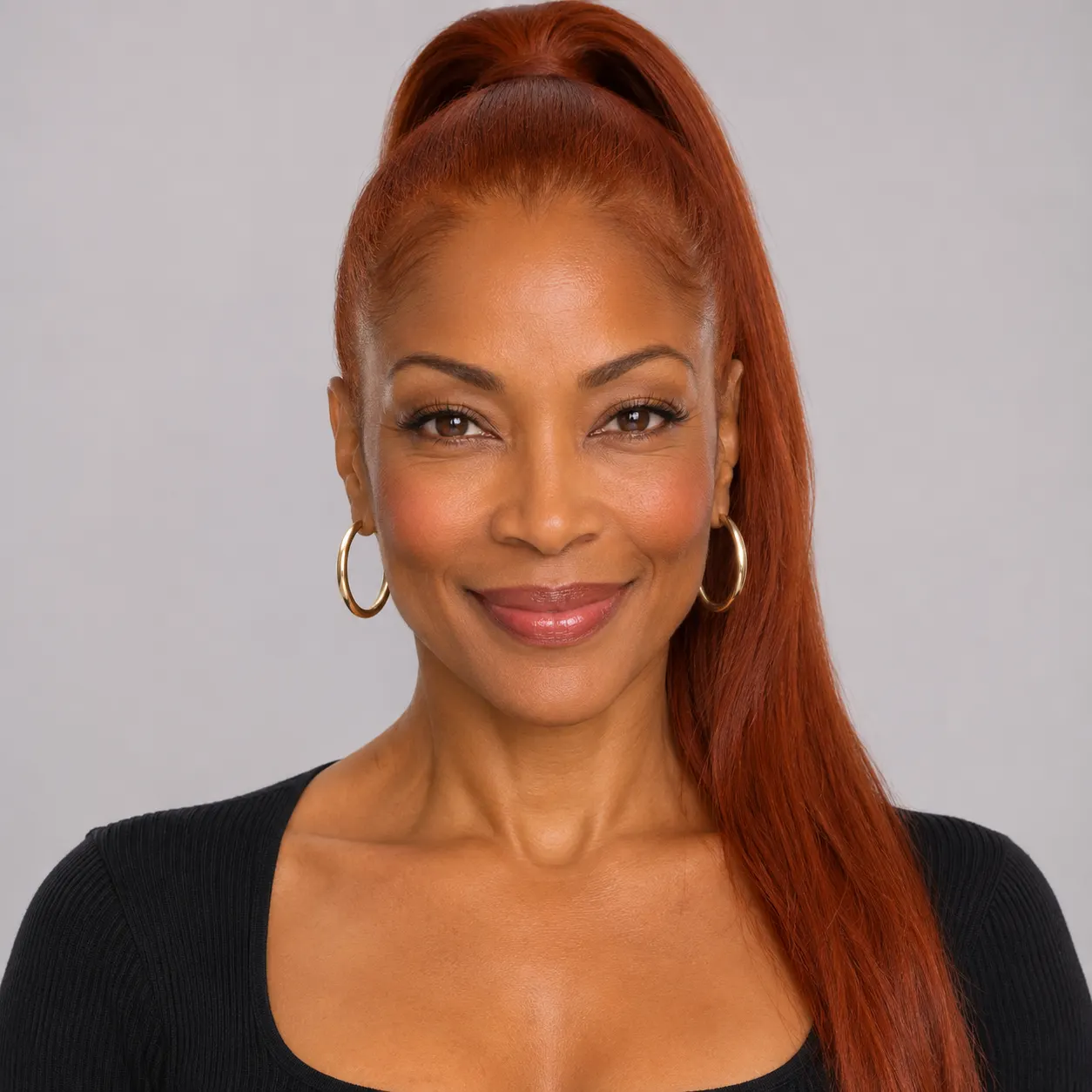
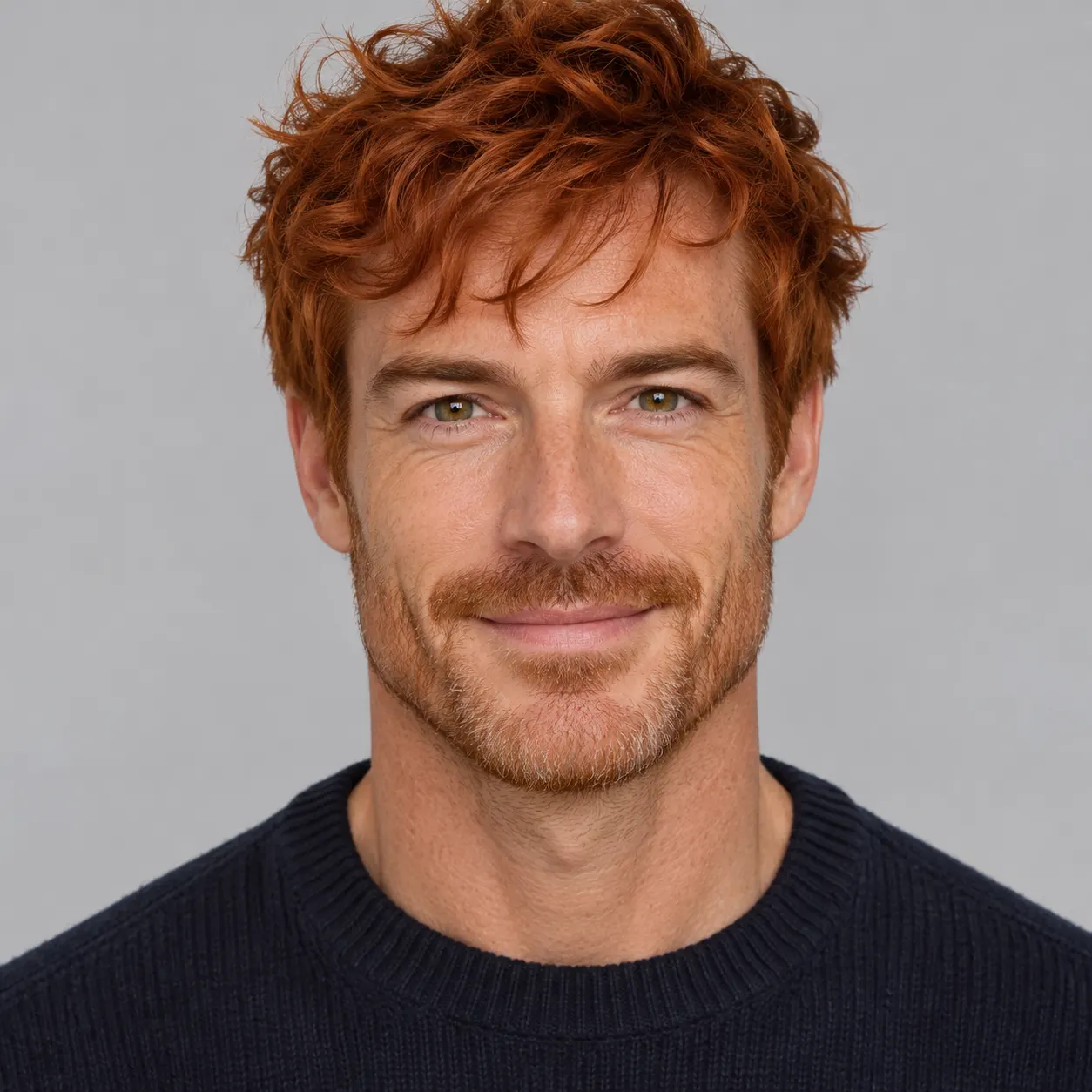
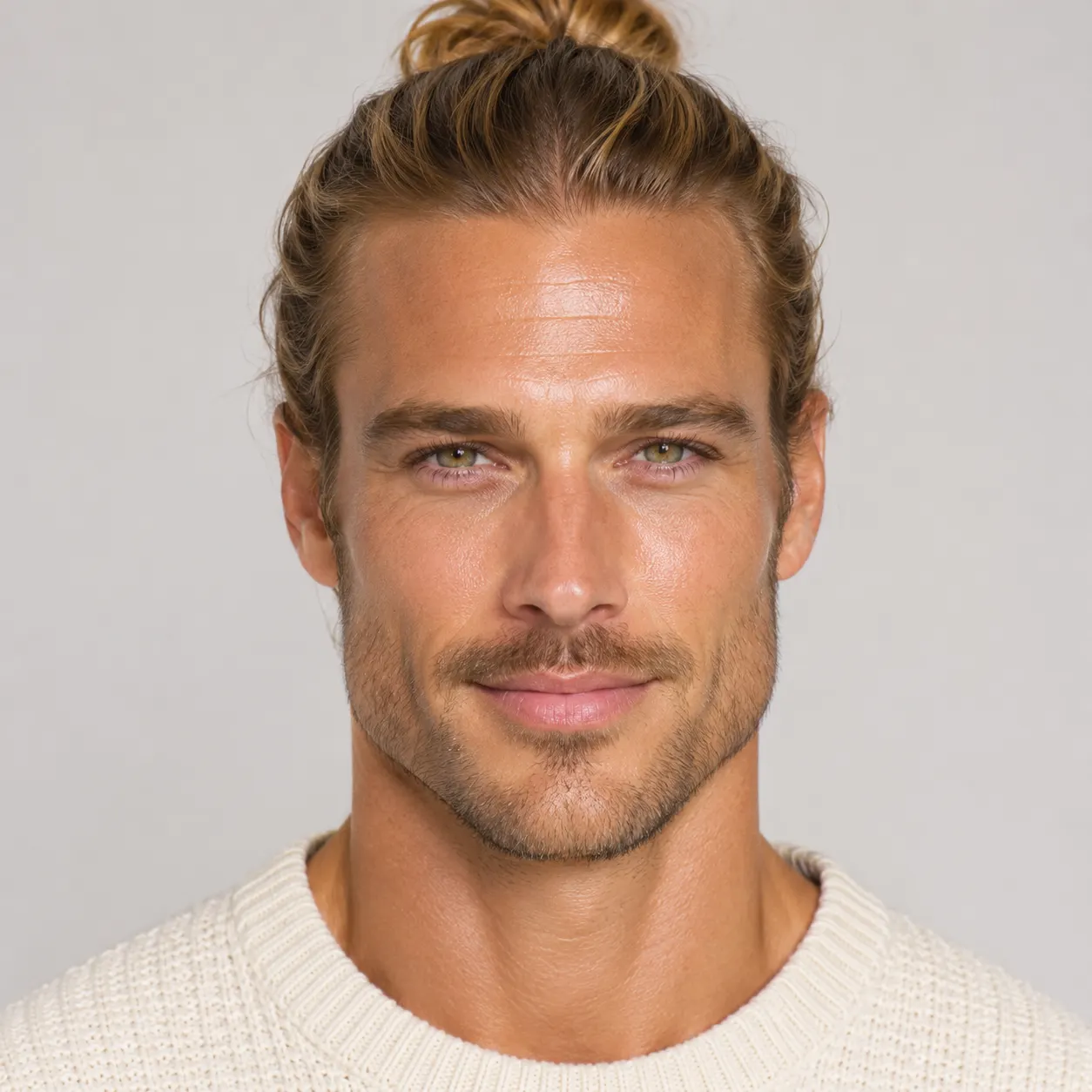
Photo 1: you. One face, front-facing, well lit, no sunglasses
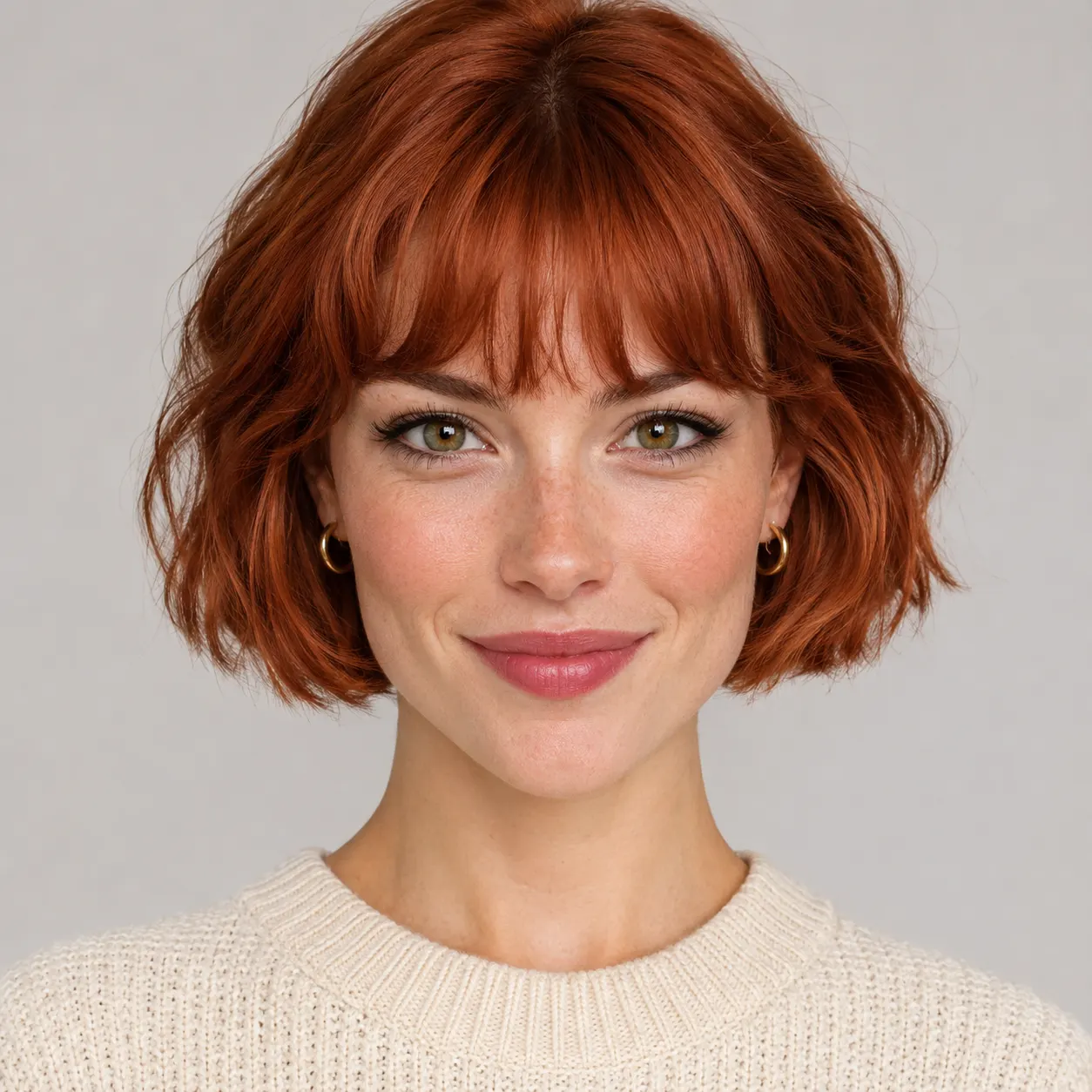
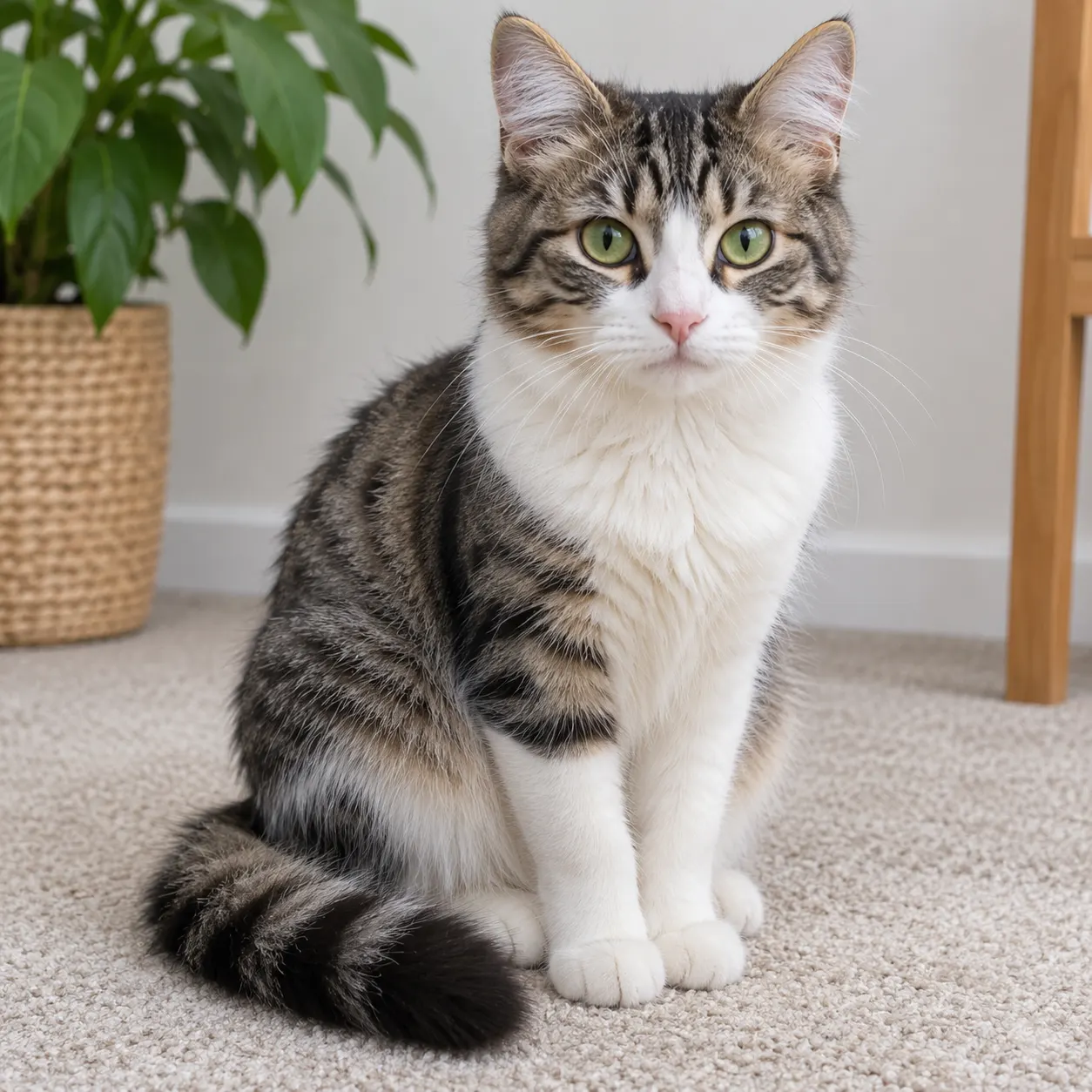
Photo 2: your friend or your pet, a separate photo. The two don't need to be taken together
Tip: drag a photo onto its box, or click the box to pick one.
Free 5-second 480P preview (small watermark) · Full video: 50 credits
rap duo video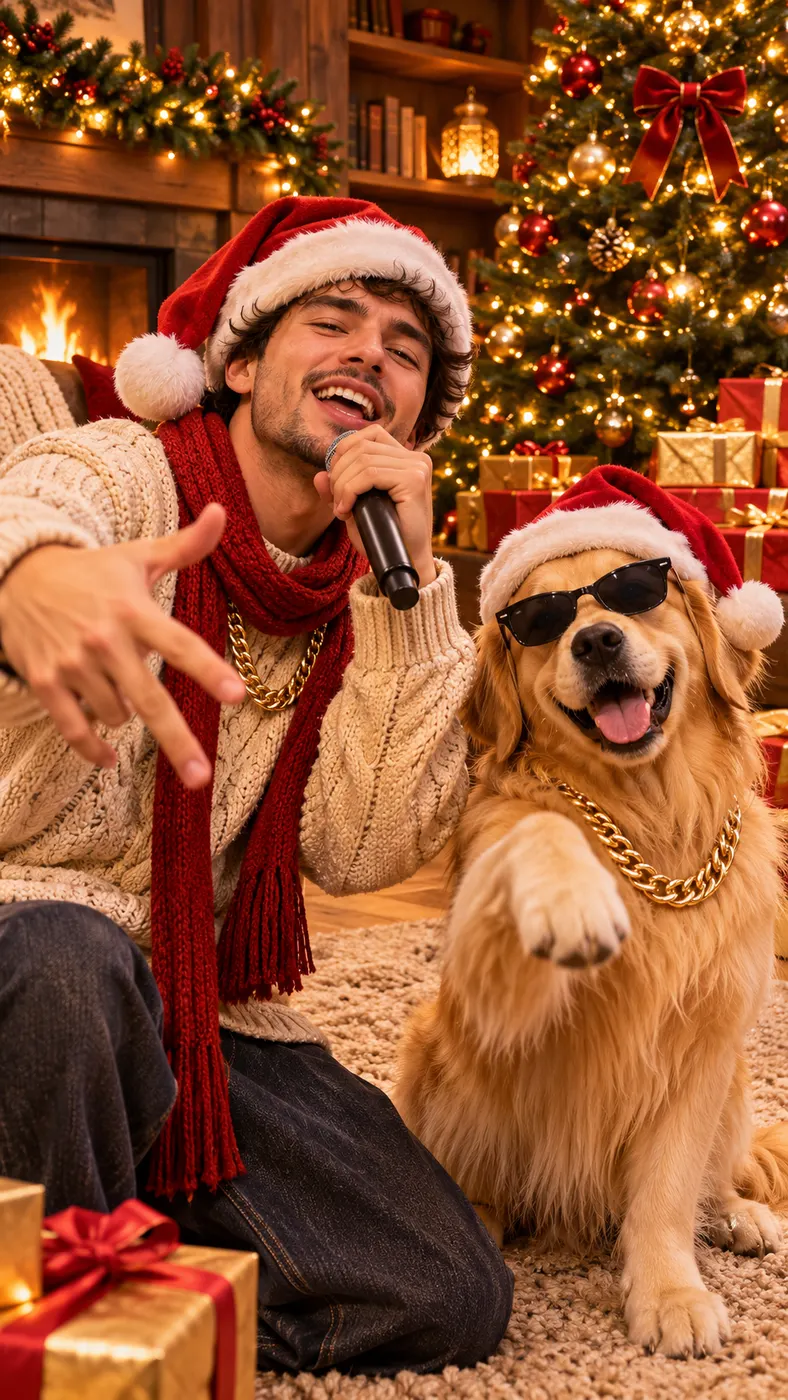
Christmas rap video examples
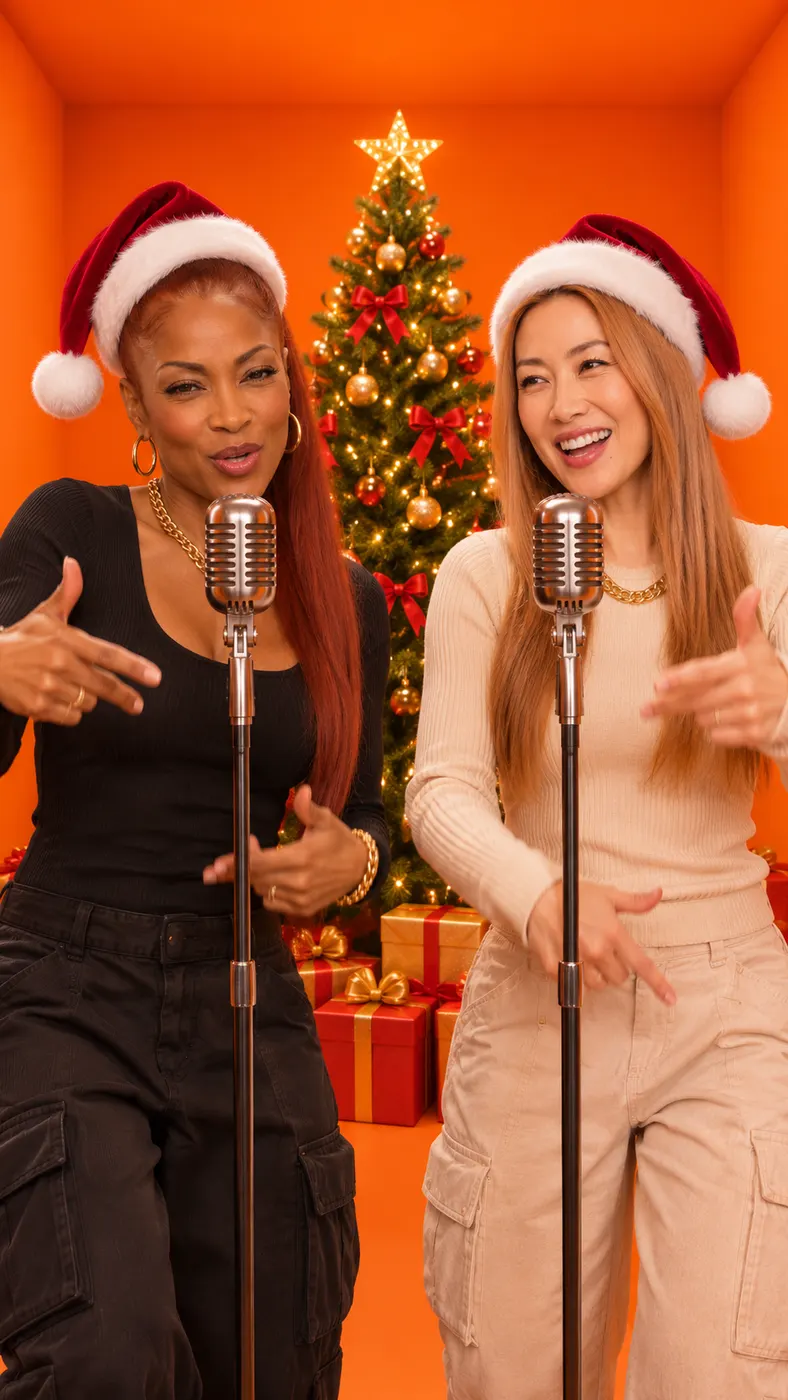
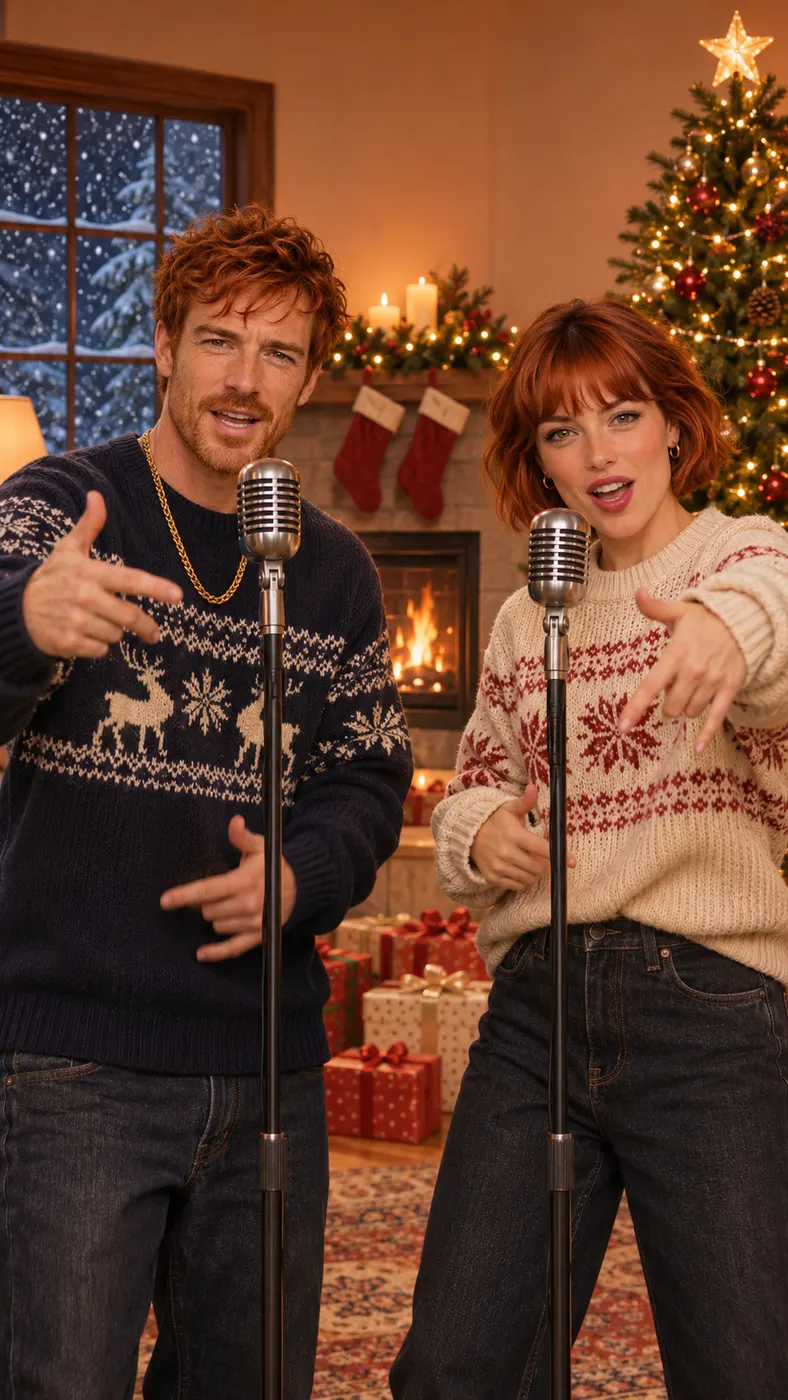
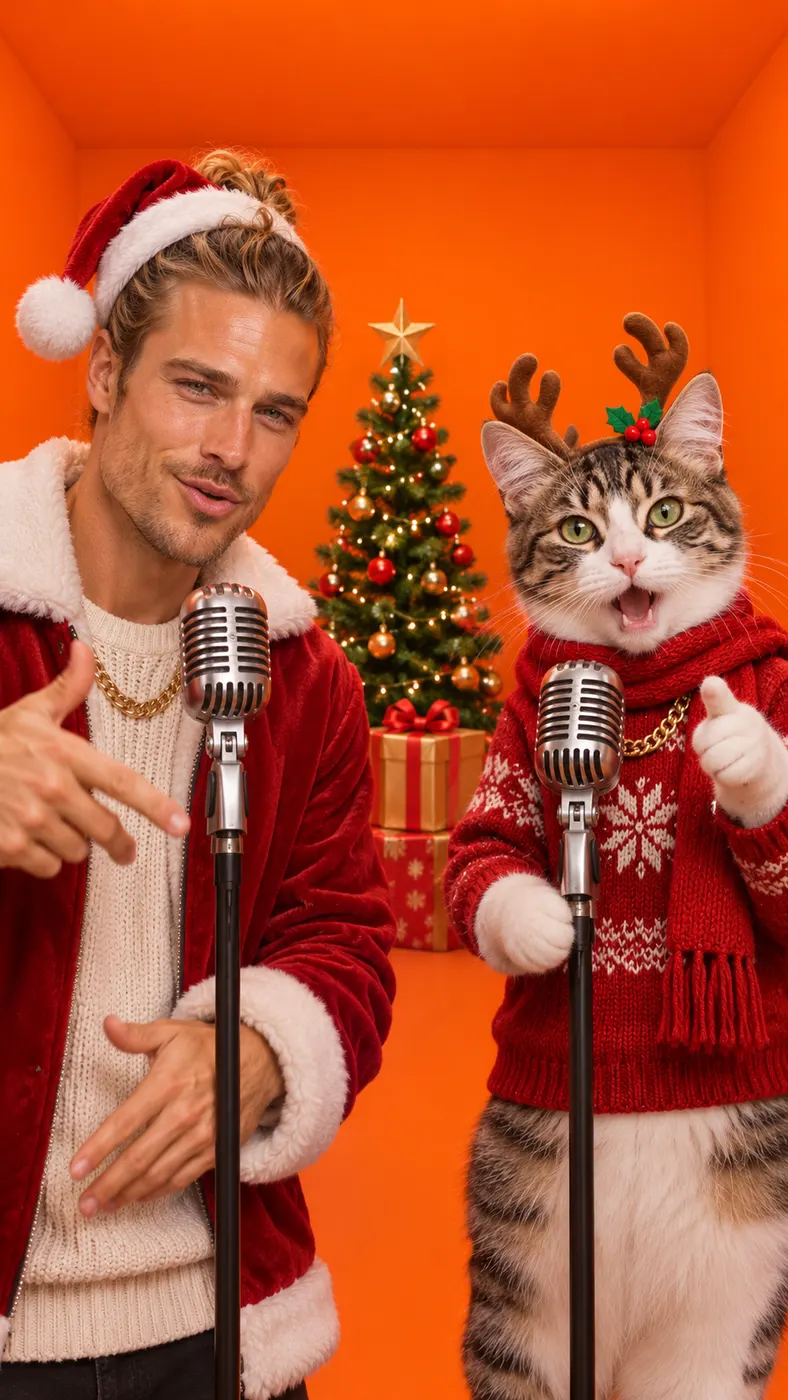
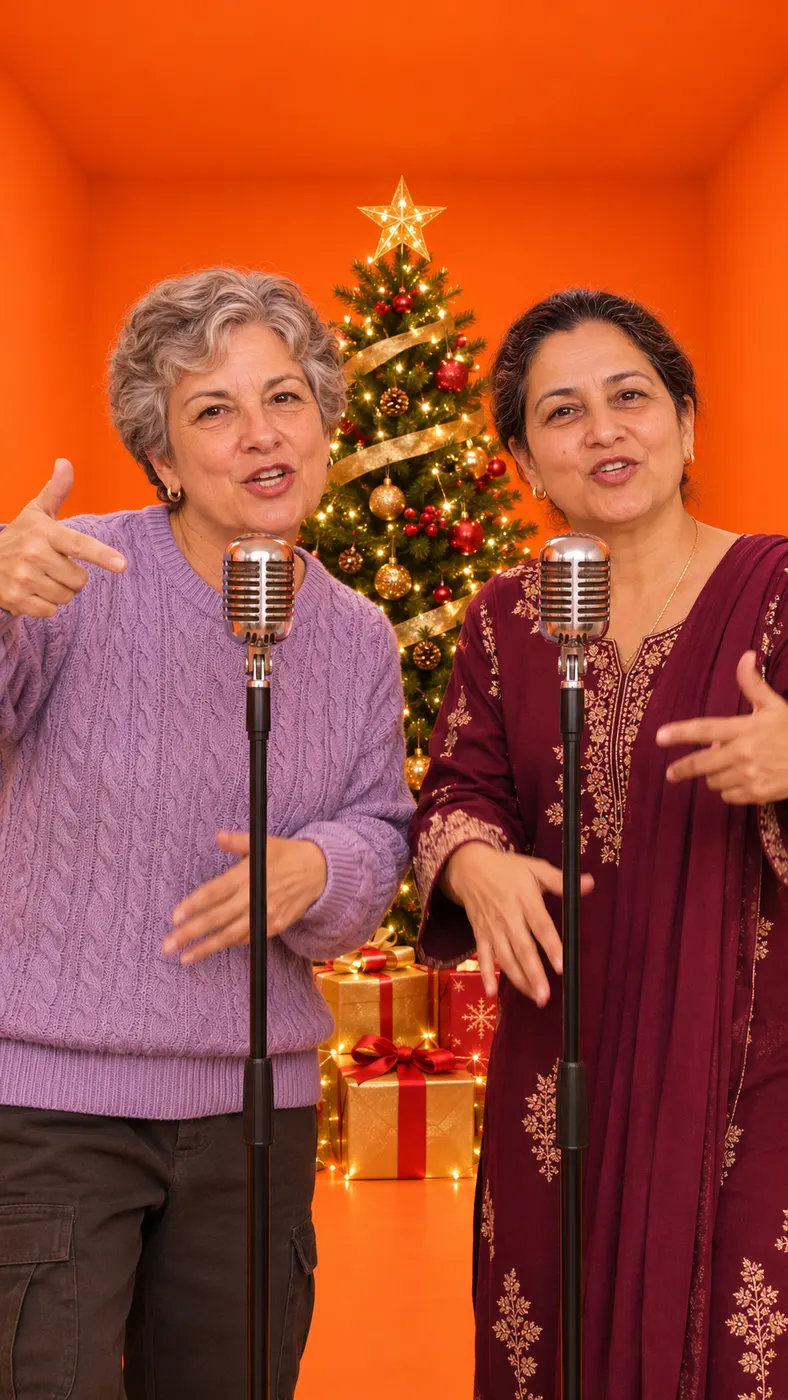
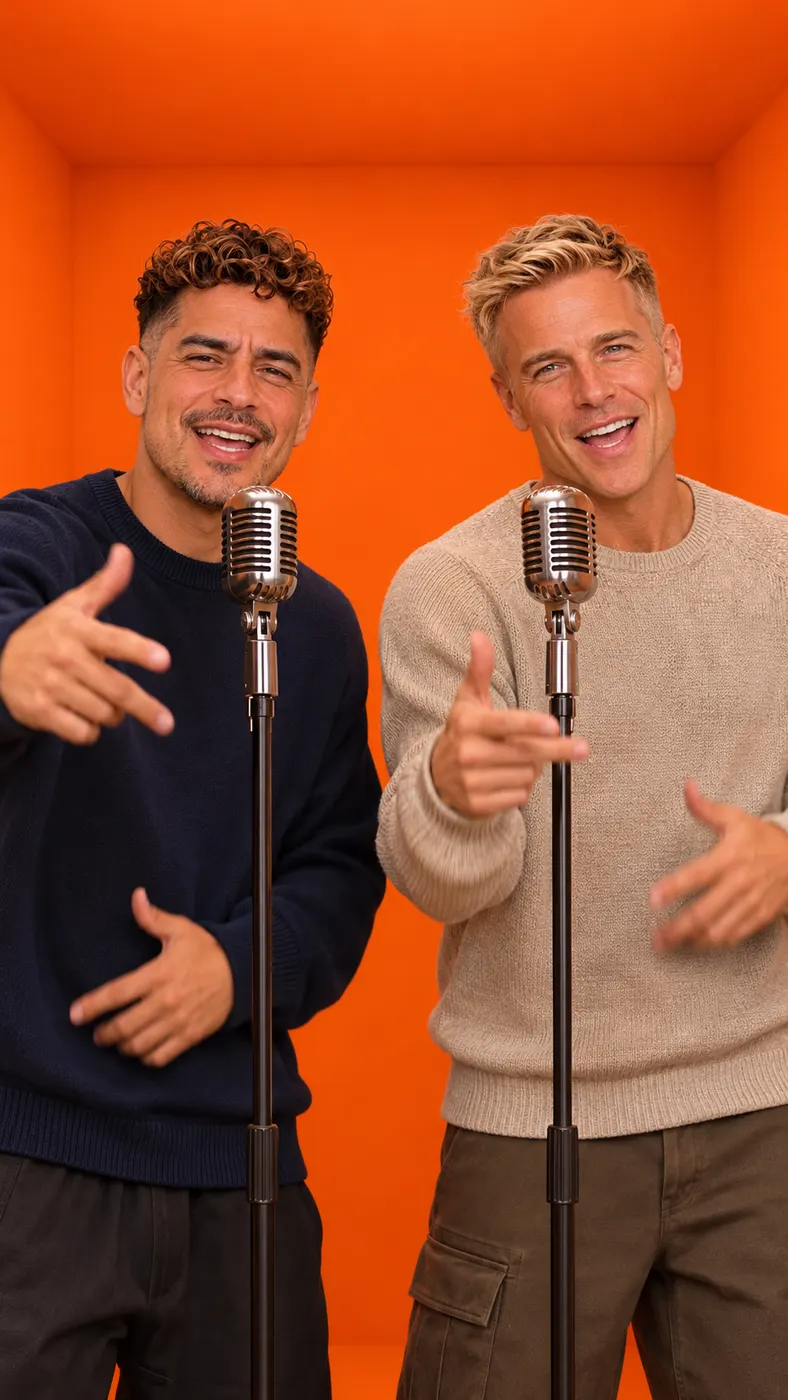
These examples show how separate photos become a side-by-side holiday performance. Each card pairs a source-photo idea with a generated vertical clip, so you can picture the look before uploading your own images.







How to make your Christmas rap video
- 01
Upload two clear photos
Start with one separate image for Person A and one for Person B. For a person, use a single front-facing, well-lit face without sunglasses; for a pet, use a clear image that shows its features. The two photos do not need to be taken together, because the generator places both performers in the same frame.
- 02
Choose the Christmas scene
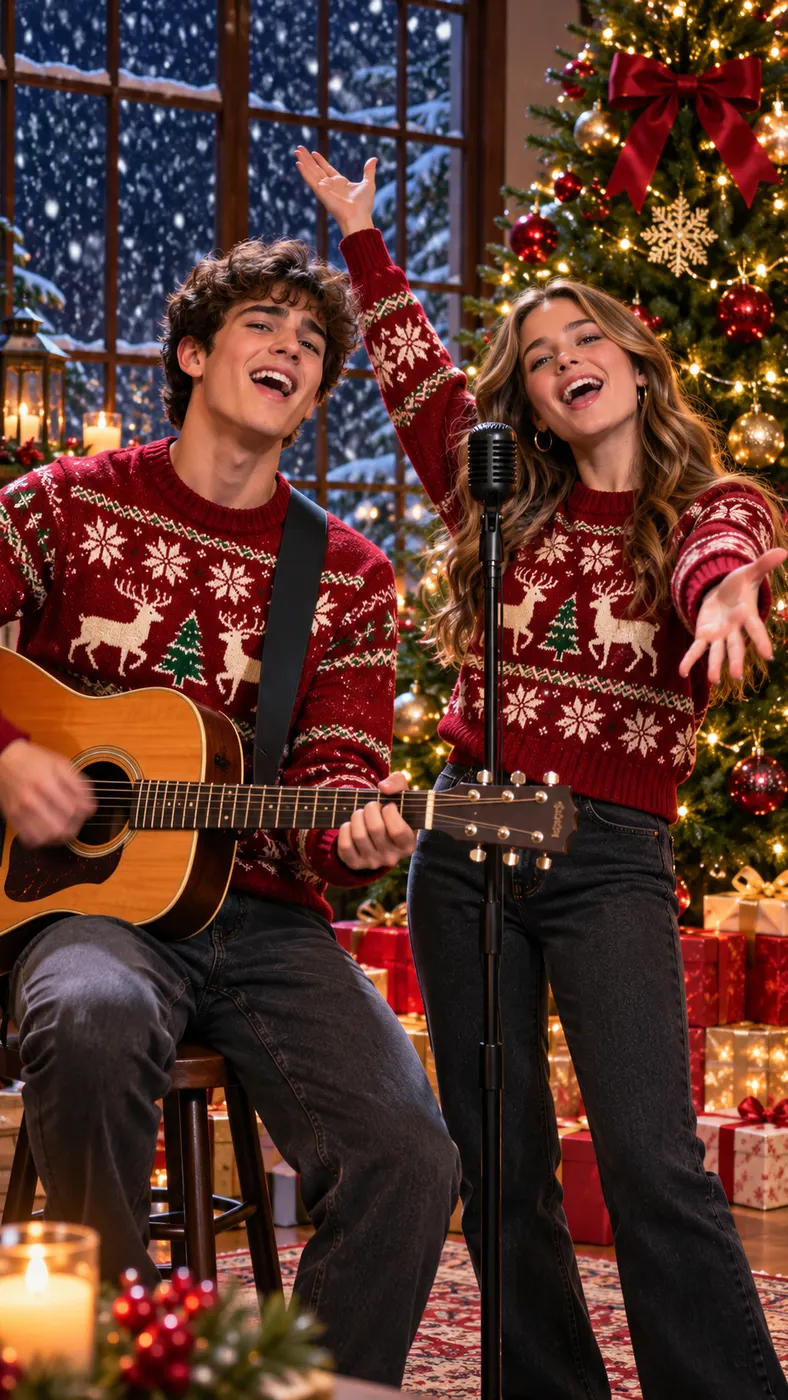
Select the Christmas tree scene, then enter a short topic if you want to guide the lyrics. The ai christmas rap video uses Santa hats, a decorated tree, wrapped presents, snow outside the window, a festive hip-hop beat, sleigh bells, and two distinct voices taking turns. Leave the topic blank if you prefer the generator to choose the lyrics direction.
- 03
Preview, then download
After the ai christmas rap video is generated, watch the free 5-second preview in a vertical 9:16 format. Check that both faces look right, the holiday setting is clear, and the generated audio fits your idea. When the preview works for you, use the panel’s full-version option to unlock and download the complete result.


Make a holiday clip that feels personal
Build a two-person surprise
An ai christmas rap video gives you a simple way to put yourself and someone else in the same festive performance without filming together. Use a friend’s photo for a shared greeting, a relative’s photo for a family joke, or a pet’s photo for a playful holiday surprise. The two source images stay separate while the generated scene brings the performers together.
Keep the holiday mood clear
The Christmas tree scene places both performers in Santa hats beside a decorated tree, warm lights, wrapped presents, and falling snow outside the window. That combination makes the result read as a Christmas performance immediately, while the hand gestures, head nods, reactions, and alternating lines keep the visual energy closer to a rap video than a static photo montage.
Give the verses a topic
Add a short idea in the optional rap-topic field to guide the lyrics toward a Christmas greeting, inside joke, birthday-style gift reveal, or another message. A focused topic gives the ai christmas rap video a clear reason to exist without requiring you to write a complete song. Leave the field empty when you want a more open-ended festive performance.
Share a vertical result
The preview is a short 9:16 video designed for social sharing, with both performers kept in frame during a steady medium shot. Generated audio includes an original festive hip-hop beat, sleigh bells, and two distinct rap voices taking turns in English. It does not rely on an existing song, so the clip feels made for your selected photos and topic.
Questions about Christmas rap videos
What is this Christmas rap video generator for?
It creates a short personalized performance from two separate photos. In an ai christmas rap video, one image supplies Person A and the other supplies Person B, then the generator places them side by side in the Christmas tree scene. They wear Santa hats, trade rap lines, react to each other, and perform with generated festive audio.
Can I use two photos that were not taken together?
Yes. The two source photos can be separate, so you do not need a shared group picture or a recording of both people in one room. For the best result, use one clear, front-facing, well-lit face without sunglasses for each person. A pet can be the second performer when its photo clearly shows its features.
Is the ai christmas rap video preview free?
The 5-second preview is free. It lets you check the two-person composition, Christmas setting, facial appearance, lyric direction, and generated audio before deciding whether to use the available full-version option. The free preview is not described as the complete downloadable result, so review the generation panel for the current full-version choice and price.
How long is the generated preview?
The preview is 5 seconds long and uses a vertical 9:16 format. That short length is enough to see the holiday scene, hear the original beat and voices, and confirm that both performers appear together. A finished ai christmas rap video preview is intended as a quick shareable sample rather than a long music video.
What photos work best for this generator?
Use one separate photo per performer, with a single front-facing, well-lit face and no sunglasses for a person. Avoid images where another face competes for attention or where the subject is heavily covered. For a pet, choose a clear photo that shows its face, fur, breed features, and markings so the generated ai christmas rap video can preserve the subject’s recognizable look.
Can I make the clip with a friend or a pet?
Yes. Person B can be a friend, relative, or pet, provided you have an appropriate photo to upload. The Christmas scene treats the two uploaded subjects as separate performers rather than blending their identities. That makes an ai christmas rap video useful for a friend-to-friend greeting, a family surprise, or a playful clip starring you and your dog or cat.
Is this an official Christmas song or video?
No. This is a user-generated video made from your uploaded photos and an optional topic, not an official music release, artist video, or brand campaign. The ai christmas rap video uses newly generated English lyrics, two distinct rap voices, a festive hip-hop beat, and sleigh bells rather than an existing song.
Make your Christmas rap preview
Return to the generator panel, upload your two photos, and make an ai christmas rap video with the Christmas tree scene. Start with the free preview to check the faces, festive setting, lyrics topic, and two-voice audio before choosing the available full-version option.