
Dime Dime Baby AI
You turn one clear photo into a party dance video: dance toward the camera, bite a pastry, hold a straight-faced stare with full cheeks, and dance away in a lively party hall. Dime Dime Baby AI places the person from your image in the dedicated scene while the background guests, lighting, and sequence stay in motion.
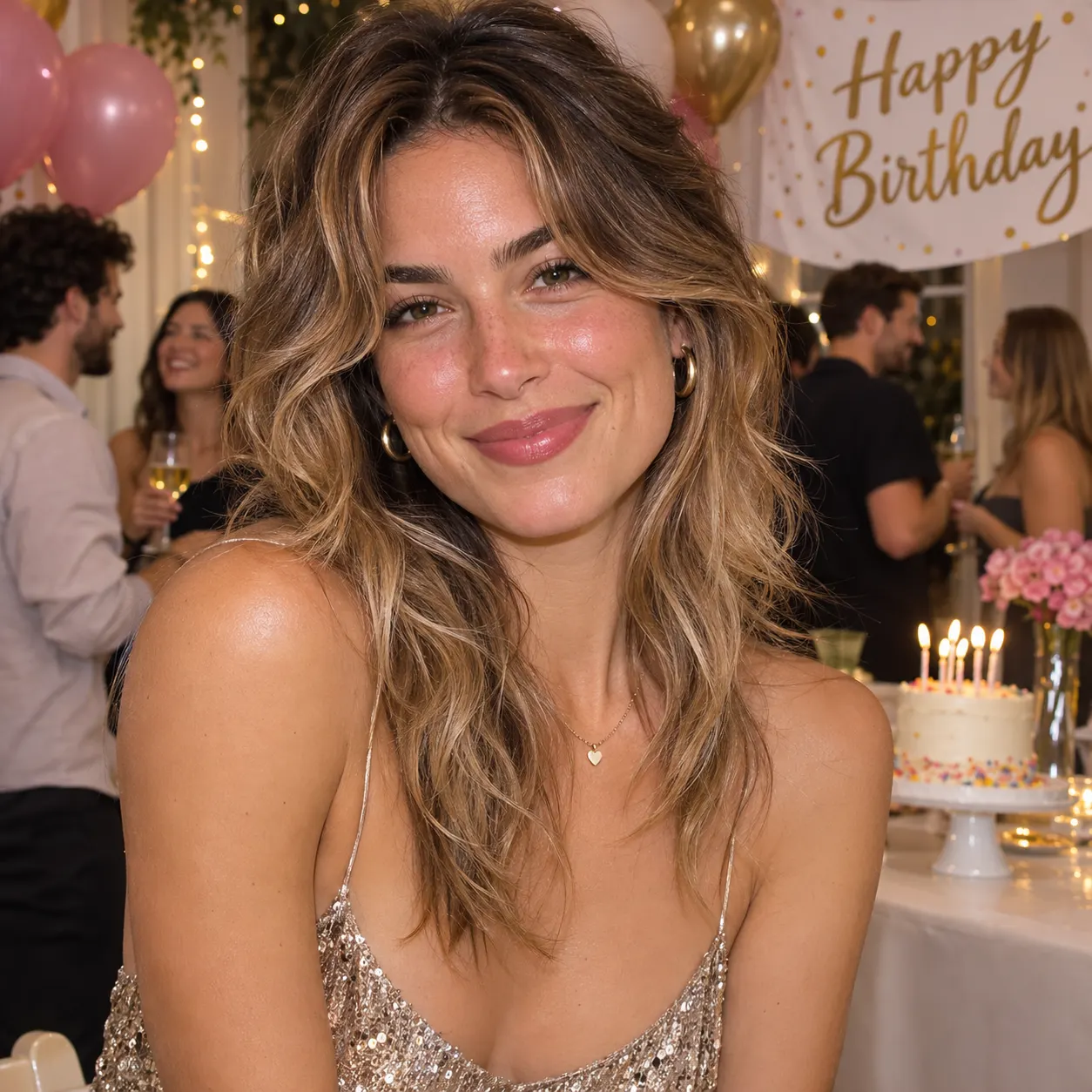
One clear photo: a solo shot or the two of you. Faces visible, no heavy filters
Tip: drag a photo onto its box, or click the box to pick one.
You take the place of the dancer who bites the pastry and stares into the camera at the party.
Dime Dime Baby · Dance up to the camera at a party, bite the pastry, stare into the lens with full cheeks, then dance away.
This video: 45 credits · Credits come back if it fails
AI video effect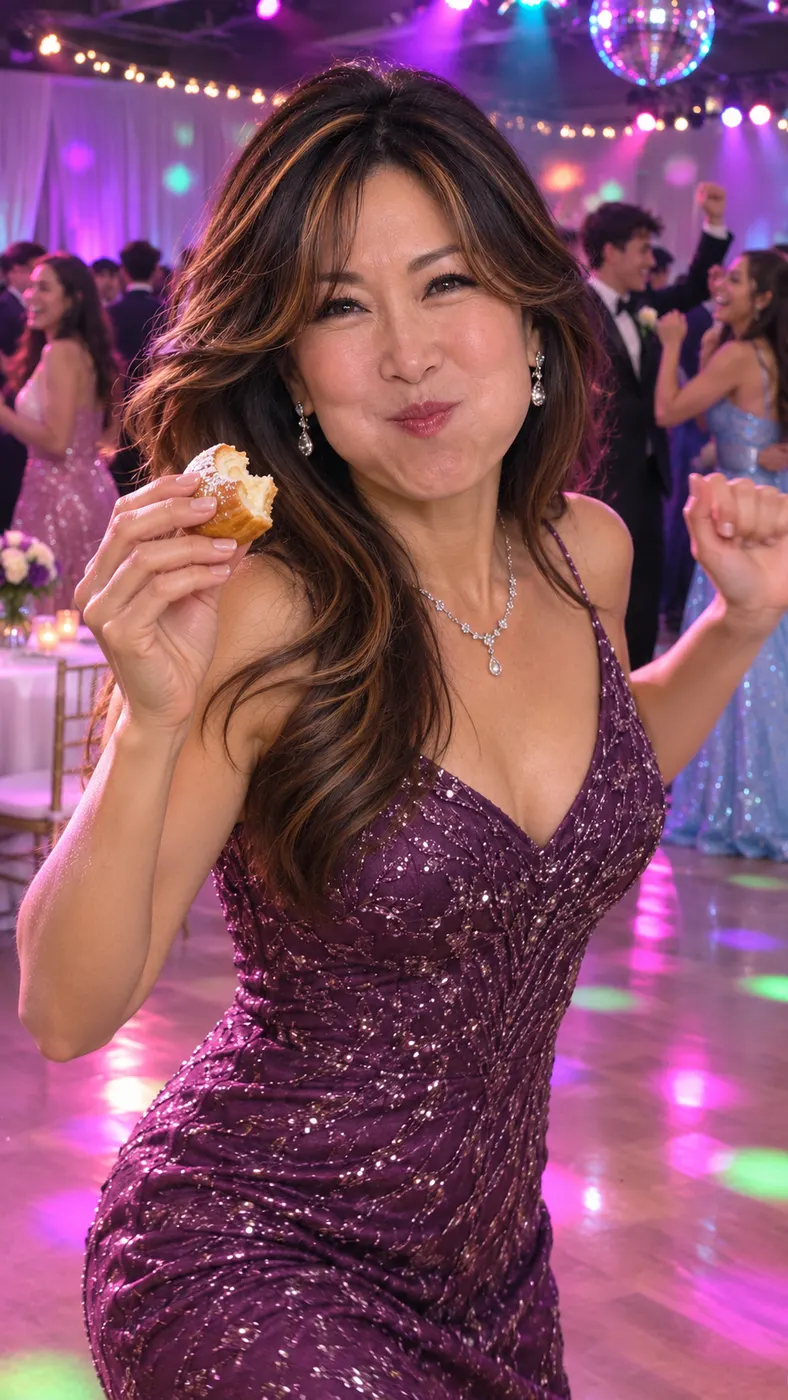
Dime Dime Baby AI Examples
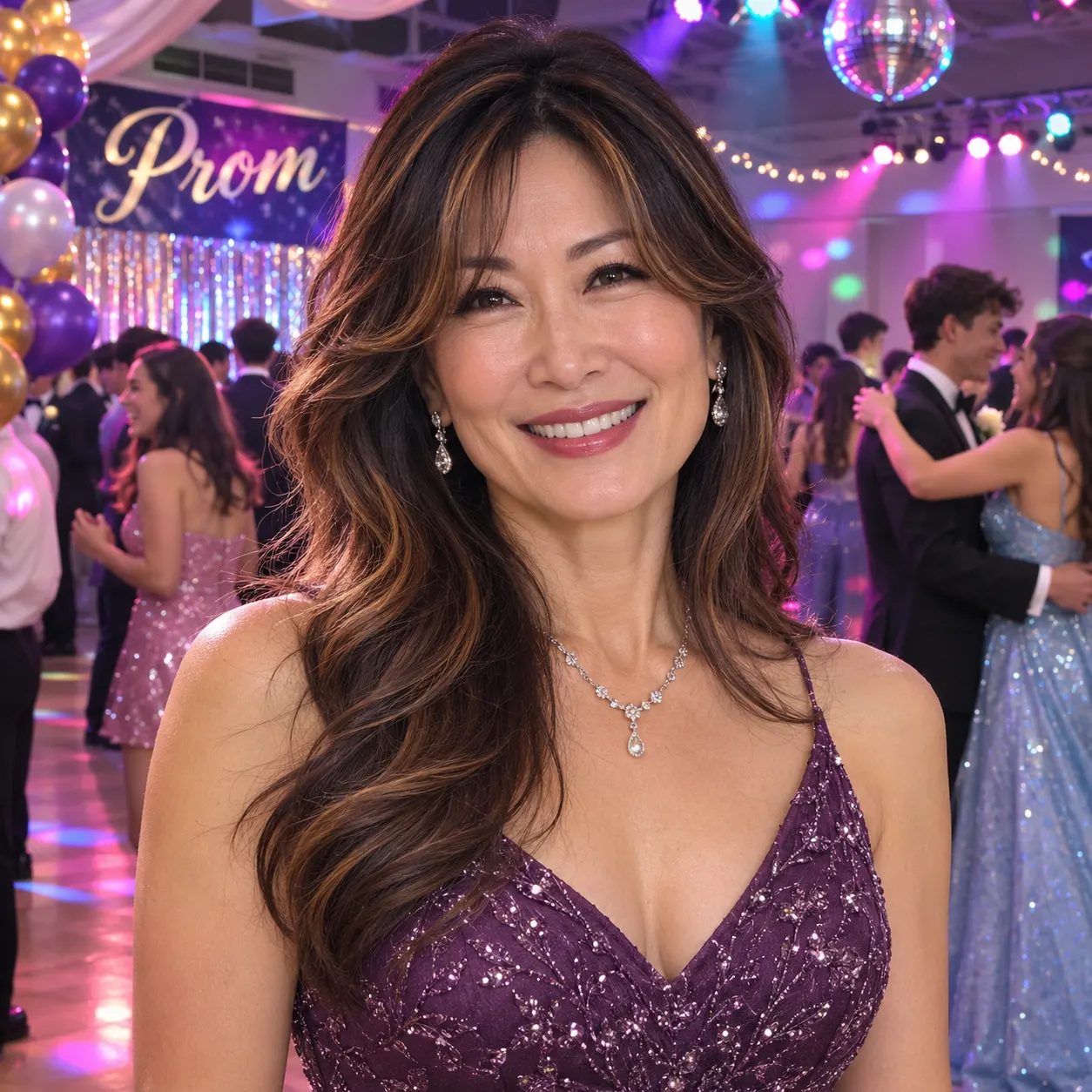
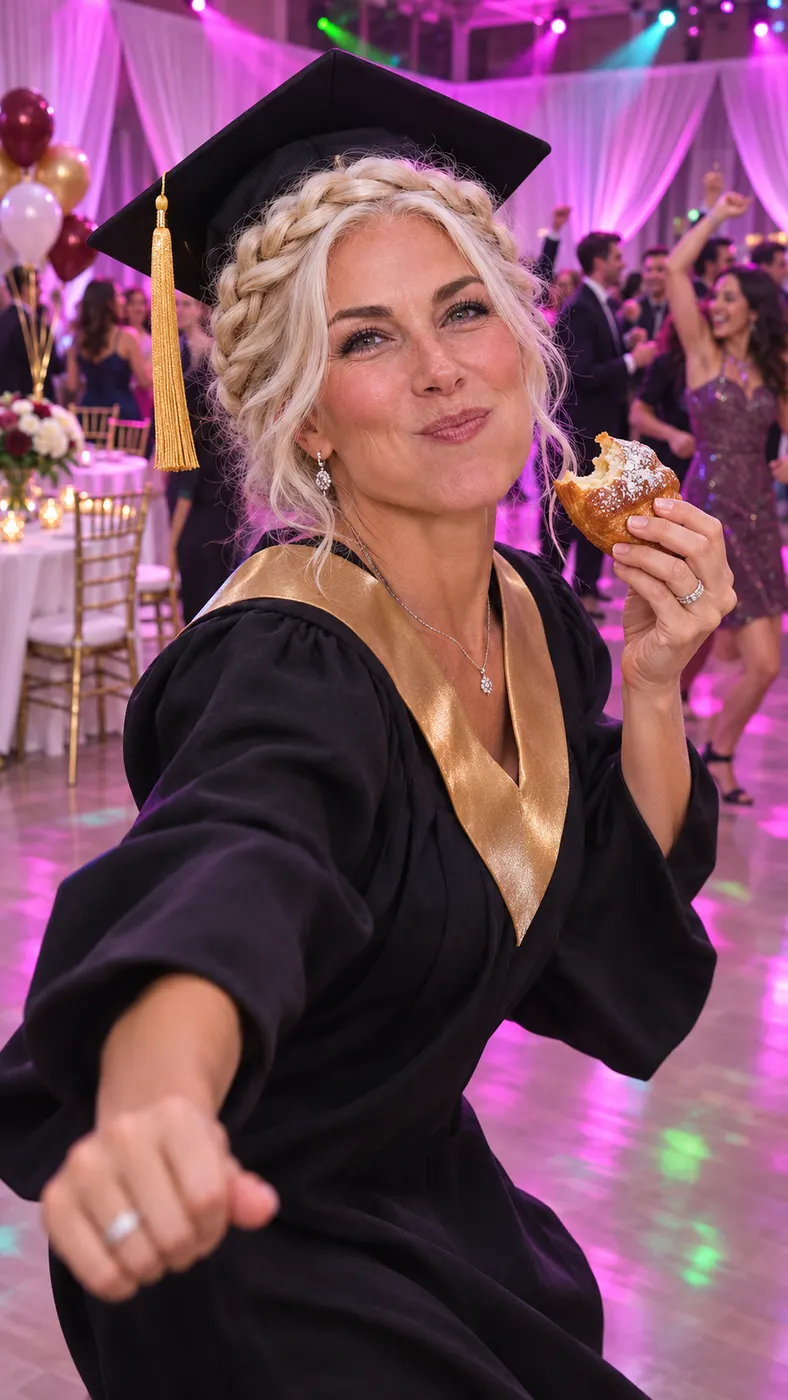
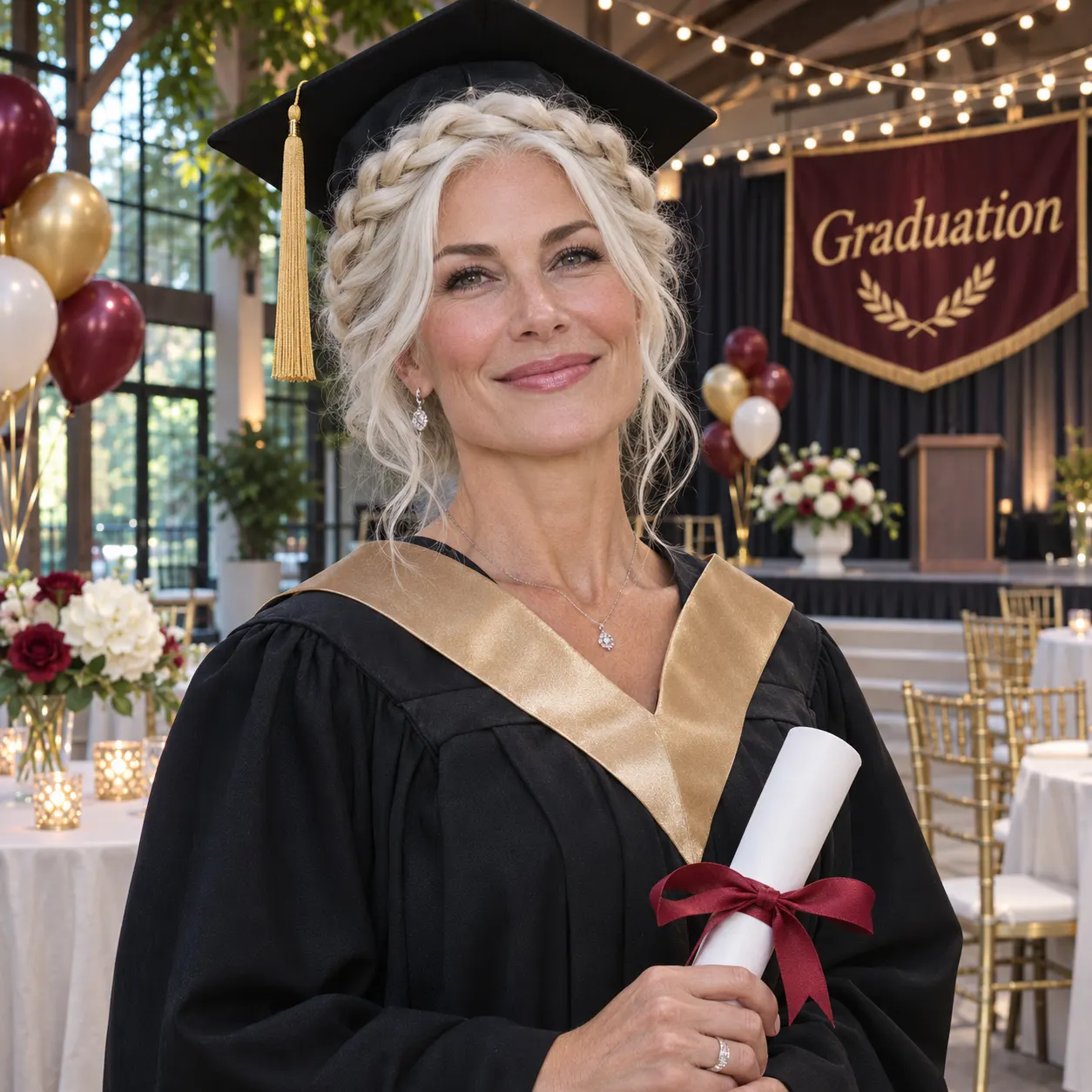
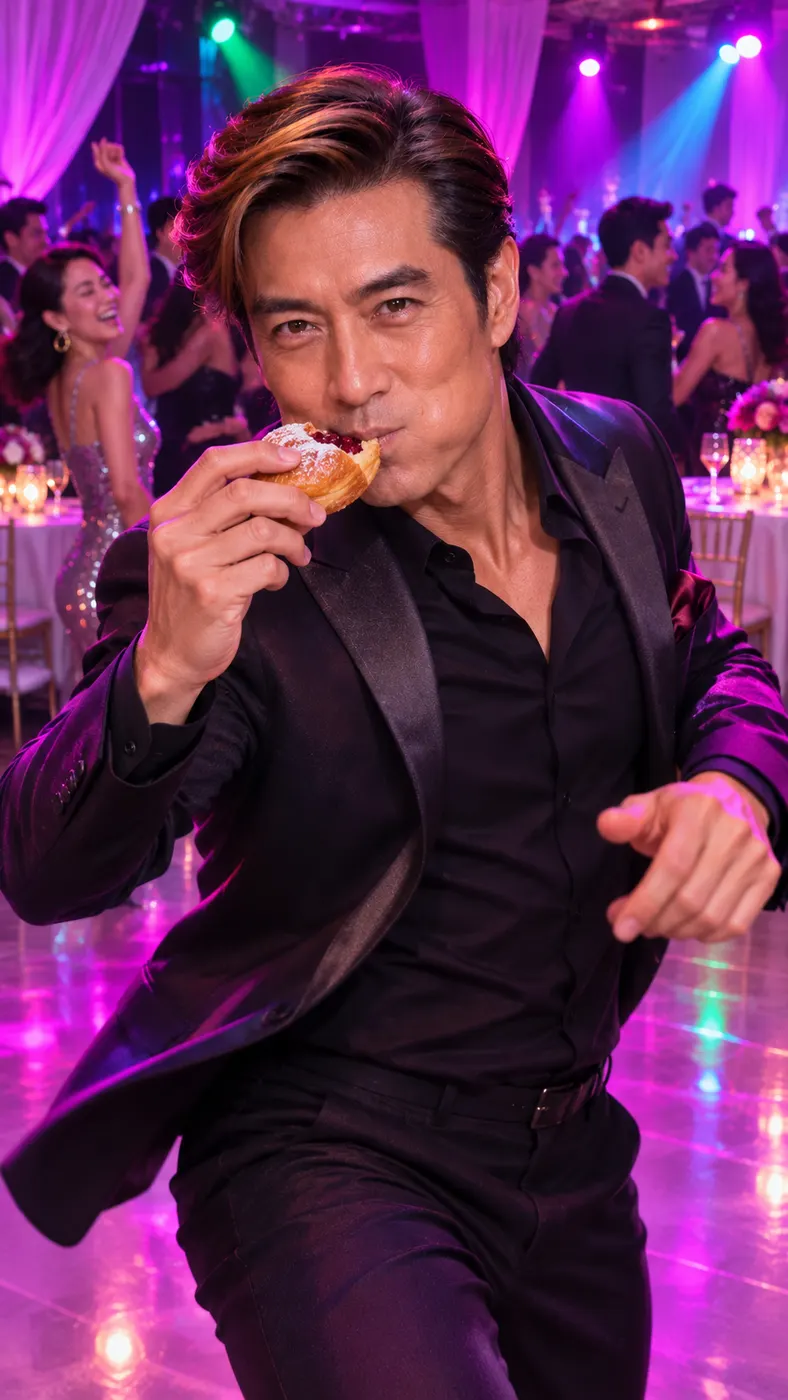
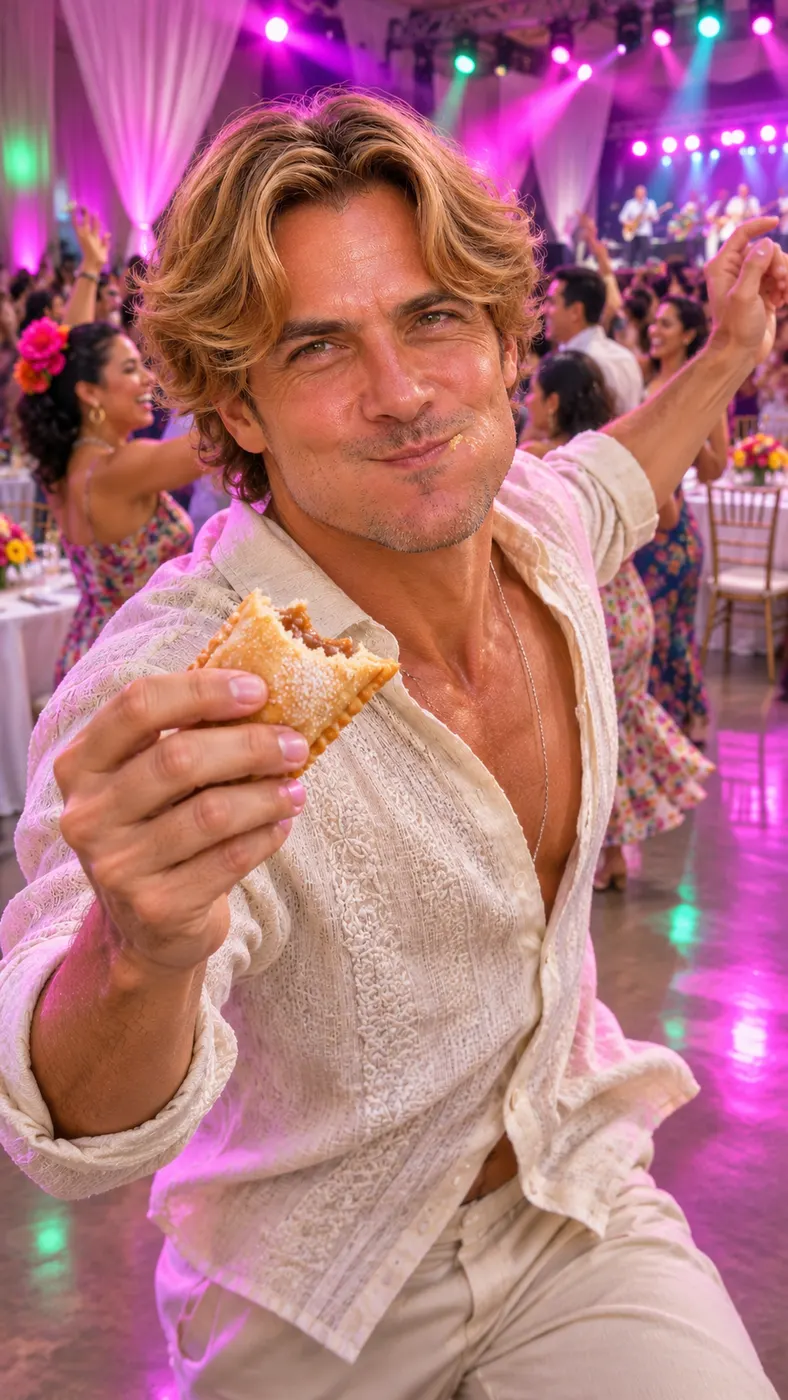
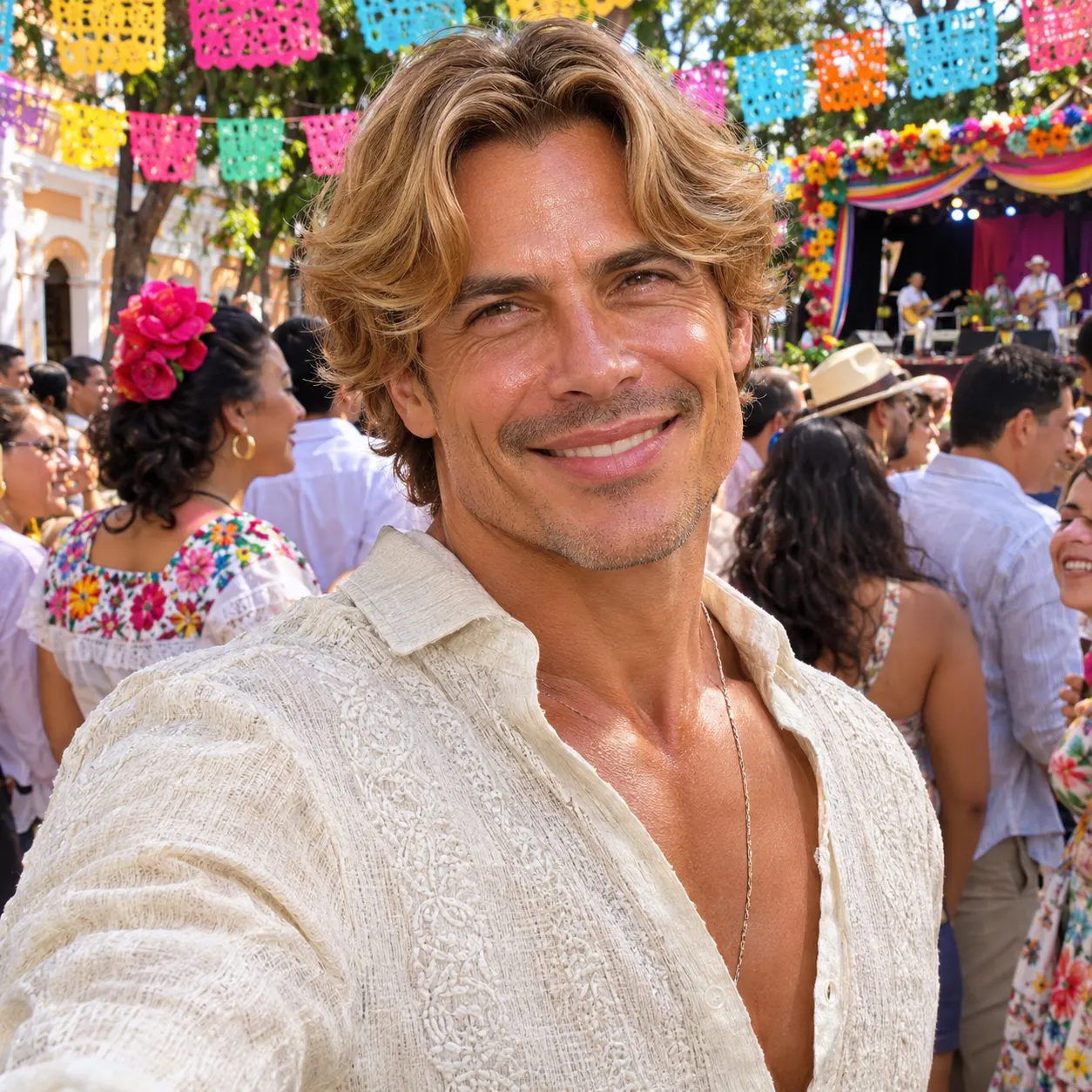
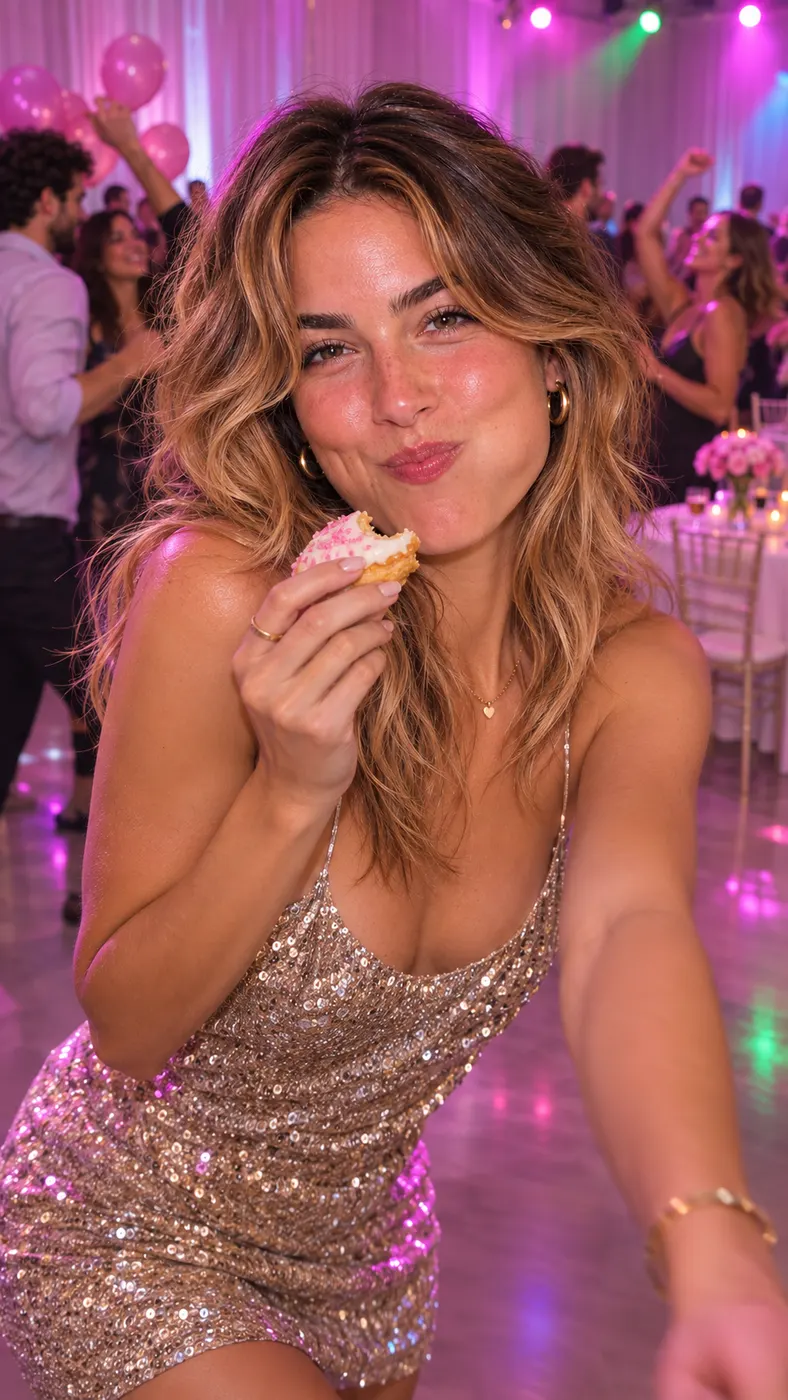
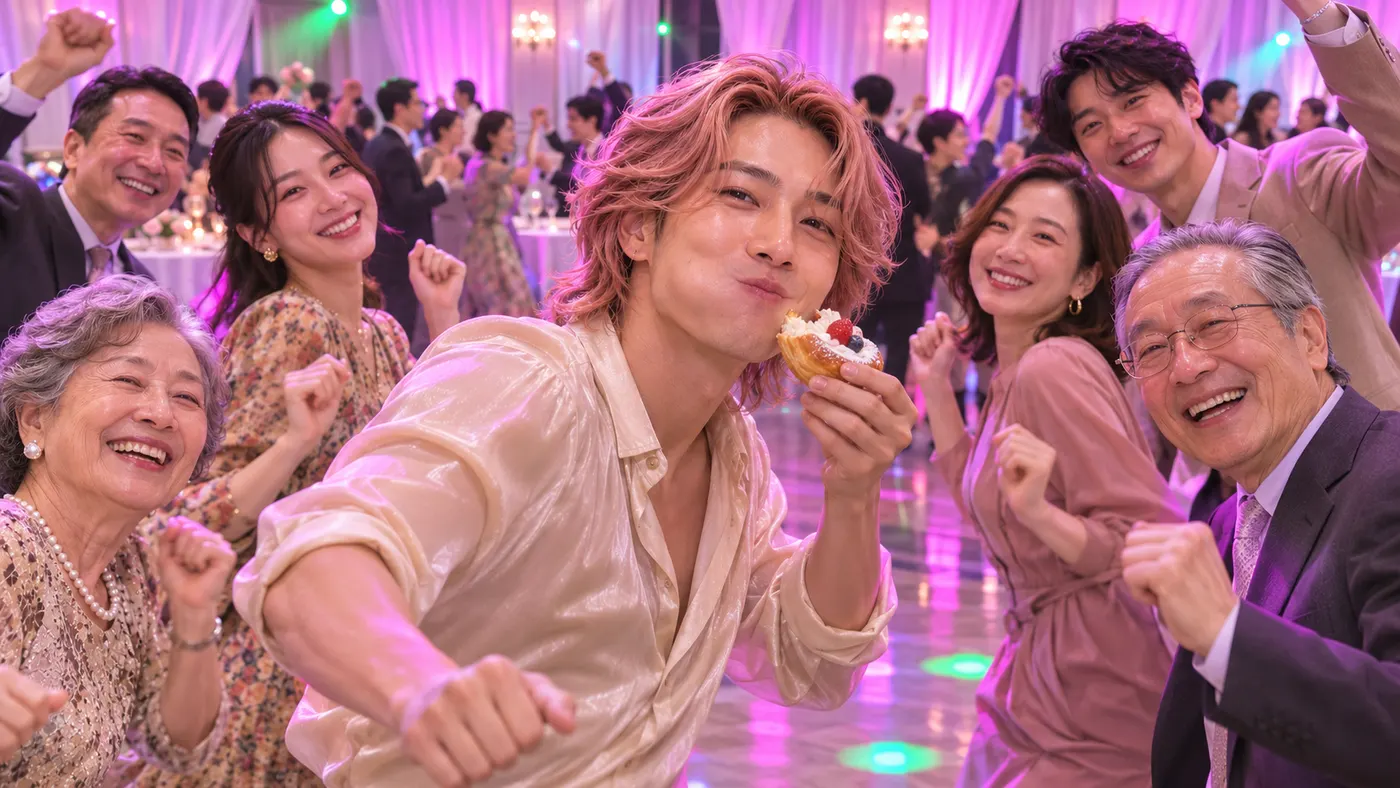
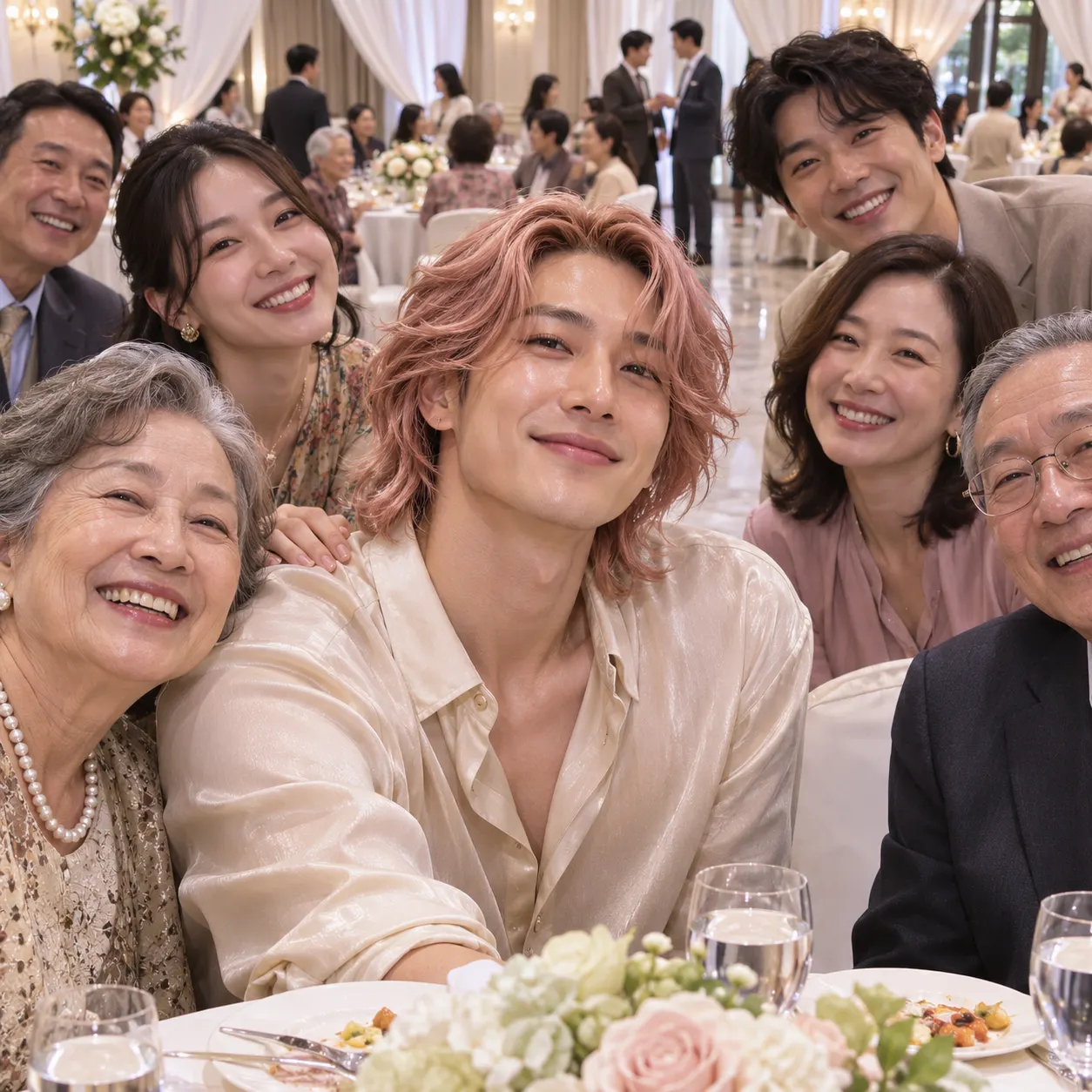
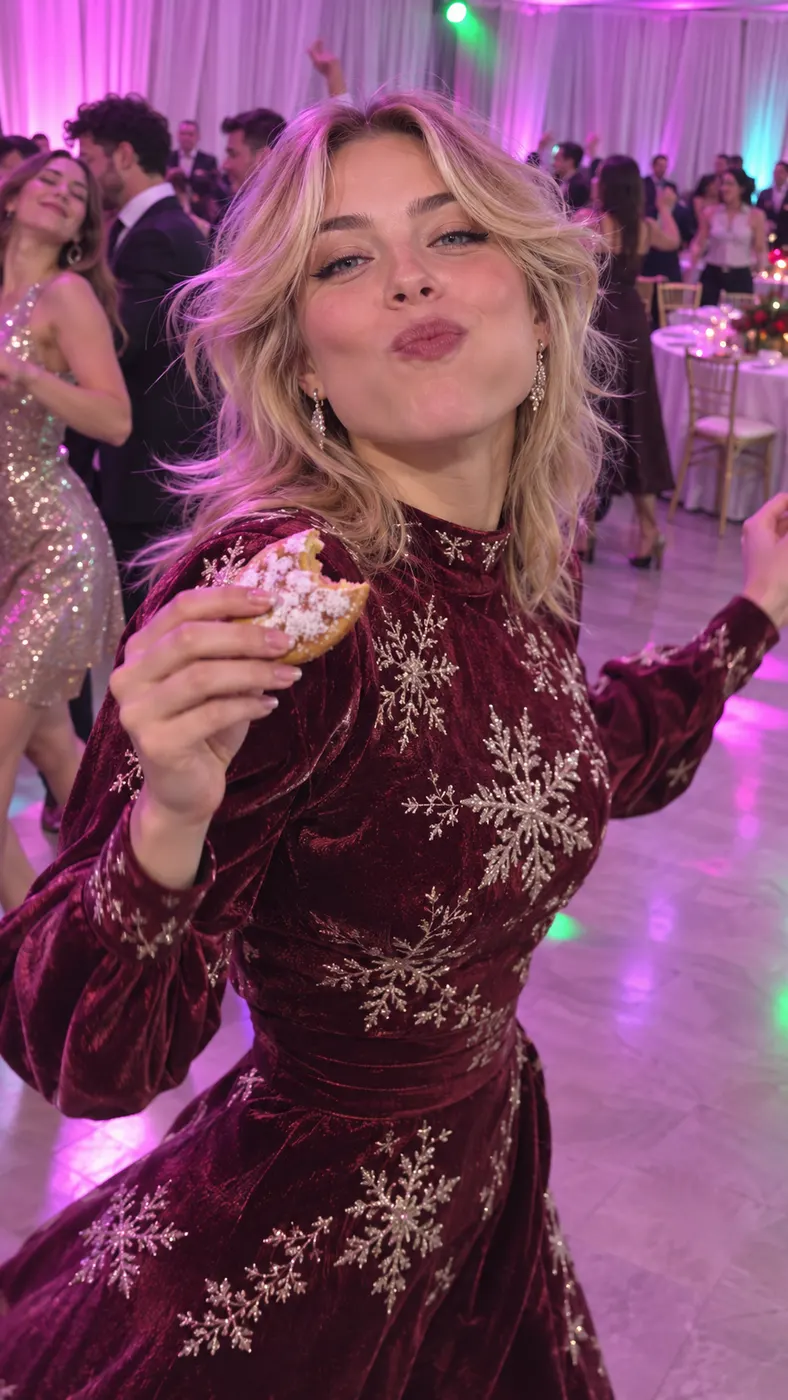
These examples show the same party-hall sequence with different people in the foreground. Each clip keeps the white curtains, round tables, pink-purple lighting, dancing crowd, pastry bite, full-cheek look, and walk-away beat in view. Before uploading, use the best photo for an AI rap video and check credit pricing.



How Dime Dime Baby AI Works
- 01
Upload one clear photo
Choose one sharp image with visible faces and no heavy filters. The input accepts a solo shot or a photo of two people, but the person you want to feature should be easy to recognize. A front-facing or well-lit image gives the scene a clear visual reference for the replacement.
- 02
Start the party scene
Select the dedicated party scene and submit the generation. Dime Dime Baby AI follows the reference clip's choreography: the foreground dancer approaches, bites the pastry, looks into the lens with full cheeks, and dances away. The background partygoers remain part of the scene, including their movement, clothing, and faces.
- 03
Review the completed video
Wait for the render to finish, then review the full sequence for facial likeness, timing, and the pastry moment. The output is a vertical 15-second video in 480p with audio. A completed run uses 29 credits and costs $2.03; download the result when it is ready.

What You Can Do With This Scene
Put your face in the foreground
Dime Dime Baby AI lets you take the central dancer's role using a single reference photo. You can turn an ordinary portrait into a recognizable party entrance, pastry bite, close-up stare, and dance-away sequence while keeping the person from your image visually consistent.
Keep the party atmosphere
You get the complete indoor setting rather than an isolated portrait. White draped curtains, round tables, polished flooring, pink-purple lighting, green and cyan highlights, and a moving crowd create the shared party context around the foreground subject.
Use a simple photo input
You only need one clear photo with visible faces. The strongest input avoids heavy filters and gives the subject enough detail for the generated video to preserve facial appearance, hairstyle, skin tone, clothing, and body shape through the moving sequence.
Receive a vertical clip with audio
The configured scene produces a vertical 480p video with generated audio. That format suits short-form sharing because the camera stays focused on the foreground action while the party crowd adds movement and atmosphere behind the subject.
See the run cost before generating
This scene has a defined credit requirement and price rather than an unspecified checkout amount. One completed run uses 29 credits and costs $2.03. Check your available credits before submitting if you plan to make more than one version.
Dime Dime Baby Questions
What is the Dime Dime Baby scene?
Dime Dime Baby AI is a photo-to-video party scene that places the person from your uploaded photo into the foreground dancer's role. The generated action moves toward the camera, bites a pastry, pauses with full cheeks while staring into the lens, and then dances away. Background guests stay in the party hall and continue their own movement.
Is this scene free to use?
No free preview is promised for this scene. A completed generation uses 29 credits and costs $2.03. The exact amount shown at checkout is controlled by the site's current pricing data, so use the displayed credit balance and price before submitting the run.
How long is the generated Dime Dime Baby AI video?
The configured output is a short 15-second vertical video with audio. Render time is not stated as a fixed promise because it can vary while the video is being processed. The completed result appears after generation finishes, and you can review the full pastry bite and dance-away sequence before downloading it.
What kind of photo should I upload?
Upload one clear photo with visible faces and no heavy filters. A solo shot or an image of two people is accepted by the input, but the intended foreground subject should be easy to identify. Good lighting, a readable face, and enough of the body to support the dance action give the scene a stronger reference.
Can I use someone else's photo?
You can use another person's photo only when you have their permission and the right to create and share the result. The uploaded image supplies the identity reference for the foreground role, so tell the person what scene you are making and avoid using an image without consent.
Is this an official Dime Dime Baby video?
No. This page provides a fan-style recreation using a dedicated reference scene and the photo you upload. It is not presented as an official release or endorsement. The generated clip reproduces the recognizable party action while replacing the foreground dancer with the person from your chosen image.
Make Your Party Clip
Return to the generator panel at #generator, upload a clear photo, select this party scene, and start your own foreground dance sequence. Review the finished result before downloading or sharing it.