
Gas Station AI Trend
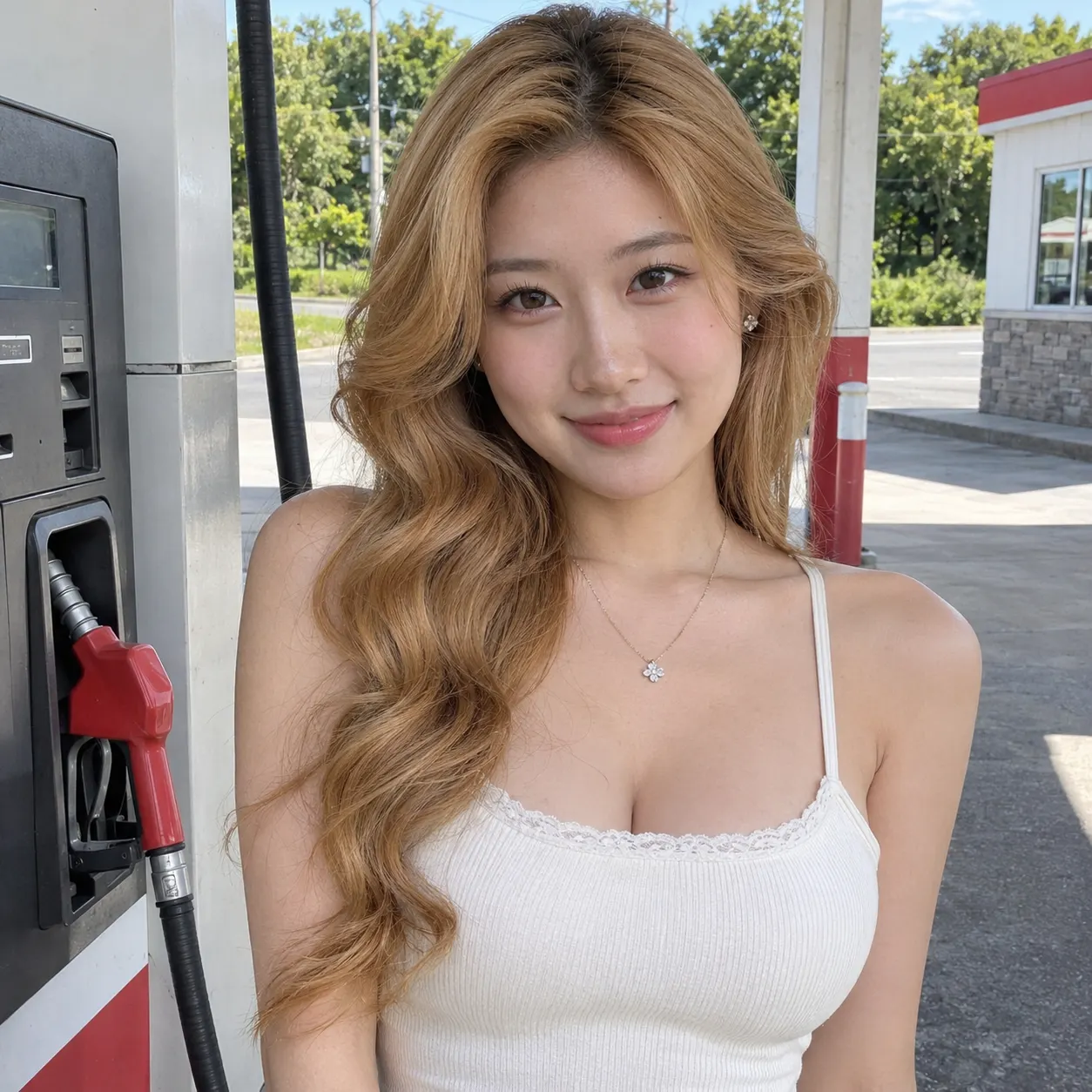
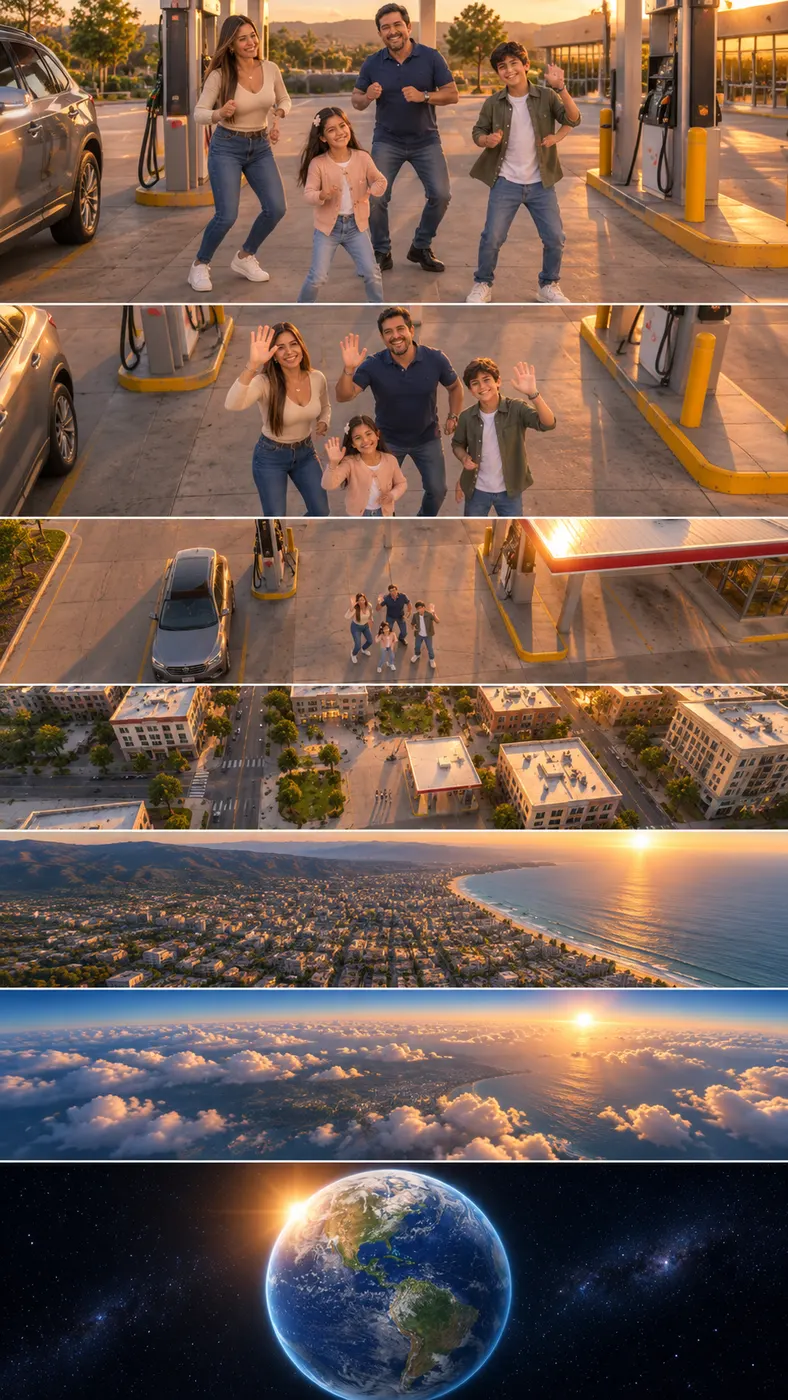
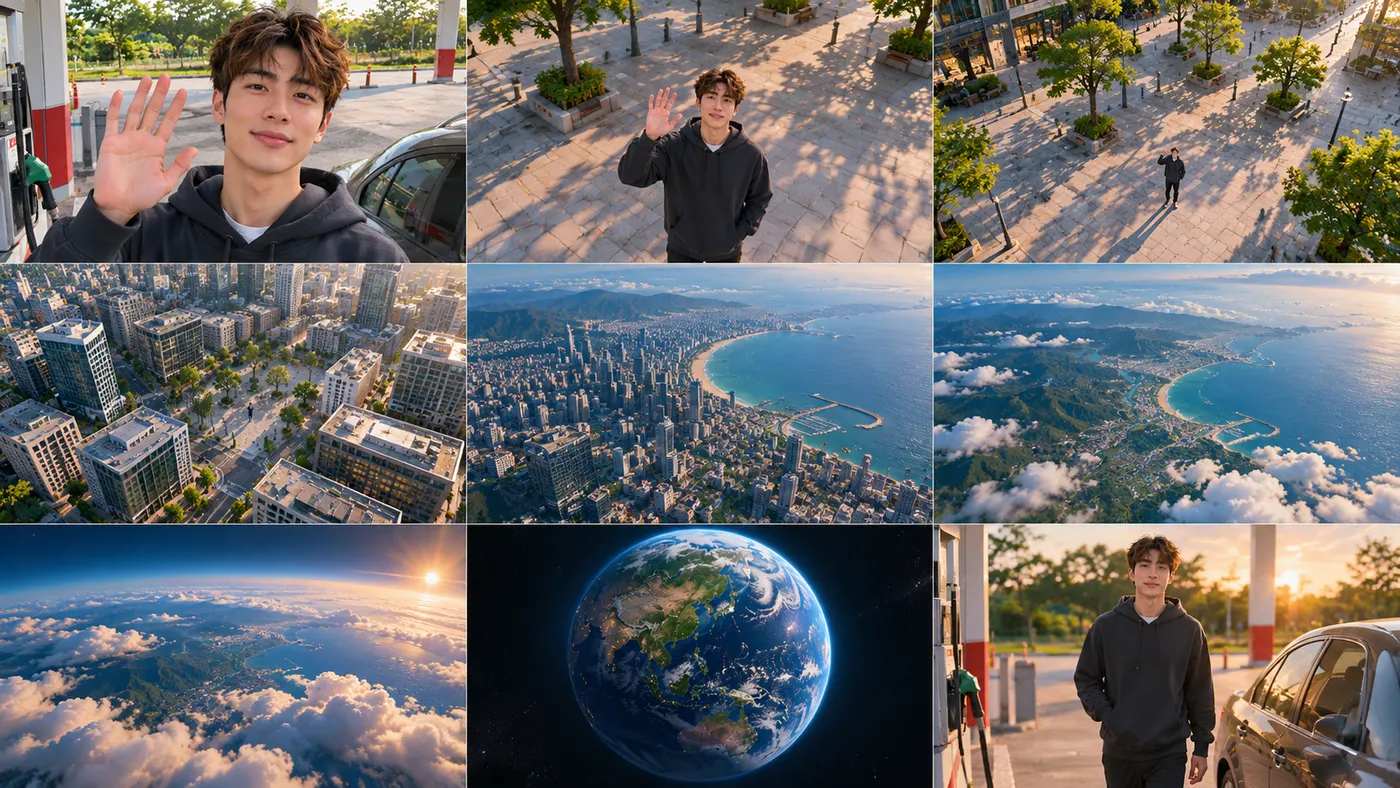
Use one clear photo to place yourself or two people in the Gas Station AI Trend: you dance between pumps at golden hour, take a quick selfie, then step out of an everyday car and walk toward the camera. The effect keeps each person’s face, hairstyle, skin tone, body, and the same number of people throughout the vertical video.
One clear photo: a solo shot or the two of you. Faces visible, no heavy filters
Tip: drag a photo onto its box, or click the box to pick one.
This video: 25 credits · Credits come back if it fails
AI video effect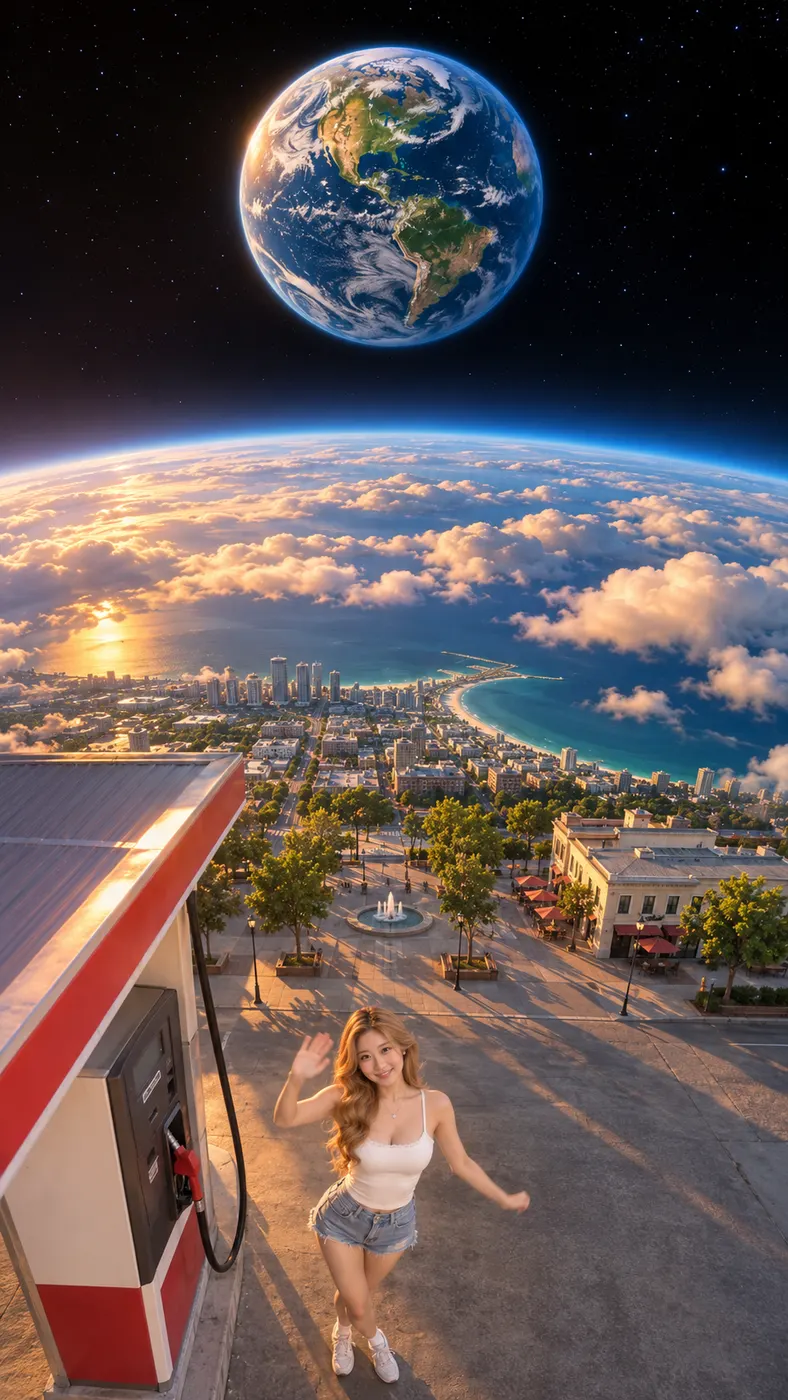
Gas Station AI Trend Examples
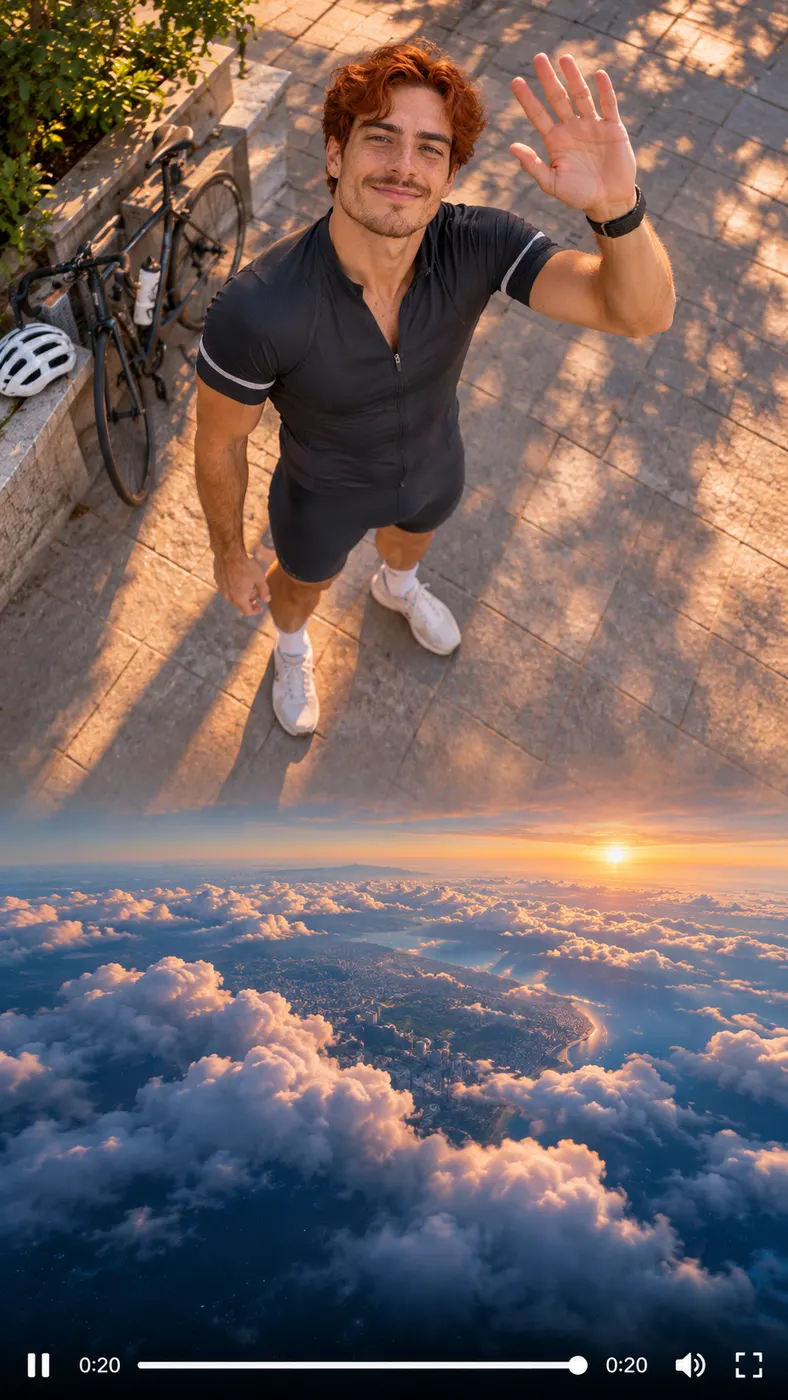
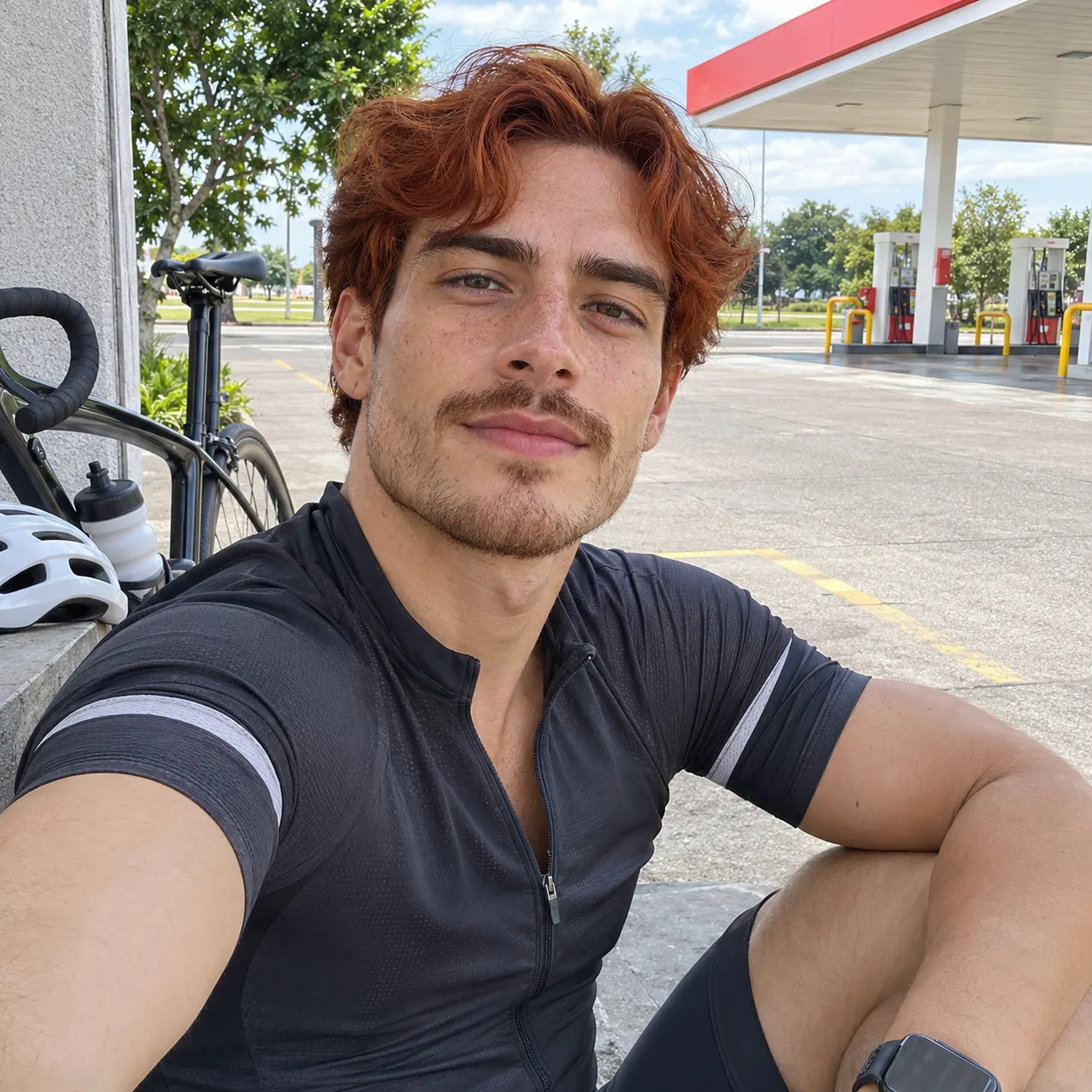
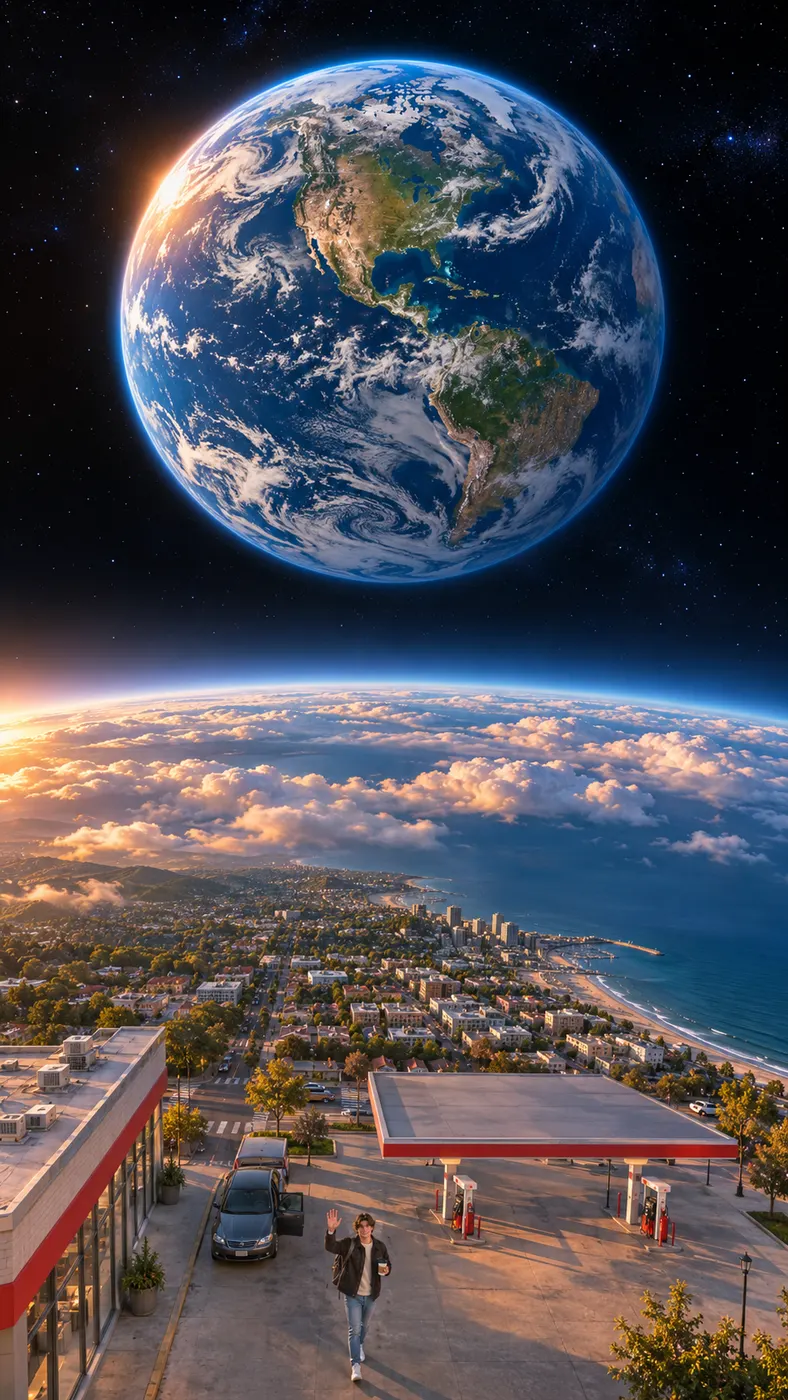
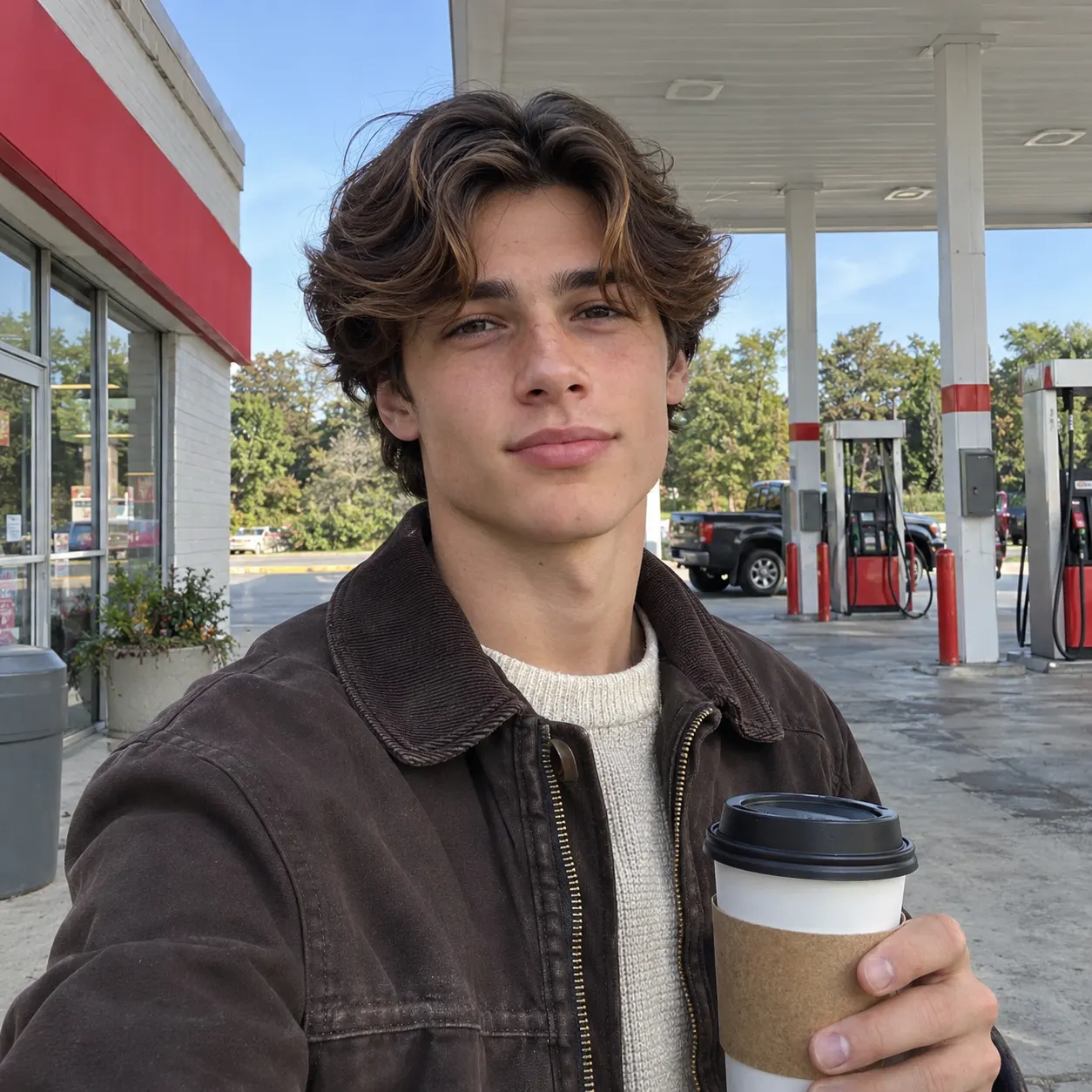
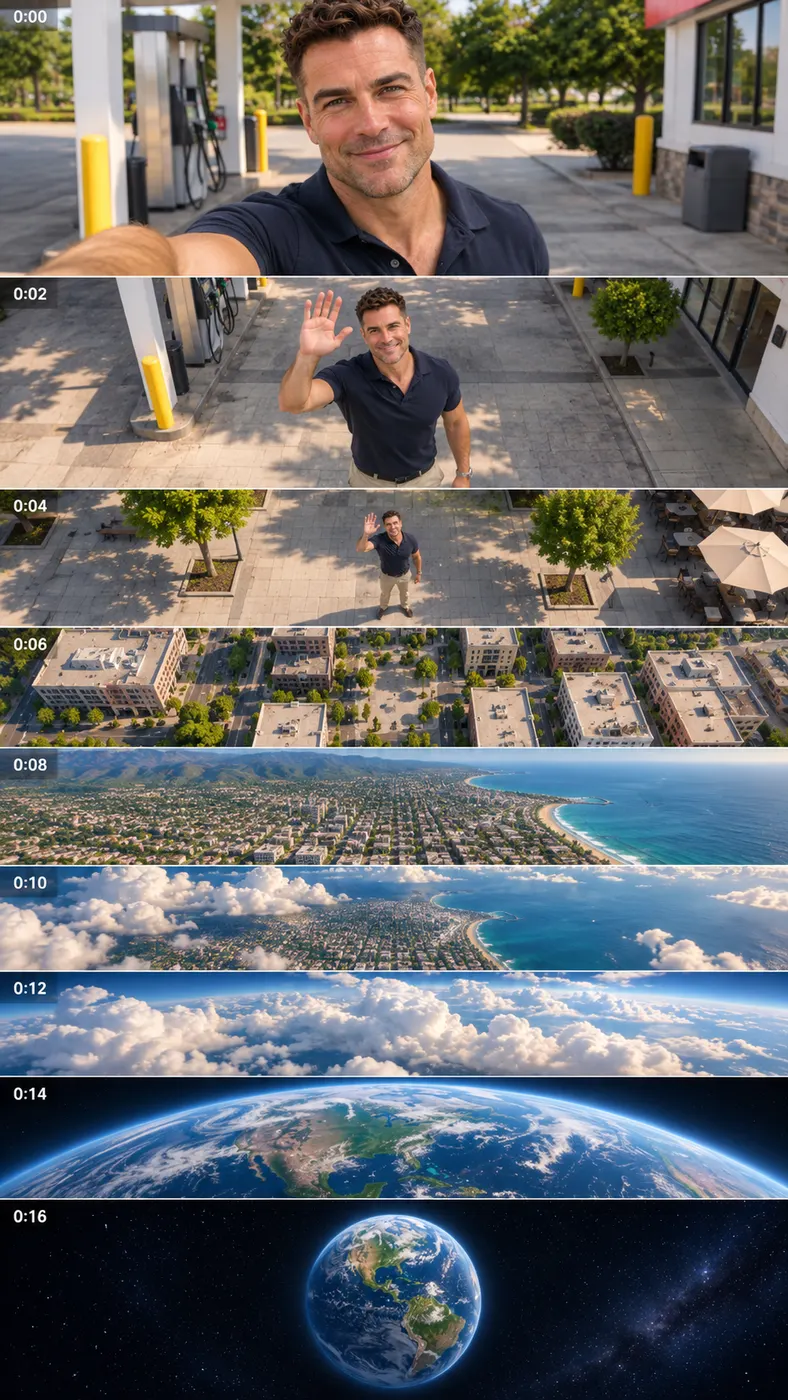
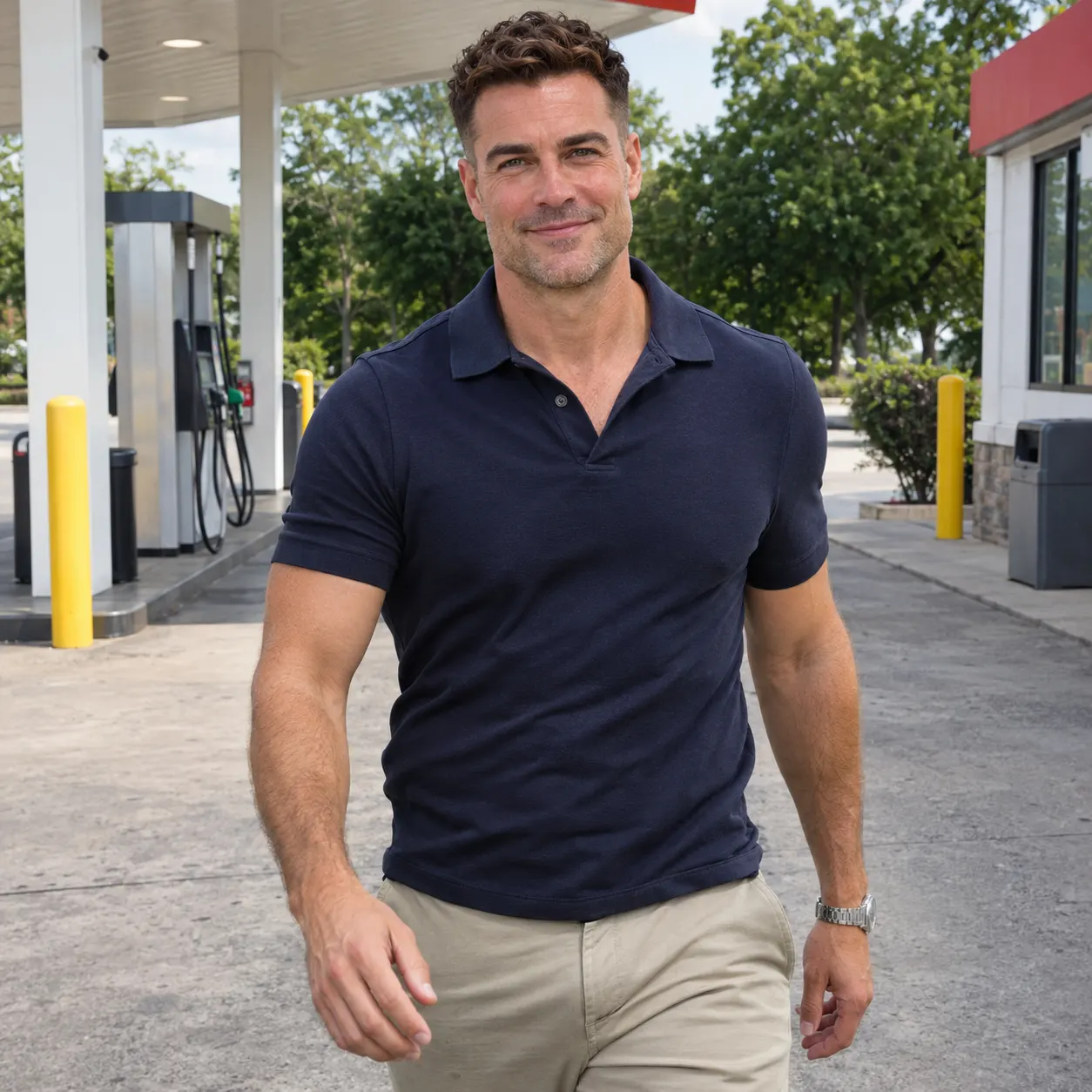
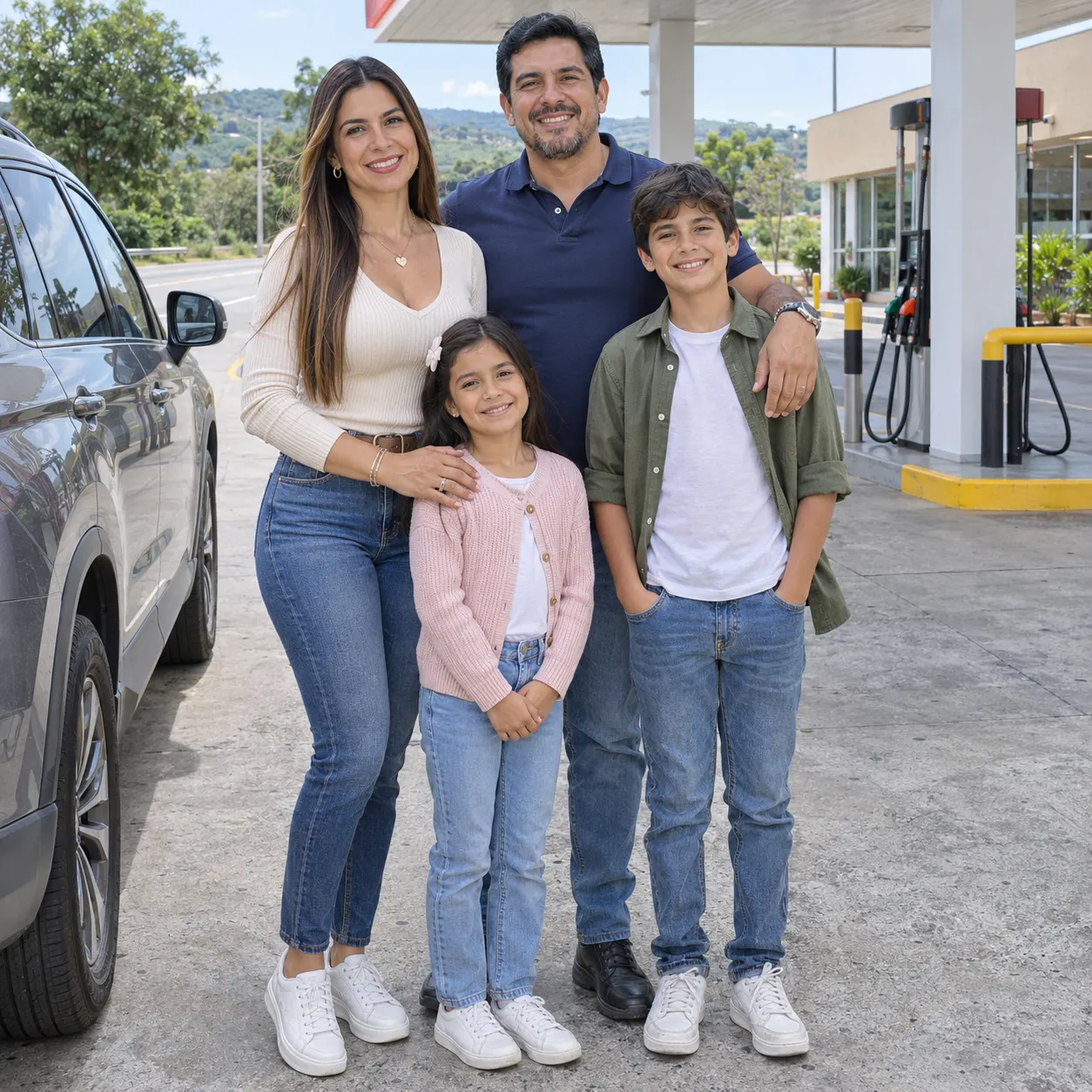
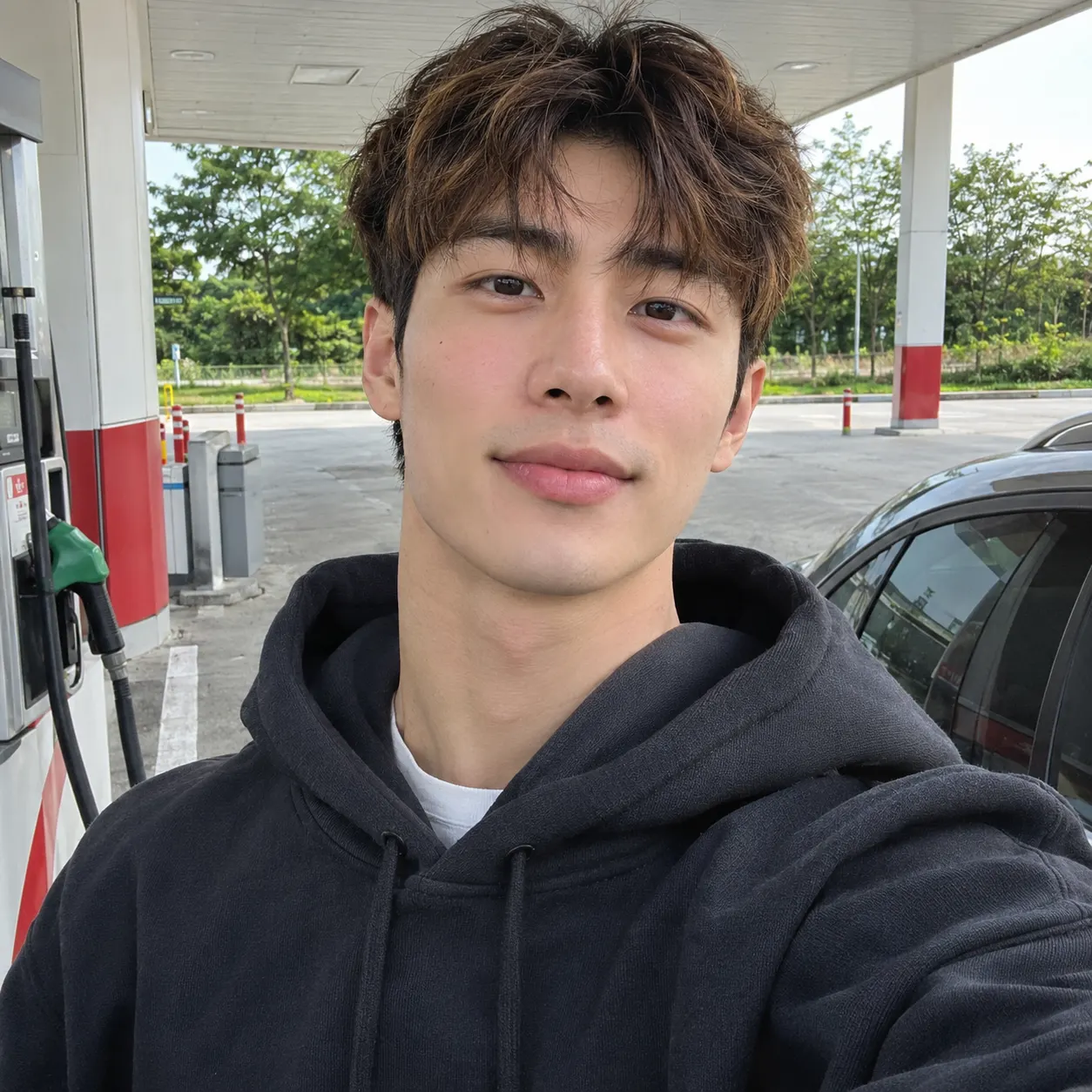
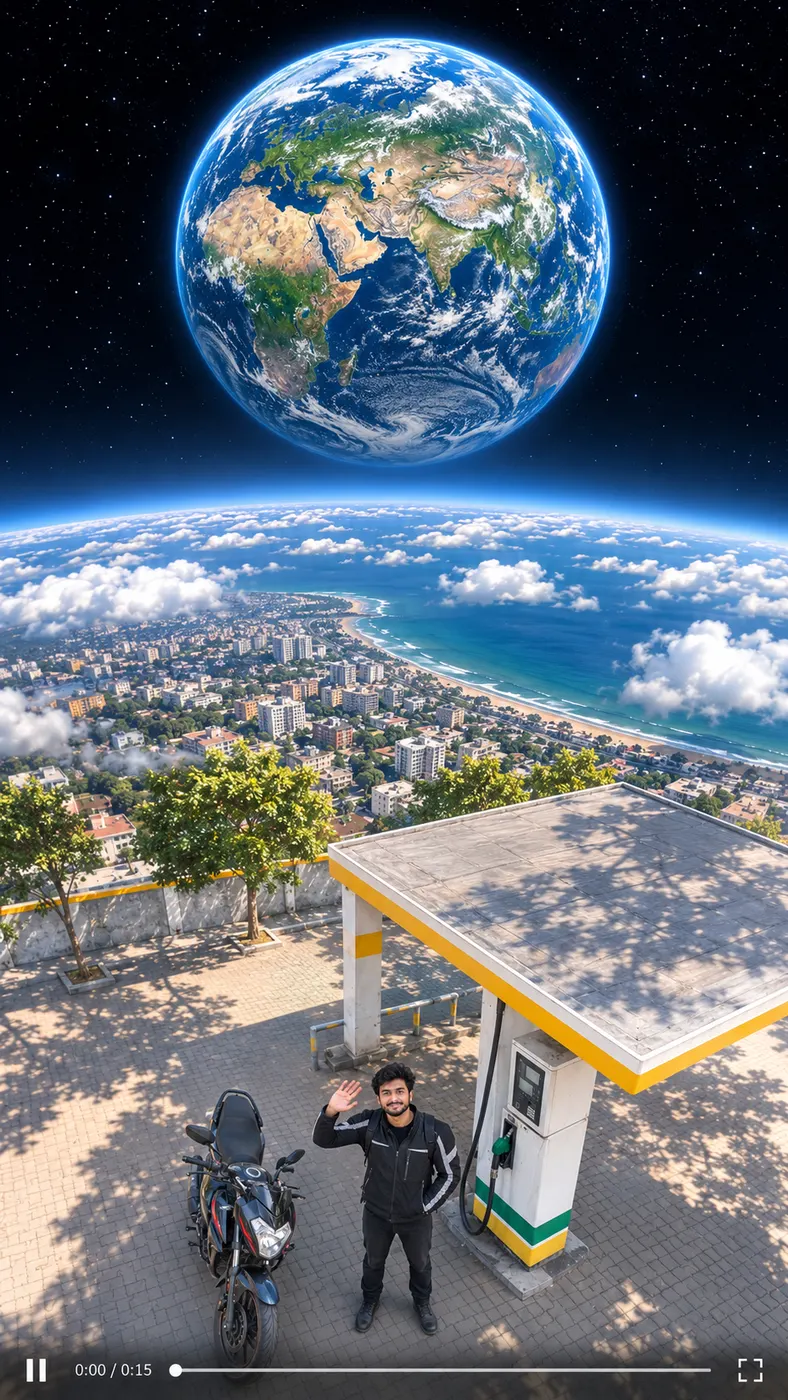
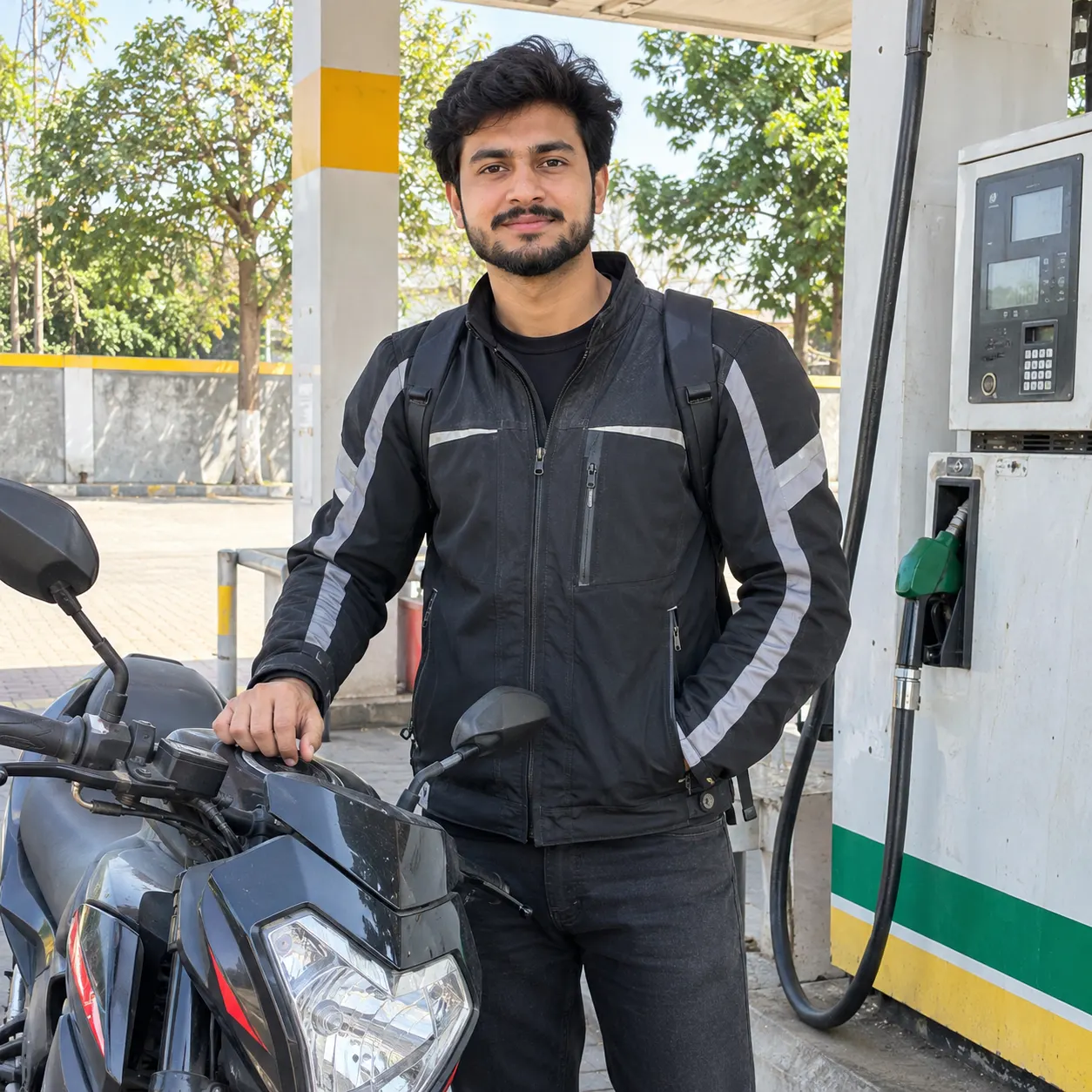
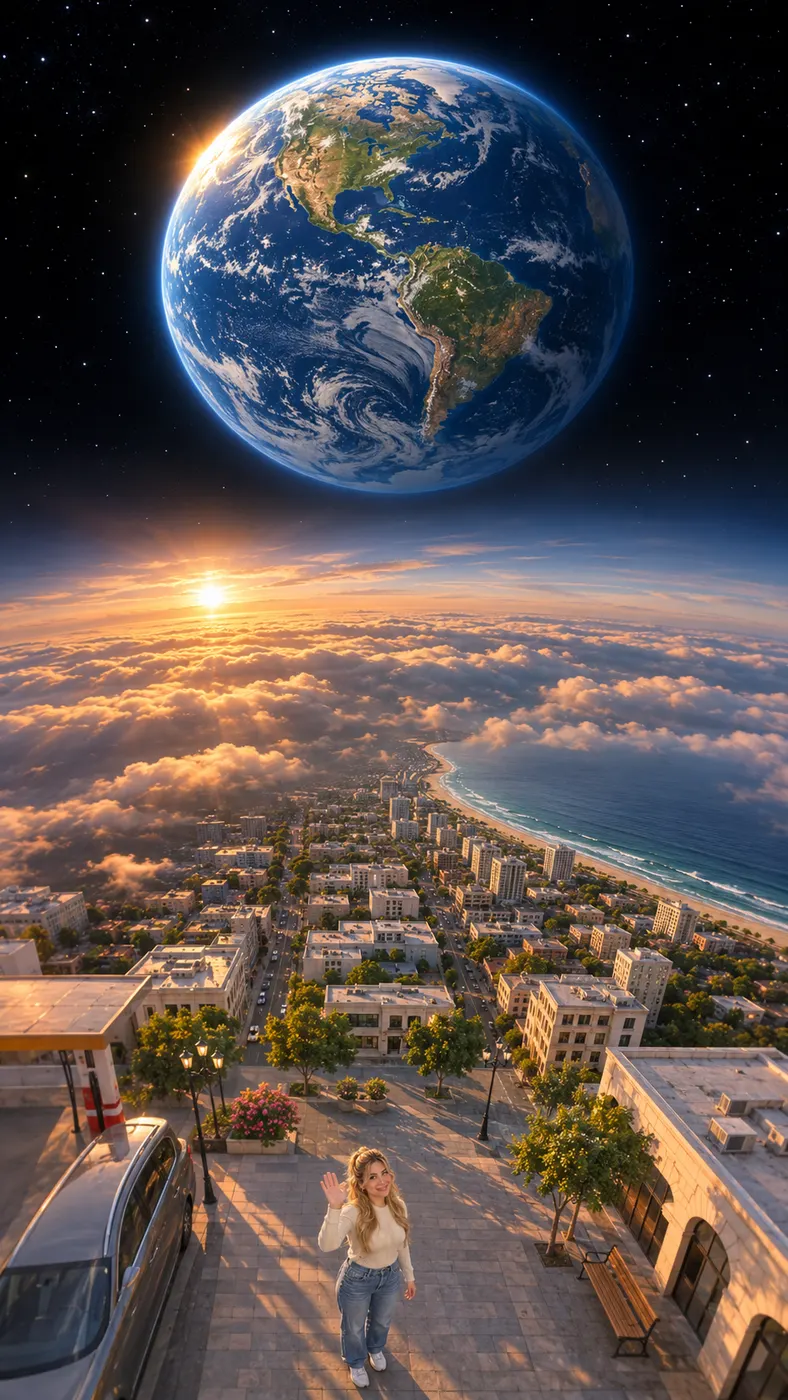
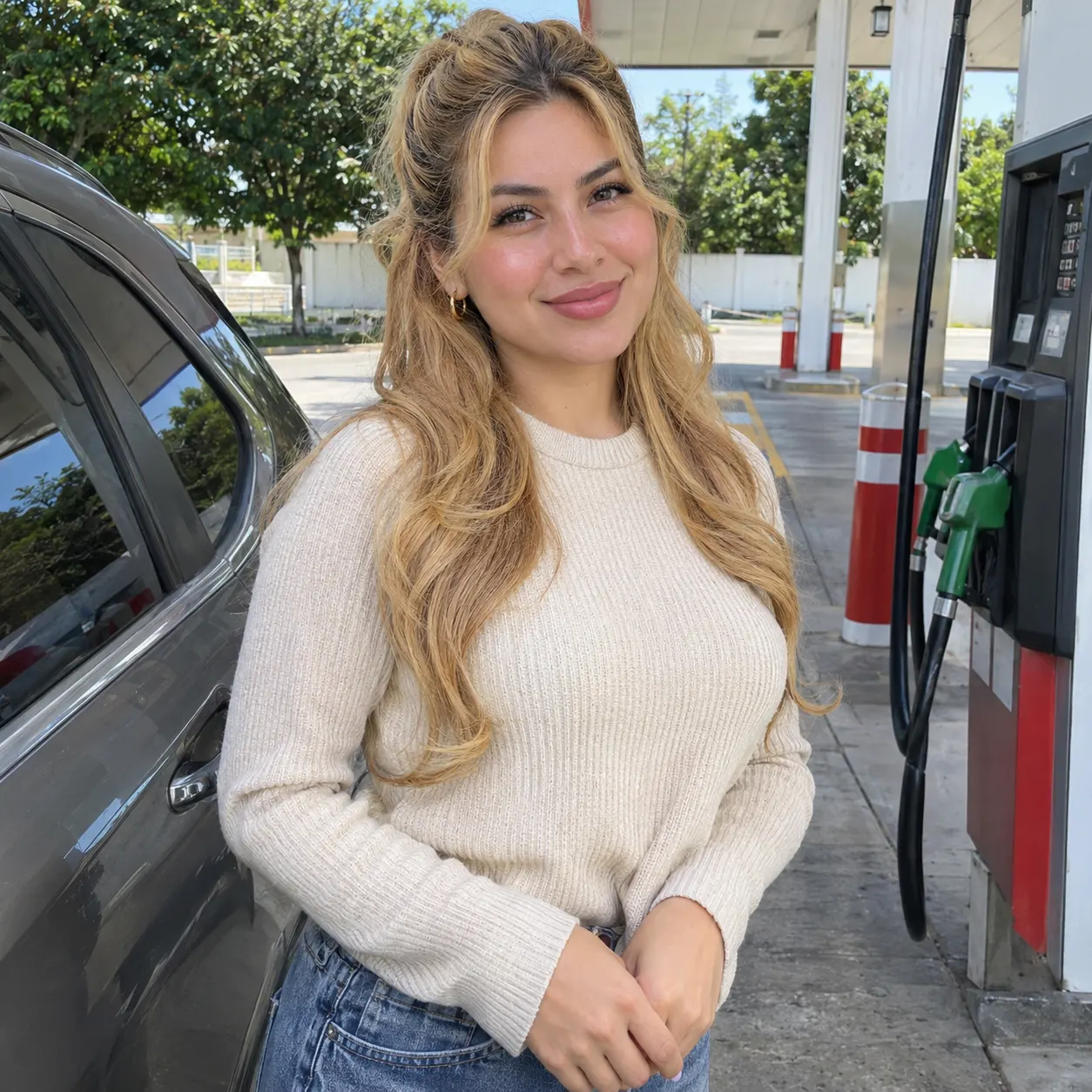
These examples show how the same selected scene turns different source photos into short vertical videos. Each result follows the same recognizable sequence while preserving the people from the uploaded image. Use the examples to judge framing, movement, lighting, and how much extra detail you may want to add before generating your own version. Want a bigger stunt? Try the car jump AI video, or browse more viral AI video trends.





How to Make the Gas Station AI Trend
- 01
Upload a Clear Photo
Upload one clear photo showing yourself, another person, or both of you together. Keep visible faces, hairstyles, clothing, and body position easy to see. Avoid heavy filters, blur, distant framing, and extreme angles. The generator accepts one image, so choose a source photo with every person you want to preserve clearly identifiable.
- 02
Generate the Selected Scene
The Gas Station AI Trend scene opens selected after you upload the photo. Add an optional short detail, such as a clothing color or mood, then review the displayed generation cost before starting. The result uses MiniMax H3 Reference to Video at the default 768p setting, with dancing at the pumps, a selfie close-up, and a walk toward the camera beside an everyday car. Audio is a laid-back R&B beat with no speech.
- 03
Review and Download the Video
Wait for the generation to finish, then watch the complete vertical video before downloading or sharing it. Check that the faces, number of people, clothing, car, and movement remain consistent from beginning to end. If the result does not preserve the look you want, try a sharper source photo or simplify the optional detail before generating again.
What You Can Do With This Scene
Create a Social-Ready Vertical Clip
The Gas Station AI Trend turns an ordinary portrait into a short vertical video for TikTok, Reels, or Shorts. The sequence moves from dancing between the pumps to a quick selfie moment and then a walk toward the camera, giving your post a beginning, middle, and ending without requiring filming at a real gas station.
Start With One or Two People
You can use a solo photo or an image of two people together. The generator is instructed to preserve each visible face, hairstyle, skin tone, body, and the same number of people while adding nobody. For a more consistent result, choose a bright image where faces are unobstructed and subjects are not hidden by blur or extreme filters.
Personalize the Scene With a Short Detail
You can leave the optional detail field empty or add a brief instruction that supports the selected scene. Mention a clothing color, mood, or similar visual preference rather than describing an entirely different video. Short, concrete details are easier for the model to apply while the gas-station action remains the main focus.
Check the Cost Before Generating
The Gas Station AI Trend has no free preview or free run. A finished video costs $1.75 for 25 credits, so check your credit balance and available purchase options before submitting, especially if you want to try more than one source photo.
Use Your Own or Authorized Photo
You can create a version featuring another person, but you should have permission to use and transform that image. Review the finished video before sharing it publicly, because permission does not guarantee perfect identity preservation. This is a Rap Blaze AI video scene, not an official TikTok, Instagram, or other platform-branded effect.
Gas Station Scene FAQ
What does this gas-station video effect do?
The Gas Station AI Trend turns one clear photo into a vertical short video. The person or people dance between gas pumps at golden hour, move into a quick selfie close-up, step out of an everyday car, and walk toward the camera. The audio is a laid-back R&B beat with no speech, while the prompt asks the model to preserve the people from the source image.
Is this gas-station video generator free?
No. This scene has no free preview or free run, and a completed generation uses 25 credits at the displayed price of $1.75. Check the credit balance and available packs before submitting a generation, because the cost applies each time you test a different source photo.
How long is the generated video, and how long does it take?
The output is a 15-second vertical AI video. That duration is separate from processing time: the wait can depend on the current queue and service response. Keep the generator open until the page confirms completion, then review the finished result before downloading it or closing the page.
What photo should I upload for this effect?
Upload one sharp, well-lit photo with one person or two people and visible faces. Choose an image where hairstyles, skin tones, clothing, and body positions are easy to see. Avoid distant framing, darkness, heavy filters, blur, and extreme angles, because the model has less useful visual information when the people are difficult to identify.
Can I use someone else’s photo?
Yes, you can use a photo showing another person or two people if you have permission to use and transform it. The generator is instructed to keep the same people and add nobody, but results can still vary. Review the completed video for identity, clothing, and movement before sharing it publicly.
Is this an official TikTok or Instagram effect?
No. This is a Rap Blaze photo-to-video generator that creates a new vertical video from your uploaded photo, the selected gas-station scene, and any optional detail. It is not an official TikTok, Instagram, or other social-platform effect, so do not describe the finished clip as an official platform filter or branded feature.
Make Your Own Gas Station Clip
Return to the generator panel above, upload a clear photo, keep the gas station scene selected, and add an optional detail only if it helps personalize the shot. Review the finished vertical video before sharing it.