
58th Floor AI Rap Video
You step into the 58th floor scene with a friend, share one ceiling-hung microphone, and trade relaxed English rap lines in a teal late-night studio. Upload two photos, add an optional topic, and start with a 5-second free preview.
Photo 1: you. One face, front-facing, well lit, no sunglasses
Photo 2: your friend or your pet, a separate photo. The two don't need to be taken together
Tip: drag a photo onto its box, or click the box to pick one.
Free 5-second 480P preview (small watermark) · Full video: 25 credits
rap duo video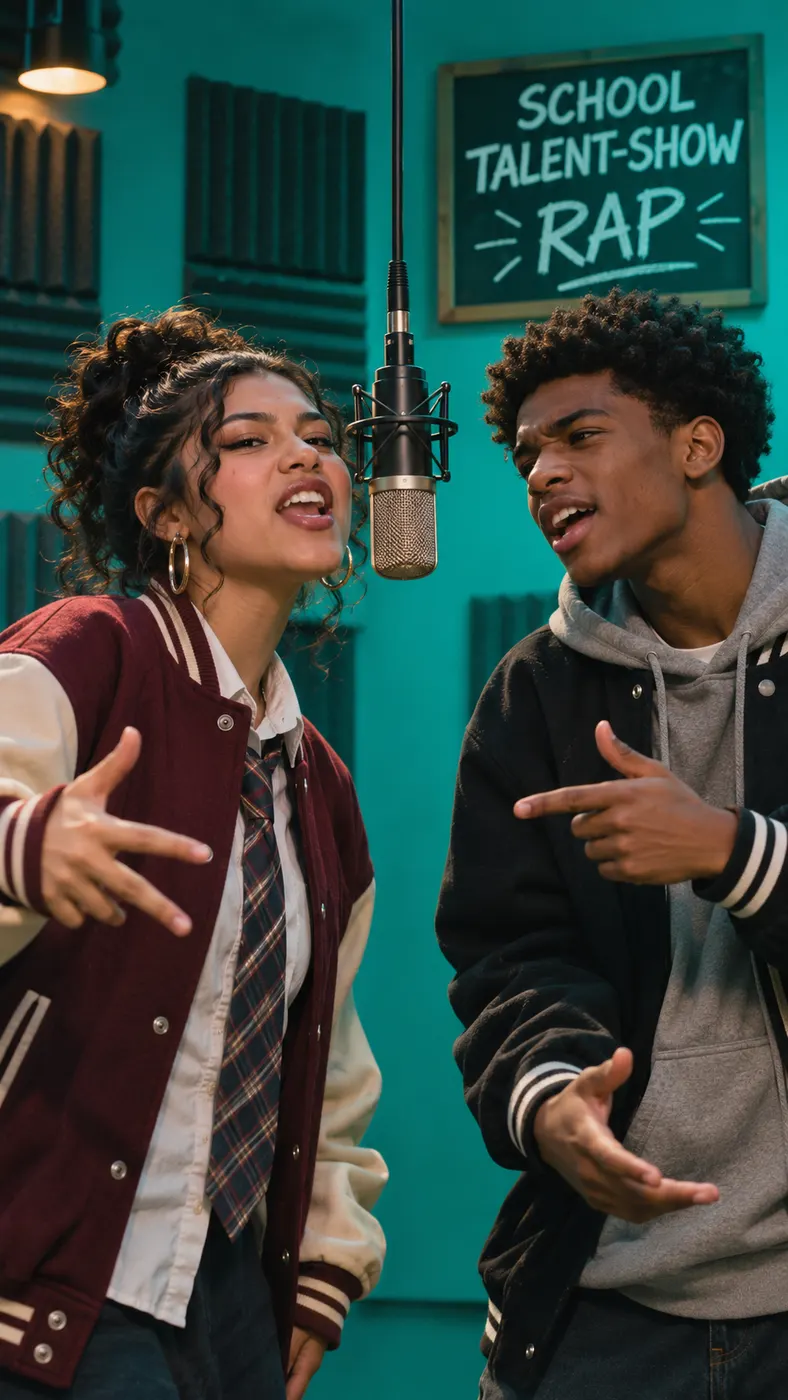
58th Floor Rap Clips From Two Photos
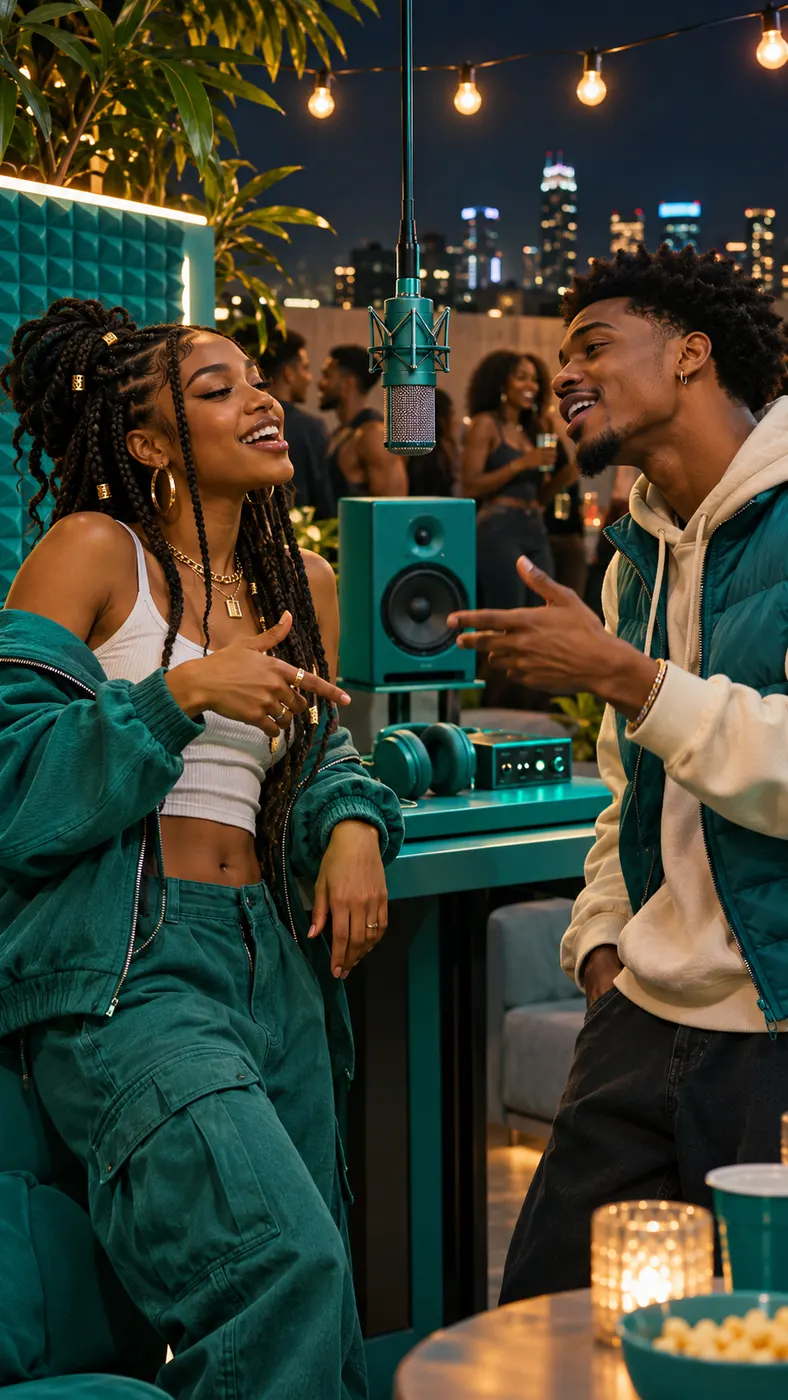
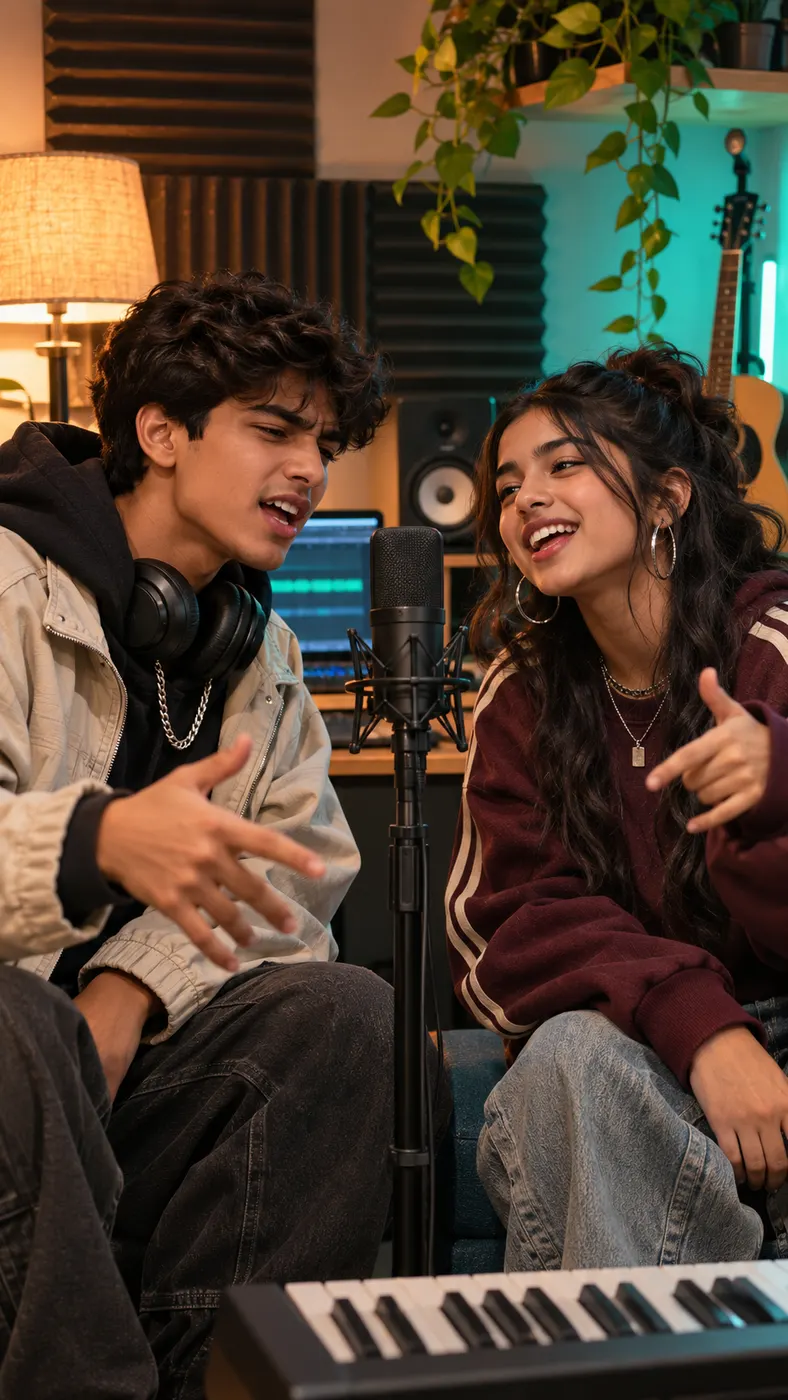
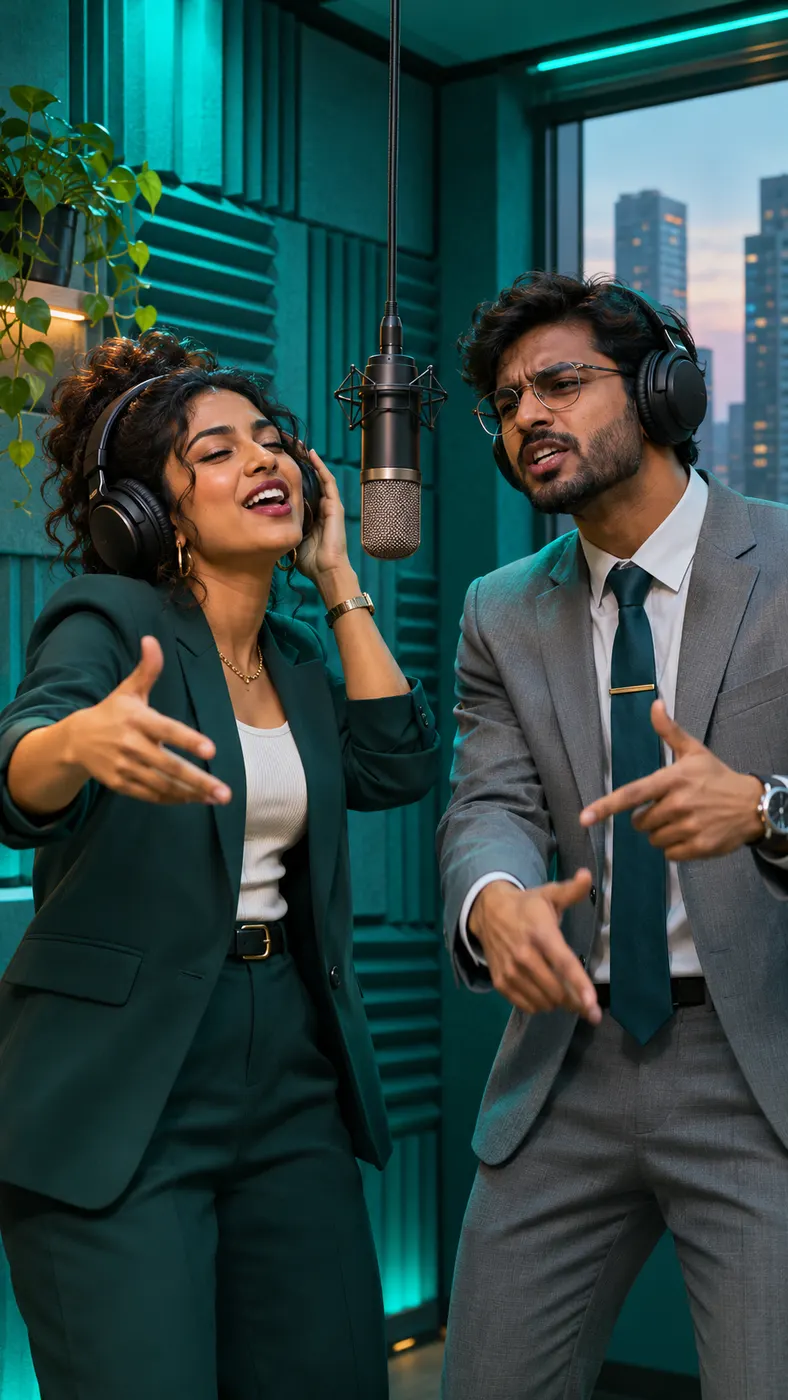
This 58th floor scene is built for a recognizable two-person clip, not a generic rap setup: one uploaded photo identifies each performer, while the selected card places them close together in teal light around one ceiling-hung microphone. Browse our best photo guide compare the AI rap duo maker and follow the step-by-step rap guide when you want cleaner inputs. Each example below shows a different pair trading lines in the same relaxed late-night visual language.
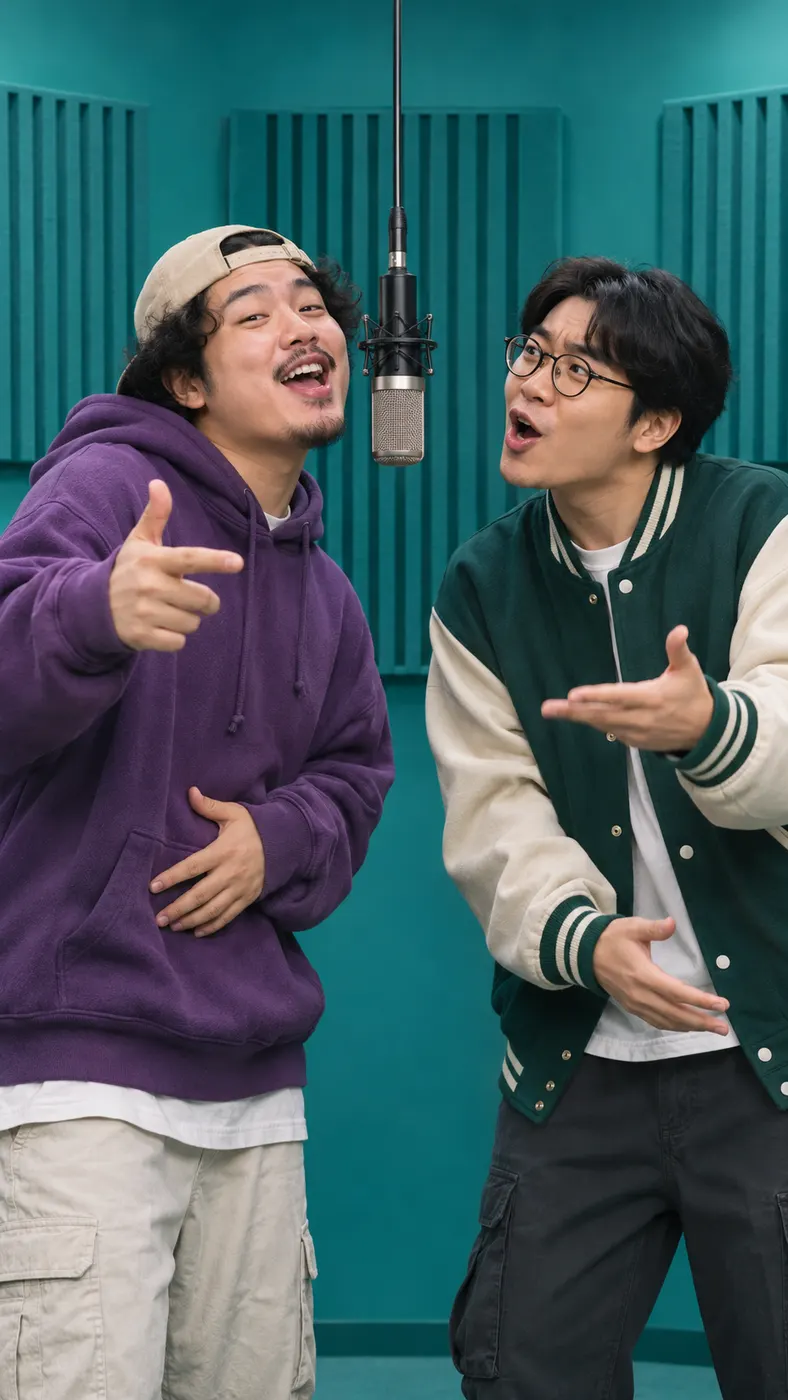
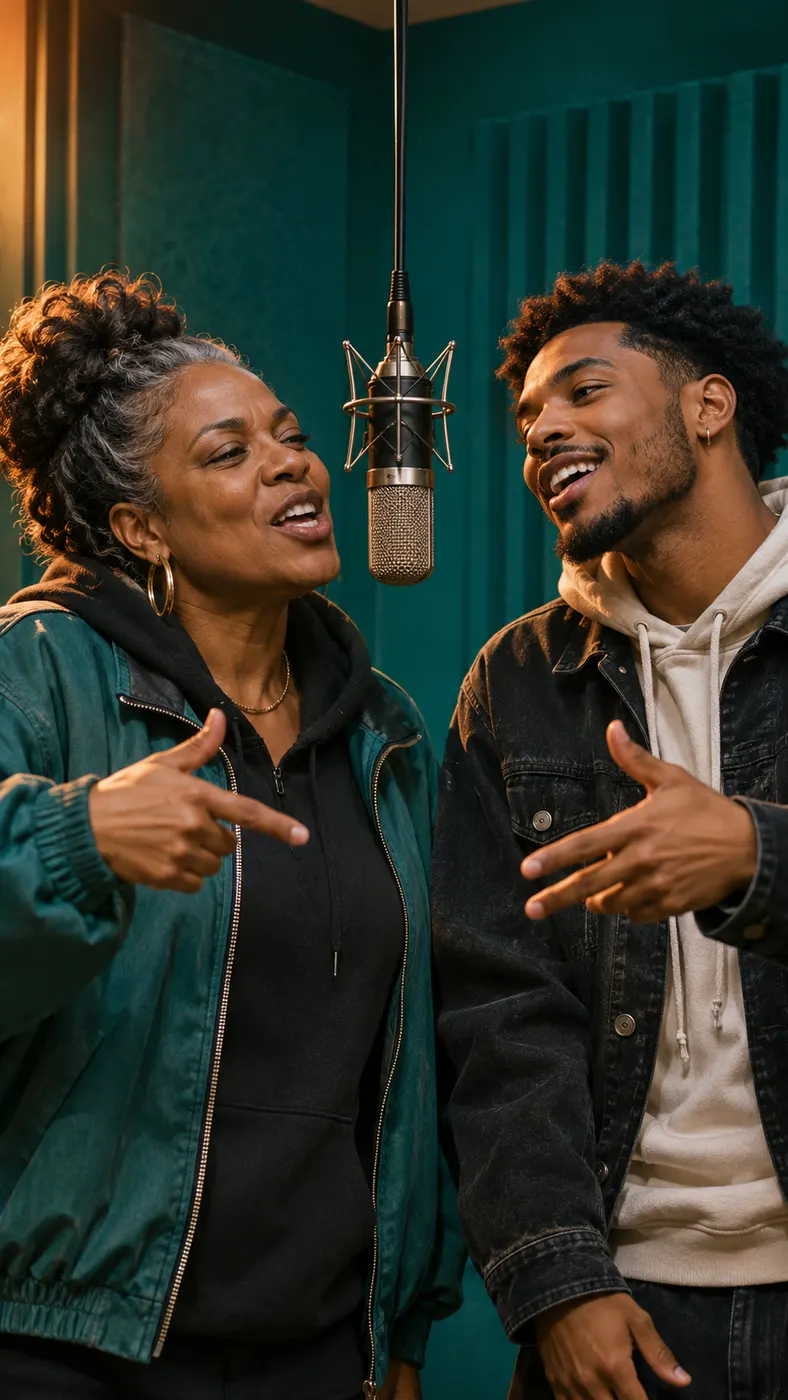
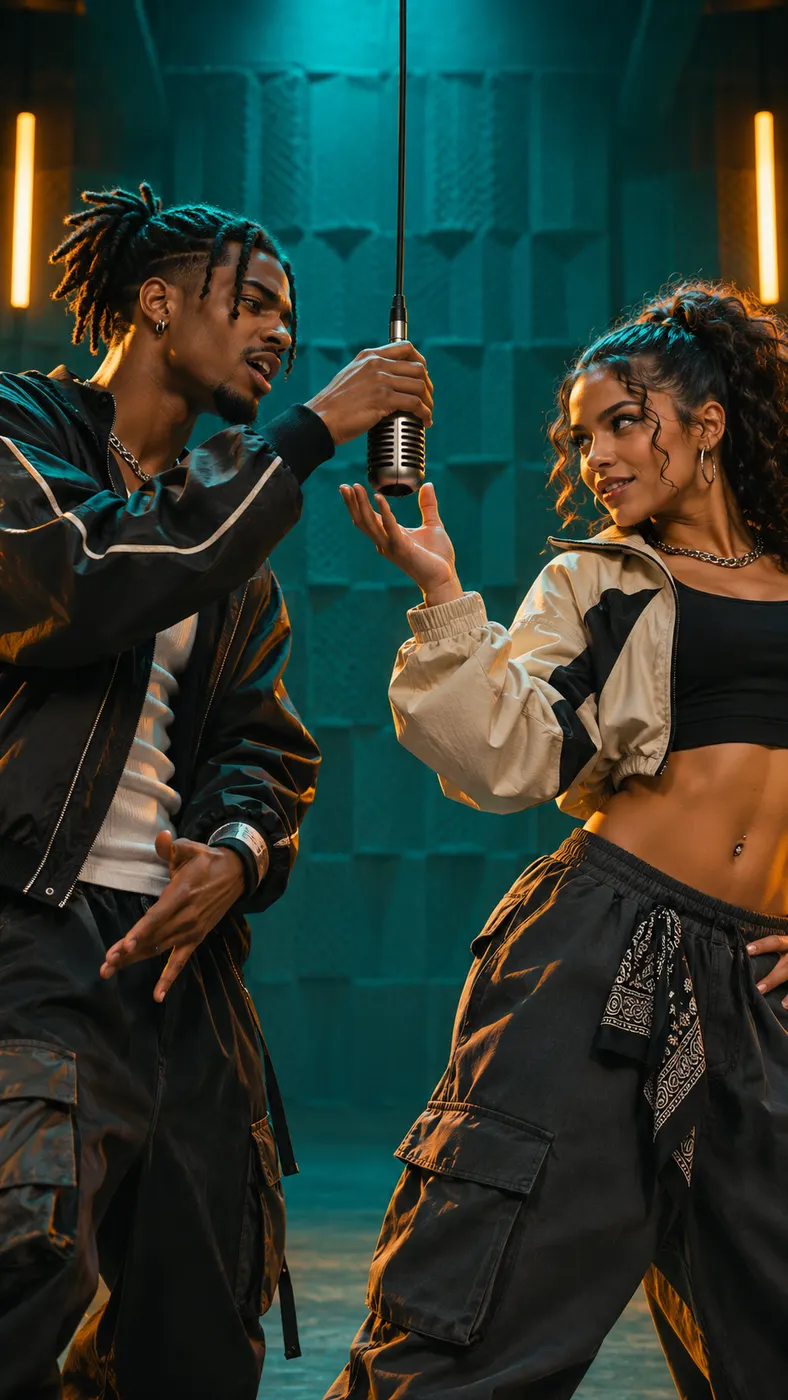
How to Make a 58th Floor Rap Video
- 01
Upload the two performer photos
Add one clear front-facing, well-lit photo for Person A and a separate photo for Person B, then choose the 58th floor scene. The two people do not need to appear together in the source images. Use photos where faces, hairstyles, skin tones, and personal looks are easy for the generator to preserve.
- 02
Preview the scene
Start with the preview to check the 58th floor teal studio mood, shared microphone, framing, and turn-taking before creating the complete result. Add an optional rap topic such as a birthday or a friendship milestone, then start the 5-second preview. The generator creates a vertical clip with two distinct English rap voices and original hip-hop audio.
- 03
Unlock the finished video
After the preview, use credits for the complete result rather than stopping at the preview when the 58th floor take feels right. The finished video runs for 15 seconds, and the displayed full-run price is $1.75 for 25 credits. Keep the generator page open while the result is prepared, then save the completed vertical video.
What You Can Make With This Rap Scene
Recreate the recognizable setup
Make the specific viral-style setup with the 58th floor scene: two performers standing close in a compact high-floor recording studio, teal acoustic panels around them, and one microphone hanging from the ceiling on a long cable. The result centers the pair and their exchange instead of turning the idea into a generic stage performance.
Keep two real people distinct
Build the clip from two separate photos, one for each performer, with the 58th floor scene framing them together. Person A and Person B remain separate roles, so the generator can preserve each person's face, hairstyle, skin tone, and overall look instead of blending the identities. This makes the format useful for a friend-to-friend rap exchange made from photos that were taken separately.
Give the exchange a topic
Add an optional rap topic to make the 58th floor performance personal. The two voices take turns in English, with one performer carrying the hook and the other delivering the verse while they react, nod, gesture, and lean toward the shared microphone. Leave the topic empty when you want the generator to shape a more open-ended rap session.
Preview before paying for the full run
Test the 58th floor look with a 5-second free preview before using the full-run credit option. A finished result is 15 seconds long, and the full run uses 25 credits at $1.75. That gives you a clear way to check the scene, performer placement, and overall feel before creating the complete vertical video.
Questions About This Rap Scene
What is this two-person rap clip trend?
It is a viral-style two-person rap clip built around a very specific visual: two people stand close in a small high-floor studio, teal acoustic panels and soft teal light surround them, and one microphone hangs from the ceiling. The 58th floor trend has them trade a hook and verse in one relaxed late-night take rather than performing as separate solo acts.
Can I make the clip with a friend?
Yes. You and a friend can appear as two distinct performers from two separate photos in the 58th floor scene. The generator keeps the roles separate, places both people in the same vertical frame, and gives each one lines to lip-sync while they pass the shared microphone back and forth.
What photos can I use, and can one show someone else?
Use two separate photos for the 58th floor setup: one clear, front-facing, well-lit image for Person A and another for Person B. The second image can show your friend or another performer, but make sure you have permission to use that person's image. Sunglasses, poor lighting, or a crowded source photo can make identity preservation less reliable.
Is there a free preview?
Yes. You can start with a 5-second free preview of the 58th floor clip before creating the complete result. The preview helps you inspect the teal lighting, shared microphone, two-person framing, and general performance direction without committing to the full credit run first.
How long is the finished video?
The finished video runs for 15 seconds in the 58th floor scene. It is a vertical two-person rap performance with a steady medium shot, slow push-ins, two distinct English rap voices, and original hip-hop audio rather than an existing song.
What does a full generation cost?
A full run of the 58th floor clip costs $1.75 and uses 25 credits. You can preview the scene first, then decide whether the specific performer pairing and teal studio look are ready for the complete vertical result.
Is this an official building, address, or real-world location?
No. This is a Rap Blaze scene for a stylized AI video, not an official building, address, or real estate topic. Its 58th floor name describes the recognizable high-floor studio look: teal panels, soft teal light, one hanging microphone, and a relaxed rap exchange.
Make Your Own Two-Person Clip
Return to the generator panel and use your own photos to make a 58th floor rap video with a friend. Start with the 5-second preview, then unlock the complete result when the shared-microphone scene feels ready to post.