
Smooth Criminal Dance AI
With Smooth Criminal Dance AI, you step into a vertical concrete parking garage clip and take the solo dancer’s place. Upload one clear photo with your face visible, then let the photo-to-video workflow follow the reference performance: the hat flick, arm swings, side glides, and spins stay at the center of the scene. Add an optional detail if you want to guide an extra visual choice; the selected scene remains the parking-garage routine.
One clear photo: a solo shot or the two of you. Faces visible, no heavy filters
Tip: drag a photo onto its box, or click the box to pick one.
You take the place of the dancer in the parking garage.
Smooth Criminal Dance · Hit the hat flick, arm swings, side glides and spins of the Smooth Criminal dance challenge, starring you.
This video: 96 credits · Credits come back if it fails
AI video effect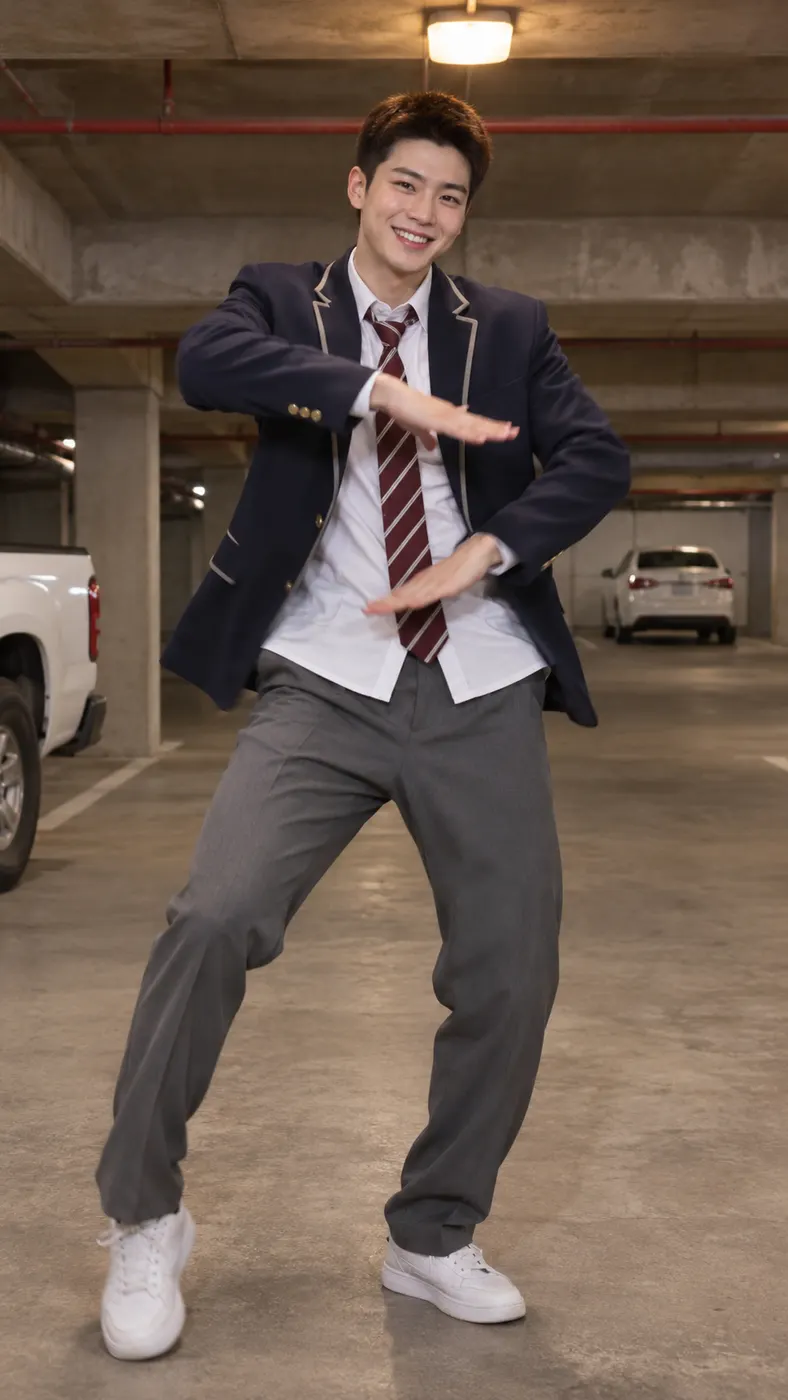
Smooth Criminal Dance AI examples
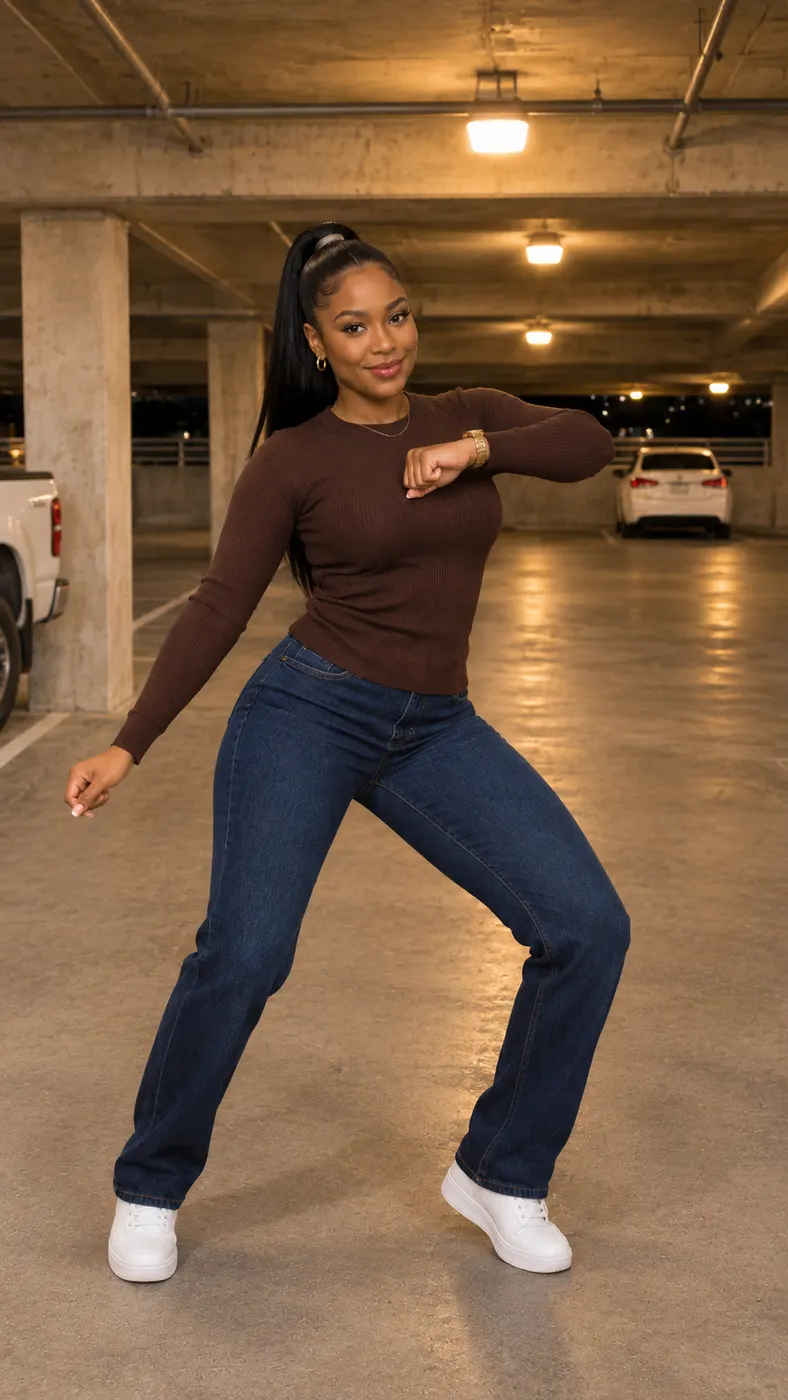
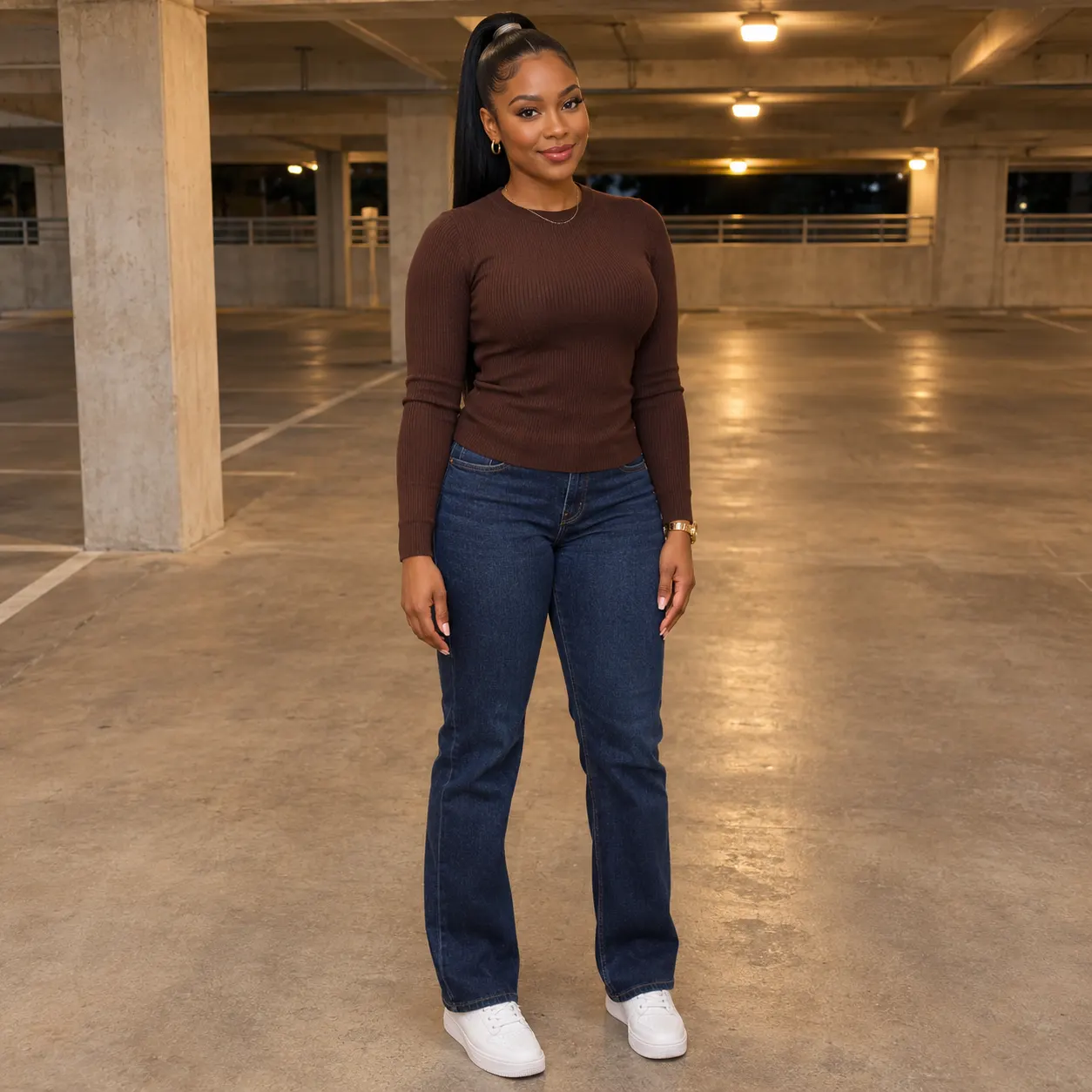
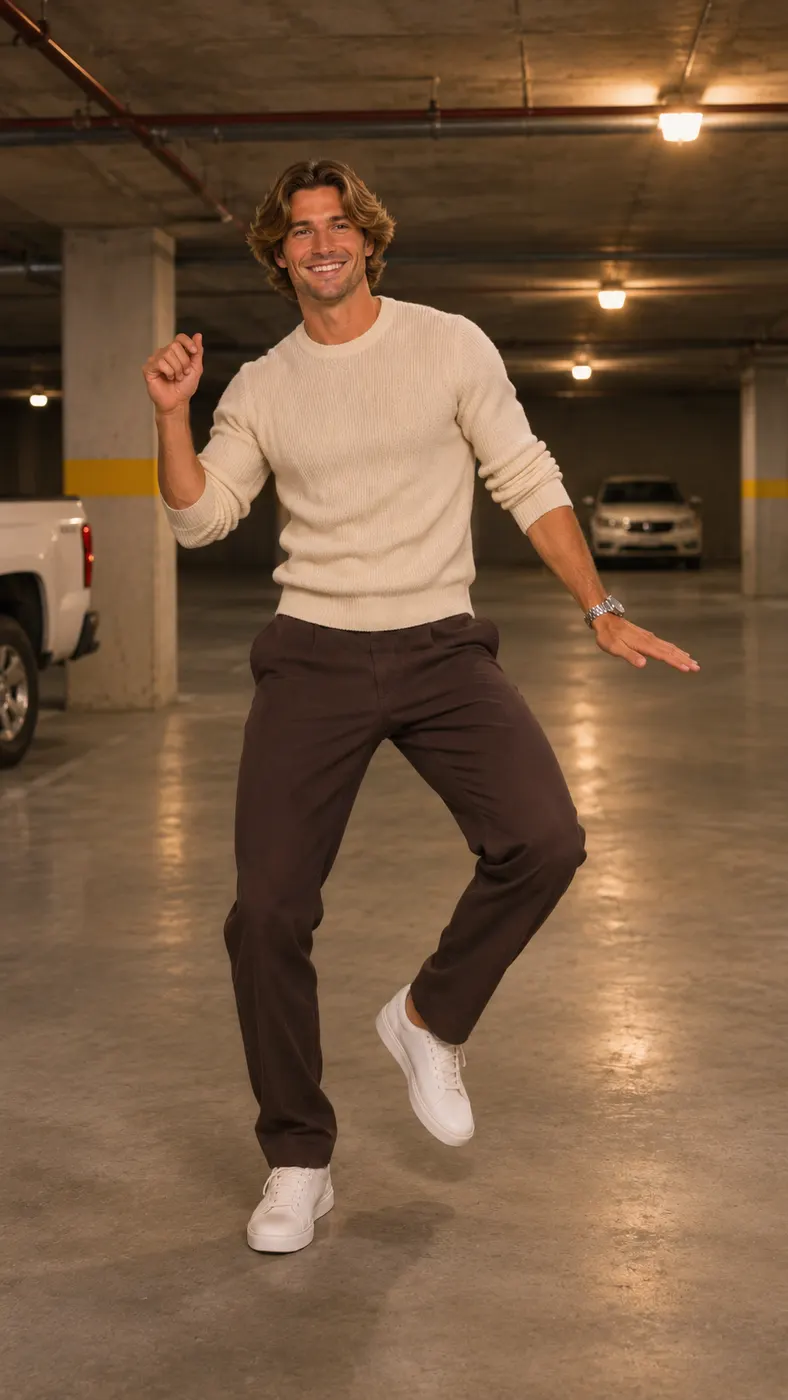
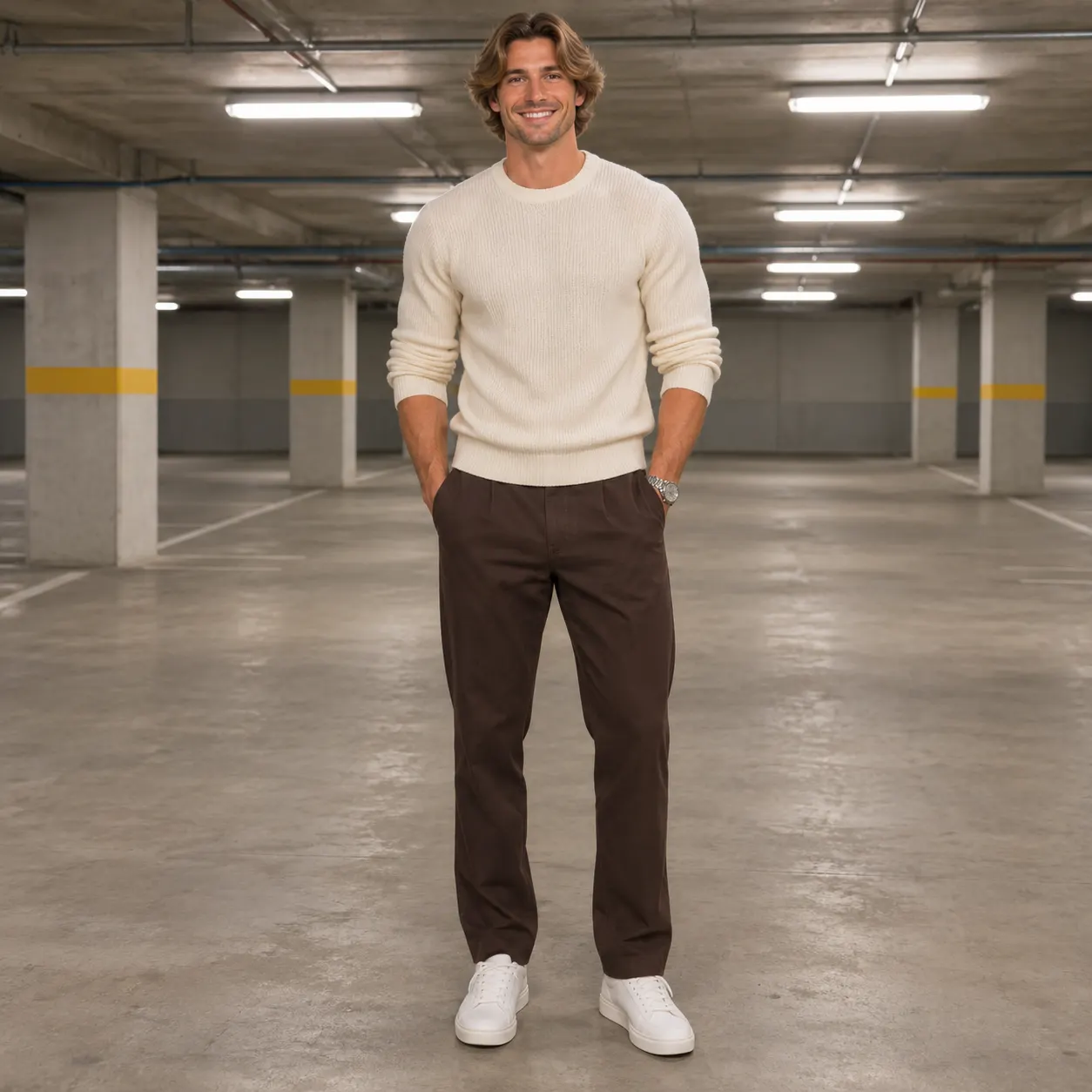
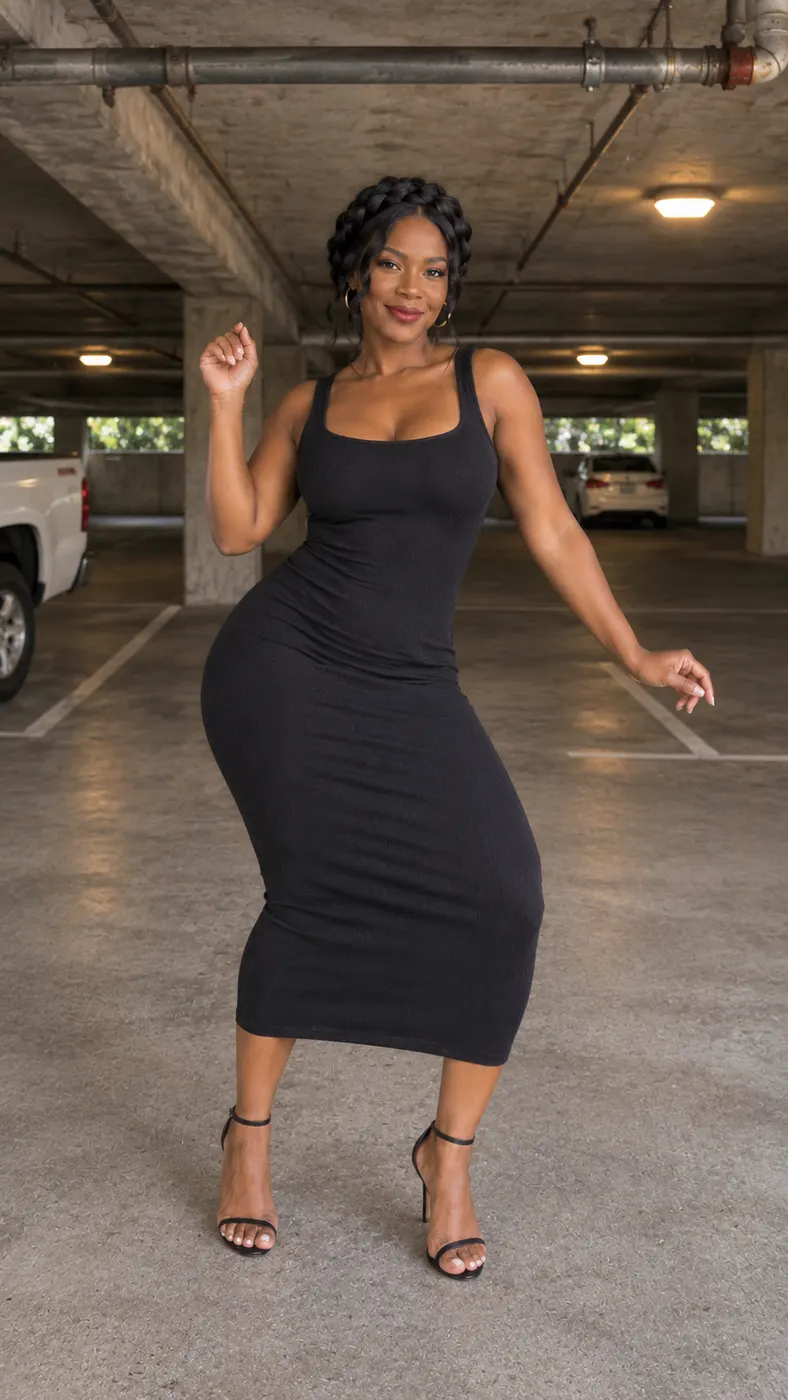
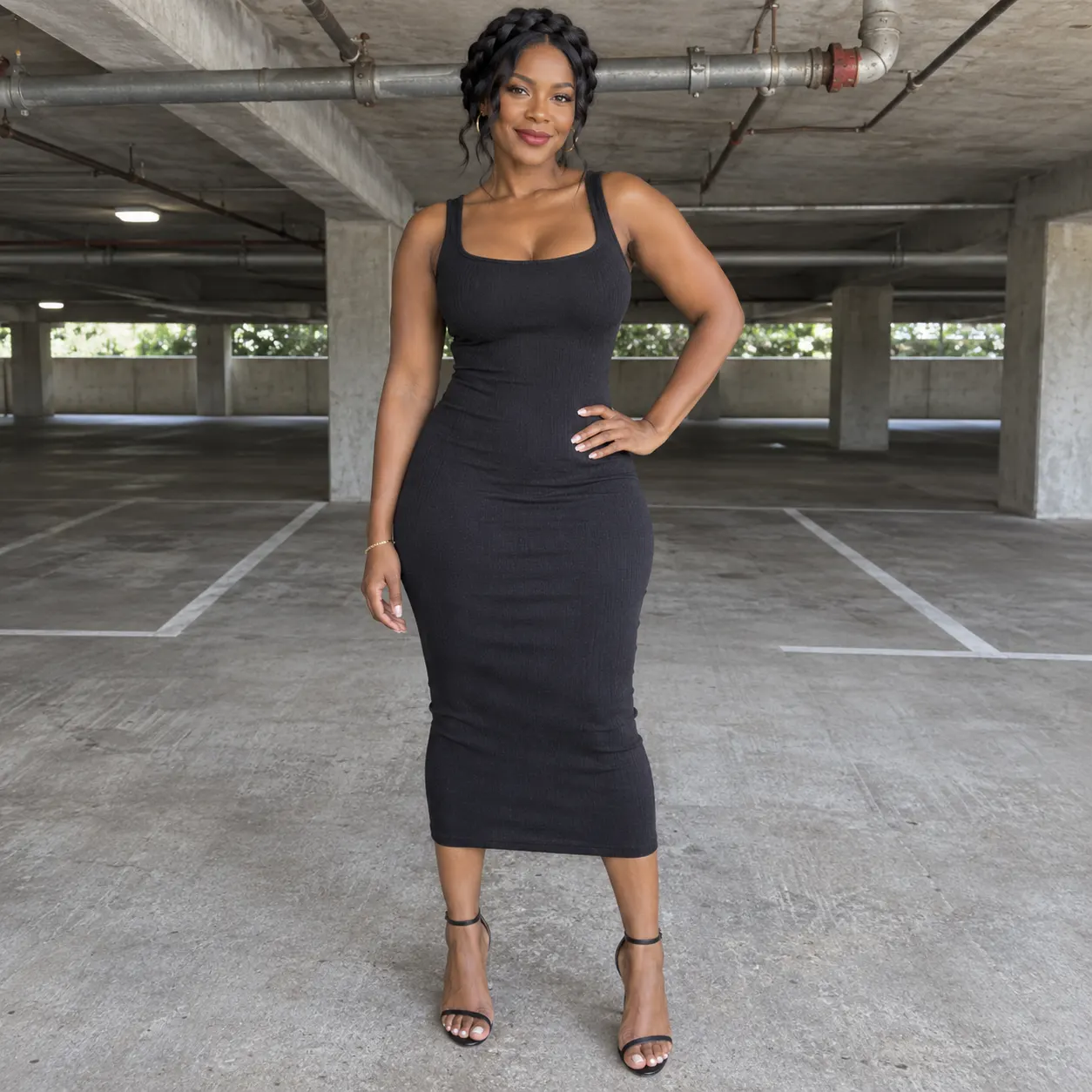
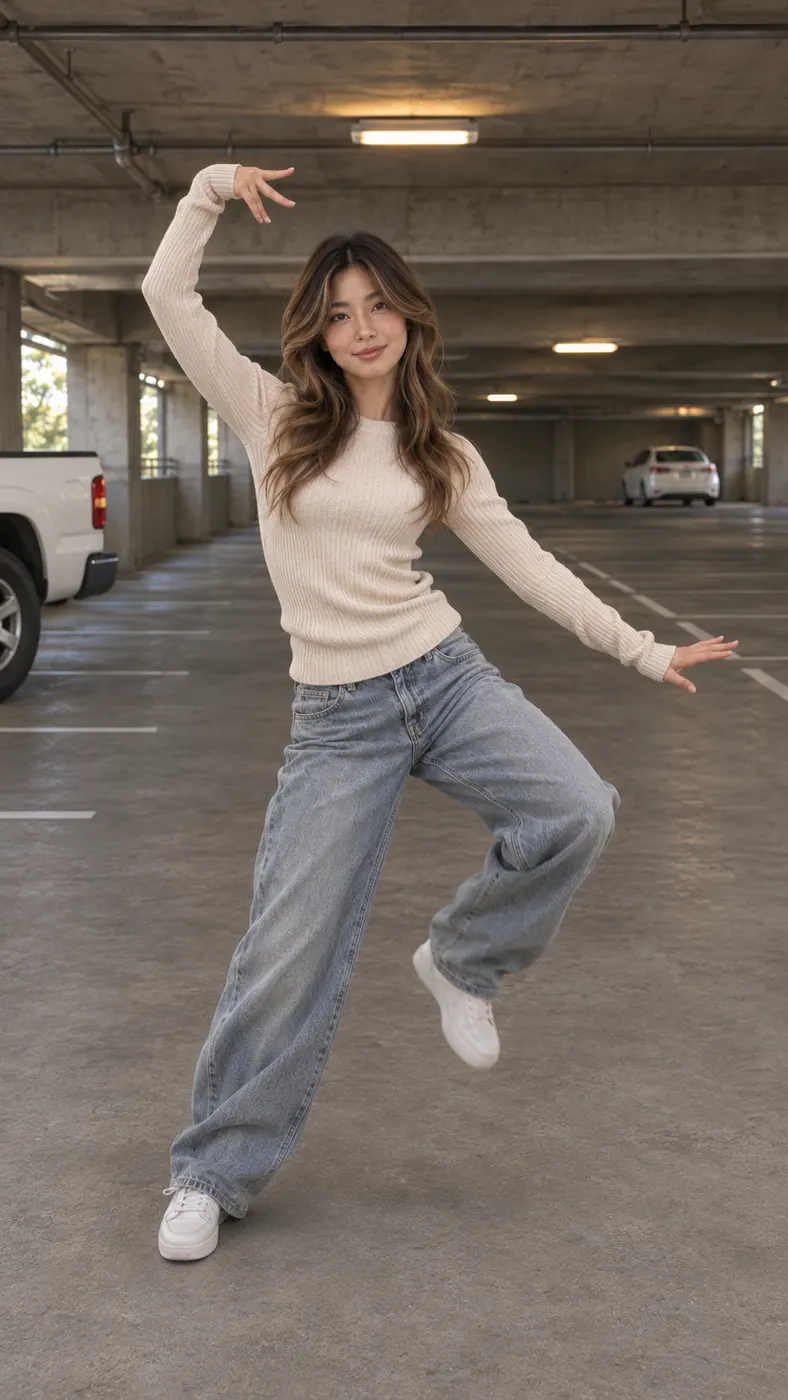
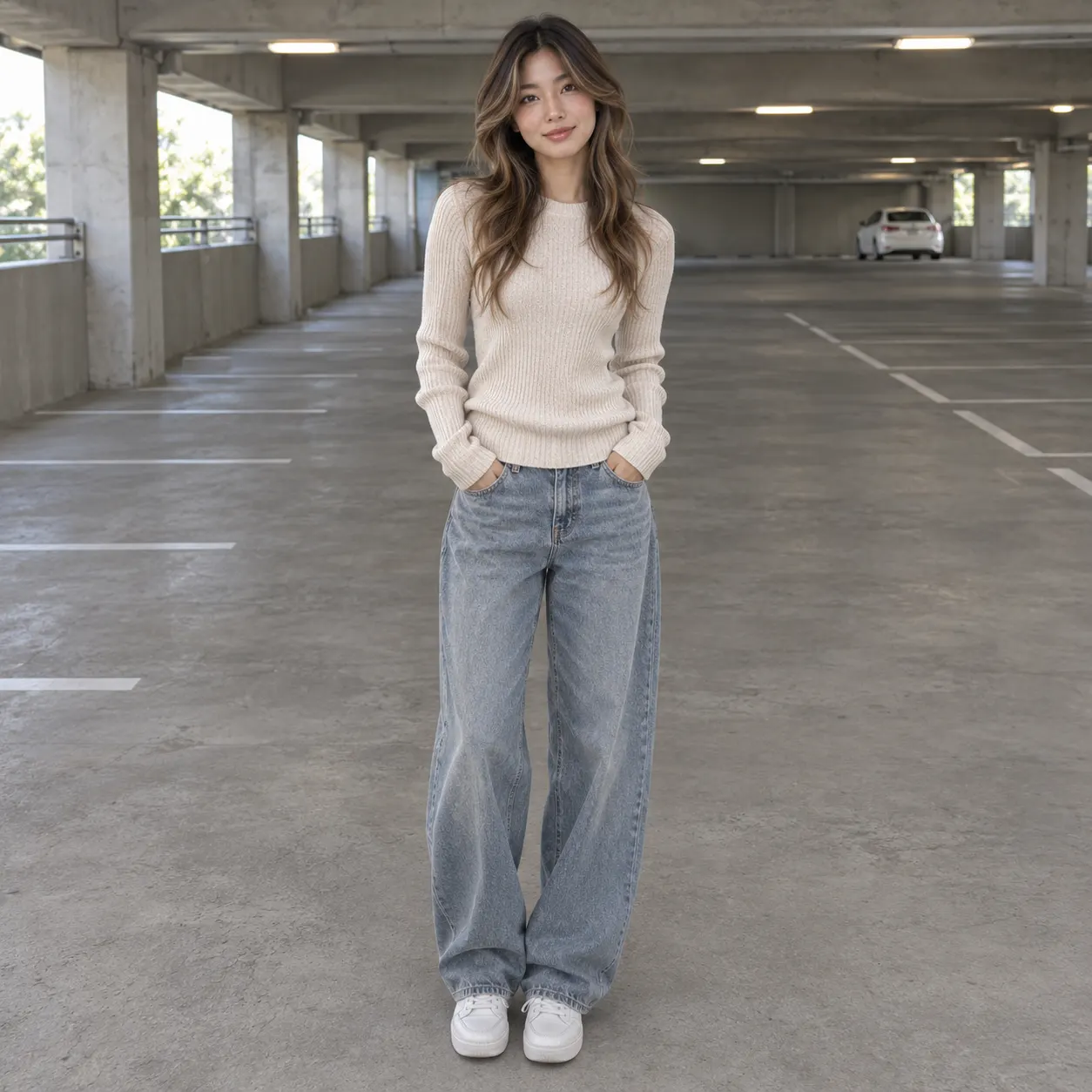
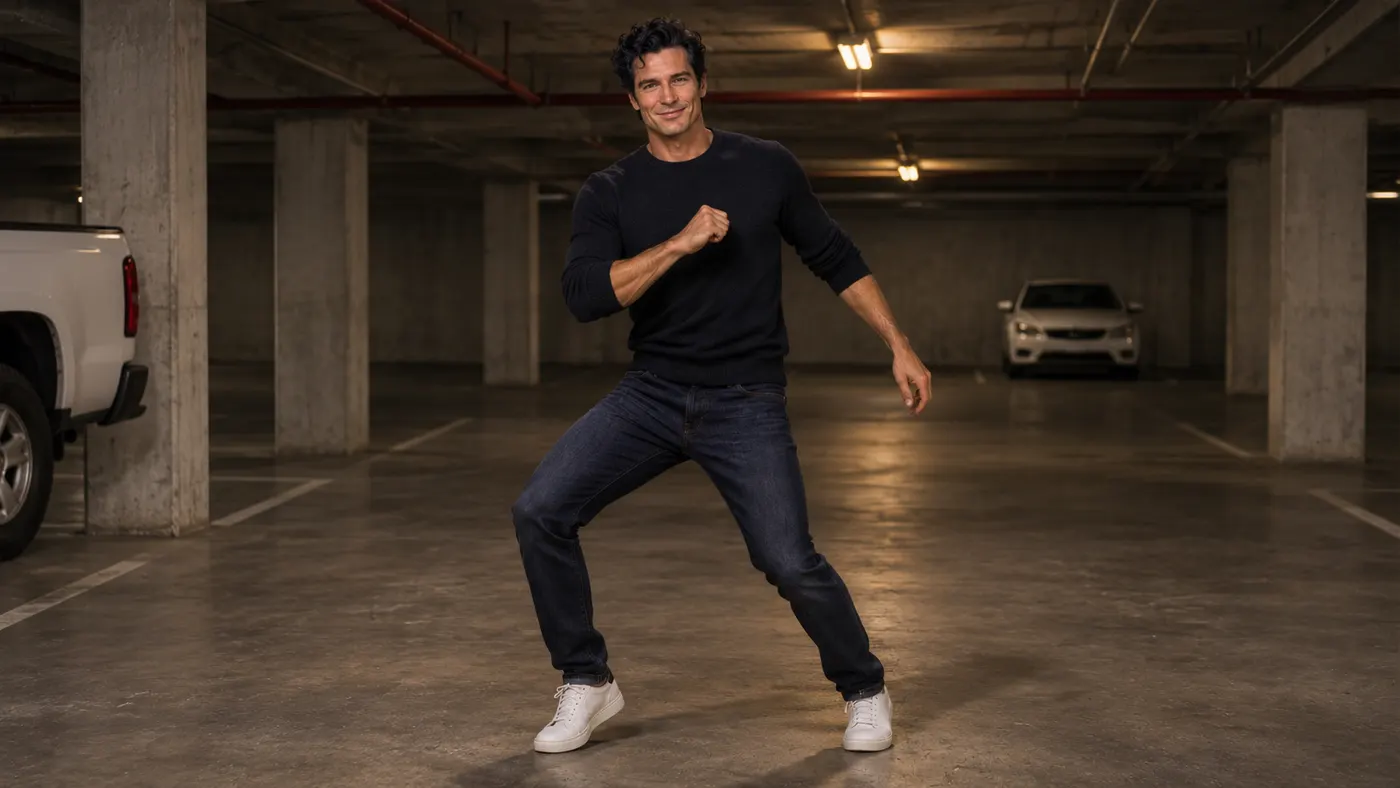
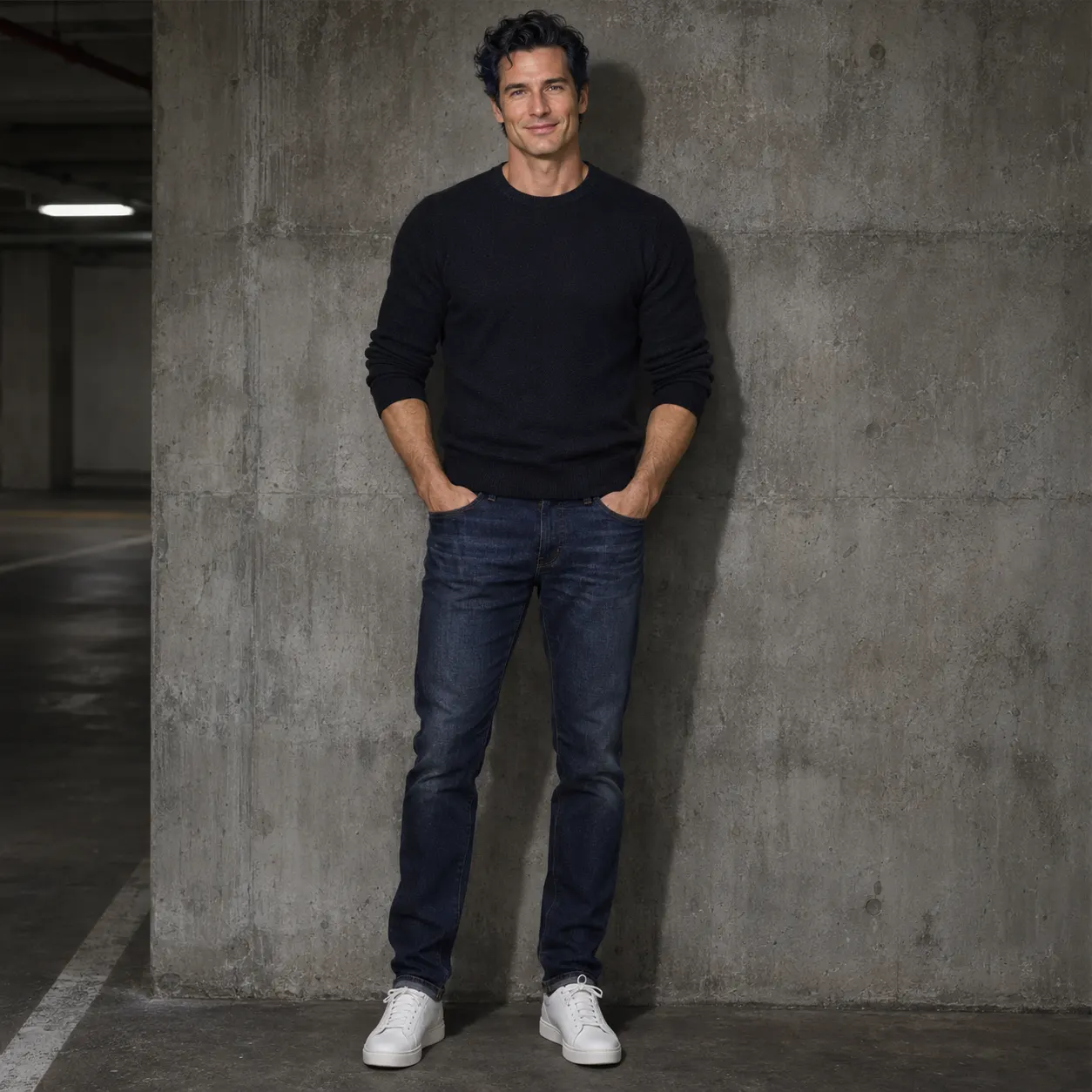
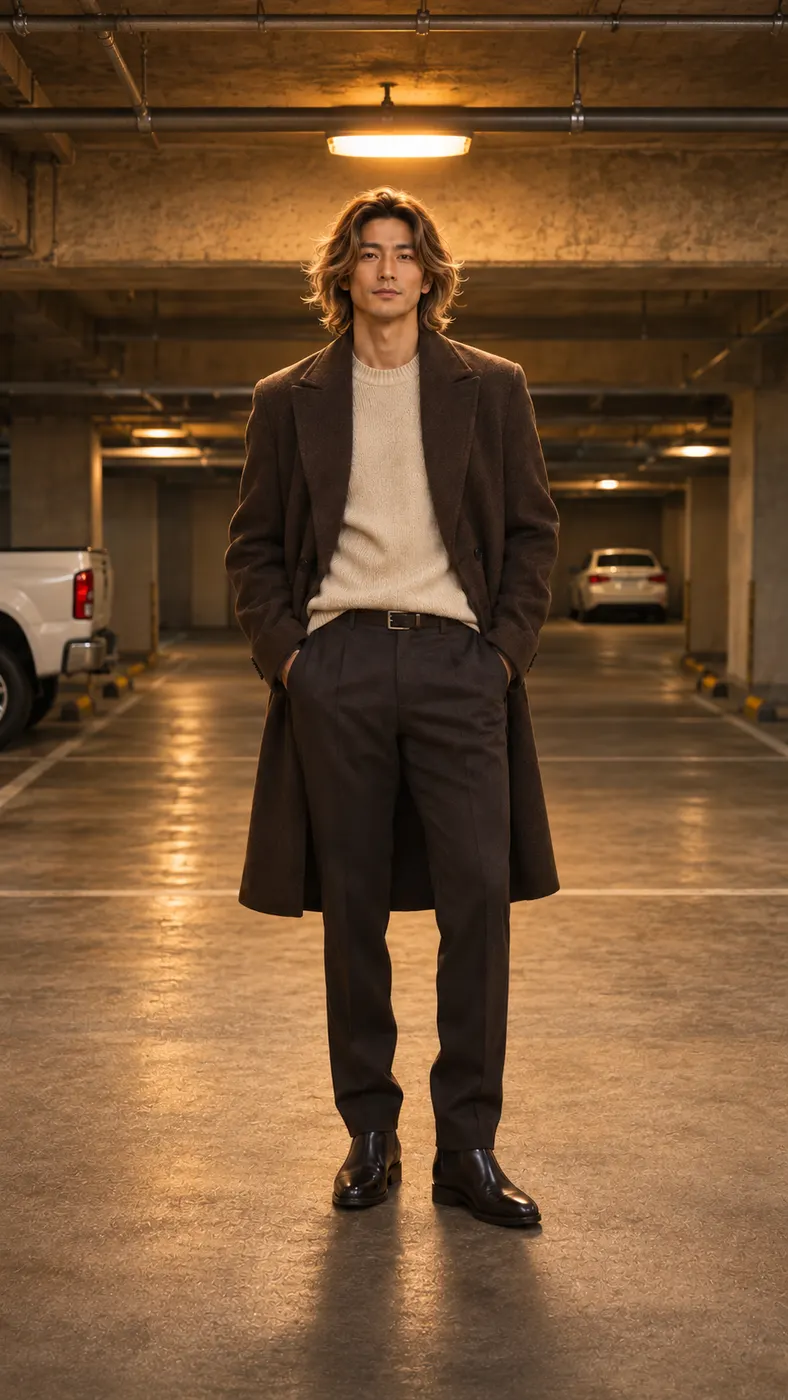
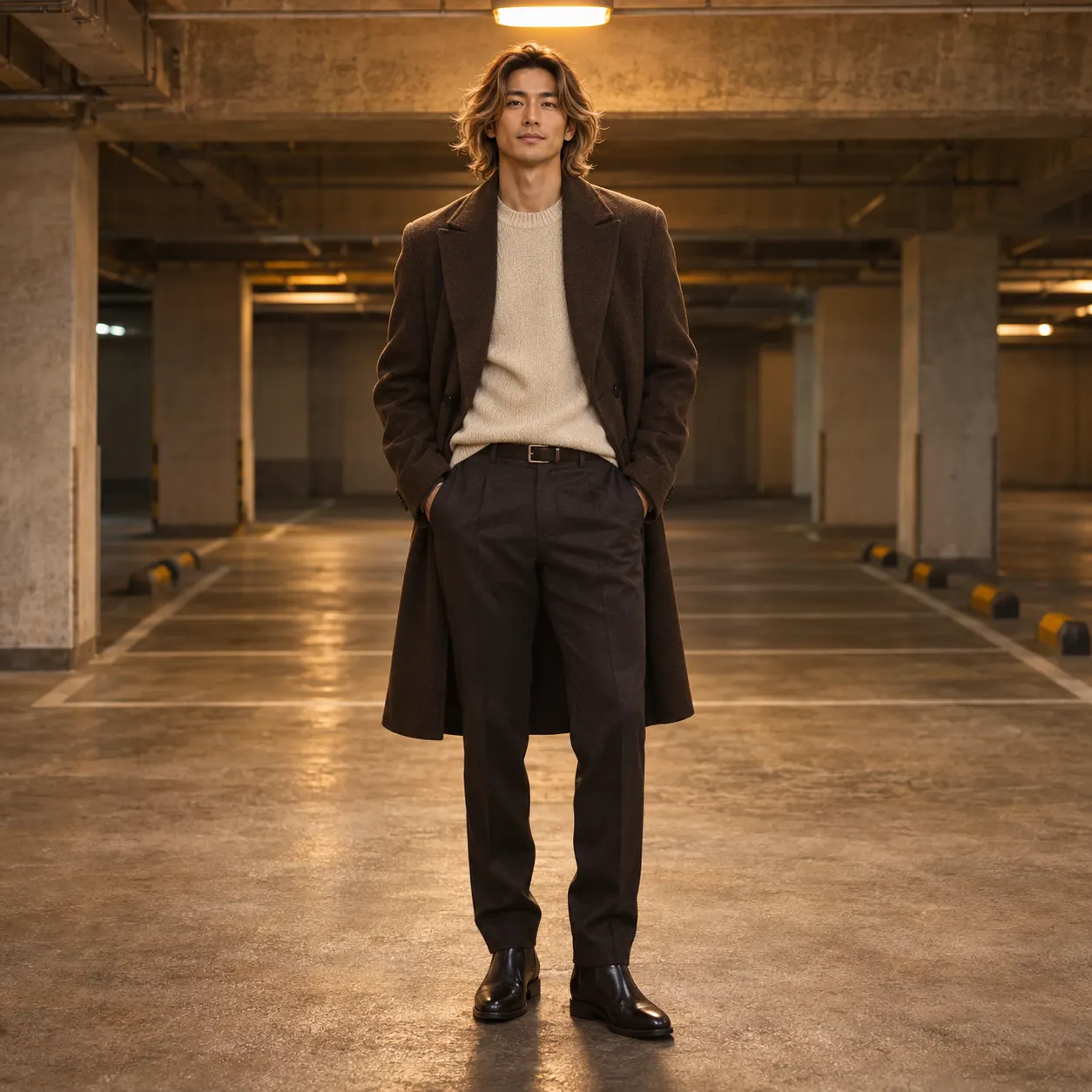
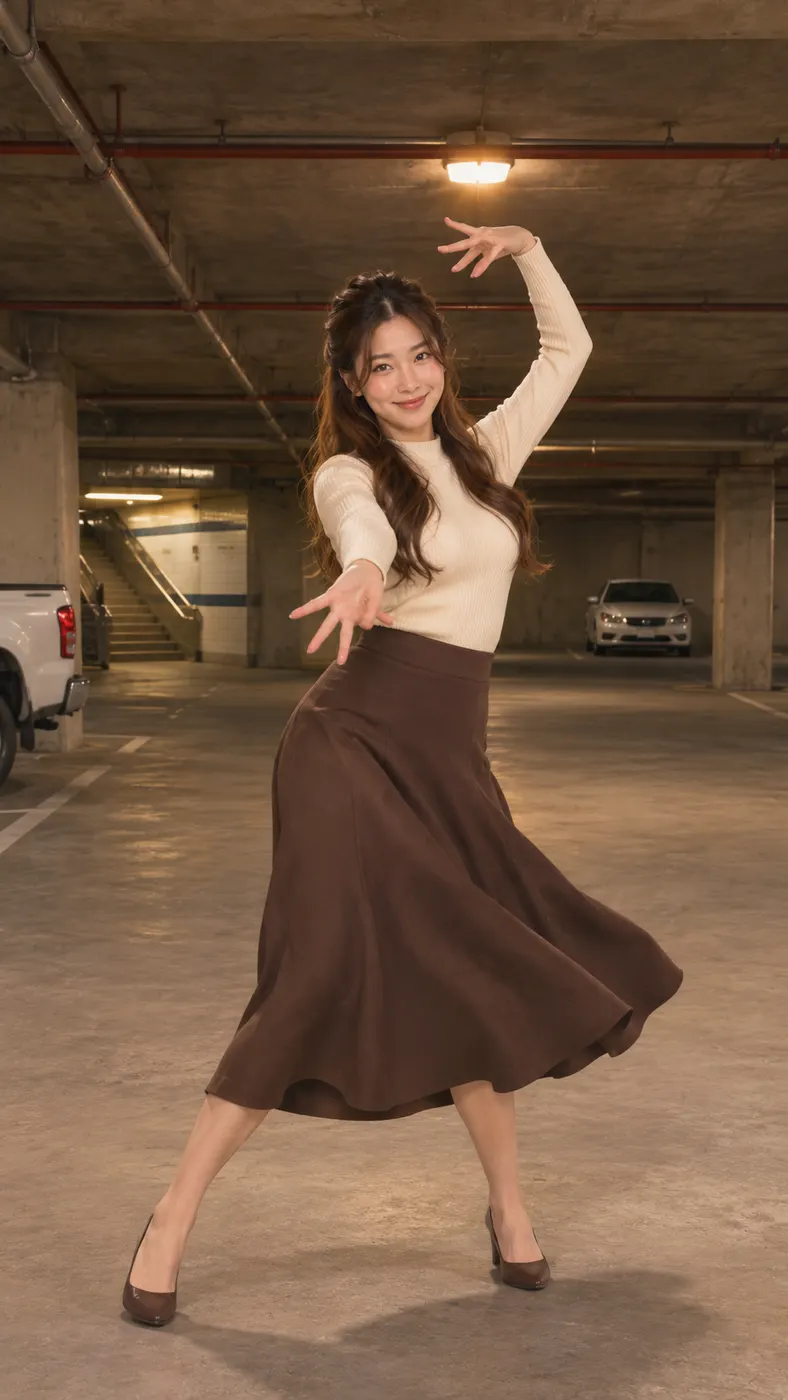
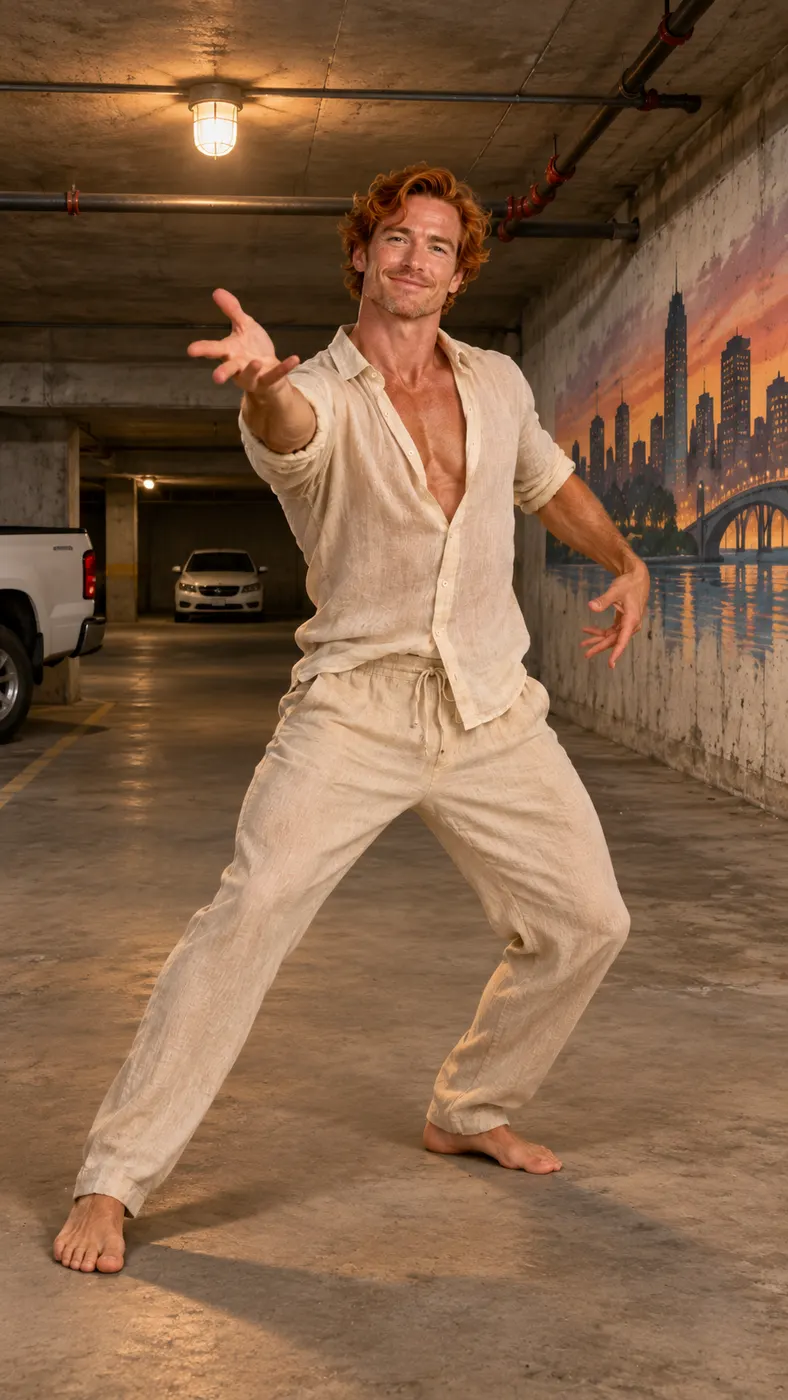
These examples show the same reference scene with the uploaded subject taking the dancer’s position in a concrete parking garage. Look for the full-body framing, dim warm light, exposed pipes, distant white car, hat movement, arm swings, side glides, and finishing spins. For a stronger starting image, use the input-photo guide. If you want a broader workflow, follow the step-by-step video guide, or compare another fixed dance scene in the hallway dance page.


How Smooth Criminal Dance AI works
- 01
Upload one clear photo
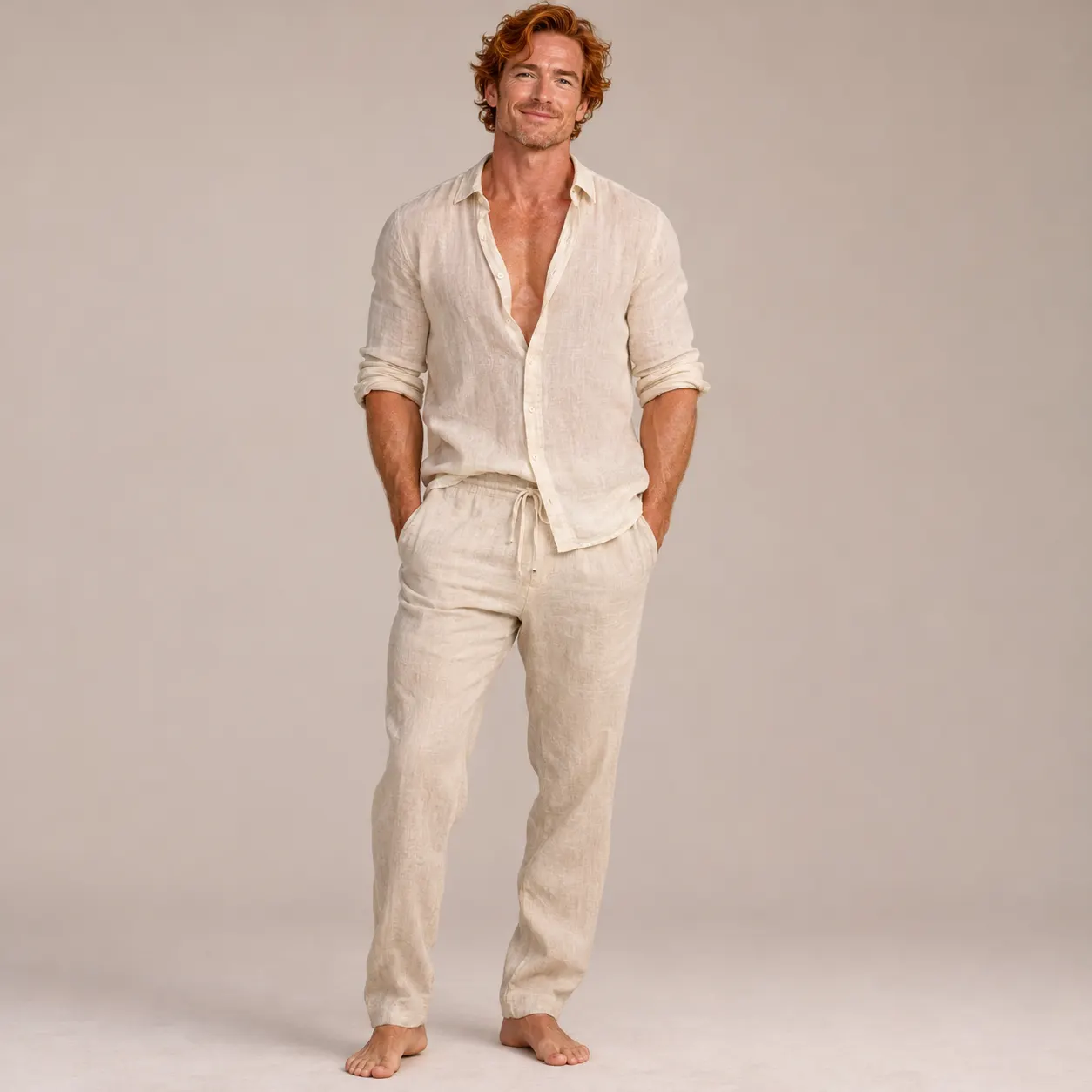
Choose one clear image in which the face is visible and the subject is easy to identify. A solo portrait is the simplest starting point, while the input also allows a photo of two people. Avoid heavy filters, blocked faces, extreme cropping, or a pose that hides most of the body. The image becomes the subject that takes the dancer’s place in the selected reference scene.
- 02
Generate the selected scene
Smooth Criminal Dance AI opens with the parking garage scene selected, so the workflow uses this routine instead of asking you to choose a different template. Add the photo, enter an optional detail in the text field if you have a specific visual preference, and start generation. The scene is built as a vertical photo-to-video result at 480p, with the solo dancer’s position replaced by the uploaded subject.
- 03
Review and download the result
When the result is ready, check the face, body placement, hat movement, arm swings, side glides, spins, and vertical framing. The configured output is 15 seconds long. If the performance looks right, download the result; generating it used the site’s required credits at the displayed price. If the photo mapping is unclear, use a brighter, less filtered image for the next attempt.
What you can do with this scene
Share a recognizable dance clip
You can turn one portrait into a vertical performance built around the signature hat flick, arm swings, side glides, and spins. The concrete parking garage, warm overhead light, exposed pipes, distant white car, and full-body framing give the result a consistent visual setting that is easy to recognize when you share it.
Start with one suitable photo
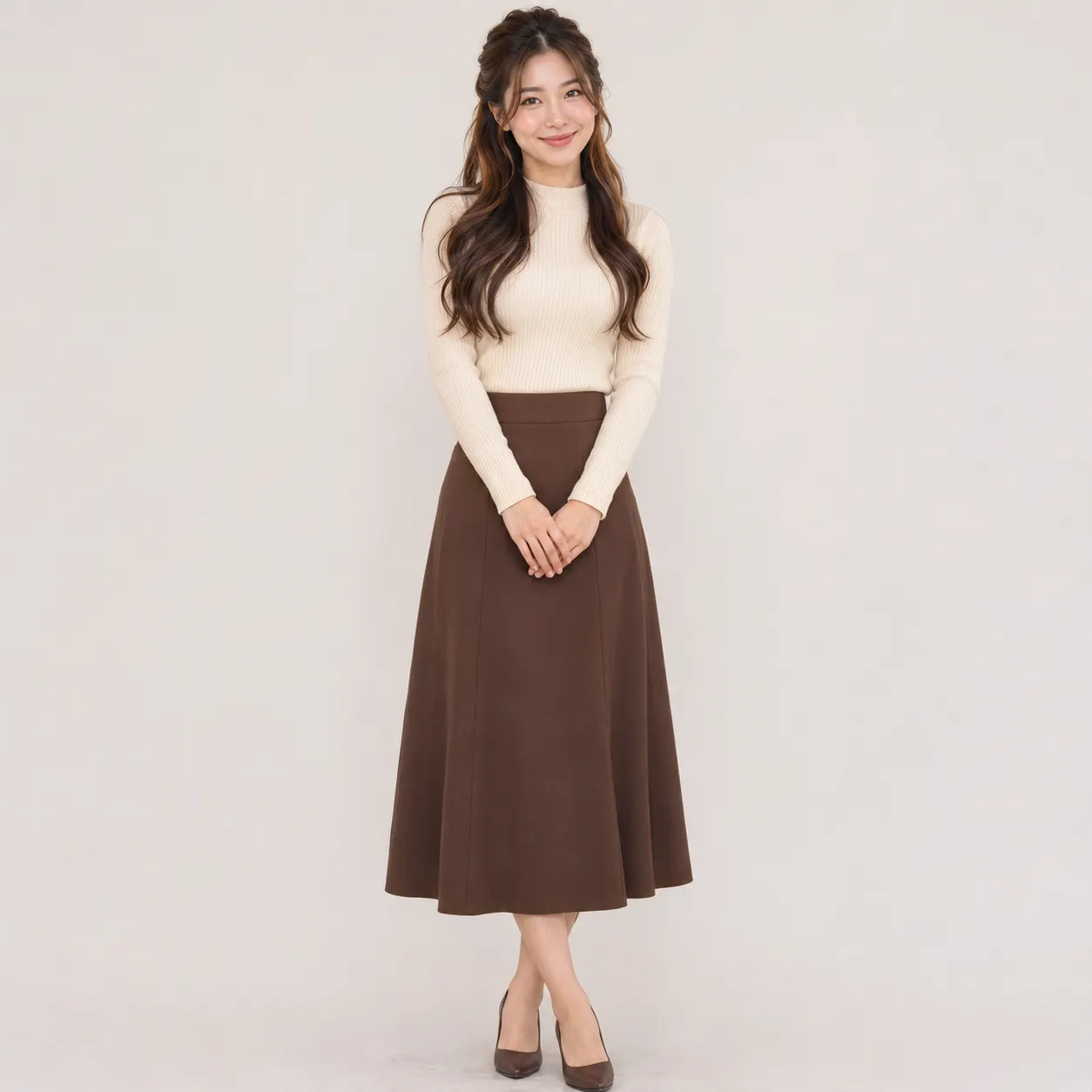
You only need one clear photo to provide the subject. Choose an image with visible facial features, enough of the body to map the pose, and minimal filtering. A solo shot is usually the clearest choice for this one-dancer scene, although the input hint also permits a photo with two people.
Keep the result vertical
The reference clip is portrait-oriented, and the configured output is designed for a vertical viewing frame. That makes the result useful for feeds and stories where a tall composition keeps the dancer visible from head to toe. A full-body source photo helps the generated movement stay inside that composition.
Know the generation cost
Smooth Criminal Dance AI is configured for 480p output and uses 29 credits at $2.03. Treat those placeholders as the current site values shown for this generation. Review the displayed balance and price before starting so the cost is clear before the scene is created.
Use a permitted subject
You can create the scene with your own photo or with another person’s photo when you have that person’s permission. The uploaded image supplies the identity for the replacement dancer, so only use an image you are allowed to submit. The result is a creator-made recreation, not an official performance or endorsement.
Smooth Criminal dance scene FAQs
What is Smooth Criminal Dance AI?
Smooth Criminal Dance AI is a dedicated photo-to-video scene that places the person from your uploaded photo where the solo dancer appears in a concrete parking garage reference clip. The routine centers on the recognizable hat flick, arm swings, side glides, and spins. The scene keeps its vertical composition and garage setting while the uploaded subject becomes the performer.
Is this scene free to use?
This page does not promise a free run. The configured generation uses $2.03 and 29 credits for the selected output. Check the current values shown by the site before starting. The cost is tied to the configured scene and output settings, so do not assume that a general free allowance applies to this dedicated routine.
How long is the generated clip?
The configured result is 15 seconds long and uses a vertical 480p output. The page does not specify a guaranteed processing wait, so the actual generation time can only be confirmed by the generator while it runs. Allow the workflow to finish, then review the complete result for framing and movement.
What photo should I upload for the best result?
Use one clear photo with the face visible, natural detail, and enough of the body included to support a full-body dance scene. The input hint accepts a solo shot or a photo of two people, but a single subject is the simplest match for the solo dancer. Avoid heavy filters, blocked faces, and very dark images.
Can I use someone else’s photo?
Yes, but submit another person’s image only when you have their permission. The uploaded photo supplies the subject that replaces the dancer, so the person should understand how the generated clip will be used. A clear face and visible body position generally give the scene more useful information than a heavily cropped or filtered image.
Is Smooth Criminal Dance AI an official performance?
No. Smooth Criminal Dance AI is a creator-made recreation built from a dedicated reference scene, not an official performance, release, or endorsement. It places the permitted subject from your photo into the parking garage routine and follows the configured choreography. Present the result as an AI-generated creator clip rather than claiming that it is an original performance.
Step into the scene
Return to the generator panel, add a clear photo you are allowed to use, and create your own vertical parking-garage dance result. Keep the face visible, check the framing, and review the displayed cost before you start.