
Car Jump AI Video
Use one clear photo to place yourself or a friend in a fictional desert-road stunt. With the Car Jump AI Video scene selected, the people sit calmly, snap their fingers, and watch an SUV fly over them in slow motion while dust, engine roar, and a cinematic whoosh sell the moment. Add optional details such as clothing or setting when you want a more specific result.
One clear photo: a solo shot or the two of you. Faces visible, no heavy filters
Tip: drag a photo onto its box, or click the box to pick one.
This video: 25 credits · Credits come back if it fails
AI video effect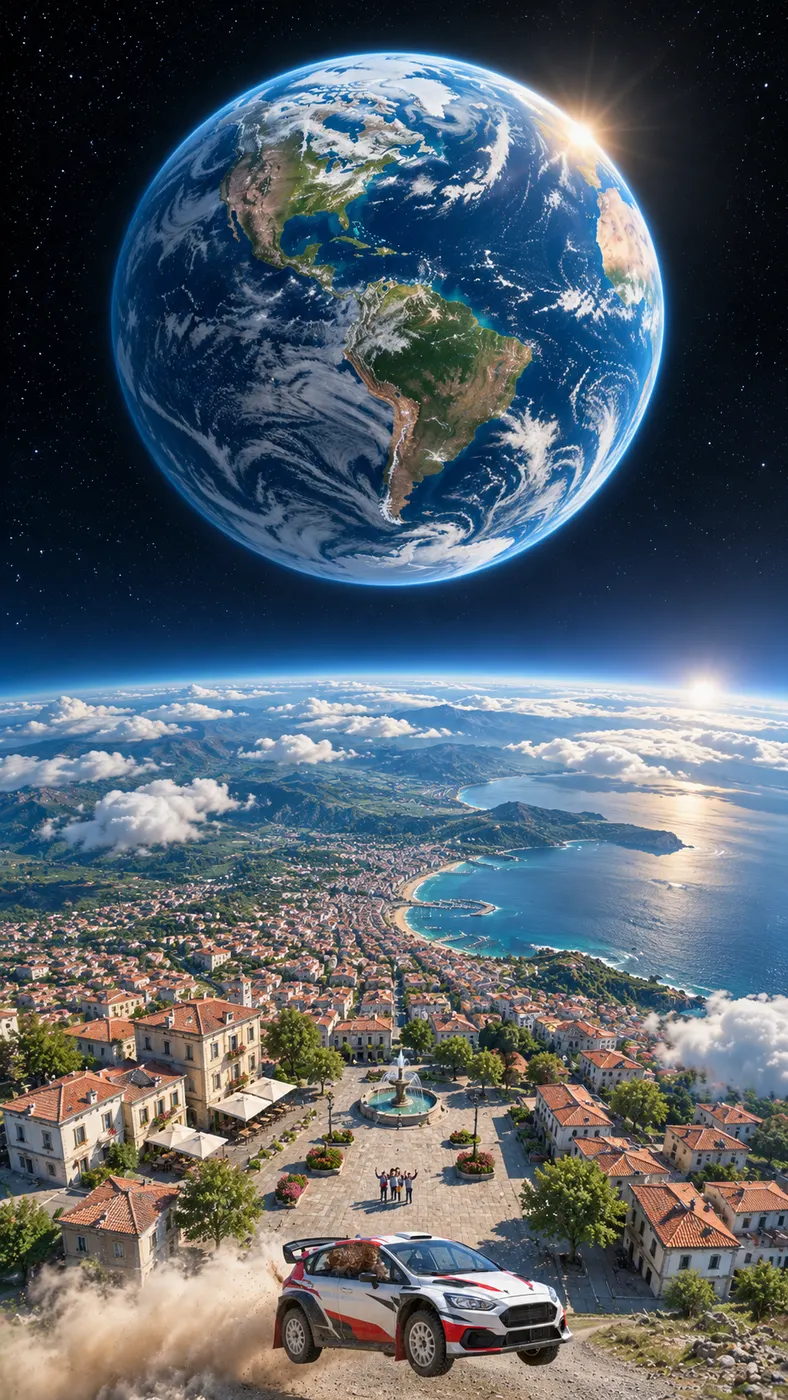
Car Jump AI Video Examples
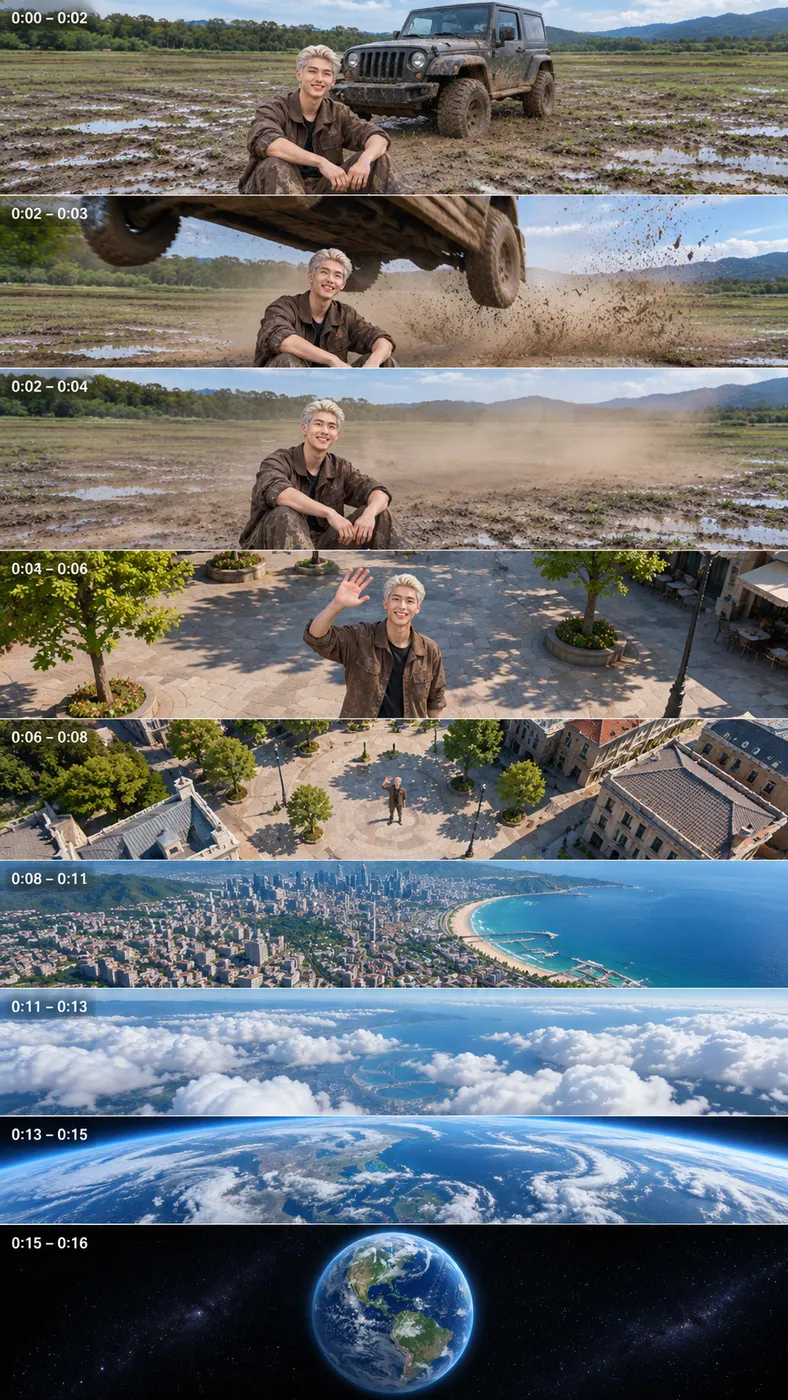
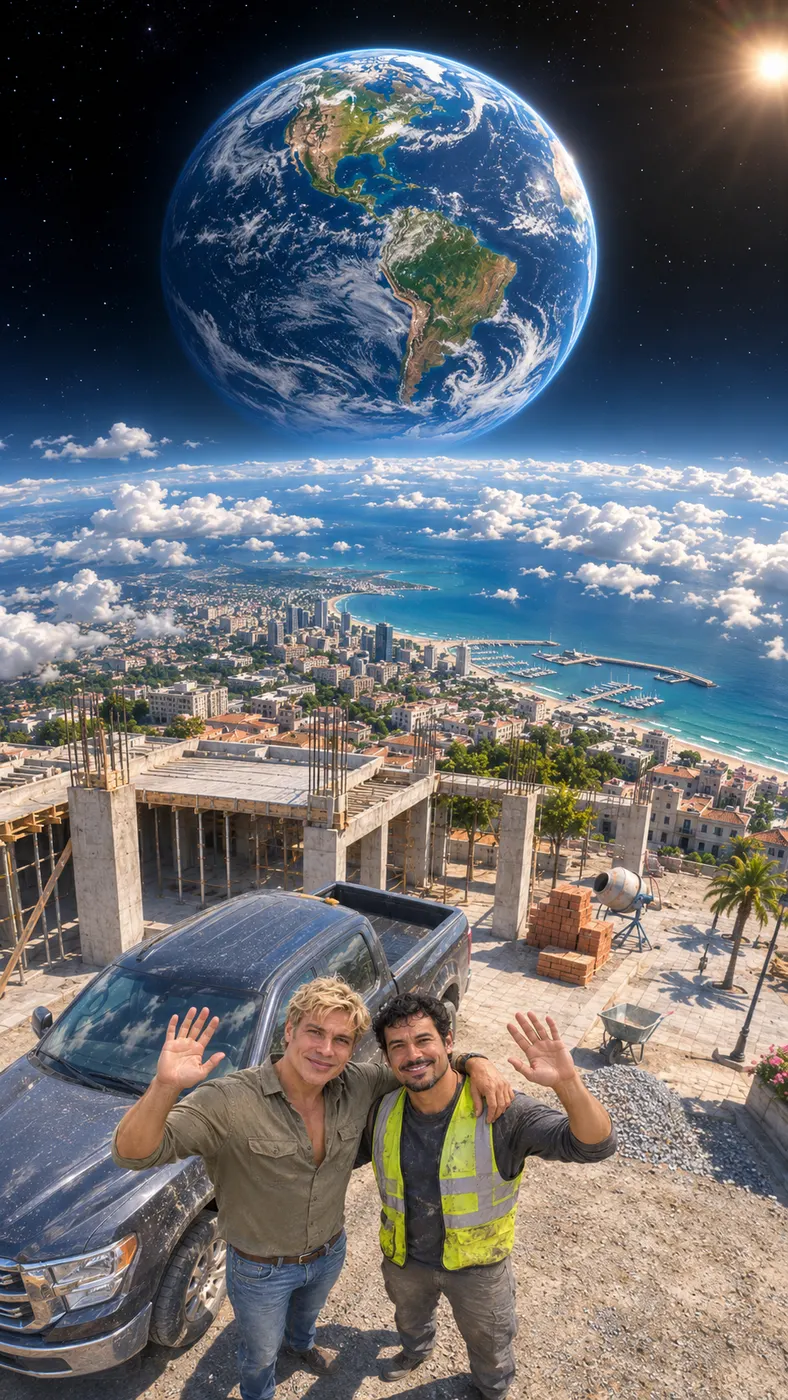
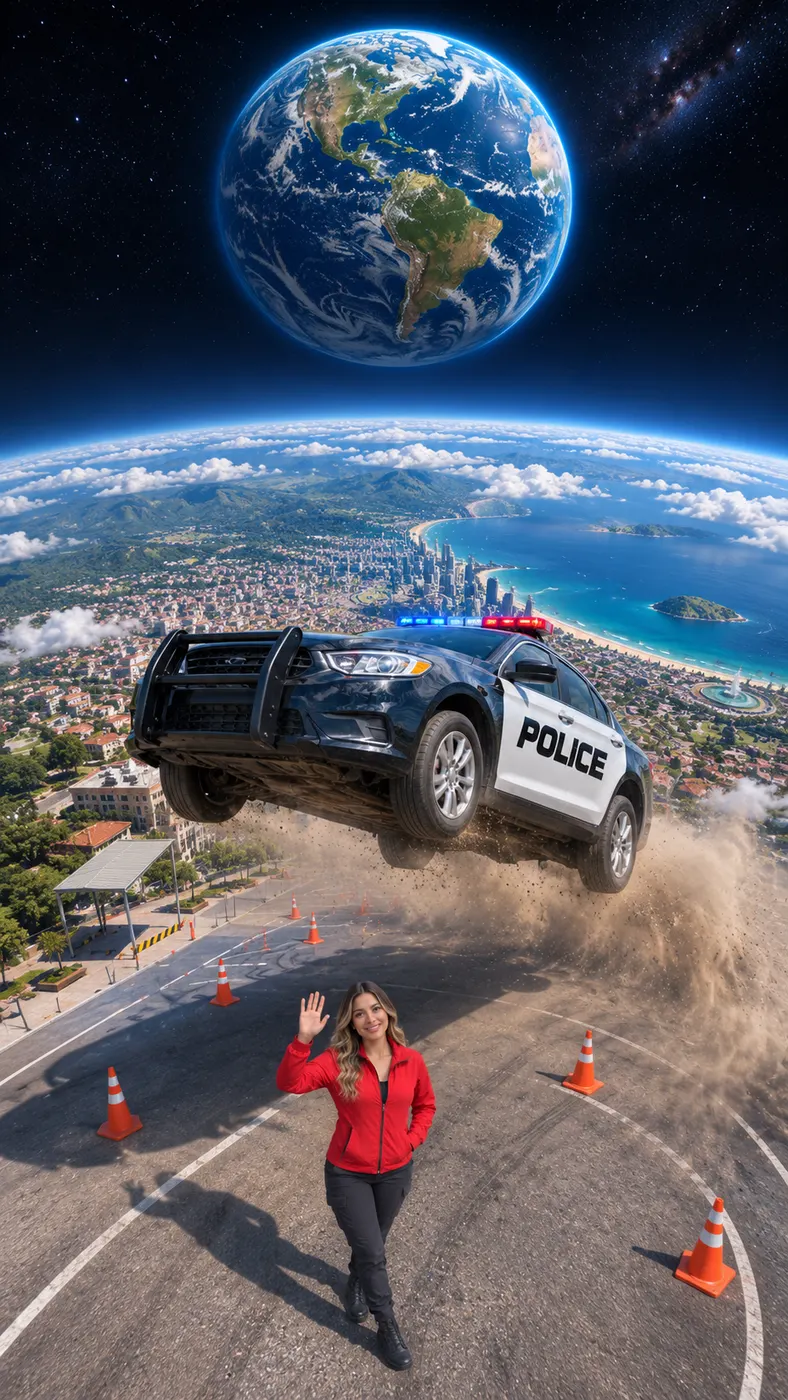
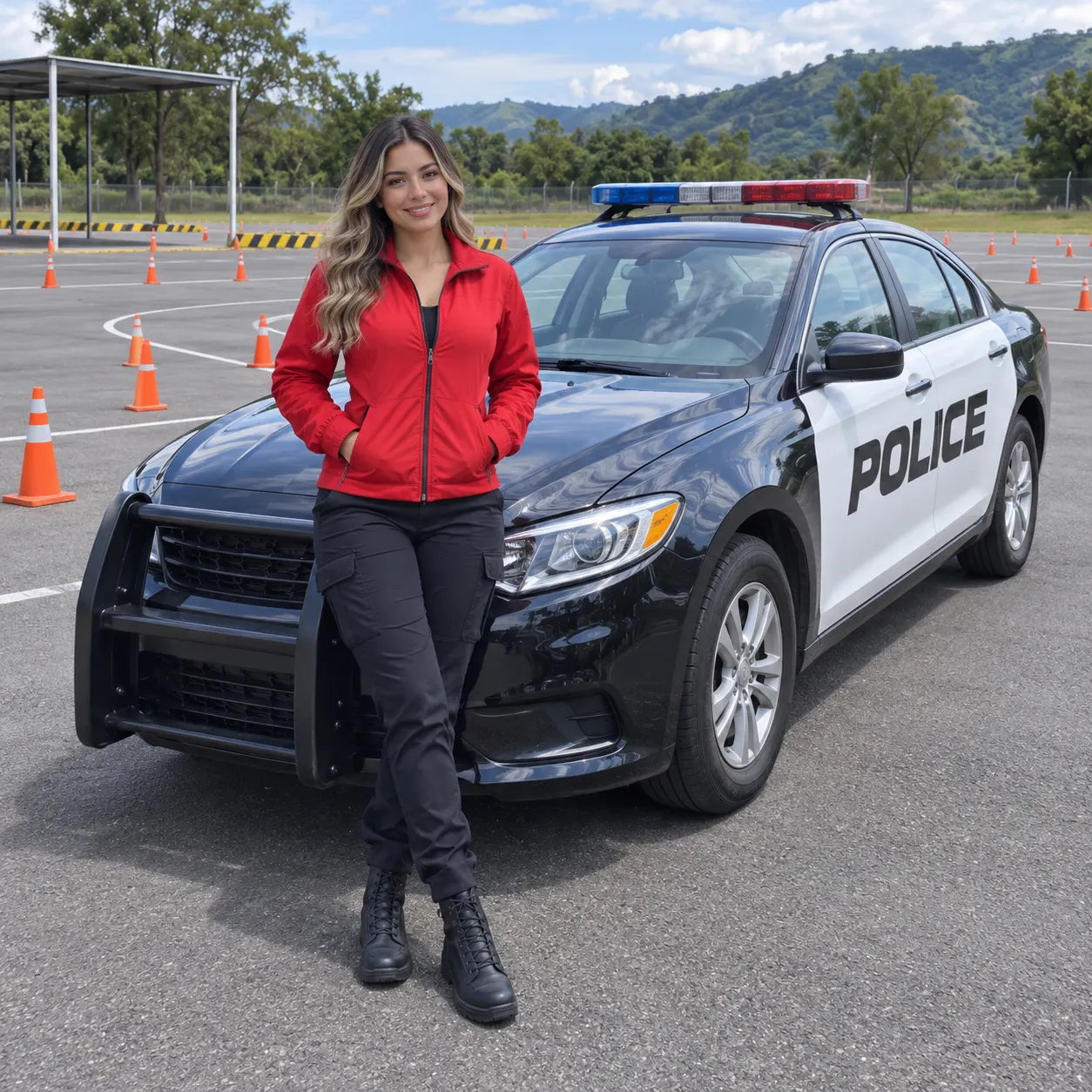
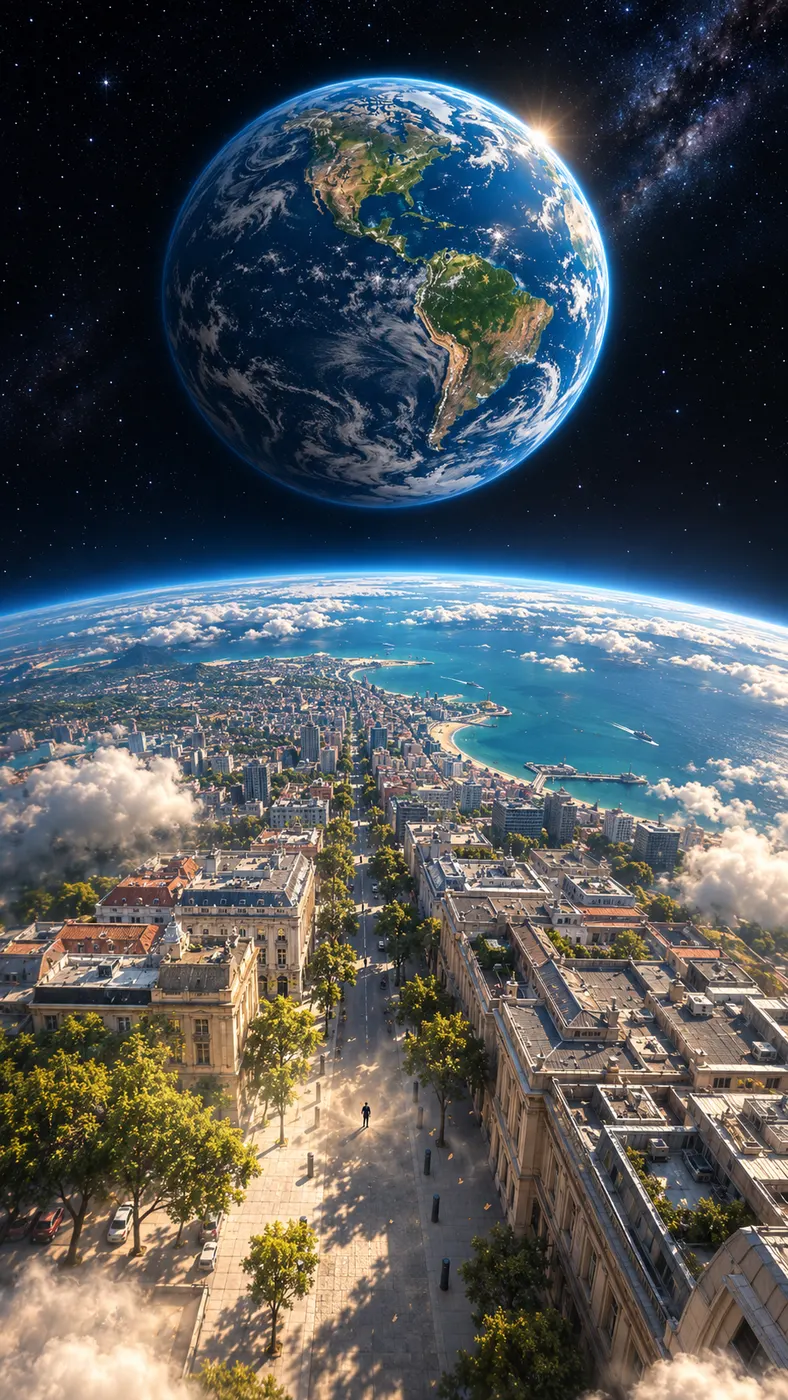
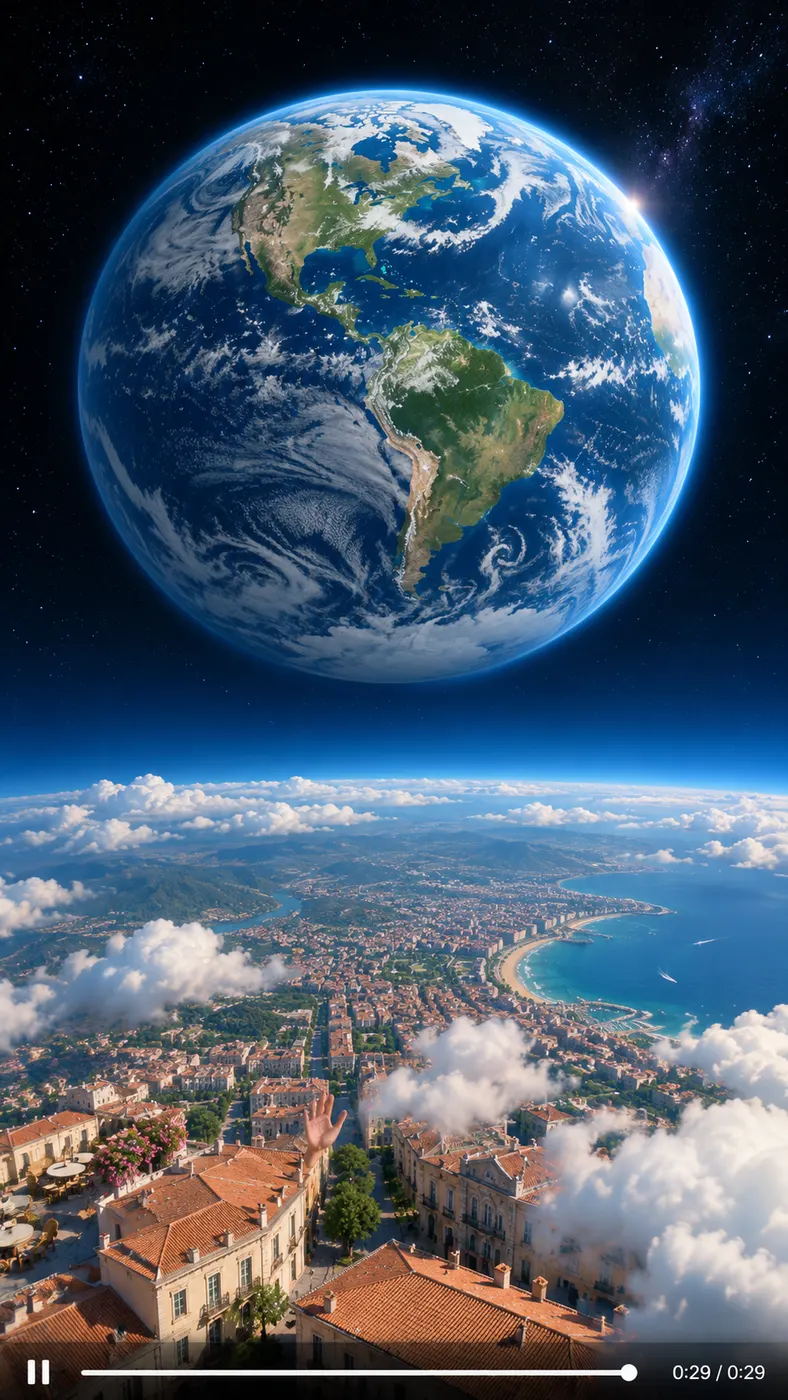
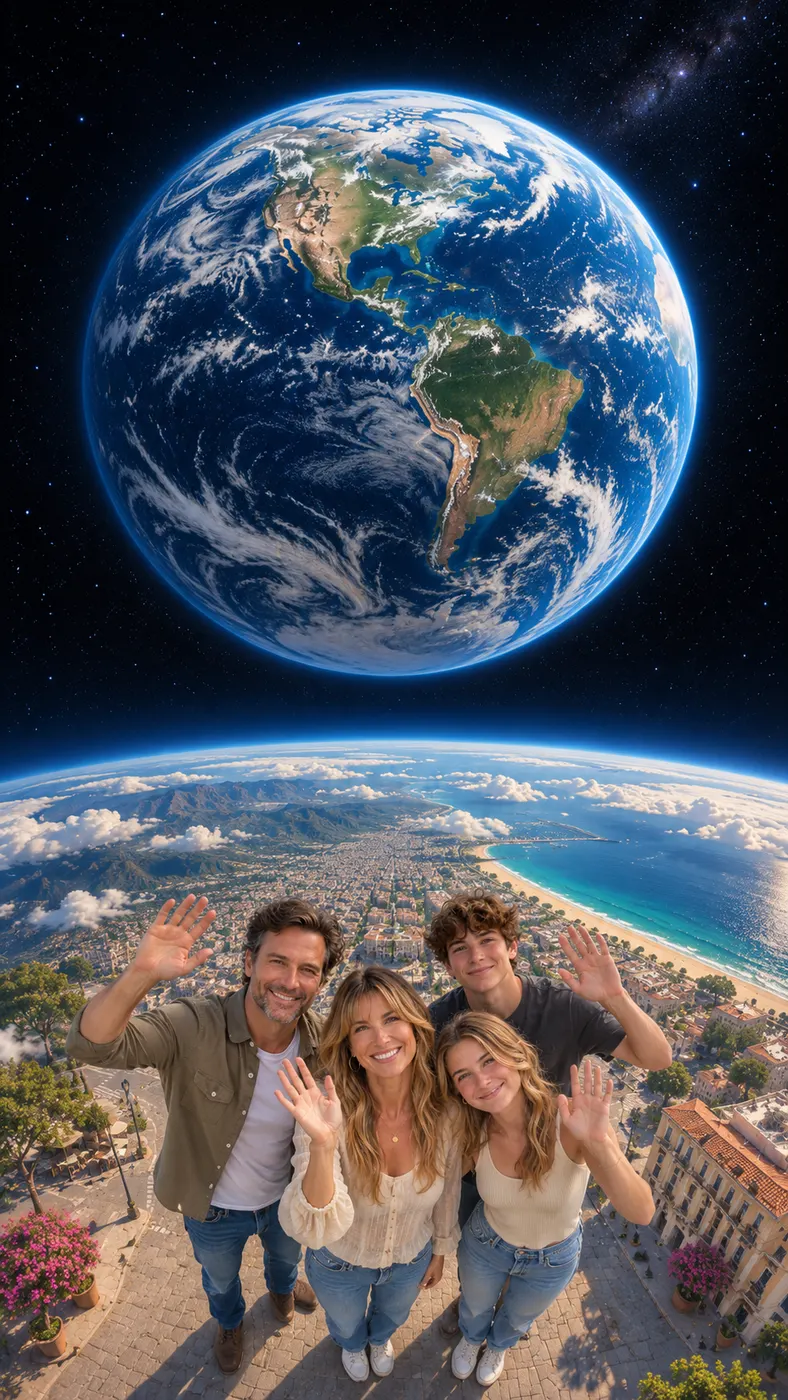
These examples show how the same scene can feel different with different subjects, framing, and optional details. Each vertical result keeps the photo’s people as the focus while adding the staged vehicle jump, dust, and sound design. Use the example cards for inspiration, then upload a photo of your own. Prefer a dance? Try the Gas Station AI Trend, or browse more viral AI video trends.





How to Make a Car Jump AI Video
- 01
Upload a clear photo
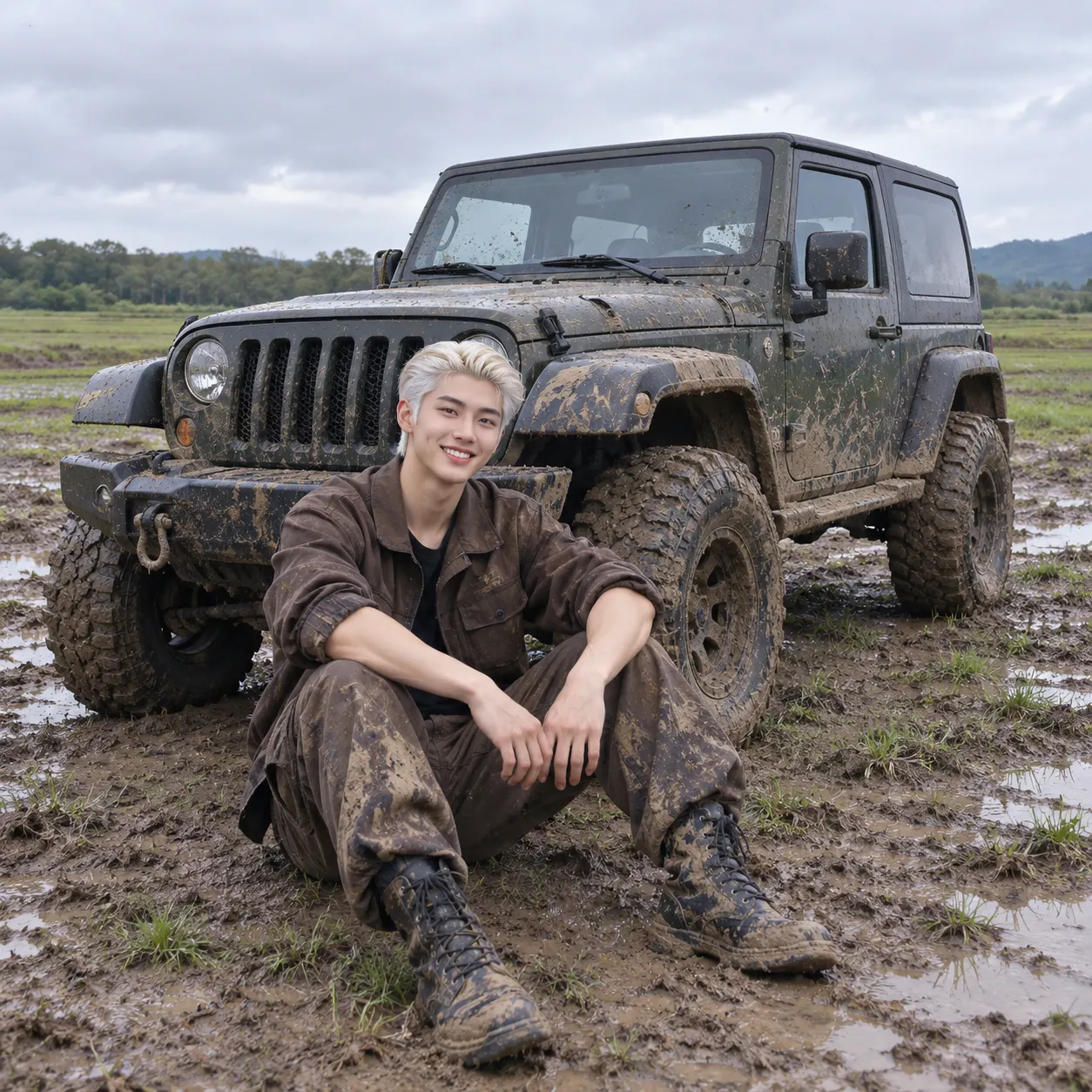
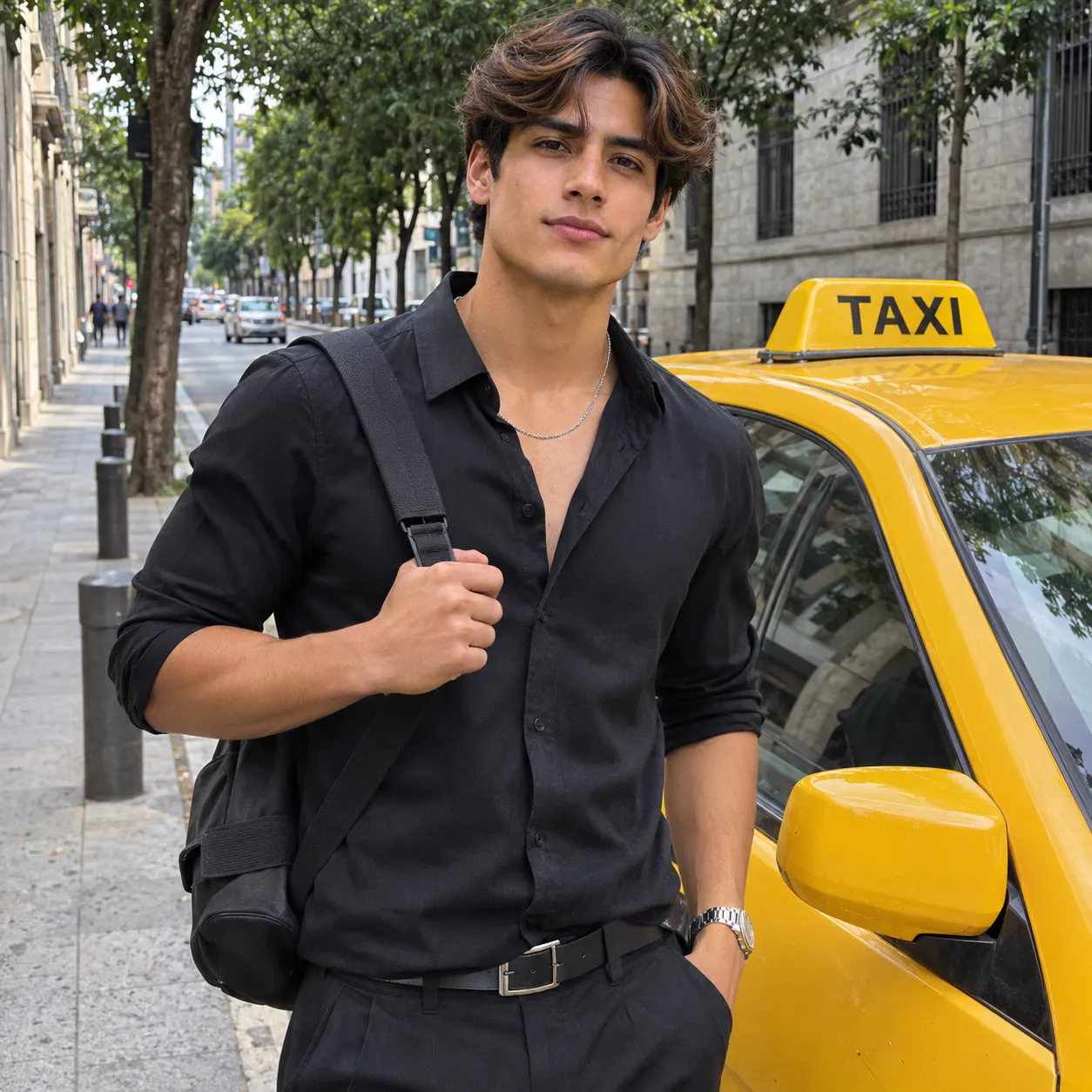
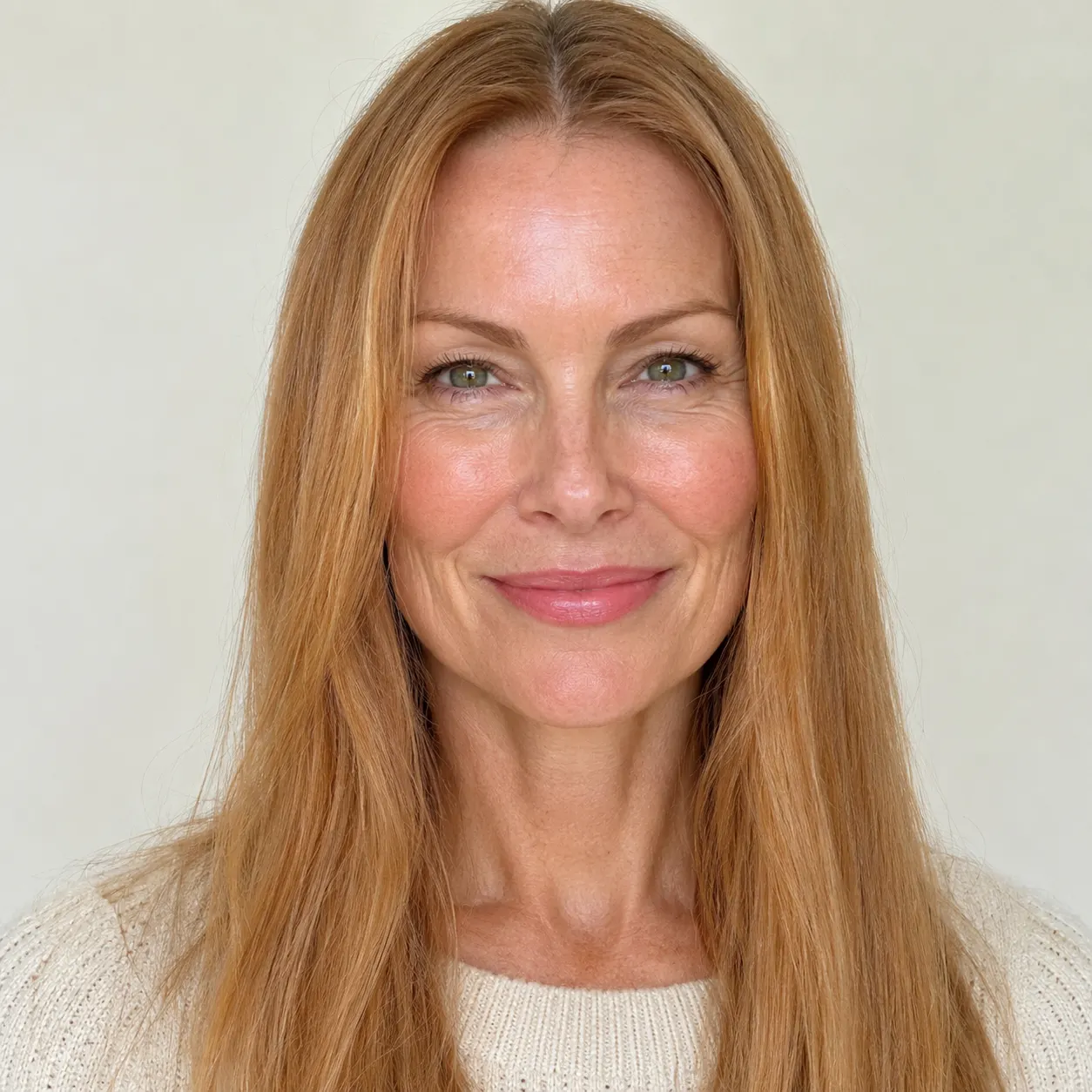
Choose one clear photo of yourself, a friend, or multiple people. Faces should be visible, and the image should avoid heavy filters that hide facial features. A straightforward front-facing or lightly angled photo gives the scene a better reference for keeping the same people, clothing, hair, and general appearance.
- 02
Add optional scene details
The Car Jump AI Video scene is selected for this page, so the main action is already defined. If you want a variation, add a short note in the optional details field, such as a red jacket or a sunset setting. Keep the request focused because the core action remains a calm subject watching an SUV fly overhead.
- 03
Generate and download the result
Start the render and allow several minutes for the video to finish; generation time can vary with the service queue. Review the short vertical result before sharing. The complete output is 15 seconds at the selected 768p quality and costs $1.75 for 25 credits.
What You Can Do With This Scene
Turn an ordinary photo into a stunt
You can start with a normal photo instead of filming a real vehicle jump. The scene adds the impossible action around the people in the reference image: they stay composed while an SUV passes overhead in slow motion. That makes the result suitable for a playful post, reaction clip, or surprise message.
Keep the people at the center
The generation instructions tell the model to preserve every face, hairstyle, skin tone, body, and the number of people shown in the uploaded photo. Choose a clear source image and avoid blocking faces with hands, sunglasses, or other objects. A cleaner reference gives the animation more visual information to follow.
Make a vertical clip for sharing
You can create a short vertical video designed for mobile viewing. The tall format keeps the subject and the vehicle in one readable frame, while dust, engine roar, and a slow-motion whoosh provide movement and sound beyond the original still image. Check the final crop before posting it to a social platform.
Create a fictional effect, not a real stunt
This Car Jump AI Video is a simulated visual effect made from a photograph; it does not show a real SUV passing over real people. Treat the result as entertainment and label it as AI-generated when context matters. No filming, driving, special-effects rig, or physical stunt setup is required.
Use details without losing the main action
You can add a small detail such as clothing or location in the optional prompt. For example, a color, time of day, or setting can give the clip a more personal feel. Keep the instruction short and compatible with the selected scene so the SUV jump remains the clearest event in the finished video.
Car Jump Scene FAQ
What is this car-jump scene?
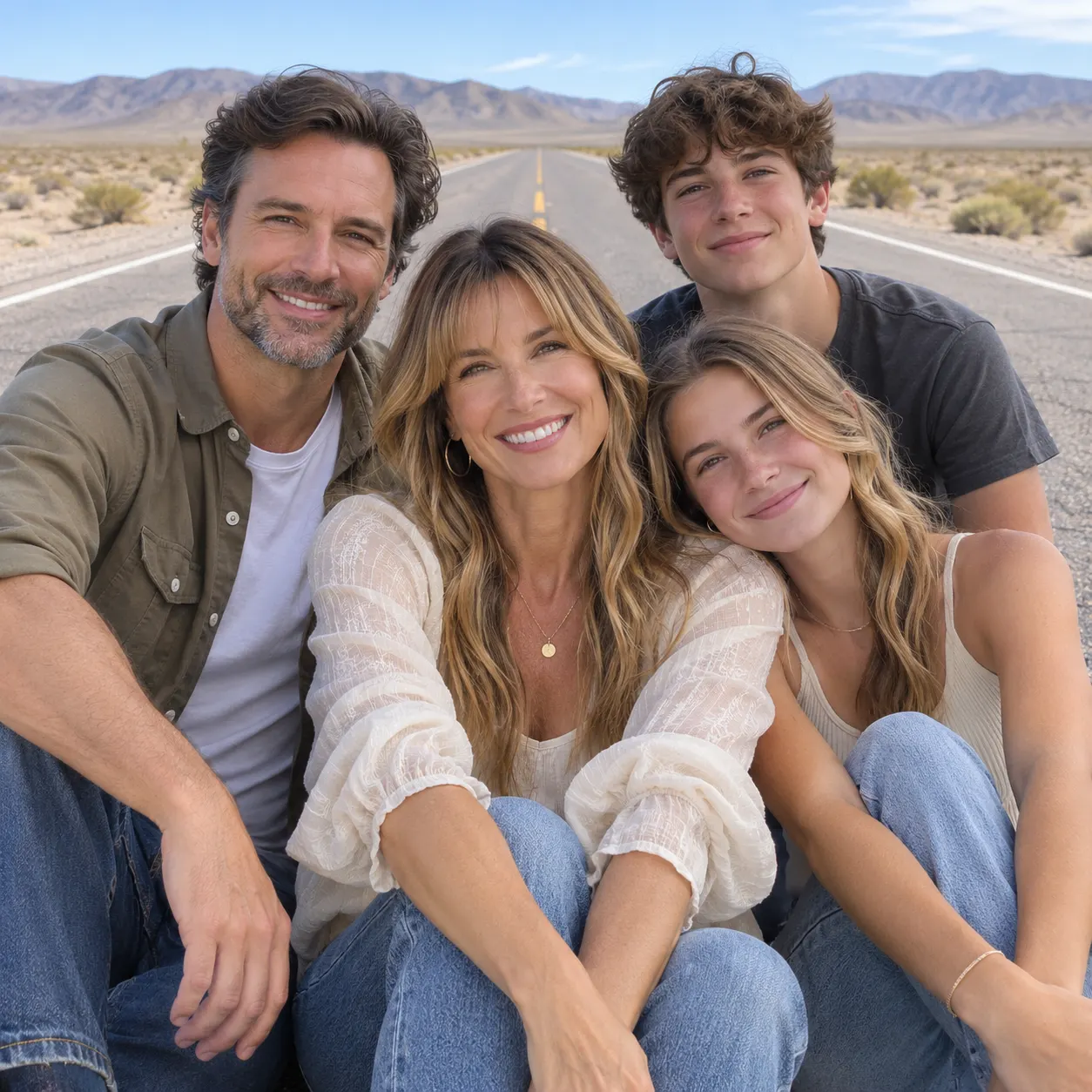
A Car Jump AI Video turns one clear photo into a short vertical fictional stunt. The people from the image sit calmly on a desert road, snap their fingers, and an SUV flies over them in slow motion. Dust, a large engine roar, and a slow-motion whoosh are added to make the impossible moment read like a cinematic effect.
Is it free to make one?
No. This video effect has no free preview or free run, so a finished result costs $1.75 for 25 credits. The service shows the applicable credit requirement before you start, letting you decide whether the scene fits your budget.
How long does the finished video take?
Allow several minutes for generation, because the exact wait depends on the rendering queue and service conditions. The finished clip is a short vertical result with a 15-second duration. Review the complete render after processing so you can check the faces, framing, vehicle movement, dust, and audio before downloading or sharing it.
What kind of photo should I upload?
Upload one clear image with the relevant faces visible and recognizable. A solo portrait or a photo of two or more people can work, provided the subjects are not heavily obscured by filters, extreme shadows, or objects in front of their faces. A simple image with enough space around the people also helps show the vehicle passing overhead.
Can I use a friend’s photo?
You can use a friend’s photo when you have their permission to upload and transform it. Tell the people involved that the result is an AI-generated fictional stunt rather than footage of a real event. Do not use another person’s image to mislead viewers, imply an unsafe act happened, or post it in a way they did not approve.
Is this an official car commercial or real stunt video?
No. The result is not an official vehicle advertisement, a manufacturer-approved clip, or proof that a real stunt occurred. It is a generated video effect based on the uploaded photo and the selected scene instructions. The SUV, dust, motion, and sound are part of the fictional animation, so describe it as AI-generated when you share it.
Make Your Own Car-Jump Scene
Return to the generator panel, upload a clear photo, and add an optional detail if you want to personalize the setting. Review the fictional result before sharing it, and get permission when the image includes someone else.