
Skull Cap AI
You use skull cap ai to step into the goofy-to-cold-stare glow-up video scene: start by messing with your hair and glasses in a bright room, then switch after the beat drop to a black hood and skull cap in a dark room. Use one clear photo of yourself or a friend with visible faces, and add an optional text prompt when you want to suggest an extra detail. Skull cap ai creates a short vertical video built around the sudden change from playful energy to a cold stare.
One clear photo: a solo shot or the two of you. Faces visible, no heavy filters
Tip: drag a photo onto its box, or click the box to pick one.
You take the place of the person who goes from goofy to cold-stare in the black skull cap and hood.
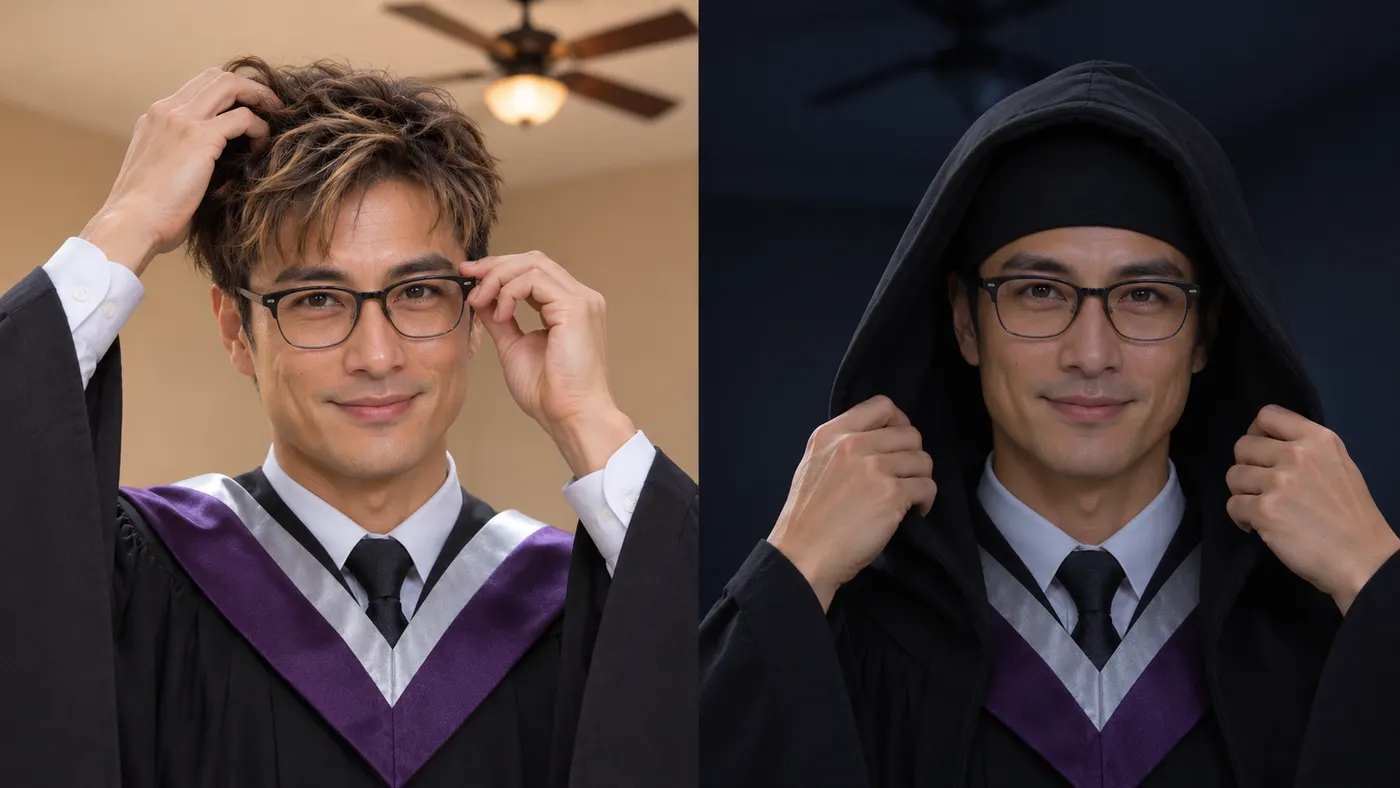
Skull Cap Glow-Up · Start as a goofy mess in a bright room, then come back in a black skull cap and hood with a cold stare after the beat drops.
This video: 71 credits · Credits come back if it fails
AI video effect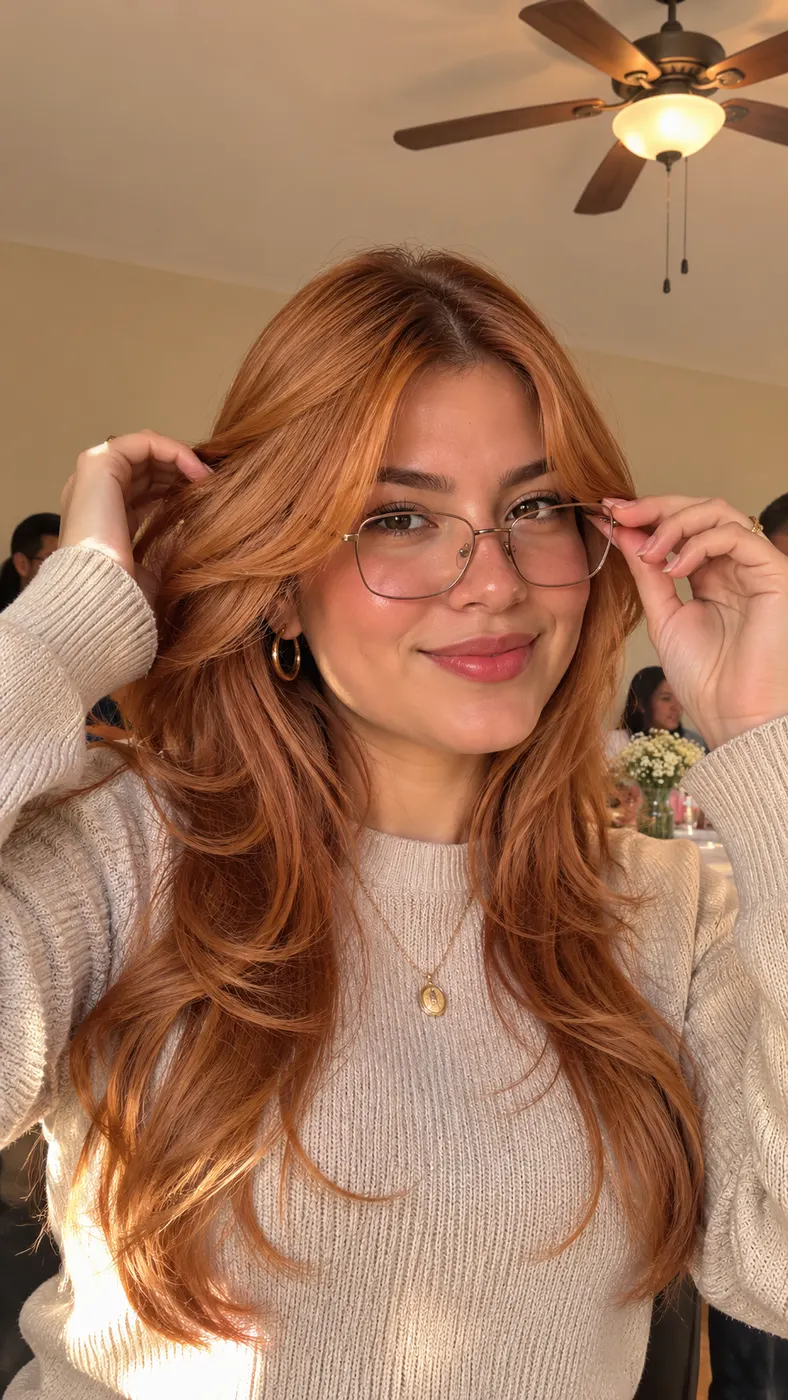
Skull Cap AI Examples
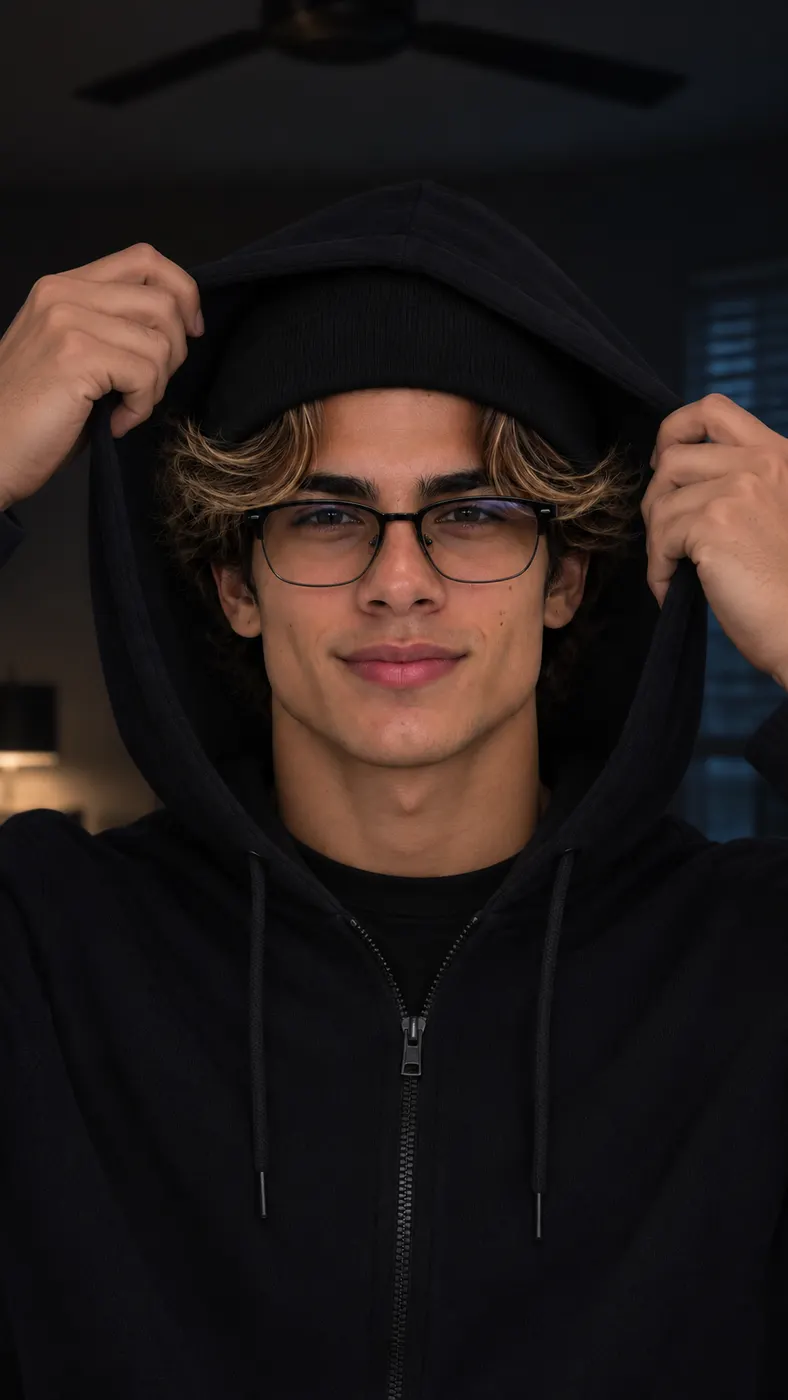
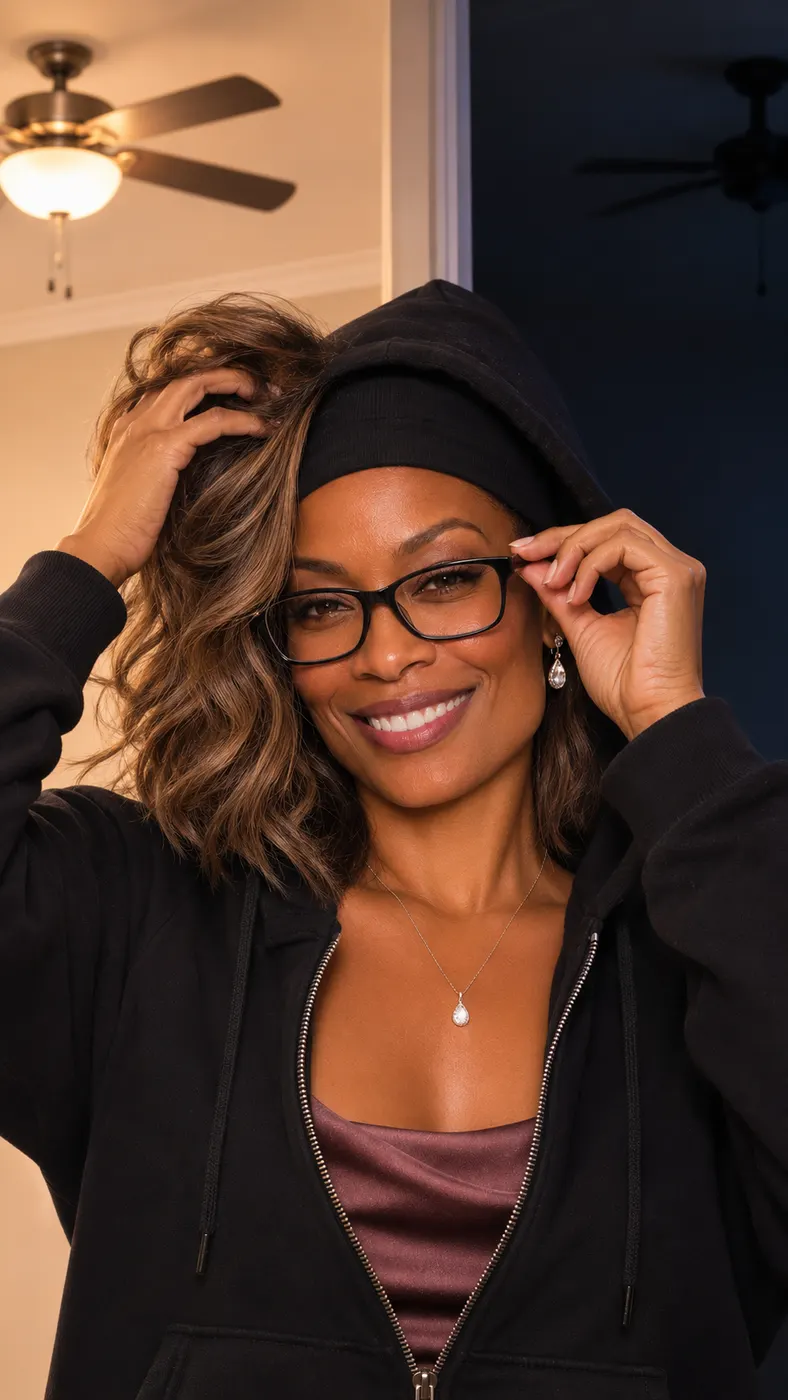
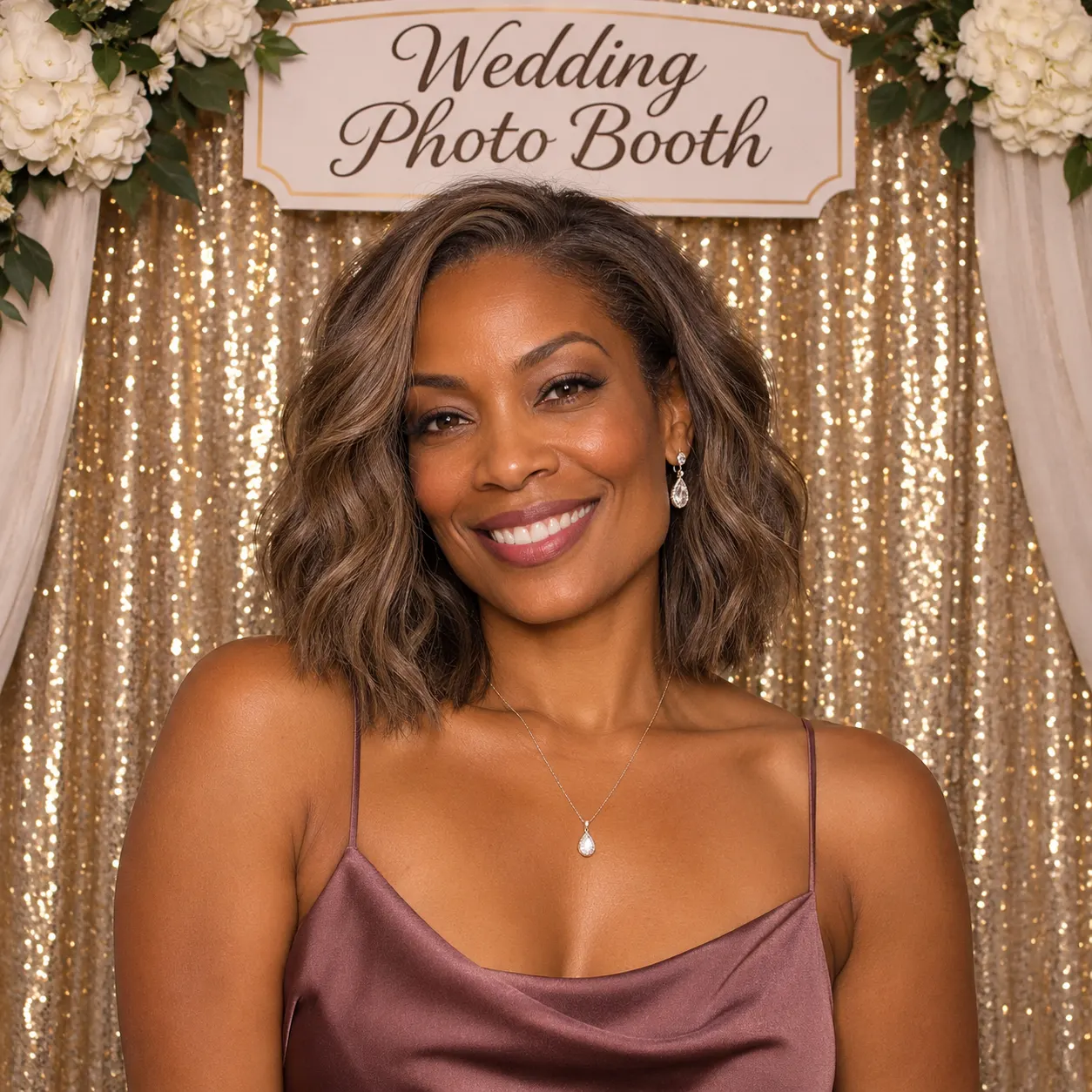
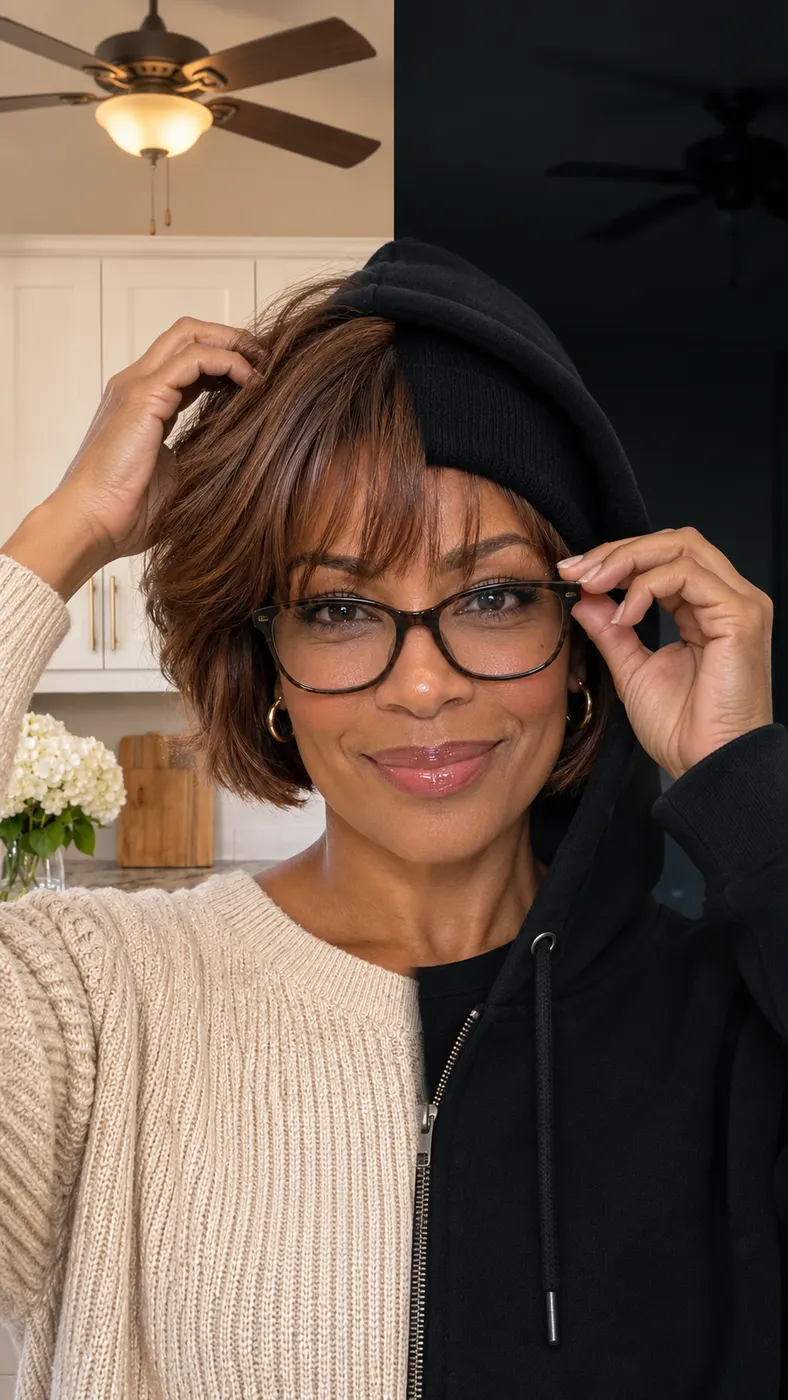
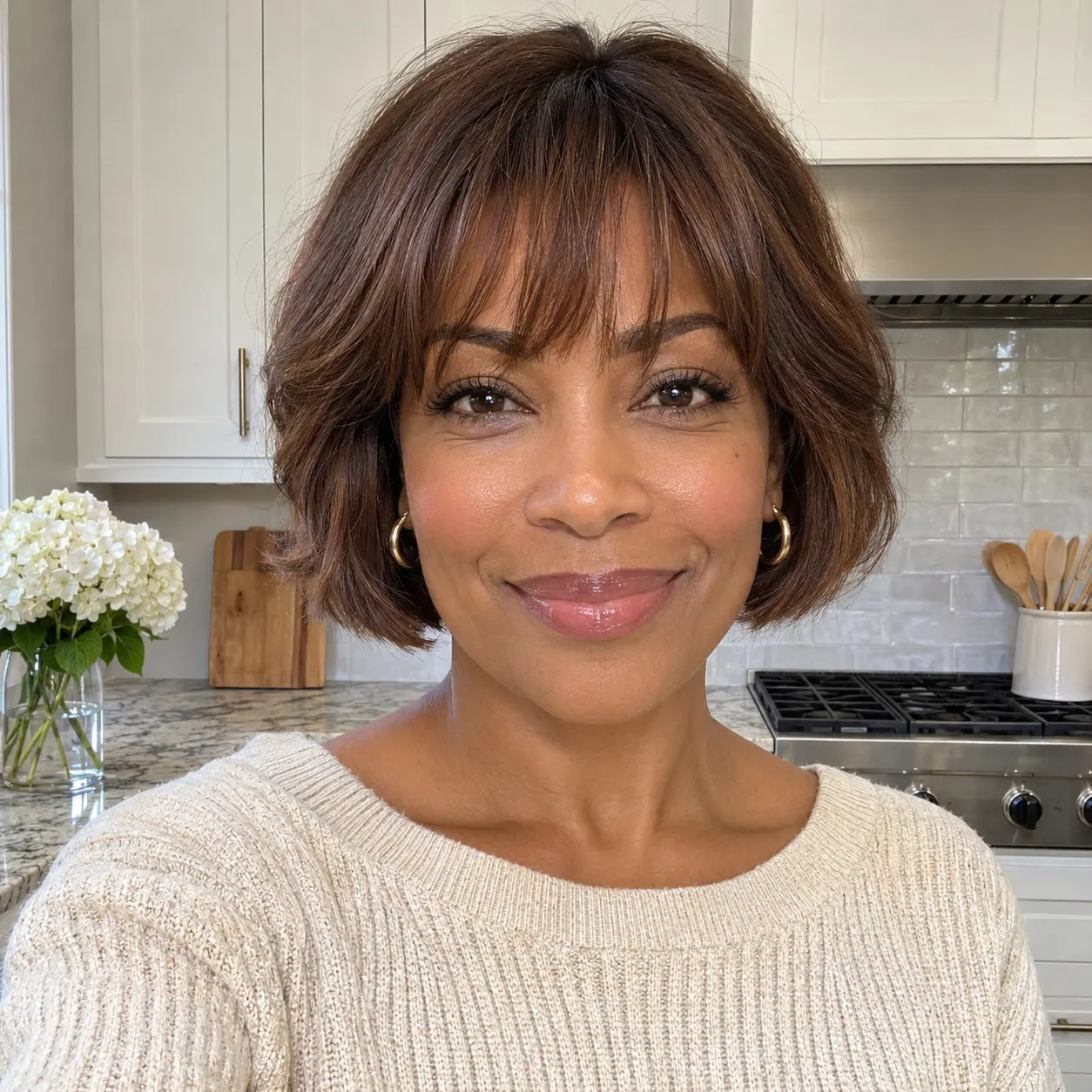
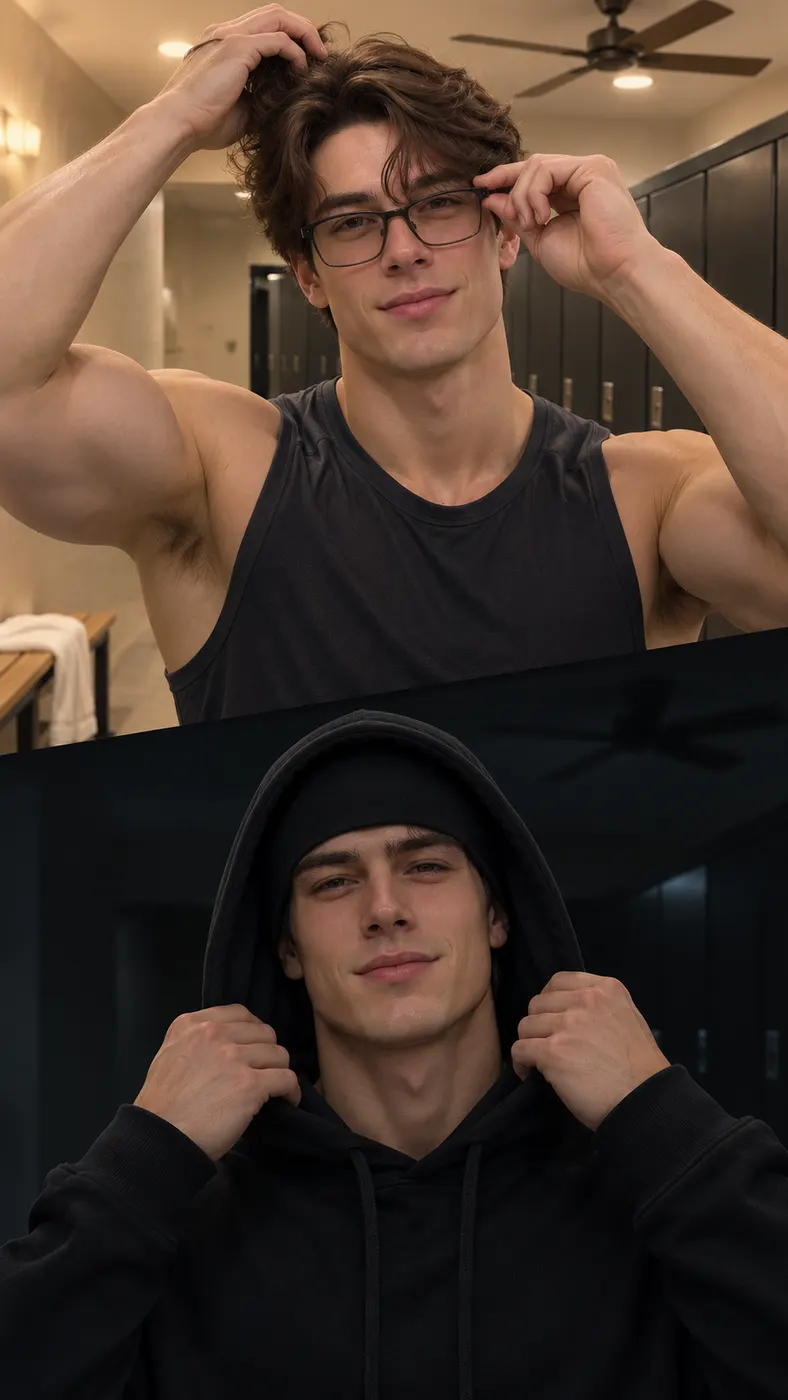
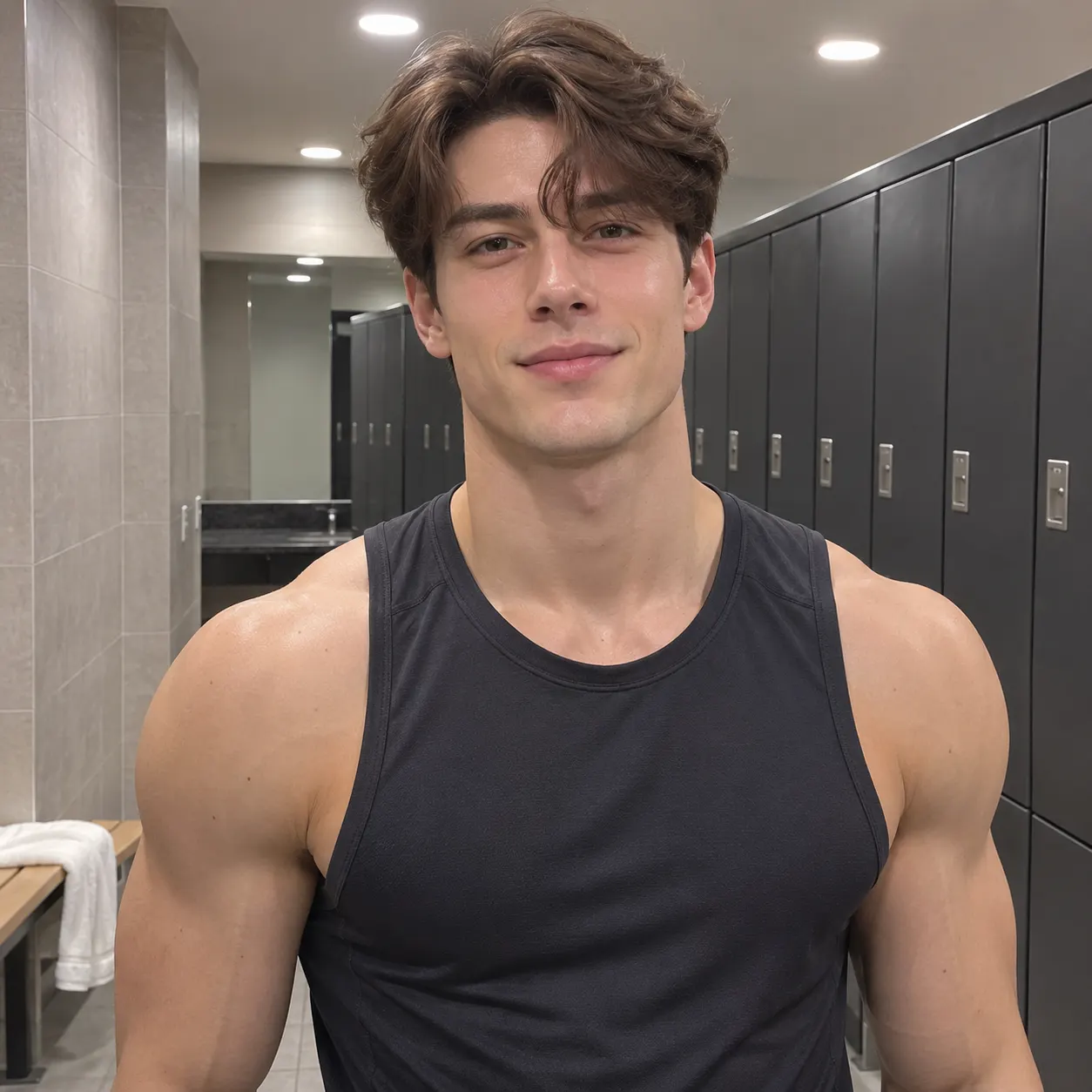
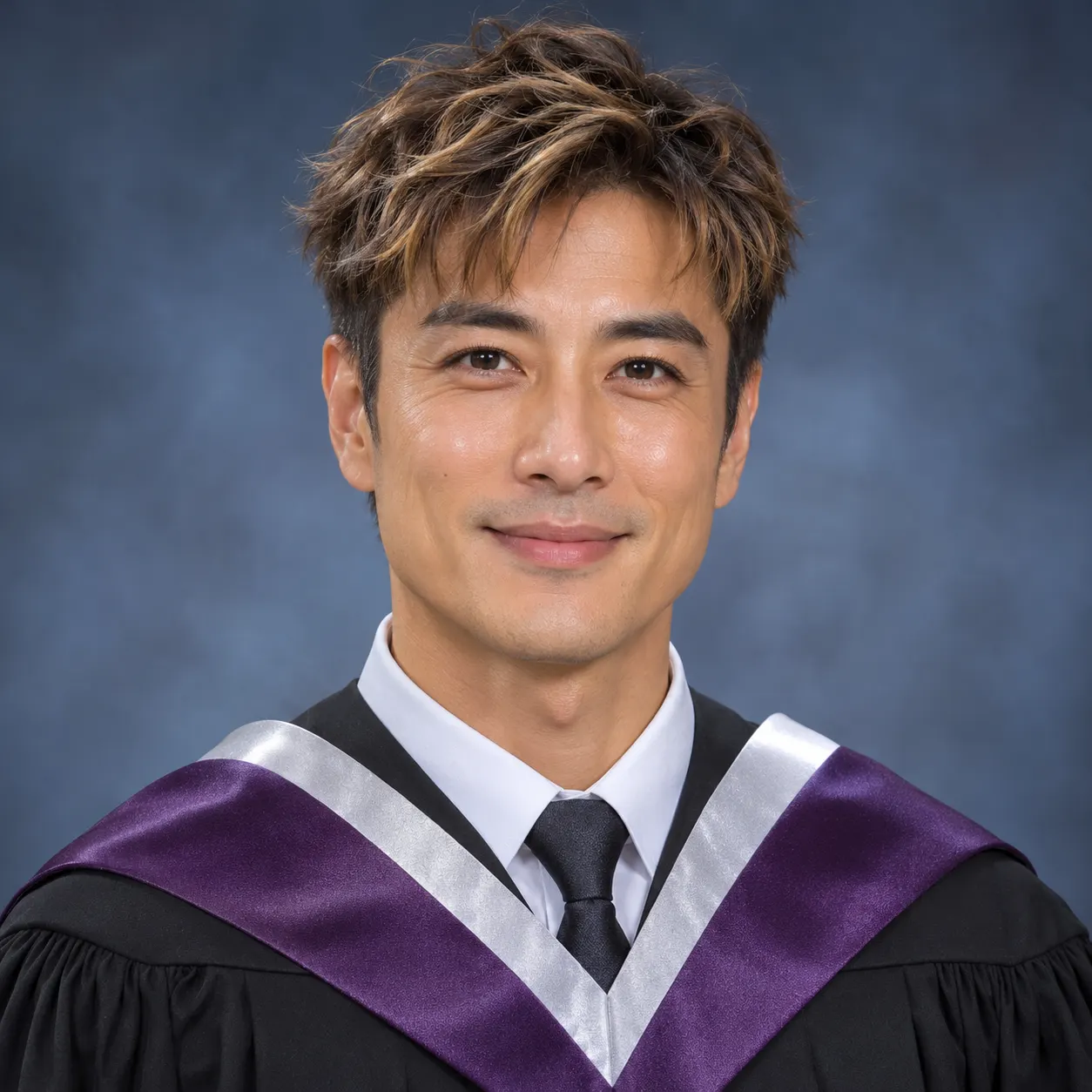
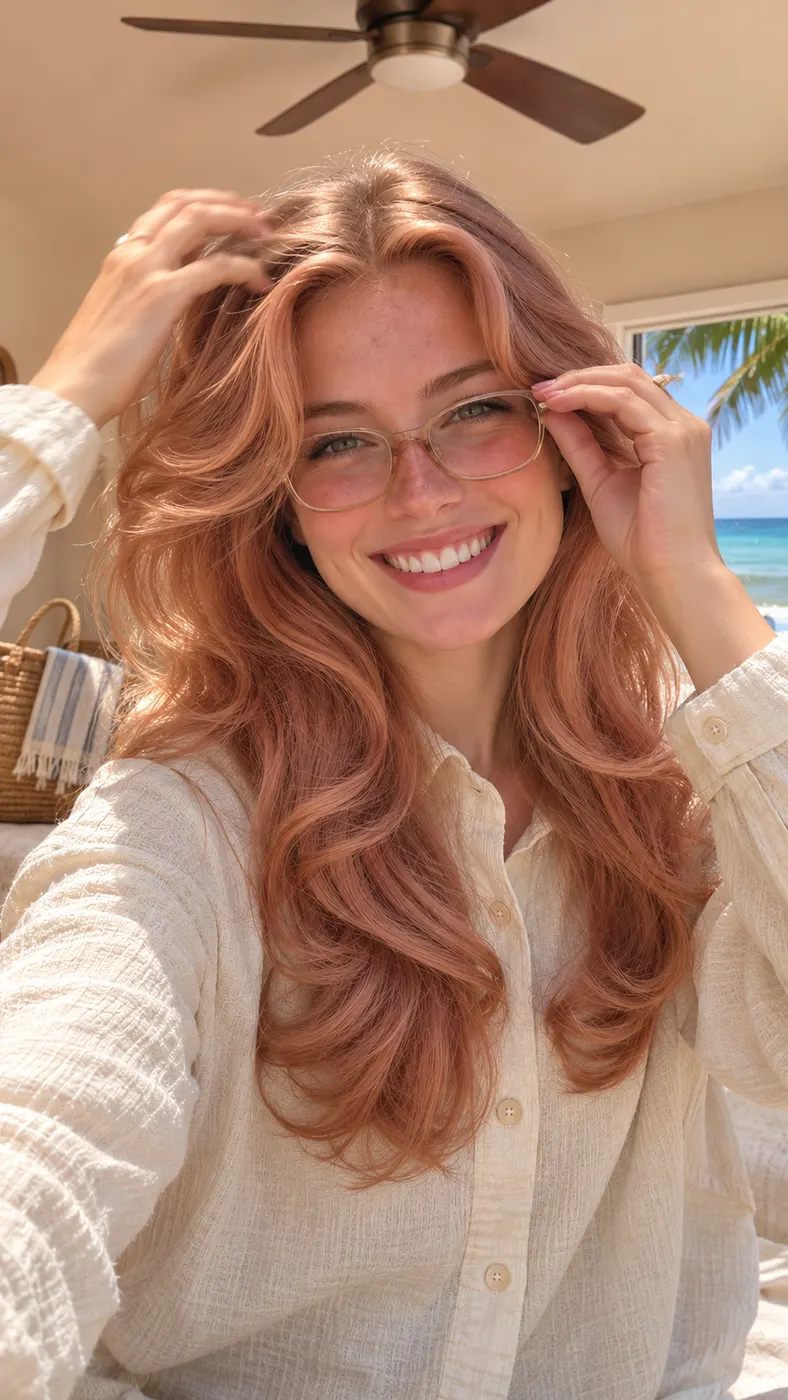
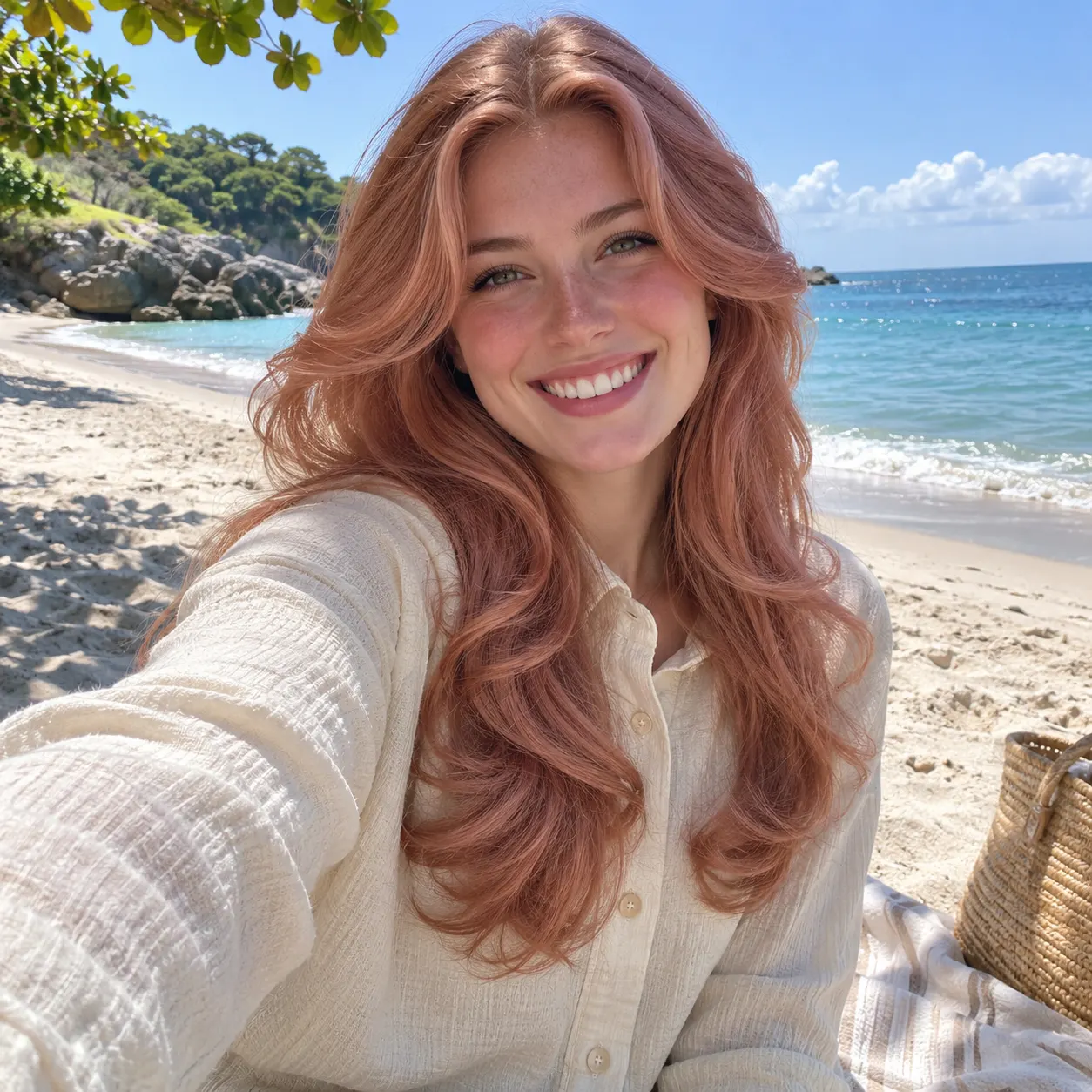
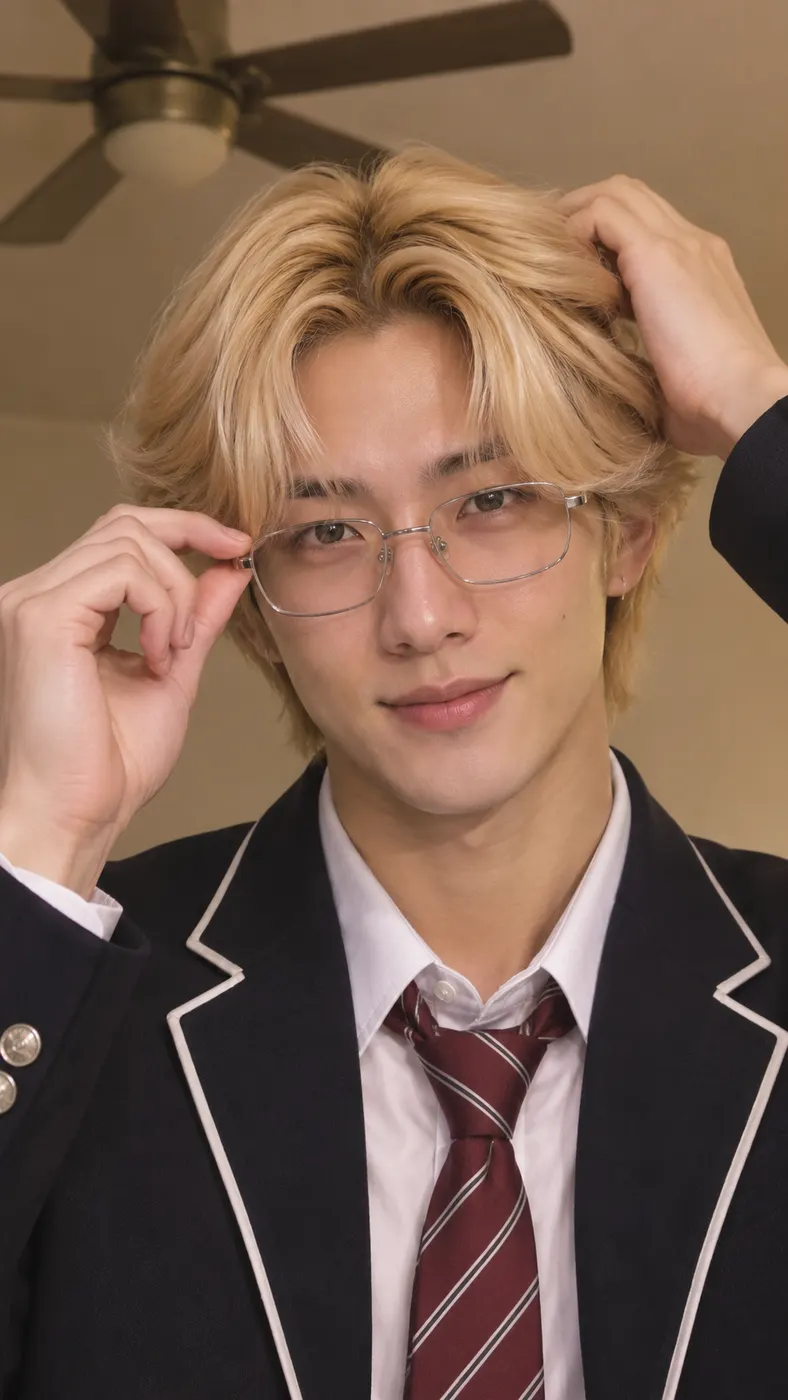
These Skull Cap AI examples show the full contrast in the scene: a warm, goofy opening gives way to a dark room, black hood, skull cap, and controlled stare. The Skull Cap AI reference clip keeps the transformation focused on the person in the uploaded image, making the result easy to recognize and share. For better source-photo choices, see photo guidance for AI video; for production expectations, read how long AI video takes; compare available credit options on the pricing page.



How to Use Skull Cap AI
- 01
Upload a clear photo
To use skull cap ai, start with one clear photo showing a solo person or two people with visible faces. Choose an image without heavy filters so the person can be recognized across both halves of the scene. A straightforward portrait or casual full-frame image gives the generator a useful reference for the face, hair, skin tone, and overall appearance. The input is labeled Your photo, and the supported upload can show you alone or you with one other person. Check that the important facial details are not hidden by strong effects, shadows, or an obstructive crop before starting.
- 02
Choose the scene and add a detail
The Skull Cap Glow-Up scene is selected for this page, so the generator uses the reference clip that moves from a bright warm room to a dark room. Skull cap ai keeps the main transformation defined by that scene. You can still add an optional text prompt in the Anything to add? field if you want to suggest a detail such as clothing or atmosphere. Keep the note compatible with the visible person and the two-room setup. The scene creates a vertical short video, and the available quality setting is 480p.
- 03
Review the result and download the clip
After you submit the image, allow time for skull cap ai to create the vertical result; the exact wait can vary with the queue and processing load, so plan for several minutes rather than expecting an immediate finish. Review whether the face remains recognizable, the bright-to-dark transition is clear, and the cold-stare ending reads at a glance. A completed 15-second output costs $2.03 and uses 29 credits. There is no free preview for this scene, so check the photo and optional prompt before you start the paid generation.
What You Can Make
Turn one expression into a full mood switch
With skull cap ai, you can build a sharp before-and-after moment from one reference image instead of staging two separate looks yourself. The first part keeps the energy goofy and exposed in a bright room. The second part changes the setting, hood, skull cap, and expression so the same person feels much more intimidating. That contrast is the point of the scene: viewers recognize the person immediately, then react to the sudden change in attitude after the beat drop. It works best when the source image gives the generator a clean, unobstructed view of the face.
Make a vertical clip for social sharing
Skull cap ai gives you a vertical short video, which suits quick posts on TikTok, Reels, and Shorts. You can share the moment as a compact transformation rather than explaining the joke in a long caption. Start with the bright-room action, let the beat drop mark the change, and finish on the dark-room stare so the sequence has a clear setup, turn, and payoff. The result uses the selected scene rather than a blank prompt, which keeps the visual action consistent while still allowing an optional text prompt for an extra compatible detail.
Use your own photo or include a friend
The input supports a clear photo of one person or two people, so you can make the scene with yourself or with a friend whose face is visible. Keep the same people in the reference image and avoid heavy filters that obscure facial details. A photo with enough light and a readable face gives the transformation a stronger starting point. If two people appear in the image, make sure both faces are visible and understand that the reference scene is designed around the person or people shown in that uploaded photo.
Set expectations around cost and quality
This is a paid generation rather than a free preview workflow. The completed output is priced at $2.03 and uses 29 credits for a 15-second video. The available quality option is 480p, and the page opens with that setting. Those details let you decide whether the scene fits your intended post before submitting the image. Skull cap ai also includes an optional text prompt, but the core bright-room-to-dark-room transformation comes from the selected Skull Cap Glow-Up scene.
Skull Cap Glow-Up FAQs
What does this transformation scene do?
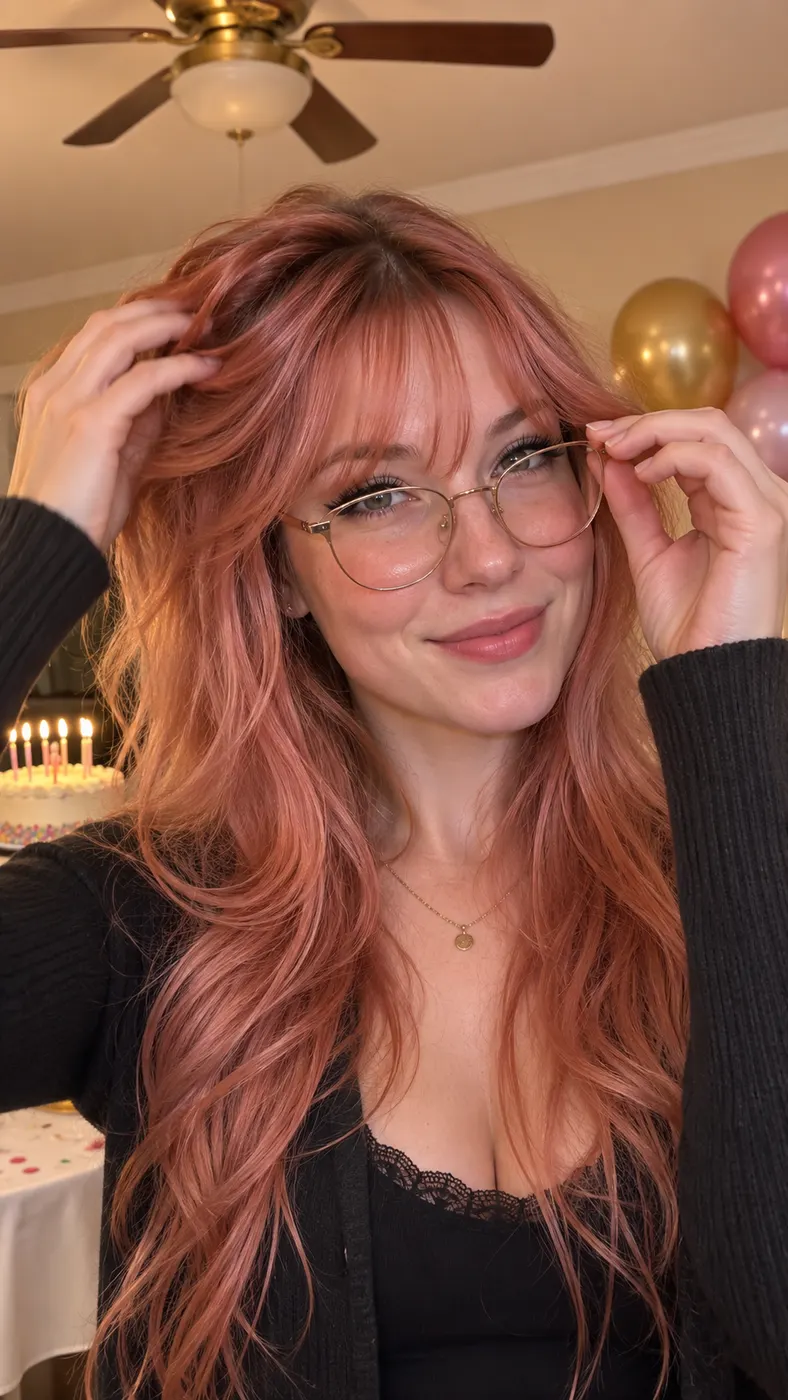
Skull cap ai places the person from your uploaded photo into a reference clip that starts in a bright warm room with a goofy hair-and-glasses moment. After the beat drop, the scene shifts to a dark room where the person wears a black hood and skull cap and holds a cold stare. The appeal is the fast contrast between the two moods while keeping the person recognizable. It is designed as a short vertical video, not as a still image or a separate set of posed photos.
Is there a free preview?
No. This page does not offer a free preview for the Skull Cap Glow-Up scene. A completed 15-second result costs $2.03 and uses 29 credits. Review the selected photo first, because the input quality has a direct effect on how clearly the face can carry through the two different rooms and expressions. The optional text prompt can add a compatible detail, but it does not change the paid status of the generation.
How long is the finished video?
Skull cap ai produces a configured 15-second vertical video. The processing wait is separate from the clip length and can vary with the service queue, so allow several minutes for generation rather than expecting the result instantly. The scene itself is structured around a short setup and a clear beat-drop transition: the bright-room action comes first, followed by the hooded dark-room stare. That compact structure makes the result suitable for short social posts.
What kind of photo should I upload?
Upload one clear photo of a solo person or two people with visible faces and no heavy filters. A clean image gives the generator a stronger reference for identity, facial features, hairstyle, skin tone, and body shape. Avoid images where a face is hidden, strongly blurred, covered, or pushed into extreme shadows. The source does not need to show the black hood or skull cap already; the selected scene supplies that visual change. Start with the clearest ordinary image you have.
Can I use a photo of someone else?
Yes, the input supports a photo of yourself or a friend, including a clear image of two people with visible faces. Skull cap ai uses the people shown in the uploaded reference, so check that the intended subject is easy to identify and that no extra face is accidentally included. If you want one person to carry the transformation, a solo photo keeps the visual focus simple. If two people appear, both should be visible enough for the scene to preserve their identities.
Is this an official scene from the person in the reference clip?
No. This page lets you place the person from your uploaded photo into the Skull Cap Glow-Up reference scene. It is a user-generated transformation built from the selected clip and your image, not an official appearance by the person in the reference. The scene reproduces the broad action: bright-room goofiness, a beat-drop change, then a black hood and skull cap with a cold stare. Your photo determines who appears in the generated result.
Make the Glow-Up With Your Photo
Return to the generator, choose a clear photo with visible faces, and create the bright-room-to-dark-room transformation with the Skull Cap Glow-Up scene. Check the image and optional prompt before starting the paid 15-second generation.