
Birthday Rap Song
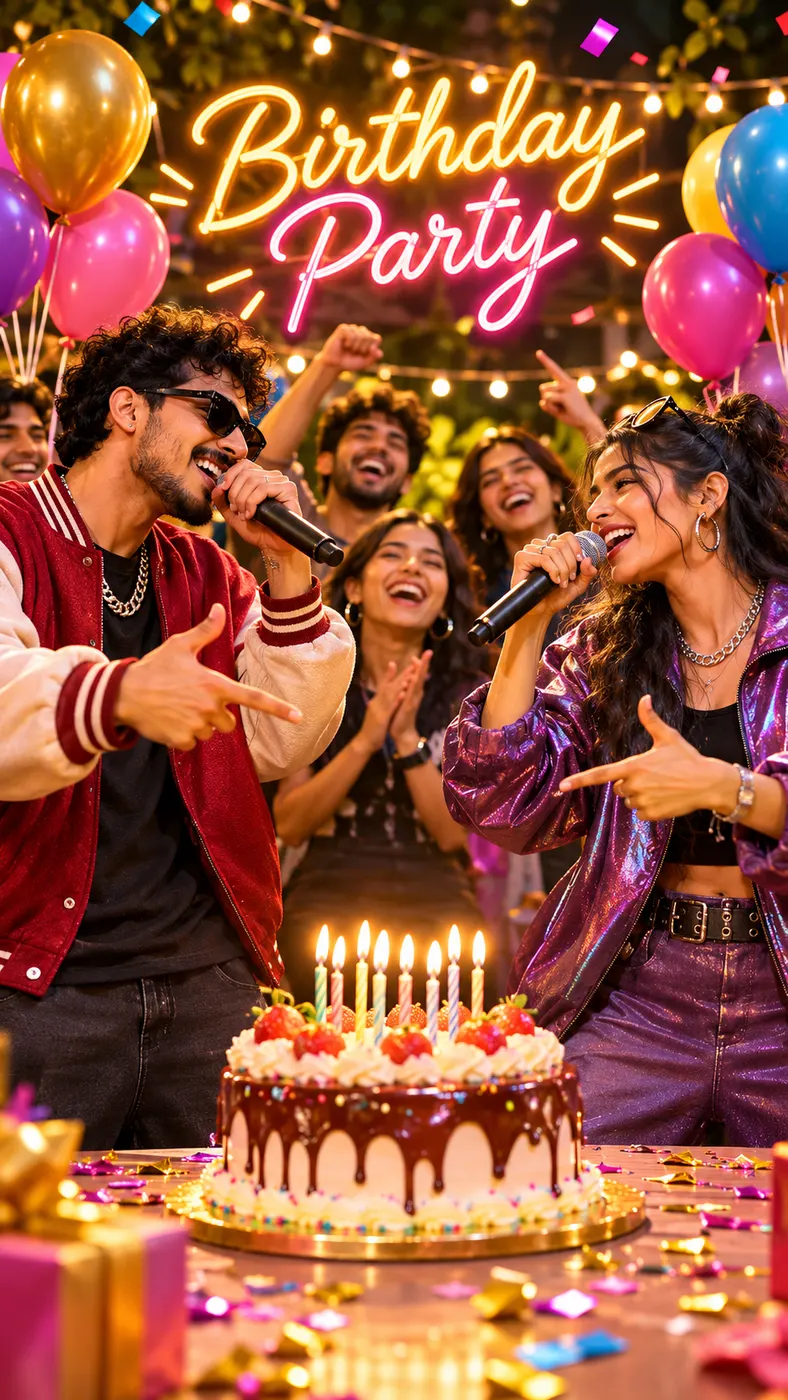
Create a birthday rap song video with you and a friend or pet as the performers. Upload two photos, add a birthday message or topic, and step into a party scene with balloons, string lights, a cake with lit candles, cheering friends, and confetti. Your first 5-second preview is free, so you can see the two performers trade English rap lines before deciding whether to unlock the full video.
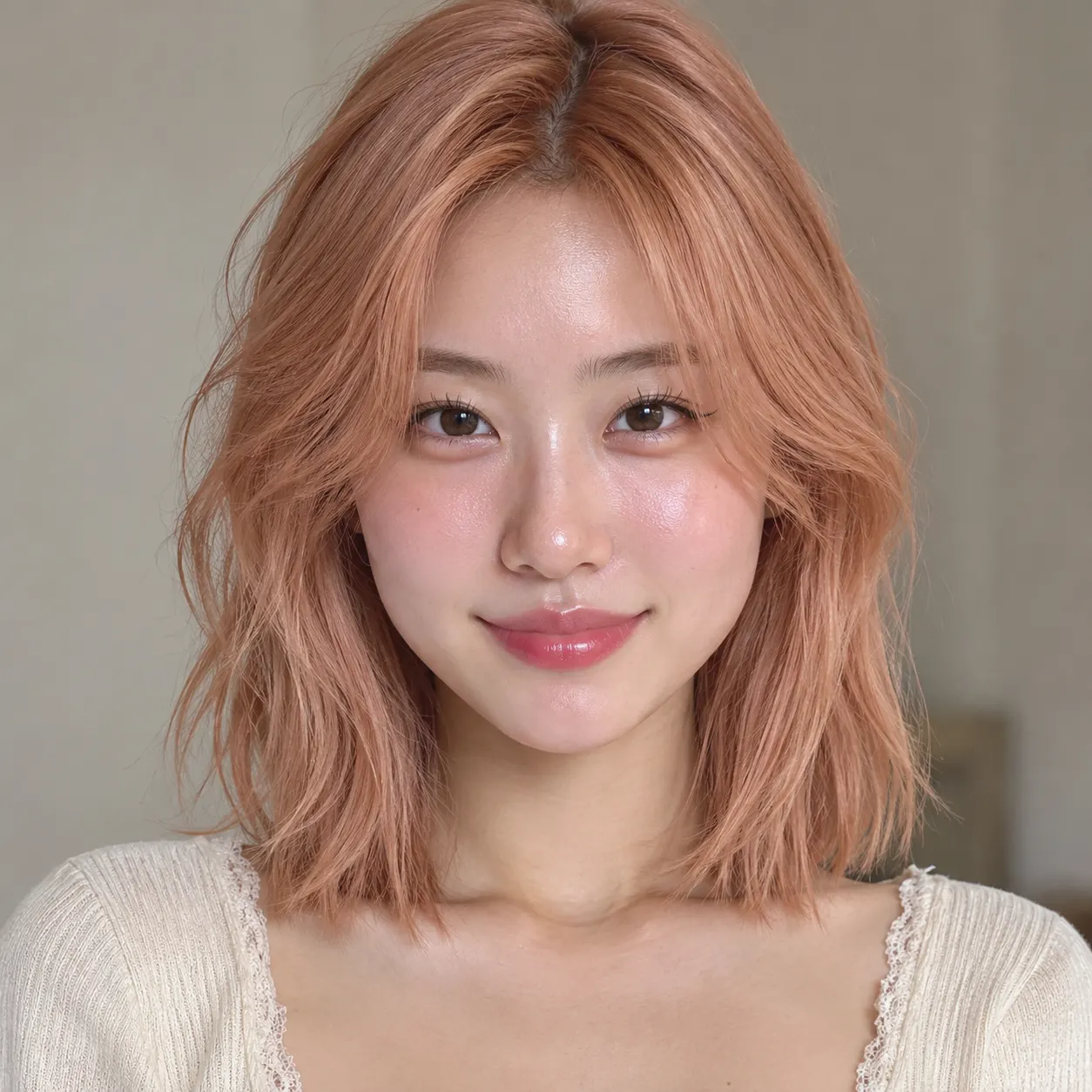
Photo 1: you. One face, front-facing, well lit, no sunglasses
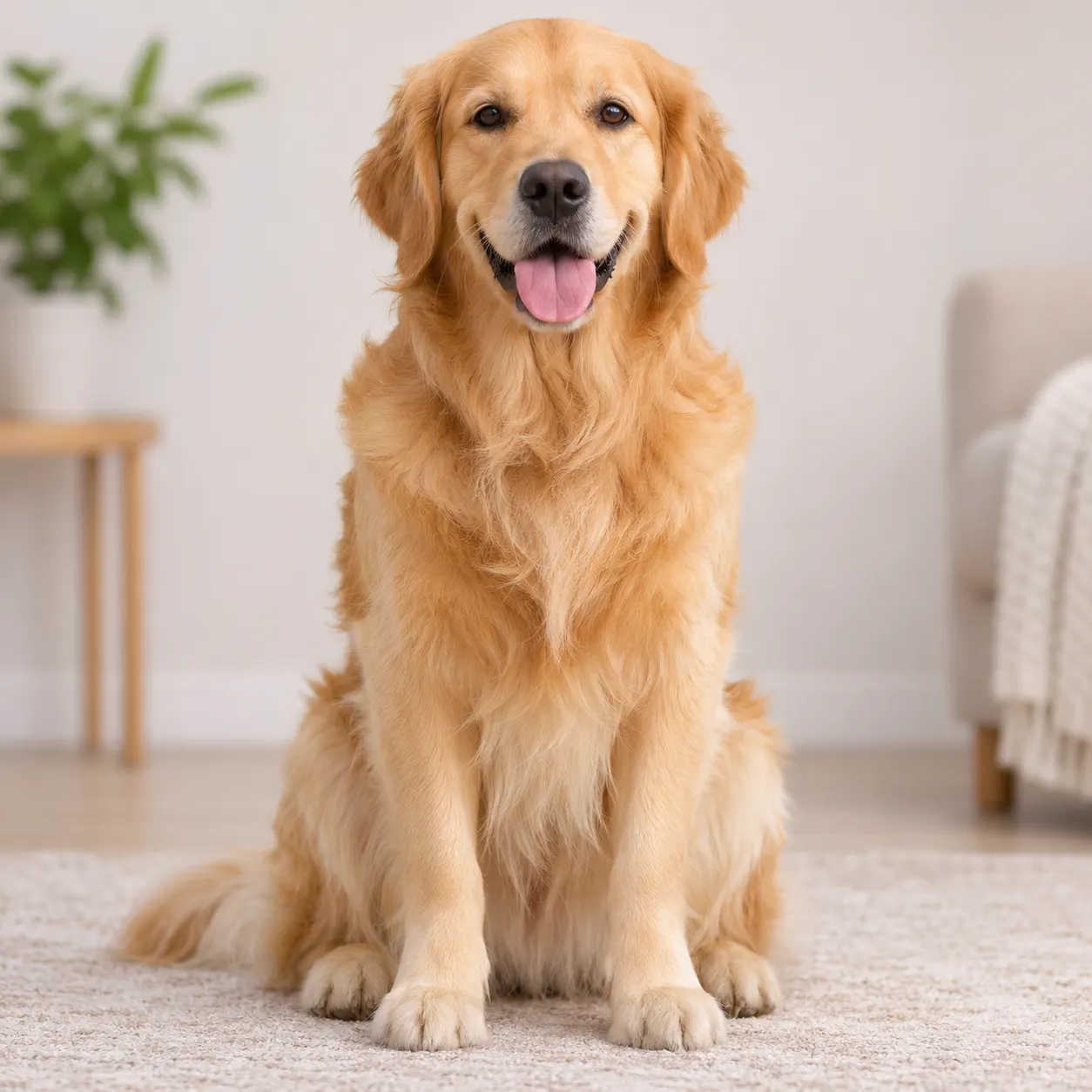
Photo 2: your friend or your pet, a separate photo. The two don't need to be taken together
Tip: drag a photo onto its box, or click the box to pick one.
Free 5-second 480P preview (small watermark) · Full video: 25 credits
rap duo video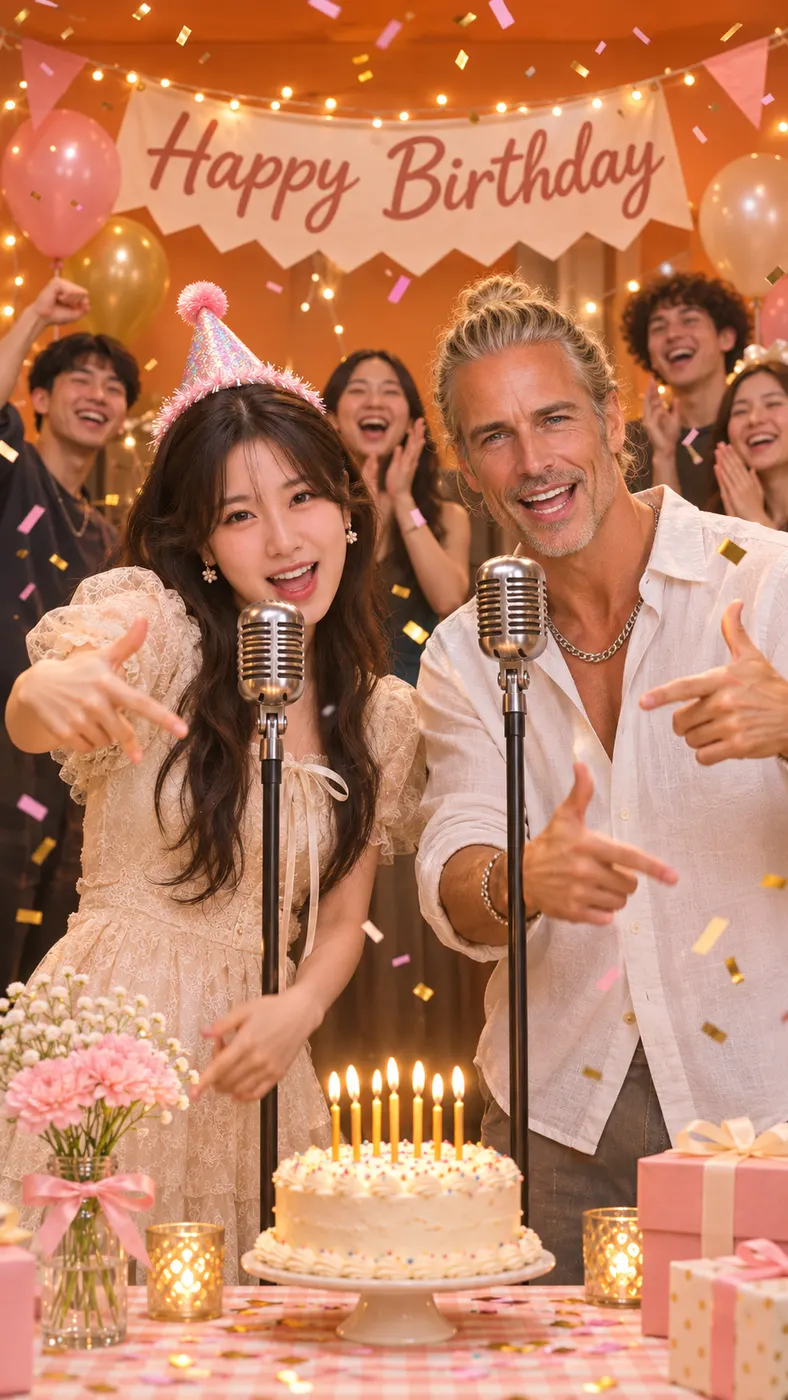
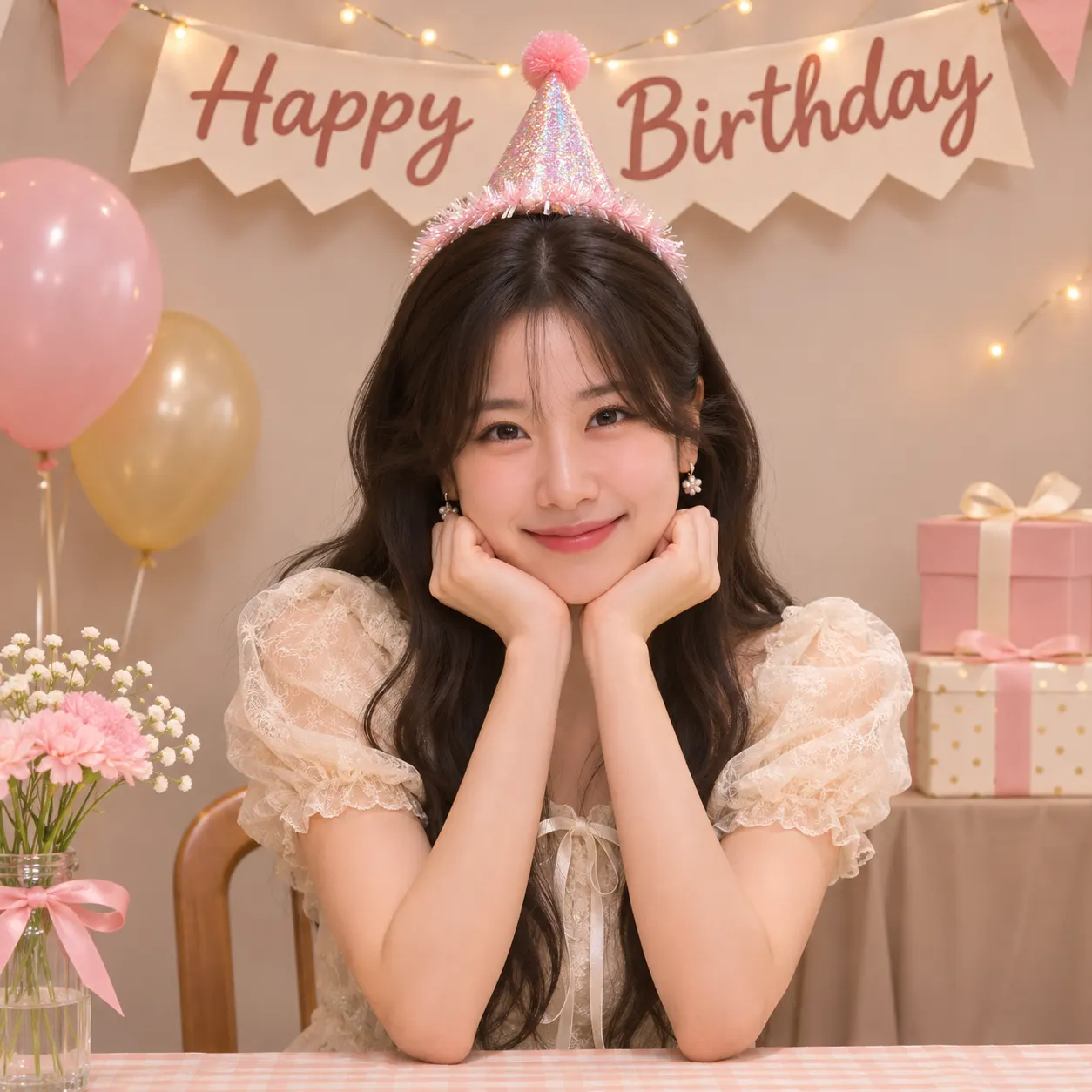
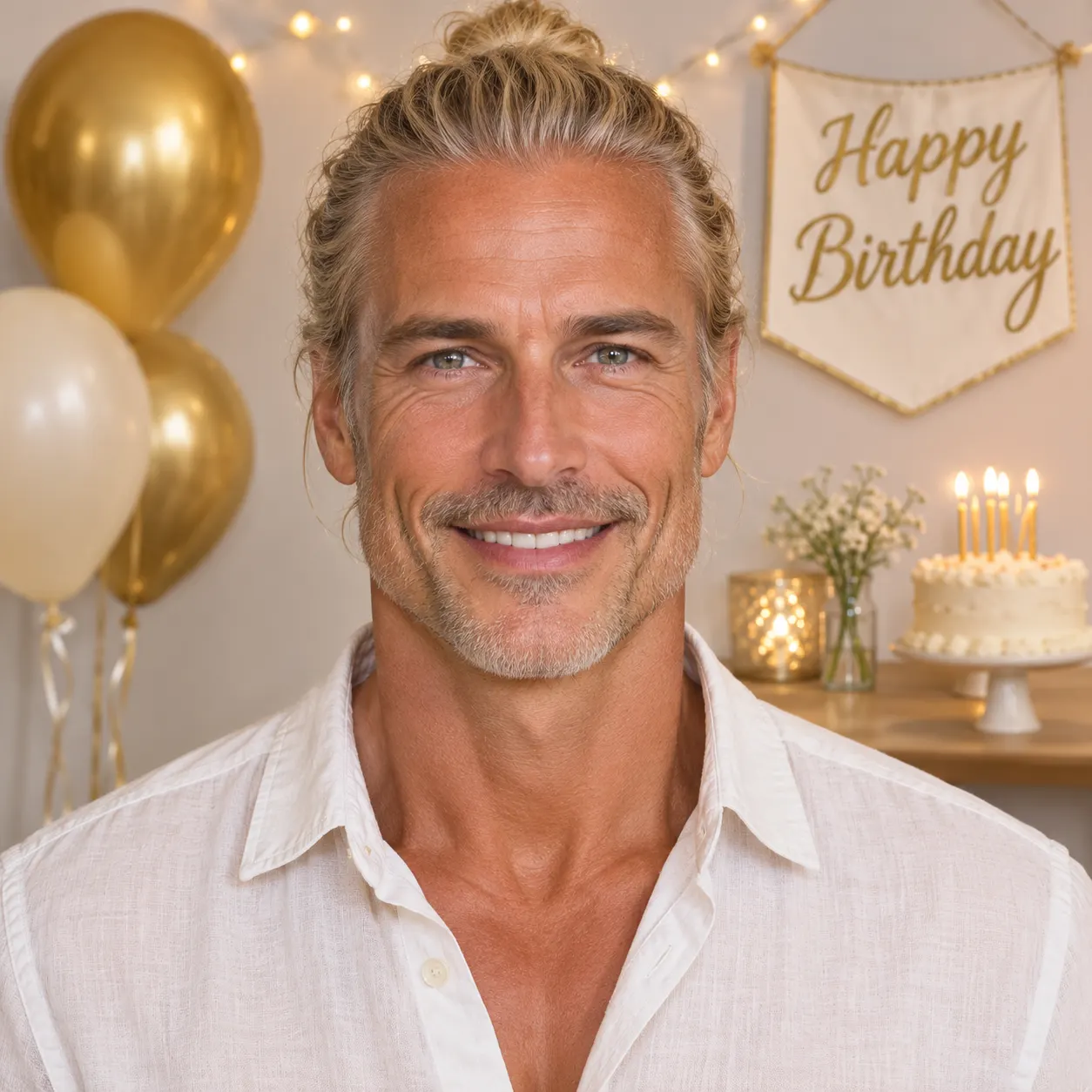
Birthday Party Rap Video Examples
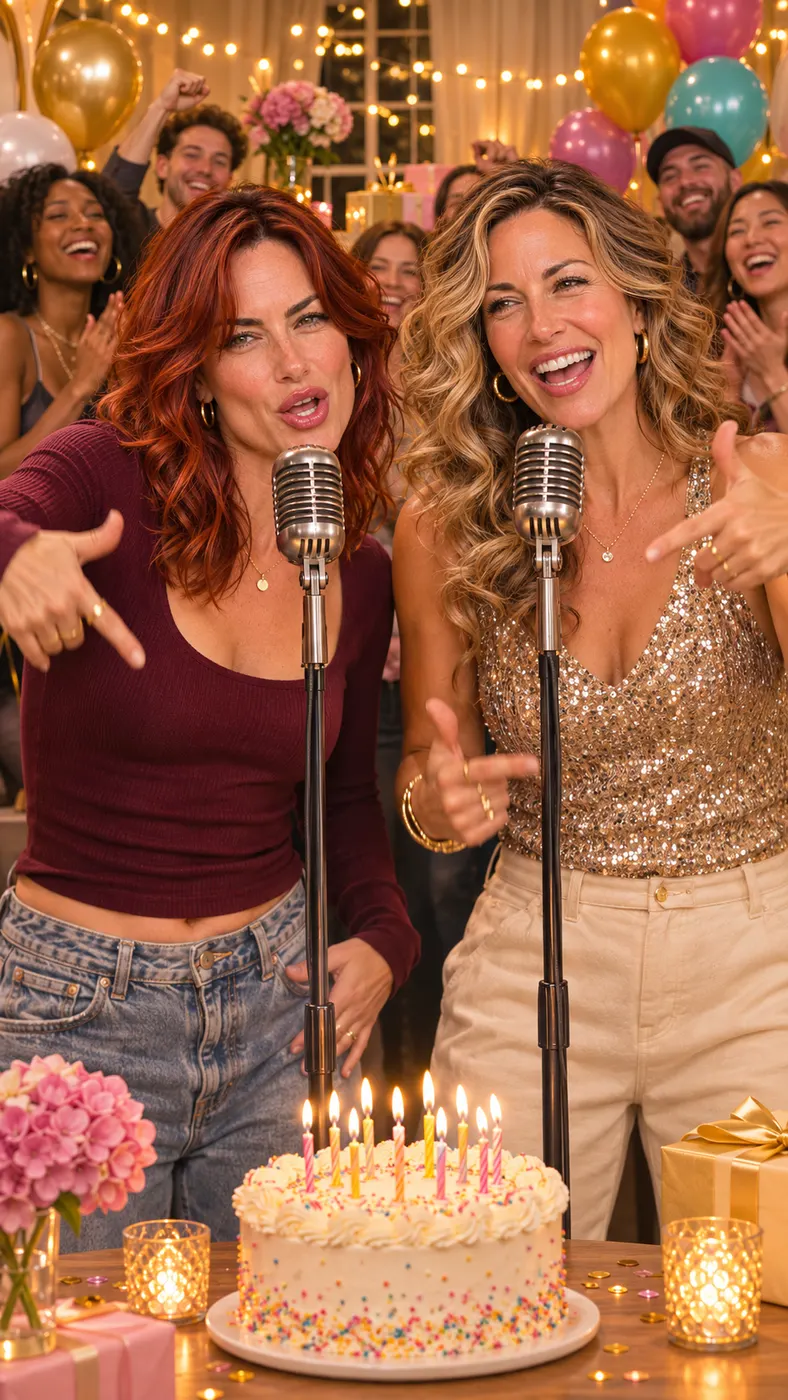
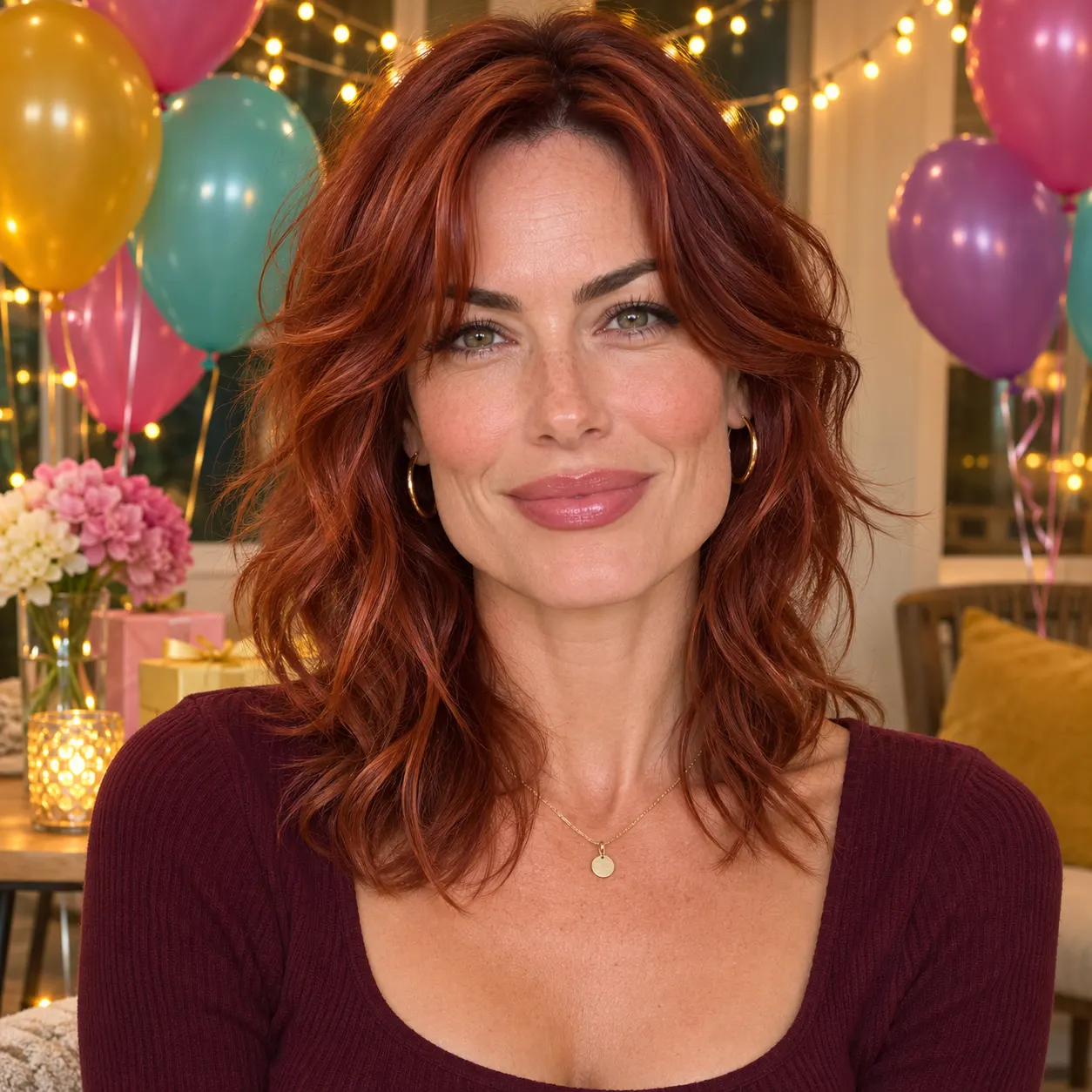
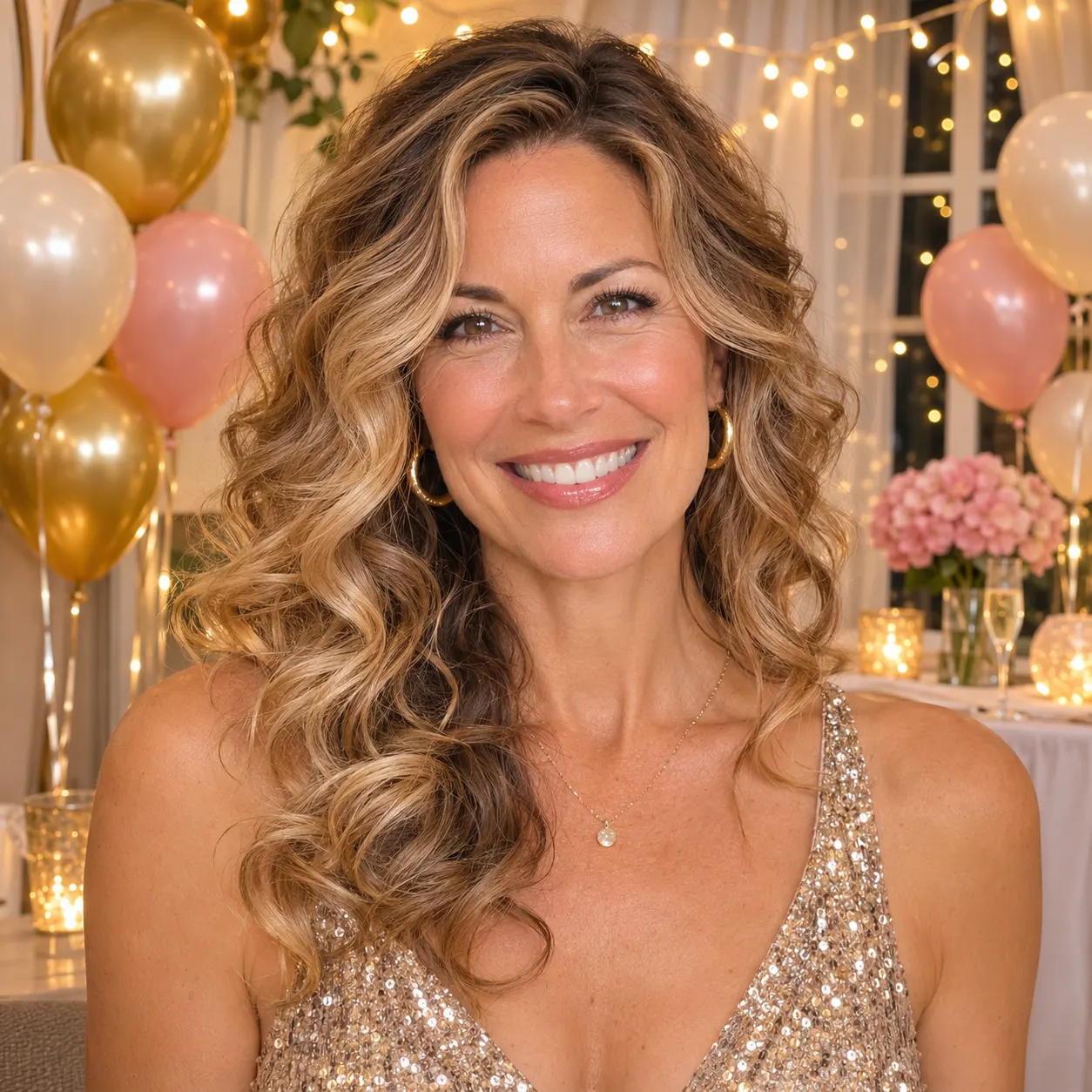
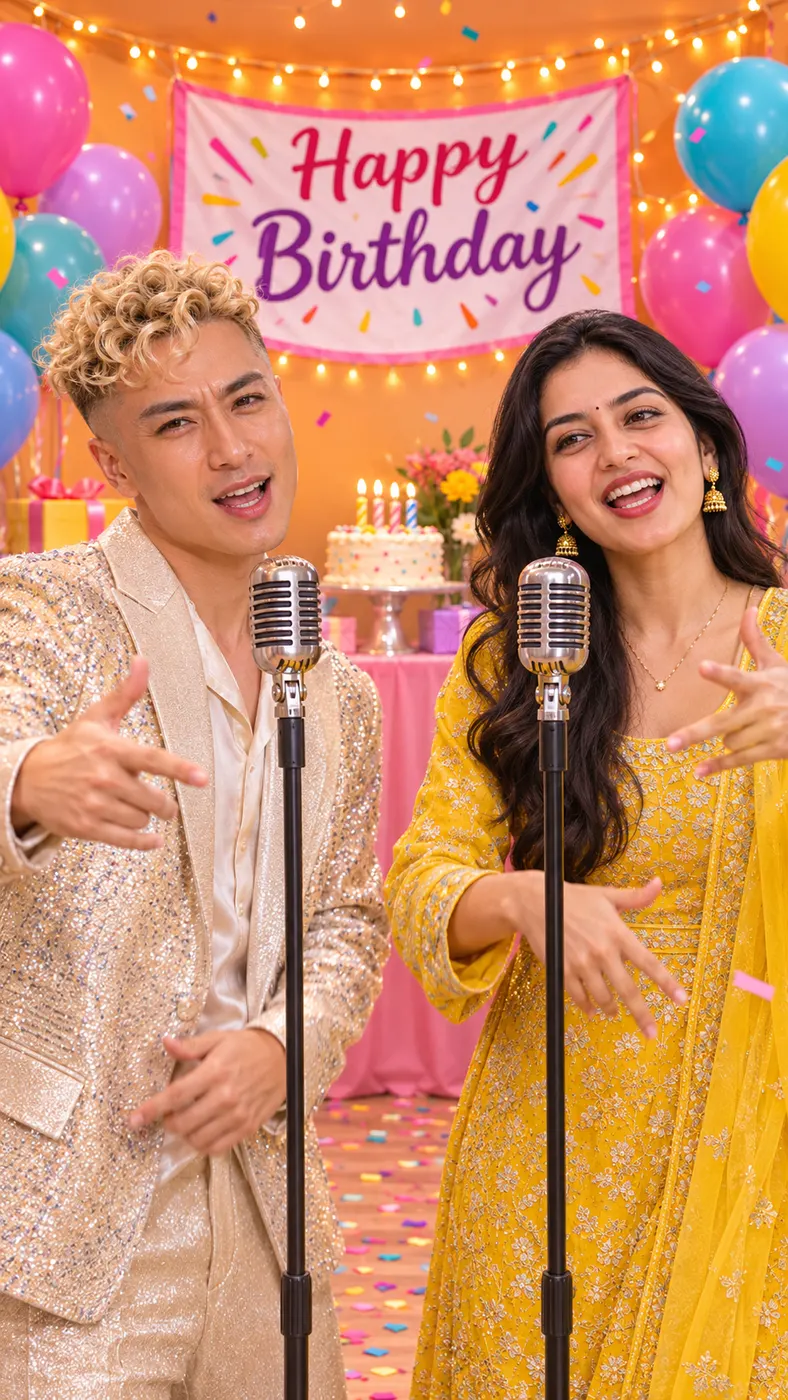
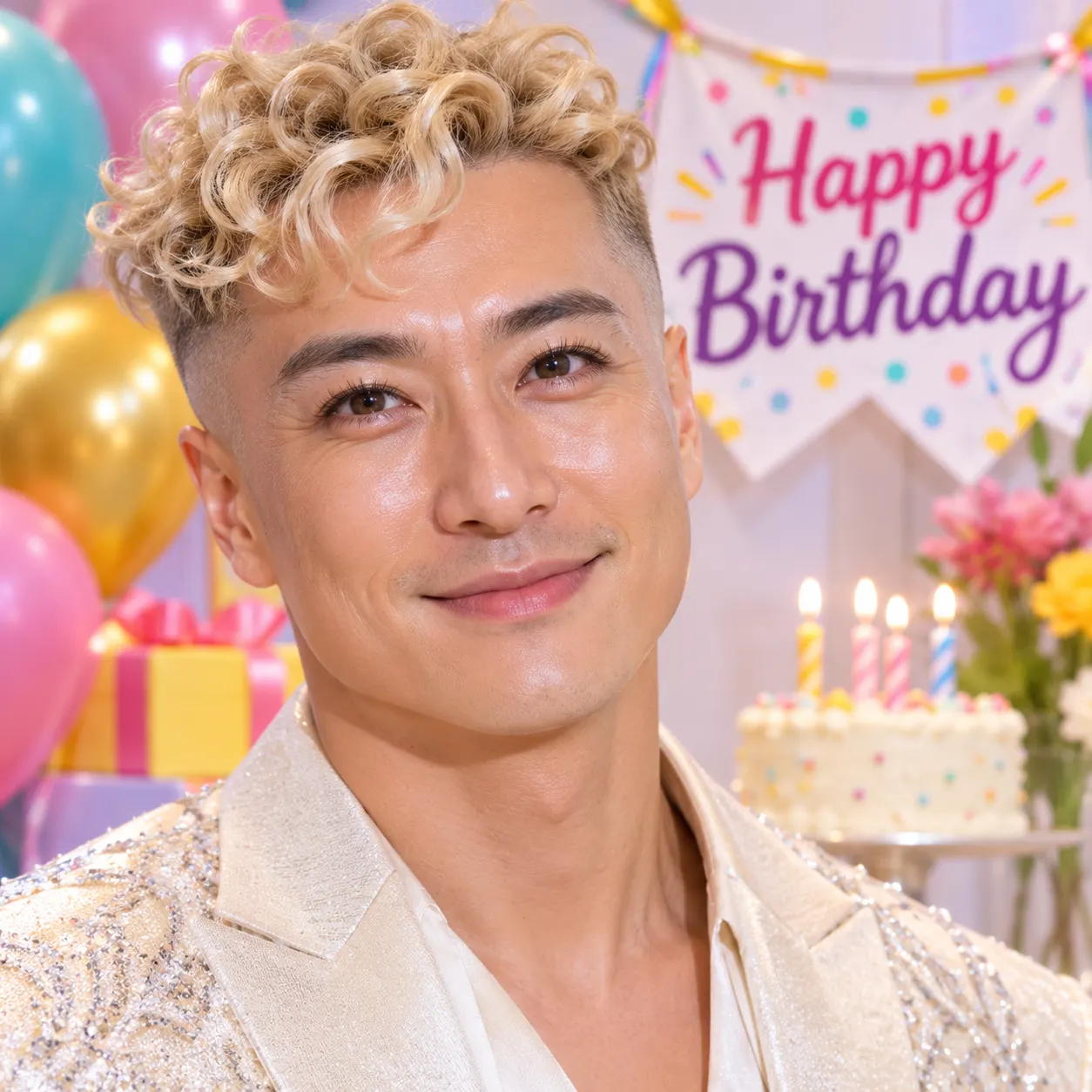
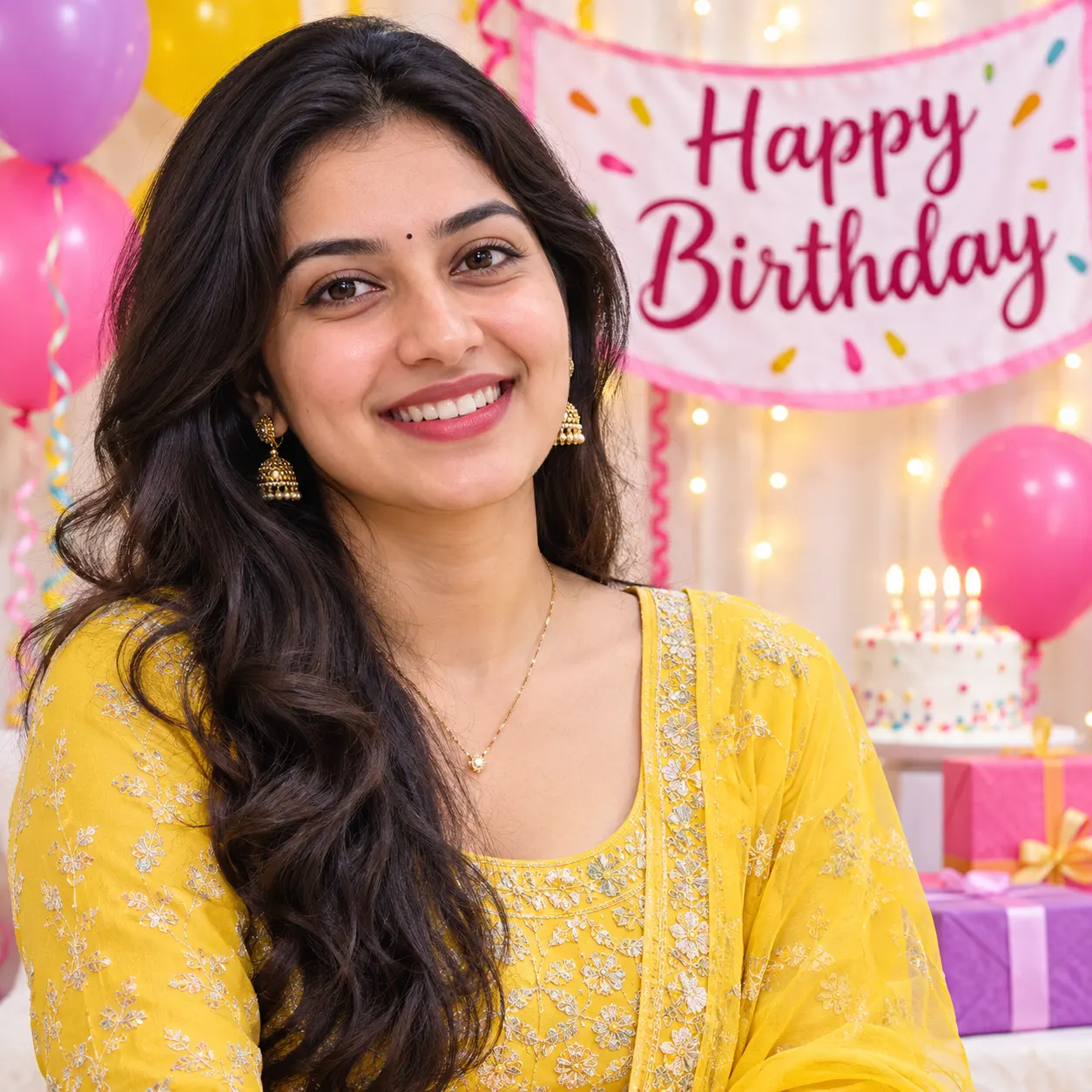
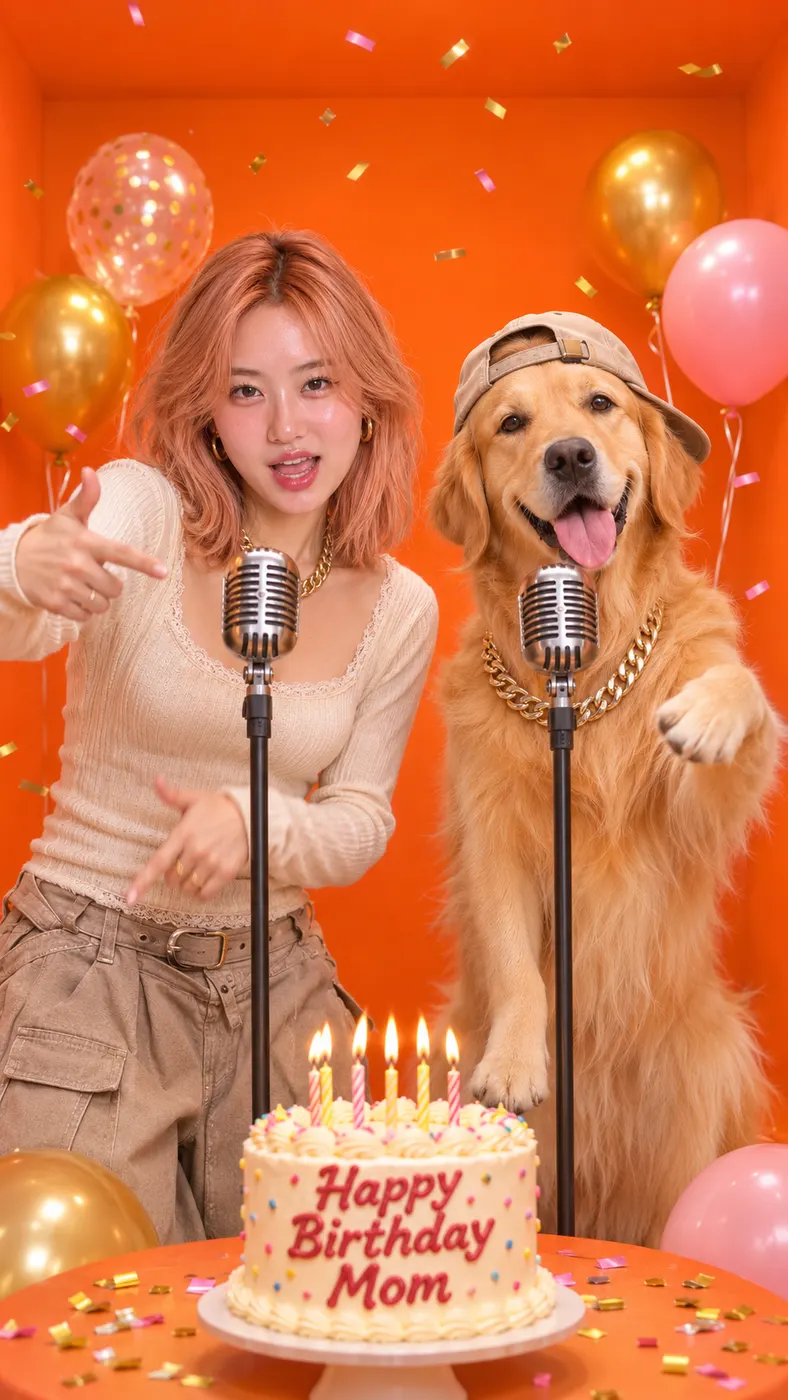
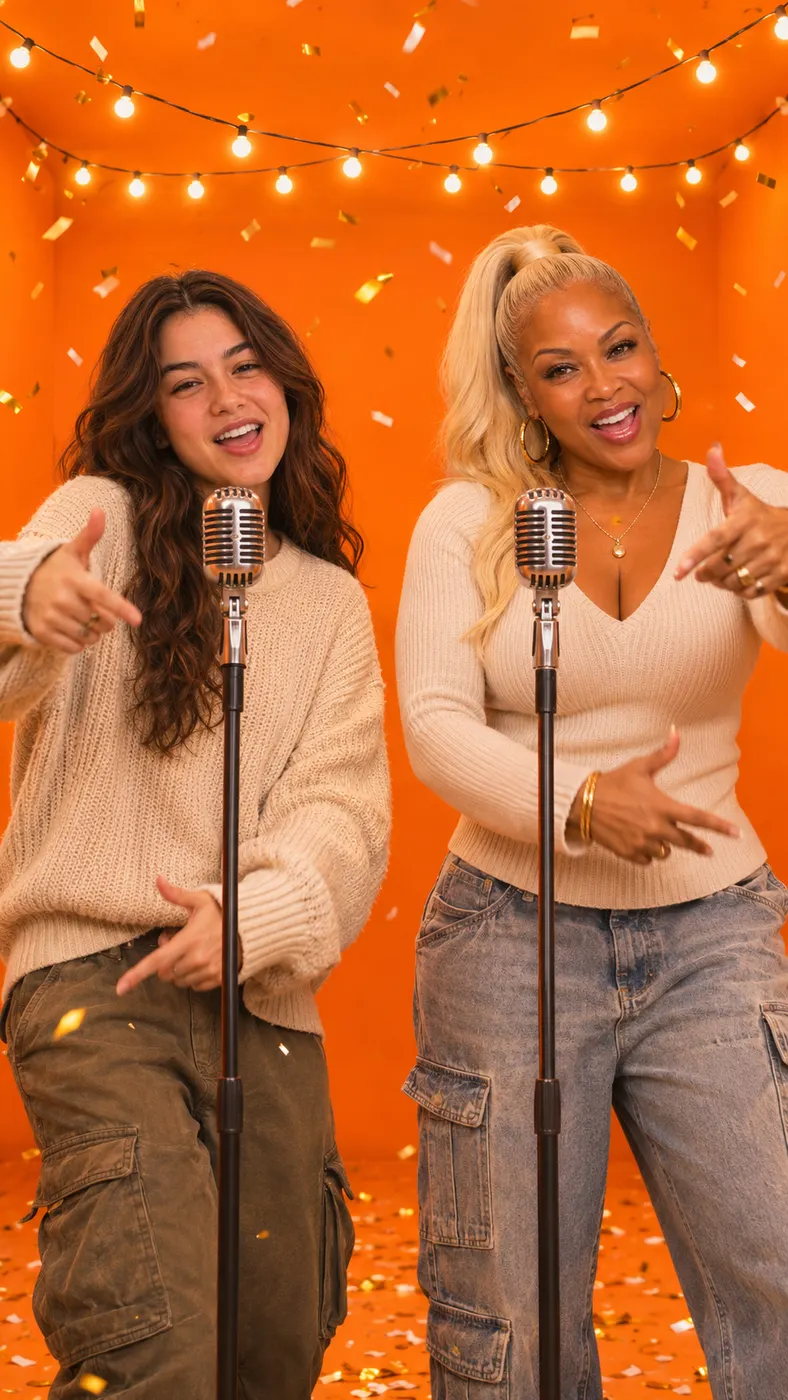
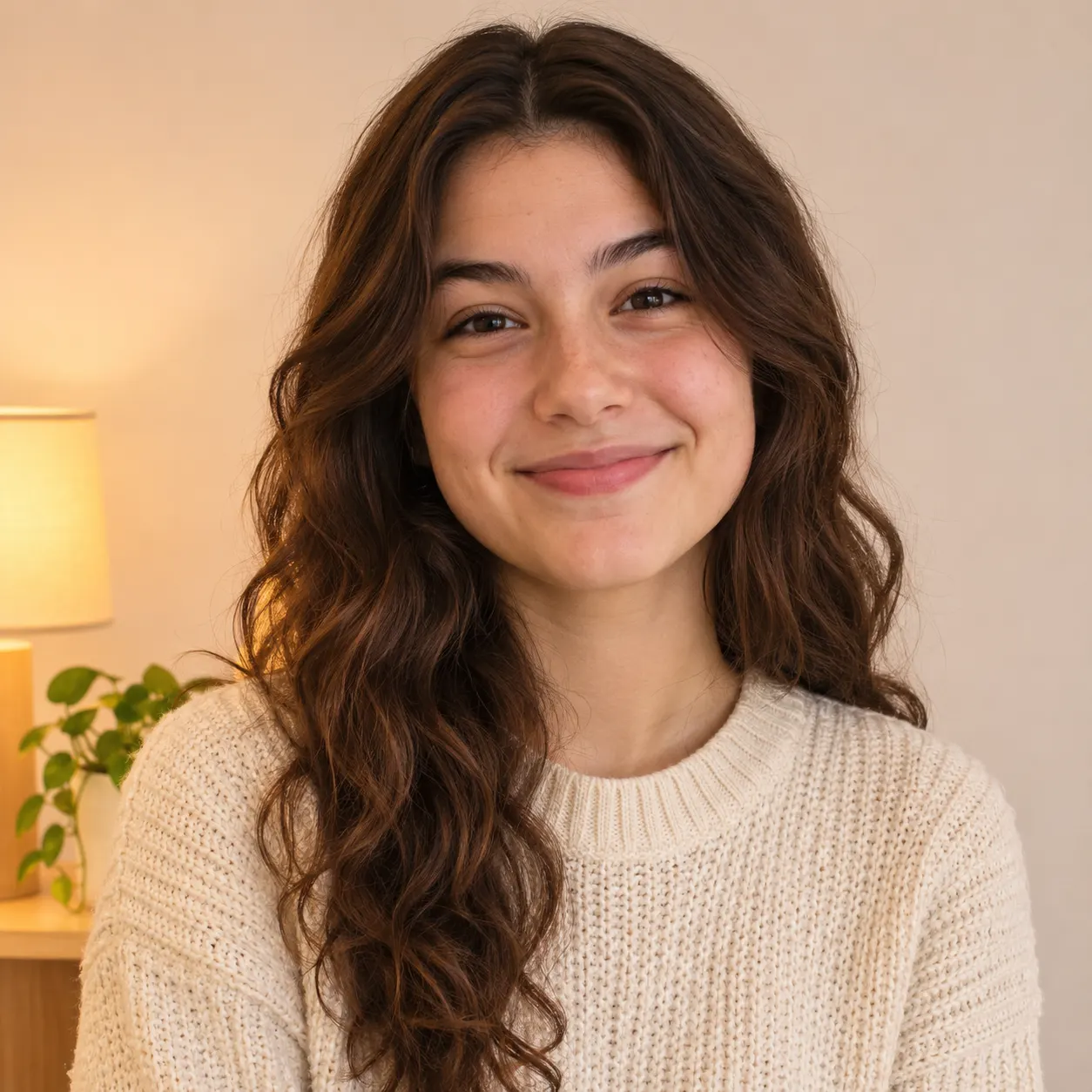
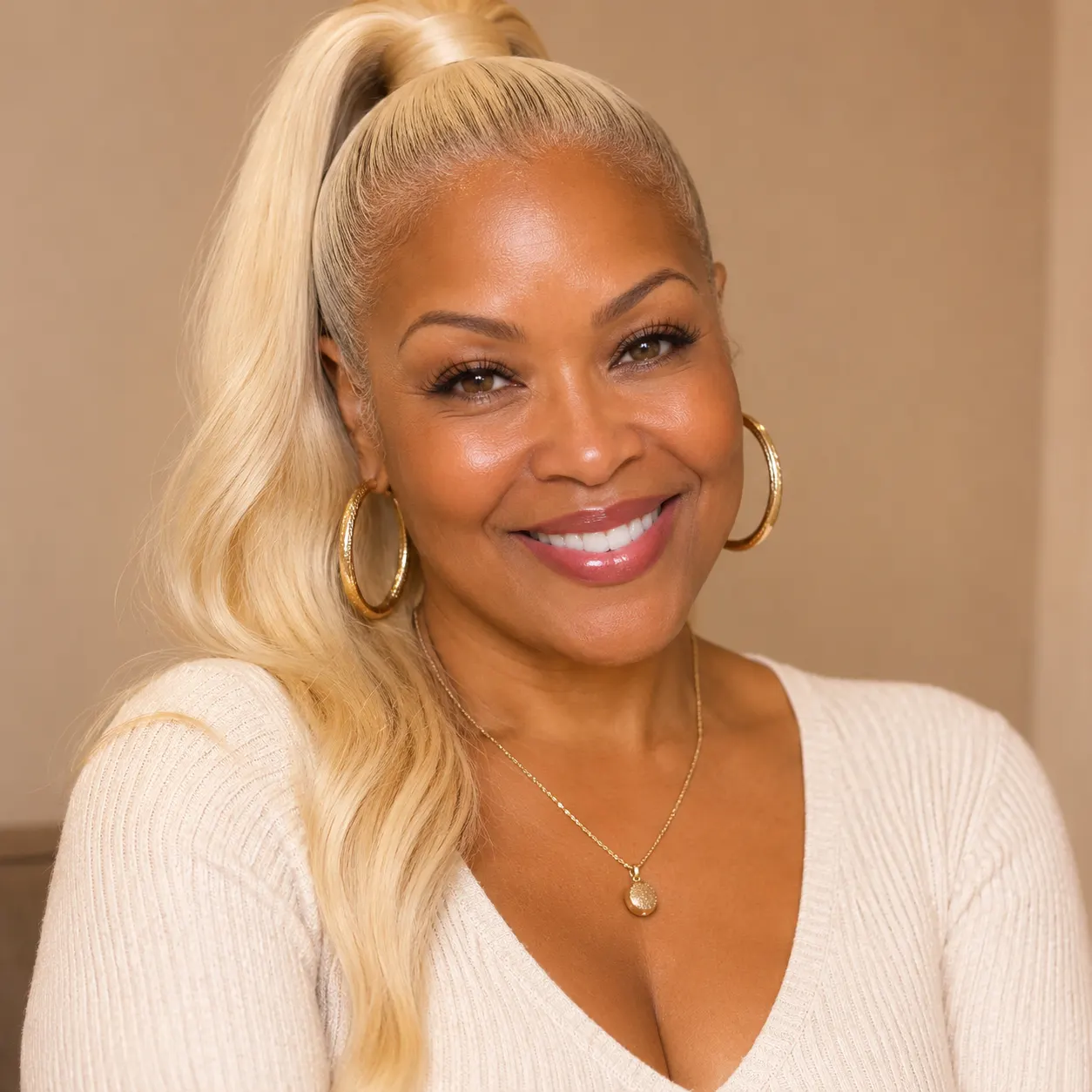
These examples show how a birthday rap song can feature different people or a pet while keeping the celebration setting consistent. Each vertical clip uses two separate performers, two distinct voices, and the selected birthday party scene. Not a birthday? Pick a festive Christmas scene, start from the plain duo version, or check how to choose your photos.




How to Make Your Birthday Rap Video
- 01
Upload two separate photos
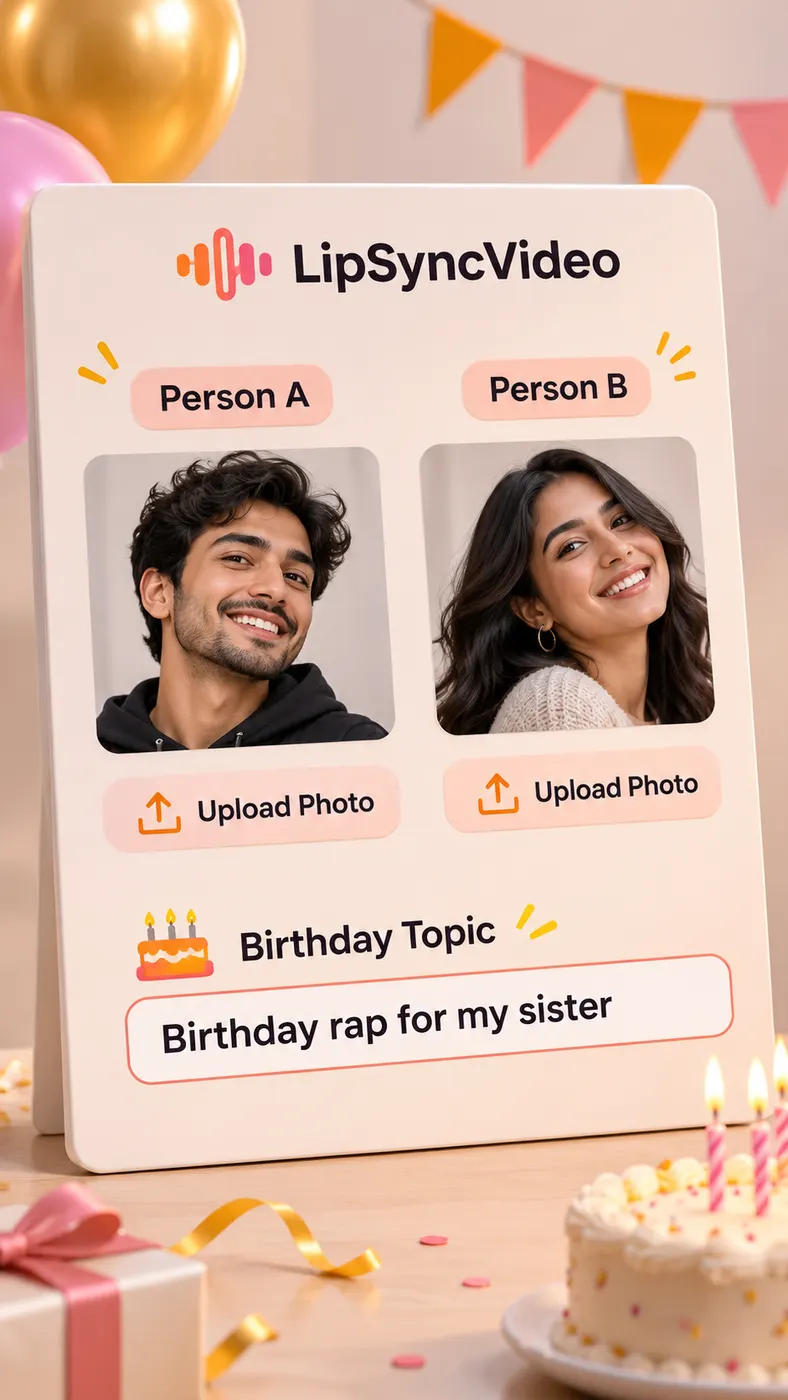
Start by uploading one clear, front-facing, well-lit photo for Person A and a separate photo for Person B. The second performer can be your friend or your pet, and the two photos do not need to be taken together. Avoid sunglasses when possible so each face is easier to preserve. A birthday rap song works best when both source images clearly show the intended performer without distracting obstructions or multiple faces.
- 02
Add the birthday topic
Enter the message or idea you want the performers to rap about in the optional topic field. You can name the birthday person, mention a friendship, add an age or milestone, or describe an inside joke. Then keep the Birthday party scene selected. The generator uses that topic to guide an original English rap with two distinct voices that take turns rather than singing an existing song. A birthday rap song becomes more personal when the topic includes details your recipient will recognize.
- 03
Preview and unlock the video
Generate the free 5-second preview first and check that both performers appear side by side in the party scene. The preview is a quick way to confirm the photo pairing, setting, gestures, and alternating performance. If the result fits your idea, use credits to unlock the full-length version and download it. Generation time can vary, so allow a short processing wait rather than relying on an exact completion promise. The birthday rap song is ready to share after the finished video is available.
What You Can Do With This Birthday Video
Make the greeting feel personal
You can turn a simple birthday message into a performance starring the people who matter to the celebration. Add the recipient’s name, a shared memory, or a friendly joke as the rap topic, then let the two performers trade verses in English. This birthday rap song gives a generic greeting a visual cast and a clear party setting instead of leaving the message as plain text.
Use a friend or pet as the second performer
You can upload a friend’s photo or your pet’s photo as Person B, as long as you have permission to use the image. The generator keeps the two uploaded roles separate and creates a duo rather than blending them into one face. A birthday rap song can therefore show the birthday person with a best friend, family member, dog, or cat in the same celebratory video.
Choose a ready-made party scene
You can use the Birthday party scene to place the duo beside microphones at a decorated house celebration. The generated setting includes balloons, string lights, a cake with lit candles, cheering friends, and confetti. You do not need to plan a location or edit party footage yourself. The birthday rap song stays focused on the uploaded performers while the scene supplies the visual birthday context.
Try the free preview before using credits
You can generate a free 5-second preview before deciding whether to unlock the complete result with credits. That preview lets you inspect the two-photo pairing, the party atmosphere, the two voices, and the performers’ turn-taking. The birthday rap song is an original AI-generated performance, not a recording of an existing track, so the preview helps you judge the result before committing to the full version.
Create a shareable vertical clip
You can use the finished vertical video as a birthday greeting for a message, social post, or party share. Upload photos that represent the people or pet you want to feature, and write a topic that makes sense to the recipient. This birthday rap song is designed around a short, celebration-ready video rather than a long edited production. Rap Blaze is a creative AI video tool, not an official birthday music service or representative of any artist, song, or brand.
Birthday Rap Song Questions Answered
What is a birthday rap song generator?
A birthday rap song generator turns two uploaded photos and an optional birthday topic into a short vertical rap duo video. Rap Blaze uses one photo for Person A and one separate photo for Person B, then places both performers in the Birthday party scene with two distinct English rap voices taking turns. The result is an original AI video for a personal celebration, not an existing commercial song.
Is the birthday rap song video free to make?
The first 5-second preview of a birthday rap song is free, so you can inspect the idea before using credits. A complete birthday rap song video may require credits to unlock and download after the preview. The exact credit purchase is handled through Rap Blaze pricing, so check the available pack before starting a full generation.
How long does it take to create the video?
The free preview itself is 5-second long, while the time needed to generate the result can vary with processing conditions. The birthday rap song page does not promise a fixed completion interval. Start with the preview, allow a short processing wait, and check the generation status before deciding whether to continue to the complete video.
What photos should I upload?
Upload two separate photos: one clear, front-facing, well-lit image for Person A and one separate image for Person B. Person B can be a friend or a pet, and the two subjects do not need to appear together in the original photos. For the best birthday rap song result, avoid sunglasses, heavy obstruction, or group photos where the intended face is difficult to identify.
Can I use someone else’s photo or a pet’s photo?
You can use a friend’s photo or a pet’s photo as the second performer when you have the right to use that image and the person has given appropriate permission. The birthday rap song generator accepts one photo for each role and keeps the performers separate. Do not upload an image you are not allowed to use, and do not imply that someone endorsed the finished video without their consent.
Is this an official birthday song or an official artist video?
No. This birthday rap song is an original AI-generated video made from your uploaded photos and topic, and it is not an official release by an artist, label, birthday brand, or event organizer. Rap Blaze provides the creative generation tool; you choose the people, pet, message, and intended audience for the result.
Make Your Birthday Rap Video
Return to the generator panel, upload your two photos, add a birthday topic, and keep the Birthday party scene selected. Start with your free 5-second preview, then use credits to unlock the 15-second complete video if the result is ready to share.