How to make an AI rap video: what you actually need
Most guides on how to make a rap video with AI send you through three or four apps: one to write lyrics, one to generate a beat, one to animate a face and one to stitch it all together. That is a lot of exporting and re-uploading for a clip that lasts a few seconds on a feed.
This guide takes the short route. A trend template already holds the scene, the camera movement and the original track of a real viral clip. Your photo only decides who appears in it. So how to make an AI rap video comes down to three choices: choosing a trend, choosing a good photo and choosing how many videos to pay for.
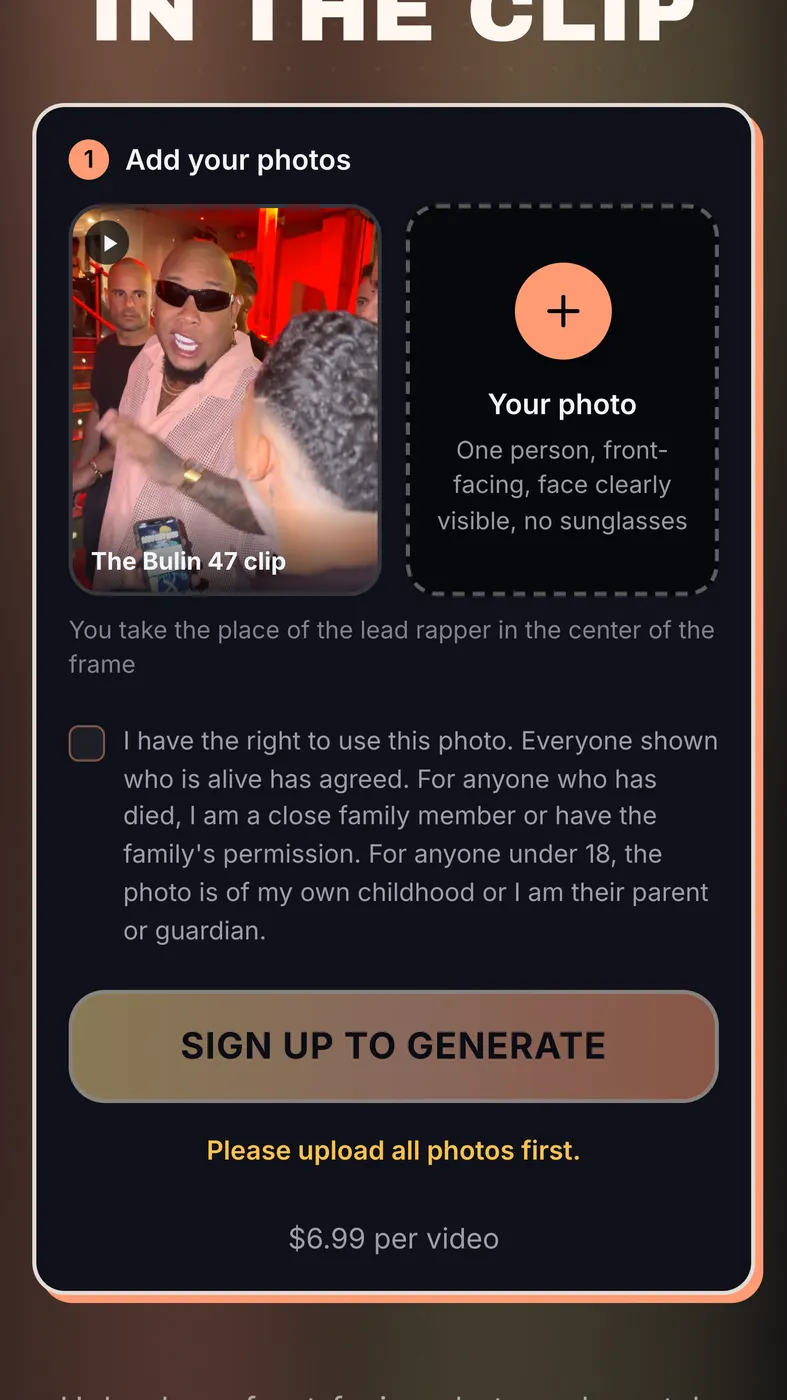
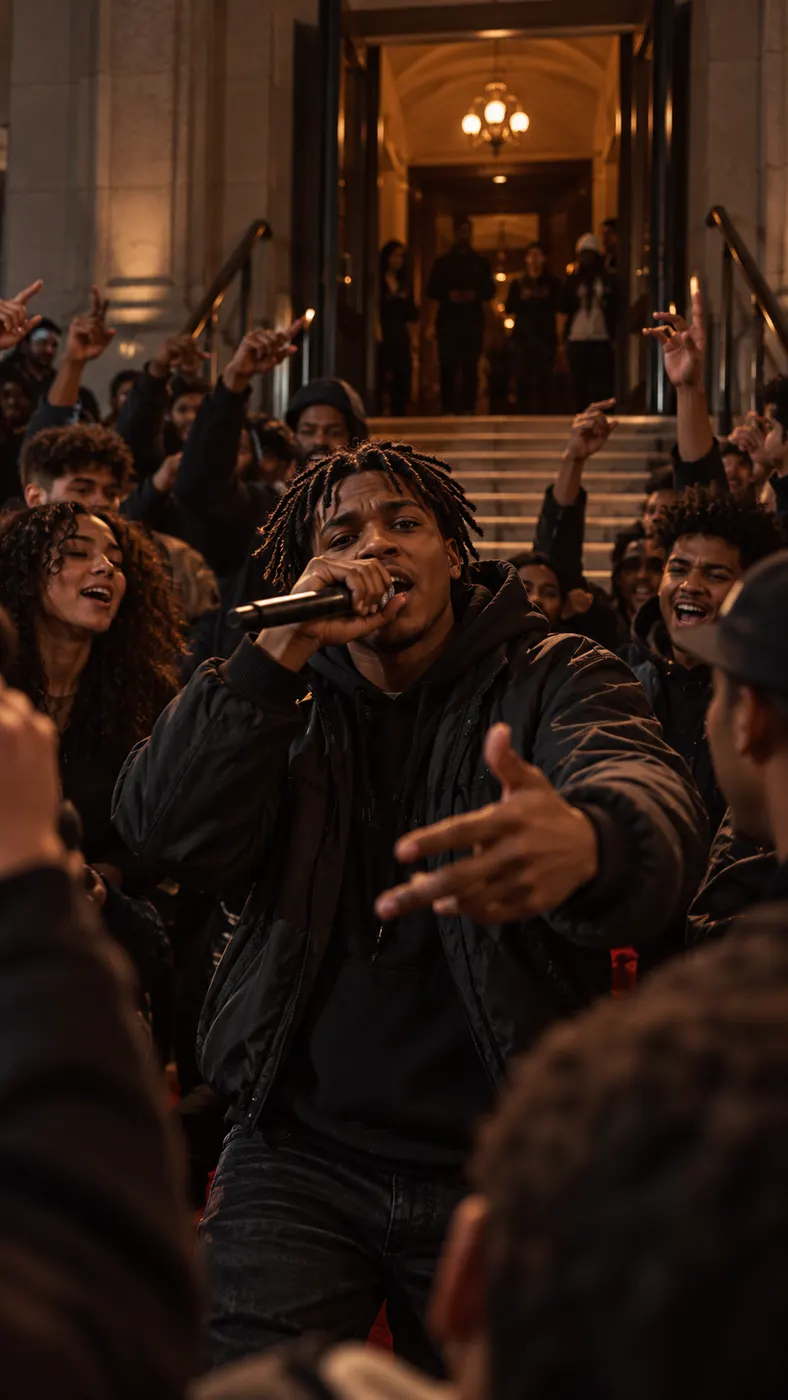
The first template is Bulin 47 AI video: the 12-second clip filmed in a crowd at a red-lit venue entrance, with a staircase behind and people pressed around the freestyle. You take the lead's place, and the original song stays on the soundtrack.
Why you do not write a prompt
Prompt-based video tools make you describe everything: the location, the lighting, the outfit, the camera angle, the mood. Small wording changes give very different results, and getting a rap video that looks like the trend you saw can take many attempts.
A template skips that. The location, the lights, the crowd, the timing and the track are fixed by the original clip, so there is nothing to describe. If you can pick a photo, you can make an AI rap video.
What the finished AI rap video looks like
The download is a single MP4 file, built for phones and ready to post:
- 12 seconds long, matching the original clip
- vertical 9:16 at 720×1280
- your face in the lead role, with the original track playing
- the same red-lit venue entrance, staircase and crowd as the original
The photo matters more than anything else
The photo is the only input you control, so it decides most of the quality. A face that is sharp, evenly lit and facing the camera comes out looking like you. A dark, tilted or filtered face comes out looking like someone else.
The upload takes JPG, PNG, WEBP or HEIC files up to 20 MB, at least 300 pixels on the short side. iPhone photos work as they are. For a full checklist with good and bad examples, see which photo to use.
How long it takes and what it costs
Generation usually takes a few minutes. For what affects the wait, see how long it takes.
You pay before the video is generated: $6.99 for 1 video, $14.99 for 3 or $39.99 for 10, and if a generation fails, the credits go back automatically. Payment goes through Stripe. For current packs, see pricing.
Posting it to TikTok, Reels or Shorts
The file is a standard vertical MP4, the same shape TikTok, Instagram Reels and YouTube Shorts use. Save it to your phone and upload it like any clip from your camera roll. You do not need to crop, resize or convert it.
Because the original track is already in the video, you do not have to find the sound in the app. Add your own caption and hashtags as you would for any other post.
Use your own face, or one you have permission for
Upload a photo of yourself, or of a friend who has said yes to appearing in the video. Never upload a photo of a child. Rap Blaze is an independent tool and is not affiliated with Bulin 47, the original artist, the creator of the original clip or TikTok.