
I Love Smiths
You can turn one clear photo into an i love smiths fan video, then place yourself or fellow fans in an expressive vertical scene. Add optional details about your fandom and choose a setting such as Live concert, Golden hour pier, Bring to life, or Dance.
One clear photo: a solo shot or the two of you. Faces visible, no heavy filters
Tip: drag a photo onto its box, or click the box to pick one.
Live concert · You on an arena stage, thousands of phone lights waving.
This video: 29 credits · Credits come back if it fails
AI video effect
i love smiths video examples
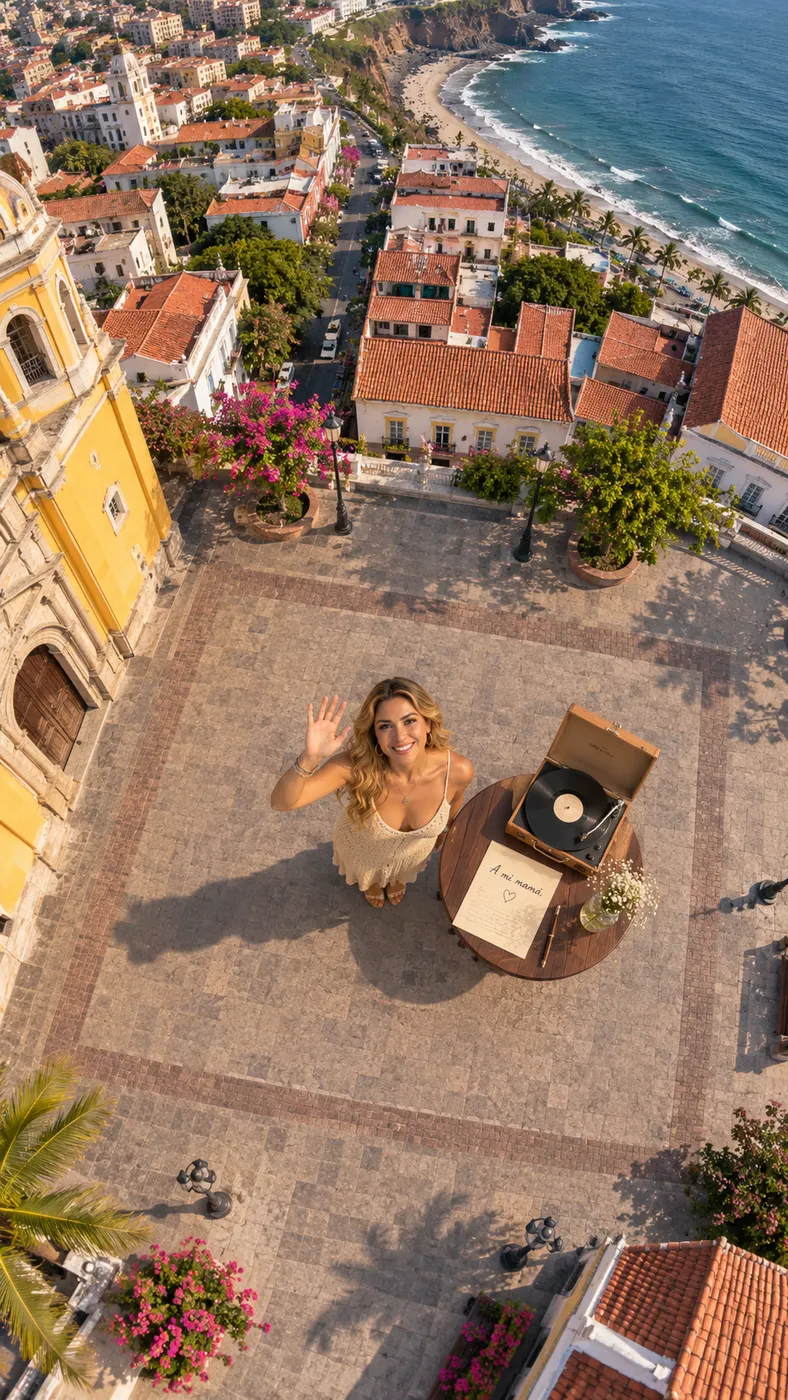
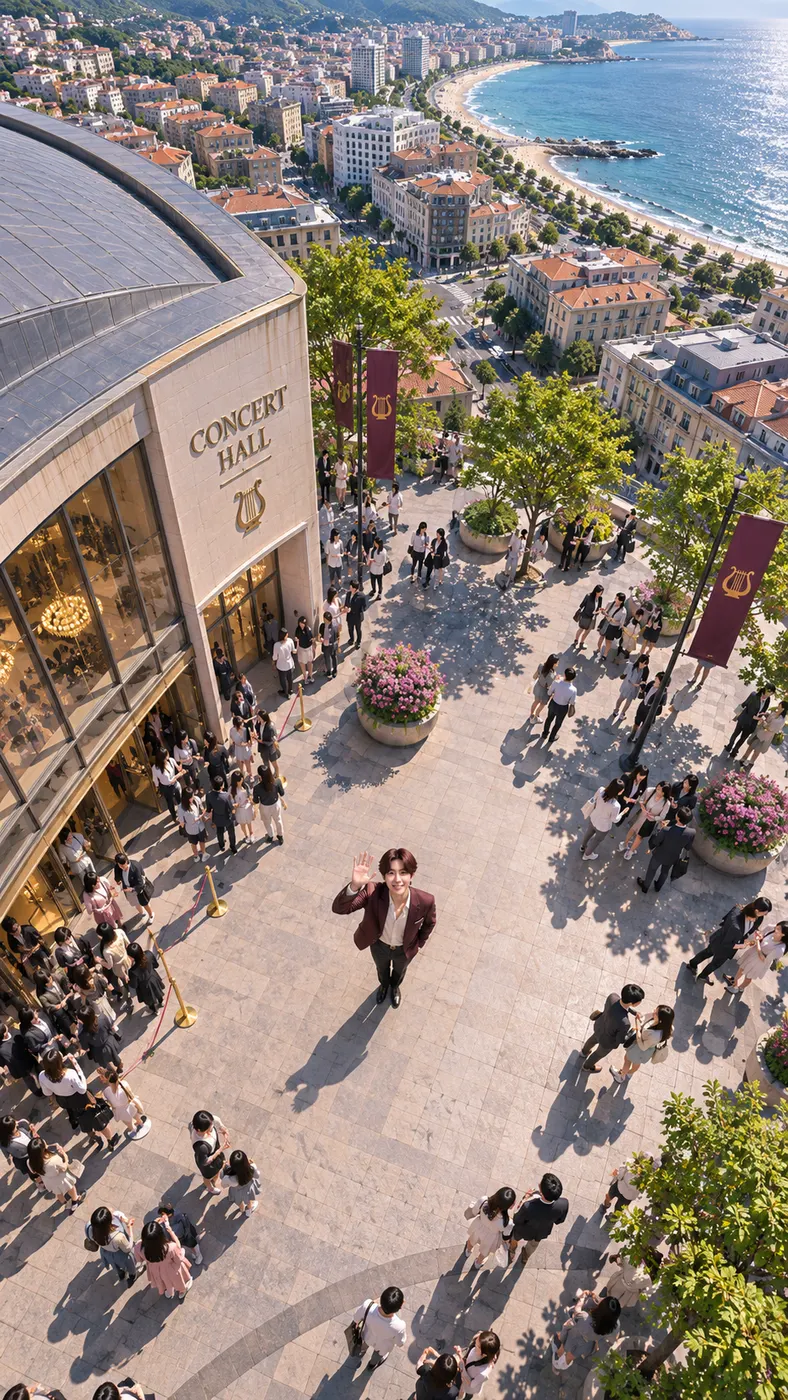
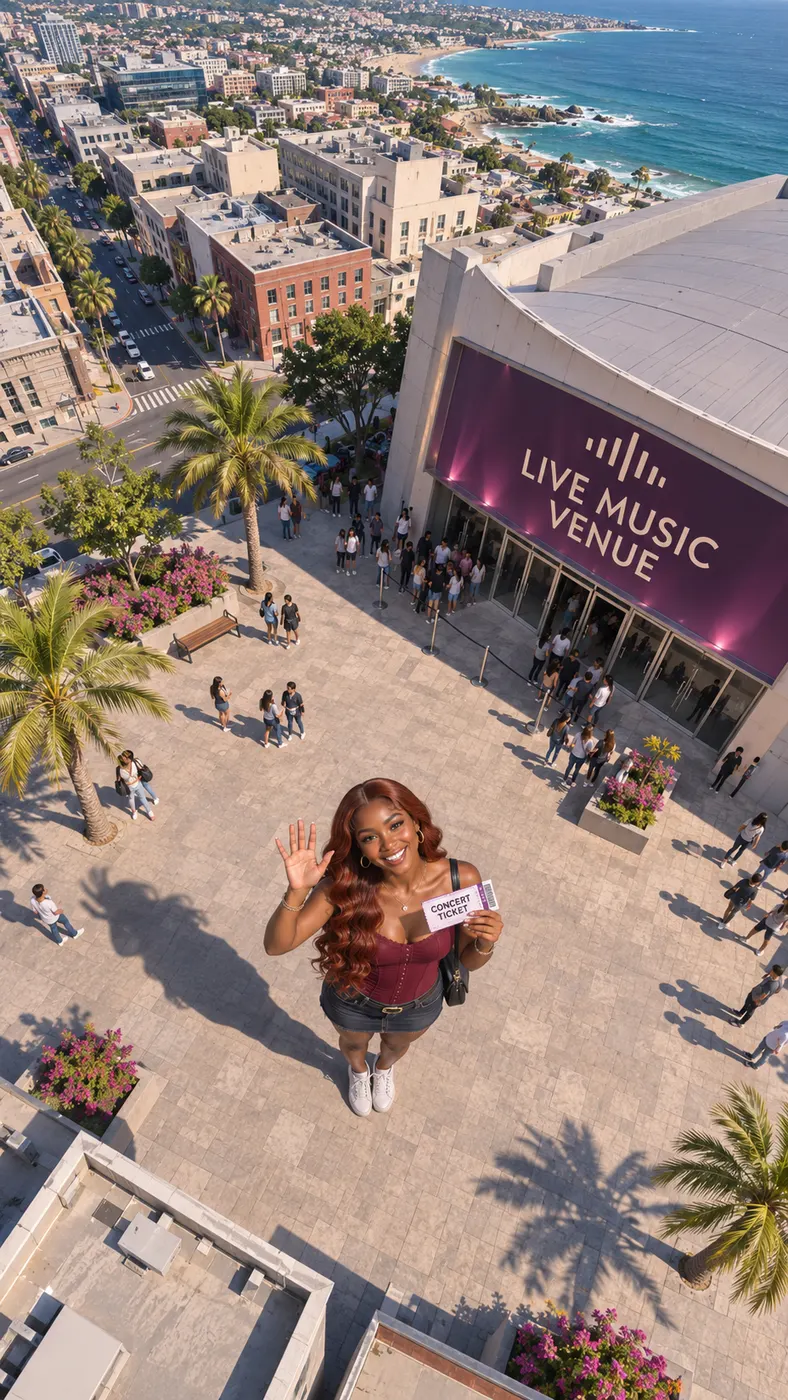
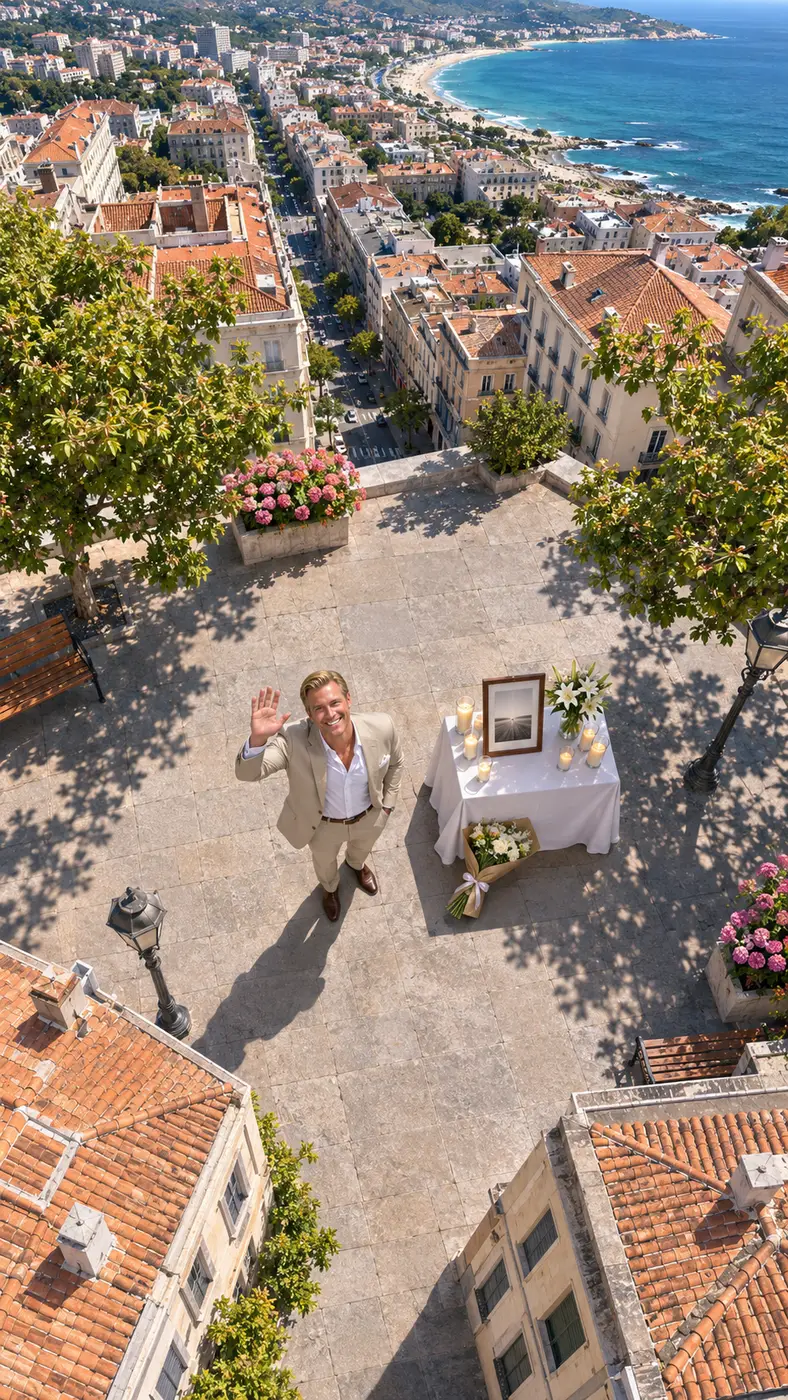
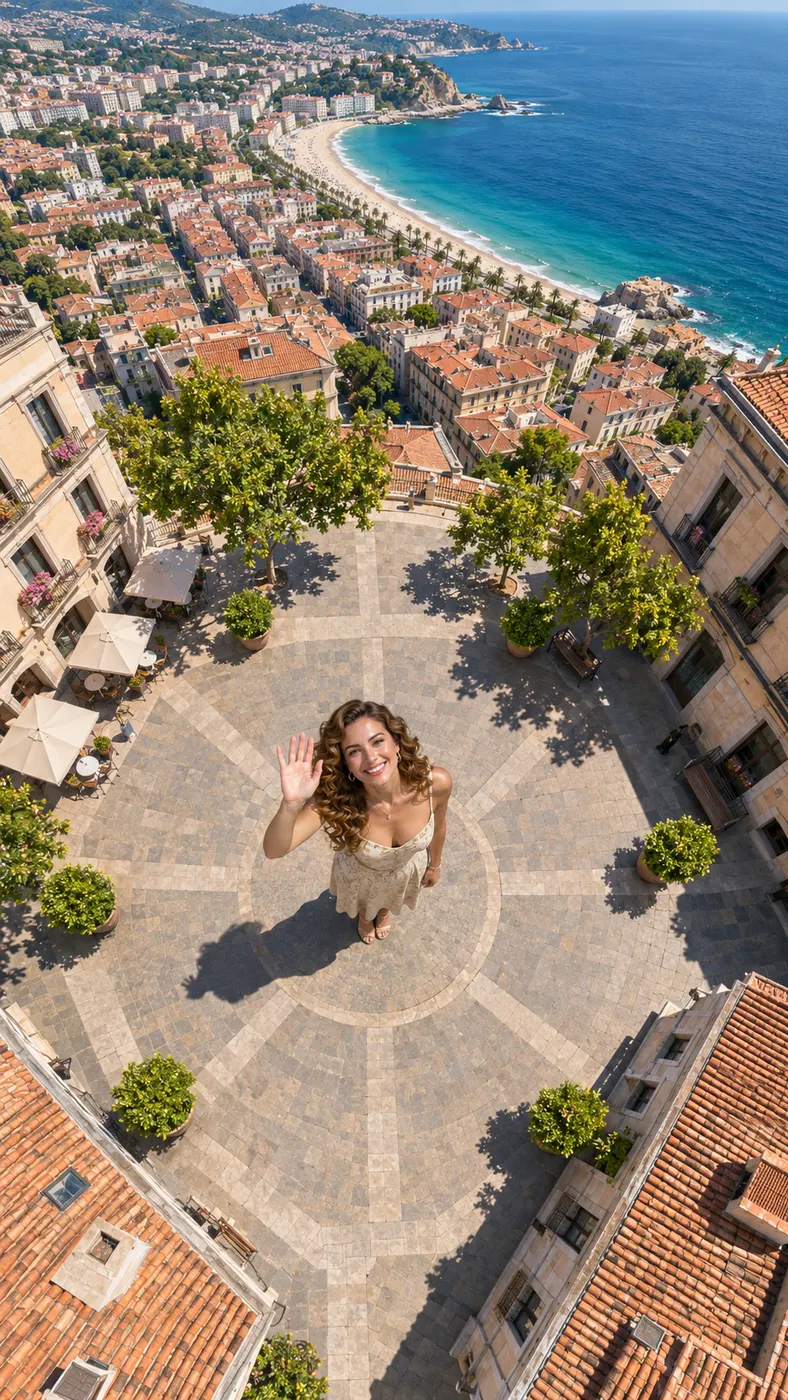
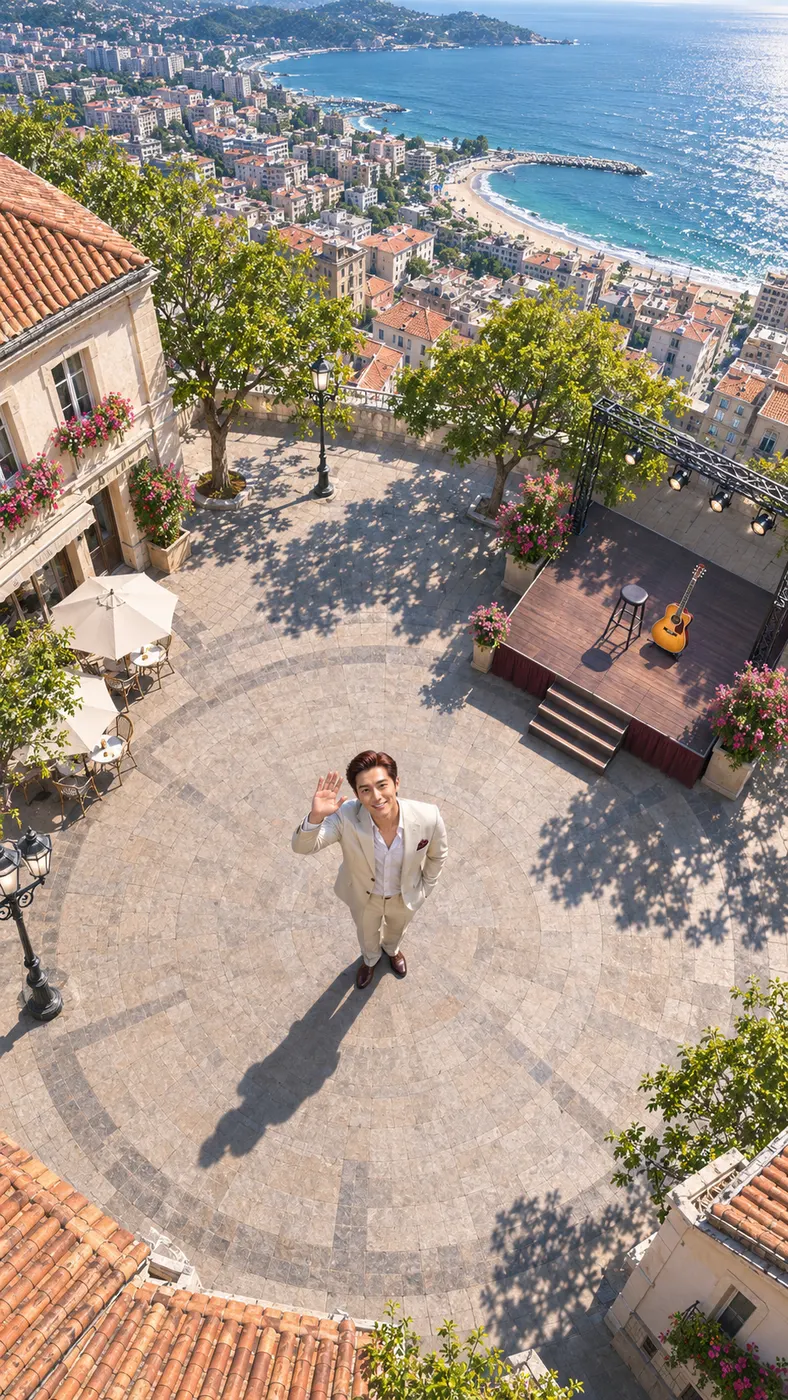
These examples show how a single photo can become a shareable vertical clip with a clear visual action. The person remains the focus while the selected scene supplies movement and atmosphere. Browse viral video trends, compare ready-made templates, or check pricing before creating your own.


How to make an i love smiths fan video
- 01
Upload a clear photo
Choose one clear photo showing you, two people, a pet, or a character. Faces should be visible, and the input hint recommends avoiding heavy filters. A solo portrait or a photo of two fellow fans gives the generator a clear subject to place in the scene.
- 02
Choose a scene and add details
Pick the scene that fits the mood you want. Live concert creates a spotlighted arena performance, Golden hour pier places the subject on a sunlit wooden pier, Bring to life keeps the original framing while adding small natural movement, and Dance uses a neon-lit studio. For an i love smiths clip, use the optional details field to describe clothing, setting preferences, or the feeling you want to express.
- 03
Generate the complete clip
Review the selected scene and generate the vertical result. The output is set to 15 seconds at 480p, and the current cost is $2.03 using 29 credits. Keep the finished file for sharing once the generation is complete.
What you can do with your fan video
Turn fandom into a visual moment
You can turn an i love smiths idea into a short scene that shows enthusiasm without needing a long explanation. A Live concert setting gives the subject a microphone and a cheering arena, while Golden hour pier creates a warmer, more reflective performance moment with an original melody.
Match the scene to your mood
You can choose from the configured scenes instead of describing every visual from scratch. Earth zoom out begins with the default city-plaza view and pulls back toward the whole Earth; Bring to life keeps the source image recognizable; Dance adds smooth hip-hop movement; and Live concert gives the clip a large-stage presentation.
Start with one usable photo
For an i love smiths creation, one clear photo is enough to begin. The generator accepts a solo shot or an image with two people, and its subject guidance also supports pets or characters. Keep faces visible and avoid heavy filters so the selected subject stays easy to recognize.
Use optional details for personal direction
The optional details field lets you add information such as a red jacket or a sunset preference. These details guide the scene without requiring a separate production plan. Keep the request focused on the subject, clothing, setting, or mood you want to add.
Make a shareable fan statement
An i love smiths clip can work as a personal tribute, a social post, or a playful way to show fellow fans what you listen to. The result is a vertical short video built from your chosen photo and scene, not an official release or a representation of The Smiths.
Common questions about this fan clip
What is the i love smiths page for?
It is a way to make an i love smiths fan clip from one clear photo. You choose a configured scene, add optional details about the feeling or appearance you want, and generate a vertical short video featuring the uploaded subject.
Is it free to make an i love smiths video?
The current setup provides 0 free runs. A complete i love smiths output uses 29 credits and costs $2.03; the displayed token values are filled by the site at launch.
How long is the generated video?
The configured output is 15 seconds long and uses 480p resolution. It is designed as a short vertical clip for sharing rather than a long-form production.
What kind of photo should I upload?
Upload one clear photo with visible faces and no heavy filters. The supported subject can be one person, two people, a pet, or a character, depending on what appears in the image.
Can I use a photo of another person?
Yes, the input can show fellow fans or another supported subject. Use a photo you have the right to use, keep the subject visible, and add only details that help explain the intended scene.
Is this an official The Smiths video or page?
No. An i love smiths clip made here is a fan-focused personal creation using the configured scenes. It is not an official The Smiths release and does not claim to represent the band.
Make your fan clip
Return to the generator panel, upload one clear photo, choose the scene that fits your mood, and add optional details for a personal result. Start with a recognizable subject and turn the idea into a vertical clip you can share.