
Missed Train Dance AI
Missed train dance ai puts you into the reference scene: you sprint down the station stairs, drop your bag, miss the train, and turn the awkward moment into a dance on the platform. Upload one clear photo with visible faces, and the generator replaces the featured person while keeping the station sequence, background commuters, and generated audio in the vertical AI video.
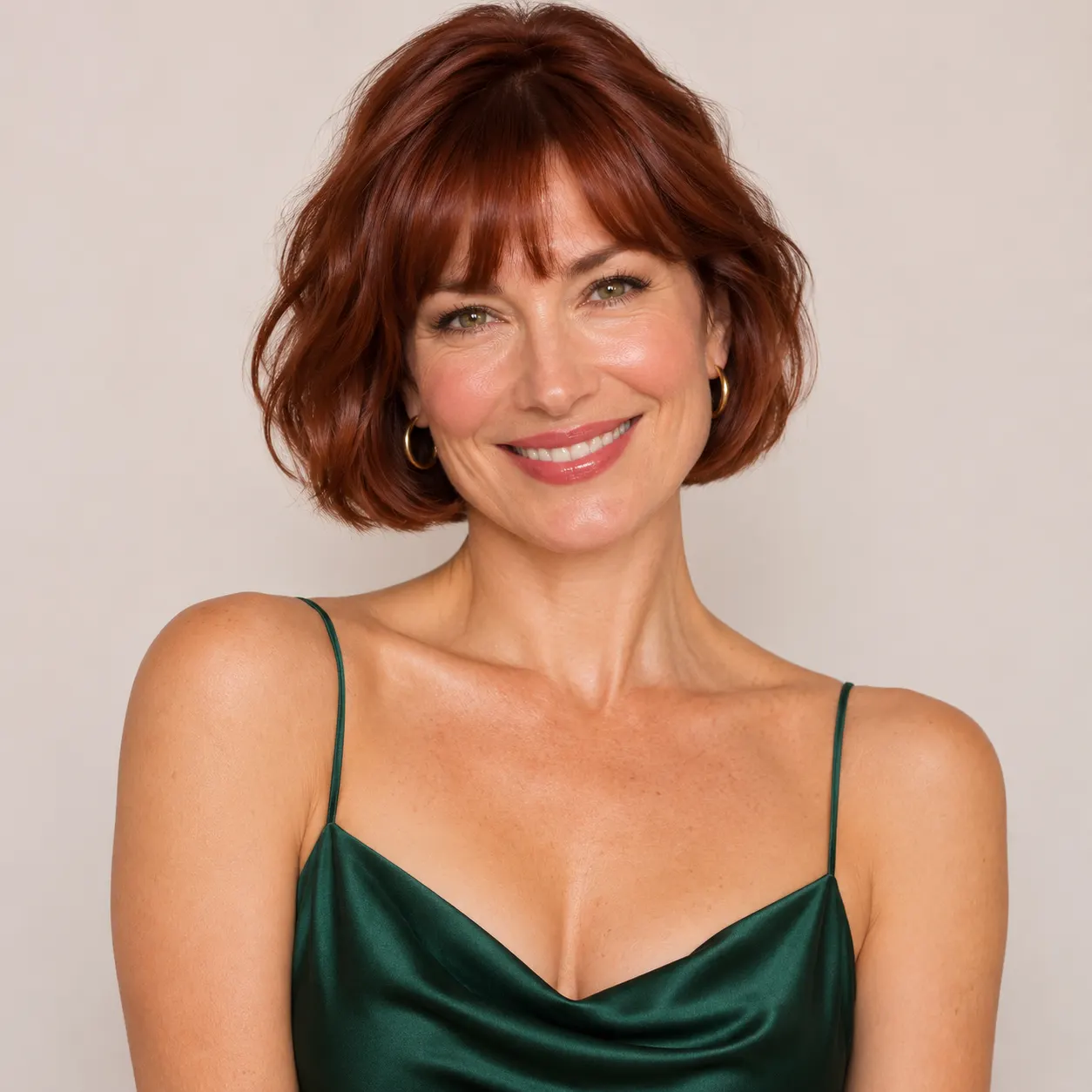
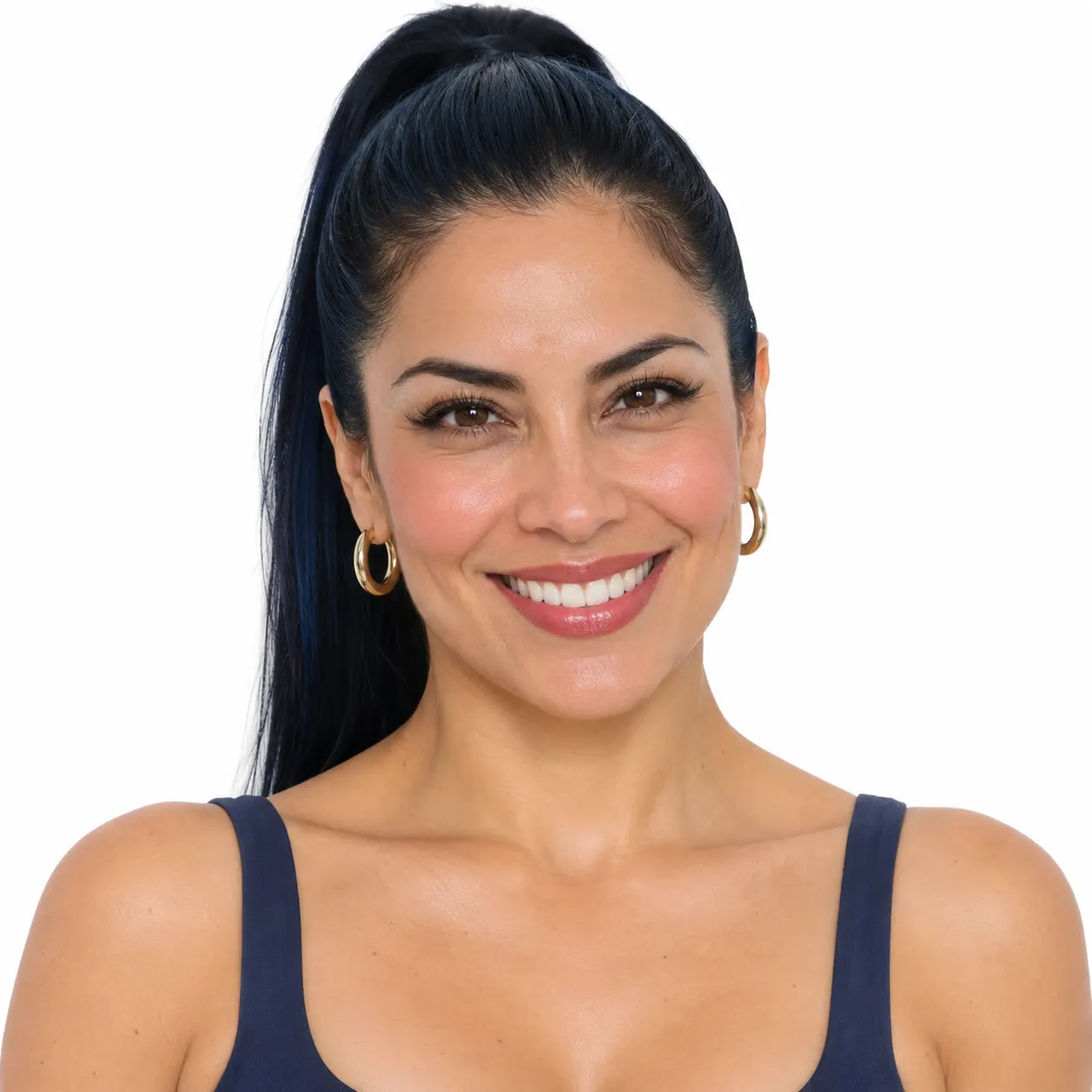
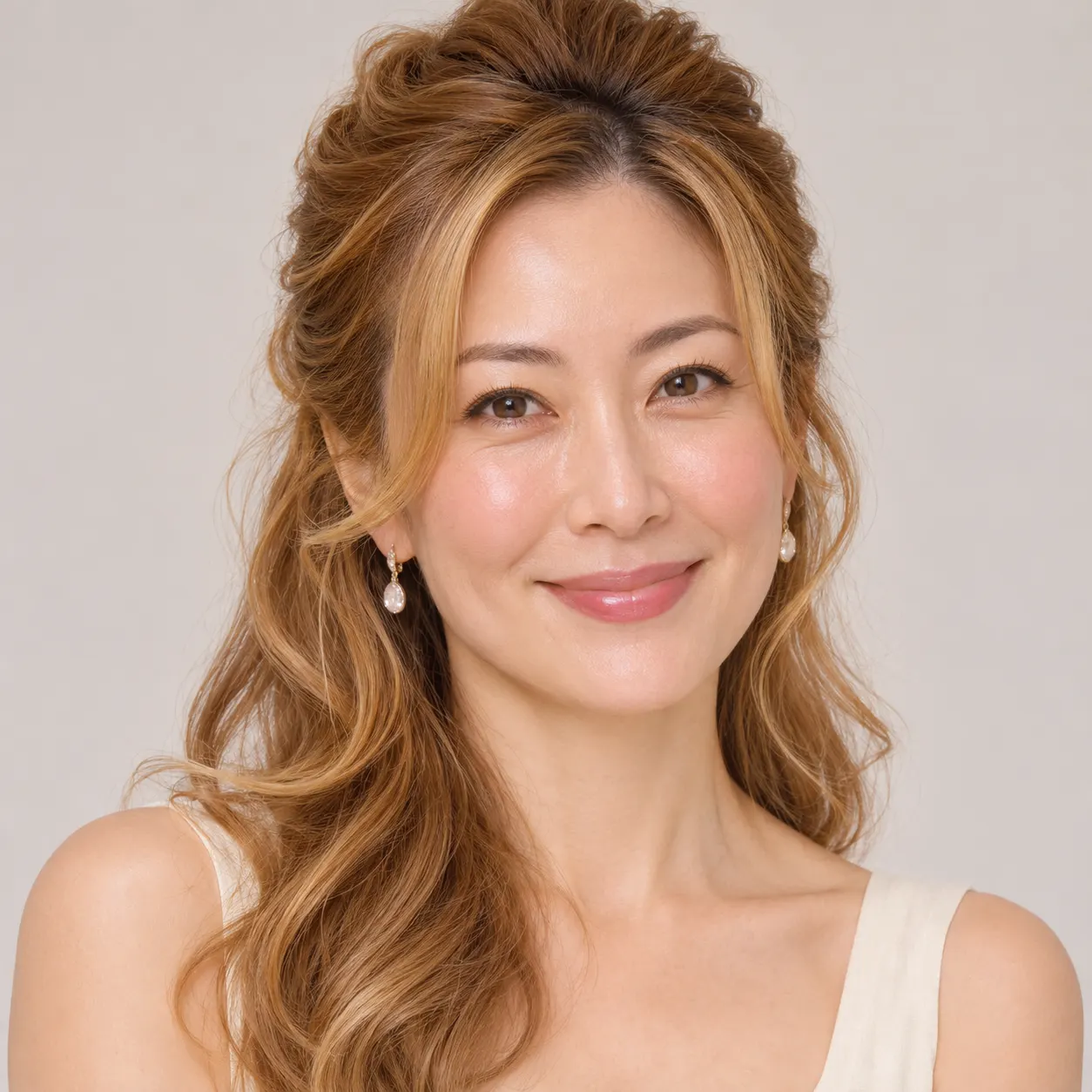
One clear photo: a solo shot or the two of you. Faces visible, no heavy filters
Tip: drag a photo onto its box, or click the box to pick one.
You take the place of the person who sprints for the train and then dances on the platform.
Missed Train Dance · Miss the train, drop your bag, then dance it off on the platform.
This video: 77 credits · Credits come back if it fails
AI video effect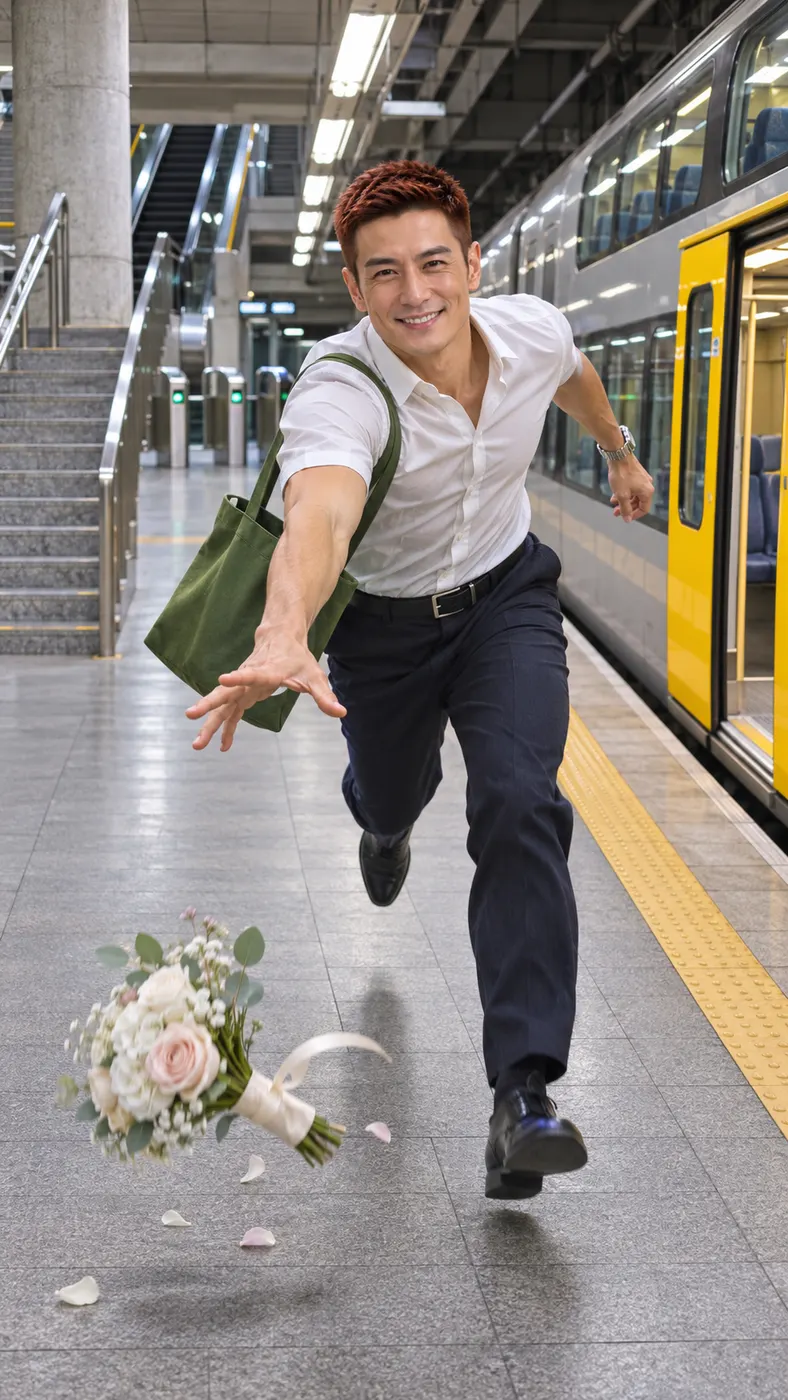

Missed Train Dance AI Examples
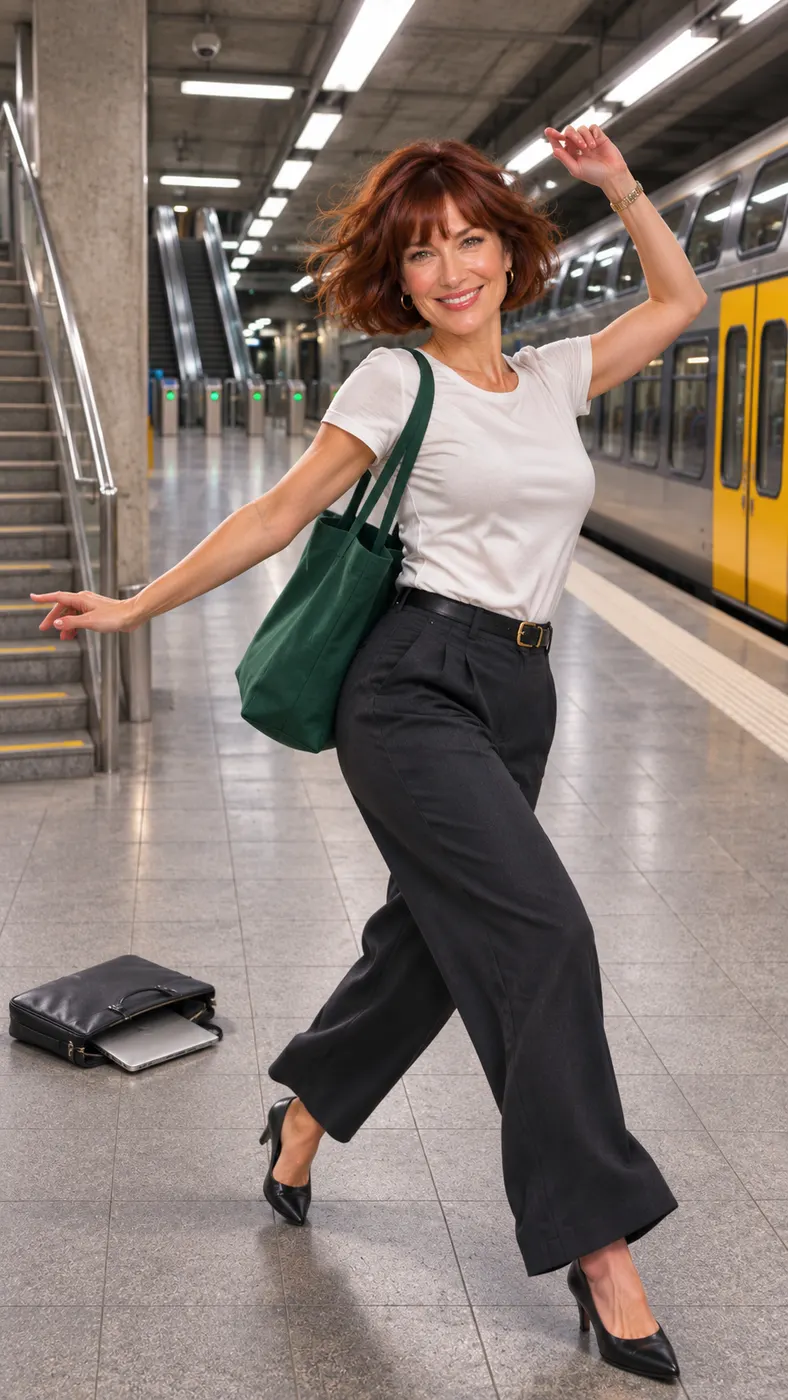
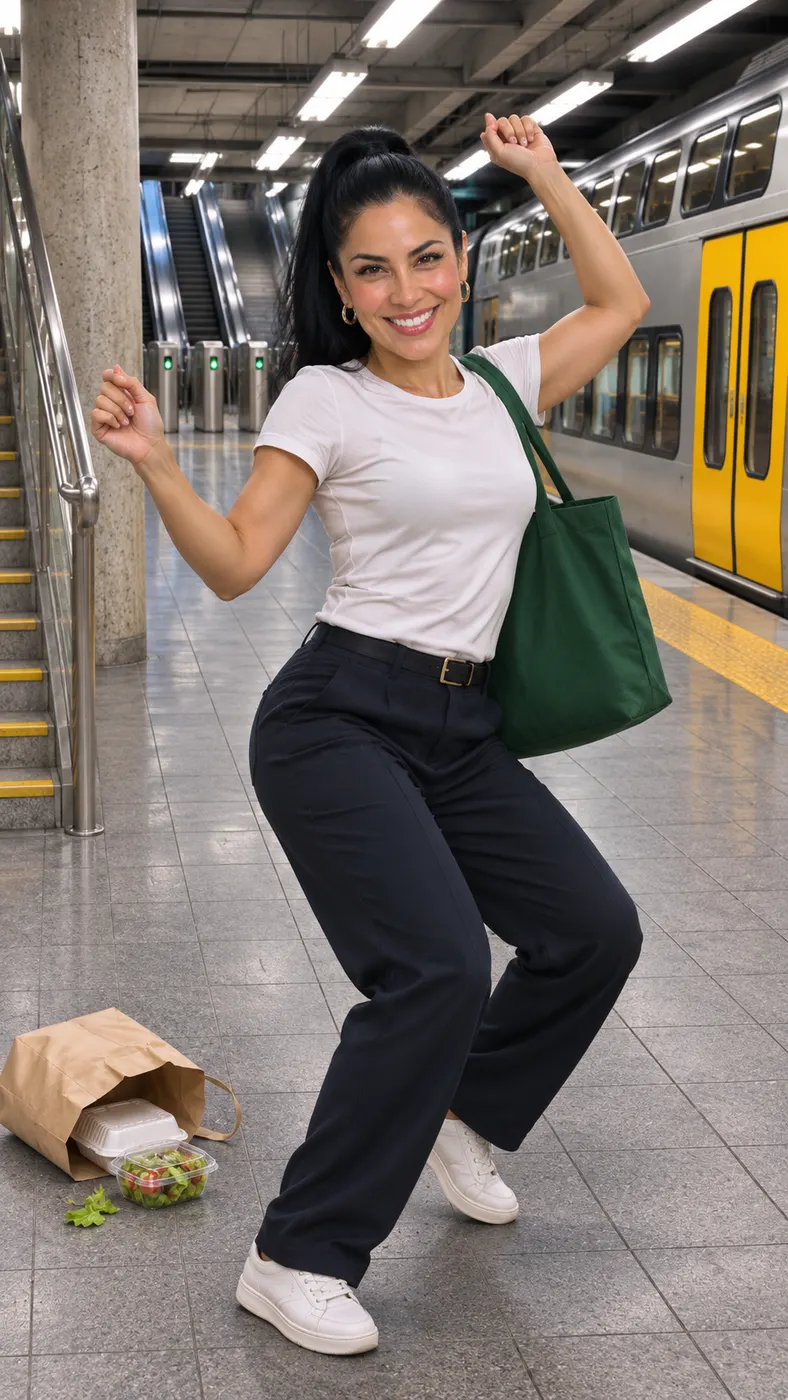
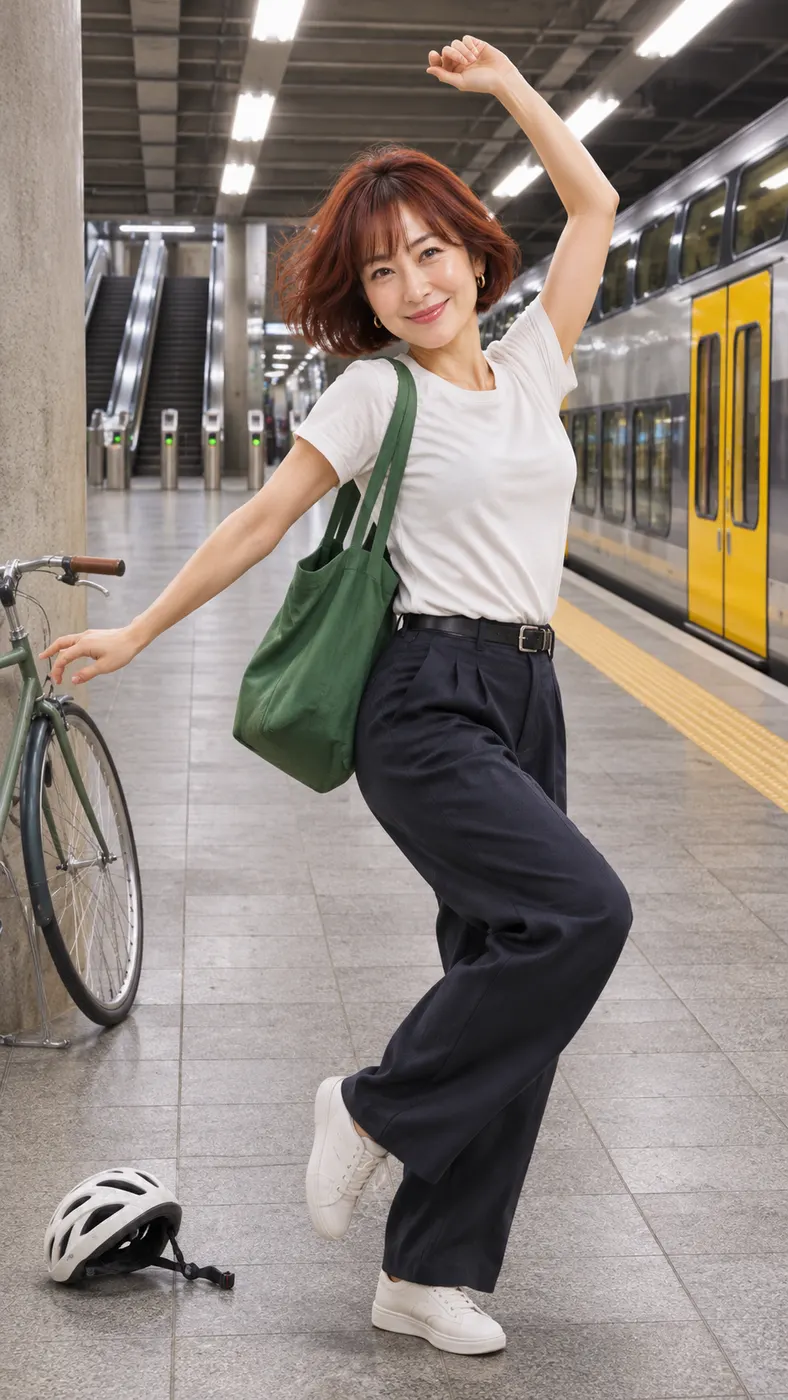
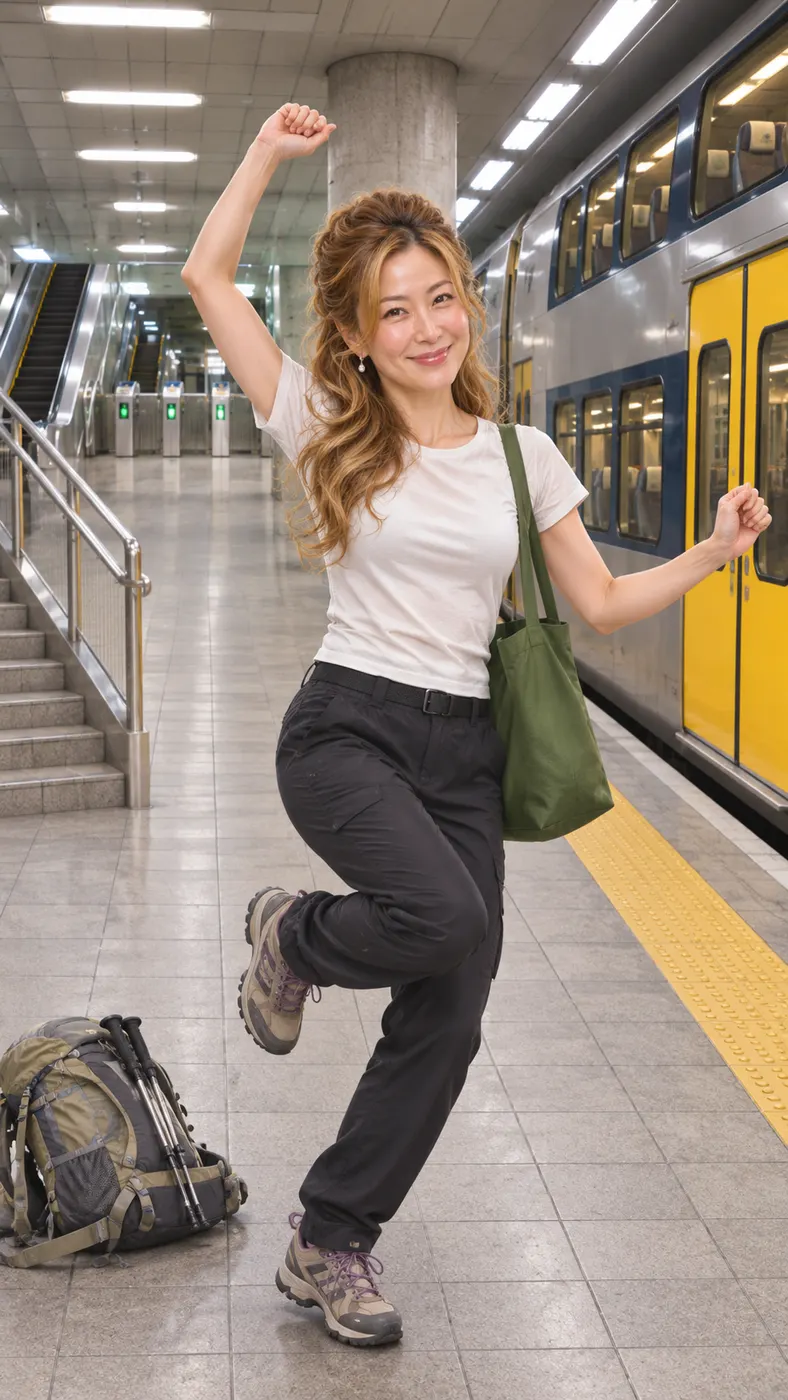
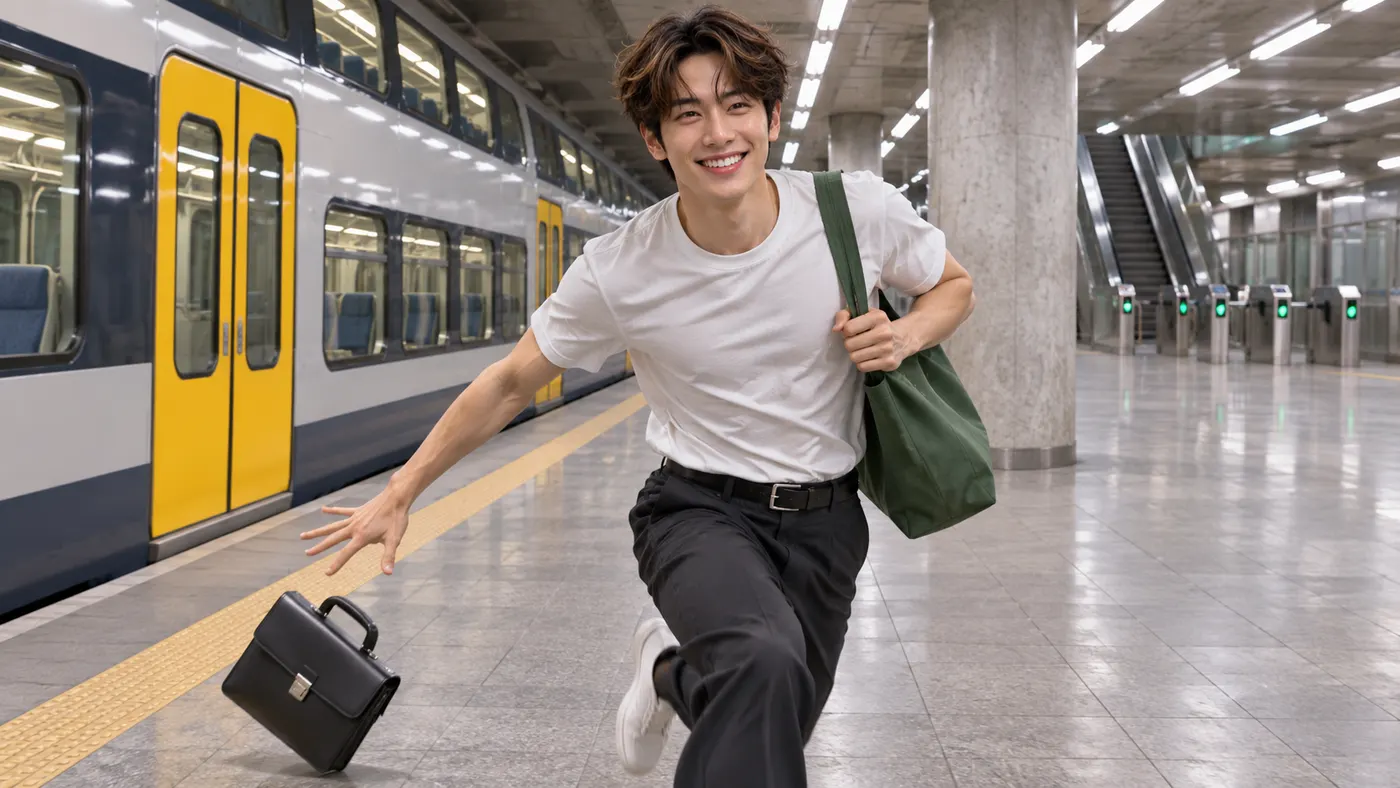
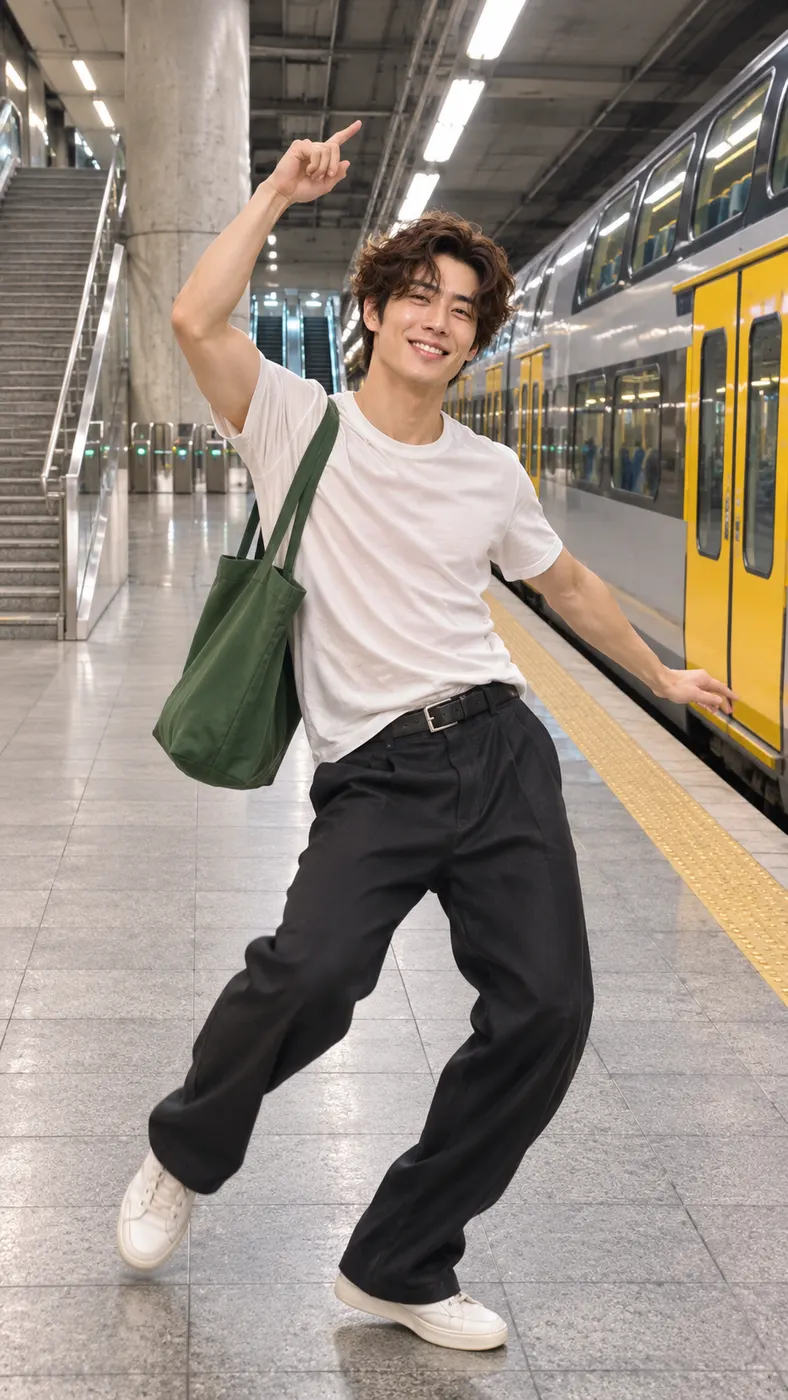
These examples show the full station-platform performance from different visual perspectives. Each card follows the same reference action, from the frantic run to the final dance. Browse more ready-made video scenes, read how to choose a strong upload photo, or check available credit options before you create.




How to Make a Missed Train Dance AI Video
- 01
Upload one clear photo
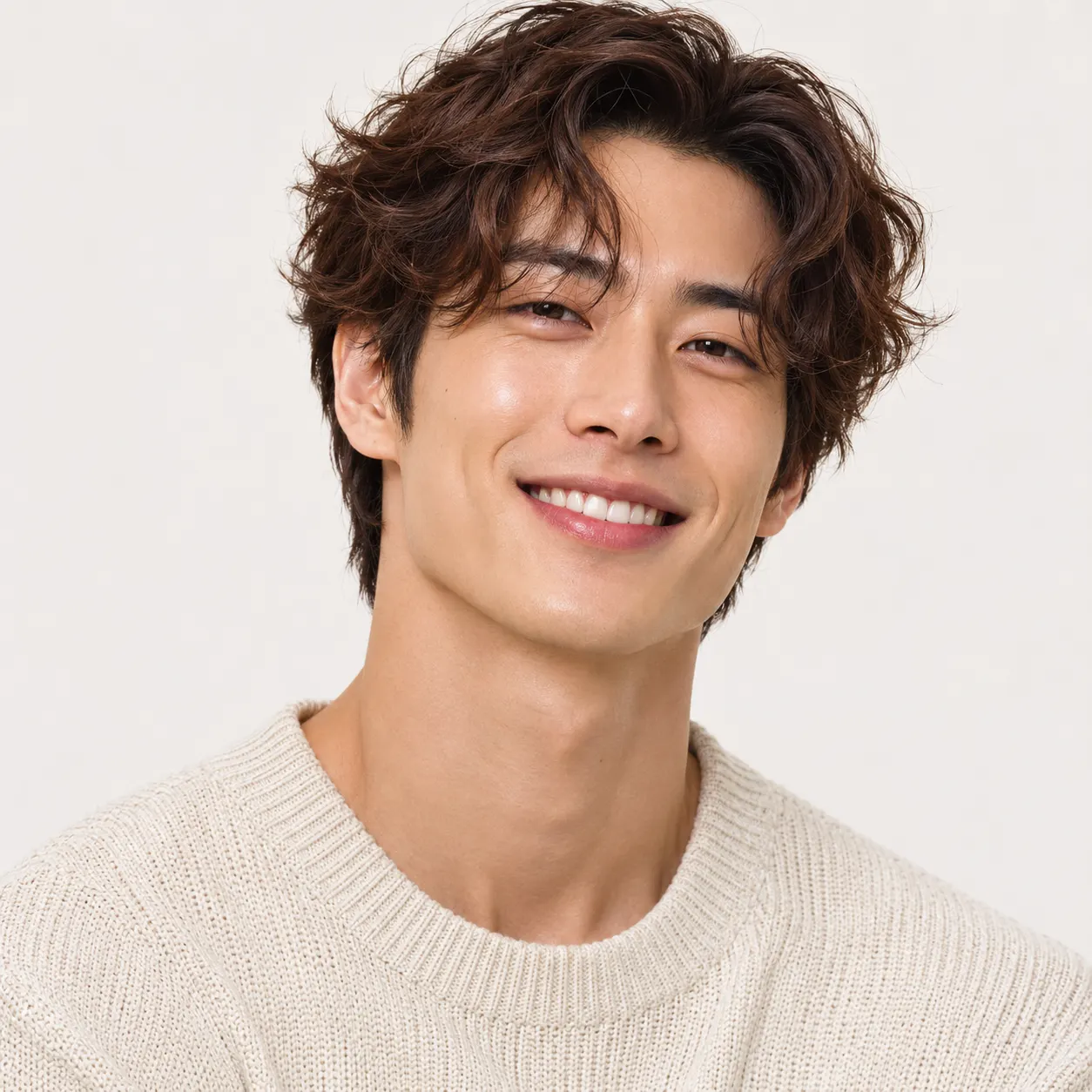
Start with one clear photo of the person you want to place in the reference clip. A solo photo with a visible face gives the replacement system a straightforward subject to follow; avoid heavy filters that hide facial features. Select the already chosen station scene, upload the image, and use the optional details field only when you have an extra visual request supported by the generator.
- 02
Generate the station scene
Missed train dance ai follows the selected reference performance: the subject runs down the station stairs, drops the green tote bag, then dances on the platform beside the train. Start generation after checking the uploaded photo. The result is a short vertical AI video with generated audio and adaptive 480p quality. Allow a few minutes for processing, depending on the current generation queue.
- 03
Download the full clip
Review the generated result. The complete clip uses 29 credits at $2.03, and it is ready to download once rendering finishes. The finished reference-length clip is 15 seconds long and keeps the station performance as one continuous scene. After it is ready, save the full vertical video and share the moment wherever you post short clips.
What You Can Do With This Scene
Turn an awkward wait into a punchline
A missed train dance ai clip turns a familiar frustration into a clear three-part story: run for the train, realize it is gone, and dance through the disappointment. That sequence gives your finished video an immediate setup and payoff, so viewers understand the joke without needing a caption to explain what happened.
Use one recognizable photo
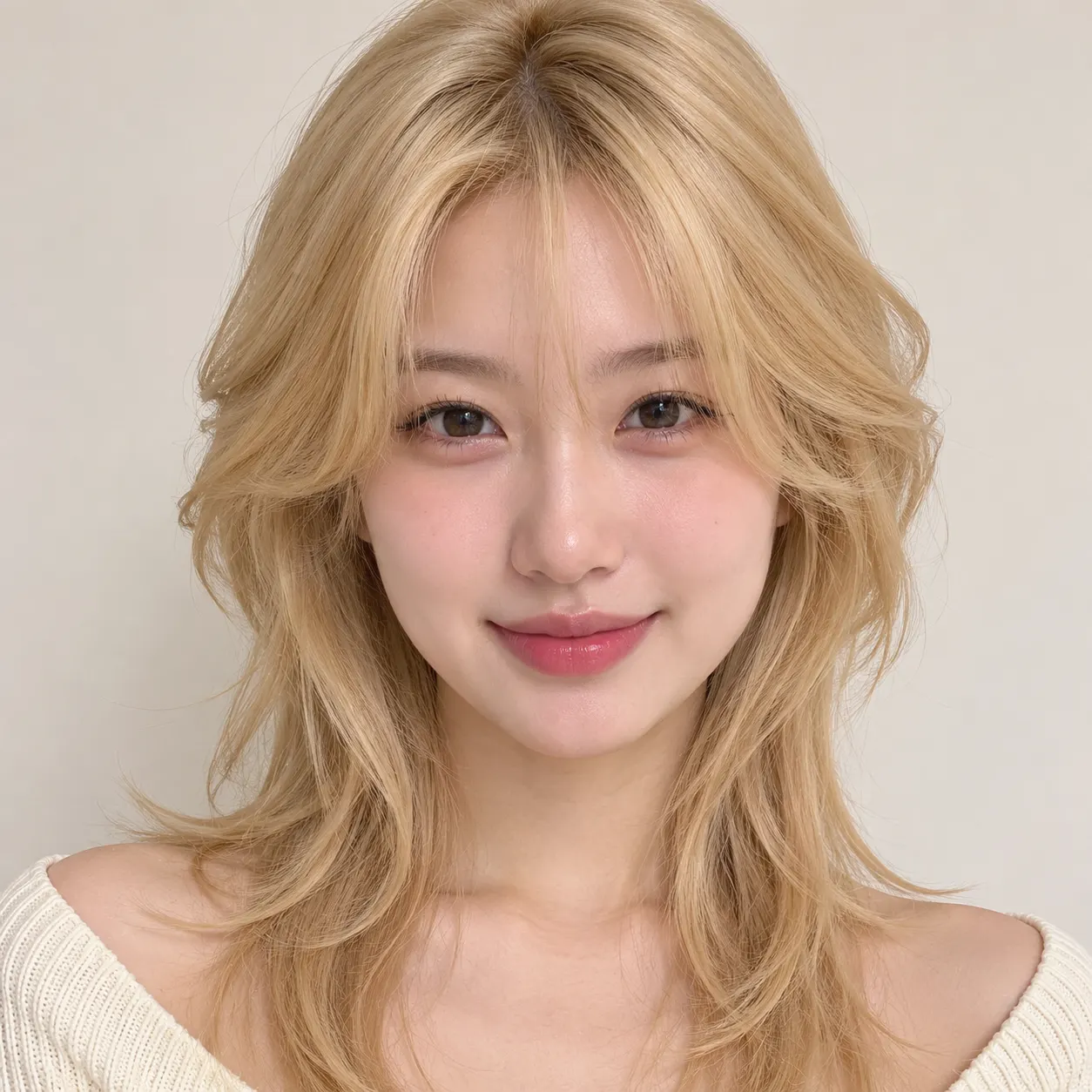
Choose a photo with a visible face and enough of the subject’s head and shoulders for consistent replacement. The generator uses that image to place the person into the reference performance. A clean solo image is the simplest choice, while heavy filters, blocked faces, and unclear lighting can make the identity harder to follow across the running and dancing movements.
Keep the station performance intact
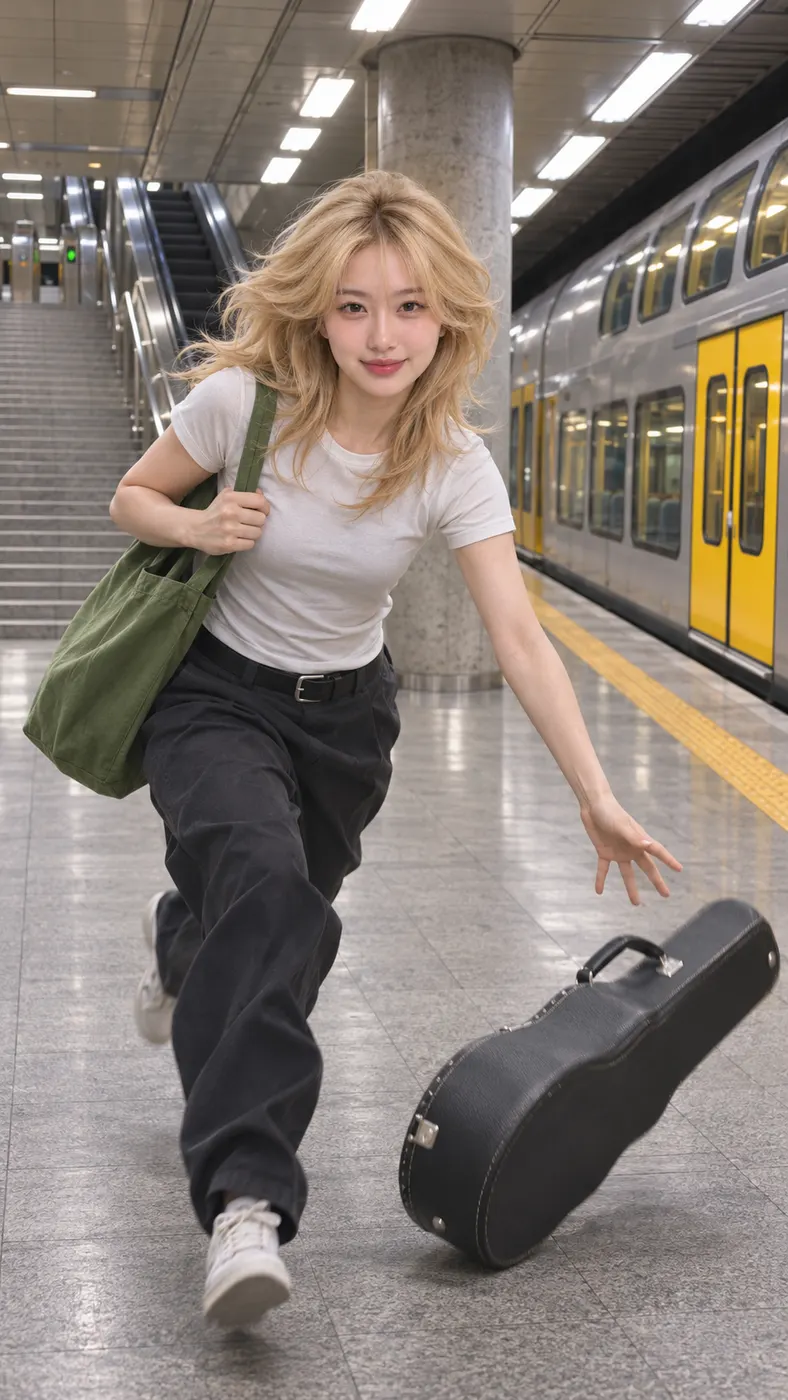
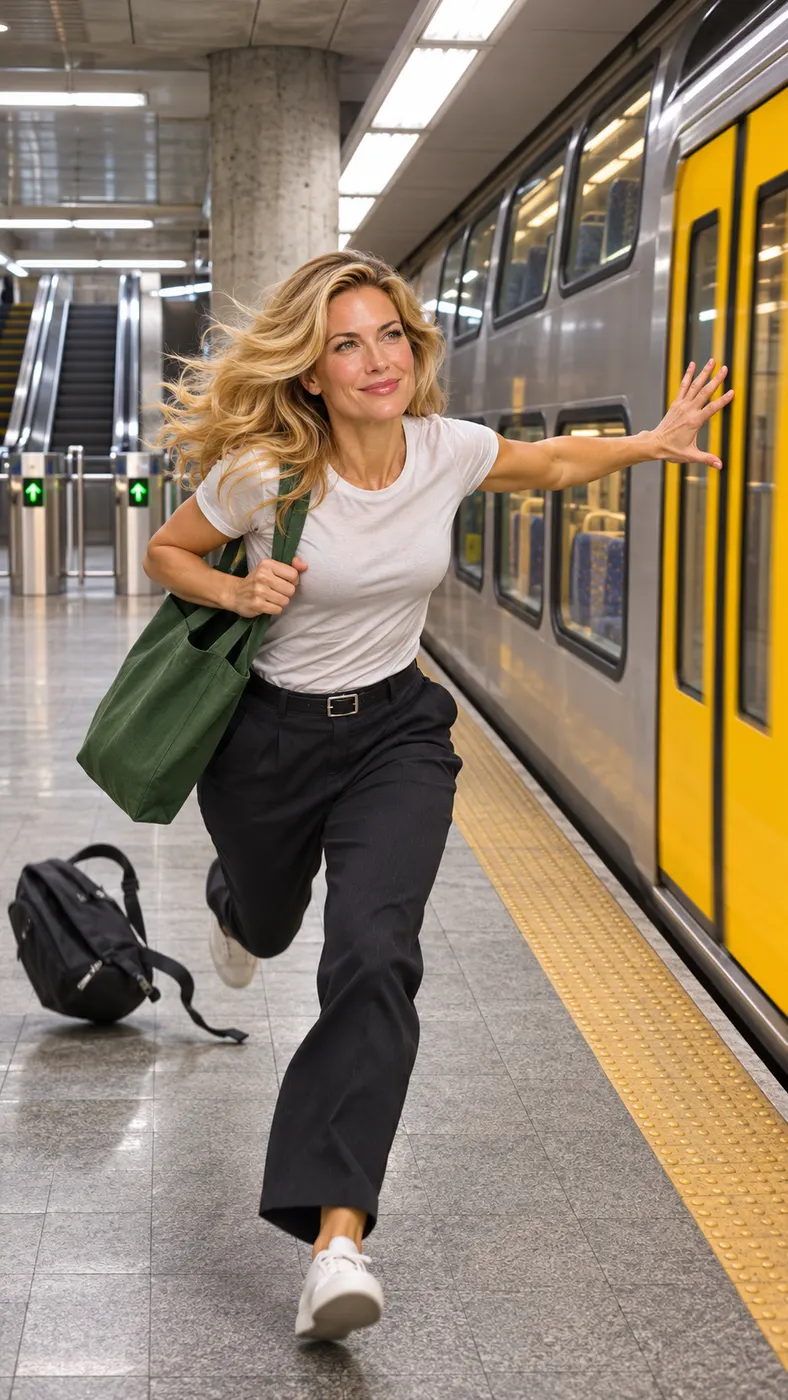
The selected reference clip supplies the station setting and performance structure. The replacement subject follows the sprint, bag drop, and platform dance, while the gray tile floor, concrete pillar, escalators, turnstile gates, and yellow-doored train remain part of the scene. Background commuters are not replaced, so they keep their own faces, clothing, and movement.
See the cost before creating
This page uses 29 credits and lists the generation price as $2.03. The output uses generated audio at adaptive 480p quality. Check your available credits before starting the complete render, especially if you are making several versions with different source photos or optional visual details.
Make a fan-made version responsibly
Use a photo you own or have permission to use, particularly when the image shows another person. The result is a generated interpretation of a reference performance, not official footage, an official release, or an endorsement by the people who appear in the original clip. Share it as a creative fan-made scene and follow the rules of the platform where you post it.
Missed Train Dance Questions
What is this train-platform dance scene?
Missed train dance ai is a short reference-video scene about missing a train and reacting with a dance. The featured subject runs down station stairs with a green tote bag, drops the bag, reaches the platform too late, and then dances beside a yellow-doored double-decker train. The generator places the person from your uploaded photo into that performance.
How does the person replacement work?
The generator uses your uploaded photo as the subject and replaces the person who runs down the station stairs and dances on the platform. The few commuters standing far in the background are not replaced; they keep their own faces, hair, clothing, and movement as shown in the reference clip.
What kind of photo should I upload?
Use one clear photo with the subject’s face visible and recognizable. A straightforward solo shot is easiest to process, and the input should not have heavy filters covering the face. Avoid images where the face is hidden, strongly blurred, or blocked by another object, because the generator needs a clear subject to follow through the reference performance.
Is this scene free to create?
Missed train dance ai is not presented as a free preview on this page. Creating the complete clip uses 29 credits and the listed price is $2.03. You can check the available credit options before starting, then decide whether to use this scene or try another reference performance.
How long is the generated video?
The finished clip follows the reference performance and is 15 seconds long. It is produced as a vertical AI video with generated audio at adaptive 480p quality. Processing time can vary, so allow a few minutes after submitting the photo before the complete result is ready to review.
What happens to the bag and the background train?
The reference performance includes the green tote bag, the sprint down the station stairs, and the dance on the platform. The yellow-doored double-decker train remains alongside the platform, with the gray tile floor, concrete pillar, escalators, and turnstile gates forming the station setting around the replaced subject.
Can I use someone else’s photo, and is this official?
You should use another person’s photo only when you have their permission. This generator creates a fan-made interpretation using the selected reference performance; it is not official footage and does not represent an official release or endorsement. Be clear about the generated nature of the clip when you share it.
Make the Platform Scene Yours
Return to the embedded generator at #generator, choose a clear photo, and start the selected reference scene. Use the available credit option when you are ready to create and save the complete vertical clip.