
Becane AI
Becane AI lets you turn one clear photo into a vertical scene where you take the singer's place at a hanging microphone. You sing into the hanging mic in an orange studio while generated audio carries the short performance. Upload a solo photo or a photo of two people with visible faces; the selected scene keeps the personal look of the photo as it moves you into the recognizable setup. The result is designed for a quick share from one memorable image.
One clear photo: a solo shot or the two of you. Faces visible, no heavy filters
Tip: drag a photo onto its box, or click the box to pick one.
You take the place of the singer at the hanging mic.
Becane · Your photo sings Bécane at the hanging mic in the orange studio.
This video: 64 credits · Credits come back if it fails
AI video effect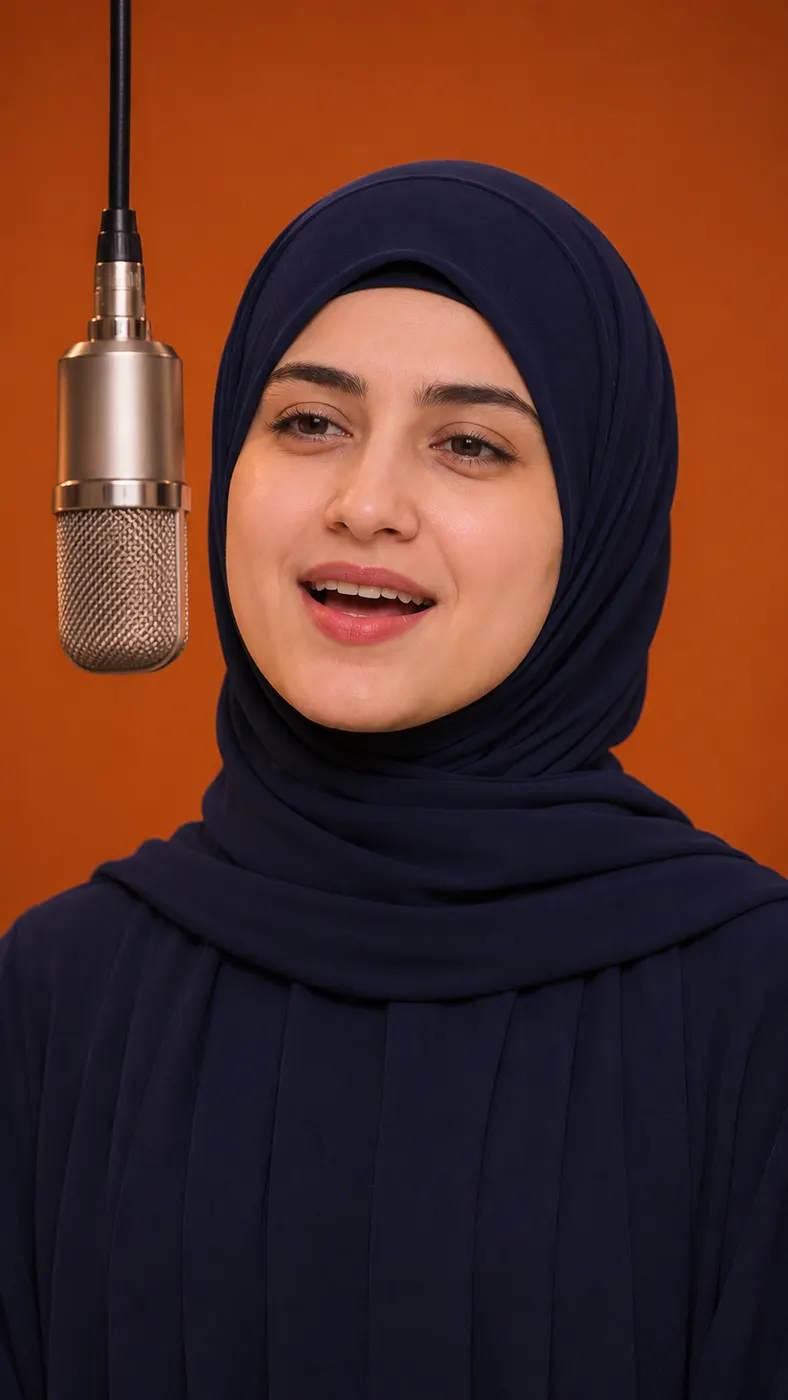

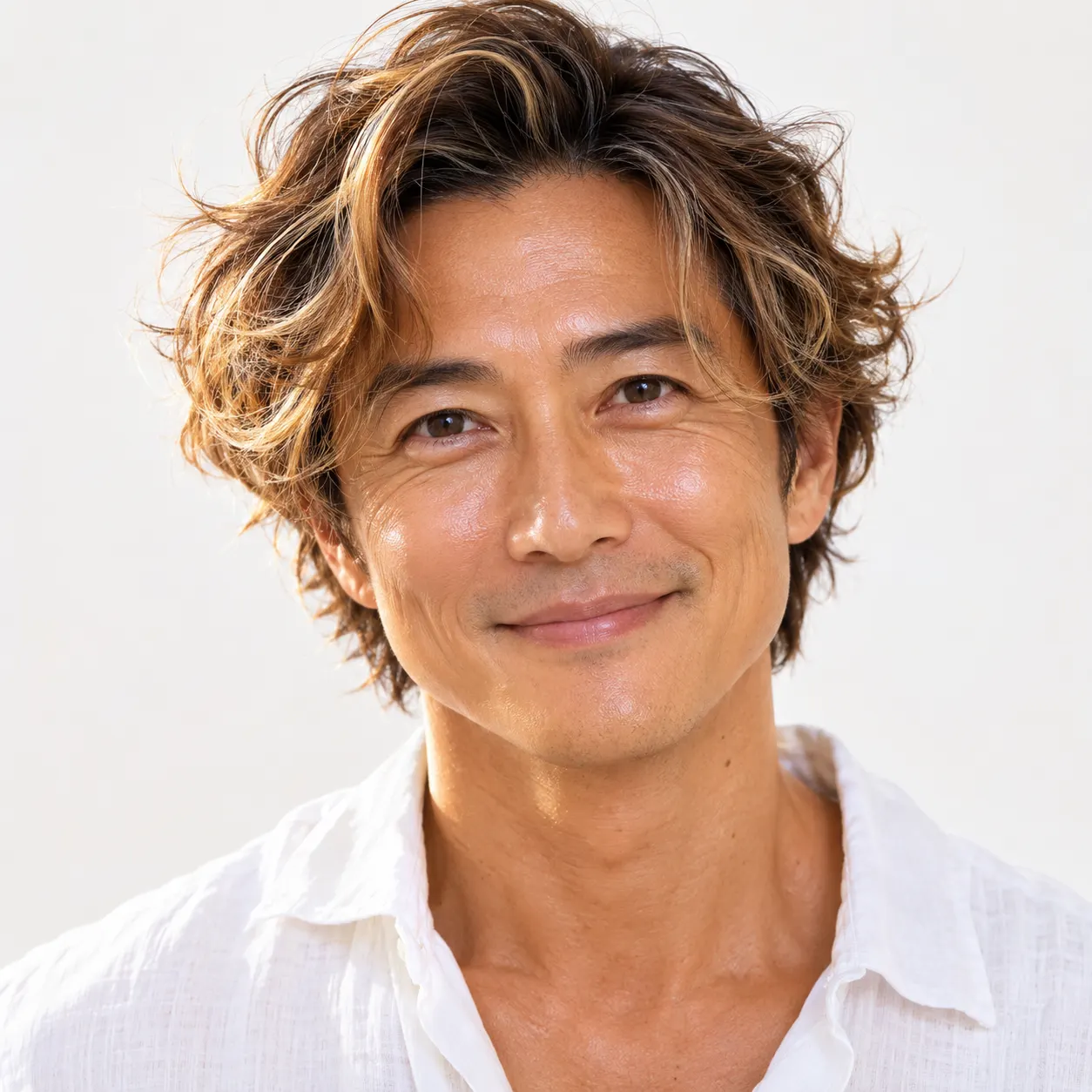
Becane AI Scene Examples
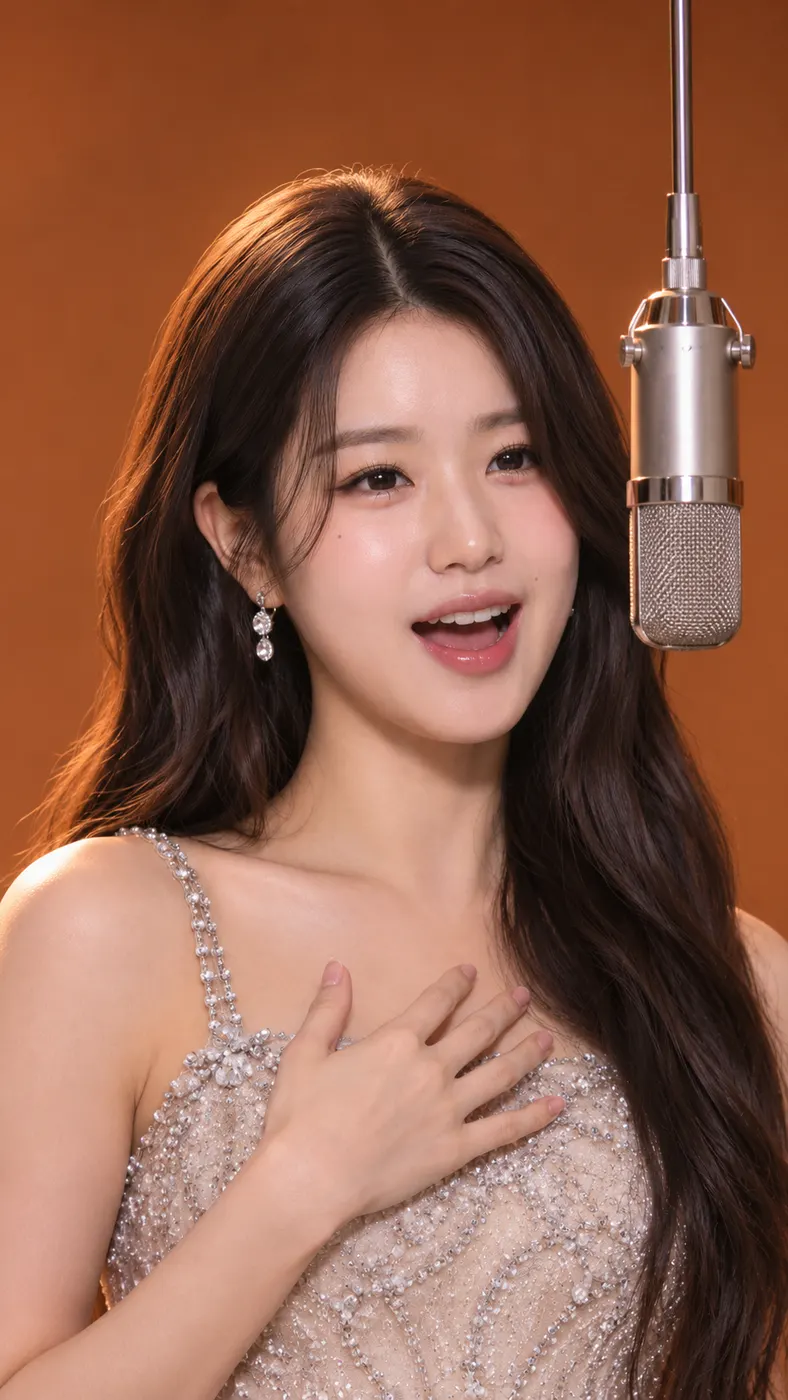
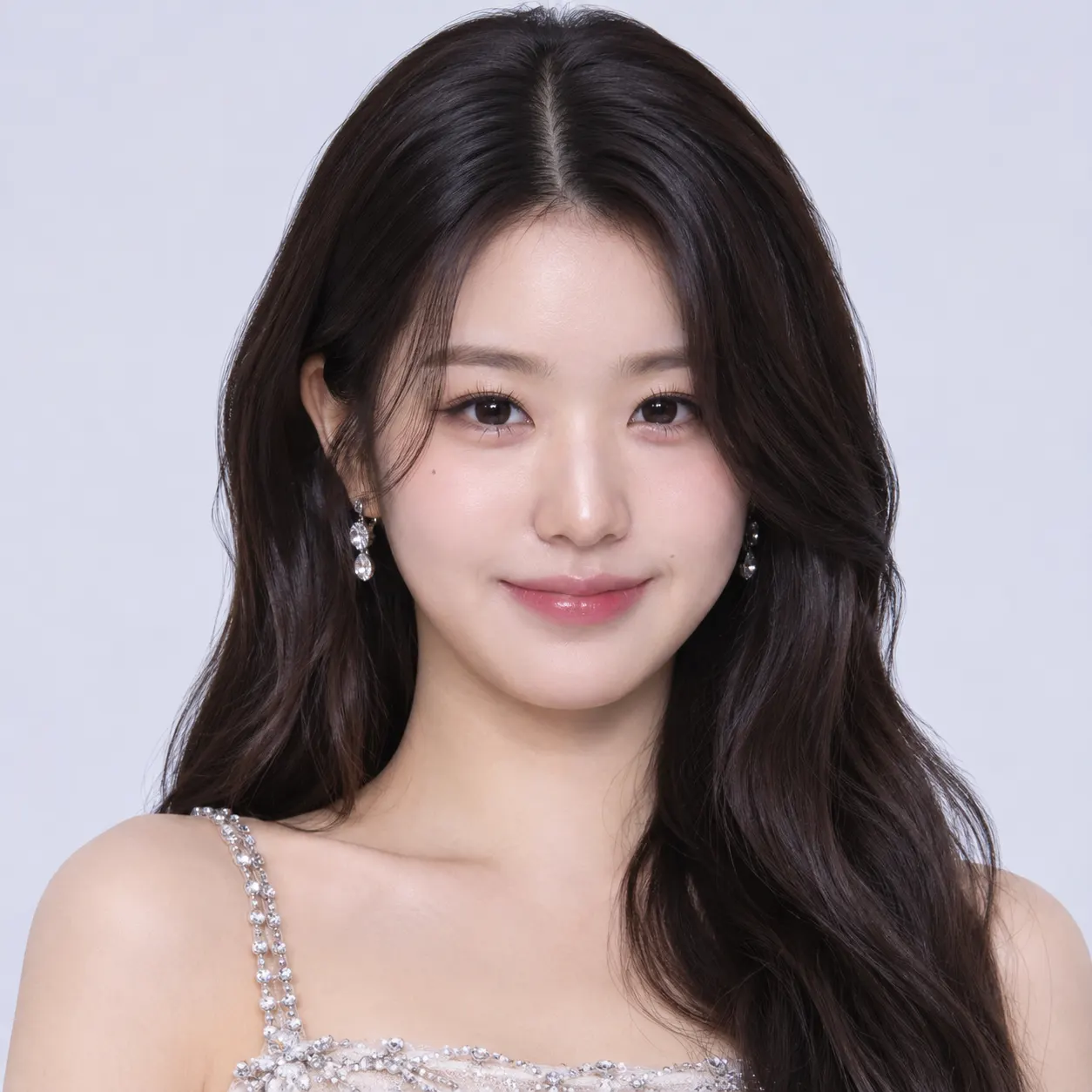
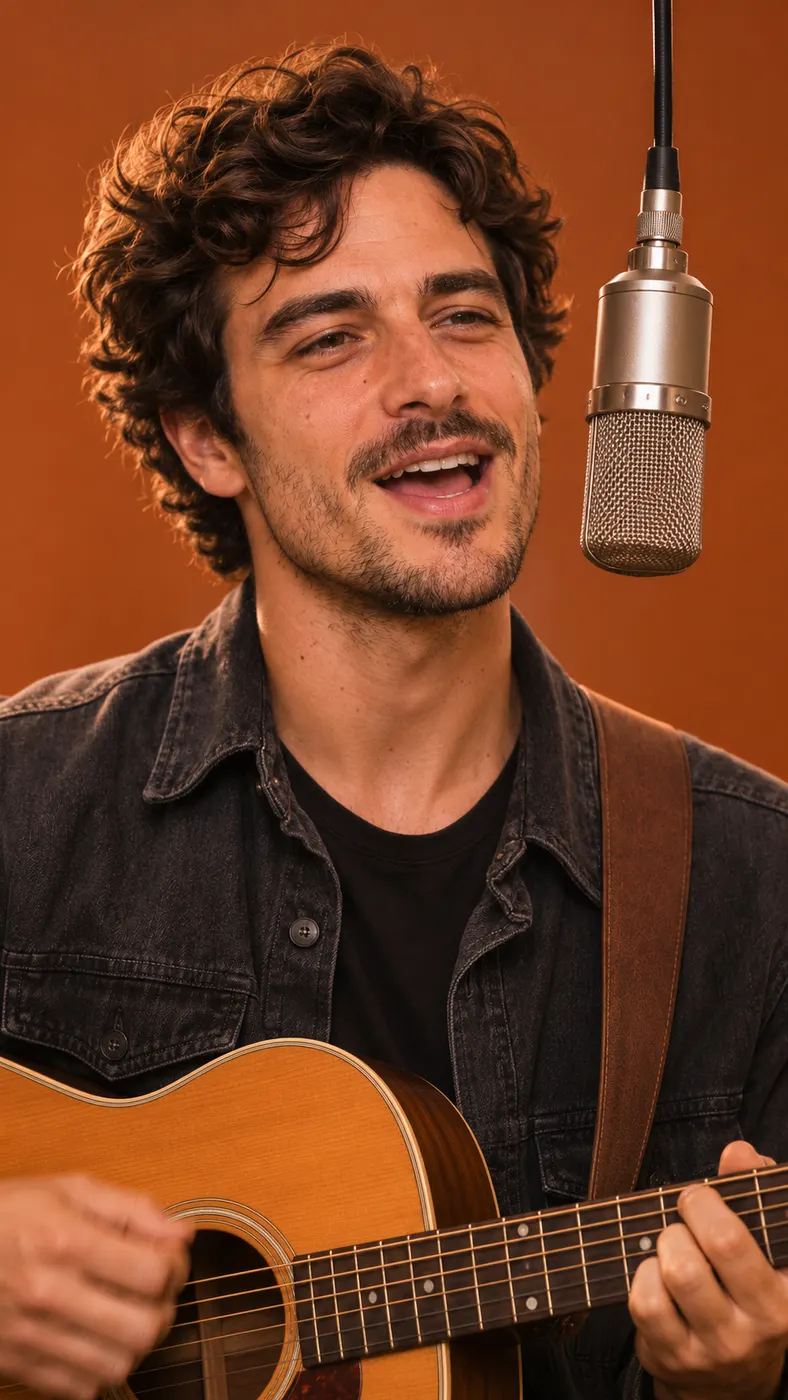
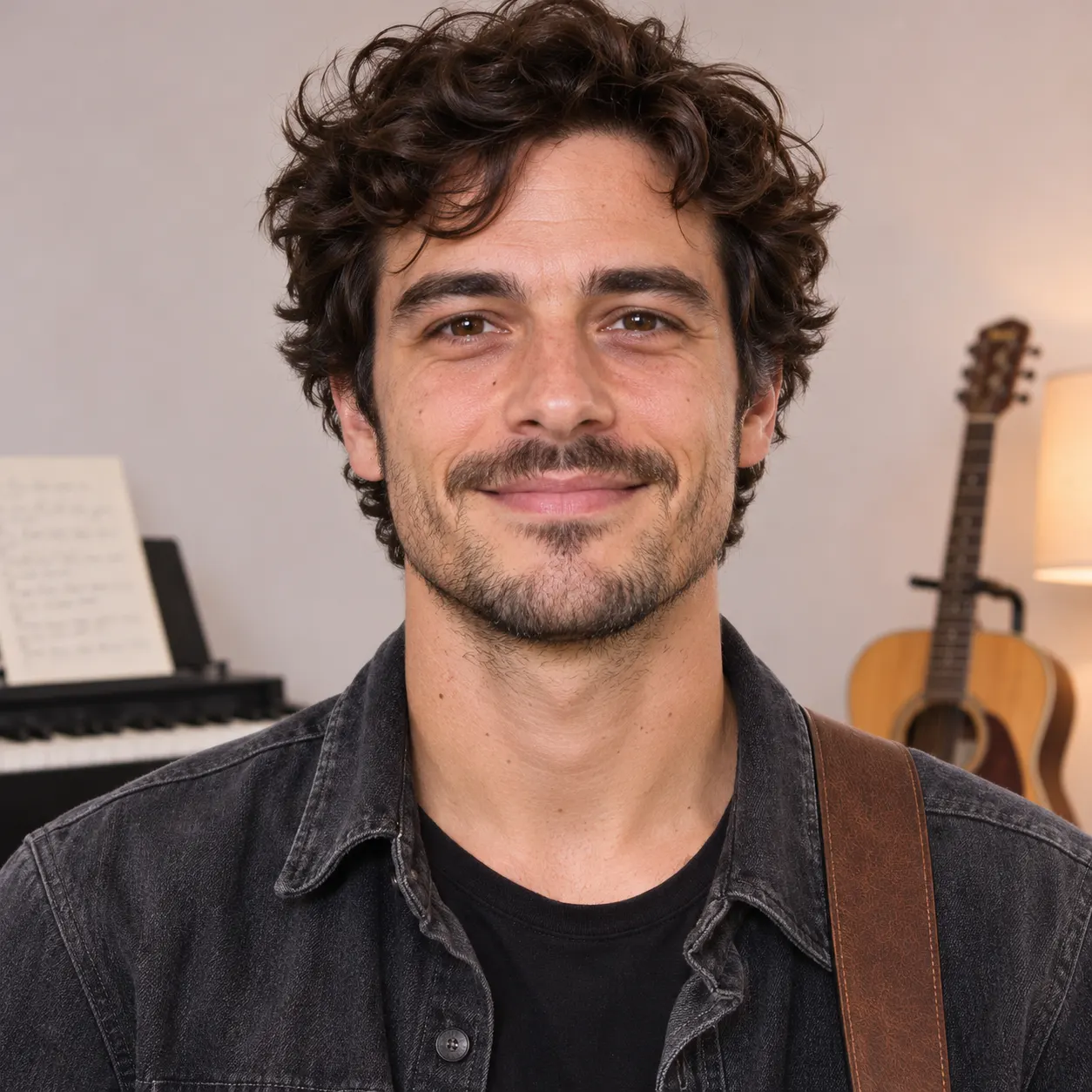
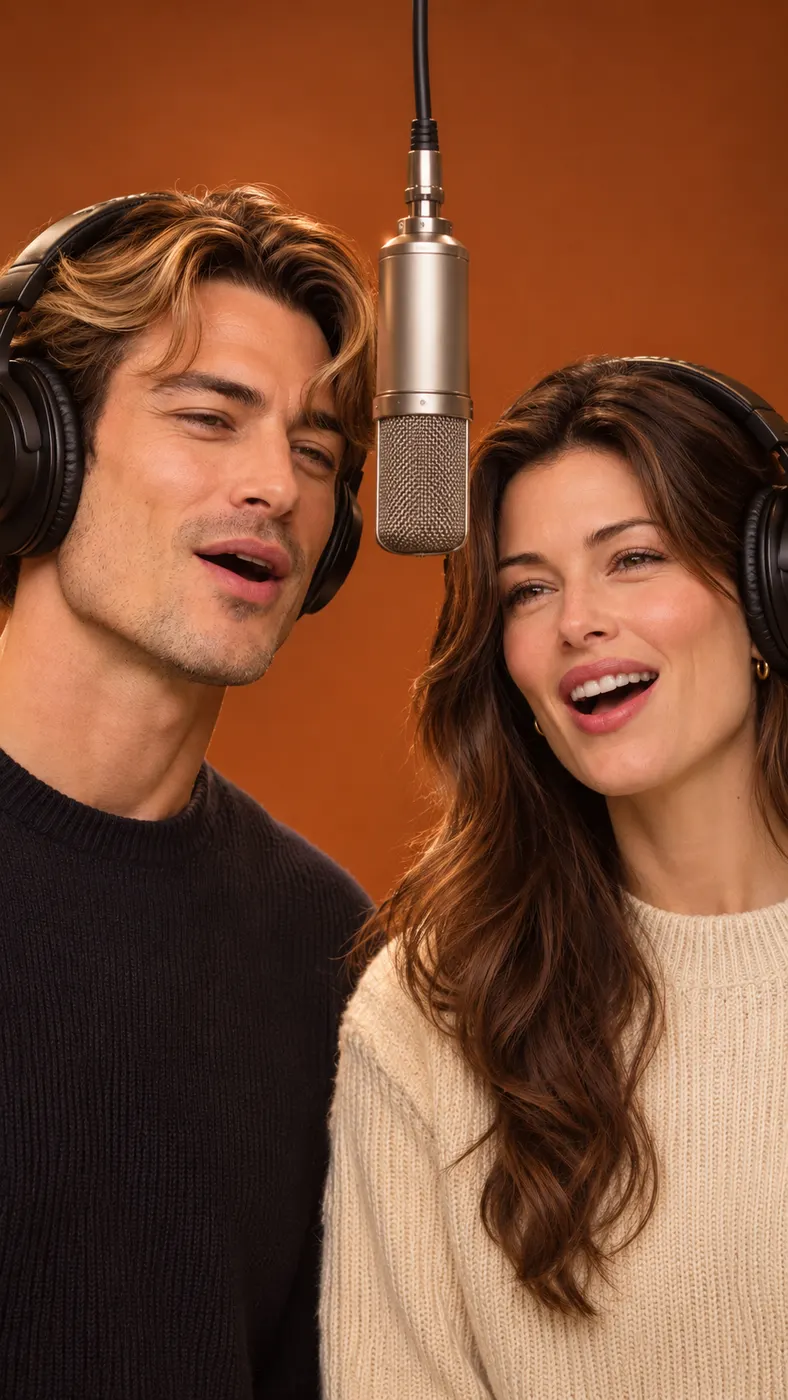
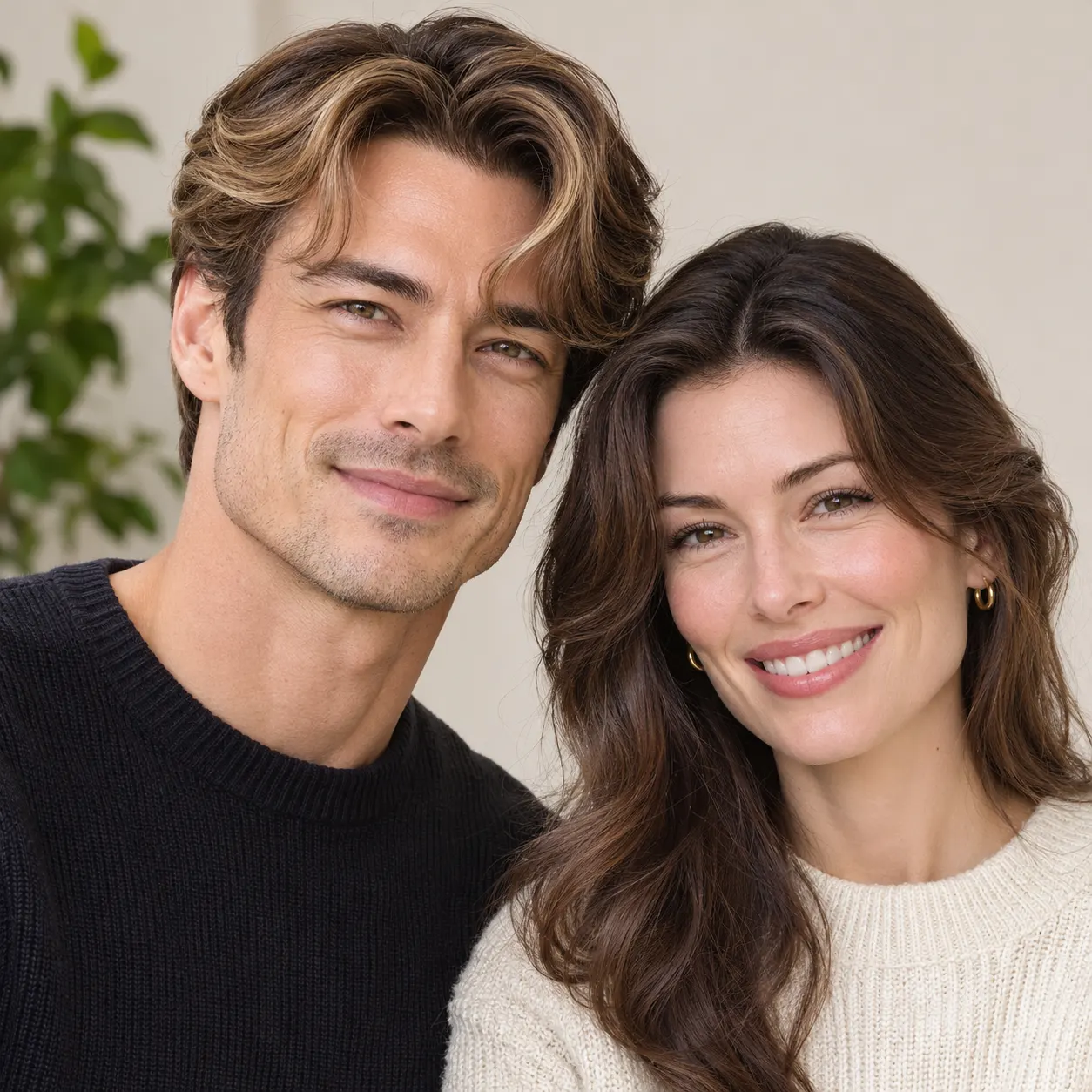
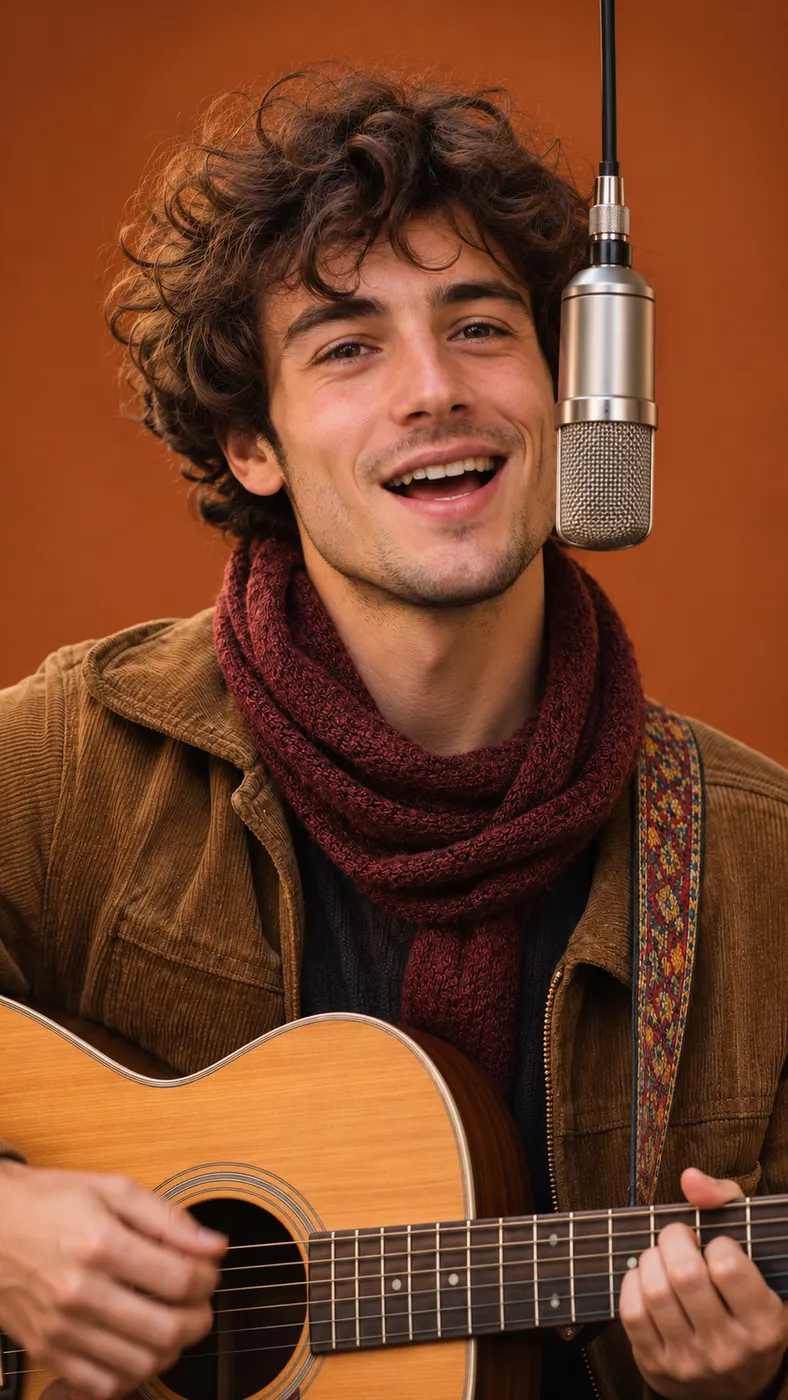
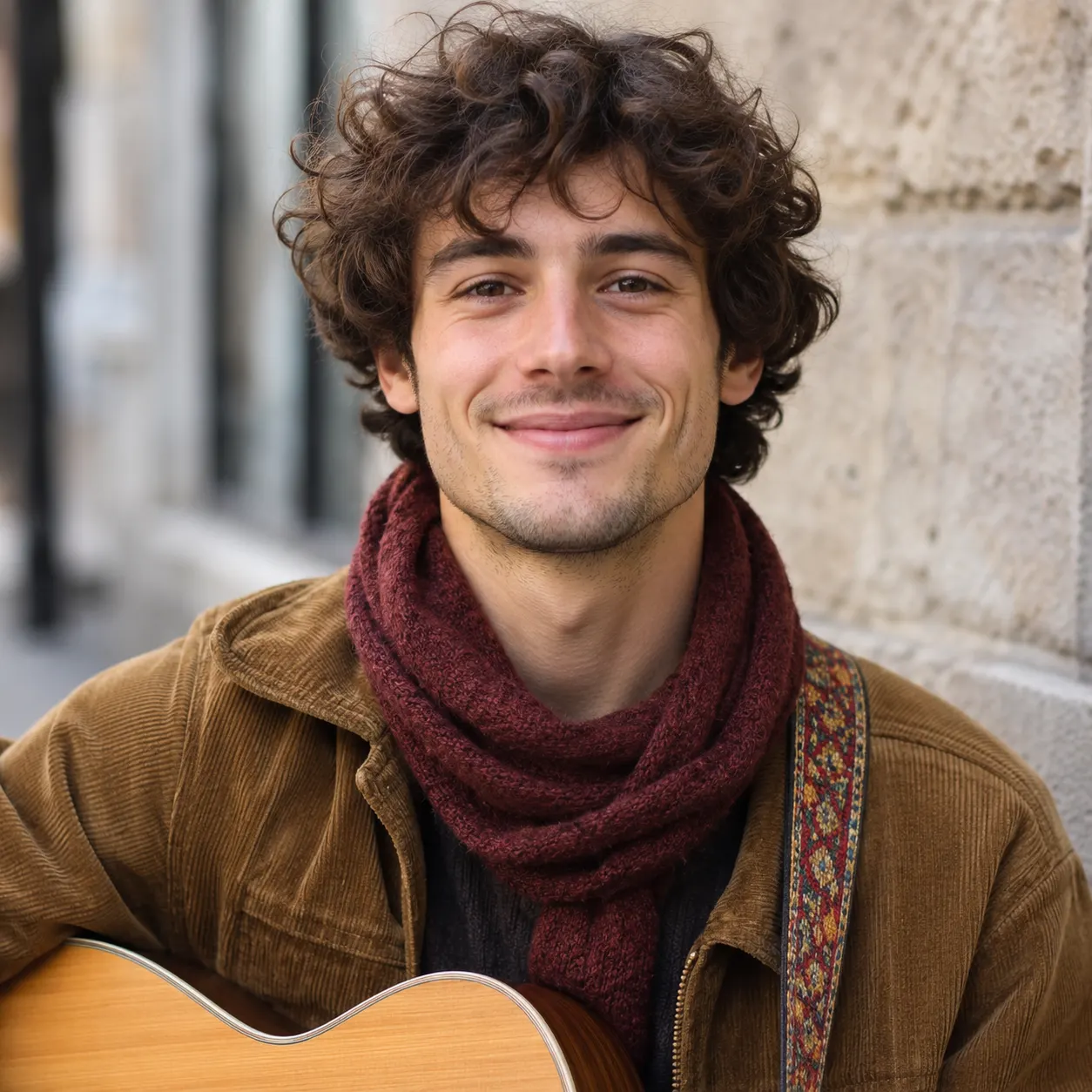
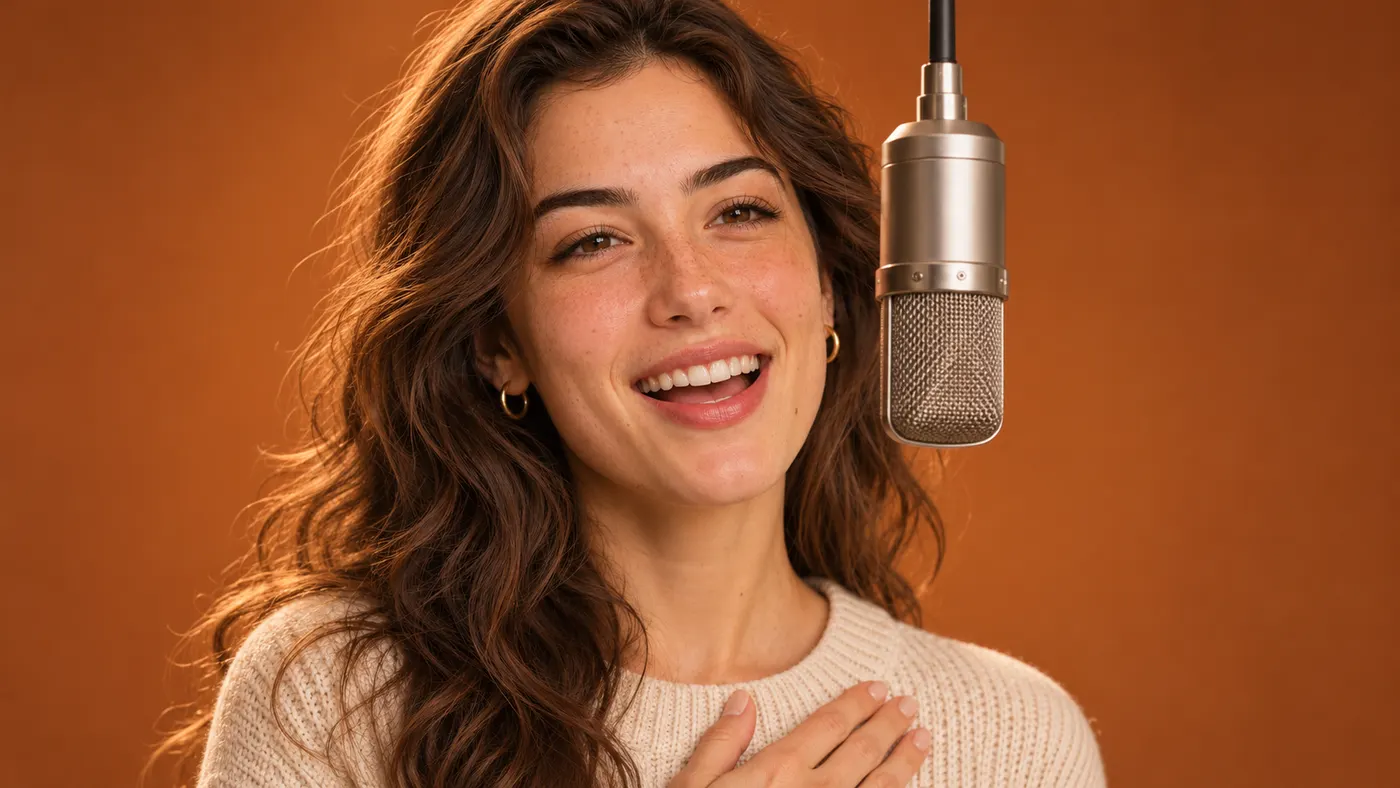
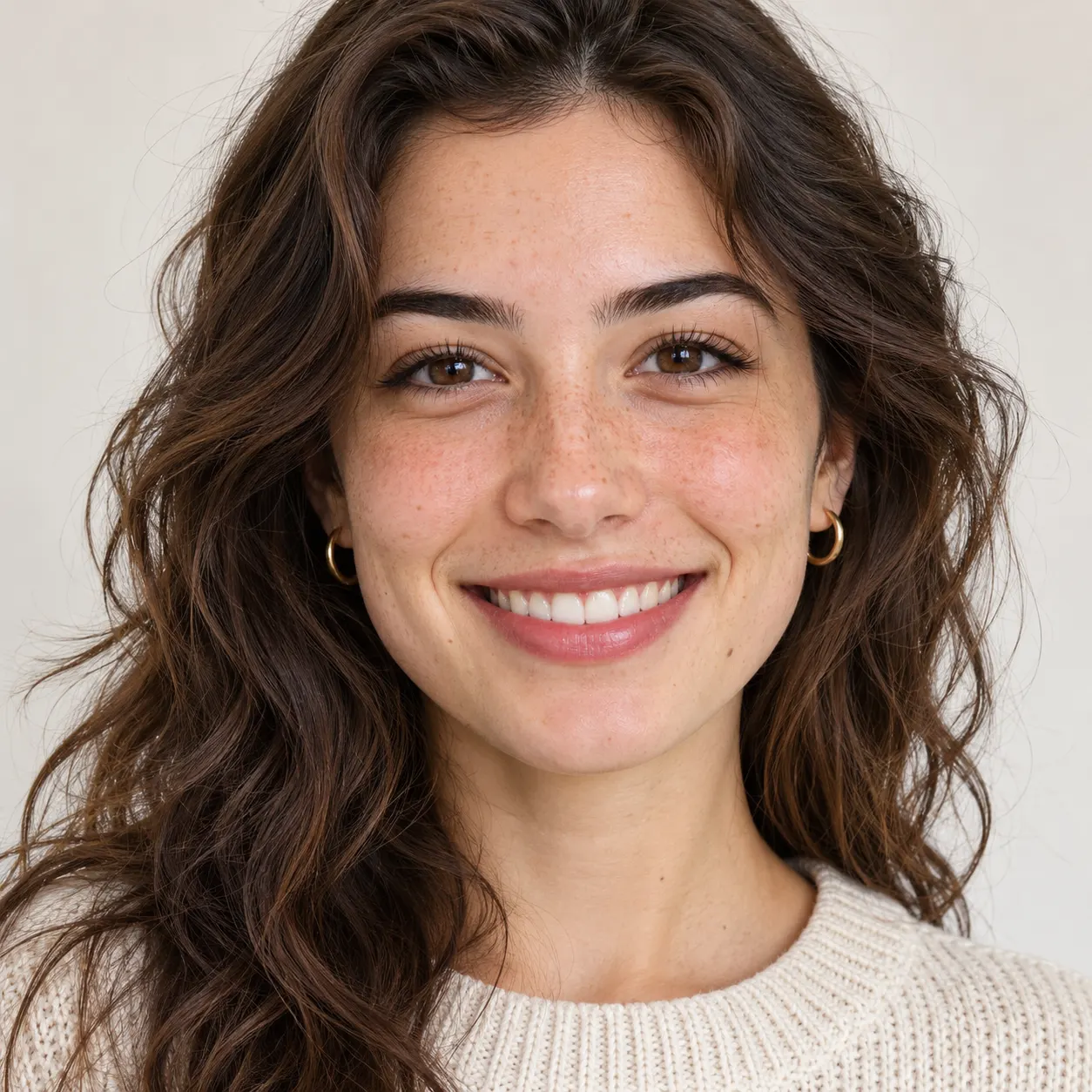
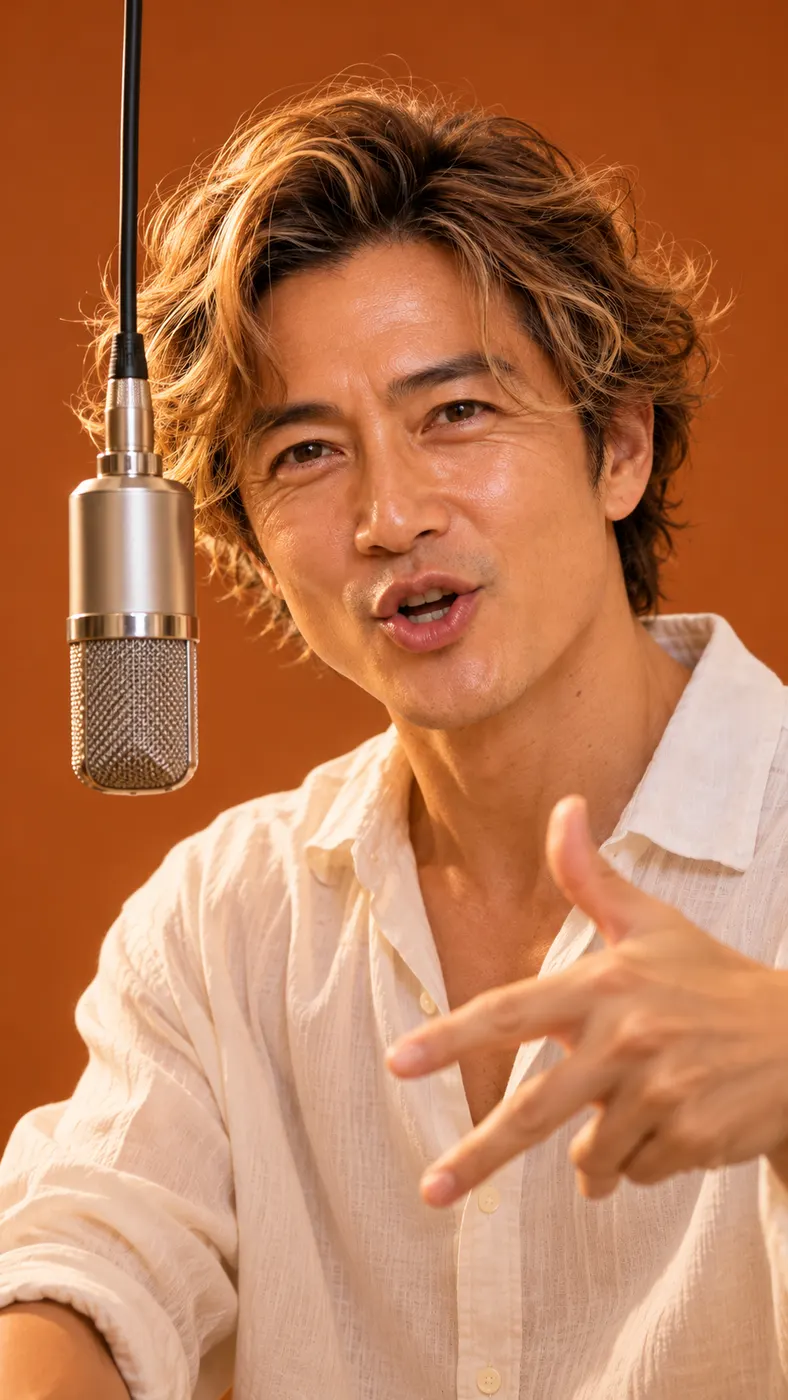
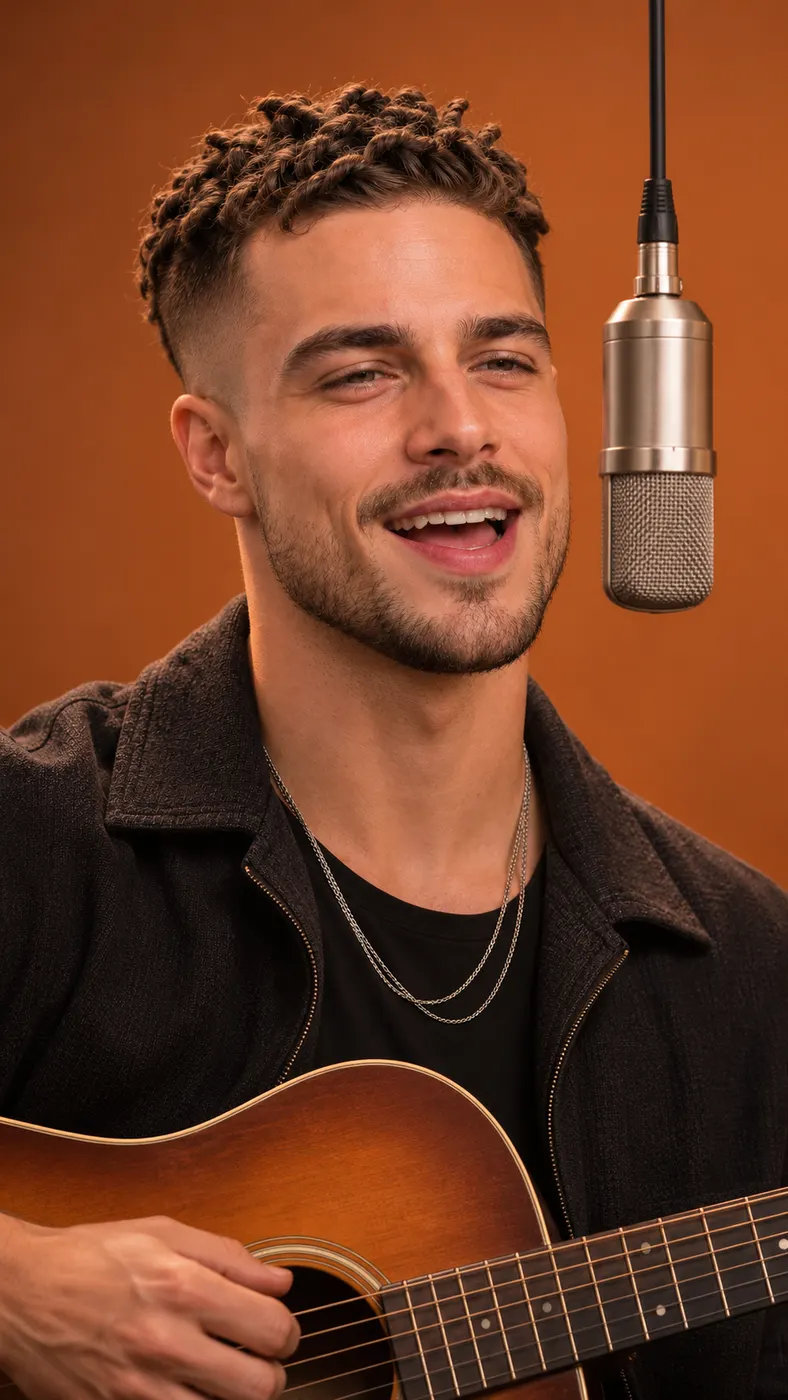
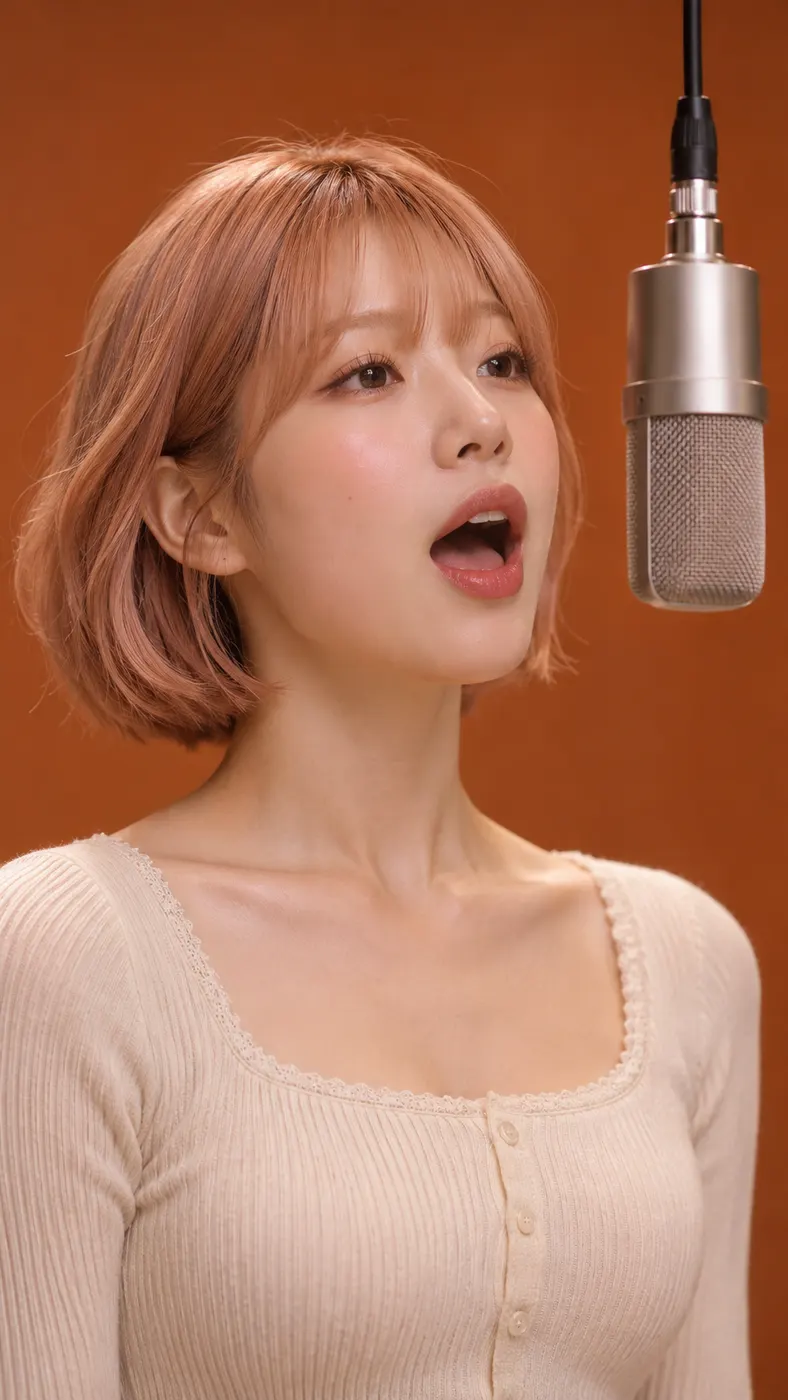
These Becane AI examples show how the same hanging-microphone scene can carry different faces, expressions, and photo choices. Compare our best photo guide before uploading, follow the step-by-step creation guide, and check how long an AI rap video takes when planning your result.


How Becane AI Works
- 01
Upload a clear photo
Start with one clear photo, either a solo shot or a photo of two people. Keep faces visible and avoid heavy filters so the selected subject is easy to recognize. Upload the image in the required photo field, then leave the optional detail field empty or add a specific detail you want considered.
- 02
Generate the selected scene
The selected reference scene is where Becane AI places the photo subject at the hanging microphone in the orange-brown studio. After uploading, start the generation and wait for the vertical result to process. The configured scene supplies the singer position, while the output includes generated audio for the short performance.
- 03
Download the result
When generation finishes, check the face, framing, microphone position, and studio transition in the result. The full downloadable video is 15 seconds at 480p with generated audio, using 29 credits at the displayed $2.03 price.
What You Can Make
Put your photo in the scene
Your personal image can take the singer's role at the hanging microphone with Becane AI. You do not need matching footage of yourself; the generator uses the uploaded photo as the subject for the selected reference scene.
Start with a practical input
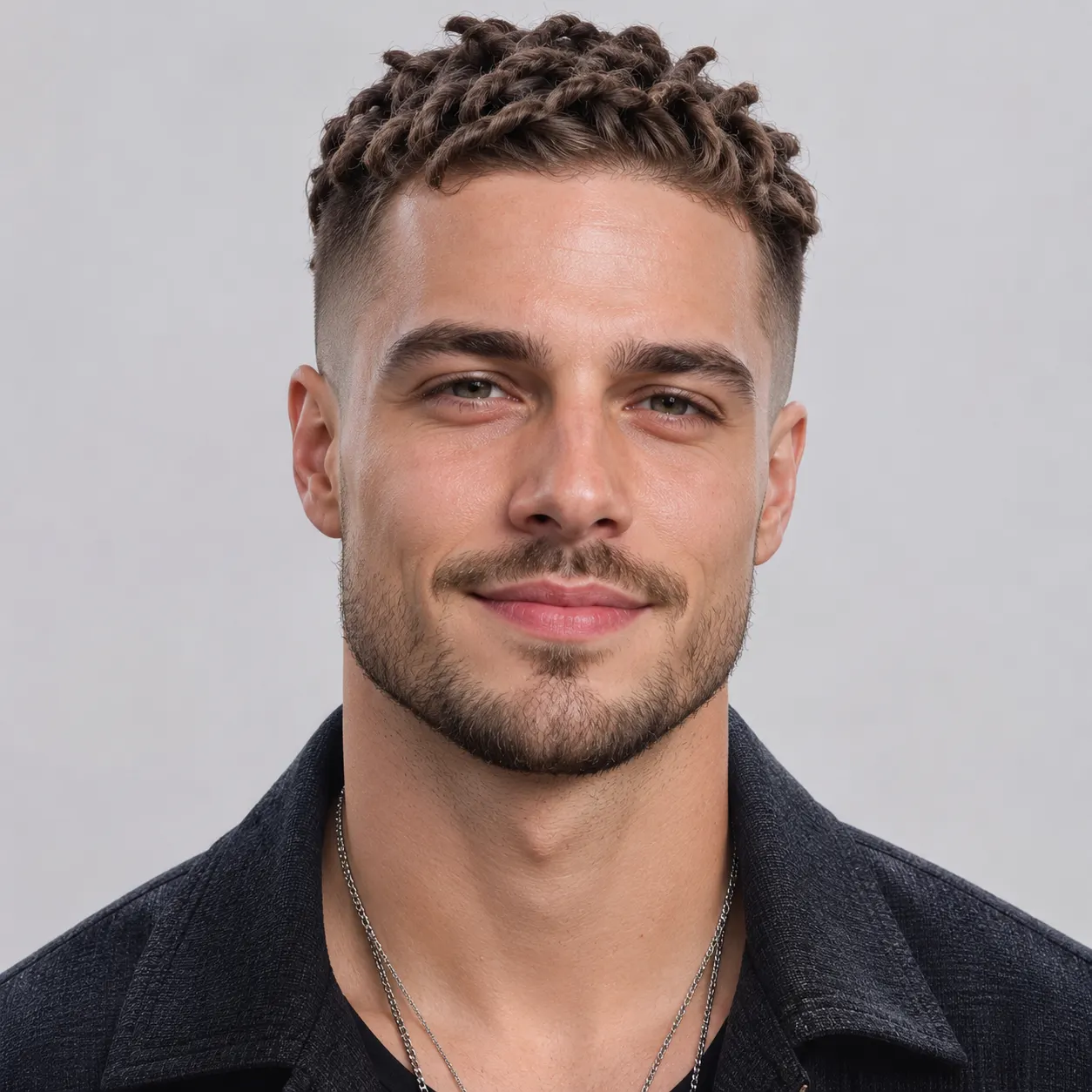
For the input, one clear photo with visible faces is what Becane AI accepts, including a solo shot or a photo of two people. A straightforward image with natural detail gives the scene a stronger starting point than a heavily filtered or obscured portrait.
Share a vertical performance
The result is a short vertical video built around the orange-brown studio and hanging microphone. That format keeps the scene easy to watch on a phone and gives you a compact clip to share after reviewing the generated result.
Use the recognizable setup
At the center of the scene, Becane AI places the subject where the singer appears in the reference scene: beneath a hanging microphone in a small orange-brown studio. The setting stays focused, so the personal transformation remains the main point of the clip.
Understand the output and cost
For output details, the generator produces a 480p result with generated audio through Becane AI. The displayed full-generation price is $2.03, and the run uses 29 credits. The optional detail field lets you add extra direction without changing the selected Becane scene.
Becane Scene Questions
What is the Becane scene supposed to show?
One uploaded photo becomes a short performance scene with Becane AI, where the subject takes the singer's place at a hanging microphone. The setting is a small orange-brown studio with close light, and the generated result includes audio.
Can I make this scene without a free run?
The page uses the configured allowance shown as 0, so Becane AI does not promise a free generation. The full result uses 29 credits and carries the displayed $2.03 price. Check the displayed credits and price before you start, then download the finished video when it is ready.
How long is the generated video?
The generator produces a configured 15-second video with generated audio. There is no free preview for this scene, so the result you get is the full downloadable video; check your photo before you start.
What kind of photo should I upload?
For the input, Becane AI works with one clear photo, either a solo shot or a photo of two people. Faces should be visible, and the input hint recommends avoiding heavy filters. A clear image helps the subject read naturally when placed at the hanging microphone.
Can I use a friend's photo for the scene?
A friend's photo can work with Becane AI, as can a photo of yourself or the configured two-person photo option. Choose an image with visible faces and a composition that makes the intended subject clear before starting the generation.
Is this an official music or artist video?
This is a generated scene based on the selected hanging-microphone reference, and Becane AI does not present it as an official music or artist video. The output is a personal vertical clip with generated audio, using your uploaded photo as the subject.
Create Your Becane Scene
Return to the generator at the top of this page, upload a clear photo, and use the selected hanging-microphone scene to make your own vertical clip. Download the full video when it is ready.