
Singing Photo
Turn one well-lit, front-facing photo into a vertical performance where the person or pair looks into the camera, delivers original English rap vocals and lyrics, and appears in a studio booth. This singing photo workflow keeps the faces, hairstyles, skin tones, overall look, and number of people from the source image. Add an optional topic such as an anniversary or an inside joke, then use the 5-second free preview to decide whether the scene fits TikTok, Reels, or Shorts.
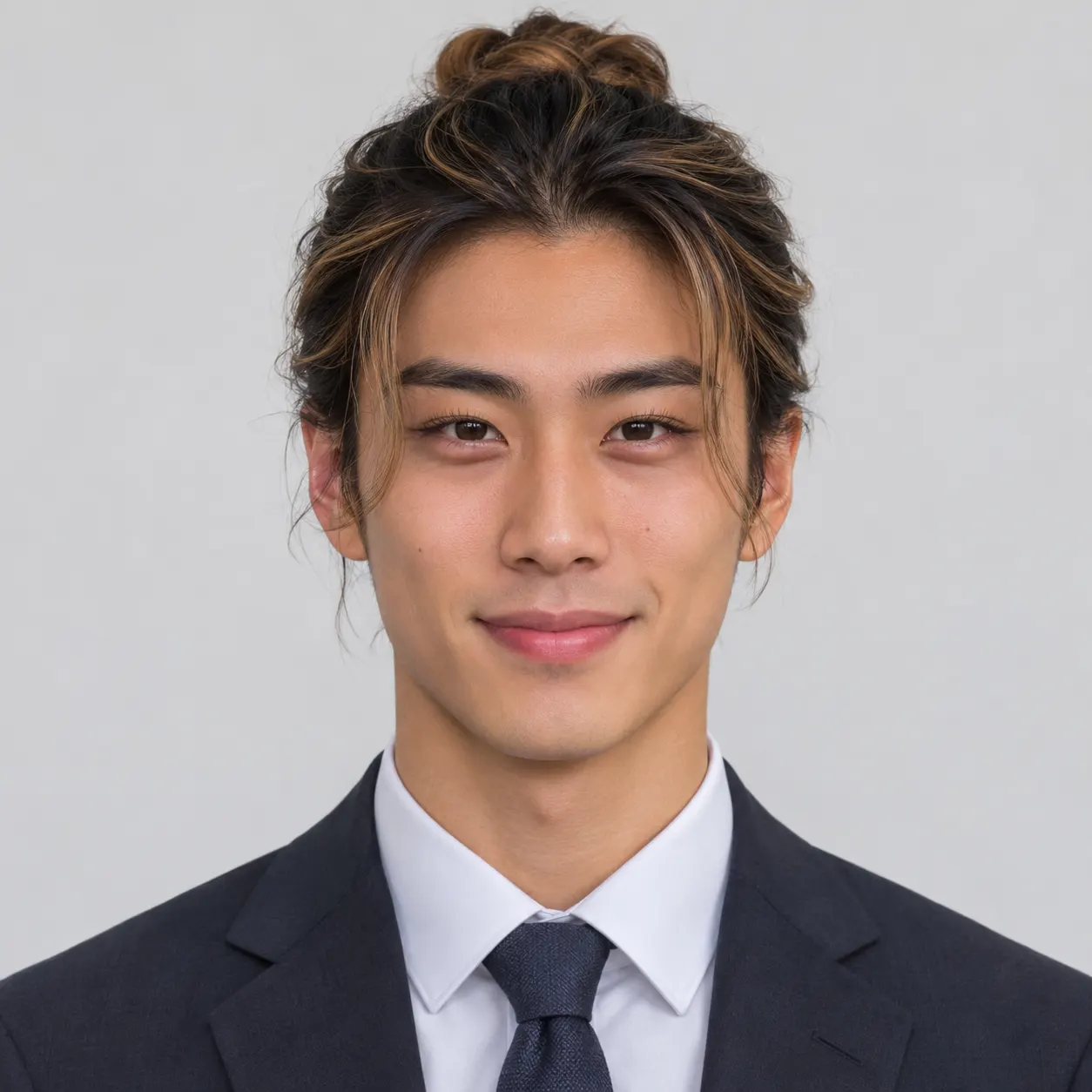
One photo: just you, or the two of you together. Faces front-facing and well lit
Tip: drag a photo onto its box, or click the box to pick one.
Free 5-second 480P preview (small watermark) · Full video: 34 credits
rap video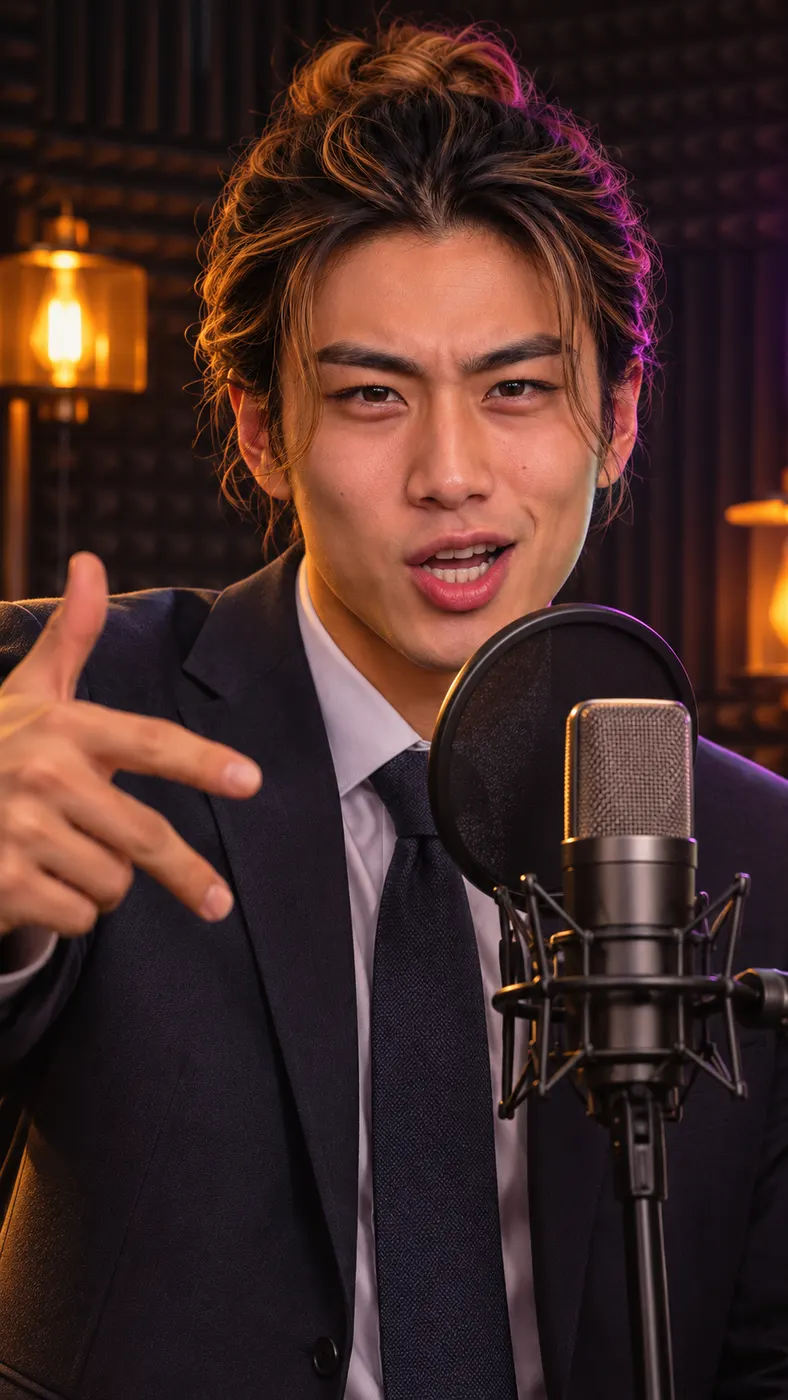
Singing Photo Examples
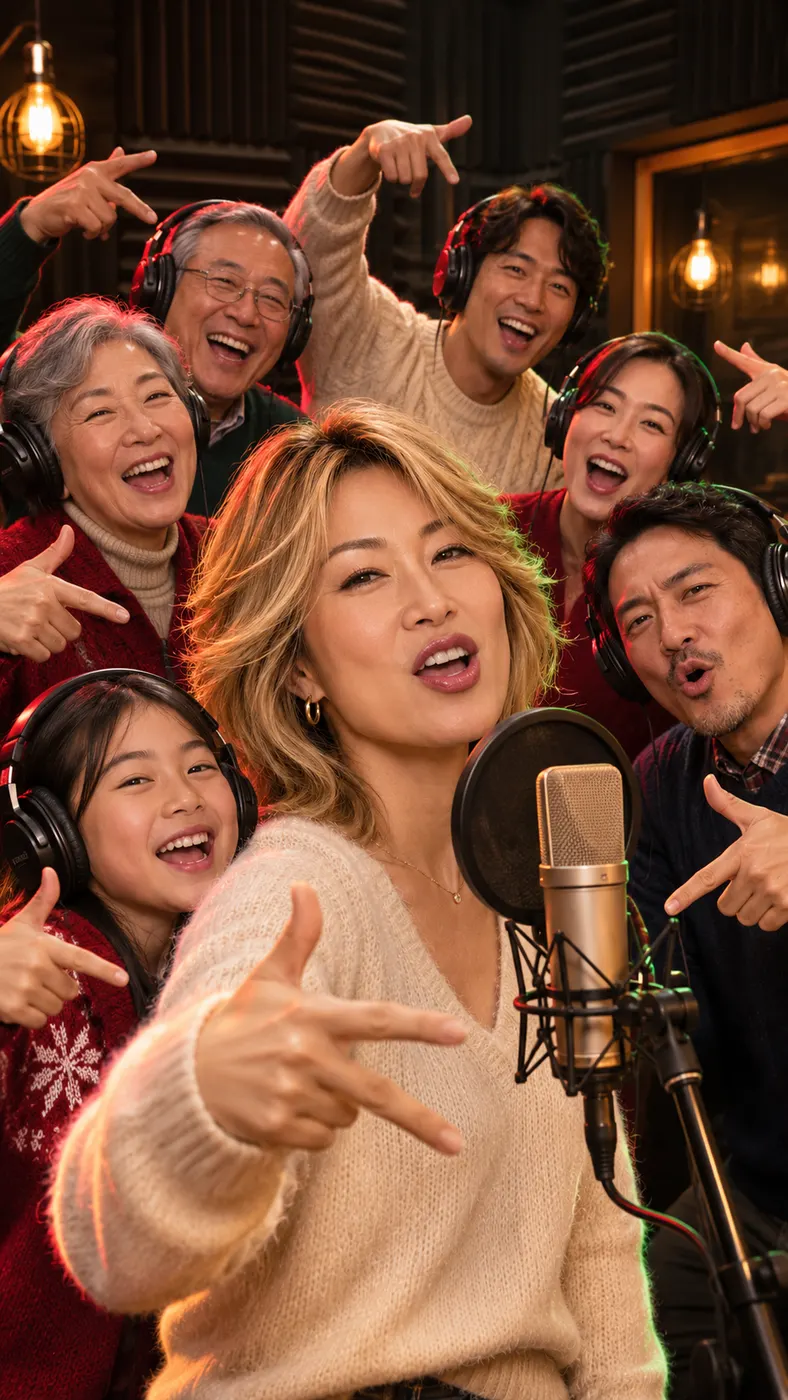
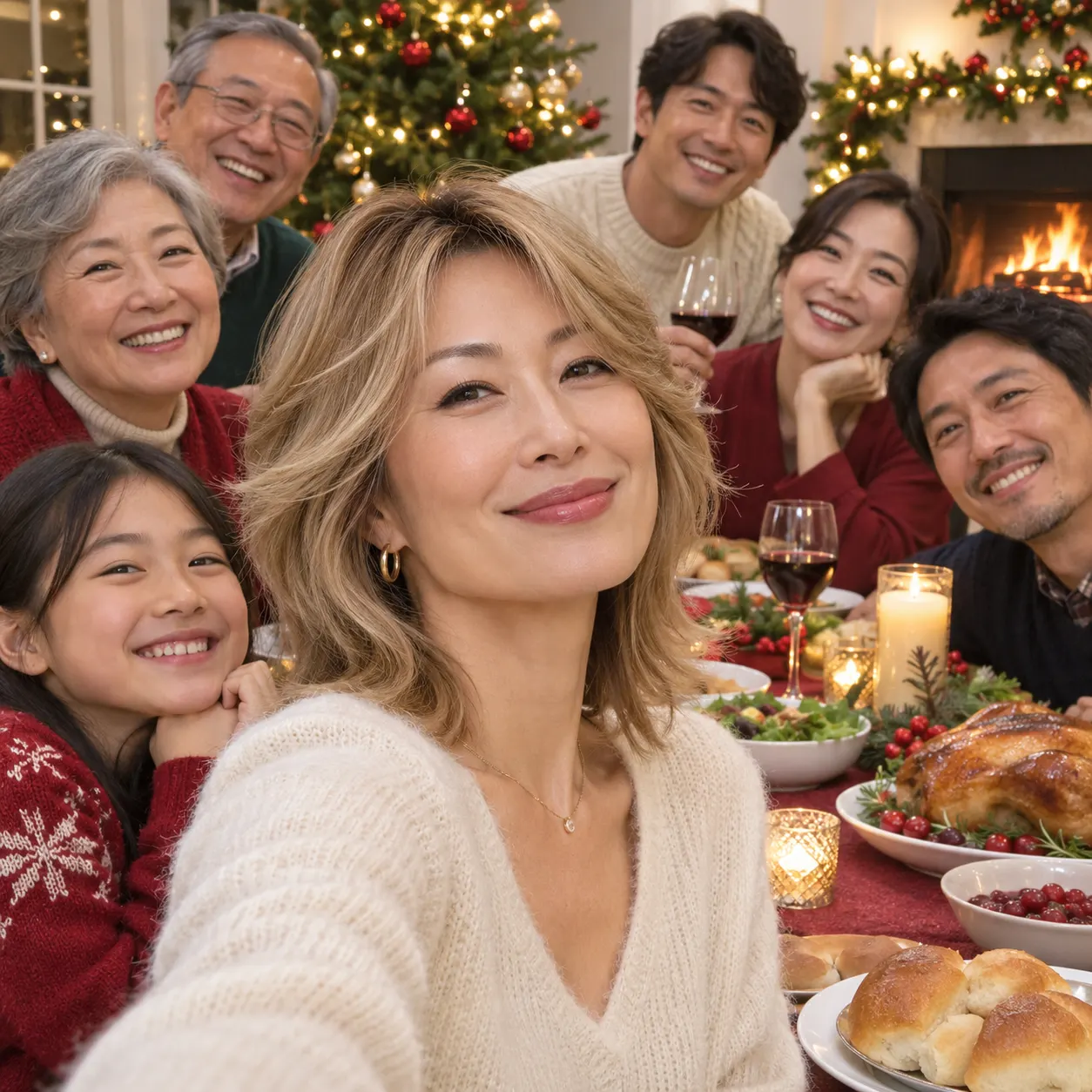
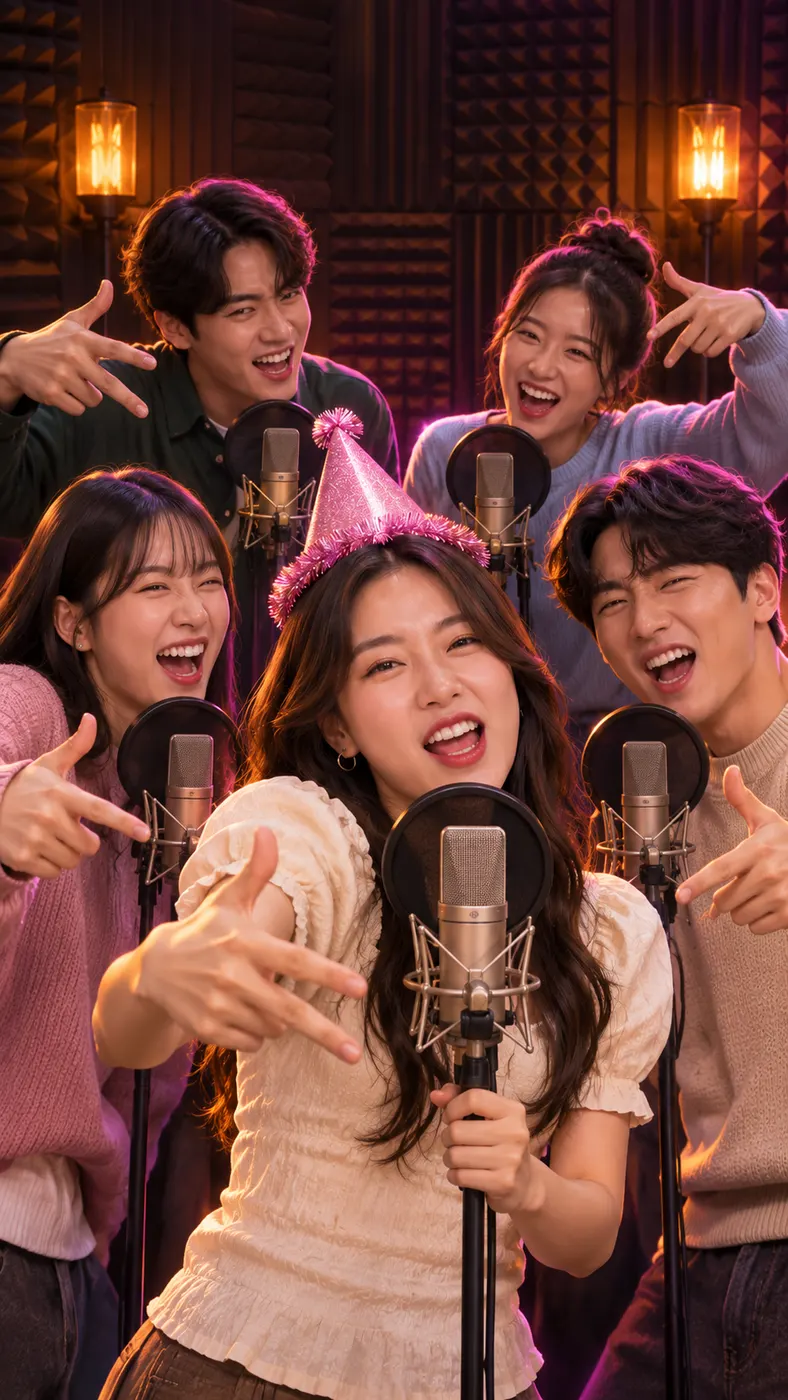
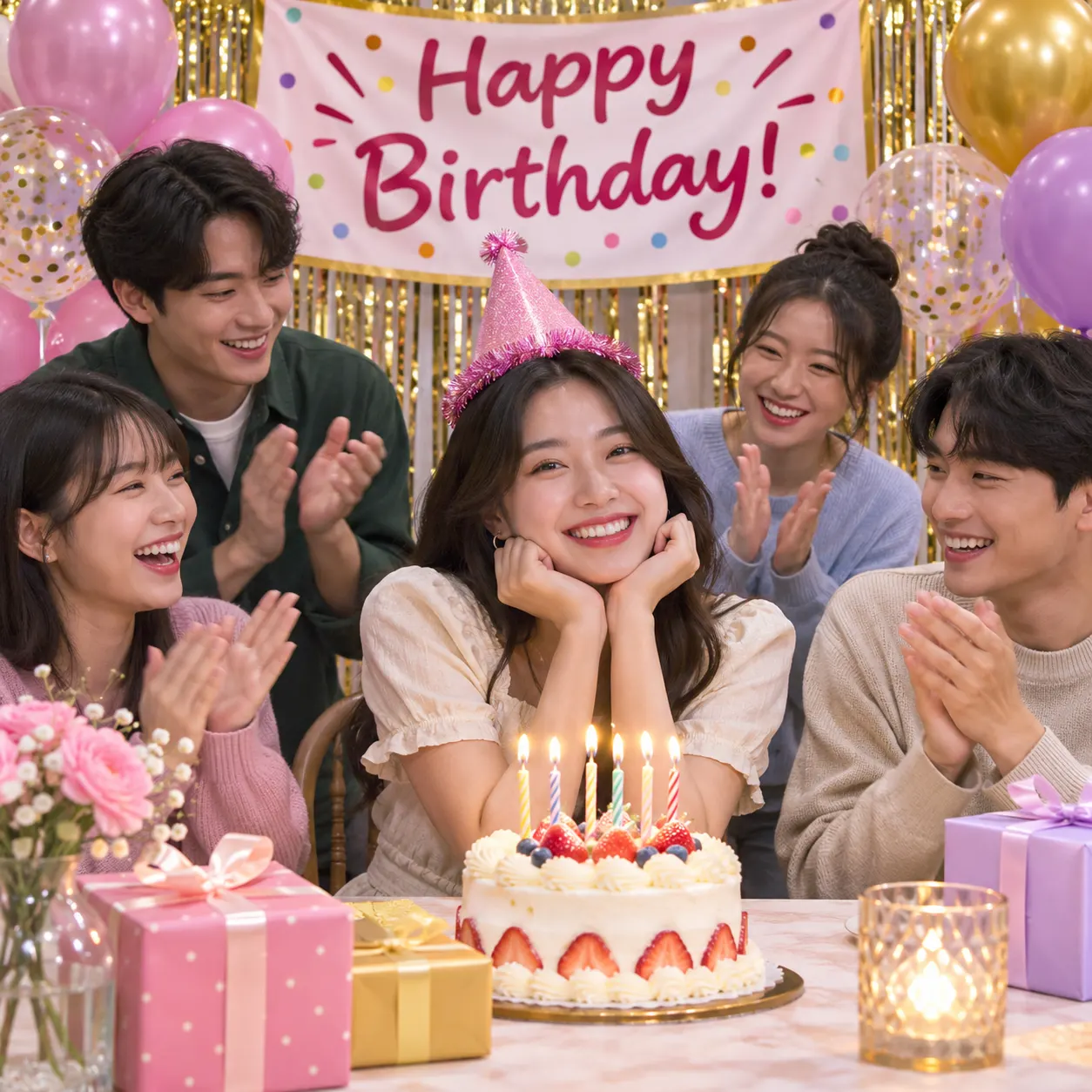
These examples show how a singing photo can turn a still portrait into a camera-facing rap performance while preserving the people and look in the source. Browse the singing photo results below, then use the best photo for an AI rap video, or learn how long an AI rap video takes.
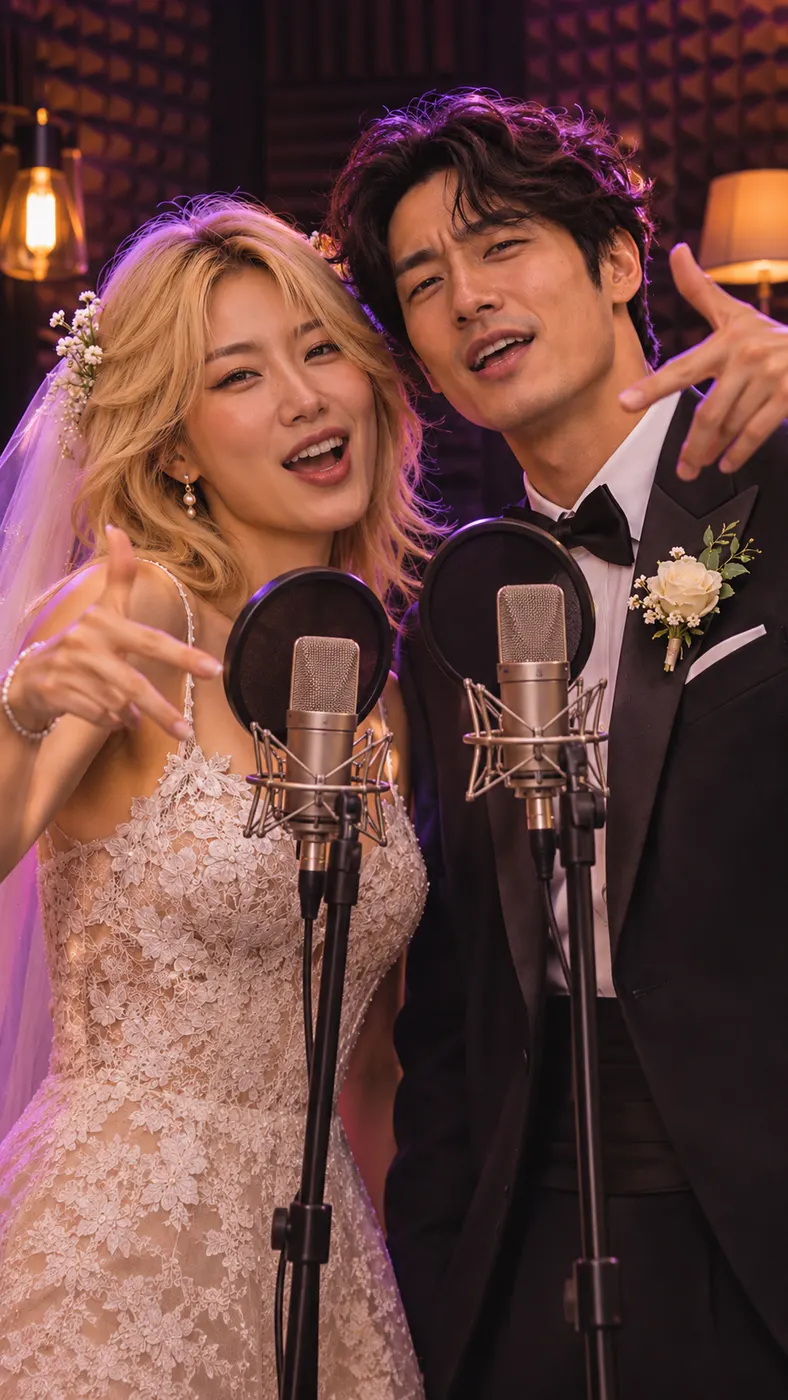
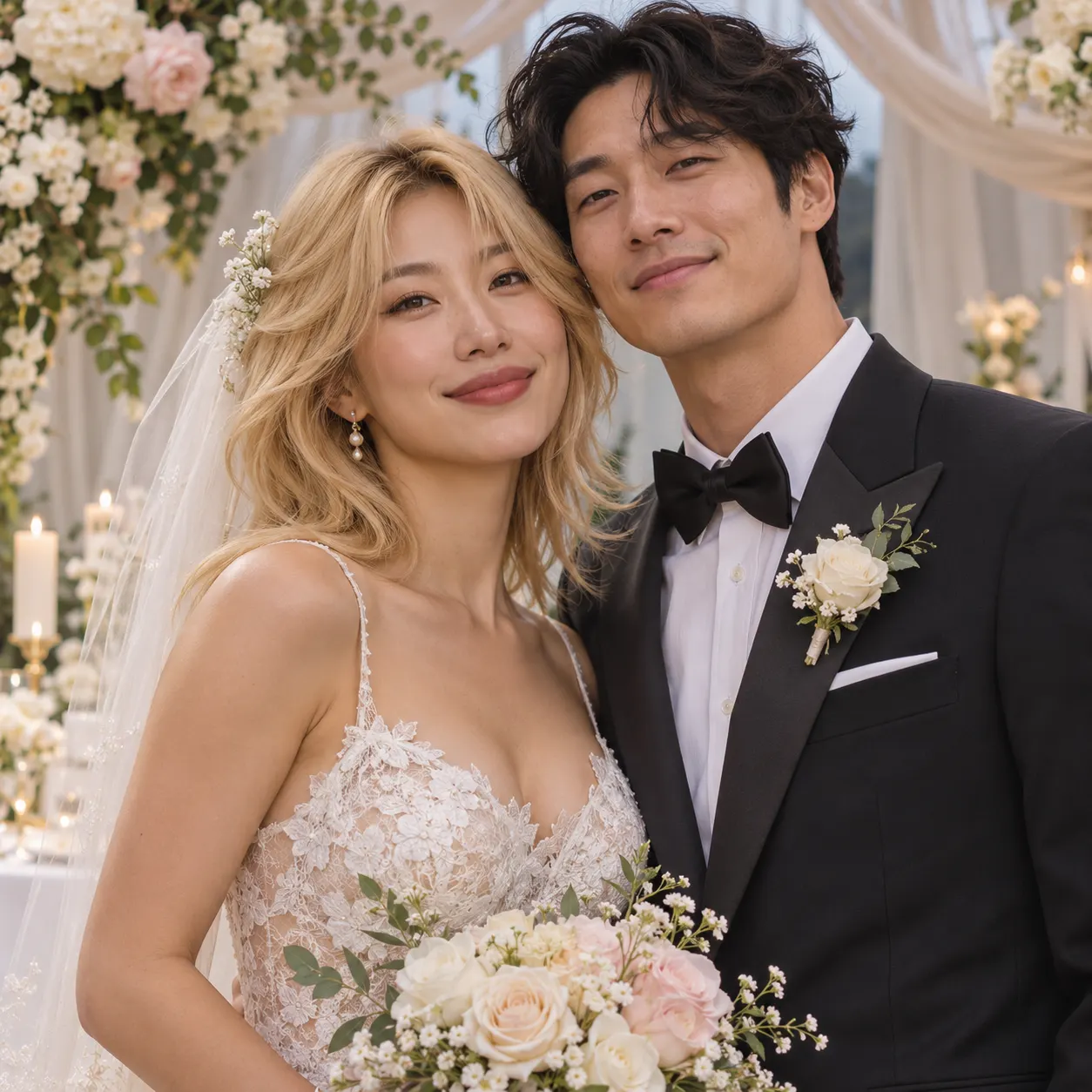
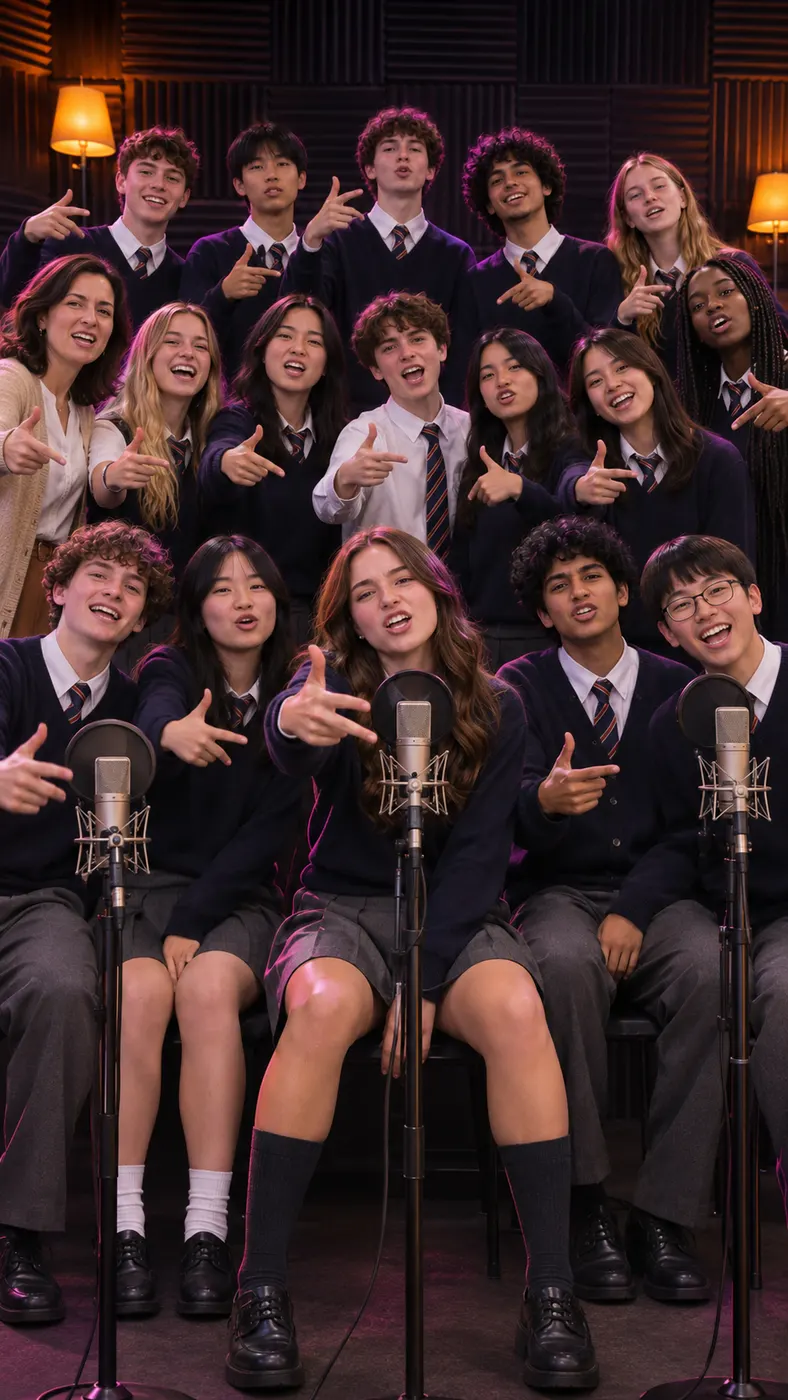
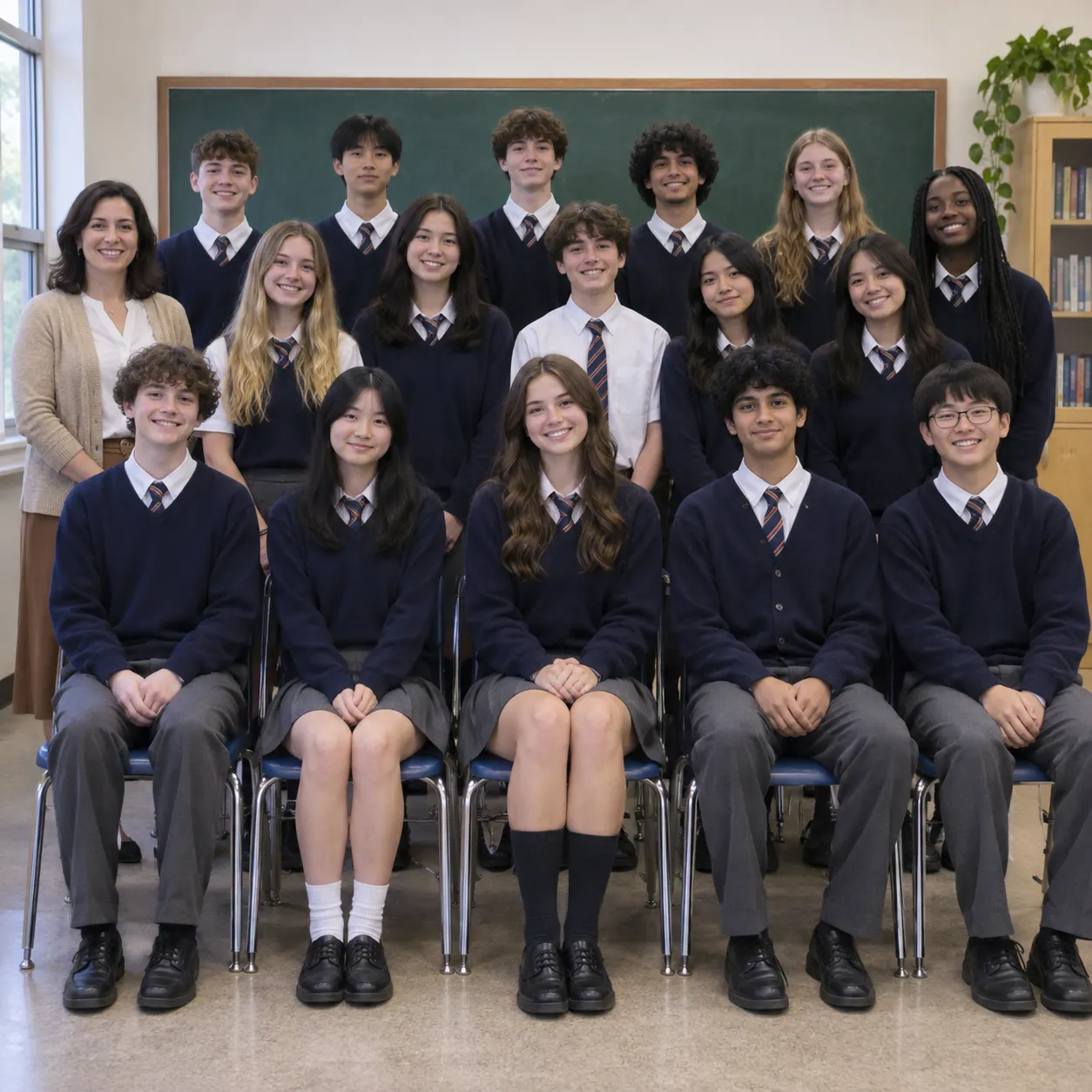
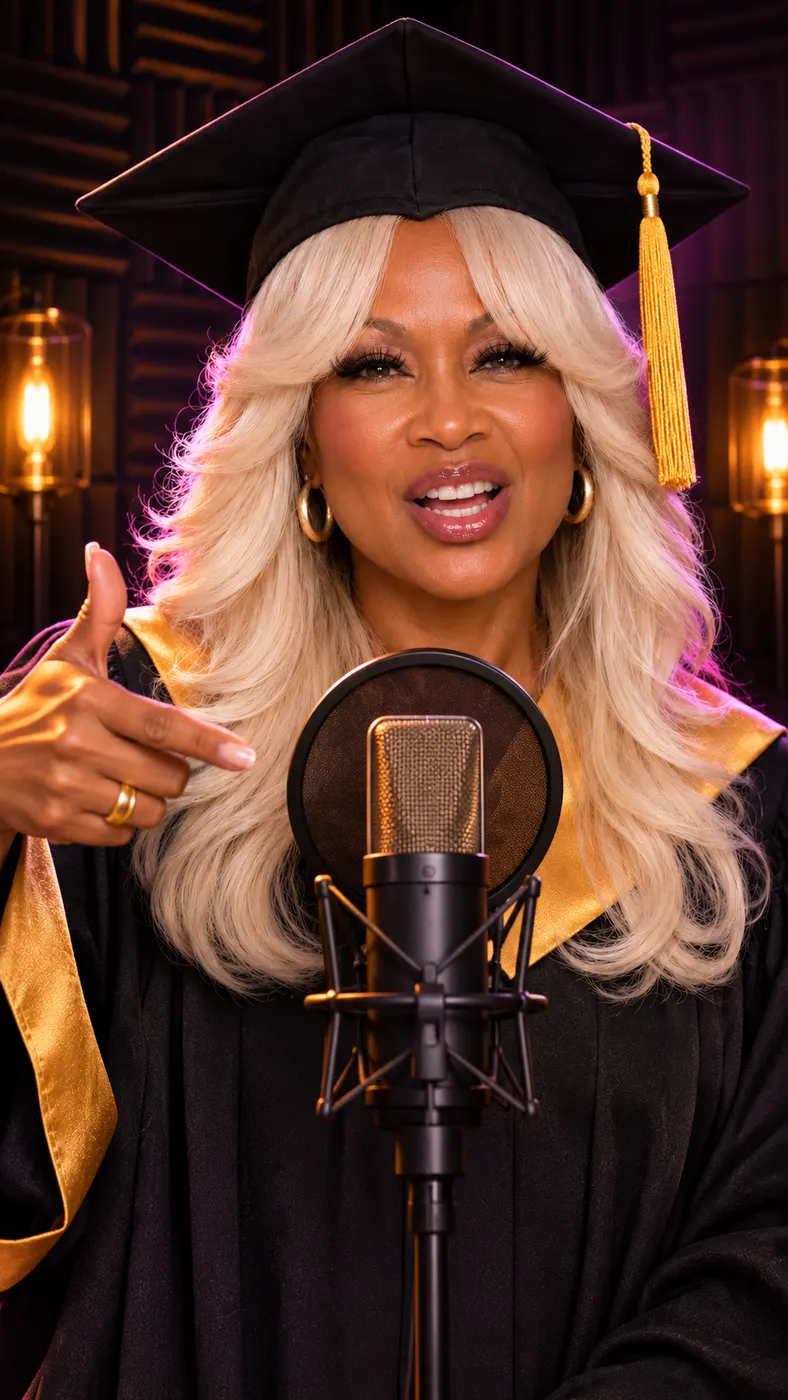
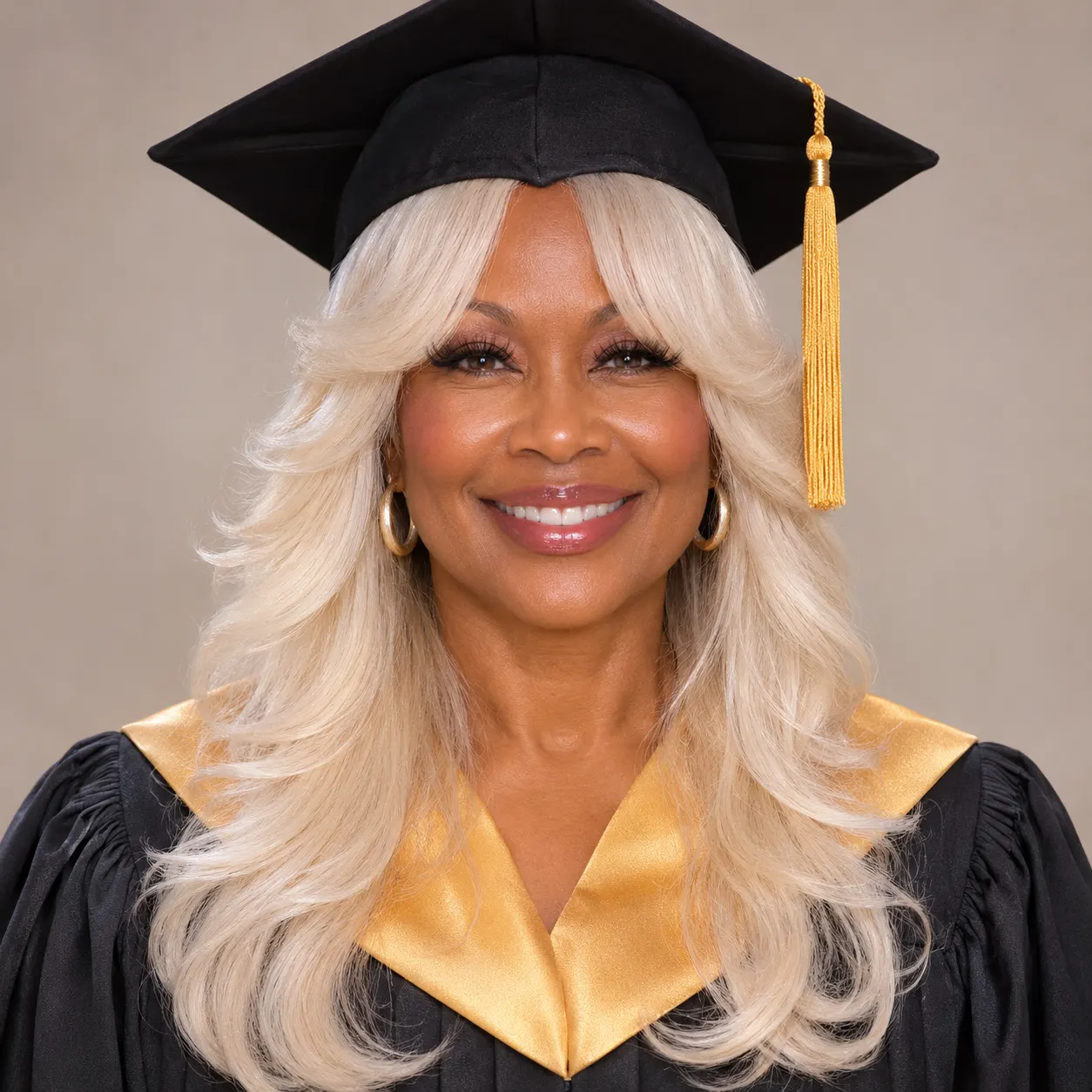
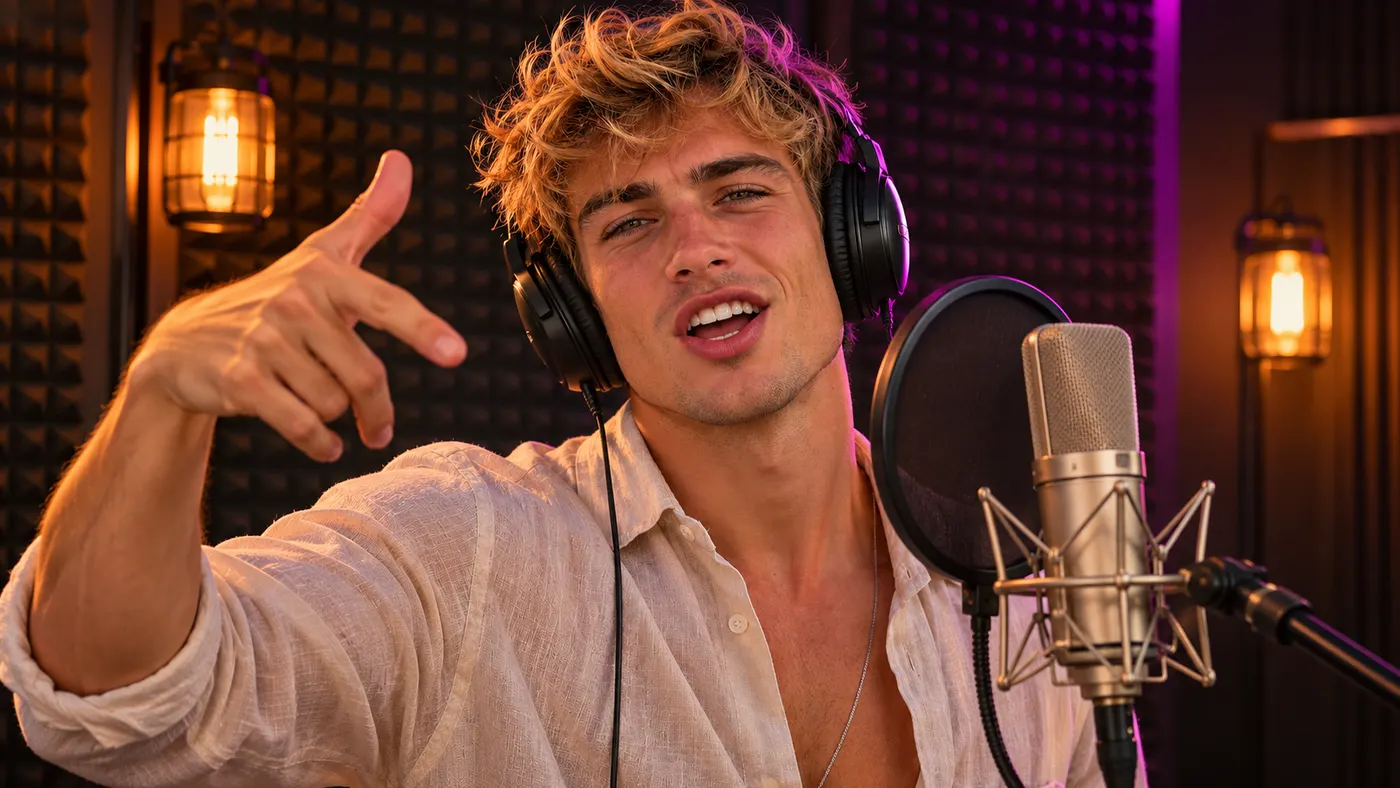
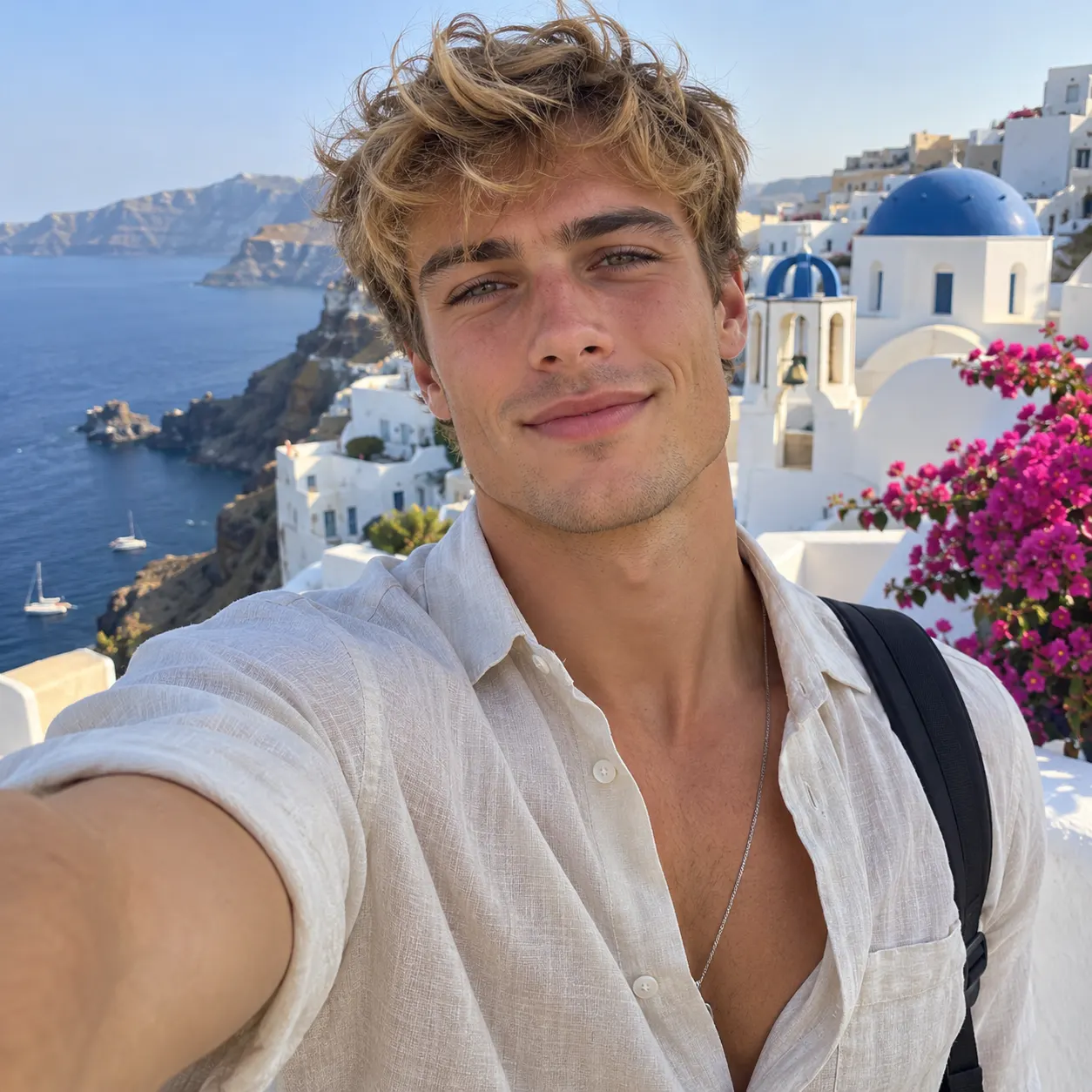


How to Make a Singing Photo
- 01
Upload your photo
Choose one front-facing, well-lit image showing one person or two people together. It works best when every face is visible and the source image clearly shows the appearance you want carried into the video. Add the image as your required subject, then enter an optional rap topic such as a celebration, relationship joke, or personal message.
- 02
Preview the performance
Select a scene and start the generation. When the preview is ready, watch the 5-second result to check the framing, facial appearance, gestures, and lip-syncing. Available scenes include Hotel Lobby, Luxury Lobby, Studio booth, Street freestyle, Green booth, and Christmas tree, so you can match the setting to the idea behind your lyrics.
- 03
Unlock the complete clip
If the preview fits your concept, use the available credits to create the complete video. The finished video runs for 15 seconds and is formatted vertically for social sharing. Rendering time can vary with current processing demand, so review the preview first and keep the final version that best matches your chosen scene.
What You Can Create
Share a vertical rap performance
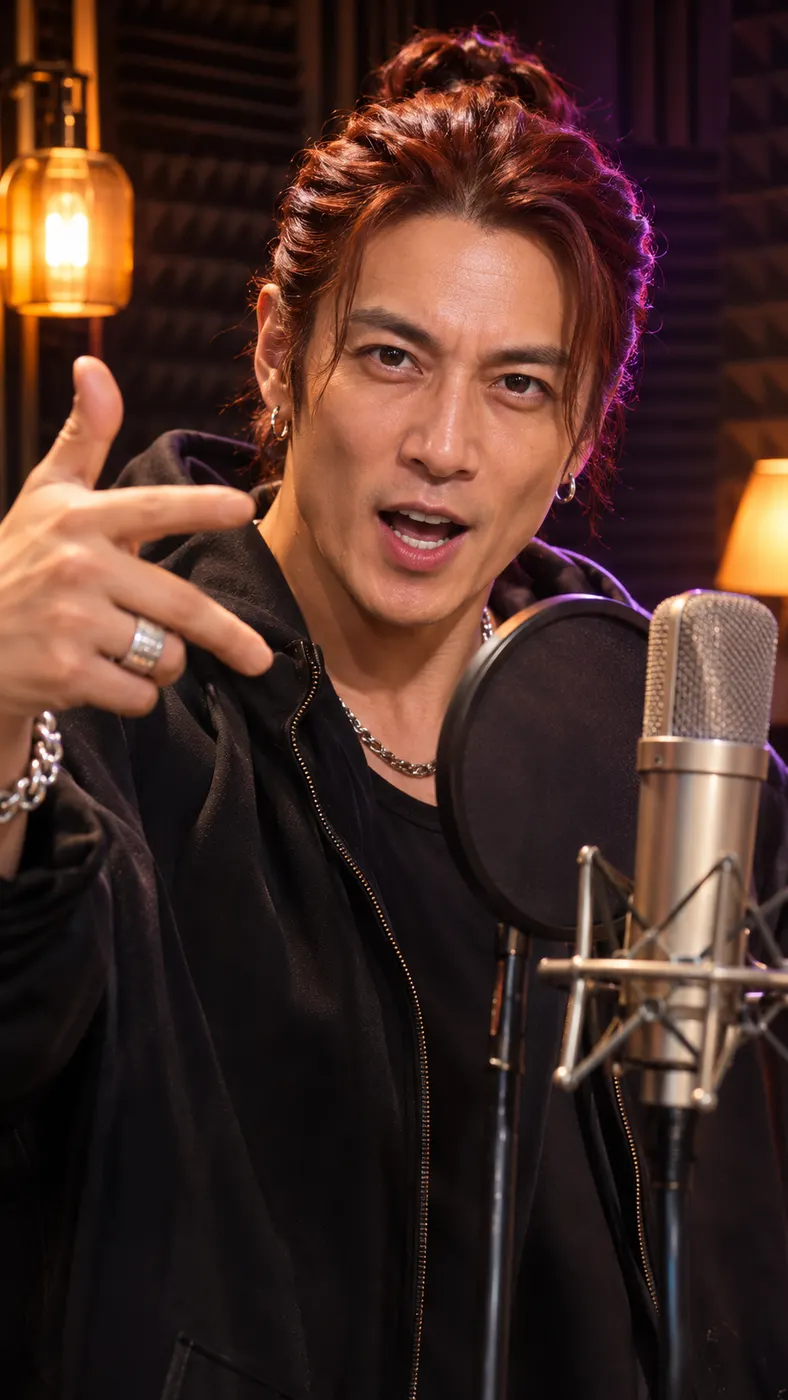
The result gives you a camera-facing vertical video that is ready to share on TikTok, Reels, or Shorts. The performance uses original English rap vocals and lyrics rather than an existing song, giving a personal portrait its own short musical moment.
Start with one clear portrait
Use one front-facing, well-lit photo of yourself or two people together. This setup is built around a single source image, so choose a portrait where the faces, hairstyles, skin tones, and clothing look the way you want them represented in the result.
Keep the people recognizable
The generator carries the faces, hairstyles, skin tones, overall appearance, and number of people from the source. Your singing photo can show one person or two people together, and a two-person image can become a back-and-forth performance rather than adding an extra person.
Give the lyrics a personal topic
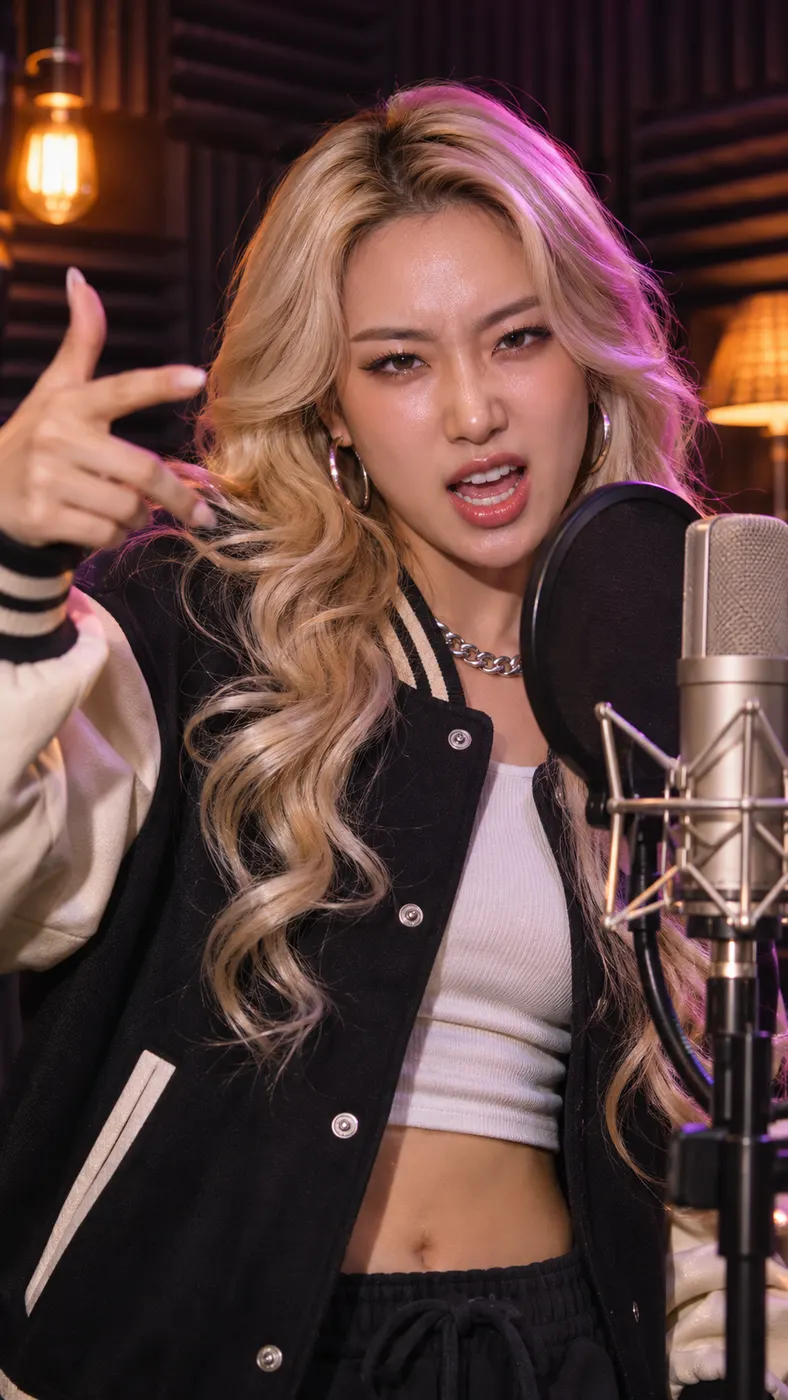
Add an optional subject for the rap, such as an anniversary or an inside joke. The singing photo then pairs that topic with an original hip-hop beat, English vocals, and lyrics while the performer raps directly to the camera with confident gestures and head nods.
Preview before paying for the full result
You can test the singing photo concept with the 5-second preview before unlocking the complete render. The full video is 15 seconds, uses 34 credits, and is listed at $2.38 when you decide the result is ready to keep.
Singing Photo Questions
What does this photo-to-rap generator do?
A singing photo turns one front-facing portrait into a vertical video of the person or pair rapping to camera. It preserves the faces and appearance from the image while generating original English rap lyrics, vocals, and a hip-hop beat.
Can I preview a photo-to-rap video for free?
Yes. The singing photo page offers a 5-second free preview so you can inspect the performance before unlocking the complete clip. The full render uses 34 credits and costs $2.38.
How long is the finished video?
The singing photo output is 15 seconds long. It is a vertical performance designed for social formats, with the camera facing the performer as the generated lyrics are delivered.
What kind of image should I upload?
Use one well-lit, front-facing photo showing one person or two people together. A singing photo needs visible faces and a clear view of the appearance you want preserved, so avoid an image where the subjects are turned away or poorly lit.
Can I use another person’s photo?
You can use a photo of another person when you have permission to use and share their image. The singing photo generator uses the uploaded faces and appearance as the performer reference, so only upload an image you are authorized to use.
Is this an official artist song or music video?
No. The result is an original AI-generated English rap performance made from your uploaded photo and optional topic. It does not use an existing song or claim to be an official artist video.
Make Your Own Photo Rap
Return to the generator, upload a clear portrait, add a topic if you want one, and make a singing photo performance in your chosen scene. Start with the 5-second preview, then unlock the 15-second video when the result feels ready to share.