
I Just Beat the Case AI Video
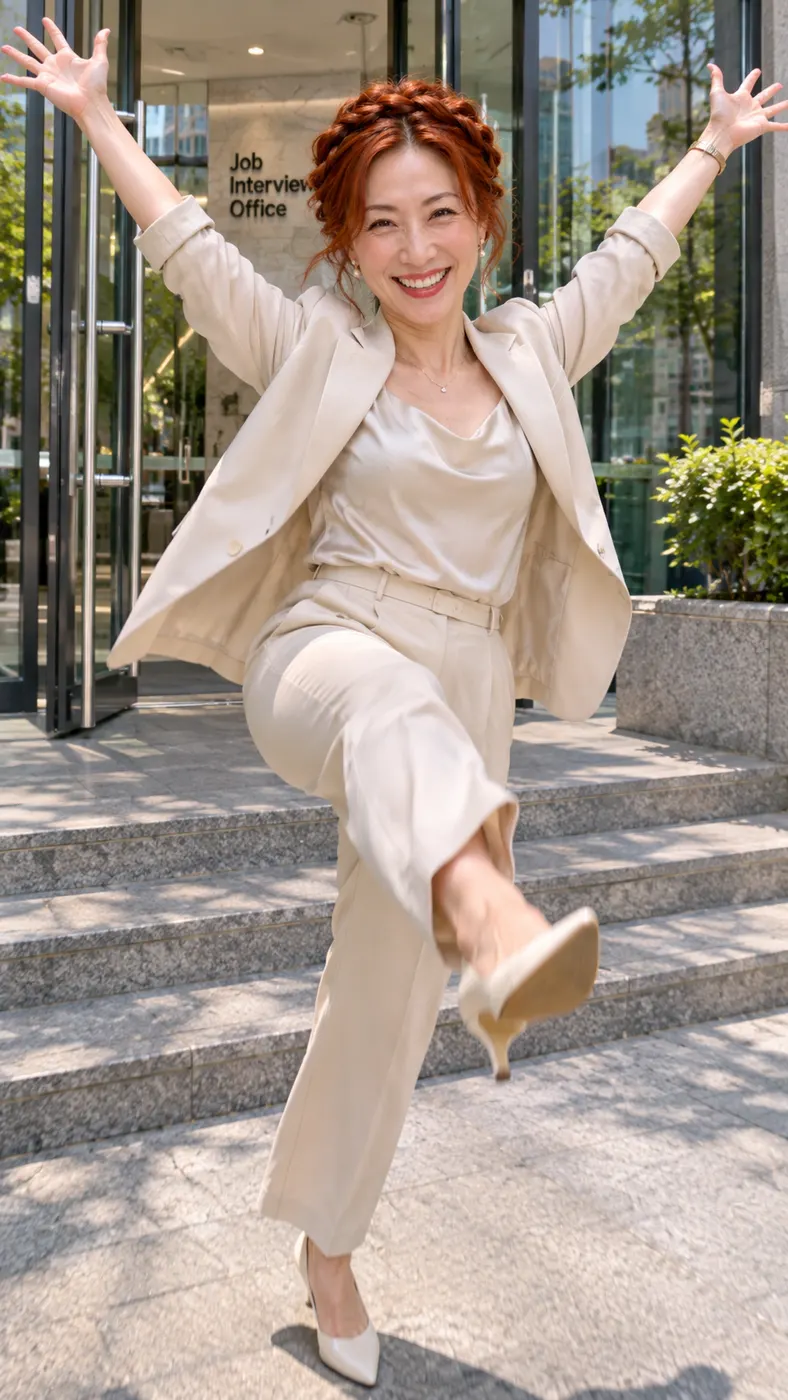
Turn one clear photo of yourself or a friend into the i just beat the case celebration: you push through tall glass doors, stride onto the steps, point both index fingers at the camera, flex, launch a happy skipping kick, and throw your hands up. The upbeat triumphant hip-hop beat makes the joke instantly readable as a playful small-win meme, not legal news or legal advice.
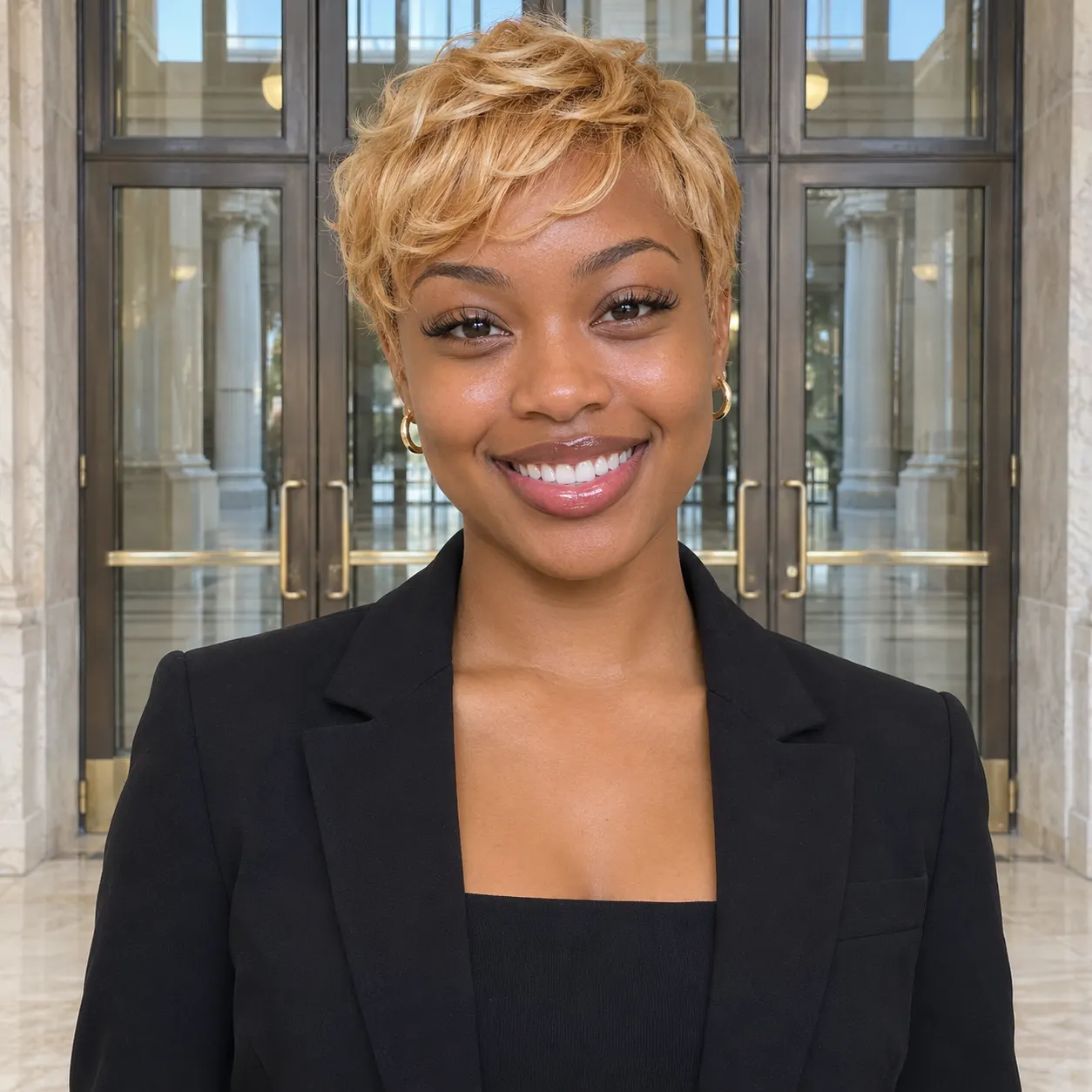
One clear photo: a solo shot or the two of you. Faces visible, no heavy filters
Tip: drag a photo onto its box, or click the box to pick one.
This video: 25 credits · Credits come back if it fails
AI video effect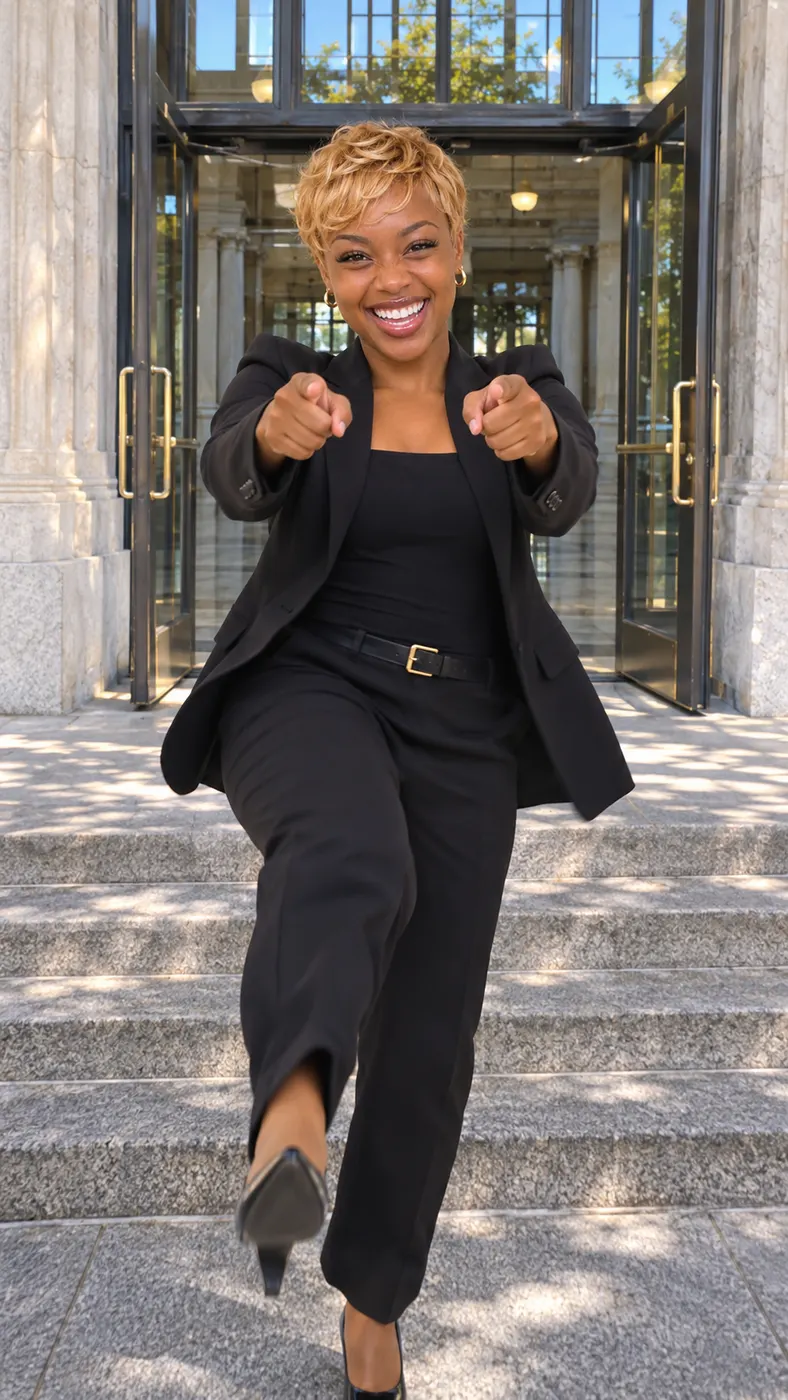
I Just Beat the Case Video Examples
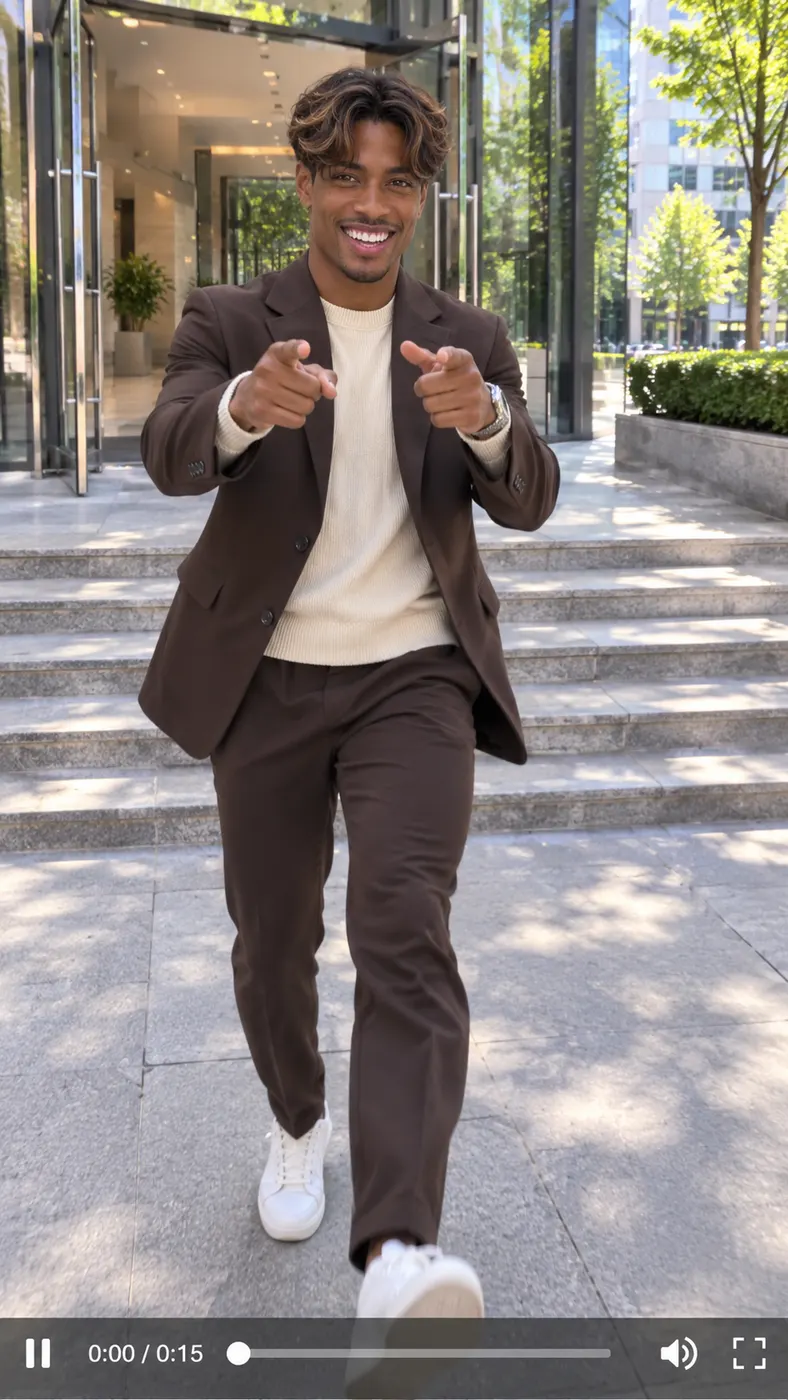
These clips show the intended joke in motion: a recognizable person leaves a city office through tall glass doors, points at the camera, flexes and celebrates with a skipping kick. Compare the framing, face visibility and energy before you upload. For stronger identity consistency, use a clear front-facing image and review our photo guide before choosing your source image.










How to Make an I Just Beat the Case Video
- 01
Upload a clear photo
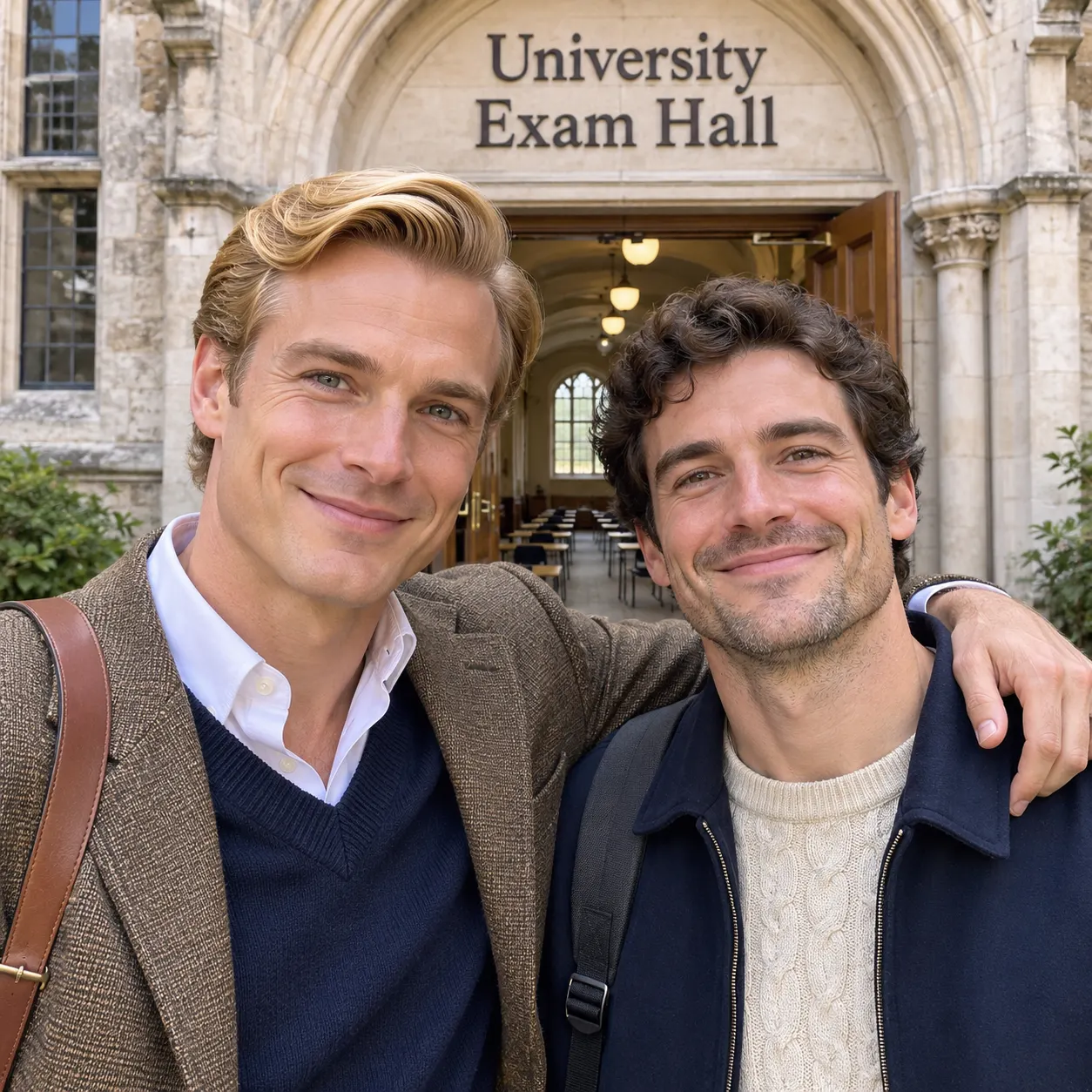
Choose one clear photo of yourself, a friend, or both of you together. Faces should be visible, and the image should not use heavy filters. A recognizable source gives the generator enough visual information to keep the person’s face, hairstyle, skin tone and body consistent while the scene changes around them.
- 02
Generate the celebration
Start the selected scene and let the tool turn the photo into the i just beat the case sequence. The person exits tall glass doors, points both index fingers at the camera, flexes both arms and performs a happy skipping kick. You can use the optional details field to add context such as a red jacket or sunset lighting.
- 03
Review and download
Check the preview for a clear face, the correct number of people and an easy-to-follow walkout. The result is designed as a short vertical video with an upbeat triumphant hip-hop beat and no speech. Generation time can vary, so review the live result before downloading or sharing the finished clip.

Make the Clip Fit Your Moment
Make the joke instantly readable
The i just beat the case scene gives your photo a recognizable celebration arc instead of a random movement. The glass-door exit, direct pointing, arm flex, skipping kick and raised hands communicate a playful feeling of getting away with a small win. That makes the finished clip easy to understand in a feed, even when viewers hear no dialogue.
Start with a photo that shows the person
You need one clear image with visible faces and no heavy filters. A solo portrait works, and a photo of two people can also work when both faces are visible. Choose an image where the subject is not hidden by objects or extreme effects, because the generator uses the source appearance to create a consistent person throughout the video.
Add useful details when needed
You can leave the optional details field empty when the source photo already gives you the look you want. If you need a small creative change, add a concise detail such as clothing, lighting or atmosphere. The field is optional, so it should clarify your version rather than replace the main scene direction.
Know the configured cost and output
The configured video effect price is $1.75. The page uses 15 seconds as the configured video length and 768p as the default quality. Treat those as the displayed settings for this effect, and check the generator panel for the current charge and any available options before you submit.
Keep the celebration clearly fictional
Use the clip as a joke about walking free after a small personal win, not as a report about a real court result. The scene is a stylized meme with a city-office exit and triumphant music. It is not official legal content, legal news or legal advice, so add your own caption if viewers might otherwise misunderstand the joke.

Questions About This Meme
What is the “I just beat the case” meme?
The meme is a playful celebration scene in which someone walks out through tall glass doors, grins, points both index fingers at the camera, flexes and performs a happy skipping kick. In this version, one photo becomes a short vertical video with an upbeat triumphant hip-hop beat. It jokes about feeling invincible after a small win rather than describing an actual legal case.
Is this generator free to use?
This page currently offers 0 free runs. The configured price for the video effect is $1.75, so you should check the generator panel before creating the final result. Do not treat the meme scene as a free legal-information service; it is a paid creative video effect for turning a photo into a shareable joke.
How long does the generated video take?
The configured output length is 15 seconds, but the task data does not promise a fixed processing wait. Start with the selected scene, watch the live generation status and review the result when it is ready. The intended format is a short vertical clip rather than a long-form video.
What kind of photo should I upload?
Upload one clear photo with visible faces and no heavy filters. You can use a solo shot or a photo of two people. A straightforward image with recognizable facial details gives the generator a better source for preserving each person’s face, hairstyle, skin tone and body while creating the glass-door walkout and celebration actions.
Can I use a friend’s photo for this scene?
Yes. The tool supports a photo of yourself or a friend, and it can also work with two people in the same source image. Use a photo you have permission to use, keep the faces visible and avoid heavy filters. The generated scene keeps the number of people from the source rather than adding someone new.
Is the i just beat the case video official legal content?
No. The i just beat the case video is a fictional TikTok-style meme about celebrating a small win. It is not an official court statement, legal news or legal advice. The glass-door exit, pointing, flexing and skipping kick are visual comedy designed to make the caption or sound immediately recognizable.
Make Your Celebration Clip
Ready to turn a familiar photo into the glass-door walkout? Return to the generator panel at #generator, keep the Beat the case scene selected, upload one clear image, and add optional details only if they help describe your version.