
Diss Track Generator
Make a friendly rivalry into a polished vertical clip: the diss track generator puts you and a friend—or you and a pet—in a rap scene, gives each performer a separate voice, writes original English bars, and lip-syncs the exchange. Upload two photos, add an optional topic, and start with a free 5-second preview.
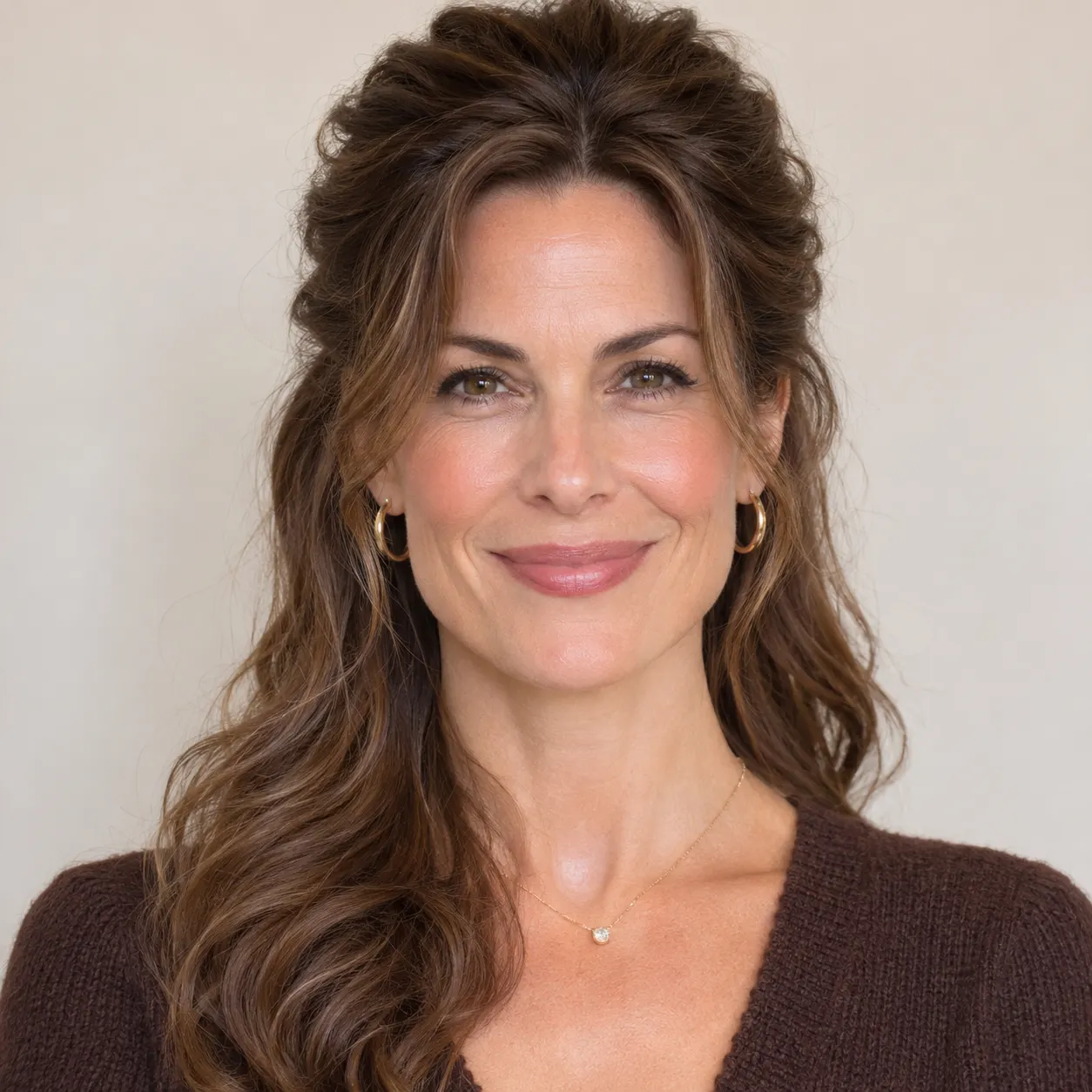
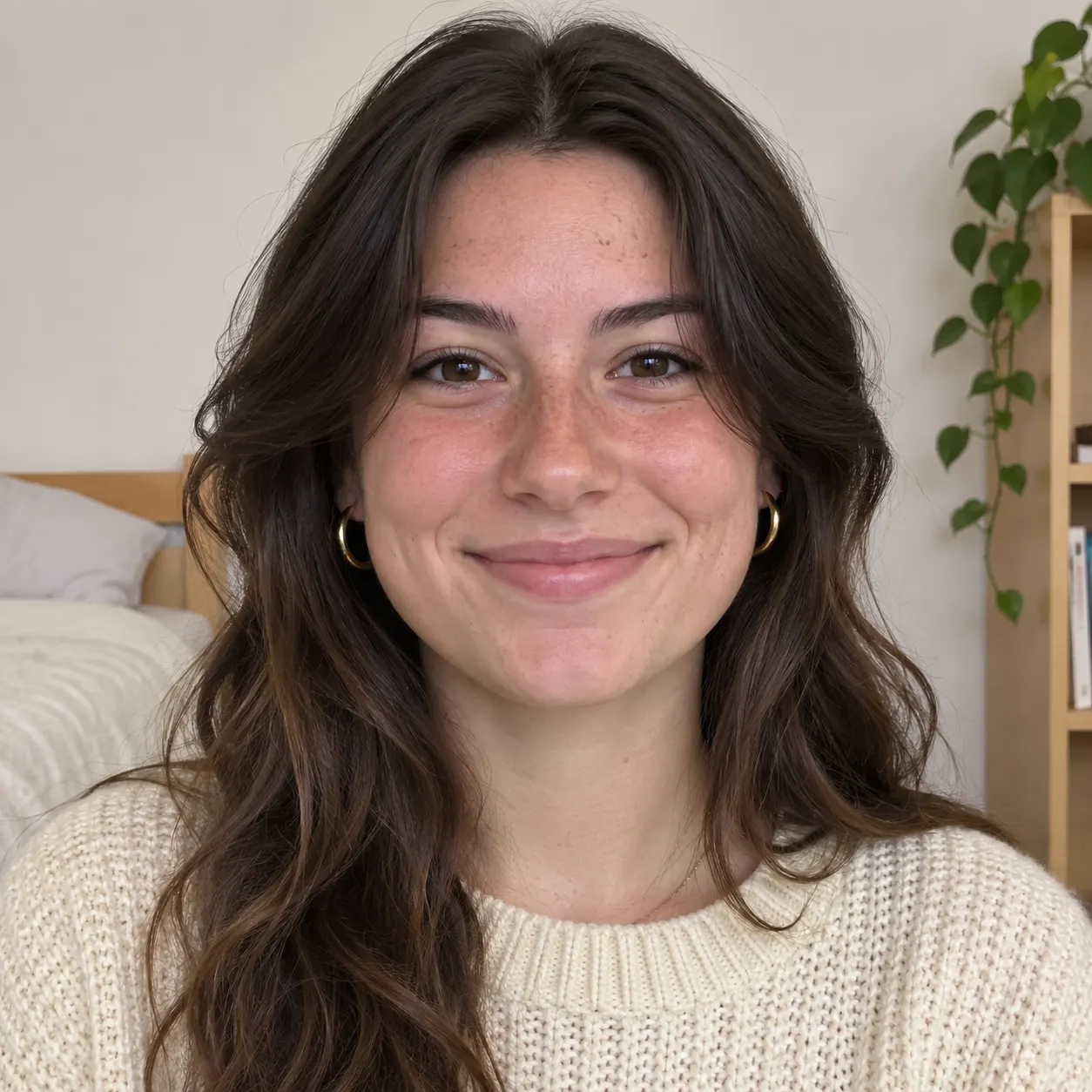
Photo 1: you. One face, front-facing, well lit, no sunglasses
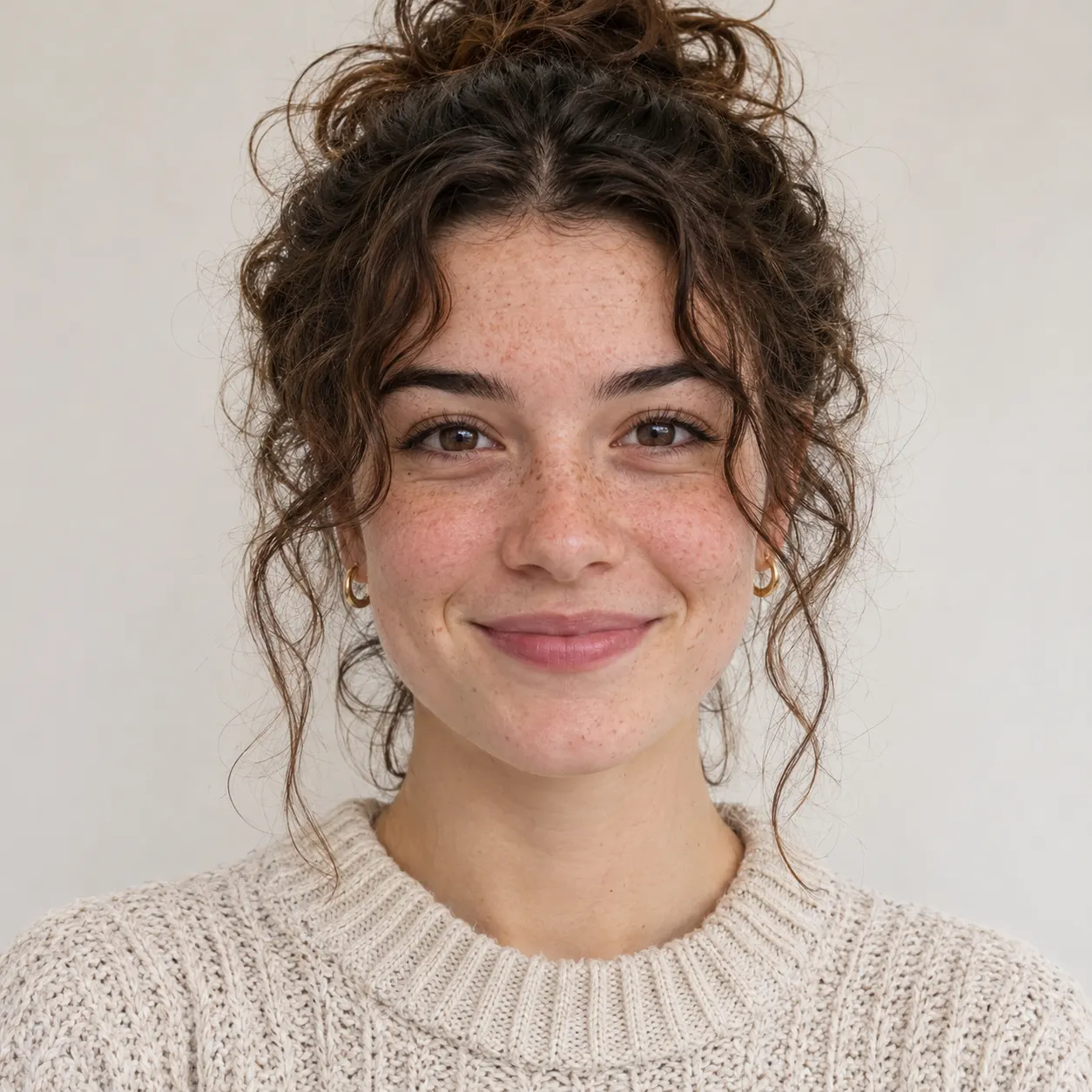
Photo 2: your friend or your pet, a separate photo. The two don't need to be taken together
Tip: drag a photo onto its box, or click the box to pick one.
Free 5-second 480P preview (small watermark) · Full video: 25 credits
rap duo video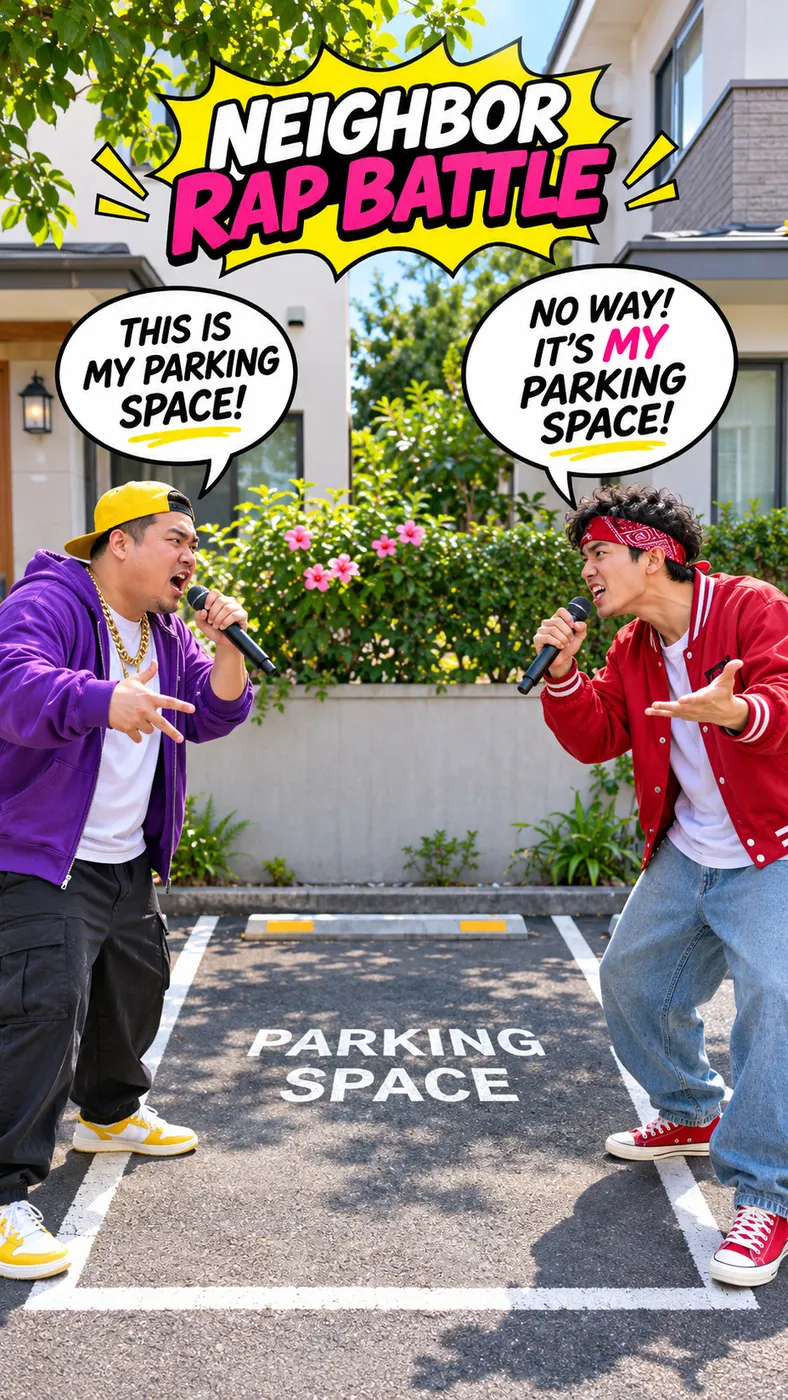
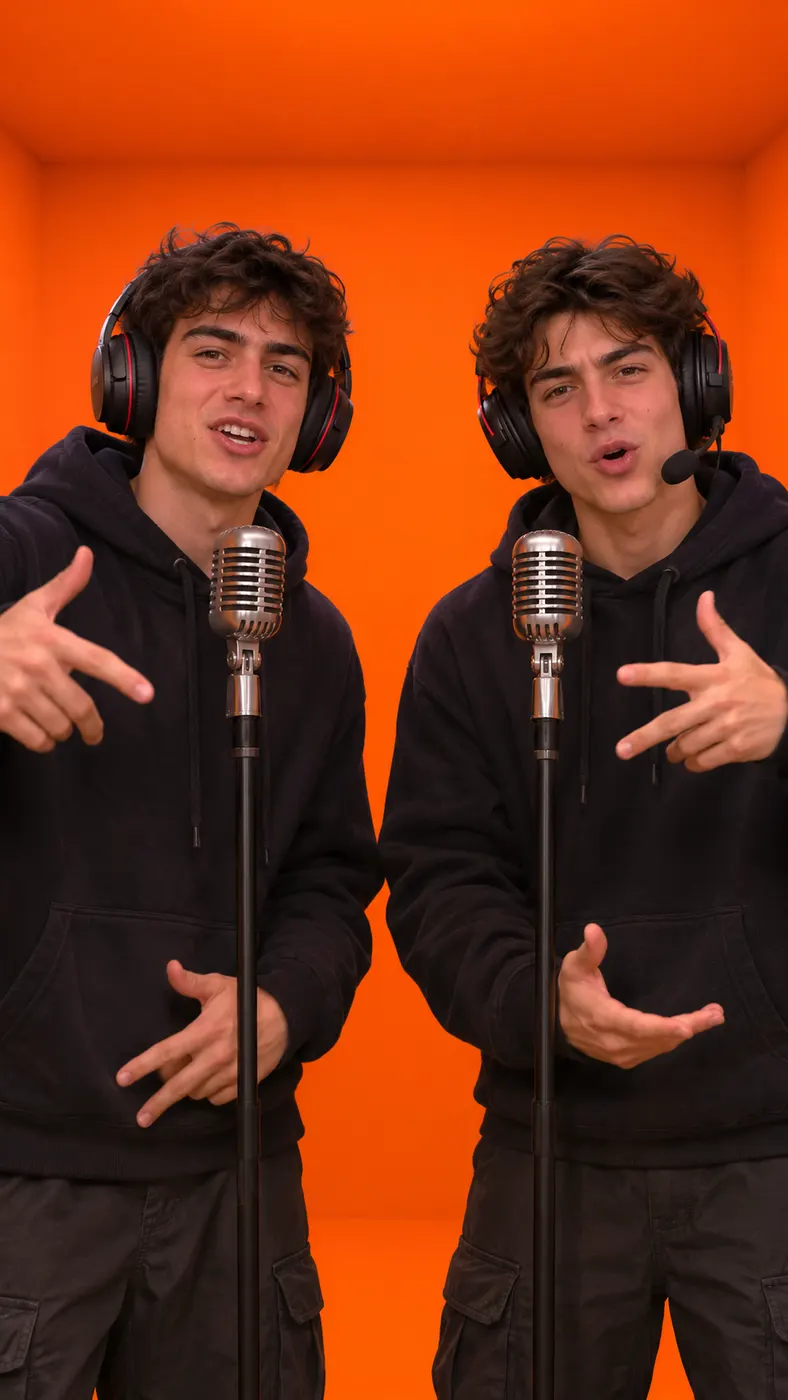
See the rap battle in motion
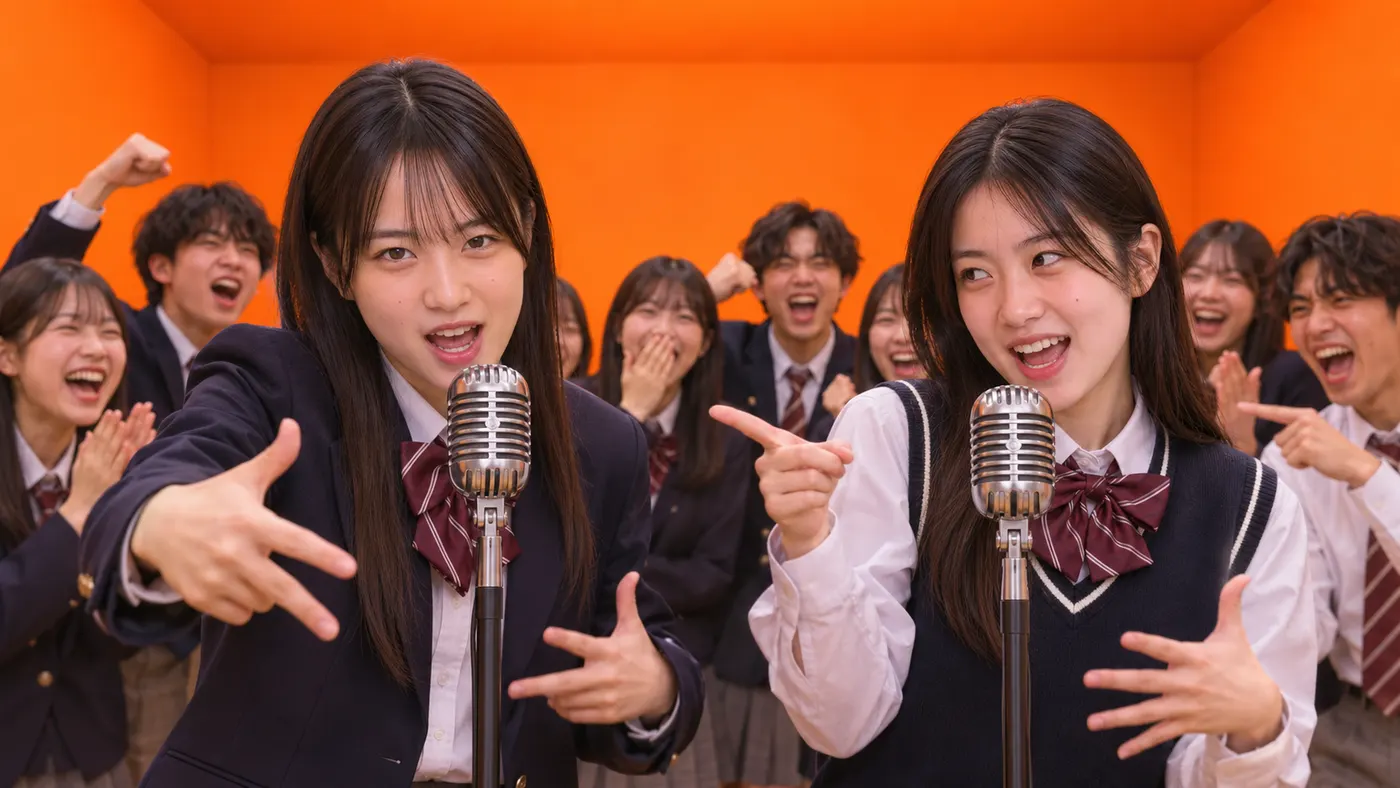
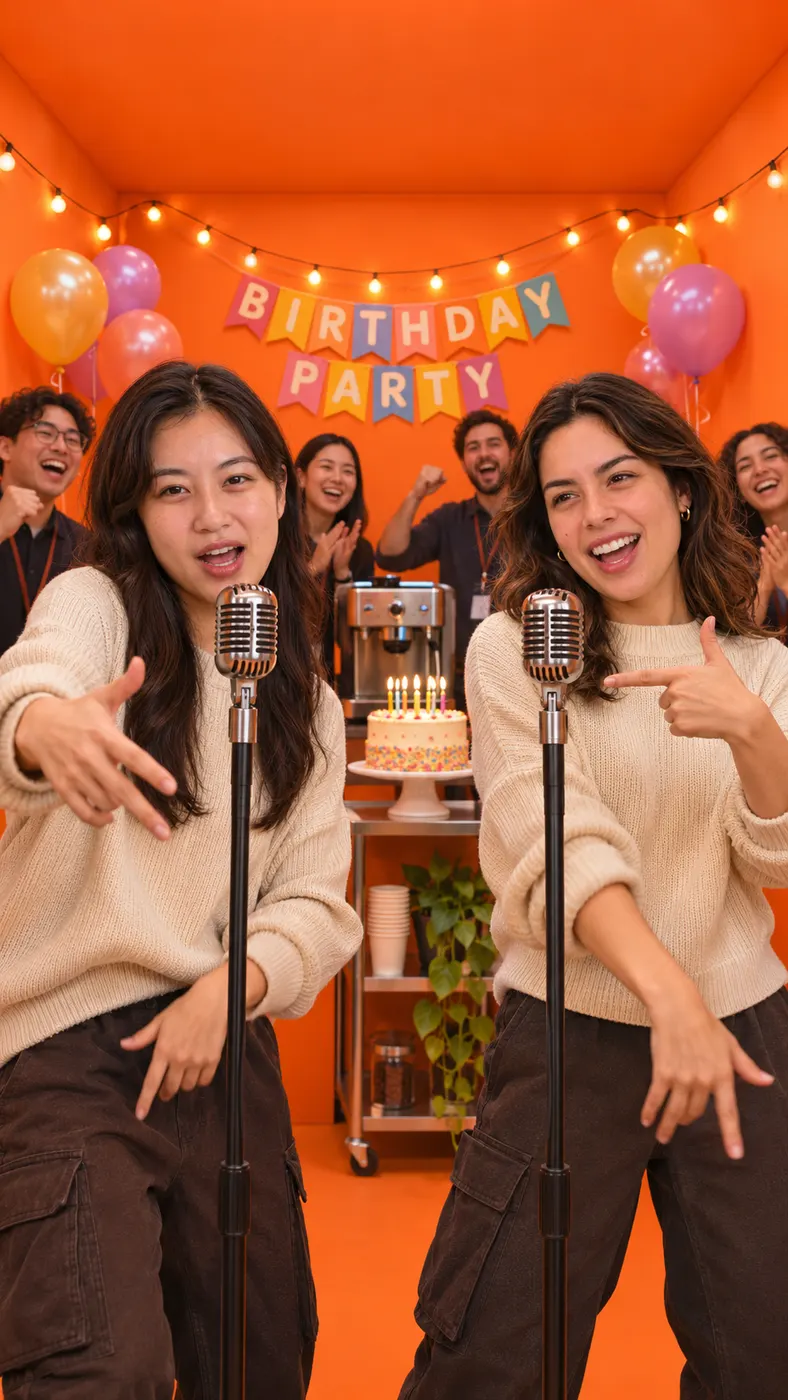
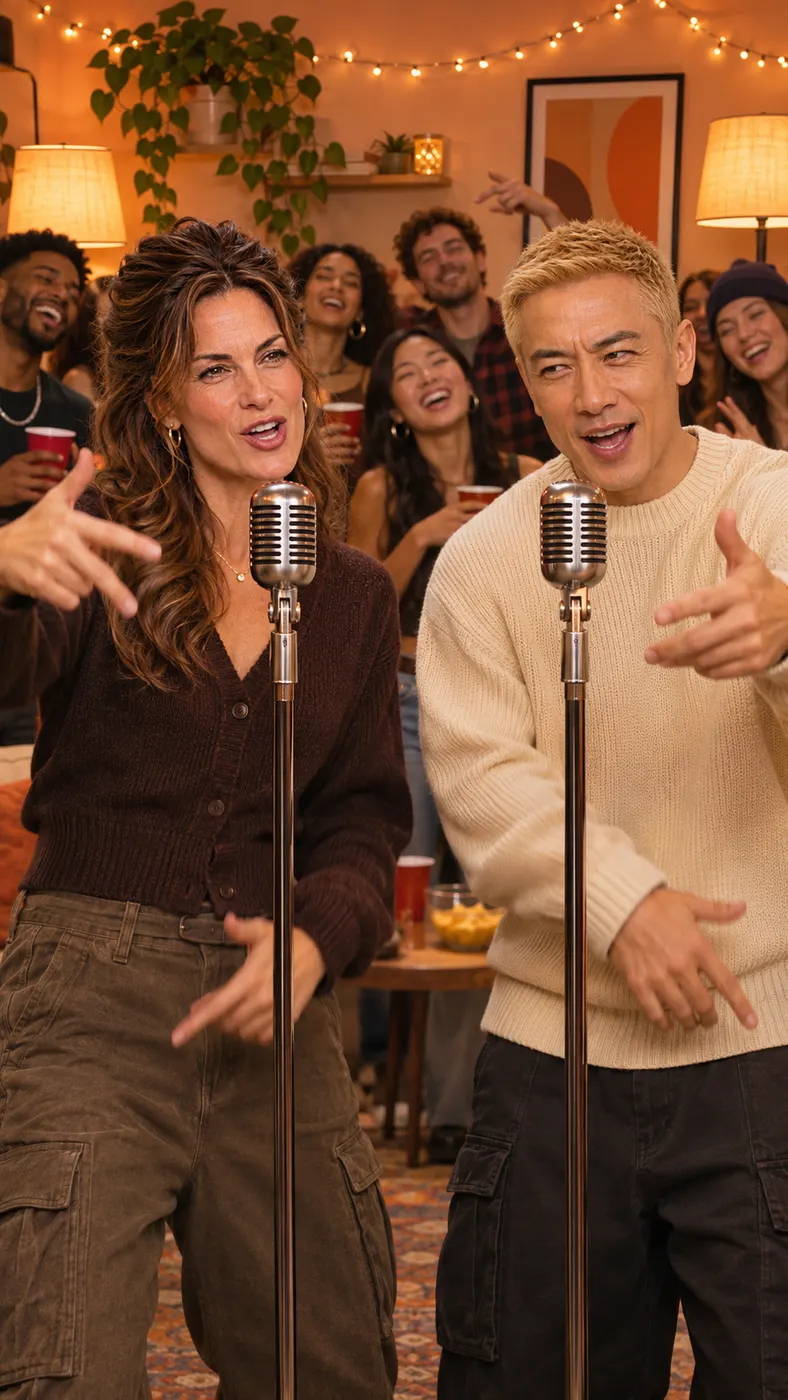
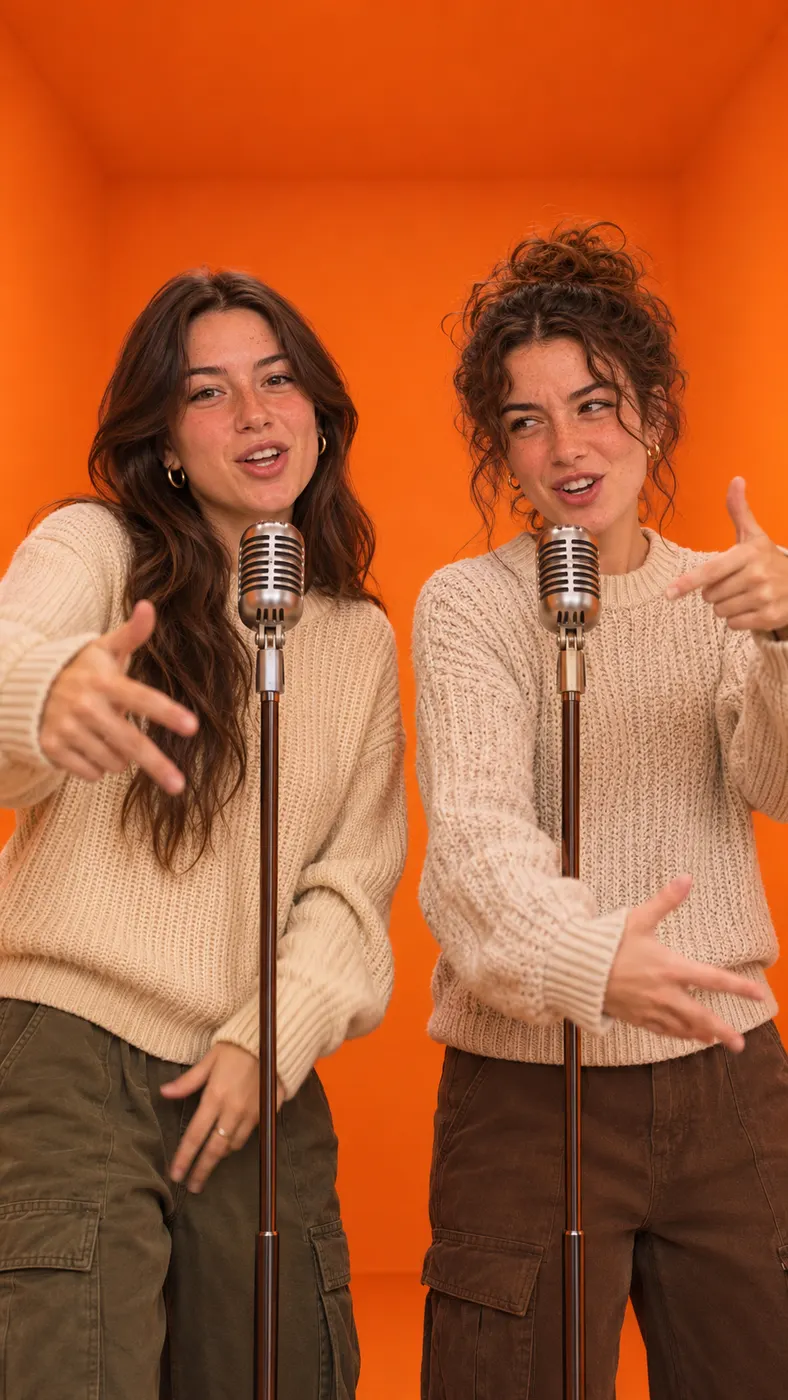
The diss track generator turns two separate photos into a short, shareable performance with distinct performers, original English lyrics, and a scene that fits your joke, rivalry, celebration, or inside story. Want something less personal? Try the classic AI rap battle, keep it friendly with a two-person rap, or see which photos read best.
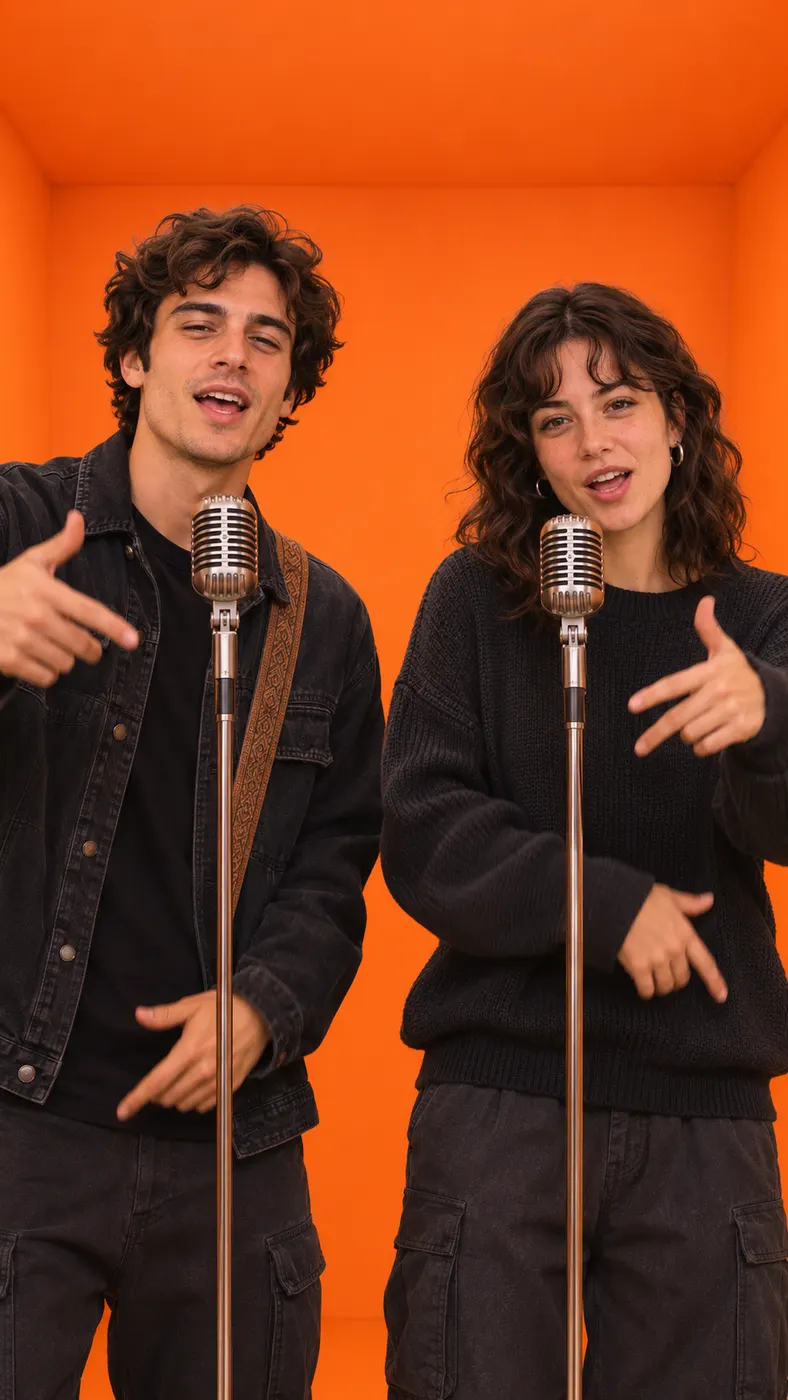



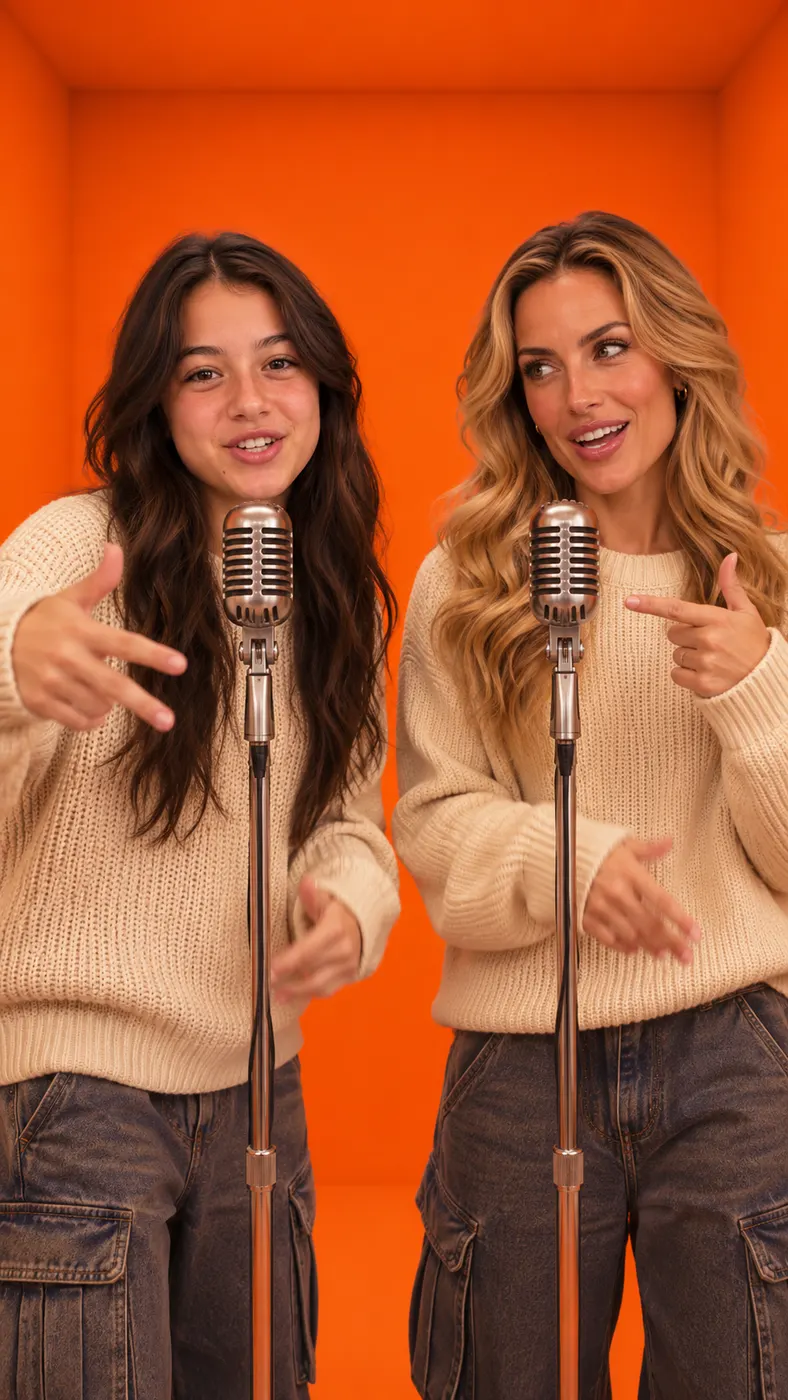



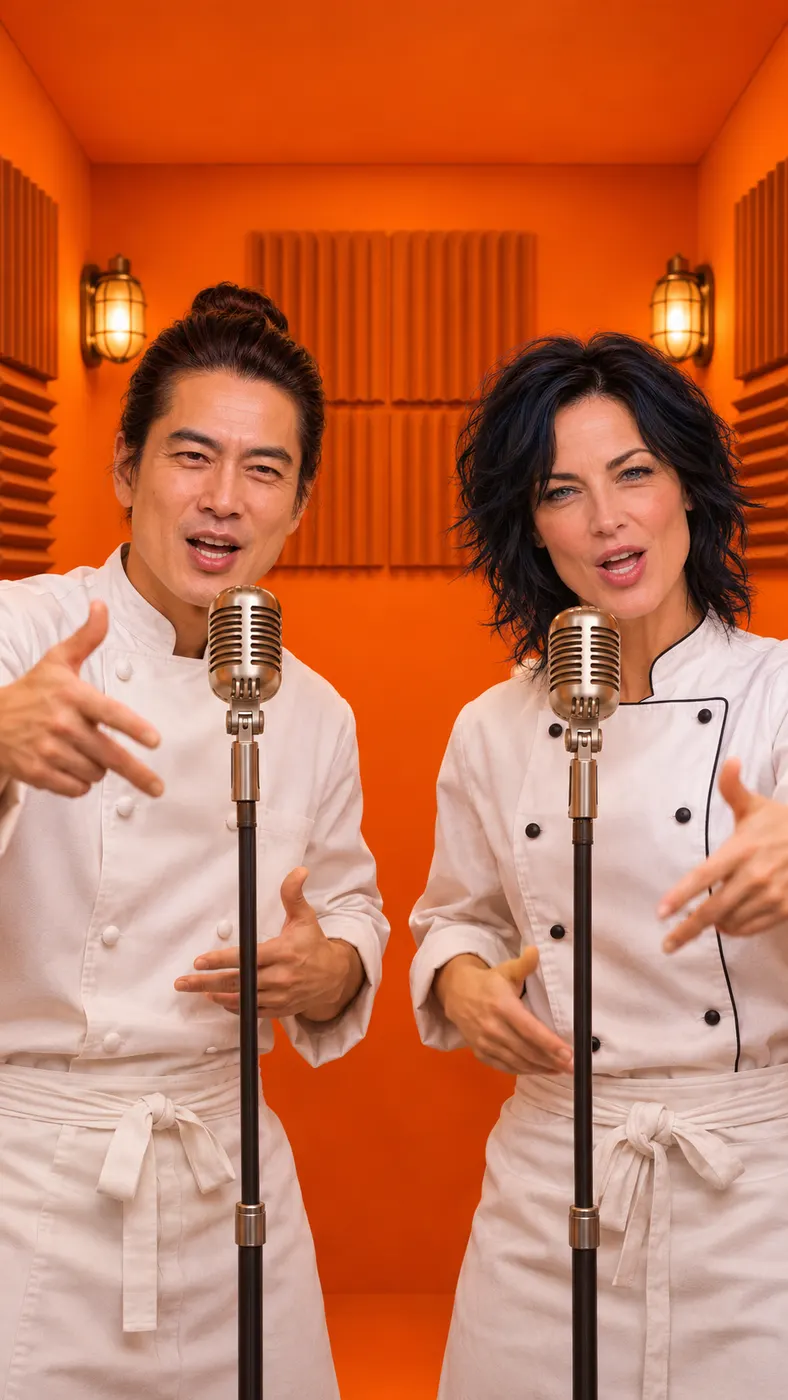













How to make your rap battle
- 01
Upload two separate photos
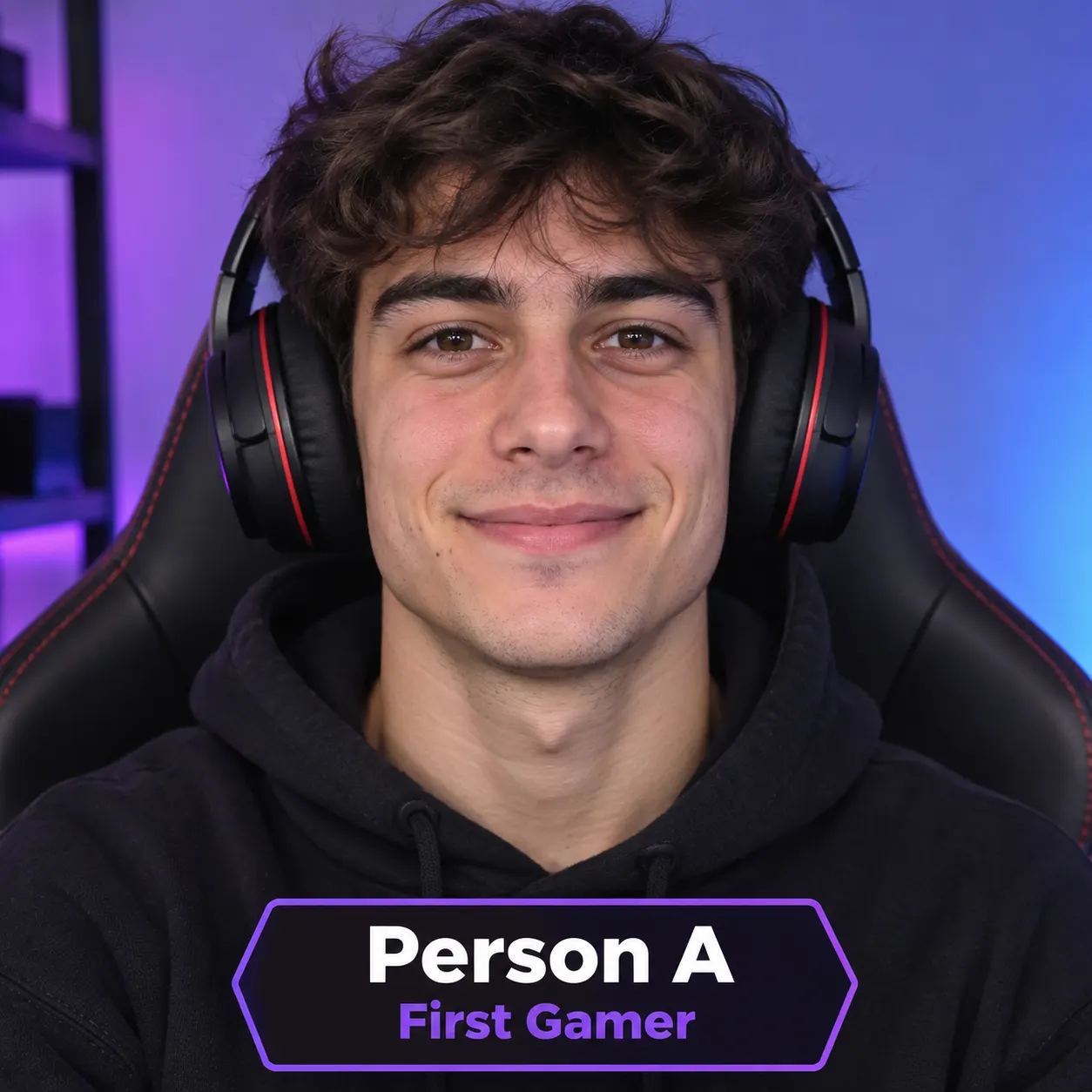
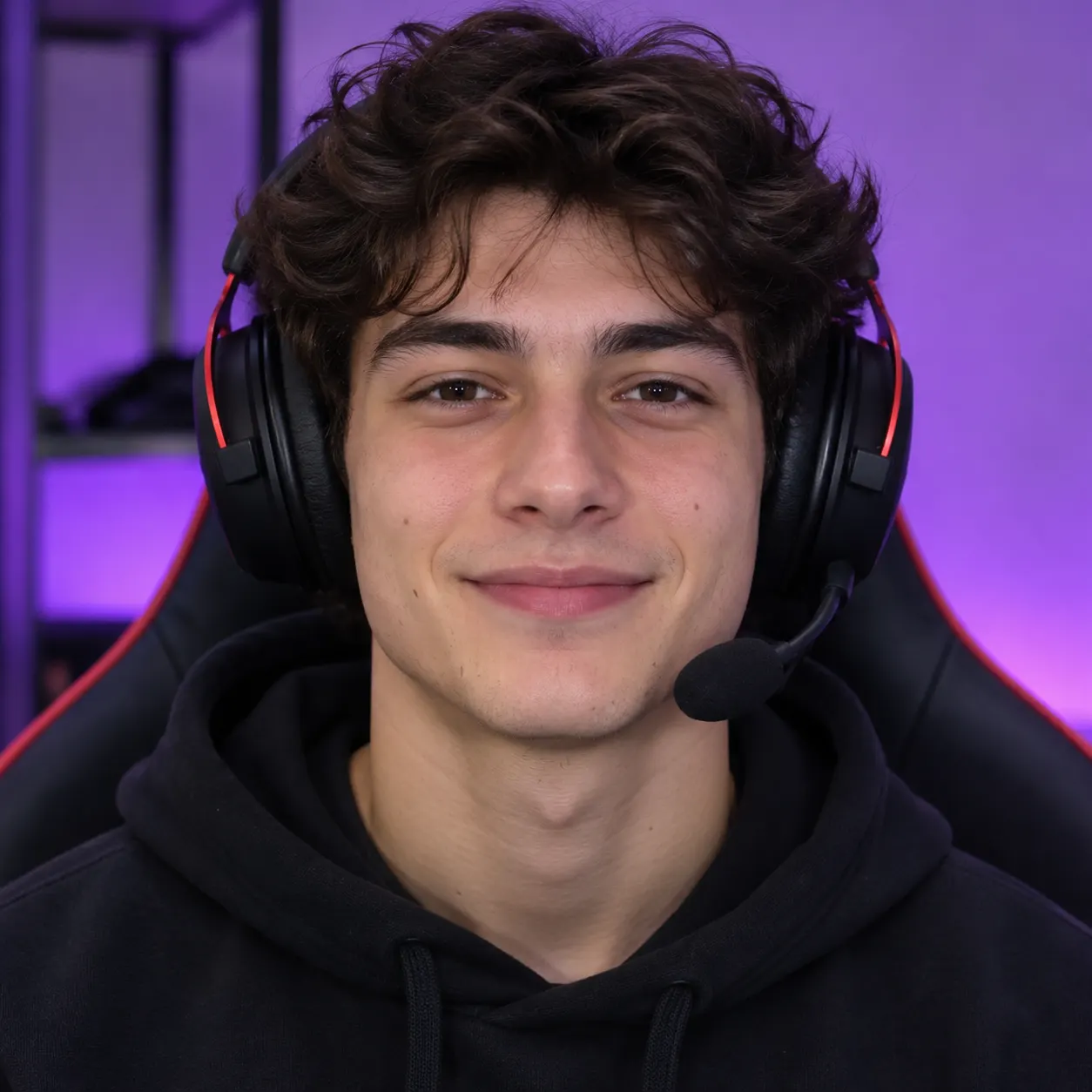
Begin by opening the diss track generator and adding one clear, front-facing photo for Person A and a separate photo for Person B. Use well-lit images with one recognizable subject in each frame; the second subject can be your friend or your pet. The two photos do not need to be taken together.
- 02
Choose a scene and add a topic
After the photos are ready, use the diss track generator to select a scene such as Rap battle, Studio booth, Street cypher, Birthday party, or You + your pet. Add an optional topic such as a birthday, an inside joke, or a playful rivalry so the original English lyrics have a clear direction. The default output is a vertical 9:16 video.
- 03
Preview, then unlock the download
Your diss track generator result begins with a free 5-second preview containing audio, two distinct voices, original lyrics, and lip-syncing. The diss track generator may take several minutes rather than producing an instant result, so review the clip when it is ready. If it works for your idea, use credits to unlock the complete 15-second version and download the finished vertical video.
What you can make with it
Turn a friendly rivalry into a clip
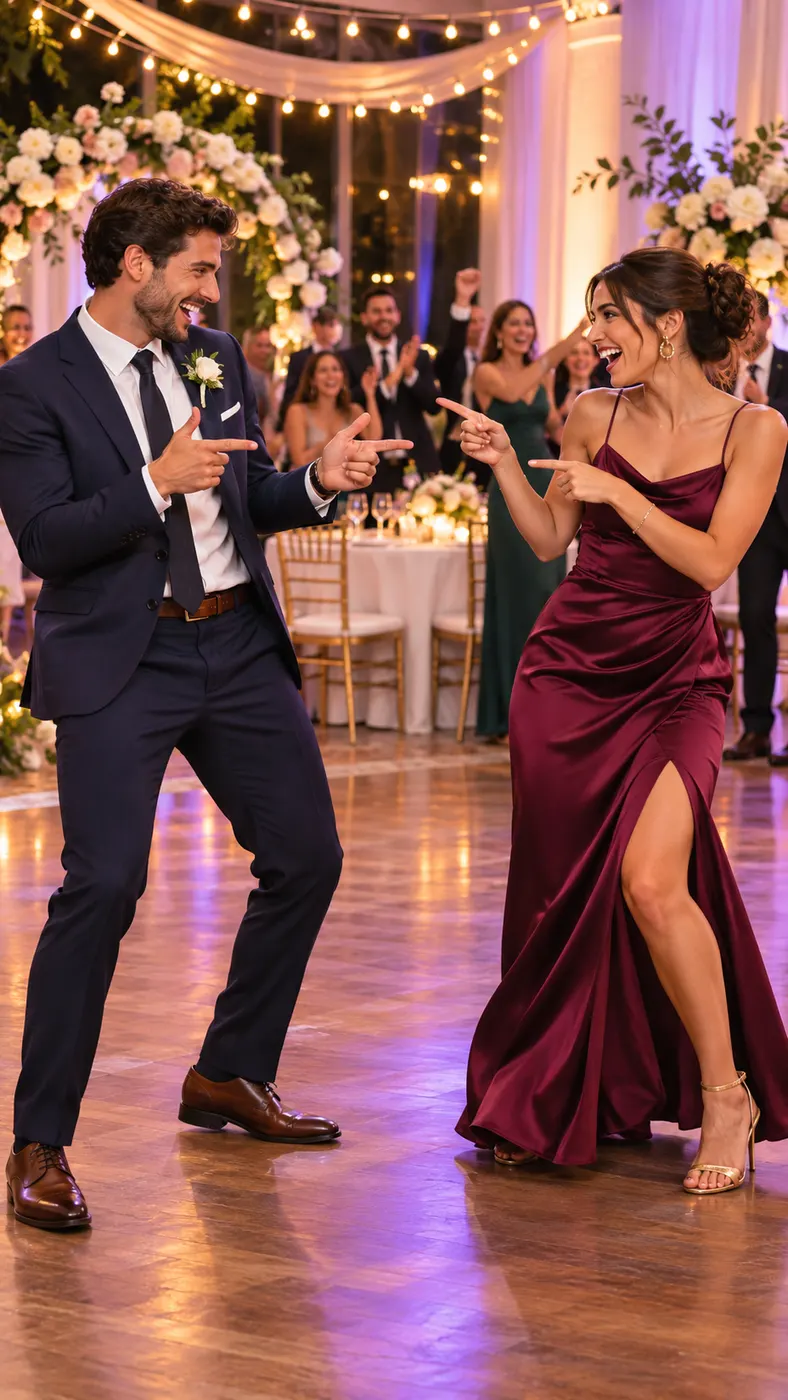
The diss track generator gives you a playful way to turn an inside joke, birthday roast, or friendly competition into a back-and-forth rap video without recording yourself or editing the footage by hand. Describe the subject of the rap in the optional text field and let the scene carry the performance.
Keep both performers recognizable
Each person or pet comes from its own uploaded photo, so the diss track generator is designed to keep the two subjects separate rather than blending their faces or looks. Clear, front-facing images help each performer remain identifiable throughout the short video.
Get original voices and lyrics
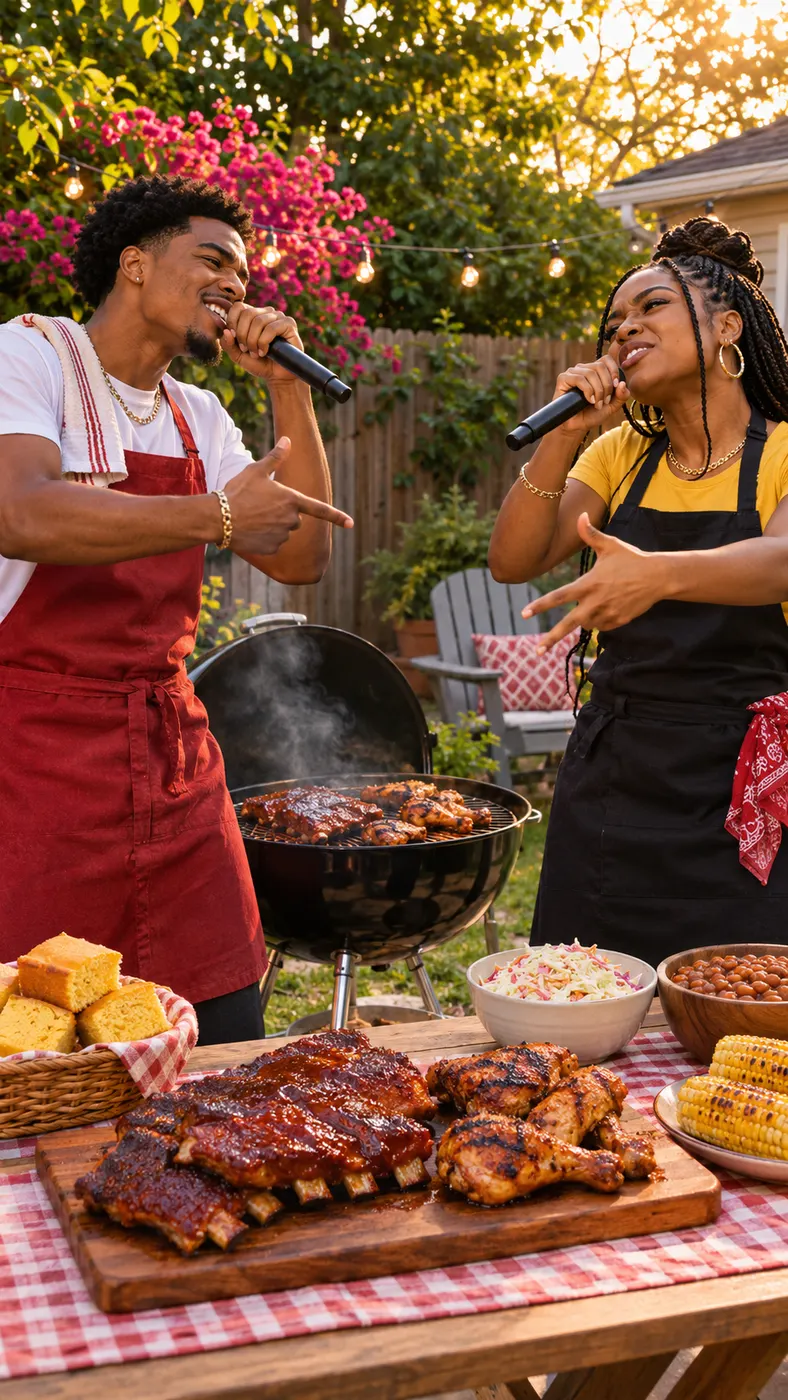
Instead of using an existing song, the diss track generator creates original English lyrics with two distinct rap voices taking turns. The performers lip-sync their own lines, react to each other, and use confident hip-hop gestures that make the exchange feel like a real duo performance.
Share a vertical social video
The diss track generator creates a 9:16 vertical video with audio, making the result suitable for sharing as a short social clip. A steady medium shot keeps both performers in frame while slow push-ins or scene-specific camera movement add energy without requiring your own camera work.
Start free before using credits
You can test the diss track generator with a free 5-second preview before deciding whether to unlock the complete version. This lets you check the faces, scene, lyrics, voices, and overall tone before spending credits on the finished download.
Diss track generator questions
What is a diss track generator?
It turns two separate photos into a short rap battle video. The result has original English roast-style lyrics, two distinct voices, lip-syncing, audio, and a vertical 9:16 performance featuring the two uploaded subjects.
Is this generator free to use?
You can start with a free 5-second preview. The diss track generator lets you review that preview first; unlocking the complete version requires credits, so you can decide whether the result is worth finishing before paying.
How long does it take to make the video?
The 5-second preview is short, but generation can take several minutes and may vary with demand. The tool does not require you to record or edit the performance while it creates the video.
What photos do I need to upload?
Upload two separate, well-lit photos, with one recognizable person or pet in each. For the best result, give the diss track generator a front-facing image without sunglasses and avoid combining both subjects in one photo.
Can I use someone else’s photo?
You can use a friend’s photo when you have their permission, and the second input can also be a pet photo. The diss track generator keeps the two uploaded subjects assigned to separate performers, but you are responsible for having the right to use each image.
Is this an official song or an official artist video?
No. The diss track generator makes an original AI video with newly generated English lyrics and audio; it is not an official recording, artist release, or licensed music video.
Can I choose what the rap is about?
Yes. Add a short topic in the optional prompt field, such as a birthday, a friendship, or an inside joke. The diss track generator uses that direction to shape the playful back-and-forth while the selected scene controls the visual setting.
Start your playful rap battle
Return to the generator panel, upload one photo for each performer, and describe the rivalry or joke you want to hear. The diss track generator starts you with a free 5-second preview, so you can see the faces, voices, and roast-style exchange before unlocking the complete video.