
AI Rap Generator
RapBlaze is an AI rap generator for turning a topic and two photos into an original rap video with a friend or pet. It writes the English verse and beat, gives you a free 5-second preview, and costs $6.99 once for a starter credit pack with no subscription.
Photo 1: you. One face, front-facing, well lit, no sunglasses
Photo 2: your friend or your pet, a separate photo. The two don't need to be taken together
Tip: drag a photo onto its box, or click the box to pick one.
Free 5-second 480P preview (small watermark) · Full video: 34 credits
rap duo video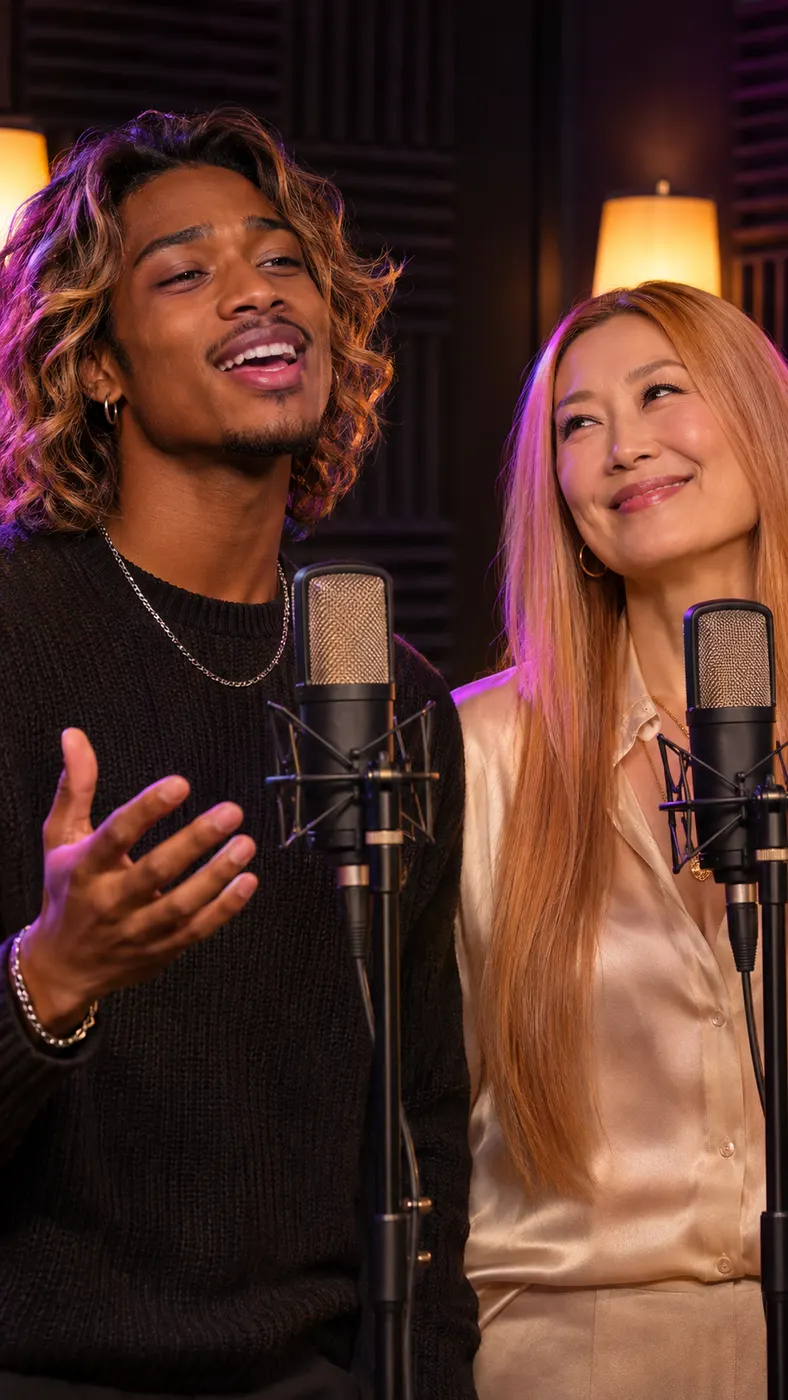
AI Rap Generator Examples
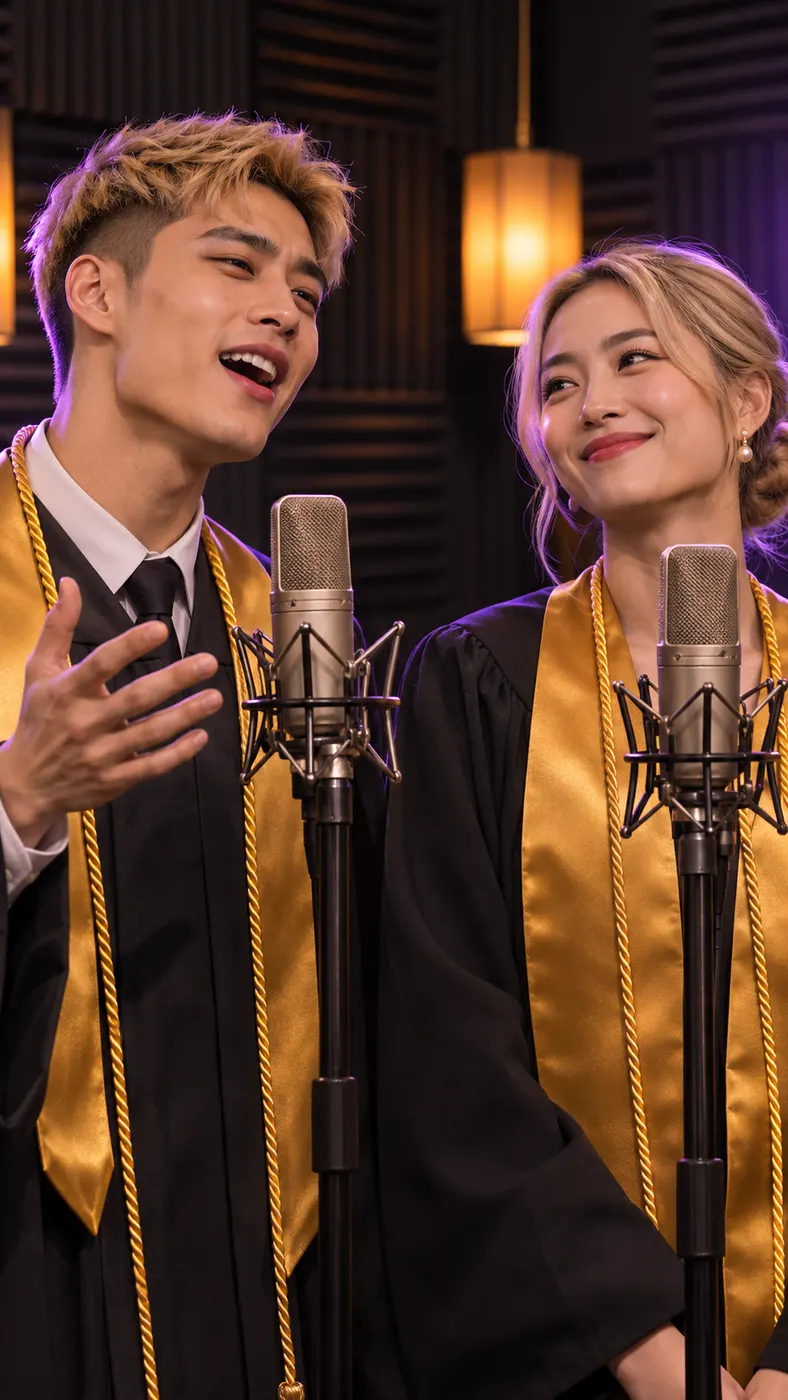
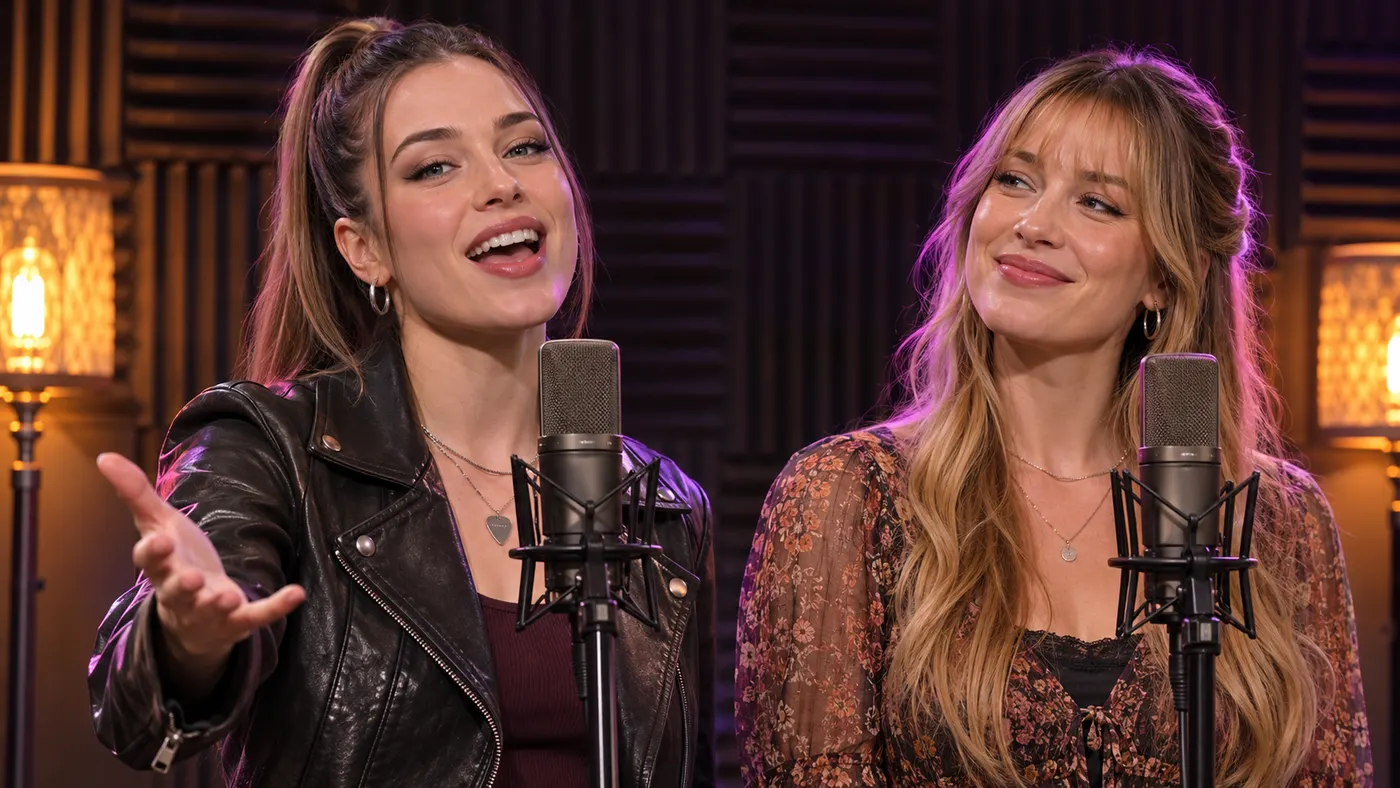
These AI rap generator examples show how two separate photos become a vertical rap performance with distinct performers, alternating voices, and matching lip-sync. You can choose a studio, party, battle, lobby, or other available scene, then add a topic for the verse. Seeing both performers in the video together makes it easier to judge the scene before you generate. For better source photos, follow this photo checklist, compare the result with this rap duo maker, or learn how long the wait can be before starting.
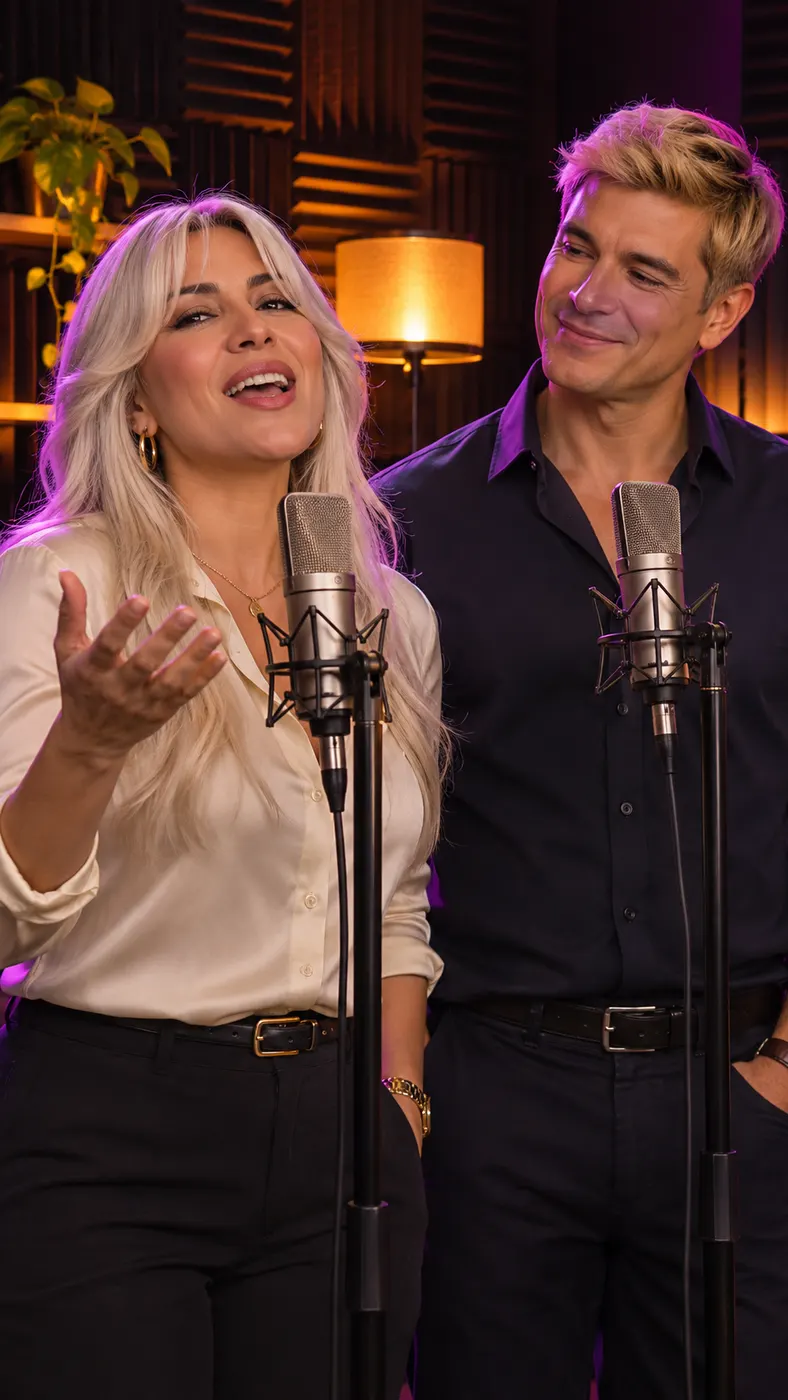
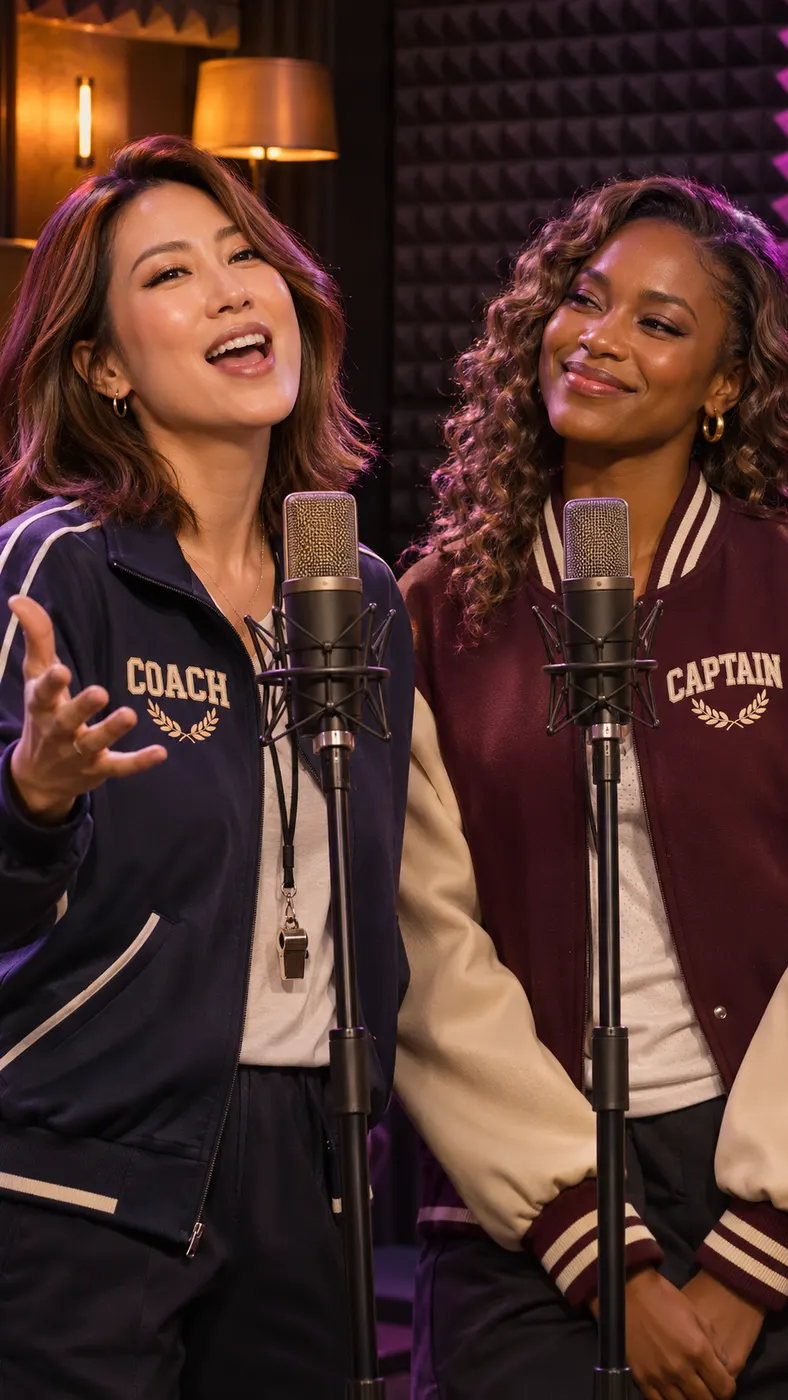
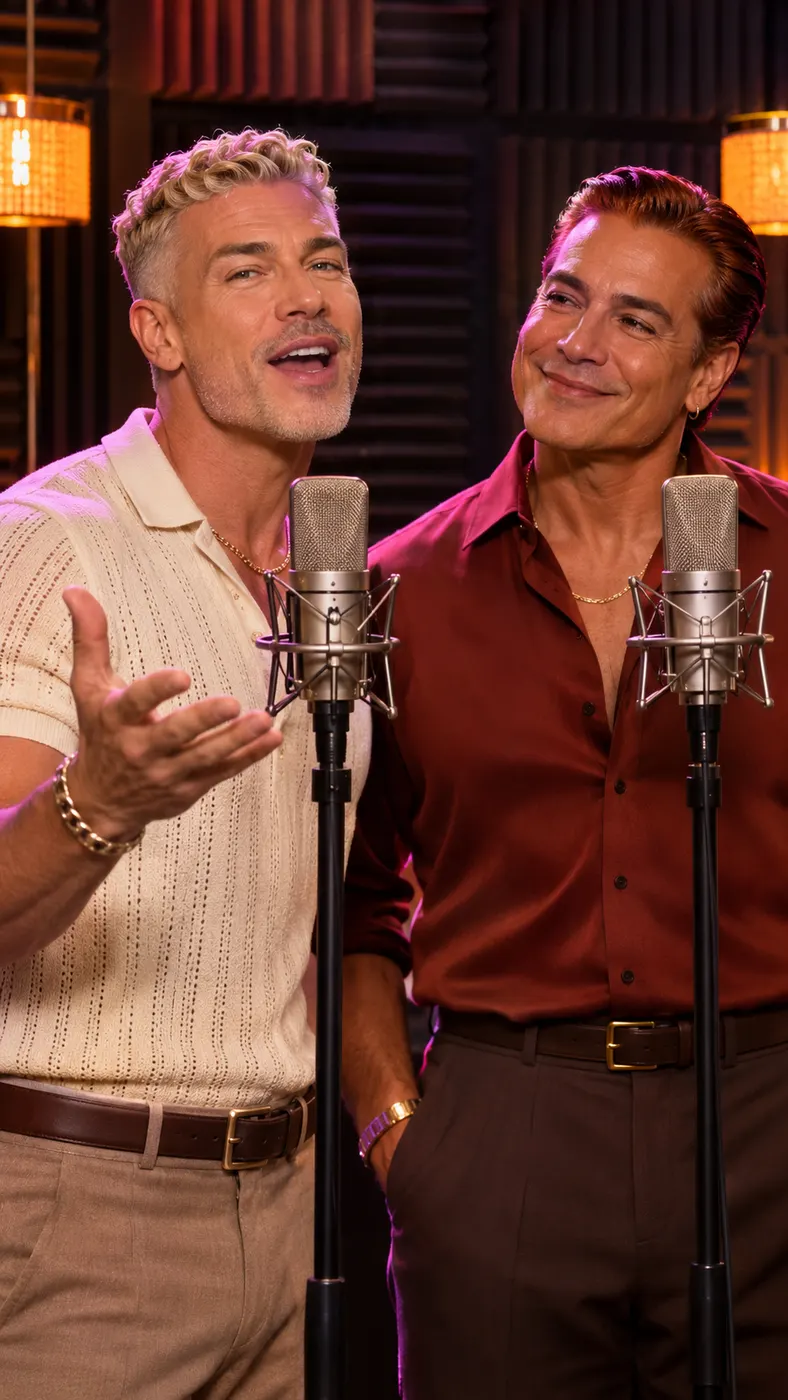
How to Use an AI Rap Generator
- 01
Add two photos
The AI rap generator uses two separate images: Person A and Person B. Give Person A a clear, front-facing, well-lit photo with one visible face and no sunglasses. Use a separate photo for a friend or pet as Person B; the images do not need to have been taken together. Add an optional topic such as a birthday, an inside joke, a friendship milestone, or a playful challenge. You can also choose a scene that fits the idea, including a studio booth, hotel lobby, birthday party, street cypher, green radio booth, Viking hall, or pet performance.
- 02
Preview the performance
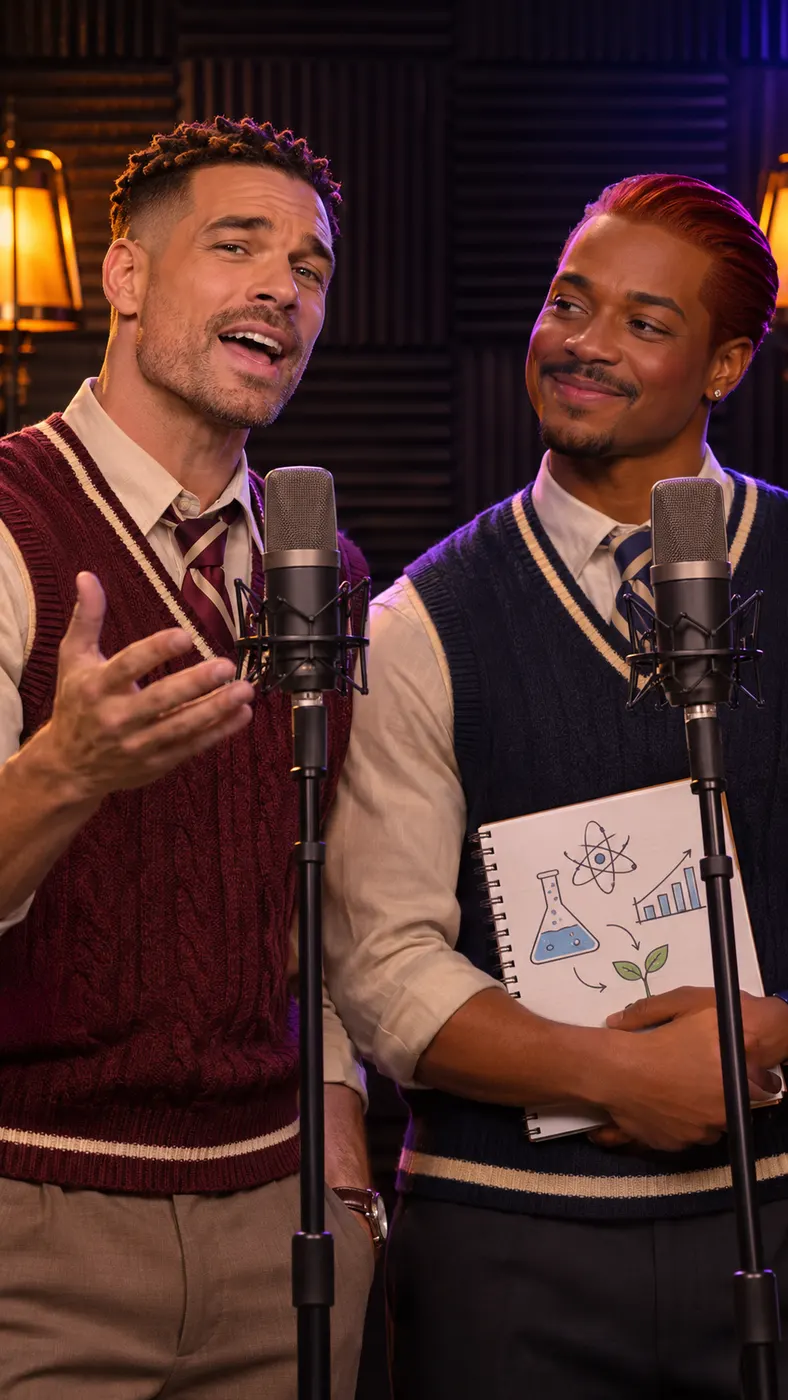
Start the generation after checking both photos, the topic, and the selected scene. The product writes an original English rap verse and an original hip-hop beat, then assigns two distinct rap voices that take turns. Both performers appear in the same vertical composition, lip-sync their own lines, and react to each other with head nods and confident hand or paw gestures. The free preview lasts 5 seconds, so you can judge the faces, scene, rhythm, and overall idea before using credits for the complete result.
- 03
Unlock the full clip
The AI rap generator produces a vertical 15-second video at 768p when you choose the complete version. Allow the generation to finish while the page shows its progress, then review the finished performance and save it for sharing. A starter pack costs $6.99 and includes 100 credits; the purchase is a one-time credit pack rather than a subscription. The preview lets you decide whether the topic, two-person staging, and selected scene are right before committing credits.
What You Can Make
Turn a topic into a finished performance
The AI rap generator writes the verse around the subject you enter instead of leaving you with lyrics alone. A short prompt can become a birthday dedication, friendship tribute, celebration, roast, travel joke, or story about a shared memory. The generated beat and vocal delivery are built around the rap concept, so the output is a complete video performance rather than a text draft waiting for another step.
Put two distinct performers in one frame
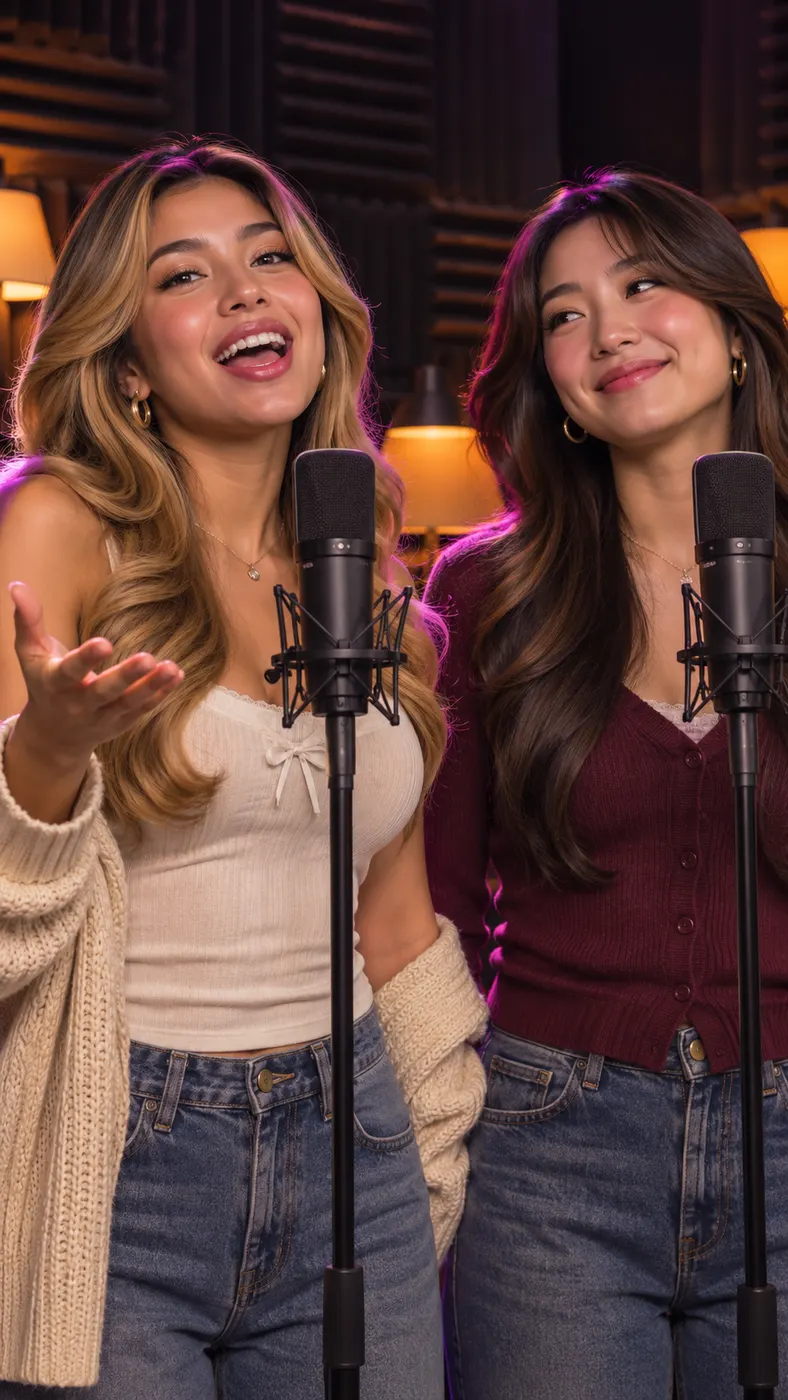
Upload one image for each performer and the system keeps their roles separate. Person A and Person B are not combined into one face, and each person receives their own turn in the verse. This makes the result useful for friends, couples, relatives, coworkers, or a person and a pet that you want to present as a recognizable duo.
Choose a scene that matches the idea
You can select from the scenes available in the generator, including a hotel lobby, luxury lobby, studio booth, street cypher, green booth, rap battle, office concert, birthday party, Christmas room, Viking hall, pet booth, sung duet, and 58th-floor studio. The AI rap generator keeps the two performers central while the chosen setting changes the mood and context of the finished clip.
Make a vertical clip for sharing
The output is a vertical rap duo video designed to keep both performers in frame while they trade lines. The camera uses a steady medium view with slow push-ins for the standard rap scenes, and the audio includes two voices taking turns over an original beat. The complete result lasts 15 seconds at 768p, giving the joke or message enough room to feel like a real performance.
Try the idea before paying for the complete result
You can watch a free 5-second preview before using credits on the full version. The starter pack costs $6.99 once and includes 100 credits, with no subscription. That makes it practical to test a topic, check how the two photos read together, and decide whether the scene and performance are worth keeping before making the longer clip.
AI Rap Generator Questions
What does this page make?
This AI rap generator page makes an original two-person rap video from two separate photos and an optional topic. The product writes an English verse and beat, gives each performer a distinct rap voice, and makes both performers lip-sync their own lines while appearing together in a selected scene. It is a finished vertical video, not a lyrics-only result.
Is the preview free?
Yes. The AI rap generator offers a free 5-second preview before using credits for the complete clip. The full version uses credits from a one-time pack: the starter pack costs $6.99 and includes 100 credits. There is no subscription, so you can decide whether to continue after seeing the initial performance.
How long does the complete video take to make?
The AI rap generator shows progress while the complete video is being generated, and the exact wait can vary with generation availability. The finished output is a vertical 15-second video at 768p. You can use the preview to check the concept first, then leave the page to complete the longer generation rather than expecting the finished clip immediately.
What photos should I upload?
Use one separate photo for Person A and one separate photo for Person B. Person A should have one front-facing, well-lit face without sunglasses. Person B can be a friend or a pet, and that image should also show the subject clearly. The two source photos do not need to be taken together because the generator places the performers into the same scene.
Can I use someone else’s photo?
You can use a friend’s photo when you have permission to use it and the person is comfortable appearing in the result. The same practical rule applies to a relative, coworker, or pet belonging to someone else. Choose clear images and avoid presenting the generated performance as a real recording or as an official statement from the person shown.
Is this an official music video or a real recording?
No. The result is an AI-generated rap performance made from the photos, topic, scene, beat, and voices you provide through the page. It is not an official recording, does not use an existing song, and should not be presented as an official video from a musician, brand, event, or person shown in the images.
Make Your Two-Person Rap
Return to the generator, upload one photo for each performer, add the topic you want the verse to cover, and choose a scene. Start with the free 5-second preview, then use credits for the complete performance if the faces, beat, and exchange look right.