
Earth Zoom Out
You upload one clear photo and step into an earth zoom out video: wave in a sunny city plaza while the camera starts to pull back and rise straight up, passes rooftops and city blocks, crosses the coastline and clouds, then reveals the whole Earth in space. The dedicated scene keeps the same people, faces, hairstyles, clothing, and number of subjects recognizable throughout the vertical clip, with a swelling cinematic score and no speech.
One clear photo: a solo shot or the two of you. Faces visible, no heavy filters
Tip: drag a photo onto its box, or click the box to pick one.
Earth zoom out · You wave from a plaza and the camera rises all the way to space.
This video: 29 credits · Credits come back if it fails
AI video effect
Earth Zoom Out Examples
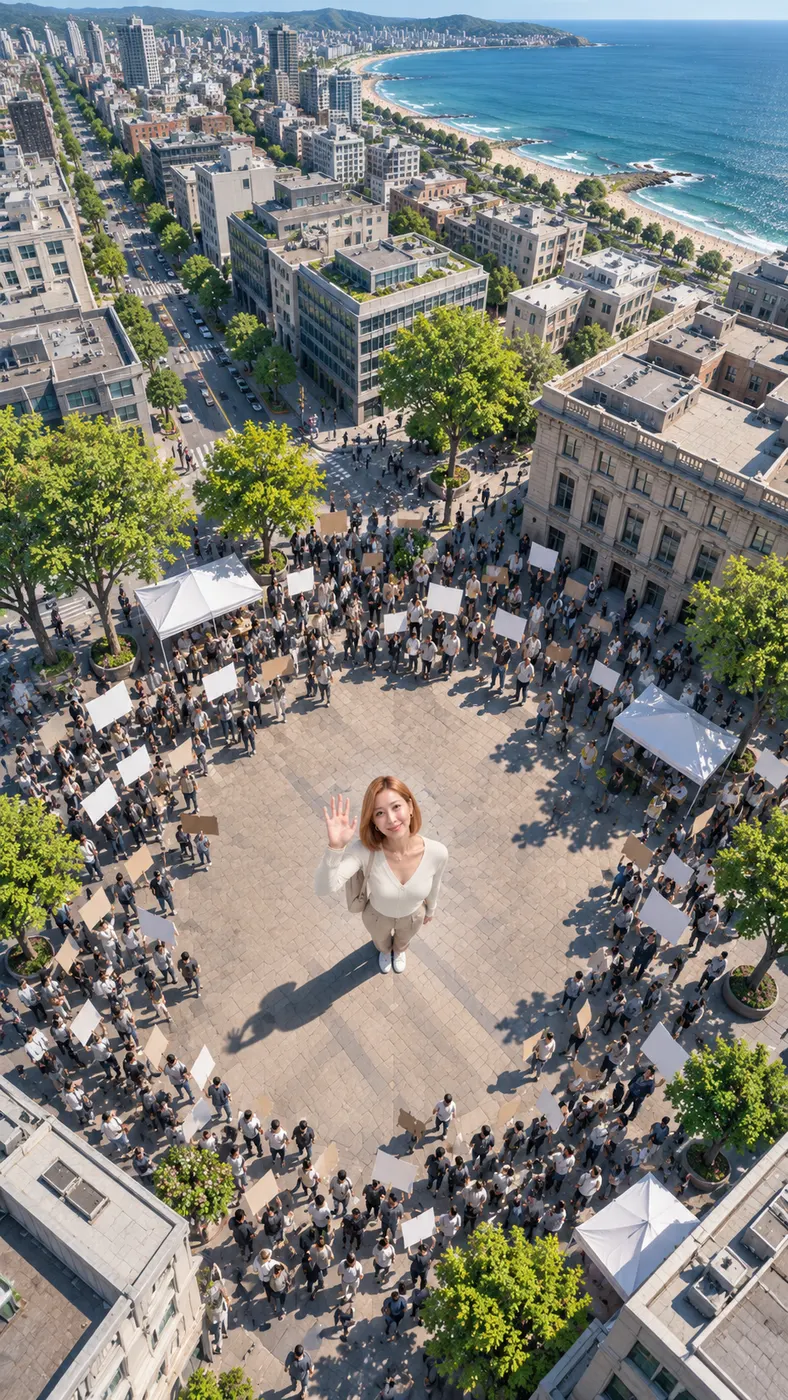
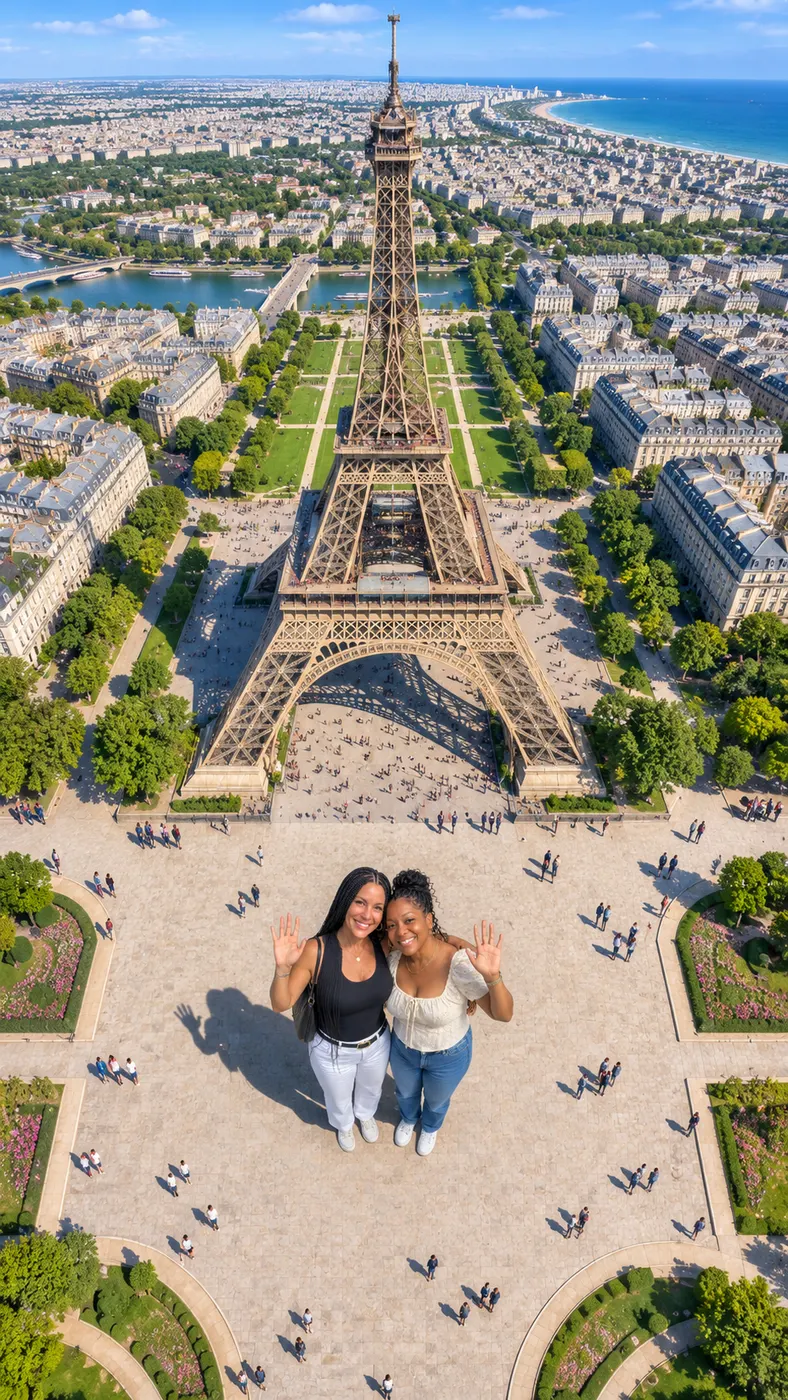
These earth zoom out examples show the complete visual gag from the first wave to the final view of Earth in space. Each example begins with recognizable people in a plaza, then uses one continuous pullback instead of a series of unrelated shots. Browse viral video trends for more shareable scene ideas, or compare ready-made video templates when you want another starting point for a photo-based clip.








How to Make an Earth Zoom Out Video
- 01
Upload a clear photo
Choose one sharp photo showing one person or two people with faces visible. A solo shot or a photo of the two of you works best when the subjects are easy to see, the lighting is readable, and heavy filters do not hide facial details. The source image supplies the people, their clothing, their hairstyles, and the starting pose for the scene.
- 02
Generate the scene
Select the dedicated Earth zoom out scene, then add an optional harmless visual detail if you want one. The generator places the subjects in a sunny city plaza, makes them wave, and sends the camera straight upward through rooftops, blocks, the coastline, and clouds. When it finishes, check the faces, subject count, motion, and overall pullback in the result.
- 03
Download the full clip
When the result has the right identity and camera direction, download the complete 15-second vertical video, which costs $2.03 to make. The finished result is rendered at 480p and includes the swelling cinematic score with no speech. Then share it as a short-form post.

What You Can Do With This Scene
Turn one photo into a shareable reveal
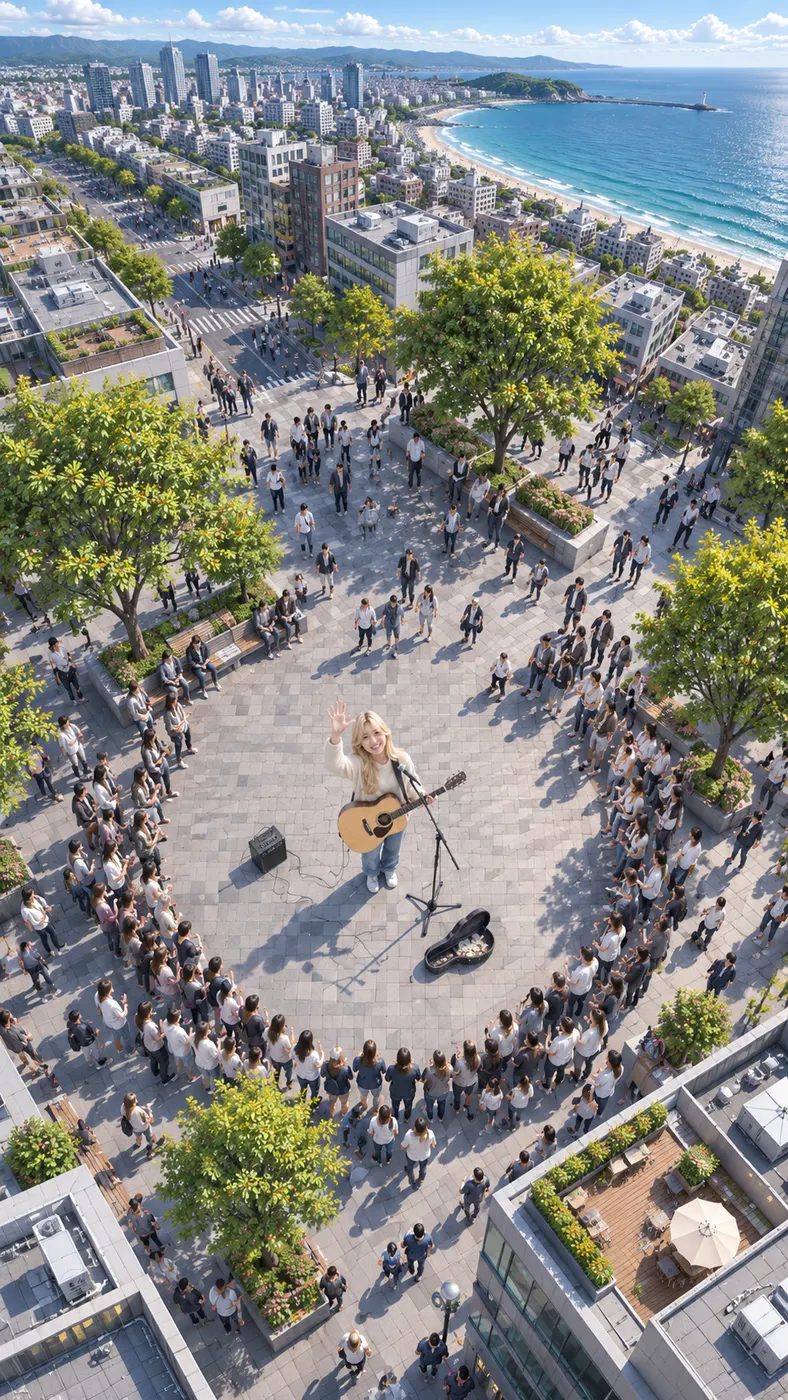
You can turn a familiar plaza portrait into a short vertical clip with a clear beginning, escalation, and final reveal. The wave gives viewers an immediate human moment, while the rising camera creates the surprise as the surroundings become larger and the planet comes into view. The format suits TikTok, Reels, Shorts, and other feeds built around quick visual payoffs.
Keep recognizable people at the center
The earth zoom out scene is built around preserving the people in your source photo while the environment changes scale. Use a clear image with visible faces so the generator has a stronger reference for facial features, hairstyles, skin tones, clothing, and body count. The scene supports one person or two people and is not designed to add a crowd around them.
Control a small visual detail
You can add an optional detail such as a clothing color, a time-of-day touch, or another harmless visual note. Keep that addition compatible with the plaza, upward camera movement, and recognizable subjects. The main action remains the same: wave at the camera, rise past the city and clouds, and finish with the Earth visible from space.
See the cost before creating
One complete run costs $2.03 and uses 29 credits. The output is a 15-second vertical video at 480p. That gives you a clear expectation before you start, whether you want one dramatic post or are comparing this scene with other short video ideas.


Earth Zoom Out Questions
What happens in this viral pullback scene?
The earth zoom out scene starts with the person or people from your photo standing in a sunny city plaza and waving upward. The camera then rises in one continuous movement past rooftops, city blocks, the coastline, and clouds, ending with the whole Earth hanging in space. The result is a vertical AI video with a swelling cinematic score and no speech.
Is this video free to create?
A complete video costs $2.03 for 29 credits. The result is the full 15-second video, with no separate preview. The listed output is 480p, so you can review the expected format and price before completing the run.
How long does the finished video take?
The finished earth zoom out video is 15 seconds long. The visual progression is designed to fit that short duration: the wave comes first, the camera climbs through the city and atmosphere, and the final Earth reveal arrives at the end rather than being shown immediately.
What kind of photo should I upload?
Upload one clear photo of one person or two people with visible faces and no heavy filters. A straightforward portrait or full-body photo gives the generator useful information about facial features, hair, clothing, and the number of subjects. Avoid images where faces are covered, blurred, or hidden in deep shadow, because those details guide the identity-preserving motion.
Can I use a photo of someone else?
Yes, you can use someone else’s photo when you have their permission and the right to use it. Tell the people shown that the image will be turned into a short AI video, and use a clear source image that follows the same face-visibility guidance. Do not upload a private image without consent or use the result to misrepresent someone.
Is this an official Google Earth or satellite tool?
No. The earth zoom out video is a playful AI scene that starts with people waving in a generated city plaza and ends with a cinematic view of the whole Earth. It is not Google Earth, a satellite map, an astronomy service, or an official production from a mapping provider. Its purpose is the recognizable viral reveal from one personal photo.
Create Your Pullback Video
Return to the generator panel, add one clear photo, and watch your subjects wave before the camera rises from the plaza to space. Keep the source image recognizable and add only visual details that support the scene.