
Champagne Birthday AI
Champagne birthday ai puts you into a cinematic birthday video scene: you walk through a night park, approach a stone bench, sit down, and pop the champagne as the spray rises. The frame then freezes in black and white, while the generated video keeps your visible face and appearance from the uploaded photo.
One clear photo: a solo shot or the two of you. Faces visible, no heavy filters
Tip: drag a photo onto its box, or click the box to pick one.
You take the place of the woman on the bench.
Champagne Birthday · Walk to a park bench at night, pop the champagne, and freeze in black and white as the jet shoots up.
This video: 71 credits · Credits come back if it fails
AI video effect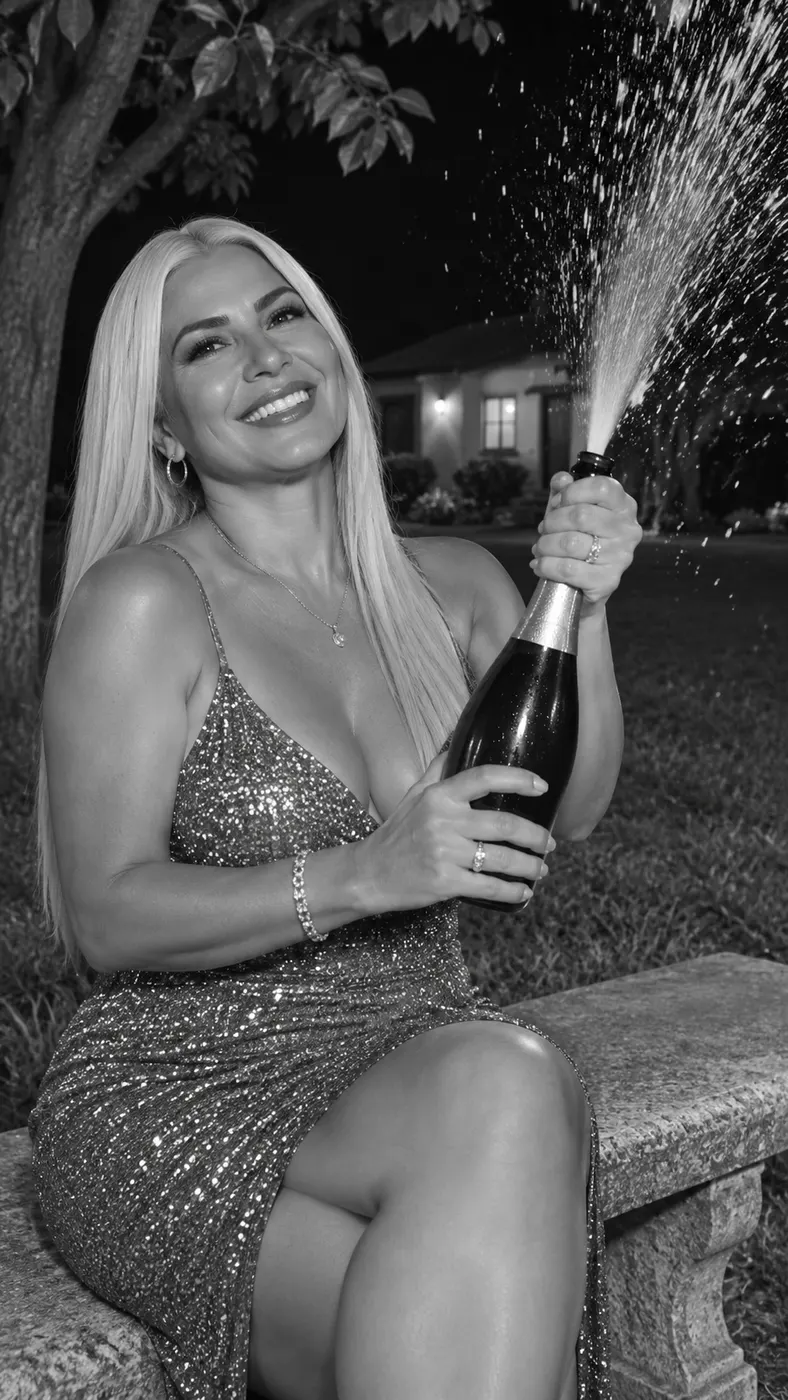
Champagne Birthday AI Examples
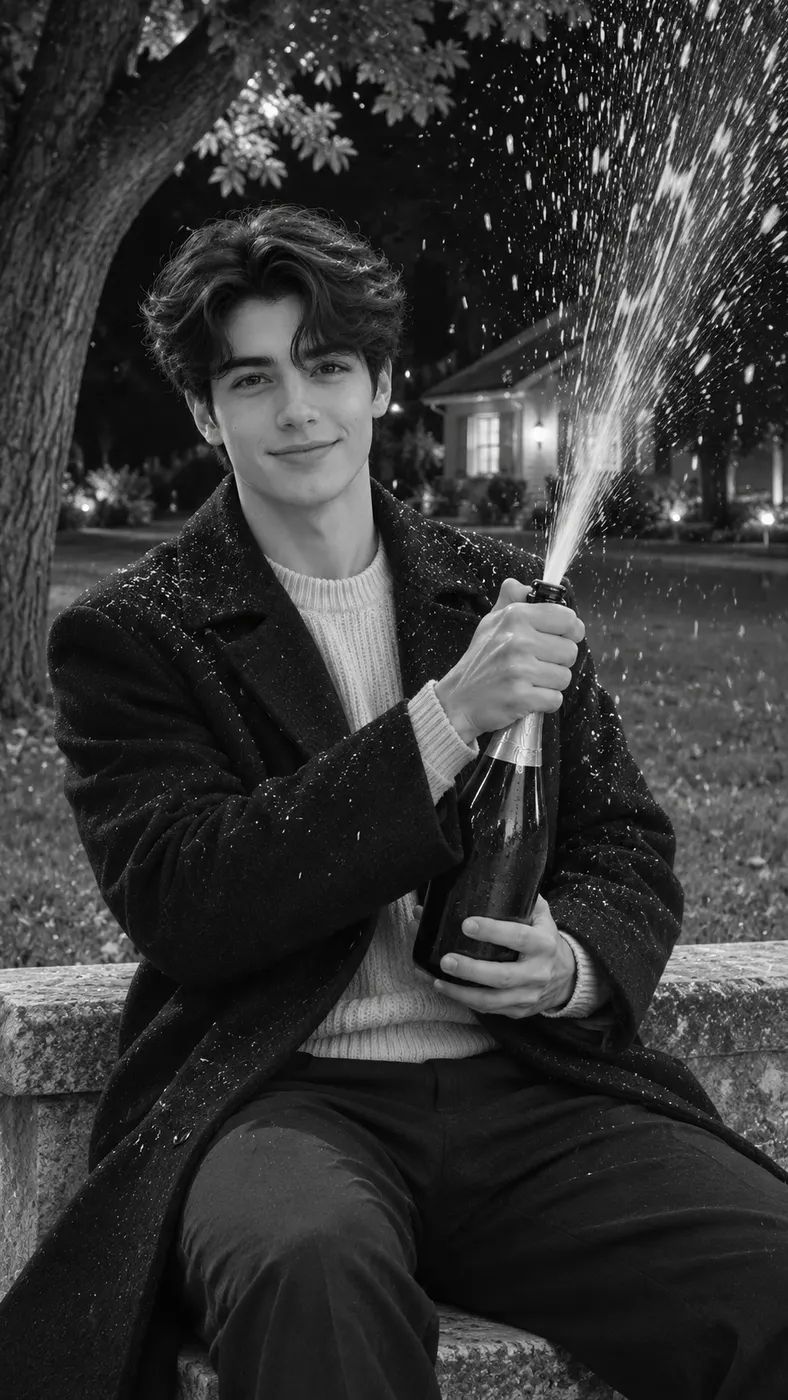
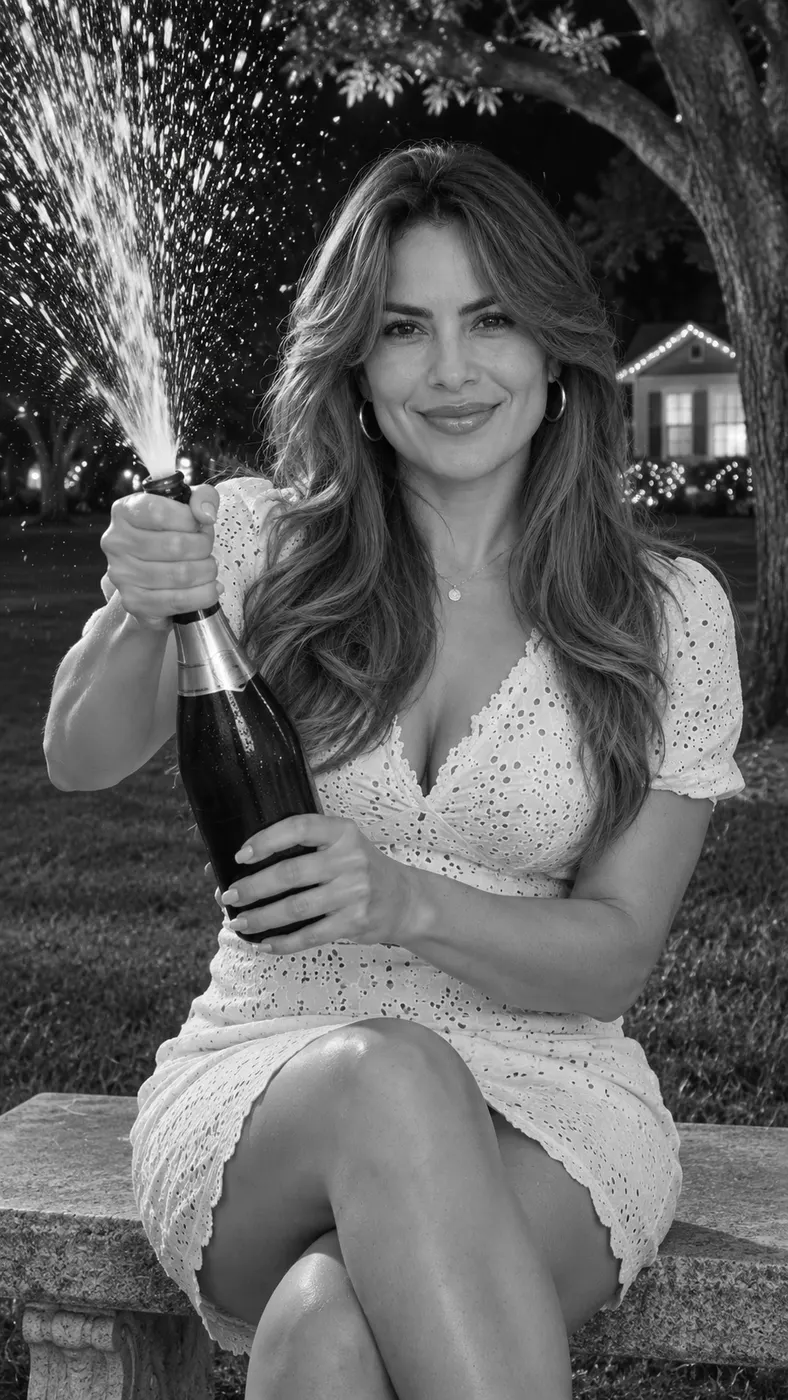
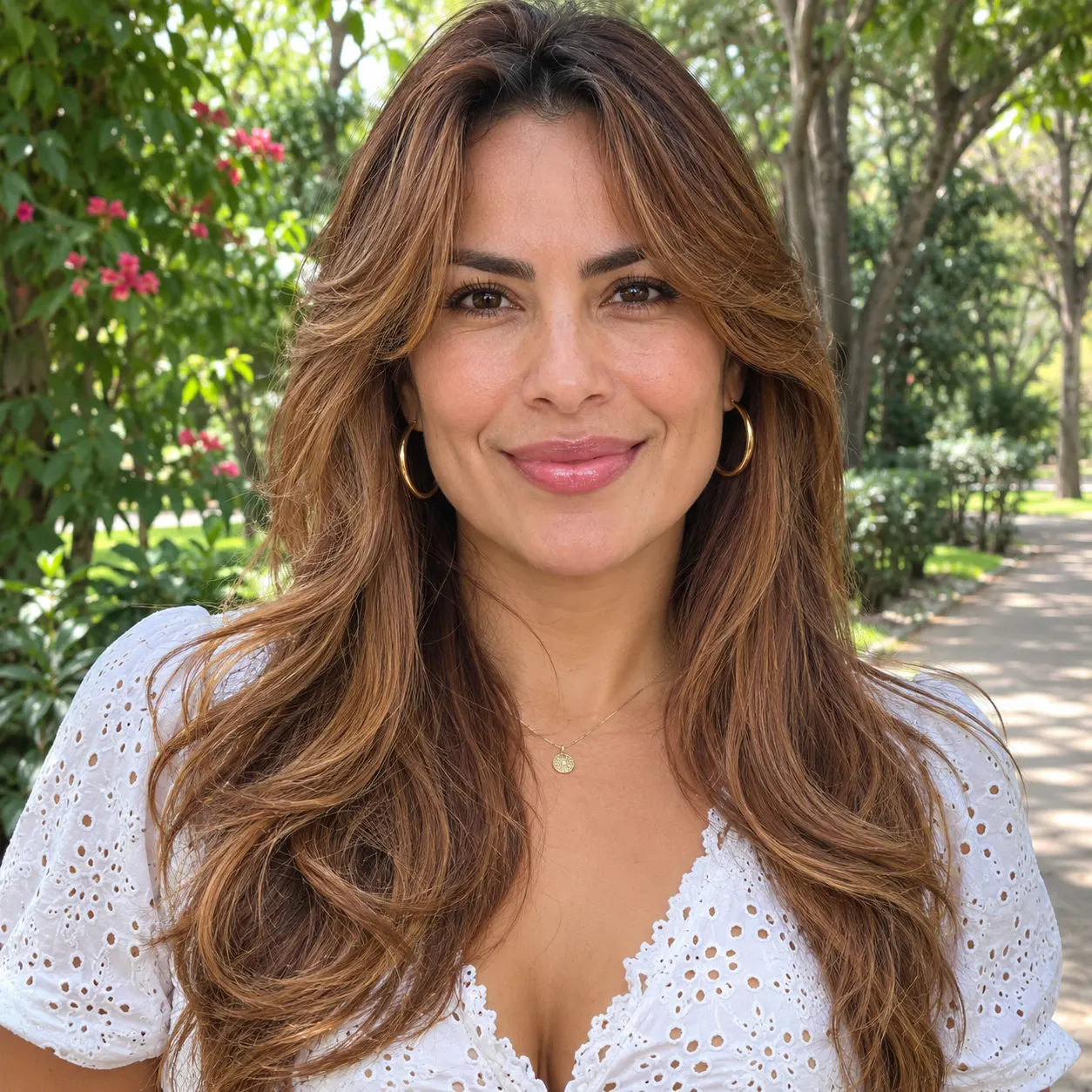
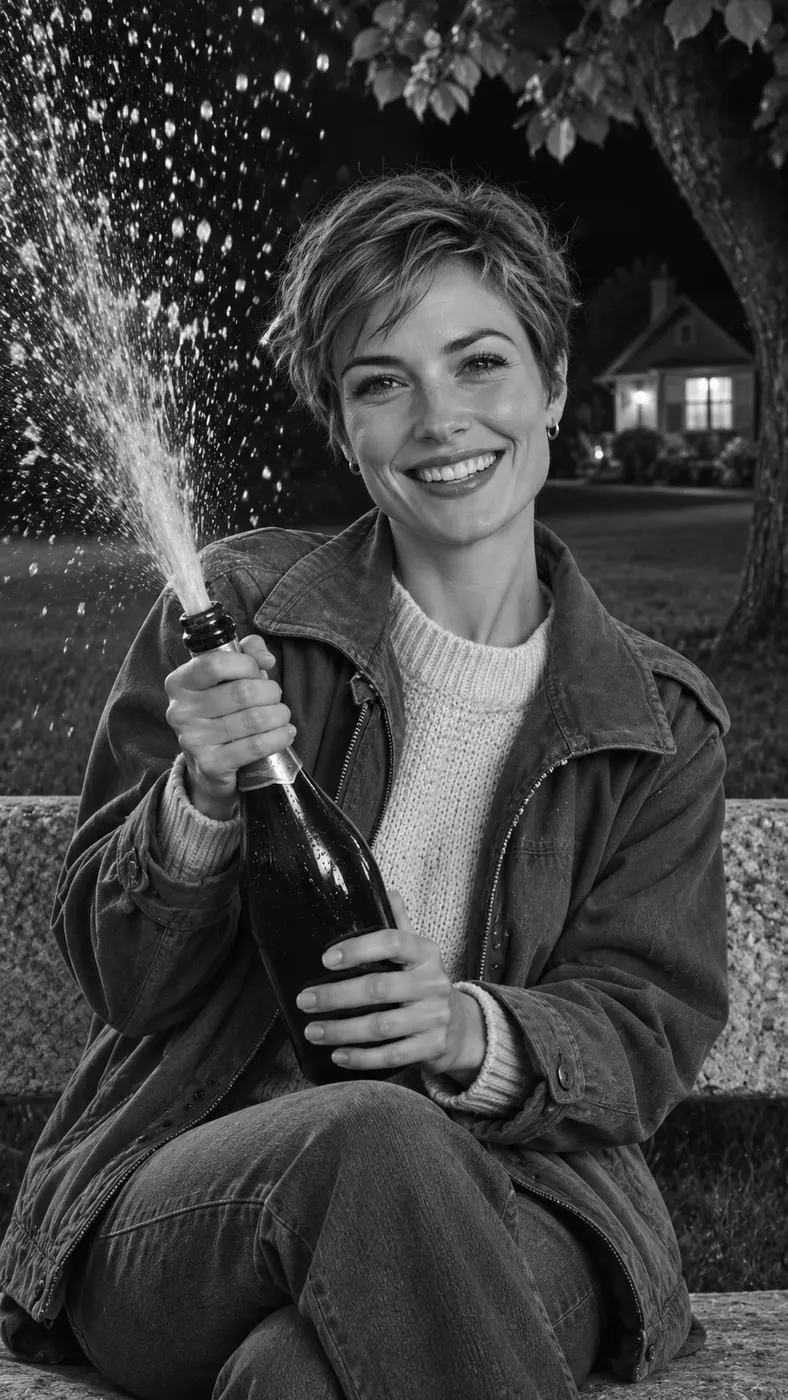
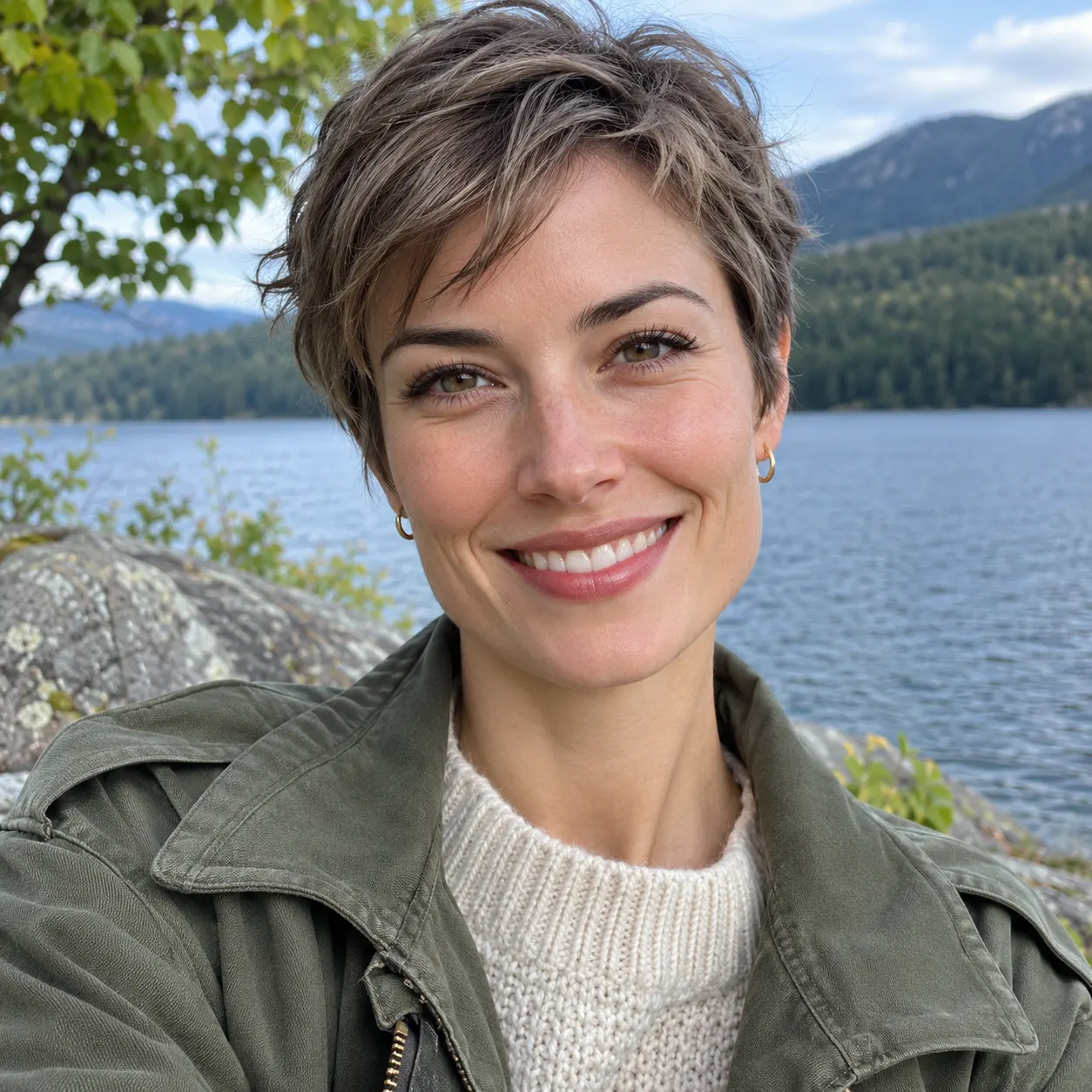
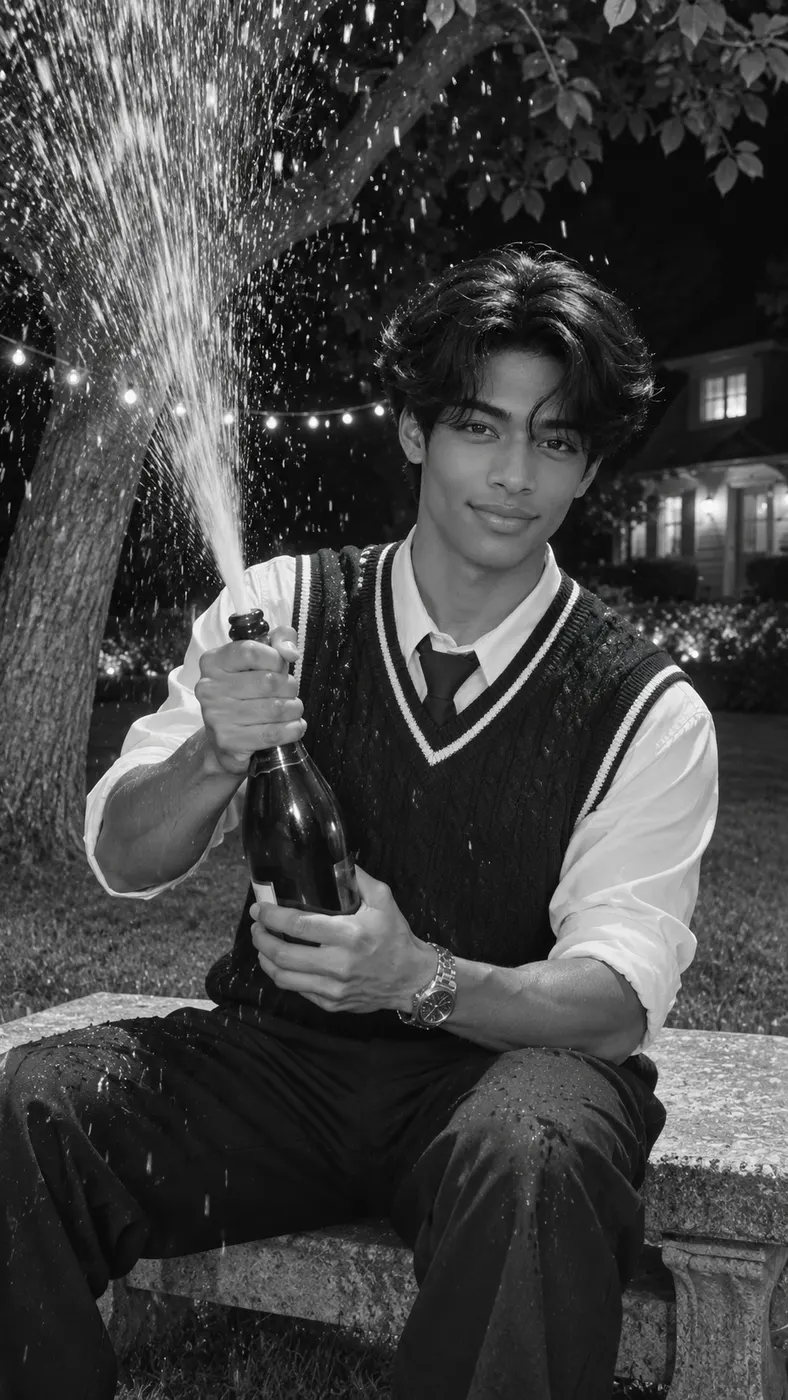
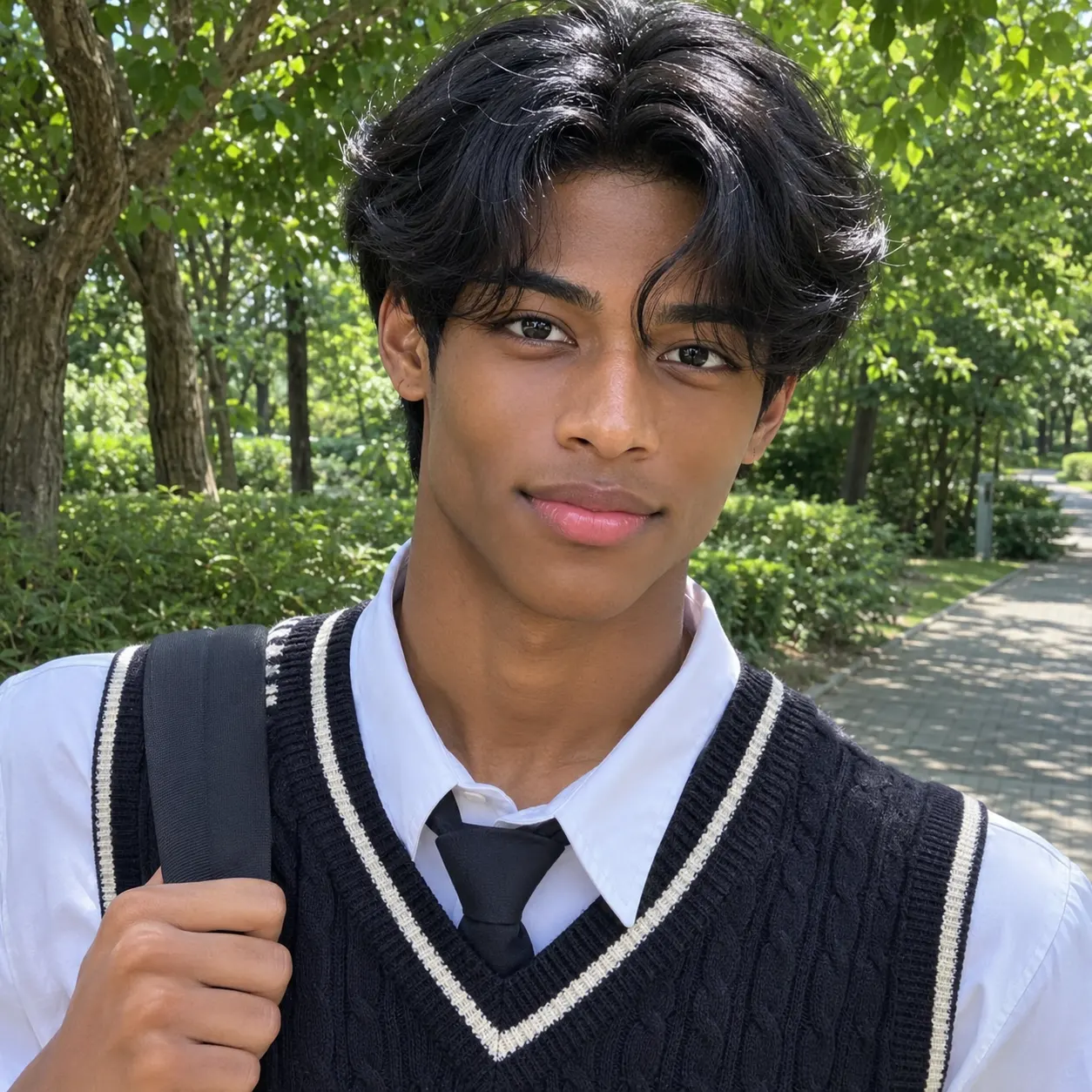
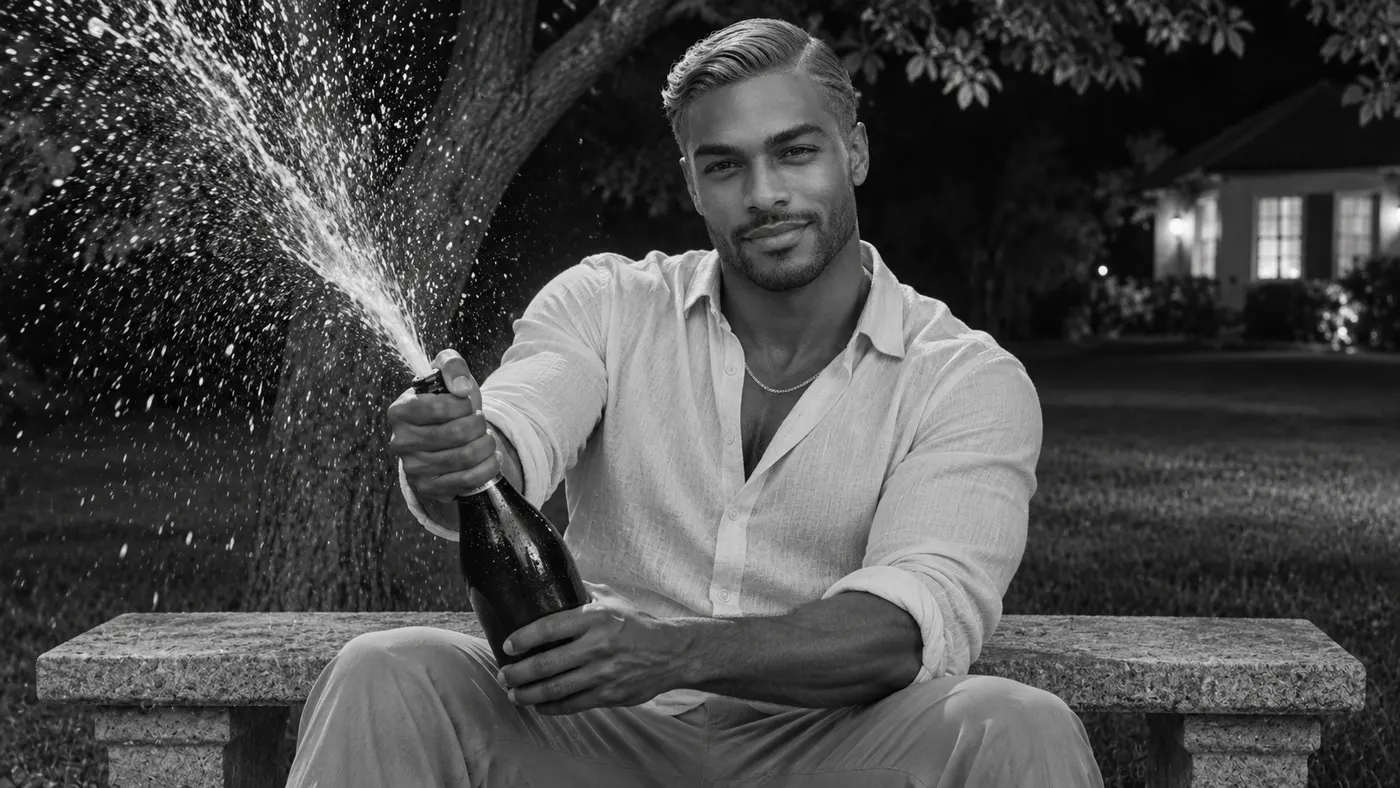
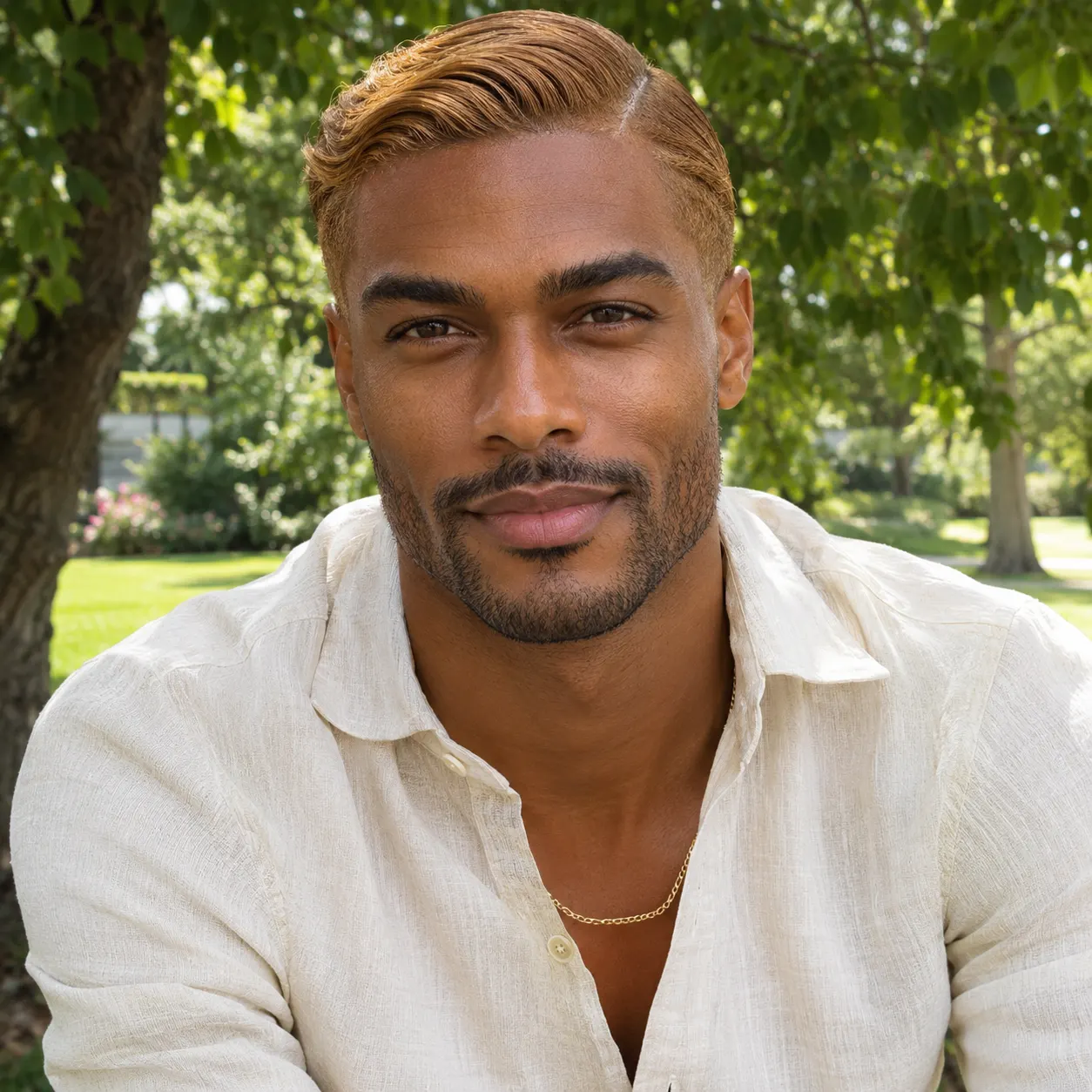
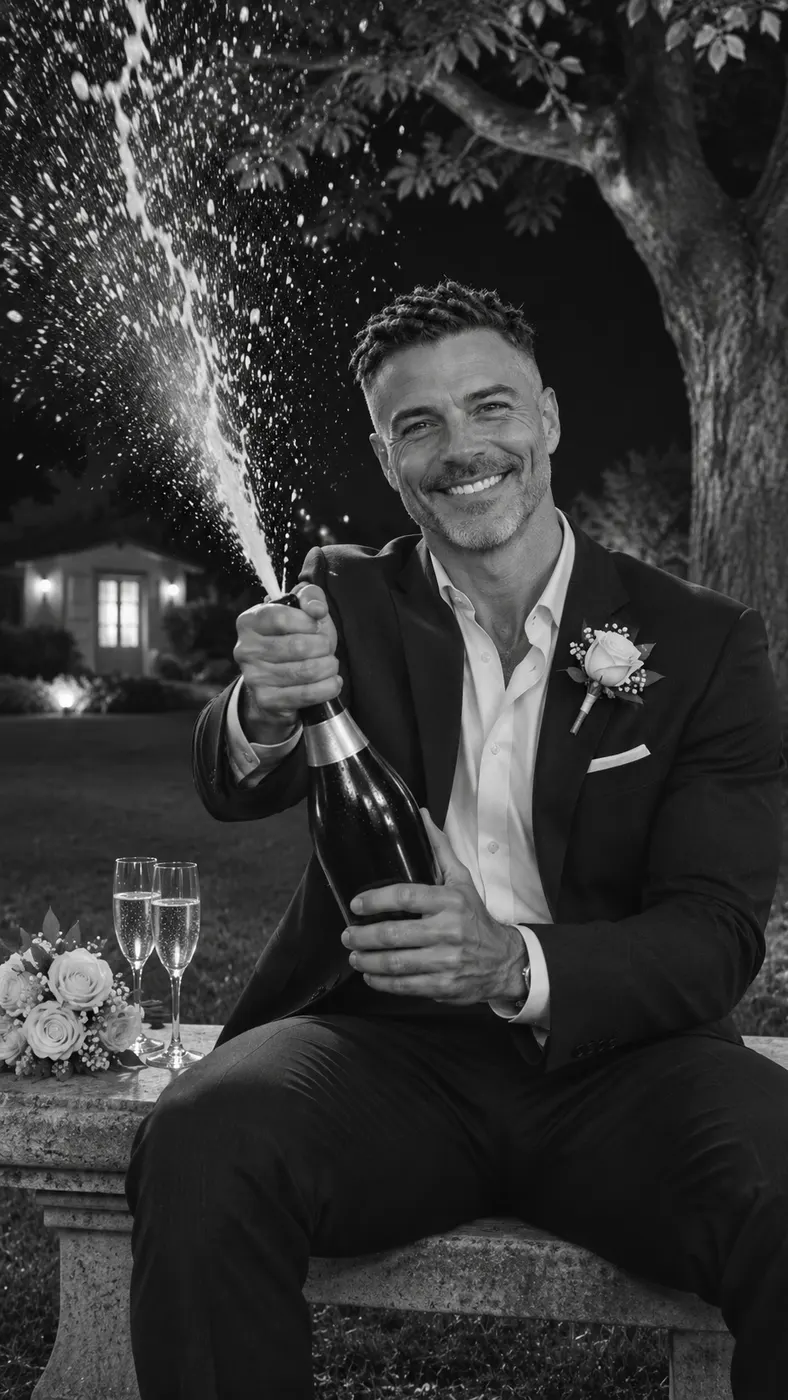
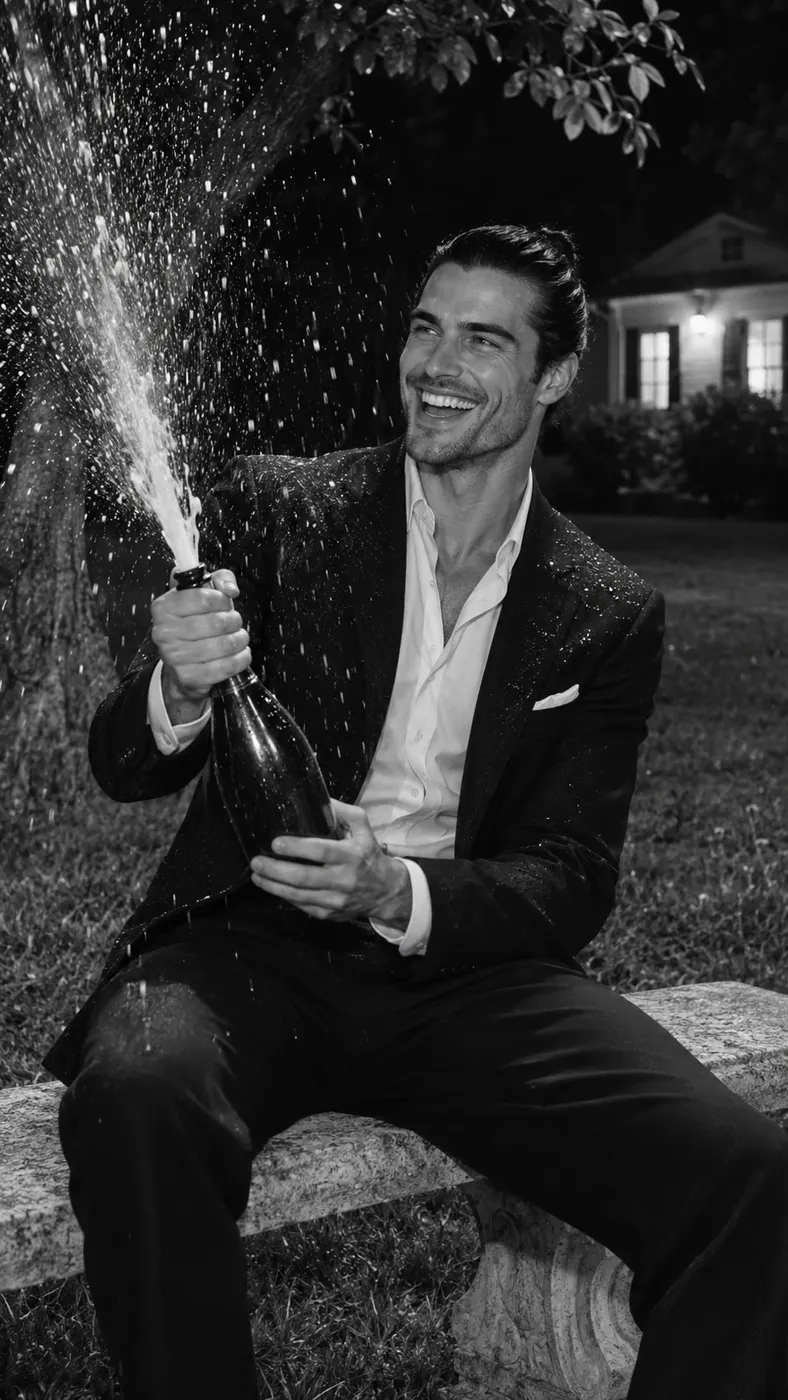
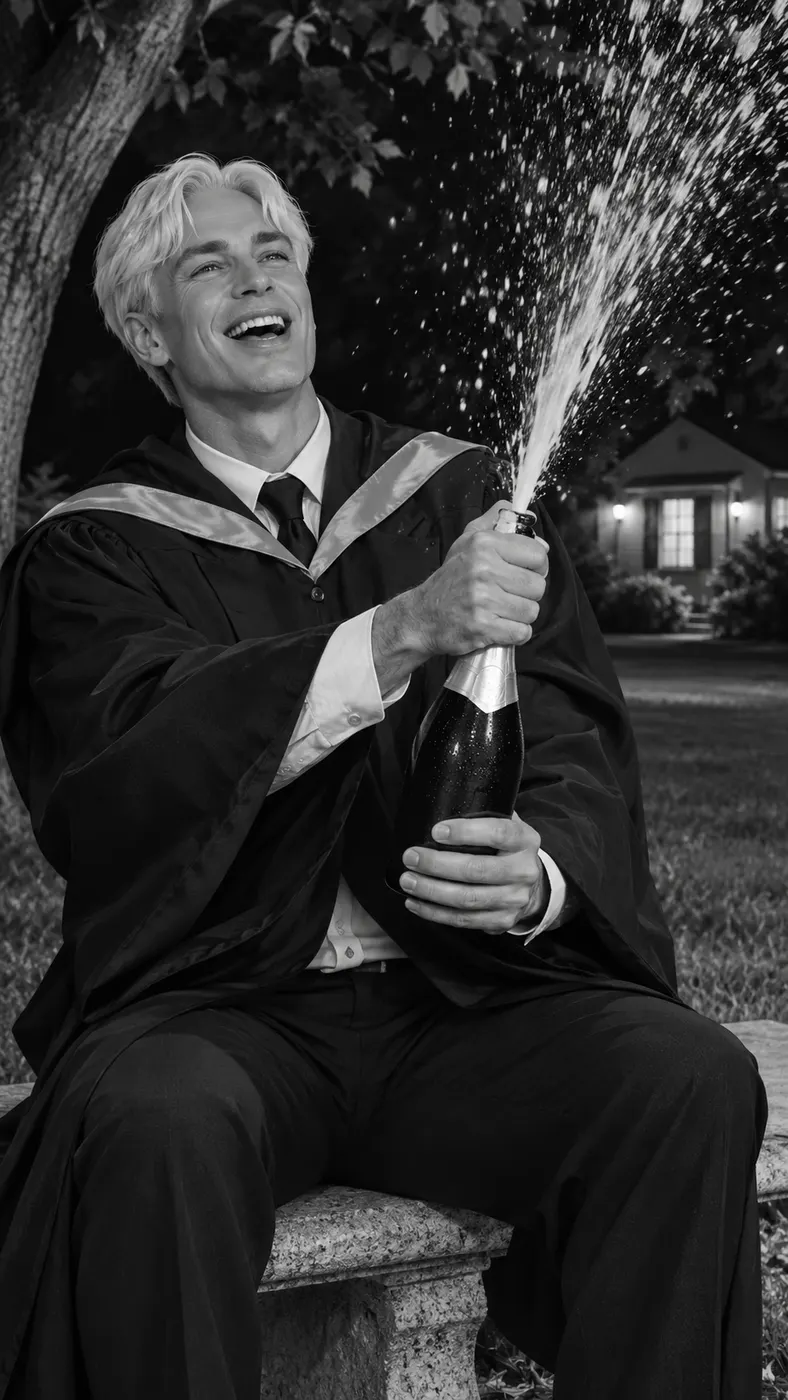
These examples show the park bench birthday scene at the moment the bottle opens and the image shifts to black and white. To prepare the right input, read the photo selection guide; for the broader process, follow the step-by-step photo video guide. Check current pricing before starting a paid generation.


How to Use Champagne Birthday AI
- 01
Upload a Clear Photo
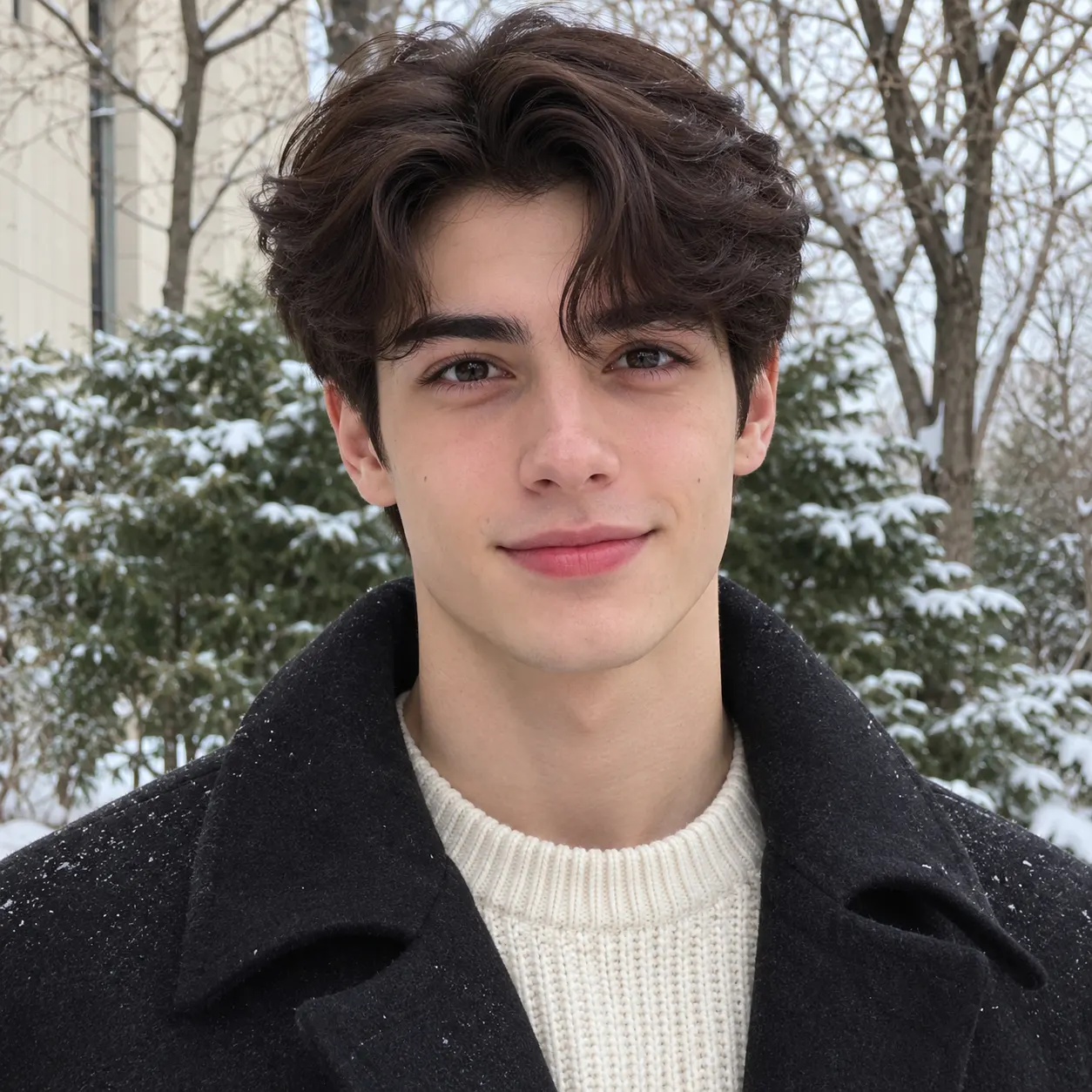
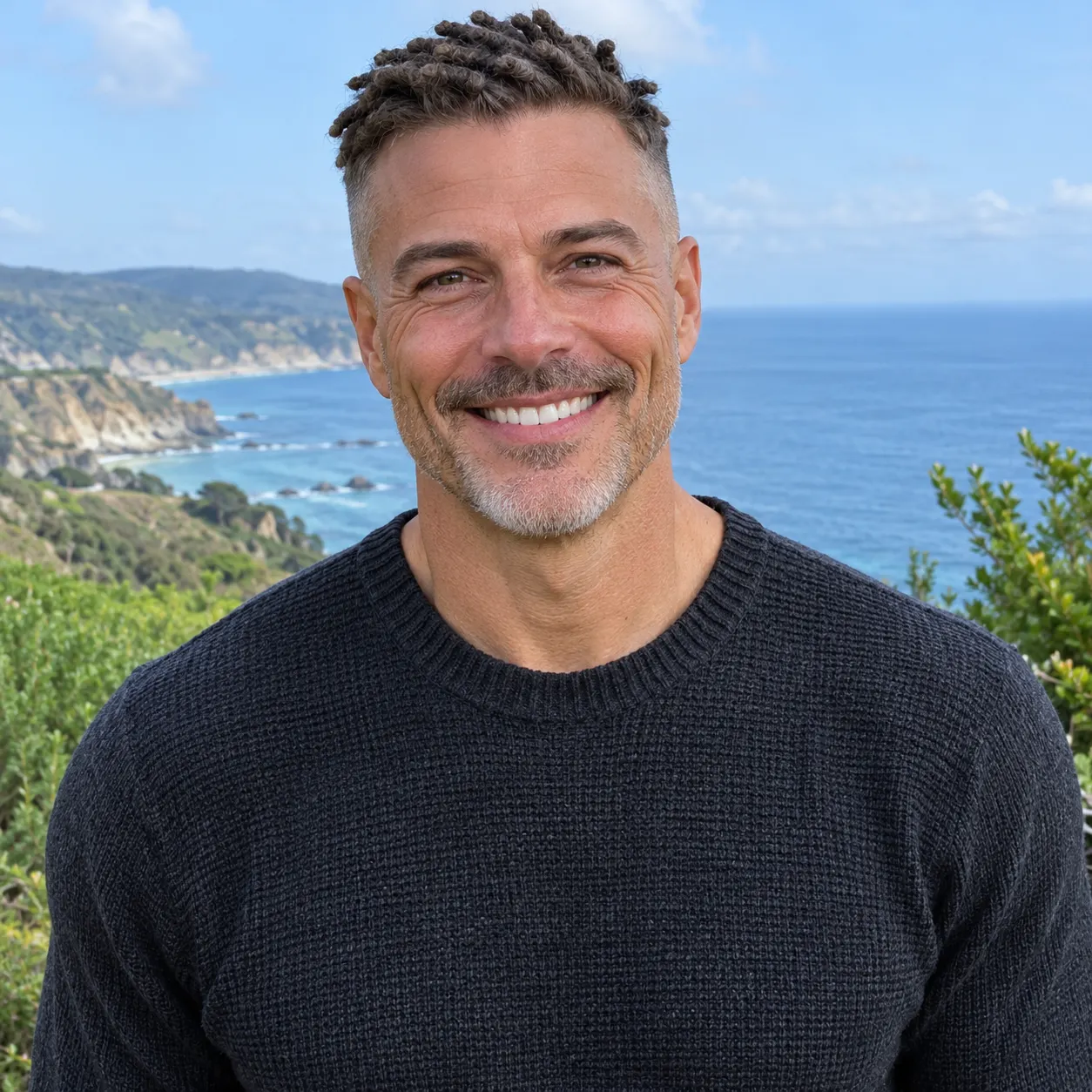
A champagne birthday ai scene starts with one clear photo. Use the upload labeled Your photo and choose a solo shot or a photo of the two of you with faces visible and no heavy filters. A well-lit face gives the replacement step a more dependable identity reference. Keep the person you want to place in the bench scene easy to recognize, with the hairstyle, skin tone, and general appearance visible. The tool uses the uploaded image as the subject reference while the dedicated scene supplies the nighttime park, stone bench, champagne action, and final monochrome change.
- 02
Generate the Scene
Select the Champagne Birthday scene, add your photo, and start generation. The scene follows one continuous birthday action: the person walks up to the bench, sits down, opens the champagne, and reaches the upward spray before the image turns black and white. The optional text field can add a simple personal detail, such as clothing or another small visual preference, but the core park-bench action comes from the selected scene. The output is a vertical AI video at 480p, with the scene's audio and movement generated together.
- 03
Get the Full Video
The champagne birthday ai page does not include a free run, so plan for the current generation charge of $2.03 before starting. After processing completes, the result is a 15-second vertical video that you can review and save for sharing. Processing time depends on the live generation queue rather than a fixed promise; keep the page open while the status updates, then check that your face, the bench movement, the champagne spray, and the black-and-white freeze all appear as intended.
What You Can Create
A Complete Birthday Moment
Champagne birthday ai turns a single uploaded photo into a short story with a clear beginning, middle, and finish. You enter the night park, walk to the stone bench, sit down, and trigger the champagne burst. That sequence makes the result feel like a personalized birthday message rather than a still portrait. The final color change gives the clip a recognizable ending that works well when you want a memorable vertical post for a birthday, party recap, or private message.
Your Appearance in the Scene
Your uploaded photo supplies the person who takes the bench role. The generator is instructed to keep the visible face, hairstyle, skin tone, and body appearance aligned with the source photo while placing that person into the reference action. Upload a clear image with faces visible and avoid heavy filters that obscure important features. If your photo includes two people, make sure both faces are visible and understand that the scene centers on the person being placed into the walking and bench action.
The Spray-to-Monochrome Finish
The scene is built around one specific visual beat: champagne shoots upward, then the picture turns black and white. You do not need to describe that transformation in the optional text field because it is part of the selected Champagne Birthday action. The nighttime park, stone bench, tree, grass, and small lit house establish the setting, while the spray supplies the transition point. This gives the generated clip a strong final frame for a vertical story or birthday share.
A Defined Output and Charge
The champagne birthday ai generation uses 480p output and produces a 15-second video. The current charge is $2.03. These values are shown as site placeholders so the page can display the live product data at launch. The scene is not presented as a free preview; start only when you are ready to create the paid result. The selected scene keeps the creative direction focused on the park-bench birthday action instead of asking you to build the sequence from scratch.
Champagne Birthday Questions
What is the Champagne Birthday scene?
Champagne birthday ai is a photo-to-video scene that places the person from your uploaded photo into a nighttime park action. The person walks to a stone bench, sits down, opens a champagne bottle, and reaches the upward spray. At that moment, the scene changes from color to black and white, creating the recognizable birthday finish.
Is this scene free to use?
No. Champagne birthday ai does not provide a free run. The current charge for generating the result is $2.03, and the page uses the live site value through its price placeholder. Check the charge before you begin so you know which paid generation you are starting.
How long is the generated birthday video?
The champagne birthday ai result is 15 seconds long. It is produced as a vertical video at 480p. Processing time is not a fixed duration because the live queue can vary, so wait for the generation status to complete before reviewing the finished clip.
What photo should I upload?
Upload one clear photo with visible faces and no heavy filters. A solo shot works, and the tool also accepts a photo of the two of you. Choose an image where the person you want to place in the bench action is easy to identify, because the source face and appearance guide the replacement in the scene.
Can I use someone else’s photo?
You can use another person’s photo only when you have their permission to use their likeness and create the video. The image should still meet the same requirements: visible faces, a clear subject, and no heavy filter hiding key features. Do not upload an image of someone who has not agreed to the generation.
Is this an official birthday video from a celebrity or brand?
No. This is a personalized generated scene for placing an approved photo subject into the Champagne Birthday action. It is not an official endorsement, appearance, or release from a celebrity, studio, brand, or other rights holder. Use photos and finished videos responsibly, especially when sharing them publicly.
Create Your Birthday Scene
Return to the generator panel, upload your clearest approved photo, choose the Champagne Birthday scene, and start the generation when you are ready for the current paid result.