Bulin 47 CapCut template or AI: what each one actually does
People searching for a Bulin 47 CapCut template usually want the same thing: a version of the viral clip with themselves in it. The two routes get there in very different ways, and the gap matters more than which app you open.
A CapCut template is a ready-made edit. Someone has already set the cuts, the timing, the effects and the music, and left empty slots. You drop your own photos or videos into those slots and CapCut plays your media in that pattern. Whatever you put in is what the viewer sees.
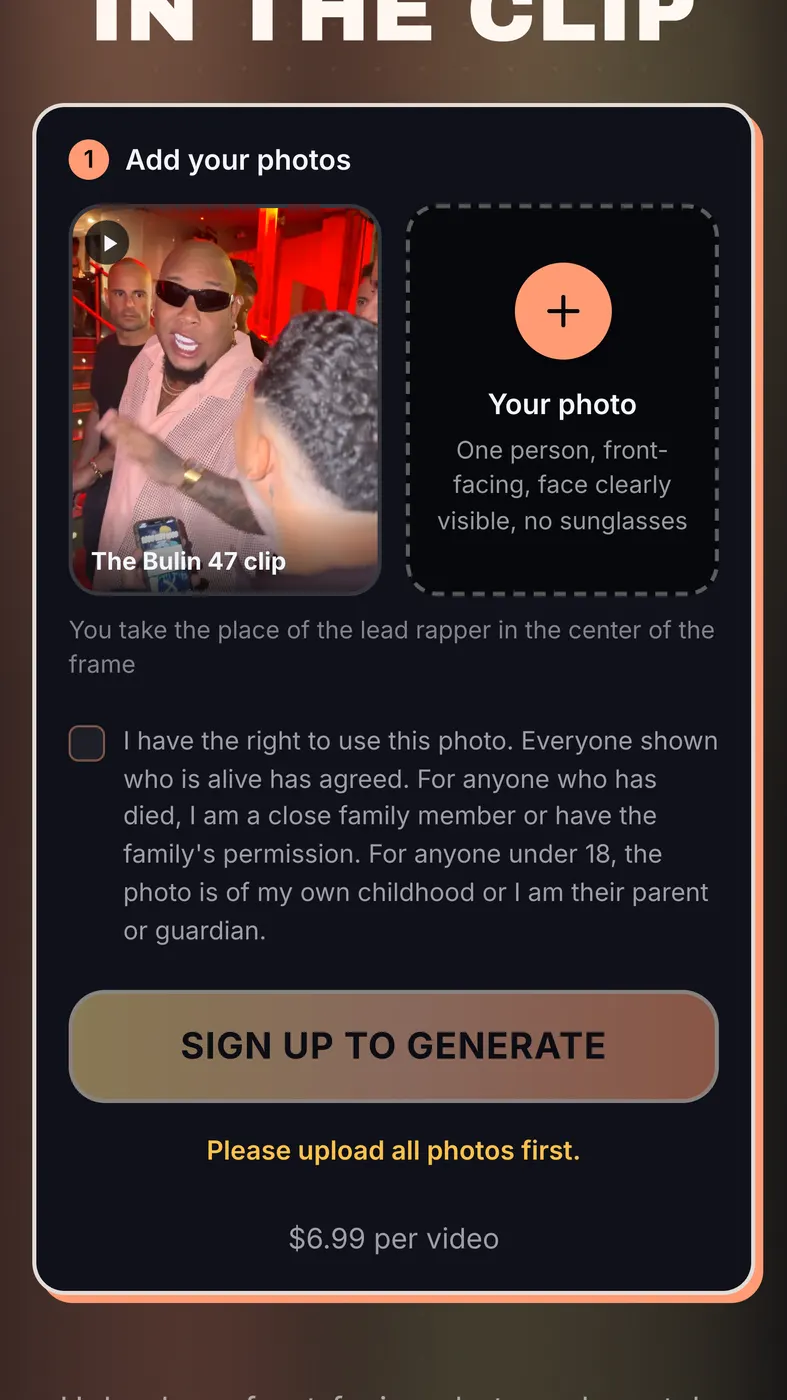
An AI video works the other way round. The footage is the original Bulin 47 clip itself: a crowded, red-lit venue entrance with a staircase behind, the crowd pressed around the freestyle, the phone-shot vertical framing. You upload one photo of your face and the AI places you in the lead's role, with the original track still playing.
Rap Blaze makes the AI kind, so keep that in mind as you read. If you are new to the meme itself, start with what the Bulin 47 trend is.
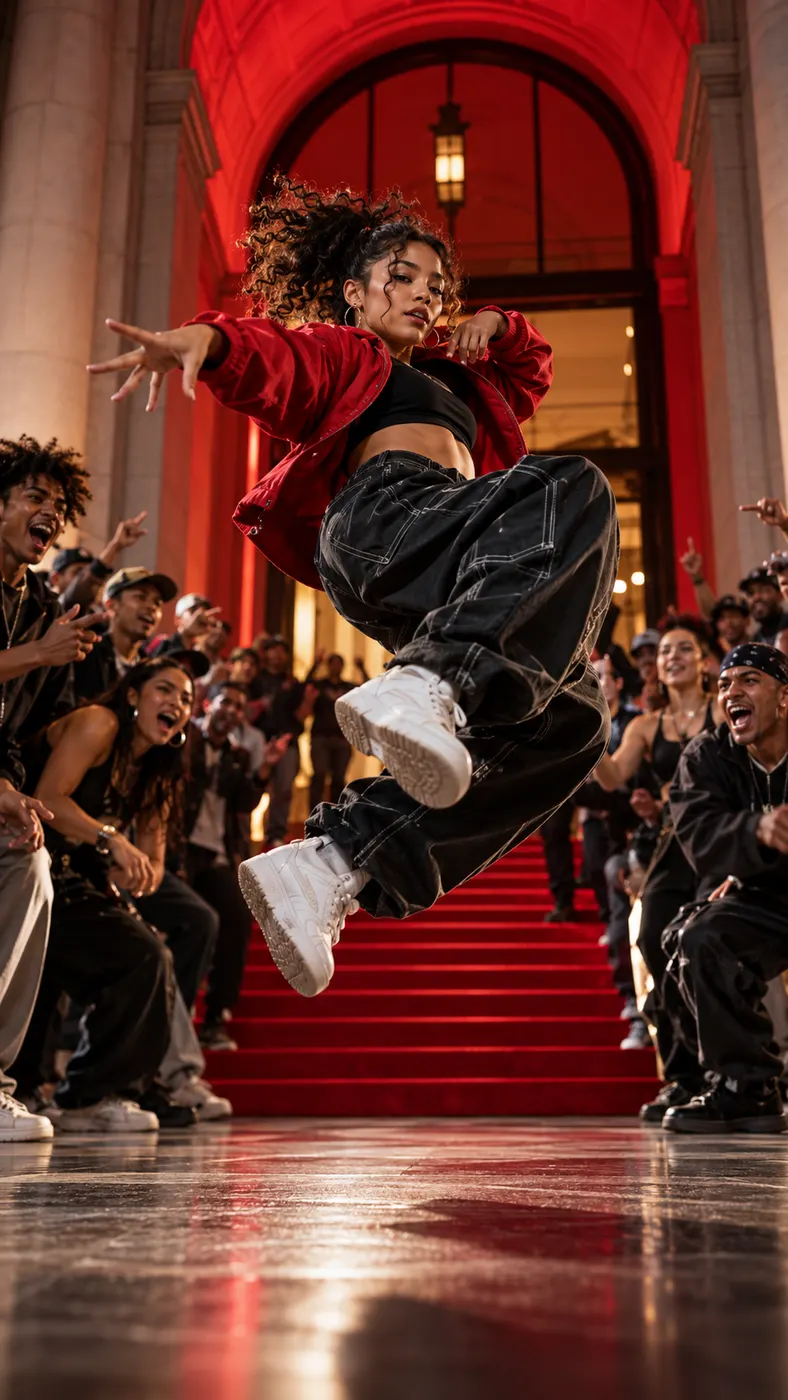
Bulin 47 CapCut vs AI, side by side
The same comparison, point by point:
- What you provide: a CapCut template needs your own clips or photos; the AI video needs one clear photo of your face.
- What you film: with a template, everything you want on screen has to be filmed or photographed by you; with AI, nothing has to be filmed.
- The scene: a Bulin 47 CapCut template shows wherever you shot your footage; the AI video keeps the original red-lit venue entrance, the staircase and the crowd.
- The sound: a template normally carries the music it was built with; the AI video keeps the original song from the clip.
- The result: a template gives you your footage in a new edit; the AI video gives you a 12-second, 9:16, 720×1280 MP4 with you as the lead.
- Where it happens: a template runs inside the CapCut app; the AI video runs in your browser.
Can a Bulin 47 CapCut template put you in the original clip?
No. This is the point most people miss. A Bulin 47 template in CapCut can borrow the timing and the feel of the trend, but the people on screen are whoever appears in the media you supply. It does not replace the performer in the original video, and it cannot recreate the crowd or the venue unless you film them yourself.
So if the joke you want is "that is me in the actual Bulin 47 clip", a template will not get you there. If the joke is "here is my own version of the Bulin 47 moment", it can be a good fit.
Cost and watermarks: what we could and could not check
We did not test a specific Bulin 47 template in CapCut. Whether a given template needs a paid CapCut membership, or exports with a watermark, is not verified (status as of October 30, 2026). People do raise both points when they compare a Bulin 47 template on CapCut with AI tools, so check the template's own page in the app before you build on it.
Next to a Bulin 47 CapCut template, the AI version is paid per video: $6.99 for one, $14.99 for 3 or $39.99 for 10, paid before the video is generated. If a generation fails, the credits go back automatically. Payment goes through Stripe; for the current packs, see pricing.
How close each one gets to the original
The original Bulin 47 clip is a freestyle at a venue entrance: the lead in sunglasses and a pink mesh shirt, a crowd packed in close, red light over the entrance and the staircase behind, and a handheld phone camera. Most of what makes it recognisable is the place and the people around the rapper.
A Bulin 47 CapCut template can copy the rhythm, but the backdrop is yours: a bedroom, a car, a party. A Bulin 47 AI video keeps that backdrop and changes only the person in the lead. Neither is better in general; they answer different requests.
Time and effort
With a template, the effort is in the filming: getting the shots, the lighting and the moves right before CapCut stitches them together. With AI, the effort is choosing one good photo; generation usually takes a few minutes, and the clip comes out finished.
Rules for both: whose face, and who owns what
Use your own photo, or one of an adult who has agreed to appear. Never upload a photo of a child. Rap Blaze is an independent tool and is not affiliated with Bulin 47, the original artist, the creator of the original clip, TikTok or CapCut.