
AI Zombie Trend
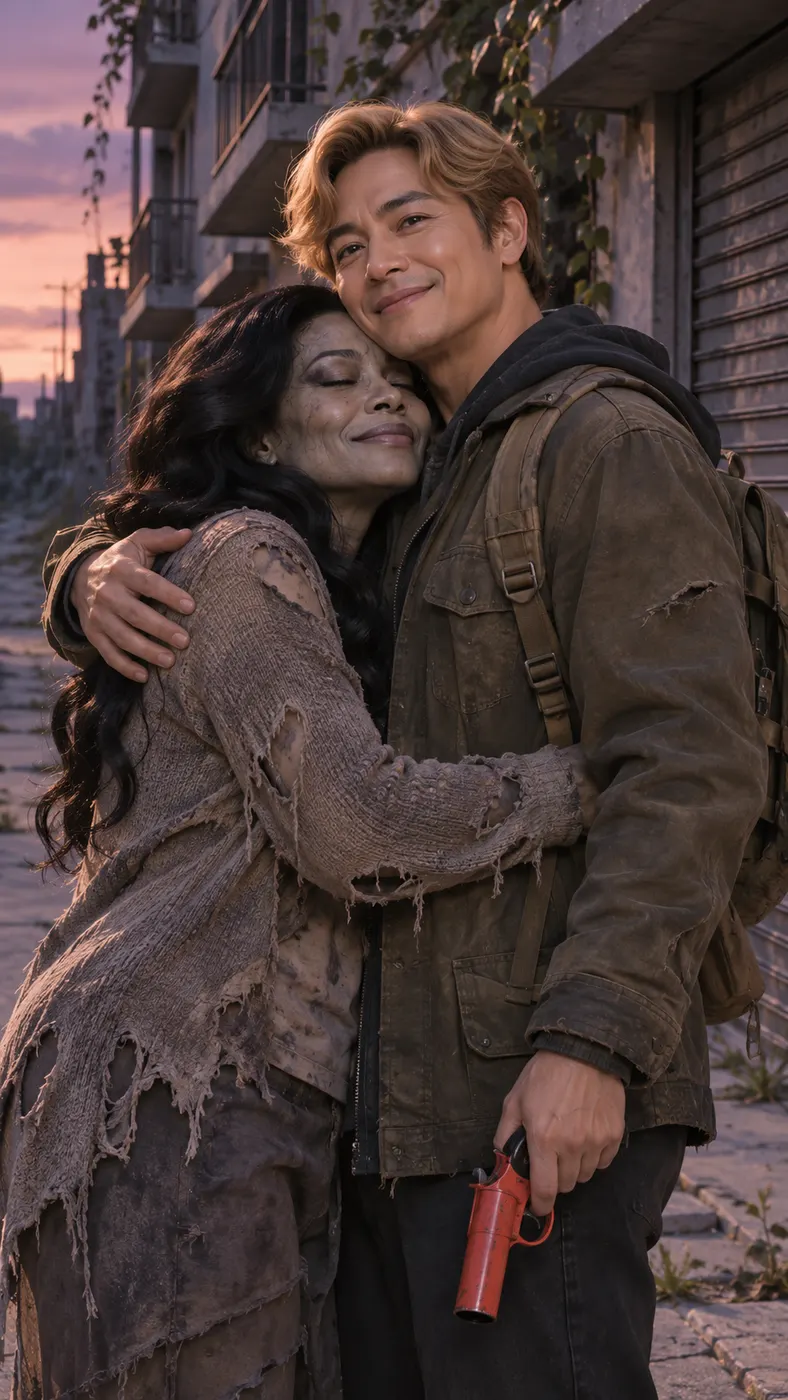
You can make the viral zombie hug video scene with two recognizable people: upload one photo per person, keep the Zombie hug scene selected, and let the generator turn a deserted street, flare-gun hesitation, and warm embrace into a vertical AI zombie trend clip.
Photo 1: you. One face, front-facing, well lit
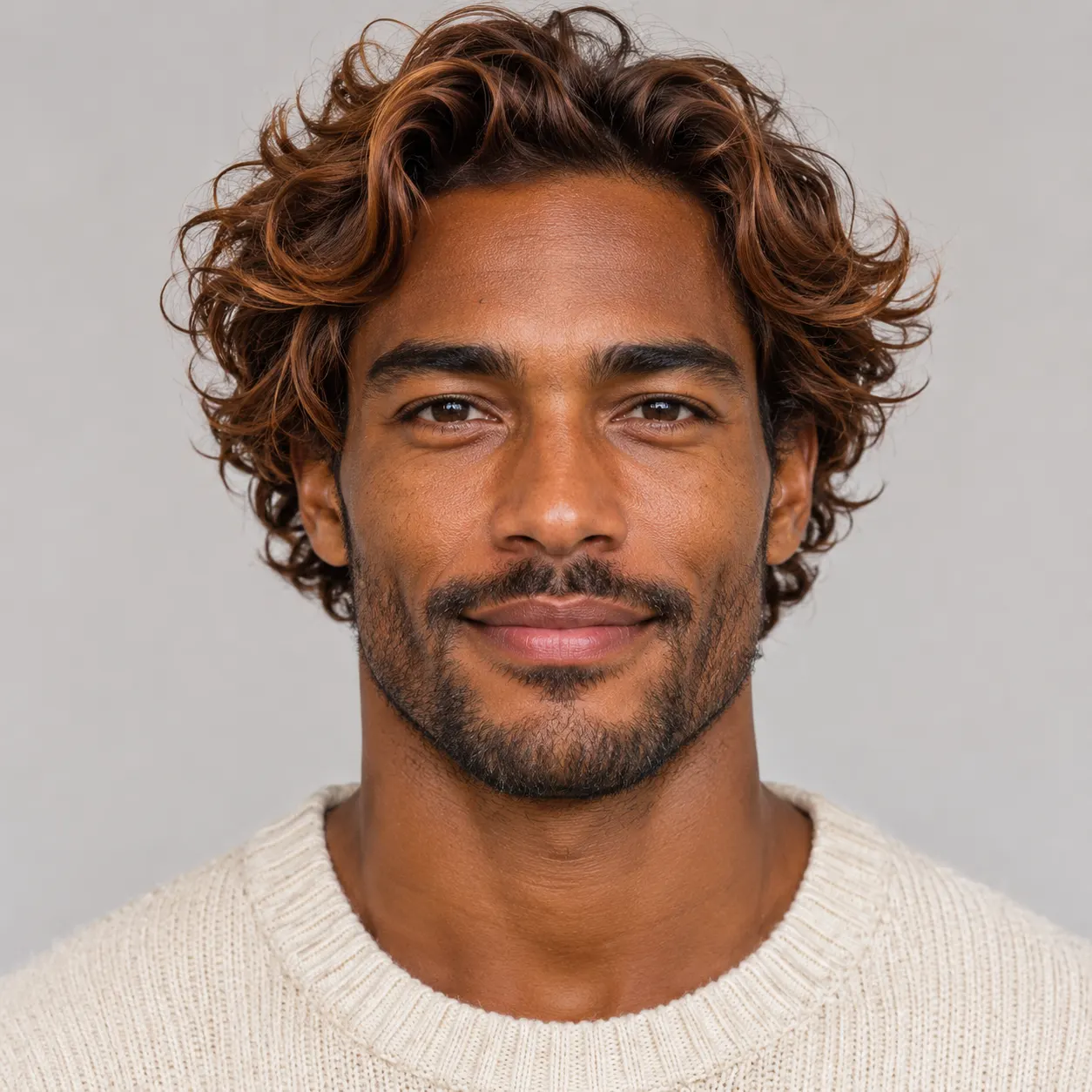
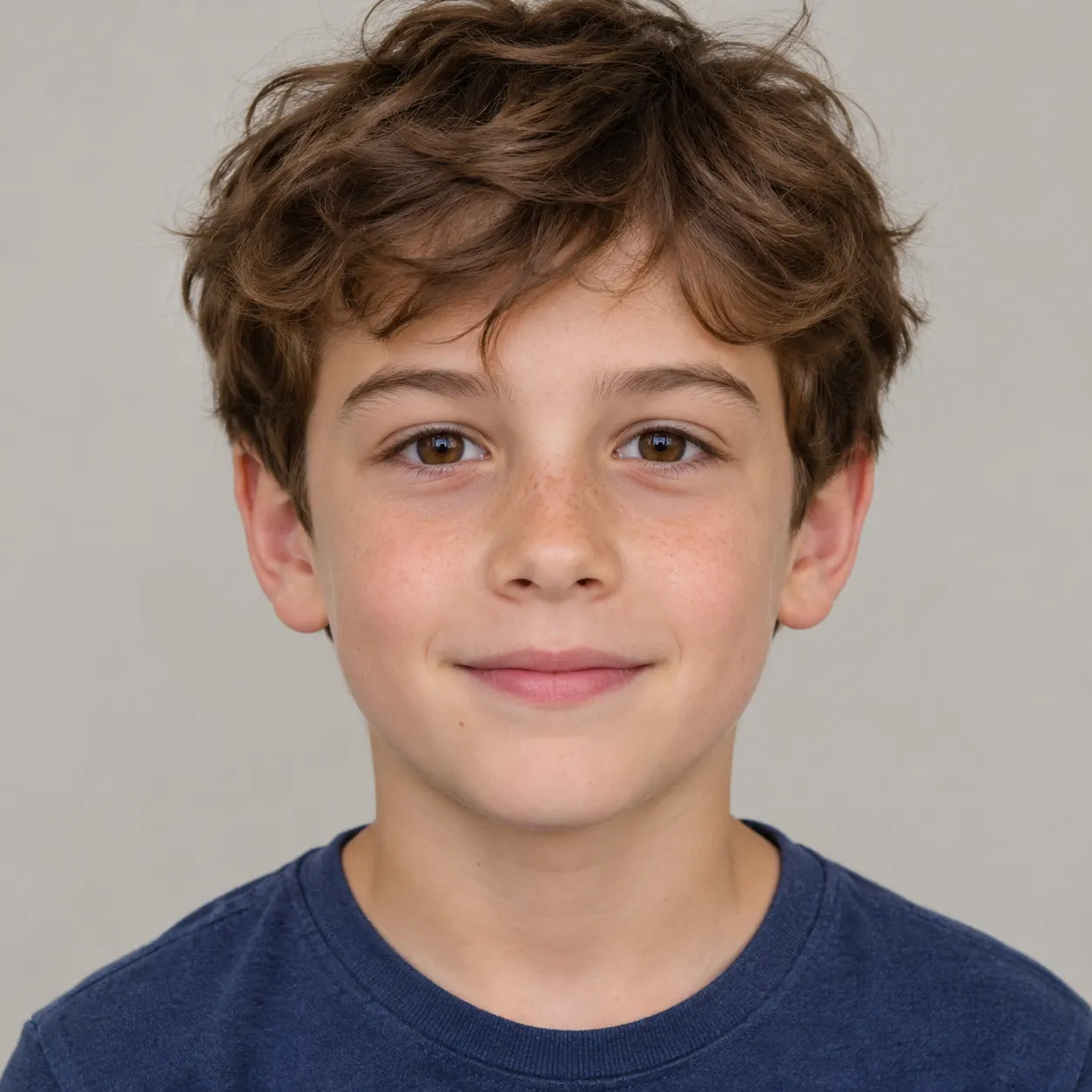
Photo 2: the other person, a separate photo. Old photos work too
Tip: drag a photo onto its box, or click the box to pick one.
Zombie hug · Your loved one has turned; you lower the flare gun and hug them instead.
This video: 29 credits · Credits come back if it fails
two-photo AI video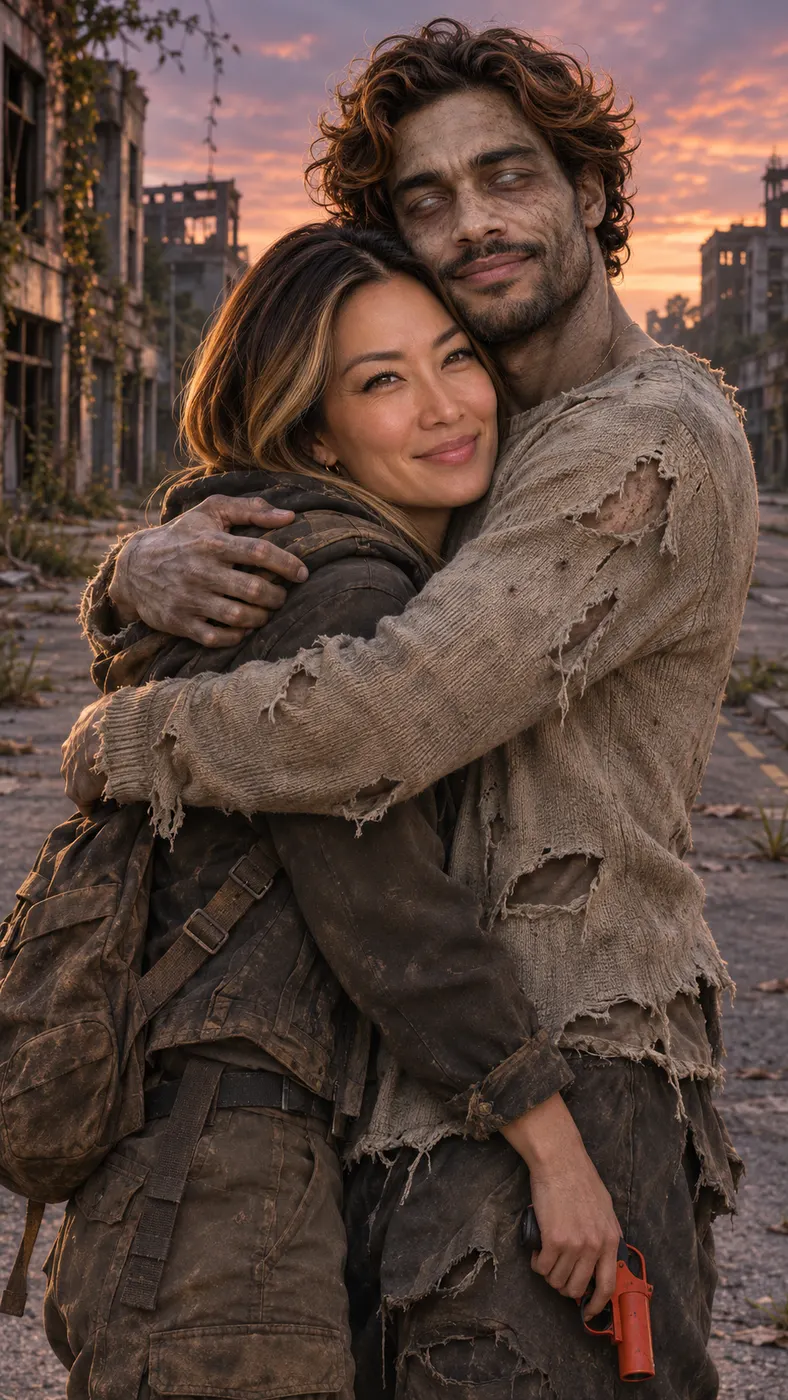

AI Zombie Trend Examples: Zombie Hug Scenes
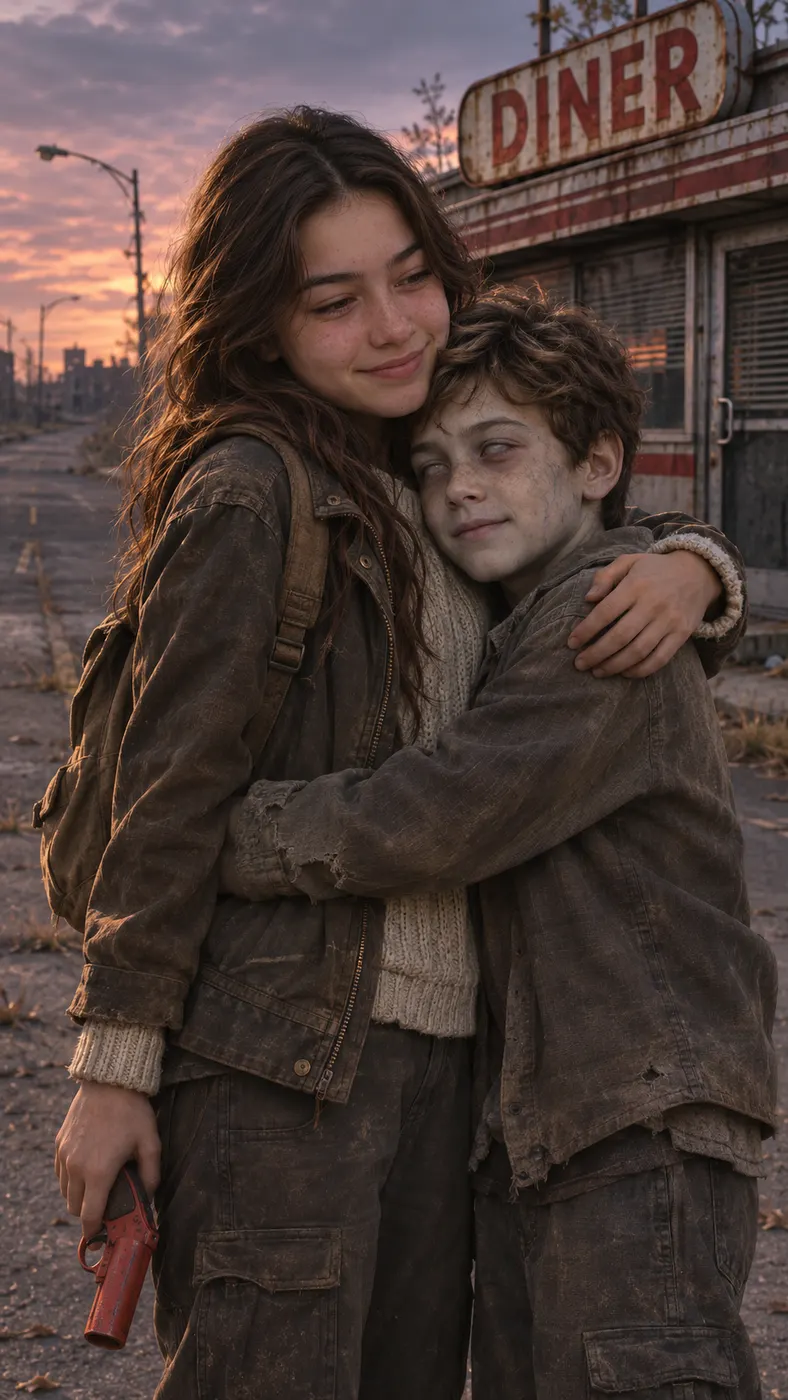
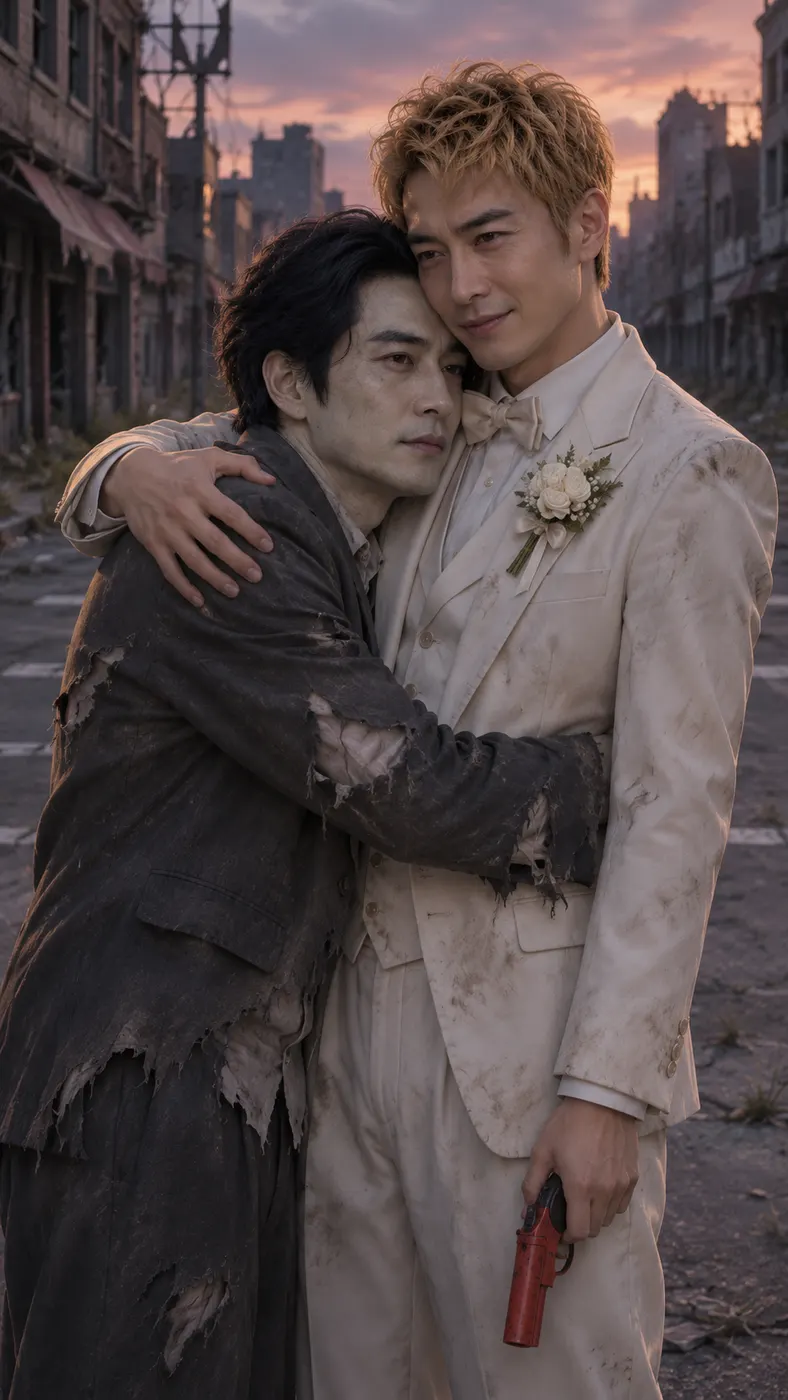
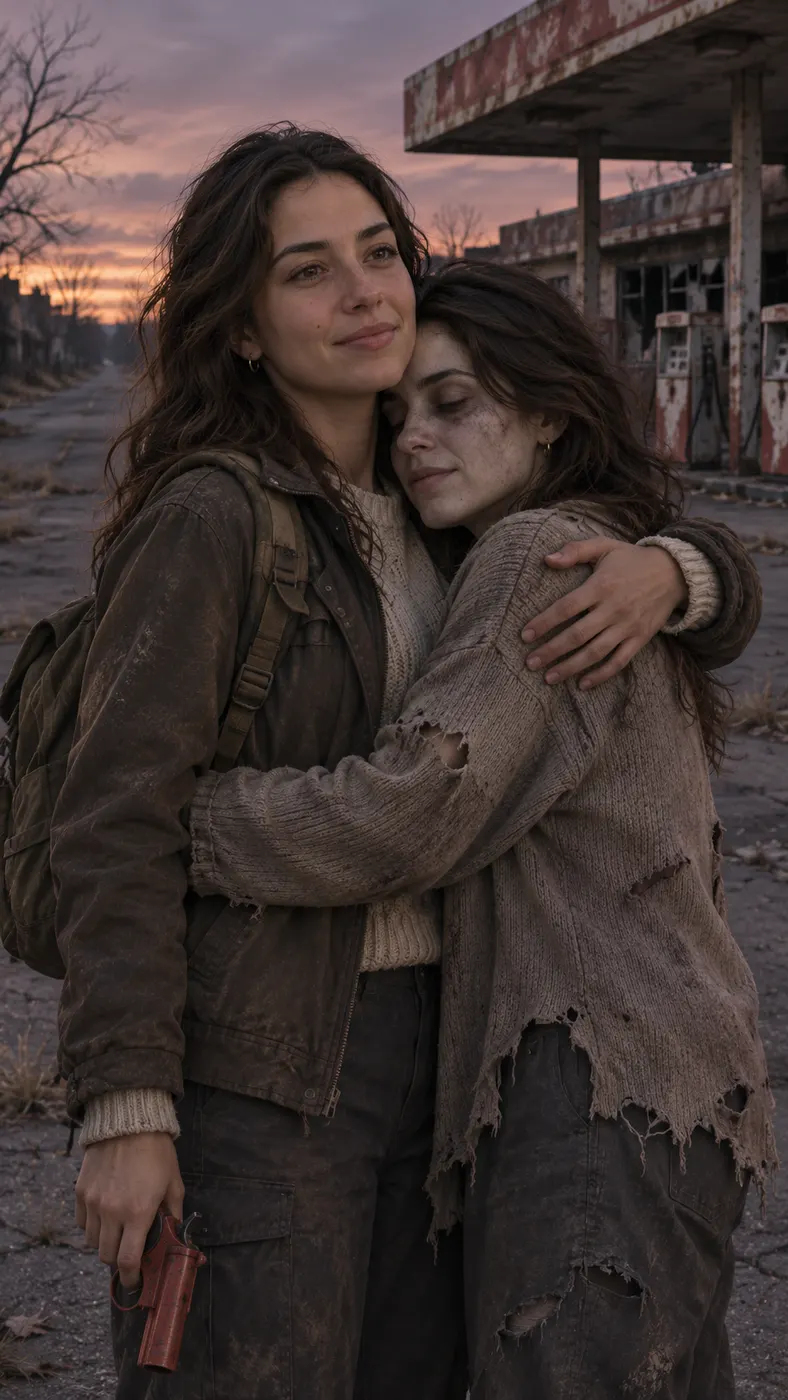
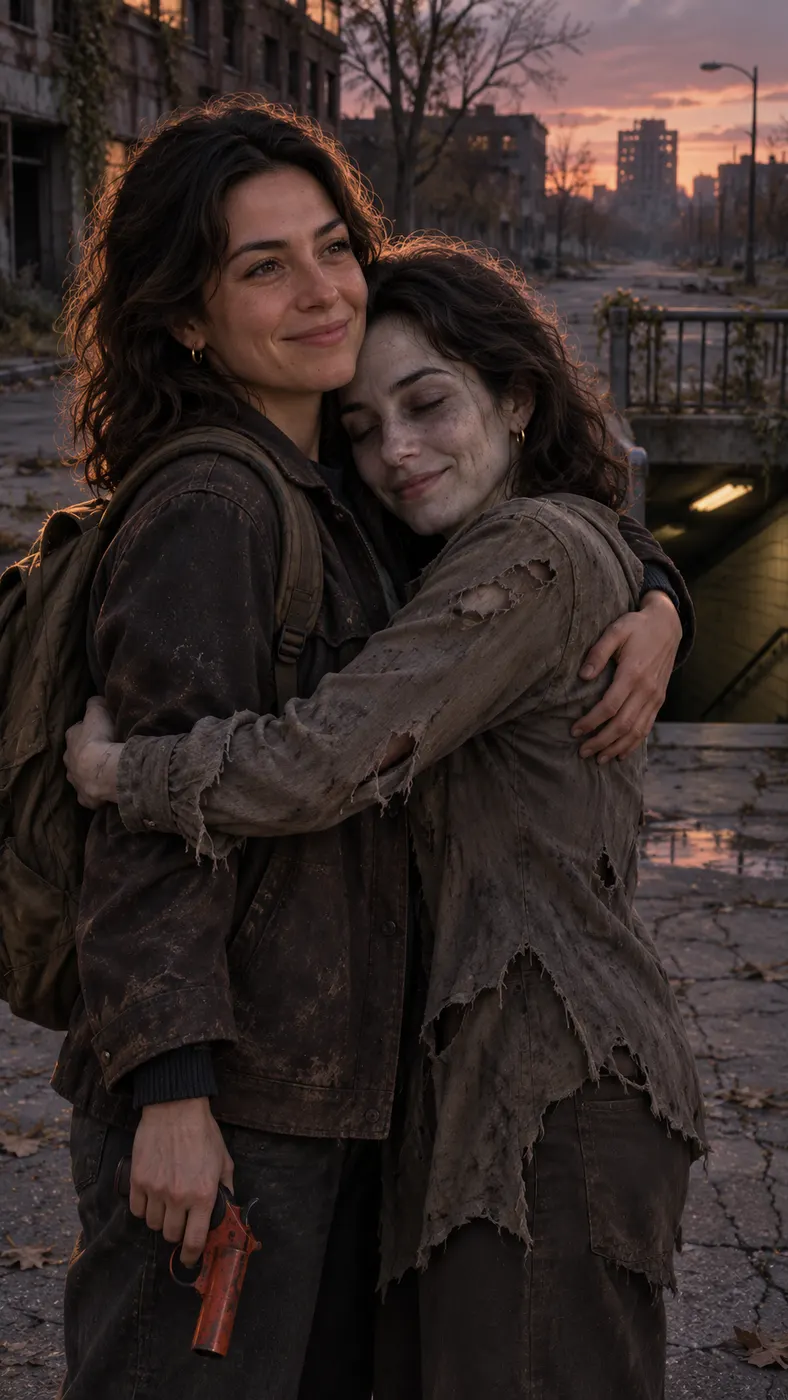
These AI zombie trend examples focus on the same visual joke: one person appears as a pale, non-gory zombie in a deserted street, while the other lowers a flare gun and chooses a hug. The two-photo setup keeps the people separate, so each face, hairstyle, skin tone, and look stays tied to its own upload. Use the cards to compare a close embrace, a wider street view, different clothing, and different expressions before you start. Browse {"text":"viral trend scenes","href":"/trends"} for more ways to place yourself in a short scene, or read {"text":"photo upload guidance","href":"/guides/best-photo-for-ai-rap-video"} before choosing your portraits. Every card is a visual reference for the Zombie hug preset; your optional prompt can add a setting detail or wardrobe note while the core gag remains clear.









How to Make an AI Zombie Trend Video
- 01
Upload one photo per person
To recreate the AI zombie trend, upload one well-lit, front-facing photo for the person holding the flare gun and one separate photo for the person who becomes the zombie. Keep one face in each image so the generator can preserve each person’s identity, hairstyle, skin tone, and overall look. Old photos can work for Photo 2, provided the face is clear enough to recognize.
- 02
Add an optional detail and generate
Start the generation with the selected Zombie hug scene. The result should show the deserted street, the zombie transformation, the hesitation with the flare gun, and the final hug as one readable sequence. If you want a small change, use the optional prompt to add a wardrobe, lighting, or setting detail while keeping the main action easy to understand. This scene has no preview step, so check both photos and the prompt before you start.
- 03
Download the complete clip
When the render finishes, the result page shows the AI zombie trend as the complete 15-second vertical video. The default output is 480p, and the generator uses 29 credits at $2.03 for this duo scene. Download the finished sequence, which keeps the tense opening and tender embrace together, and share it as a short clip.
What You Can Do With the Zombie Hug Scene
Keep both people recognizable
The AI zombie trend setup uses two separate portraits instead of asking one image to represent both people. Photo 1 stays assigned to the person with the flare gun, while Photo 2 stays assigned to the zombie. That separation helps the faces, hairstyles, skin tones, and clothing references remain distinct throughout the vertical sequence.
Make the punchline easy to read
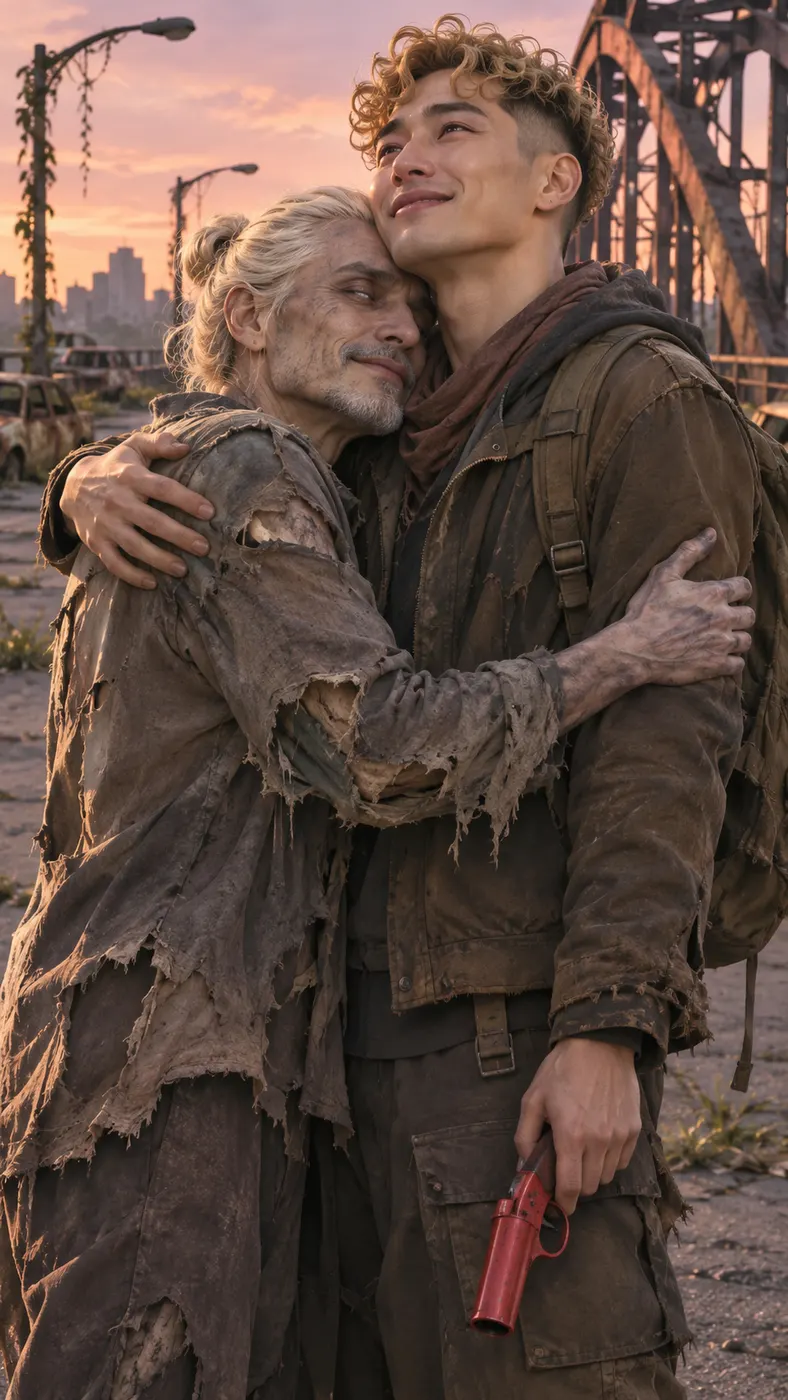
You can build the entire scene around one clear reversal: the flare gun rises, the person hesitates, then lowers it and chooses a hug. The deserted street and dusk setting create the post-apocalypse mood, while pale skin and torn clothing make the zombie role visible without gore or a graphic transformation.
Share a short vertical result
You receive a focused vertical video rather than a long story. The scene is designed around a 15-second result at the default 480p quality, with a tense-then-tender cinematic score and no speech. That compact structure gives the joke a quick setup, a recognizable turn, and a clear emotional finish.
Use a loved one’s portrait
The AI zombie trend can turn a photo of someone you love into the person waiting in the street, as long as you have their permission to use the image. Choose a separate portrait for each role and avoid crowded photos, heavy shadows, or faces hidden behind sunglasses so both identities have a clean reference.
Know the cost before creating
This scene uses 29 credits and is priced at $2.03. It is a fan-made recreation of a social video idea, not an official TikTok production. The generator opens with Zombie hug selected, so you can review the exact scene and its required two-photo setup before starting.
Zombie Hug Scene Questions
What is the zombie-hug scene?
The AI zombie trend is a short vertical gag built from two people’s photos. One person appears as a non-gory zombie in a deserted post-apocalypse street, while the other raises a flare gun, hesitates, lowers it, and pulls them into a hug. The contrast between danger and affection is the point of the scene.
Is this scene free to make?
This page does not promise a free preview or free run. Creating the complete video uses 29 credits and costs $2.03. Check the generator panel before confirming so the displayed credit requirement and price are clear for the selected Zombie hug scene. Want to try for free first? Original raps, such as AI Rap Duo, have a free 5-second preview.
How long does the result take?
The AI zombie trend render needs a short generation wait, and busy periods can take longer than a quiet queue. The result itself is 15 seconds long,. Keep the page open while the generator prepares the clip, then check the finished sequence on the result page.
What photos should I upload?
Upload two separate, well-lit portraits with one clear face in each image. Use Photo 1 for the person who holds the flare gun and Photo 2 for the person who becomes the zombie. Front-facing images work best because the generator uses each face, hairstyle, skin tone, and look as its own reference.
Can I use someone else’s photo?
You can make the AI zombie trend with a loved one’s photo when you have that person’s permission. Tell them how the image will be used, and choose a clear portrait that does not include other people whose identities could be mixed into the scene. The two uploads should represent two separate people.
Is this an official TikTok video?
No. This is a fan-made AI recreation of a viral scene idea, not an official TikTok video, film, or emergency clip. The generator creates a fictional, non-gory zombie-hug sequence from the two photos and the selected Zombie hug prompt.
Make Your Zombie Hug Clip
Return to the generator panel at #generator, upload one photo for each person, and start with the selected Zombie hug scene. Add an optional detail only if it helps your deserted-street story, then download the complete clip when it finishes.