
AI Dance Video Generator
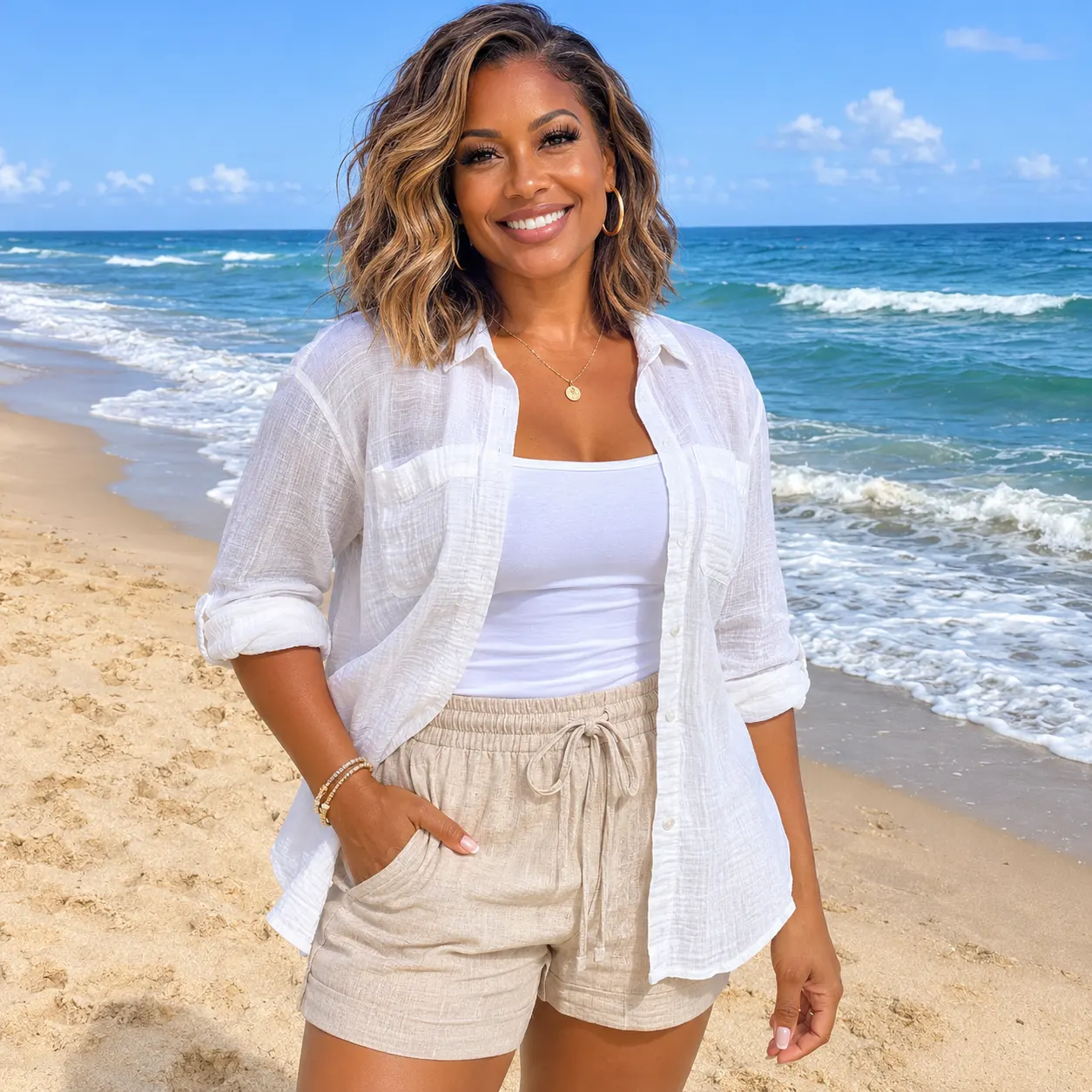
With an AI dance video generator, you choose a ready-made dance scene, upload one clear photo, and see the person in it take the dancer’s place in a vertical clip. Start with Billie Jean Dance in a warmly lit living room, then explore other routines when you want a different setting.
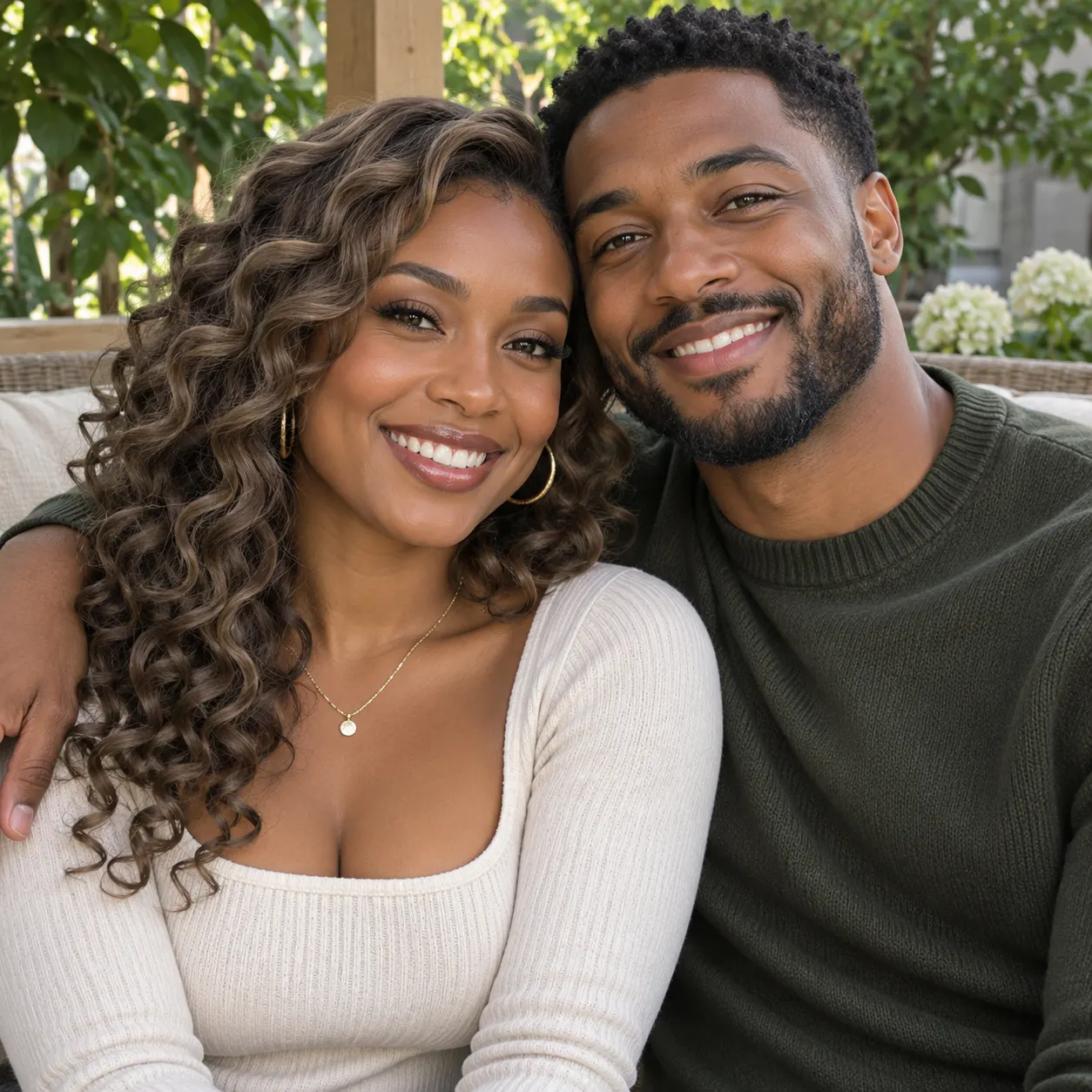
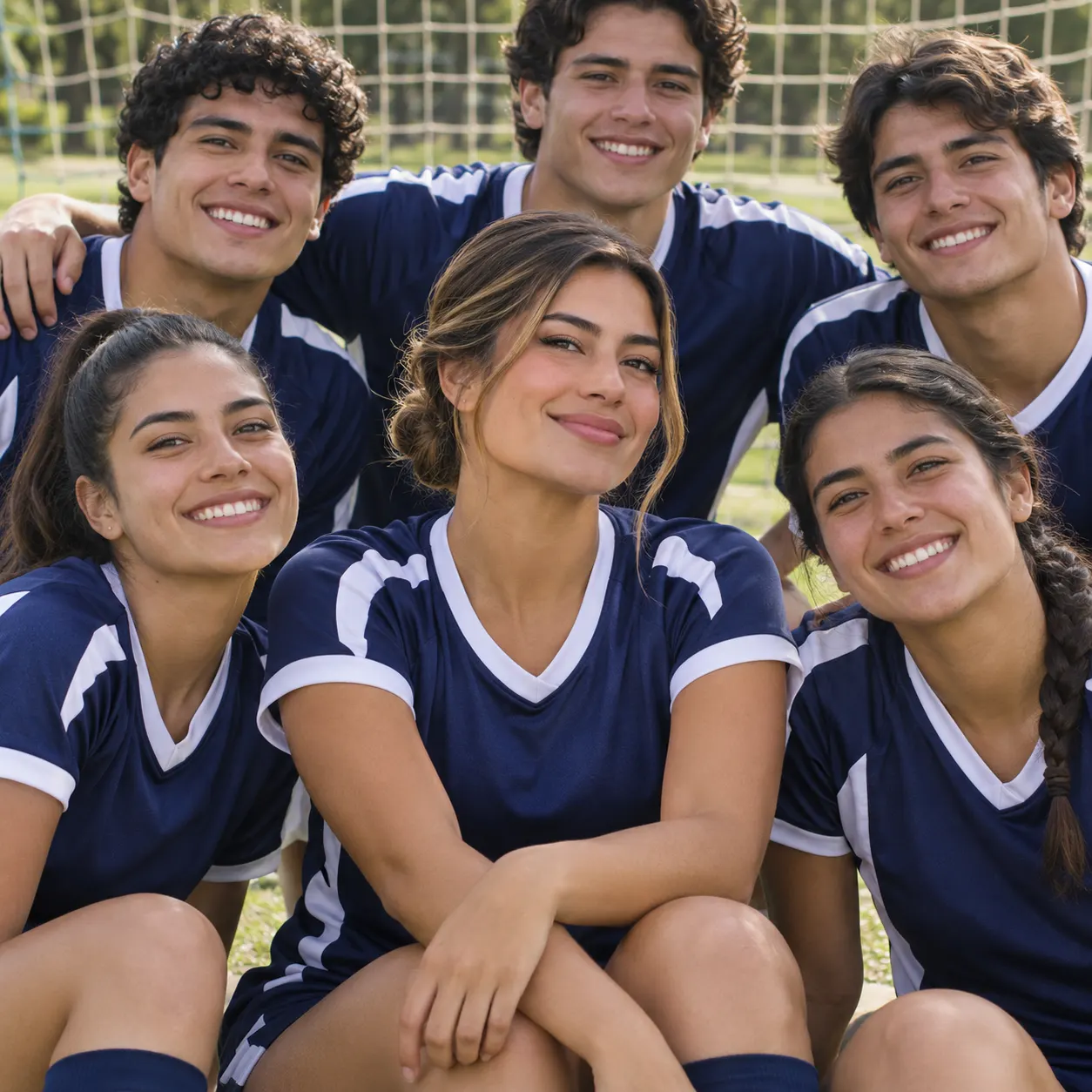
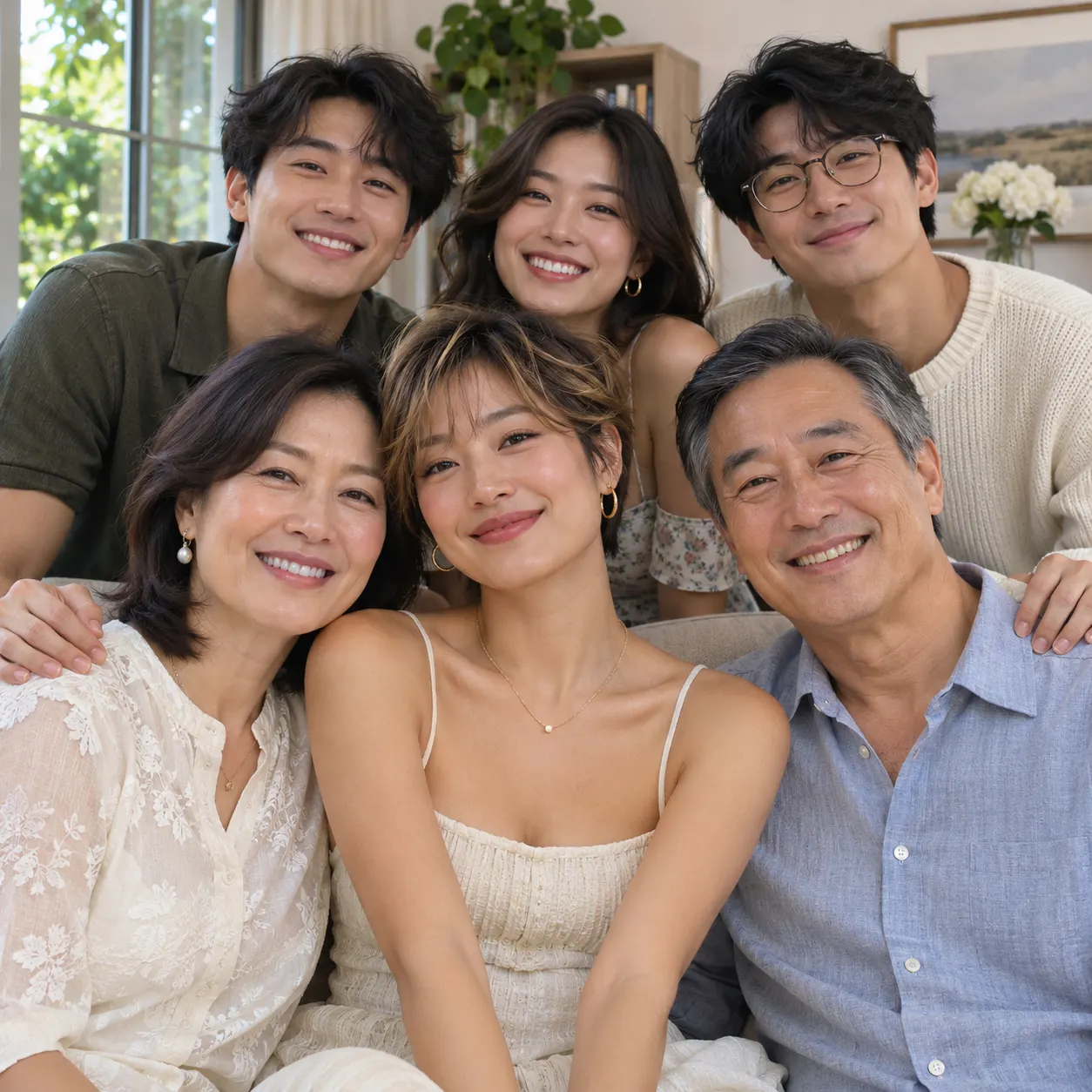
One clear photo: a solo shot or the two of you. Faces visible, no heavy filters
Tip: drag a photo onto its box, or click the box to pick one.
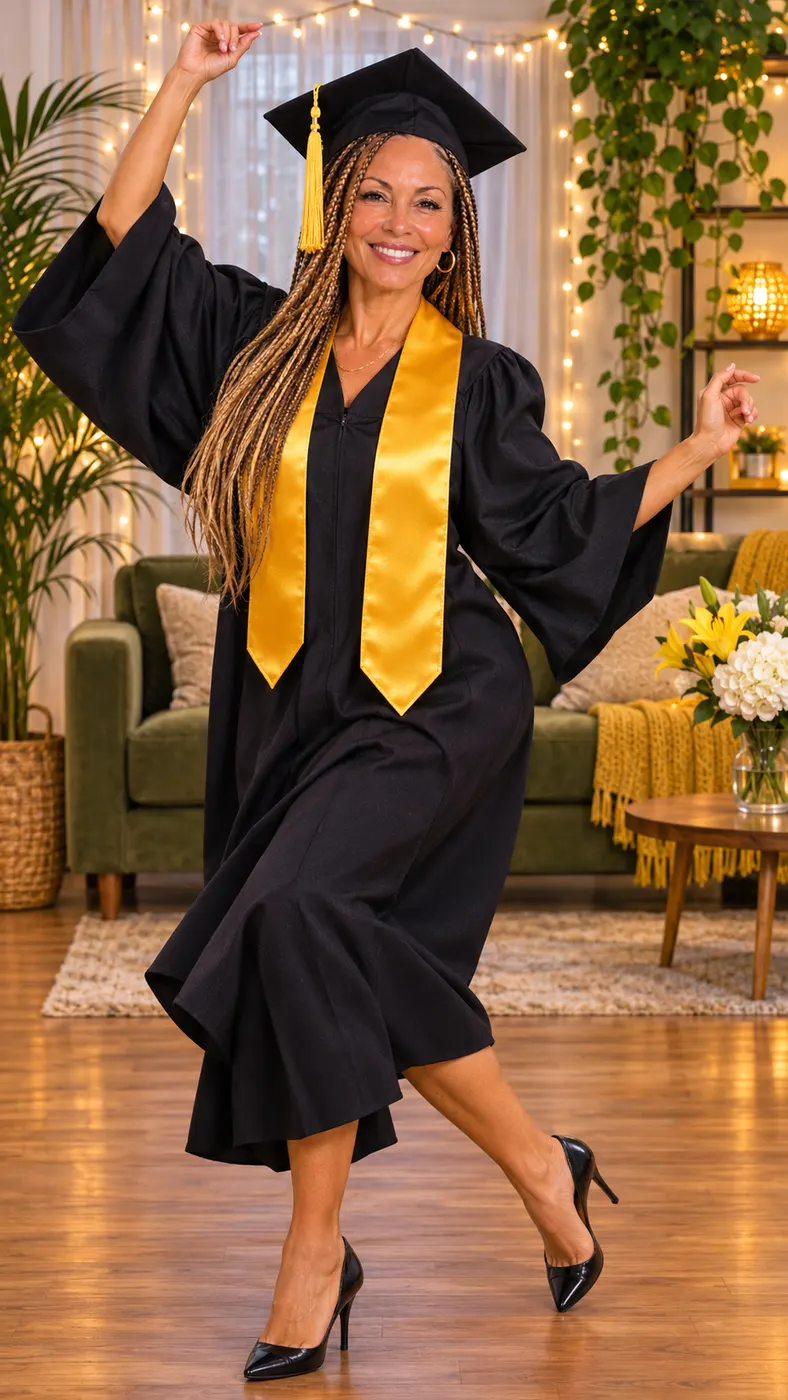
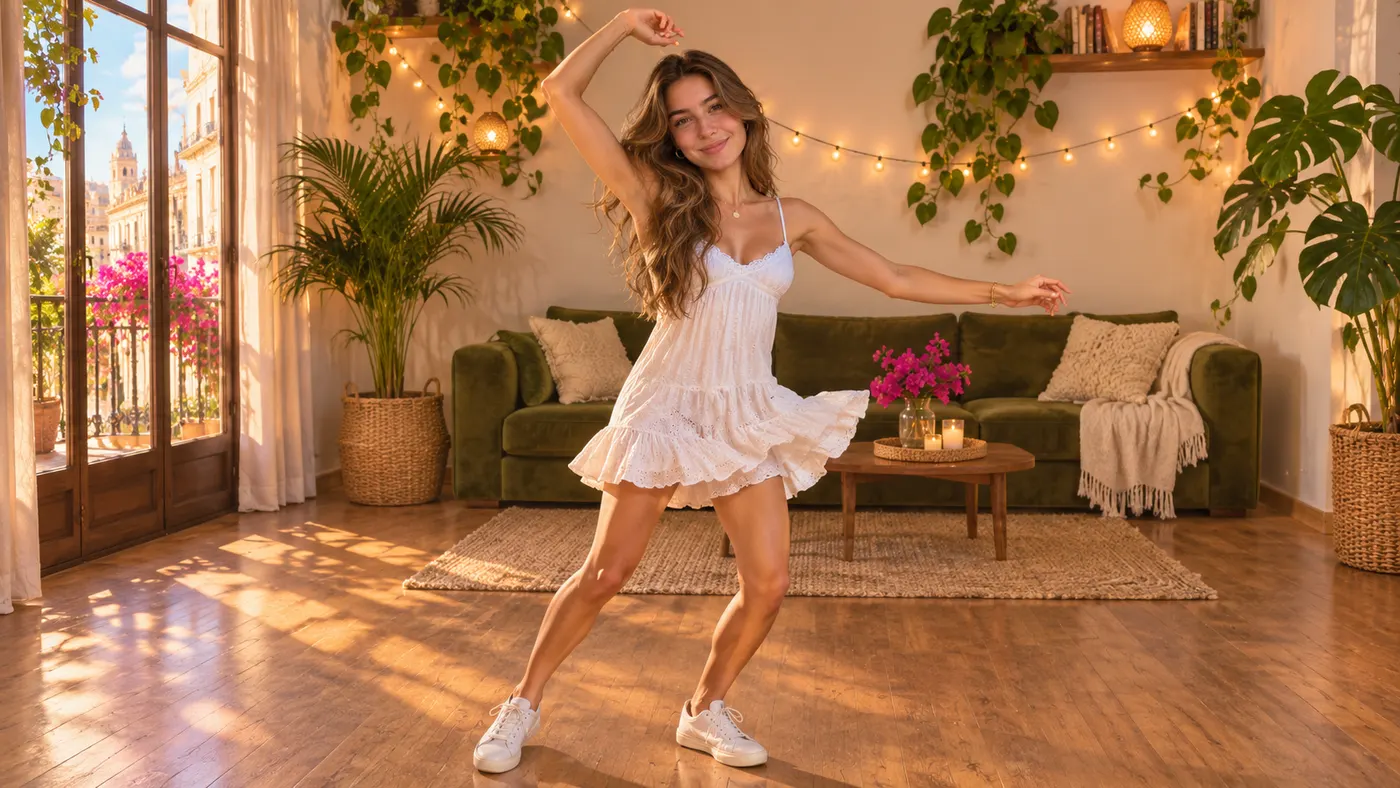
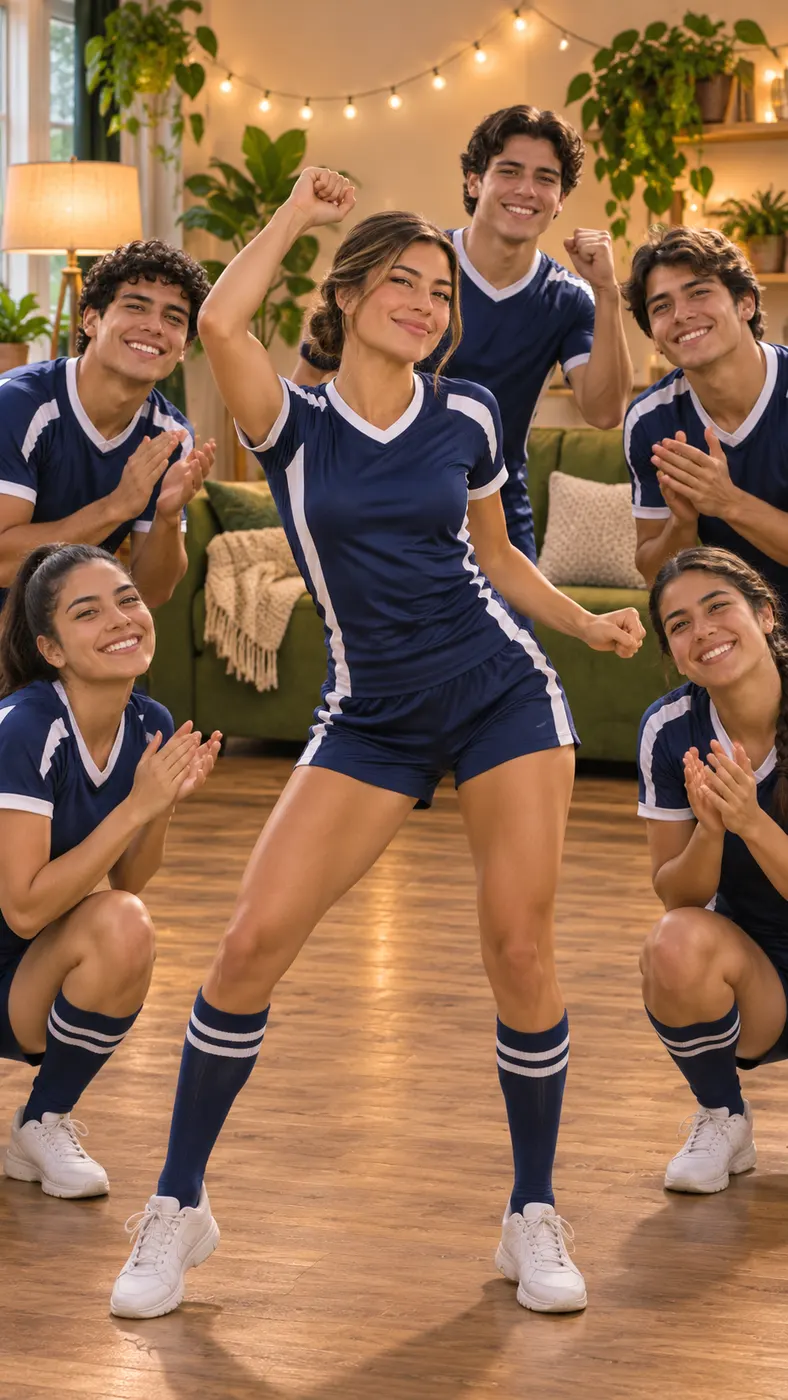
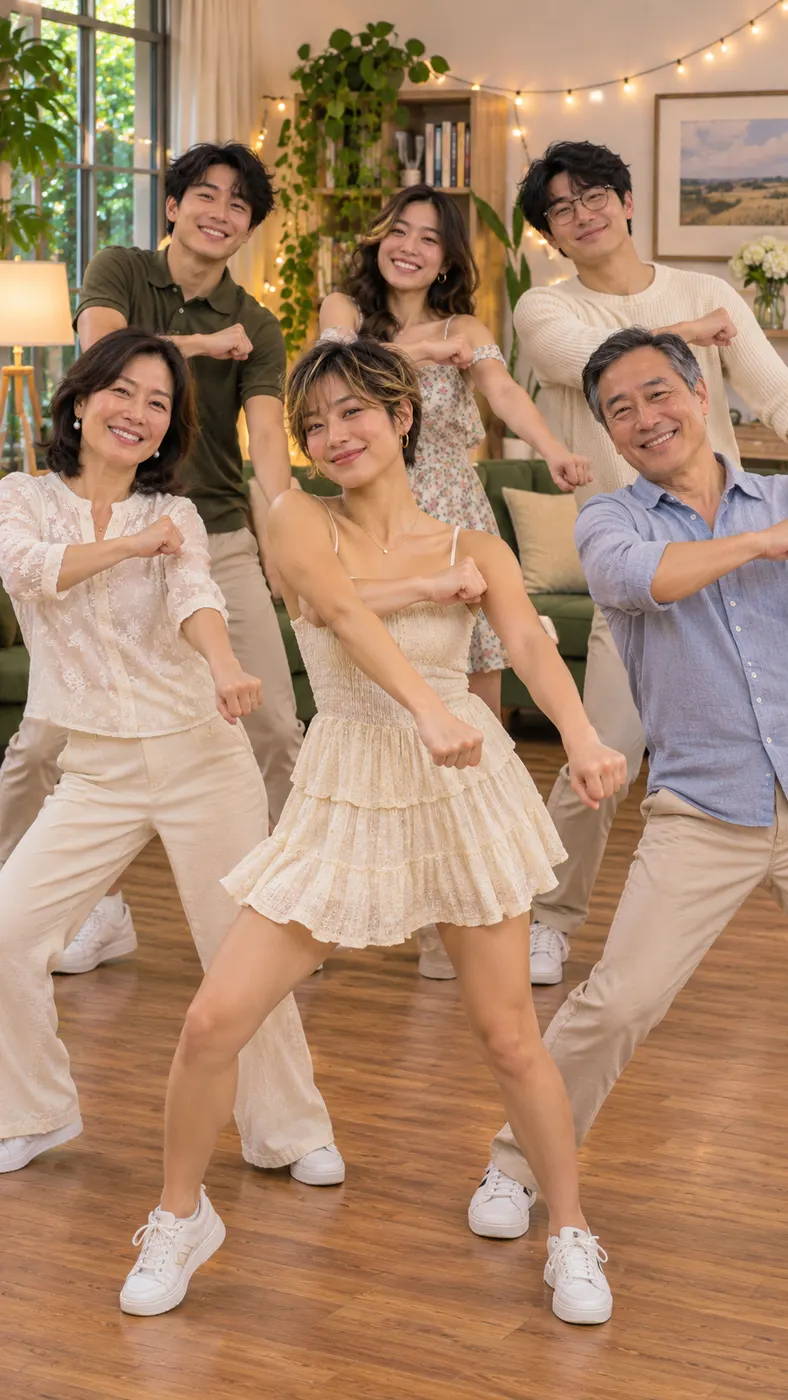
You take the place of the woman who does the Billie Jean dance in the living room.
Billie Jean Dance · Your photo does the famous Billie Jean moves in a cozy living room.
This video: 96 credits · Credits come back if it fails
AI video effect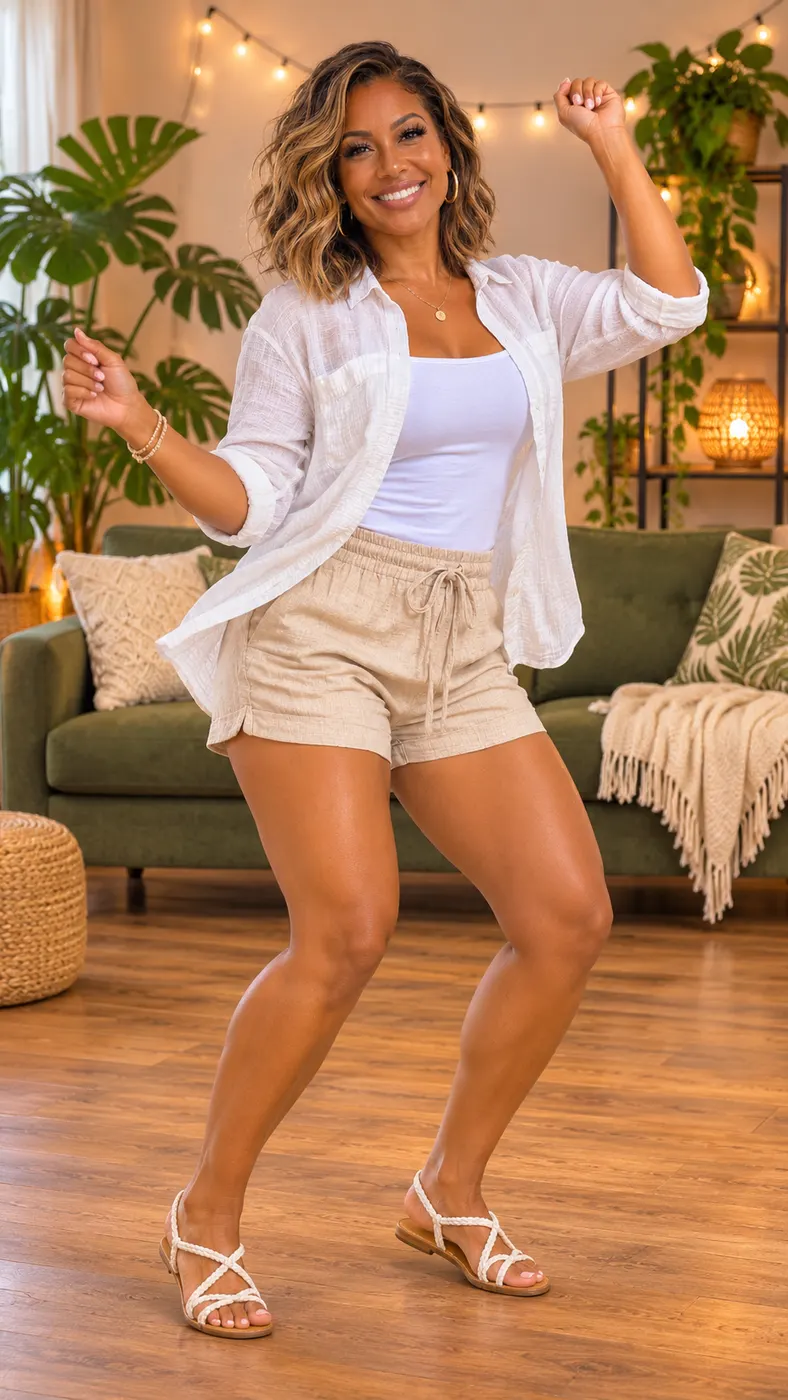
AI Dance Video Generator Scenes to Try
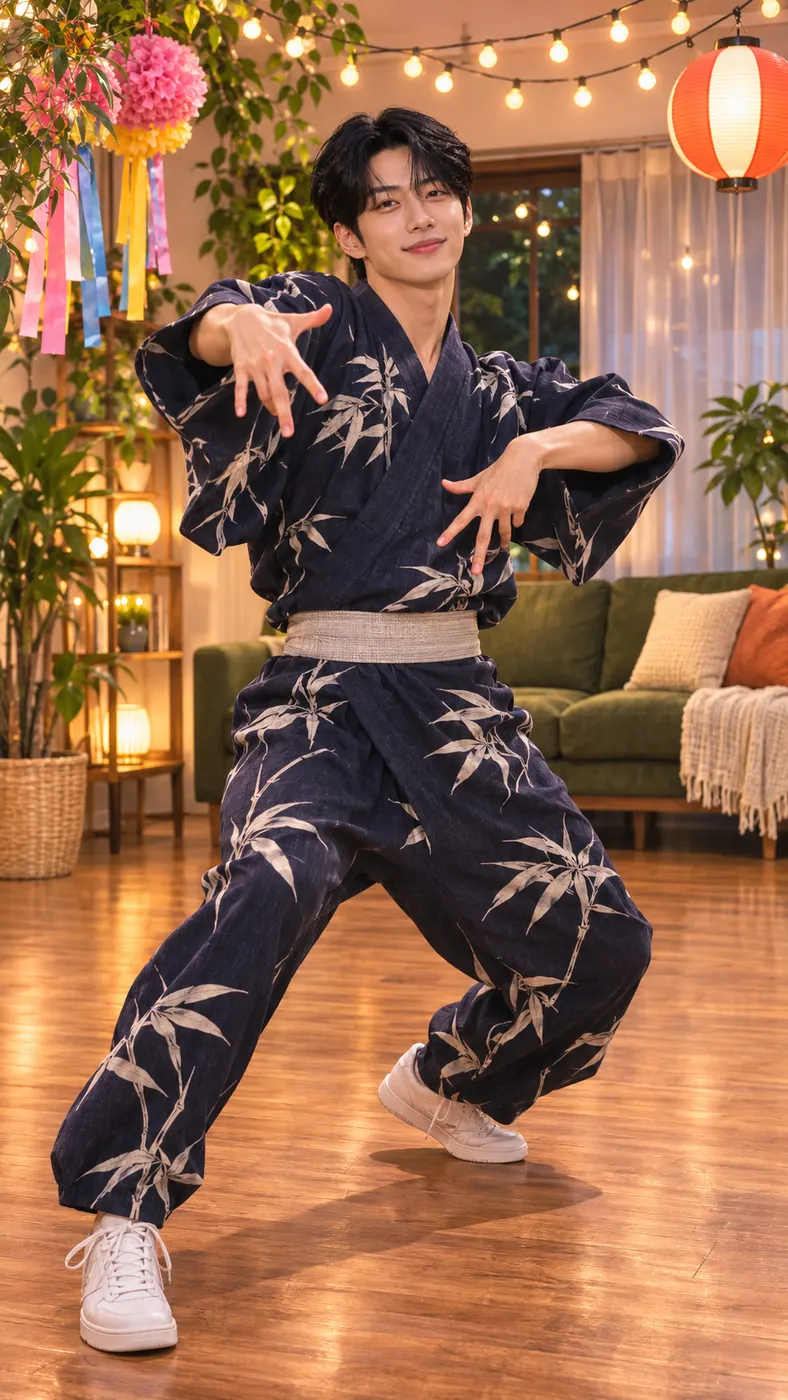
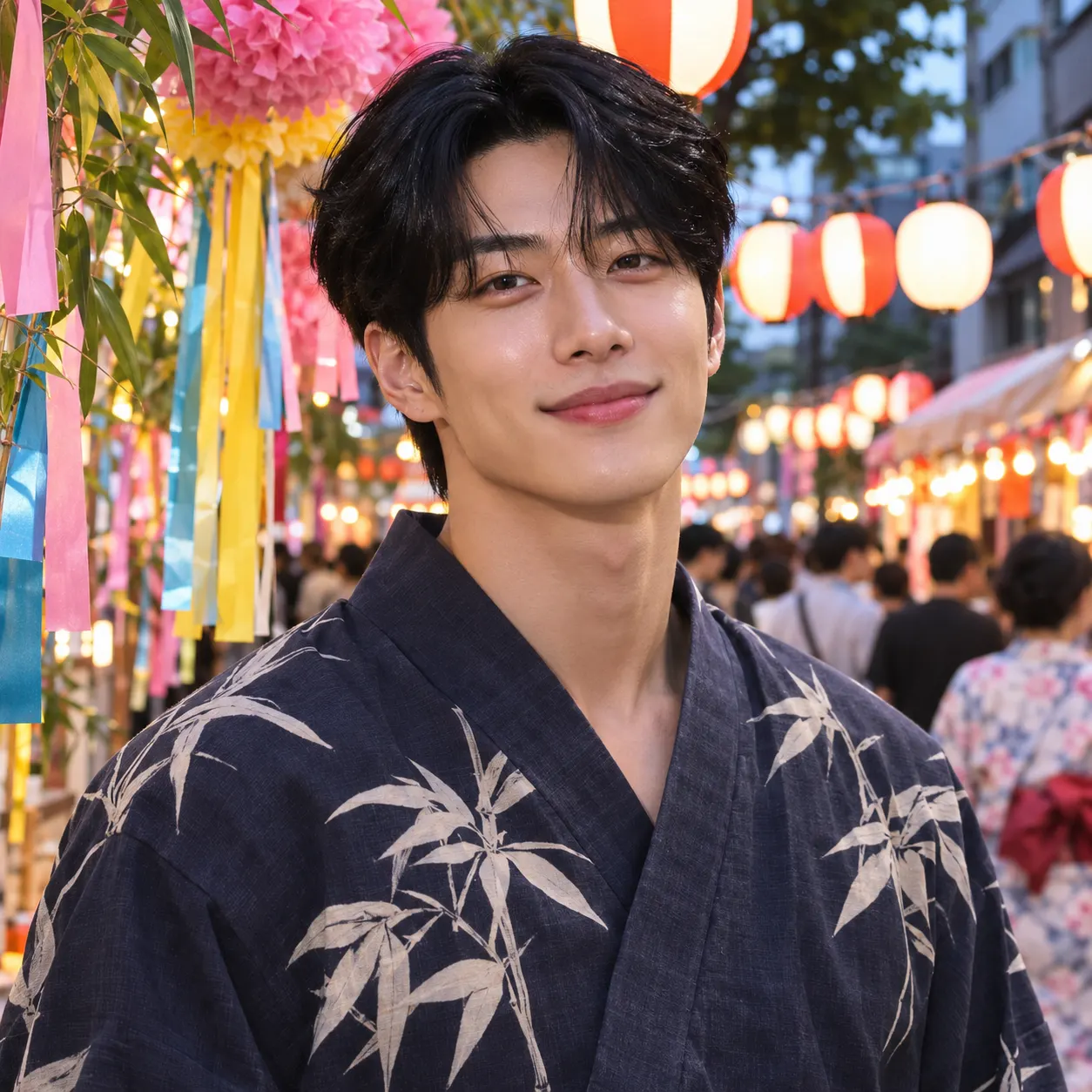
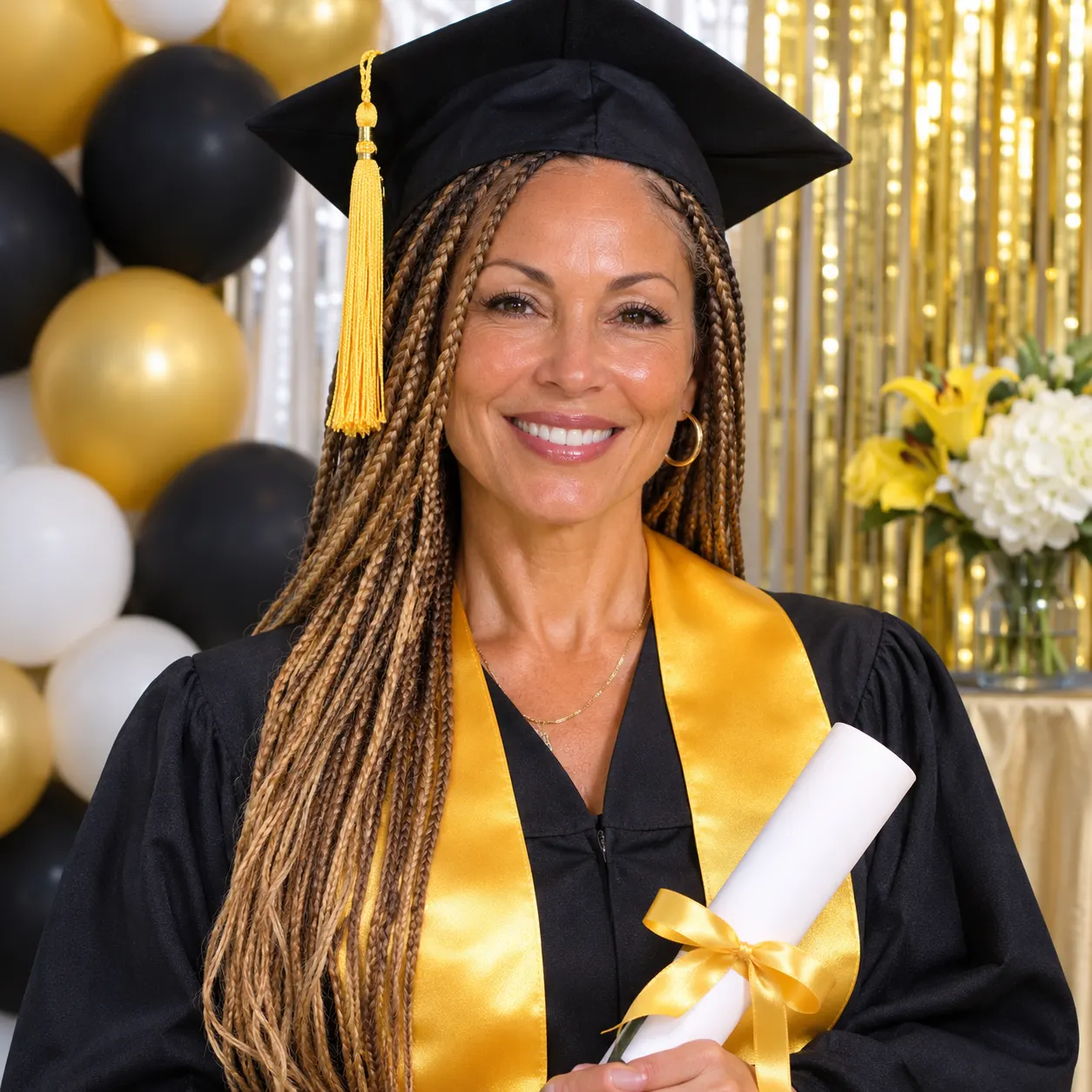
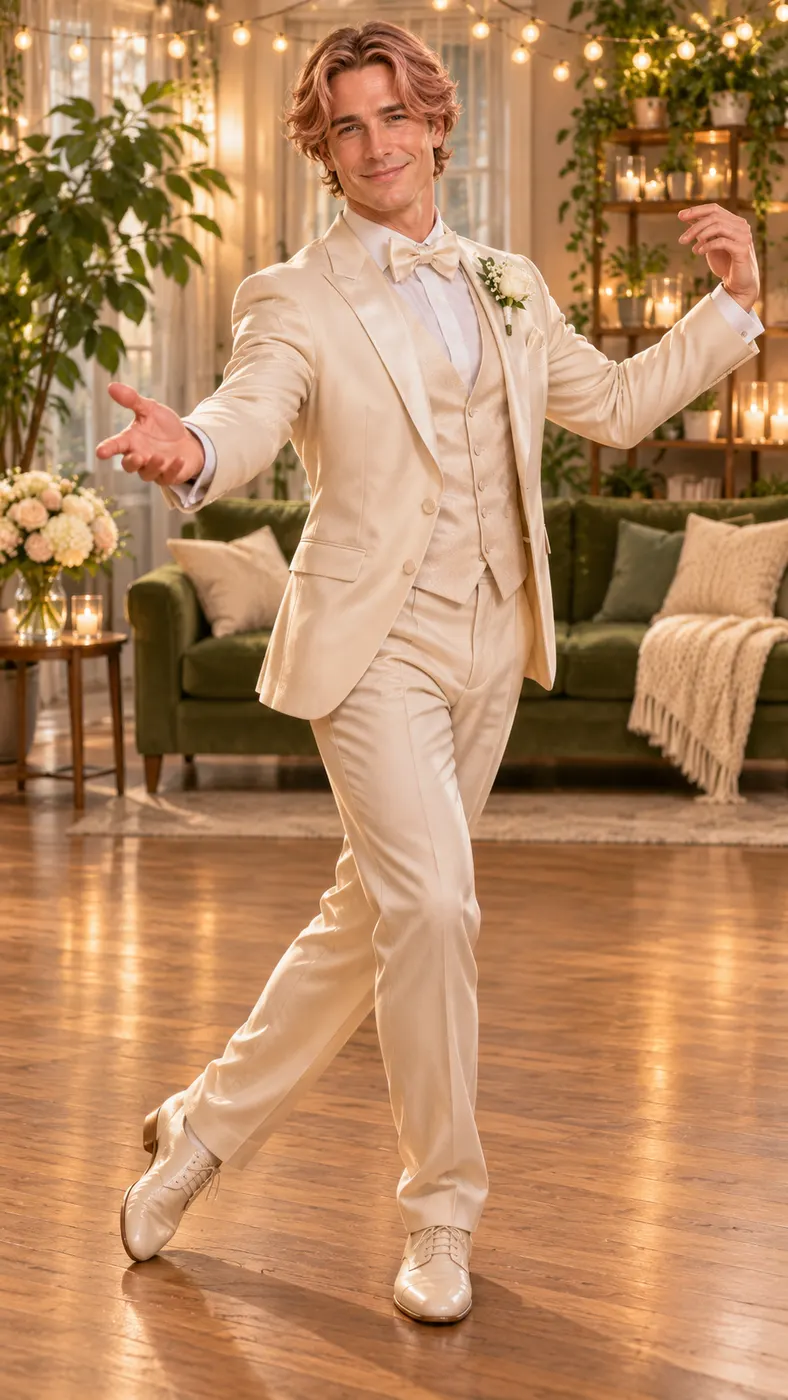
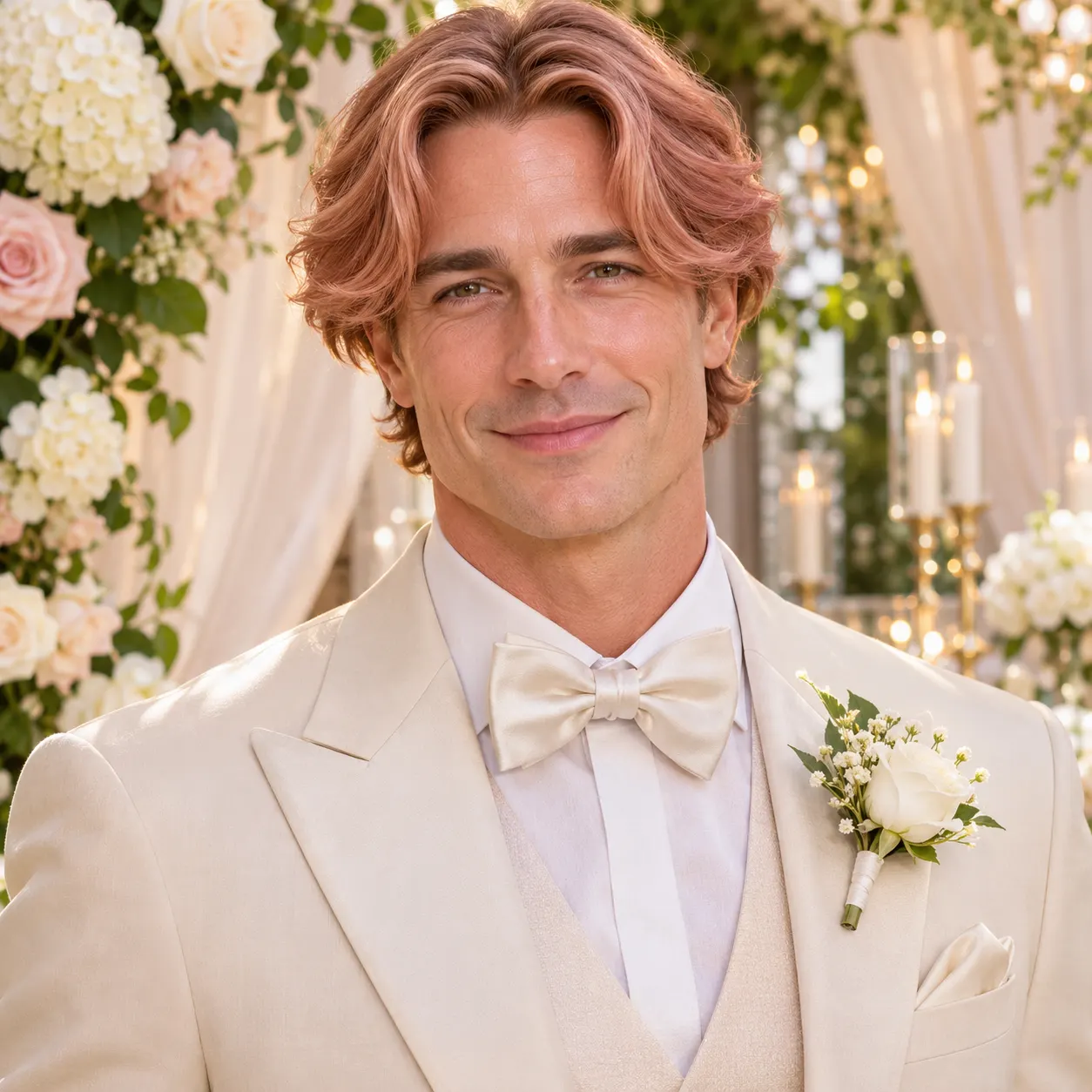
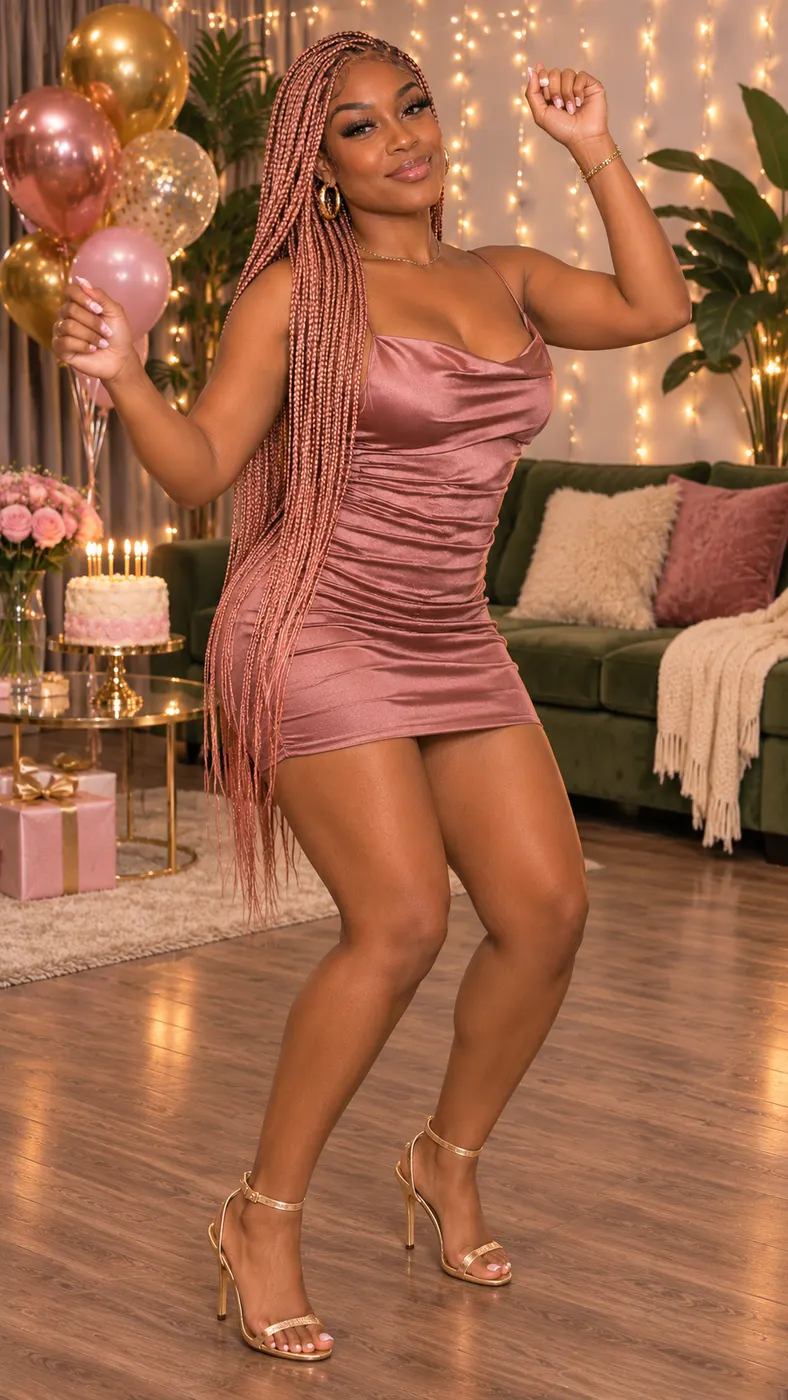
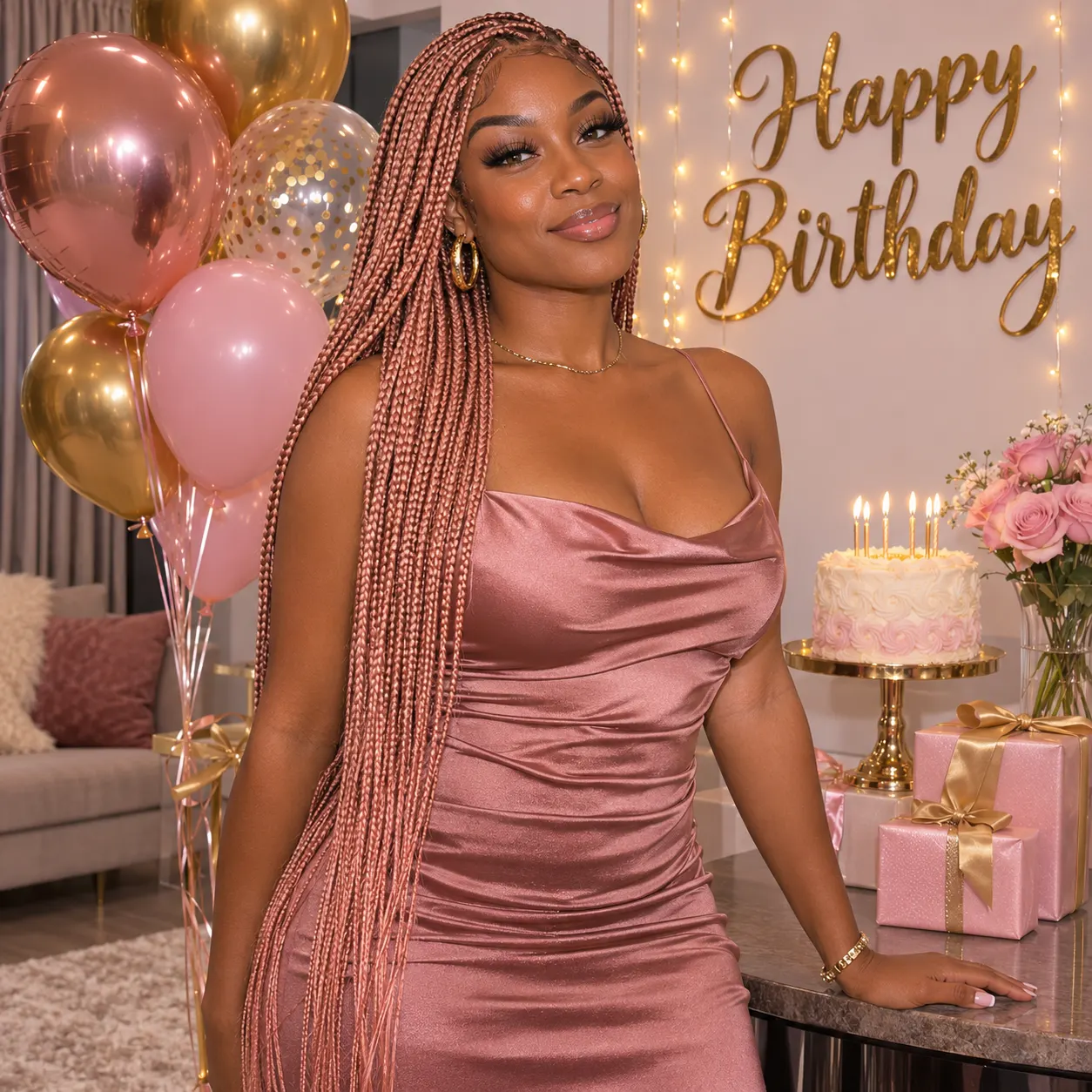
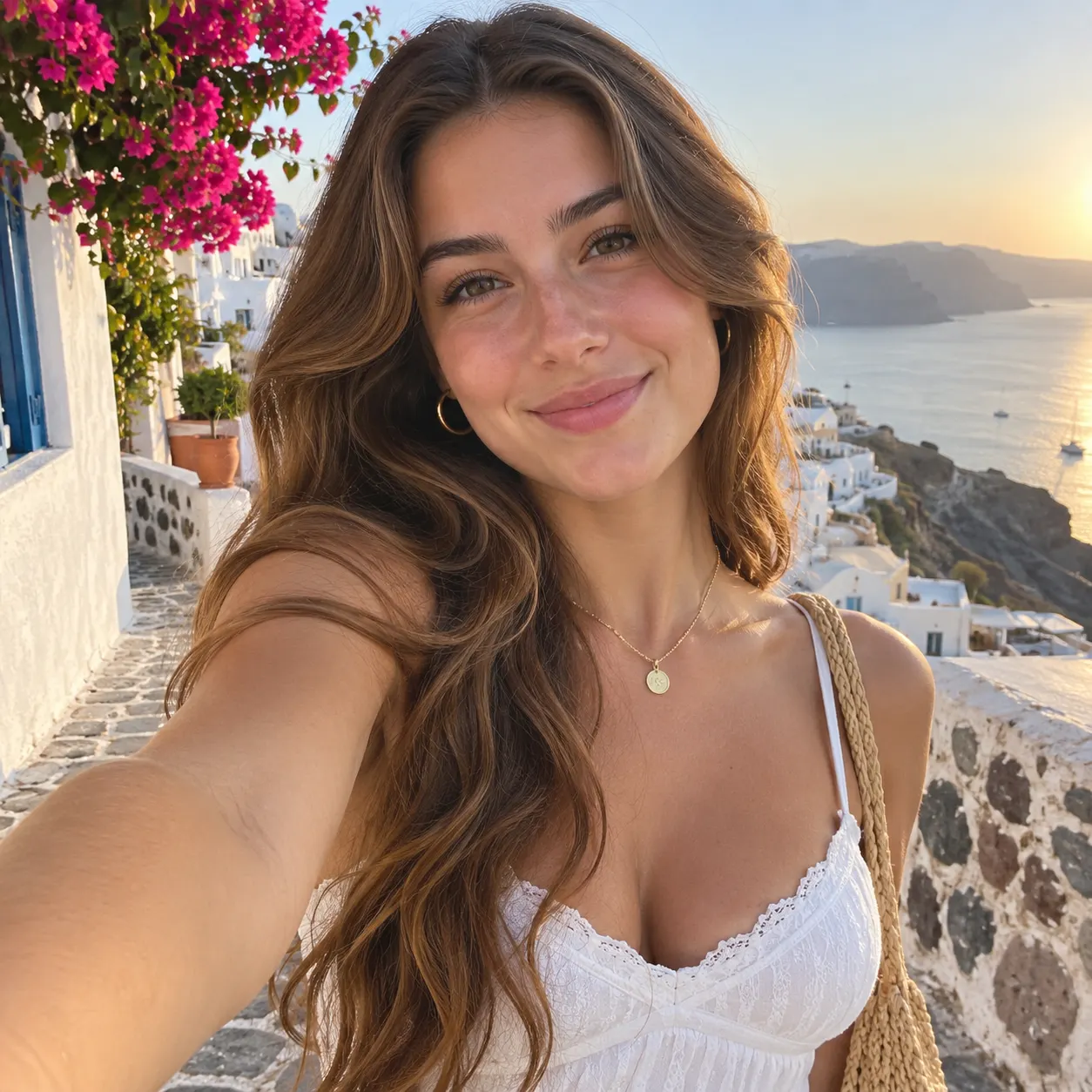
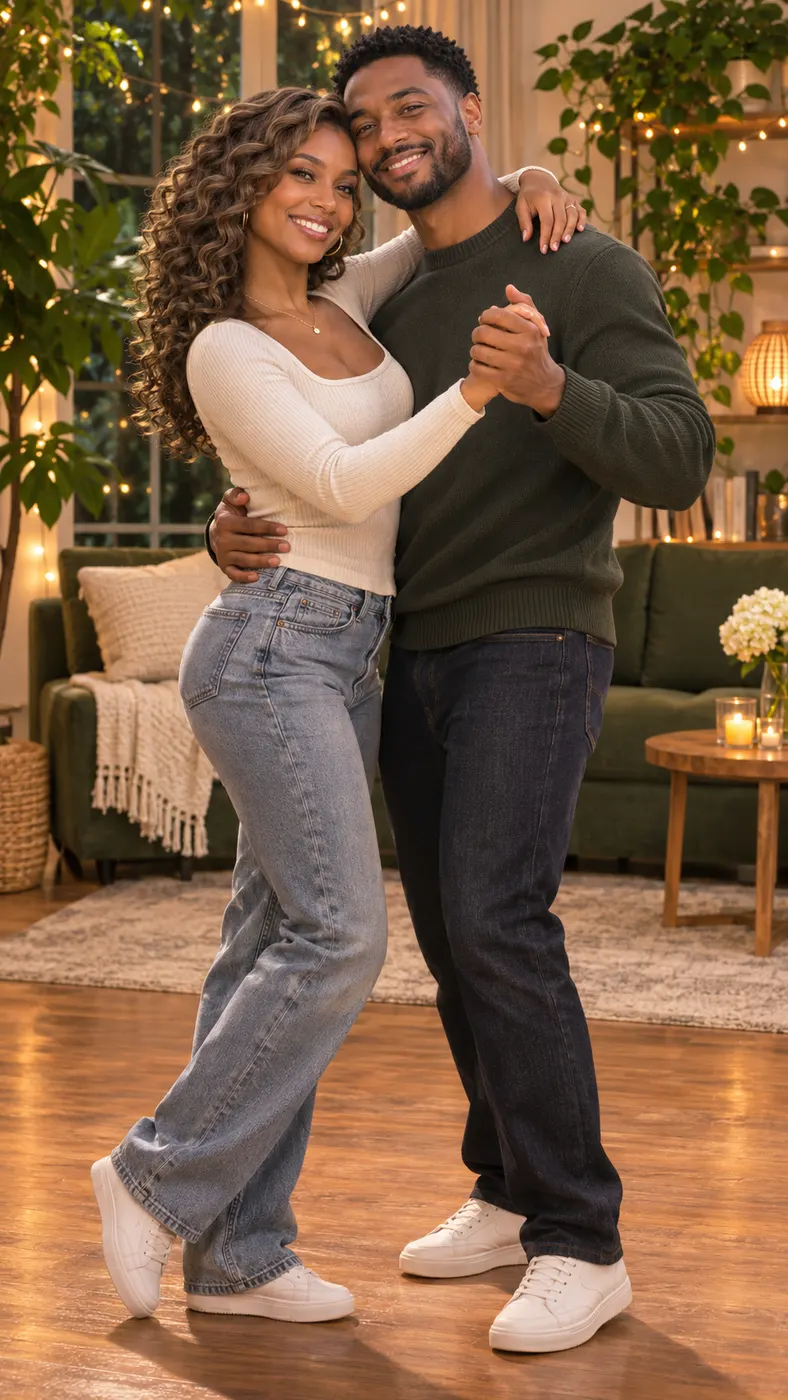
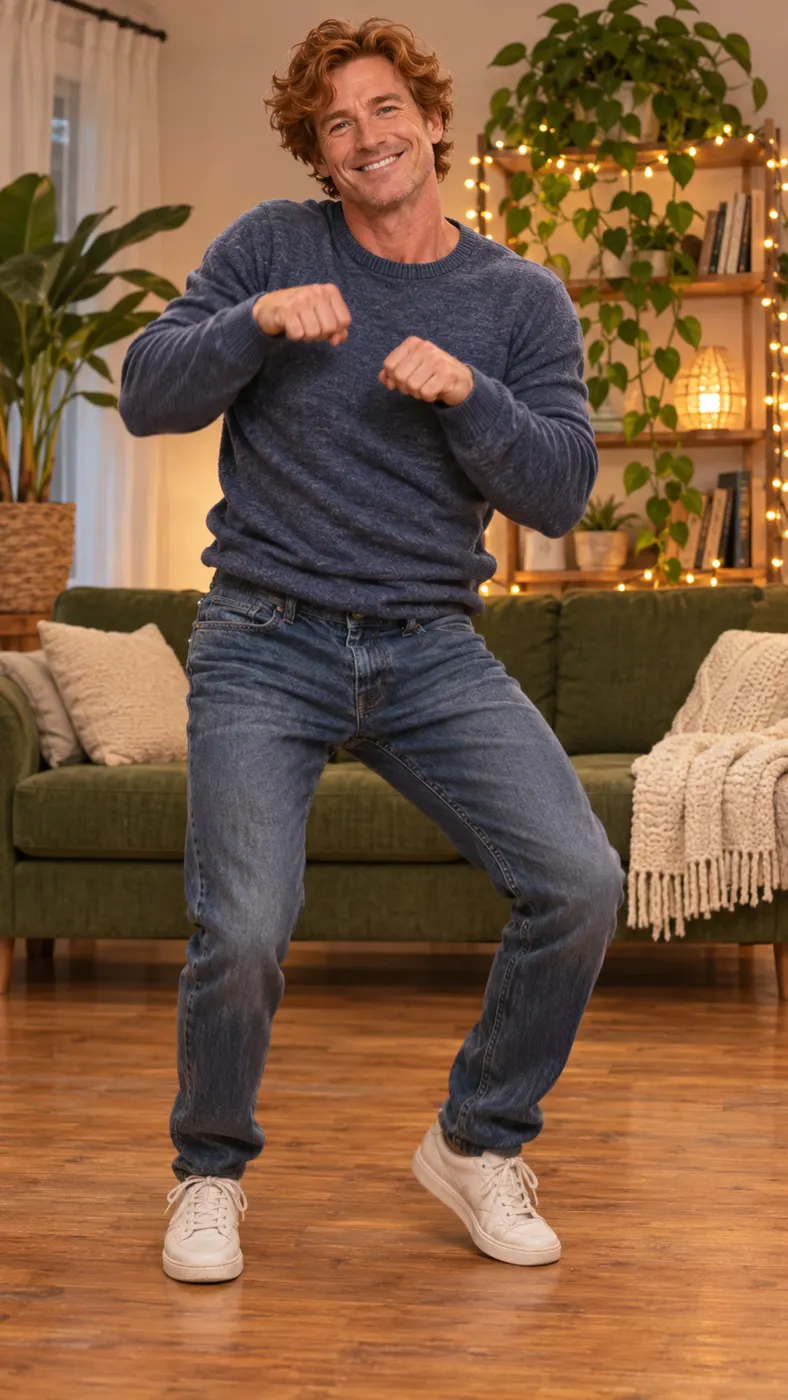
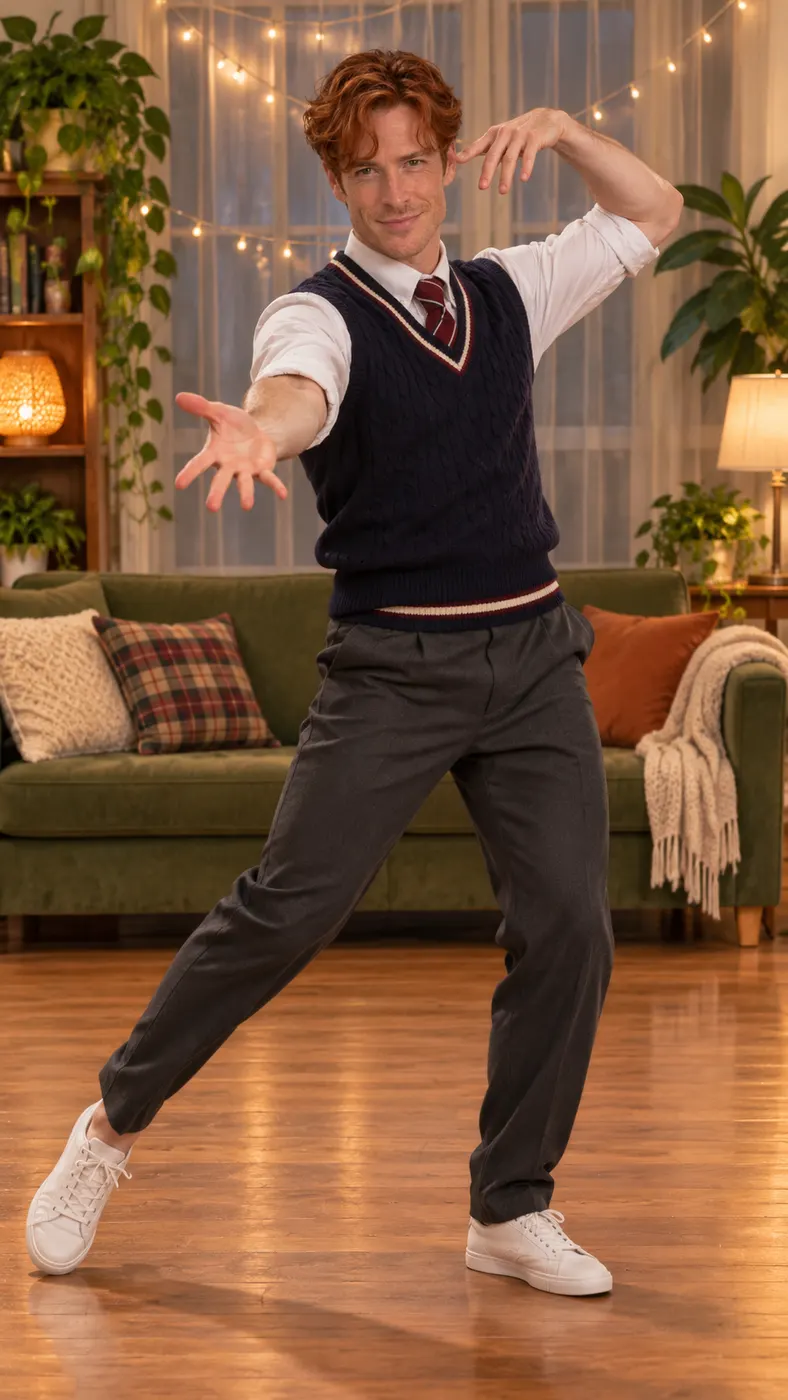
This AI dance video generator hub starts with the Billie Jean Dance scene: a ready-made vertical reference clip places the person from your uploaded photo in the dancer’s position. Browse the examples to picture the result before you choose a routine. The living-room setting stays recognizable while the generated clip follows the selected dance performance. When you want another mood, try other ready-made templates, including Smooth Criminal Dance, Toosie Slide, Dance, and more.


AI Dance Video Generator: Three Steps
- 01
Choose a dance scene
Start with Billie Jean Dance selected if you want the warmly lit living-room routine. This AI dance video generator also presents scene cards for Smooth Criminal Dance, Toosie Slide, Dance, and many other ready-made clips. Select the scene whose movement, setting or mood best matches the photo you want to use. The selected card determines which reference performance receives the person from your image.
- 02
Upload a clear photo
Add one clear photo through the Your photo input. The image can show one person or two people, but every face should be visible and the photo should not have heavy filters. A straightforward image gives the AI dance video generator a clear subject reference. Check that the people you want included are actually in the frame, because the scene uses the uploaded people as the subjects of the vertical result.
- 03
Generate and check the result
Submit the selected scene and wait for the generation to finish. Review the vertical clip to confirm that the intended person appears in the dancer’s position and that the face and appearance remain recognizable. Rendering time can vary, so follow the progress shown by the page instead of expecting a fixed wait. When the result looks right, complete the available generation step and save the finished clip for sharing.
What You Can Do With This Dance Video Tool
Put yourself in a ready-made routine
The AI dance video generator uses your uploaded photo as the subject reference for a selected dance scene. You do not need to film the choreography yourself: choose the Billie Jean Dance card, add a suitable photo, and let the scene place that person where the reference dancer appears. The result is designed as a vertical short video that is easy to preview and share.
Choose a scene that fits your idea
You can pick Billie Jean Dance for the living-room performance, Smooth Criminal Dance for the parking-garage routine, Toosie Slide for the hotel hallway, or Dance for a neon-lit studio. Other cards cover different settings and actions, so you can compare the available scenes before committing to one photo and one reference performance.
Give the generator a useful photo
Use a solo shot or a photo of two people with visible faces and no heavy filters. Clear faces, visible features and a straightforward frame help the AI dance video generator identify the intended subjects. Avoid sending a crowded or strongly filtered image when you want one particular person to take the dancer’s place. The input label and hint remain available while you choose the file.
Create a vertical clip for sharing
The selected dance references are vertical scenes, so the finished result is built around a portrait frame rather than a wide landscape composition. That format suits short social posts, messages and quick reactions. Keep the subject visible from head to toe when the scene calls for a full-body dancer, especially for Billie Jean Dance and the other routines that rely on visible movement.
Check the current cost before generating
Review the charge shown for the selected scene before you submit it. The site uses $2.03, 29, and a 15-second duration as its current pricing placeholders, while reference-based scenes may follow the length of their selected clip. Confirm the live panel for the exact amount and credit requirement attached to the generation you are about to start.
AI Dance Video Generator Questions
What does this page do?
This AI dance video generator places the person or people from one uploaded photo into a selected ready-made dance scene. The main option is Billie Jean Dance, where the subject takes the dancer’s position in a warmly lit living room. You can also choose other available scene cards, including Smooth Criminal Dance, Toosie Slide and Dance.
Is this the same as an AI dance generator?
Yes. If you searched for an AI dance generator, this is the page: it turns one uploaded photo into a vertical dance clip by placing the person in a ready-made dance scene. You pick the routine, such as Billie Jean Dance, Smooth Criminal Dance or Toosie Slide, rather than writing choreography from scratch.
Is it free to make a Billie Jean Dance video?
The current free-run allowance is 0, so you should not assume that a completed generation costs nothing. Check the live generator panel for the charge and credits required before submitting the photo. The displayed amount can depend on the selected reference scene and its resulting clip length.
How long does the generated video take?
The page does not promise one fixed generation wait. Allow several minutes rather than expecting an instant result, then use the progress state shown by the AI dance video generator as the current estimate. The finished clip follows the selected reference scene, and reference-based scenes can determine the final duration instead of using one universal length.
What kind of photo should I upload?
Use one clear photo showing one person or two people with visible faces and no heavy filters. A full-body view is especially useful for a dance scene because the reference performance shows the dancer’s body and movement. Keep the intended subject unobstructed and avoid a crowded frame when you want a predictable replacement.
Can I use another person’s photo?
You can use another person’s image only when you have their permission and the use is appropriate. Tell the person what the generated scene will do, especially because the result places them into a recognizable dance performance. Do not upload an image of someone who has not agreed to the transformation or share the result in a misleading way.
Is this an official Billie Jean music video or dance performance?
No. This is a generated vertical scene built from the selected reference clip and the photo you provide. It is not an official music video, an official performance, or an endorsement by the original artist. Treat the result as a personal, synthetic clip and avoid presenting it as authentic footage.
Do I need dance footage to use an AI dance generator like this one?
No. The reference performance comes from the scene you select, so you only add one clear photo with visible faces. Preview the result in the generator panel before you share the finished vertical video.
Make Your Dance Clip
Choose a scene above, return to the generator panel, and upload a clear photo with visible faces. Start with Billie Jean Dance for the living-room routine, or pick another card when a different setting better fits the moment.