
AI Cat Dance
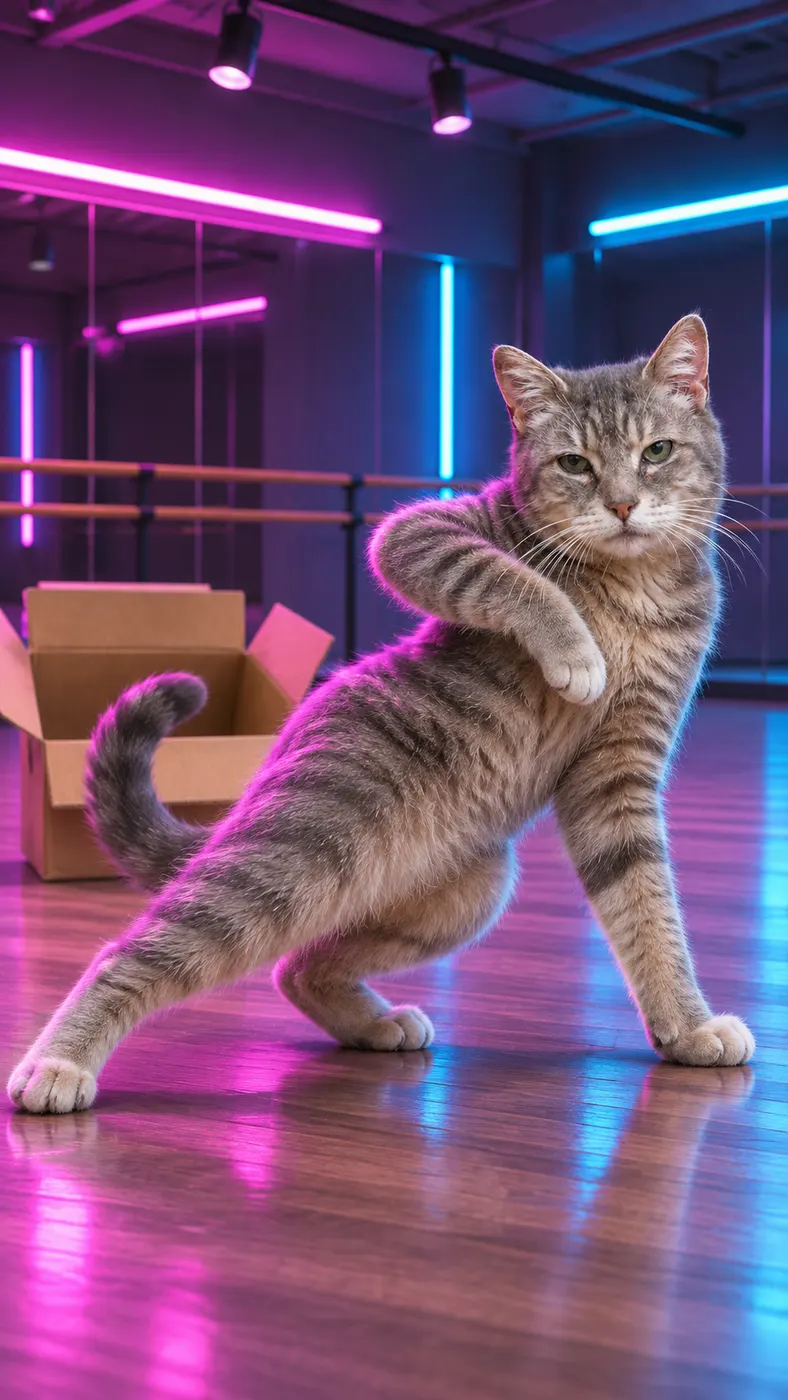
With AI cat dance, you turn one clear cat photo into a playful vertical short video clip. Choose the Dance scene, keep the cat recognizable, and let smooth hip-hop moves, a spin, and a final pose bring the moment to life. Add a setting or mood when you want extra direction.
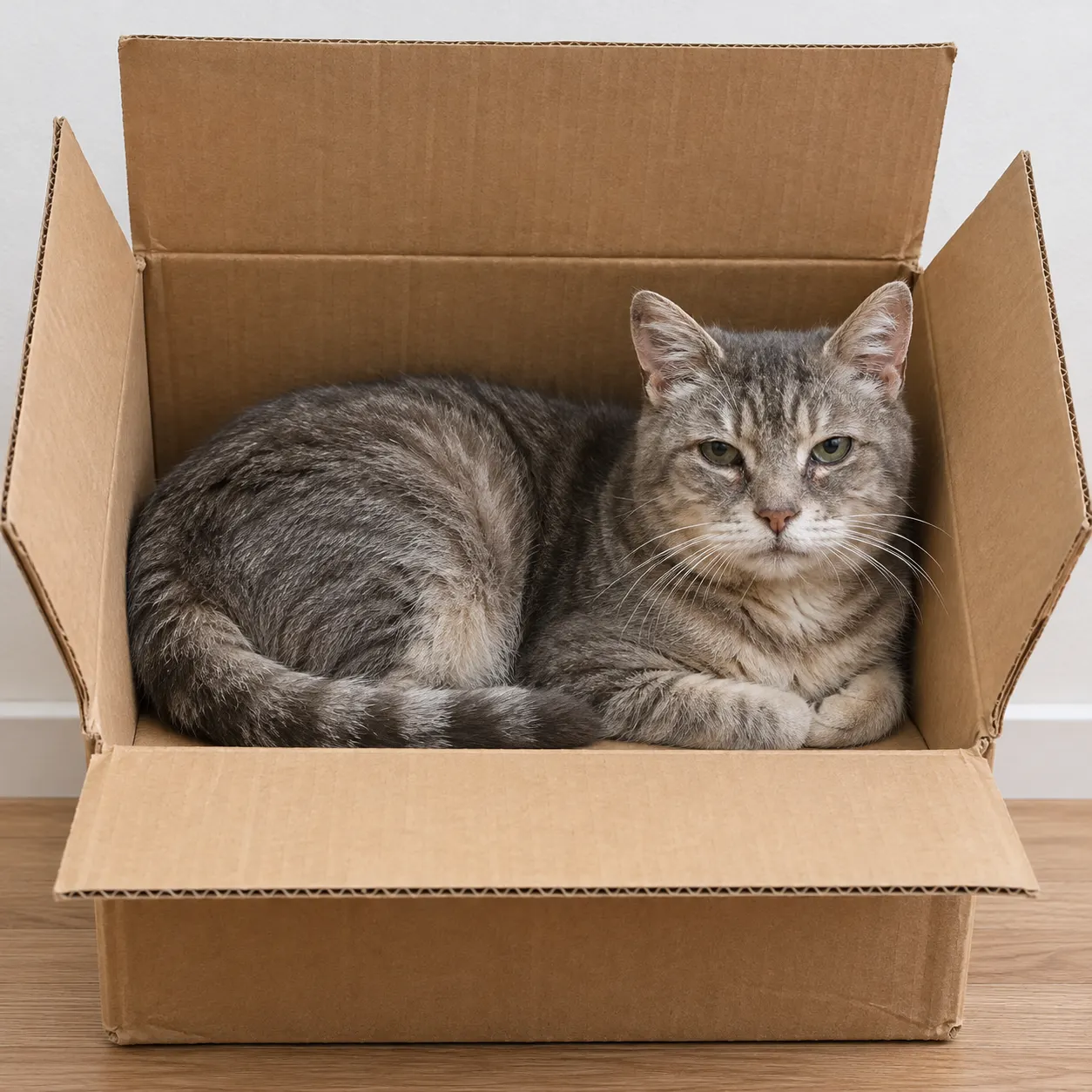
One clear photo: a solo shot or the two of you. Faces visible, no heavy filters
Tip: drag a photo onto its box, or click the box to pick one.
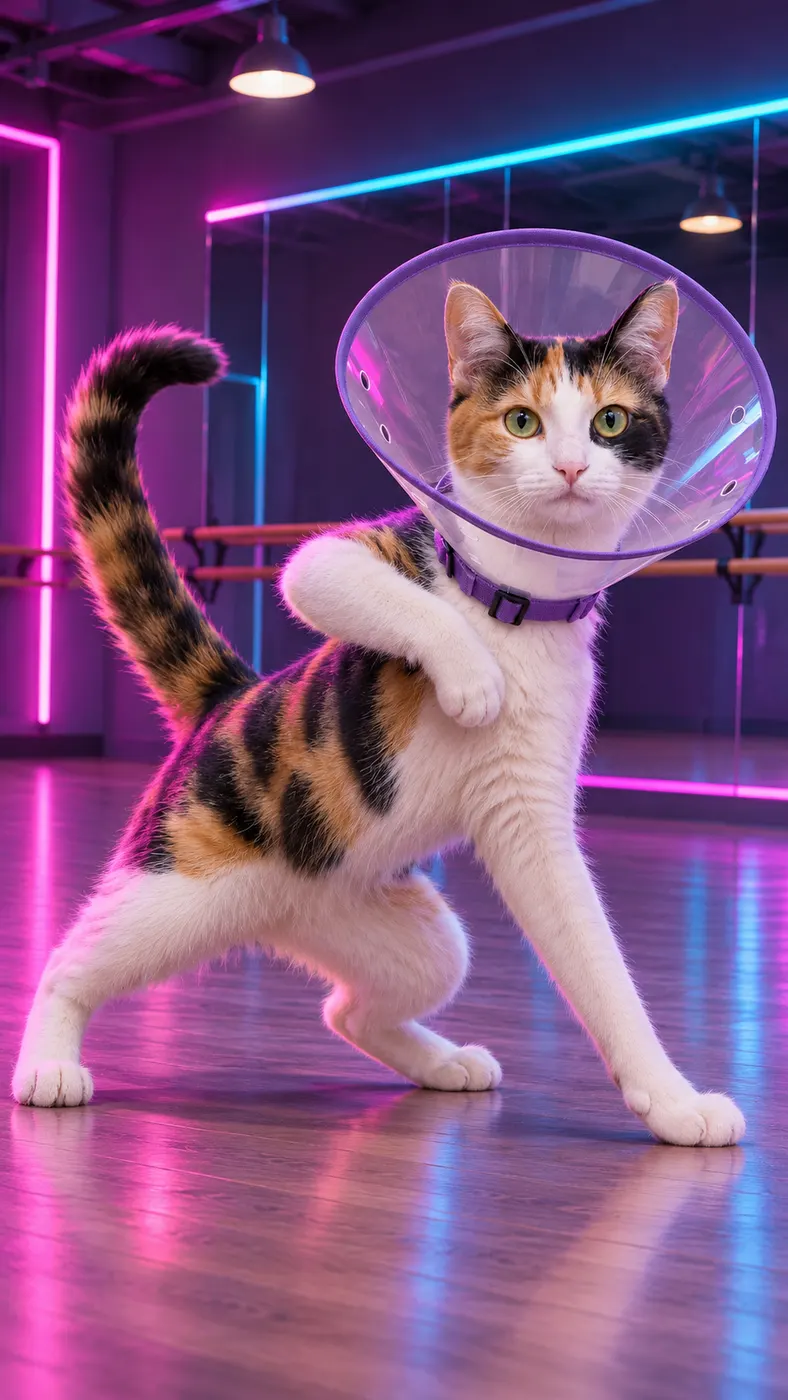
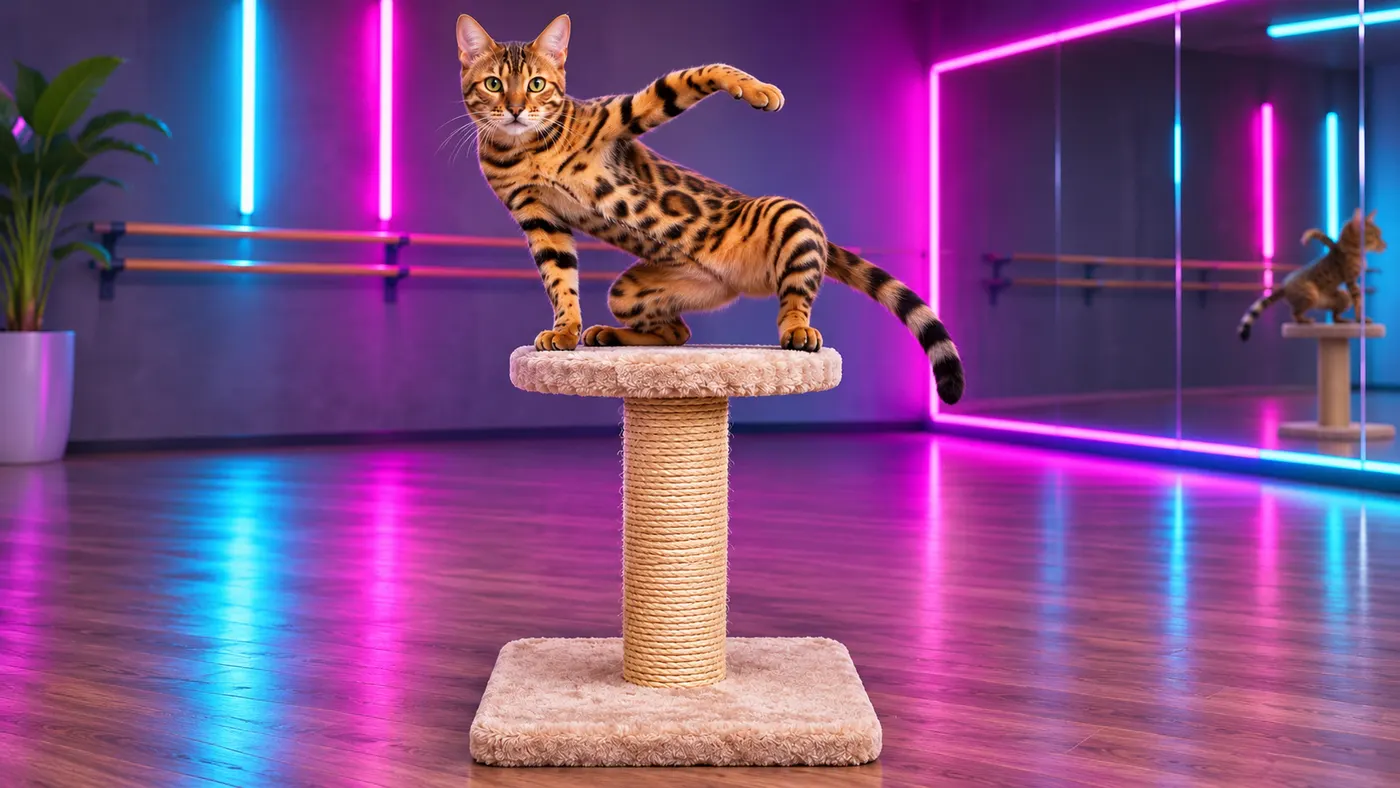
Dance · You dance in a neon studio, with a spin and a final pose.
This video: 29 credits · Credits come back if it fails
AI video effect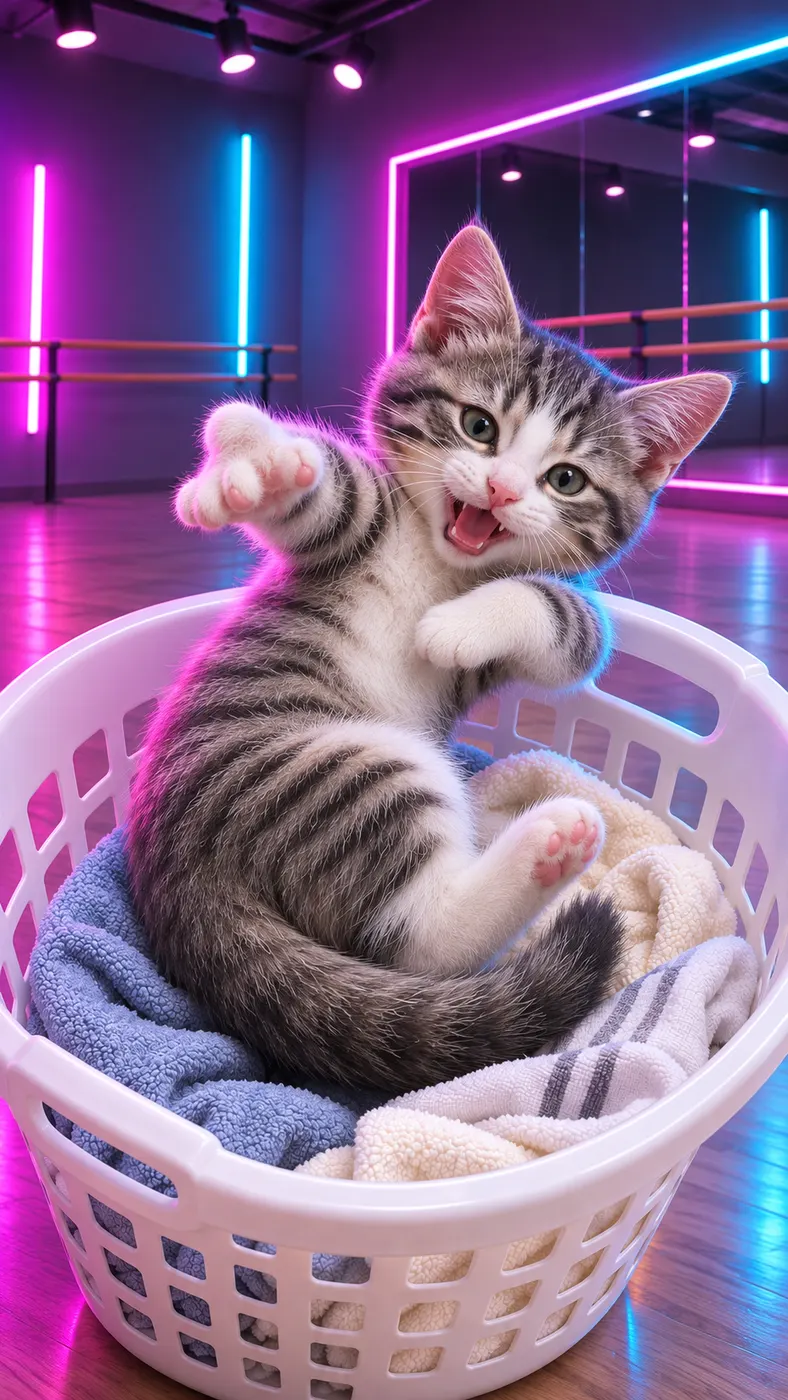
See What AI Cat Dance Can Make
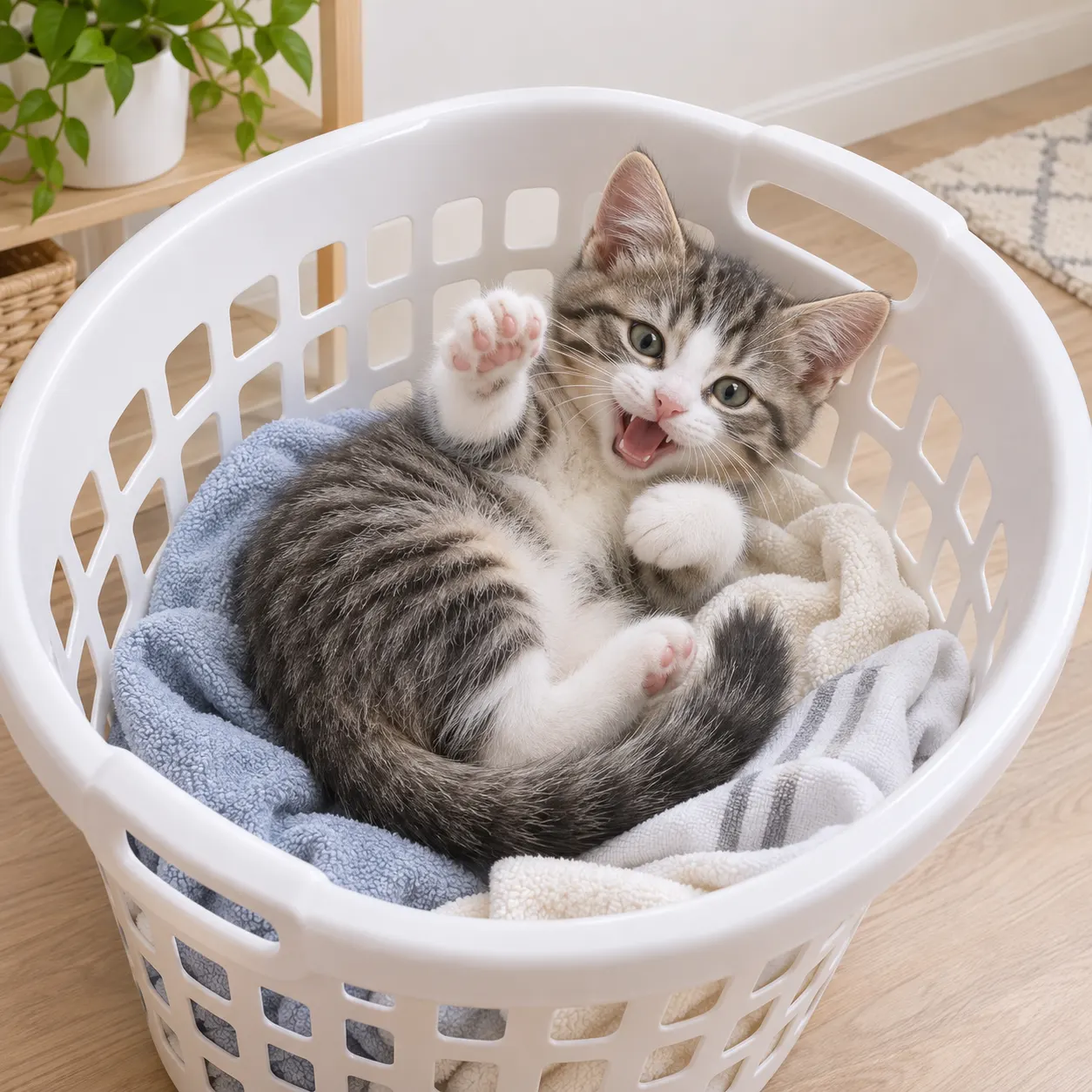
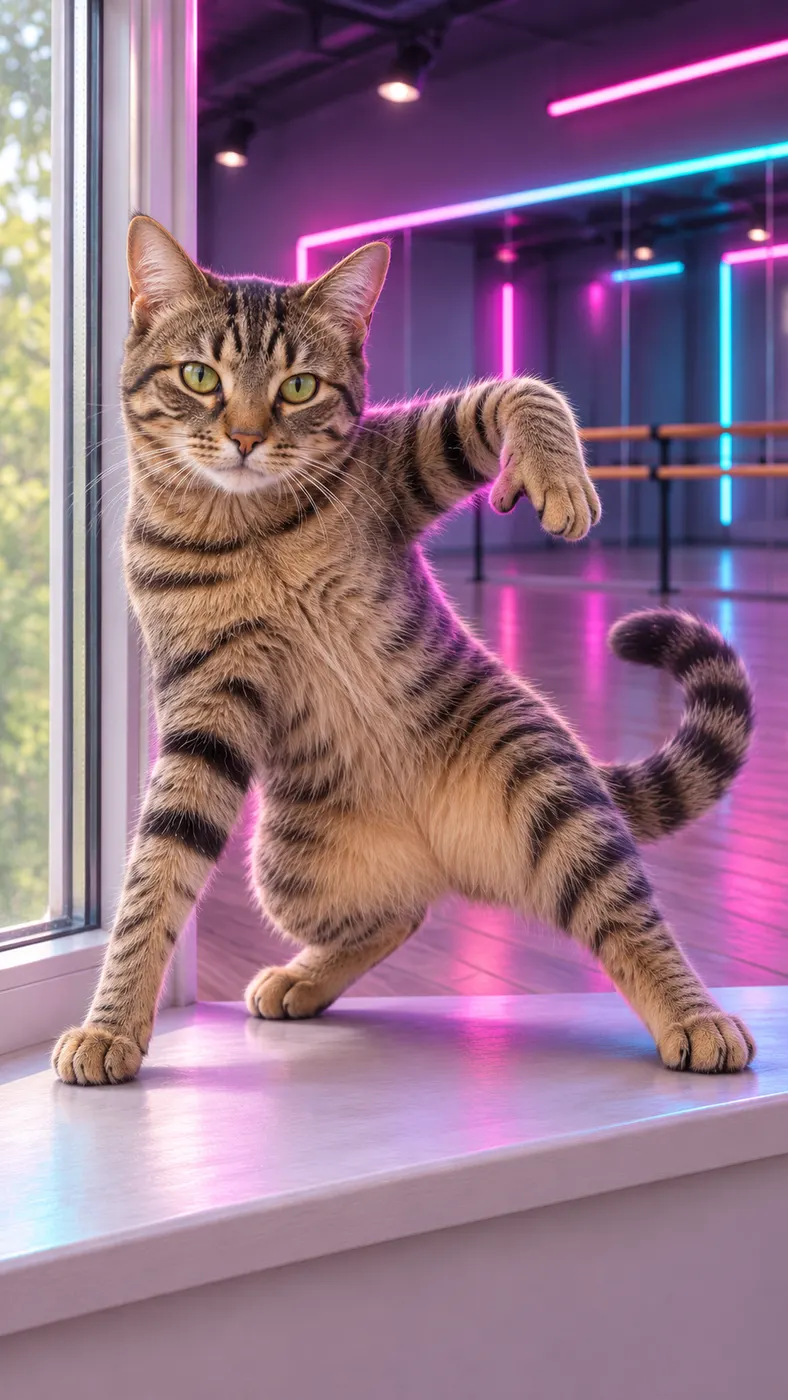
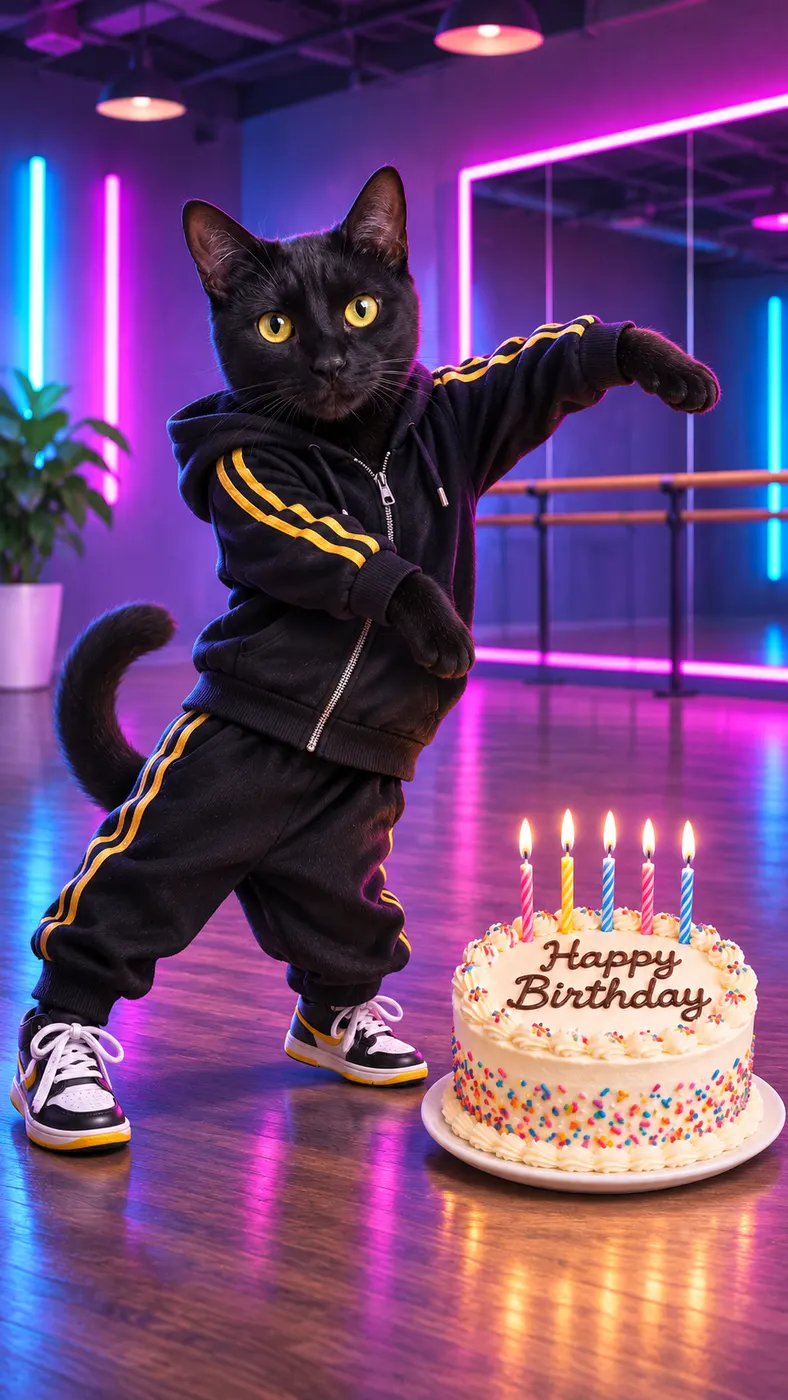
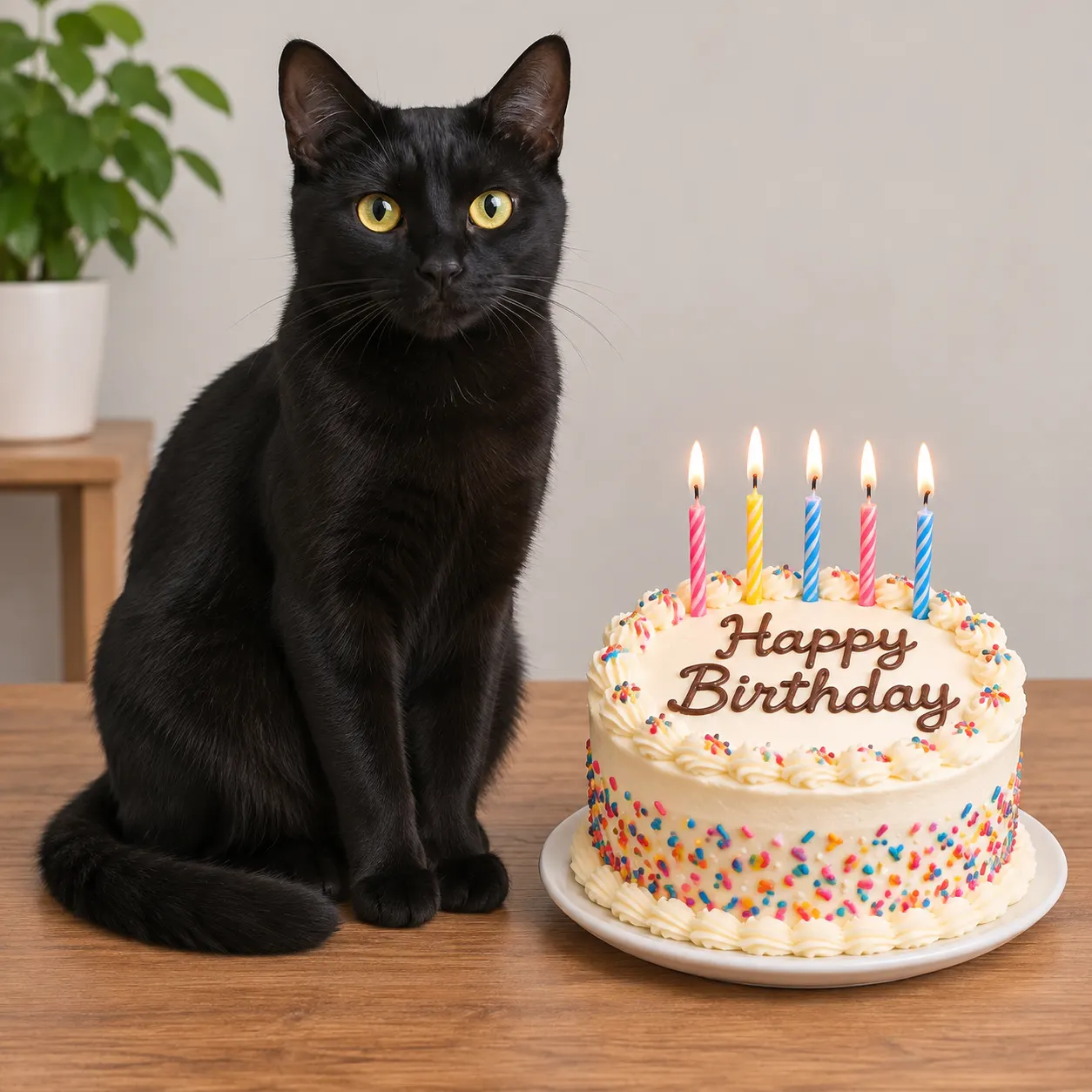
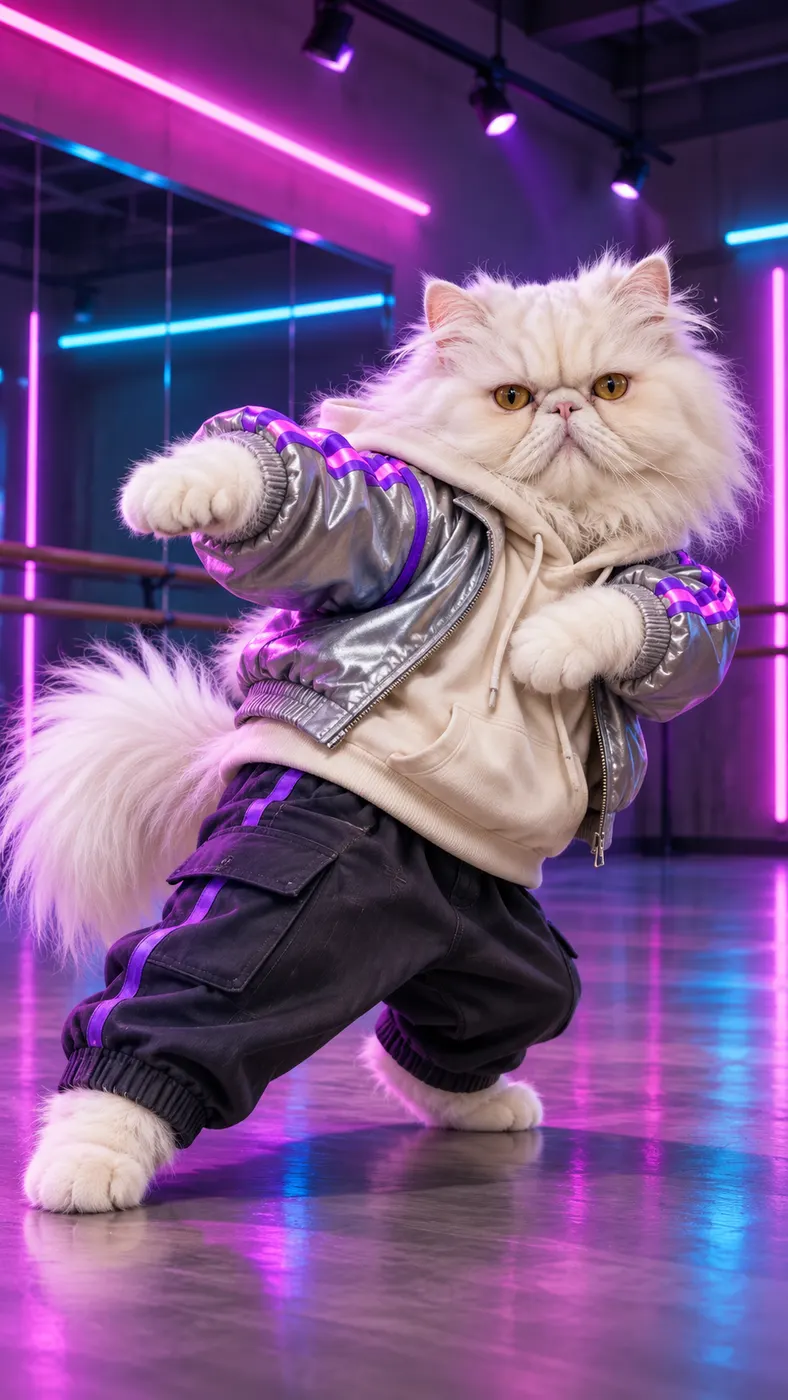
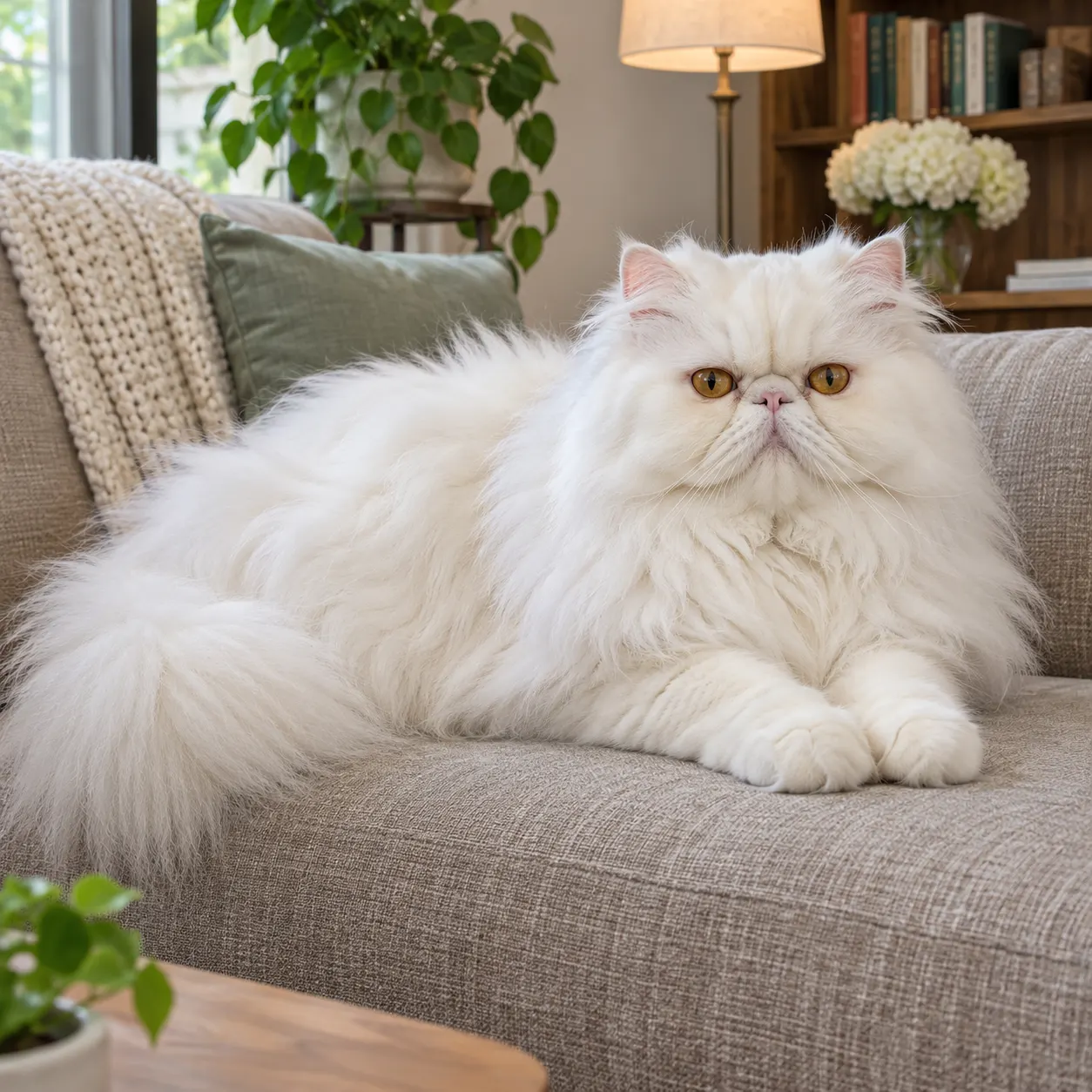
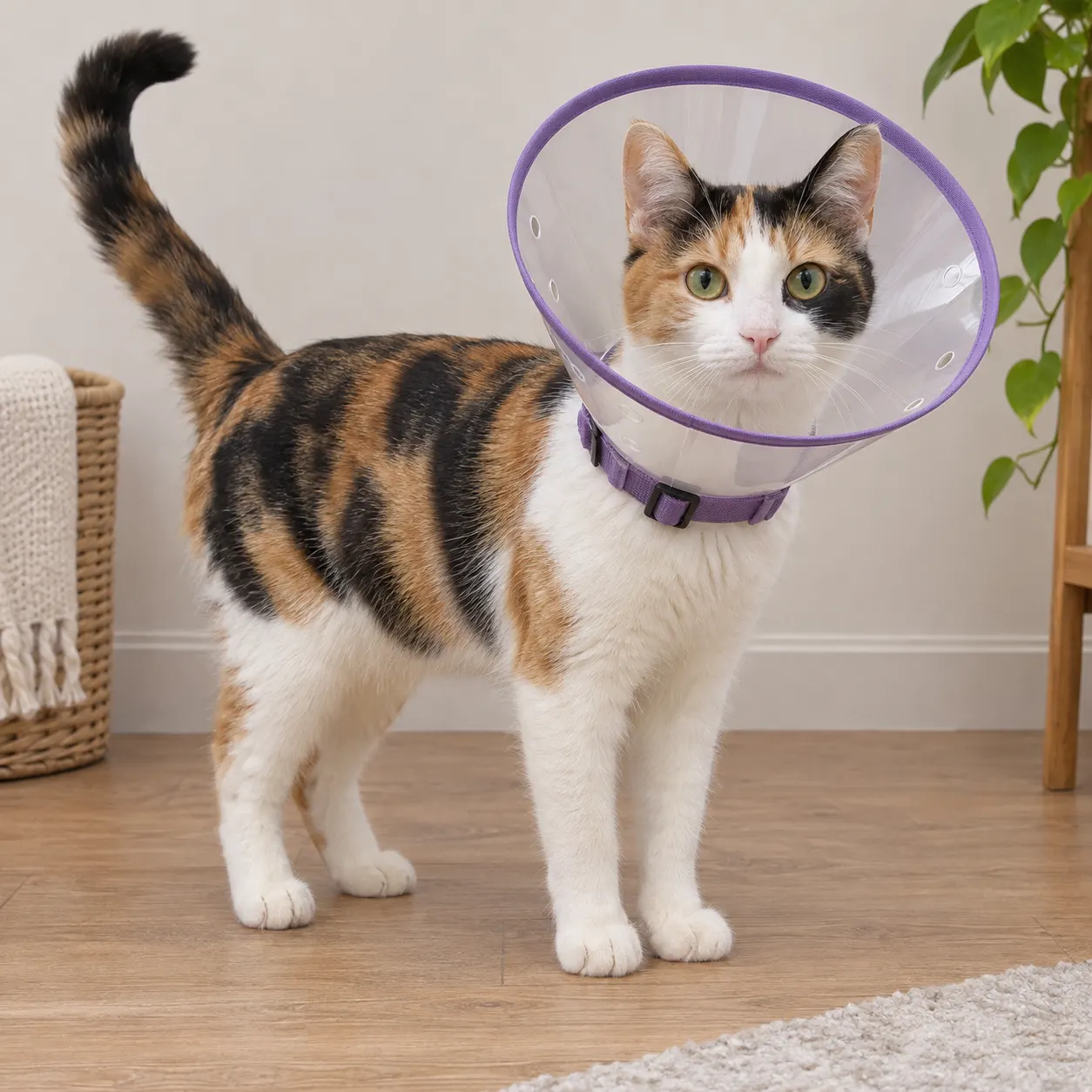
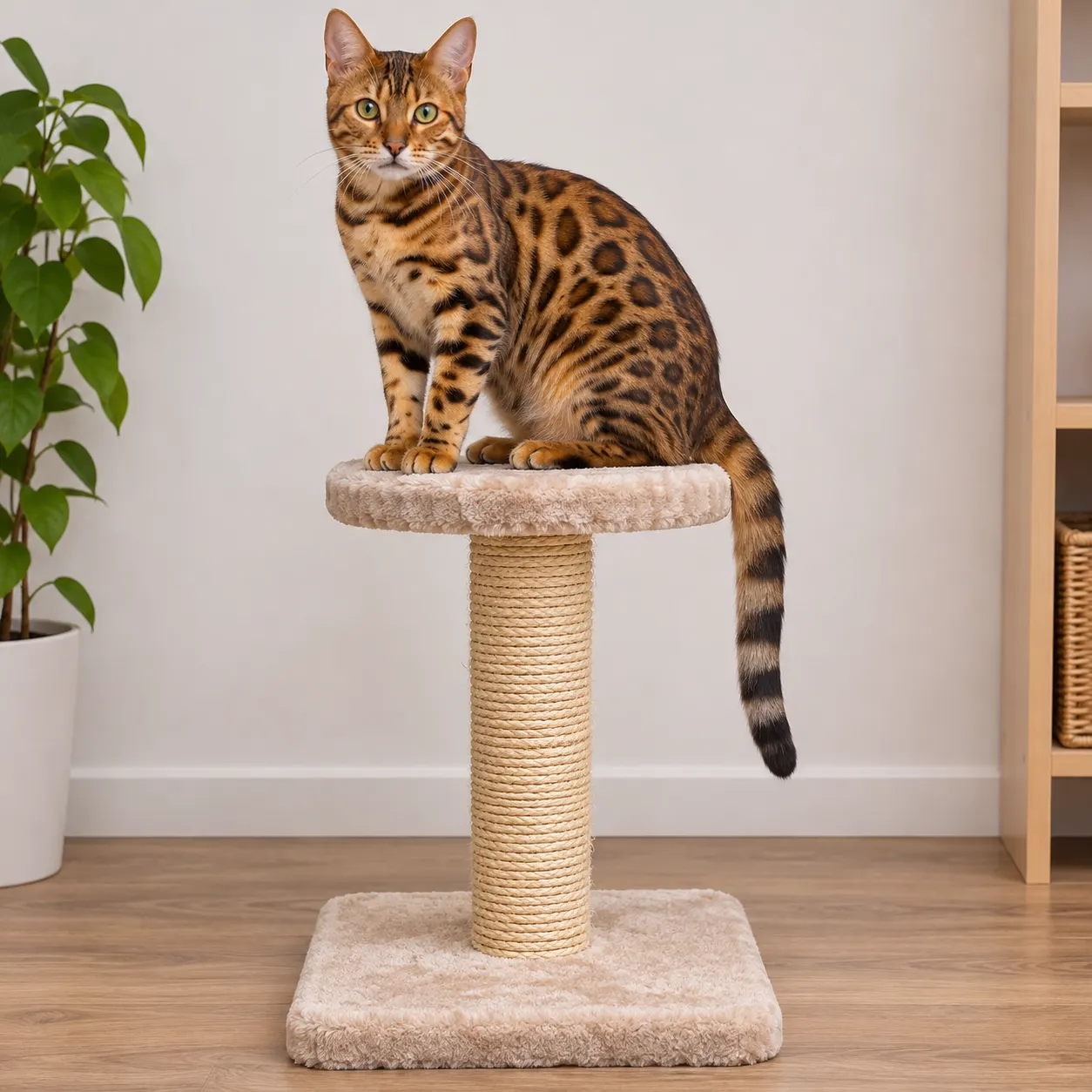
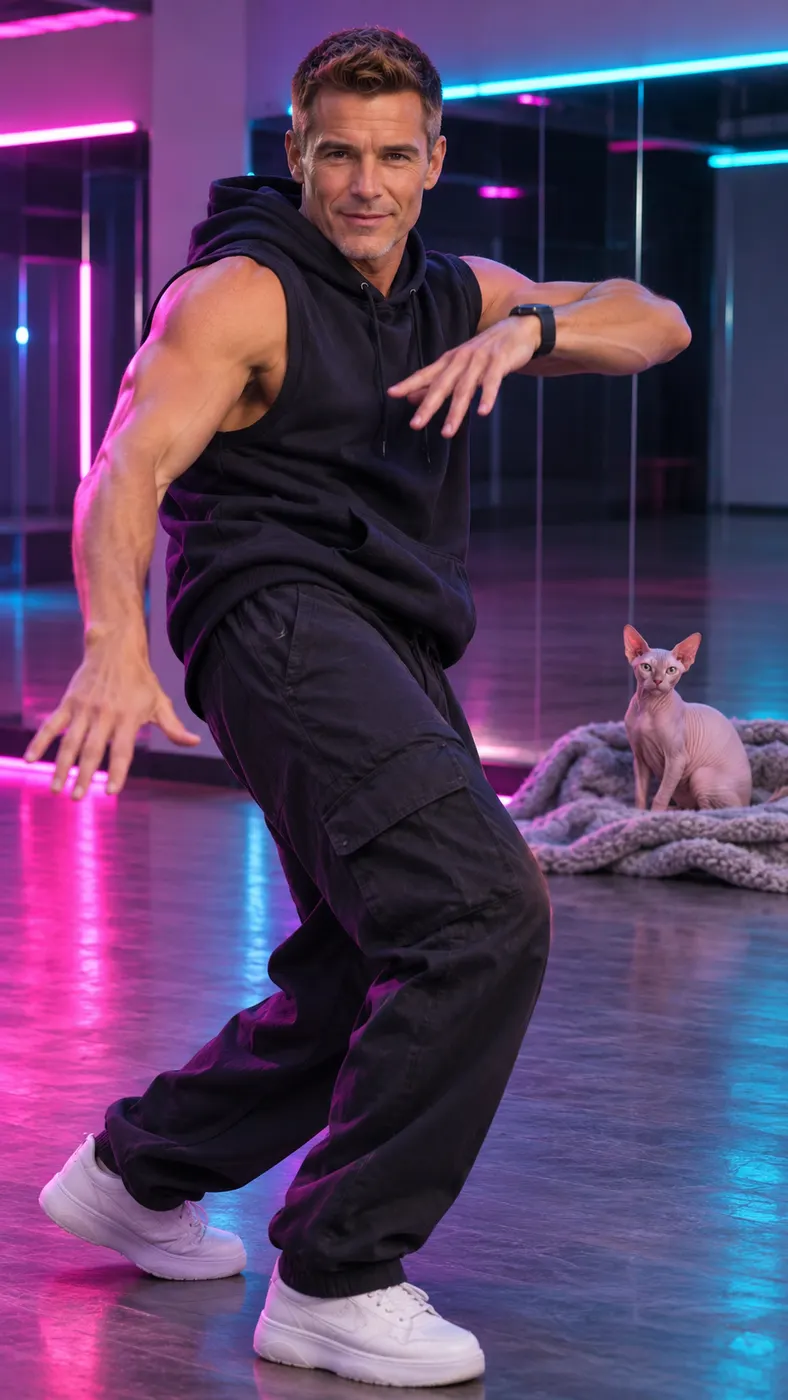
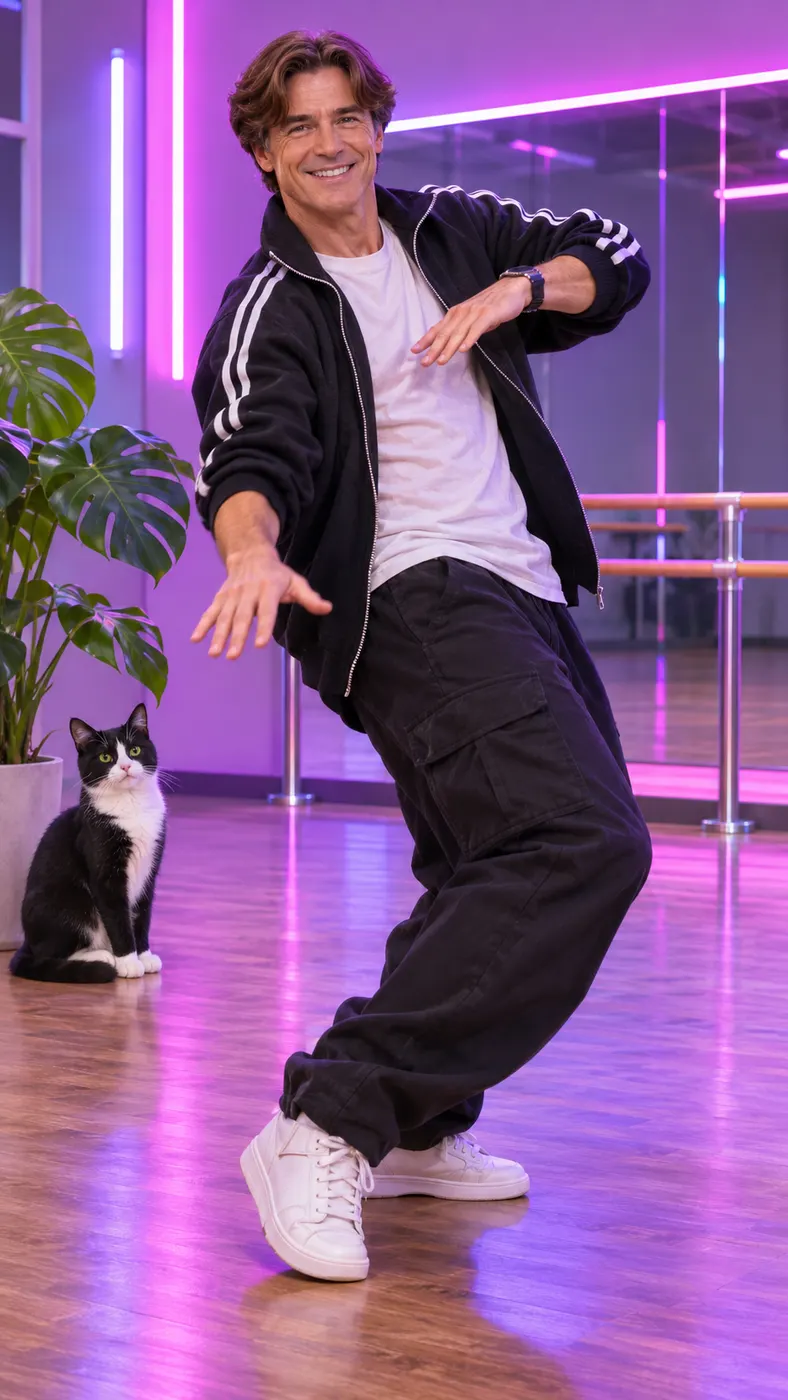
These examples show the neon-lit movement, spin, and finishing pose created by the Dance scene. Each starts with a clear photo and can be guided with an optional text detail. If you want to compare formats, see the broader dance scene guide; for another pet-focused idea, explore pet video examples; when you are ready to review credit options, visit the pricing page.


How to Make an AI Cat Dance Video
- 01
Upload a clear cat photo
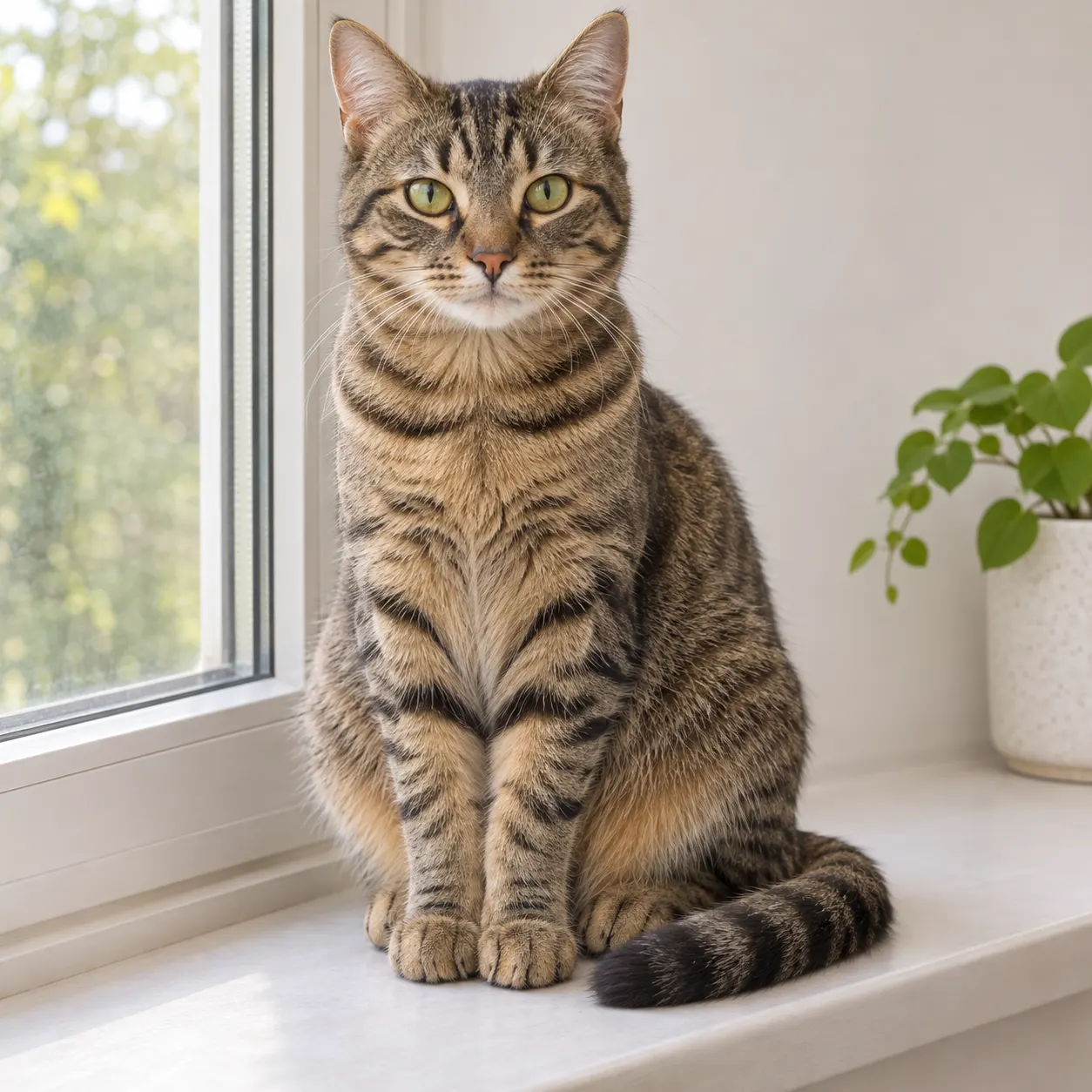
Start with one sharp photo where the cat is easy to see and the face is not hidden by heavy filters. A simple solo shot gives the generator a clean reference for the coat, features, and proportions. Choose an image with enough light and space around the cat so the movement can read clearly in a vertical frame.
- 02
Choose Dance and add details
Select the Dance scene, then add an optional prompt if you want to guide the setting or mood. The AI cat dance scene is built around smooth hip-hop moves, a spin, and a final pose, while your extra text can suggest details such as a neon room or a playful atmosphere. Keep the instruction short and specific.
- 03
Review the clip and unlock it
Start the generation and watch the result when rendering finishes. After the AI cat dance preview is ready, review whether the cat remains recognizable and whether the movement matches your idea. The finished output is a vertical 15-second clip at 480p; the exact wait depends on the service queue, so allow time for processing before sharing it.
What You Can Do With This Cat Dance Scene
Keep the cat at the center
A clear reference photo gives the scene a better starting point for preserving the cat’s recognizable look while movement is added. Use a well-lit image with the face visible, avoid strong filters, and keep the subject unobstructed. These choices help the result stay connected to the original photo instead of looking like a different animal.
Make a vertical clip for sharing
The output is designed as a short vertical video, so the dance reads naturally on a phone screen. A centered cat, uncluttered framing, and a clear ending make the clip easy to watch in a social feed or send to friends. You can choose a simple prompt that supports the action rather than competing with it.
Guide the mood with one prompt
For an AI cat dance with a specific personality, use the optional prompt to describe a setting, color, or mood. You might ask for a bright studio atmosphere, a funny performance, or a relaxed late-night feel. The Dance scene supplies the core movement, while the prompt gives the generation a little more creative direction.
Use one photo as the starting point
You do not need a collection of source images for this page. Upload one clear cat photo, select the scene, and let the generator build the short sequence from that reference. A front-facing image is usually easier to understand than a distant shot, and visible eyes and fur details give the result more useful visual information.
Check the credit requirement first
An AI cat dance generation uses 29 credits and is listed at $2.03. The current site tokens control the displayed amount, so check the generator before confirming. The available packs can be reviewed on the pricing page, and the same setup uses the configured vertical duration and resolution for the finished clip.
Common Questions About This Cat Dance Scene
What does the AI cat dance scene do?
AI cat dance turns one clear cat photo into a vertical short video. The selected Dance scene adds smooth hip-hop movement, a spin, and a final pose while using the uploaded image as the visual reference. You can also add an optional text prompt to suggest a setting or mood.
What kind of photo should I upload?
Use one clear photo with the cat visible, well lit, and free from heavy filters or objects covering the face. A solo image with some space around the body gives the generator a cleaner reference for movement. Avoid blurry pictures, extreme darkness, and very small subjects in a busy background.
Will the cat remain recognizable while it dances?
The scene is intended to keep the subject from the uploaded photo recognizable while adding movement. A visible face, clear coat pattern, and steady composition give it better reference details. Results can vary, so review the generated clip and try a different photo if the cat’s appearance is not close enough.
Can I describe a different setting or mood?
Yes. The text prompt is optional, and it can add details such as a neon-lit room, a cheerful mood, or a particular atmosphere. Keep the request concise and let the Dance scene handle the main movement. The prompt supplements the selected scene rather than replacing its dance action.
How much does an AI cat dance generation cost?
The configured amount is shown as $2.03, and one generation uses 29 credits. The site displays the current values through these tokens, so check the generator or pricing page before starting. Available free runs are controlled by 0 rather than promised separately on this page.
Is this scene an official meme or partnership?
This page is a Rap Blaze creation tool for making a playful clip from your own photo. It is not presented as an official partnership with a person, brand, song, or outside trend. Use only photos you own or have permission to transform, especially when another person or pet appears in the image.
Put Your Cat on the Dance Floor
Upload a clear photo, choose the Dance scene, and add a short prompt if you have a setting in mind. Use the generator panel above at #generator to create a vertical clip built around your cat’s own look and personality.