
Closing Door Prank
You can turn one clear photo of an adult into a closing door prank video that feels like the viral hallway gag: the person sprints toward a white door, it shuts at the last second, and they burst out on the camera side laughing. Choose the scene, keep the optional prompt empty or add a detail, and let the generator preserve the faces, people, and fixed chest-height viewpoint. Credit packs start at $6.99 once, with no subscription, and original raps have a free 5-second preview.
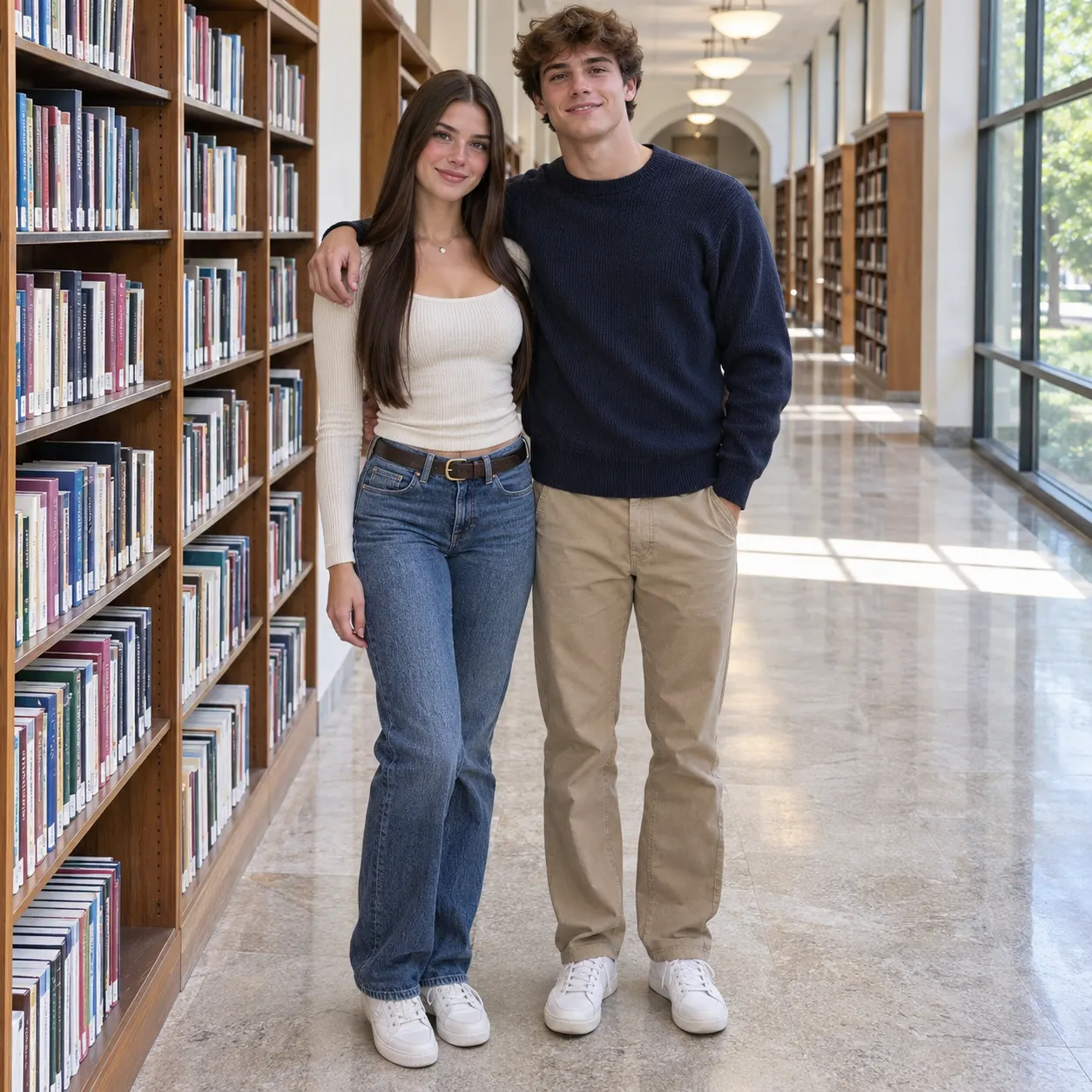
One clear photo: a solo shot or the two of you. Faces visible, no heavy filters
Tip: drag a photo onto its box, or click the box to pick one.
You take the place of the person who runs down the hallway
Closing door prank · Sprint at the door, it slams shut, and you burst out on this side.
This video: 58 credits · Credits come back if it fails
AI video effect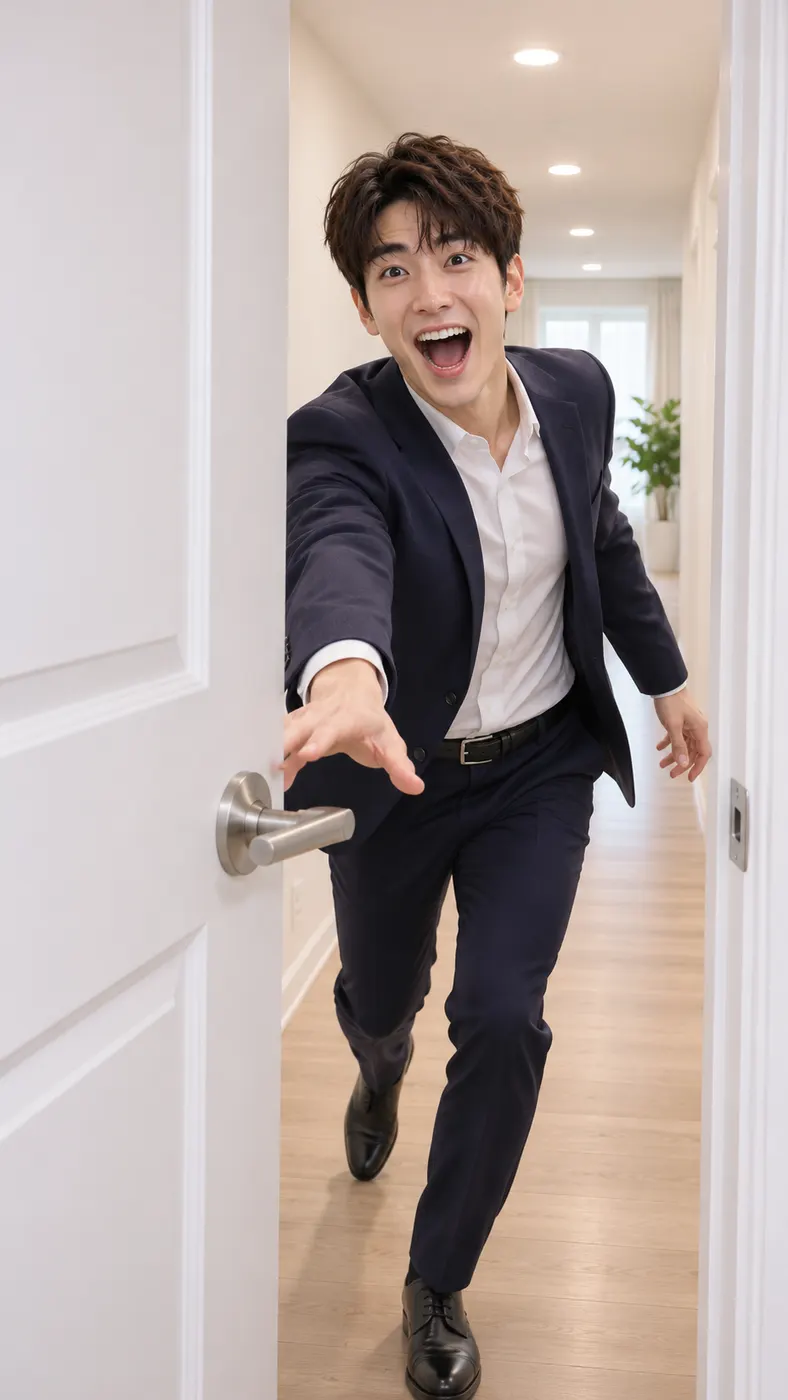

Closing Door Prank Video Examples
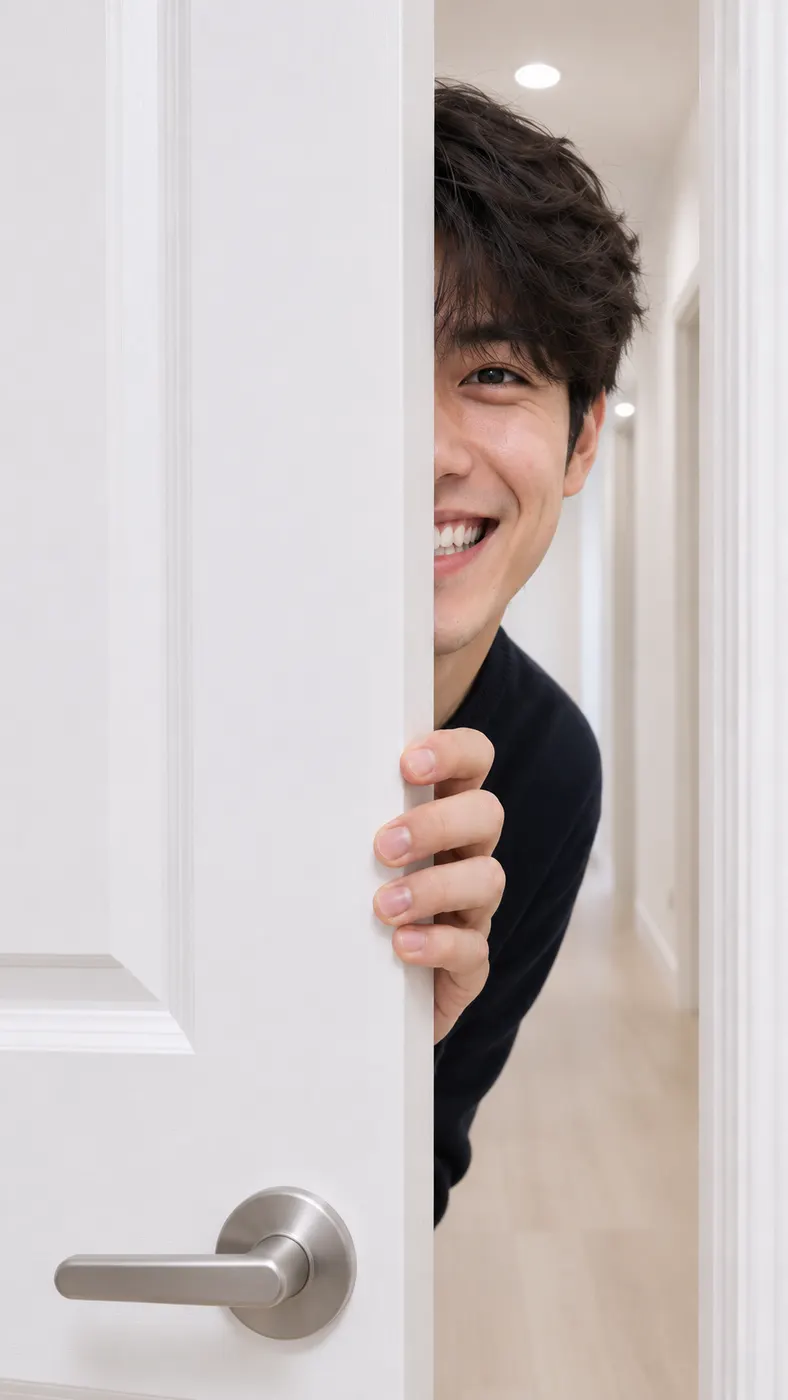
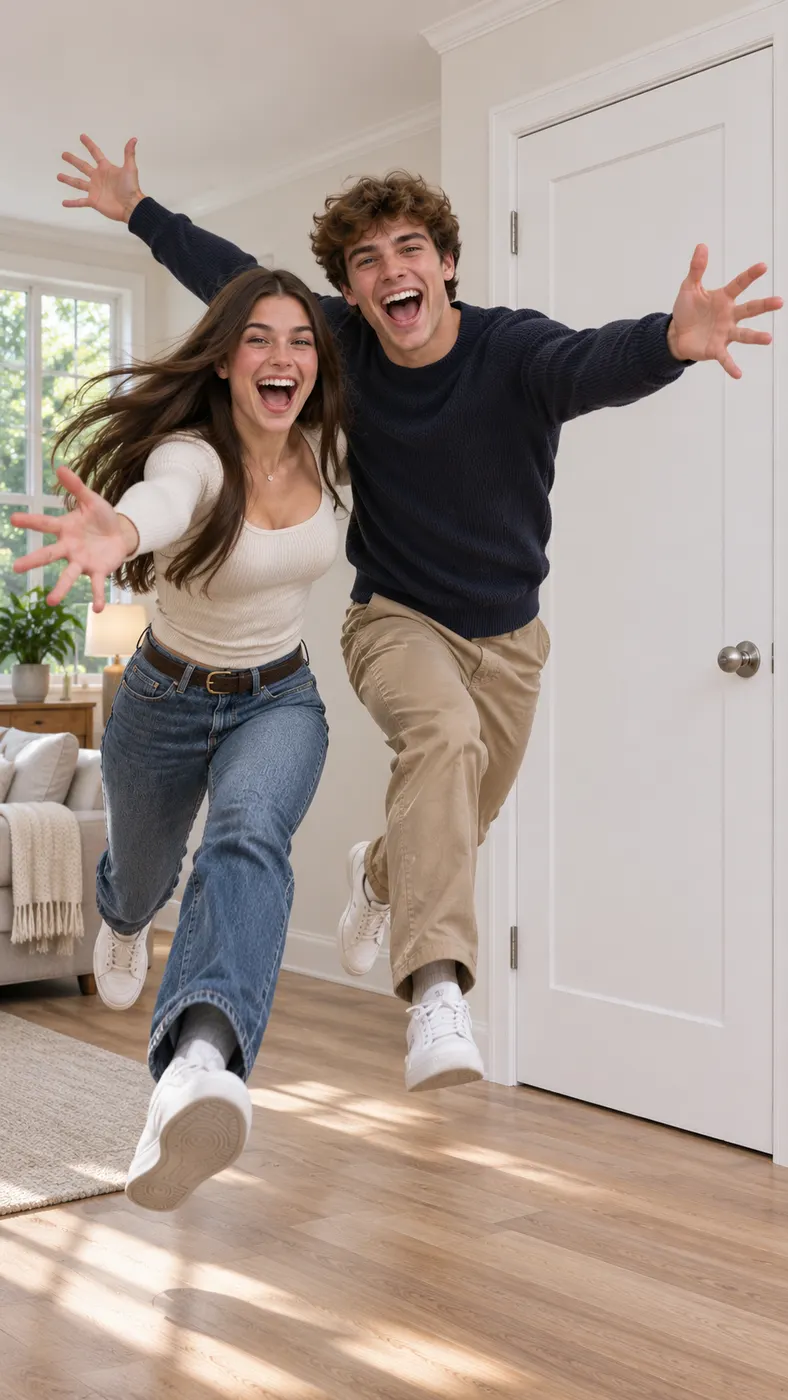
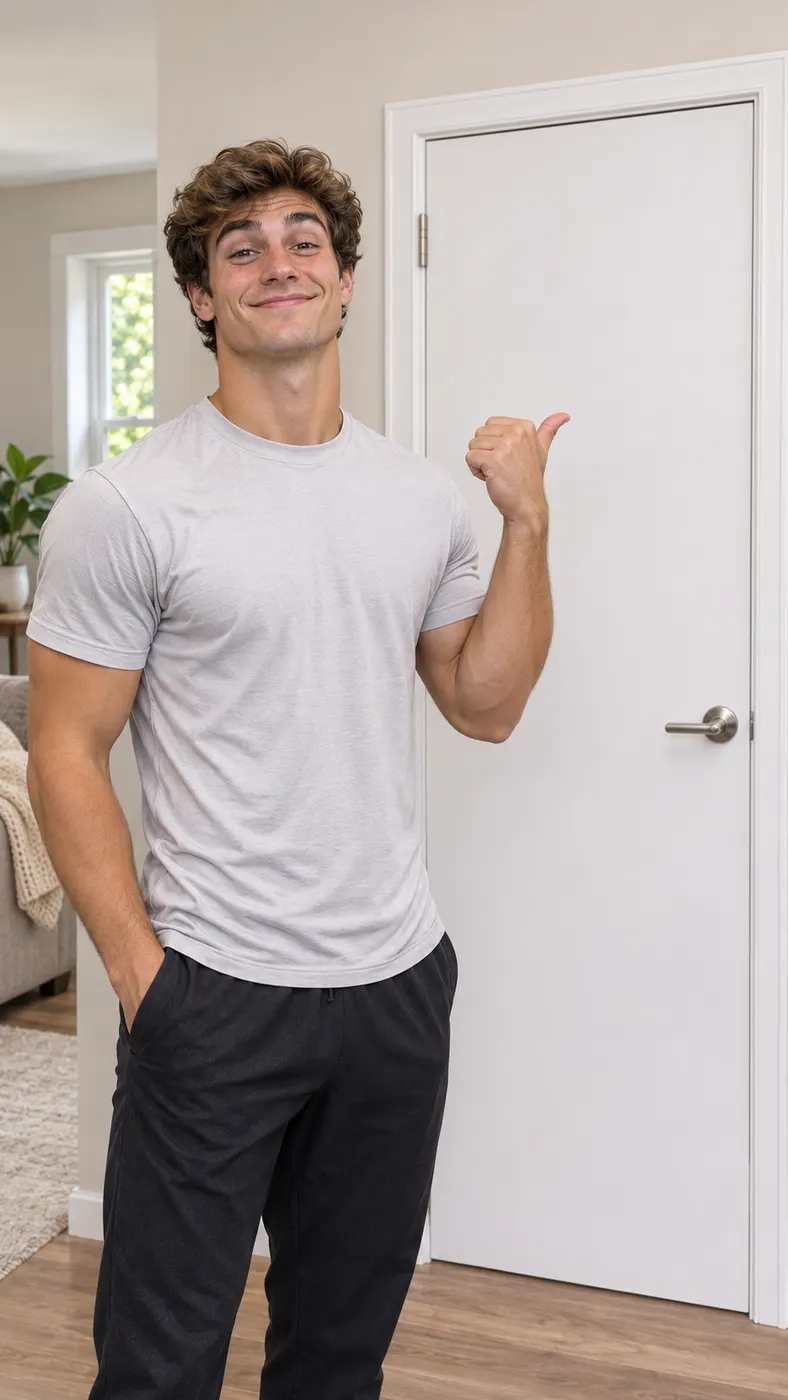
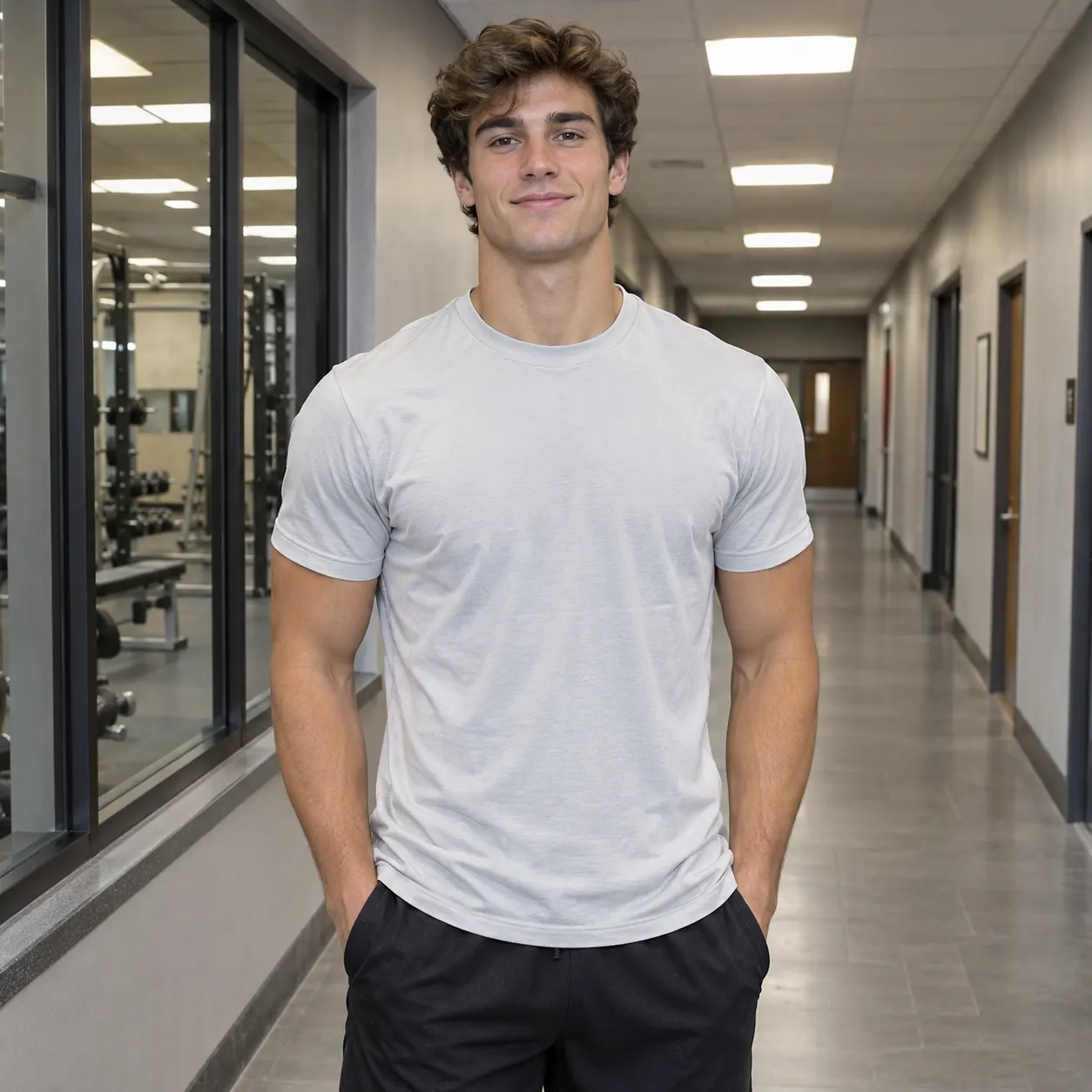
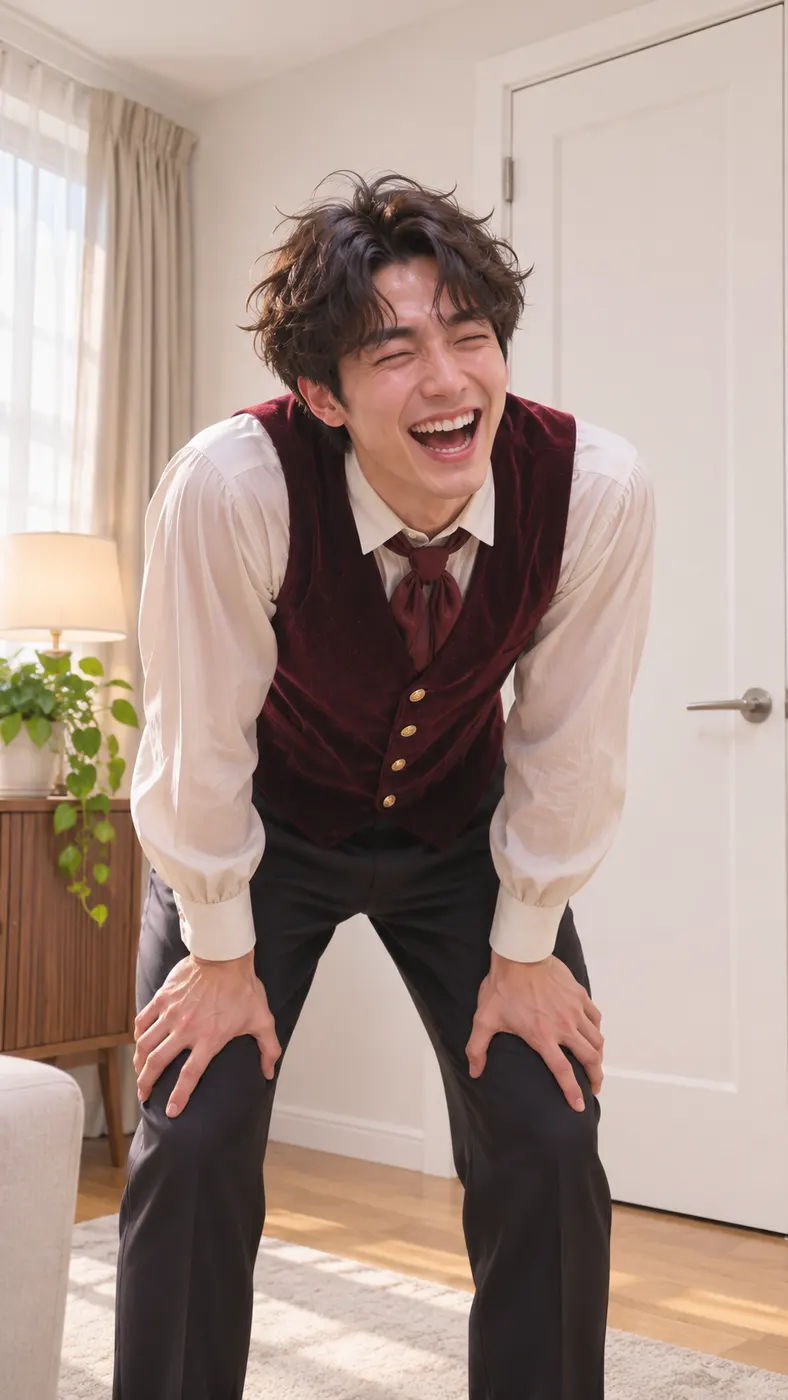
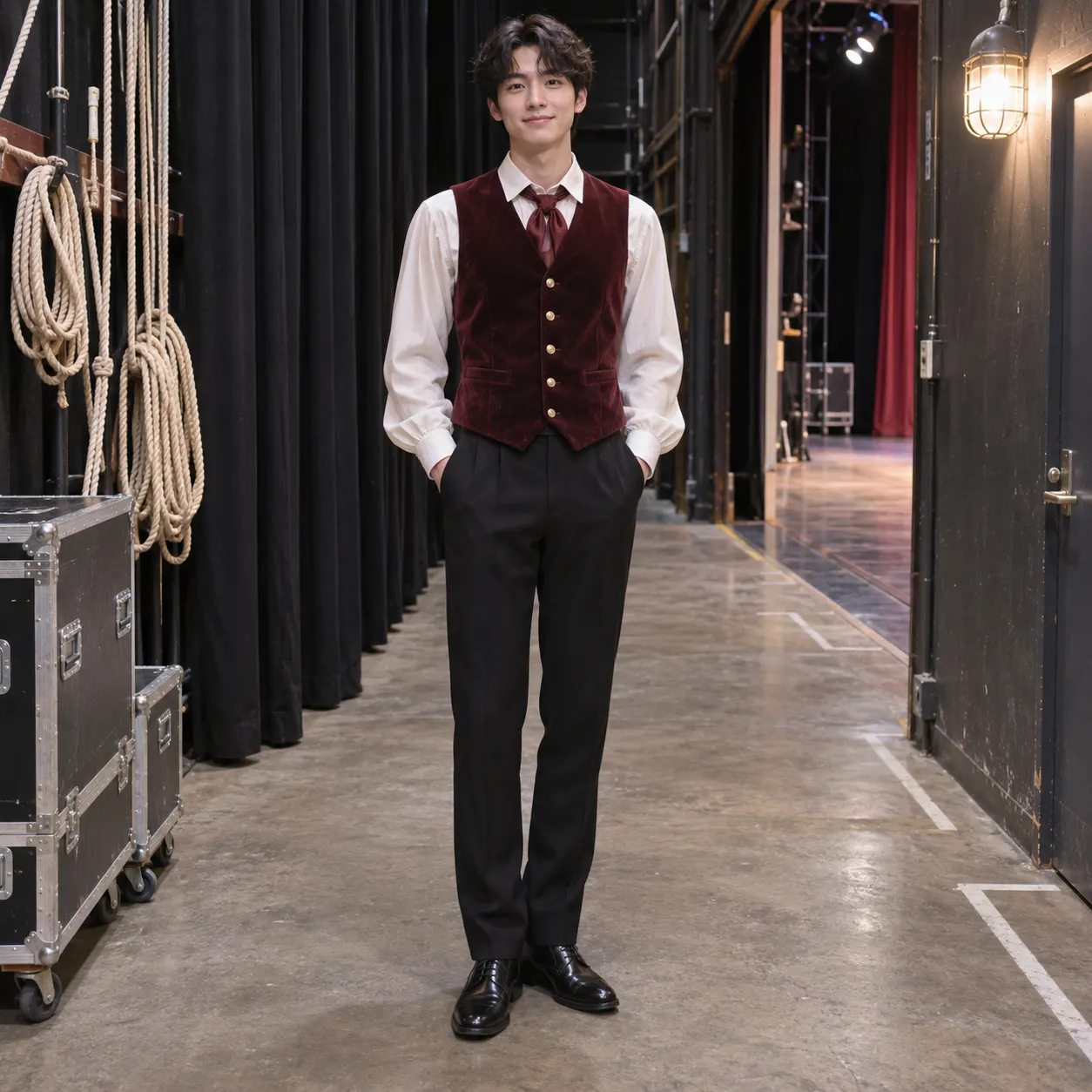
These examples show the closing door prank as a short vertical video rather than a still image. Each result starts from a clear photo and turns the visual gag into a hallway sprint, a perfectly timed door thud, and a sudden laughing reappearance. If you want to explore other ready-made scenes, browse the video template collection or see more viral AI video trends before choosing your own starting photo. Rap Blaze also makes viral rap AI videos, and the same upload-and-generate flow runs this scene.





How to Make a Closing Door Prank Video
- 01
Upload a clear photo
Start with one clear photo of an adult or adults, with faces visible and no heavy filters. A front-facing or well-lit image gives the closing door prank a better reference for facial identity, hairstyle, skin tone, clothing, and the number of people who should appear. Avoid cropped faces, motion blur, and images where a person is hidden behind another subject.
- 02
Select the scene and generate
Choose Closing door prank as the selected scene, then review the optional text field. You can leave it empty to keep the hallway gag central or add a small detail such as clothing or lighting. The generator creates a vertical video with a bright home hallway, a white door, running footsteps, a door thud, laughter, and one fixed chest-height camera.
- 03
Review and save the full clip
Check the generated result for face consistency, the door timing, and the sudden reappearance. A full render uses 29 credits and starts at $2.03. Plan for a few minutes rather than an instant result, because generation time can vary with the queue, then save the finished vertical clip.

What You Can Do With This Scene
Recreate the visual punchline
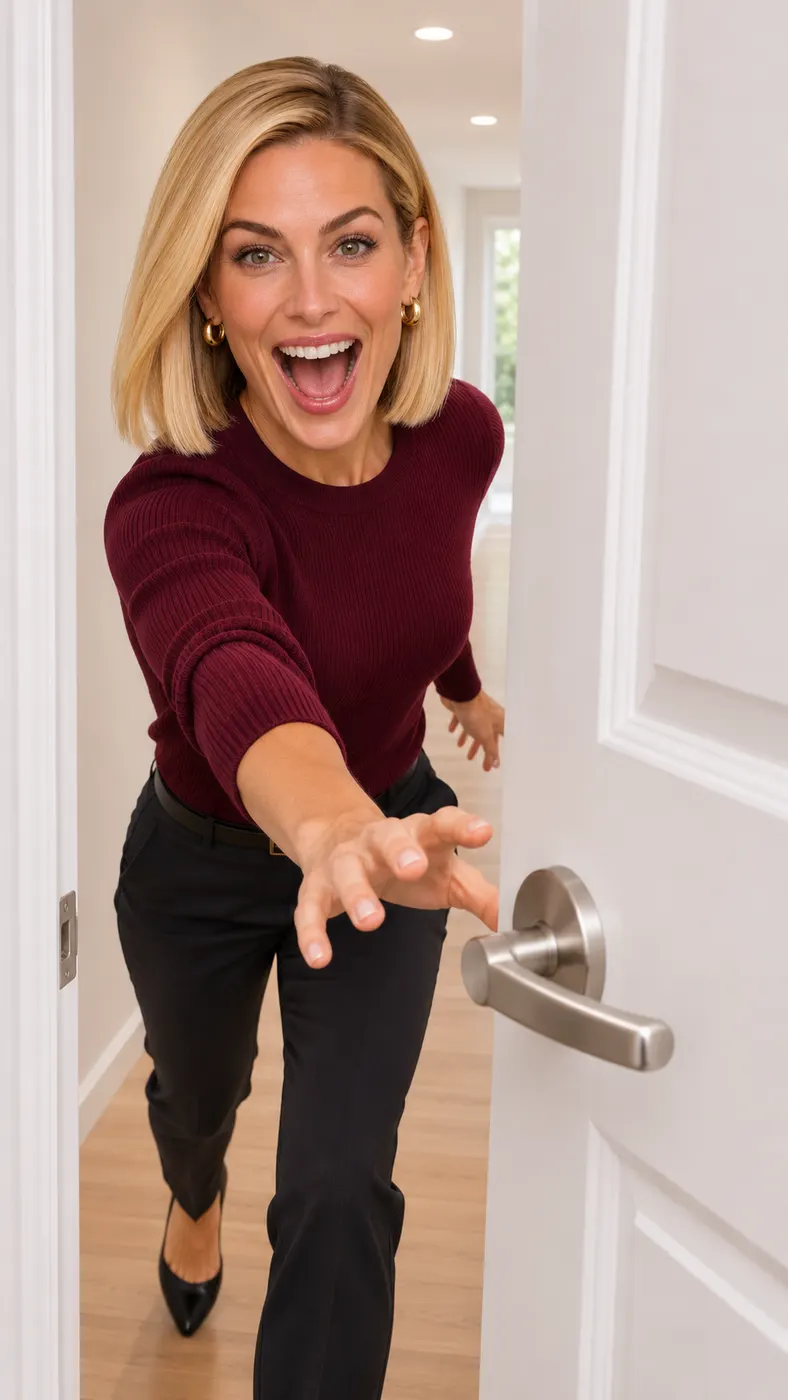
The closing door prank gives you the full sequence in one generated take: an adult runs down a home hallway, the white door shuts just before contact, and the person appears on the camera side laughing. You do not need to film the sprint, coordinate the door movement, or time the reveal yourself. The fixed chest-height camera keeps the setup recognizable from beginning to end.
Keep the person recognizable
Use a sharp photo with visible faces so the result can preserve the same people, facial features, hairstyles, skin tones, and clothing. You can upload a solo image or a photo of two adults. The prompt field is optional, so you can request a small personal detail while keeping the hallway, door movement, and surprise entrance as the main action.
Make a shareable vertical clip
You get a short vertical video built around a simple visual payoff that is easy to understand without explanation. Running footsteps establish the movement, the door thud marks the interruption, and laughter finishes the joke. The finished scene works well as a social post, a reaction clip, or a playful message when you want the result to feel like a quick viral video.
Know the generation cost
A closing door prank render uses 29 credits and starts at $2.03. The selected model is MiniMax H3 Reference to Video, and the output quality is 480p. There is no free preview, and the optional prompt lets you add context without replacing the main scene.

Closing Door Prank Questions
What happens in this hallway video scene?
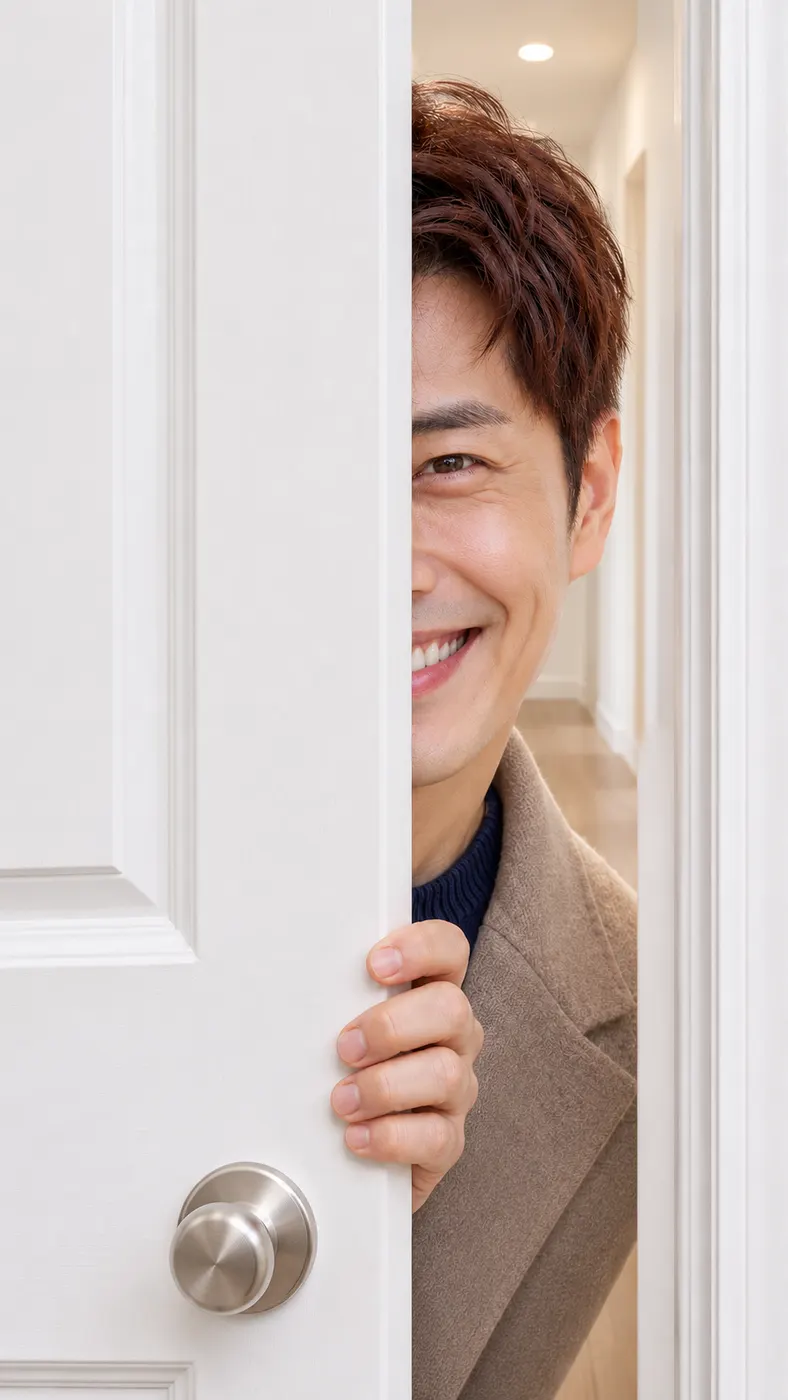
The closing door prank shows an adult sprinting down a bright home hallway toward a camera. A white door swings shut just as the person reaches it, then the person bursts out on the camera side a beat later and laughs as if they ran straight through the door. Running footsteps, a door thud, and laughter support the visual gag.
Is there a free run included?
No free run is included for this generator. You can upload your photo, select the scene, and review the generated result, while a full render uses 29 credits and starts at $2.03. There is no free preview, so check the photo and scene before you start, then save the completed clip when it is ready.
How long does a closing door prank render take?
The result is designed as a short vertical video, but generation is not instantaneous. Allow a few minutes for the render, with the exact wait depending on the current queue. The generated sequence includes the hallway run, the closing door, the brief interruption, and the laughing reappearance in one unbroken camera take.
What kind of photo should I upload?
Upload one clear photo of an adult or adults with faces visible, natural detail, and no heavy filters. A well-lit image with the full head and enough of the body visible gives the model better reference information for the sprint and reveal. Avoid blur, face coverings, extreme crops, and overlapping people who are difficult to separate.
Can I use another adult's photo?
You can use a photo of another adult when you have that person's permission to use their image and create the result. The generator supports a solo subject or two people, and it is designed to keep the same number of people and preserve their visible appearance. Do not treat the generated scene as permission to use someone's likeness without consent.
Is this an official TikTok video or branded trend?
No. This is an AI-generated recreation of the closing door prank visual gag, not an official TikTok release, creator upload, or endorsement. The generator uses your uploaded reference photo and the selected hallway scene to create a new vertical video. Credit or identify the result as generated content when you share it.
Make Your Hallway Reveal
Return to the generator panel, upload a clear adult photo, select the scene, and create your own sudden doorway reveal. Keep the prompt simple so the sprint, white door, and laughing entrance stay easy to read.